Customer Ratings & Reviews






- Model:
- WHW0301
- SKU:
- 10891749
Rating by feature
- Setup
Rating 4.3 out of 5 stars
- Range
Rating 4.3 out of 5 stars
- Signal Strength
Rating 4.3 out of 5 stars
to a friend
simple mesh wifi
||Posted . Owned for 3 weeks when reviewed.This reviewer received promo considerations or sweepstakes entry for writing a review.Simple to set up, and simple to use, the app on your phone makes set up take about 10-15 minutes. The only hiccup you may incur is finding the right spots in your house to put the units.
I would recommend this to a friendGood quality
||Posted .This reviewer received promo considerations or sweepstakes entry for writing a review.This product was a great way to expand my internet coverage throughout our home. I am pleased with the consistency...though the setup a little more complicated than I had expected.
I would recommend this to a friendSo far, so great
||Posted .This reviewer received promo considerations or sweepstakes entry for writing a review.The first one was easy to connect however the second help took about a half an hour to connect even when I put it right next to the router . When I was finally able to connect they have worked perfectly so far .
I would recommend this to a friendNeeds a little fine tuning.
||Posted .This reviewer received promo considerations or sweepstakes entry for writing a review.Needs a little better fine tuning for a larger townhome. Signals weak going from living room to middle of basement. Had to use range extender at backdoor for outside security cam.
I would recommend this to a friendBrand response from Linksys Staff
Posted .Hi,
Since every home is different, there are various ways of placing your Velop System to maximize the network coverage. We recommend the parent node to be centrally located in your home and to place 1-2 nodes per floor. For further discussion, please reach out to us at [email protected] with the link to this post and your contact information. Our Escalation Engineers will discuss this further with you.
Regards,
Klaudette
Linksys Support
Improved wi-fi availability in basement
||Posted . Owned for 3 weeks when reviewed.This reviewer received promo considerations or sweepstakes entry for writing a review.Prior to installing the LinkSys router hub we had trouble with wi-fi access in our basement. Since installing the hub, we get much better reception.
I would recommend this to a friendThe fix I needed
||Posted .This reviewer received promo considerations or sweepstakes entry for writing a review.After two years of intermittent WiFi limiting my surfing, streaming and home security this system fixed everything. Thanks goodness for the system and the salesman who knew enough to show it to me.
I would recommend this to a friend
Solid option in New age WiFi for Most Users
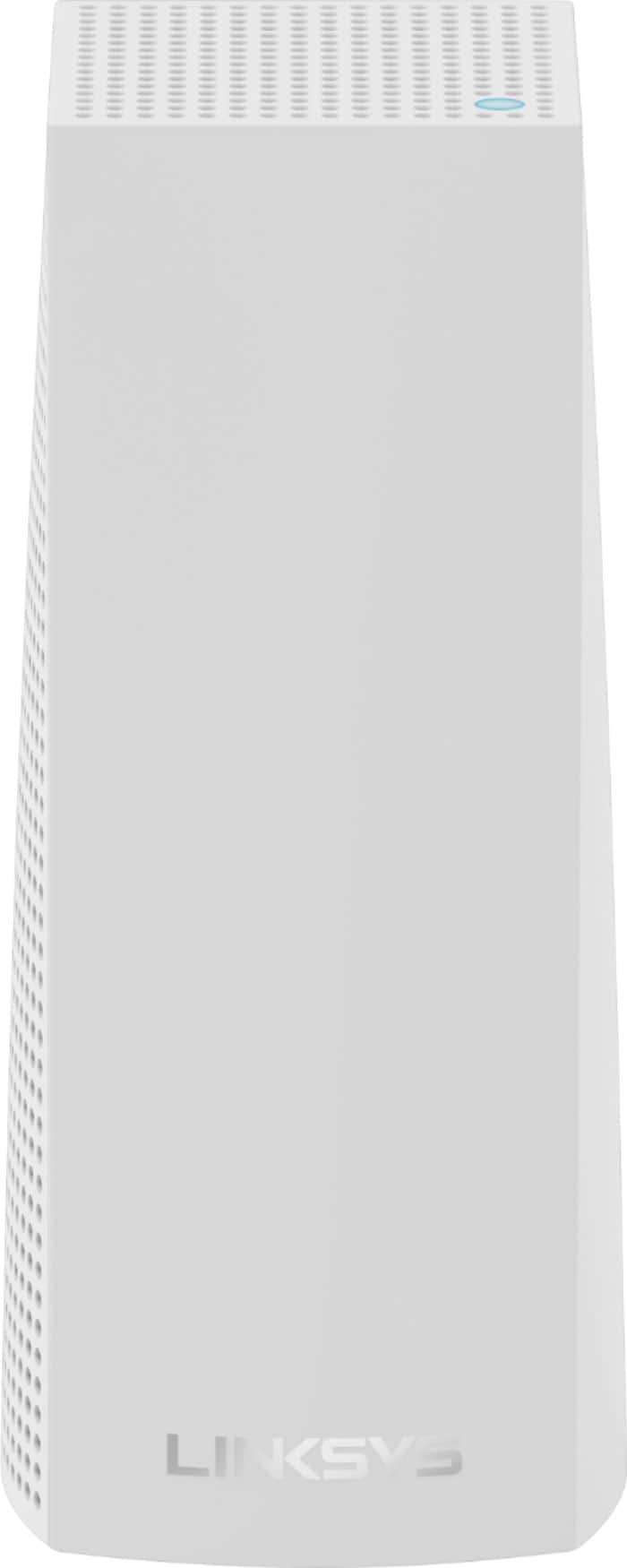
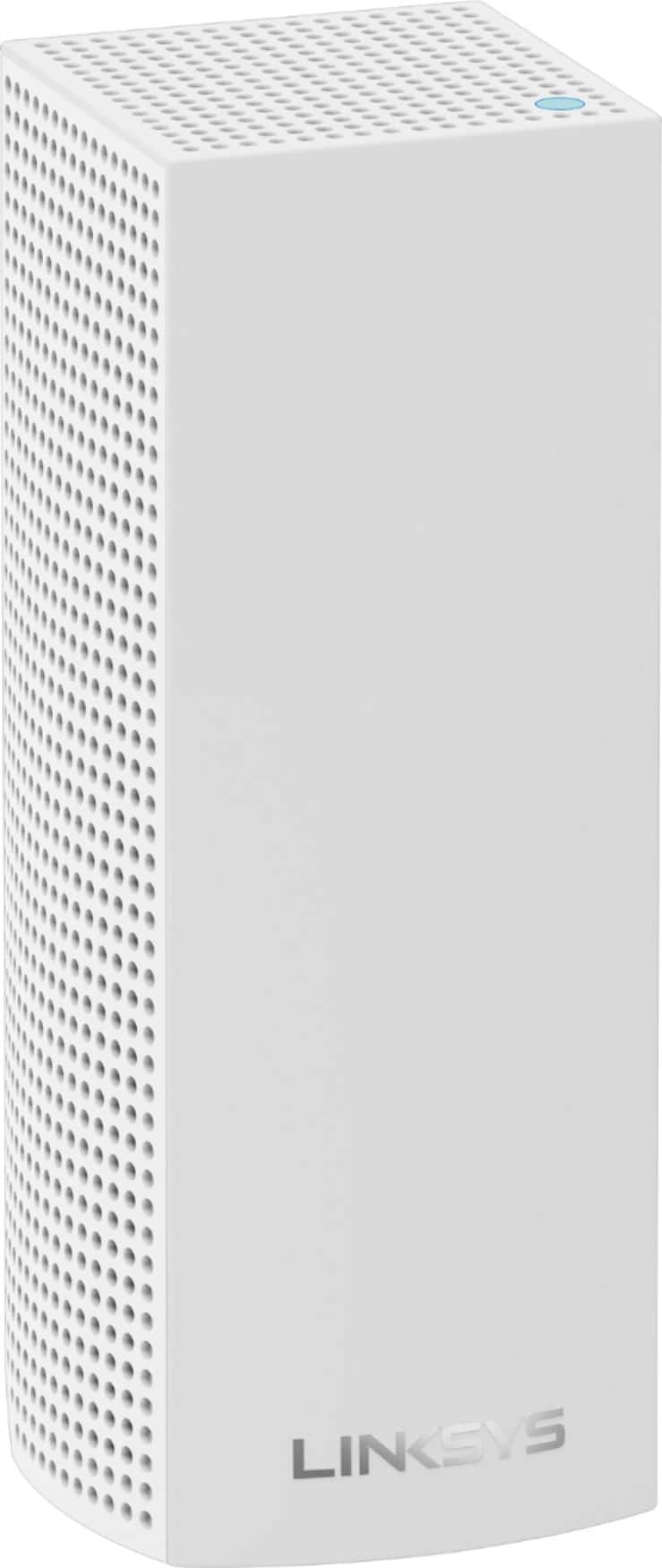
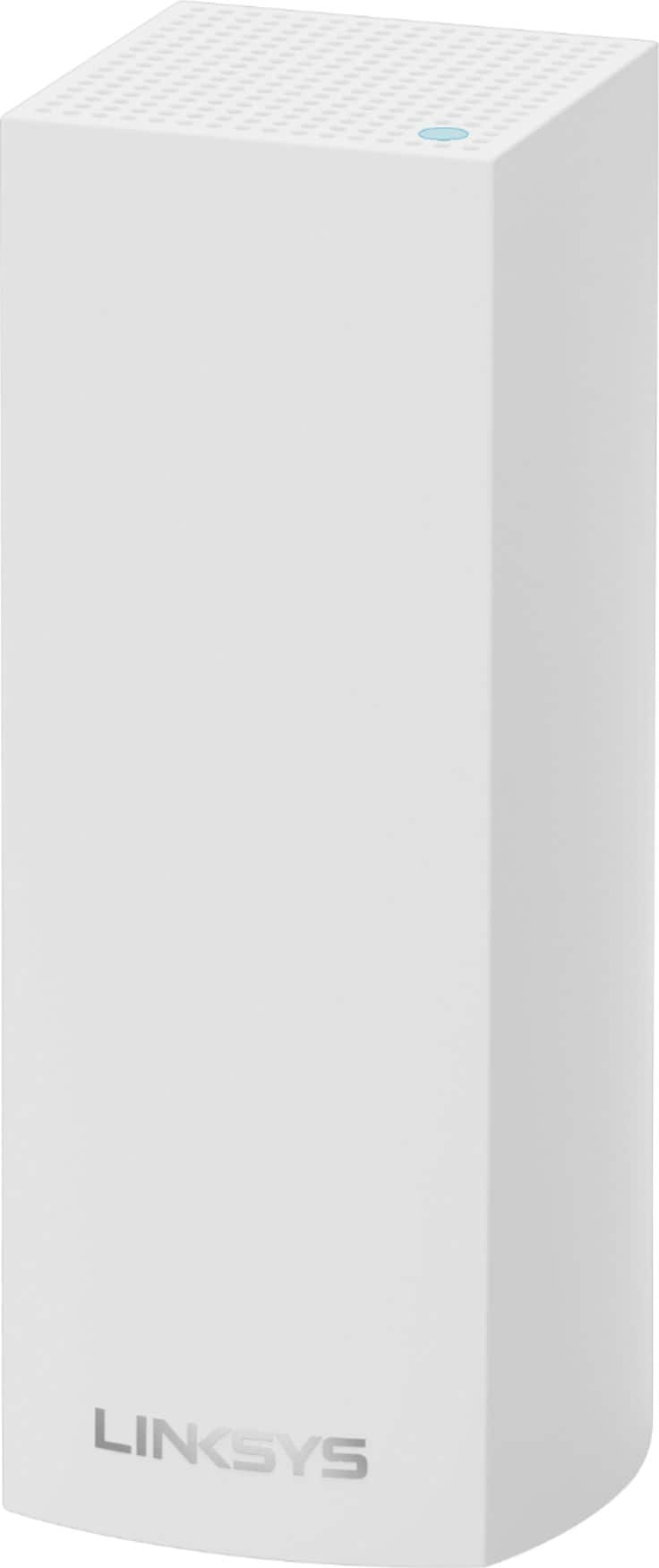
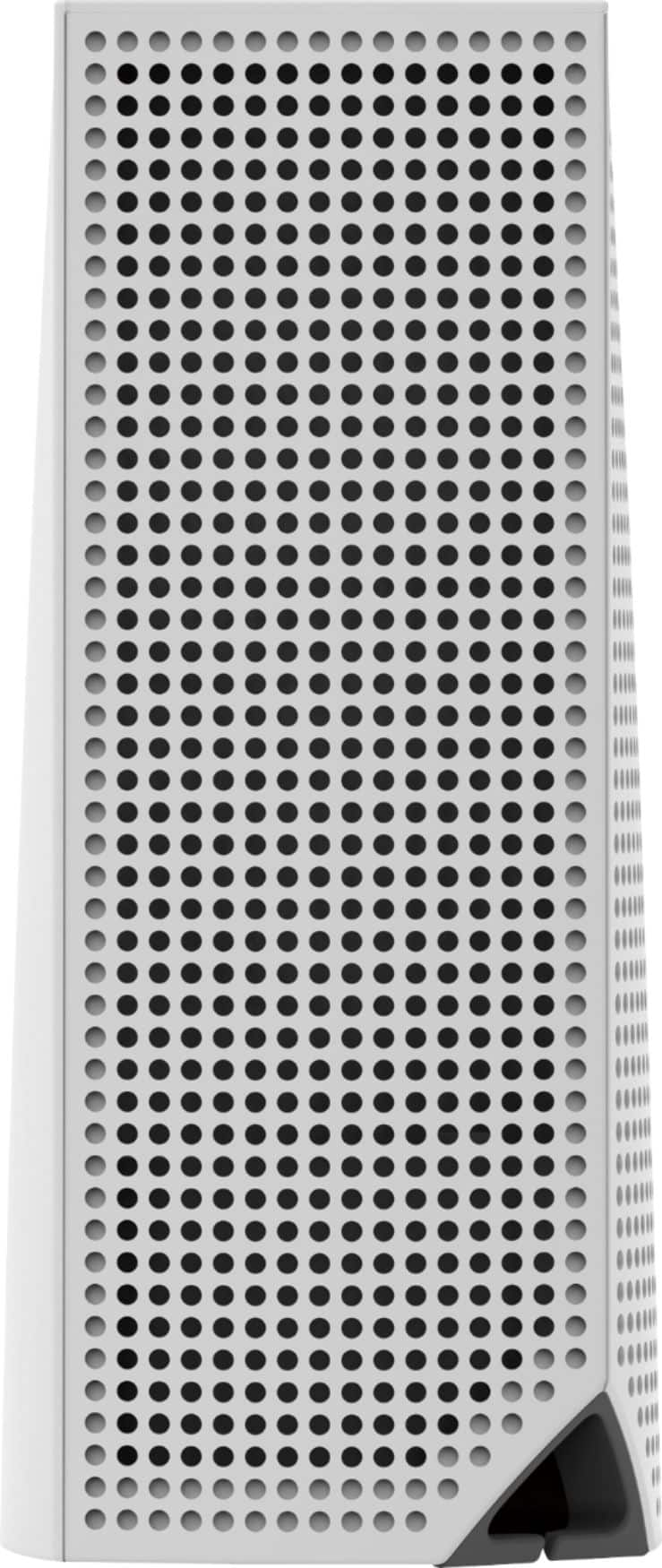
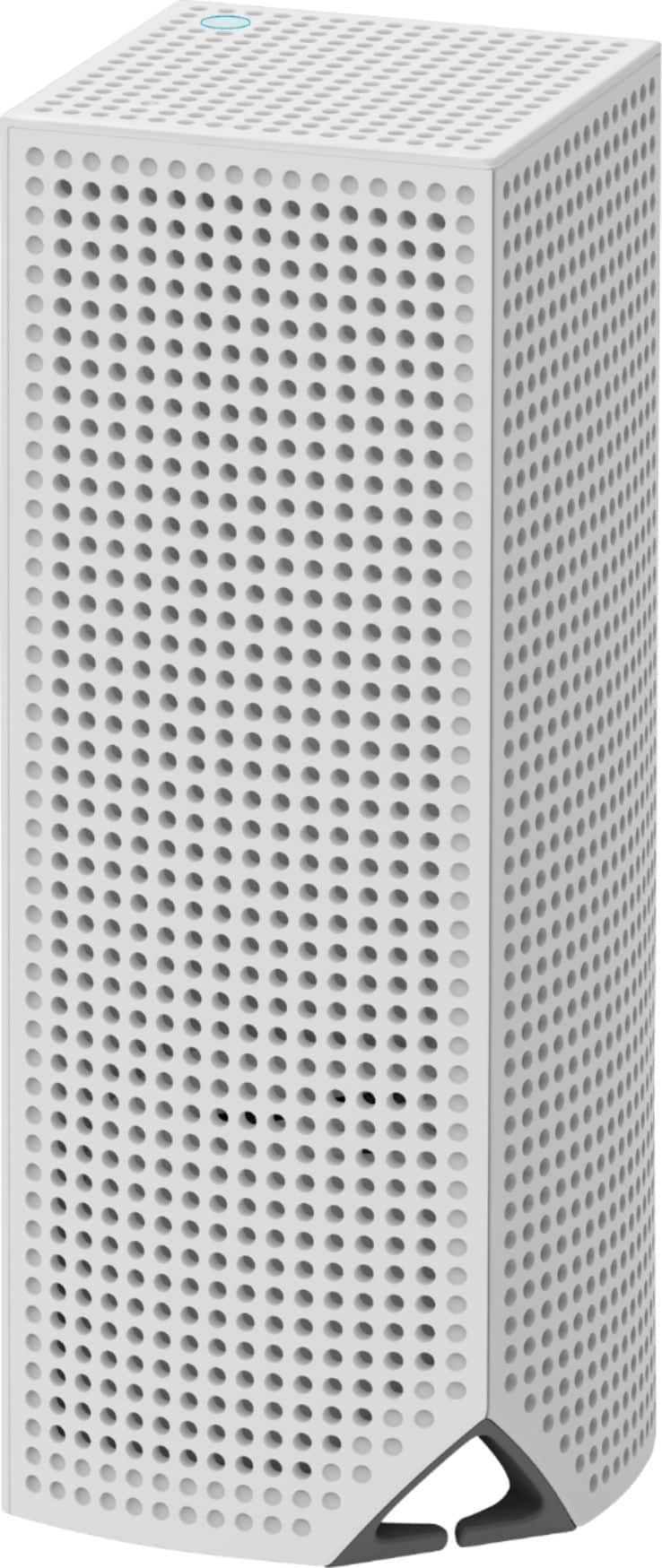
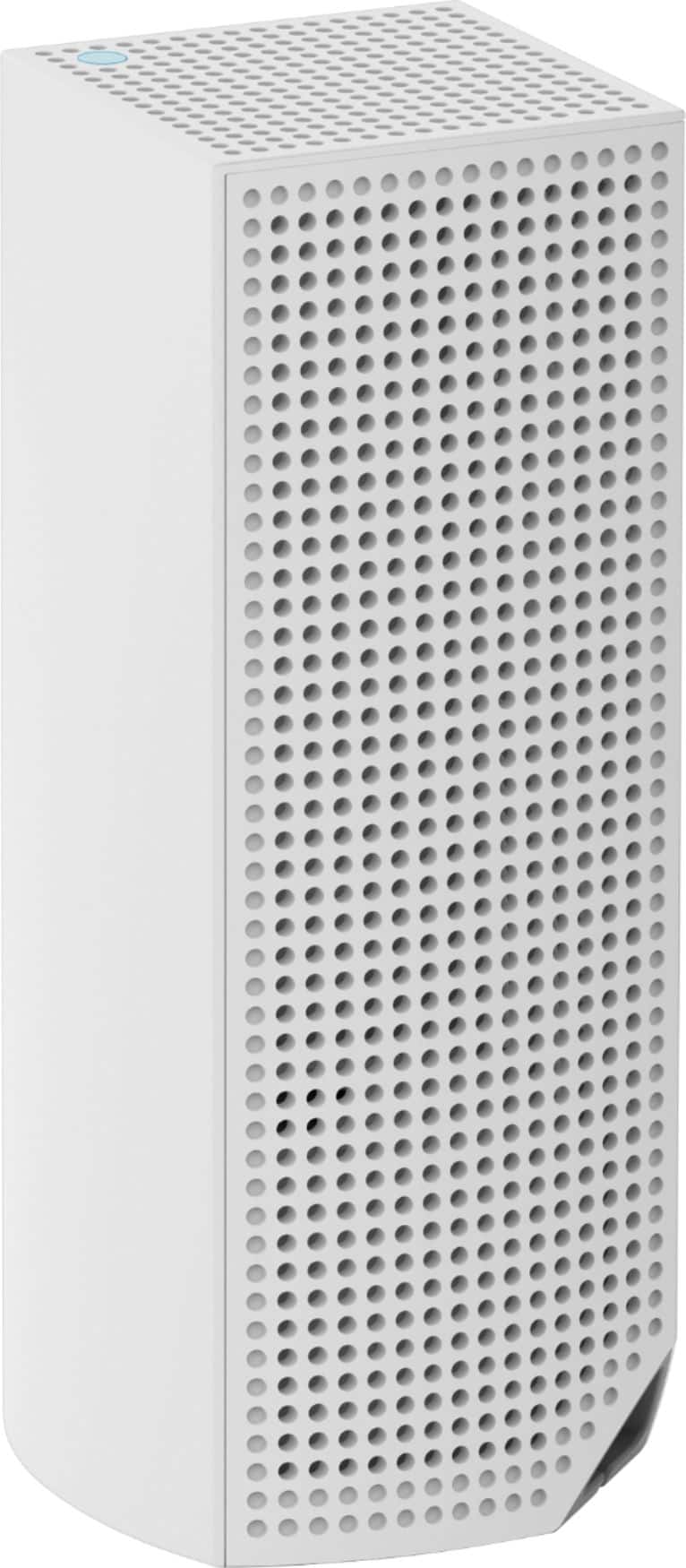
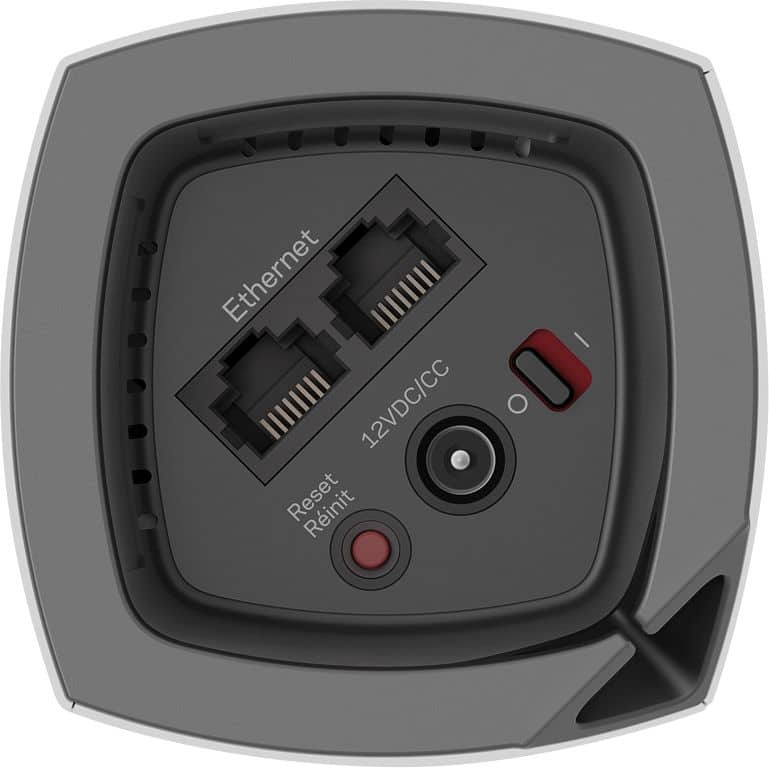
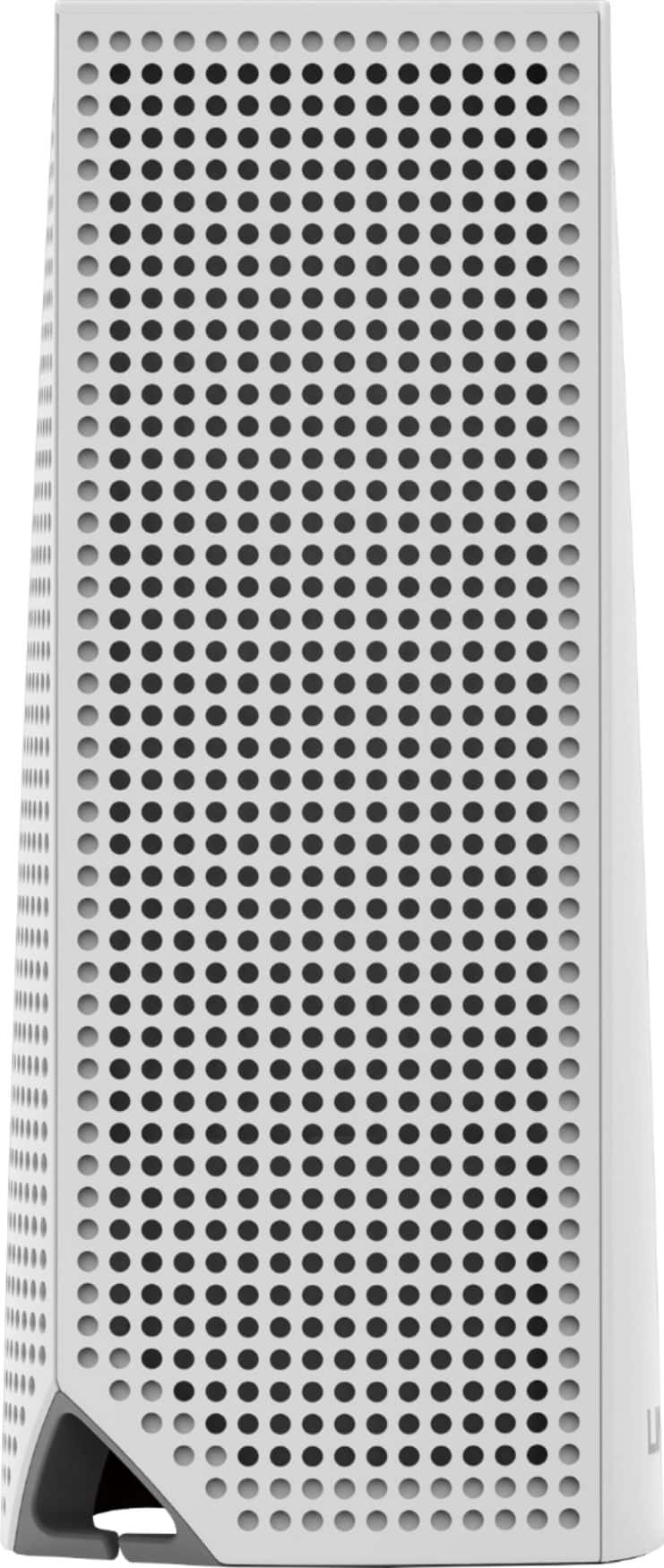
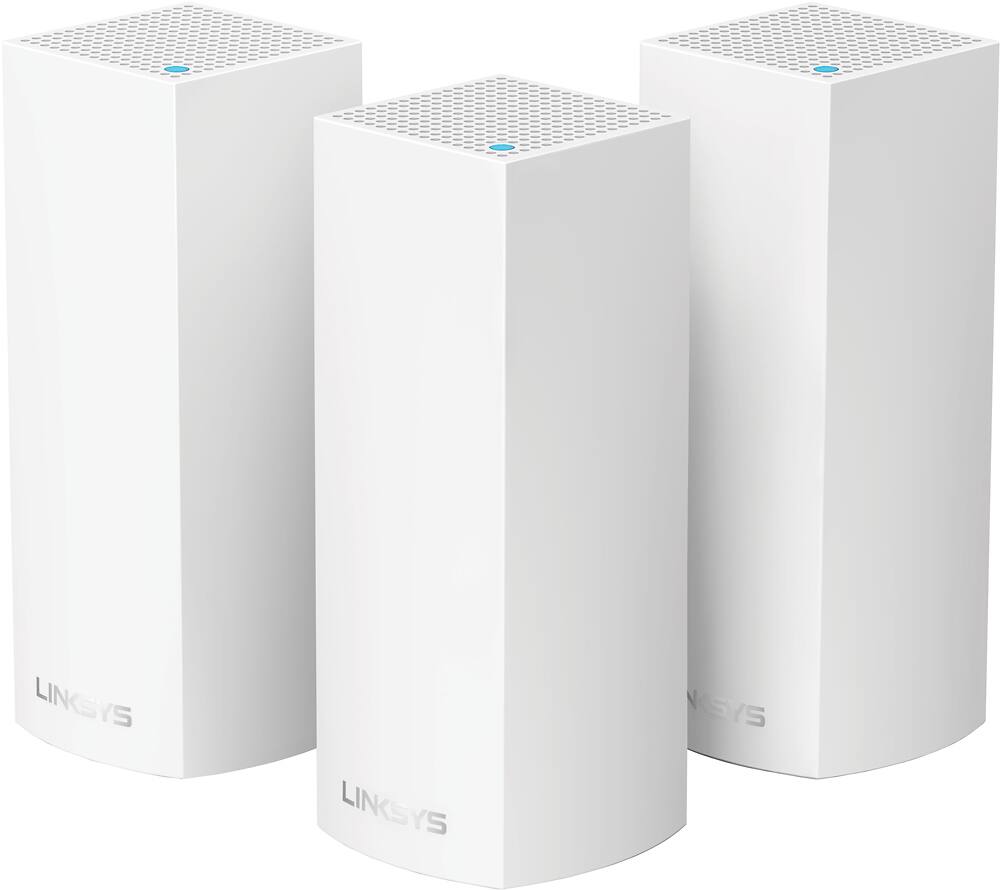
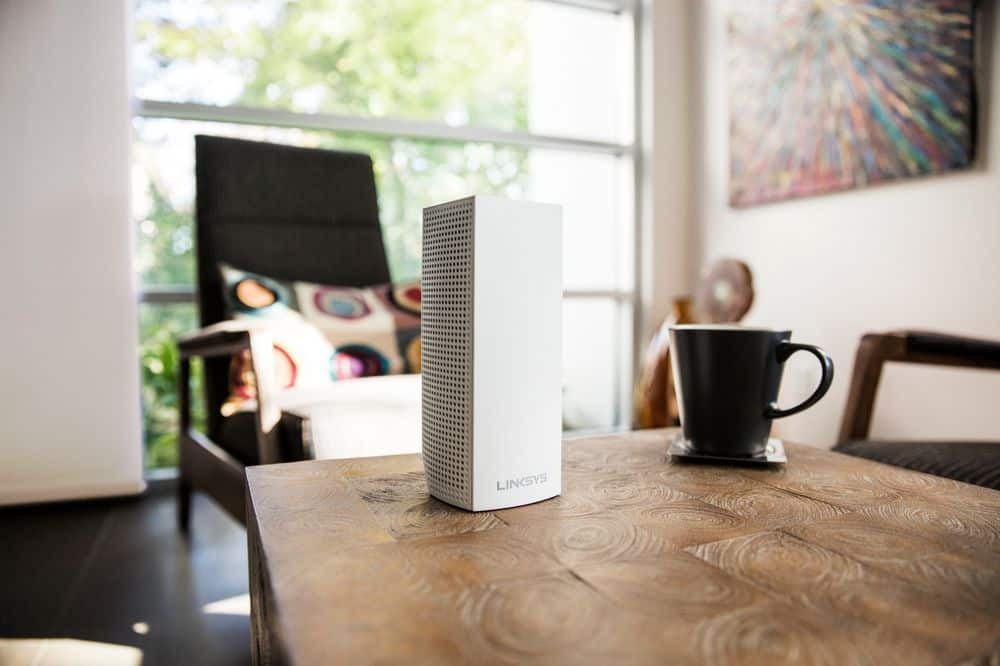
|Posted .This reviewer received promo considerations or sweepstakes entry for writing a review.(Summary Below) The Linksys Velop is another WiFi system that in entering what I call "New Age WiFi". Instead of the traditional one router system, the Velop has three units that provide an "immersive" WiFi experience. There are now multiple product lines from various companies out there. These units are much more expensive than standard one unit or one unit plus optional extender systems. This can be very useful for covering large areas as well as maximizing speed and connectivity for the highest internet demands. Design: The design is nice. The units are white and have a speaker like appearance on two sides and solid white on the other. These can easily blend in to many areas of the "modern" home without really being an eyesore. All connections go in to a recessed space in the bottom of the unit with a single cable management port. This limits your ability to position the device in any direction (if you're trying to hide wires and use a difference patterned side). However, the cable management is excellent and I really enjoy the cable management. Set-up: Very simple and easy for the basic user and complex settings for the advanced user. Downside: App install is the preferred method, but I believe you can also use your computer. My personal preference is to not have extra useless apps on my devices but that comes down to your preference. The set up is very quick and easy. You can also customize many settings easily, whether you're a techie or not. Connectivity: Devices connect easily. My issues are greatest in this section. I understand that WiFi is the most common method of internet connection. However, I think that wired (ethernet) connections are far from being phased out. This device has two ports on each unit. On the main unit you will only have one available ethernet port since one will be used to connect the main unit to your Modem. It is nice that the other units have ethernet ports for wired devices. For power users and those with very connected homes, ethernet ports can be very important at the main unit to connect devices that generally don't employ WiFi. For example if you have VoIP, and a security systems you will have to buy an additional ethernet switch or move your units. Also, connecting ethernet to the additional units mean they are still transferring over WiFi to the main unit which will have decreased performance over wired. This is really for those who are power users, have multiple ethernet devices, and/or ethernet connected homes. Obviously this can be solved with a ethernet switch, but for the price of these devices I should not have to. In addition, there is no USB port so you cannot create a central Hard Drive, printer, etc. Also something that some users require. However, the WiFi signal is strong and handles multiple streams, gaming, and internet use without issue. I do feel that the additional units don't always perform as fast as the main unit initially, but they quickly amp up to full performance. Solid work there. Coverage: This type of system is great for homes over 2K sq ft (realistically probably overkill for anything under 3k sq. ft). If you have stone walls or connection issues, this device should give you great coverage. I was able to connect 2K interior sq ft without issue as well as another 500-1000 sq feet outside but it could be spotty at times. Fortunately this system gives you the great flexibility of putting a unit outside (under cover and in proper temperatures). Summary: Easy to set up. Flexible positioning. Great connectivity, Excellent coverage. No problem for average and most power users. I would say good enough for probable 5k sq ft. However the biggest drawbacks are limited ethernet options and no USB.
I would recommend this to a friendWorks well for out of the way rooms
||Posted . Owned for 1 month when reviewed.This reviewer received promo considerations or sweepstakes entry for writing a review.As main router is on one side of the house, the mesh system so far helps provide network access to the rooms that are on the other side of the house.
I would recommend this to a friendSay Yes to Mesh!
||Posted . Owned for 7 months when reviewed.This reviewer received promo considerations or sweepstakes entry for writing a review.I told Geek Squad that my home had weak and dropping connections. This mesh unit was recommended. 100% improvement. Worth every penny!
I would recommend this to a friendHuge difference in our internet speed downstairs
||Posted . Owned for 7 months when reviewed.This reviewer received promo considerations or sweepstakes entry for writing a review.We bought this so we could get strong bandwidth downstairs since our cable provider WiFi gets lost in the house with walls and distance. Works great but it was a bit of an investment.
I would recommend this to a friendGame Changer for WiFi/Networking
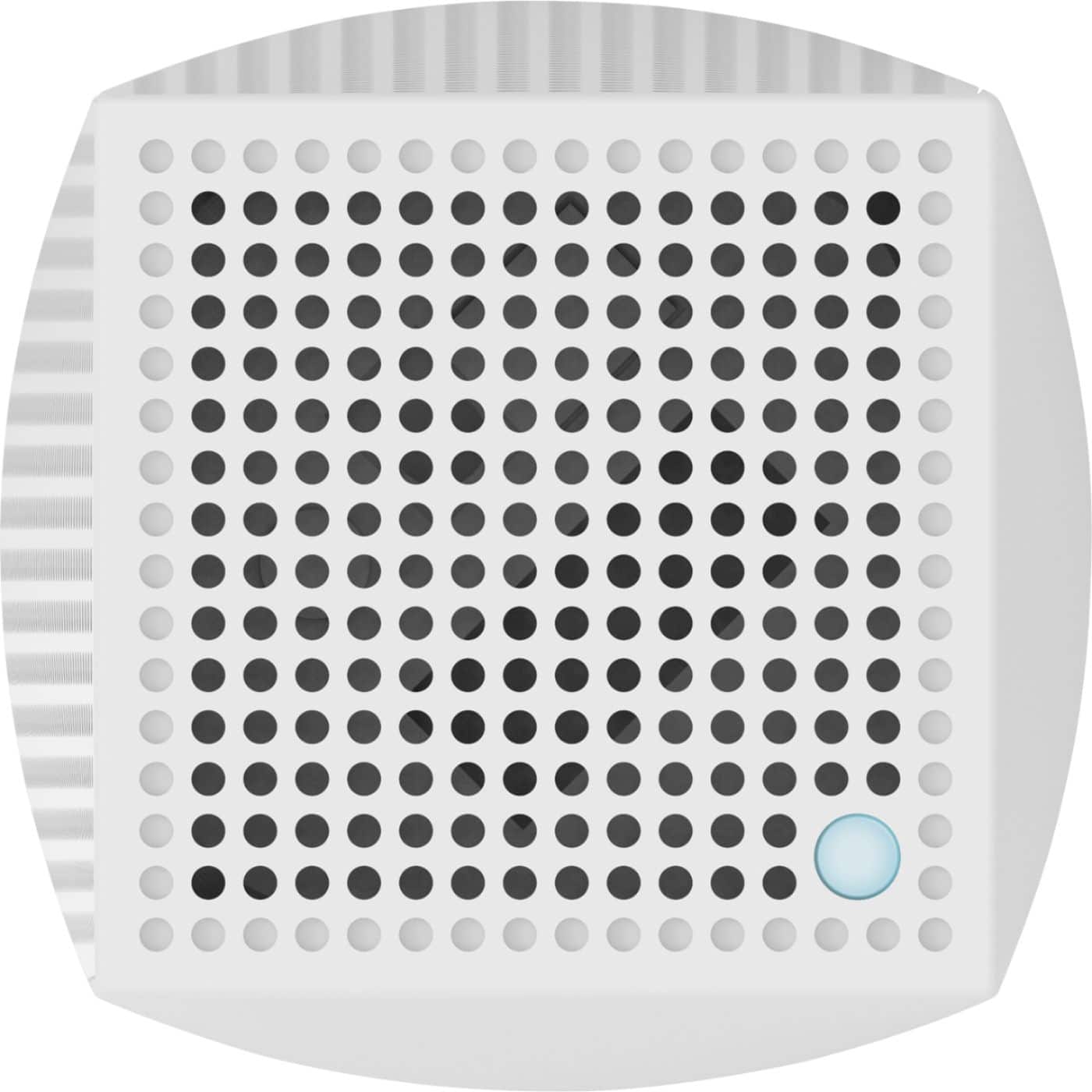
|Posted .This reviewer received promo considerations or sweepstakes entry for writing a review.As we all know, there are other options out there with regards to simplified consumer "mesh networks". Of the ones I have tested, Linksys has done a great job with their rendition of a mesh network. They look beautiful and perform at a high level. My home is covered with no dead zones after placing one of these nodes on each floor. Overall my experience with Linksys Velop has been a pleasant one. Setup was a breeze. I was up and running in less than 30 minutes with Performance is without a hiccup. I have anywhere from 18-25 devices connected at one time and have yet to experience any bandwidth issues or bottlenecks. All devices on the 5Ghz band perform at 180Mbps anywhere in the home which is advertised at 200Mbps I pay for. Pros Portability - easily move the nodes to fill dead zones Aesthetics - these can pass as decor. To me they can even pass as surround sound speakers. Easy setup - Everything was pretty much plug and play through the app. No PC necessary. Performance and Bandwidth - Easily handles a high number of data hungry devices (in my home 18-25). Guest Network Easy Management - All through an app. This may be a con for some tech nerds/IT guys like me. Easy LAN Connectivity - Great to be able to add a node in a room that needs LAN connections and do not need to wire them manually. 2 per unit on non-modem connected nodes. Remote Administration Made Easy - It is administered through the Linksys SmartWiFi Portal so you can check on your network without setting up VPN/Remote Admin logins. Cons Lack of ports - Each node has 2 ports and 0 USB No PC setup - No option for PC setup using IP address. It directs you to download the app. Lack of Deep Customization - There are many features lacking customization from the app. No power of the transmission, no ability to turn off lights or dim them. Cannot individually manage nodes. App- App is buggy during setup and hangs/force closes. Too Simple - For IT/Techs, there isn't much available in the administration department. Lack of Print/USB Sharing - Not one port for USB available. LED Light - The blue light on top is bright and is more than enough for a night light. There currently isn't a way to lower intensity or turn off. Don't put this in your room if you like the dark. You can put electrical tape or set something on top of it, but then it wouldn't look as nice.
I would recommend this to a friendGOOD PRODUCT
||Posted . Owned for 2 months when reviewed.This reviewer received promo considerations or sweepstakes entry for writing a review.THESE ARE GREAT FOR EXTENDING MY WI-FI, LIKE TO USE AROUND THE HOUSE FOR EXTENDING MY WIRELESS COMPUTERS AND TVS WOULD BUY AGAIN AND RECOMMEND
I would recommend this to a friendJust What I Needed
||Posted .This reviewer received promo considerations or sweepstakes entry for writing a review.This product has solved all my wifi needs in my home. It allows me to connect up to 15 devices throughout my house without interruption. I recommend it highly to anyone that has lot's of devices and lots of room.
I would recommend this to a friendWorth the purchase
||Posted . Owned for 3 weeks when reviewed.This reviewer received promo considerations or sweepstakes entry for writing a review.So far so good! My internet has not been interrupted since I’ve started using this mesh. We are very please.
I would recommend this to a friendGreat Connection for a Big Home
||Posted .This reviewer received promo considerations or sweepstakes entry for writing a review.We had to get this because there was absolutely no internet connectivity in one of the rooms on the second floor. After getting this, we haven't had a problem with getting internet connection. Always full bars.
I would recommend this to a friendGreat for a lot of devices
||Posted . Owned for 1 month when reviewed.This reviewer received promo considerations or sweepstakes entry for writing a review.They work great. Occasionally they aren’t consistent with signal but not often. I get full speed everywhere in my home.
I would recommend this to a friendGood to Go
||Posted . Owned for 1 month when reviewed.This reviewer received promo considerations or sweepstakes entry for writing a review.So far so good. With Mesh system my download speed is where it was supposed to be. Life is so much better and my video calls no longer represent Max Headroom.
I would recommend this to a friendStill undecided...
||Posted .This reviewer received promo considerations or sweepstakes entry for writing a review.After weeks of use, everyone in my household is still undecided if they like this item. Internet connectivity has improved compared to the old Apple Airport and extenders we had, but all the child nodes for the Velop continually flash yellow, meaning they aren't in an ideal location. Despite multiple locations tried out in attempts to resolve this, they still flash yellow. We are going to splurge, and purchase a fourth node, to see if it will solve the issue. I will update this review at that point. Until then, I recommend this item with reservations.
I would recommend this to a friendBrand response from Linksys Staff
Posted .Hi, Urban,
We appreciate your bringing this to our attention. If the child nodes continually flash yellow, the Nodes are too far from another node connected to your Velop system. We'll take this chance to have one of our Escalation Engineers look closely into your network environment to ensure that your Velop is working to its full potential. Shoot us an email at [email protected] with your contact information and the link to this review.
Regards,
Jay
Linksys Support
Linksys Router (3/set) works Perfectly for Me!
||Posted . Owned for 3 weeks when reviewed.This reviewer received promo considerations or sweepstakes entry for writing a review.The best thing I’ve done is getting the Linksys Router for my house. My Roku works so well after purchasing my Routers (set of 3, for all over the house)
I would recommend this to a friendDidn’t work With my application
||Posted .This reviewer received promo considerations or sweepstakes entry for writing a review.Sure it works fine but did not work with our application .We have DSL live in the country so had to return . Still was priced good and bet it would work fine with everything else ...
I would recommend this to a friend