Customer Ratings & Reviews






- Model:
- WHW0301
- SKU:
- 10891749
Rating by feature
- Setup
Rating 4.3 out of 5 stars
- Range
Rating 4.3 out of 5 stars
- Signal Strength
Rating 4.3 out of 5 stars
to a friend
Easy
||Posted .This reviewer received promo considerations or sweepstakes entry for writing a review.Router is nice, especially having it for upstairs and downstairs.
I would recommend this to a friendGreat Product
||Posted .This reviewer received promo considerations or sweepstakes entry for writing a review.Now the Wifi is strong through out the house and was easy to setup with my phone
I would recommend this to a friendGood
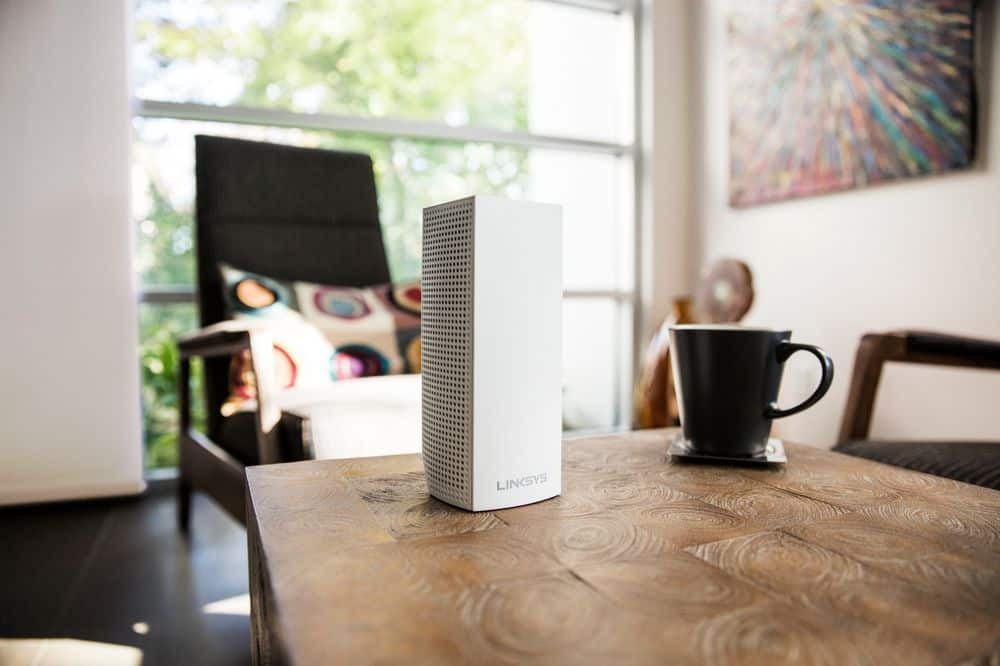
||Posted . Owned for 3 months when reviewed.This reviewer received promo considerations or sweepstakes entry for writing a review.Great design! Will fit just about anywhere without noticing.
I would recommend this to a friendNo loss in wifi
||Posted .This reviewer received promo considerations or sweepstakes entry for writing a review.Works great. Best wifi router setup. Wish I knew about this before.
I would recommend this to a friendIt's a little pricey, but it is worth it!
||Posted .This reviewer received promo considerations or sweepstakes entry for writing a review.Wow! Big Improvement..Tri-Band Dual Stream..I Definitely recommend it..
I would recommend this to a friendWorks great
||Posted . Owned for 2 weeks when reviewed.This reviewer received promo considerations or sweepstakes entry for writing a review.The Linksys has helped increase the speed of our Wifi.
I would recommend this to a friendTri-band
||Posted .This reviewer received promo considerations or sweepstakes entry for writing a review.these have really helped with our overall wi-fi within our home
I would recommend this to a friendWorks like you would expect. No issues. Very usefu
||Posted .This reviewer received promo considerations or sweepstakes entry for writing a review.Works like you would expect. No issues. Very useful VERY EASY set up!
I would recommend this to a friendGood Mesh Network
||Posted .This reviewer received promo considerations or sweepstakes entry for writing a review.Great mesh network and support. UI not the best for none tech.
I would recommend this to a friendGreat product
||Posted .This reviewer received promo considerations or sweepstakes entry for writing a review.Great WiFi throughout the house. No dead spots anywhere
I would recommend this to a friendFilled the gaps in our home WiFi
||Posted .This reviewer received promo considerations or sweepstakes entry for writing a review.Filled the gaps in our home Wifi and covered areas previously under served.
I would recommend this to a friendworks great
||Posted .This reviewer received promo considerations or sweepstakes entry for writing a review.Got WiFi in locations in my house that I did not have previously.
I would recommend this to a friendGreat wifi
||Posted .This reviewer received promo considerations or sweepstakes entry for writing a review.I was looking at this and the orbi but I wanted 3 nodes and I love this pick
I would recommend this to a friendWorked great
||Posted . Owned for 3 weeks when reviewed.This reviewer received promo considerations or sweepstakes entry for writing a review.Highly recommended for large homes and with multiple users.
I would recommend this to a friendWorks as advertised
||Posted .This reviewer received promo considerations or sweepstakes entry for writing a review.Solid connection in 6400 sq ft home. Occasionally has to be reset
I would recommend this to a friendBrand response from Linksys Staff
Posted .Hi, Dp12,
If your new Velop System is properly configured and the internet connection from your ISP's modem is stable, then your Velop need not be reset occasionally. We'd be glad to have one of our Escalation Engineers take care of your issue to ensure that your Velop is working properly as it should. Please do not hesitate to reach out to us at 800-986-0518, or email us your contact information and the link to this review at [email protected], anytime.
Regards,
Jay
Linksys Support
I'm hooked up
||Posted .This reviewer received promo considerations or sweepstakes entry for writing a review.Excellent product. I would recommend to anyone looking to boost there wifi.
I would recommend this to a friendTerrific product
||Posted .This reviewer received promo considerations or sweepstakes entry for writing a review.This is a great product. Works as advertised. Happy with purchase
I would recommend this to a friend
Excellent mesh networking, ISP-compatible!
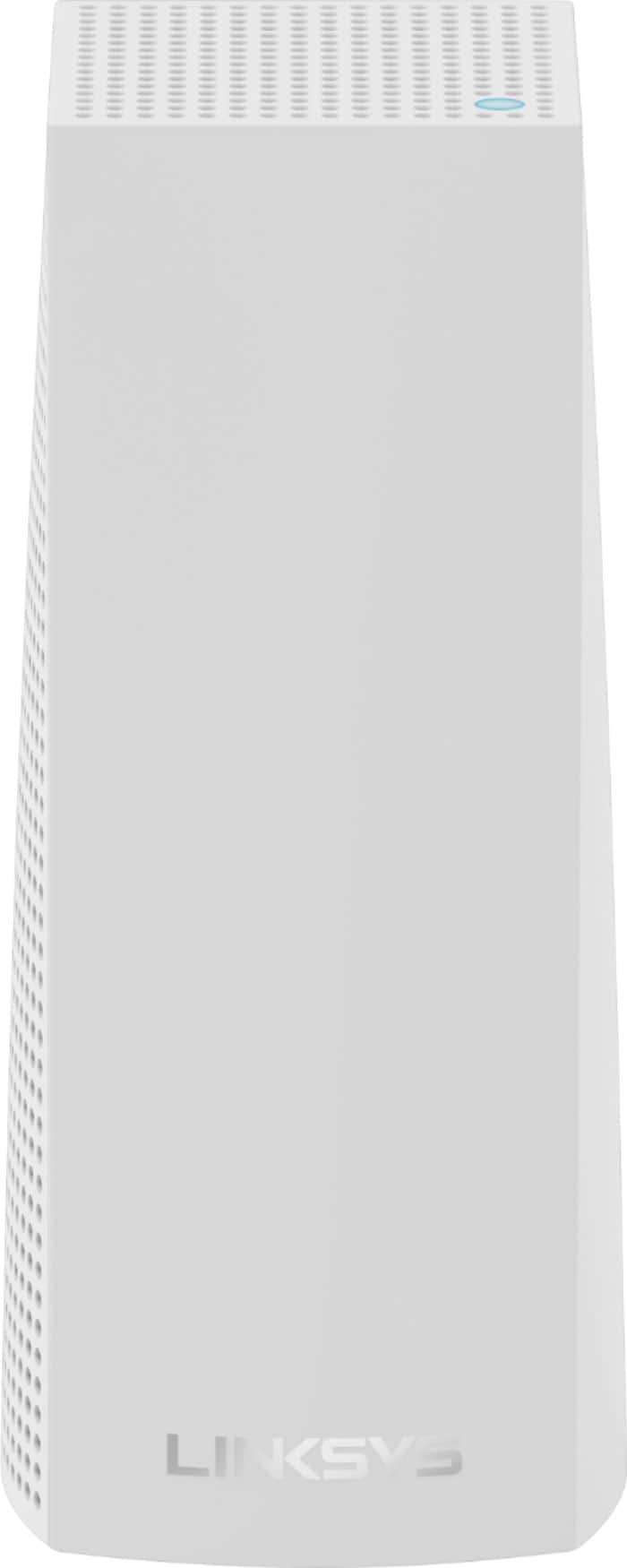
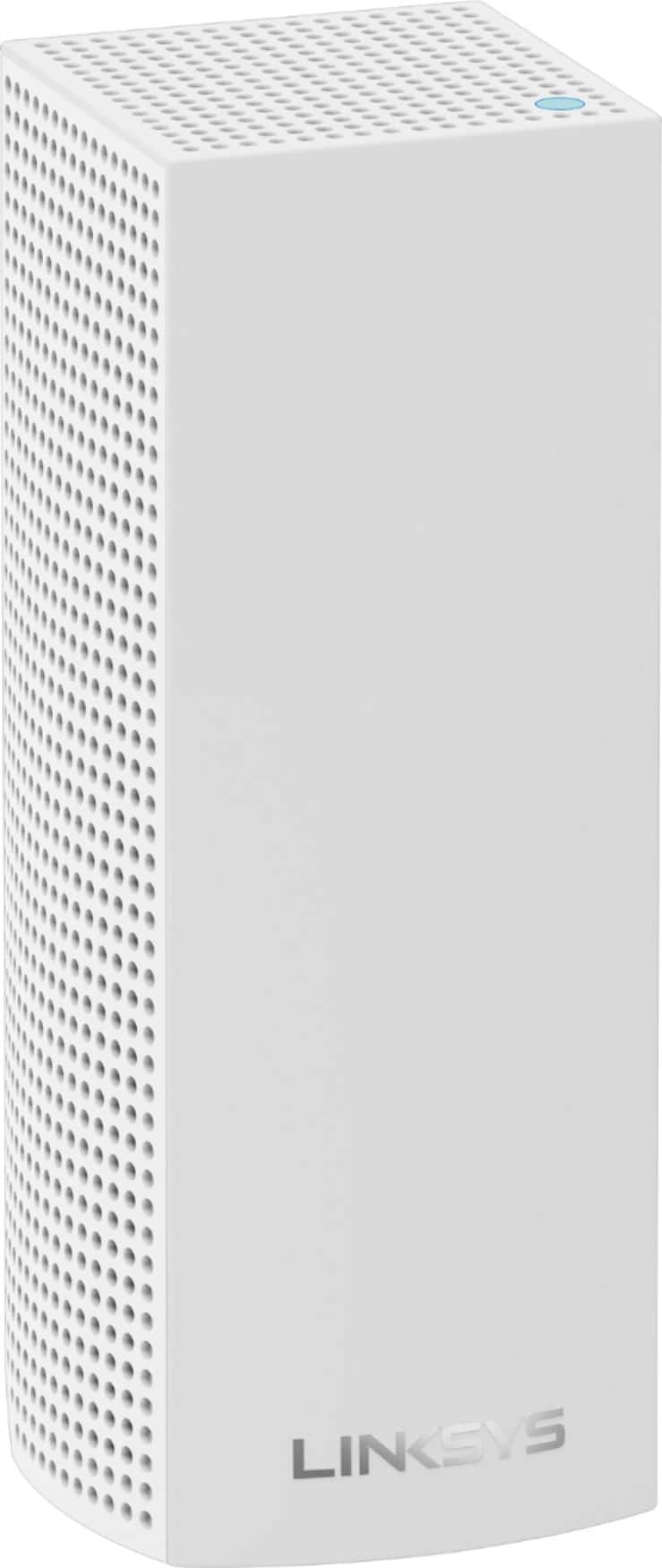
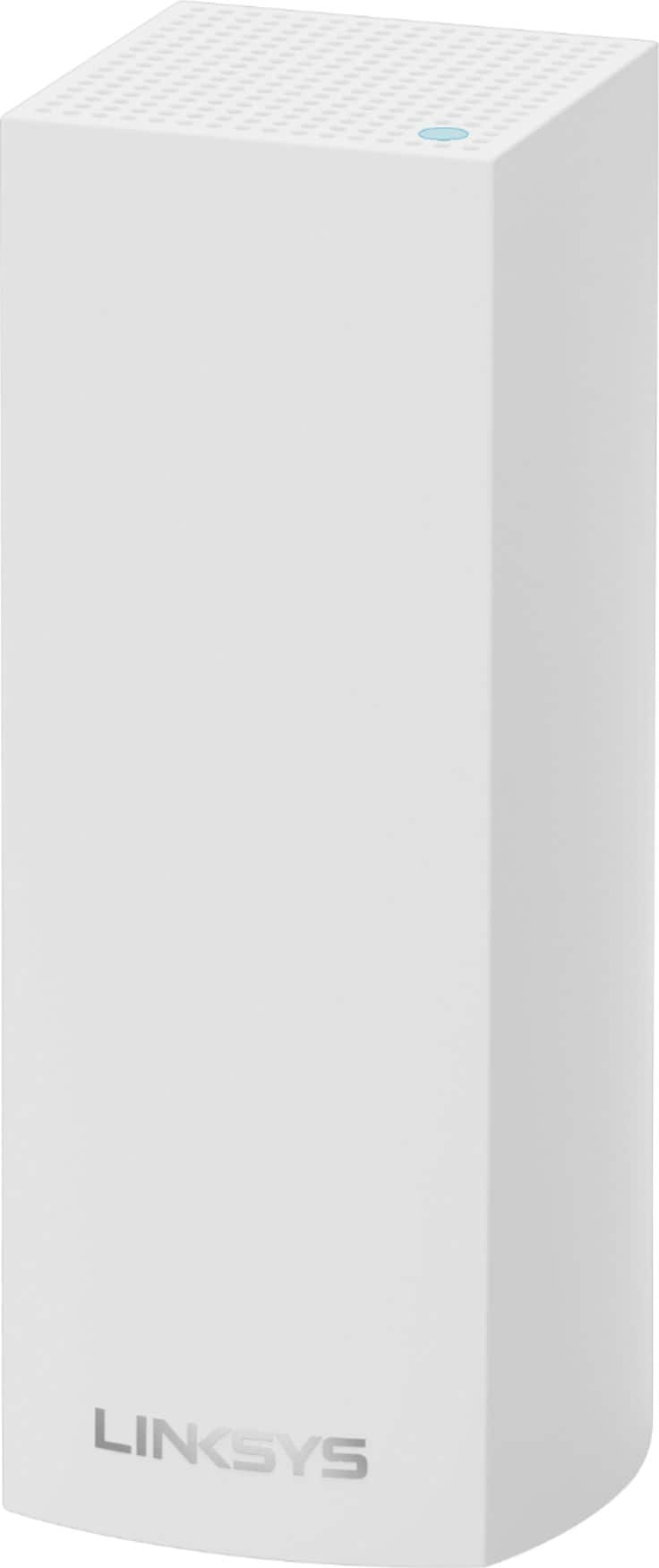
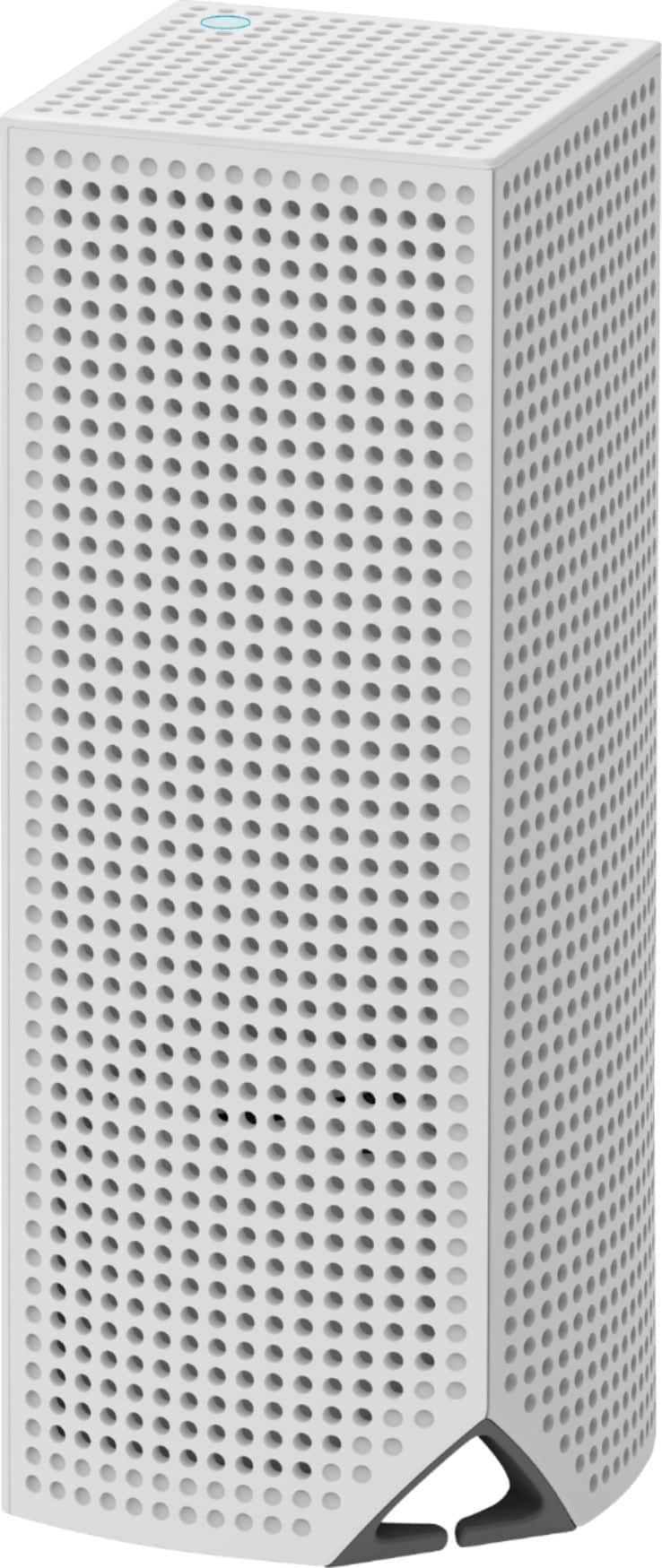
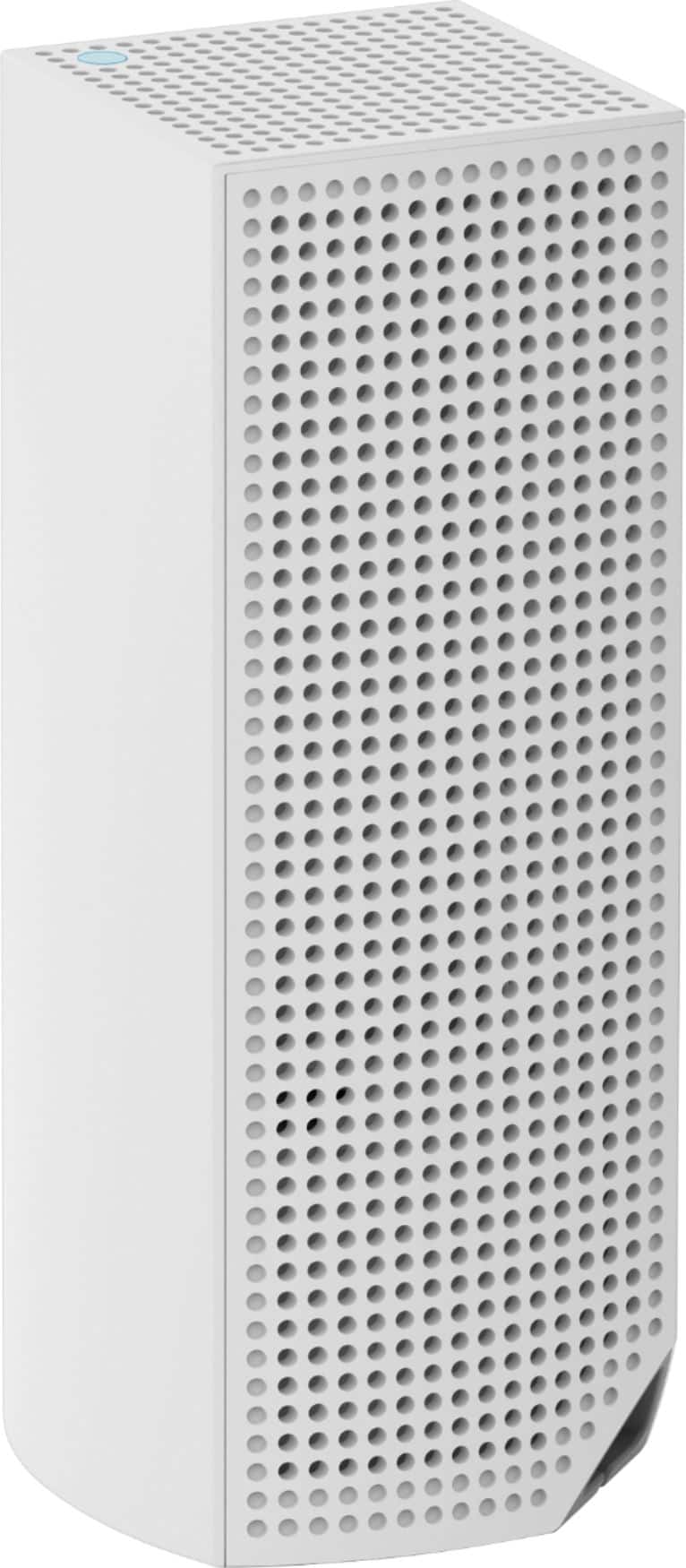
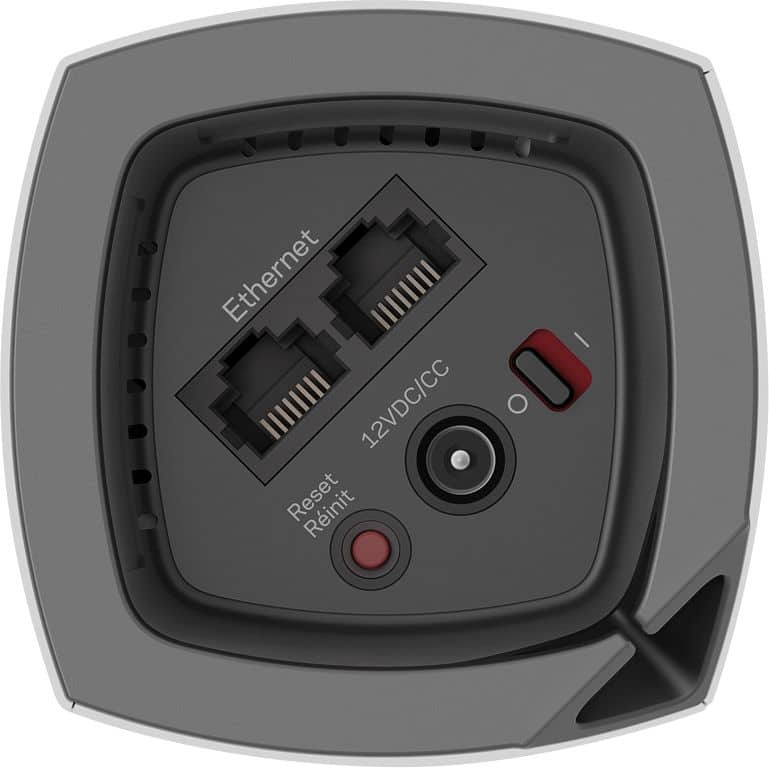
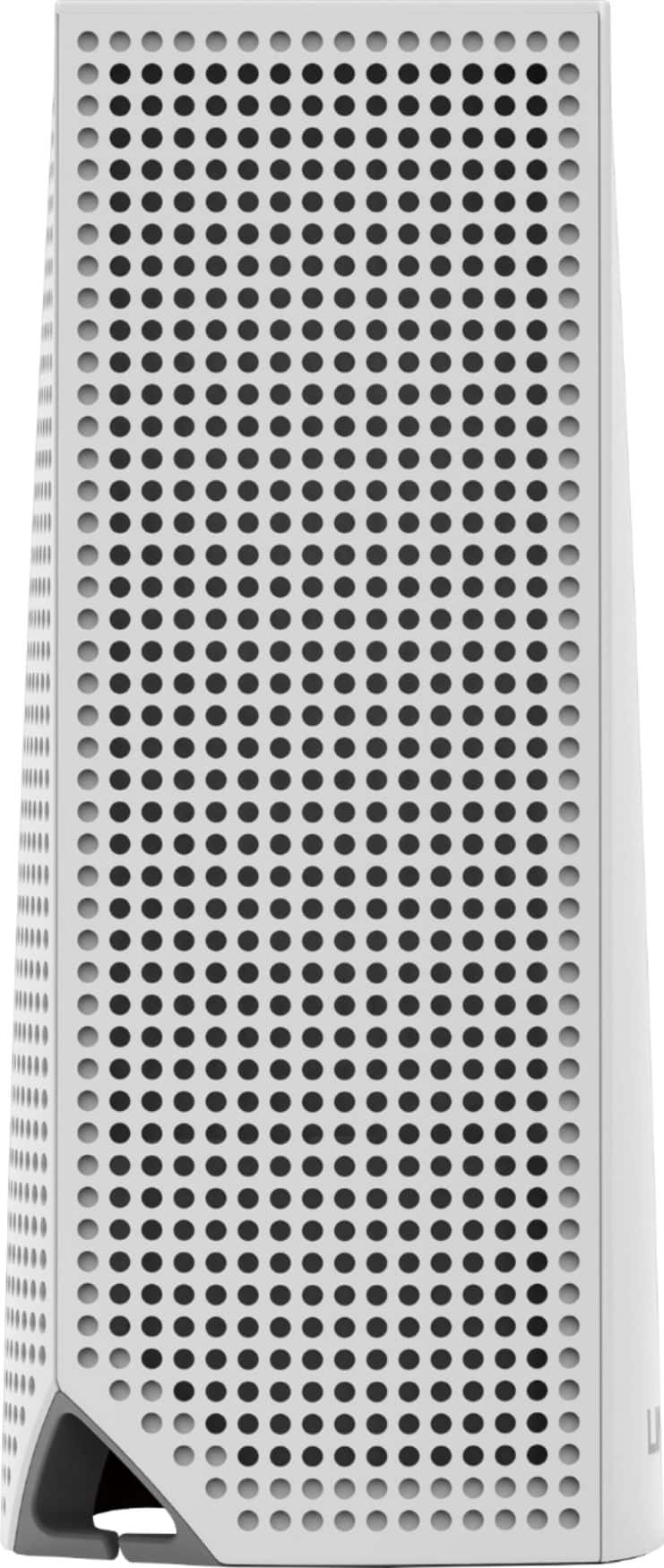
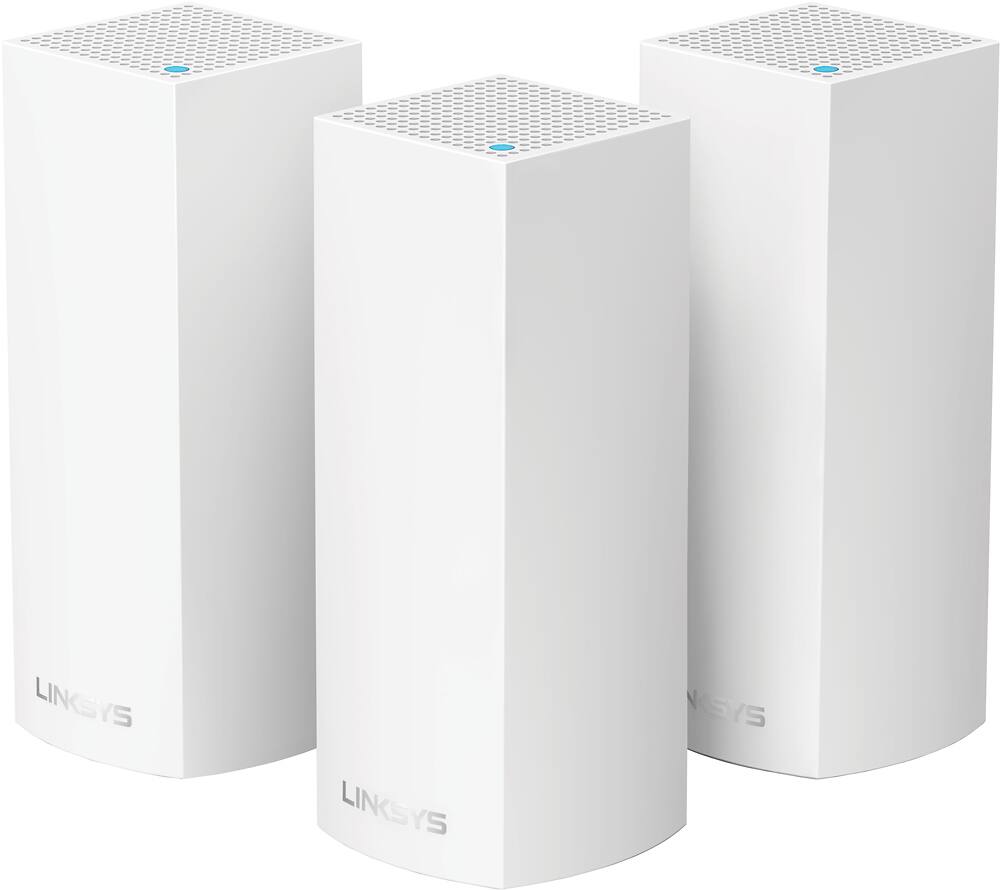
|Posted .This reviewer received promo considerations or sweepstakes entry for writing a review.As denoted by a nearby label, I was provided one of these units free in exchange for an unbiased review. I’ll discuss the good, bad and overall conclusions in this review. First, the good. Starting with the overall package, if you don’t receive it shrink-wrapped, it comes untethered by tape on the sides or multiple tabs. Instead, there is a looped tab attached to the front side of the box that, when opened, essentially flips up and uncovers the contents inside. This package includes 3 router nodes (the towers as depicted on the box), 3 matching power transformers, and 1 flattened Ethernet cable, all white. Incidentally, for those who don’t know, a mesh wifi network is one in which there are multiple (at least two) individual routers that connect to each other via their own “backhaul” (a term that includes a separate “channel” to allow all routers to send/receive Internet back and forth between an end-point device (such as a mobile device) and the main node directly connected to the Internet). As each node is added to the network, the wifi signal continues to amplify out, thereby allowing more devices to have a stronger signal and correspondingly fast Internet access. This is substantially different than having a bridged wireless node or having wifi repeaters — that type of network essentially halves the Internet signal for each bridged node that’s added. The setup was surprisingly — almost shockingly so — easy to do, perhaps in contrast to what other reviewers might have experienced. And before I got into device setup, I was a bit apprehensive at first, as we have Comcast Xfinity Internet to the house and I wasn’t sure how this mesh network would play with our owned modem/router topology. Previous research turned up next to nothing. It turns out this wouldn’t be an issue, and I’ll explain. The included paper documentation is absolutely minimal, requiring you to download the Linksys app to your smartphone (I’m using an iPhone 7 Plus in this instance). While the initial Linksys cloud account signup took some doing (and is not required to make any of this work), the first thing the app makes you do is enable Bluetooth. Then, it waits for you to confirm that a node (doesn’t matter which one; they’ll all identical) is powered on. Once that’s done and you confirm, it takes at least 30 seconds to a minute for it to configure this first node. What’s interesting is that there is a point where, once the node is online with basic settings, you have to background the Linksys app, go to Settings, select the SSID for the VELOP node, background the Settings up, foreground the Linksys app, and go on (it’s a little unintuitive, but it works). At a point it asks you to provide an admin password. Then, part of the setup includes giving the new node (really, new network) a name for its SSID, as well as a password. Once completed (and you confirm), it then asks if your Internet access is via a separate modem and router, or modem/router combo, replete with a generic diagram to illustrate (notice I didn’t say it asks who your Internet provider is, merely how your Internet access topology is configured). I went with modem/router combo. At this point, the app asked me to connect an Ethernet cable between the VELOP node and my modem/router. Once I confirmed, it then went about configuring for Internet access. Once enabled, the integrated Speedtest app confirmed accessibility. Finally, after asking if I was OK with sharing diagnostic data with Linksys, it then proceeded to check for updates (which took about 2 minutes with no status bar). It was all good! I was pretty wow’d at this point. The VELOP node did not require my current modem/router to be bridged or anything; it simply configured itself via one of the standard Ethernet ports on my existing modem/router. This also means that, in the event the VELOP were to go down, I could still have my previous SSIDs available. For the time being, once I confirmed the VELOP mesh network was good and had devices configured for it, I simply disallowed my existing modem/router SSIDs from being broadcast. Adding a second node to the VELOP mesh network was a joy. The app allows for a choice to add a node to an existing VELOP network, which I chose. The app once again reminded me to turn on Bluetooth and then power on the secondary mesh node. Since the app knew my choice was to add onto the existing mesh, it then went through a phase of initially configuring the node (which took about 2 - 3 minutes with a status bar on screen), and then a phase of determining location for Internet accessibility (2 - 3 minutes with a status bar). Then, it similarly checked for updates (2 - 3 minutes, no status bar). Adding the third and final node was exactly the same process. We now have fantastic wifi access, nearly immediate DHCP for device recognition on the network, and consistently full down/up speeds (and great ping) across the nodes. Now, for the bad, which really isn’t that bad, because it’s nothing that a few software updates couldn’t fix. As mentioned, for whatever reason, Linksys’ cloud portal has remained down for some time, so I’ve been unable to confirm that I can reach my wifi network over LTE (the product claims admin access remotely). Further, if you try to log into the cloud account and attempt to associate the VELOP mesh with it, there’s an error thrown there, too. And as a final annoyance, the login screens are very inconsistent when attempting to log in (it should always provide either cloud account or router login). If you fail to connect to the cloud account, the only way to get the router login page is to proceed as if you’re setting up a new router system, back out, and the option to go to the router login page typically appears. In conclusion, in spite of all the above, if you have more than 2,000 square feet of area (not necessarily just in house size) that you want consistently covered with wifi, a mesh network would definitely be a fitting option for you (Linksys claims up to 6,000 square feet of coverage). The Linksys app dashboard itself is quite intuitive, allowing at-a-glance access to number of devices on the network, whether or not Internet connection is up, whether the mesh network is up, device prioritization, basic parental controls (such as defining with sites are disallowed as well as device access blocking (presumably schedules are available, but that’s via the cloud account, which I cannot access at this time)), and a Guest Access slider control, allowing ad hoc SSID/password access to a separate net outside your current mesh network. A separate menu allows for other basic access, such as wifi settings, VELOP admin, speed testing, port forwarding, MAC filters, etc. Also, if you forget the admin password to the mesh network, it can be reset via the app, but only if you’re physically local to a node; there’s a PIN that’s affixed to the inner/underside of the node that’s required to reset. Pretty slick, I thought. While you’re not going to enjoy absolute full control over the system (such as what you’d get from a DD-WRT-enabled router), you are going to get a system painless to set up, exceptionally easy to expand, allowing enough admin functionality to enable (or disable) products/services that most folks have on their network. We love it and definitely recommend it!
I would recommend this to a friendGreat WiFi system
||Posted .This reviewer received promo considerations or sweepstakes entry for writing a review.Great WiFi all over my house now. I have not had any problems so far.
I would recommend this to a friendVelop extenders
||Posted . Owned for 6 months when reviewed.This reviewer received promo considerations or sweepstakes entry for writing a review.These are the biggest piece crap I’ve ever bought!! I would t recommend these to anyone who’s looking to upgrade their internet!!
No, I would not recommend this to a friend