Customer Ratings & Reviews
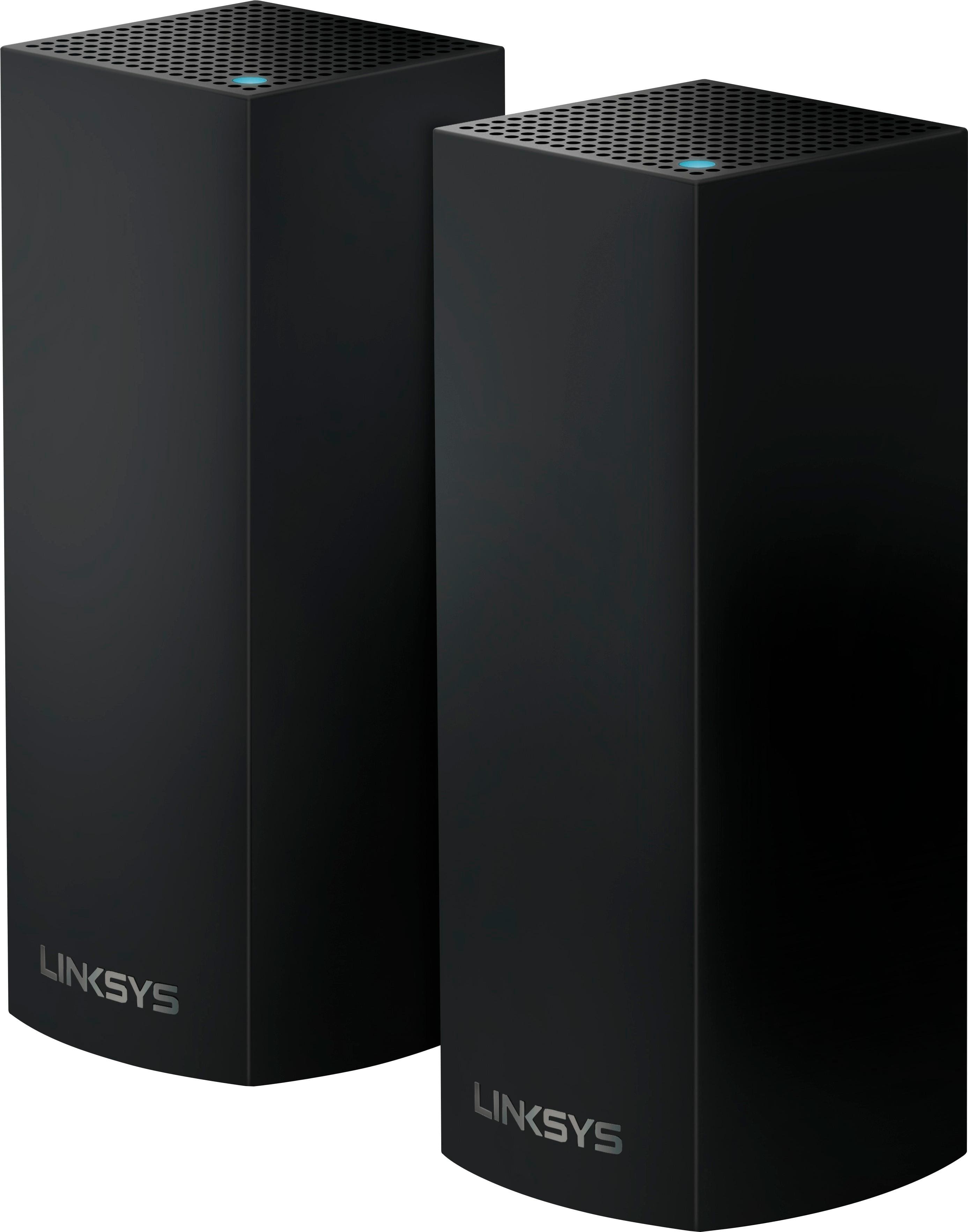
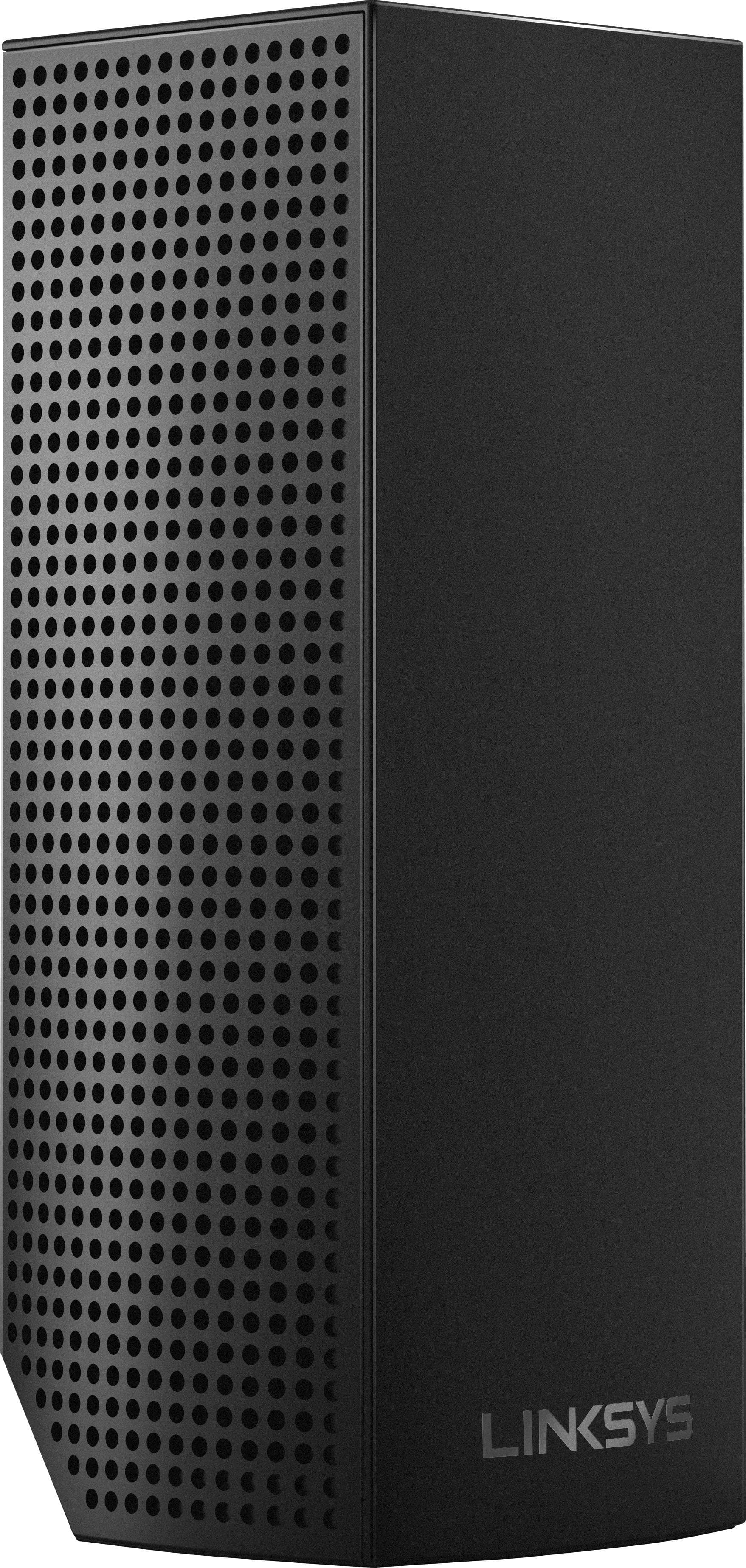
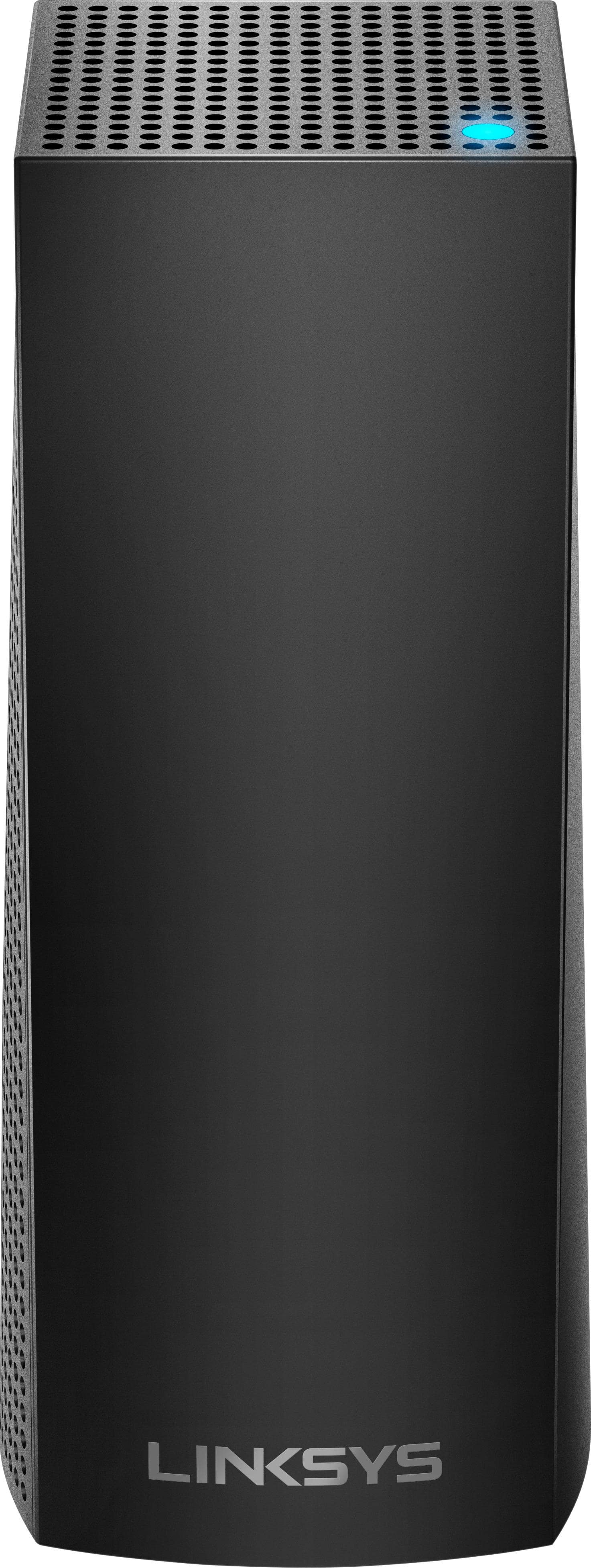
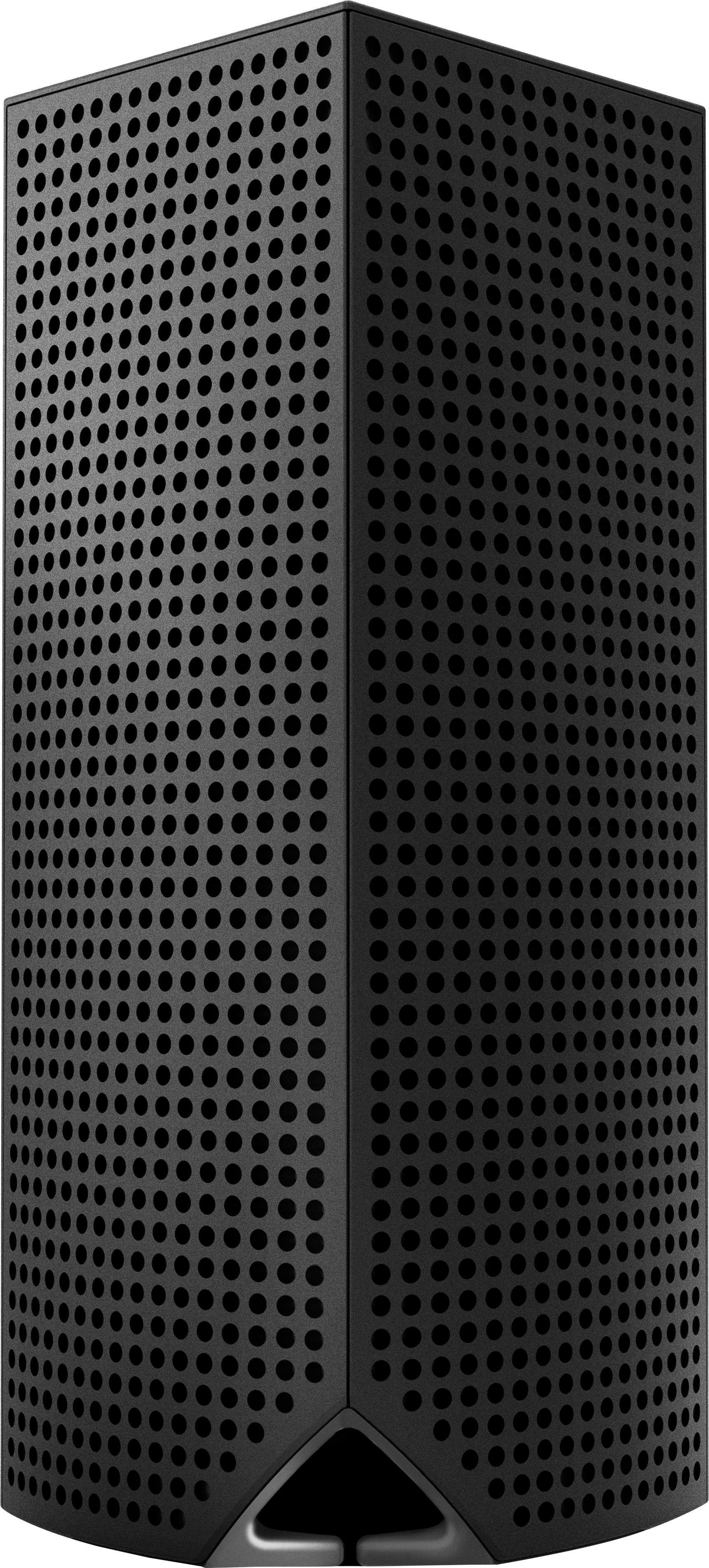
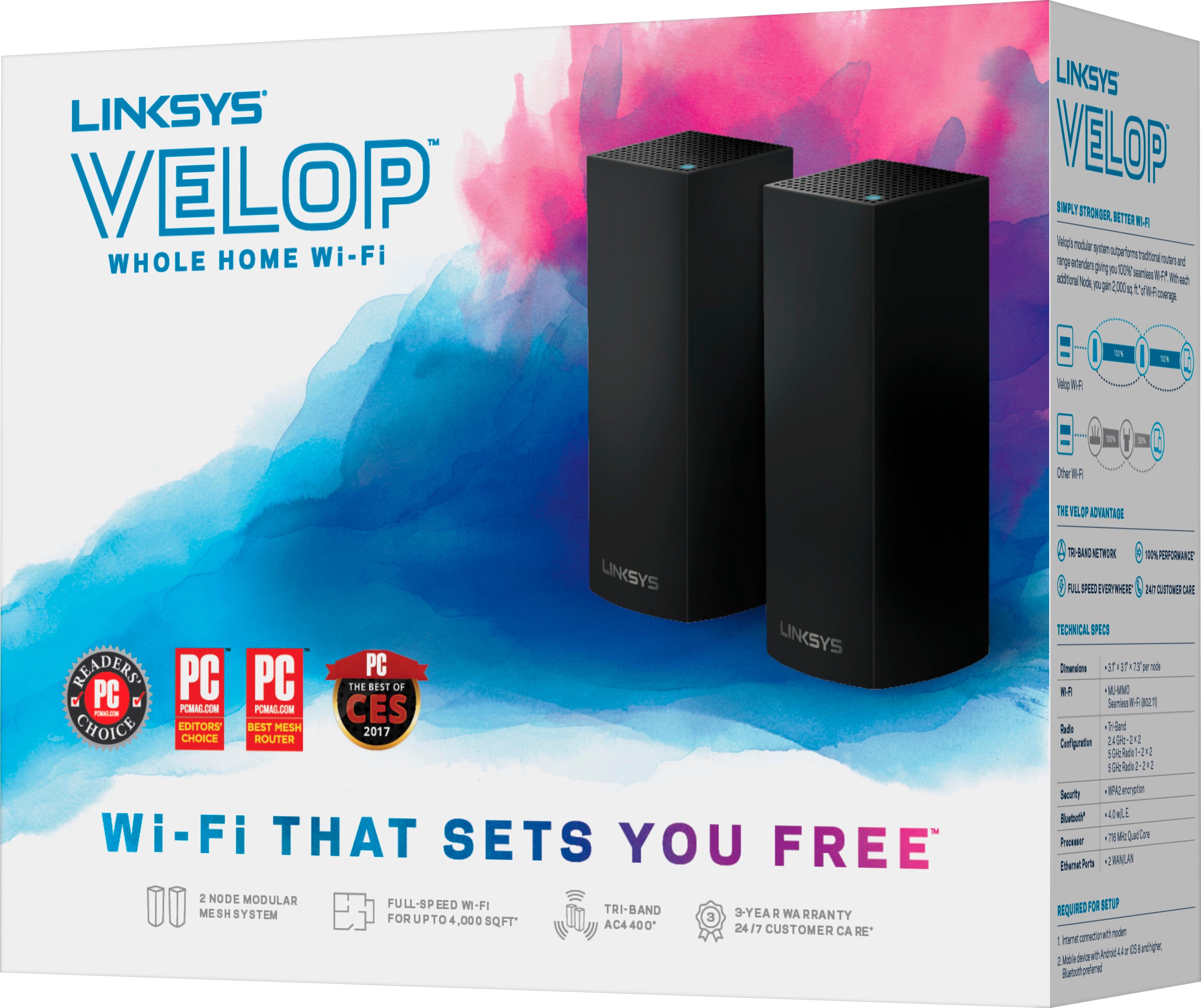
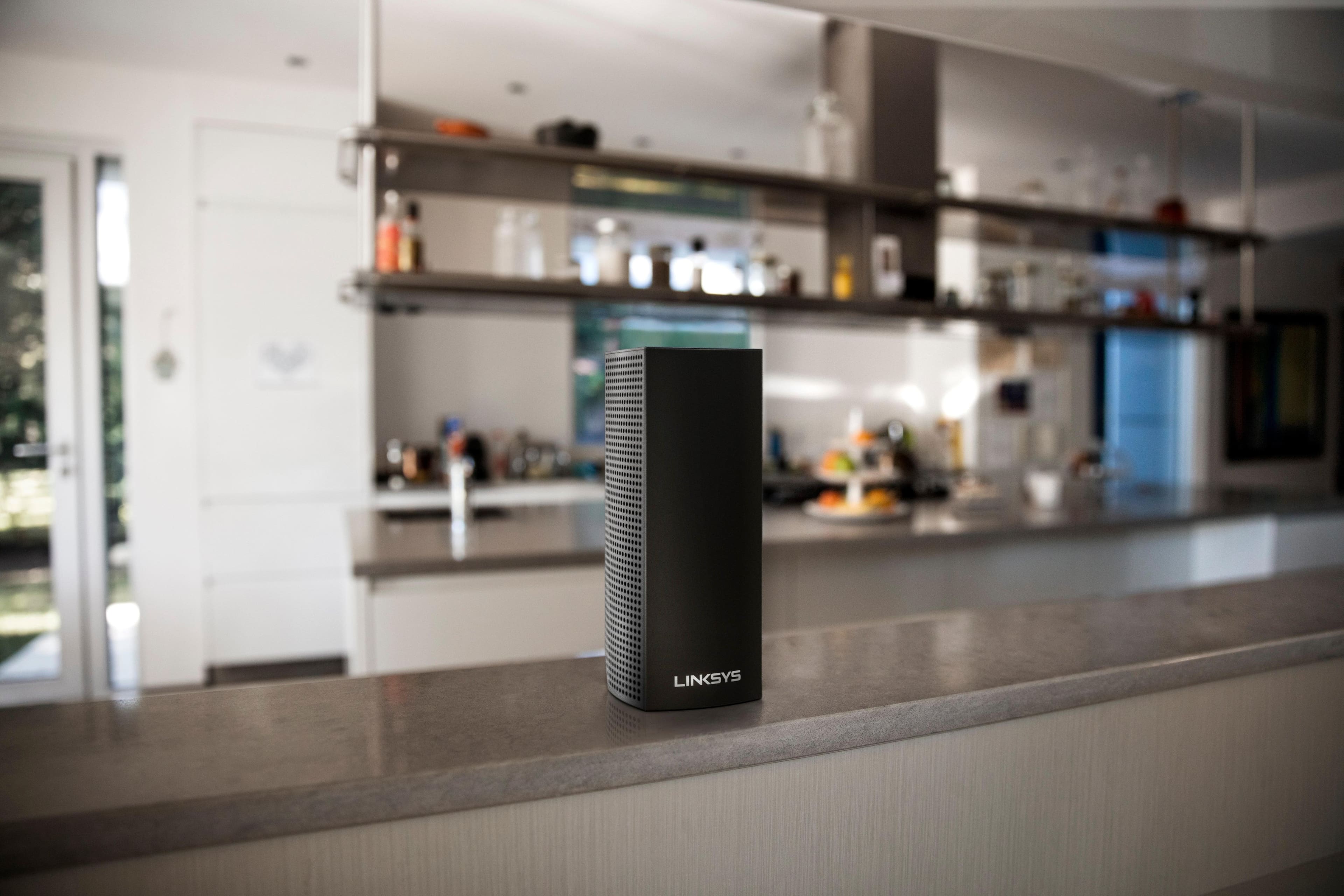
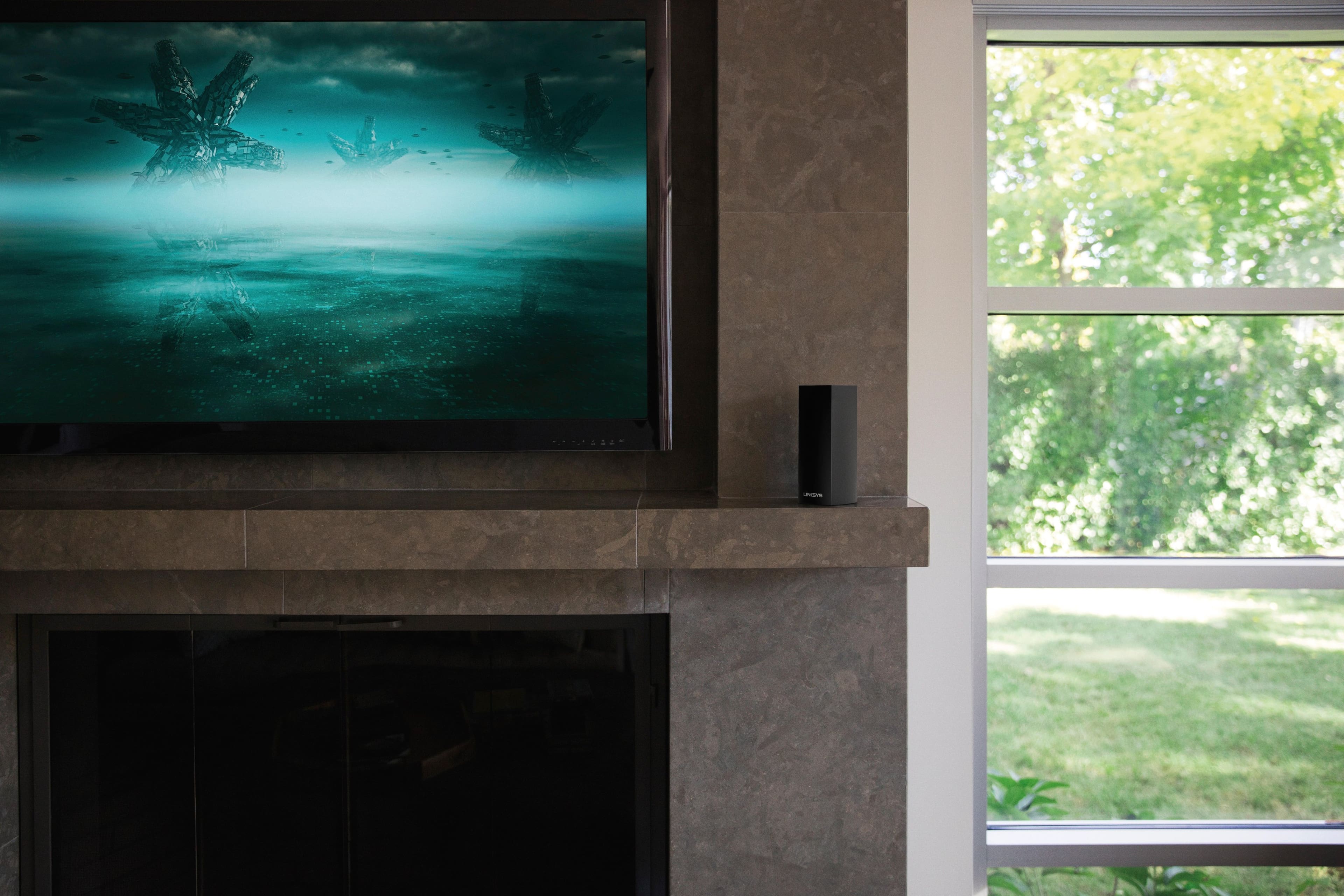
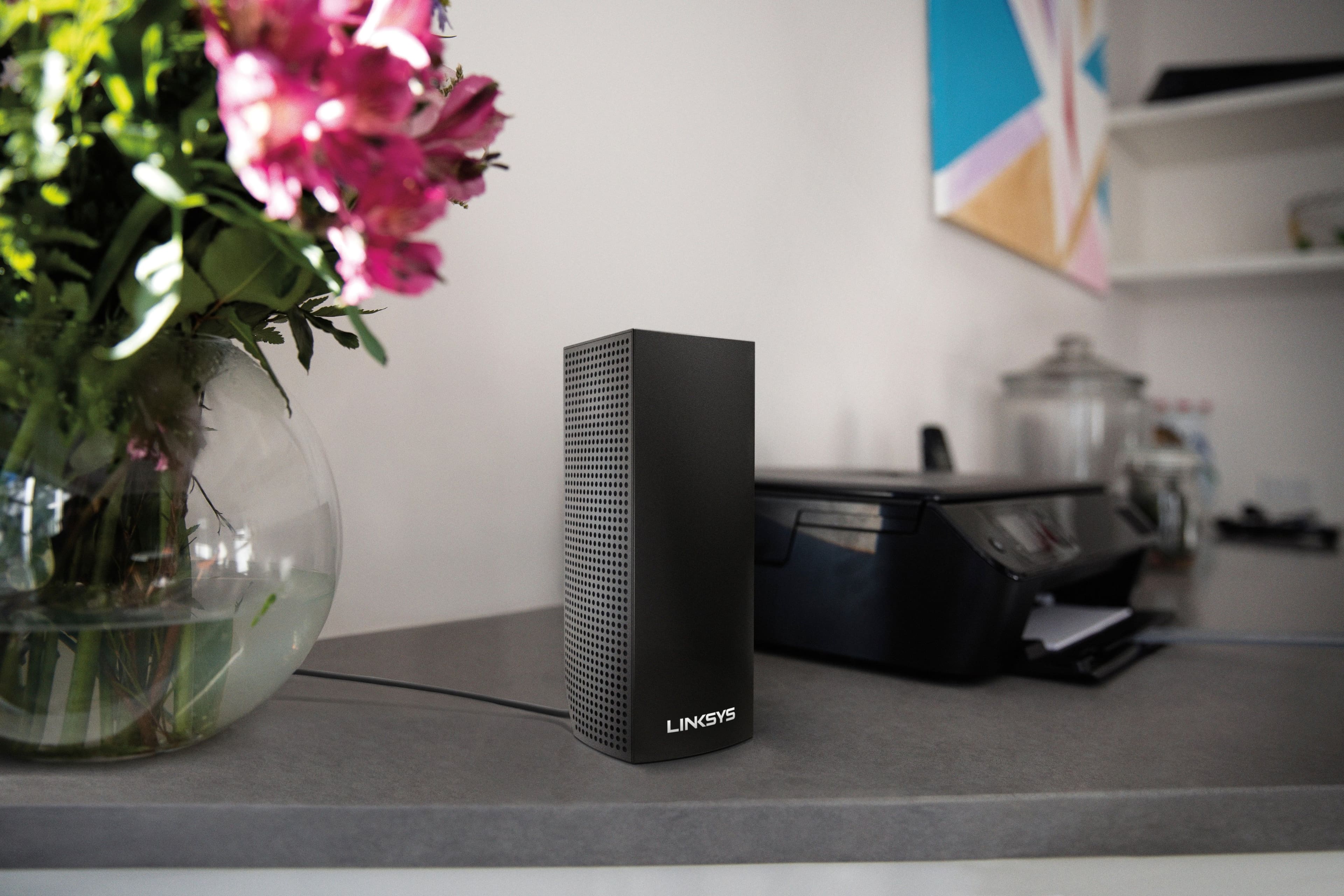

- Model:
- WHW0302B
- SKU:
- 5990500
Rating by feature
- Setup
Rating 4.3 out of 5 stars
- Range
Rating 4.3 out of 5 stars
- Signal Strength
Rating 4.3 out of 5 stars
Customers are saying
Customers are impressed with the Velop AC2200 Tri-Band Mesh Wi-Fi 5 System's ease of use, coverage, and setup, frequently citing its simple installation and strong signal. Many also praise the system's range and performance, reporting consistently reliable connectivity. However, some users experienced connection issues and noted the relatively high price. A limited number of Ethernet ports was also a recurring point of feedback.
This summary was generated by AI based on customer reviews.
- Pros mentioned:Ease of use
Eliminated wifi problems
||Posted .This reviewer received promo considerations or sweepstakes entry for writing a review.After constant problems with an extender l decided to try the Linksys Velop 2 pack. I have no further problems. Easy setup.
I would recommend this to a friend Great for Working at Home
||Posted . Owned for 1 month when reviewed.This reviewer received promo considerations or sweepstakes entry for writing a review.I work at home. The extra boost in WiFi allows me to work seamlessly in any area of my home.
I would recommend this to a friend- Pros mentioned:Ease of use
Great WiFi for beginners
||Posted . Owned for 1 month when reviewed.This reviewer received promo considerations or sweepstakes entry for writing a review.Easy to setup and works well throughout my house where with just a router I had dead spots in my house
I would recommend this to a friend - Pros mentioned:Ease of use
Great Product
||Posted . Owned for 1 month when reviewed.This reviewer received promo considerations or sweepstakes entry for writing a review.Great wireless network that provides full house coverage, thats easy to setup and manage
I would recommend this to a friend Easy Setup for Wi-Fi Extenders
||Posted .This reviewer received promo considerations or sweepstakes entry for writing a review.After reading the reviews on the Linksys - Velop Tri-Band Mesh Wi-Fi System, they seem like a good solution to extending my network. While a little on the pricey side, they do exactly what they are meant to do. I went back and also bought a two pack. In total five towers. Great signal everywhere around my property. I even put on in the garage. Our cell phones use Calling over Wi-Fi and this system switches over between towers with no problem. Highly recommended.
I would recommend this to a friendExcellent product no problems with the internet!!!
||Posted . Owned for 1 month when reviewed.This reviewer received promo considerations or sweepstakes entry for writing a review.No more problems with the sign of the internet in the whole house, even with close doors.
I would recommend this to a friend- Pros mentioned:Ease of use
recommended
||Posted .This reviewer received promo considerations or sweepstakes entry for writing a review.easy to install and setup. it integrates nicely with the rest of my house. the hubs easily handle HD full stream cameras
I would recommend this to a friend - Pros mentioned:Ease of use
Easy-Peasy
||Posted . Owned for 1 month when reviewed.This reviewer received promo considerations or sweepstakes entry for writing a review.Sets up nice and easy. Works like a charm so far. You want 50 characters, but what else is there to say?
I would recommend this to a friend - Pros mentioned:Ease of use
Works
||Posted . Owned for 2 weeks when reviewed.This reviewer received promo considerations or sweepstakes entry for writing a review.Plugged it in and worked not hard to set up. Bought during black friday.
I would recommend this to a friend - Pros mentioned:Setup
It loses connection at times
||Posted . Owned for 1 month when reviewed.This reviewer received promo considerations or sweepstakes entry for writing a review.Good bandwidth and very easy to setup. I bought these to add to two others I already had.
I would recommend this to a friend - Pros mentioned:Speed
Awesome item
||Posted . Owned for less than 1 week when reviewed.This reviewer received promo considerations or sweepstakes entry for writing a review.Huge upgrade to my internet in my house. Definitely worthy of the proce
I would recommend this to a friend - Pros mentioned:Ease of use
Easy setup
||Posted .This reviewer received promo considerations or sweepstakes entry for writing a review.Easy plug n play with great service throughout my house. Very impressed. We have over 7200 sq ft and no lost spots!
I would recommend this to a friend Looks good, but felt like I was beta testing
||Posted .This reviewer received promo considerations or sweepstakes entry for writing a review.First node went fine, second node went fine, third node acted up. Once I got it going wirelessly, set it up to use Ethernet per manufacturers instructions. This worked but I noticed major drops in speed and node switching was almost non existent. This happened while it was set up wirelessly as well. App is useless, showed devices connected to wrong nodes, and wouldn't show some devices that were connected, I could ping these using the app, but wouldn't show them connected. This makes parental controls useless. Some forums are telling people to ignore the app....What? Linksys pushes the app from the get go, and makes the user hunt for the web interface, which doesn't seem to have all the same features as the app. This system was supposed to replace a well functioning Linksys EA9500. The app for that works fine. This app for this system, not so much. I would log in and it would show 10 devices connected, close the app and restart immediately and it would show 18 devices connected. It would report node disconnection when there was none. One node would get bypassed altogether by every device even if it was right next to it, the only way to get something to connect to it was to force it by shutting wifi off on the device and then turning back on. Even then after a few moments it would disconnect and move to any other node. These were not placed in a bad spot, was told by set up app that placement was,"just right". I even ordered three more nodes thinking I got a bad batch, and was planning on returning the first three. I tried every configuration for an entire weekend. Reset to factory settings, reinstalled, etc. etc., but no go, same issues as the first three. I really wanted this to work. When You look at the forums you'll see that every problem I ran into, is listed and talked about, These are not new problems. This is a very competitive market for mesh systems and it seems like Linksys rushed this out for people to buy and they would fix the problems as they came in. A very Microsoft way of doing things. For the price that's charged for these, you would think they would have tested this a little more thoroughly. I like Linksys, I have only used Linksys routers and switches but this product for me is a HUGE fail. I packed all six nodes up and returned to best buy. Unpacked my EA9500, which I had already set to factory settings to sell, and hooked it back up using the smart wifi app. Was up and running in 6 1/2 minutes...yes, I timed it. I would recommend holding off buying this until these issues have been addressed. Do your own research and you'll see.
No, I would not recommend this to a friendBrand response from Linksys Staff
Posted .Hi,
The challenges that you experienced with our Velop system is very weird. We understand that you have already returned the device, but if you ever decide to try it again, we'd be more than willing to assist you with the device. You can get in touch with us at LinksysCares@linksys.com.
Have a good day!
Regards,
Thaddeus
Linksys Support
- Pros mentioned:Ease of use
No more WiFi issues
||Posted .This reviewer received promo considerations or sweepstakes entry for writing a review.I placed two units upstairs and one downstairs and had the whole system setup in 30 minutes or less. Super easy.
I would recommend this to a friend - Pros mentioned:Ease of use
Works great, easy to set up
||Posted .This reviewer received promo considerations or sweepstakes entry for writing a review.App make this system easy to set up and access settings and device controls. Great wifi range from different nodes.
I would recommend this to a friend - Pros mentioned:Ease of use
Didn't setup as easily as I wanted.
||Posted . Owned for 1 year when reviewed.This reviewer received promo considerations or sweepstakes entry for writing a review.I'm pretty tech savvy but these just didn't want to work well for me. I bought both this product as well as the Eero 3 pack to compare them. These never seemed to work right but I could have been doing something wrong. The Eero's worked right away so I went with those.
No, I would not recommend this to a friendBrand response from Linksys Staff
Posted .Hi RyanM,
As long as the system requirements are met, the set up process of the Velop WHW0303 should be a breeze. Please drop us an email at LinksysCares@linksys.com along with your contact details and the link to this review for our reference. Our Escalation Engineers would love to lend you a hand with your challenges with the unit. Indicate the nodes' current LED statuses when you reach out to better understand their state.
We'll wait for your updates.
Regards,
Carl
Linksys Support
Easy
||Posted . Owned for 1 week when reviewed.This reviewer received promo considerations or sweepstakes entry for writing a review.Easy hook up and connection speed is excellent. Great for getting WiFi throughout the house
I would recommend this to a friend- Pros mentioned:Coverage, Setup, SpeedCons mentioned:Price

A luxury WiFi system with shortcomings
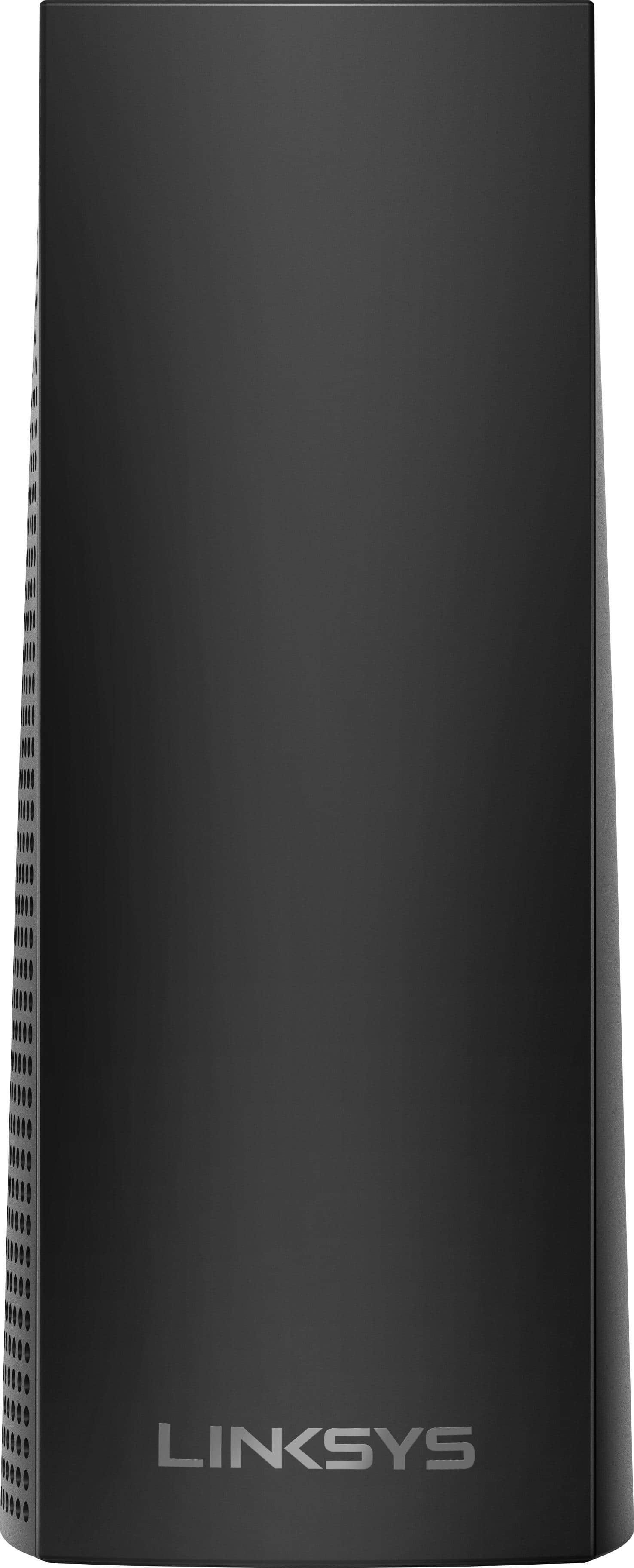
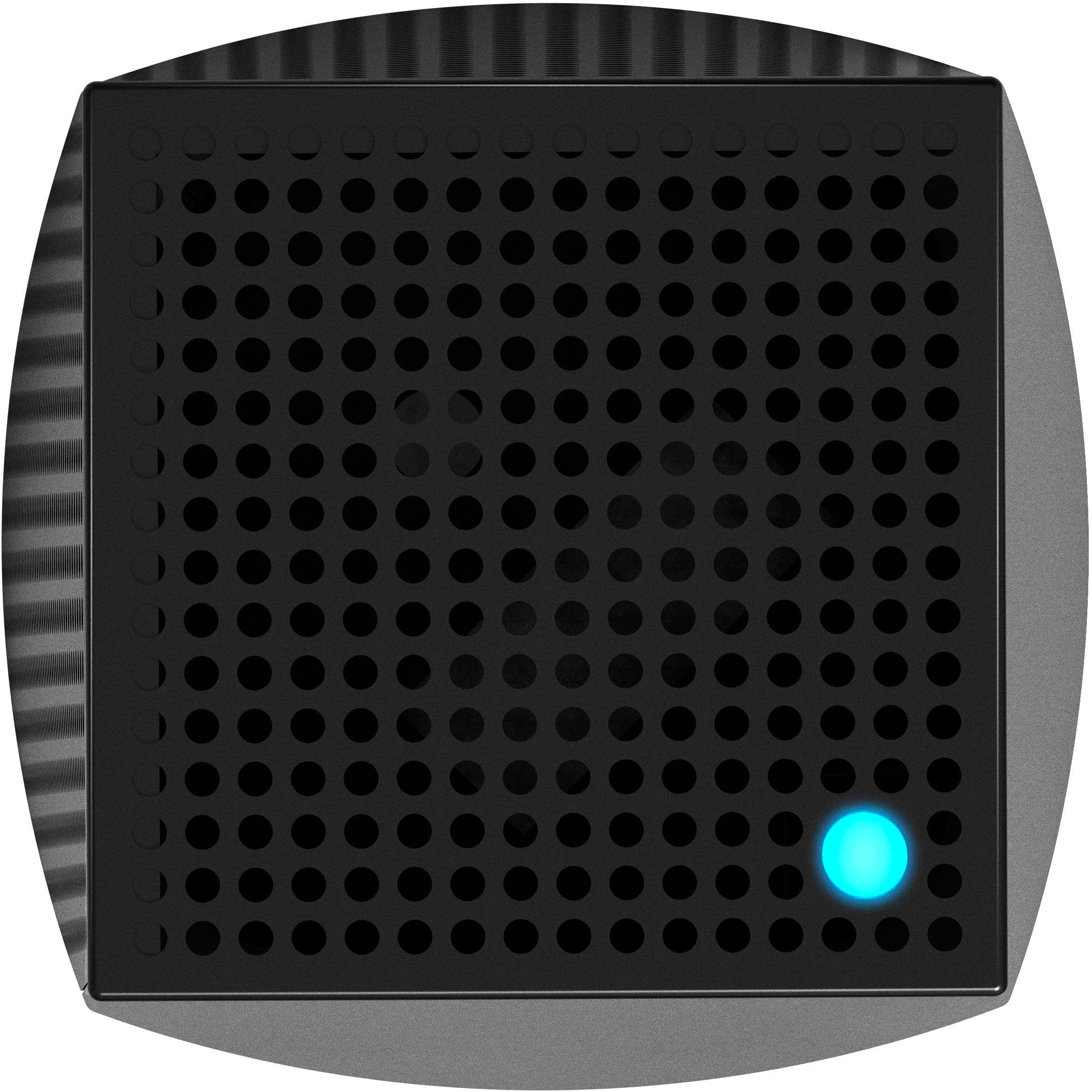
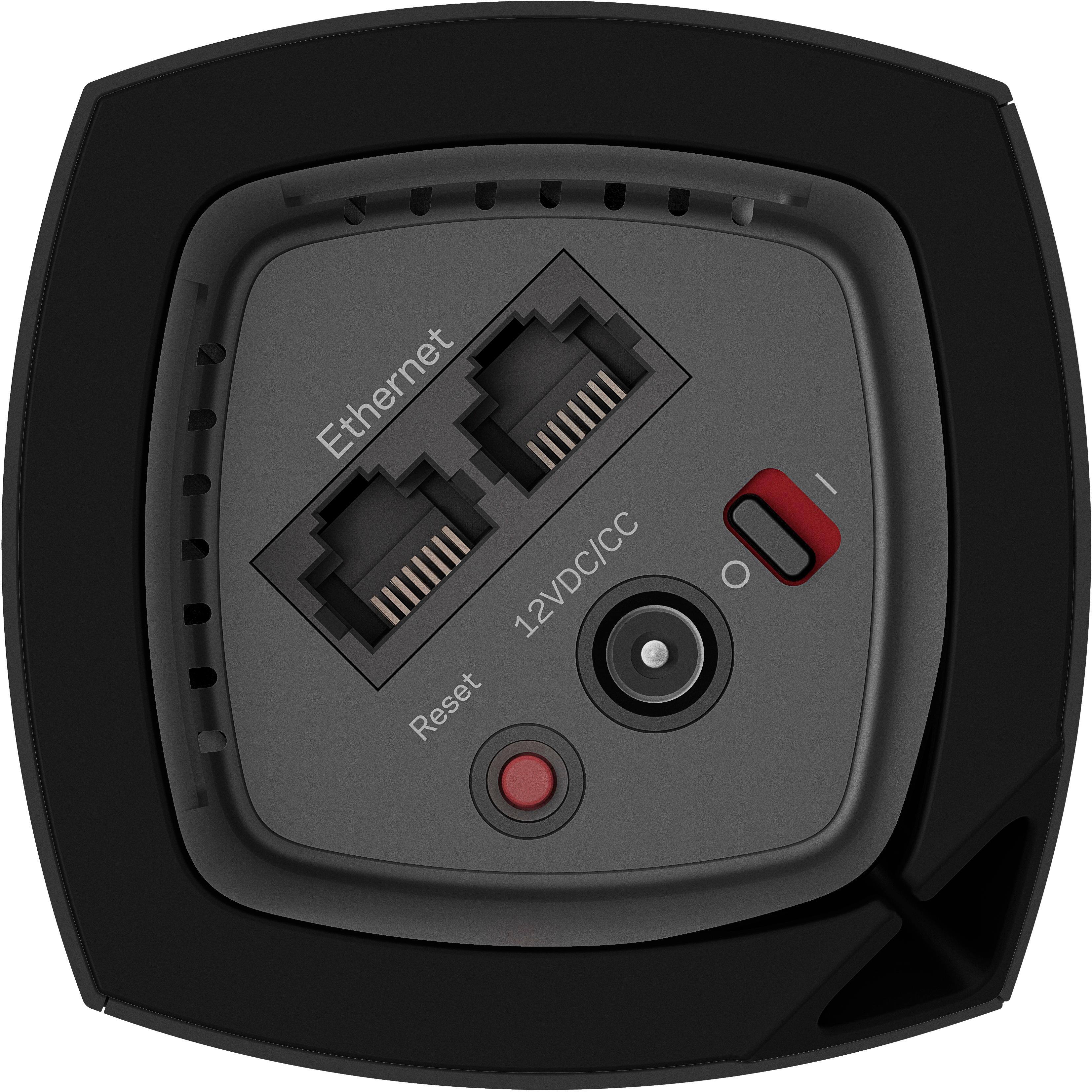
|Posted .This reviewer received promo considerations or sweepstakes entry for writing a review.Please note that I was given one of these from Best Buy in exchange for a fair and honest review. Also, this is a very long review, so the TL;DR summary is that it’s a good option for those looking at an easy to configure mesh network with good overall performance but it’s also missing usability features that should be available at its price point, such as the ability to add network storage directly to the system. Alexa connectivity helps somewhat but due to features you can get elsewhere, I think it’s overpriced and I'm slightly disappointed. I'd recommend it for those that only want the WiFi connection and nothing more, but for those that want more from their WiFi, I don't recommend it. (Best Buy doesn't have a "maybe" option.) ------------------------------------ Linksys Velop is more than a mesh WiFi system for your home. It’s a luxury WiFi system. While it’s not the fastest or most complete solution out there, it does solve these problems: 1) WiFi coverage in large homes 2) WiFi connectivity for lots of wireless devices 3) “Ugly Router” issues I’m going to start with the hardware itself. Each Velop node is small and has a distinct modern style that blends in with most décor. Connections, the power switch, and the reset button are recessed on the underside of each node, with a slot for cable management; each node features two auto-sensing gigabit Ethernet ports. Inside each node resides a quad-core processor that manages connectivity and runs the standard security things a router does. Keep in mind that none of the nodes have USB or eSATA ports, so you won’t be able to use the Velop system as a file server, DLNA media server, or print server. The “tri-band” WiFi connectivity each node is comprised of a 2.4 GHz radio capable of 400 mbps and two 5 GHz radios capable of 867 mbps each. One of the two 5 GHz radios is used for the “backhaul”, or node-to-node connection, meaning that each node has an aggregate total of 1267 mbps available for connection to your devices. However, if it’s something you’re able to do in your home, Velop has a neat trick up its sleeve – you can use Ethernet network infrastructure or power line networking (with appropriate adapters, of course) as the backhaul connection between nodes, therefore opening up both 5 GHz radios on each node for communication with your WiFi devices. You’ll still have to go through the standard setup procedure, but once that’s done, it’s just a matter of plugging the Velop nodes into your wired home network. You can even mix and match wired and wireless nodes if you need to. Setup is quite simple thanks to the Linksys app, as long as you have a smartphone or tablet with Bluetooth LE; this includes every iPhone since the 4s, every iPad since the 3rd generation model, iPod Touch 5th and 6th generation models, and a majority of Android phones since 2013. Your phone connects to the router and then configures the first node automatically through the app. You’ll want to connect the node to the modem your internet provider gave you directly; if you have a stand-alone router, you can unhook it and put it away for now. During the setup process, the only two things the Velop asks you to do are to tell it if it’s connected to a stand-alone modem or a gateway router device, and to give the wireless network a name and a password. After configuring the first node, you’ll configure any additional nodes. This configuration is automatic and takes a few moments. Once you’re done adding nodes (in theory, it supports an infinite number of nodes, and Linksys has stated it’s tested up to six nodes in the online support documentation), it will download updated firmware for the nodes and restart them all. At that point, you’re done messing with it and everything is ready to use. In terms of performance, it works pretty well. I was able to maintain download speeds of 275 mbps using my iPhone 6s and 115 mbps with my Moto Z Play. Compared to both a Linksys EA7500 and a Linksys WRT3200ACM, this stays consistently faster throughout my house, but when I’m within about 20 feet of the either of the stand-alone routers, I do hit faster wireless speeds. (Each Velop node features a 2x2 AC867 connection, while the EA7500 is a 3x3 AC1300 connection and the WRT3200ACM is a 3x3 wideband AC2600 connection.) Now for the drawbacks: First thing I noticed is there is no way to add storage to this router system, either via internal hard drive (think Apple AirPort Time Capsule) or USB (think every midrange stand-alone router on the market today). Also, this means there is no easy way to add your old USB-only printer to the network without leaving a computer on 24/7 to function as a print server or purchasing a separate USB printer network bridge device. My second problem with Velop is how configurable the system is. I am a power user when it comes to all my electronics. With my network equipment, I like to have control over what my IP range is. I like to set static IP addresses over devices that may need configuration or reconfiguration later. I also like – no, LOVE – web-based setup options. This app-only thing is actually annoying. The inability to configure the system as a set of access points so it can be used with a router that features built-in network storage capabilities or a print server is a major blow in my book; many midrange and high-end routers manufactured with these capabilities in the last few years can comfortably handle a gigabit connection to the internet via wired ports but lack wireless connectivity that can break 150 mbps. If this could be configured to be a set of mesh access points you could attach to your existing router, I’d happily up my score and you guys would be saving routers from the landfill. This would make Velop more attractive to people that use the additional features their current routers have. This would also make Velop more attractive to small to medium offices looking for an easy way to add WiFi connectivity to existing infrastructure, since it does compete with enterprise-grade gear at its price points. Speaking of, my final problem with Velop is price. Had it been able to do more than just WiFi, the price points would be justifiable. All in all, I’m giving scoring Velop at 3 stars. Performance is pretty good overall, but it just lacks features it should have at it’s price points. If you’re looking for fast connectivity and incredibly easy setup, it’s a good option. If you’re a power user like myself however, or if you do more with your existing router than just connect to the internet, even Linksys makes better options for you if you’re willing to do a little work.
I would recommend this to a friend - Pros mentioned:Coverage
made a difference
||Posted .This reviewer received promo considerations or sweepstakes entry for writing a review.We have a large house that one modem could not cover. This gives the entire house coverage, without losing bandwidth.
I would recommend this to a friend - Pros mentioned:Coverage
Perfect
||Posted .This reviewer received promo considerations or sweepstakes entry for writing a review.Grateful for this purchase! Our home is three floors & the VELOP is working very well! Really easy set up! Highly recommend!
I would recommend this to a friend