Customer Ratings & Reviews
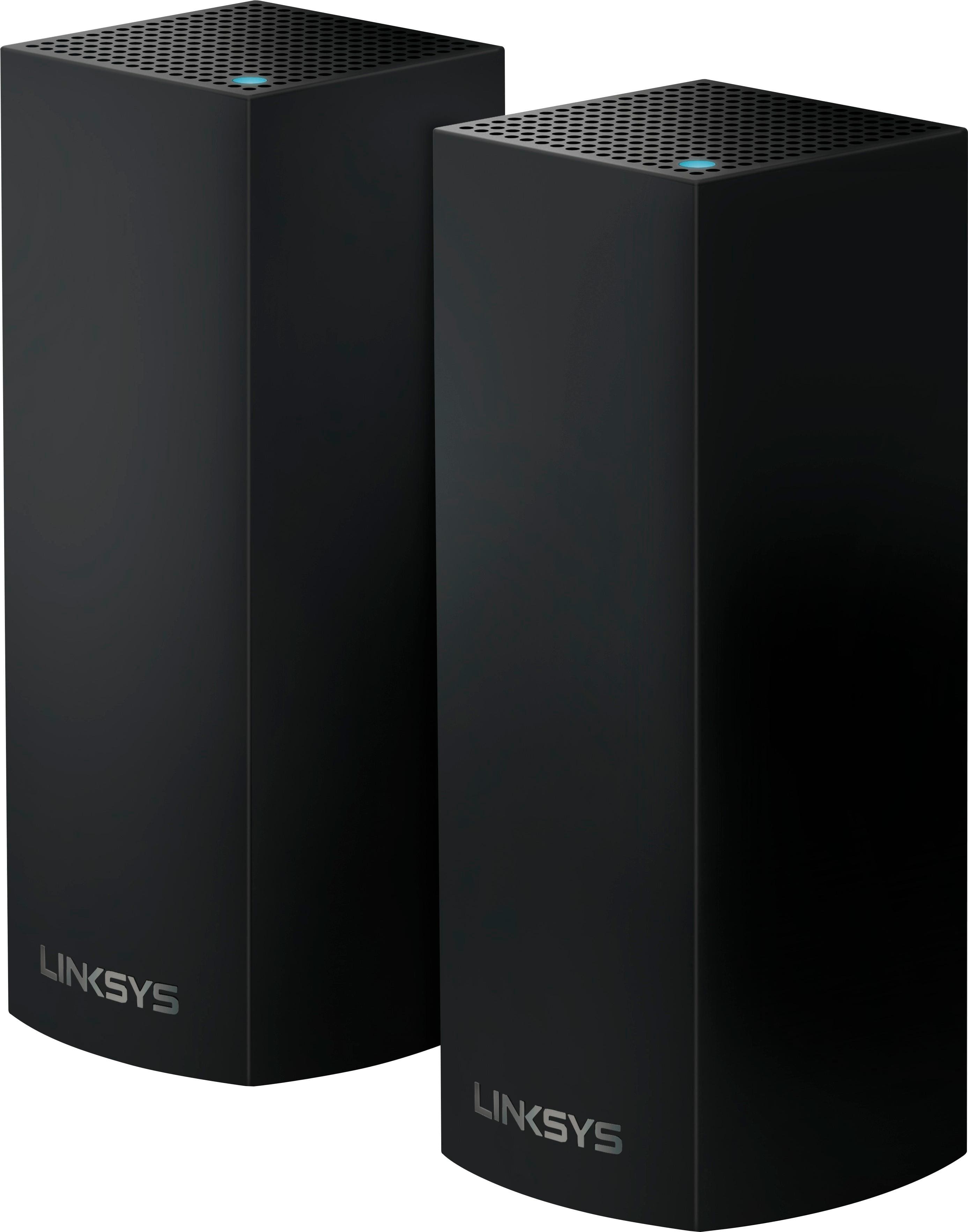
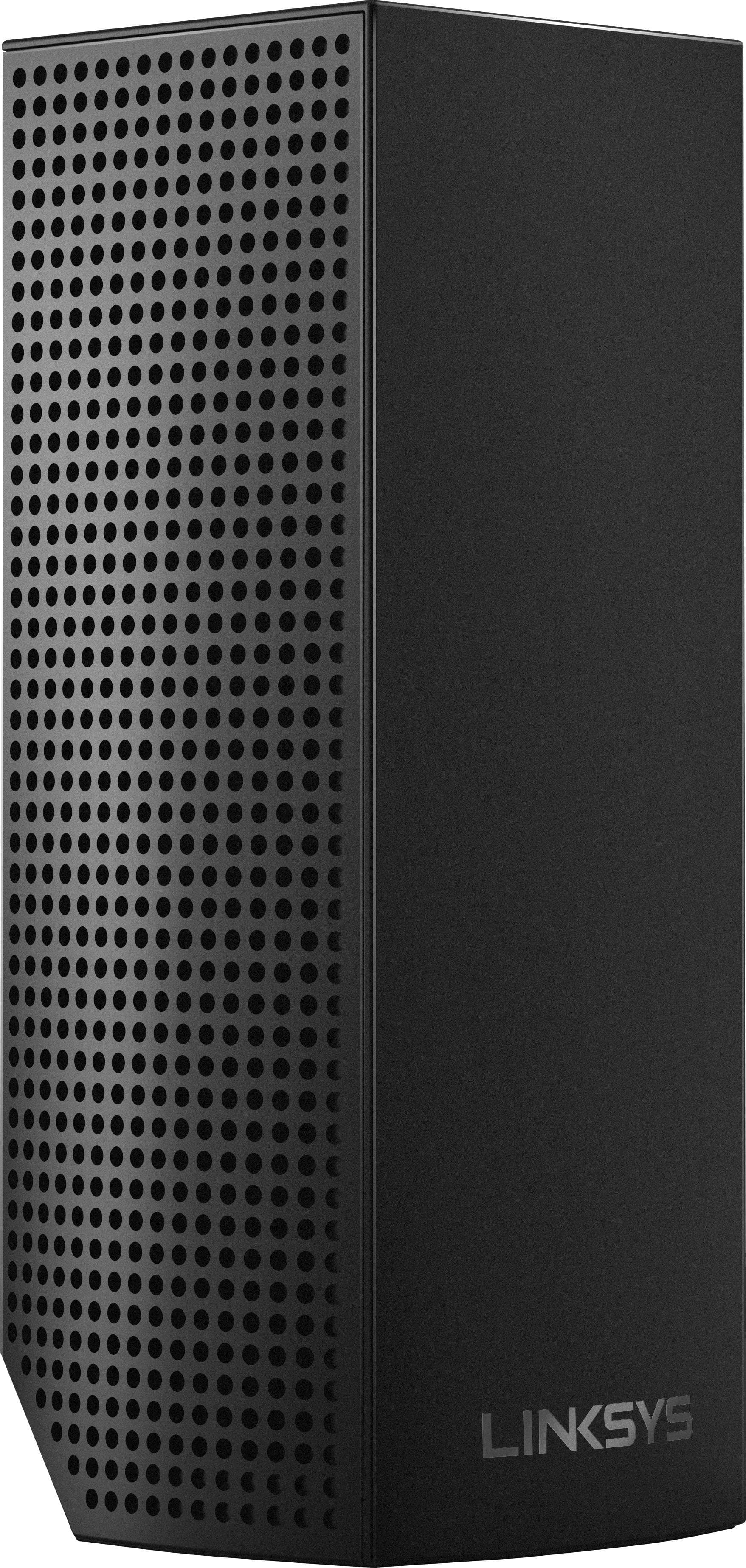
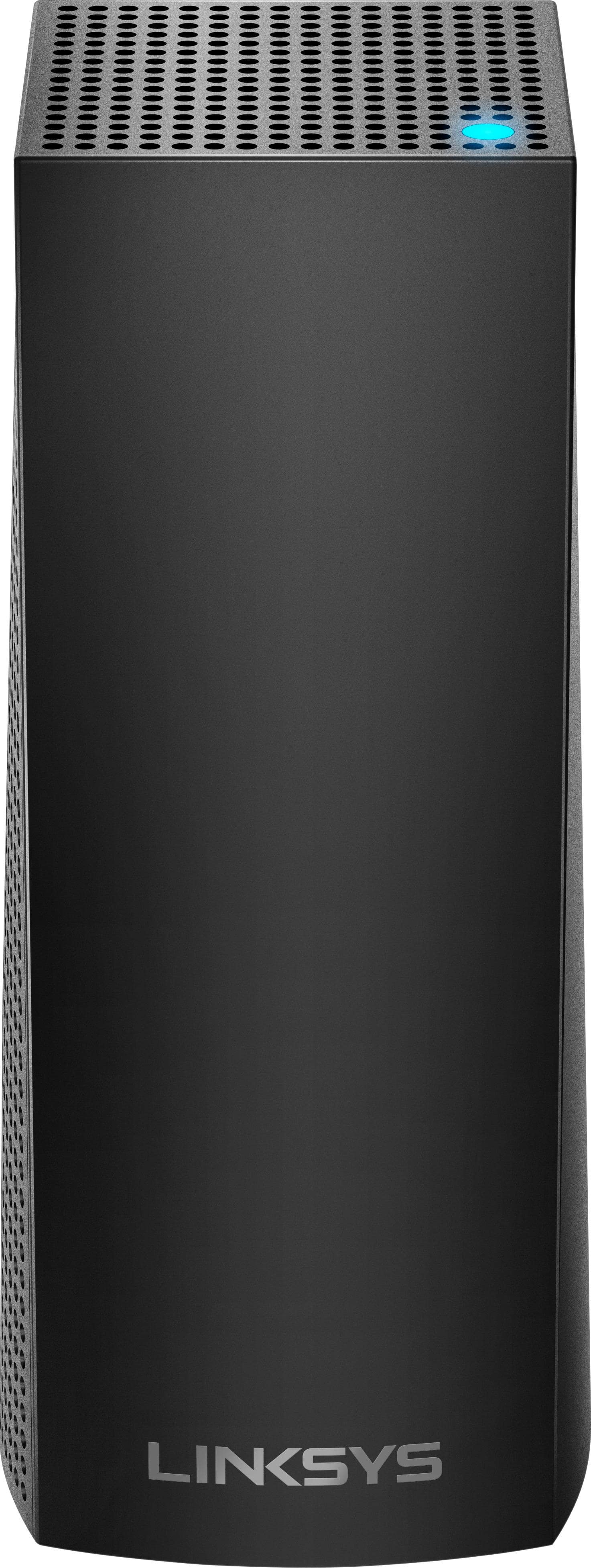
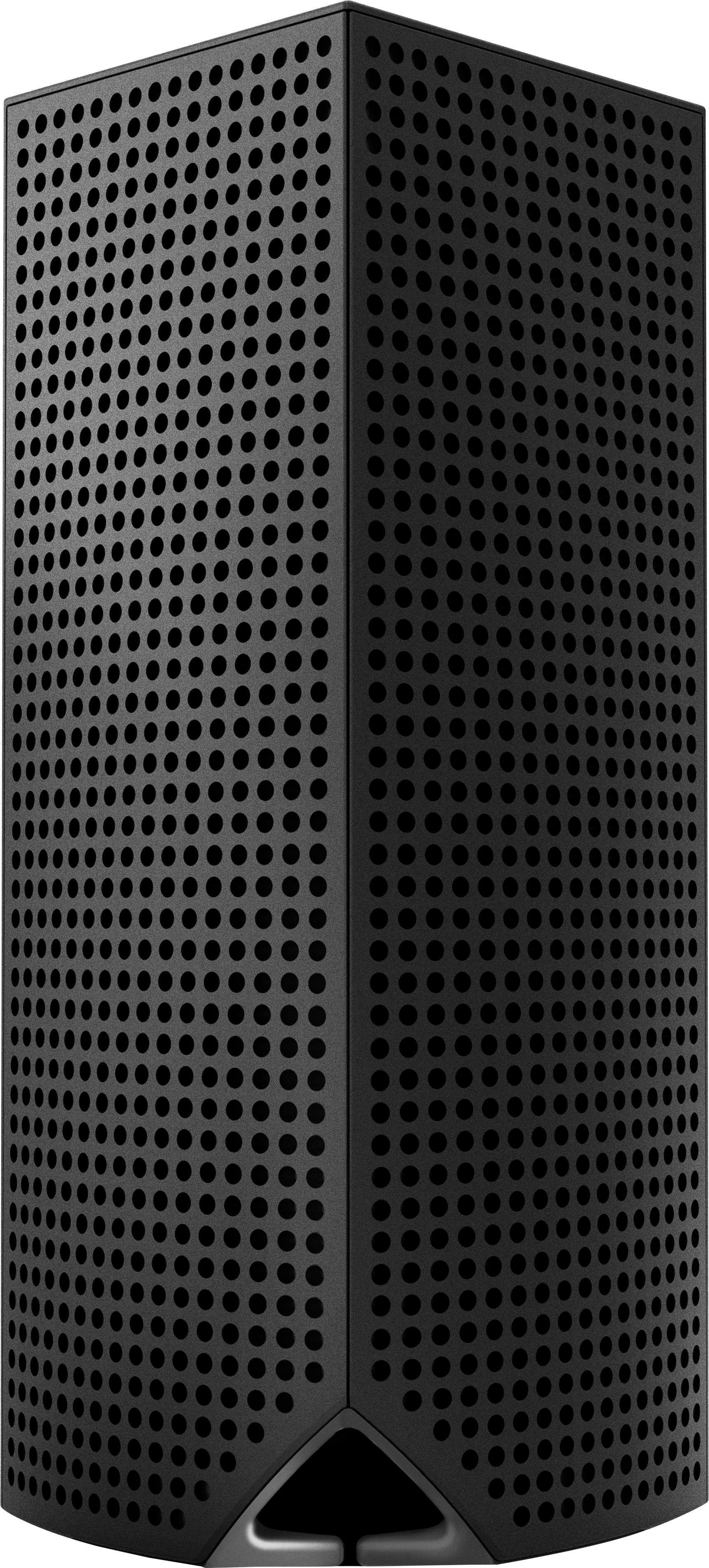
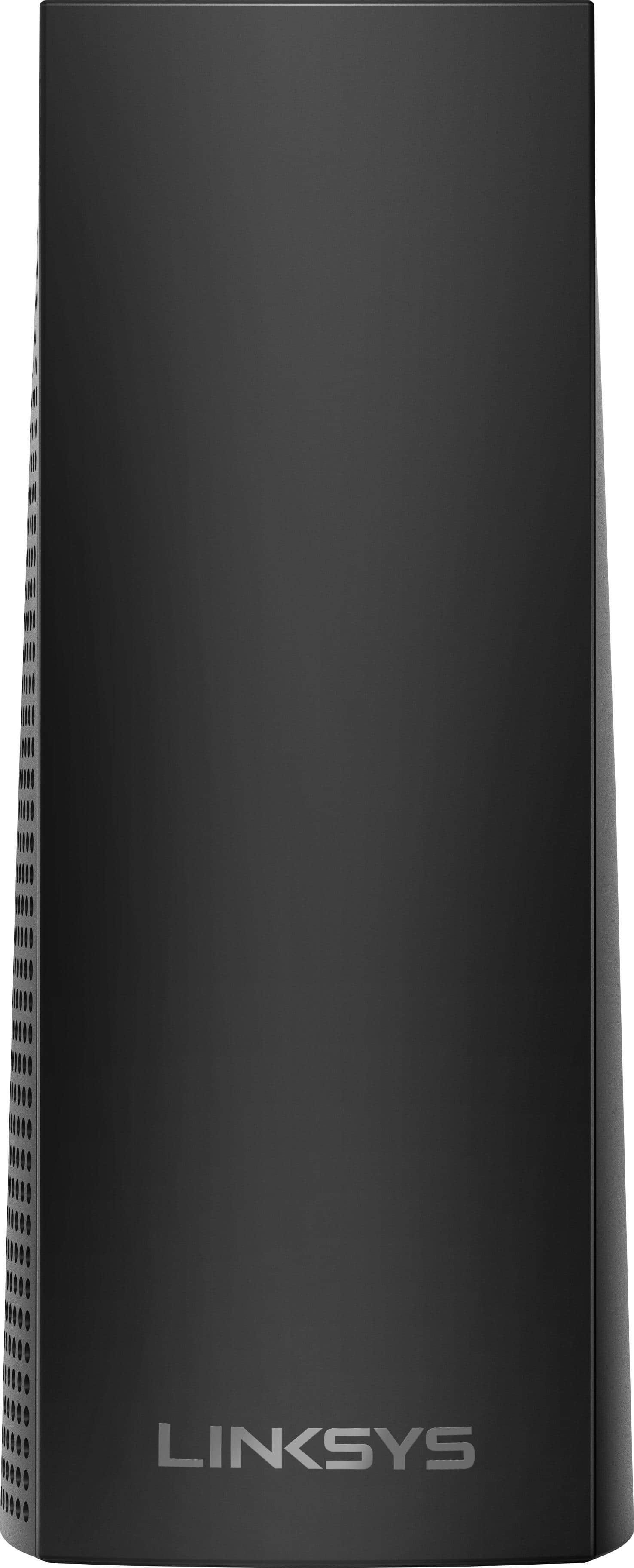
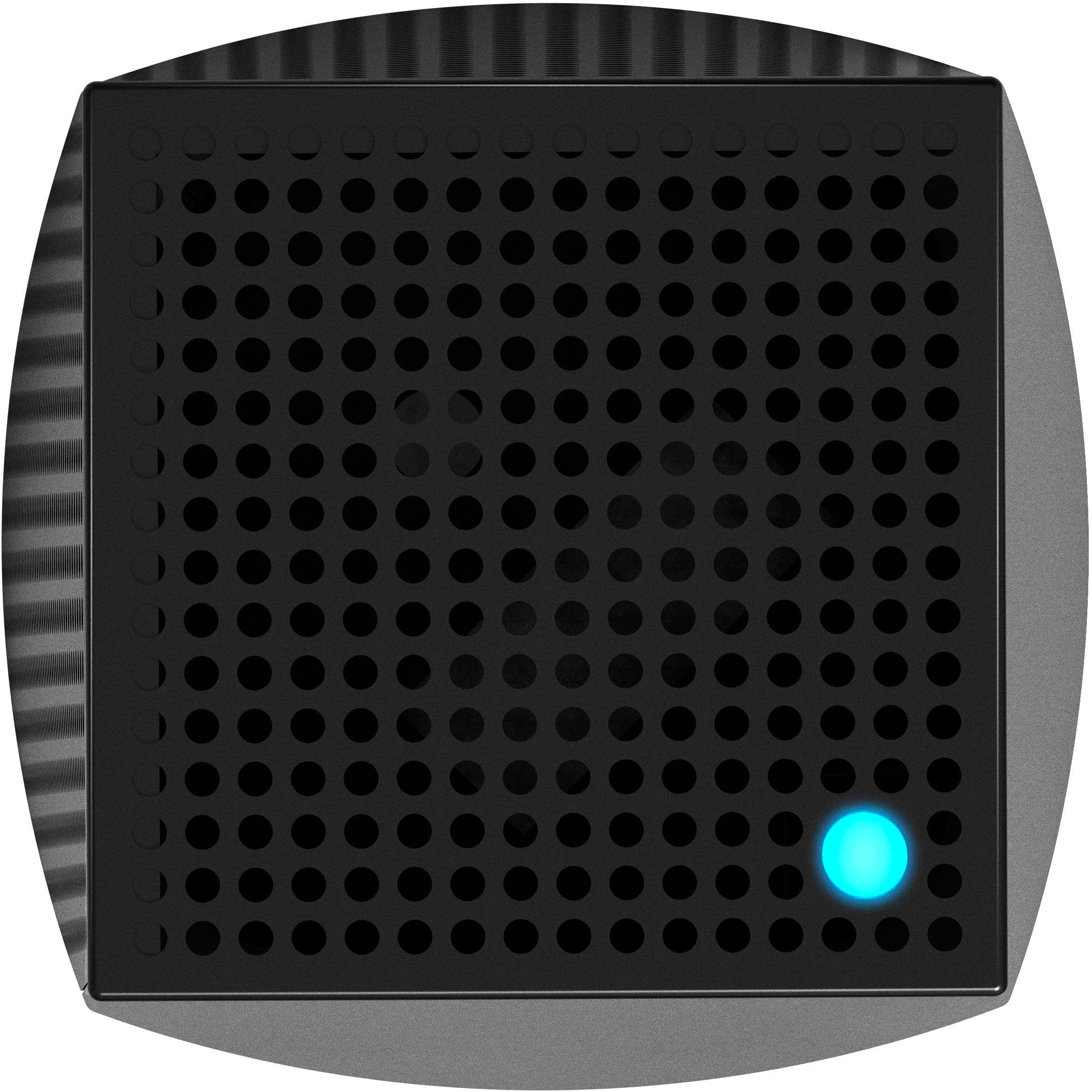
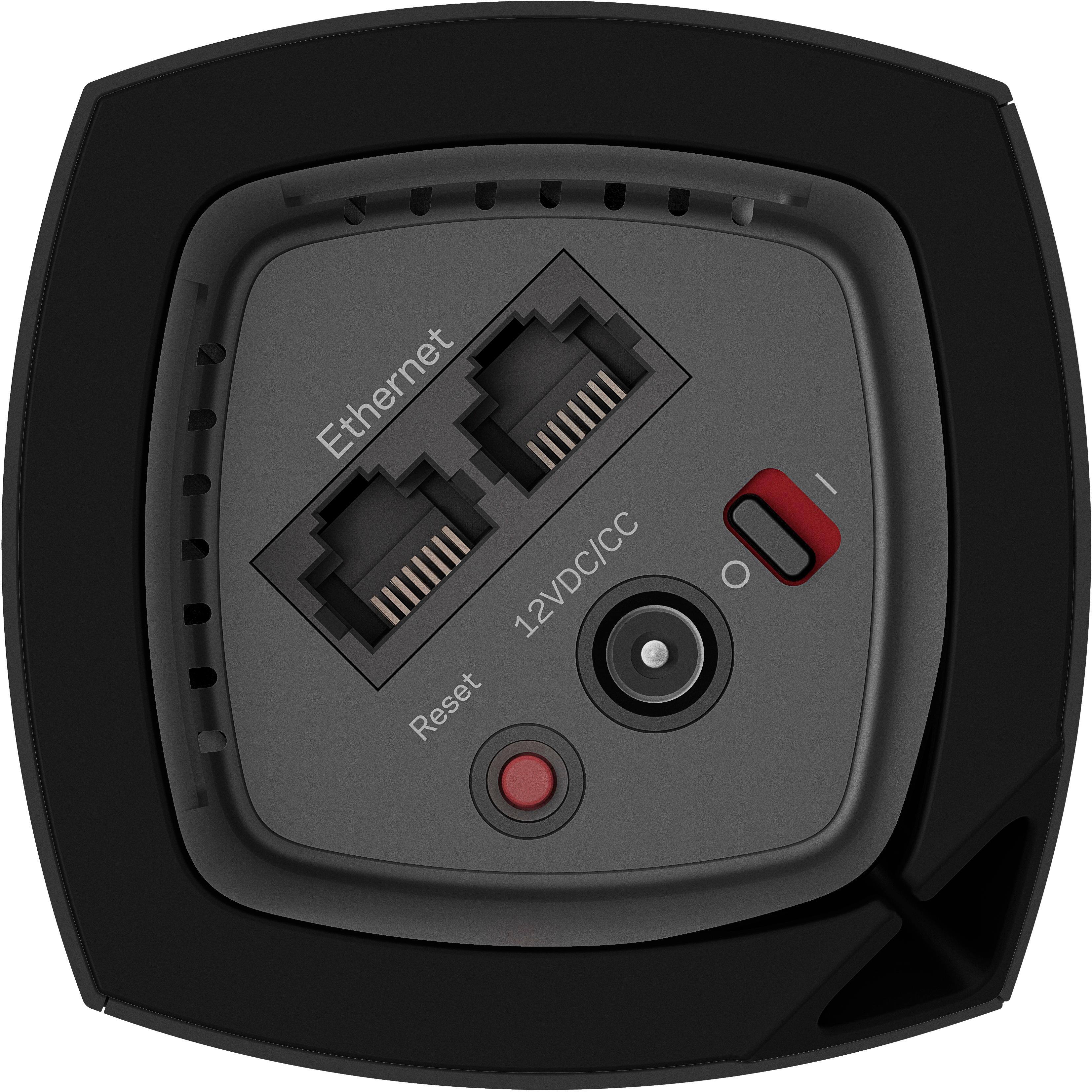
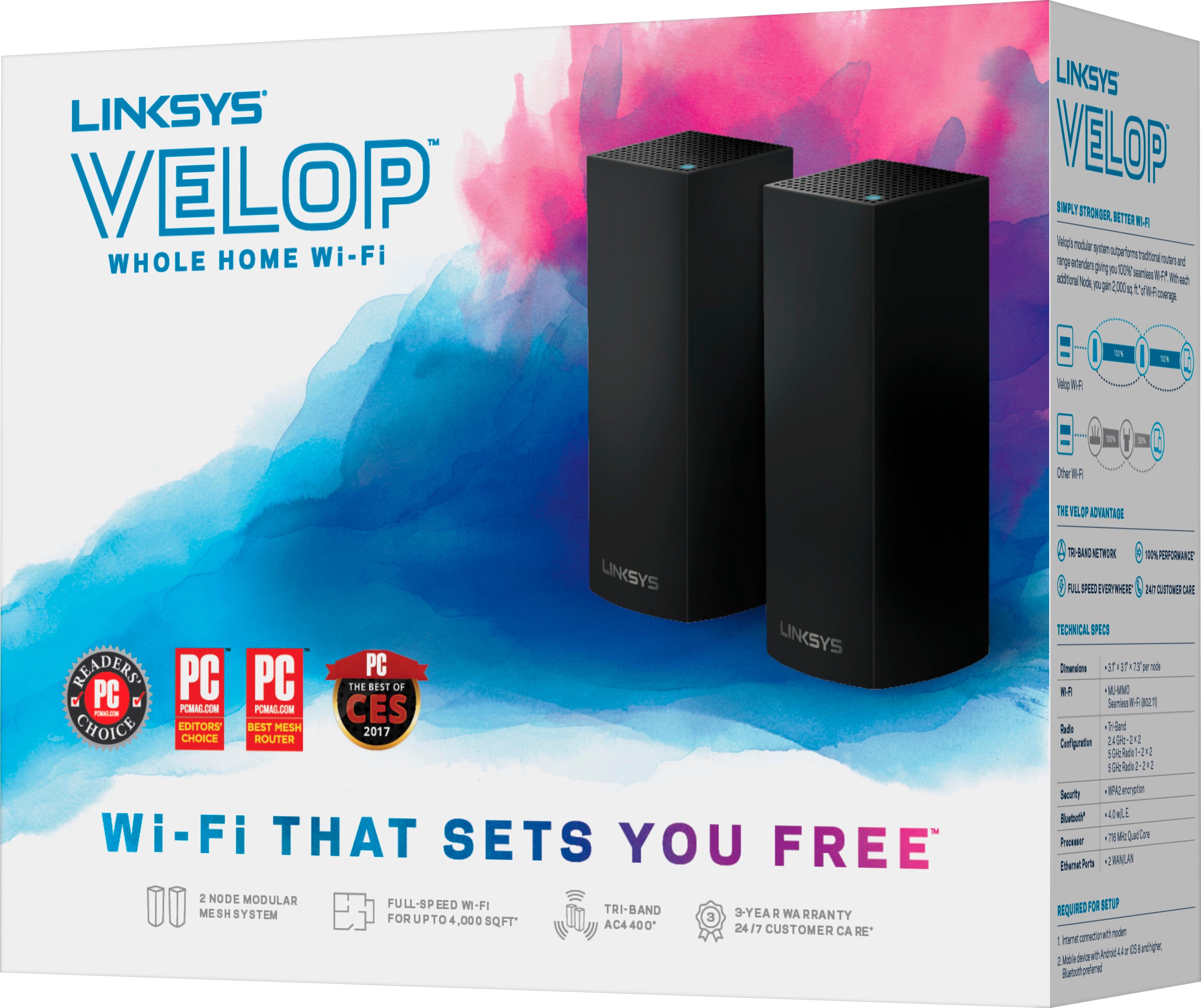
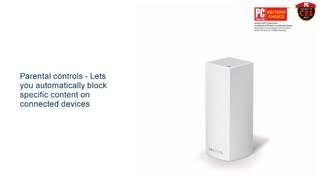

- Model:
- WHW0302B
- SKU:
- 5990500
Rating by feature
- Setup
Rating 4.3 out of 5 stars
- Range
Rating 4.3 out of 5 stars
- Signal Strength
Rating 4.3 out of 5 stars
Customers are saying
Customers are impressed with the Velop AC2200 Tri-Band Mesh Wi-Fi 5 System's ease of use, coverage, and setup, frequently citing its simple installation and strong signal. Many also praise the system's range and performance, reporting consistently reliable connectivity. However, some users experienced connection issues and noted the relatively high price. A limited number of Ethernet ports was also a recurring point of feedback.
This summary was generated by AI based on customer reviews.
- Pros mentioned:Setup
Great product!
||Posted .This reviewer received promo considerations or sweepstakes entry for writing a review.These units are a breeze to setup and work great!!!
I would recommend this to a friend - Cons mentioned:Connection
Not the greatest
||Posted . Owned for 2 weeks when reviewed.This reviewer received promo considerations or sweepstakes entry for writing a review.Not a good mesh system if you have smart home devices such as cameras or demo devices. This mesh system isn't user configurable to keep these devices active, so they end up losing connectivity several times per day.
No, I would not recommend this to a friendBrand response from Linksys Staff
Posted .Hi,
Thank you for sharing your feedback! We'd like to have our Escalation Engineers to contact you so that they can further look into the challenges that you are experiencing.
Just send us your contact details at LinksysCares@linksys.com so that we can escalate your case. Don't forget to include the link to this post as a reference.
We hope to hear from you soon.
Regards,
Thaddeus
Linksys Support
Was what i needed
||Posted .This reviewer received promo considerations or sweepstakes entry for writing a review.I have a 2500 square-foot house I couldn’t get Internet hooked up and down stairs all the way throughout the house. I Purchased the Velop system and could not be happier. I truly have perfect signal in every room in the house. On top of that I believe we have about 16 things on it and we are still getting 45 gigs out of our 50
I would recommend this to a friendGreat Wifi system
||Posted .This reviewer received promo considerations or sweepstakes entry for writing a review.Best one out of the most recommended I tried. Great product!
I would recommend this to a friendExcellent
||Posted .This reviewer received promo considerations or sweepstakes entry for writing a review.Eliminated all the dead spots in the entire house.
I would recommend this to a friend- Cons mentioned:Connection
Worked Great For A While
||Posted . Owned for 1 month when reviewed.This reviewer received promo considerations or sweepstakes entry for writing a review.These worked great and were easy to set up using the app. I loved my Wi-Fi signal, full strength throughout my house. But 1 month later (almost to the day) the whole system just crashed for no apparent reason. 2 of the nodes won't stay connected to the main router. The 3rd says it's connected but it doesn't seem to extend the Wi-Fi signal at all. When trying to connect to the Wi-Fi, I often get the message "Incorrect Password" even though the password is 100% correct. I'm very frustrated with this. I really wanted to give a 5 star review, but this new problem has really soured me.
No, I would not recommend this to a friendBrand response from Linksys Staff
Posted .Hi, JamSidious,
The Linksys Velop system should have a stable connection after the installation. You can try to use the channel finder on the app, make sure that the firmware is updated. Allow us to have our Escalation Engineers investigate your nodes further please share more details at LinksysCares@linksys.com with the link to this review for our reference.
Regards,
Jan
Linksys Support
Linksys WIFI 5 system(3 pack)
||Posted . Owned for 6 months when reviewed.This reviewer received promo considerations or sweepstakes entry for writing a review.Good idea to have 3 units as a set to cover a big house with strong signal, and a user can use only one of them or two. It will be even greater if the 3 units can be connected wirelessly. Using cables to connect the 3 of them is not a funny thing.
I would recommend this to a friend- Pros mentioned:Ease of use
Easy installation
||Posted .This reviewer received promo considerations or sweepstakes entry for writing a review.Easy to install nodes and works like it's supposed to.
I would recommend this to a friend - Pros mentioned:Ease of use

Power mesh wifi, limited by management software.
|Posted .This reviewer received promo considerations or sweepstakes entry for writing a review.I was very excited to receive the Velop wi-fi mesh system from Linksys. When announced this was the first true mesh tri-band AC-2200 MU-MIMO offering. Other mesh solutions offer the same 5 Ghz backhaul but Velop was the first to offer MU-MIMO support. (If you client devices support this. Many recent iPhones and Macbooks do) As far as packaging goes. When you open the box, you feel you have a very well built quality item here. The wifi nodes themselves are a little larger than the competition but take up a very small footprint. The routing of the power and ethernet cables is all done very cleanly underneath the unit. The included wall wart plug is larger than most other routers. I found it a little tight in my media center. Most likely this won't be something you feel you need to hide in your living room. Setup is relatively easy. Install an app on your smartphone and add nodes one by one and all the magic happens in the background. I did find that setup takes a little longer than other mesh solutions offered, but hopefully you are just doing this once and really what is the difference between 2 minutes vs 5 minutes per node. Each Velop node has the ability to add additional wired devices. Two per node except the main Velop which has one uplink for your ISP and one to any wired switch you might have. Unlike other Linksys Smart Wi-Fi solutions, the Velop can only be managed by your smart phone. There is no desktop browser management. A little trick I like to employ is using the same SSID and password for my new wi-fi routers. Once setup, all my wireless devices automatically join my network and my family doesn’t know that I’ve changed the hardware on them. When presented with the Linksys Smart wifi management dashboard, I did notice the Velop reported many of my wifi devices were connected via ethernet when in fact they were devices that have only wifi such as an iPad, etc. There doesn’t appear to be a way to test the connection quality of your Velop nodes after the initial setup. You are presented with a “All good” when you set up, but then you can never go back and see how well you have positioned your Velops. Linksys is way behind vs their competitors in this feature. Competitors will even show you which wifi device is connected to which mesh node, but Linksys does not offer such information with the Velop. Looking around the management dashboard, I didn’t see a way to change Velop to use anything but the 192.168.1.x network range. Testing the Velop, I was able to get a strong signal all around my home. I’m on three levels and over 2,600 square feet. Unfortunately like I mentioned, I was not able to try different placements because there is no way with the smart app to know what is optimal. During use I almost felt like three Velop’s were too many for my home. I frequently would be in the basement of my house and find that my phone didn’t drop the Velop in my office on the top floor. I would be left with a weak signal trying to connect up two flights of stairs. I believe this is actually a function of the client and not the Velop. The Velop has such a strong signal that I never end up dropping from one to the one closest to me. I ran several test with 2 phones, 3 iPads, and two laptops streaming Netflix at the same time. Velop had no issues. I tried just about all the features. Looks like you can give up to three devices priority on your network. There is also some very limited parental controls. You can block up to ten websites per device. Velop also lets you pause internet for devices on your network. The Velop system from Linksys is a very powerful mesh solution. It should be able to handle almost any bandwidth you throw at it. Hopefully as the product matures, Linksys will expand on the capabilities of the Velop. Would also like to see a couple small bugs worked out. I've used the Velop for two weeks now and everything has been stable. Really would love to see a placement tool in the near future. If you've had trouble getting wifi to all corners of your home, take a look at the Velop system.
I would recommend this to a friend Easy set-up
||Posted .This reviewer received promo considerations or sweepstakes entry for writing a review.We have had this now for two months. Set-up out of the box was really easy to do. Our download speeds have been consistently above the 250 mbps we are paying for from our internet provider. No longer have trouble streaming. Was able to cut the cord. Saving $100 a month which will have this paid for in two more months.
I would recommend this to a friendMuch better speed Internet
||Posted .This reviewer received promo considerations or sweepstakes entry for writing a review.Relatively easy set up; however, disappointed in that we purchased a product that was advertised as appropriate for a 1500 square foot larger home and set up of the routers throughout the house still required 2 to be placed closer to each other than we had hoped in order to be set up and receive signal.
I would recommend this to a friendMuch better reception on other side of house
||Posted . Owned for 1 month when reviewed.This reviewer received promo considerations or sweepstakes entry for writing a review.So easy to do! I already had an internet switch for other devices but wifi was terrible. I plugged this in and made very few adjustments in the Linksys app. It connected to my existing Linksys 8300 tri-band mesh router through the switch and gave off solid wifi.
I would recommend this to a friend- Pros mentioned:Ease of use
Great
||Posted .This reviewer received promo considerations or sweepstakes entry for writing a review.It really worked well for me and my family . Easy set up
I would recommend this to a friend - Pros mentioned:Ease of use
Easy Installation
||Posted .This reviewer received promo considerations or sweepstakes entry for writing a review.Purchased for multi level home. Simple installation.
I would recommend this to a friend So far so good.
||Posted .This reviewer received promo considerations or sweepstakes entry for writing a review.Setup was easy enough. The one node covers as much area as our old router. I wish the app would let you access to the full parental controls without having to pay a monthly subscription. I chose to use openDNS servers instead since they provide the same, if not better, control.
I would recommend this to a friendEasy To Setup. Product needs common functionality
||Posted .This reviewer received promo considerations or sweepstakes entry for writing a review.The Velop was easy to setup however it lacks some common functionality. Most would allow separation of 5Ghz and 2.4 Ghz however the Velop currently does not have this support. If your a non-technical person this product is right for you ... for technical people definite limits which give a bit of disappointment.
I would recommend this to a friendBrand response from Linksys Staff
Posted .Hi, DMPJAX,
We're glad to hear your experience with the setup process. As for the separation of the two bands, it is possible with the Velop system. Check out this article for your reference: https://www.linksys.com/us/support-article?articleNum=247428
Let us know should you need further assistance by emailing us at LinksysCares@linksys.com with your phone number and the link to this post so we can endorse you to our Escalation Engineers.
Regards,
Irish
Linksys Support
Best Mesh Wi-Fi product by far
||Posted .This reviewer received promo considerations or sweepstakes entry for writing a review.The setup of the system was not easy due to the configuration of the house, but the technical support was wonderful and had me up and running in half an hour. Since then we have had no problems and the wifi provides 5 bars throughout the house and to the backyard covering about a 1/4 acre of land. Was not expecting that kind of coverage.
I would recommend this to a friend- Pros mentioned:Range
Easy to setup
||Posted .This reviewer received promo considerations or sweepstakes entry for writing a review.Easy setup, great range, very happy with performance
I would recommend this to a friend - Pros mentioned:Coverage
perfect for big house
||Posted .This reviewer received promo considerations or sweepstakes entry for writing a review.This thing works great covers my house completely !
I would recommend this to a friend Excellent for extended wifi coverage
||Posted . Owned for 1 month when reviewed.This reviewer received promo considerations or sweepstakes entry for writing a review.These have made a big difference. My outside ring camera and my internet hookup for my pool pump would go in and out before. Set up took about 15 minutes. They do an excellent job. Don't be nervous about set up the instructions were simple for anyone with a smart phone.
I would recommend this to a friend