Customer Ratings & Reviews
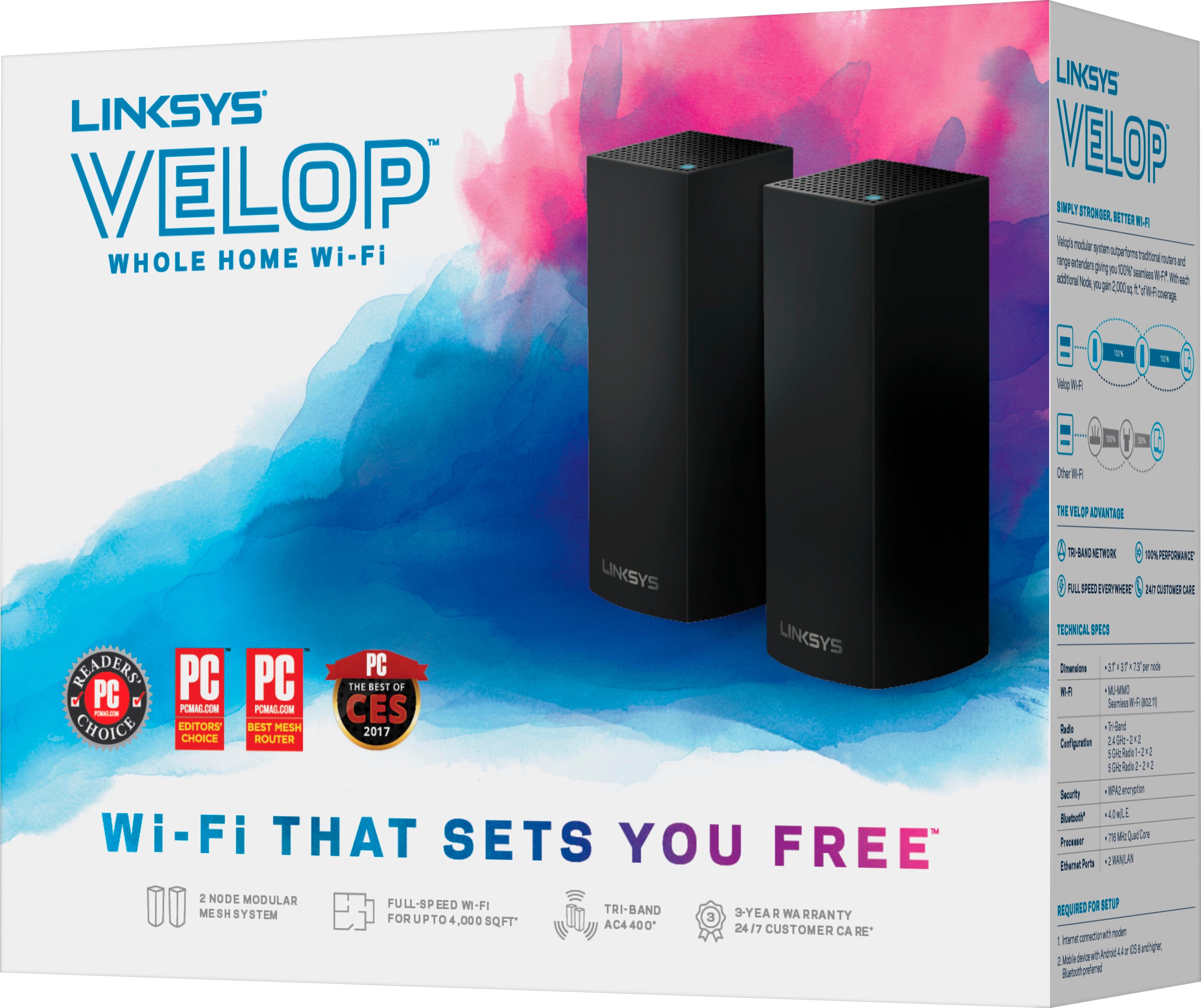
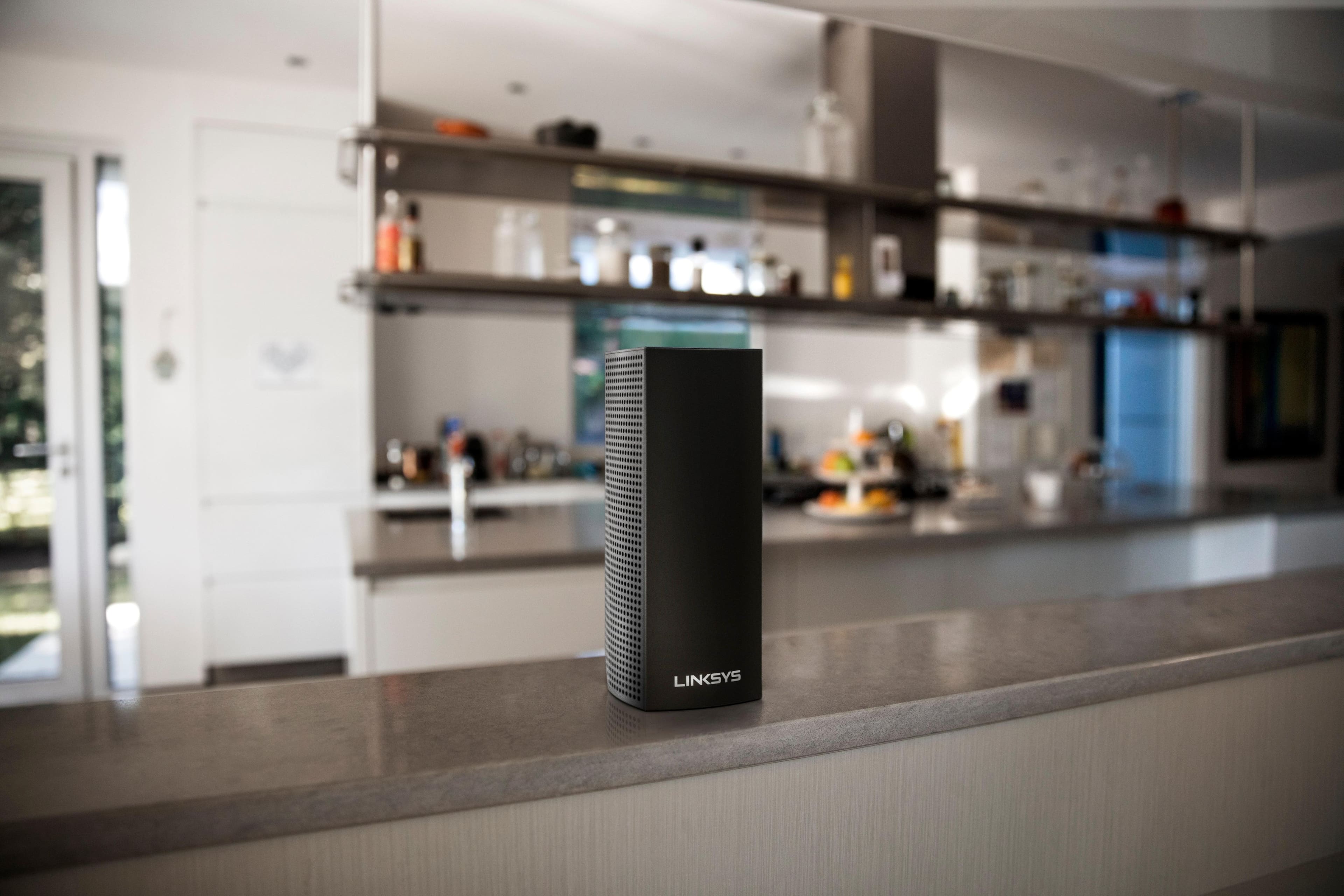
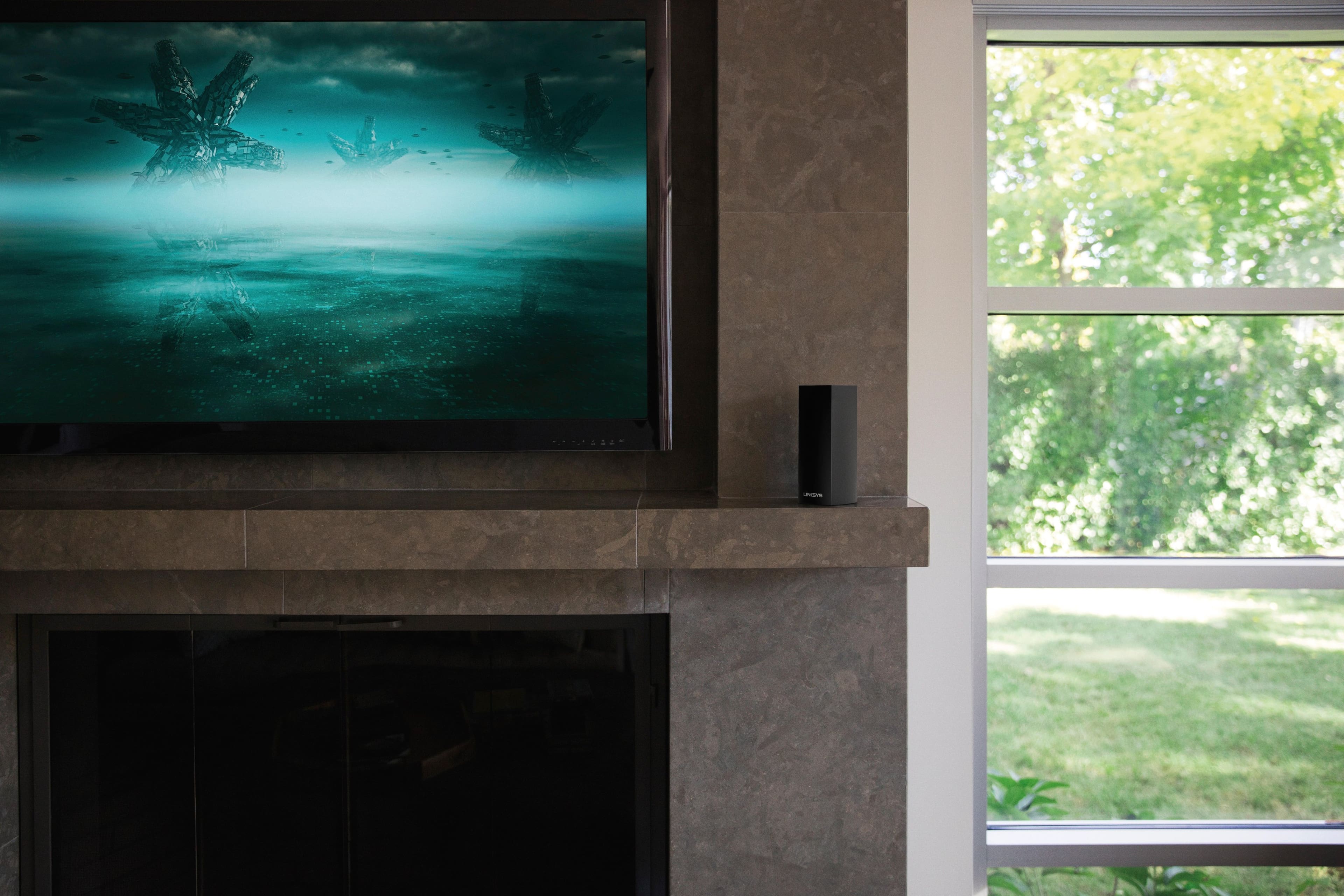
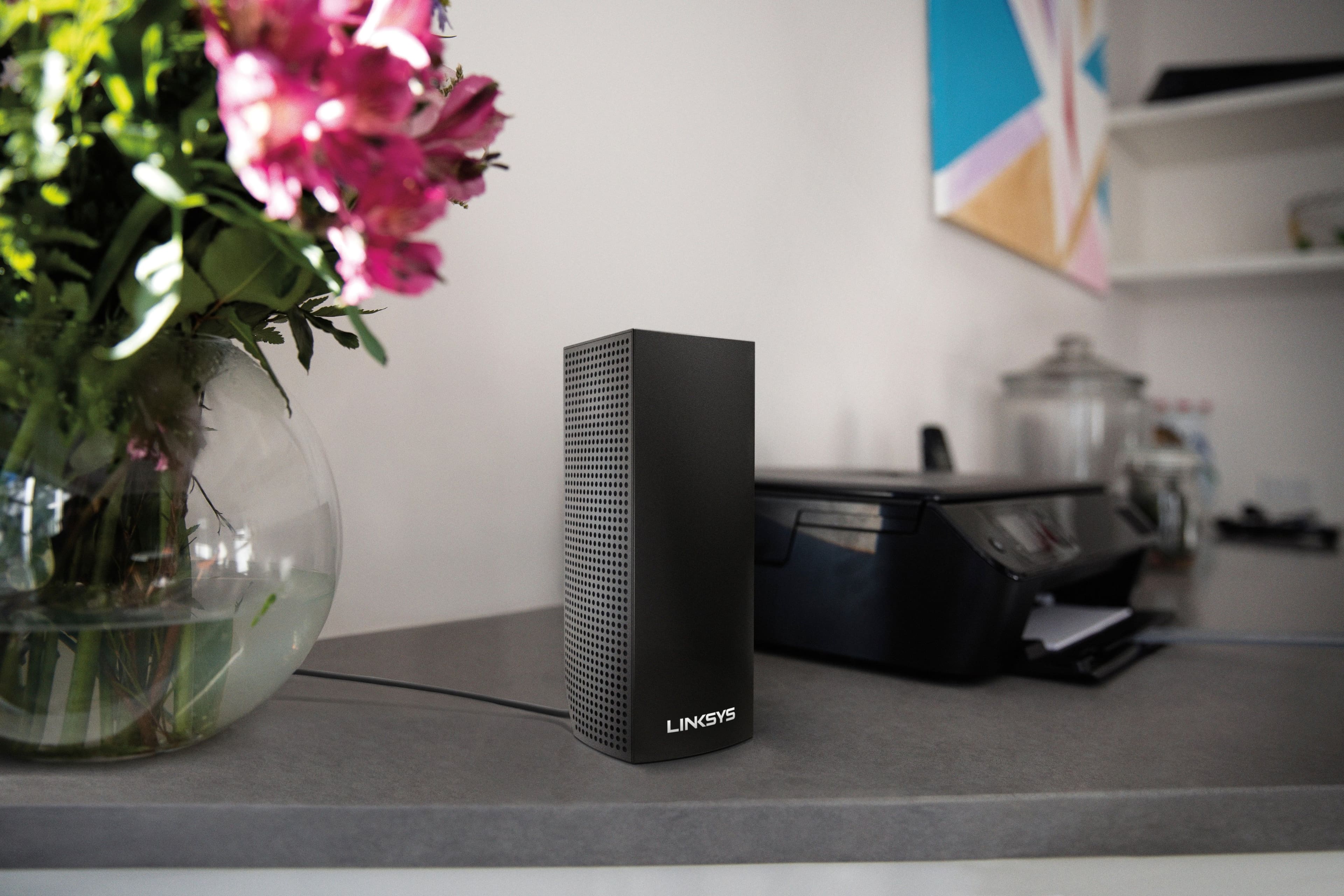

- Model:
- WHW0302B
- SKU:
- 5990500
Rating by feature
- Setup
Rating 4.3 out of 5 stars
- Range
Rating 4.3 out of 5 stars
- Signal Strength
Rating 4.3 out of 5 stars
Customers are saying
Customers are impressed with the Velop AC2200 Tri-Band Mesh Wi-Fi 5 System's ease of use, coverage, and setup, frequently citing its simple installation and strong signal. Many also praise the system's range and performance, reporting consistently reliable connectivity. However, some users experienced connection issues and noted the relatively high price. A limited number of Ethernet ports was also a recurring point of feedback.
This summary was generated by AI based on customer reviews.
Most advanced WiFi system
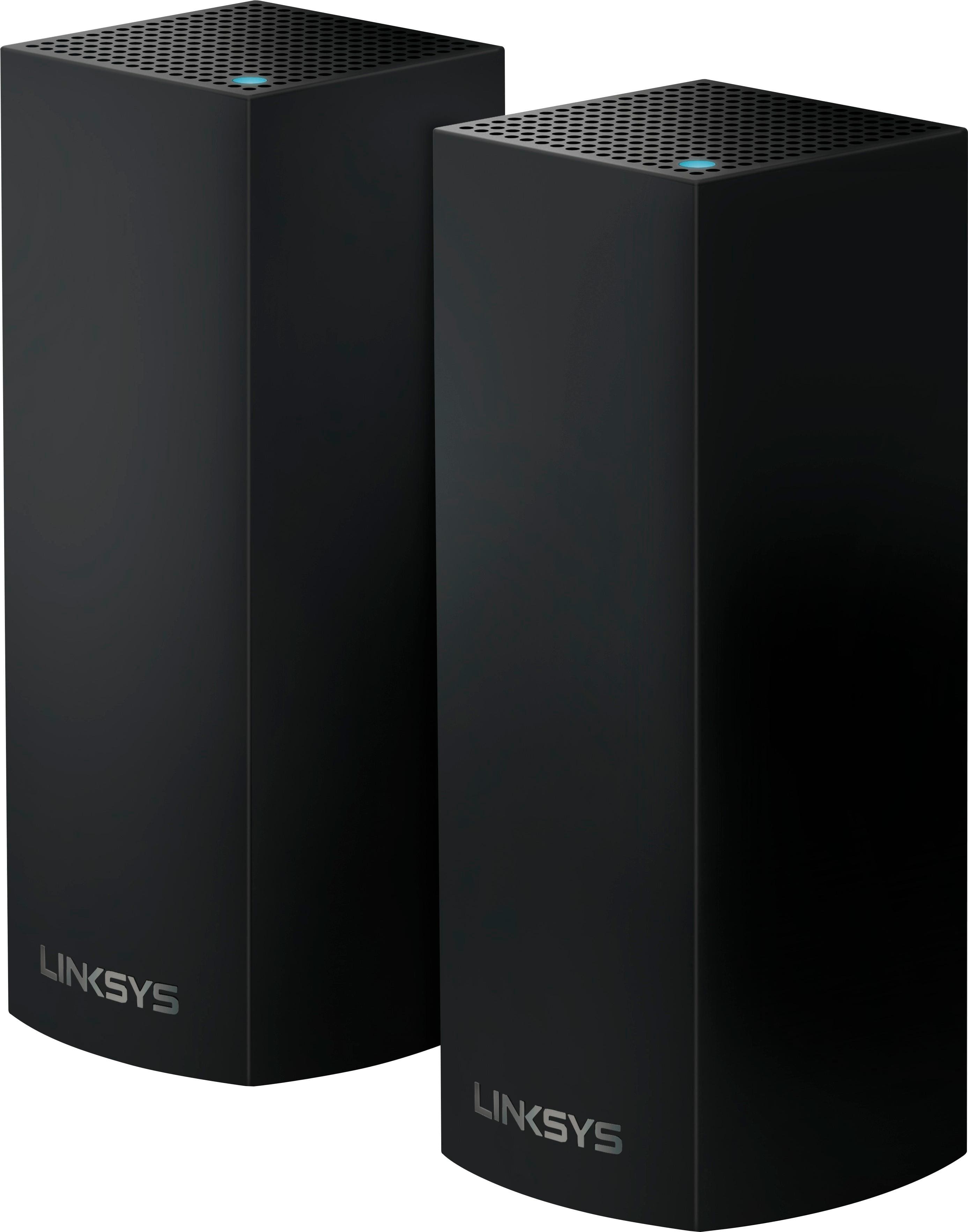
||Posted .This reviewer received promo considerations or sweepstakes entry for writing a review.I have a 3 floor house and this is the only unit that can cover the entire area. I have 3 nodes, one on ground and one upstairs, and one outside. This setup covers my remote WiFi camera mounted 500 ft away.
I would recommend this to a friend- Pros mentioned:Coverage, Setup, Speed

Excellent Distance - Limited Customization
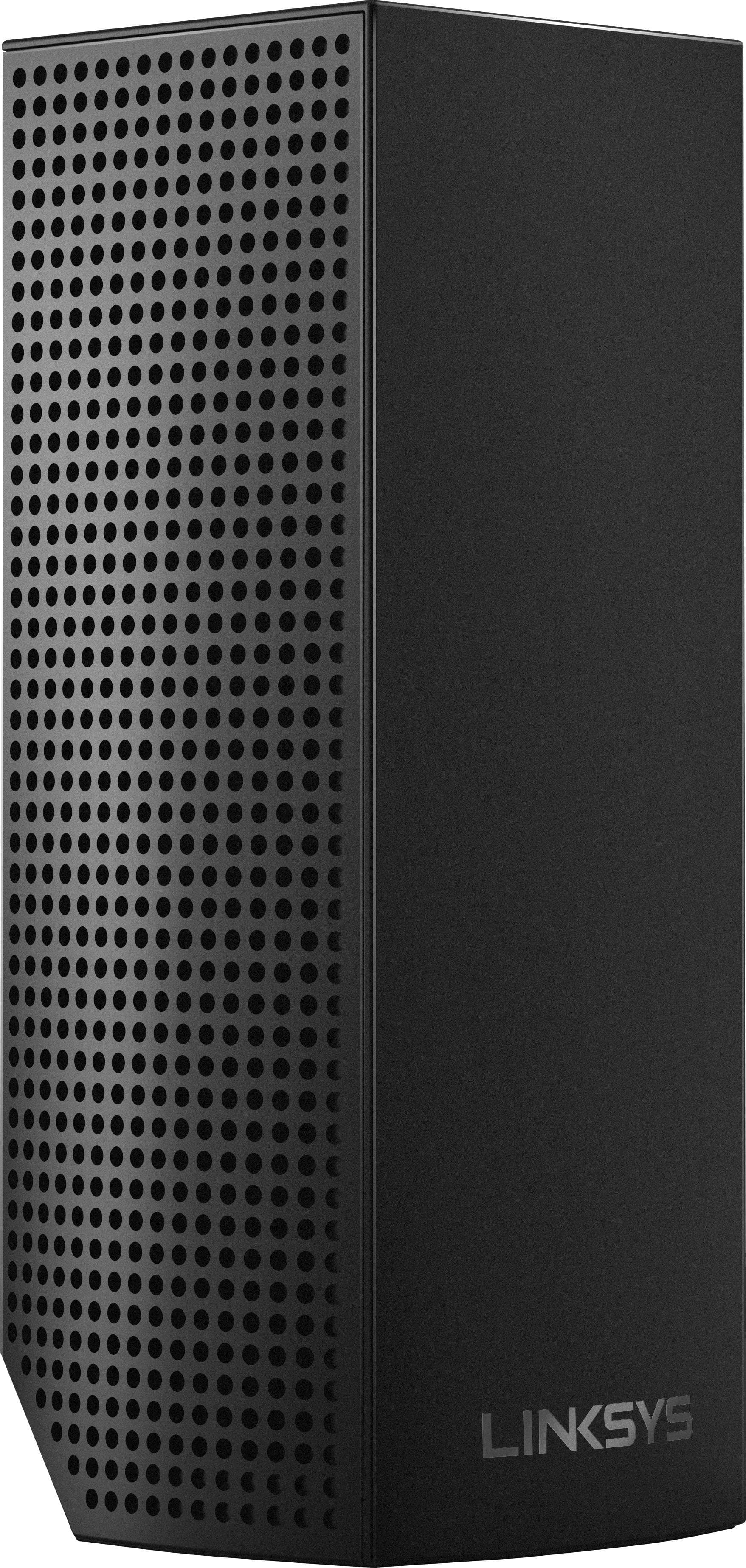
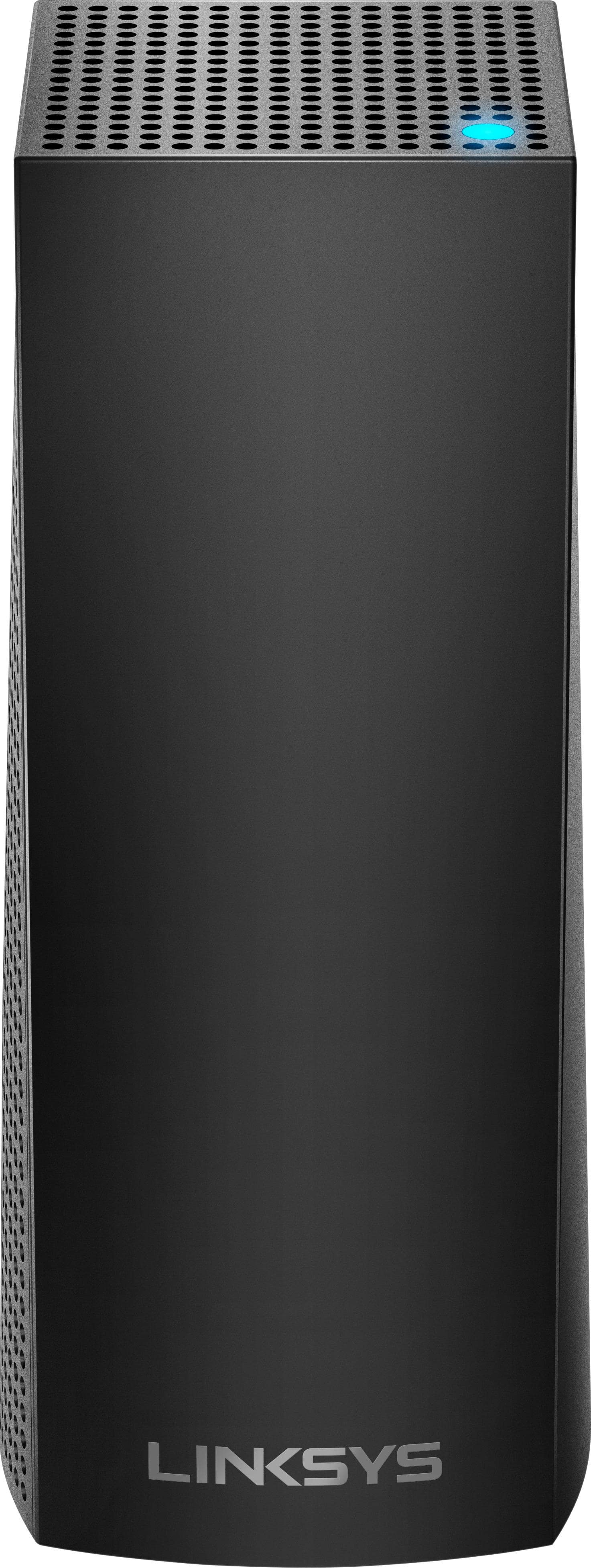
|Posted .This reviewer received promo considerations or sweepstakes entry for writing a review.In terms of coverage and speed, this is the best router I've ever used. In terms of customizing the routers settings, many of the typical settings are missing or not accessible with this router. However, if all you need is a router that will provide the best coverage and speed throughout your home, than picking up at least a pair of these will accomplish that task. Please note, before I go into further detail about the pros and cons of this router, it should be noted that I am using the 3-pack. One Velop router (tower) can be purchased and setup as a stand alone router, but the real strength of this system is achieved when two or more routers are used together. I'll explain later. But first, Here are some Pros: -Coverage/Distance -Tri-Band (one 5GHz frequency dedicated to the back-haul) -Wireless Speed/Data Transfer -Reliable (stable internet connection) -Simple and fast installation through App -Can be used as a bridge for network capable devices that can only connect through Ethernet cable -Aesthetically pleasing Here are some Cons: -No USB ports -Limited to basic router settings (port forwarding, guest access, mac address clone, mtu, MAC filtering) -Limited Parental Controls -Cannot customize local network beyond reserving an IP address -No VPN options -No DMZ options -cannot remotely reboot router -cost of each unit Again, if you do not have a need for diving into the detailed settings of your router for heavy customization, then this is the perfect router for establishing a strong, fast, and reliable network. So if coverage is an issue, a pack of two or three of these towers/units will provide you with excellent wireless internet throughout your home. Each unit can easily cover 1000 square feet. So if you have a large home, by strategically placing them evenly apart (every 1000 feet or so), you will get reliable coverage. If you constantly have dead spots in remote parts of your home, this system will address this. Returning back to my comment about setting up at least two of these units, here's an explanation as to why this system works best with more than one router. The Velop is a "mesh" network. It is a tri-band router that uses two 5 GHz networks/radios and one 2.4 GHz network/radio to connect your devices. The benefit of this system is that one of the 5 GHz radios is solely used to communicate between the small stand alone routers. This is called the "back-haul." While the other two radios are used to provide the wireless connections to your devices. Having a separate 5 GHz network (radio) dedicated for router to router communication allows for maximum data transfer speeds (throughput). It bypasses the limitation of a range extender, which potentially can reduce data transfer speeds by half. Overall, I'm really happy with this router. I would have given it 5 stars if more of the standard features were available to customize. Unlike every other router I've used, this router doesn't allow you to log into it's local IP address to view and change settings. If you attempt to go to the admin page (192.168.1.1), you're presented with a page that tells you to download the App to manage the router. Maybe, eventually, Linksys will make additional settings available within the App, but that remains to be seen. Aside from these limitations, the network this router creates is exceptional. Again, if you need to cover a large area/house, and want to get rid of dead spots or unreliable internet, this router will not disappoint.
I would recommend this to a friend Easy set up! Very effective to extend WiFi!
||Posted .This reviewer received promo considerations or sweepstakes entry for writing a review.I followed the directions for set up! It was very easy! The product is very effective extending WiFi in the home. I have not tried to prioritize devices but I am told this works very well!
I would recommend this to a friendworks great
||Posted .This reviewer received promo considerations or sweepstakes entry for writing a review.upload speeds are amazing... i'm getting 200/100 as i should when on 5Ghz. But i find myself getting dumped to 2.4Ghz often and speeds are close to 30MB.... i wish i can force 5Ghz only.
I would recommend this to a friendextended coverage over the google rocky pucks
||Posted .This reviewer received promo considerations or sweepstakes entry for writing a review.I couldn't get as much range as I needed for streaming in the guest cottage so I upgraded to Linksys Velop tri-band and greatly improved the range versus Google mesh with 4" hockey pucks".
I would recommend this to a friendGood to Go
||Posted . Owned for 1 month when reviewed.This reviewer received promo considerations or sweepstakes entry for writing a review.So far so good. With Mesh system my download speed is where it was supposed to be. Life is so much better and my video calls no longer represent Max Headroom.
I would recommend this to a friendWifi Mesh for homes over 3500 sqft
||Posted . Owned for 3 weeks when reviewed.This reviewer received promo considerations or sweepstakes entry for writing a review.we only own the item for a short time so we cannot give a very accurate opinion but after about 1 month all is running well
I would recommend this to a friendLinksys Router (3/set) works Perfectly for Me!
||Posted . Owned for 3 weeks when reviewed.This reviewer received promo considerations or sweepstakes entry for writing a review.The best thing I’ve done is getting the Linksys Router for my house. My Roku works so well after purchasing my Routers (set of 3, for all over the house)
I would recommend this to a friend- Cons mentioned:Connection
One Node Already is Broke
||Posted .This reviewer received promo considerations or sweepstakes entry for writing a review.One of the three nodes won't connect with the other nodes, even when it is next to it...only had this for a month...would recommend otherwise...
No, I would not recommend this to a friendBrand response from Linksys Staff
Posted .Hi, Mike,
Adding nodes to your existing Velop system is normally easy. To assist you with the process, please email us with your phone number and the link to this post so we can have our Escalation Engineers contact you.
Regards,
Irish
Linksys Support
Not sure if it is helping
||Posted . Owned for 1 month when reviewed.This reviewer received promo considerations or sweepstakes entry for writing a review.I bought these 3 pack to extend my coverage for my existing 2 Linksys MX10 Velop AX5300 routers. They are all connected successfully, but I did not see any improvement on my coverage signal, I am not sure if these AC2200 routers are doing their job because I have not found a way on the app to identify which router is working on my device. I now regret to buy these model, I would prefer to purchase another couple of MX10, which are working perfectly.
No, I would not recommend this to a friendBrand response from Linksys Staff
Posted .Hi John,
The Linksys WHW0303 Mesh Wii-Fi System is expected to provide a wireless coverage up to 6,000 sq.ft. Make sure to run the latest firmware to all nodes for further isolation. Email us at LinksysCares@linksys.com along with your contact details and the link to this review for our reference. Our Escalation Engineers would love to help us out and figure out what's causing this challenge.
We'll wait for your email.
Regards,
Carl
Linksys Support
Easy and Simple
||Posted . Owned for 2 weeks when reviewed.This reviewer received promo considerations or sweepstakes entry for writing a review.Was a very simple and easy setup to my existing router and network. So far the wifi seems alot better. The automatic switching to one name is so much easier.
I would recommend this to a friendThese are OK
||Posted . Owned for 3 weeks when reviewed.This reviewer received promo considerations or sweepstakes entry for writing a review.Seems our home has too many walls for just 3 to communicate. We may need more. Just be prepared and don’t ever have anything blocking them.
No, I would not recommend this to a friendEven Internet Through out House
||Posted .This reviewer received promo considerations or sweepstakes entry for writing a review.We have a 3200 square foot condo that is very long and narrow. The modem is at one end so even with boosters we could not get internet on the other end. Now we have the same strength everywhere. We love it!
I would recommend this to a friendLinksys
||Posted . Owned for 1 month when reviewed.This reviewer received promo considerations or sweepstakes entry for writing a review.Product works well with Wi-Fi and has helped me with having teenagers since we use our Wi-Fi all the time. It doesn't drop and it streams like we need it to.
I would recommend this to a friendSay Yes to Mesh!
||Posted . Owned for 7 months when reviewed.This reviewer received promo considerations or sweepstakes entry for writing a review.I told Geek Squad that my home had weak and dropping connections. This mesh unit was recommended. 100% improvement. Worth every penny!
I would recommend this to a friendGOOD PRODUCT
||Posted . Owned for 2 months when reviewed.This reviewer received promo considerations or sweepstakes entry for writing a review.THESE ARE GREAT FOR EXTENDING MY WI-FI, LIKE TO USE AROUND THE HOUSE FOR EXTENDING MY WIRELESS COMPUTERS AND TVS WOULD BUY AGAIN AND RECOMMEND
I would recommend this to a friendEasy to set up, excellent wifi coverage
||Posted .This reviewer received promo considerations or sweepstakes entry for writing a review.We have a two story home that had poor wifi coverage in the upstairs bedrooms. I bought the Velop 2-pack which provided great coverage for our home. Setup was easy and only took about 15-20 minutes.
I would recommend this to a friendReally improves WiFi throughout the condo
||Posted .This reviewer received promo considerations or sweepstakes entry for writing a review.My Condo is poured concrete with heavy rebar. The master bedroom is at the end of a corridor and my WiFi signal was nonexistent in my room until I installed the linksys system. Works wonders!!
I would recommend this to a friendDoes the job
||Posted . Owned for 9 months when reviewed.This reviewer received promo considerations or sweepstakes entry for writing a review.It works great we get wifi upstairs now but if you disconnect and connect again it give you trouble connecting again
I would recommend this to a friend- Pros mentioned:SpeedCons mentioned:Ethernet ports
Great after you get it set up and running
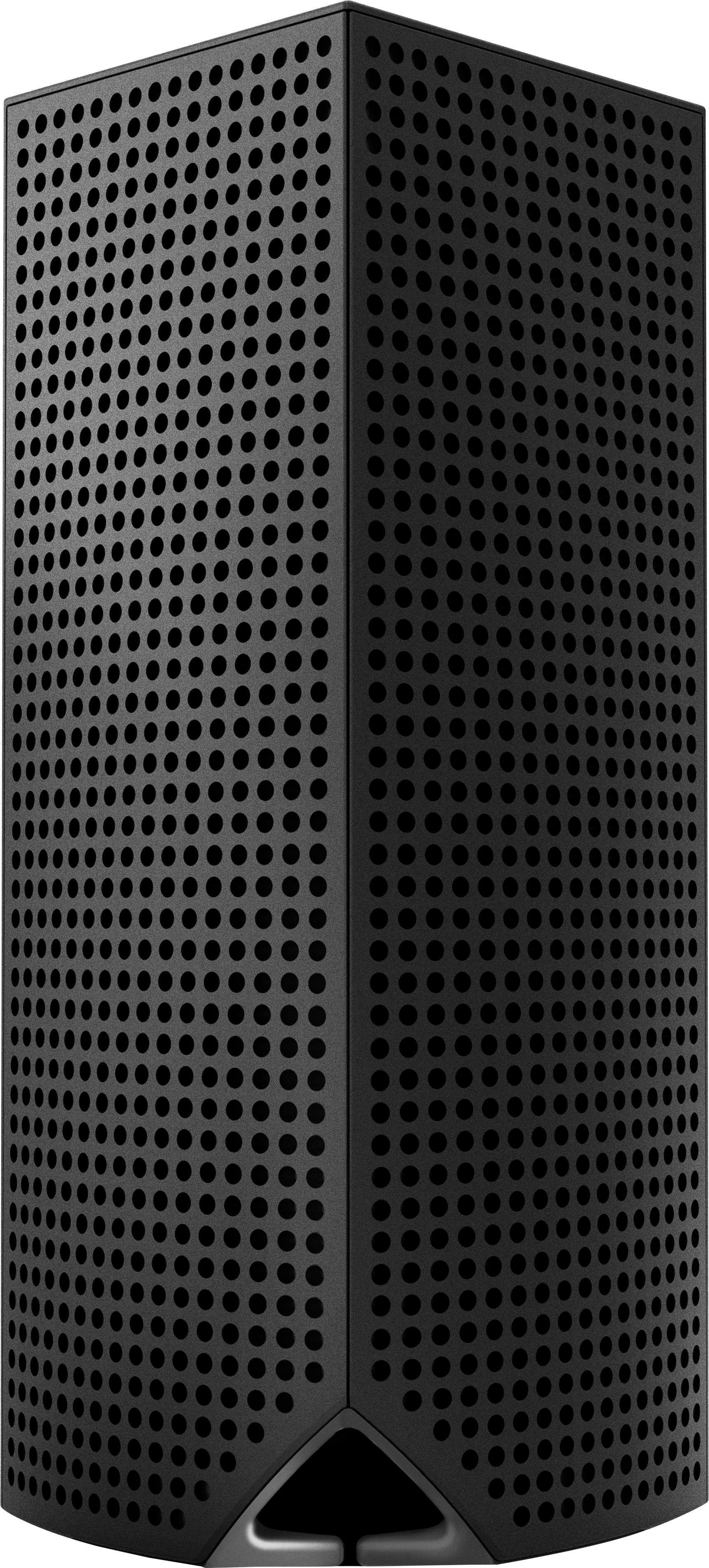
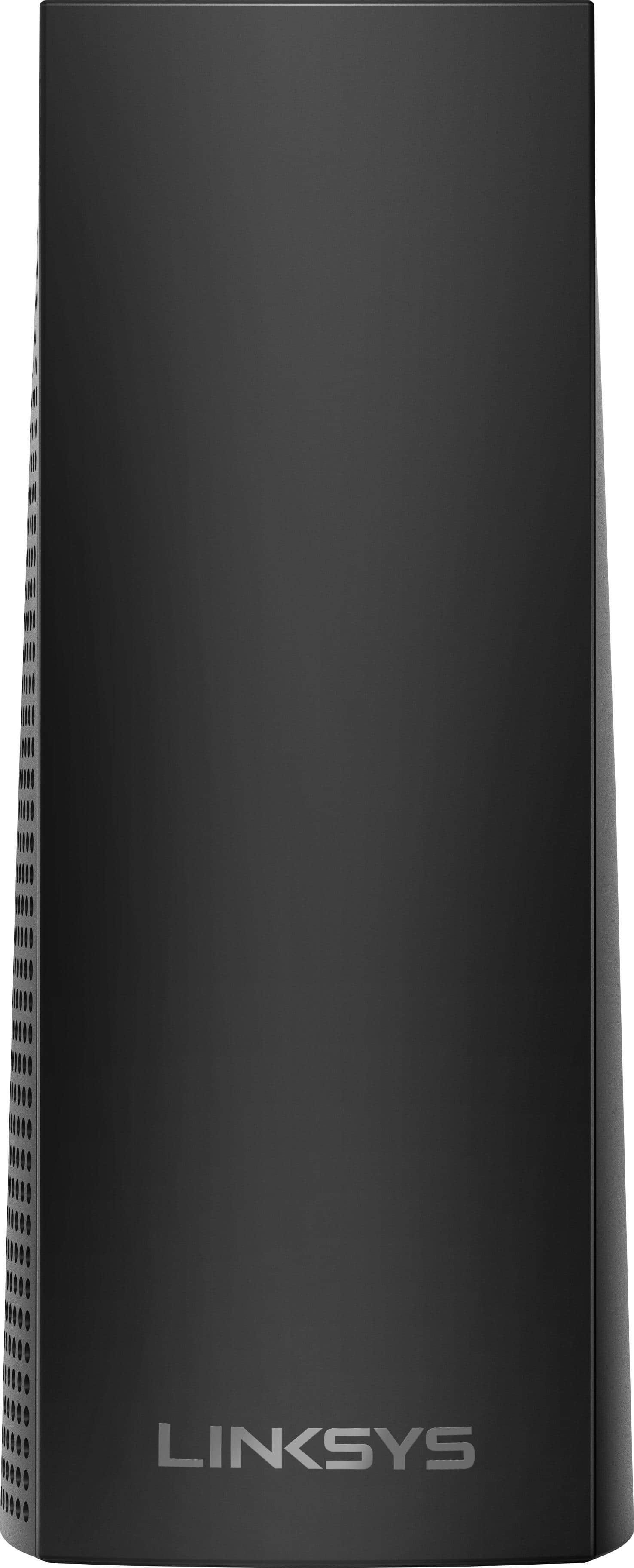
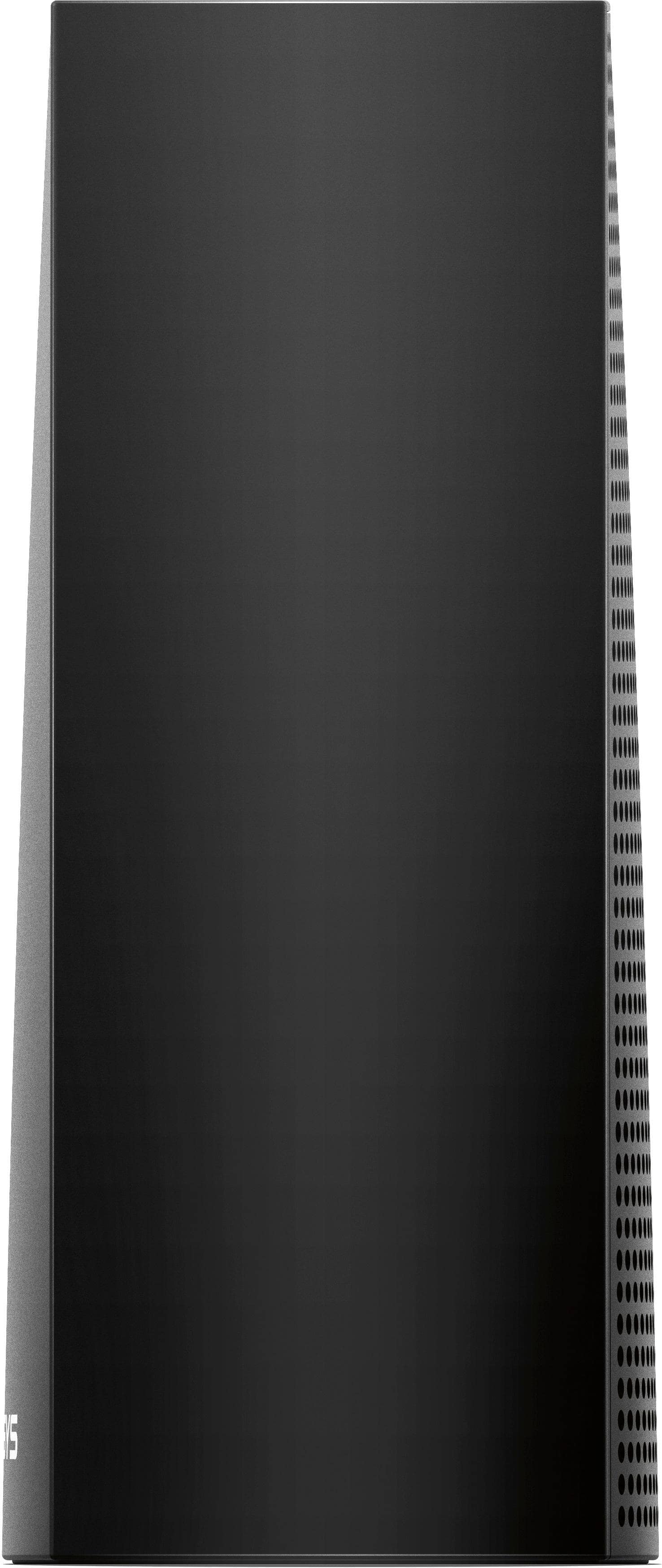
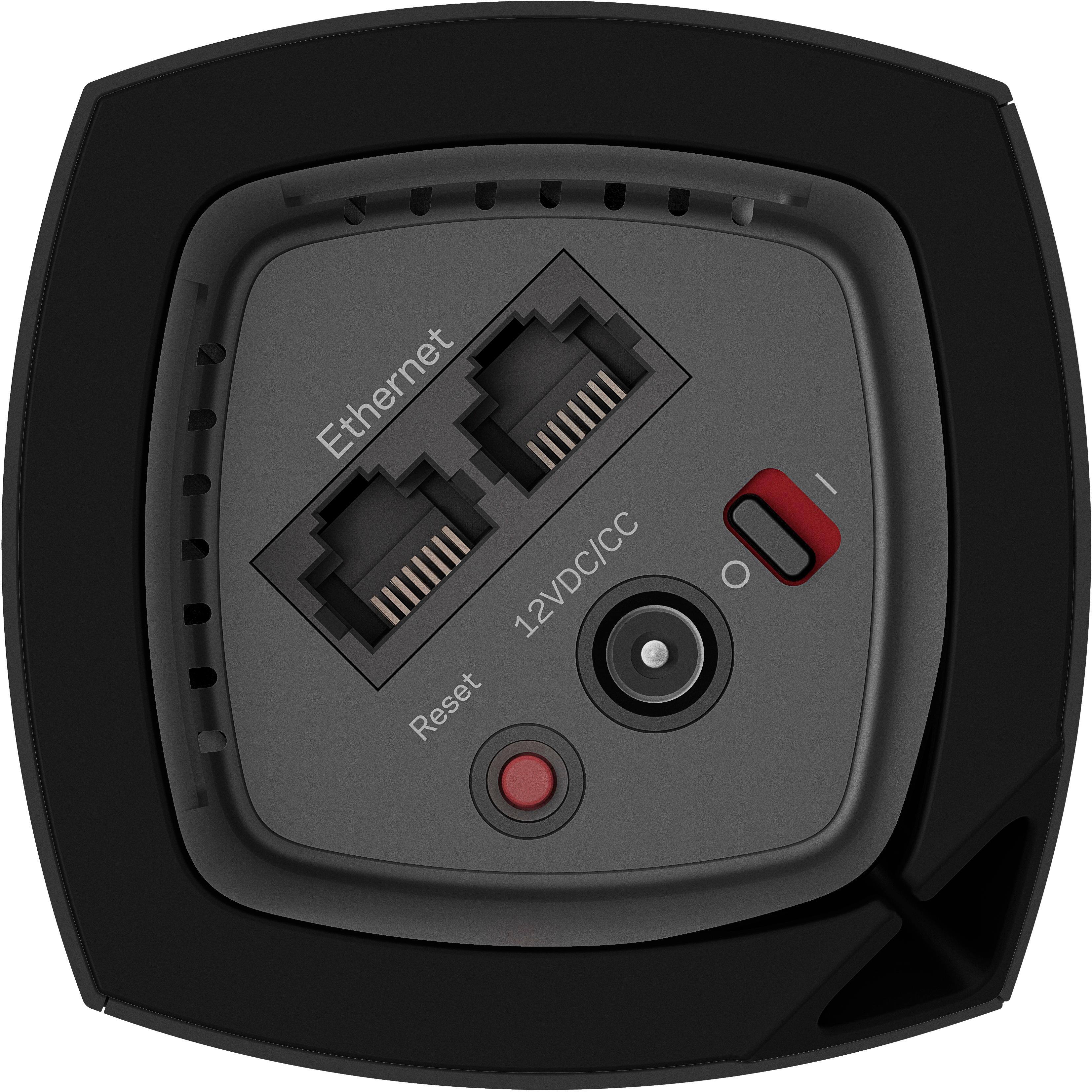
|Posted .This reviewer received promo considerations or sweepstakes entry for writing a review.Let me start with this. I had to call Linksys tech support because there was issues setting up a child node after the parent node had been configured. On the matter of linksys support they were awesome about the whole thing. We went over what I had already tried and he put me on hold a couple of times to talk to an engineer. The whole process was great. One of the best customer support experiences I have had with a tech company in a long time. The issue. Initial setup albeit a little annoying because you can't use a computer and have to use their smartphone app was not too bad. If there were any complaints it would be that initial boot takes a little longer than it feels like it should. When you get the First node setup with all your network settings it then ask if you would like to add another node. The first node (the parent) works fine by itself at this point, and in a smaller apartment you won't need more than one of these as the signal strength is actually really good for such a small device with no external antennas. The problems for me started when I went to add a second node (the child node as they call it). I got through the first part of connecting the device fine but then it got to a point where it says "checking your nodes location" and the progress bar got about half way and just stopped. I had the same issue with the third node when trying to attach it. After about 2 hours on the phone with linksys we finally determined that I had to set up one of the two that was a child node as the parent node and go through the setup process again. After changing the parent everything connected without issue. As far as using the nodes these are actually really decent as far as connection and speed goes. I have not had any connection problems and you can use the child nodes as wired access points for hardware that you want to hardwire but can't get a wired connection to. So if you have a system that does not have wireless or you just want to use ethernet plop one of the child nodes near that device and plug into the node. Works without any extra setup at all. If I had any complaint at all it would be that for something at this price point it feels like it's missing some advanced features that would be useful such as VPN. But I understand that this product is meant to be easy and simple to use so I guess that's why those features are not included. Also the mobile app is not the most intuitive to use and as it is the only way you can manage/configure your VELOP system that is kind of a turn off as well. As far as the way the system looks and the space it takes up this is a very high point for me. I love the simple rectangular tower as its no bigger than a hefty book end and it takes up much less space than the standard desktop router I was using, which helped me get a good portion of my desk back. Unfortunately due to the size you are limited to 2 ethernet ports in the bottom of the units which if you have a lot of wired devices in one spot may be a drawback. But i happened to have a very small 5 port switch that i was able to use to alleviate those high cable count areas. Overall I had to dock the VELOP three node system a star for those reasons, a lack of some advanced features and limiting the way it can be managed to a mobile app are low points for me. Otherwise the system functions better than my single EA9500 from linksys which is a beast in its own right.
I would recommend this to a friendBrand response from Linksys Staff
Posted .Hi, ViperElectric,
We're glad to hear that you had a great support experience with our Technical Support Team in setting up your Velop System. Surely, they will be glad to hear your awesome feedback despite some hiccups you initially encountered along the way.
As for the lacking advanced features you've mentioned, we'd be happy to share it with our Development Team. At the moment, we're continuously improving the App as well as the Velop's functionality to provide you a great Wi-Fi experience. If there are other issues or concerns that you would like to raise, give us a call at 800-986-0518 or send us an email at LinksysCares@linksys.com, anytime.
Regards,
Jay
Linksys Support