Customer Ratings & Reviews

- Model:
- WHW0302B
- SKU:
- 5990500
Rating by feature
- Setup
Rating 4.3 out of 5 stars
- Range
Rating 4.3 out of 5 stars
- Signal Strength
Rating 4.3 out of 5 stars
Customers are saying
Customers are impressed with the Velop AC2200 Tri-Band Mesh Wi-Fi 5 System's ease of use, coverage, and setup, frequently citing its simple installation and strong signal. Many also praise the system's range and performance, reporting consistently reliable connectivity. However, some users experienced connection issues and noted the relatively high price. A limited number of Ethernet ports was also a recurring point of feedback.
This summary was generated by AI based on customer reviews.
Not the performance I was looking for.
||Posted . Owned for 11 months when reviewed.This reviewer received promo considerations or sweepstakes entry for writing a review.Replace my Xfinity router with this Velop mesh system. I thought it would cover all the dead spots and help with wifi speeds and performance. Performance - no difference. it still drops coverage and nodes have stopped working for no reason. I had this thing since September 2019 and its been one issue after another. I will replace system and see if the corrects problem. Thank God for 2 yr warranty.
No, I would not recommend this to a friendBrand response from Linksys Staff
Posted .Hello, Walt,
Physical obstruction and frequency interference from other devices are one of the possible reasons for the issue. You may try relocating the nodes, and run the channel finder too for isolation. We must make sure to install the latest firmware version too. You may send us an email at LinksysCares@linksys.com for updates so we can have it investigated by our Escalation Engineers. Include your contact info and the link of this review upon sending so we can use it as our reference.
Regards,
Elyza
Linksys Support
Expensive Router
||Posted .This reviewer received promo considerations or sweepstakes entry for writing a review.I was talked into upgrading to this router thanks to BestBuy, I don't see any difference in speed etc...…..I wouldn't say this was worth buying.
No, I would not recommend this to a friendBrand response from Linksys Staff
Posted .Hi,
To improve the overall performance of your Velop network, there are various factors that we need to take into consideration first. We can utilize the Channel Finder feature and ensure every node is running the latest firmware. Please email the link to this post and your contact information at LinksysCares@linksys.com so our Escalation Engineers can get in touch with you and provide further troubleshooting.
Regards,
Klaudette
Linksys Support
Don't buy! Nothing but Unreliability with these!
||Posted . Owned for 1 month when reviewed.This reviewer received promo considerations or sweepstakes entry for writing a review.If I wasn't 4 days past my return period, this would be back at Best Buy. Now, I'm stuck with these nodes that: randomly disconnect (even though the app says they are in a great location), don't provide service to the closet node (standing 2 feet from one and it wants to connect to one on the other side of the house), IOS application is slow as molasses and often times reports that my network is offline from the internet when it isn't. I have a 3000 square foot house so these things should cover it. I have placed the 3 nodes, approximately 20 feet apart and I can stand between them and physically see all three nodes and they still don't communicate well. I think I'm just going to have to junk these and suck up the cost to go buy another system that actually works. I used to be Linksys supporter from quite a while back, but now I'm going to be steering away from them. I would encourage you to do the same for these.
No, I would not recommend this to a friendBrand response from Linksys Staff
Posted .Hi,
Factors such as outdated firmware version or Wi-Fi congestion, possibly had contributed to the challenges you’re encountering with the Velop system. Ensuring that it’s running the latest firmware and using the channel finder might help fix this.
Please allow us to have our Escalation Engineers run a thorough investigation on what’s causing the setback, provide further isolation and troubleshooting on this. Please send us an email at LinksysCares@linksys.com with your contact details and the link to this post as a reference.
Regards,
Rowena
Linksys Support
- Pros mentioned:SetupCons mentioned:Price

Super Easy, Super Fast, Super Pricey
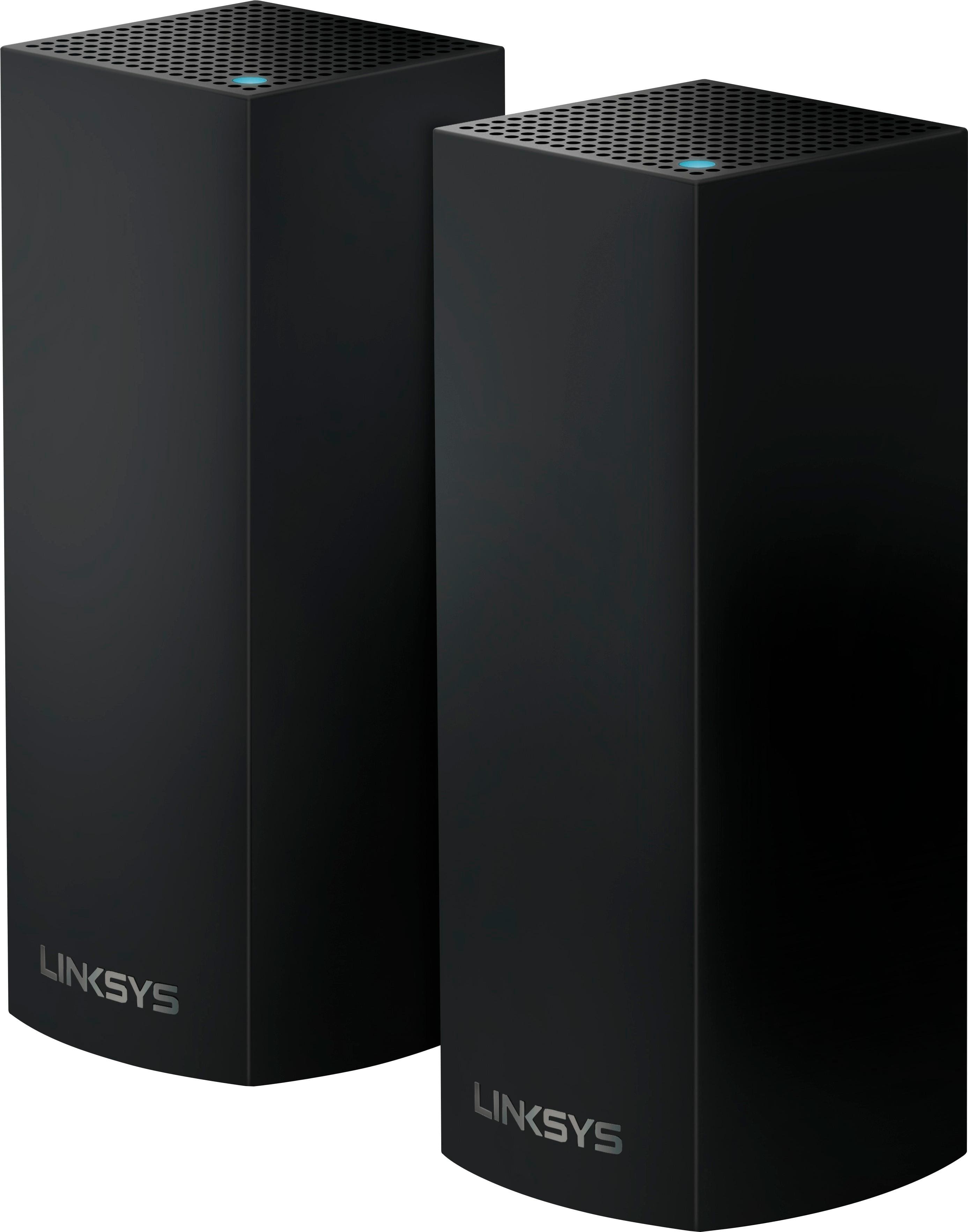
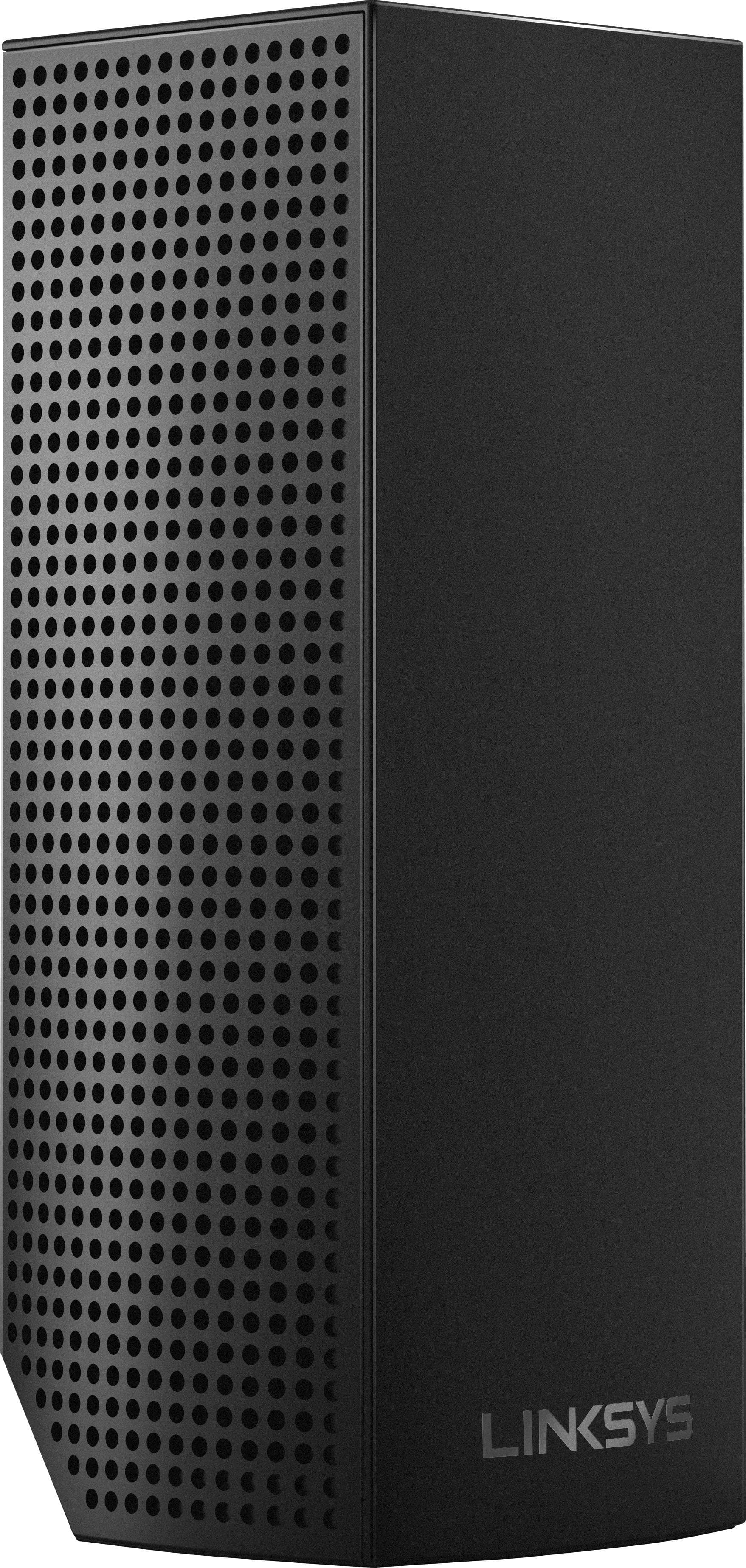
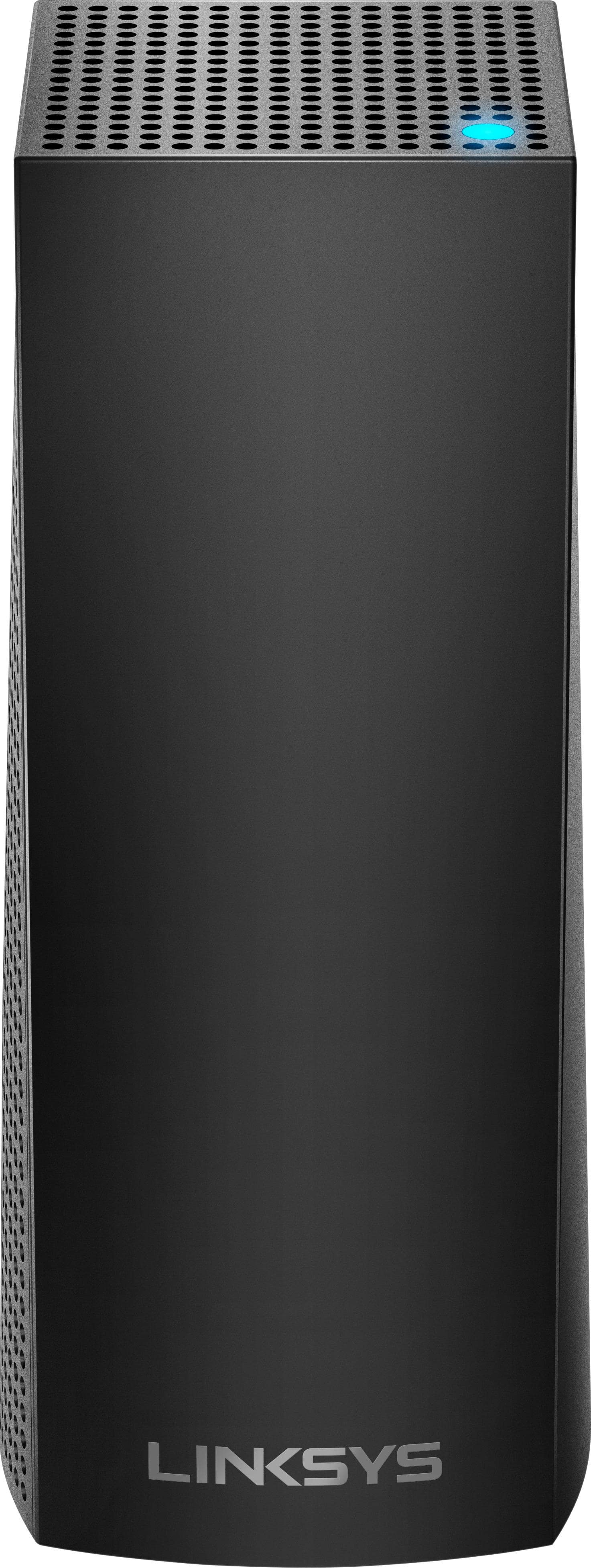
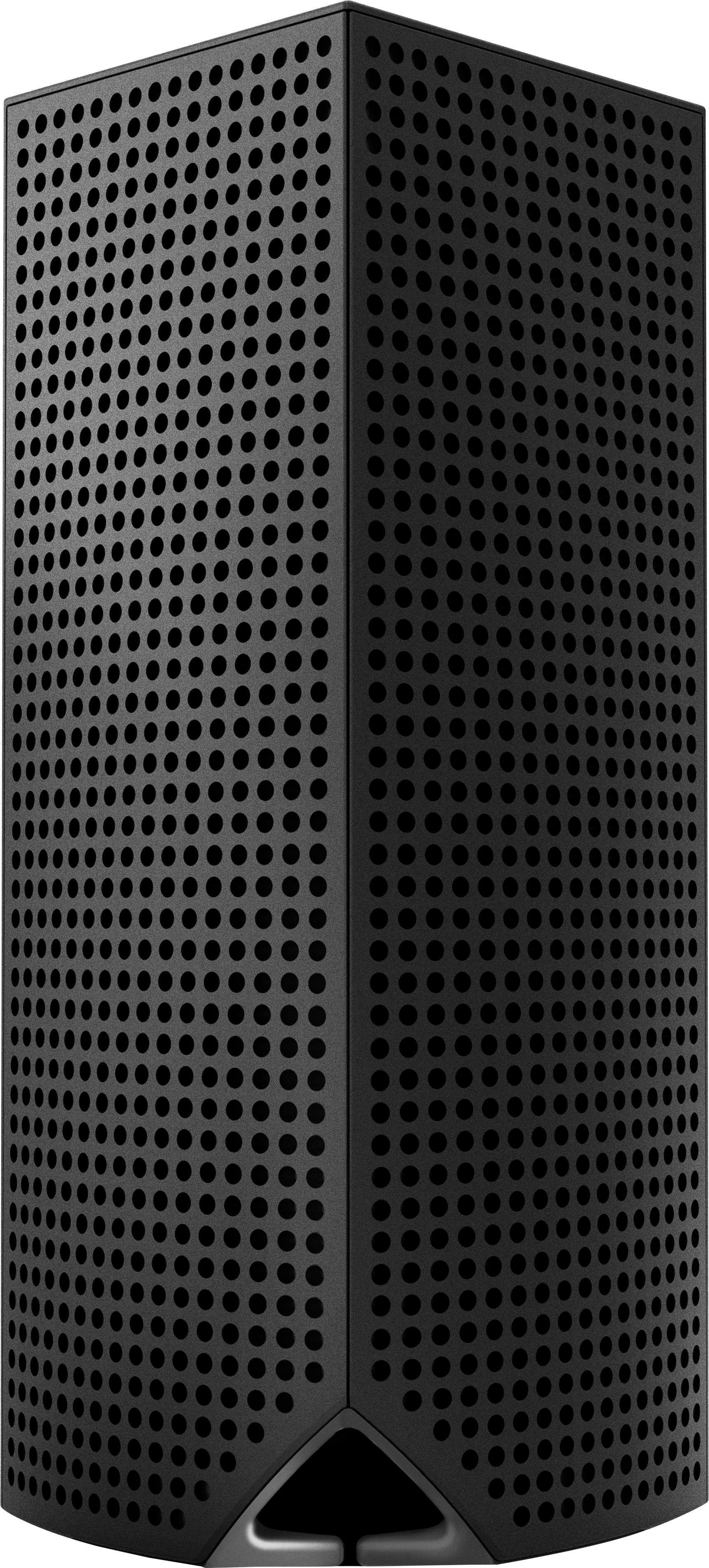
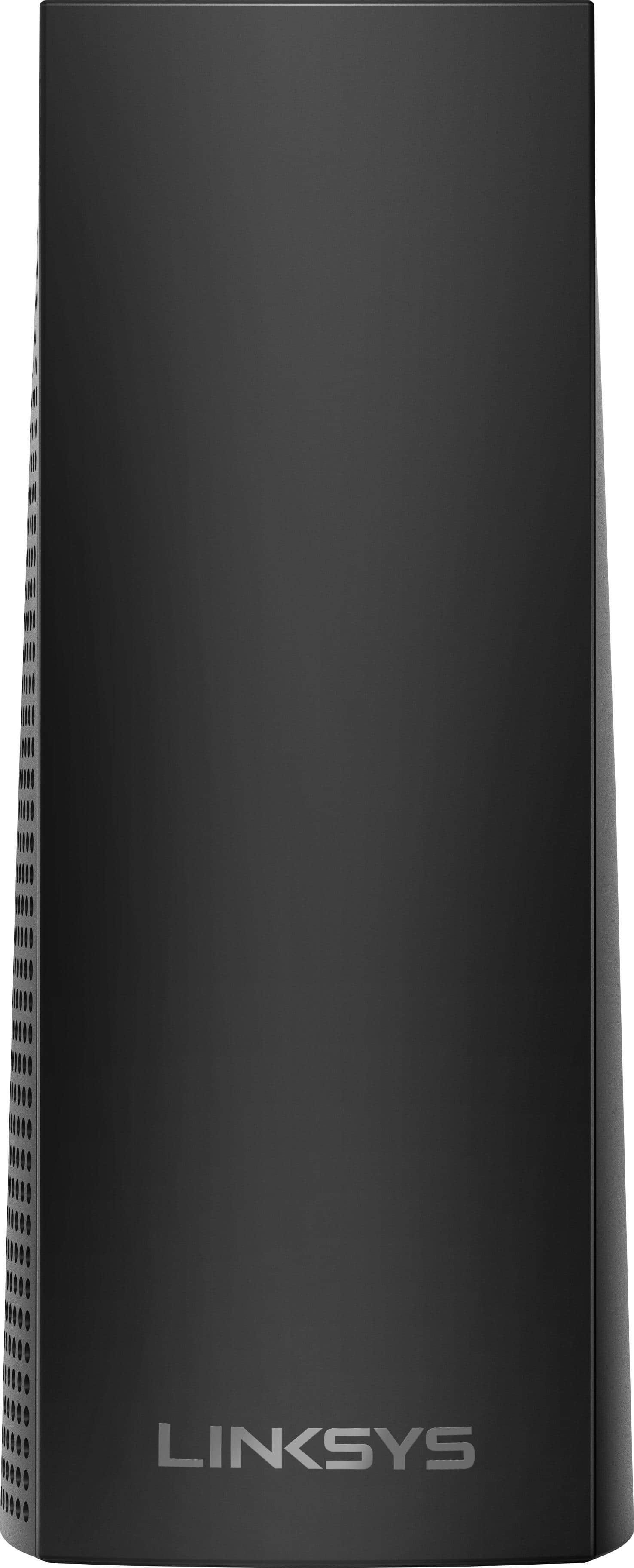
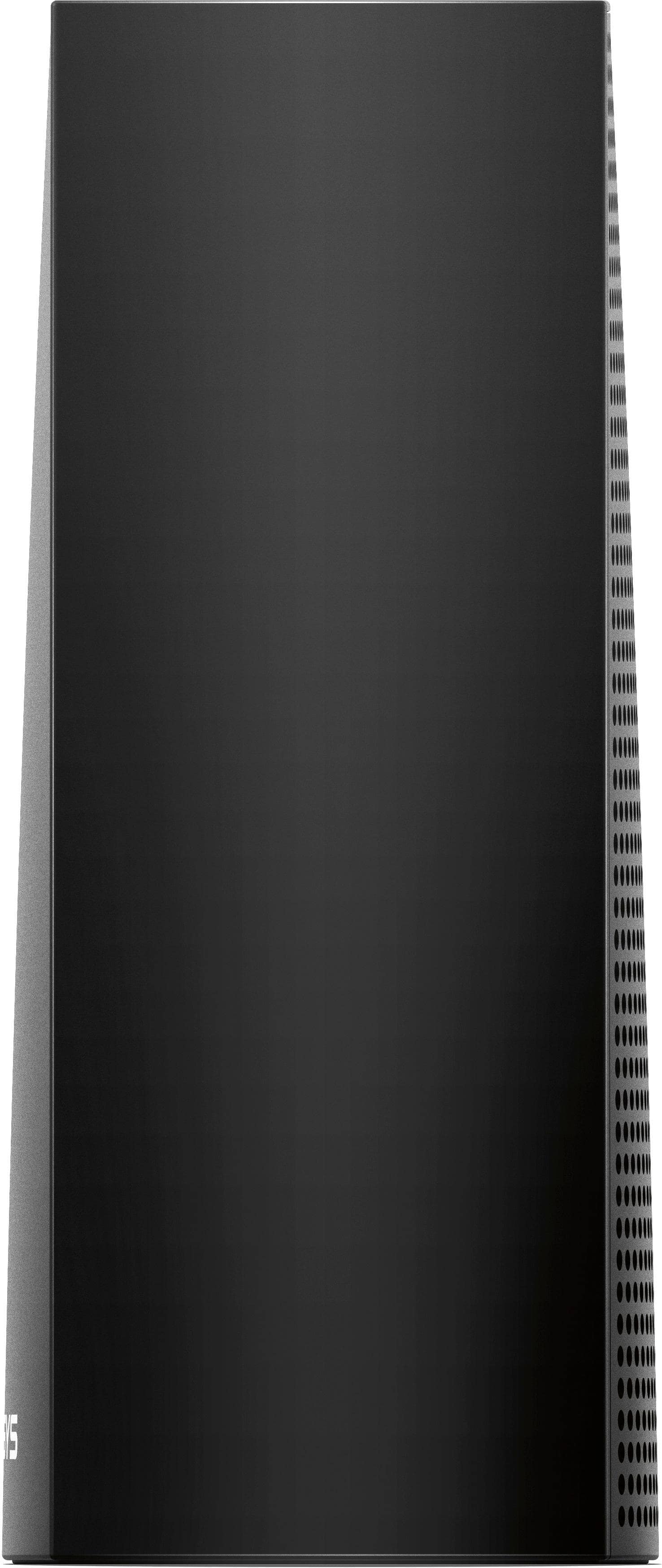
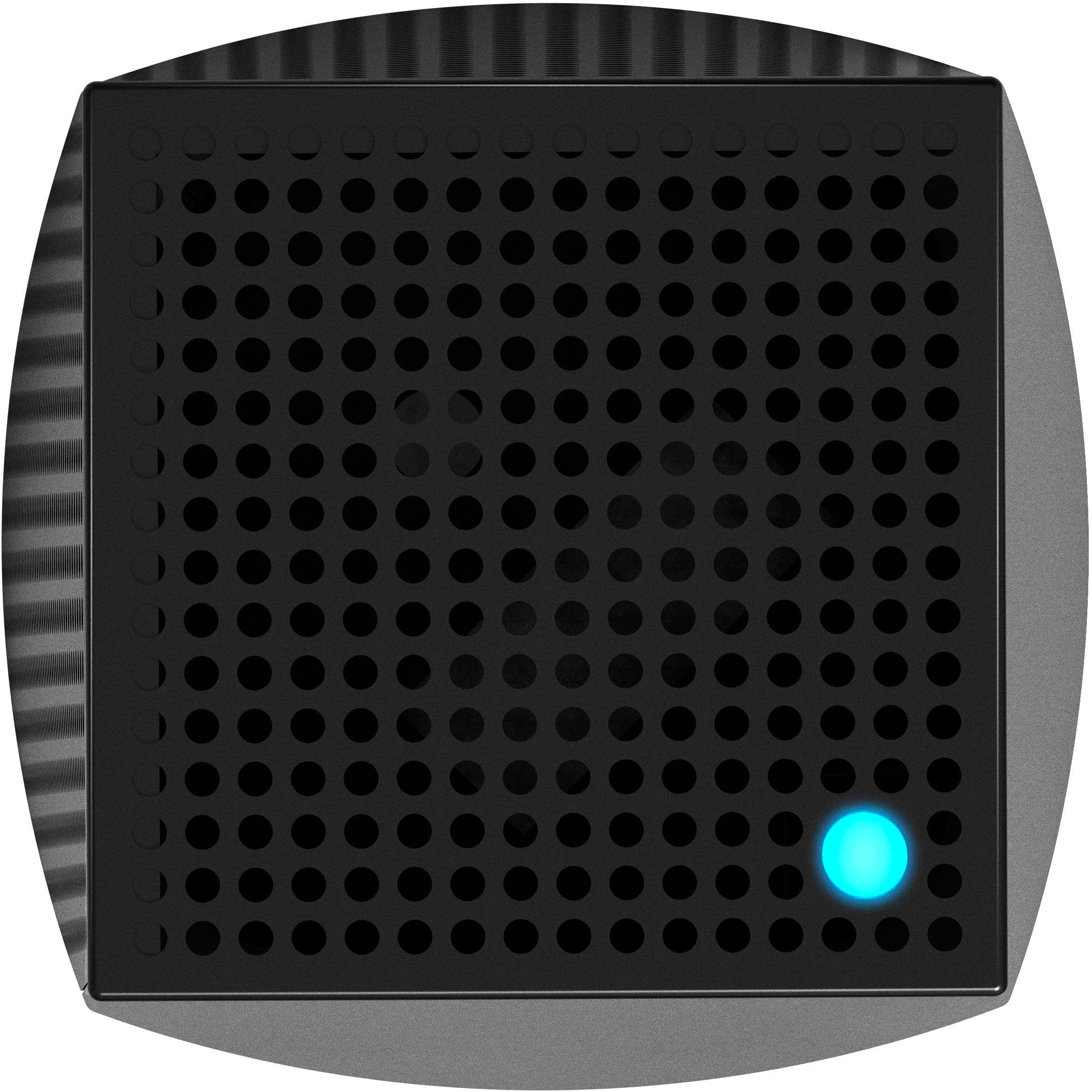
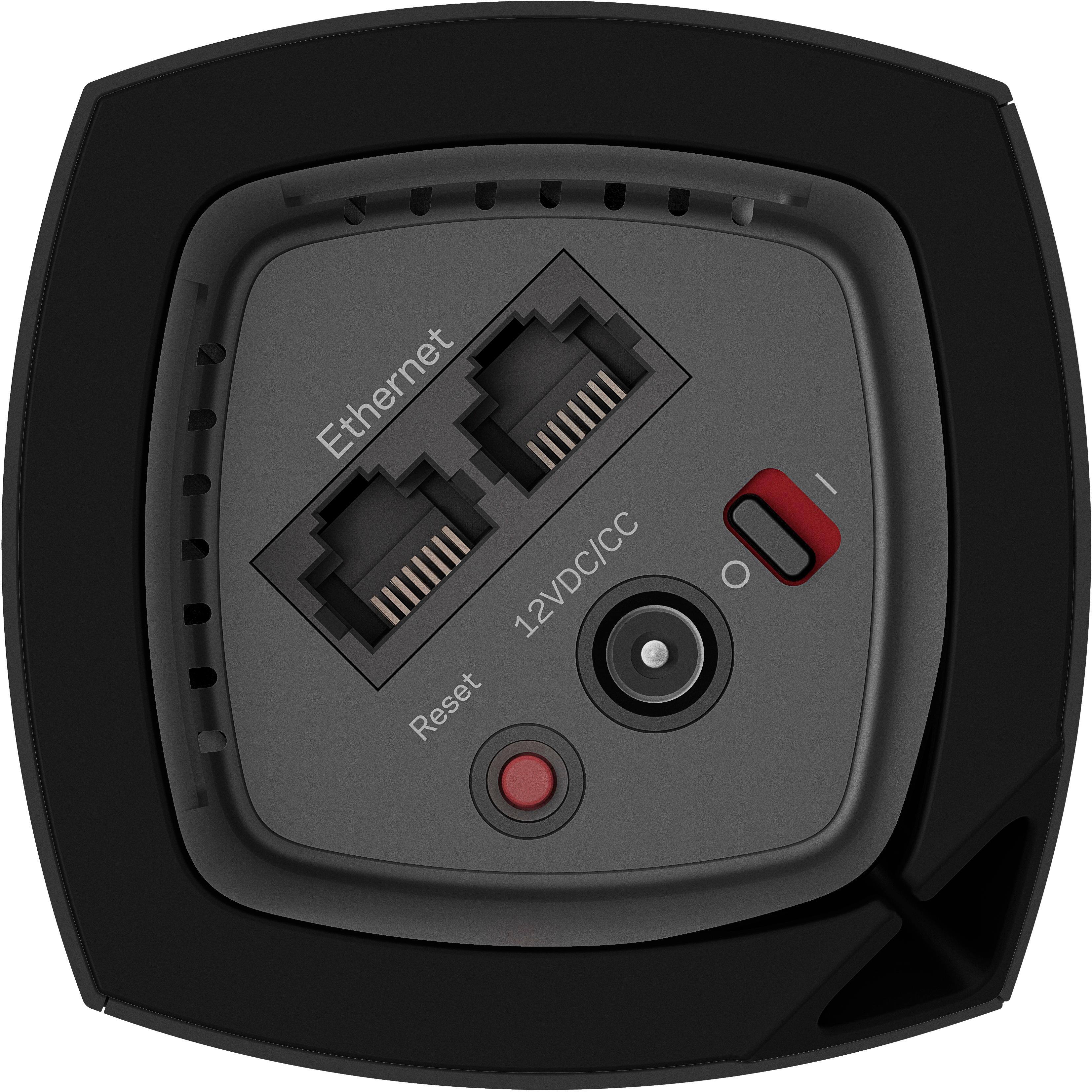
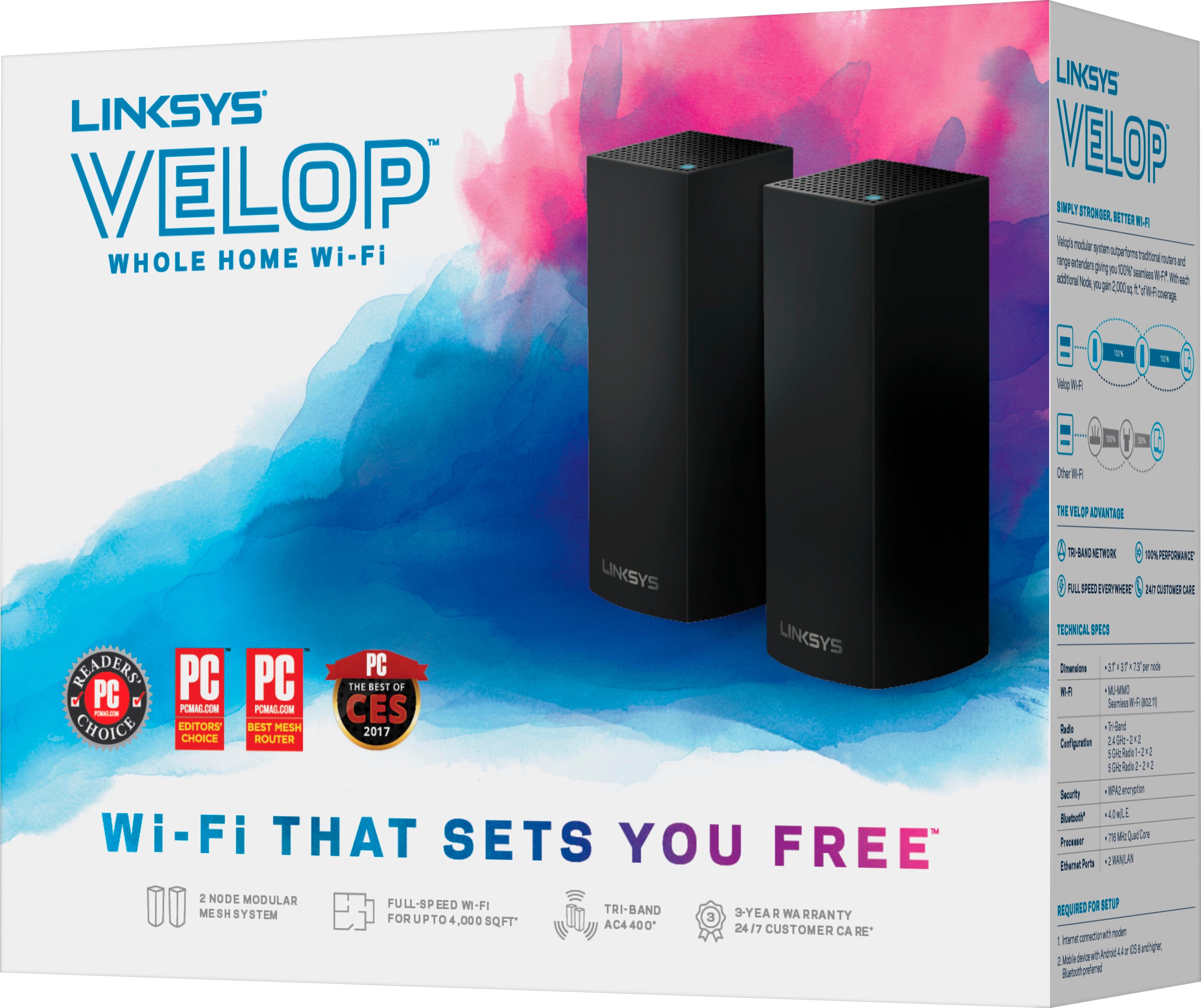
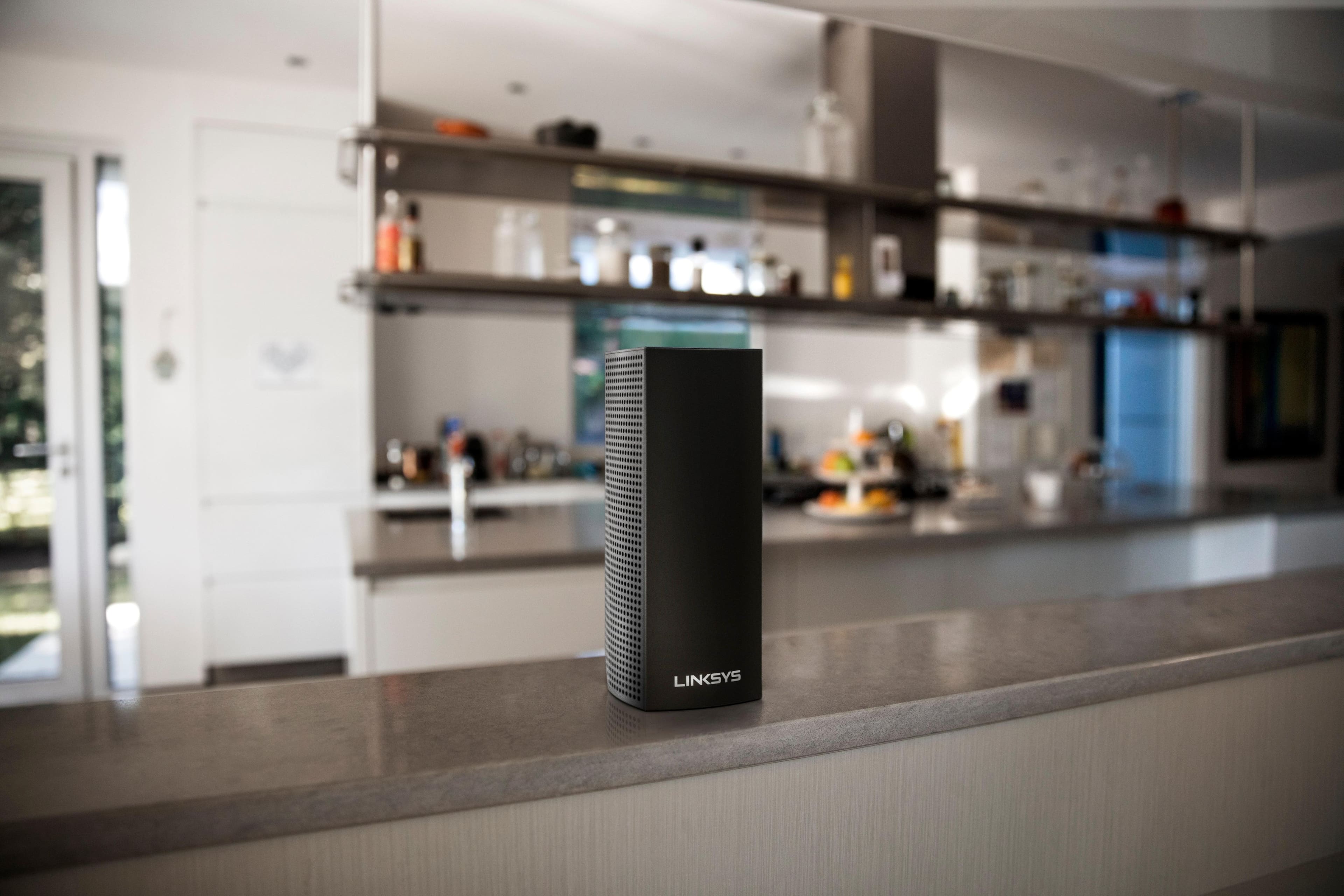
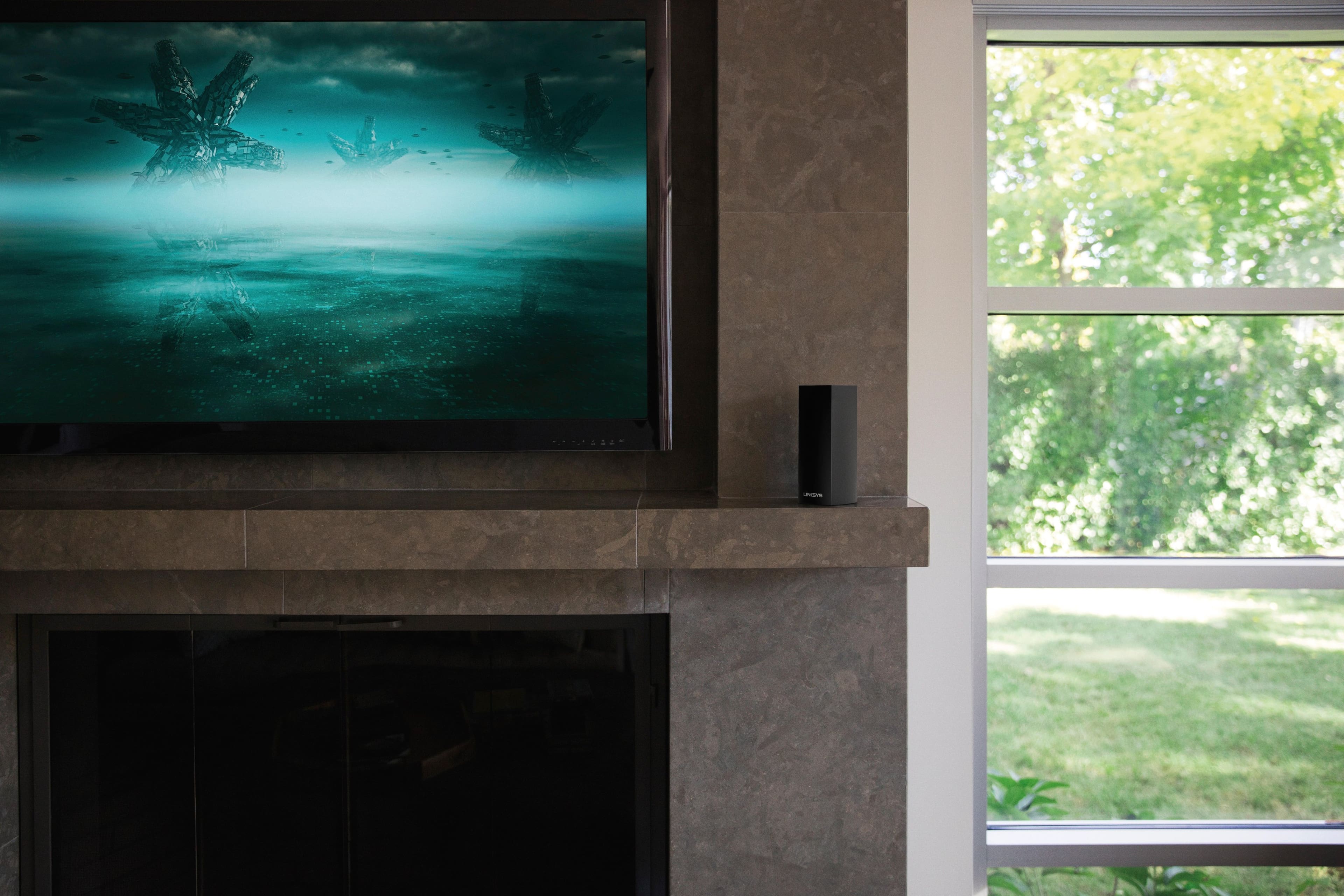
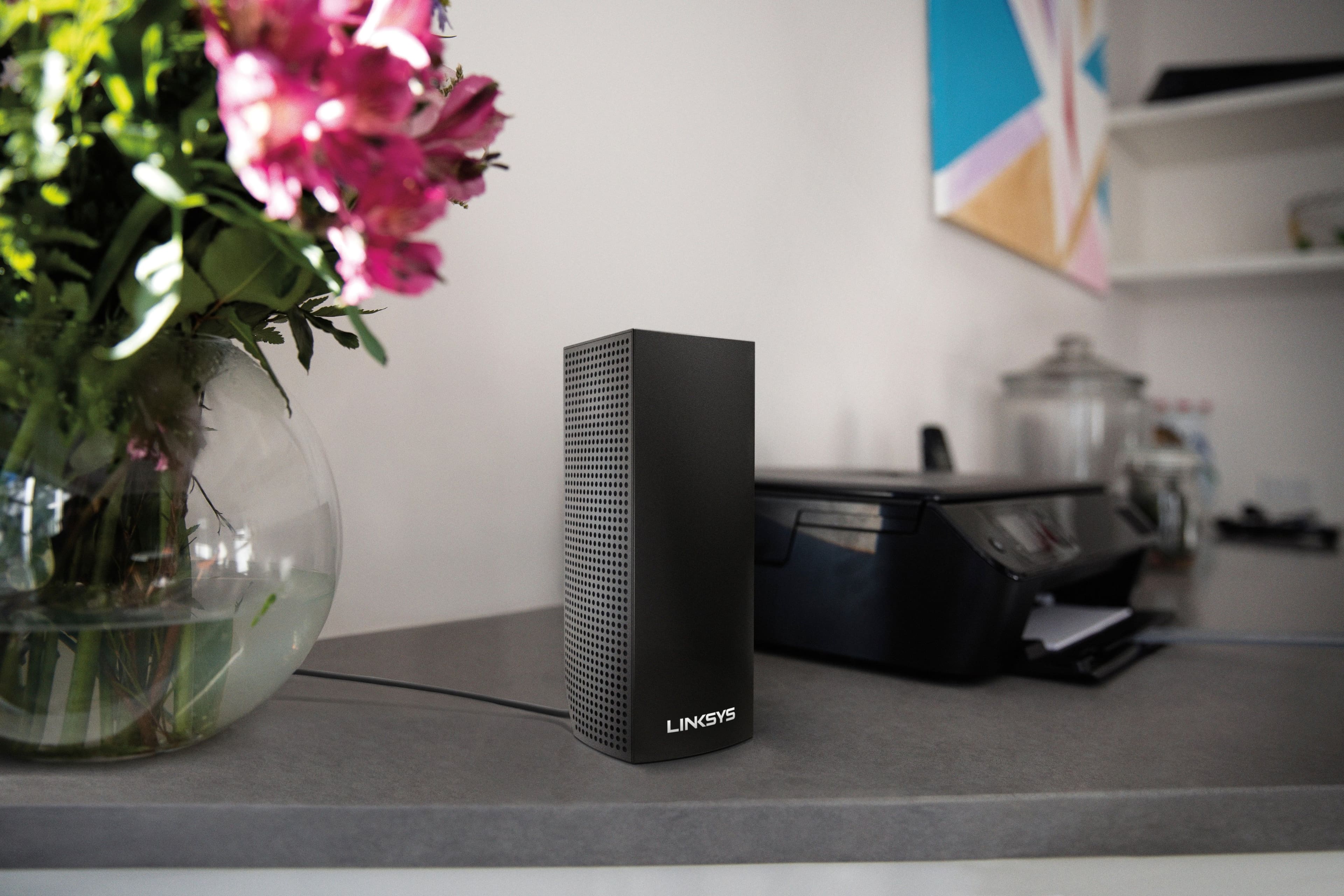
|Posted .This reviewer received promo considerations or sweepstakes entry for writing a review.This is my first time using a mesh router system. I really like the Velop setup. It's extremely easy to use and setup and the WiFi is super fast and very stable. It's missing some advanced settings that unfortunately made my setup a little more difficult and for the price you better make sure you have a home that really warrants this type of setup. Physical Units: The nodes themselves are relatively compact, though I don't think as small as other nodes like the Google WiFi ones. Still, they're inconspicuous enough that you could put them on a bookshelf or something and they wouldn't really stand out. There aren't any external antennas and there's just one LED indicator light on the top of each node. Each node has 2 physical Ethernet connections - for the one you are plugging into your modem you can use either one; the node will automatically sense which Ethernet connection is providing the Internet. I do wish that they could have put at least one more Ethernet port in there as I do have a few devices I like to hardwire, but for most people I'm guessing this won't be an issue. There aren't any USB ports anywhere either, so you're out of luck if you use an external hard drive as a network drive. Again, that's another sort of advanced feature that probably isn't an issue for a lot of people, but it would have been nice to have one. Maybe even some kind of optional node you could get separately that had more connections like that? Setup: The initial setup is extremely easy; there's no generic WiFi network you need to connect to or Ethernet cable you have to run to a PC. Everything is done with the Linksys app through Bluetooth. I already had a WRT3200ACM from Linksys, so I was pretty familiar with the app already. You run the first time setup through the app and it will give you a step-by-step on disconnecting your old router and connecting the Velop in its place. Once you have configured the first node you assign the WiFi network and then additional nodes as needed. All of this is done without having to even connect to the WiFi network you just created, which I really appreciated. I've always enjoyed the Linksys app, but I haven't had this easy of a time setting up a router since I got the Google OnHub. I should note at this point that I was not able to remove my WRT3200ACM router because my CenturyLink Prism connection requires a VLAN; something my WRT router has an option for, but the Velop does not, at least at this point (01/13/2017). I had to connect the first node to my WRT and turn off my WRT's WiFi to finish the setup. It's pretty disappointing that there are no VLAN settings available and it's the same reason I had to get rid of my OnHub router, but my internet setup is a little unique so I understand it's omission. I do hope the add it in later. Using: Fast strong WiFi everywhere. I didn't have any problems connecting and maintaining full signal strength anywhere in my house. The 3-node system is made for homes up to 6600 square feet; my house is much smaller than that and I probably could get away with using just 2 of these nodes. It does combine the 2.4GHz and 5GHz networks under the same SSID and as far as I know that can't be changed. That might bother some people, but for my uses it didn't affect me. Using the app is even simpler with the Velop nodes than it is with my WRT router. The app is less about managing the router itself as all you can really do is change the WiFi network and more about managing access. You can set restrictions are certain devices and turn the guest network on and off. It's not a knock on the app because I know they're going for simplicity here and they nailed it. I really liked using the Velop overall, but $500 is a lot of money for a router, especially when you're missing a lot of features that more advanced single router systems have for $200 or $300 less. There are also less expensive mesh router systems out there, though I don't know how they would compare to the Velop. I think you need to look at where you're putting them and what kind of coverage you need. Linksys does offer a two pack and a single pack and since all the nodes are the same you could start with one or two and buy more as needed. I really do like the Velop, but add VLAN, Linksys!
I would recommend this to a friend Returned
||Posted .This reviewer received promo considerations or sweepstakes entry for writing a review.Couldnt make mine work. Ended up returning. I hardly have any signal where I live which could of been the problem.
No, I would not recommend this to a friendBrand response from Linksys Staff
Posted .Hi,
The Linksys WHW0302 Velop Mesh system should be able to deliver exceptional Wi-Fi coverage and faster speeds. But, we could have tried to run the channel finder on the Linksys app and updated the firmware to optimize the nodes. Should you need assistance with other Linksys devices, feel free to reach out to us at LinksysCares@linksys.com, and share more details with the link to this review for our reference.
Regards,
Jan
Linksys Support
Not what I expected
||Posted .This reviewer received promo considerations or sweepstakes entry for writing a review.Bought this mesh system to replace my Apple Airport Router, wish I had returned it before the return period ended. The Airport beats it hands down.
No, I would not recommend this to a friendBrand response from Linksys Staff
Posted .Hi CJCJunction1,
Your feedback has certainly caught our attention. The Velop system was supposed to provide you with excellent and reliable internet connectivity within a wide range. we'd like to know more about what happened. Email your full contact details to us along with the link of your review as reference to LinksysCares@linksys.com.
Hoping to hear from you soon.
Harvey
Linksys Support
They are ok
||Posted . Owned for 1.5 years when reviewed.This reviewer received promo considerations or sweepstakes entry for writing a review.They are ok too much work to keep programming or resetting too many problems sometimes
I would recommend this to a friendNot as fast as expected
||Posted .This reviewer received promo considerations or sweepstakes entry for writing a review.Had full wireless signal throughout my house, but was only getting speeds around 100 Mbps. I get over 300 Mbps on my Google Fiber wireless equipment.
No, I would not recommend this to a friendBrand response from Linksys Staff
Posted .Hi, EJKC,
The Linksys Velop features the Dynamic tri-band technology to ensure an optimal performance even when multiple Wi-Fi devices are connected giving you 100 percent of seamless Wi-Fi experience. We'd be more than happy to endorse your case to our Escalation Engineers so they can check your network set up and provide some troubleshooting steps to make your Velop device work to its full potential. Reach out to us at LinksysCares@linksys.com with your contact details and the link to this post for our reference. We'll take it from there.
Regards,
Joseph
Linksys Support
- Pros mentioned:Range, Speed
Glorious Wifi, and easy setup!
|Posted .This reviewer received promo considerations or sweepstakes entry for writing a review.Tired of extenders? I recommend upping your wifi game with a system like this! The "TL;DR" review: setup took about 10 minutes, not all features are available (yet), uses the linksys app (iOS & Android) to setup, and it provided consistent speeds throughout my home. Unboxing is a great experience. The packaging is simple to open and the items are packed nicely. All you need to do, is download the Linksys app from the appropriate App Store, and plug in the first unit. The app guides you through the setup, just be prepared to dedicate upwards of 15 minutes for full setup. Note: both Ethernet ports on the bottom work the same way, so it will detect your modem on either port. Also, the plastic on the bottom is flexible and allows for easy wiring under each node. The overall setup took a bit longer than anticipated. This is due to the connection test that's done after you add another node to the network. It's primarily to check for placement, and is really the only slow part to the install. In my testing, it appears that 40 feet is about as far apart as I could go without a placement warning. Your results may vary, depending on home construction and overall environmental interference. However, once it's up and running, you're presented with a super sleek looking app, with some great features that are missing from a rival product. You can't manage this network from anywhere other than the iOS or Android app, as it's cloud based. You'll get a prompt to install the app if you go to the routers IP address from a browser. I haven't played around with the Parental Controls too much, but it has site filtering, where you define sites that can't be visited. Performance is similar to other Wifi Systems in terms of speed & coverage, and with the setup using the Linksys app (with Cloud service). I'm hoping some of the bugs in the app will be fixed, and features will actually be available over time. At the time of this writing, I wasn't able to select any wifi mode other than mixed, even though the app says you should be able to select n, ac, etc. Overall, I'd say this is a worthy purchase, that will only get better with time!
I would recommend this to a friend - Pros mentioned:Coverage, Setup
Excellent WiFi coverage, missing some features
|Posted .This reviewer received promo considerations or sweepstakes entry for writing a review.The package I received consisted of three identical base units with the biggest wall wart power supplies I have ever seen, plus an ethernet cable and a note that says to download their app for your phone. The initial install went fairly well. I installed the first unit in the house, as the app instructed me step by step. I select one of the two options about how my network was configured, with one combined router and Access Point or separate ones. I forget which I selected. After taking a few minutes to find the base unit, the app then said to connect to my router. It then proceeded to configure the base unit as I followed the instructions from the app. I created a new SSID different from my current one for testing. Total time, about 5 minutes. I then went to the garage (about 75 feet away) and added another device. I had a few issues, but it did finally connect to the base unit. Great, but no way the shop is going to work at about 120 feet away. I was wrong! It went as smooth as the first. I proceeded to test the connectivity between locations and it was pretty good. So, coverage is fantastic. This appears to replace my network of 3 Apple Airports connected via ethernet. I'll keep that as a backup for awhile, as I'm not sure I am going to keep the Velops. Here is where it gets dicey. There was no place to turn off DHCP or NAT. Drat. So now I have 2 devices supplying DHCP and NAT. I could turn it off on the router, but I wasn't sure about this solution yet. I decided to start over and try the other option for connecting. I couldn't find a way to start over within the app, so I called tech support, hoping they could reset the devices, and get rid of a ghost Access Point from a previous Linksys device I no longer had. After a not so enjoyable discussion, It was determined that the only way to get rid of the Ghost device was to delete my account and recreate it. That would also remove the new Velops I had configured. I did that and started over again. This time I selected the other option of what I was replacing. I created a SSID same as my existing one, with same password, allowing easy transfer of devices to new wireless. Still no ability to turn off DHCP or NAT, but at least it was working. Devices transferred over easily or automatically when old network was powered down. Speed isn't fantastic, but it isn't really needed, as I have limited DSL internet access anyway. Bottom line: Recommended, with reservations. Pro - Great coverage, easy install. Con - Missing features, promised by tech support, maybe.
I would recommend this to a friend Ok for the value
||Posted . Owned for 1 month when reviewed.This reviewer received promo considerations or sweepstakes entry for writing a review.Lots of work trying to get the whole thing work. I would’ve like the WiFi 6 but that’s way too expensive right now.
I would recommend this to a friendMay be good but not for me.
||Posted . Owned for 1 month when reviewed.This reviewer received promo considerations or sweepstakes entry for writing a review.Returned because it was not compatible with my internet. Spent a hours on line with technical support. No help.
I would recommend this to a friendBrand response from Linksys Staff
Posted .Hi,
The Linksys Velop Tri-band Mesh System should work with any internet service provider with a modem or modem/router. However, we would like to investigate what happened to your support experience, and we will have our Escalation Engineers assist you further.
Please reach out to us at LinksysCares@linksys.com, and share your case number or phone number with the link to this review for our reference.
Regards,
Jan
Linksys Support
SETUP
||Posted .This reviewer received promo considerations or sweepstakes entry for writing a review.Find difficulty to set up the SYSTEM; Finally get support for more than 2 hours.. At last the system work ok...
I would recommend this to a friend- Cons mentioned:Connection
Wouldn't connect to internet or satelite
||Posted .This reviewer received promo considerations or sweepstakes entry for writing a review.Upon initial set up, one satelite wouldn't connect to the internet. Tried the other one and it connected. Then tried to connect the satelite and it wouldn't connect. Also disappointed in the amount of LAN ports on each of the nodes. I returned the product immediately and purchased an orbi system.
No, I would not recommend this to a friendBrand response from Linksys Staff
Posted .Hi, Lafayette,
Adding a child node to your Velop System should be easy if the parent node has an active internet connection and provisioned with a Linksys cloud account. We regret to hear that you already returned the product as we could have requested one of our Escalation Engineers to walk you through the process. Should you wish to give it another try in the future, we're just an email away at LinksysCares@linksys.com.
Regards,
Jay
Linksys Support
Nice for Big homes
||Posted . Owned for 4 months when reviewed.This reviewer received promo considerations or sweepstakes entry for writing a review.The nodes keeps going down throughout the house. The App keeps crashing, while I constantly have to keep logging back into the App.
No, I would not recommend this to a friendBrand response from Linksys Staff
Posted .Hello NGee,
To optimize the Linksys App, let's make sure that it's running on the latest version. Also, we'll help you tweak on your Linksys Velop settings to achieve a better performance. Email us at LinksysCares@linksys.com along with your phone number and the link to this review. We'll have this taken care of by our Escalation Engineers.
Regards,
Princes
Linksys Support
Doesn't work well with Mac
||Posted . Owned for 3 months when reviewed.This reviewer received promo considerations or sweepstakes entry for writing a review.I purchased this package to use with my MacBook Pro 2019, 16 inch. I work online, and speed is essential for my job. The Linksys AC2200 doesn't meet the specifications that are advertised. While I have 1 GB entering the house via fiber optic cable, the best I ever received was around 250-300 MB, often dipping down to 50 MB or less. I worked with level 1 technicians, level 2 technicians, and the engineers. The engineering team blames it on my MacBook Pro. If this is a correct assessment, then one can only conclude that this unit is not a good match for Mac users. If it is not a correct assessment, then they cannot solve the issue. I spent about 12 hours working with the techs and the engineers, over a span of about 2 months because they often didn't respond to my emails and voicemails. While this might be a great system for other computers, it did not work well with my 2019, 16' MacBook Pro. In fact, my old 4K Airport Extreme worked better and more consistently. I plan to return to my Airport Extreme or try another product.
No, I would not recommend this to a friendBrand response from Linksys Staff
Posted .Hi, MacUser,
We’d like to double check what happened to your support case. Please email us your case number at LinksysCares@linksys.com so we can pull it up and review if there’s anything else that we can do to improve your experience. Don’t forget to include a link to this review as a reference.
Regards,
Rosalyn
Linksys Support
Mesh
||Posted . Owned for 1 month when reviewed.This reviewer received promo considerations or sweepstakes entry for writing a review.As a mesh network not too good to provide service at long distance as brochure says
No, I would not recommend this to a friendBrand response from Linksys Staff
Posted .Hi!
We appreciate you taking the time to share your feedback. Each Velop Tri-band node provides a range of up to 2,000 square feet. Note that the range can vary with the number and placement of nodes in the system and depending on wireless obstructions, operating environments and building material. Feel free to drop us an email at LinksysCares@linksys.com along with your contact details and the link to this review. Our Escalation Engineers would be more than glad to help improve your system's overall performance.
Regards,
Chu
Linksys Support
Horrible Customer Service from Linksys
||Posted .This reviewer received promo considerations or sweepstakes entry for writing a review.spent double-digit hours with Tech service to set up. Ethernet (wired) setup would not work at all. Wireless works okay but one of three nodes does not work. I cannot get linksys to replace the inoperable node without going through more calls and processes with tech services. Cannot even get a customer service person on the phone without going through tech service. I do not have time for this and give up! No more linksys (or Belkin) products for me!!!!!!
No, I would not recommend this to a friendBrand response from Linksys Staff
Posted .Hi, Mopilot,
Ethernet or Wired Setup (backhaul) should never be a challenge if the Velop System is properly set up using a wireless connection. If you still have the product, please email us your Ticket Number and the link to this post at LinksysCares@linksys.com so we can investigate where the process broke so this won't happen again. Also, well take this chance to have one of our Escalation Engineers assist you with the type of setup that you wanted to establish with our Velop System.
Regards,
Jay
Linksys Support
Ok, but not great
||Posted . Owned for 1 year when reviewed.This reviewer received promo considerations or sweepstakes entry for writing a review.They were ok, but there were better options available for us. So we ended out switching to the NetGear Orbi's.
No, I would not recommend this to a friendDifficult to install
||Posted . Owned for less than 1 week when reviewed.This reviewer received promo considerations or sweepstakes entry for writing a review.Difficult to install. Long hold times with Linksys. Will come back for further review once we get it hooked up.
No, I would not recommend this to a friend