Customer Ratings & Reviews
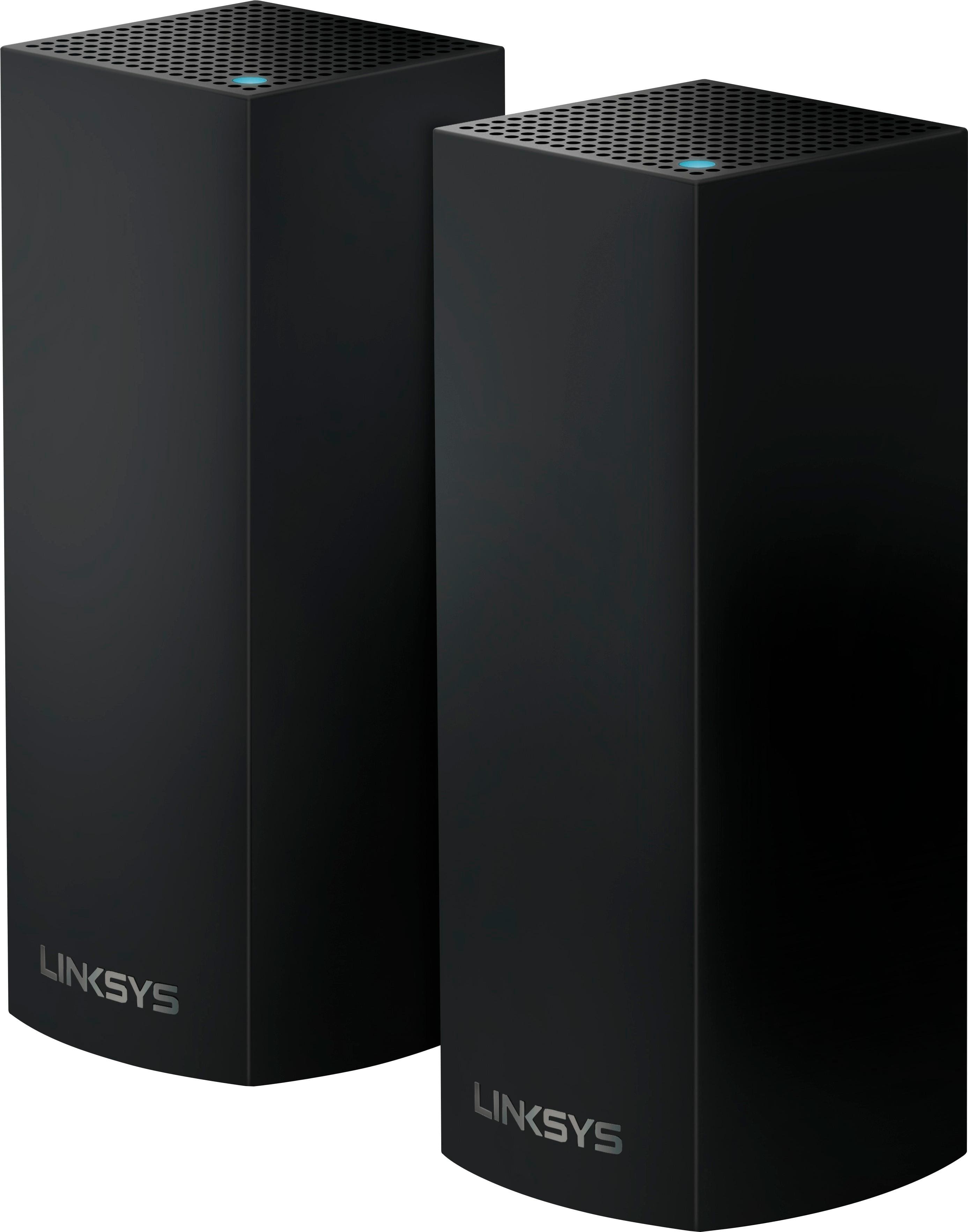
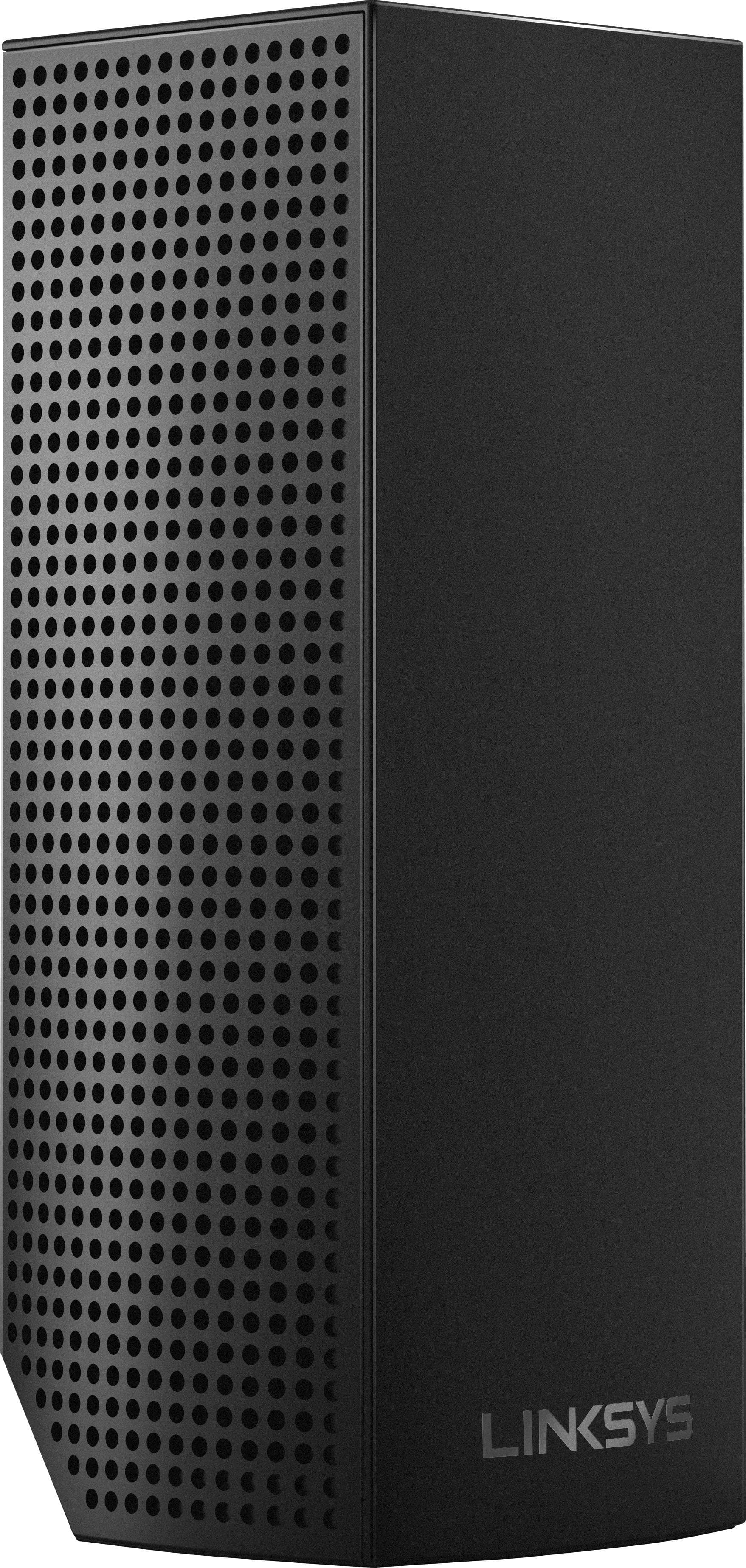
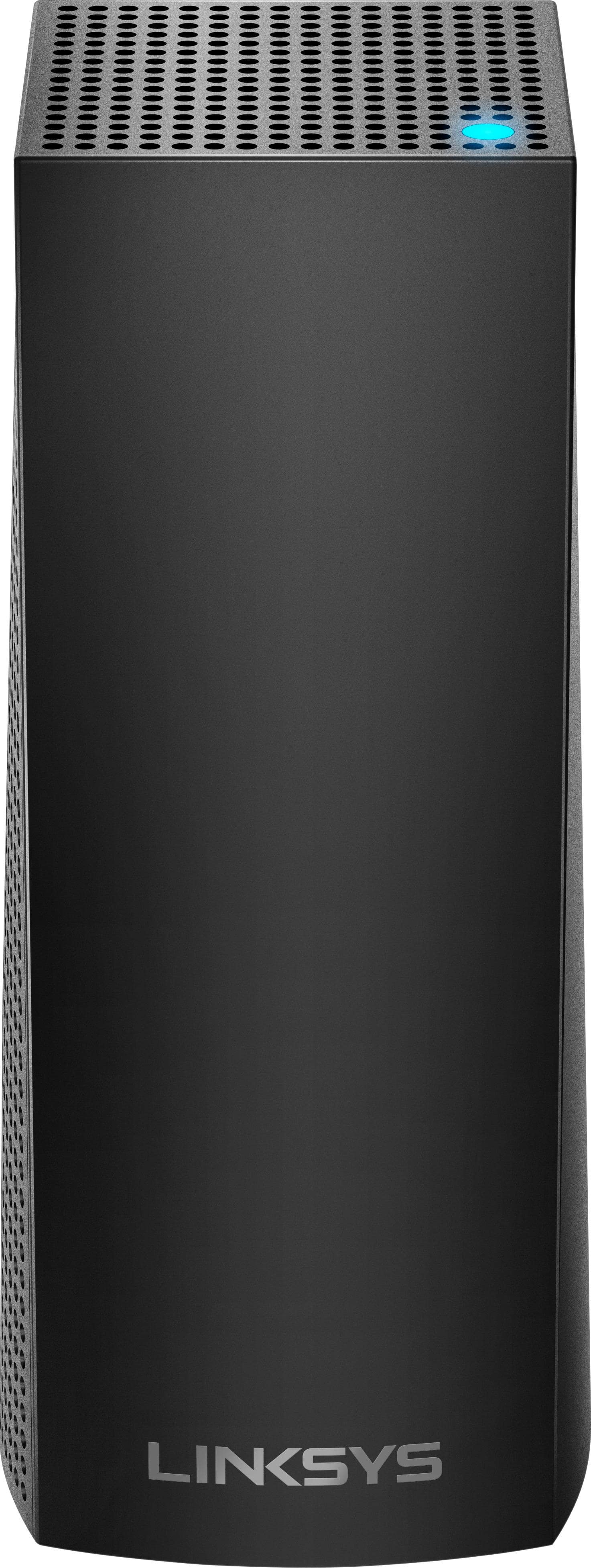
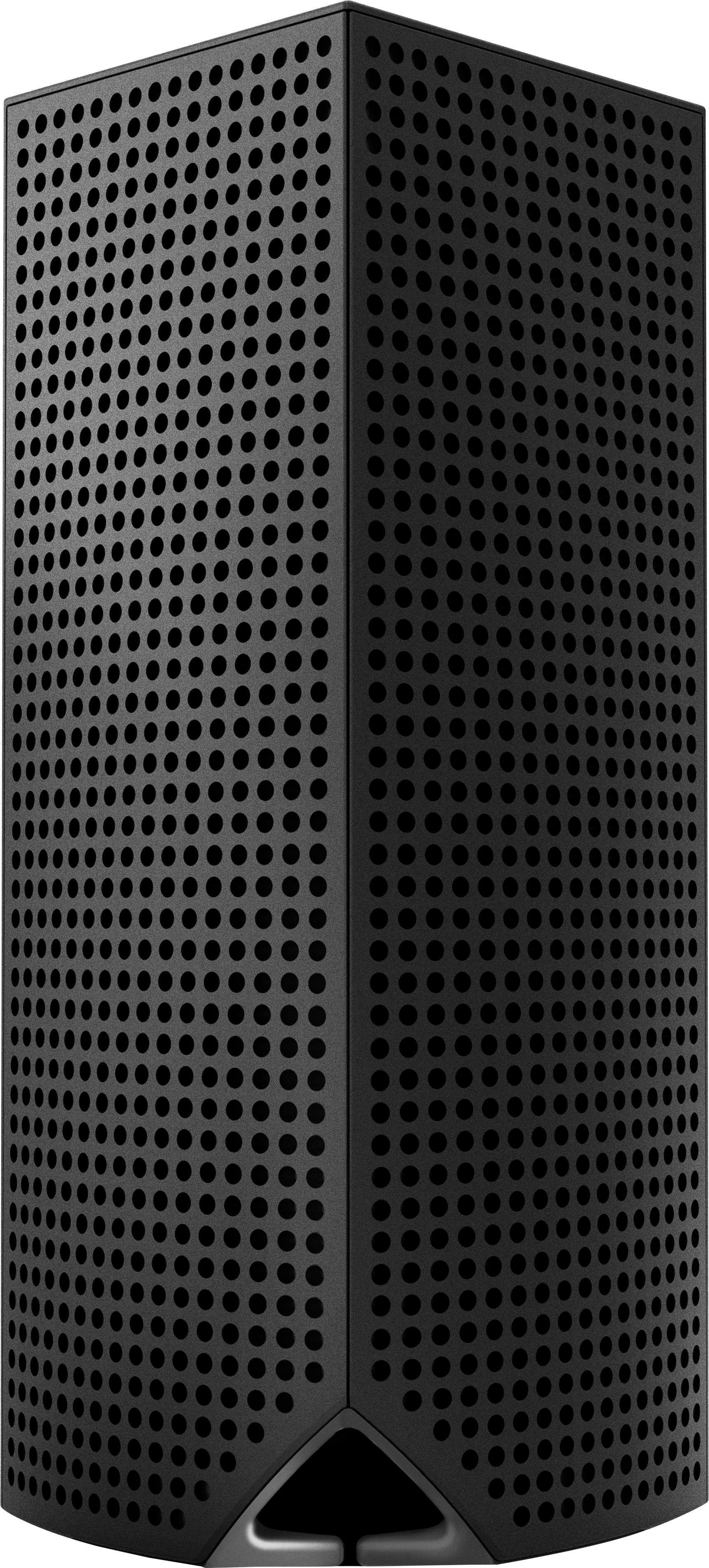
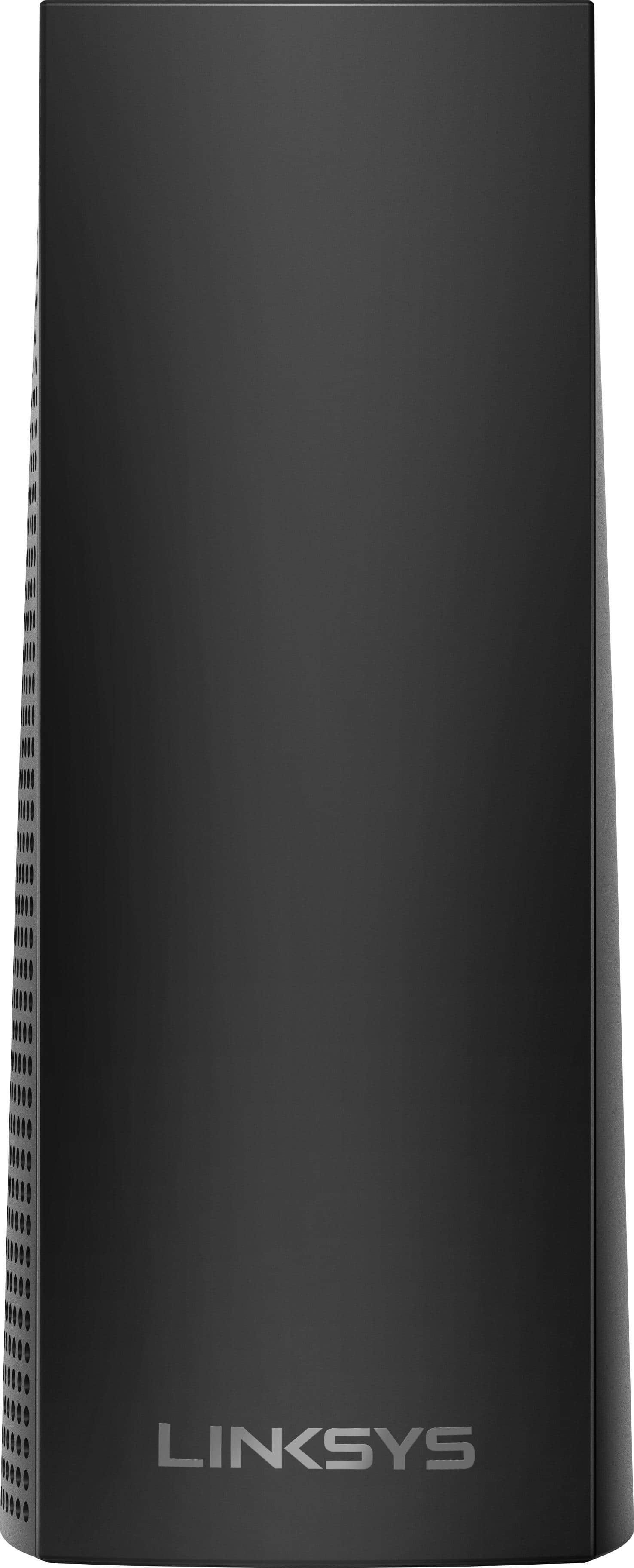
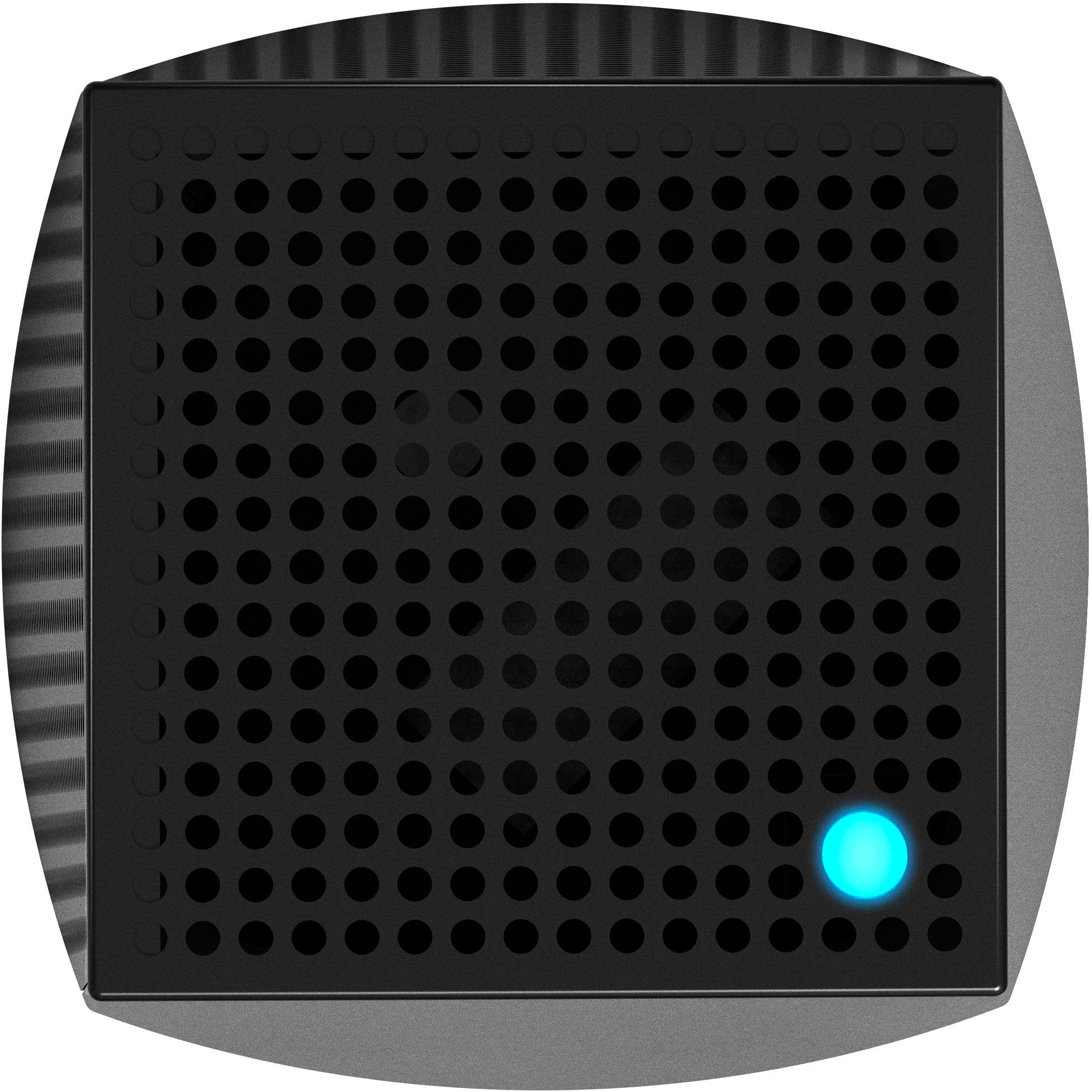
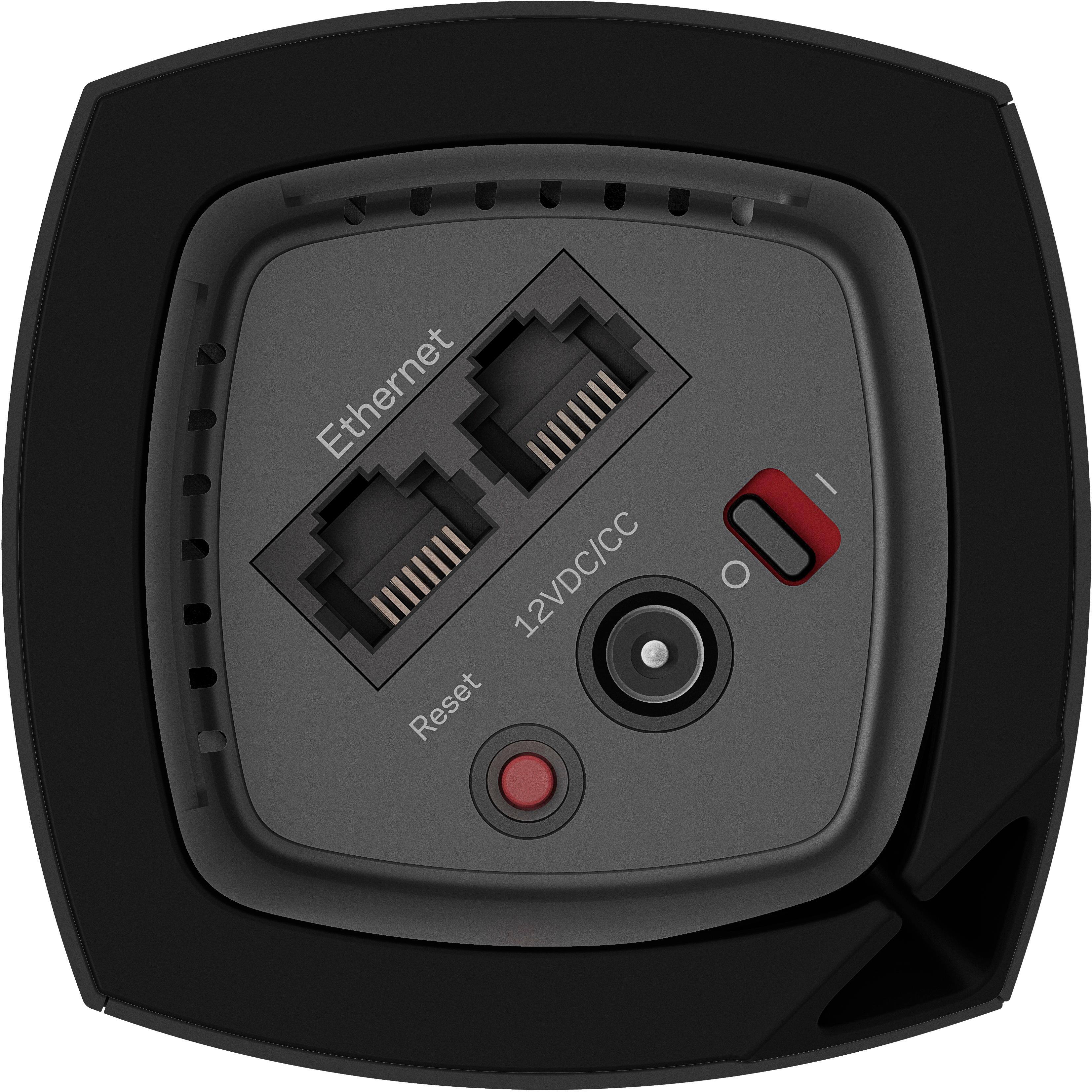
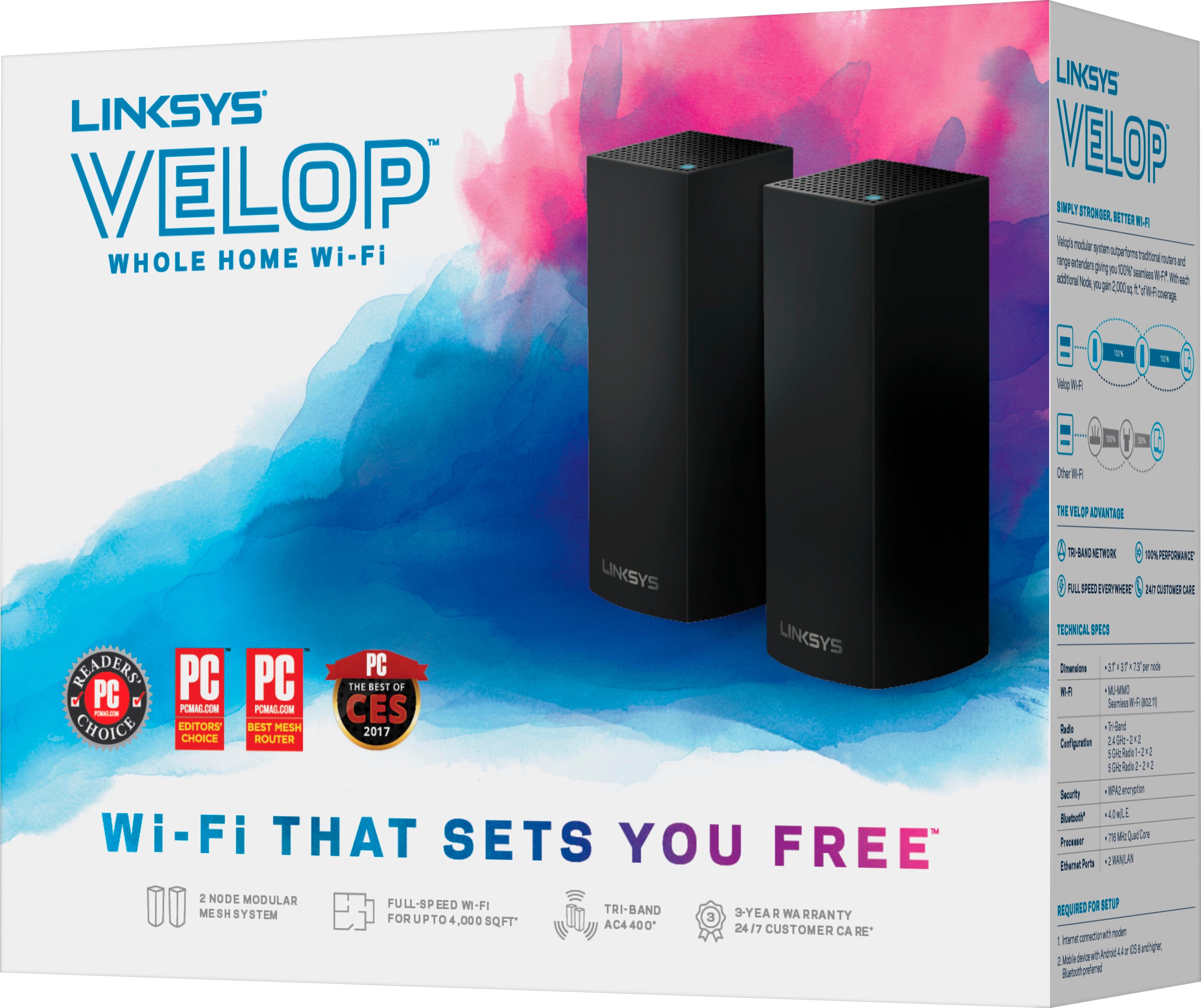
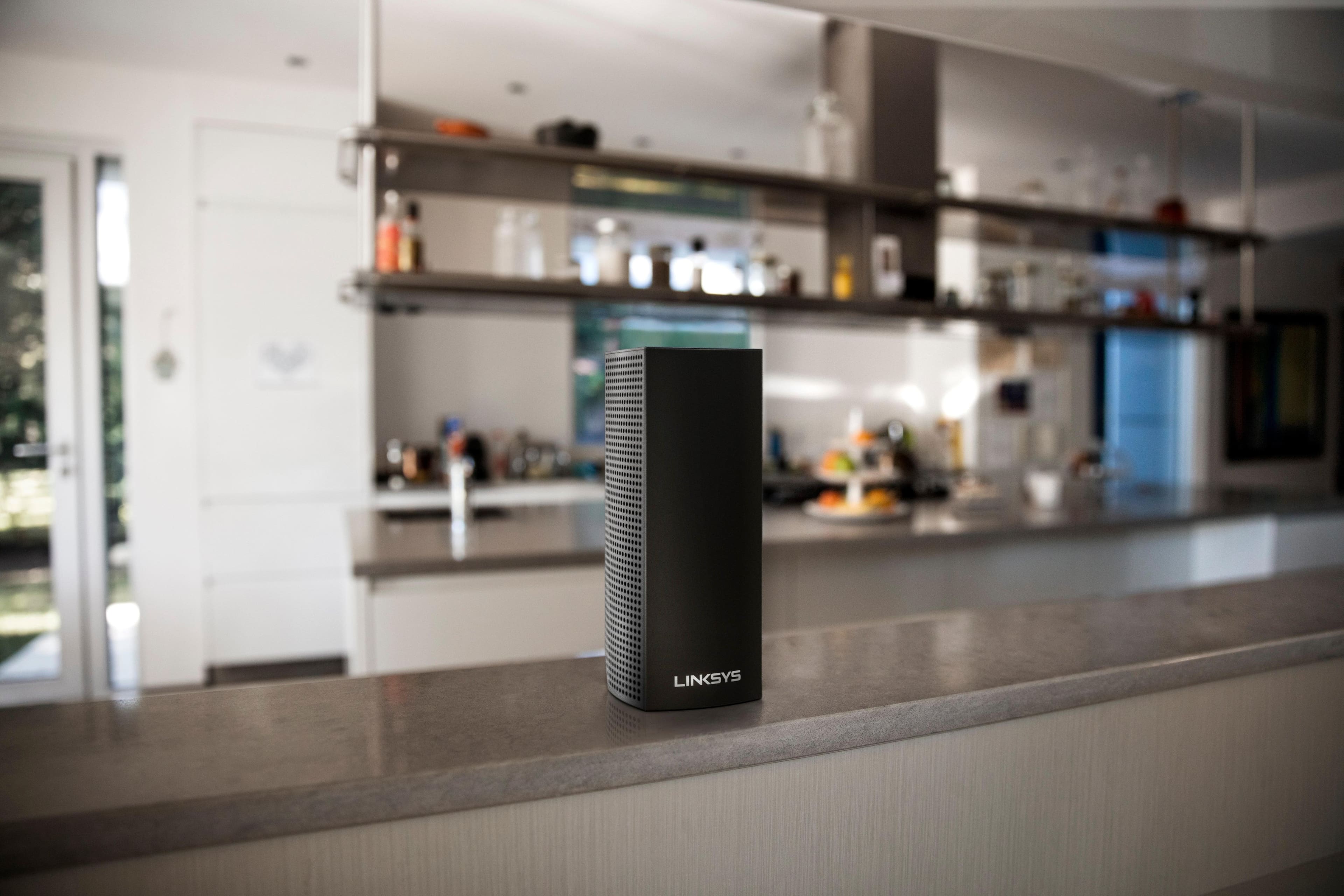
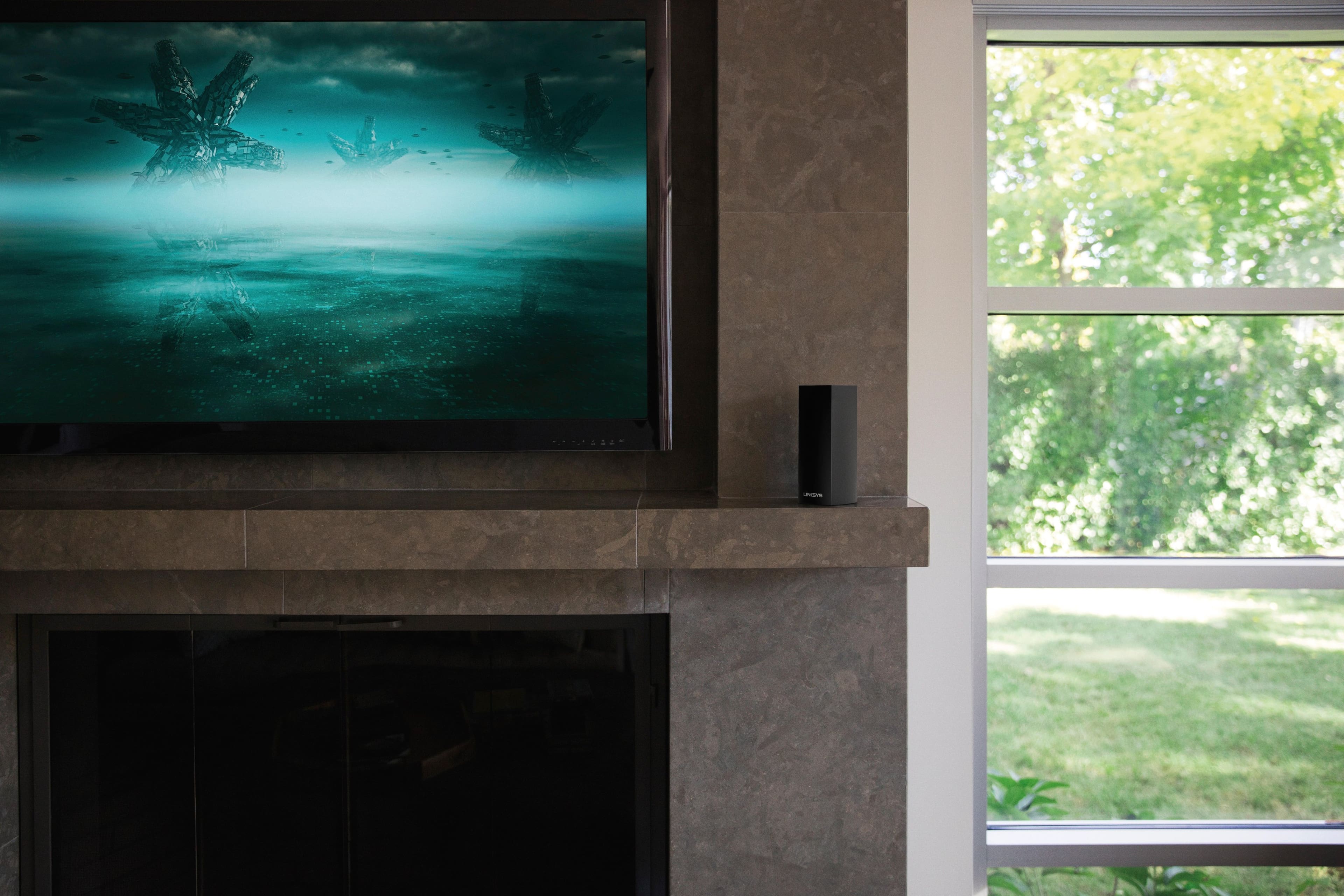
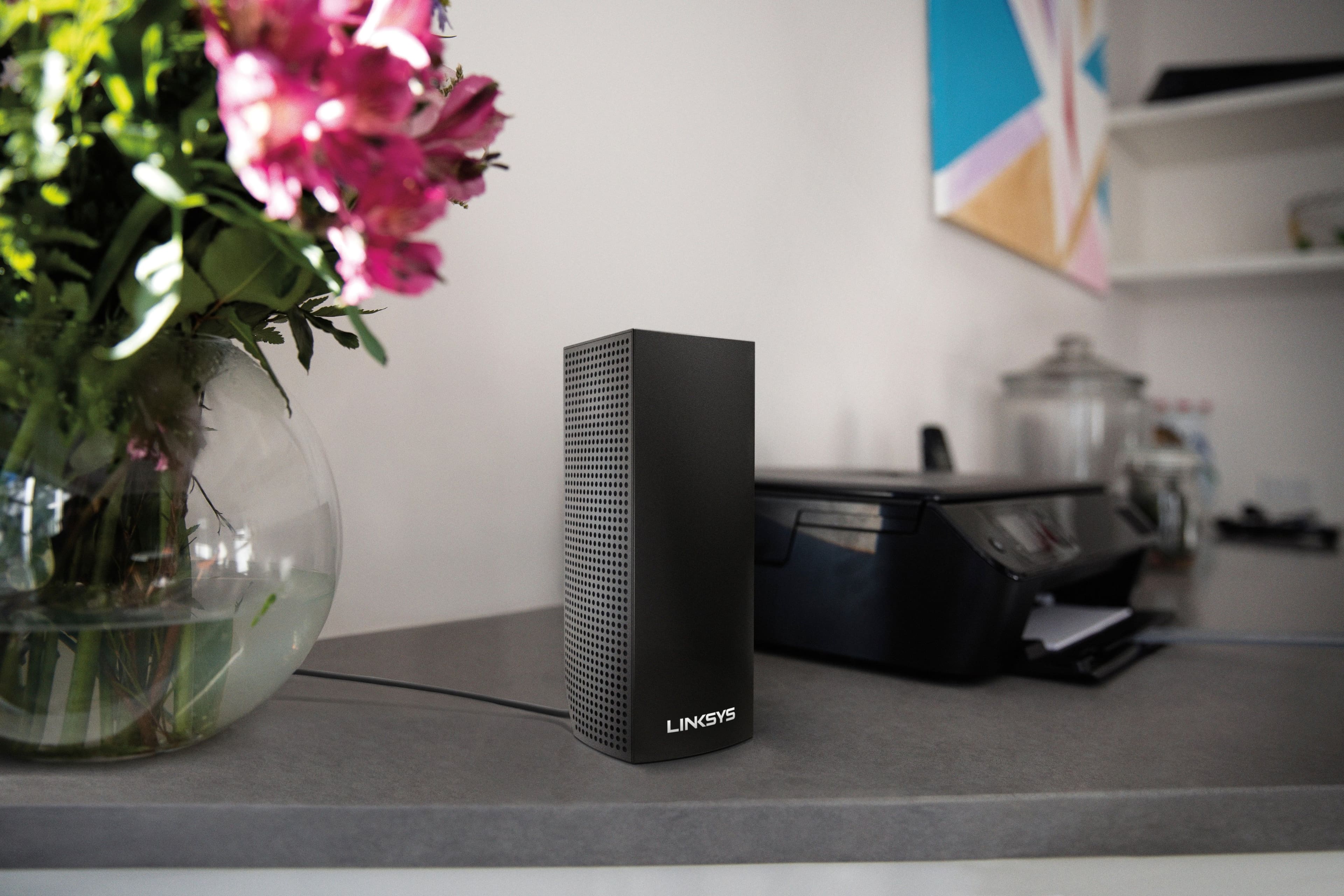

- Model:
- WHW0302B
- SKU:
- 5990500
Rating by feature
- Setup
Rating 4.3 out of 5 stars
- Range
Rating 4.3 out of 5 stars
- Signal Strength
Rating 4.3 out of 5 stars
Customers are saying
Customers are impressed with the Velop AC2200 Tri-Band Mesh Wi-Fi 5 System's ease of use, coverage, and setup, frequently citing its simple installation and strong signal. Many also praise the system's range and performance, reporting consistently reliable connectivity. However, some users experienced connection issues and noted the relatively high price. A limited number of Ethernet ports was also a recurring point of feedback.
This summary was generated by AI based on customer reviews.
So-so performance
||Posted . Owned for 1 month when reviewed.This reviewer received promo considerations or sweepstakes entry for writing a review.Although it did boost my signal range it did not boost it enough fo what I was expecting
No, I would not recommend this to a friendBrand response from Linksys Staff
Posted .Hi Jae76,
Once properly configured, your Velop System should be able to maximize the speed and range that your ISP provides while boosting the range of your Wi-Fi network. There might be other factors why your Velop nodes behave that way, and one of our Escalation Engineers will look closely into this setback and provide you a fix.
We'll wait for your email at LinksysCares@linksys.com with your contact details and the link to this post for easy reference.
Regards,
Carl
Linksys Support
There's Better Wi-Fi Systems Available
||Posted .This reviewer received promo considerations or sweepstakes entry for writing a review.After purchasing this unit, I read some product reviews and returned the unit. Went with a different Wi-Fi system!
No, I would not recommend this to a friendBrand response from Linksys Staff
Posted .Hi Ralph,
We regret to hear that the unit is no longer with you. We could have tapped one of our Escalation Engineers to assist you with the issue/s that you ran into. Should you have any Linksys products in the future, please feel free to reach out to us at LinksysCares@linksys.com for questions, suggestions, or assistance.
Regards,
Rechel
Linksys Support
Don't buy if you plan on doing any network admin
||Posted . Owned for 8 months when reviewed.This reviewer received promo considerations or sweepstakes entry for writing a review.Atrocious support from Linksys. Known issues have gone unresolved for over 3 years and Linksys offers no update on if the issue will even be fixed. Mac address filtering blocks the child devices unless all 3 Mac addresses from each child device are whitelisted, reducing the maximum number of devices you can whitelist from 32 down to 26. Linksys support offers no fixes and no indication they even plan to look at a fix. Save yourself some trouble and stay away from this piece of garbage
No, I would not recommend this to a friendBrand response from Linksys Staff
Posted .Hi Ryan,
By design, 32 MAC addresses can be filtered with the MAC Filter feature. Nonetheless, we would like to look into your case, and investigate it further. Please email us your case number and link to this review at LinksysCares@linksys.com, so that we can pull up your records, and assist you.
Regards,
Kyla
Linksys Support
Very disappointed
||Posted . Owned for 1 year when reviewed.This reviewer received promo considerations or sweepstakes entry for writing a review.The system constantly drops devices, switches the priority devices to slower speed, and looses contact with nodes. linksys tech support is frustrating and useless. The app is not very functional. And does not allow for some basic control. Overall, for the price, I was very disappointed in the product and it’s performance.
No, I would not recommend this to a friendBrand response from Linksys Staff
Posted .Hi, bgdubba.
This is not the experience we want to hear from our customers. Let's make sure that the Velop devices are currently running on its latest version to optimize its performance. Proper placement of the nodes also helps isolate the issue. Please email us at LinksysCares@linksys.com with your case number, contact details, and the link to this post as a reference.
Best Regards,
Gregory
Linksys Support
- Cons mentioned:Price
Worst product ever
||Posted .This reviewer received promo considerations or sweepstakes entry for writing a review.Doesn't meet the standards. Not sure why it got so many best award or reviews, but they seem to be wrong . With the high price this product is not even a worth $50 Bestbuy sales doesn't know if this is a good one or not, but they keep suggesting this. Better bestbuy should educate sales rep at stores
No, I would not recommend this to a friendBrand response from Linksys Staff
Posted .Hi,
We'd like to know what challenges you are experiencing with our Velop system so that we can have our Second Level Technicians assist you. Just send us your contact details at LinksysCares@linksys.com along with the link to this post.
We hope to hear from you soon.
Regards,
Thaddeus
Linksys Support
- Cons mentioned:Price
Would not recommend
||Posted .This reviewer received promo considerations or sweepstakes entry for writing a review.Okay. Too expensive for what you get. Did not help signal
No, I would not recommend this to a friendBrand response from Linksys Staff
Posted .Hi,
The Linksys Velop system should provide you with coverage up to 4,000 square feet. However, wireless interference could cause some issues with the range. Try to use the channel finder on the Linksys app to optimize the node's connection and make sure to update the Velop system's firmware.
Let us know the results at LinksysCares@linksys.com with your contact details and the link to this review and, we'll have our Escalation Engineers provide further assistance.
Regards,
Jan
Linksys Support
Not sure if working properly
||Posted . Owned for 1 month when reviewed.This reviewer received promo considerations or sweepstakes entry for writing a review.We are still having connections issues and not sure if the routers are working properly
I would recommend this to a friendBrand response from Linksys Staff
Posted .Hi JCJ08,
Thank you for sharing your feedback. We can have our Escalation Engineers assist you with the challenges that you are experiencing with the connection. They will further isolate and provide troubleshooting to resolve this behavior from the Velop system.
Just send us your contact details at LinksysCares@linksys.com so that we can escalate your case. Don't forget to include the link to this post as a reference.
We hope to hear from you soon.
Regards,
Thaddeus
Linksys Support
Linksys ac2200 mesh wifi
||Posted . Owned for 6 months when reviewed.This reviewer received promo considerations or sweepstakes entry for writing a review.Purchased for our 2700sq ft home. They work fair but not great.
No, I would not recommend this to a friendBrand response from Linksys Staff
Posted .Hi, Insignia,
Each node can cover up to 2,000 sq. ft. once successfully setup and if it's getting a stable connection from the upstream device. Make sure that the physical connection (ethernet cable) are properly attached and check if the firmware is up to date as well. Ping us at LinksysCares@linksys.com with the results and further observations. Please include your contact details and the link to your review for our reference.
Regards,
Mara
Linksys Support
- Pros mentioned:Coverage, Setup

WIFI EVERYWHERE
|Posted .This reviewer received promo considerations or sweepstakes entry for writing a review.This system was extremely easy to set up using my smartphone. I am able to control every aspect of this system with my handheld device. I have the master unit in my living room, one of the modules in my master bedroom and the other one in my detached garage. I have no dead spots throughout my entire 1.3 acres of property and for the most part I have full signal strength. The towers are a little big but they are aesthetically pleasing to the eye. The price range for the capabilities and power you get with this system is excellent. I would definitely recommend this item to anyone with a lot of square footage to cover.
I would recommend this to a friend Just ok
||Posted . Owned for 1 month when reviewed.This reviewer received promo considerations or sweepstakes entry for writing a review.Didn't have the range I was hoping for, but works good. Price was reasonable,
I would recommend this to a friendUseless for my need
||Posted .This reviewer received promo considerations or sweepstakes entry for writing a review.I was sold up to this product by a sincere Best Buy salesman who listened to very little I said beyond that my house is 5700 sq. ft. I ALSO said that I had another router in the house, had extremely poor cell phone service, and little experience with computer hardware installation. Bottom line, I am returning this router since I could never install it. First, it cannot be installed without instructions which MUST be accessed by one's cell phone. I could never access the instructions at my house. When I did get to the instructions, I was not at home; thus, didn't have the router at the place it needed to be installed. Further, the Hughes Net router in the finished basement works fine in my office - the only places I need another router are in the living room and one guest bedroom. I imagine a booster for my existing router will handle that more inexpensively than this un-installable and expensive Linksys can. I ended up buying a Netgear at Walmart for less money than Best Buy had it advertised for and things work fine.
No, I would not recommend this to a friendOkay kind of glitchy
||Posted .This reviewer received promo considerations or sweepstakes entry for writing a review.Product is ok. Not sure if worth the money. Seems to go offline a lot even when in ideal location.
I would recommend this to a friendBrand response from Linksys Staff
Posted .Hello,
There are various ways of placing your Velop System to maximize the network coverage. We recommend the parent node to be centrally located in your home and to place 1-2 nodes per floor. Make sure each node is running an updated firmware as well. Nonetheless, we'd appreciate it a lot if you could reach out to us at LinksysCares@linksys.com so our Escalation Engineers can diagnose your setup and provide workarounds. When you email, please include the link to this post for easy reference.
Regards,
Klaudette
Linksys Support
Not so graet
||Posted .This reviewer received promo considerations or sweepstakes entry for writing a review.Got this device but not satisfied with its service. Signal drops now and then
No, I would not recommend this to a friend- Pros mentioned:Coverage, Setup, Speed
Looks nice, provides excellent coverage throughout
|Posted .This reviewer received promo considerations or sweepstakes entry for writing a review.Much more attractive than my older router (which looks like a cross between a chocolate box and a set of antlers) and the coverage throughout the house is better and faster. Unpack and setup was pretty straight forward and the mobile app was easy to use. I had looked into a couple of other mesh wifi systems and I think that dollar for dollar, this measures up well and works great for us. We have three smart TVs, two tablets, two PCs, and two smartphones in the house and I was able to simultaneously stream video (yeah, I actually did that) on all of the devices without noting any lag, buffering or slow down.
I would recommend this to a friend Terribly Sad Product
||Posted .This reviewer received promo considerations or sweepstakes entry for writing a review.Such excellent speeds, when it works, which isn't consistent. It reboots, freezes, the nodes disconnect many times a day. I've spent HOURS on the phone with Linksys, over 6 separate days or more, had EACH NODE replaced, and reprogrammed. Sonos problems (dropping), but the deal-killer is the RED lights, everything dead, necessitating HARD reboots - just not acceptable.
No, I would not recommend this to a friendBrand response from Linksys Staff
Posted .Hi, BCLLC,
Thank you for bringing this to our attention. Please email us your case number or contact information at LinksysCares@linksys.com so we can review the details of your case and we'll have it prioritized with our Engineering team. Indicate the link to this review for our reference.
Regards,
Kristine
Linksys Support
Four hours with Linksys support and still no wifi
||Posted . Owned for 1 week when reviewed.This reviewer received promo considerations or sweepstakes entry for writing a review.To improve our wifi connection since we have 6 people in zoom or other virtual meetings, streaming on Netflix/Disney+, or video chatting with friends/family at the same time while sheltering in place, we upgraded our service with our internet provider and decided on the Linksys Velop mesh wifi system. Setting up promised to be a breeze with the Linksys app, or at least thats what i had expected. In reality, i ended up on the phone with Linksys support for 4 hours and still no wifi. After my service ticket was escalated to next level support, i threw up my hands, cussed a little, and gave up on Linksys. Immediately went online to purchase another brand’s wifi system which i was able to set up in under 5 minutes. Sorry Linksys, i really wanted to love the Velop as i liked the tower design and the color (black), there was great potential, but it just didn't work for me.
No, I would not recommend this to a friendBrand response from Linksys Staff
Posted .Hi, HockeyDad22,
We understand how frustrating this experience could be and we totally respect your decision. However, should you change your mind and decide to try the Velop system again, feel free to contact us at LinksysCares@linksys.com so we can reopen your ticket and have our Escalation Engineers lend you a hand. Just don’t forget to include your case number and a link to this post as a reference.
Regards,
Rosalyn
Linksys Support
Weak signal
||Posted .This reviewer received promo considerations or sweepstakes entry for writing a review.2 satellies for 3500sqft, weak signal, frequent outage, need to frequently re-enter wifi passwords
No, I would not recommend this to a friend- Pros mentioned:Coverage, Ease of use
Great Range, Easy setup
|Posted .This reviewer received promo considerations or sweepstakes entry for writing a review.This whole home wi-fi system is really easy to set up and works great. I needed to have wi-fi extended from my house to my detached garage office which is over 40 away from the rest of the house. This system did the trick. It took me about an hour from opening the box to having it completely set up and working. Just download the app and it walks you through the entire process. Be sure to have your ISP user name and password handy as you'll need it during setup. Mine was easy, it's printed on the bottom of my router. The verification email they send took about an hour and came to my junk mail but that was no problem as the system gives you 48 hrs to verify and was up and available while waiting for the verification email. I was a little concerned that there were only 3 nodes (mini 7" tall sending/receiving towers) because one has to be placed close to your router to plug in the ethernet cable, leaving only 2 for the rest of the house. I placed one in my living room which is at the front of my house, the one next to my router is in the middle of the house, leaving just the one to make the connection from the middle of the house to the garage office, a distance of close to 60 feet, with interior and exterior walls to go through. It made the connection no problem and the signal is strong. I'm very impressed! I highly recommend this system. If you have any problems getting a wi-fi signal anywhere on your property or you have weak signals, this system is the fix for that.
I would recommend this to a friend - Pros mentioned:Setup, Speed
Easy setup, nice feature set and good looks
|Posted .This reviewer received promo considerations or sweepstakes entry for writing a review.Disclaimer - I received this product to demo for my unbiased feedback. First impression was that this was well packaged and the nodes look good enough to leave in the open, kind of look like high end air fresheners. Setup with the app on an iPhone7 was very easy with no hiccups, each node was recognized within 2-3 minutes then configured to the network. Three nodes is overkill for my 2000sq ft home, but with the full system installed I have a solid connection anywhere in my yard and two of my neighbors houses, First test was the speed test in the app. My FioS bandwidth is 75mps both up and download and the speed test showed it at 85 down and 88 up with nothing running. Now for some content. I put movies on two of our TVs through the set top boxes and started streaming a third movie on my tablet. All three played smoothly with no buffering. Next I added some gaming with BlackOps III on my PC with the movies,still playing. A solid 120fps in the game and still no buffering on any of the movies. Speed tests now show download speed at 43Mps and upload at 65Mps. Impressed with both the ease of setup and performance. Having.the guest network and password are a plus and the app makes it easy to text or email the password to those who need it. The only knock I had was on the size of the power blocks for the nodes. Plugging into a standard wall socket isn't a problem but will take multiple outlets on many power strips, surge protectors or battery backups.
I would recommend this to a friend - Pros mentioned:Setup
Good Solution with room for improvement
|Posted .This reviewer received promo considerations or sweepstakes entry for writing a review.First, let me say that the Velop hardware appears to be an excellent design with lots of room for future feature enhancements. Configuration is straightforward via either an Android (tested) or IOS app. Note that there is no web based configuration available. Unbox the units, download the app to your phone or tablet, plug the primary node into your modem, apply power, and follow the setup instructions in the app. The app does require you to create an account at linksyssmartwifi.com in order to proceed with configuration. Once the primary node has been added, you can add the remote nodes. Each node takes about 10 min, the discovery process can take some time. Performance is excellent once the configuration is complete, speed test on a device connected to a remote node was the same as one connected to the primary (240Mb/sec on a cable link). Pros: - Performance is excellent, if not the fastest, then one of the fastest mesh solutions out there. - VOIP phone friendly. Excellent voice quality with a physical VOIP phone, ethernet connected to a remote node. VOIP phone must use be configured for a tls connection, but voice quality over wireless was as good as a wired connection. - IPv6 routing works, but with no configuration options or local dhcpv6 server. - Configuration is straightforward, if limited. - 3 yr warranty, this is 3 yrs longer than the norm for consumer routers. Cons: - Cannot change the local network address, it is fixed at 192.168.1.x. DHCP address reservation requires that a device appear in the app devices list, but the assigned address can be changed and fixed there. - Cannot change the DNS server. Using OpenDNS or Google DNS is not possible if your wan address is set by DHCP by your Internet provider. - Preference for 2.4ghz over 5ghz for non-AC devices. It seems there was a design decision to try to reserve 5ghz, as much as possible, for newer (802.11ac) devices. The Velop system seems to push any non-ac capable device onto the 2.4ghz channels. - Limited configuration options: no control over firewall other than port mapping. No IPv6 configuration. No local configuration, only cloud based configuration through the app. - No logging visible to the admin. Overall, a very good first release with some notable features lacking. Overall rating knocked down a bit for the cons listed above. Looking forward to additional features in future updates.
I would recommend this to a friendBrand response from Linksys Staff
Posted .Hi Rtbestbuy,
Thank you for sharing this detailed feedback with us. It’s good to know that you were able to put some of our device’s features to good use. As for the lacking advanced features, our Engineering team are already aware of these feature requests for the app and Velop functionalities. We would love to have one of our Escalation Engineers walk you through changing some features you’ve mentioned. Please get in touch with us at 800-986-0518, or email us at LinksysCares@linksys.com.
Regards,
Rechel
Linksys Support