Customer Ratings & Reviews
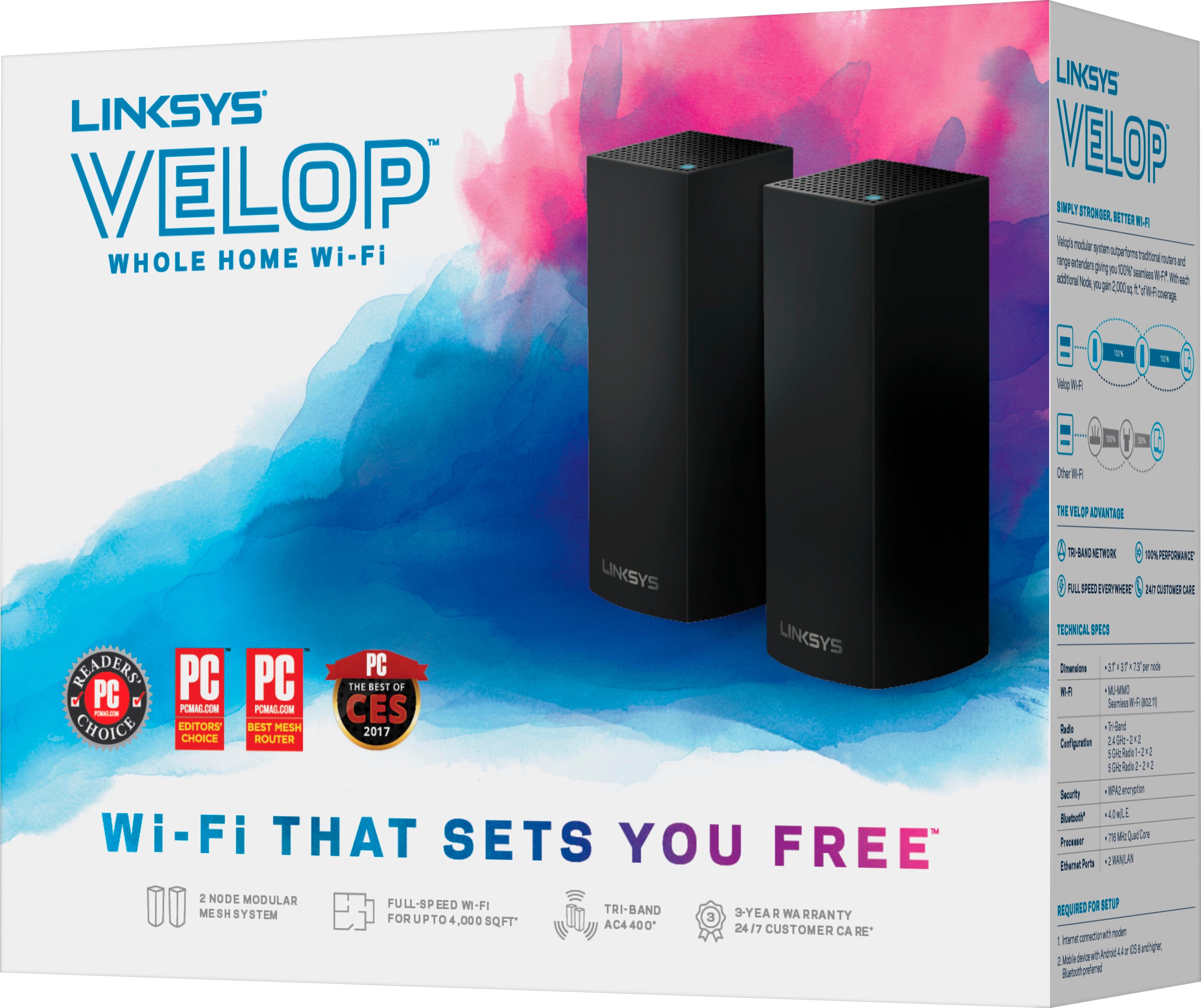
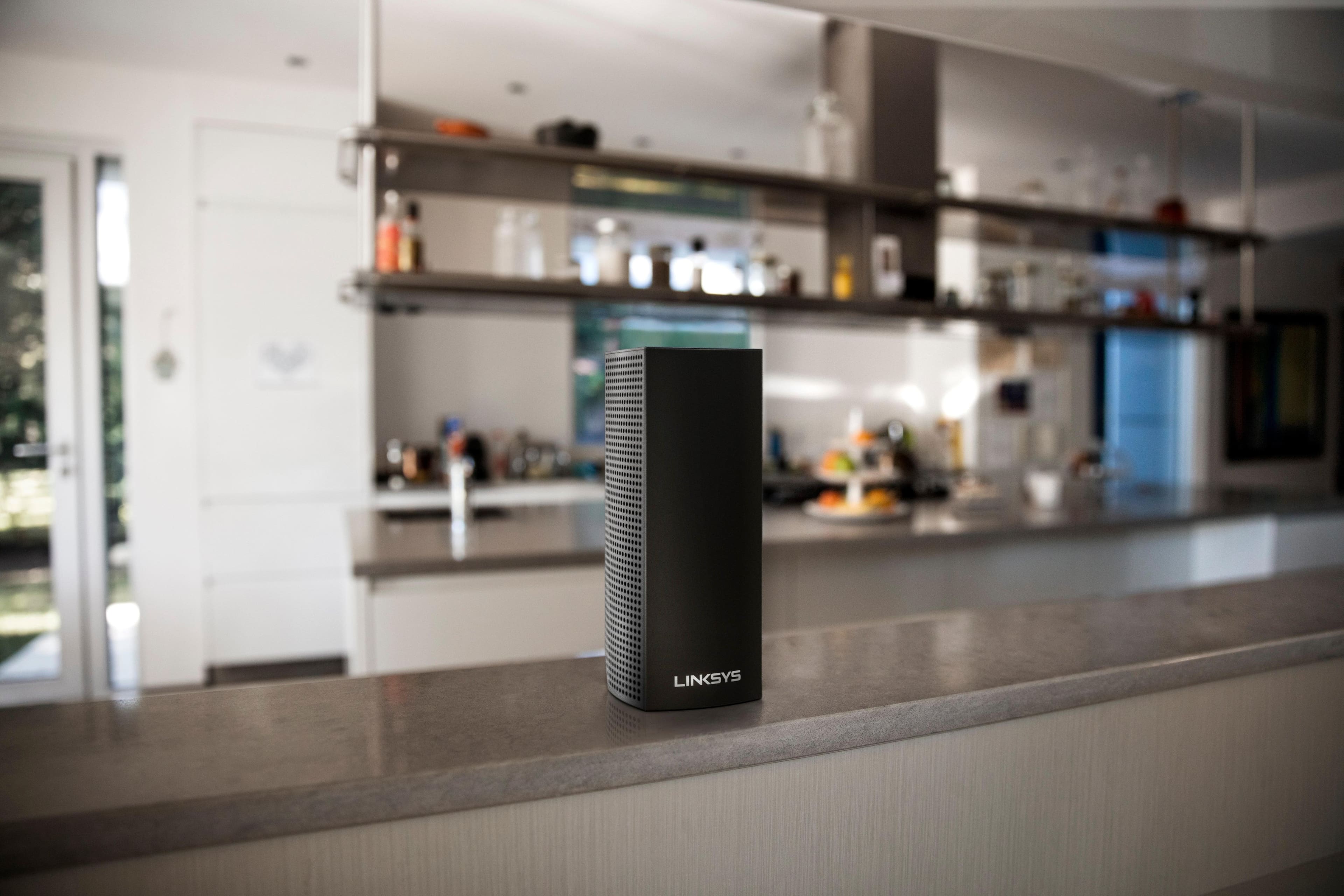
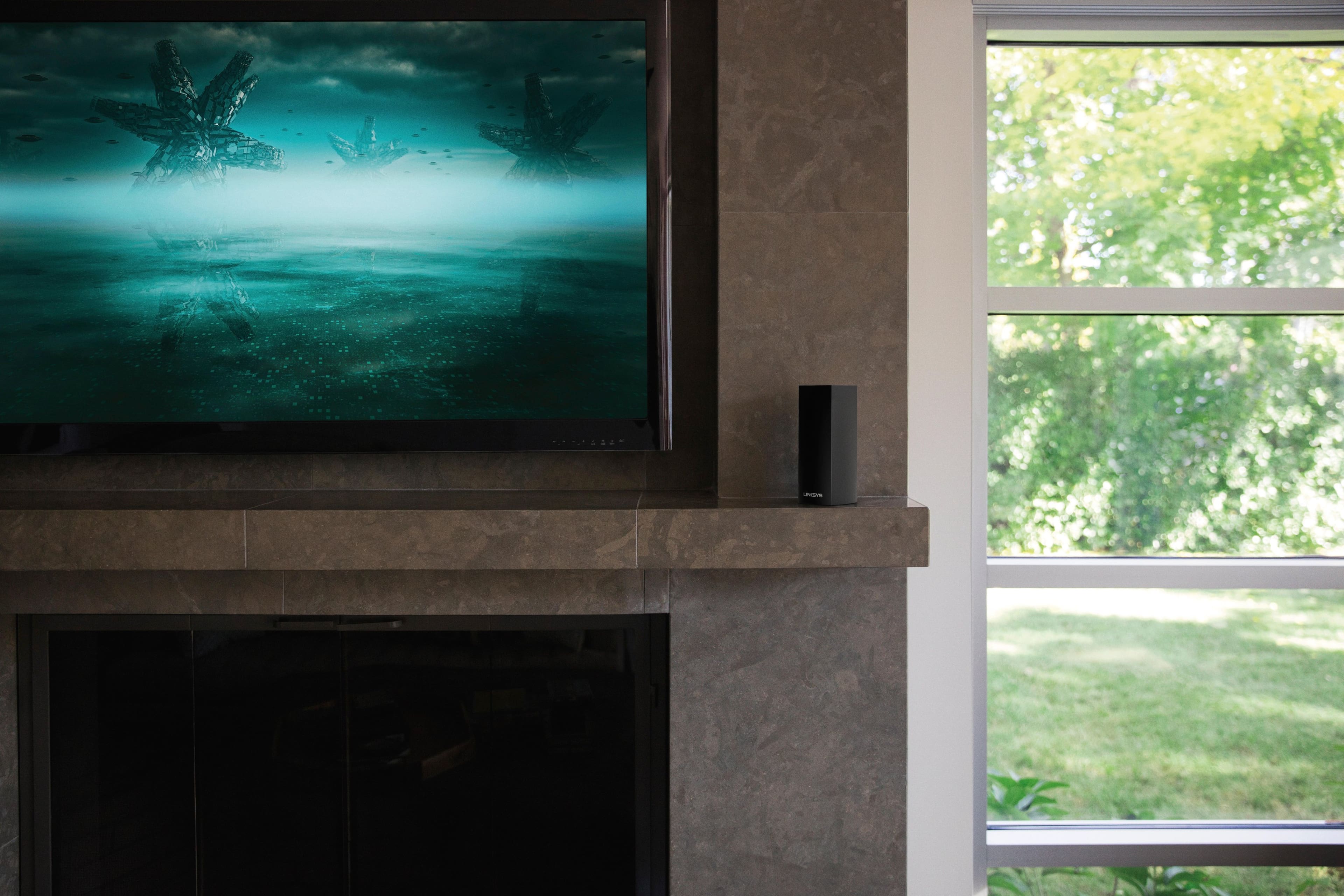
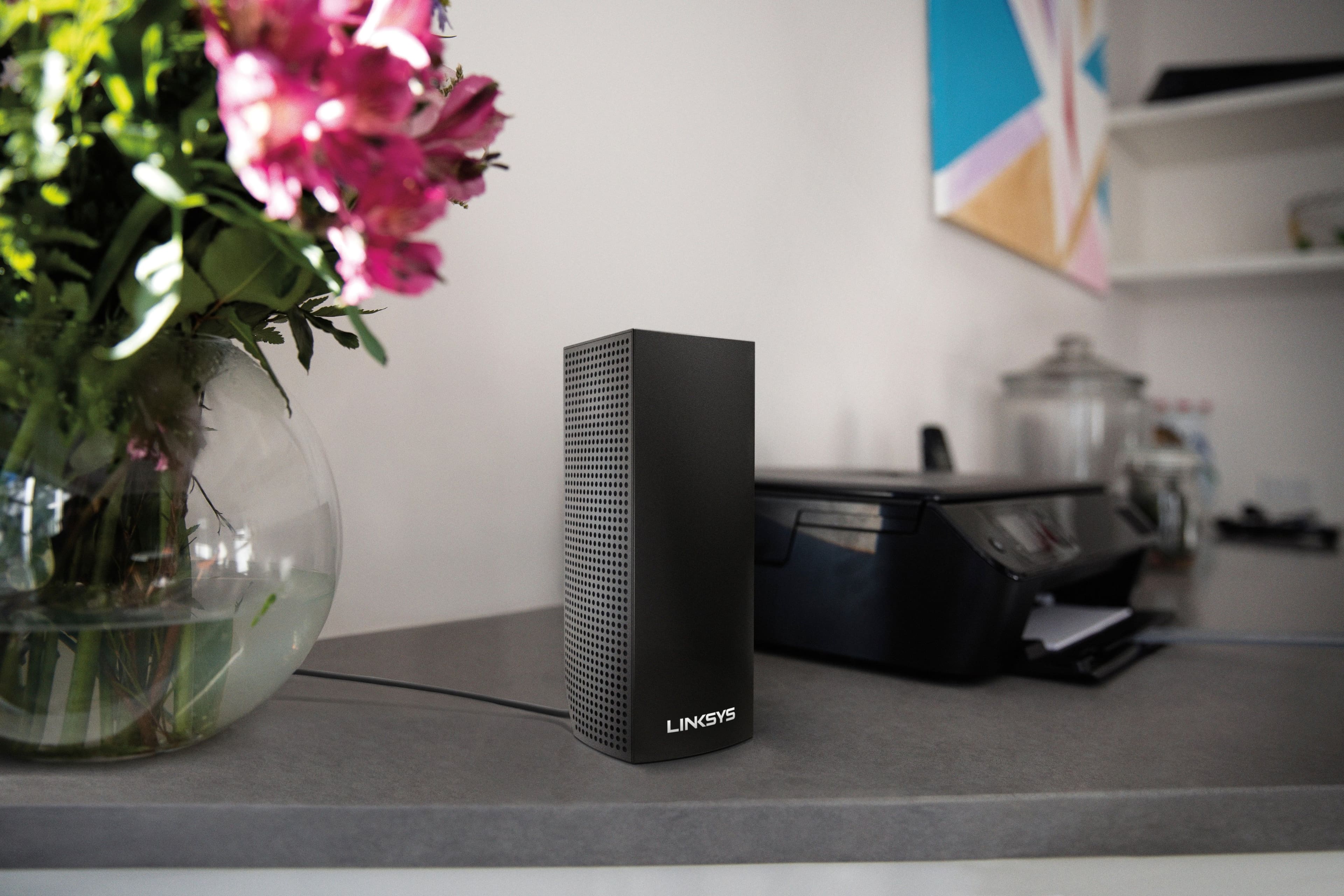

- Model:
- WHW0302B
- SKU:
- 5990500
Rating by feature
- Setup
Rating 4.3 out of 5 stars
- Range
Rating 4.3 out of 5 stars
- Signal Strength
Rating 4.3 out of 5 stars
Customers are saying
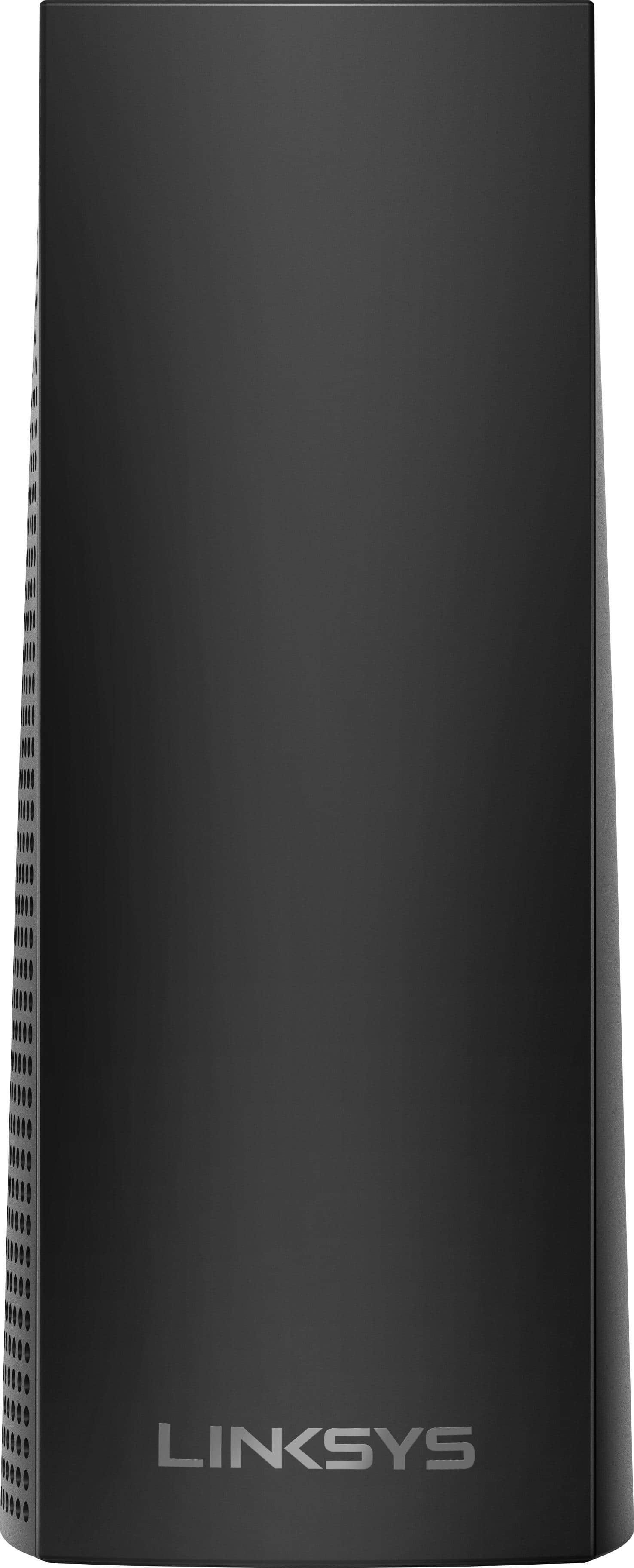
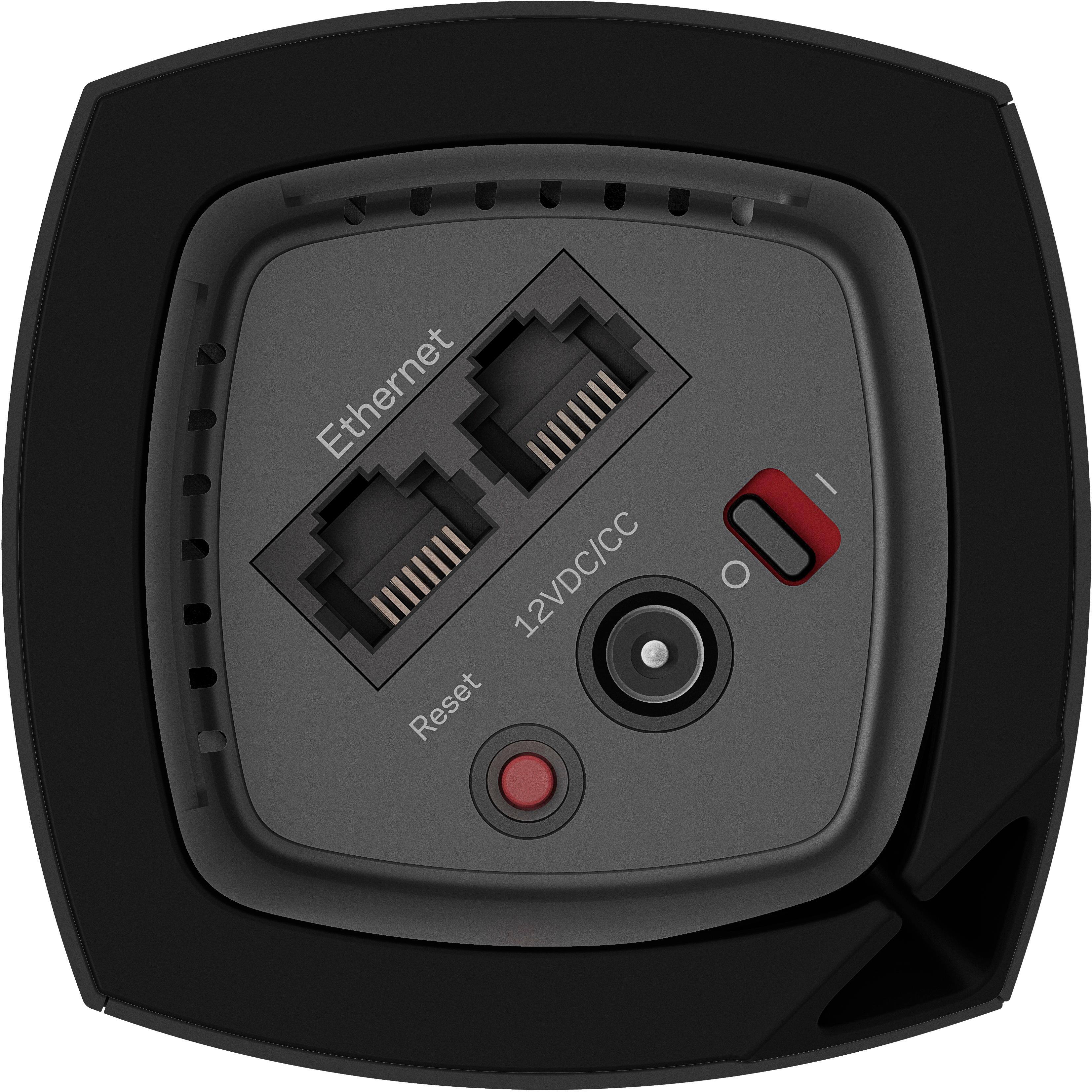
Customers are impressed with the Velop AC2200 Tri-Band Mesh Wi-Fi 5 System's ease of use, coverage, and setup, frequently citing its simple installation and strong signal. Many also praise the system's range and performance, reporting consistently reliable connectivity. However, some users experienced connection issues and noted the relatively high price. A limited number of Ethernet ports was also a recurring point of feedback.
This summary was generated by AI based on customer reviews.
Was not worth it for me.
||Posted .This reviewer received promo considerations or sweepstakes entry for writing a review.Had to return. Getting the nodes set up is like juggling: you have to get a ball in the air first. The nodes although placed in spots that were compatible, fell out of sync. My ISP and Linksys kept pointing the finger at each other. I replaced it with an Asus gaming router and it is much better.
No, I would not recommend this to a friendBrand response from Linksys Staff
Posted .Hi, Dev0,
If the child node lost connection from the other node, then physical obstructions and frequency interference are the possible reason for it. Relocating the nodes and power cycling may help us isolate the concern. We could also have our Escalation Engineers assist you further. Thus, we respect your decision and in case you have future concern with any of our products, feel free to send us an email at LinksysCares@linksys.com with your contact info and the link of this review, for our reference.
Regards,
Elyza
Linksys Support
Mesh router did not work for my needs
||Posted . Owned for 1 month when reviewed.This reviewer received promo considerations or sweepstakes entry for writing a review.I bought the Linksys Velop to cover a relatively big area, through walls and floors. Had trouble with getting a proper signal. Though Customer Service was helpful, after a number of calls I could still not get a proper signal. I decided to return it. Replaced the Linksys Velop with Net Gear Orbi AC3000
No, I would not recommend this to a friendBrand response from Linksys Staff
Posted .Hi,
Each node of the Linksys Velop Tri-Band Mesh system should provide a coverage of up to 2,000 sq ft, with a total of 4,000 sq ft for both nodes. However, we could have tried to use the channel finder to optimize the nodes and, updated the firmware.
If you need assistance with other Linksys devices, feel free to share more details at LinksysCares@linksys.com with the link to this review for our reference.
Regards,
Jan
Linksys Support
cap767
||Posted . Owned for 1 month when reviewed.This reviewer received promo considerations or sweepstakes entry for writing a review.This is a difficult product to set up, for the average home owner. We count not get a user unit to connect to the 2.4g system ( the only band it would work with). Many of our units would drop offline. The 2 sattelites would drop off line ramdomly. Very trouble some. Not worth the troubles.
No, I would not recommend this to a friendBrand response from Linksys Staff
Posted .Hi 767cap,
The setup process should be easy when using the Linksys app. If you have devices that can only connect to the 2.4 GHz band, you can create a unique SSID for the 2.4 GHz and 5 GHz bands of your Velop WHW0303B. This can be done on the web user interface, since the app does not allow this feature yet.
Furthermore, updating the node's firmware and running the Channel Finder to select the best wireless channel, can help address the connectivity issue.
If you need assistance, feel free to email us at LinksysCares@linksys.com, with the relevant info and the link to this review, for reference.
Regards,
Kyla
Linksys Support
good product, but hard to hook-up
||Posted . Owned for less than 1 week when reviewed.This reviewer received promo considerations or sweepstakes entry for writing a review.Too complicated to hook-up Product is great! I am not savy with hooking up tech
I would recommend this to a friendNot for people with 1gig of service
||Posted . Owned for 8 months when reviewed.This reviewer received promo considerations or sweepstakes entry for writing a review.The product works fine until it request a 2.4ghz net work even though i'ts a 3 band. Don't buy this if you have 1gig of service because it will cap you at 500 on LAN. I didn't care to much on the app to manipulate the router because it's very limited. It's not like going to 192.168.1.1... I guess my biggest issue with this is that the sales rep at best buy sold me on this device but he did NOT know what would happen when over loaded or if that it would cap you on networks speeds grader than 500. Yeah, you would say.. just take it back. Well at the time I blamed the network provider for months. Until I had a real network guy that walked me through and told me that my Linksys was my bottle neck sight!!! so when I took it back and explained this issue Best Buy told me it was passed my return date! even though it was their sales rep that sold me the wrong product!!!!!
No, I would not recommend this to a friendBrand response from Linksys Staff
Posted .Hello, ArtCelo,
The Linksys WHW0302 is a Tri-Band Mesh Wi-Fi System that has one 2.4-GHz network, and two 5.0-GHz network bands. If you're having dropping connections with the wireless network of your Linksys WHW0302, then you may try running the channel finder feature found in the Linksys App. Allow us to have this taken care by our Escalation Engineers for more diagnosis by sending us an email at LinksysCares@linksys.com with your contact info and the link of this review for our reference.
Regards,
Elyza
Linksys Support
- Pros mentioned:Range, Setup

Simple set up that works well
|Posted .This reviewer received promo considerations or sweepstakes entry for writing a review.I received a Velop three node system free in exchange for a timely and honest review. I pulled the Velop out of the box a few hours ago. The packaging is neat and easy. I replaced an older WiFi network that had a DSL modem/router and a secondary WIFi access point as an extender. I downloaded the Linksys app for my iPad and followed the easy instructions. I started by just disconnecting my secondary wireless access point and plugging the first Velop node into that cable. I was impressed that the Velop system did all of the configuration work. I didn't have to do anything except plug it in, connect it and respond to the prompts in the app...(basically, next, next, next...) After the first node came up, I waited before adding a second node. I wanted to see what I had for coverage. I disabled the wireless functionality on my main DSL MODEM/router, so my Velop was the only access point active on that network. I was impressed at the coverage offered by the Velop. It is in the middle of my home, so it basically covered the whole house. My next test was to take a node to my workshop across the driveway from my house. I have a WeMo switch over there that I use to control the block heater on my Kubota. The WeMo switch has always been at the far end of my coverage and sometimes dropped off-line. I installed the Velop node on the second floor on a ledge under the eaves. I then started the process for adding a node. The system again did all of the configuration work for me. When done, the Velop app told me my signal was weak and I should move the 2nd node closer to the first node. So I moved the node near a window with direct line of site to me house and told the software to try again. After a few seconds, the app reported that I was still on the edge and my network would be slow. Since I'm only using this particular network for IoT management and as a backup for my cable network in case of an outage, I don't need high performance out in my workshop. So I accepted this location and did a speed test. The speed test confirmed that the second node wasn't in a great spot, but it was totally acceptable for my needs. I now have what should be a more reliable connection to my WeMo in my workshop. If it continues to work well, I have another WeMo I want to add to my workshop to control my low-tech thermostat out there. It is still early in terms of my usage, but I am very impressed with the ease of setup and the range of coverage provided by the Velop system. This was the easiest wireless setup I have experienced in my life to my recollection...and my experience goes back to the days of the very first wireless routers ever sold.
I would recommend this to a friend Mesh Frustration
||Posted . Owned for 1 month when reviewed.This reviewer received promo considerations or sweepstakes entry for writing a review.Does NOT work as explained by sales person. We use 4G LTE for internet with a router from a known company. 2800 sq ft one level house. Difficult, ambiguous set up required phone assistance of a 45 minute duration. I was very Dissatisfied with all aspects if the device.
No, I would not recommend this to a friendBrand response from Linksys Staff
Posted .Hi,
The Linksys Velop Mesh System is compatible with most modems and, it should have been easy to set up using the Linksys app. Allow us to assist you with your concern. You can share more details at LinksysCares@linksys.com with the link to this review for our reference.
Regards,
Jan
Linksys Support
Don't waste your money...Returned.
||Posted . Owned for 1 week when reviewed.This reviewer received promo considerations or sweepstakes entry for writing a review.Don't bother wasting your money on this. I was getting slower speeds (100-200Mbps) on the Linksys Mesh System compared to the gateway that ATT provides you (450-550Mbps). I pay for the 1gig fiber through ATT and get 450 and above on WiFi. On the Linksys Mesh system I would get the previously mention slow speed on WiFi. My friend that works in IT for a living even tried looking at why I was getting such slow speeds. After trying multiple different troubleshooting methods, he pretty much determined it's either a poor mesh system or defective. If you're trying to expand your WiFi and get better signal through your house, spend the money on buying an actual Mesh Router that you can buy a node to place in a dead zone to extend the range. Don't waste your money on this. I returned it right away.
No, I would not recommend this to a friend- Pros mentioned:Range, Setup
Excellent Wi-Fi Product
|Posted .This reviewer received promo considerations or sweepstakes entry for writing a review.While I am tech savvy, my knowledge of networking has little reach. I've had all kinds of networking issues with different devices through time, whether during setup or regular use (usually the latter), and I've never been able to solve them by myself, nor do I have much understanding of the solution when I find one. I simply apply the solution and hope it works. My Wi-Fi provided through a standard company-provided modem just plain sucks. When I had a technician come out to fix an issue with my intermittent connection hiccups (which turned out to be some kind of interference issue), he even admitted that they weren't really good to begin with, which I'd say is common knowledge. Still, I didn't want to purchase a modem of my own to boost my range, and then I had the chance to try out this product that I'm reviewing. I was expecting there to be a lengthy and possibly tedious setup involved with the Velop system, but there wasn't. It was actually very easy and going in a matter of minutes. I literally opened up the box, and the first and only step on a stocky card was to connect one of the nodes to the modem using the included ethernet cable, then download the Linksys app on a smartphone . It's worth mentioning that in the box are power cables for all three nodes. From there, you make sure the phone is connected to the new network that you're creating. Then came boosting the network to stretch my entire home! I placed the other two nodes in different rooms. One at a time, I plugged them into the wall, pressed the buttons on the top of the nodes, which allows your phone to find them, and watched their progress as they set themselves up. The entire setup process was smooth and easy, and lasted about 10-15 minutes. As a side note, with the app, you can also name the nodes and look at who's connected to the new network, among other small features. Since I set up the system just over a month ago, I've had absolutely zero problems with my Wi-Fi. There has been no connection intermittence caused by when I was 20-25 feet from the modem, and I've had full 100% connection strength in every corner of my home. The power in these nodes is really amazing compared to what I'm used to. I wish I could share more about how it all works, but again, my knowledge in network is lacking. I'm thankful that the product was so very easy to set up and even manage, and undoubtedly it was built this way. I'd highly recommend this to anyone who isn't knowledgeable in networking. There may be better products out there, but this one will definitely work for me for a long while.
I would recommend this to a friend Not a good experience
||Posted . Owned for 1 month when reviewed.This reviewer received promo considerations or sweepstakes entry for writing a review.I bought these as I thought they would help with WiFi coverage on the upper floors of my home. After installation I assumed my phone was on WiFi but little did I know my WiFi was dropping off a lot (used 3 times data than normal) after reviewing my phone bill. I returned this item.
No, I would not recommend this to a friendOkay
||Posted . Owned for 1 month when reviewed.This reviewer received promo considerations or sweepstakes entry for writing a review.These are okay. Kind of expensive for the speed. Have some problems.
I would recommend this to a friend- Cons mentioned:Price
Gave out after 3 weeks of use
||Posted . Owned for 1 month when reviewed.This reviewer received promo considerations or sweepstakes entry for writing a review.I’m guessing it was due to power outage when we had a storm. A little pricey to give out right away. Definitely don’t recommend. Also nodes would disconnect every now and then.
No, I would not recommend this to a friend For smaller houses.
||Posted . Owned for 2 weeks when reviewed.This reviewer received promo considerations or sweepstakes entry for writing a review.Is not good for a 3000 sq feet house. Get the one with 3 bands.
No, I would not recommend this to a friendWifi
||Posted . Owned for 6 months when reviewed.This reviewer received promo considerations or sweepstakes entry for writing a review.Not a great system for a big house. Constantly loosing aignam
No, I would not recommend this to a friendNot reliable
||Posted . Owned for 5 months when reviewed.This reviewer received promo considerations or sweepstakes entry for writing a review.Kept disconnecting. All of the additional modes would always give a red light and would be disconnected. The base station would always be ok. But the idea of this is having the extra nodes. I don’t want to have to keep unplugging and reconnecting these nodes. Returned it!
No, I would not recommend this to a friendBrand response from Linksys Staff
Posted .Hi, DougF,
We might need to check the placement of the child nodes as it could be one of the factors causing the challenge. Moreover, we regret to know that you already returned the units as we could’ve had our Escalation Engineers look into it closer. Please don’t forget that we’re just here at LinksysCares@linksys.com should you decide to try Linksys products again next time. The team wuld be happy to lend you a hand.
Regards,
Rosalyn
Linksys Support
Buggy performance and unreliable hardware. Avoid
||Posted . Owned for 1 month when reviewed.This reviewer received promo considerations or sweepstakes entry for writing a review.I purchased this unit to setup a wifi mesh system in my home. Compared with other Linksys products, I have been very disappointed. The App was very clunky, the units themselves take a long time to boot up, and are also very buggy. Walking around my home I found that the transition from node to node didn't work well. I'd have to switch the wifi off and on to get my device to connect to the closest node after I was done walking. Other models such as the Google Wifi system handle transitions seamlessly compared to this. The final straw was one of the nodes ended up failing entirely within a week. I have no desire to deal with a warranty claim for a product I only owned for a week. As such I returned it to get something better. Not worth your hard earned money.
No, I would not recommend this to a friendBrand response from Linksys Staff
Posted .Hi, StormGryphon.
The behavior of the unit is far from expected and we'd like to make things right for you. With the link to this review and your contact details, please send an email at LinksysCares@linksys.com so we can endorse your case to one of our Escalation Engineers to better assist forward. They're the best to diagnose the device and aid in experiencing the best out of this router.
Let's continue from there.
Regards,
Carl
Linksys Support
- Pros mentioned:Range, Setup, Speed
ABSOLUTELY SUPERB PRODUCT! From 3 Mbps to 60 Mbps!
Posted .This reviewer received promo considerations or sweepstakes entry for writing a review.This Mesh WiFi system is worth every cent that you can throw at it. Our building is in a concrete Condo and I was trying to connect WiFi from the ground floor up to the 3rd floor, a total area of about 7000 sq ft. We pay for 60DL/4UL from Charter, however the effective speeds were only 3DL/.8UL that was driving me crazy!! Hard Wiring a cable was not an option as we had to drill through a lot of concrete and metal. Fast forward to purchasing this device after a lot of research on Mesh WiFi systems, I finally settled on the Linksys Velop system as it not only offers true Mesh WiFi, but I could also enable a Bridge mode so that the main Apple Airport Extreme can take care of assigning IP's etc. The installation took at maximum about 15 minutes, as soon as that was done, I was totally blown away with the results! I used SpeedSmart to test about 15 different locations across the building, after installing this system, I get anywhere between 50 to 60 Mbps, and sometimes if the load of devices connected to WiFi is too high then around 40 Mbps, but the speeds are awesome. Installation was super simple and a firmware update helped enable the Bridge mode on the Velop router. This literally change our Digital landscape! Linksys Mesh WiFi is the way to go for large spaces! If you have the money, get it, your devices would thank you!
I would recommend this to a friend Not great !
||Posted . Owned for 1 month when reviewed.This reviewer received promo considerations or sweepstakes entry for writing a review.Nowhere Near as powerful as claimed. Quite disappointing
No, I would not recommend this to a friendBrand response from Linksys Staff
Posted .Hi, Joeltv1,
We can have our Escalation Engineers help you optimize the nodes to improve its overall performance. Just email us at LinksysCares@linksys.com with your contact information and a link to this review as our reference.
Regards,
Rosalyn
Linksys Support
- Cons mentioned:Connection
Poor performance
||Posted . Owned for 1 year when reviewed.This reviewer received promo considerations or sweepstakes entry for writing a review.I’ve spent hours on the phone with Lynksys customer service and it still has a very unstable connection. Speeds commonly drop to less than 10mbs. I’ve done everything they told me to do and nothing helps. Save your money and get something else
No, I would not recommend this to a friendBrand response from Linksys Staff
Posted .Hi, JimmyS,
Your support and product experience is valuable to us. We'd like to ask for your case number by sending it at LinksysCares@linksys.com with the link to this post as a reference. We'll get you over to our Escalation Engineers for further assistance and aid in experiencing the best out of this product.
Let's have the team take care of this for you.
Regards,
Carl
Linksys Support
- Pros mentioned:Speed
Absolutely amazing
|Posted .This reviewer received promo considerations or sweepstakes entry for writing a review.The Linksys VELOP system is something to marvel at the moment it shows up at your door. I was floored over the quality of the packaging, you can tell this is something linksys is really proud of. (I kinda don't want to throw the packaging away because it looks that nice, it doesn't feel like something you just throw away!) And they also nailed it when you look at the design of the 3 nodes. My mother, mrs.hgtv, who thinks everything has to look nice and match! She had no problem with me putting these around the house in clear sight, as they are far from an eyesore. I have previously used 4 other linksys routers and had no problems with any of them so I knew going into using this one, especially for its price point and its method of working, that it would be great. When it came time to set everything up, it was very easy, I do not have the most experience when it comes to setting up routers and I was a little intimidated, though I've gotten better! This system was not challenging for me at all. I was really excited to see how fast the speeds would be with this system. In our home we have 5 laptops, 7 tablets, 5 smartphones, a smart blue ray player, and just added a smart 4k tv and arlo surveillance cameras. When we added the last few wifi devices to the group, I noticed a speed change with our previous router and was impressed with how velop made all these gadgets run smoother like they once did before the last router got overloaded. The linksys android app is also so easy to navigate and make changes on. Overall, this system is the way to go, and the nodes method of wifi delivery is definitely the way of the future, especially for larger homes or homes with a lot of wifi demand. Linksys nailed it with this system!
I would recommend this to a friend