Customer Ratings & Reviews
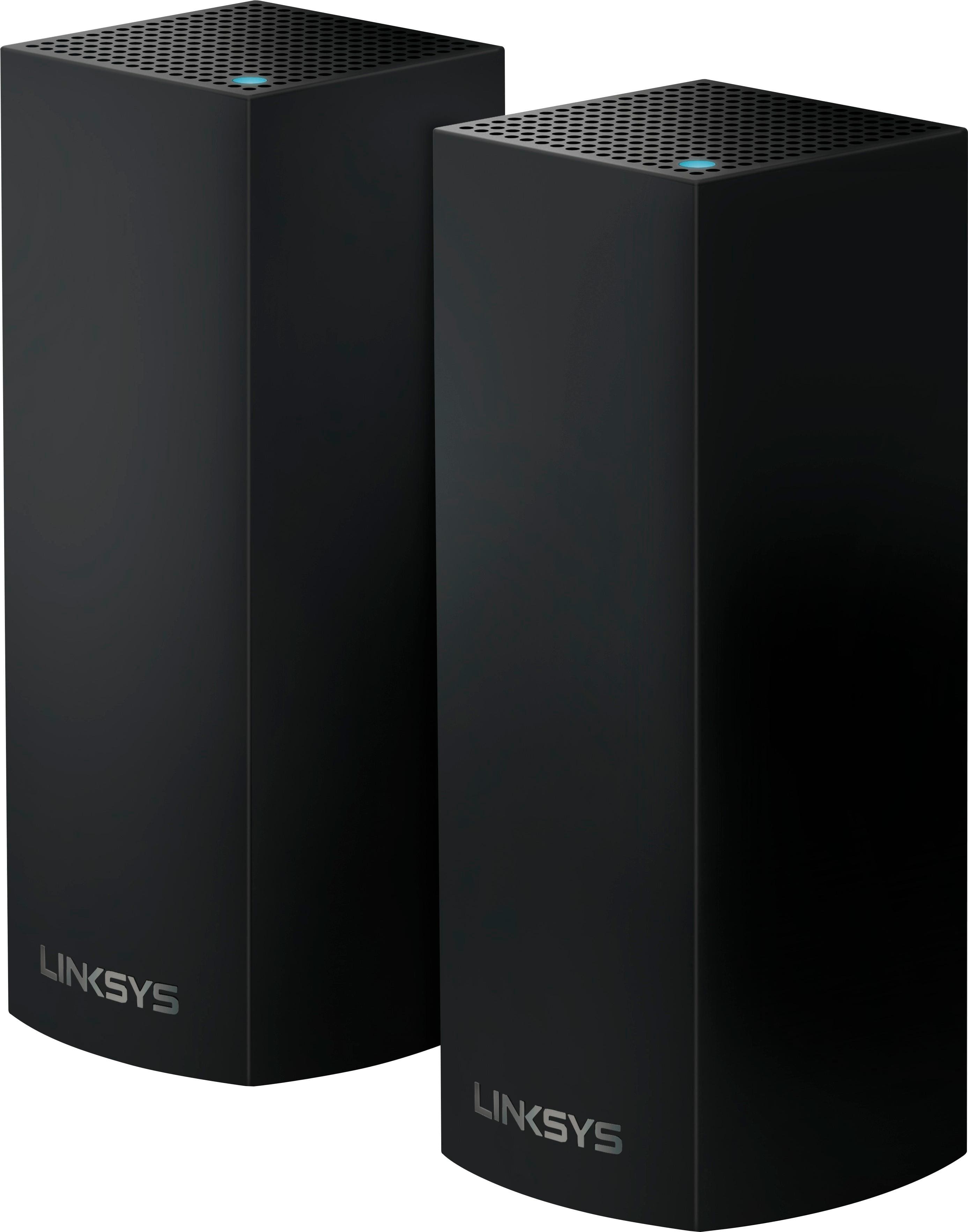
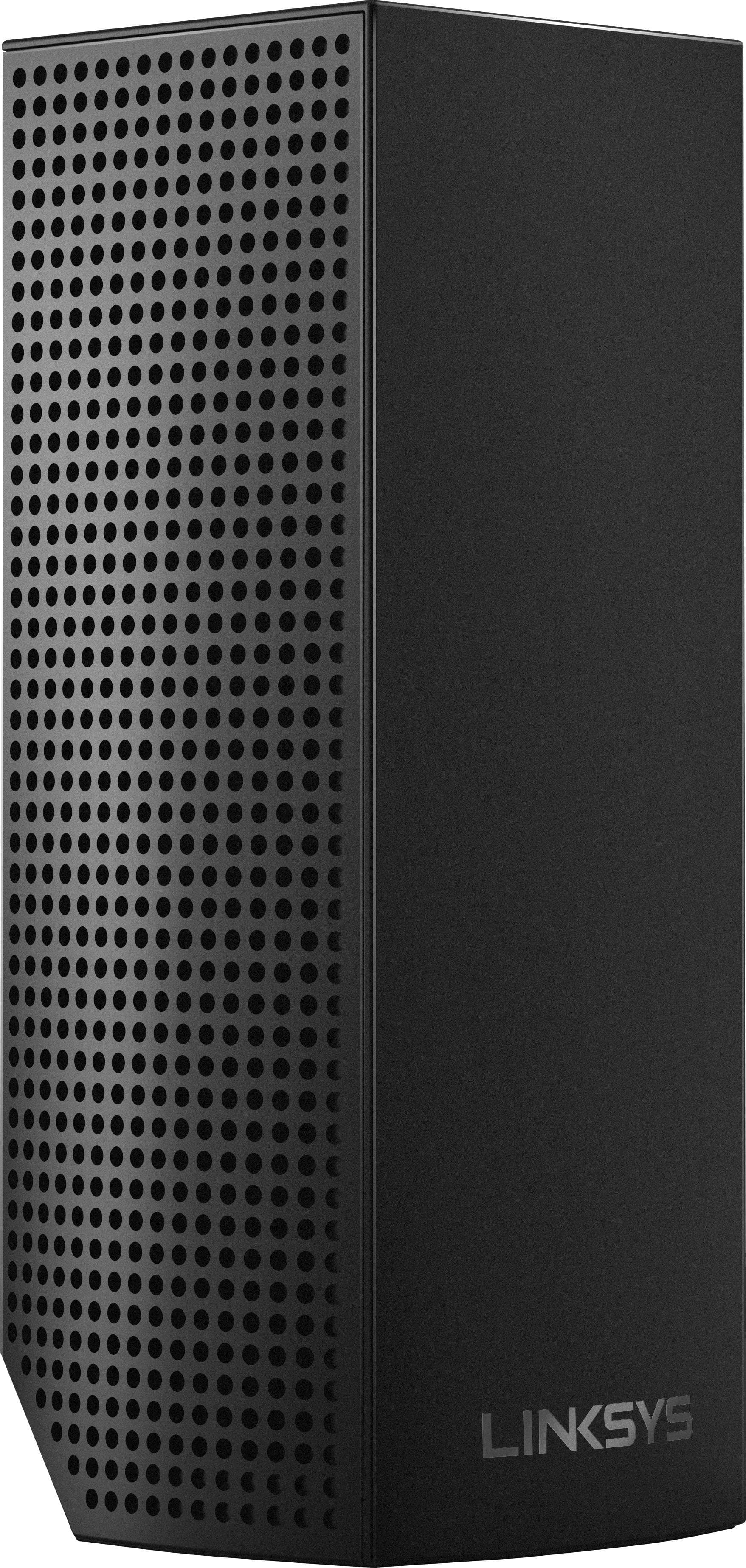
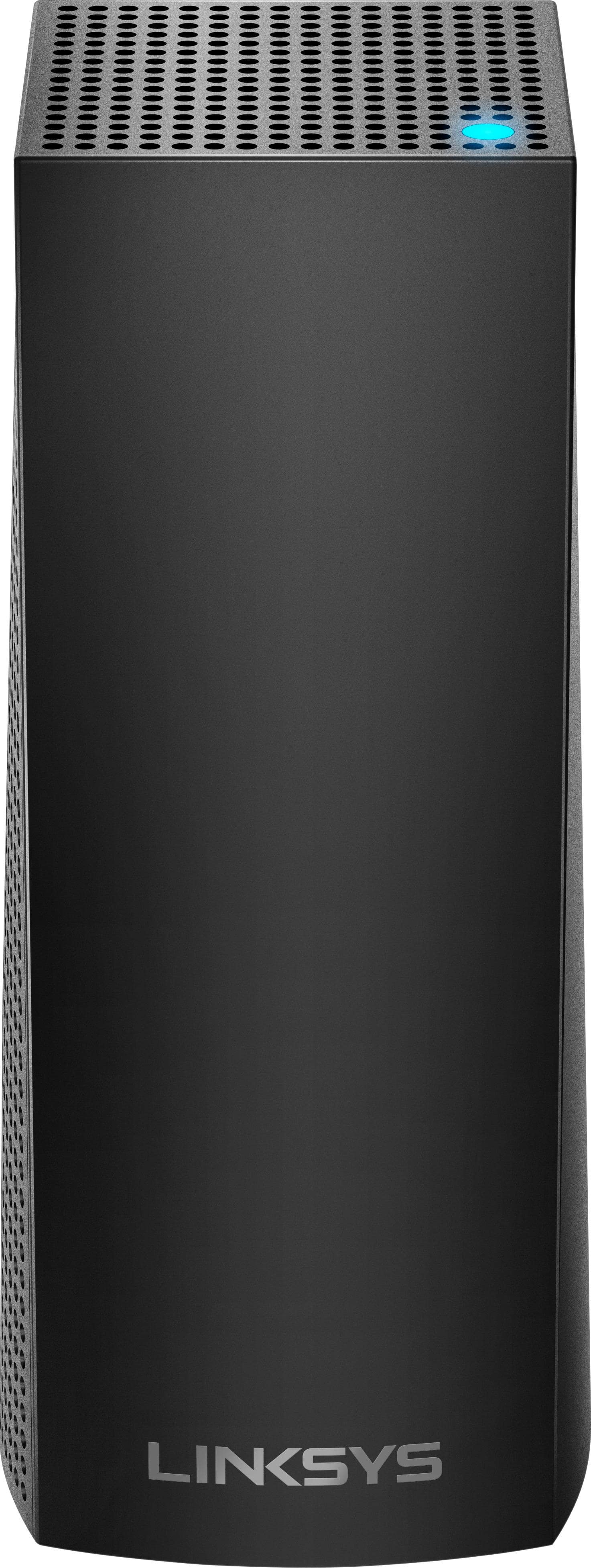
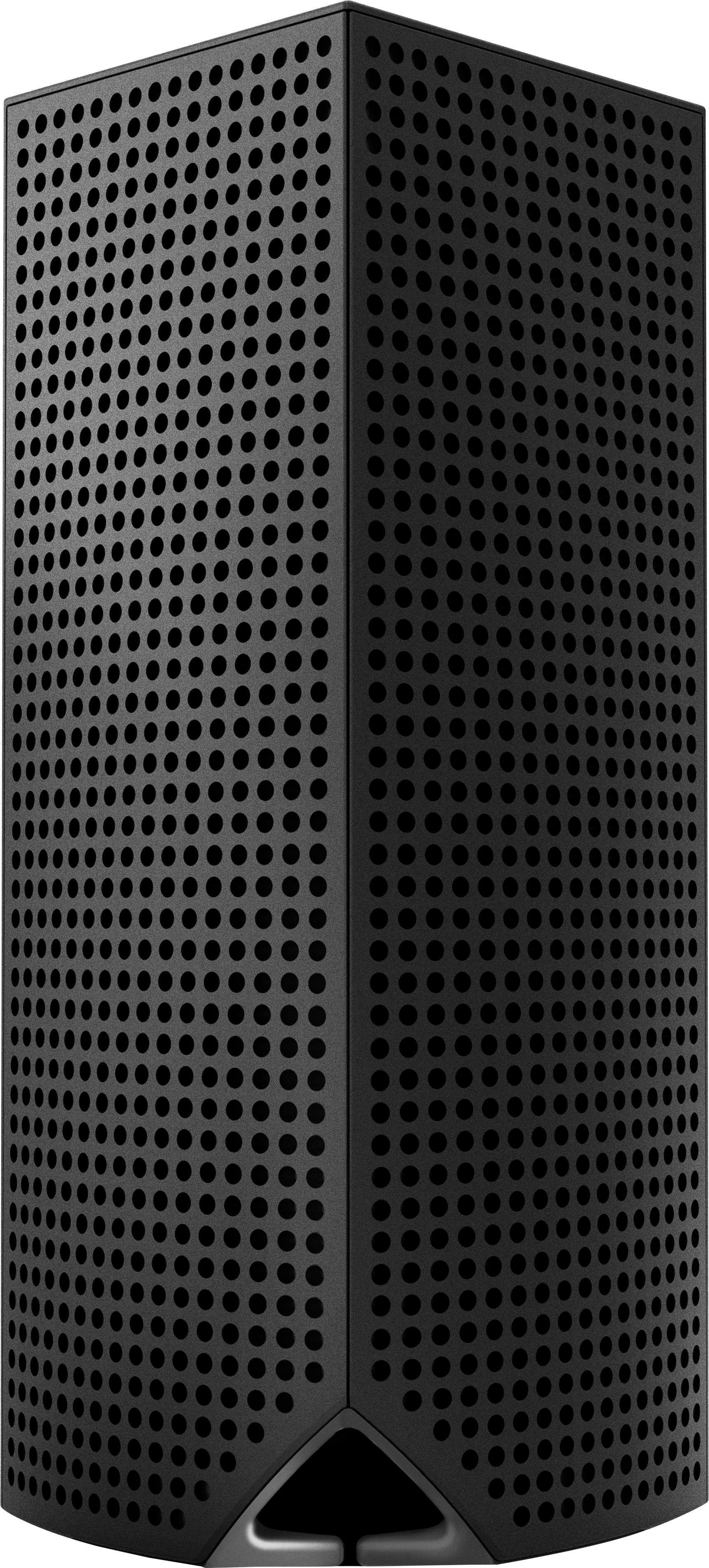
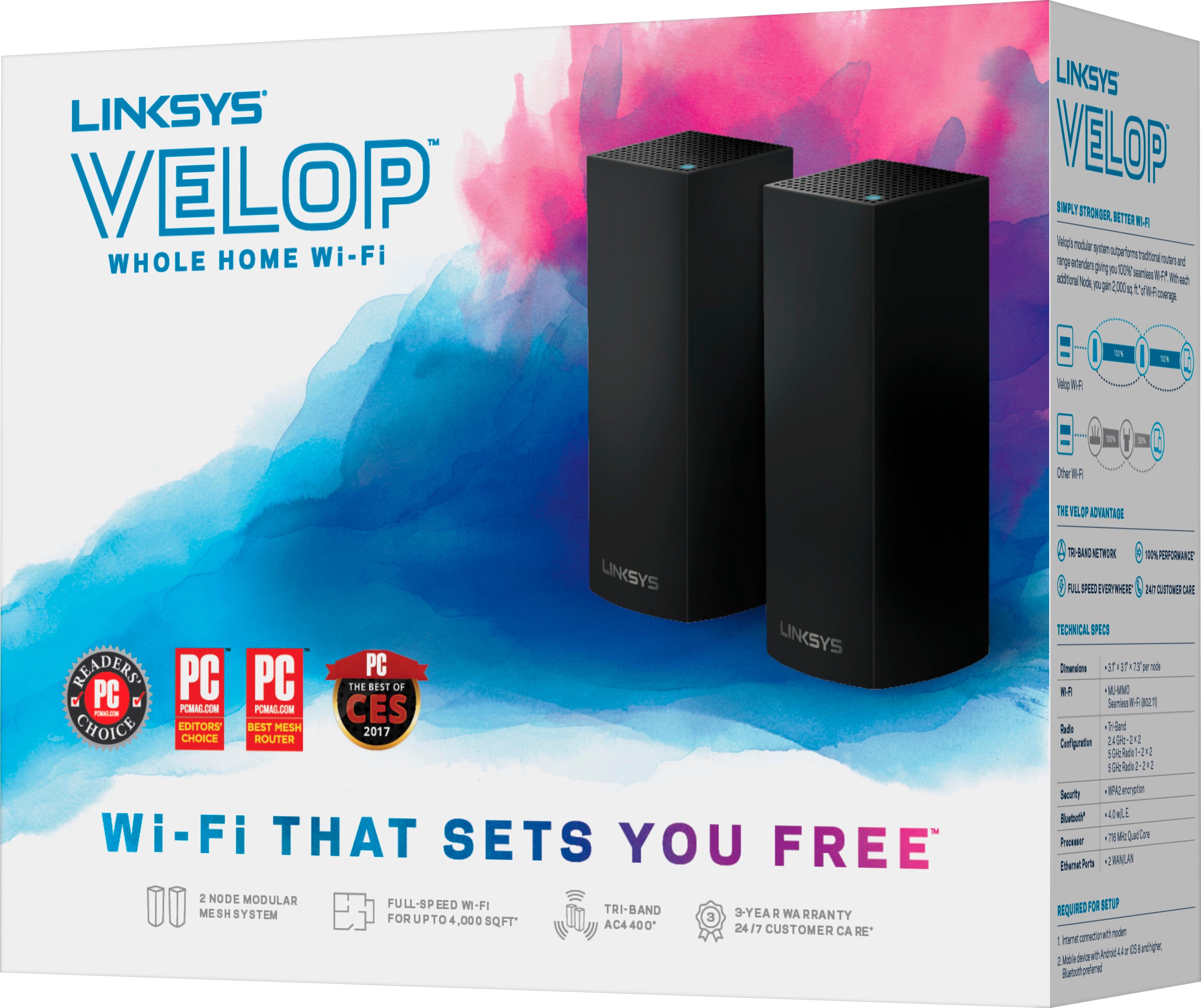
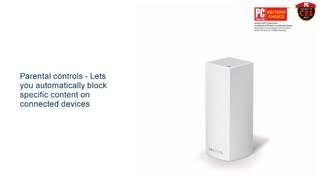

- Model:
- WHW0302B
- SKU:
- 5990500
Rating by feature
- Setup
Rating 4.3 out of 5 stars
- Range
Rating 4.3 out of 5 stars
- Signal Strength
Rating 4.3 out of 5 stars
Customers are saying
Customers are impressed with the Velop AC2200 Tri-Band Mesh Wi-Fi 5 System's ease of use, coverage, and setup, frequently citing its simple installation and strong signal. Many also praise the system's range and performance, reporting consistently reliable connectivity. However, some users experienced connection issues and noted the relatively high price. A limited number of Ethernet ports was also a recurring point of feedback.
This summary was generated by AI based on customer reviews.
- Pros mentioned:Setup, Speed
Great coverage
Posted .This reviewer received promo considerations or sweepstakes entry for writing a review.I got this set of routers to improve my coverage and they really work. I have full bars throughout my whole house. Their claim that you'll get your full internet speed is really true, I pay for 50 down and 5 up and I got that and sometimes I'll even get 51 or 52 down. The setup is easy with the free app on Android and iOS and the app has many useful feature like a speed test and priority access for certain devices
I would recommend this to a friend - Pros mentioned:Setup
Set it and forget it.
Posted .This reviewer received promo considerations or sweepstakes entry for writing a review.Best WiFi system hands down. Set up took a bit of time, but it was a breeze with the Linksys app taking me step by step. After everything was up and running I used a wifi analyzer and the signal was strong through the house and garage. I couldn't find a dead spot anywhere and believe me I tried. Highly recommend Velop if you are in the market for a new router/WiFi system. Couldn't be happier.
I would recommend this to a friend - Pros mentioned:Range, Setup
Excellent Product
Posted .This reviewer received promo considerations or sweepstakes entry for writing a review.Setup was extremely simple using the app. As the process completes it even established and connected all of my smart home devices (I have 14). The reception is much improved over my previous router (WRT1200AC) and the hand-off from one node to another. Eliminating both wi-if extnenfers. Extends across 150 yd. lawn to detached garage. Camera in garage works much better. Would definitely recommend to anyone.
I would recommend this to a friend - Pros mentioned:Setup, Speed
Great Product. AMAZING Customer Service
Posted .This reviewer received promo considerations or sweepstakes entry for writing a review.I purchased these in February 2018 and screwed up the installation. It's pretty easy to install, however, I messed it up. I finally called the Help Line number and the most wonderful lady spent 1.5 hours on the phone walking me through the installation. Now my entire townhouse has blazing fast internet. Highly recommend the product and the customer service.
I would recommend this to a friend - Cons mentioned:Ethernet ports

stunning DISAPPOINTMENT from Linksys
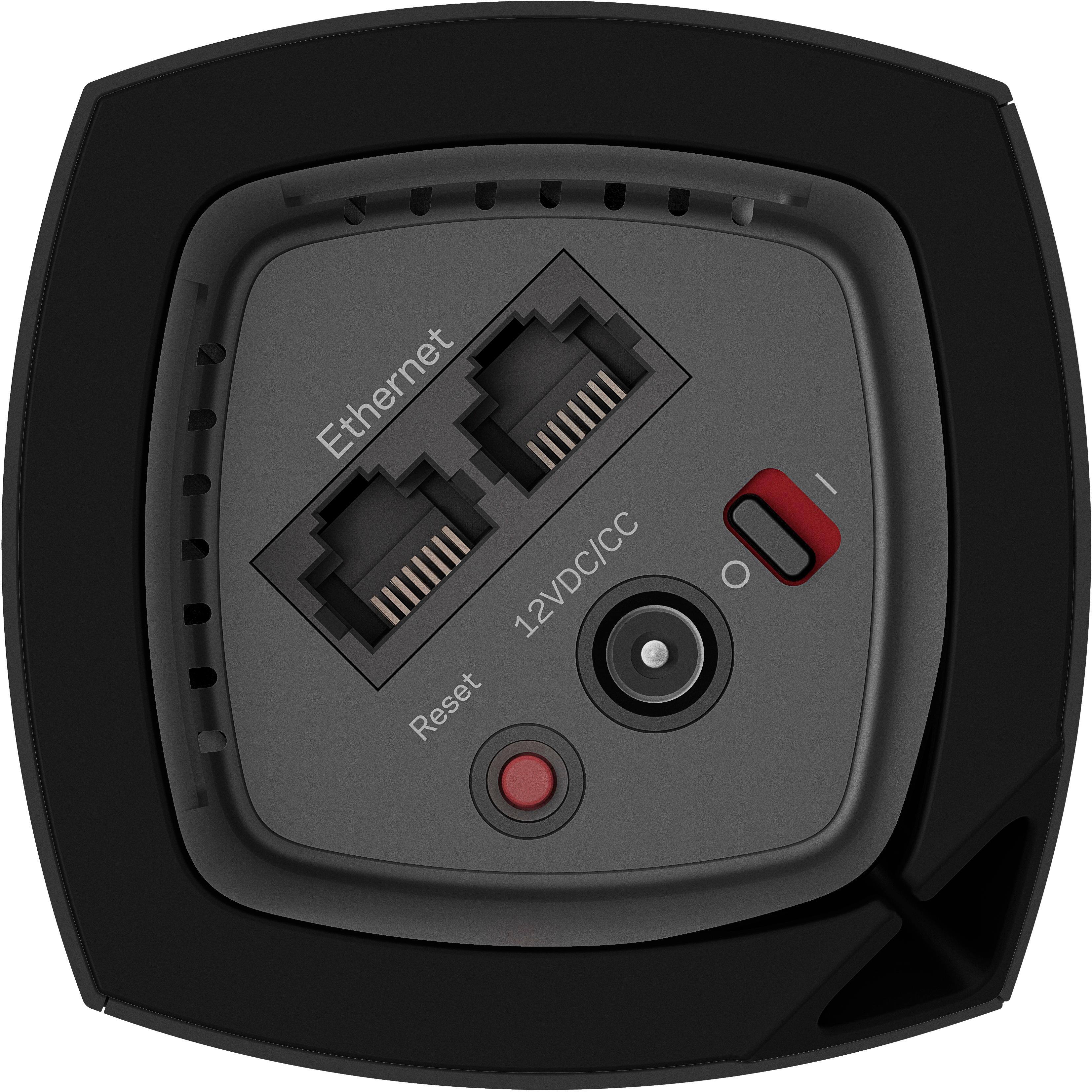
|Posted .This reviewer received promo considerations or sweepstakes entry for writing a review.Linksys - Velop AC2200 Tri-Band Whole Home Wi-Fi System - White After a year of wrestling with this surprisingly disappointing wireless "mesh" mess from Linksys, I cannot recommend it to anyone. Specs-wise, it looks great... on paper. In the real-world, the three-node Velop supports less than HALF the spatial distance between each node than its competition from N*g**r, the latter presently using only TWO nodes to cover my entire home. (Via a series of firmware updates, that rival mesh WiFi solution fully matches what the Velop originally promised, on paper.) Even a single Linksys EA9500 Max-Stream AC5400 Tri-Band Wi-Fi Router, with a single Linksys MAX-STREAM™ AC1900 Wireless-ac Dual Band Repeater with MU-MIMO external repeater, vastly outperforms the three-node Velop, out-of-the box AND across the boards. The latter is a viable AND robust mesh WiFi from Linksys, not the Velop. The defacto app-only management of the Velop completely sucks. Even though there is a browser-based, internal configuration server, no matter how hard you work at it, browser-based management cannot correctly establish more than a two-node Velop WiFi mesh, relegating the third node to a backup unit. Only *unsecure* (unhardened Android, demanding Bluetooth, GPS location and WiFi), app-based Velop management can setup a three-node Velop WiFi mesh, with all of its weak spatial limitations. Once setup, a three-node Velop mesh will spuriously and mysteriously drop a node, without any warning. Unreliable Crap. And web-based router management is an open invitation to remote hacking. Robust "home‘ WiFi networks should not require constant fiddling with, let alone privacy-impaired web management. Both of my other two wide-area WiFi networks worked, as advertised, out-of-the-box, and required no ongoing active management, not even for firmware updates. I fully configured each of these using their locally connected browser interface. Neither web, nor app management was REQUIRED. (I run these concurrently as fully subnetted mesh WiFi/Ethernet networks, connected to Gigabit fiber/Internet.) Finally, each Velop node, limited to two 1Gb Ethernet ports, render them near useless for useful RJ-45 hardwired networking. No wonder that I never see Velops in retail. Hopefully, the word finally got out to consumers. Major fail, Linksys. MAJOR FAIL.
No, I would not recommend this to a friendBrand response from Linksys Staff
Posted .Hi, WhiskeyTango,
Each Velop Node is capable of providing up to 2,000 square feet of coverage which delivers an exceptionally fast Wi-Fi experience even when multiple devices are connected. We truly appreciate your taking the time to share your product review so we can make things right. Please drop us an email at LinksysCares@linksys.com with your contact details and the link to this post. One of our Escalation Engineers will get in touch with you and sort this out.
Regards,
Jay
Linksys Support
- Pros mentioned:Coverage, Ease of use
Great coverage
Posted .This reviewer received promo considerations or sweepstakes entry for writing a review.I had been using an older model Linksys WiFi router, with slow speeds and inconsistent coverage in my large house. I was convinced that I needed a Mesh router system for proper coverage. Bought the three pack Velop intending to put one unit on each floor. 2 would have been enough. Easy set up and great coverage. App is easy to use and informative. Can check remotely to see who is connected.
I would recommend this to a friend - Pros mentioned:Coverage, Setup
As advertised: easy setup and great coverage.
Posted .This reviewer received promo considerations or sweepstakes entry for writing a review.Was delighted with the easy setup - just followed the instructions in the Linksys app. Even the firmware update was automatic and seamless. We now have great coverage and speeds on both floors of my house and also on the outdoor patio. Streaming is an uninterrupted pleasure, even when our grandson is gaming upstairs. We're very pleased with this product - and the price was lower than Amazon.
I would recommend this to a friend - Pros mentioned:Coverage, Ease of use, Speed
Great product
Posted .This reviewer received promo considerations or sweepstakes entry for writing a review.Great coverage and speeds, very easy to set up. Would recommend to any body.
I would recommend this to a friend Linksys it's the greatest
Posted .This reviewer received promo considerations or sweepstakes entry for writing a review.The system seems to work very good i'm happy with it
I would recommend this to a friend- Pros mentioned:Setup, Speed
Couldn't be better
Posted .This reviewer received promo considerations or sweepstakes entry for writing a review.The Velop truly is the EERO killer. Linksys has outdone themselves and I truly could not be happier with this product. The setup was the easiest I have ever had, and now my internet is faster than it has ever been. My ping after a speed test was 9ms and the download speeds were well above what I was expecting. I have over 10 devices connected to my WIFI and still have an amazing connection.
I would recommend this to a friend - Pros mentioned:Setup, Speed
Like it
Posted .This reviewer received promo considerations or sweepstakes entry for writing a review.I had the AC1900 Dual-Band Wi-Fi Router before, and I had issue with the wireless signal interference, need to reboot the router several times per day, cause I live in an Apartment complex, so I upgraded to the Velop (Duo) and it is working great on all my devices, all have full signal and speed test results 235MB/s (I have 200MB/S subscription), easy to use easy to setup. It was a good decision
I would recommend this to a friend - Pros mentioned:Setup, Speed
Fast & Easy Setup
Posted .This reviewer received promo considerations or sweepstakes entry for writing a review.It was a very easy setup. You set the entire system up through the Linksys app on your phone. It took me 20 mins with 3 nodes, which was obviously not as long as I thought it would take. Since I upgraded to the Linksys Velop my internet upload & download speeds have basically doubled from what they were previously. Definitely a great solution if you have wifi in your house that has dead spots.
I would recommend this to a friend - Pros mentioned:Ease of use, Range, Speed
Great routeer
Posted .This reviewer received promo considerations or sweepstakes entry for writing a review.Good range ..great speed...easy to install....great technical support
I would recommend this to a friend - Pros mentioned:Coverage
Fantastic
Posted .This reviewer received promo considerations or sweepstakes entry for writing a review.With tech devices, problems can and will happen. So, for me, excellent product support and customer service is key. Because of our two-way radio enabled home security cameras, streaming boxes and all of the other smart and Bluetooth enabled devices that we own, we have been no strangers to problems that arise. WiFi has been a huge problem recently. So, after researching the reviews, I narrowed it down to the new Netgear and Linksys whole home mesh systems. I called Linksys customer service first, just to ask a few questions. I was able to get someone on the phone right away, without having endless prompts. The persons spoke to were friendly and knowledgeable. So, I called Netgear. After 15 minutes in the queue, I hung up and went to Best Buy and bought a Linksys. I did have to call to have a tech help me with the install since the 3 pods needed firmware updates. But the tech was very friendly and thorough. He made sure that everything was working properly, and that all of my questions were answered. Also, Linksys has an app that makes customization a snap, like turning on/off guest networks, prioritizing devices, parental controls, etc. Since then, all of my WiFi issues have been resolved. My cameras don't drop the signal anymore, and my media boxes rarely buffer now. I have tripled my coverage area, without having range extenders that use to grind down my internet speed.
I would recommend this to a friend - Pros mentioned:Coverage, Speed
Perfect for a multi-floor home
Posted .This reviewer received promo considerations or sweepstakes entry for writing a review.The Geek squad tech recommended the Velop system for our home, which is 2 stories and finished attic. I've since put a device in the basement as well. In addition, we were installing smart home devices including bulbs, switches, and plugs. We've had no problems with coverage in any part of the house, and the speed is fine. It's expensive, but for what you get, it's worth it.
I would recommend this to a friend - Pros mentioned:Ease of use, Speed
Best Whole Home Wifi System
Posted .This reviewer received promo considerations or sweepstakes entry for writing a review.This has to be the best whole home wifi system out there. Not only was it easy to setup, it's easy to use and it looks great too. I have a teenager and this made it easy to restrict access to the internet after a set time and day. I'm also getting the speeds that I'm paying my cable company for. I've recommended this to my family and friends to improve there internet experience.
I would recommend this to a friend Best follow up
Posted .This reviewer received promo considerations or sweepstakes entry for writing a review.My Linksys system had difficulty finding the internet from my provider so I called 800 number for support. The support worked with me but I was interrupted and could not finish the task. They called the next day to help. I had to schedule for another day. The help staff were on the line and constantly giving feedback on the process. The router has color changes that let the installer know how the process is going. After and update of the software everything worked great. The staff were patient and understanding. I have been error free for weeks. Love Support.
I would recommend this to a friend- Pros mentioned:Ease of use
Linksys Velop AC2200 Tri-Band Mesh WiFi 3 pack
Posted .This reviewer received promo considerations or sweepstakes entry for writing a review.Easy to install with the installation application.
I would recommend this to a friend Could be MUCH better...
|Posted .This reviewer received promo considerations or sweepstakes entry for writing a review.I have to say I was rather excited to get the Linksys Velop whole home WiFi system as I have a house that is very difficult to cover effectively. Unfortunately, the devices did not live up to my expectations. Initial Impression: The packaging was good, it definitely gave the feel of a premium device. The lid was closed with a magnet and each device was nessled in its own spot in the box, even the power bricks were behind a padded piece. Setup...... Awful. The first warning note was that it basically requires the Linksys Smart WiFi app, and more than that, the app requires you to have an account with Linksys. I'm not a very big fan of the whole 'big brother' watching my home network. In other linksys devices I've had in the past I've simply gone about the setup by bypassing the linksys account and linksys apps. That is not an option here. I thought at first things were going well, it found the first node and acted like it was setting up great... Unfortunately I was connected to a different known wifi on my phone at the time and none of the settings saved on the Velop, so when I went to reconnect to it through the App (more on that in a minute) it had all of the default settings in my Linksys account and I had to re-update them. Now, why did I have to reconnect? As I mentioned, I thought the initial setup went well, then I went to set up the additional nodes and the process hung on attempting to connect to the new node, backing out of that portion did not work and neither did restarting the app, so I had to reboot my phone for it to even find the new node. More than that, when attempting to go through the process of adding a node when you're no longer in the initial setup, it's in the most obscure place possible. You'd think it might be in the dashboard of the Velop, or even in the 'Velop Administration' section since having nodes is purely a Velop function. But instead of either of those places, you have to select 'setup a new device' where it will finally give you the option to add to your Velop network. Next, when it finally was able to connect to the node, it repeatedly told me I was out of range, even when in the same room, and what's worse about this is that it has to wait until the entire boot process of the node is complete, you'd think it could have some sort of WiFi meter in the app to tell you if you're getting too close or too far from the original node before bothering with plugging it in. And if it didn't tell me I was out of range, it got stuck on a screen that said 'checking your node's location' until I restarted the app (I waited at least 15 minutes on this screen). I have my reservations about using this throughout my house if it believes the nodes are too far apart when they are in the same room. Hopefully some app updates will come down to clean this up as I cannot say enough negative things about the setup process. One final note. I am using Android to set this up, I've heard that the iPhone experience is much better, and I can only hope it is because the Android experience is terrible. Also, I did try this on more than one android device to ensure it was not just an issue with my phone. In all cases the Android experience is horrendous. Usage: The usage is not bad, although with the pains of the initial setup I'm unsure what sort of range I can expect out of these devices if going 1 room away is too far. I guess it will take some massaging to determine this. Bottom Line: Great 'premium' feel to the devices and packaging. Horrible setup process and questionable range. Unfortunately in its current iteration, I cannot recommend these devices. I'm extremely disappointed.
No, I would not recommend this to a friendBrand response from Linksys Staff
Posted .Hi, Beradon,
Thanks for the feedback, sorry to hear you ran into issues while installing the Velop System. Our goal is to make the setup process as easy as possible and we are constantly working to improve the experience. If you can still remember the part of the setup process you had challenges with, please email it to us at LinksysCares@linksys.com so we can have this looked into. We’d also appreciate if you’ll indicate your phone number and the link to this post in your message so that we can have one of our Escalation Engineers help you properly position the nodes and optimize the network range.
Regards,
Irish
Linksys Support
- Pros mentioned:Setup
Great product
Posted .This reviewer received promo considerations or sweepstakes entry for writing a review.Great product that provided strong signal thru the entire house. Was easy to setup but there are no details about it creating a separate subnet that affected my wired machines. Linksys support was useless but i was able to resolve the issue by connecting a gigabyte switch to the Velop and plugging all the hardwired machines to that. Now all devices, wireless and wired can comminucate.
I would recommend this to a friendBrand response from Linksys Staff
Posted .Hi, Richard,
We're glad that your Velop System is providing you a strong signal throughout your house. However, we're curious about your support experience from our Support Team. We'd appreciate if you will share with us your case number at LinksysCares@linksys.com so we can investigate where the process broke so this won't happen again.
Looking forward to hearing from you soon.
Regards,
Jay
Linksys Support