Customer Ratings & Reviews
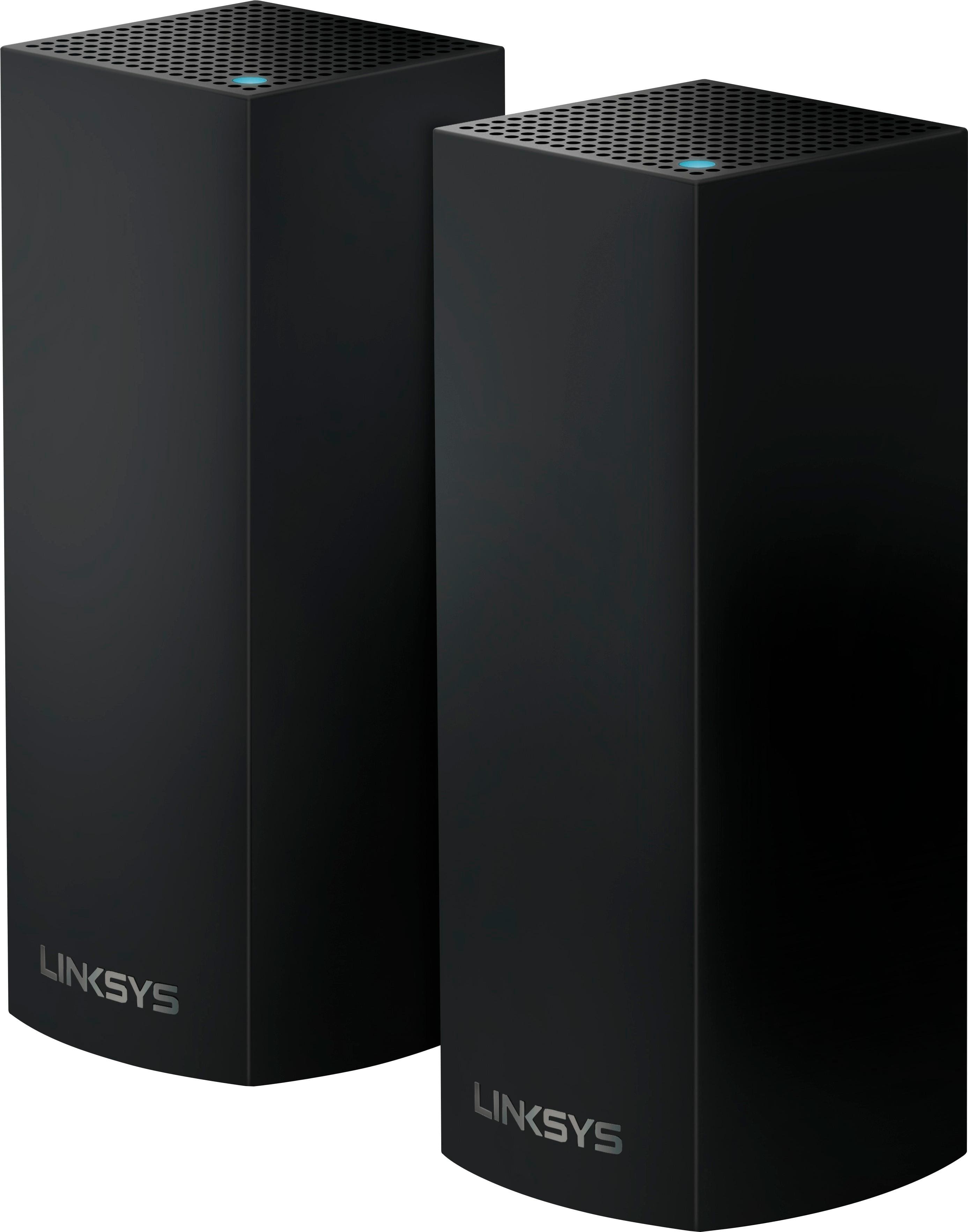
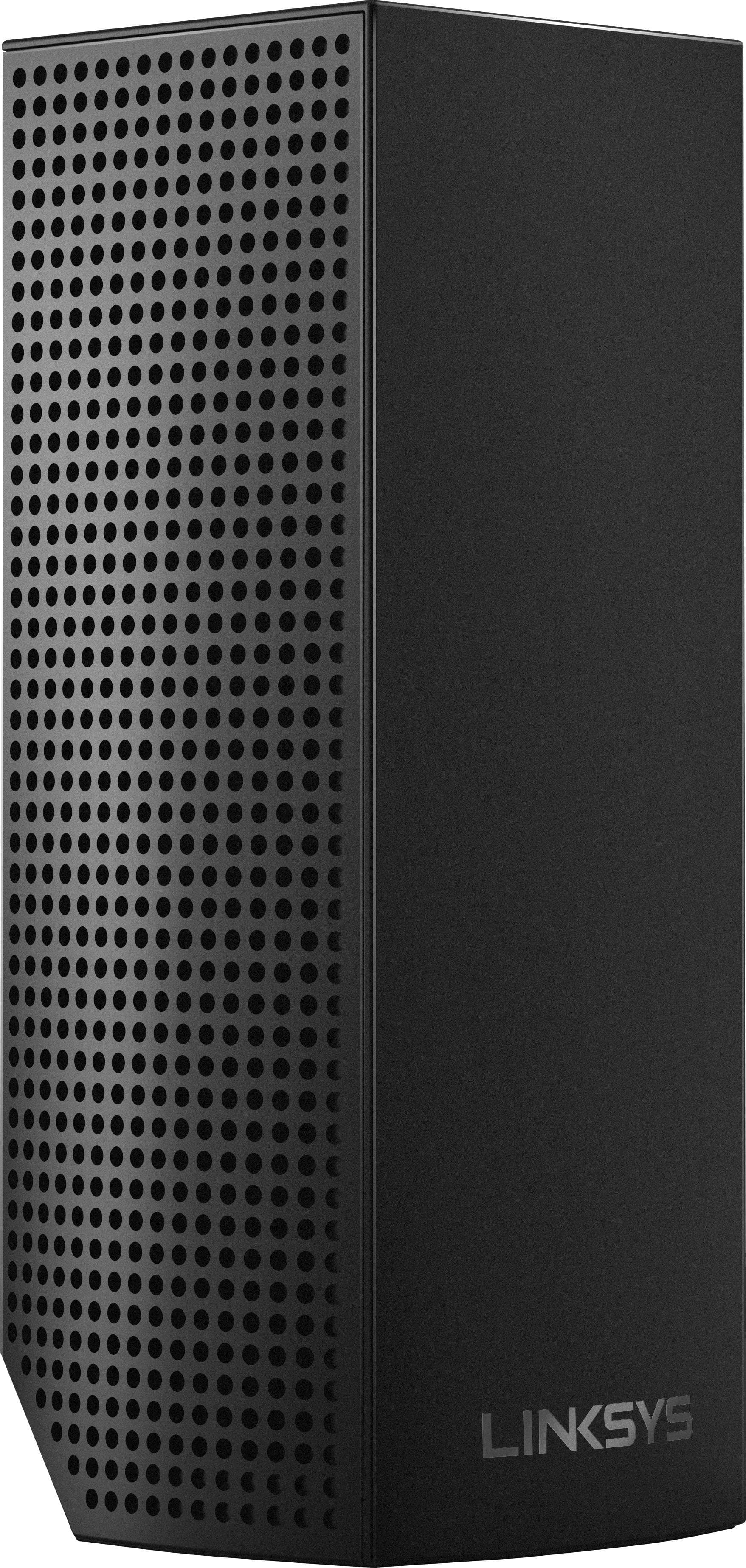
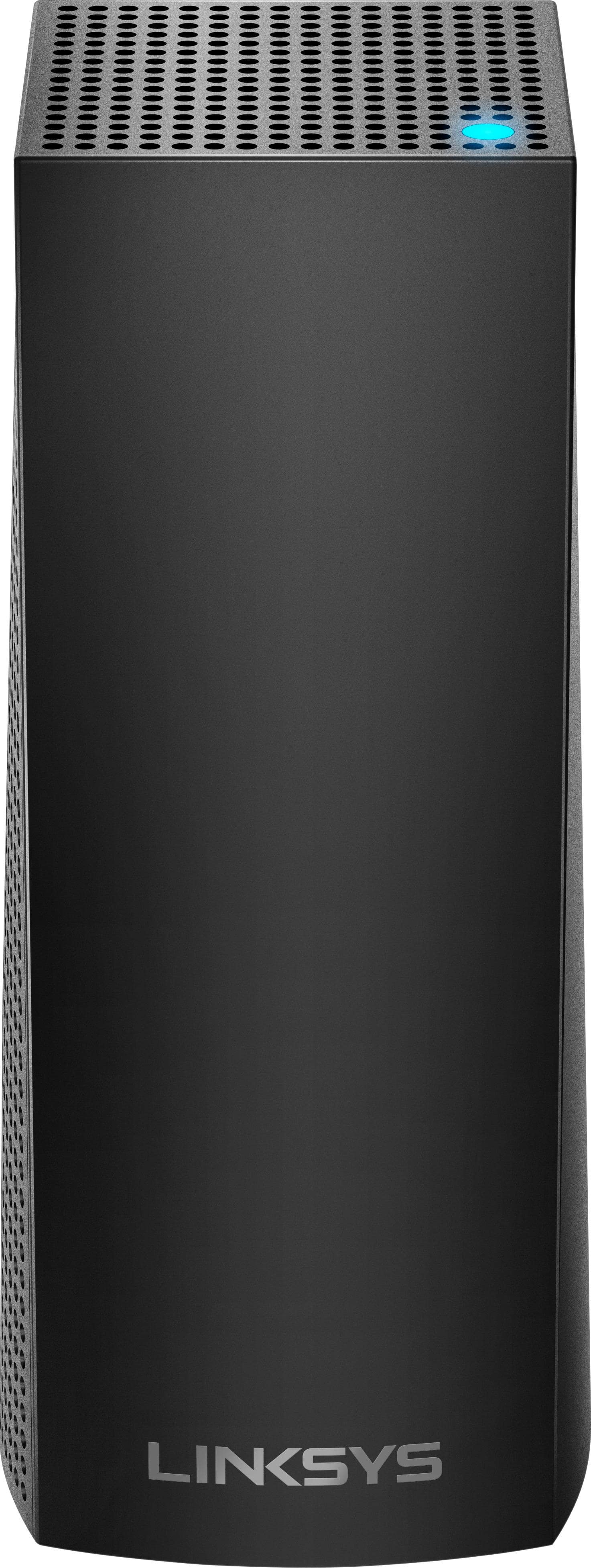
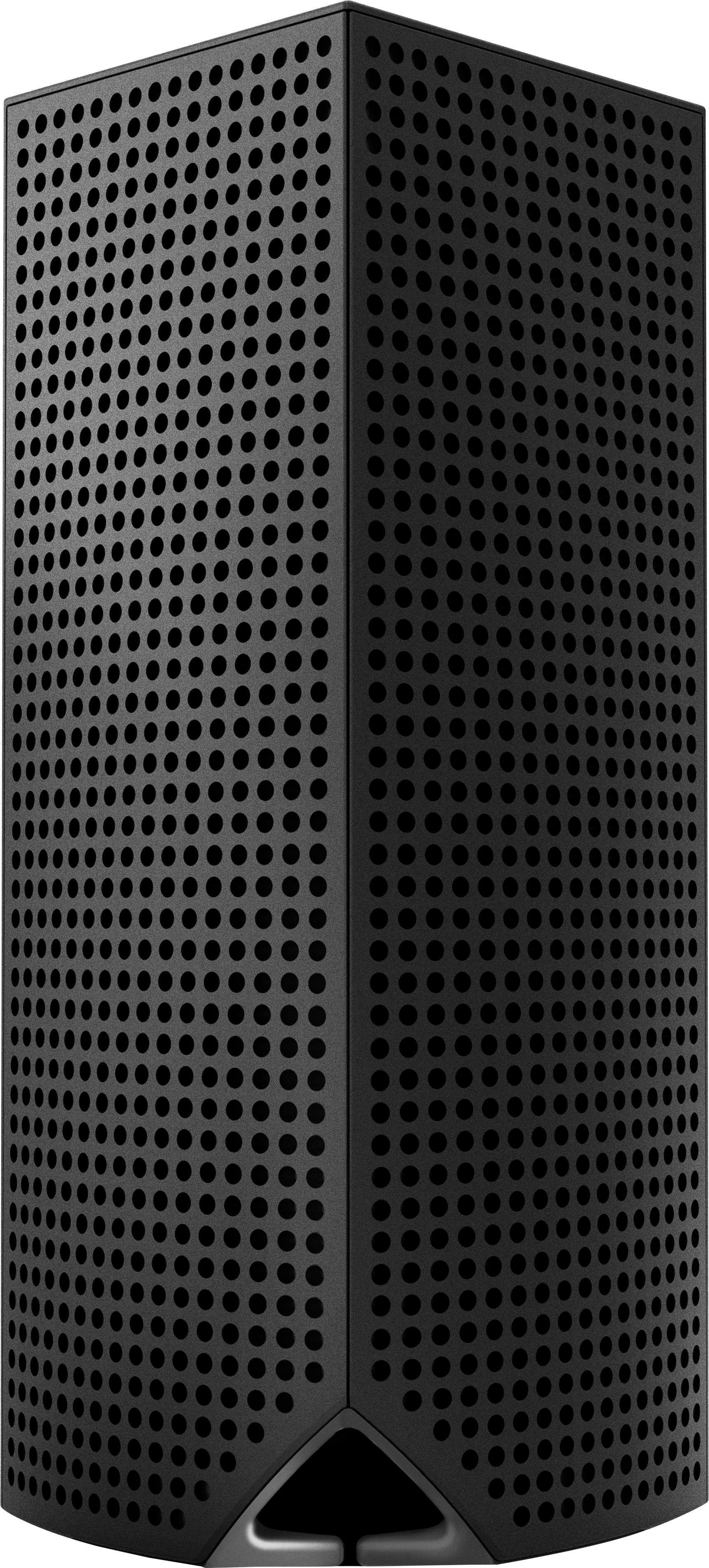
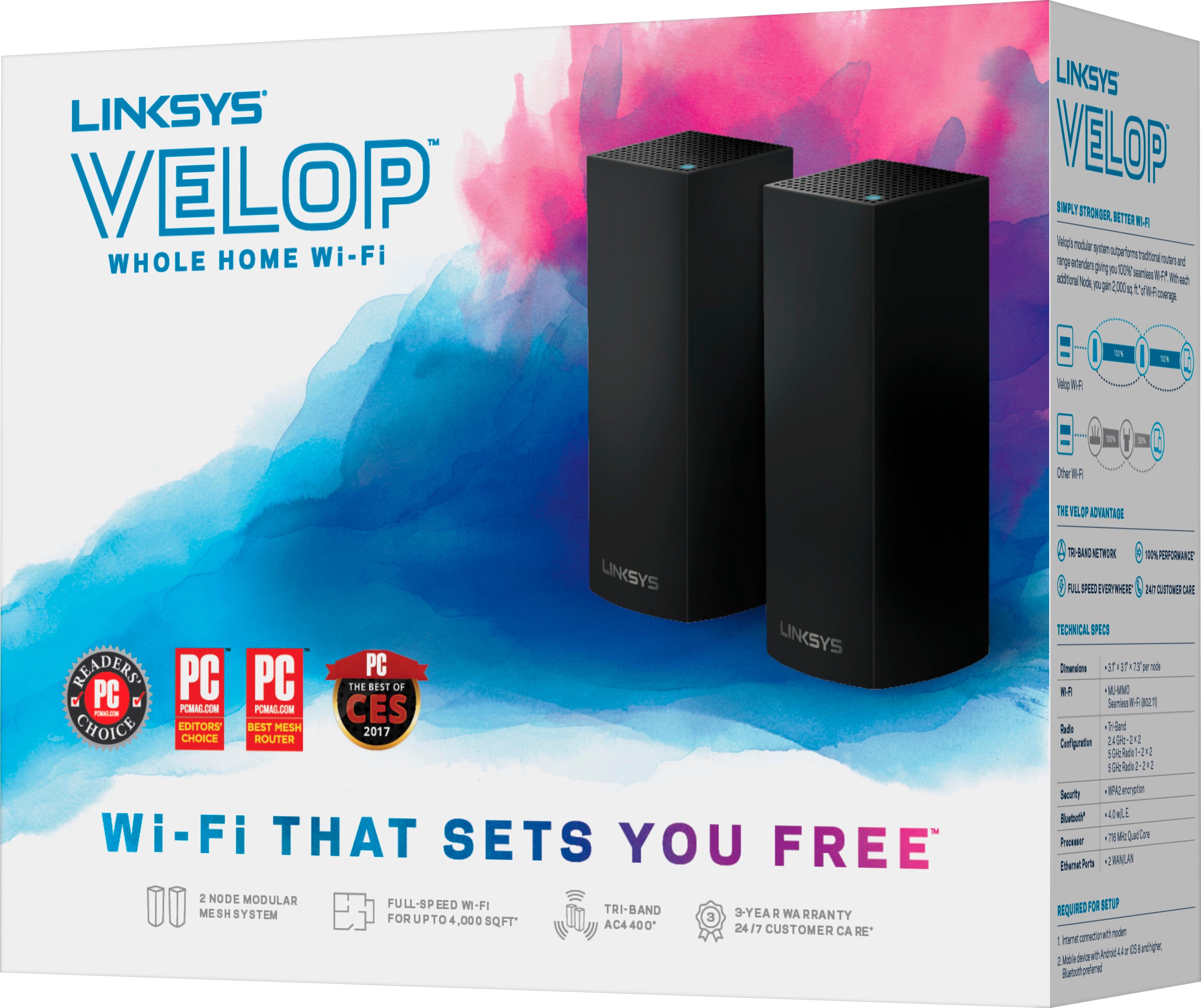
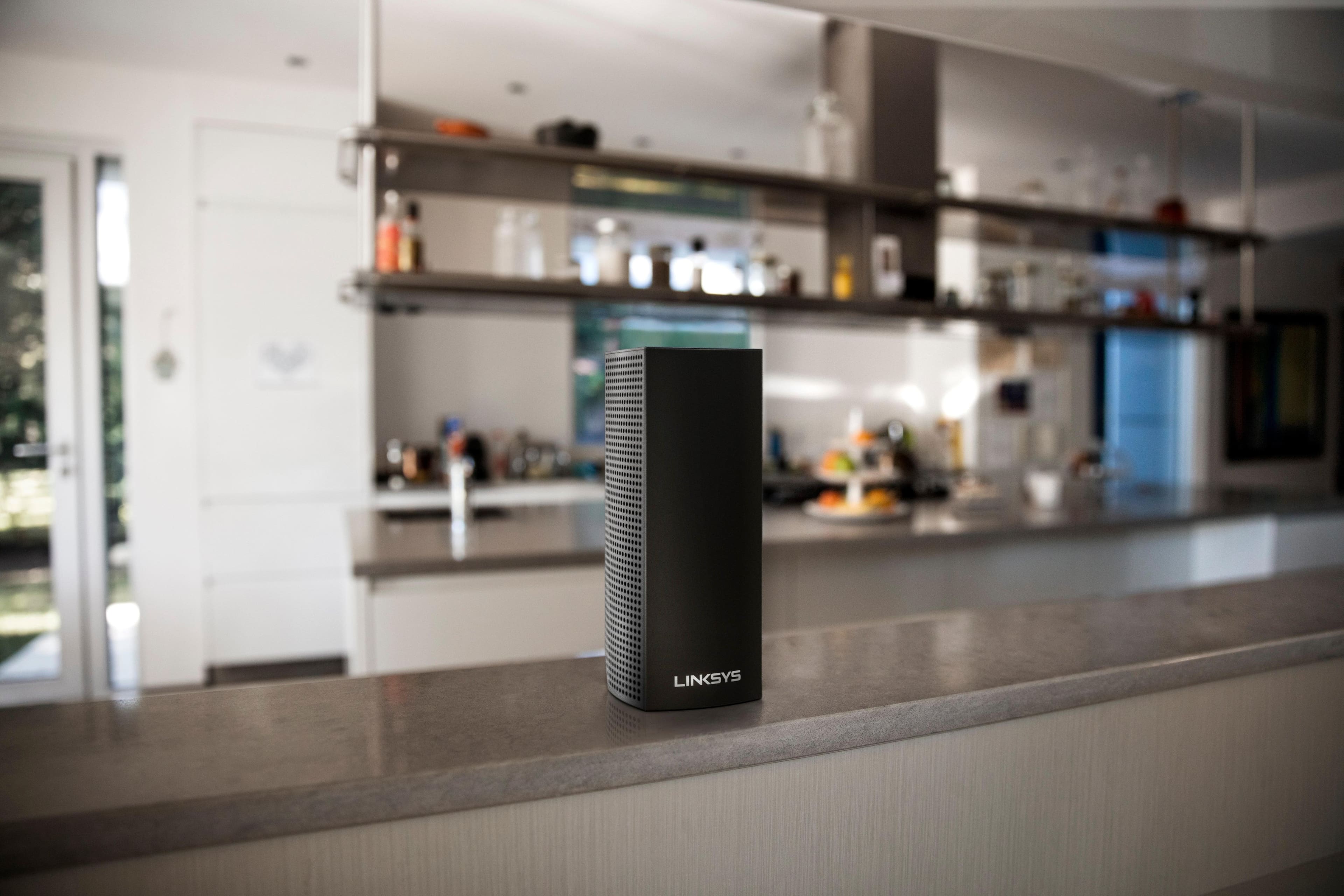
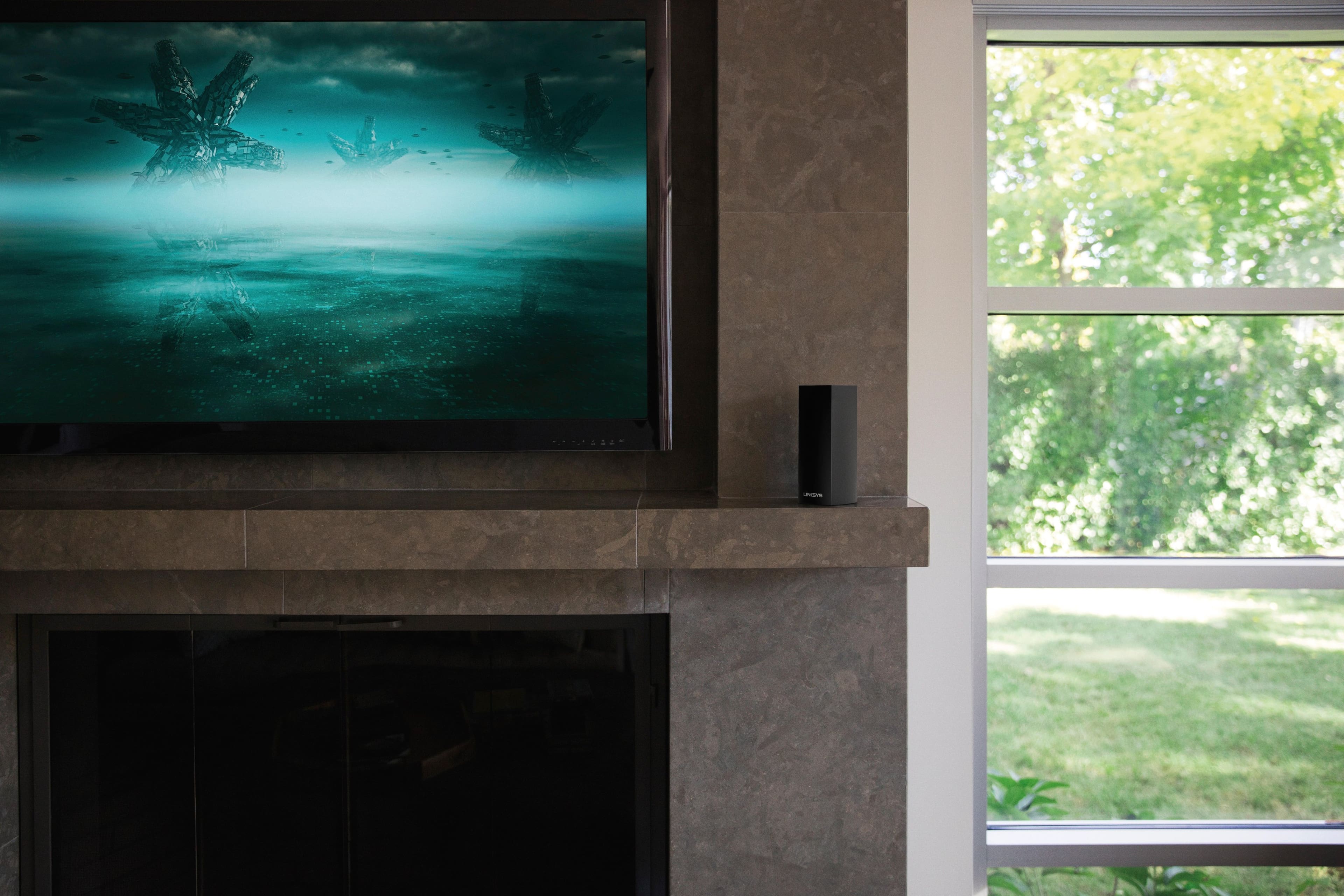
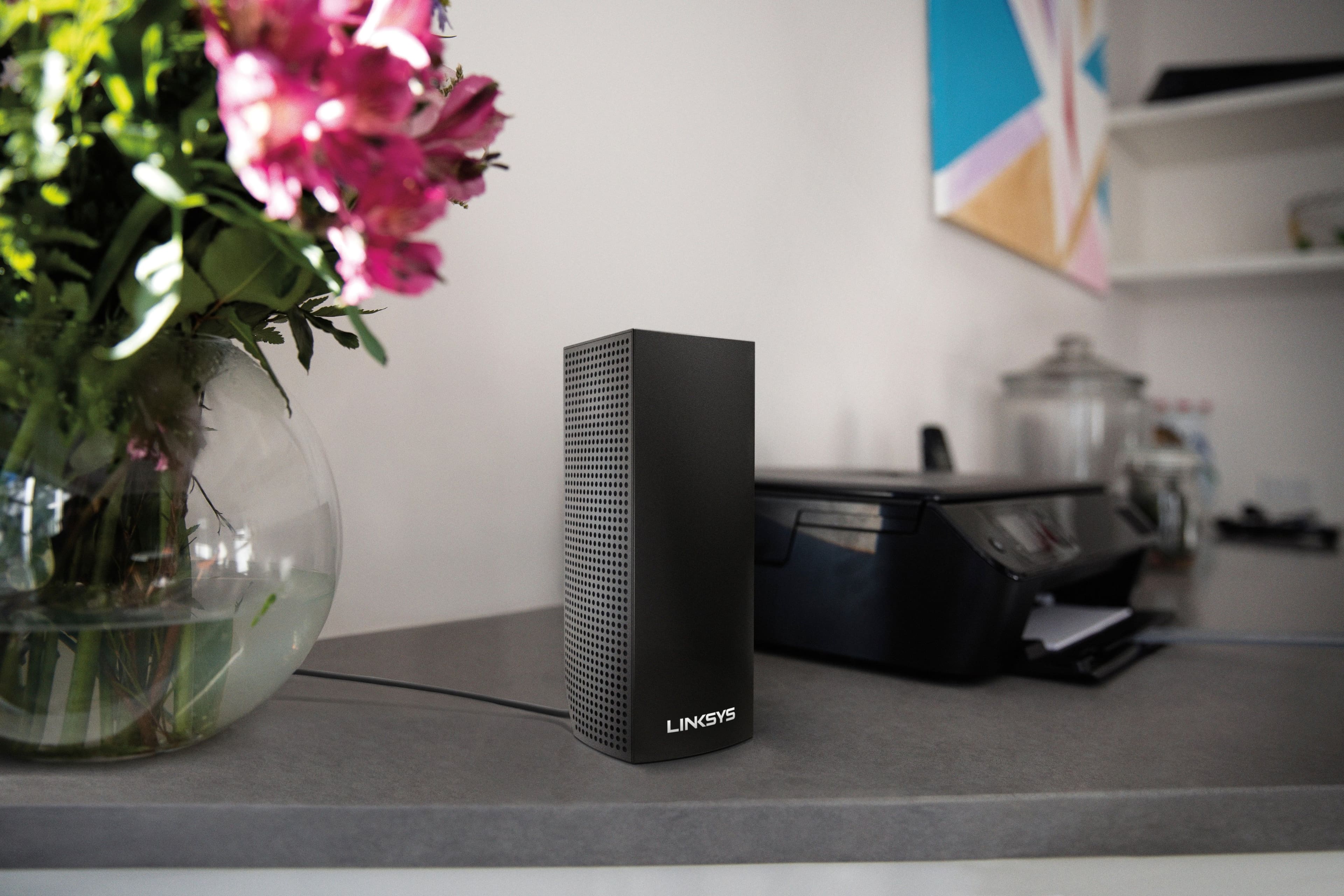
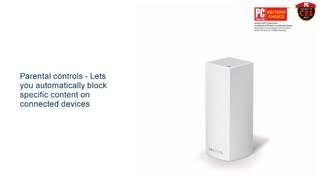

- Model:
- WHW0302B
- SKU:
- 5990500
Rating by feature
- Setup
Rating 4.3 out of 5 stars
- Range
Rating 4.3 out of 5 stars
- Signal Strength
Rating 4.3 out of 5 stars
Customers are saying
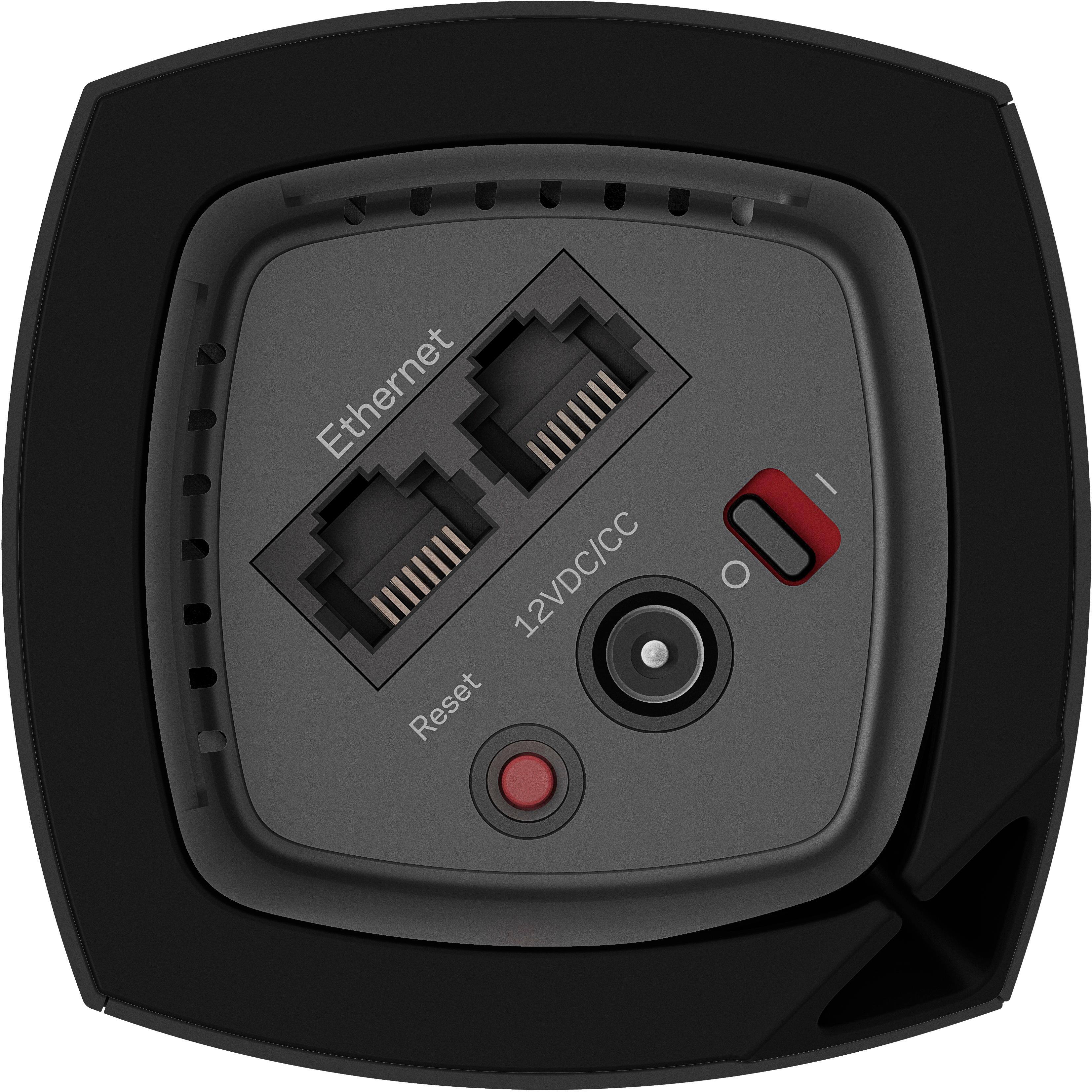
Customers are impressed with the Velop AC2200 Tri-Band Mesh Wi-Fi 5 System's ease of use, coverage, and setup, frequently citing its simple installation and strong signal. Many also praise the system's range and performance, reporting consistently reliable connectivity. However, some users experienced connection issues and noted the relatively high price. A limited number of Ethernet ports was also a recurring point of feedback.
This summary was generated by AI based on customer reviews.
Storng Connection
Posted .This reviewer received promo considerations or sweepstakes entry for writing a review.Strong connection, easy to set up, but restarting it and/or your motem makes it a hassle to set back up. It does make my wifi coverage much more consistent and gives it a wider range without slowing connection.
I would recommend this to a friendVelop WiFi
Posted .This reviewer received promo considerations or sweepstakes entry for writing a review.So far an excellent system. Very strong WiFi throughout my 3000 Sq Ft house. A little trouble with the initial set-up, but Linksys phone support was very good and very helpful resolving my issue. Since then the system is perfect!
I would recommend this to a friendGood
Posted .This reviewer received promo considerations or sweepstakes entry for writing a review.I really like this system however there is one thing I don't like I got this for the parental controls but when there on it still gives my son access to apps it only shuts off the internet for google searches
I would recommend this to a friendBrand response from Linksys Staff
Posted .Hi, Bodizzle,
The Parental Control is an essential feature of this router especially if you have kids at home. Allow us to have you contacted by our Escalation Engineers to know more about this challenge. Please email us at LinksysCares@linksys.com with your phone number and the link to this post for our reference.
Regards,
Irish
Linksys Support
Velops nothing but connection problems
Posted .This reviewer received promo considerations or sweepstakes entry for writing a review.We bought a Velops 3 pack in August 2017. Nothing but problems. We wired all three with ethernet connections. Any time we lost power or lost a connection all 3 routers went down. The routers could only be rebooted with a hard reboot. We had to disconnect the Velops from our ethernet, drag the routers back together and start over with the setup process. Velops offered replacement. Didn't want the system. We were past the return date for Best Buy. Stay away.
No, I would not recommend this to a friendBrand response from Linksys Staff
Posted .Hi, Sammy,
We truly understand where you're coming from and this is clearly not the experience that we wanted you to have. We'll take this chance to have one of our Escalation Engineers work closely with you in optimizing your Velop settings to ensure the stability of your Wi-Fi connection. Please email us your phone number at LinksysCares@linksys.com including the link to this review for reference.
Best regards,
Jay
Linksys Support
Great system easy set up
Posted .This reviewer received promo considerations or sweepstakes entry for writing a review.I live in a townhouse and this system was able to boost the Wifi for all 4 floors. Also when I had a problem with one of the towers the customer service was excellent! I Definitely recommend this product.
I would recommend this to a friend- Cons mentioned:Connection
This system sucks
Posted .This reviewer received promo considerations or sweepstakes entry for writing a review.It is a complete pain to setup and the range sucks. Each node cant be more than 30 feet away and even at that the connectivity for the chuldren nodes is poor. Maybe i just got a bad system but i would save you money and buy a better one. I am sad that I spend 250 dollars on this crappy system.
No, I would not recommend this to a friendBrand response from Linksys Staff
Posted .Hi, Mark,
Thank you for the feedback. As long as you have a working internet connection via a modem or modem router, and a mobile device with the latest version of the Linksys App, configuring the Velop system is simple. In terms of coverage, each node can cover up to 2,000 square feet. Actual ranges will differ depending on wireless obstacles, operating environments, and building materials. Because each wireless network is unique, wireless coverage claims are only for reference purposes and are not guaranteed.
We recommend that you factory restore your newly purchased Velop system before configuring it to ensure that there are no pre-configured settings that could cause problems. In addition, we'd like to have our 2nd Level Team assist you. Please send an email to LinksysCares@linksys.com with a link to your review for future reference.
Regards,
Mara
Linksys Support
Inconsistent, nodes loose connection, aver speed
Posted .This reviewer received promo considerations or sweepstakes entry for writing a review.I have two of these, one 3-pack setup at home and one at work. When they work they are great but I find the nodes loose the connection to main often and they are not even 50 ft apart. The speed varies so much. After about two years of trying to make these work I moved on. I would not recommend these as the wi-fi 6 and 6E systems are so much better and at same price.
No, I would not recommend this to a friendBrand response from Linksys Staff
Posted .Hi Zonwin,
We want to make sure that your nodes will perform as expected at all times. If you still have your Linksys WHW0303 nodes with you, we’d like to have our Escalation Engineers help bring out the best in your nodes. Please send us an email at LinksysCares@linksys.com along with your contact details and the link to this post for our reference.
Regards,
Lance
Linksys Support
Best WiFi system ever!
Posted .This reviewer received promo considerations or sweepstakes entry for writing a review.Exceeds my expectations. No Blind Spots, full power at every spot in the house, and even outdoors. No drop spots transfer when moving throughout system is flawless!.
I would recommend this to a friend- Pros mentioned:Speed
first week
Posted .This reviewer received promo considerations or sweepstakes entry for writing a review.It seems to speed up the signal slightly but not as much as I first anticipated. Only first week so I have yet tested signal strength far from velops.
I would recommend this to a friendBrand response from Linksys Staff
Posted .Hi, Me13,
The Velop system is expected to deliver exceptional coverage and speed throughout your home. Our Escalation Engineers are eager to check your network environment and help you achieve the expected performance of this mesh system. Please email us your contact information at LinksysCares@linksys.com so that our team can contact you as soon as possible. Indicate the link to this review for our reference.
Regards,
Kristine
Linksys Support
Amazing
Posted .This reviewer received promo considerations or sweepstakes entry for writing a review.This system is amazing. Solved my problem of having to use an extender in my house. My network now reaches across the street and 3 houses down. I have anywhere from 20-25 item connected and have yet to have any issues.
I would recommend this to a friendVelop
Posted .This reviewer received promo considerations or sweepstakes entry for writing a review.Amazing unit, the set up was alittle difficult but once it's up no stopping it there. Network is fast and clean and keeps all the devices connected. Haven't dropped the connection yet. Must get for a small to big home.
I would recommend this to a friendExcellent coverage
Posted .This reviewer received promo considerations or sweepstakes entry for writing a review.Moved to this from orbi and this completely removes all the dead spots in the network. Awesome
I would recommend this to a friendMy internet connection in my large home is spotles
Posted .This reviewer received promo considerations or sweepstakes entry for writing a review.Now there is not a spot in my home I cannot stream connect reach, etc. this is a superior system well worth its money for a family spread out in a multi floored home and is sick of buffering and lost connections!
I would recommend this to a friendGreat coverage
Posted .This reviewer received promo considerations or sweepstakes entry for writing a review.I have a large home 4400 square feet and I could never get a strong Wi-Fi signal in all areas of the house. But thanks to the whole home system I can finally get a good signal everywhere in the home. i love it.
I would recommend this to a friendLinksys review
Posted .This reviewer received promo considerations or sweepstakes entry for writing a review.what a great product. I never imagined that our wireless service could be so fast. had a little trouble with some outdated firmware, but Linksys support was terrific and walk me through the upgrade. very happy!
I would recommend this to a friendGreat WiFi Router
Posted .This reviewer received promo considerations or sweepstakes entry for writing a review.Bought this system on recommendation from Best Buy in home consultation---glad we went with his suggestion. Linksys Support was easy to contact and helped fix a minor problem we encountered.
I would recommend this to a friendGreat WiFi net system
Posted .This reviewer received promo considerations or sweepstakes entry for writing a review.Paired with a gigabyte router, I’ve had great success with streaming on Hulu on multiple units as well as two kids streaming YouTube and or Netflix at the same time. Highly recommend this system
I would recommend this to a friendHorribly designed and many bugs
Posted .This reviewer received promo considerations or sweepstakes entry for writing a review.I am having issues since DAY 1 with this system. My background is in designing and deploying Cisco wireless in very large corporate infrastructure environments but I didn't want to buy a controller and APs and mess with all that due to cost but now, I'm kind of sad I ddin't My network is all cat5e throughout the house, I just want wifi for mobile devices so after reading that the Velop supported ethernet backhaul I was very excited. I first hooked up everything to the wired network and figured that it would all just see each other and setup, NOPE. Had to bring them all back to the comm closet in my house and hook one up at a time. I initially plugged them in like any other wired node on my network hoping that it woudl get an IP from my cable modem router and just start going. I hooked up the root node and then got the other 2 nodes online as well after going through setup 2-3 times for each one. At this point in time I left the root node in my comm closet and then put the other two throughout the house. Everything seemed ti work fine for 2-3 days then all of a sudden I started loosing connectivity to my wired nodes. Come to find out the linksys root node was assinging DHCP addresses on my network along with my cable modem router. I thought they would assign DHCP to wireless clients and leave my wired segment alone but nope. I never imagined these things would do hairpin routing out one interface. Called support and complained to only fall on deaf ears, I asked to speak to second level or one of the developers. How could anyone design this like this? I was told to put both the root node and my router in the same dhcp space.... That would have been awesome for IP conflicts. I finally put the root node in line between my cable modem router and the rest of the wired network (Cisco SG200-26 and 8 port linksys gigabit switches in each room) and then the other two nodes attached to the 8 port linksys switches, one downstairs and the other side of the top floor. That seemed to work until 3 days ago when both child nodes have red lights now but both show up in the app. I tried resetting one of the nodes today, I went through the setup multiple times, I get's to a certain point after "added new node to network" screen and then just stops. Node light is purple after that scenario. You can't delete the old nodes in the phone app so I can start again. Honestly after all these issues I'd rather just have a refund after 2 weeks of use and buy a Cisco controller and some actual APs. Here's some things that should have been done: 1. Setup mode ability to choose wireless or wired backhaul configurations, this stops all the issues right off the bat with finding and setting up nodes. 2. Allow for a web interface into the root node as well as the app, maybe I don't want to be on my phone working on my network. I can test speed via my laptop as well. 3. Ask for DHCP for wired and/or wireless device or pass through from another DHCP server. 4. When you have a global wireless design engineer call in and try to talk to your dev team maybe give him some air time to actually talk through these issues instead of shutting him down.... I'm not the BEST guy on the planet but I do some pretty good work and understand both home and enterprise networking as well as addressing services, wifi etc. BTW, the performance of the wireless on the network is spotty, sometimes my throughput is awesome at the 300+Mbps I should be getting, other times 60Mbps max, this is while no other nodes are using the internet (as monitored via a mirrored port to the root node and doing packet captures) Please do something to fix these issues. BTW, I called support today, their answer was to take a child node and make it a root node and start over again, thereby taking down my WHOLE NETWORK the entire time I'm troubleshooting, why would I have to do that? Shouldn't a child node be able to be deleted and then re-added to the network? Come on guys. BTW, one node has been offline for 2 days, still shows in the app as working:
No, I would not recommend this to a friendBrand response from Linksys Staff
Posted .Hi, MikeB,
We saw your other review on the Amazon page. Thank you for bringing this to our attention. This is not the experience that we want you to have with our Technical Support team. We would like to take a closer look at your case to address the speed issue and to help you setup your Velop system to work with your existing network. We also appreciate your suggestions and passed it along to our Engineering Team. Please provide us your case number or phone number at LinksysCares@linksys.com with the link to this review and we will have an Escalation Engineer contact you as soon as possible.
Regards,
Rechel
Linksys Support
Fast and Functional
Posted .This reviewer received promo considerations or sweepstakes entry for writing a review.Sharp design, Hardware and Software App! Fast! Once set up I noticed that the Velop is fast everywhere it reaches and it reaches pretty far. I'll be purchasing another one for my business.
I would recommend this to a friend- Cons mentioned:Connection
Frustrating, not worth the high price
Posted .This reviewer received promo considerations or sweepstakes entry for writing a review.I purchased the 2-pack and the system around 2 years ago. Around once a month I had to reboot the remote node. That did not bother me much so I did not return the product. A couple of months ago I decided to add another node to create a 3-node system. Since the new node was added, this system has become a nightmare. Almost every day or every other day one of the nodes loses connection, and the only way to recover is to reboot the specific node. It is not always the newly added node that loses connection, it could be any of them. I get a message on my phone that "One of your nodes can't connect to the rest of your network". Based on Linksys notes I have rebooted, moved nodes, switched nodes, changed configuration parameters, and so far nothing has worked. Ready to get rid of these and switch to a different Mesh Wi-Fi system. Very disappointing.
No, I would not recommend this to a friendBrand response from Linksys Staff
Posted .Hi RayF,
This is definitely not the experience we want for our customers. We'd like to have our Escalation Engineers to get in touch with you for further isolation and troubleshooting to resolve the challenges that you are having with the connection of the Velop nodes.
Just send us your contact details at LinksysCares@linksys.com so that we can escalate your case. Don't forget to include the link to this post as a reference.
We hope to hear from you soon.
Regards,
Thaddeus
Linksys Support