Customer Ratings & Reviews
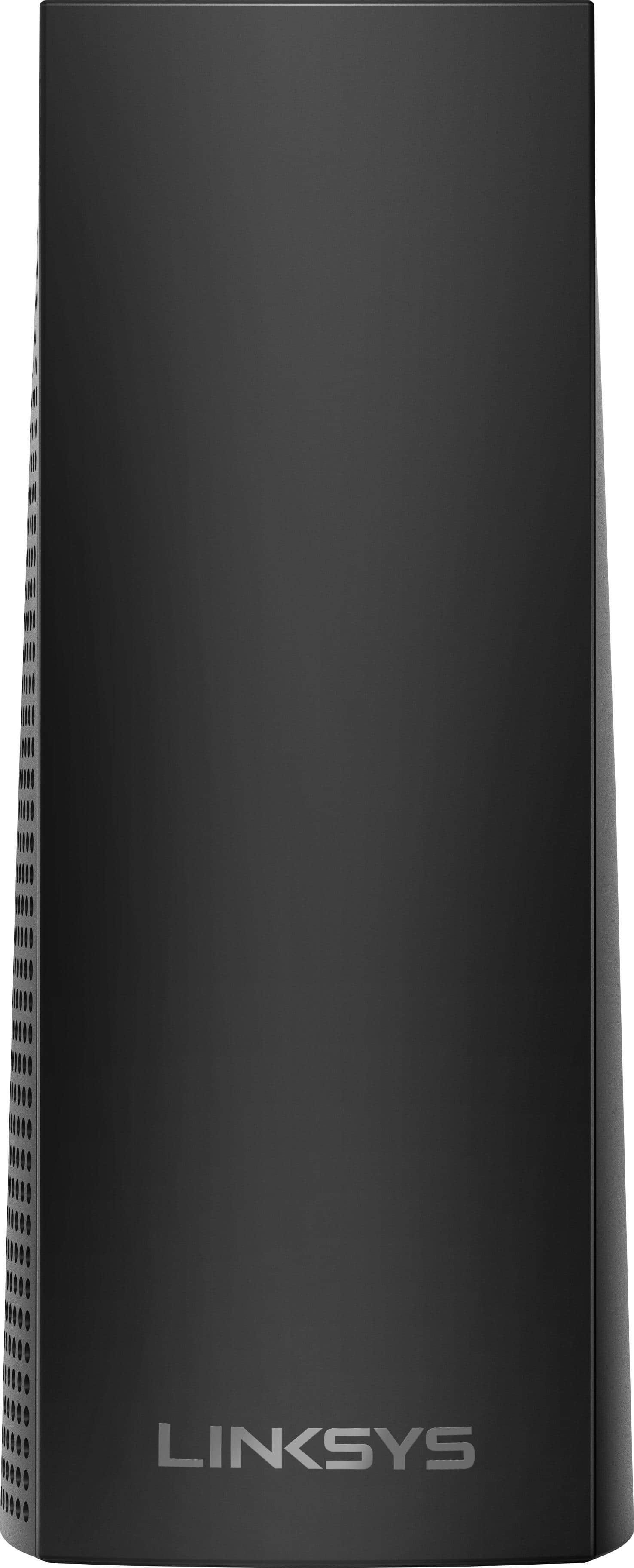
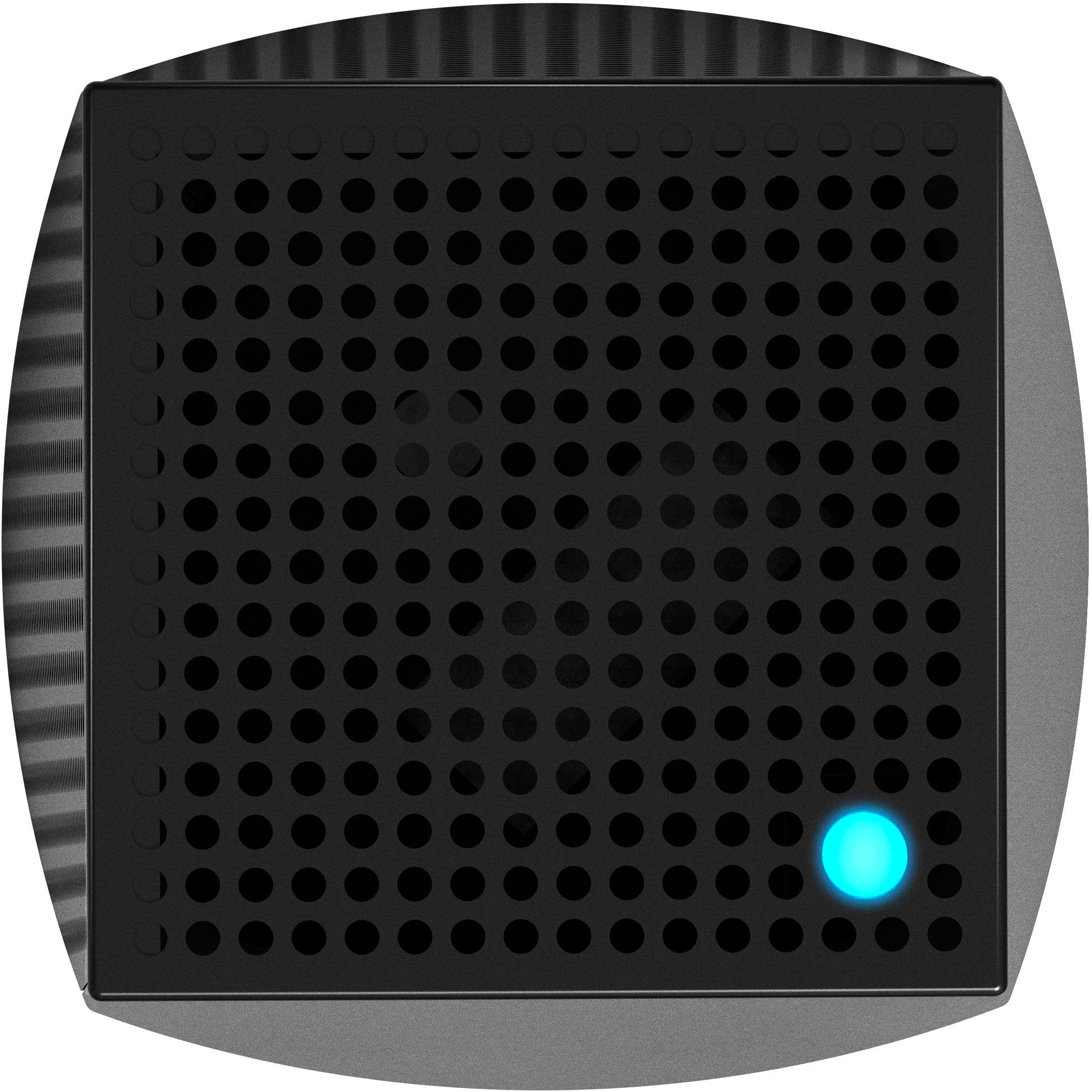
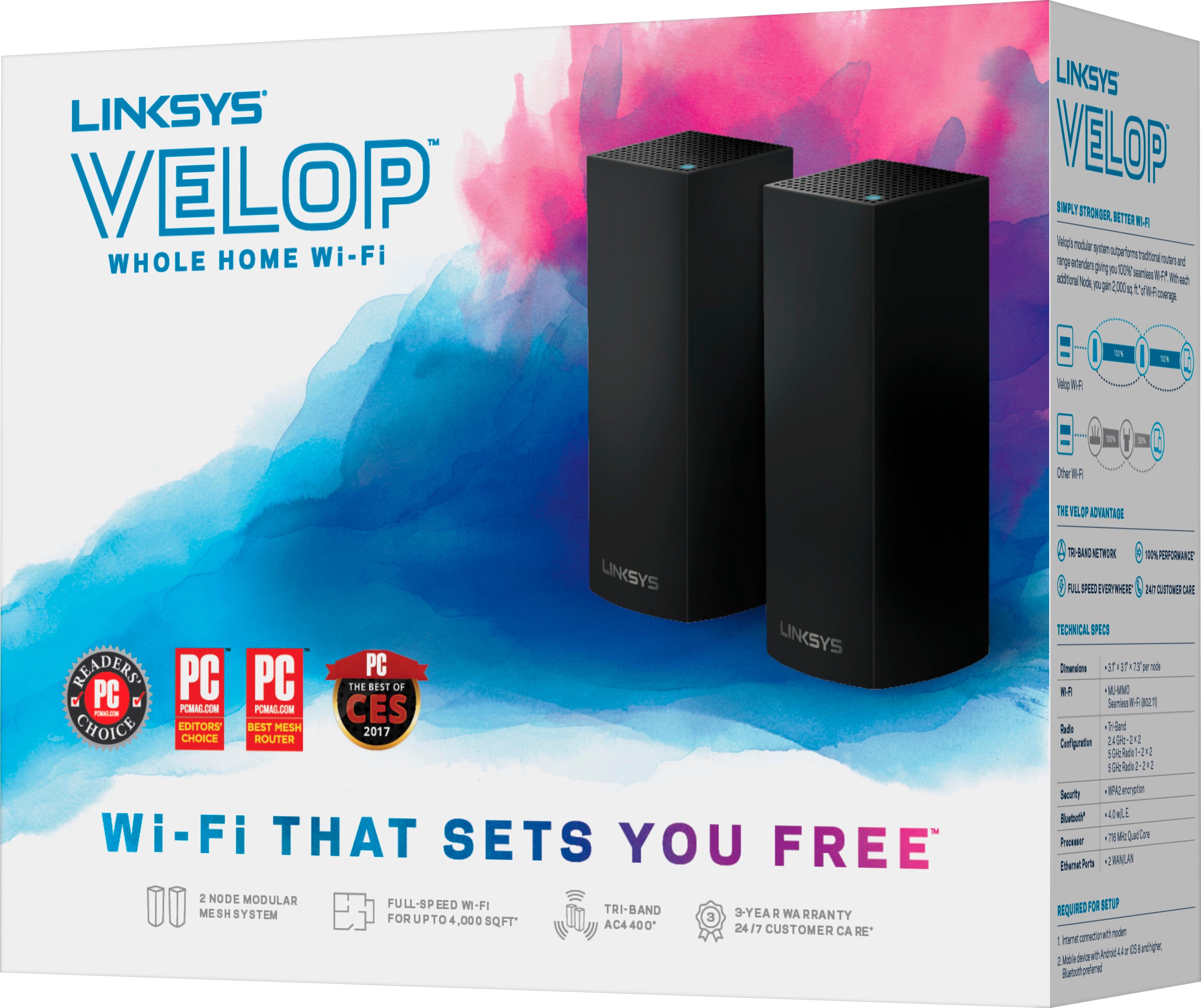


- Model:
- WHW0302B
- SKU:
- 5990500
Rating by feature
- Setup
Rating 4.3 out of 5 stars
- Range
Rating 4.3 out of 5 stars
- Signal Strength
Rating 4.3 out of 5 stars
Customers are saying
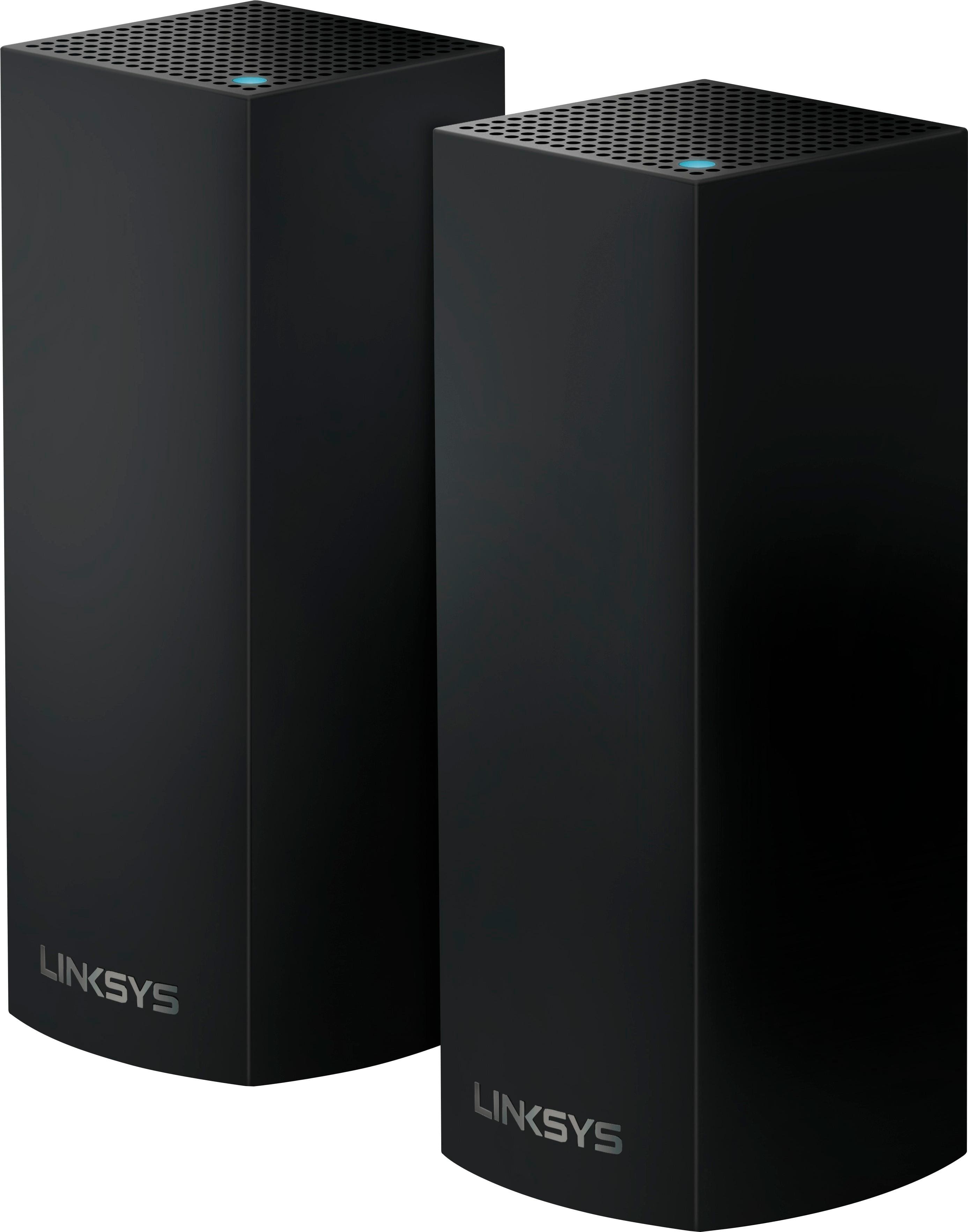
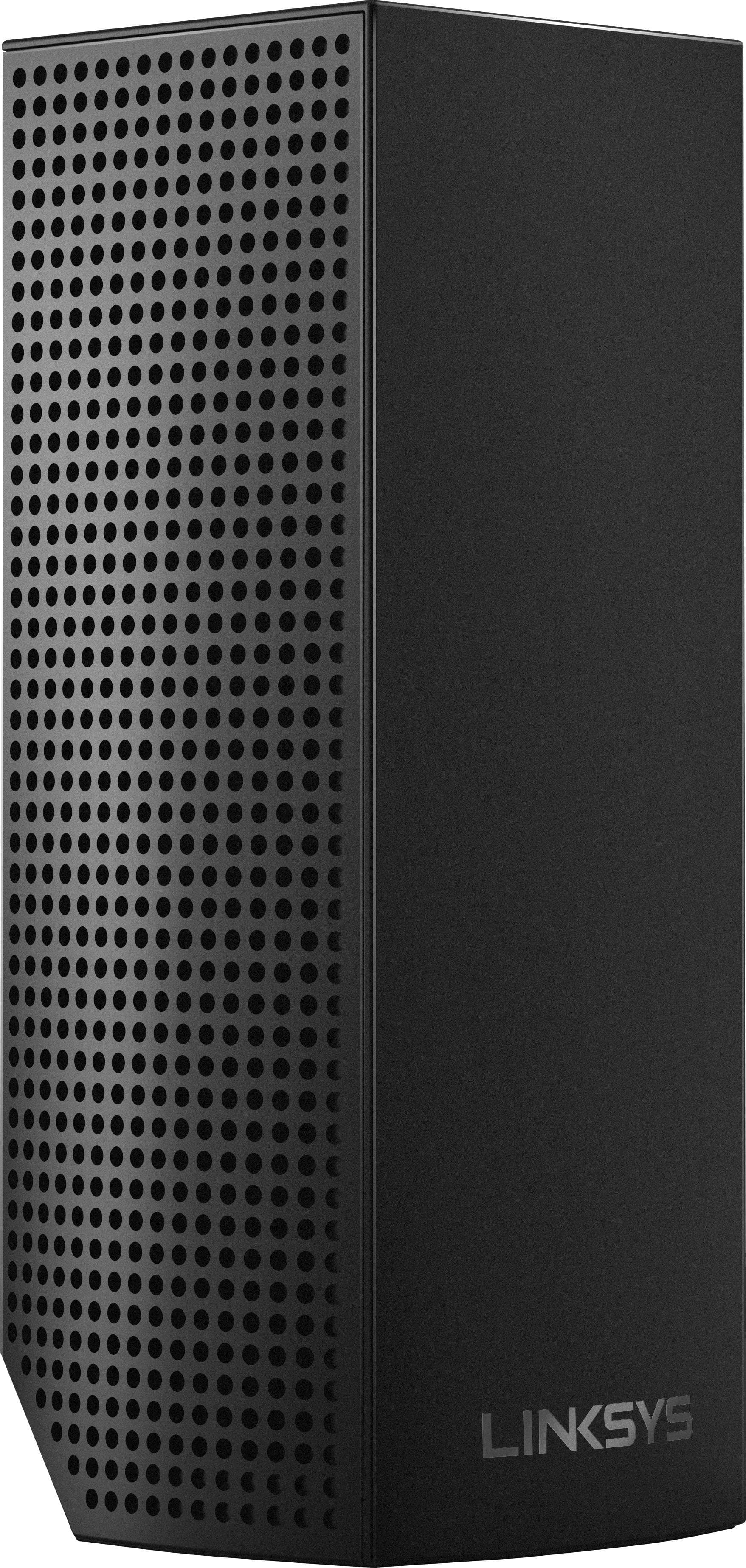
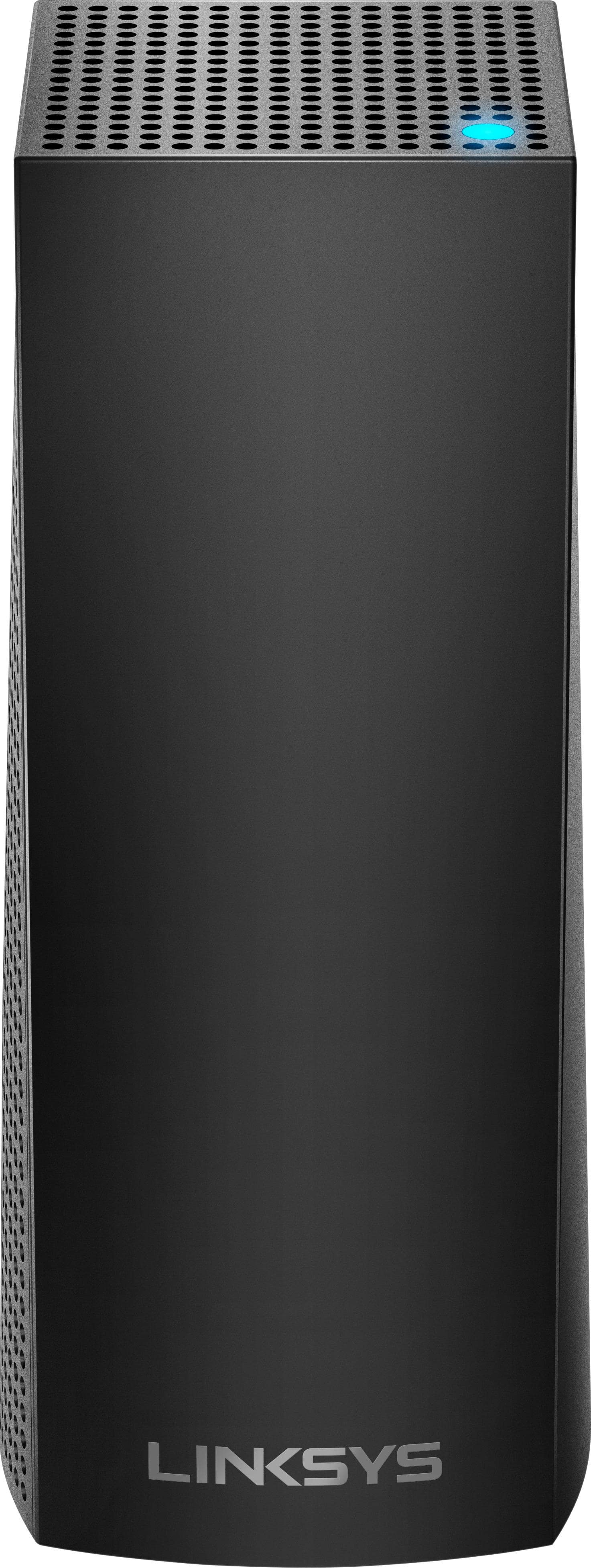
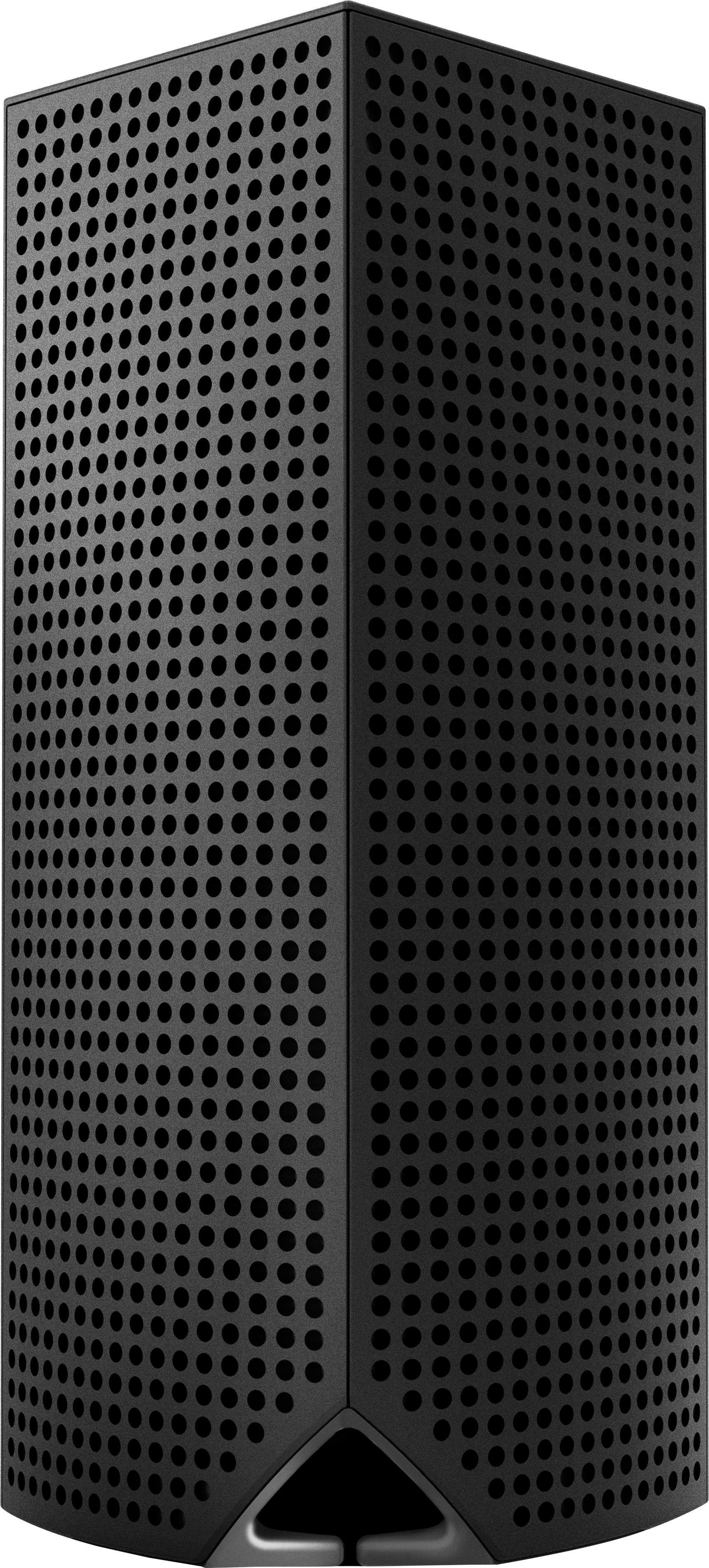
Customers are impressed with the Velop AC2200 Tri-Band Mesh Wi-Fi 5 System's ease of use, coverage, and setup, frequently citing its simple installation and strong signal. Many also praise the system's range and performance, reporting consistently reliable connectivity. However, some users experienced connection issues and noted the relatively high price. A limited number of Ethernet ports was also a recurring point of feedback.
This summary was generated by AI based on customer reviews.
- Pros mentioned:Setup, Speed

This is the future of WiFi
|Posted .This reviewer received promo considerations or sweepstakes entry for writing a review.I threw (recycled) away my wifi extenders plus I am now able connect a device with an ethernet cable without having to run cables through the walls because each node has 2 ethernet ports. So for instance, I have one node connected to my modem and an ethernet switch. My 2nd node in another room is connected to an NVR for my security cameras. The speed through the nodes is surprisingly fast. The NVR is capturing HD videos from 3 cameras and it seems to capture fine. The 3rd node is in my living room area. The whole house is covered! Please put a password on your wifi otherwise you'll be supplying FREE wifi for your neighbors. I can have full internet access from 3-4 houses away from my house. I thought installation would be a pain considering you have to setup each node. Well, I shouldn't say "have to" because you don't have to use all 3 nodes. You can use only 1 or 2 and give the 3rd to me. haha. No but setup is a breeze! The only thing is that you have to use a smart device such as a tablet or phone, to do the setup. Velop currently doesn't support PC-based setup but I hope Linksys changes that especially for us "techies"!!! It works with Alexa. You can ask #Alexa what the wifi password is... so they say. I haven't had much success with it yet. It looks clean and neat. It doesn't all those antennas sticking out of it which makes it aesthetically pleasing. I'm loving so far!
I would recommend this to a friendBrand response from Linksys Staff
Posted .Hi Neio,
We’re happy to know that the setup process performed as expected and your Wi-Fi speed has significantly increased. We’d love to have one of our Escalation Engineers walk you through in integrating the Velop system with Alexa. Please get in touch with us at 800-986-0518, or email us at LinksysCares@linksys.com anytime.
Regards,
Rechel
Linksys Support
- Pros mentioned:Coverage
Near perfect but for lack of more LAN and USB port
|Posted .This reviewer received promo considerations or sweepstakes entry for writing a review.First be careful unboxing the Linksys Velop system as the towers come individually protectively wrapped in a thin layer of form fitting laminated cardboard. They are upon pulling from their resting spot in the box very easy to slip out of the cardboard and fall on the floor and in my case ouch onto my toe. The Velop system I can safely say is the best system I ever tested in seamlessly giving excellent coverage and connection speed throughout my house and unattached solid brick gargage that is about 20 feet from my house. In addition my house is an older house that lacks an open floor plan and has lots of doors and plaster/metal lath walls. The units each have two gigabit LAN ports but NO USB PORTS which is a shame for those like me that have hard drives and non wireless printers that I share using USB ports on my old routers. Some further manufacturer specs are: Each Velop node is basically an AC2200 router that can deliver speeds of up to 400Mbps on the 2.4GHz band and 867Mbps on each of the two 5GHz bands. Inside each node are six antennas, tri-band 802.11ac circuitry (one 2.4GHz band and two 5GHz bands), a quad-core processor and 512MB of RAM. The Velop Wi-Fi system support Multi-User Multiple Input, Multiple Output (MU-MIMO) data streaming, which transmits data to compatible devices simultaneously rather than sequentially, allowing for faster all-around throughput speeds. In order to get the full benefit you need devices that allow or can utilize these features. Velop offers a nice set of management features, including parental controls, guest networking, device prioritization, and a handful of advanced settings (port forwarding, MAC filtering, and Internet connection type). The app is nice to use and it guides you throughly in setting up each node and indicates if in range or out of range, allowing for moving to better location. I set up one node on my first floor, near my modem, another in my garage and the other in my basement...I think two would have been enough as my house is a little under 4100 square feet. If your a power user you will find many advance features you are accustomed to not accessible and also there’s no web-based interface: It’s the mobile app, or nothing. Coverage in all areas was improved drastically over my old systems, no dead zones, no weak spots and everyone had fast access. I have 3 roku, 18 tablets/iPads/smartphone hones/laptops/desktops and 3 gaming systems along with several connected smart TVs. No issues...great system. The main issue is lack of additional LAN ports on any of the nodes or any USB ports. I think there is a number of users that like me have multiple devices near their modem that they want or desire to have direct connect to LAN ports...I have both a desktop and full size laptop that I prefer to be direct connect. I am not sure the reasoning for this top quality product to not include multiple LAN ports and at least one USB ports on one of the nodes. Could not be cost as this a very expensive router. Other than this lack of ports...the system is very good for families that desire simple install and quick web access but for power users many features are currently lacking as well as needed extra LAN ports and USB ports...therefore 4 stars.
I would recommend this to a friend - Pros mentioned:Ease of use
Great whole house wifi system
|Posted .This reviewer received promo considerations or sweepstakes entry for writing a review.I received my 3 node Velop yesterday and was able to set it up in 15 minutes. Took longer trying to figure out where to place the nodes. Set was extremely easy, plug it into your router, download the app, name your network, set up the password and that is all! The units are solid and really cool looking. I do not have a huge house but I do have a lot of walls that block the signals. That is why I wanted this unit so I didn’t have to buy extenders that have to be set up individually. Once you set up the first node all you have to do is plug in the other nodes and the system does the rest. I set up all 3 nodes one by the router, kitchen and upstairs. I wanted to test signal strength so I went to the end of my backyard and the signal was still strong (picture of backyard during the summer). I thought this was great because I love being outside with the computer and watch TV during the summer months. I had no signal before getting the 3 velop pack. If you have a big house or big backyard and looking to get wifi outside this is a great system to have. Also I am thinking of buying Amazon echo because this system understands some of the commands. Overall this is a great system if you want an easy to set up, cool looking whole house wifi system. A must buy!
I would recommend this to a friend - Pros mentioned:CoverageCons mentioned:Ethernet ports
Good But The App Needs Some Bug Fixes
|Posted .This reviewer received promo considerations or sweepstakes entry for writing a review.The Linksys Velop whole home wi-fi system provides great coverage in every corner of my home. It doesn't drop off no matter what room I'm in. It comes with three nodes, one parent node that hooks up to my modem, and two wireless nodes that can be placed around the house. the coverage is great, and it gives you options like device prioritization and parental controls. You can cut off and/or restore wifi to any device on your network if you so desire. A downside to this system is that the parent node only has two ethernet ports; one to connect to your modem and one for a peripheral device. Most routers have at least four ethernet ports. If you have a lot of wired devices, you will need to purchase a bridge to house them. Another issue is that the current version of the app has a lot of bugs. These will most likely be corrected by the time this product officially launches. Some have commented that the setup was difficult, but I found it to be very straightforward and everything worked correctly on my first go at it.
I would recommend this to a friend - Pros mentioned:SpeedCons mentioned:Ethernet ports
Great performance, but difficult set up
|Posted .This reviewer received promo considerations or sweepstakes entry for writing a review.In looking for routers, the most important factor to me is the ease of use. If you are buying a new router, chances are, it as the speed and power to fuel your Wi-Fi devices. Since routers are meant to be in the open (for best performance) style and size are also important to me. The Linksys Velop crosses off two of those boxes but fails on the third and I can't recommend it. I am a guy interested in tech, I love reading about it and having the most up to date gadgets. And while I'm familiar with the inner workings and specs of most of my devices, I don't pretend to be an internet modem/router/networking guru. But I'm pretty good at getting things to work. I have approximately 30 devices connected to my network. Tablets, gaming systems, several Chromecasts, Google Home, Amazon Echo, Nest Thermostat and Protect, WeMo switches, phones and laptops. I need a high performance router. I have a large Linksys AC1900. I have no issues with its performance, but it is big and bulky. I also mention the number of devices I have to explain my issues (see below) and the fact that when you have a smart home, changing Wi-Fi routers is no easy decision. You must be prepared to spend hours resetting devices and Wi-Fi settings. What drew me to the Velop were the 3 smaller "nodes" that act as internet extenders without creating separate Wi-Fi networks (if you've ever used an extender, you know what I'm talking about) with the ability to give me Ethernet ports in other rooms (where the nodes would be placed) without a drop in performance. And to be honest the Velop looks fantastic (IMHO). I think they are sharp, and have a small footprint (although the AC adapter is huge). The box is well crafted and smartly designed, and even though that doesn't matter, it shows the simplistic goals of the Velop: this device is intended for persons of all knowledge and capabilities to have a cutting edge Wi-Fi network. I took the nodes and chargers out of the box (only one Ethernet cord is included) and placed them where I wanted them in the house. I took the "main" node where my old router was, and swapped them out (one big disadvantage that needs to be mentioned is that there's only 2 Ethernet ports in each node which can affect placement of your devices that you like wired). I plugged the modem to the Velop node and went to my phone. I already had the Linksys app from my previous router, but the app wouldn't open. I ended up uninstalling it and re-downloading it from the Google Play store. I logged back in and was prompted to the Velop installation page which is a basic walkthrough (where to plug Ethernet cord into node). The Velop was found, then it "looked" for my modem. The app told me to restart the modem. After about 3 minutes, the router was up and running. Up to this point, everything was going almost flawlessly. I typed in the network name and password and everything was working. I added my phone to the Wi-Fi network and had blazing speeds of over 100 MBps throughout my house on the different nodes (I pay for 100 MBps speeds). Then I started the arduous process of adding all of my devices to the network and that's where the issues began. I tried adding my 2nd Gen Nest, but it couldn't find it. It did find several suspicious networks that looked like they were coming from the Velop (I never figured out what they were for). I was able to add one Chromecast Audio but was unable to add my first gen Chromecast video. My Amazon Echo Dot could find it, but then it wouldn't connect to the Bluetooth speaker (probably the result of something else, but it worked prior to installing new router). The Wemo devices couldn't find the network I just created and neither could my computer. At this point I started troubleshooting. I started thinking that maybe the older devices only accepted 2.4 GHz signal, and the Velop was sending out a 5 GHz signal. So I thought, I'll just go on the app and set up a separate 2.4 GHz network and add the older devices to that. But there was no such option. I went through every option in the app and couldn't find anything helpful. I searched the internet to no avail. At this point, unable to add my two most important devices (my Nest devices) I decided to plug my old router back in. Once I did, everything worked flawlessly again. I can't say I wasn't doing something wrong, maybe someone will comment and tell me I'm an idiot. But the point is that the Velop is supposed to be dead simple to use. The speed was fantastic and covered my house like no other device I've ever used. But not being able to add my other devices was a deal breaker. The app, while simple and nice aesthetics, couldn't help me set up what I thought would fix the issue (2.4 GHz network). If you are looking to purchase all new devices that support 5GHz bands or are just adding new devices to the network (versus resetting old devices and updating the Wi-Fi network) this might work for you, but if you are like me and have a working network with a large number of devices, I wouldn't bother as it will cause many unwanted headaches.
No, I would not recommend this to a friendBrand response from Linksys Staff
Posted .Hi Callmeageeth,
Setting up the Velop system and adding your devices to the network shouldn’t be that hard. We would be glad to have one of our Escalation Engineers help with the issues that you ran into. Please give us a call at 800-986-0518, or email us at LinksysCares@linksys.com with your contact details and the link to this review.
Regards,
Rechel
Linksys Support
Great day - threw them away!
||Posted . Owned for 1.5 years when reviewed.This reviewer received promo considerations or sweepstakes entry for writing a review.After nearly 2 years of trying to get refunds from Best Buy and continuous resets of the system (which take 45 minutes each time), I’m liberated! These are officially in the trash now.
No, I would not recommend this to a friendBrand response from Linksys Staff
Posted .Hi, NateK73,
We’d appreciate it if you’ll consider reaching out to us at LinksysCares@linksys.com instead so we can have our Escalation Engineers lend you a hand. This is clearly not the experience that we wish you to go through as the goal is to provide you premium WiFi experience with our products.
We’ll wait to hear from you the soonest and please don’t forget to include your contact information and a link to this post as our reference.
Regards,
Rosalyn
Linksys Support
- Pros mentioned:Ease of use
Simple & Powerful!
|Posted .This reviewer received promo considerations or sweepstakes entry for writing a review.I have to admit that I was a bit skeptical of the claims made in regards to the Linksys Velop Wi-Fi system. Lets face it, we have all heard the claims of more powerful Wi-Fi regarding the latest and greatest routers before, right? Well let me tell you that this time around it is no joke! Not only is this system amazingly simple to hook up, but it works as advertised! To begin, the three tower kit is elegantly packaged it a very nice box. Aside from the three devices you won't find much else in the box but that is kind of the point of this system. Simplicity. You get the towers (smaller than I expected them to be), one Ethernet cord and three power units. As for instructions, there are very few and that is just fine. You get a simple guide telling you to download the Linksys App from there website, Google Play Store or iTunes. Trust me, that's all you need. Set up once you have the app downloaded couldn't be more simple. Easy to understand instructions will guide you thru setting up the main unit (any one of the three will work. They are all identical). It only takes a few minutes but that may take a bit longer depending on your internet connection. As soon as you have the first unit set up it will then ask you if you want to hook up another unit and so on and so on until you are done. If you need more than the initial three, individual units or a two pack can be purchased and added to the system. It really is the easiest router system I have ever set up. As for the app, it allows for a good amount of control over the Velop. Tech junkies who demand only the greatest of control over their internet settings might find it a bit too simple for them. However, for the vast majority of users you will find all the control you need. Parental settings, guest network settings and so on are all here. And with the app on your phone or tablet, you can control the system even when you are away. Each unit has two Ethernet ports. The main unit will need one of them to connect to your internet modem. After that, they are all free to be used as you like (if you choose to be wired up at all). I have the main unit right by my Mac Mini so I have that hard wired in. Everything else in the house (a couple of laptops & tablets, phones and a couple of Echo Dots) are all using the Wi-Fi. Ok, so how well does it work? Simply put, very very well. I had a very good router set up before this (also a Linksys). The big downfall to most routers is that even if it is very powerful you tend to lose some speed with distance. Power with most routers will give you distance but not always speed. Having run a series of speed tests, I am getting every ounce of internet speed that I am paying for in every corner of the house with the Velop. Literally, no drop off in speed even from the most distant of the three towers and that one is two floors down! Before, I had full speeds in the room with the router and although I had full house coverage, the speeds were down to less than half on the extreme fringes of the range. Now you can always hook up range extenders with most routers but that only extends your range, not your speed. With the way the Velop system works not only does it increase your reach, it maintains your speeds as well. Please don't confuse this with it making your Wi-Fi faster. No router can make the speeds coming into your home faster than what you are paying for. But this system keeps the Wi-Fi speeds consistent all thru the home and that is a major advantage over a traditional router with range extenders. Ever tried watching a tv show or movie on your tablet only to walk into another room and suddenly start having buffering issues because the speeds don't hold up? Well the Velop system goes a long ways towards fixing that. The Velop is really in my eyes the perfect router system. It gives you what most of us have been chasing after in a router for a long time. Consistent speed and signal strength. If you were to buy a good traditional router and several range extenders for your home it would cost around the same as the Velop. But the Velop works far better and is insanely easy to set up. It really is the perfect Wi-Fi system!
I would recommend this to a friend - Pros mentioned:Coverage
Stay Connected
|Posted .This reviewer received promo considerations or sweepstakes entry for writing a review.For about five years, I’ve been dealing with the struggle of getting wifi throughout the house. The signal weakens when heading into the back bedroom/guest room while the router was on the other side of the house. And then there was the issue of getting a steady signal to the upstairs where my PlayStation 4 and Xbox One reside in the game room. The wifi signal would be strong sometimes but it was never a constantly strong signal. For the upstairs issue, I invested money into those internet adapters that turn the electrical outlets into Ethernet conductors. Again, it was an improvement but sketchy if there were other people were online with devices or on the PC. All of these fickle experiences led me to the Linksys Velop Whole Home Wi-fi System (I’ll refer to it as Linksys in this review). I’m seriously happy because the wi-fi signal in the house is STRONG and EVEN throughout the house! The black hole for wi-fi that was in the back bedrooms is no longer an issue. I or guests can use our smart devices with ease without worrying about a one bar signal. When it comes to the upstairs and the game systems, I’ve disconnected the Ethernet adapters from both machines because the Linksys provides a strong signal that is even better than what the adapters could offer. Online gaming is a strong, lag free experience even when others are using the PC or devices downstairs. Linksys delivers on their up to 6,000 SQ FT coverage. The three nodes that provide the signal are clean looking and blend into any room environment and are easy to set up since it is plug and go. However, my initial set up experience was frustrating since the nodes and the app (which is how the user sets up the service) didn’t want to communicate until several tries. Speaking of the app, once everything is connected, the app streamlines the experience and settings. The app readout allows you to see what is connected to the nodes signal and you can even prioritize devices to receive the strongest signal if you choose to. I haven’t found the need to execute this feature as of yet. Like anything electronic, updates happen but with the Linksys, it’s all hands-free since the nodes update on their own. Overall, the Linksys Velop Wi-Fi is the solution to weak Wi-Fi signal in your house or duplex. My only gripe was the initial troublesome setup but that could be attributed to the app and nodes not properly communicating. My advice is to be patient or call customer service because once it’s all connected, it works swimmingly.
I would recommend this to a friendBrand response from Linksys Staff
Posted .Hi, Acadius,
Thank you for giving our product 5-stars. Your feedback is well appreciated. Your experience during the setup process caught our interest as this shouldn't be happening if you are running the latest Linksys App. We hope you could give us more details on the setup issue like if there were any error messages and which part of the setup process did it happen. Please give us a call at 800-986-0518 or shoot us an email at LinksysCares@linksys.com with the details and link to this review for our reference.
Regards,
Jay
Linksys Support
- Pros mentioned:Setup
Wi-Fi POWER with STYLE
|Posted .This reviewer received promo considerations or sweepstakes entry for writing a review.Tough to pick a start pointing on the review, so will start with my first impression, which was the packaging! The Linksys Velop came packaged unlike any tech product I have ever opened, it was impressive. You can see in the packaging how serious Linksys is about delivering a State of the Art Chic (elegantly and stylishly fashionable) Network system. On style, it hit the spot immediately when I set the Network Nodes on my dining room table. As the adage goes, it was just what the doctor ordered. Had been using a Linksys WRT 3200ACS router in Bridge mode in my kitchen from my EA9500 base router to expand the Wi-Fi, which was doing a terrific job. The WRT 3200ACS was just a bit out of place in the kitchen, not what you can call Art-Deco. The design, style of Velop in fact thrilled me, which may sound comical when speaking of tech equipment. That was a first. The point is, the Velop is close to a work of art with a touch of High Tech. Excellent. My setup includes three nodes, one in the Office, the Kitchen and one located in the Detached Garage. The base Velop node in the office is wired to an AT&T router providing 50 Mbps. The base Velop node has a Linksys 8-port Switch connected to the second RJ-45 jack which hardwires a Livingroom Linksys 4-port Switch for the Entertainment Center as well as two Weather Station Systems stationed in our front and back yard. The first jump from office base node to kitchen node, which is connected on Wi-Fi, is approximately 48 ft. through three walls and two rooms in between. The tested Wi-Fi speed was 48.52 Mbps download and 5.71 Mbps upload in the Kitchen. You would never see speed from a repeater anywhere near that mark. The Velop node in the Detached Garage, which is approximately 90-100 ft. and much farther from the base node in the office and travels through three walls. The tested speed in the Garage was 24.88 Mbps download and 5.51 Mbps download. Have walked to the end of my drive way with my mobile (which does receive as well as a laptop) and still had usable signal. Those are Excellent Wi-Fi Speeds and Performance for those Distances and Obstacles. The system comes with a simple 3 step setup, which will get you running. There is further documentation on their web-site under Support. What the system truly needs is the ability to put the Velop in Bridge Mode, turn off the DHCP, and set the IP address allowing the Velop system to run on Sub-Nets. Have read that some people have set the Velop in Bridge Mode with the DHCP turned off, but I was advised by Linksys Support not to attempt putting the Velop into Bridge mode. It has not been tested by Linksys. Add the expanded capabilities and it is a Strong Five-Star. Hopefully in the future updates. Do I like the Velop, YES! It is a Great System with immense potential and a Leap Forward in Networking. Most importantly the whole family is happy with smooth steady Wi-Fi throughout the home and beyond.
I would recommend this to a friend - Pros mentioned:Speed
Few bumps setting up, but nice for larger home
|Posted .This reviewer received promo considerations or sweepstakes entry for writing a review.First impressions… Very nice packaging. Sturdy box, with a magnetic flap securing the lid. Easy to open, and no hard plastic clamshell to worry about gouging yourself on. Each node is protected in its own cradle, with the power blocks in their own section as well. You can tell Linksys put some thought in to the packaging, as opposed to just over-compensating with bubble wrap and plastic bags. The nodes are squarish white towers, about the size of a sports drink bottle. They’re actually somewhat aesthetically pleasing, which is a welcome change from the typical networking gear you see on the shelves today. I felt compelled to hide my prior router in the basement utility room, which definitely does not help with wireless coverage. Not the case with the Velop nodes. I was able to place the Velop nodes throughout the house without getting the ‘you’re not putting that THING in my living room’ look from the wife. Definite plus there! Power connects to the bottom (not the back) of the node, entering from a small cutout on the lower corner of the unit. The design hides the cables, as much as they can be, quite nicely. I do question the size of the power plug though. It’s a rather large square, and is almost guaranteed to chew up at least two spaces if you’re using a power strip. Each node has two Ethernet ports, which are also on the bottom. The primary node requires one of those ports to be used for the WAN connection to your ISP modem, which leaves one port to be used as a LAN connection to any equipment (or another Ethernet switch if you so desire) that may be close to the primary node. The Ethernet ports on the remaining nodes are able to act as LAN connections as well, although I did not personally test this functionality. Setup experience… Here’s where things went a little awry. My first attempt at setting up the Velop system was one of the most frustrating experiences I’ve had with consumer-geared electronics. To start, you have to download the Linksys app to setup the system. The first node, or parent node, went just fine. When trying to add the second node, it would seem to go fine, until it gets to a point where it’s “checking node location”, where it would just hang for 10 minutes or so. I’d go ahead and reset the node, and then retry. After several failed attempts, and hours wasted, I figured I should just give up for the day and start fresh the next day. Started from scratch, including the primary node, the next day - no issues whatsoever. The app even suggested that the location of my second node was too close to the first, and said I’d get better range if I moved it further away. Two nodes set up in less than 15 minutes. Go figure… Usability and misc notes... These are fast; considerably faster than my previous router. Administration is fairly simple, mainly due to the fact that you’re limited to the app. If you’re a more advanced user, you probably won’t be too keen on this. If you’re a typical homeowner that just wants simple wifi, you’ll be fine. Thankfully, Linksys decided NOT to force you to use a captive portal (entering a password on a web site) for the guest wireless, like they do with the WRT3200. Some may not care, but this is probably just a pet peeve of mine. We have friends/neighbors that visit frequently, and when we had the WRT3200, it was bothersome to get them logged in everytime they come over. The Velop doesn’t use captive portal, so we can give them the guest password once & they’re good to go whenever they come over. Much nicer. Coverage would probably be great if you have a larger or multi-story home. If your home is less than 2000 sq ft or so, you probably don’t even need a second node. In my home, my devices wouldn’t bother transitioning from one node to another, as the signal strength didn’t degrade enough to warrant switching. I did temporarily install the Velop in a neighbor's’ tri-level, and you could definitely see a huge improvement over their single router in the basement. Description says it works with Alexa, but, the Alexa skill is located on an ‘unofficial’ skill store website - not so sure I want to share my Linksys credentials with an unofficial skill… No USB port to use centralized media/file storage/DLNA Parental Controls Scheduled time blocking App says you can only create these via web interface Go to web interface, and it says you can only manage Velop through the app… Hmmmm?? Bottom line… if you have a larger home and don’t need to get overly complex with your network, this is an excellent system. The initial setup experience was definitely not the greatest, so I’ll deduct a star for that, but I’m hoping Linksys will continue to refine the process.
I would recommend this to a friend - Pros mentioned:Speed
Great Product!! But had a few issues installing
|Posted .This reviewer received promo considerations or sweepstakes entry for writing a review.Linksys Velop Whole Home Wi-Fi Packaging: Very nice and flashy, sturdy box that opens to reveal 3 Nodes, 3 power supplies and 6 feet of Ethernet cord. All nodes come with a cardboard sheath for additional protection. I was impressed with the look of the units. Installation: The only way to install these nodes is to download an apple or android Linksys app. Not web in to it like the old way of setting up routers. Which is great for those easily turned off by technical installs. I downloaded on both Android and Apple for testing purposes. The app instructs you to turn on Bluetooth so it can see Node 1, then you turn on Wi-Fi and put in the nodes password. This is where I had EXTREME difficulty, The app would search to find the node which took 10 minutes, Then you hook up your modem in 1 of 2 Ethernet ports and it has to again search for it (another 10 minutes) granted I was only about 6 inches from the node, this should not have taken that long. After finding the modem, the app then has you log into to your ISP account so, another 10 minutes. Then the node errored out and needed to be reset and start the process all over again. Just to be safe I rebooted the Modem/phone/Node and ran through the process again. Same deal errored out. I used the remaining port to hook in my PC cable and was able to get surf so No, internet was not the issue. This happened 3 times with the first node I used. I then tried another node, ( and my IPhone as my android burned through 60% of battery) same deal 3 times and 45 minutes later no go, I then tried the last node and it found the modem on 3rd try and made it to the point of naming my SSID then it errored out and needed rebooted. I dialed the help desk and tried 1 last time, and it worked (so I hung up before call was answered) as it should but still took 30 minutes. I then placed another node in another room and it was setup and complete in less than 10 minutes, I set the third node up and had to reboot it before it could be found and was set up Meshing with a 3 nodes (still under 10 minutes) Needless to say after trying to set up this network and taking 3 hours total. I was flustered. I took a break then went back to run more tests on my network. Before with my Net gear router, I had to reboot every 3 days or so as Internet speed would be next to nothing, this was tiring. My speed test on the netgear was a constant 25 mbps. (Bottleneck) After successfully Installing the Velop System, I immediately noticed an increase of 5 Mbps to 30 Mbps. Also all of the Wifi devices had full signal connection no matter where I was in my house. Something the netgear did not do. I was pleasantly surprised with the increase of signal and speed. In the end, it was worth the trouble I had to install, with my new results. I would hope they could improve the app or firmware on these items for faster installs with less failures. I would have given this item a 5 star were it not for the initial troubles. My rate is a strong 4 as this install should have been under 30 minute’s tops. Not 3 hours. I am by no means computer illiterate as I have 30+ years in I.T and have installed and setup many routers for friends and family with no problems. The Velop system has the right Idea for the future on ease of Install, I feel (in my case)It’s just not 100 percent right yet. I am sure it will be, I mean how could you go wrong by just hitting "Next" in an APP a bunch of times to install a new Wi-Fi system?? Future wishes on this item: for the Node you use for the base (next to modem) it would be nice to have more than 1 usable Ethernet port (other is used to go to Modem) for multiple hardwired PCs. The other 2 Nodes all have 2 for wired devices. I know everything is wireless these days but I still like old school hardwire for my PCs. I am happy so far with the Velop system and would recommend it to friends.
I would recommend this to a friend - Pros mentioned:Setup
Wireless Mesh how I love you
|Posted .This reviewer received promo considerations or sweepstakes entry for writing a review.Linksys Velop Whole Home Wi-Fi System (3 Pack) Technology moves so fast that you blink and the newest thing is here. With smartphones, 4K TVs, PCs, Gaming Consoles, Streaming Media, Personal Assistants and the IOT (Internet Of Things). Single WiFi Routers are being pushed to their limits. Adding extenders, access points complicate things and in many cases doesn’t help that much. Now we have Mesh WiFi. With Mesh technology you place nodes throughout your home to distribute your WiFi signal. The idea here is a more stable WiFi signal coverage without the types of hot, cold or dead spots, these other methods can have. The Linksys nodes have two 5Ghz radios to send and receive at the same time. The nodes will seamlessly connect you to the best connection automatically and you can add additional nodes. A wired connection is still best but now we might finally be heading past needing a wire the same way you have self driving cars on the roads today. The Linksys Velop Mesh WiFi system is impressive in the box but better out. The packaging shows real care however the included setup instructions were minimal at best. I vote for a little more information just in case please. What Linksys has done is make the setup so easy you really don’t need a manual. You download the Android or IOS app and it pretty much walks you through setting up the first node. You have two choices, you connect a lan cable from the first node directly to your internet modem or to your modem/router device. I chose the first option and connected directly to the modem bypassing my existing WiFi router. Other nodes only need to be placed in an open location and plugged into a power outlet. I had the three nodes connected within about 30 minutes.There is a second lan connection on the bottom of each node that you can pass through to a wired devices or switch. The node is now acting as your router and you manage router options through the smartphone app. This will be fine for most people and worked without issues. I wanted to retain my current router and just replace my WiFi. My WiFi router is in an upstairs bedroom closet so although I don’t have bad WiFi, I didn’t have great WiFi. So I reset the nodes and reran the setup and this time chose to connect to my current WiFi router. In that setup my current network was retained and I gained the use of the nodes. You connect your devices to the nodes just the same as any WiFi using the name and password you created during the setup process. In this way I now have a two nodes upstairs and one down. No more WiFi coming out of my closet. In my testing I could not find a location that didn’t max out my internet download speeds anywhere in my 1,800 SqFt two story home. The technology in each node is actually quite impressive. Six antennas, the very latest wireless chipsets and technology. In fact although you will get an increased WiFi performance from any connected device it is the newest devices that can take advantage of the best possible performance of these nodes. You do have to pay for this level of performance and technology but that’s also true for the top of the line WiFi Routers. Today, if you want the very fastest WiFi in your whole home this is a very real option. It’s very fast, simple to setup, the nodes actually look very good on a table and I do like the automatic software updates. If you must have the very best WiFi the Linksys Velop should be on your short list. I would like to have more advanced setting options in the smartphone app but that's just a preference I am learning to get over. My wife really likes the look and I really like the performance.
I would recommend this to a friend Lightning Speed Whole Home Wi-Fi
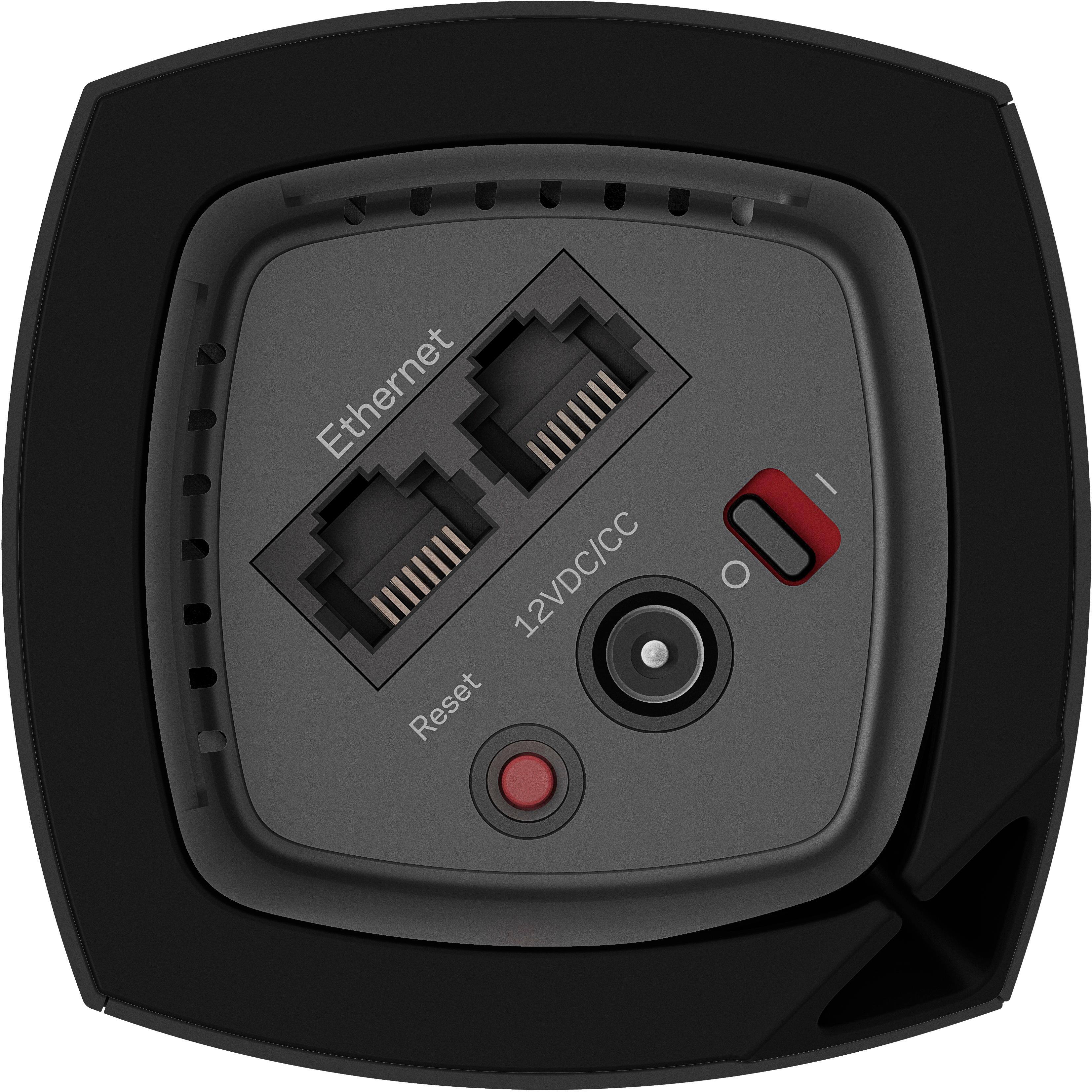
|Posted .This reviewer received promo considerations or sweepstakes entry for writing a review.My six year old wireless router was beginning to show its technological age. It could not keep up with my family's growing consumption of online content. To make matters worse, I live in a three level condo where I had to use a wi-fi range extender to receive a wi-fi signal up to the third floor. Needless to say, I was quite interested to see how the Linksys Velop Whole Home Wi-fi would perform. The system I received has three identical rectangular columns each measuring 7.25” in height and 3”x3” at its base. The three little towers, or nodes as Linksys calls them, resemble scale model white colored skyscrapers, much like how you would see in architectural models. This sleek, stylish, and contemporary look can easily blend in as a decorative piece in your home. But enough about how it looks. Inside the nodes are actually wireless routers with three bands – a 2.4GHz band, and two 5GHz bands. There are six vertical antennas. The system will automatically select the 2.4 GHz or 5 GHz band for your device for optimum wi-fi performance. On the underside of each node there are two ethernet ports, a power switch, a reset button, and connector for power. The nodes communicate with each other to create a wireless wi-fi mesh to provide the entire home with a strong, full strength wi-fi network. The wi-fi throughput does not degrade, which is a limitation of wi-fi range extenders which cuts the wi-fi throughput by one-half each time the signal is extended. Depending on the size of your home and your coverage needs, Linksys offers single node, two node, and three node options. Linksys makes the set-up very easy. The box does not come with a detailed user guide. Instead, there is a set up card that directs you to go to the Google Play or Apple Store to download the Linksys app to your smartphone or tablet which will guide you through the entire set up process. When I went to the Google Play store to select the Linksys app, I noticed there were two apps – a “Linksys Smart Wi-fi” app and a “Linksys Connect” app. Which one to install? I'll save you the trouble of trying to figure out which one is the correct app. Download and install the “Linksys Smart Wi-fi” app. The Linksys app holds your hand through each step, making it one of the easiest wi-fi set ups I have ever experienced. They should win an award just for being so consumer/user friendly. Please note that you will need to turn on your phone or tablet's bluetooth in order for the app to communicate with the node. It's a simple five step connection process. Step 1 – Disconnect your existing router, Step 2 – Connect the base node (they're all identical, so just choose one of the three nodes to be your base node) to your modem via the supplied ethernet cable, or you can use an existing ethernet cable, Step 3 – Let the app search for the node and make the automatic wireless connection, Step 4 – Personalize the Wi-fi network by creating a name and password, and Step 5 – Add additional nodes or exit if you have no other nodes to set up. As additional nodes are added, the app analyzes the location of the node to determine if the placement is adequate to create the wi-fi mesh. I placed a node at each of my three floors and was good to go. Perfomance wise, I noticed the improvement immediately. It was like I just came out of the wi-fi stone age and sprinted to the 21st century. No more buffering of video content while multiple devices were connected to the wi-fi network. Web pages load smoothly. My household has over a dozen devices connected via wi-fi, and there were no hiccups downloading and uploading content. This has everything to do with the multi-user, multi-input, multi-output (MU-MIMO) that Linksys has built into its whole home wi-fi. It is a robust system allowing multiple devices to simultaneously receive content. Furthermore, I could walk up the three flights of my condo and the wi-fi signal remained at full strength, and there was no longer a need to connect to a separate wi-fi network like I had to when I used the range extender. The app is also easy to use. You are able to personalize the names of each node such as naming them “kitchen”, “living room”, etc. whatever will make it easy for me to remember which node was which. There are also Parental Controls to allow you to manage internet access to your kids, Guest Access to share your internet without having to expose the rest of your wi-fi network, and Device Prioritization to allow up to three devices for priority usage of the internet. For advance users, there are Advanced Settings to allow customizations for Internet Settings, Port Settings, and Wi-Fi MAC Filters. There is only one negative that I see. There is no usb connection on the node for connections to hard drives. In summary, here are the Pros and Cons: Pros -Easy to set up -Stylish looking nodes -Fast full strength wi-fi for each node -Expandable -Eliminates the need for range extenders Cons -No USB port The Linksys Velop Whole Home Wi-fi impressed me with the quality packaging, aesthically looking nodes, seamless set up, and blazing MU-MIMO wi-fi performance that is able to create a wi-fi mesh to provide full strength internet. I have no hesitation recommending this system as an upgrade to an existing router and range extenders. The Linksys Velop has the advantage of enabling a uniform and continuous wi-fi network for the whole house without degradation of the wi-fi signal. For those looking to create a wireless whole home network but aren't confident in their abilities to set one up themselves, the Linksys Velop is the perfect solution as the app virtually holds your hand through the set up.
I would recommend this to a friend- Pros mentioned:Ease of use
***BEST mesh Wi-Fi system available***
|Posted .This reviewer received promo considerations or sweepstakes entry for writing a review.Although it's a timely process, set up is easy and has to be done with an app on a smart phone or tablet. The app has a great walk-through set up with pictures of every step. One node will need to be by your modem. And the rest placed throughout your home. The app will let you know if you placed one to close or to far away from each other. This makes getting not only Wi-Fi to long ends of your home but FAST Wi-Fi. With 3 nodes I now have full signal strength in every room. They are made to be placed out in the open and will work best this way. Fairly small in size standing just under 7 1/2 inches tall. This system is a easy way to get Wi-Fi in every room of a large home by just adding nodes. So far every thing have been working good.
I would recommend this to a friend - Pros mentioned:Setup
A bit pricey, but a very good home wifi network
|Posted .This reviewer received promo considerations or sweepstakes entry for writing a review.One of my biggest dilemmas when I got the Linksys Velop Tri-band AC6600 Wi-Fi System was where to place 2 of the 3 satellites. I have a 2 story 1800 square foot house, that has 3/4 inch thick concrete walls in each room. So, not a huge house, but the concrete walls have pretty much always caused problems. 3/4 inch thick concrete, 4 inches insulation, then 3/4 inch thick concrete. One was placed in my office which is where my internet modem is located that's basically in the middle of the house upstairs. The other placed downstairs in the home theater room, and the third unit was placed in my sons bedroom so that he can hook up his PlayStation and Xbox units directly to that third unit. I don't know a lot about networking and this system was pretty easy to set up using the Linksys app. More about the set up will be below. I get very, very good signals at each unit. For the home theater unit, I have no problems at all streaming Netflix movies in 1080p. No lag or drop outs. You can add a guest network, and you can prioritize certain devices. Parental controls are easy to use, though I did not set those up. The system was pretty easy to set up, but you have to download the app to your mobile device. There is not any web interface with the exception of logging in to the router using its IP address, but all you get is a screen that tells you that all administration has to be done via the app. Doing this on my smart phone is somewhat of a pain as it's so small. I'm going to try using my iPad to see if that will help. Oh, and a bit picky, but the AC adapters for each unit are pretty big. If you're using a power strip, they will easily take up more than one slot, so you'll lose an outlet on the strip. A few stats from the Linksys website are : Powerful Tri-Band Wi-Fi System distribute 100% Internet speed to the edge of your home Wi-Fi network without signal degradation if one is moved farther away. Mesh Wi-Fi solution built to connect with each other in a single network configuration. If a Node loses connection, the remaining units will automatically re-establish Internet connection Powerful Wi-Fi range up to 6,000 square feet. The Linksys Velop Whole Home Wi-Fi system has a three-year warranty, and also a three-year tech support guarantee with a dedicated phone support line. Each unit is 7 1/4 inch tall, 2 3/4 wide, 2 3/4 deep so they will blend in nicely with your home décor. Underneath unit are two Ethernet ports, a reset switch, power switch and power port for the AC adaptor. Note : my picture of the bottom of one of my units is blacked out as it has the password printed in a label. I changed the password, but just blacked it out anyway.
I would recommend this to a friend - Pros mentioned:Speed
Easy setup if you DISABLE WiFi on your phone!
|Posted .This reviewer received promo considerations or sweepstakes entry for writing a review.Bestbuy sent me these to review, so I figured that I’d take my time on this review. As a very experienced techie & tech beta tester for a number of networking companies, this took me roughly 2 hours to set up, which includes tablet SSID work. The packaging is superb; I opened the magnetic flap and was greeted by some covered cuboids and hidden AC adapters. On my old router, I disabled Wireless & DHCP, changed the IP (from 192.168.1.1 to 192.168.1.2), changed the hostname and then I shut everything down. I disconnected the cables from my Surfboard modem to my EA9500 & rebooted the modem. I launched the App from my Nexus6 & followed the instructions. I didn’t deviate. During the setup, it sat at ‘Sit back and relax …’ for a LONG time … THEN, I deviated. I did get impatient around 5 minutes, so I went back & went through the “find your modem” again. Then, nothing worked right. So, I reset the Velop via the button & started over. After sitting back, I *thought* that it may have something to do with my phone's WiFi auto-connecting to my Chromecast; I noticed it but dismissed it. I then disabled WiFi during setup. Once that was off, I continued. Then, I saw “Sit back and relax” again -- but then it WORKED. Sometimes it’s good to be a lifelong sysadmin / tech support guy. I then added another node and that went seamlessly. Update check time -- all set & ready to go. Then I went on to some DHCP reservations and modify the range configuration via the App. THAT wasn’t there - so I called support. After a bit, they directed me towards the “old” web interface, allowing me access to the most basic of Advanced functions. Thank goodness, otherwise, I’d have been very cranky. Then a 3rd node was added - no worries there. I then took the LAN port from the Velop and put it into port 1 on my EA9500 and keeping all other connections to it, all while allowing the Velop to divvy out DHCP addresses. I set up my DHCP reservations (as not to mess up the things that I can’t re-IP) and then reconfigured the port forwarding & tested. All great. Since this is a single SSID (no giving 5G a different name), I had to change some of the 5GHz devices to use the (formerly 2.4GHZ) non-5G-labeled-SSID. I did some Comcast tests - and they ran 120Mbps down (what I care about for this test) in the same room as the main Velop; I went to the complete opposite end (wireless N, mind you), almost above the 3rd Velop & got ~ 108Mbps - roughly 1700sqft away. Two floors above the main Velop, I got the same speeds as in front of the device. After running for roughly 2 days, I haven’t had a hiccup - and THAT is what I’m looking for.
I would recommend this to a friend - Pros mentioned:Coverage, Setup, Speed
Amazing Internet Access across the whole house!
||Posted .This reviewer received promo considerations or sweepstakes entry for writing a review.3 years ago I purchased a top of the line Asus router that was amazing for the time and had served me well. It had it's short comings, like limited 5ghz signal strength outside of the bedrooms around the router and it did need to be reset every couple/few weeks to "kick it in the pants" and get some speed back. Still, it was the best router I had ever owned and it was expensive but worth it to me. A month or so ago the performance started to degrade and the resets became more frequent and finally the 5ghz channel stopped working. Clearly time for a new router. Do my research, I like the idea of mesh networks. I had been using a range extender for a printer without issues and really wanted to have a good signal out in the family room, where the signal was the weakest and where we spend a lot of time. My house isn't gigantic, 1900 sq/ft and a matching size finished basement, but my router and cable modem are on the far end of the house in the master bedroom. I initially thought about getting another high end single router like the Nighthawk x10 but coverage won out as the deciding factor and decided to go mesh. After doing my research, I decided I needed a setup with just 2 nodes for my size house and I wanted a tri band setup with a dedicated back channel to free up the traffic for devices on the other 2. After reading review I had come down to the eero, Negear Orbi and the Linksys Velop. I liked the eero because it was small and compact, the Orbi because it appeared to test so well but I decided that the eero just wasn't powerful enough and the Orbi was a Mesh product and honestly was just too large. The Velop was the perfect system for me, Mesh, tri-band and a compact, yet powerful. Best Buy was fantastic and had an associate who actually knew what he was talking about and I was home with my new Velop in no time. Setup was super easy. Basically, unplug everything old including the cable modem, download the app and follow the instructions. I did have an issue with my phone finding the Velop. I just needed to turn off my bluetooth and back on it found it right away and didn't have futher issues setting it up. I was concerned the second Velop would be too far away at the edge of the kitchen and through several walls about 50-60 ft away, not a problem for the Velop as it came back with it getting a perfect signal. Once setup, they downloaded a new firmware automatically. I then logged into the system admin and added OpenDNS Family filtering and it was time to test. Let me add, the configuration app on the phone works great and you can see all the connections and to which Velop they are connected. My only "want" is better parental controls, they are pretty basic and work fine but there is so much more they could do...and easily. First thing I did was a speed test. My 250mbit/sec cable model service on my old Asus router gave me 73 Mb/sec download rate. With the Velop that number JUMPED to 243 Mb/sec!!!! Holy cow! That a big jump on a test, but would it be noticeable? The answer is a resounding YES! Everything is faster, Netflix, Amazon, browsing, downloads, EVERYTHING! And that is anywhere in the house. Super strong 5ghz signal everywhere in the house now, upstairs, downstairs, it doesn't matter it just works. It has been a week now and everything is working without worry from day one. No issues or hiccups and that's the way it should be and that is a tremendous value.
I would recommend this to a friend - Pros mentioned:Setup, Speed
Probably the BEST router I have ever used
|Posted .This reviewer received promo considerations or sweepstakes entry for writing a review."The only downside to this router is the price." If anyone is to ask me to sum up this review, that would be it. The Velop router is phenomenal. Setup is a breeze through the app and I have not gotten a need to reset this router ever since I set it up. The speed is fantastic and you can even use a LAN connection straight from one of the nodes. The speed has not dropped on me and everywhere in my house, the signal does not drop. No more dead spots in my home. This thing is the absolute dream router that I have been waiting for and it really does set you free.
I would recommend this to a friend - Pros mentioned:Speed
Perfect signal though the whole house
|Posted .This reviewer received promo considerations or sweepstakes entry for writing a review.This was my first try at the new ‘Mesh’ wireless style system. I was using a nice Asus router that served me pretty well. This 3 part system allowed me to get full strength Wi-Fi pretty much through my whole home. (2,200 sq. foot ranch + Basement). Set-up is only done through the Linksys app you download to a phone or tablet. Basically all your settings are done here as well. No more typing in the ip address of the router to make settings. I found that a little weird, but it works fine. SETUP - Packaging was high end with a very nice presentation. The Setup guide consists of a 4x9 card that simply tells you to download the Linksys app, that is all you get. I will say the app does walk you through the setup process pretty well. I had one small issue connecting one of the nodes, but It might have been my fault as I gave the new router the same name as the old one which may have caused a conflict. Once I ran the setup for the nodes again, all went well. This system does not allow you to choose between 2.4 and 5.0Ghz network as it automatically connects your device to the fastest speed. Not sure how I feel about that as I would prefer to force some devices to stay on the network of my choice. (This might be a control issue on my part) SPEED - Speeds are great. I recently switched to a new internet provider and I am getting 60-70 Mbps download and 10 upload. No complaints with that. APP - The app takes a little getting used too, but once you navigate it a few times it seems to work well. It shows you all the devices connected as well as how they are connected (Ethernet, 2.4Ghz, 5Ghz). If you have any interference due to others around you running on the same channel, there is a nice feature that will search out to find and optimize to the best channel. Parental controls are VERY limited. Don’t expect much here. All you can do is add blocked sites manually, or simply shut down your child's web access completely. That part is nice if you want to force them off the web and get to bed ;-) All in all this is a nice Wi-Fi option if you need to spread out your Wi-Fi network in a large home that you simply cannot reach with one single router. It is a bit pricey, but gets the job done very well. I would think this style of Mesh routers will become much more popular as you have no signal loss from node to node. Recommendation to Linksys: Offer a Black color option, white does not fit with every décor.
I would recommend this to a friend - Pros mentioned:Ease of use
Stronger Wi-Fi
|Posted .This reviewer received promo considerations or sweepstakes entry for writing a review.This tri-band WiFi system is great for the purpose of improving internet connection of any home, especially those that have more than one floor and those that are very large. It is very easy to setup and control. And as a parent of young and teen children, I found the parental control feature highly useful. The entire setup instruction was done using a smartphone with a downloaded Linksys app. Setups can only be done with a smartphone or tablet. The interactive app guides you through each step. Using an ethernet wire, connect the WiFi system to the router. The system takes a few minutes to configure. Then follow additional steps to connect the other remaining nodes. The complete setup took less than 30 minutes to complete. I observed and took images of the WiFi strength before and after the setup. Before the system was installed, there were areas around the house that got one or two wifi bar signal strength. After the setup, most of the house got full wifi strength. The best feature of this system is the parental control. The app gives the administrator (parent) the ability for each device that is connected to the wifi to have a separate parental control setting. The administrator can easily manually block individual devices or all of them at the same time. This feature comes very useful for blocking wifi during family nights or group meeting. Guest access can easily be setup, turned off, and shared. For additional parental control, it would be great if the system came with the option to use OpenDNS. I had to search the web for ways to add it. But it still very good for parental control. Overall this a great WiFi to have in any size home. It is not hard to setup and it easy to control.
I would recommend this to a friend