Customer Ratings & Reviews
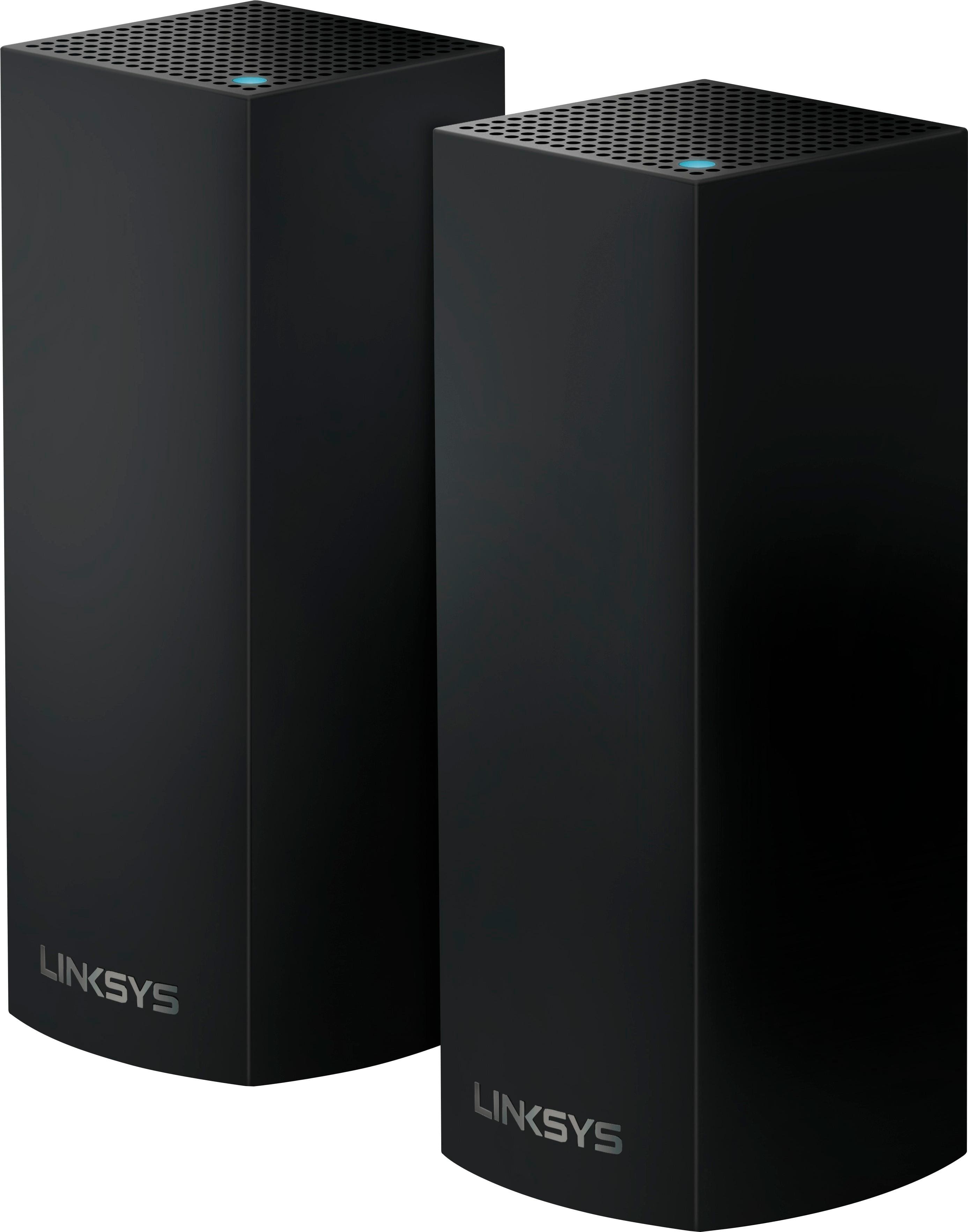
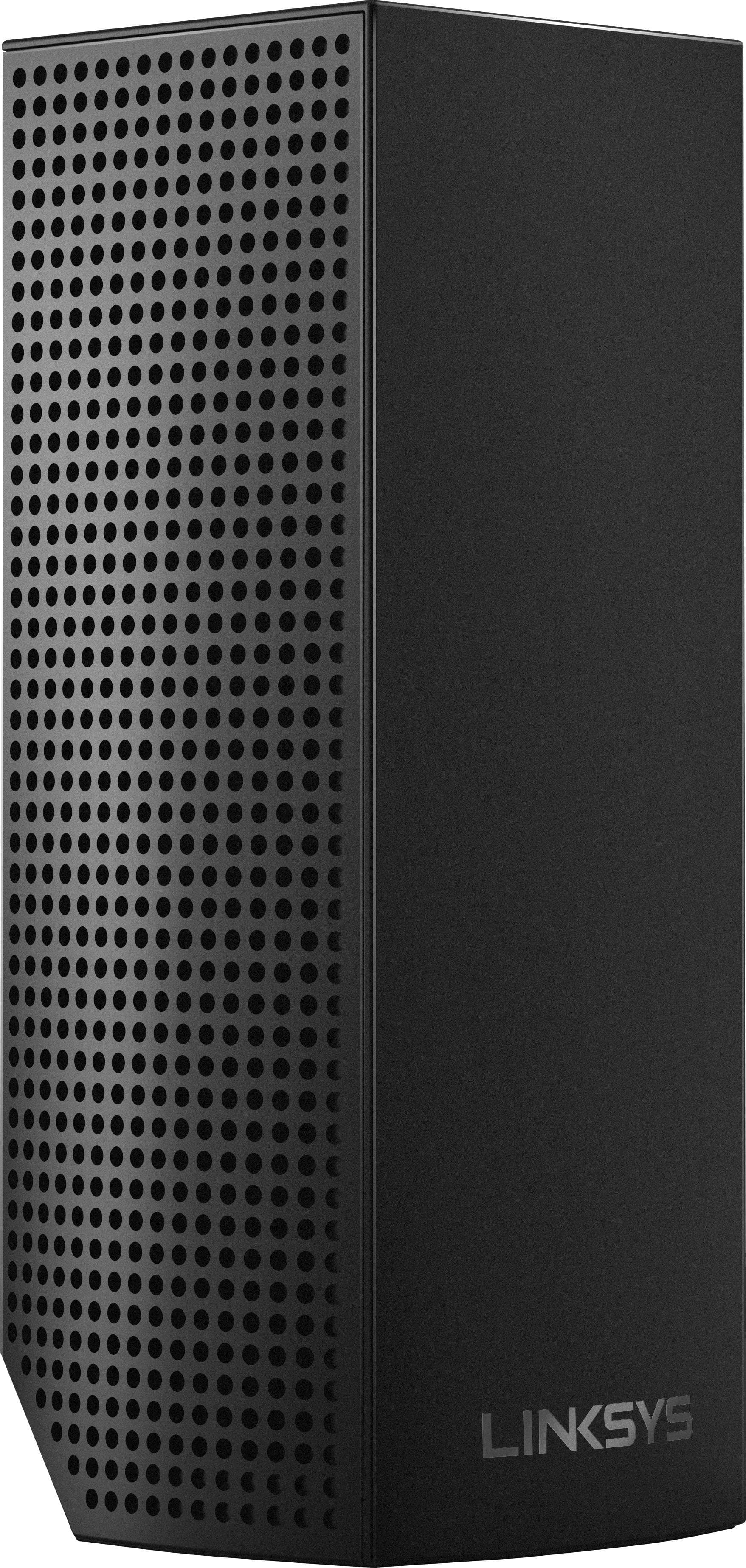
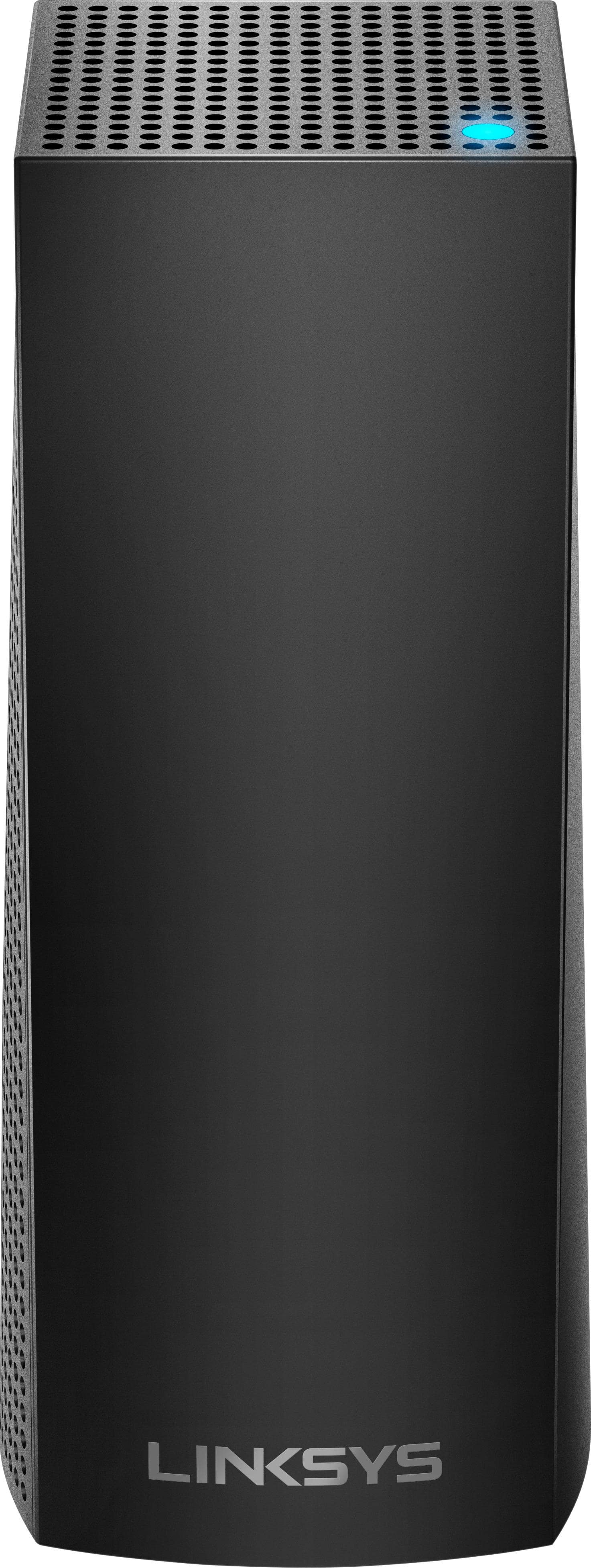
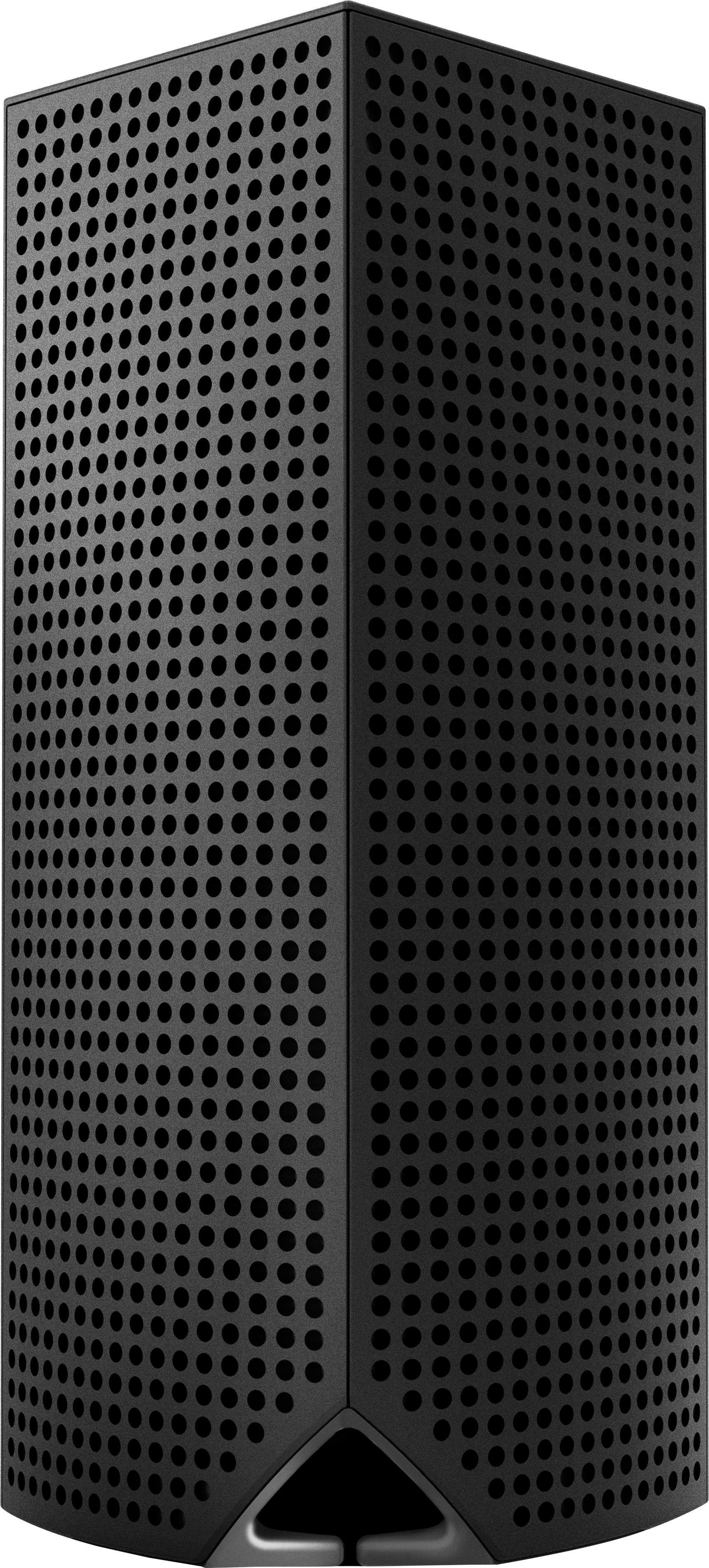
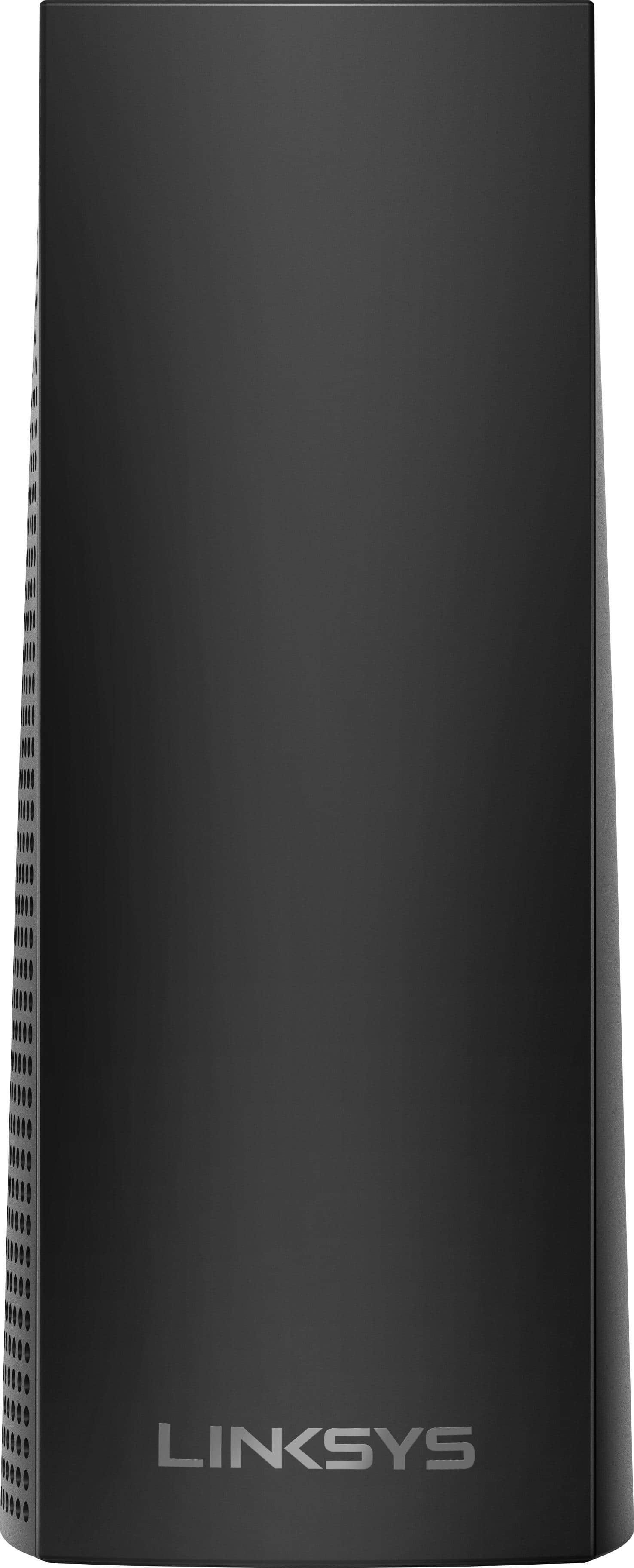
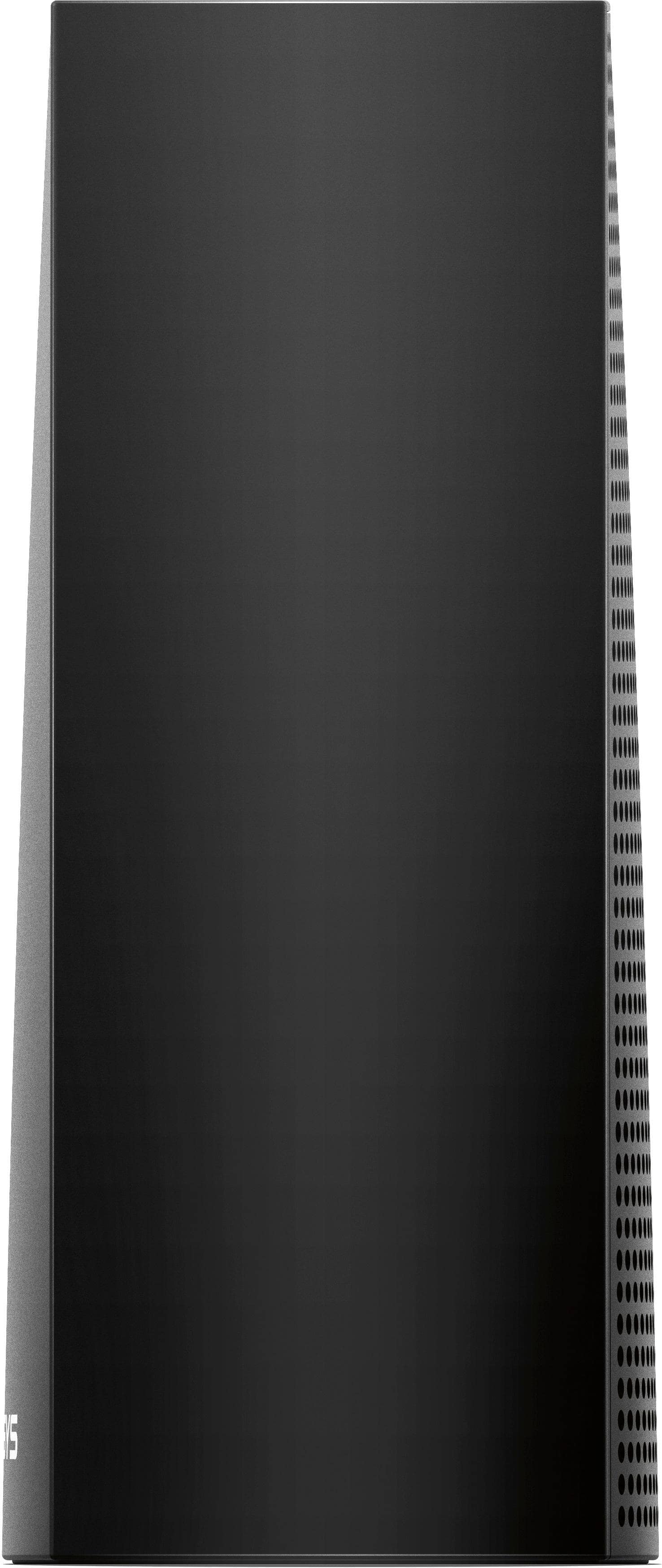
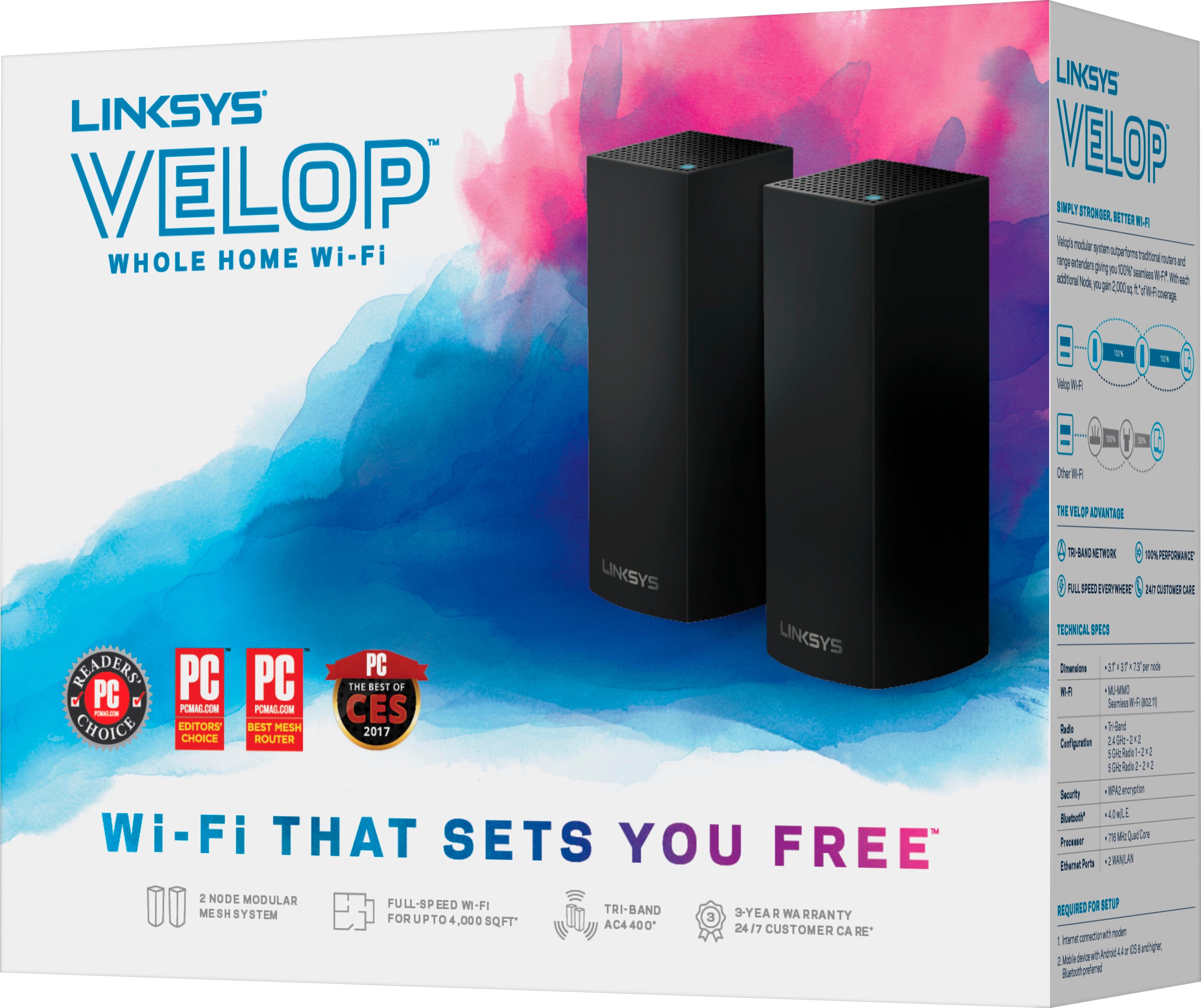
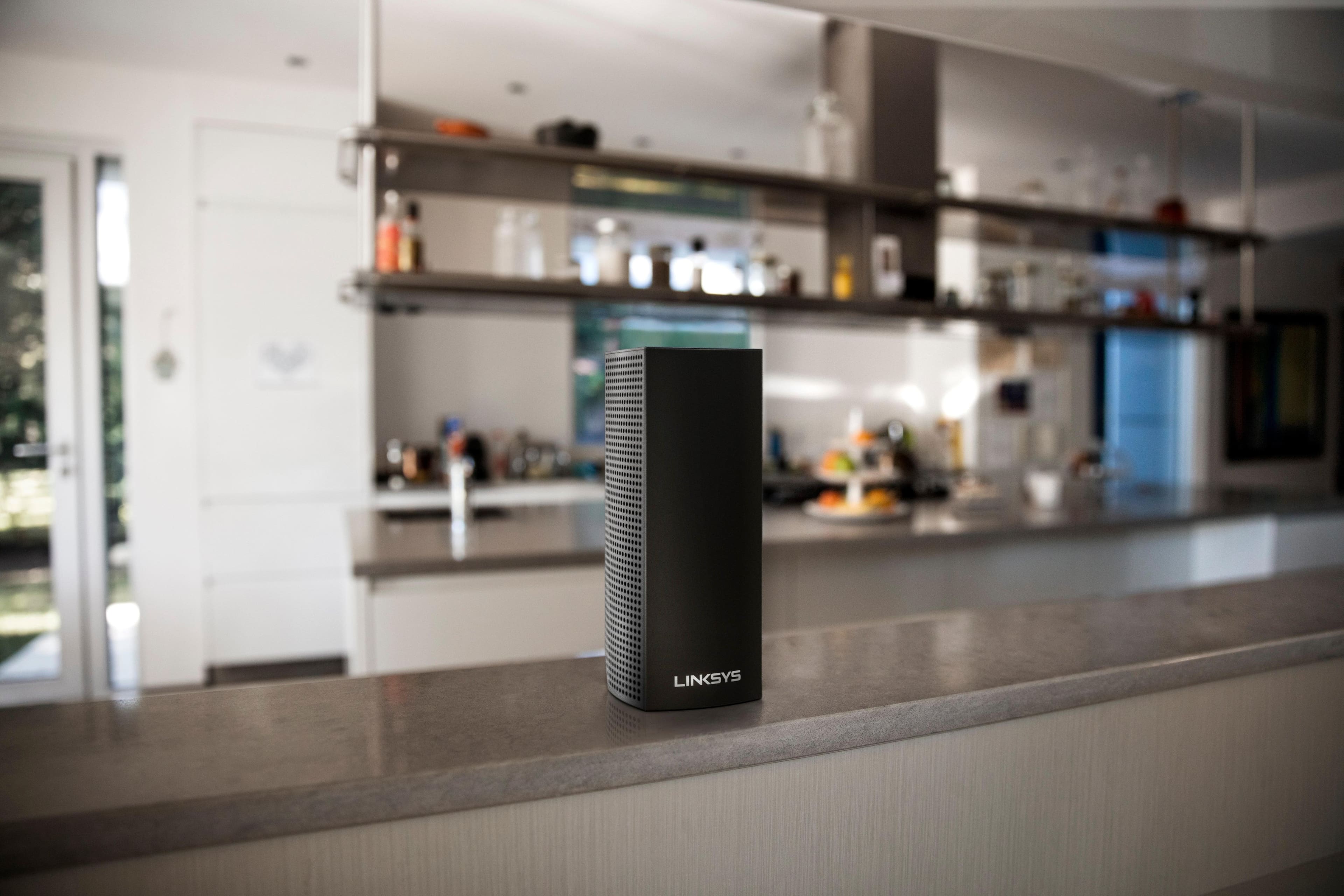
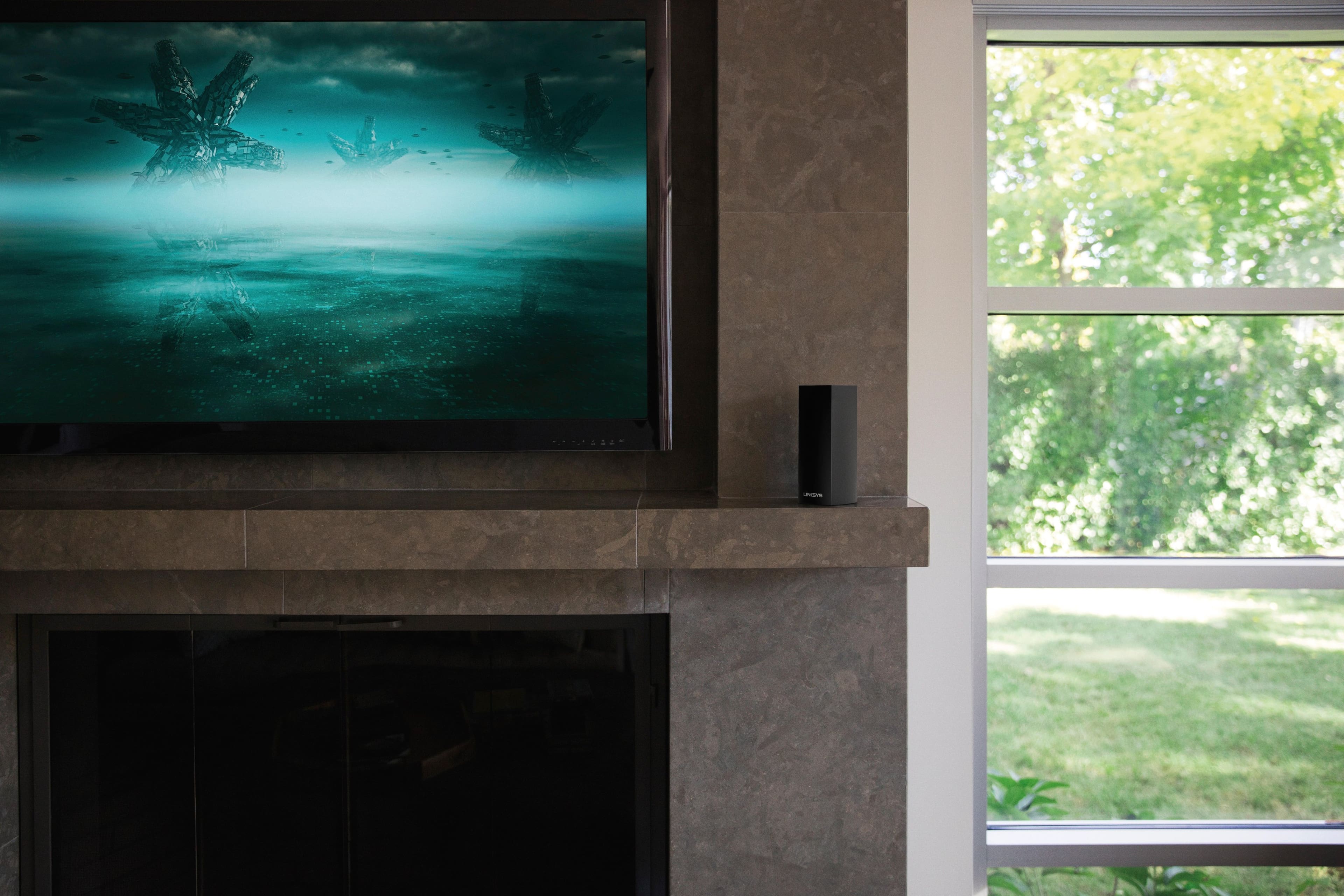
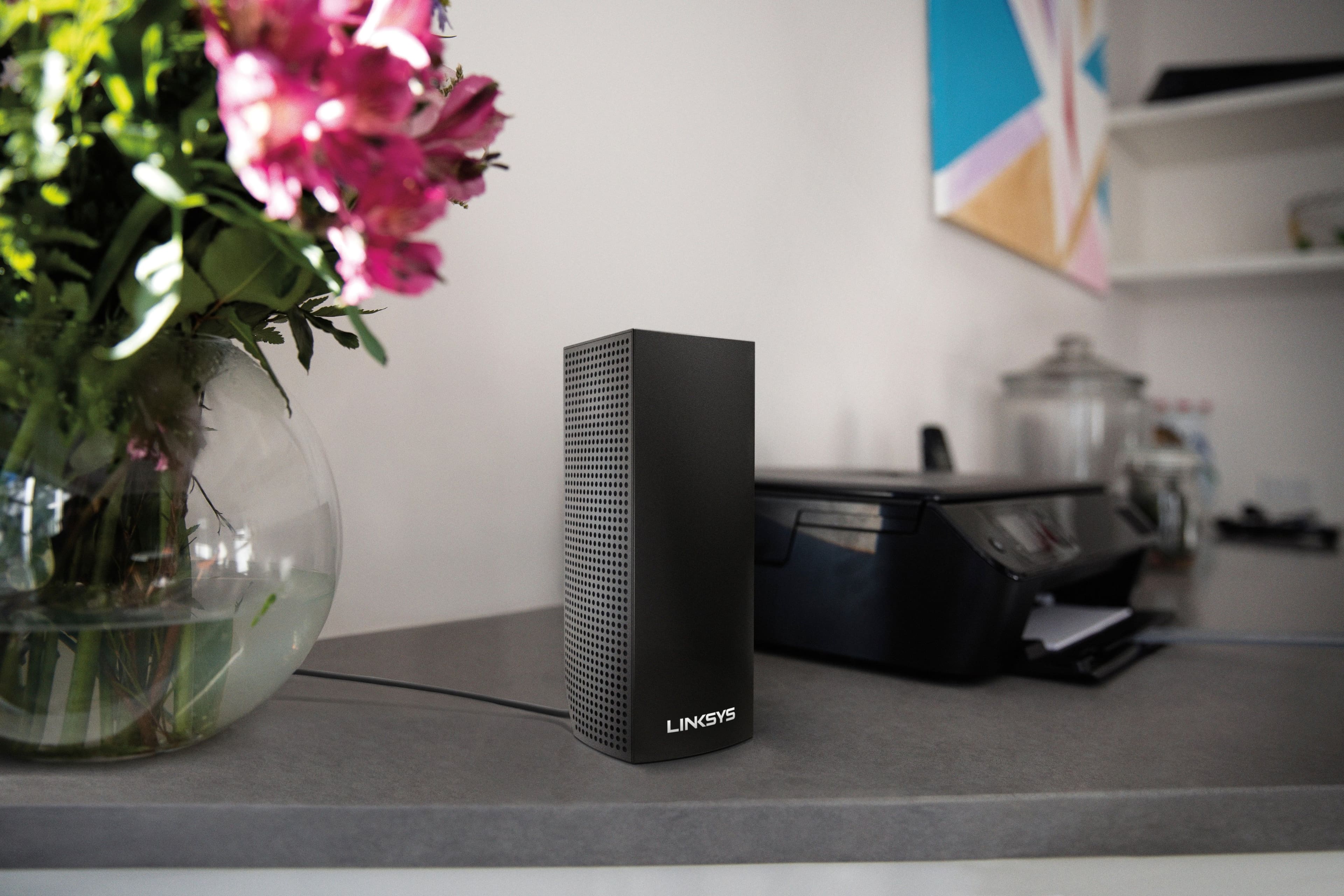


- Model:
- WHW0302B
- SKU:
- 5990500
Rating by feature
- Setup
Rating 4.3 out of 5 stars
- Range
Rating 4.3 out of 5 stars
- Signal Strength
Rating 4.3 out of 5 stars
Customers are saying
Customers are impressed with the Velop AC2200 Tri-Band Mesh Wi-Fi 5 System's ease of use, coverage, and setup, frequently citing its simple installation and strong signal. Many also praise the system's range and performance, reporting consistently reliable connectivity. However, some users experienced connection issues and noted the relatively high price. A limited number of Ethernet ports was also a recurring point of feedback.
This summary was generated by AI based on customer reviews.

Easy setup, Great connection rate
|Posted .This reviewer received promo considerations or sweepstakes entry for writing a review.1. Great packaging (similar to google wifi). 2. Great product look. 3. Linksys app easy to install and maneuver through during setup. 4. Not shown in my pic, but the AC adapter that plugs into the wall is a giant square. It would be nice for the transformer to be built like many devices where it will not take up 2-3 spots on a power strip (depending on how it is placed). 5. The AC plug INTO the device is bent so it will follow through the hole on the back of the device. Nicely though out. 6. Unlike another system, this one did not require the user to scan a QC code on the device or enter the device ID. The app simply adds it because it has been detected. Great feature. 7. Unlike another system, this one had better range in my home. It consistently had good speeds in range of each of the units. 8. Under Parental controls (in the app), you can't block "inappropriate" websites. You can only enter specific website addresses. Good luck with that... as there are 100's you might have to block. And entering all of those on a smart device could be cumbersome. It seems that there should be a better way to deal with your kids watching inappropriate content. Perhaps a firmware update will get released to improve that feature. 9. If you create and login to the PC version via browser, there is nothing there to see or change. You literally login and can see the name of your network. Perhaps that will change too over time. Performance is probably the biggest reason to get this system. If so, this one is by far better than anything else - but it does come at a higher price - $500 initially. But coverage is good and it slays the competition so far. It will be nice when more firmware updates are made to the product and the app for more convenient features, especially parental settings. In the meantime, parental features should be maintained via your main router. If you use a proprietary router like AT&T U-Verse, you just plug one of the devices into your router and piggy-back off the system and use your new SSID that you create on the Linksys. It automatically selects 2.4 or 5.0 GHz in order to get the fastest speed possible on a given device.
I would recommend this to a friend- Pros mentioned:Ease of use, Range, Speed
Superb upgrade
||Posted .This reviewer received promo considerations or sweepstakes entry for writing a review.I purchased this product after extensive research and product reviews. I compared multiple different WIFI systems on multiple different websites and every comparison put the Linksys Velop on top. The product is wonderfully packaged and extremely simple to set-up. I was able to establish the network and a connection within 45 minutes. The Linksys Velop user interface is provided through the Linksys App for either an Android or Apple device, extremely user friendly and easy to navigate. The system provides WIFI throughout my 3,000+ sqft home spanning 3 levels. The internet speed has never been faster through both wireless and wired connections. It also provides a unique feature allowing parents block their children’s internet connection or create a schedule for their devices by the touch of a button. I would absolutely seek to continue utilizing Linksys products in the future. Excellent system!
I would recommend this to a friend - Pros mentioned:Setup
Fast Seamless Wi-Fi everywhere in your home
||Posted .This reviewer received promo considerations or sweepstakes entry for writing a review.Let me start off by saying that I'm an in-home Geek Squad Agent. As an Agent you tend to develop favorites, or tech must haves, to recommend to your clients. It's not bias, it's just speaking the truth about your experiences with various products. I have a lot of experience with all kinds of consumer grade networking equipment. I've always been pretty happy with Linksys products (particularly their more recent Max-stream tech). I believe they have always done well in general. Previously I owned a Linksys AC5400 max-stream router (personal use), and it worked very well. I had no real complaints about it. When placed in the center of my 1400 sq ft, 2 story house I had decent signal strength and network speed throughout the house, but I did notice the Wi-Fi signal strength and speed would occasionally drop a bit sporadically when in the rooms farthest from the router, but nothing horrible (this is also completely expected as this is just the nature of wireless technology). However, my custom built desktop doesn't have a Wi-Fi card and I dont really care to get one, and so I had to run 50' of cat5e cable down to my office in the basement, which was not the worst thing, but I wasn't thrilled about it. Now, by this point I had already setup several Velop systems in client's homes (and occasionally their business), and they were quickly becoming my favorite mesh/whole home Wi-Fi system and I began to recommend them to clients (and carry them with me in my geekmobile at all times) several months ago. Here's why: - Setup is simple, quick, and clean with the Linksys App - A single unit can saturate a home very well on its own (AC2200 is quite a lot by itself) and then it just gets better when you add more nodes. - you can maintain or even monitor almost everything from the app even if you're not on your network - If you're really into technology and like to get into the really advanced stuff you can still use the web UI using the IP address of your main router to access them, however I have yet to find any menus or settings that allow you to access much if anything on the other nodes so it would probably require plugging in directly to that node and checking for the IP address (you may need to trick the UI into giving you access to the router by saying you have something other than a velop and then signing in with your linksys account) So, here's just a brief picture of how well the mesh or node system works. My computer in my basement is wired directly to one of the nodes (not the main/router node) and it literally gets the same speeds as a device plugged into the main router, and its helping me pull almost 20 Mbps down and 3 Mbps up more than my ISP is supposed to provide Now for the bad: - Sometimes during the setup process a node or the app can get stuck and it refuses to complete the setup. Usually the fix is a simple power cycle for node or restarting the app. - The anywhere access through the Linksys app makes me a little nervous (this is not specific to the Velop, it can be used on any Linksys smart Wi-Fi router). I feel, for something as serious as complete admin access to a person's network with just an email and password, there should be more security. I would greatly appreciate the option for a 2 step verification process like many apps and companies are doing. It will just give me peace of mind. For example, if I were to be an untrustworthy Agent I could simply record a client's linksys account info after setting it up and gain access from anywhere. That's not cool. I personally would NEVER violate my clients' trust, but I'm not the only person in the world who sets up people's Linksys equipment and accounts. That's about it. I don't really have anything else to complain about with this system. It's practically perfect in every way. I think even Julie Andrews would agree.
I would recommend this to a friend - Pros mentioned:Ease of useCons mentioned:Ethernet ports
Velop Mesh WiFi System works well but...
||Posted .This reviewer received promo considerations or sweepstakes entry for writing a review.Was reasonably easy to set up and works almost as expected. Best Buy promised in-home setup for free with purchase, but I have yet to talk to anyone at the store that knows how to make this happen. However, depending on your location, you may need this service because knowing exactly where to put these is hard to do, and Best Buy's Geek Squad can use their instruments to spot the best locations for you. Although, if you have a non-apple smartphone there are 3rd party apps which can help show where the signal is most reliable and weakest in your home.
I would recommend this to a friend - Pros mentioned:Ease of use
Super Simple to Set Up
|Posted .This reviewer received promo considerations or sweepstakes entry for writing a review.I have to say, I had my doubts when the box said that all I had to do was download the Linksys App to set up this product. I had previous set up another system that took me hours to set up and involved Tech Support. This new system couldn't be THAT easy. I'm here to tell you - it WAS just that easy. When you open the app, you get an option to set up new equipment. It defaulted to the Velop system, and I followed the steps from there. I originally set up the first node in my office, connected to my AT&T router. It worked perfectly. I later set up a node upstairs and I could easily add it, even though I had exited the setup program after setting up the first node. No issues at all. The third I will eventually put in our basement. The app is very intuitive and simple. It's certainly worth the price paid for the peace of mind of setup alone. The only negative, if you consider it that, is that there felt like an over abundance of packaging material. The box is beautiful and super easy to open, which I liked, but then every thing else was wrapped in layers of protective paper-like covering. It seemed a bit unnecessary to me. Overall, I feel this is a great product.
I would recommend this to a friend Great system, well-intentioned setup...
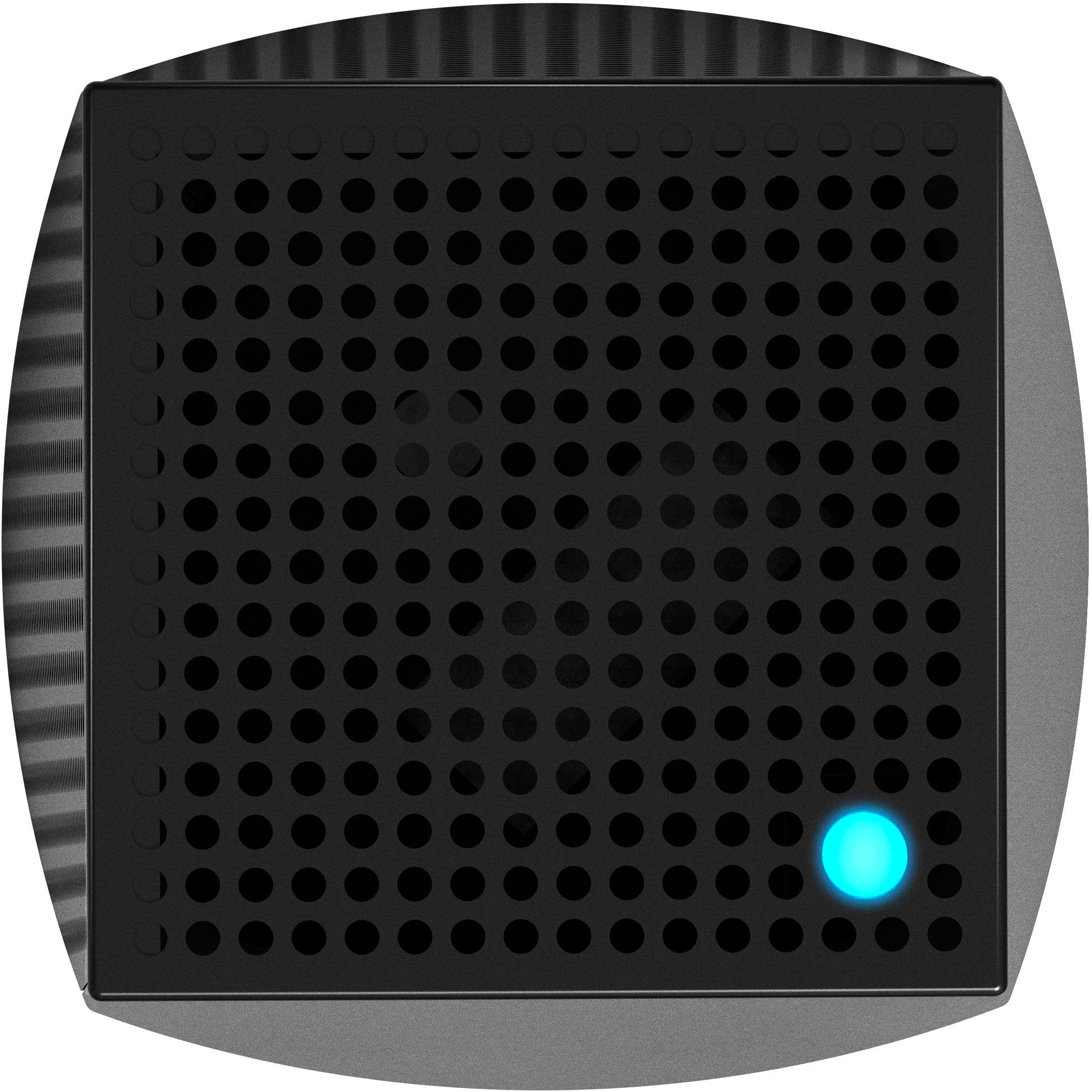
|Posted .This reviewer received promo considerations or sweepstakes entry for writing a review.I live in a tri-level house, so getting good Wi-Fi coverage throughout it has always been difficult. That’s why I was eager to test and review the new Linksys Velop system -- one of the new “mesh” systems that create a warm, even, “envelope” of Wi-Fi throughout your home. (I’m guessing that’s what “Velop” is supposed to suggest!) I tested the three pack, although you can buy the router in configurations of one, two, or three nodes. Before setup, I ran some speed tests with my current router on several devices for comparison after the install. Setup should have been very easy and based on my past experience with routers, I may have made it more difficult! But the “Setup Guide” is a single piece of cardboard that says, “Download the Linksys App to get started. Yes, it’s that easy.” On the back, in three steps, it shows where to download the app (the Apple App Store or Google Play), tells you to run the app and then follow the instructions. I confess, I did not expect the app itself to walk me through the physical placement of the nodes! If I had followed this to the letter, my setup may have gone more smoothly. But I presumed too much. I took out all of the nodes, placed them around my house, and plugged them in. Big mistake. After much trouble with getting the app to do what I wanted, I unplugged them all and started again. Things went much more smoothly. I think Linksys could have made this easier by assuming no one buys a mesh system, like the Velop, with no previous expectations. A simple “Quick Start” card that said: 1. Download the app 2. Set up the first node 3. Finish by adding any additional nodes would have saved me some time and frustration. Also, the indicator light can be red, blinking red, blue, blinking blue, purple, blinking purple, or yellow. A key to the meaning of each color is not hard to find on the Linksys Support page for the Velop, and yet it doesn’t appear anywhere else. Again, a simple graphic would have let me know that things were (or were not) working properly. (More on the indicator light later.) After following the setup instructions in the app precisely, I had all three nodes set up in about 15 minutes. I ran some more speed tests and was pleased that the Velop system provided a very good, consistent signal throughout my house and even into my yard. (I couldn’t even walk to my mailbox and keep a signal using my old setup.) Download and upload speeds had improved too. The Velop system is nice to look at, unlike most routers. The nodes are plain and unobtrusive on a bookshelf or table and don’t scream “technology!” They’re small enough to place almost anywhere. The single power cord is well-designed to be easily concealed. Meanwhile, back to the indicator light. It is on top of the node, which should be standing upright to function properly. Yet the light is flush with the top of the node and can only be seen if you can look down at it, for example, on a tabletop. I placed two of my nodes on furniture that made them higher than eye-level, so I had to lay them down in order to see the indicator light. This could have been easily solved if the lights were not flush, but rather raised, like little beacons. This may have been a design decision to keep the nodes looking more streamlined and elegant, but if design interferes with use, it’s probably not good design. Overall, I’m very happy with the system. I think the indicator light issue and the need for just a little more upfront documentation would have come up before shipping given some basic user testing or focus group feedback.
I would recommend this to a friendBrand response from Linksys Staff
Posted .Hi TechSavvy55Plus,
Your positive feedback towards our product is greatly appreciated. Rest assured, we’ll let the Engineering team know as we aim to improve our products based on our customer reviews and suggestions. Feel free to contact us at 800-986-0518, or email us at LinksysCares@linksys.com should you need a hand in the future.
Regards,
Rechel
Linksys Support
One of the best "mesh" routers available!
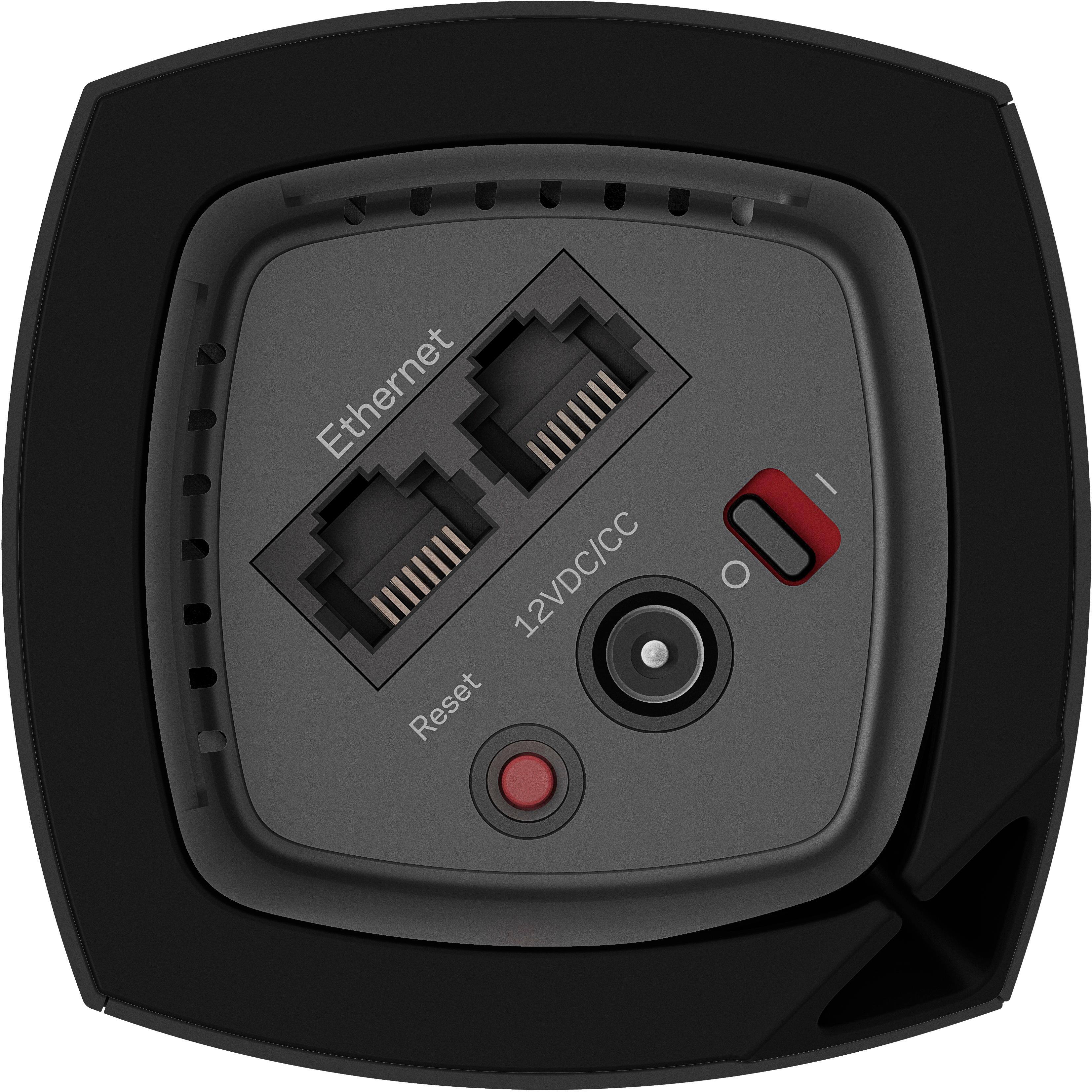
|Posted .This reviewer received promo considerations or sweepstakes entry for writing a review.I finally received my Linksys Velop (3-pack) whole-home router system after a weather delay from UPS. Woot! I disconnected my old router (another, competing "mesh" system) and hooked this one up. I've previously had terrible experiences with Linkys products, especially after they were bought out by Belkin. Since then, I moved to a different brand. Will this be enough to win me back over to Linksys? Pros: 1) One network, one SSID broadcast ("Mesh"). 2) Self/Auto updating of the firmware, low maintenance 3) Small form factor of each "node". They look like little speakers! 4) MU-MIMO support for what few devices out there support it. But hey, we are talking future-proofing here. Cons: 1) Only two Ethernet ports. I understand there's two on each "node" and it would be hard to add more due to the small form-factor of the nodes, but this does make things a little unfriendly for those who have several hard-wired devices (get some switches, LOL). 2) No USB options. So, no printer or USB HDD support (this wasn't a big deal for me). 3) The port area underneath, while recessed in, is a little cramped once you get the power cable and two Ethernet cables plugged in. 4) The smartphone app could use a little work... (more about that below) 5) No IPV6 support currently. Wha? Really? First, let me say that with this being a brand new product and just released, I expected there to be bugs, either with the router itself (firmware) or through the app. I had a few setup issues with my prior mesh router system when I first got it, but it was resolved later through firmware updates. With that being said, let's get started! First, the packaging is nice and it definitely feels like you are getting your value. It's has a nice magnetic flap that holds the lid together. Inside, you have each "node" individually covered in it's own sleeve. Underneath the printed materials is Power Brick central! That's right, 3 power brick/adapters that plug into the wall and into each node. They are a bit wider than I would have liked, making it hard to fit in some areas of a surge protector, I could imagine. Also, I do wish the power cords themselves were a bit longer...I always like to sit my WiFi systems up high without having to compromise somehow. Setup was a breeze. I had heard that some users experienced issues with setup. Not here. Plugged my modem and power cable into the 1st node (the plug on the power cable to the node is really nice, they even thought to arch it for a more space-saving fit!), as well as the Ethernet cable from my switch into the other port. Please note that setup is done ENTIRELY though the Linksys app. As you know, this can make or break your experience. Luckily, the app performed like a charm. Logged into my Linksys account that I had ages ago (before switching brands) and it automatically found the node. After a few minutes of letting it set up and configure while looking at a loading bar, BAM - I had internet. No issues. No hiccups, snags or hangs. Didn't even have to reboot my PC. It then asked me to do the same for each other node, all equally working perfectly. To test, I even took the 3rd node to another building on our property, about 50-60 ft away. Did the setup for it there and it didn't kick back any range errors an anything. This REALLY impressed me. It said it was in a good location and doing a speed test from my smartphone, I was clocking in at 55MB/s (my ISP package is a 60MB package). Elsewhere in my home, I'm hitting 60-66 MB/s consistently, everywhere. I subscribe to Playstation Vue and I watch a TON of Twitch.tv from my iPad (5+ hours a day on average). Thus far, I've not had a single disconnect or buffer issue on either device, even when going at the same time. Vue is usually streaming 75% of the time. My only issues with this router system involved the app itself. I did call Linksys Support to provide feedback about these issues, the app and my overall experience, as well as how well the coverage is. The support agent was wonderful and was really professional and knowledgeable. I explained to the support agent that there is no way to reboot the network through the app. He said they were aware of that issue and it has already been forwarded to the app development team. This feature is especially important, considering there is no web format for the network settings. I also expressed my concern with how long it sometimes took for the app to detect the network and get logged in. I also did notice that the app is not consistent with the WiFi data it provides. It still shows some of my wireless devices (including my iPhone/iPad) as being connected via wired Ethernet. Thus, not showing a signal quality. Speaking of signal quality, it's never right. My Apple TV, which is about 20-25ft from a node is maxing out on my speed tests and reads full signal. However, in the app...it reads 1 bar. Definitely wrong there. :-) One thing that I do LOVE about the app is the ability to name each node (for me, Gaming Room, Family Room and Bedroom), as well as rename each device. Everything is stored on the cloud, so it's the same information on my iPhone app as it is on my iPad. However, one feature I sorely miss (and suggested to the phone Support agent) was to please, please, PLEASE, update the app to where it will show you what devices are connected to each node. I know simplicity is in mind here, but this would be super helpful to some of us power users so that we know our devices are, indeed, connected to the closest node! This is the only thing I miss about my prior mesh system. :-D Also, please add IPV6 support! After I've used the Velop under normal household conditions (working from home, gaming, streaming, etc) for about a week, this will give me time to test the "stability" of the system. It supposedly has an automatic stability "re-establishment" system in place for when connections stagnate. We will see how this works in the real-world. If anything drastic changes, I will definitely update my review accordingly. So, I am officially giving this 5 stars for the time being. This is a brand new device and as I mentioned above, there are some issues to be expected. Given that a lot of them can be fixed via Firmware and the others can be fixed via app updates, including new features added (such as a network reboot), I'm forgiving of that. Given the current state of the app, however, I would give it 4 stars. My only concern is that in past experiences, Linksys has a bad habit up updating and supporting a product during the first few months (about 6 months or so), then dropping it. Or soon after a new release, updating the hardware with a version 2.0 release. However, given that this has a full 3 year warranty on both hardware AND phone support, this gives me a little more confidence (my old router system brand only gave *ahem* 90-day phone support...). Overall, however, I have to say that I'm very impressed with the Velop thus far! It has been a great experience, from unboxing to setup. Let's say I'm a fan. Thanks for reading!!!
I would recommend this to a friend- Pros mentioned:Ease of use
Outstanding Performance with an Easy Install
|Posted .This reviewer received promo considerations or sweepstakes entry for writing a review.I have setup my own personal mesh network and several of the prepackaged mesh networks. This Linksys Velop System by far is one of the easiest to install and so far it seems to be rock solid as a stand alone mesh network. It's app is easy to navigate, watch video and change settings. It's node system with two Ethernet ports on each node is very versatile, and looks pretty slick in case you need to have them sitting on an end table or out in plain site. It's throughput of data is much faster then any of my mismatched mesh networks have ever been. If have a large house or even a older home with lots of high density materials used while it was constructed, this Wi-Fi System is a must.
I would recommend this to a friend - Pros mentioned:Coverage, Ease of use, Speed
Does the job beautifully
Posted .This reviewer received promo considerations or sweepstakes entry for writing a review.Great product for speed , ease of access, and coverage. I has an ASUS rog gaming router 11000, but was having signal issues as the fiber cable comes through the attic into the bedroom closet. That meant my ASUS rog router was stuck in the closet hankering my signal. I went back and placed one of these in the closet and the other 2 around the house. Now I have a full and reliable signal everywhere reaching the same speeds as my ASUS rog router when I was close to it.
I would recommend this to a friend - Pros mentioned:Coverage, Ease of use, Speed
Provides a wifi umbrella for our house
||Posted .This reviewer received promo considerations or sweepstakes entry for writing a review.App loaded and setup the 3-node network. Have moved the nodes and the systems does not seem to care. Tested throughput is in the Wow range, Ring doorbell finally works, visiting relatives say the network is very fast. Think the dedicated back channel provides the connectivity for the system that does not interfere with the data channels. This is the first product in my 3-plus year of searching for a whole-house system that actually works. Have 3-story older Victorian of about 3,000 square feet. Two nodes seem to cover the area, but the third one provided options for locations and thus better coverage. Buy this one!
I would recommend this to a friend - Pros mentioned:Ease of use, Speed
Expensive... but works beautifully.
||Posted .This reviewer received promo considerations or sweepstakes entry for writing a review.If you're looking at this router, then you're obviously considering spending quite a bit of money on something that has $50 alternatives. If you're looking at spending quite a bit of money, then I would HOPE you've done a lot more in-depth research and read some proper reviews of this system. If you've done THAT, then you're probably here because those reviews led you to believe that this is one of the best home networking solutions you can buy... If all that is true, then you're in the same position that I was a few months ago. This means you know all of the basics, and I don't need to go over all of that with you, and I can simply tell you whether or not it worked for me, and whether I am happy. I looked into this system after moving into a 1550 square foot, three-story townhouse. My older Linksys router worked "okay" at first, though it didn't provide much of a signal out in the driveway, or on the back deck. What spurred me to upgrade was when we decided to go balls-to-the-wall with smarthome appliances, and started purchasing things like a Nest, WeMo switches, Chromecasts, Google Homes, etc... and soon discovered that the sheer volume of WiFi devices was overwhelming our router. Did some research, and long story short, I went with the Velop system (two nodes.) How has it worked out? Setup was stupid easy (if you've ever set up a Google Home, or a Chromecast, where the app walks you through the setup, that's exactly how this system works, and it's hilariously simple compared to the "old way" of setting up routers.) I put one node in our living room (2nd floor) and one in the guest bedroom/game room upstairs. The end result is a FULL 5 bars everywhere in our house, and on the back deck, and in the driveway... and my phone actually connects to our network from the parking lot of a business 1,000 feet away (which is actually annoying, lol.) Speeds are blazing fast, devices seamlessly connect to whichever node is closest, and the app you use to monitor and configure stuff is very intuitive and easy-to-use. All of the issues we had with WiFi device congestion are gone now too! TL;DR - It's expensive, but it works. Maybe there are less-expensive options that would have also worked, but the point is if you're a nerd like me and you don't mind splurging a bit on the latest tech, this system won't let you down :)
I would recommend this to a friend - Pros mentioned:Ease of use, Speed
Fastest Mesh WiFi system I've used
||Posted .This reviewer received promo considerations or sweepstakes entry for writing a review.I've used several! Google Wifi, Orbi, and now this - and I am amazed! (Orbi was clunky and the interface was terrible), (Google wifi was simple but lacked speed through walls, and gave very little advanced controls) The Velop system was FAST! I'm talking 3 times faster than Google WiFi was! Easy to set up, and amazing performance! Just wish I could have the same controls on the web admin panel as I do in the linksys app. Web admin panel doesn't even know what Velop is which kind of leaves you relying on the app for a lot.
I would recommend this to a friend - Pros mentioned:Coverage, Ease of use, Setup
Great system! So easy to setup!
||Posted . Owned for less than 1 week when reviewed.This reviewer received promo considerations or sweepstakes entry for writing a review.I needed a wireless (and wired) network in my home that would cover the square footage. Previously I had hobbled together a router and extended it with another router reconfigured as an access point in another part of my home where signal was weak. Overall it was a tedious process but effective. When my main router went out, I felt like there had to be a better system. Enter Velop. This system is solid! There is literal a small card for the Setup instructions that simply reads "Download our app. Yes. Its that simple." After I chuckled a bit I followed those brief instructions and I was off and running. The system sets itself up! Painless, easy and effective. The mobile app puts total control of your network in your hands and is easy to use while providing all the configuration settings most home users would want or need. I would highly recommend this system to anyone who needs 1) coverage over a large area or 2) is looking for a system that can grow as your needs grow! Need more coverage? Get another node and add it to your mesh! Done! Great system!
I would recommend this to a friend - Pros mentioned:Coverage, Ease of use, Speed
Great product for the category
||Posted .This reviewer received promo considerations or sweepstakes entry for writing a review.Very happy with this purchase. Set up was a breeze, mobile app is well designed. Very easy to add new devices to the system down the line as well. I got this system to future proof my home (as best I can with tech on the market currently) with all the high speed connections the ISP's are offering. This product also proves great coverage for my two story 2000 square foot home with only the two routers. Devices switch between the two effortlessly. Highly recommend especially when it is on sale like when I got it.
I would recommend this to a friend simple, powerful and great coverage
|Posted .This reviewer received promo considerations or sweepstakes entry for writing a review.I have had quite a few routers over the years, but I was looking forward to trying this system with mesh capability. The idea is you have one main router with nodes you place in other locations to extend the coverage area. Creating a net or mesh of coverage for your internet access. To start, the system is packaged very well, not only is it functional, but also aesthetically pleasing. This may not be a major factor to some, but I appreciate the attention to detail. In the box itself are the 3 Linksys Velop nodes, 1 Ethernet cable, 3 power adapters, a quick start guide and some printed documentation. Set-up is all done through an app you download and use on your phone (Android or iOS), and I found the process simple and easy to follow. You simply plug the router in, follow the prompts and go on to the next step. Each node does have a indicator late on top of the unit, and the light can be blinking or solid, in red, blue, purple and yellow to let you know the status of the node. While I found this helpful, the only way to determine which color meant what was to go online to the Linksys site. It was easy to find on the site, but it would have been nice if this information would have been included with the system itself. As for the nodes themselves, while some may find them a little "big," I think the overall look is great and they have a rather contemporary feel and fit in well with the decor of my home. Each node has two Ethernet ports, a reset button and a nice cable management system that allows you to somewhat hide the connected cables. A nice touch. That said, while it is nice to have the two Ethernet ports on each node, it may require some to purchase a switch if you have more wired peripherals, especially on the unit closest to your computer, as one of the ports will be used to connect to your modem. Lastly, there is not a USB port on any of the nodes. This is not a negative in my use case, but just something to consider. So, how does it perform? Well, in my case, fantastic! I have three nodes set up in the living room, a bedroom and in the kitchen. Given the floor plan of my home, this has been great. I have zero dead-spaces, connections remain strong and speeds are better than I was hoping for. I do not live in the largest space, and I may have been able to get away with just two nodes, but I have zero complaints. My speeds are consistent among devices and in all areas. Since the app is an essential piece to this system, as it is needed for set-up and is the lone method to access the router, I felt I should make a few comments. While I do admit I have to ding the system a little for no access via the web, the app does do a great job in doing what is promises. You can monitor usage, adjust parental controls (although I wish this was more robust), give guest access to up to 50 users, prioritize devices on the network, automatically select the best channel for your device, perform a speed test of the network and set-up a notification to alert you if a node is not working. Essentially, everything they allow you do with the system can be controlled through this app. I do wish it was "opened-up" more to allow more access to advanced settings, but for a majority of people, this will not be a concern. Again, just something to think about. here are a few quick bullet points to summarize my thoughts: PROS: - great speeds - solid coverage, stable connections - node construction, features and appearance - app is easy to use, provides a lot of utility - expandable - ease of use CONS: - number of Ethernet ports on nodes - no USB connections on nodes - only control through app - limited advanced settings If you are looking for great WiFi speeds, with full coverage and solid connections, then you should really look to the Linksys Velop system. I found all of these things, had an easy set-up experience and everything has worked as expected. If you are someone who has an advanced internet set-up and needs some advanced settings for greater control over your WiFi, then maybe you want consider another option; otherwise, this is a quite simple and very effective way to provide fast and complete WiFi to your home.
I would recommend this to a friendBrand response from Linksys Staff
Posted .Hi Skylog,
Your positive feedback is greatly appreciated. We are continuously working on updates to improve your Velop experience so rest assured that we’ll relay your suggestions to our Engineering team. Feel free to get in touch with us at 800-986-0518, or email us at LinksysCares@linksys.com for questions, suggestions, or assistance.
Regards,
Rechel
Linksys Support
Quality WiFi Coverage Over A Large Area
|Posted .This reviewer received promo considerations or sweepstakes entry for writing a review.I setup the Linksys Velop in a 1 bedroom apartment with a detached garage, and I was able to get a better than expected wireless signal all the way out in the garage area. In the garage area I tested how long it took to download a 90 mega byte file, the 3 times I tested downloading the file, it resulted in varying download times, but all of which were almost as good as the download speeds I obtained when in the bedroom, which is where the 3rd Velop node is located at. All of the components of the Linksys Velop mesh WiFi system are made of quality materials, and everything is packaged in really nice packaging. The power supply that goes with each Velop node is really nice and has a round power cord that is more flexible and is of better quality than most power cords. The Linksys Velop is expensive, but at least the build quality is above average. The Ethernet cable that comes with the Velop system, is a flat type of cable, which I have found to be less easy to route compared to round cables. The Linksys Velop mesh system does extend a wireless signal noticeably better than a wireless router and range extender combination. My previous mediocre experience with a range extender, is why I at first doubted the capability of the Linksys Velop wireless mesh system. Every wireless router I have ever setup, it is possible to plug in the power adapter and open a browser on a desktop or laptop and enter either of the following IP addresses. (192.168.0.1 or 192.168.1.1) This opens up the settings interface on the wireless router, then it is necessary to enter the default username and password that is on the wireless router. Once logged into the wireless router, the settings can be adjusted and the wireless name and password can be changed. This is basically a universal process for wireless routers. The Linksys Velop settings interface can only be accessed by an Android or Apple smartphone that has the Linksys app installed. The Linksys app is well designed and has quite a bit of functionality, but I do not see any reason why Linksys made it so that the wireless routers settings could not also be accessed the most common way of using an internet browser. I am sure there are people who would want the Linksys mesh wireless system, but that would only ever need to access their wireless network on a desktop or laptop computer. For Linksys to make the wireless settings only adjustable by way of a smartphone, is almost illogical. Since most people have smartphones, I doubt this would be a deal breaker for most people. The Linksys app does not allow the full level of flexibility in adjusting the wireless settings that is available on most wireless routers, such as turning off one of the wireless bands. For instance, since the 5 GHz signal is not affected by microwaves, and all my devices have 5Ghz wireless compatible adapters, for all my previous wireless routers, I have always turned off the 2.4 GHz wireless signal, to decrease the overall number of wireless signals being transmitted, which reduces wireless signal interference for any of my neighbors who are using the 2.4 GHz wireless signal. Turning off one of the wireless bands is not possible with the Linksys Velop. It would have been nice if the Velop had all of the usual level of adjustability that most wireless routers have. Most new wireless routers have a USB port, allowing the user to plug in and wirelessly access a USB storage device, this is not possible with the Linksys Velop. This is another missing functionality that is most likely not a deal breaker for most people. I have actually never used the USB port on any of the wireless routers I have owned, I always found it easier to attach USB storage directly to the computer being used. Overall the Linksys Velop wireless mesh system is much better than I had expected at achieving a quality wireless signal at extended distances. I would suggest the Linksys Velop to a friend based upon the quality wireless signal, but not necessarily based upon the original selling price, as I do not feel like many people can afford $499 for a wireless internet system.
I would recommend this to a friendSuper excited to get this installed!
|Posted .This reviewer received promo considerations or sweepstakes entry for writing a review.I received my Velop today, and immediately installed it once I got home from the office. First impression is that the devices are beautiful. Linksys wasn't kidding when they said the modules could be left out in the open without feeling geeky. The other thing I'll mention is that the cables provided appear to be of high quality, and I do not believe they will suffer from fatigue over time. I downloaded the Linksys app for my iPhone and began the installation process. The instructions told me to plug-in the power adapter for the initial node (Linksys calls it the "parent node"), which I did. It then asked me whether I had a discrete modem and router (two devices), or a single combined modem and router. I had the latter, so the app instructed me to connect this node to a port on my existing WiFi router via the provided network cable. A couple of virtual button presses on the app, and my parent node was connected and ready to go. I went through the same process for the two additional nodes. Since I have a two-story home, and my parent node if roughly located in the center of the downstairs portion of our home, I located the two additional nodes upstairs on opposite ends of the home. The app has a nice feature whereby a location check is performed when a new node is added, and tells you whether the node's location is optimal for obtaining the best WiFi speed. The app complained a bit about the location of the first upstairs node location, but after trying a couple of other locations within the same room, the app was happy and I was happy. I must have guessed right on the last node, as the app was happy with its location from the start. I expected the Velop to replace my "old" AC router, but the app never advised that I could remove it. I made a phone call to Linksys and they reinforced that my understanding was correct - my "old" AC WiFi router could be removed (but does not have to be). I did so, and plugged the cable from my FiOS connection into the base of my parent node, and everything worked flawlessly. The fact that the app never indicated that I could remove my old WiFi router could be an app maturity issue, or I suppose it is possible that I just missed something along the way. I can say that the weakest signal I'm seeing in my home now is in the range of 94 percent, which is much better than my previous AC WiFi router. All 24 connected devices have reconnected to the new system without any issues as I kept the SSID the same between the Velop and my previous router. On some mesh router system reviews I have seen complaints that the SSID must be different between the modules. That's not the case with Velop. One SSID is used across all three nodes, so there's no need to split up your WiFi across different parts of your home. My first impression of the system is quite positive. The speed that I'm getting from my devices is basically my wire speed of 50 Mbps. At this point I am a very happy camper. Nice job, Linksys!
I would recommend this to a friendSimple with amazing coverage
|Posted .This reviewer received promo considerations or sweepstakes entry for writing a review.So let me get this out of the way as this is the only negative for me, these are ugly, each module is around 6-7 inches tall and have a design that makes it so these cannot be disguised like others. Now we have that out if the way let me tell you just how good this setup is. A simple process of placing your modules across your property and then downloading the app and setting up in minutes. I tested this in my place of work which is around 5500 sqft and we have many walls and a server room and we got full signal right across the building front to back and side to side and even outside. Not restarts or dropped signal, very stable and reliable. I'm very impressed by this system and its now our office wifi, many people connected and works fantastic. Highly recommended
I would recommend this to a friend- Pros mentioned:Ease of use, Speed
Easy Set Up & Powerful Performance
||Posted .This reviewer received promo considerations or sweepstakes entry for writing a review.Thinking my slow and inconsistent network was a provider problem, I postponed buying a new router for a year or more. Finally, I decided not only to replace my previous router but to upgrade. The network is now available throughout our whole house (3600 sq-ft footprint) supporting 8 devices. The average speed has doubled, and the network is performing consistently. Set up was a piece of cake -- for someone who is usually frustrated by any set-up process. I only wish I had upgraded sooner!
I would recommend this to a friend - Pros mentioned:Setup
One of the Best Wifi systems I've every used
|Posted .This reviewer received promo considerations or sweepstakes entry for writing a review.I got Linksys Velop system with 3 nodes. The nodes design is beautiful, a modern and simple look that goes with any interior. Setup is done with the Linksys app via a smartphone or tablet. Once you install the app, setup is a breeze. I just followed the instructions and the app did all the work. The only typing i did was input my wifi name and password I wanted to use. The app's dashboard is also easy to understand and navigate around. The dashboard give you total control, very informative, easy to read/understand, lets you do speed testing and so much more. Why aren't all device setups this easy? I really like this wifi system. I've used many moving place to place, so far this is the best. I highly recommend this product!!
I would recommend this to a friend