Customer Ratings & Reviews





- Model:
- 960-001390
- SKU:
- 11294660
Rating by feature
- Value
Rating 4.4 out of 5 stars
- Quality
Rating 4.7 out of 5 stars
- Ease of Use
Rating 4.7 out of 5 stars
Decent camera
||Posted . Owned for 3 weeks when reviewed.This reviewer received promo considerations or sweepstakes entry for writing a review.A little disappointed I. The quality of the video. You do have some control over lighting and a few other things, but not any clearer than my iMac camera itself. Easy to use, but not a great 4K image I was hoping for.
No, I would not recommend this to a friendaight
||Posted . Owned for 3 weeks when reviewed.This reviewer received promo considerations or sweepstakes entry for writing a review.Their are little lines as if it was a VHS recording from the camera quality
I would recommend this to a friendDisappointed
||Posted . Owned for 2 weeks when reviewed.This reviewer received promo considerations or sweepstakes entry for writing a review.I was expecting a lot higher video quality with this camera. I use it with my MacBook Pro, and it does not appear to improve the resolution at all.
No, I would not recommend this to a friendNot that good
||Posted . Owned for 5 months when reviewed.This reviewer received promo considerations or sweepstakes entry for writing a review.Not the best webcam for the price. Sometimes goes in and out and I have to trouble shot to much to keep using it. Just buy a cheaper 1080 and it will work the same
No, I would not recommend this to a friendNot impressed
||Posted . Owned for 4 months when reviewed.This reviewer received promo considerations or sweepstakes entry for writing a review.I ended up selling this camera after trying to like it. You need ALOT of light otherwise the picture will be grainy and look awful. I was not a fan of the internal light feature it has that cannot be turned off and so whenever I was filming it would change the look of the video due to the lighting thing. I wish I could have returned it to get my money back but I was really trying to learn about it and like it and was just outside of the return window. I would suggest a different camera if you are looking for 4K.
No, I would not recommend this to a friendBrand response from Logitech
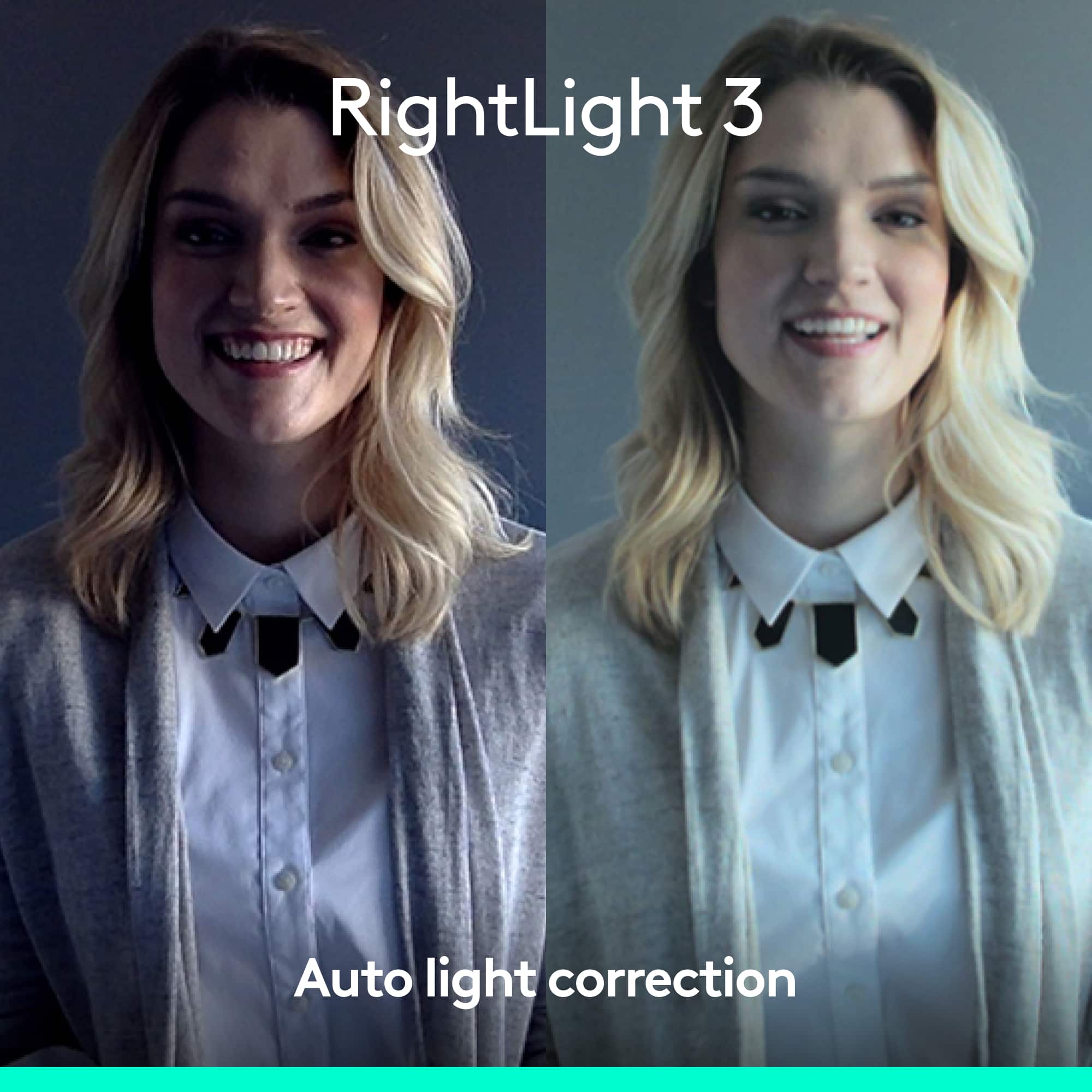
Posted .Hi JoAnna345, thank you for your feedback! Logitech BRIO with RightLight™ 3 and high dynamic range (HDR) technology adjusts to highlight the most important subject: you. Use Logitech camera settings to make adjustments. For support, please refer to; https://www.logitech.com/assets/65031/2/brio-4k-ultra-hd-webcam.pdf - Will, Logitech.
not a 5...
||Posted . Owned for 3 months when reviewed.This reviewer received promo considerations or sweepstakes entry for writing a review.I bought this webcam because I was sure I would love it!, but it was no clearer than my windows pc cam. My iMac camera is much better.
No, I would not recommend this to a friendStopped working on me
||Posted . Owned for 2 months when reviewed.This reviewer received promo considerations or sweepstakes entry for writing a review.I loved the webcam until it stopped working. Maybe it was user error but it worked for almost 2 months and then stopped
No, I would not recommend this to a friendReview
||Posted . Owned for 2 months when reviewed.This reviewer received promo considerations or sweepstakes entry for writing a review.Works half the time and has problems with OBS while game is running. Good auto adjust just laggy
I would recommend this to a friend- Pros mentioned:Image quality
Good purchase
||Posted .This reviewer received promo considerations or sweepstakes entry for writing a review.I was very surprised at the quality of the camera, it's well worth the money.
I would recommend this to a friend Meh.
||Posted . Owned for 9 months when reviewed.This reviewer received promo considerations or sweepstakes entry for writing a review.Doesn’t appear to have the resolution it claims. No better than my Logitech 1080 camera so Meh?
No, I would not recommend this to a friend- Pros mentioned:Ease of use
Easy To Use
||Posted .This reviewer received promo considerations or sweepstakes entry for writing a review.This is a great product. Very easy to use and produces great results.
I would recommend this to a friend Not Fully Compatible Teams, Poor Support
||Posted . Owned for 1 month when reviewed.This reviewer received promo considerations or sweepstakes entry for writing a review.This camera does not work as you'd expect with Microsoft Teams for Mac. You will at best get 240p or 360p video, making you look blurry or like you have an aggressive beauty filter. Both Logitech and Microsoft blame the other company despite the Brio being Certified for Teams. If you don't use Teams and instead use Zoom, WebEx, etc. then you will be happy with this camera. You can get 1080p in those apps (4K only works when you're recording video locally). Ultimately I don't recommend this because the support experience has been so poor. This is a pricey camera and you'd be better off with a much less expensive model.
No, I would not recommend this to a friendBrand response from Logitech
Posted .Hi, sorry to see you're having some compatibility issues with your 4K Pro Webcam. While recording, you can do so in 4K, some video conference and streaming platforms can only accept up to 1080p resolution. If you haven't already, check the settings for the app your using the webcam with to see if the resolutions settings are turned down. Hope that helps.
Do not buy
||Posted . Owned for less than 1 week when reviewed.This reviewer received promo considerations or sweepstakes entry for writing a review.These do not support macro or even closeup photography. Buy an Insta 360 or DJI camera instead.
No, I would not recommend this to a friendBrand response from Logitech
Posted .We’re sorry to hear that the Logitech - 4K Pro 4096 x 2160 Webcam didn’t fully meet your expectations. This isn’t the experience we want for you. Please reach out to us at socialcare@logitech.com so we can help resolve the issue.

My iMac has a better video quality.
||Posted . Owned for 1 month when reviewed.This reviewer received promo considerations or sweepstakes entry for writing a review.I thought by purchasing a 4K Pro Webcam that it would be a better quality image and video. I was not impressed for the money.
No, I would not recommend this to a friendShortest return window in the business
||Posted . Owned for 2 weeks when reviewed.This reviewer received promo considerations or sweepstakes entry for writing a review.I purchased on 10/21. Just finally got back in town and set it up for a meeting. The angle is way too wide. My pro level green screen can’t possibly fit the wide angle. Its 11/7 and i just pulled my online receipt and the return window closed?!?!? Ive been a loyal Best Buy client most of my life, but this is silly. There is literally no reason not to use Amazon for everything now. So disappointed. I’m sure the item is great, but Best Buy has let me down
No, I would not recommend this to a friendBrand response from Logitech
Posted .We're sorry to hear about your negative experience. Your feedback is important to us, and we'll make sure to share it with the right team. Thank you for bringing this to our attention.
Great camera, horrible moc
||Posted . Owned for 3 weeks when reviewed.This reviewer received promo considerations or sweepstakes entry for writing a review.The camera is great top notch... But the mic is horrible. Everyone complains so I end up using my bluetooth bose earbud. If I had realized this before throwing the box out I would have returned it.
No, I would not recommend this to a friendBrand response from Logitech
Posted .That's disappointing to hear and it's surely not what we expect to deliver. We understand your displeasure and apologize for any issues that arise. We value your input, therefore we will forward it along to the appropriate team so they can look into it. Thanks a lot!
Excellent Image Quality. Need a FAST Computer
||Posted .This reviewer received promo considerations or sweepstakes entry for writing a review.Couldn't get full frame rate video on my I7 4th gen, laptop. Still image quality very good.
I would recommend this to a friendFreezes
||Posted .This reviewer received promo considerations or sweepstakes entry for writing a review.It freezes about every time I start it up. I have to unplug and re plug in until it decides to work and even then I will just get a green screen.
No, I would not recommend this to a friendBrand response from Logitech
Posted .We apologize for the freezing and green screen issues you're experiencing with your Logitech 4K Pro Webcam upon startup. To address this issue, we recommend reaching out to our social care team via email at socialcare@logitech.com with your
- Name:
- Email Address:
- Country:
- Product Name:
- Brief description of issue:
Save your money, buy a cheaper cam.
||Posted . Owned for 1 month when reviewed.This reviewer received promo considerations or sweepstakes entry for writing a review.I mean…it works…but not really any better than a webcam that is half the price. I returned mine. Nothing special. Also, remember that most of the video apps (Zoom, Teams, etc) don’t actually transmit your video over 720p in most cases. Save your money. Nothing wrong with, just not much better than cheaper options.
No, I would not recommend this to a friendBrand response from Logitech
Posted .Hi, we're sorry to see you're unsatisfied with the 4K Pro Webcam. As you said, most video conference apps only go up to 720p unless you're streaming games through a platform like Streamlabs. Definitely hand onto this webcam if you have any plans in the future to do something like that.
Poor 4k performance camera
||Posted .This reviewer received promo considerations or sweepstakes entry for writing a review.The video I recorded via this 4k webcam didn't not even appeared of HD quality.The webcam zoom and pan features are controlled via another application which doesn't provide live feedback from camera or remote recording features.
No, I would not recommend this to a friendBrand response from Logitech
Posted .Hi! Sorry you weren't satisfied with the software for the 4K Pro Webcam. We have Logitech Capture to help with video recording settings and recording in the highest quality with ease. If you have any questions, check out the Logitech support page at https://prosupport.logi.com/hc/en-us/articles/360040085833. I hope that helps.