Customer Ratings & Reviews





- Model:
- 960-001390
- SKU:
- 5761912
Rating by feature
- Value
Rating 4.4 out of 5 stars
- Quality
Rating 4.7 out of 5 stars
- Ease of Use
Rating 4.7 out of 5 stars
to a friend
Customers are saying
Customers are impressed with the webcam's image quality, ease of use, and simple setup. Many appreciate the wide field of view it offers. However, some users have expressed concerns regarding the software, focus, price, compatibility, and connectivity.
This summary was generated by AI based on customer reviews.
gorgeous video, love the wide angle type of view!
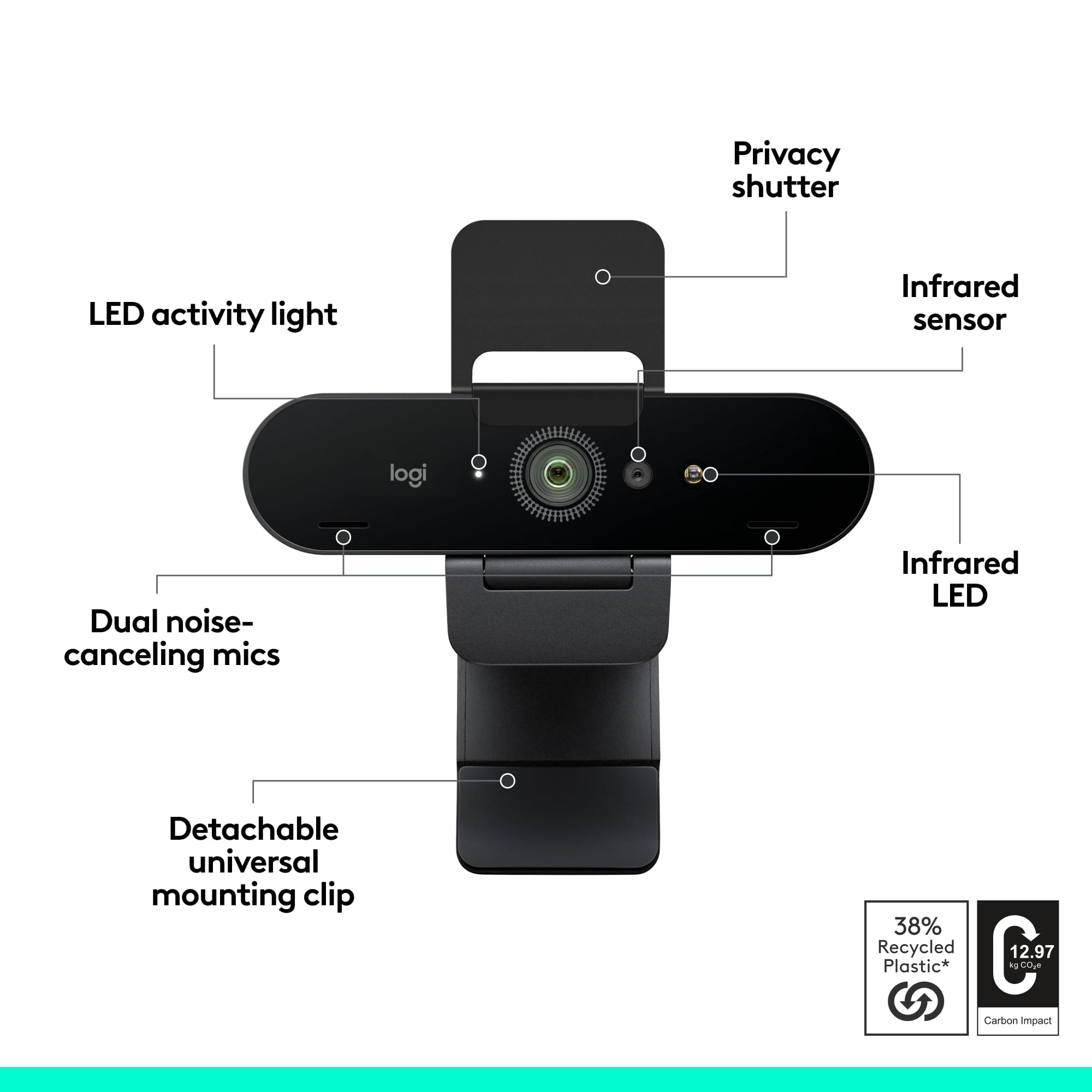
Posted .This reviewer received promo considerations or sweepstakes entry for writing a review.I switched from the razer kiyo (which I didn't find particularly to my liking after all) to this camera. I've been so curious about this camera for so long--the local Best Buy near me is ALWAYS sold out of this camera! I just got a 4k monitor and decided that I might as well start amassing 4k equipment (wanted to wait a bit but I think it's been long enough!). The quality improvement is definitely noticeable--the video comes through so nicely and looks very good. Plus the camera came with a lot of useful components so moving it and setting it to stand up in different places when I travel is very easy to do. The quality of the camera is, as all Logitech items and especially cameras are, very good. And since this is one of their best cameras, you can bet that it is very VERY good. I am super happy with the camera!
I would recommend this to a friendPro webcam
Posted .This reviewer received promo considerations or sweepstakes entry for writing a review.Works great and setup was easy! Very good video quality along with the mic.
I would recommend this to a friendGreat image for the price
Posted .This reviewer received promo considerations or sweepstakes entry for writing a review.Great field of view and image quality. It was very easy to setup.
I would recommend this to a friendNic unit
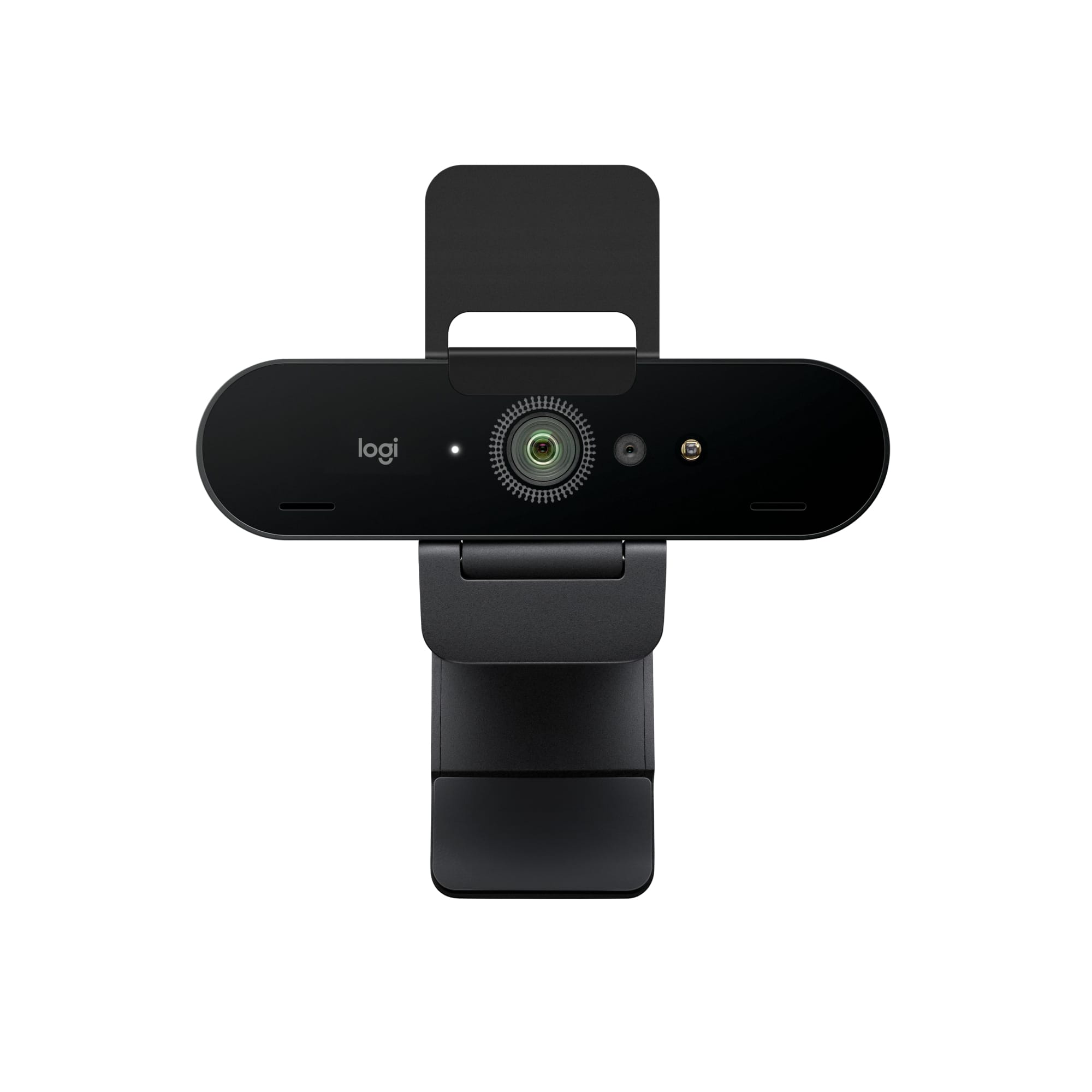
Posted .This reviewer received promo considerations or sweepstakes entry for writing a review.Works excellent! Can't say much about the microphone, but the video is very clear and crisp. It has a little LED light that shines on you while it is on. I didn't read the instructions, and had no issues connecting it to my computer 3 minutes before a zoom call (not recommended, but there you go.)
I would recommend this to a friendBrand response from Logitech
Posted .Thanks for the kind words! We're glad you're enjoying the clear video quality of the Logitech 4K Pro Webcam. It's designed for a quick and easy setup, so you can dive right into your video calls.
Product Review
Posted .This reviewer received promo considerations or sweepstakes entry for writing a review.Issues with installation software but with software issue resolved it works as advertised. I am satisfied with performance in Zoom meetings, primary requirement.
I would recommend this to a friendBrand response from Logitech
Posted .We appreciate you sharing your experience. It's helpful to know about the installation software issue, and we're glad the webcam is now meeting your Zoom needs. We're always working to improve our software.

Fun and exciting
Posted .This reviewer received promo considerations or sweepstakes entry for writing a review.Fun fun fund fund fund fun fun fun fun fun fun fun
I would recommend this to a friendBrand response from Logitech
Posted .We’re grateful you took the time to share your thoughts. It’s wonderful to know our product is meeting your expectations.
Good choice
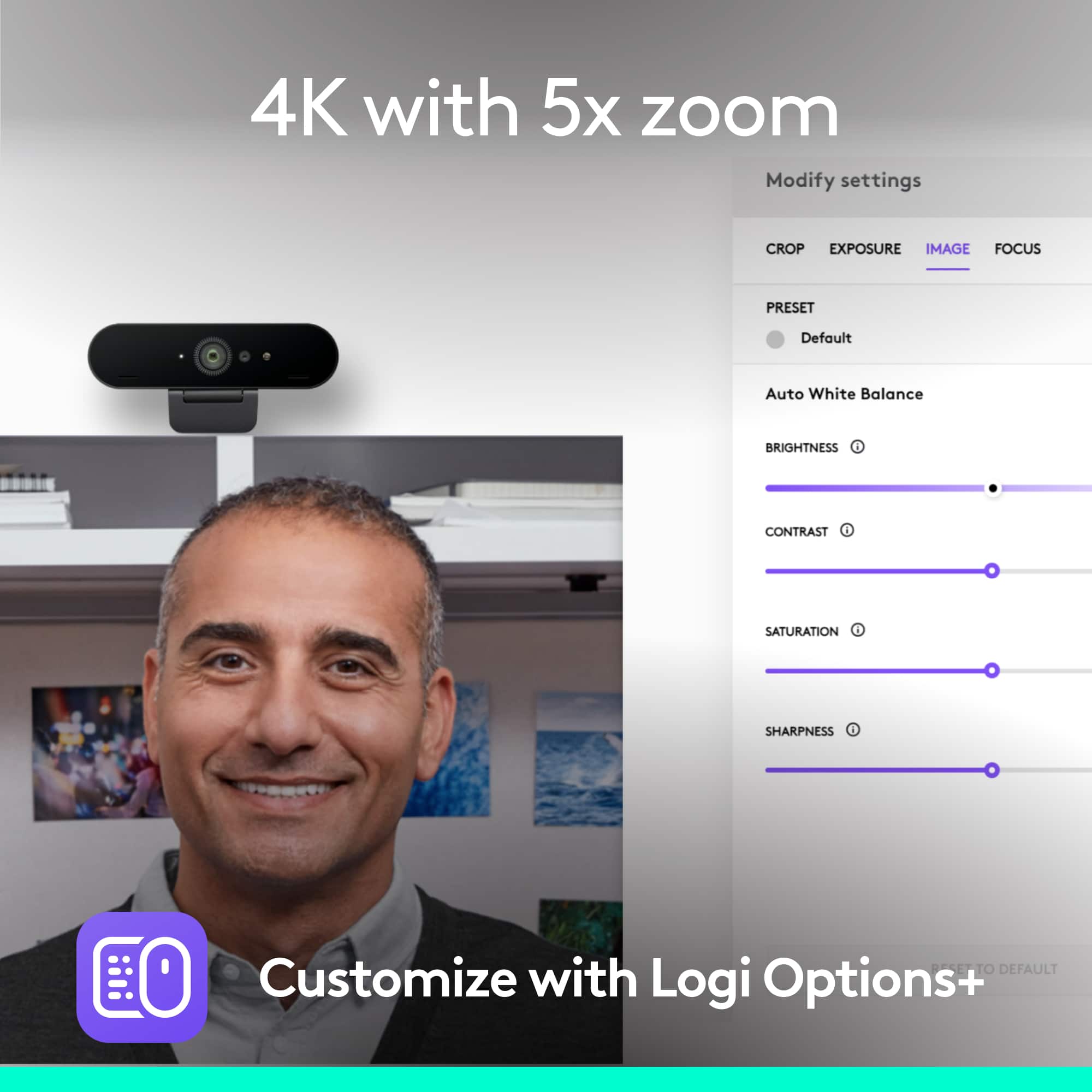
Posted .This reviewer received promo considerations or sweepstakes entry for writing a review.Clear image. No real set-up time. It would be better if I could choose not to use the default wide shot and crop the shot or zoom in instead. Otherwise, it's amazing.
I would recommend this to a friendBrand response from Logitech
Posted .Hi there, thanks for the feedback on the 4K Pro Webcam! We're glad you're impressed with the image quality and ease of setup. We appreciate you letting us know about your preference for framing options. We'll be sure to pass your feedback along to the product development team.
One of the best 4k webcam
Posted .This reviewer received promo considerations or sweepstakes entry for writing a review.Really clear video feed and easy to use. Basically plug and play with some customization if you download the Logitech Software, but not necessary. I use it for Microsoft Teams for remote work and it does the job.
I would recommend this to a friendGreat Upgrade
Posted .This reviewer received promo considerations or sweepstakes entry for writing a review.It’s a great camera. Really clear quality and you can download the ‘Logitech tune app’ to adjust field of view.
I would recommend this to a friendBrand response from Logitech
Posted .Hi there! Thanks for the feedback on the Logitech 4K Pro webcam! It's great to hear you find the image quality clear and appreciate the adjustable field of view using the Logitech Tune app. We appreciate you letting us know!
Cam
Posted .This reviewer received promo considerations or sweepstakes entry for writing a review.Really good quality for open box. I had the app installed already so, plug and play basically
I would recommend this to a friendBrand response from Logitech
Posted .We're delighted to hear that you're enjoying your Logitech 4K Pro Webcam! It's fantastic to know that the video quality is great, even as an open box item.
We're also glad that the setup process was so easy thanks to the pre-installed app. Thank you again for your purchase and review.
Blows away earlier cams! 4K rocks!
Posted .This reviewer received promo considerations or sweepstakes entry for writing a review.Excellent camera. Much better than the 1024 resolution and blows away the built-in cam in my MacBook Pro!
I would recommend this to a friendEasy
Posted .This reviewer received promo considerations or sweepstakes entry for writing a review.Easy purchase, shipped quickly and it was super easy set up and get started using. My son loves it!
I would recommend this to a friendExcellent Webcam
Posted .This reviewer received promo considerations or sweepstakes entry for writing a review.Excellent Logitech Webcam for MS Teams, Zoom, etc. Very sharp, detailed video as expected on 4K. Sound is very good.
I would recommend this to a friendgood quality
Posted .This reviewer received promo considerations or sweepstakes entry for writing a review.it creates very good videos, microphone picks up sounds good also.
I would recommend this to a friendBrand response from Logitech
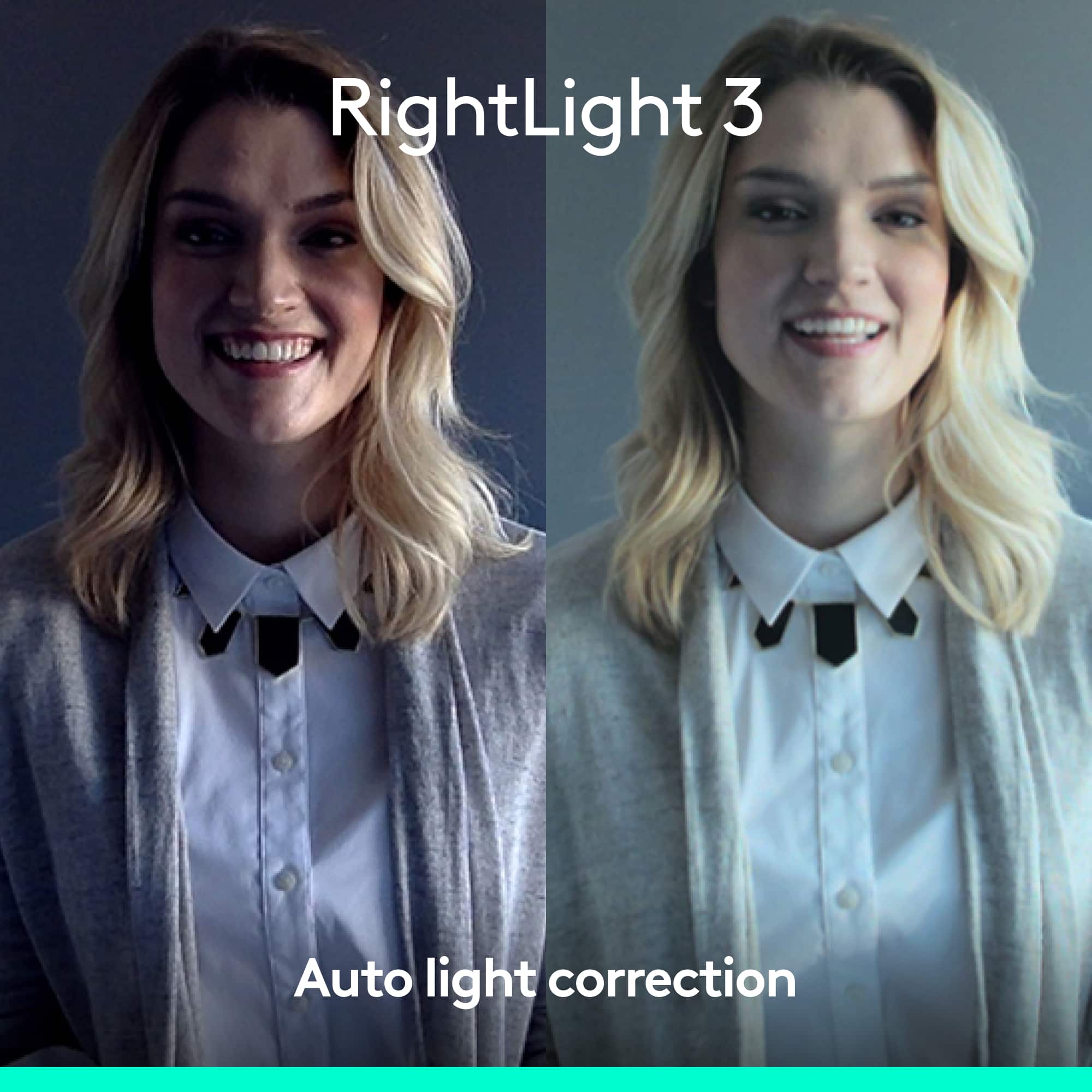
Posted .The Logitech 4K Pro Webcam is a popular choice for video conferencing and streaming. It offers excellent video quality, a wide field of view, and advanced features like RightLight 3 and HDR. Users praise its high-quality image, clear audio, and easy setup.
Highly Recommend
Posted .This reviewer received promo considerations or sweepstakes entry for writing a review.My webcam is now so crisp and clear than I don’t even need to bother getting a camera!
I would recommend this to a friendProblem with Windows Hello
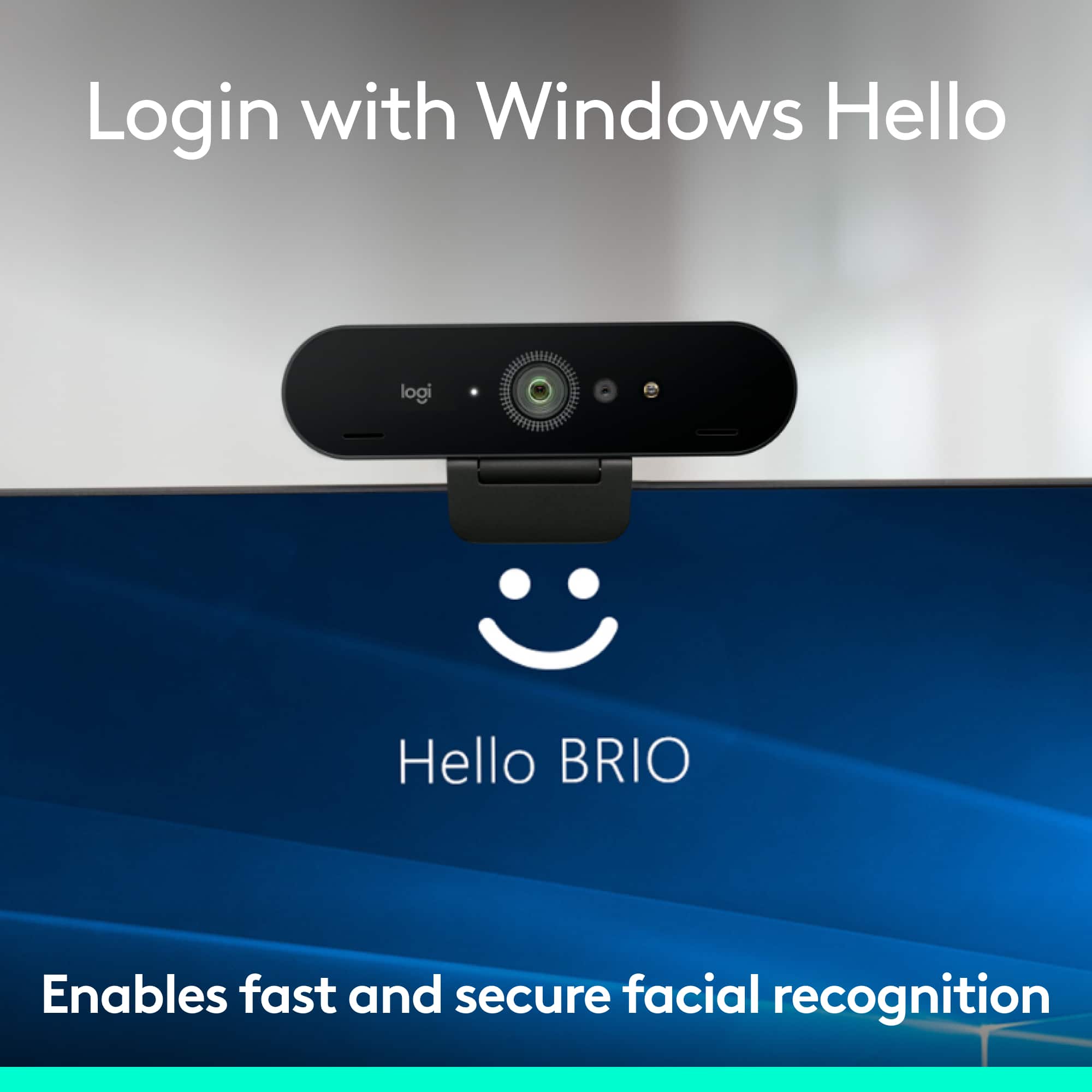
Posted .This reviewer received promo considerations or sweepstakes entry for writing a review.Bought Logitech 4K Pro for use with Windows Hello. Have not been able to get it to work on two Windows 10 laptops. Both are Dell laptops and one has a fingerprint scanner that works with Windows Hello with no problem. I have spent several days reading solutions online and none of them worked. I have been back and forth with Logitech Support with no solution. Support has been responsive, but issue not resolved. This is a known problem just spend time researching online. The problem starts with the item itself. The box says 4K Pro but show up in Logitech software as Brio 4k Stream. The serial number (S/N) on the box is different from the S/N shown in software, and from the S/N actually on the device. Three different S/N's. Support told me that the S/N actually on the device means that it is a Brio 4k Stream. They sent me a firmware update (program) but it would not work because the program is looking for EEPROM 1.18 and this device has EEPROM 1.21 so it will not update the firmware. I have tried every solution possible and I have a great deal of computing (PC) experience both building and troubleshooting. Logitech has three very similar products and my guess is that they have a manufacturing problem - just go their website and try to find the different products and spend time looking at the support sites for these products - confusing. If you are not buying this camera for Windows Hello then I can tell you it works great and seemed to fulfill all other product claims. I only bought this because I thought that a higher quality webcam would surely work best for facial recognition. This may be only a problem with manufacturing (different components coming from different manufacturers in China due to COVID and chip supplies). The EEPROM/firmware update issue I believe is the problem. So some devices may have the correct EEPROM and be updated and work. Obviously, it does work for some people and is a good camera. Logitech has no solution for this and I will be returning it. Never could explain the different S/N's. I sent them pictures of the box, screen shot of Logitune, and actual device serial numbers. Confusing I know.
No, I would not recommend this to a friendI'm excited about the webcam
Posted .This reviewer received promo considerations or sweepstakes entry for writing a review.I love this webcam, very good quality, react fast.
I would recommend this to a friendLove this webcam!!
Posted .This reviewer received promo considerations or sweepstakes entry for writing a review.Lighting is great as well as the microphone. Has helped tremendously with virtual calls and content
I would recommend this to a friendWeb Casting
Posted .This reviewer received promo considerations or sweepstakes entry for writing a review.We use these for work webcasting an they are awesome so awesome we bought two. Clear bright picture an sound.
I would recommend this to a friendGreat hardware -- needs better software
Posted .This reviewer received promo considerations or sweepstakes entry for writing a review.The videos taken with this camera are amazing for its size--in picture quality terms, the Brio punches far above its weight. The problem is, as with all Logitech products, that Logitech cannot write a decent driver package. Currently there are two ways to set the parameters for this camera--Logitech Capture and Logitech Camera Settings. Both can be downloaded from the Logitech web site. Logitech Camera Settings, however, runs several background processes that consume 20-30% of the processor constantly, even when the camera is disconnected. I've contacted Logitech support about this problem, but they don't even bother answering. I've tried installing the software in three different computers, all three Windows 10 Pro, all with 8th or 10th generation i7's, all with 16g of memory, and the settings software does the same thing--runs up 20-30% processor utilization, consumes several Gig of memory, and sits there... Logitech capture, on the other hand, works great--so long as you are not in some other application that uses the camera. If you launch Zoom or Skype, for instance, while Capture is running, the camera controls are greyed out--"the camera is in use by another application." So while this application can set the camera's parameters, it cannot do so while the camera is actually being used. Since both of these methods fail, and Logitech support will not answer my questions about how to adjust the camera's settings while it is in use, there is essentially NO WAY to set the focus, view angle, etc., on this camera. All that great hardware goes to waste.
No, I would not recommend this to a friend