Customer Ratings & Reviews





- Model:
- 960-001390
- SKU:
- 5761912
Rating by feature
- Value
Rating 4.4 out of 5 stars
- Quality
Rating 4.7 out of 5 stars
- Ease of Use
Rating 4.7 out of 5 stars
Customers are saying
Customers love the excellent image quality of this product. They also highly value its ease of use, straightforward setup, and wide field of view. However, some users have expressed concerns regarding compatibility, occasional connectivity delays, and the accompanying software. Additionally, there are mentions of the camera's focus issues and its perceived high price.
This summary was generated by AI based on customer reviews.
- Pros mentioned:Image quality, Setup
Perfect webcam
||Posted . Owned for 6 months when reviewed.This reviewer received promo considerations or sweepstakes entry for writing a review.Needed to upgrade my camera for video calls and this was perfect. Easy to set up and great image quality.
I would recommend this to a friendBrand response from Logitech
Posted .We’re so pleased to hear that you’re enjoying your Logitech device. Your feedback is a big part of what helps us grow and continue to serve our users better. Thank you for choosing Logitech and for being part of our journey.

- Pros mentioned:Image quality
As expected
||Posted .This reviewer received promo considerations or sweepstakes entry for writing a review.I've been using this in my home-office for awhile now and absolutely enjoy it. Logitech has always made great audio and visual equipment and this is no different. Video is great is wide variety of environments, even when direct light (multiple different sources) would prevent distortion or other issues. Works well on Windows or MacOS devices. Microphone - absolutely phenomenal for an integrated one. Even in loud environments, I received only some feedback on it bringing in the background noise.
I would recommend this to a friendBrand response from Logitech
Posted .We’re really grateful for your thoughtful review. It’s wonderful to know that our Logitech 4K Pro Webcam is delivering the performance and ease of use you were hoping for. Hearing from satisfied users like you keeps us motivated. Thanks for choosing Logitech!
- Pros mentioned:Ease of use, Image quality, Setup
Logitech Digital Camera
||Posted . Owned for 1 month when reviewed.This reviewer received promo considerations or sweepstakes entry for writing a review.Very nice digital camera. Sharp image, very easy to install. Set up is simple. I use it for my Zoom meetings and I have had no issues with the camera. I highly recommend it.
I would recommend this to a friend - Pros mentioned:Image quality, Setup
Weight causes an issue with I MacBook Air
||Posted . Owned for 3 weeks when reviewed.This reviewer received promo considerations or sweepstakes entry for writing a review.I am not a tech person. But this was easy to set up and use. Much better than my built-in camera and Mike in my work issued laptop. The only downfall I see is that when I use it on my MacBook Air, it’s a little too heavy and tends to pull the screen down, or falls off, i.e. not a good attachment. I do not have the same issue with my work issued Lenovo which is a little thicker and sturdier
I would recommend this to a friend - Pros mentioned:Ease of use, Image quality, Setup
JUST BUY IT. This is worth it.
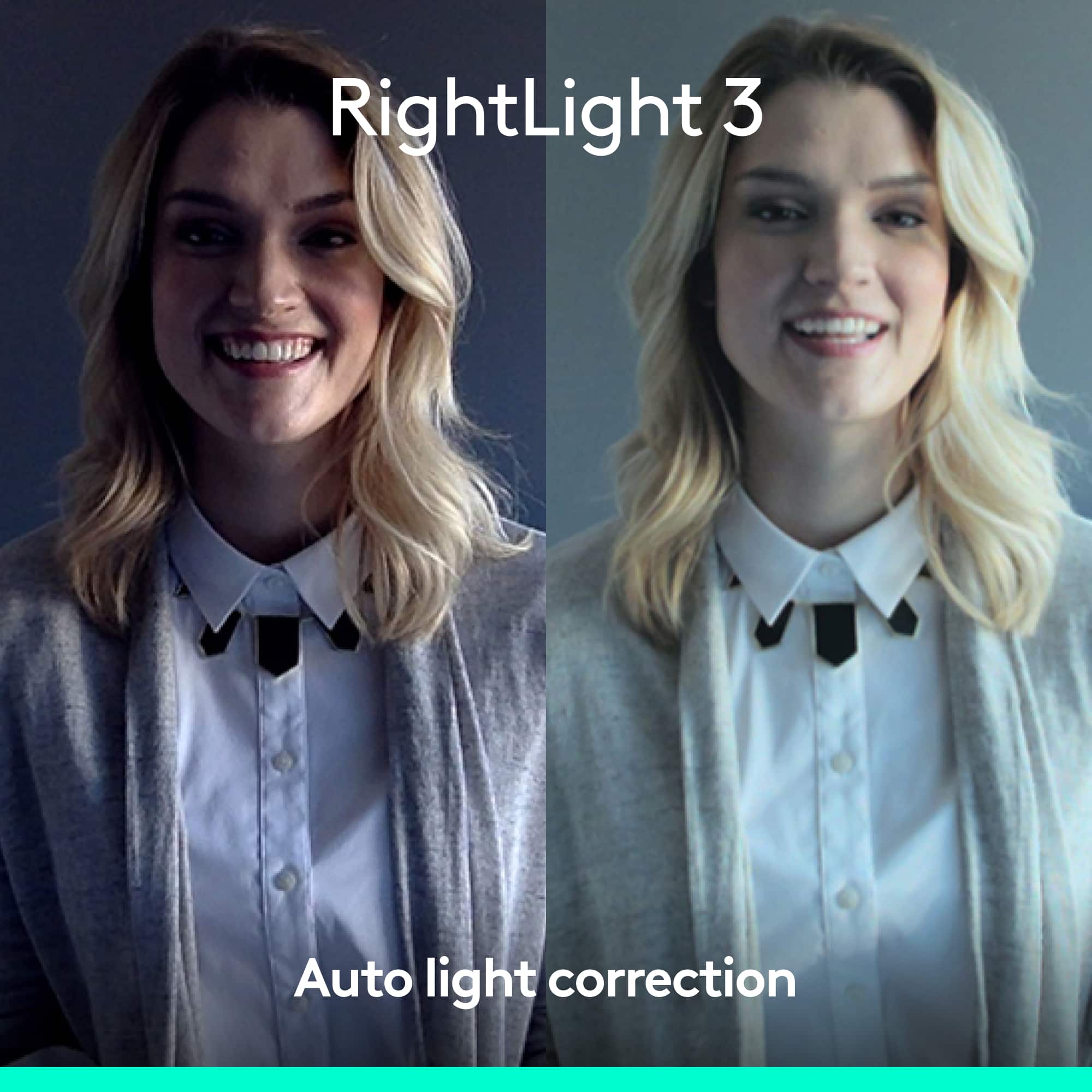
||Posted . Owned for 1 month when reviewed.This reviewer received promo considerations or sweepstakes entry for writing a review.I bought this as I am working from home almost steadily and I needed to drive a more professional appearance. It was simple to install (just plug in), easy to use, it makes me look light, bright and good. Even in a dark room, no other lighting required.
I would recommend this to a friend - Pros mentioned:Ease of use, Image quality, Setup
Great webcam for recording videos & meetings.
||Posted . Owned for 4 months when reviewed.This reviewer received promo considerations or sweepstakes entry for writing a review.Great webcam for recording videos, might be overkill for ordinary zoom meetings. Recording in 4K is taxing unless you have a fast processor. Easy to install and use with applications like Zoom, Web-Ex & Microsoft Teams. If you are a content creator get this webcam if you can.
I would recommend this to a friend - Pros mentioned:Image quality
Pretty much a perfect webcam
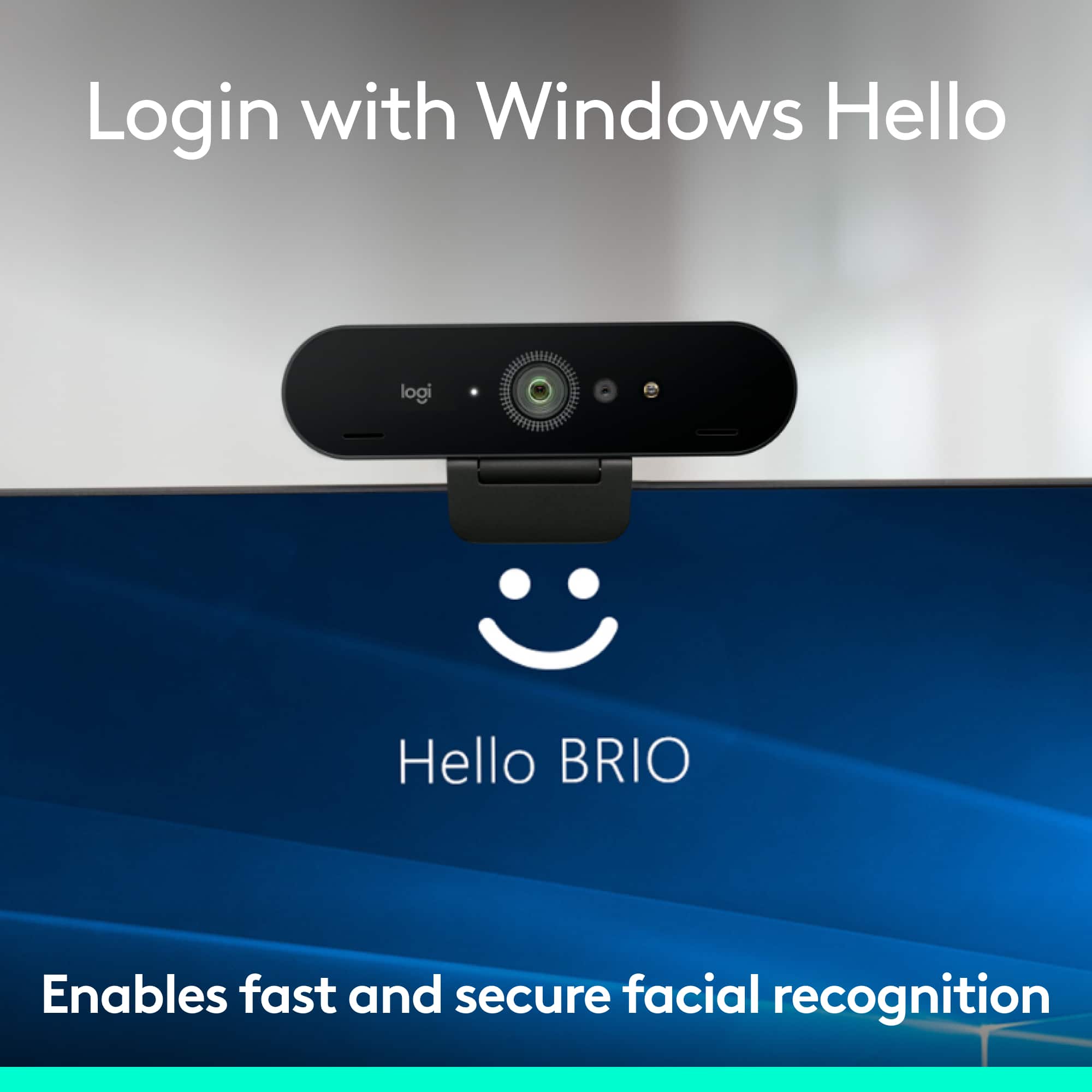
||Posted . Owned for less than 1 week when reviewed.This reviewer received promo considerations or sweepstakes entry for writing a review.I bought this primarily for its compatibility with Windows Hello. Logitech makes few webcams which work with Windows Hello. Not even the latest Logitech webcam (2024) MX Brio, which is arguably superior, is compatible. There are cheaper Windows Hello cameras, but I'm not comfortable with a no name webcam. If you are, then shop around, and you'll find something cheaper. If you don't care about Windows Hello, then don't get this camera. The Logitech C922, which I also have, is a GREAT webcam, and you can get if well under $100. As far as this camera, it's truly plug and play. My computer recognized it right away. You need to download the Logitech software (LogiTunes) to tweak the settings and update the firmware, but the default settings out of the box are good. Video quality is excellent. Auto focus is excellent. Dual mics are excellent. As mentioned, you can adjust numerous settings with the Logitech software. I've done Zoom meetings and MS Teams meetings, and it was spot on. Far superior to the built in webcam in my desktop monitor. Build quality seems solid. There is a clip on privacy shutter if that concerns you. The monitor mount is also solid. Stays in place, and you can make angle adjustments with no problem. I can't think of anything not to like about this, other than the price. If price is the issue, you can recycle any computer accessory (doesn't need to be Logitech) and get a 20% discount on this webcam (or any Logitech accessory). I ended up getting this for under $140 at Bet Buy, which is a great deal in my opinion. I recommend this, but again, if you don't care about Windows Hello, get the Logitech C922 for under $100. It's perfectly adequate for almost all users.
I would recommend this to a friendBrand response from Logitech
Posted .We're delighted to hear that you're satisfied with its performance, especially its compatibility with Windows Hello and excellent video quality. Thank you for your detailed review of the Logitech 4K Pro 4096 x 2160 Webcam.
- Pros mentioned:Ease of use, Image quality
Works well
||Posted . Owned for 3 weeks when reviewed.This reviewer received promo considerations or sweepstakes entry for writing a review.The camera itself - very nice, easy install, works with all the major online video platforms I use ... a bit pricey but overall pleased with performance. Unfortunately, very little actual support for 4K video teleconference service that I have found, but that is not the fault of the camera (thus the camera tends to operate more in HD rather than 4K because of this)...
I would recommend this to a friendBrand response from Logitech
Posted .We're glad to hear that you're pleased with the Logitech 4K Pro camera's performance and ease of use. We apologize for any limitations you've encountered with 4K video teleconference services. We'll continue to work on improving compatibility with various platforms.
- Pros mentioned:Image quality
Great Quality Webcam
||Posted .This reviewer received promo considerations or sweepstakes entry for writing a review.I recently purchased this when it came in stock due to the 1080p 60fps recording ability, as I wanted a better quality camera for streaming. It has absolutely lived up to its claims. Overall, the camera is fantastic, and it’s extremely clear. The software that is recommended to install with the camera, Logi Capture, is not great and neither is the Logitech Camera Settings software, but altering the image through Streamlabs OBS and other software is fantastic. The HDR feature is something I would recommend turning off if you are in a room with plenty of light, as it ends up overexposing the image and causing it to be very washed out. Turning off auto white-balance and auto-exposure also really helps in getting a more true to life color. Outside of that, the webcam is fantastic, it just takes a bit more configuration than something like the C922 Pro.
I would recommend this to a friendBrand response from Logitech
Posted .Hi Aerysten! Glad to see you're enjoying your 4K Pro Webcam! If you haven't already, download the free Logitech Capture software so you can adjust settings such as brightness and filters for your webcam. If you still have questions or concerns about the webcam, check out the Logitech support page https://prosupport.logi.com/hc/en-us/articles/360040085833 Continue to enjoy!
- Pros mentioned:Image quality, Setup
Compact, great picture, aesthetic design
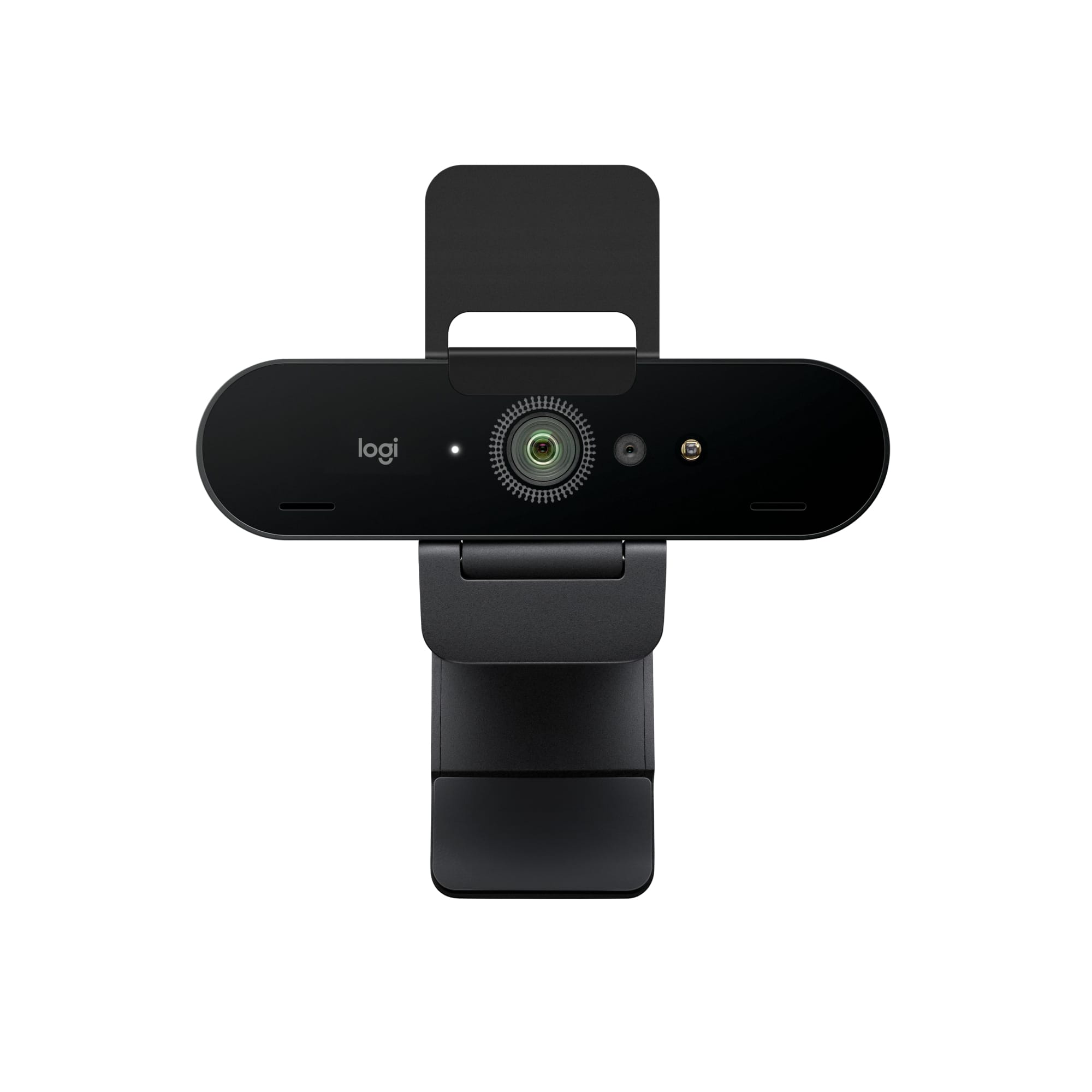
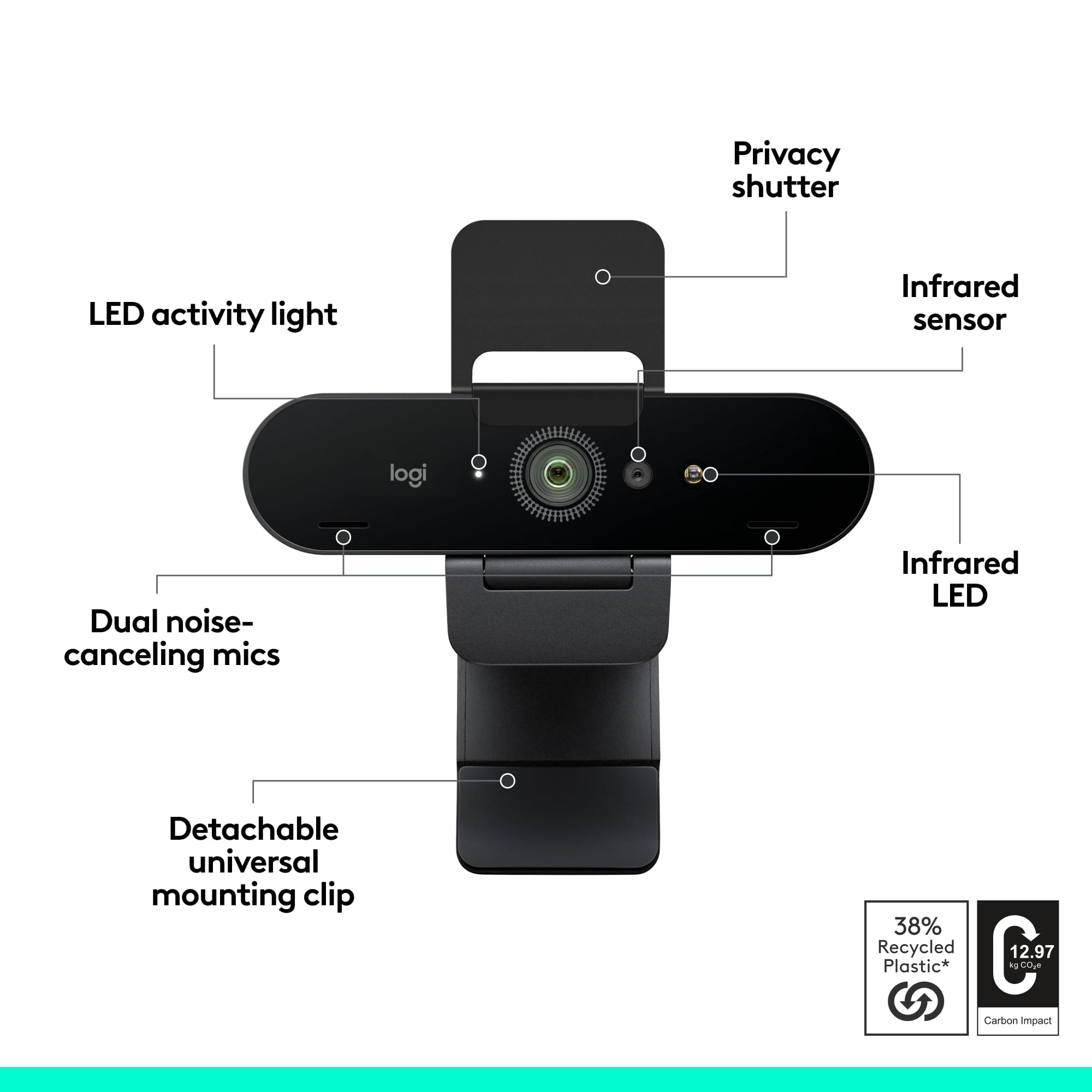
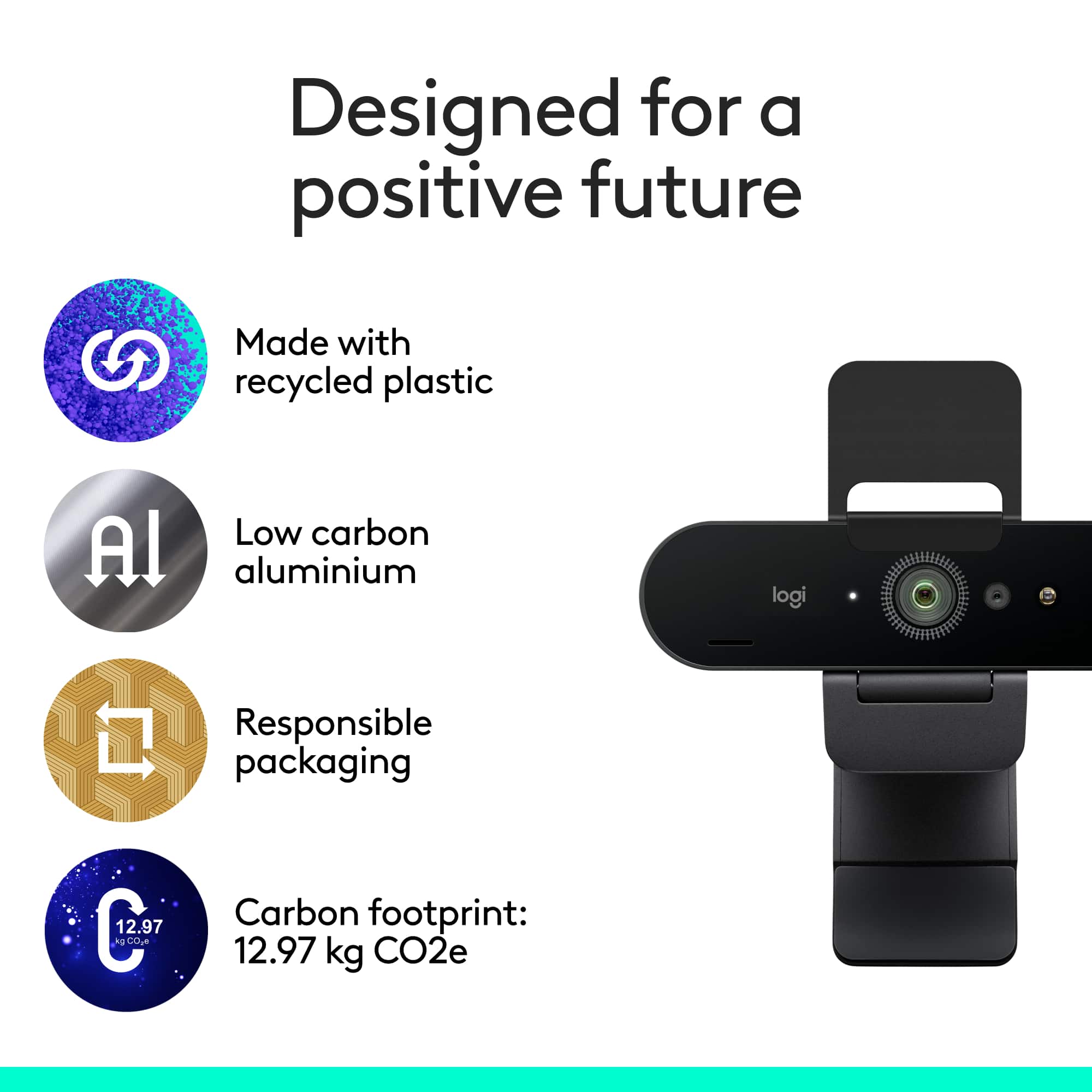
||Posted . Owned for 3 weeks when reviewed.This reviewer received promo considerations or sweepstakes entry for writing a review.Great webcam - easy set-up and very clear picture. Design is sleek and is not "clunky" like a lot of other choices. People on the other side of the conversation indicate the microphone picks up voices very well. Comes with a secure lens cover (that is integrated very well) to prevent any unknown prying eyes when it is down. The front side of the mechanism that rests on top of the monitor is the perfect size for my monitor frame (doesn't cover any of the display screen) - you may have to shave it a bit if you have a very slim border around your monitor. One minor ding - you have to be very close to the camera (18 to 20 inches) for your head to be the primary subject in the field of view. A zoom feature would be nice, but hey, I didn't purchase a camera to take pictures... Very nice webcam with simple set-up.
I would recommend this to a friend - Pros mentioned:Ease of use, Image quality
True 4K webcam
||Posted . Owned for 1 month when reviewed.This reviewer received promo considerations or sweepstakes entry for writing a review.Excellent image. Easy to set and start using right out of the box. Webcam camera could use some improvement. Tripod hook up is standard and compatible but what comes built in is rather useless for a desk environment setting.
I would recommend this to a friend - Pros mentioned:Image quality, Setup
Just what I needed.
||Posted . Owned for 1 month when reviewed.This reviewer received promo considerations or sweepstakes entry for writing a review.As a published author, I am frequently asked to appear on podcasts, YouTube channels, etc. With that in mind I decided I needed a better webcam. I have always had good luck with Logitech products, so I chose this one. It did not disappoint -- quick, plug-and-play installation, and a much higher video quality than my old camera. I also appreciate the flip down privacy screen. Five stars.
I would recommend this to a friendBrand response from Logitech
Posted .Thanks for the positive feedback! We appreciate you sharing your experience with the Logitech 4K Pro webcam. It sounds like the high-quality video and easy setup were a big win for your podcast and YouTube appearances.
- Pros mentioned:Ease of use, Field of view, Image quality
Great webcam
||Posted . Owned for 1 month when reviewed.This reviewer received promo considerations or sweepstakes entry for writing a review.Easy to use, good quality video. Very wide lense, good microphone too. Easy to attach to monitor or other surface and seems to stay there securely. Would recommend.
I would recommend this to a friend - Pros mentioned:Ease of use, Image quality
Awesome Camera
||Posted . Owned for 7 months when reviewed.This reviewer received promo considerations or sweepstakes entry for writing a review.I have been using this camera for streaming it’s a straight W! It’s easy to set up and if u use obs or whatever to stream it’s really nice If you don’t have a mic the integrated mic with the cam is fire you can adjust how loud you want to sound and if you want to block out background noise you can so it’s overall a 10/10 This isn’t a paid promo lol just love the cam
I would recommend this to a friendBrand response from Logitech
Posted .We love hearing the 4K Pro is a streaming winner for you! Easy setup, great picture quality, and a built-in mic with noise cancellation - sounds like you're all set to stream like a pro. Thanks for the love!
- Pros mentioned:Field of view, Image quality
Perfection and ease of use!!
||Posted . Owned for 1 month when reviewed.This reviewer received promo considerations or sweepstakes entry for writing a review.Best webcam in my opinion: 4K ✅ Face unlock with windows hello ✅ 3 fields of view 90, 78 or 65 degrees coverage ✅ 90 FPS✅ Privacy shade✅ Auto light adjustment ✅ HDR ✅ Noise canceling mics✅✅ Works with windows, Mac, or ChromeOS✅✅
I would recommend this to a friendBrand response from Logitech
Posted .It's wonderful to hear you're having such a positive experience with the 4K Pro Webcam. We're so glad it's meeting all your needs with its comprehensive features. Thank you for your excellent feedback!
- Pros mentioned:Image quality
You'll be able to reach out and touch someone!
||Posted . Owned for 3 weeks when reviewed.This reviewer received promo considerations or sweepstakes entry for writing a review.This camera only has one fatal flaw in that it doesn't have any built in recording software like many web cameras do. The clarity, sound, color, options you have to change all of the above, are phenomenal, however! The camera is a little on the high side but again, is very beautiful for streaming!!! So high resolution!
I would recommend this to a friendBrand response from Logitech
Posted .We’re grateful for your feedback and happy to hear the product is working smoothly. Your experience helps us build better tools for everyone.
- Pros mentioned:Image quality
Picture Perfect
||Posted . Owned for 2 weeks when reviewed.This reviewer received promo considerations or sweepstakes entry for writing a review.The Logitech 4K Pro 4096 has an incredibly crisp and clear video. I like that you can adjust the features to suit your environment. It is light and easy to install on laptop and is a one stop video camera.
I would recommend this to a friendBrand response from Logitech
Posted .Thank you so much for sharing your experience with the Logitech 4K Pro Webcam. We truly appreciate your thoughtful feedback and are delighted to know its clarity, adaptability, and ease of use have made a positive impact for you.
- Pros mentioned:Image quality
GET ONE
||Posted . Owned for 1.5 years when reviewed.This reviewer received promo considerations or sweepstakes entry for writing a review.For an affordable price you can get a good quality camera that comes with a mic in it as well that actually sounds decent. Best purchase I ever made
I would recommend this to a friendBrand response from Logitech
Posted .Your feedback means a lot to us, and we’re so glad to hear you’re enjoying your Logitech device. We work hard to create products that make life easier and more enjoyable, and it’s great to know we hit the mark. Thanks again for your support!
- Pros mentioned:Image quality
Excellent camera
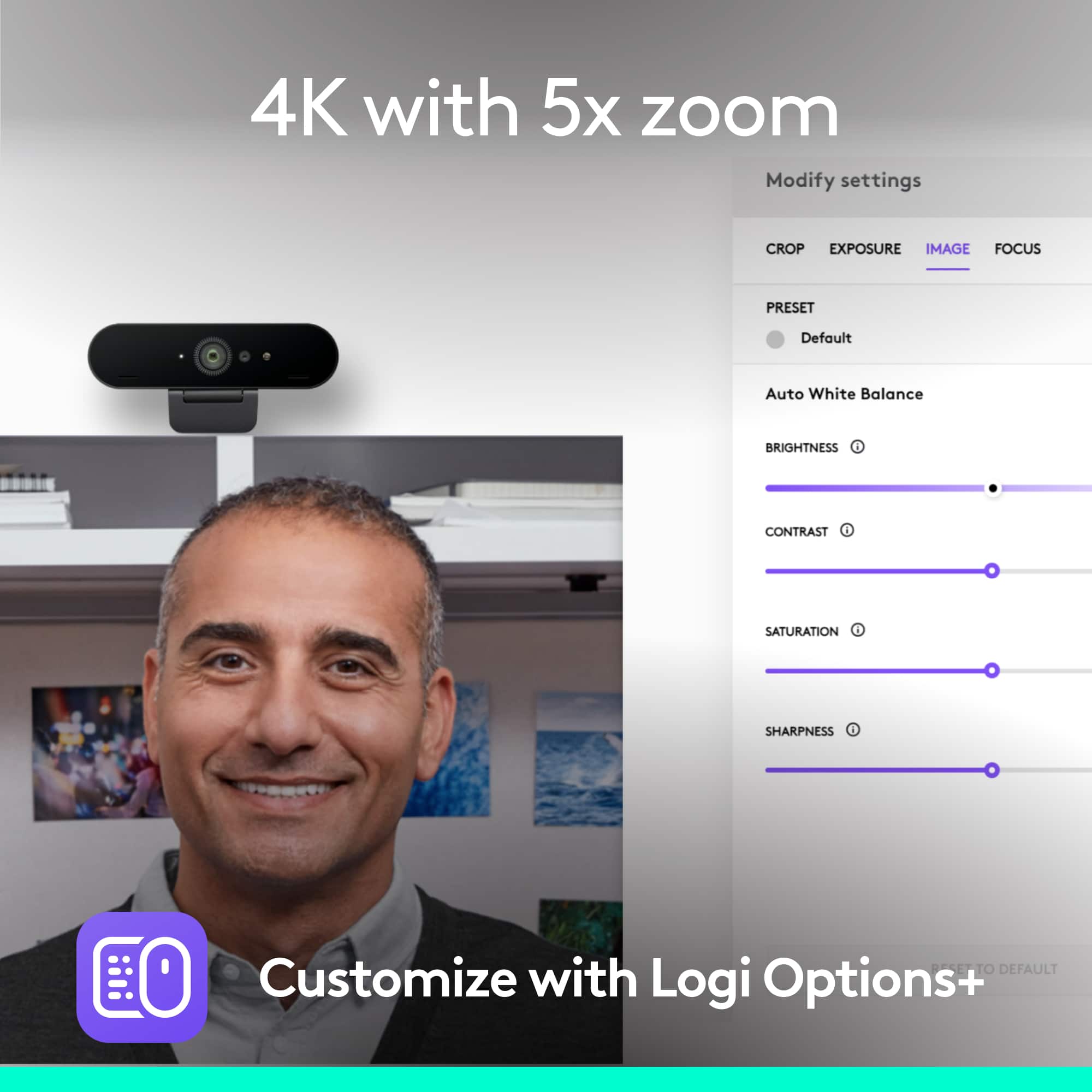
||Posted . Owned for 1 month when reviewed.This reviewer received promo considerations or sweepstakes entry for writing a review.I bought this because the built in camera on my 8-year-old Dell laptop is (1) not very good and (2) is located in the bottom left corner of the display. So the picture is always dark and muddy and I’m not looking in the right direction to “make eye contact” with whoever I’m talking to. While this camera is pricey, the picture quality is vastly superior, and the Logitech software allows control over the cropping and such so I can customize it to help me look my best. As a side note it works with Windows Hello to unlock the laptop when I’m looking at it, Just like FaceTime on iPhones. What I don’t like is the mounting clip which hangs down over the front of the screen and blocks my view of some browser tabs. And I find it difficult to aim the camera vertically because this clip is just not a great design.
I would recommend this to a friendBrand response from Logitech
Posted .We appreciate your detailed feedback on the Logitech 4K Pro Webcam. We're glad to hear that the camera has significantly improved your video conferencing experience, especially in terms of image quality and eye contact. We understand your concerns about the mounting clip and its limitations in terms of vertical adjustment. Your feedback is valuable to us as we strive to improve our products. We'll consider your suggestions for future product designs. Thank you for choosing Logitech!
- Pros mentioned:Image qualityCons mentioned:Price
Awesome eebcam
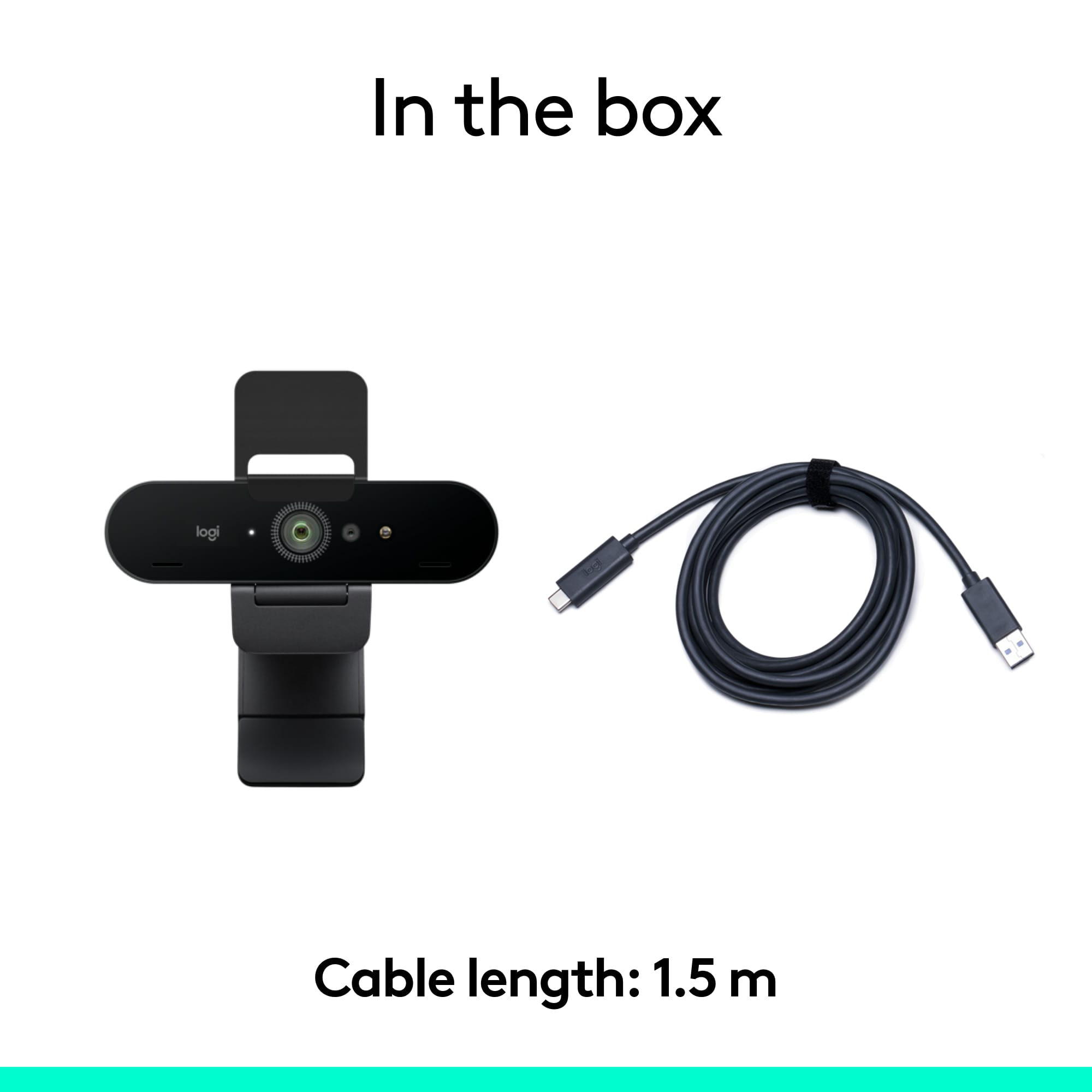
||Posted . Owned for 1 year when reviewed.This reviewer received promo considerations or sweepstakes entry for writing a review.With the Logitech software your able to use the webcam with more options. It can stream up to 1080 at 30fps as long as your connection is stable and fast upload speeds and you have great graphics card to handle it. I found to stream at 720p at 60fps is smooth with my computer specs. It’s nice and decent small size. It’s light weight. Connects from USB type C to a standard USB port. It does not have a power unit, it’s power by you computer USB port. I think the USB wire is about 4’ or 6’ in length so it’s long enough. I have had this webcam for a year and so far it works great. No issues. The price seems to be a little steep.
I would recommend this to a friend