Customer Ratings & Reviews



- Model:
- 960-001257
- SKU:
- 10154939
Rating by feature
- Value
Rating 4.6 out of 5 stars
- Quality
Rating 4.7 out of 5 stars
- Ease of Use
Rating 4.8 out of 5 stars
Customers are saying
Customers have good things to say about the product's excellent video quality, overall performance, and ease of use. Its straightforward setup and privacy features are also highly regarded. However, a small number of users have reported minor issues with the focus, autofocus, compatibility, cable length, and field of view.
This summary was generated by AI based on customer reviews.
- Pros mentioned:Privacy feature, Video quality

Great for Conference Calls
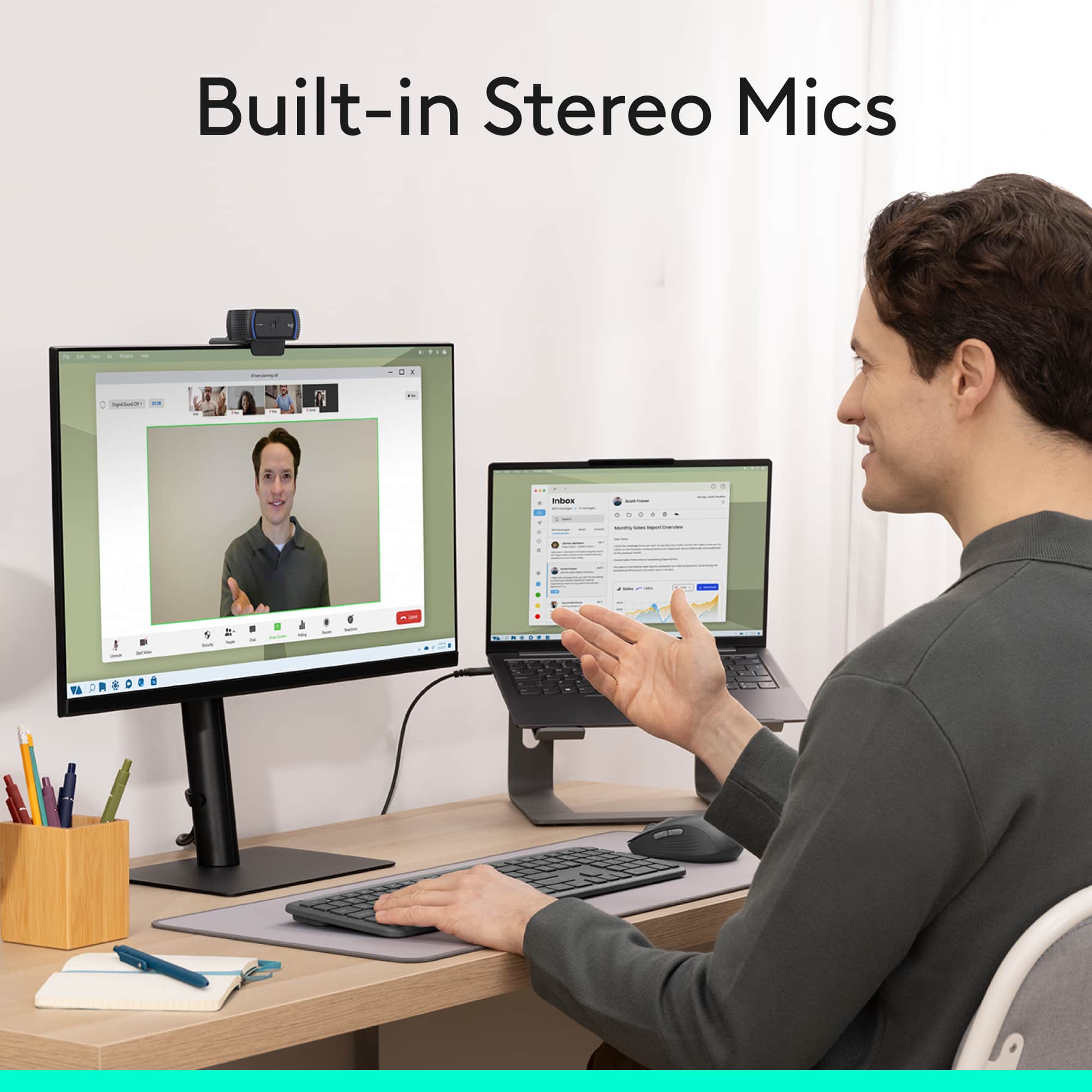
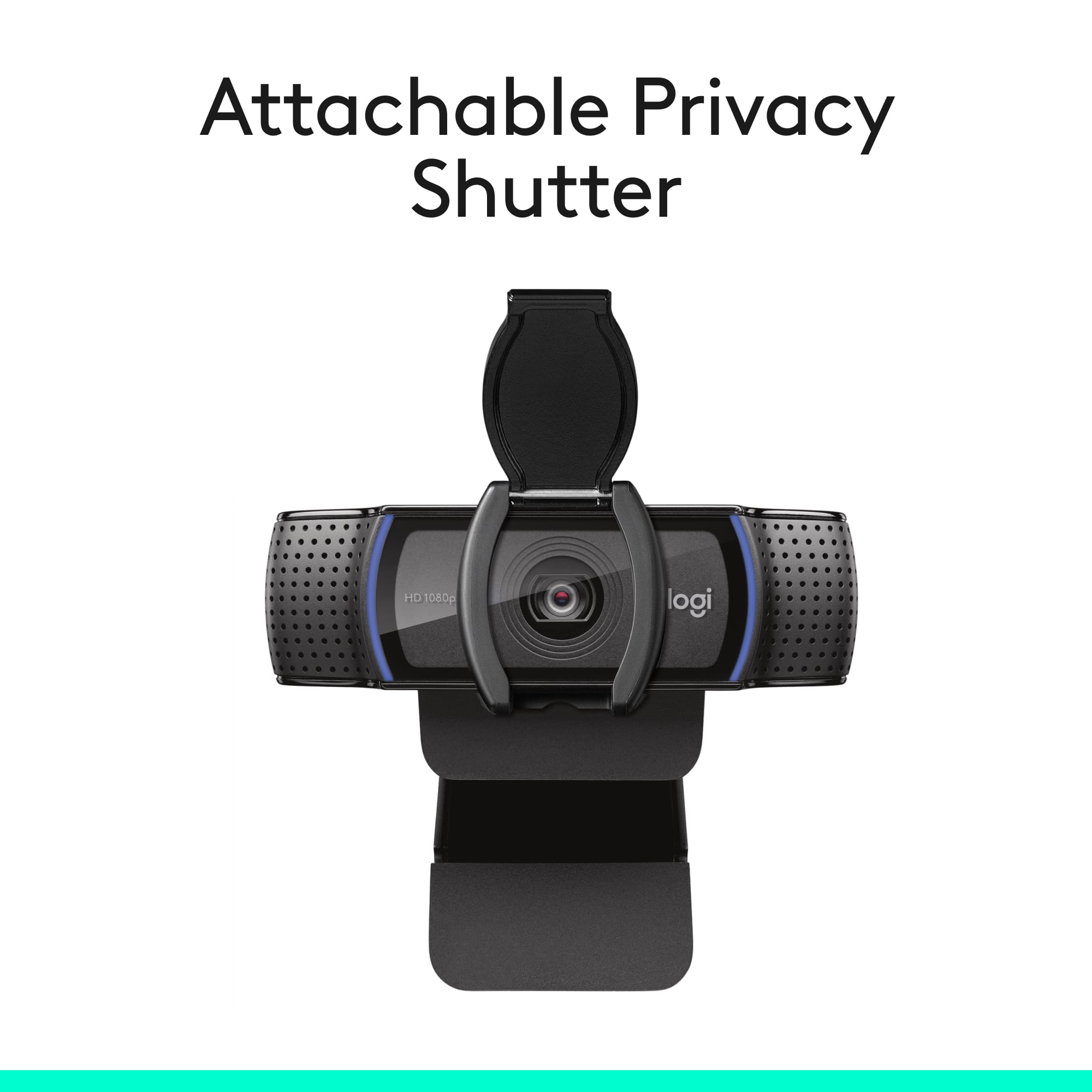
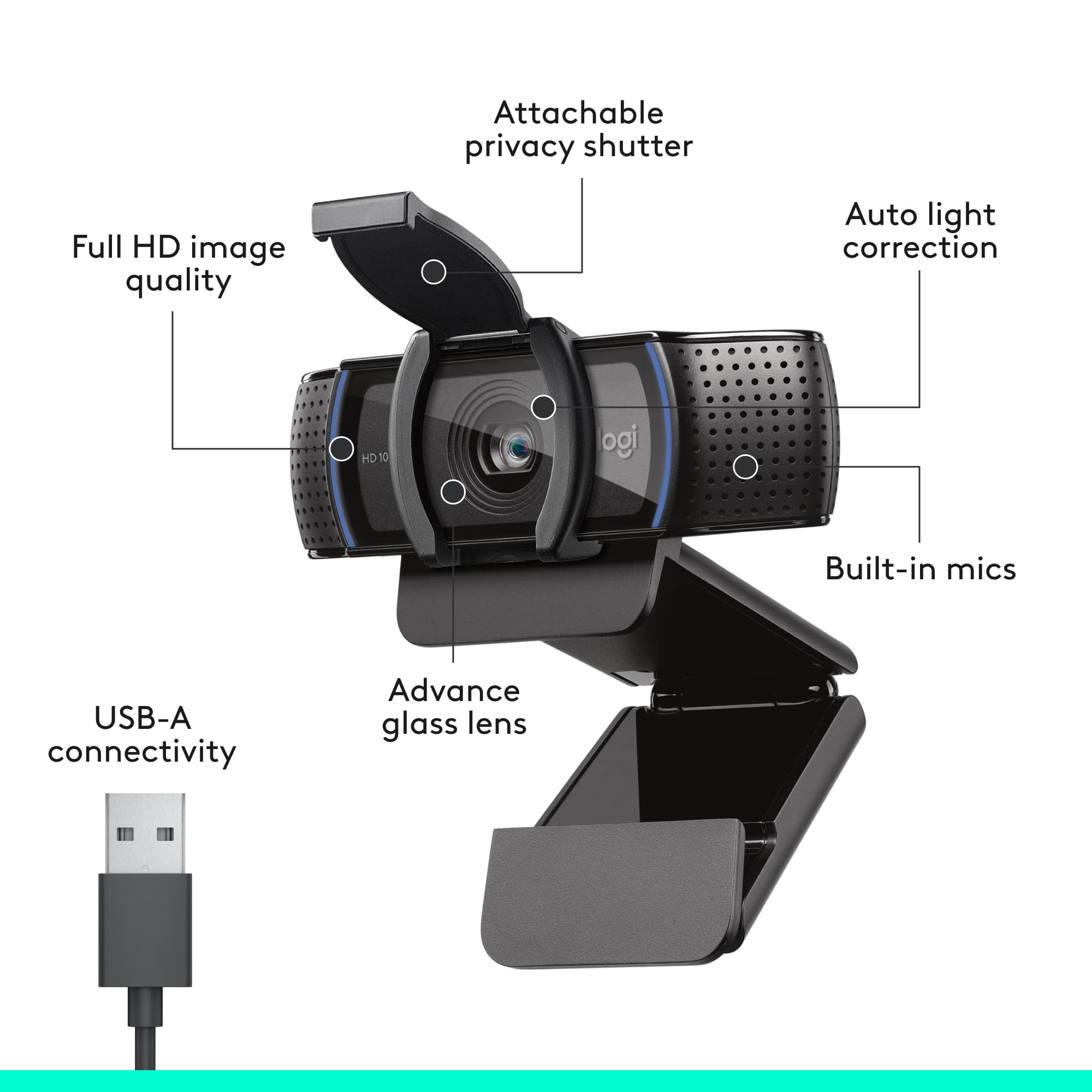
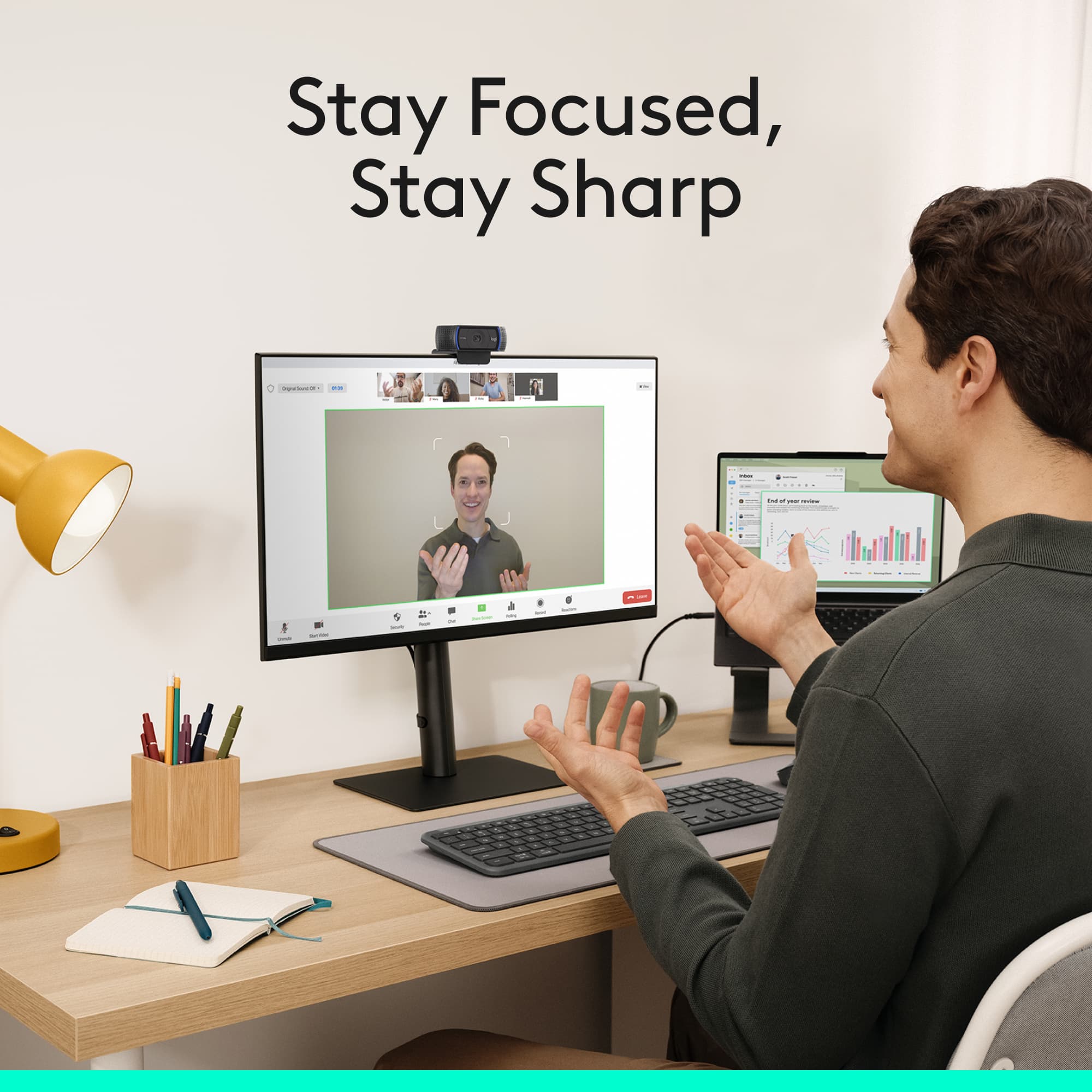
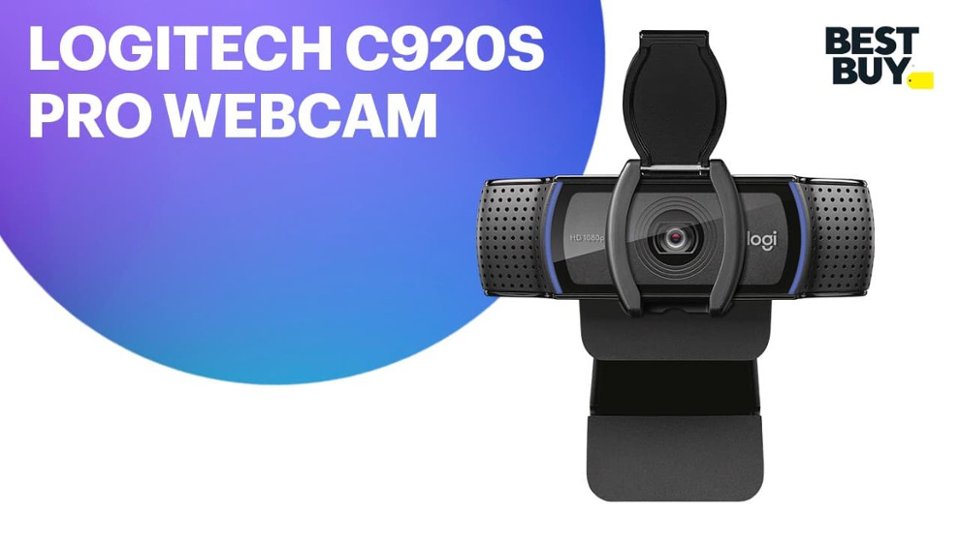
|Posted .This reviewer received promo considerations or sweepstakes entry for writing a review.I just received the new Logitech C920s Pro camera and was eager to try it out. I spend roughly half my week in video or conference calls, and not every room has a camera. I'm often in these meetings with a group, and having everyone join one video call causes a lot of sound feedback and having way too many people trying to speak at once. This solves the problem of trying to gather around one small laptop camera, and then shuffling around the laptop for everyone to get a visual. It was plug and play, and is now an accessory I take along for any larger audience meetings, without needing to connect to an external PC/Mac. The quality of the image is great, especially on Skype, Zoom, and Blue Jeans conference calls. Clients have stated that I sound clearer now, then I did with the built in mic on my headphones or my Macbook. The image clarity is easily seen in the preview window, viewing my own image. It easily sits on my Macbook, monitor, or on a table top with all the articulation points on the camera. There is threading on the bottom that allows you to use most universal camera tripods or mounts. We actually use these as our primary conference room cameras, due to the overwhelmingly good feedback we get from our clients. If you're one of the many that use a privacy tab or sticker to cover the lens, you'll be pleased to know this comes with an attachable privacy cover (shutter). It's made of a soft plastic, and is easily placed on top of the lens. You can then simply pull on the door to open when you're using it, and then push it back down to close. I'm really impressed with this "webcam" as a solution for home or office use. It goes well beyond most other webcams on the market. You will pay more, but you'll also get more use of it over others.
I would recommend this to a friend - Pros mentioned:Video quality
Great overall desktop webcam!
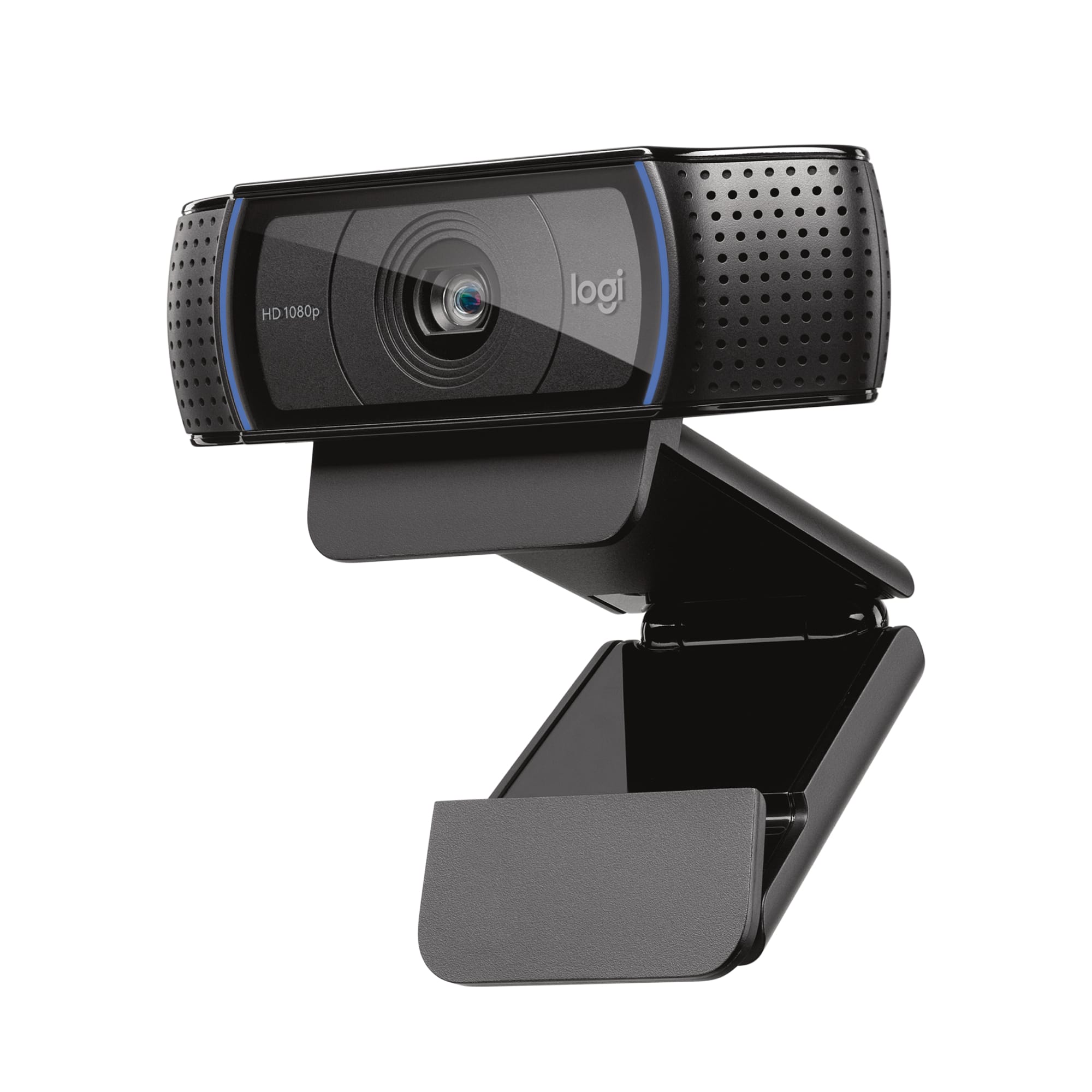
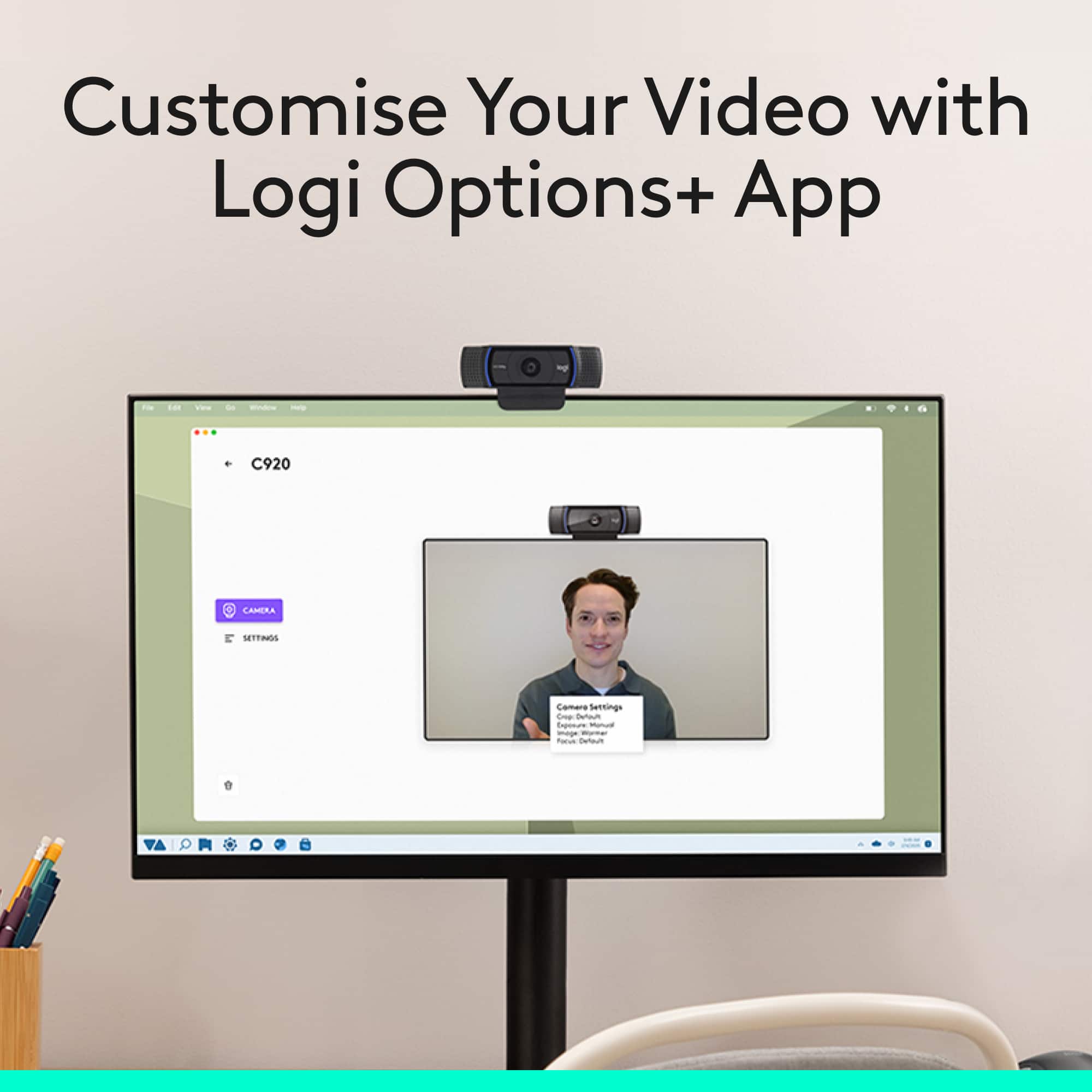
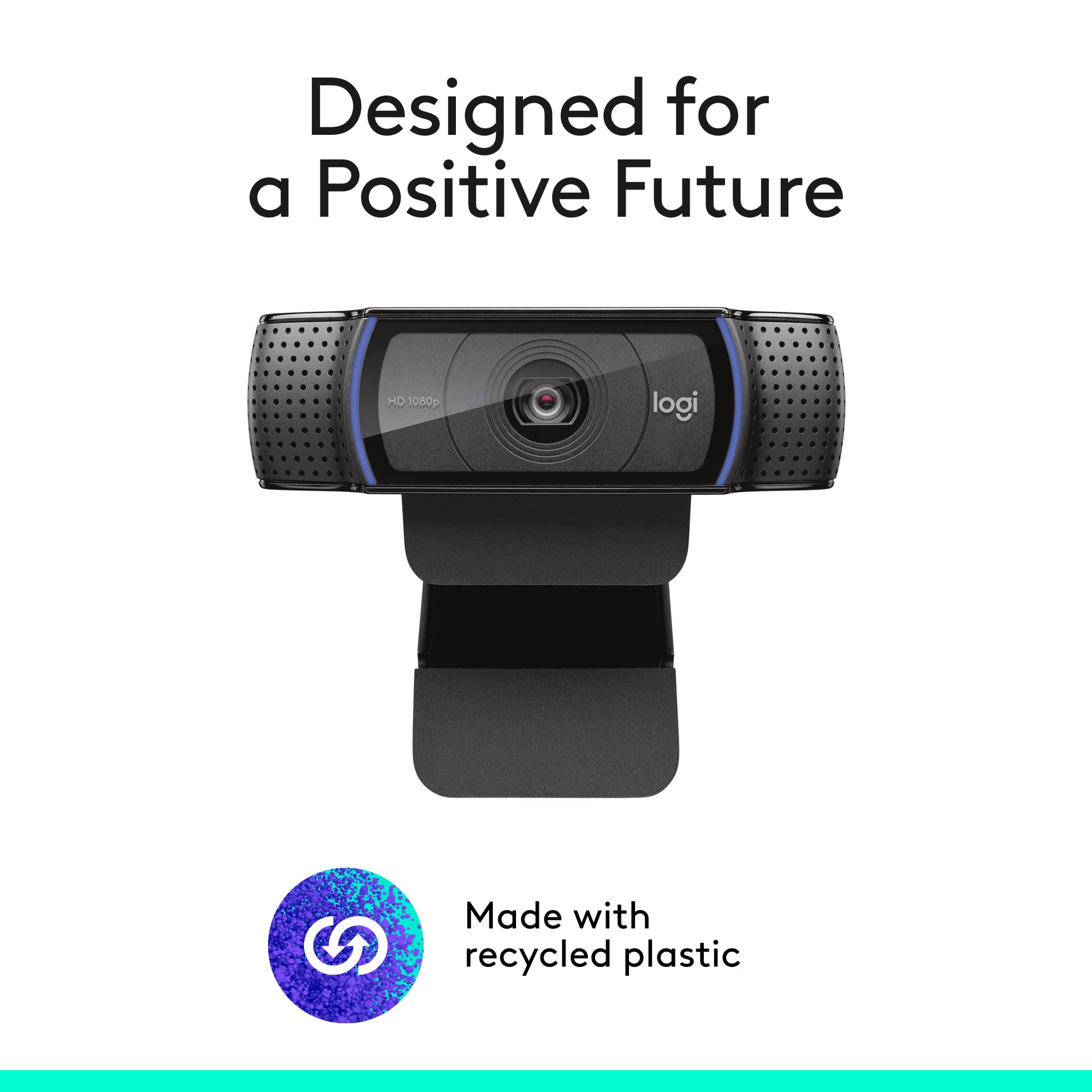
|Posted .This reviewer received promo considerations or sweepstakes entry for writing a review.The webcam is great for desktop users. For laptop users it might be a good upgrade (for home or business use) but it is not very portable for on the go use. Overall, a very high rating. Unboxing: The box contains the camera, instructions, a plastic flip security cover, and that about it. Design: I am quite happy overall with the design and give it a 4 out of 5. The camera itself is a little bulky and best suited to desktop computer use. My gaming PC and monitor did not include a camera, so this is a great upgrade for me. The design is modern with stereo microphones on both sides of the lens. The lens is rather larger and likely will bring in much light. The device is all plastic with different feels on each side. Some are glossy, some are matte. On either side of the speakers is a great blue light indicator that shows when the camera is in use. It is rather soothing. The mount is a little confusing but if you want to you can place it on a flat surface in a stable fashion. Unless you have a mount though, it is probably best to mount it on the monitor. I ran into a snag with this though. If your monitor has large bezels, this will probably be no issue to mount it on the monitor itself. If your monitor has minimal bezels, the mount might overlap an observable portion of the screen. It is a minor annoyance but an annoyance, nonetheless. It will make it look like your PC has a notch, lol. Use: It is highly recommended you install the Logitech Capture software from the website. It will work without it but to get all the features you will need the software. With the software you will gain access to multiple video sources, by default the camera and the display (to show what is on your screen, great for streamers). You can event do Picture in Picture with the two sources if walking someone through something or for gaming related activities. You can set borders, interesting filters, prioritize frame rate and exposure, pan/tilt/zoom digitally, adjust auto focus, mirror, chroma key and more. The only bug I ran into is the “auto white balance” is really bad. Turn this off and adjust it yourself. Each time I turn it on, I find it tends to go very blue. I tested with a few video calls with family and friends. All reported calls were clear and audio was great. Summary: I recommend this device to desktop PC users for casual use or maybe even gaming and professional use. Quality is outstanding. My only issues I ran into were some mount issues and the auto white balance feature. Go buy it!
I would recommend this to a friend - Pros mentioned:Ease of use, Overall performance, Setup
Great
||Posted . Owned for 1 month when reviewed.This reviewer received promo considerations or sweepstakes entry for writing a review.Set up was easy, worked well for the meeting it was needed for
I would recommend this to a friendBrand response from Logitech
Posted .Thanks for the great review! We’re thrilled our product is meeting your expectations. Your support helps us continue to innovate and improve.

- Pros mentioned:Privacy feature, Setup, Video quality
Webcam
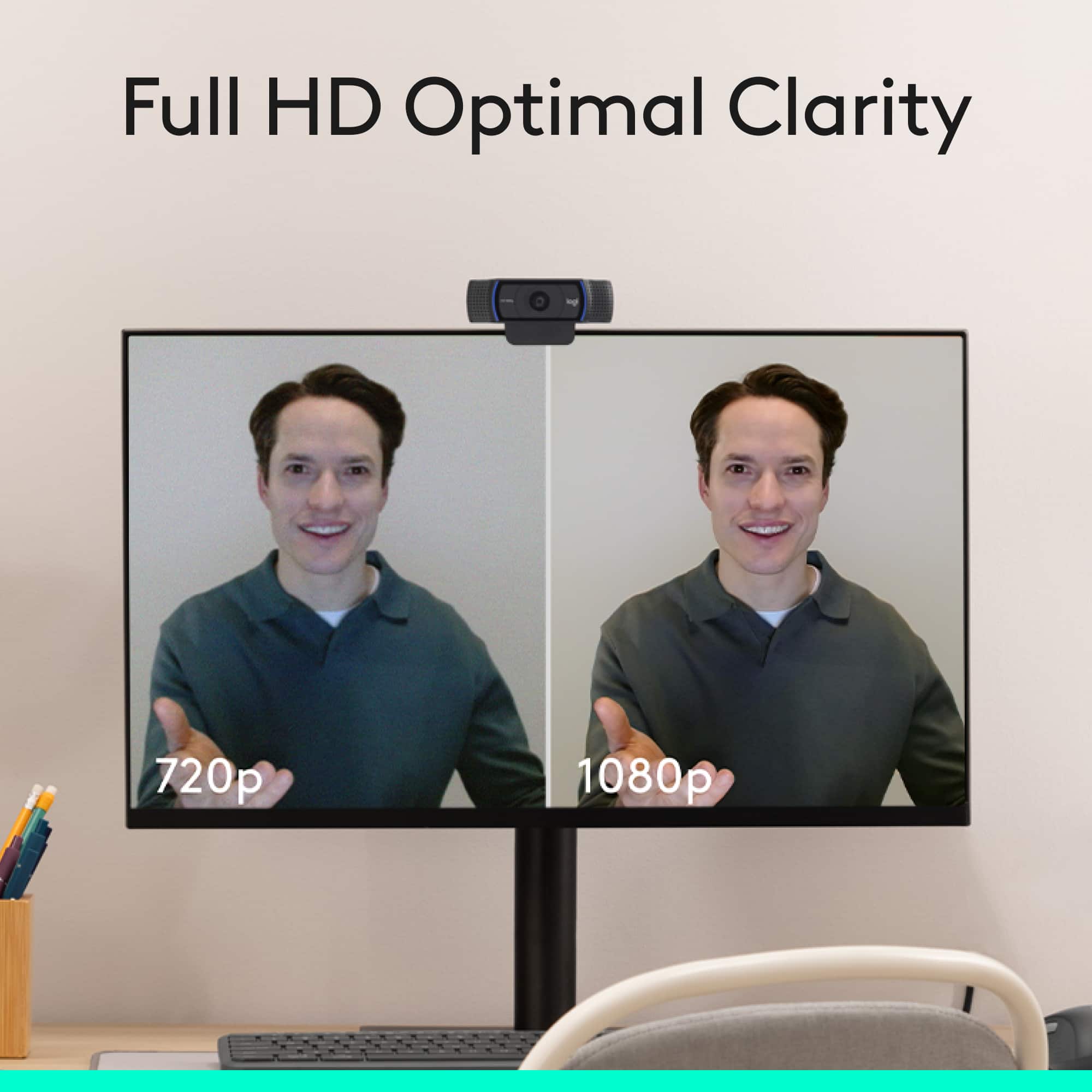
||Posted . Owned for 1 month when reviewed.This reviewer received promo considerations or sweepstakes entry for writing a review.The Logitech C920s Pro is hands down the best webcam I’ve ever used. The 1080p video quality is sharp and vibrant, making it perfect for video calls, streaming, and recording. Autofocus is quick and accurate, and the colors look natural without any extra tweaking. The built-in stereo microphones pick up my voice clearly without much background noise. I also love the included privacy shutter—it’s a small detail that adds great peace of mind. Setup was plug-and-play, and it’s been working flawlessly with Zoom, Teams, and OBS. Highly recommend this webcam for anyone looking for professional quality at a reasonable price.
I would recommend this to a friendBrand response from Logitech
Posted .Thank you for the enthusiastic review of your C920s Pro Webcam. Its sharp 1080p video, fast autofocus, and natural color rendering make it a standout for conferencing, streaming, and content creation. The stereo microphones deliver clear audio with minimal background noise, and the privacy shutter is a thoughtful bonus. With easy plug-and-play setup and reliable performance across popular platforms, it’s a top-tier choice for professional-grade results at a great value. We appreciate you sharing the experience.
- Pros mentioned:Privacy feature, Video quality
Reliable, Clear, and Still One of the Best for the
||Posted .This reviewer received promo considerations or sweepstakes entry for writing a review.I’ve been using the Logitech C920s and it honestly just works. The 1080p video is sharp and clear, even in average room lighting. Colors look natural, and it doesn’t have that washed-out, cheap webcam look. For Zoom calls, streaming, or recording content, it gets the job done without a bunch of tweaking. The built-in dual mics are decent for meetings, but if you’re serious about streaming or content creation, you’ll still want a separate mic. The privacy shutter is a small detail, but it’s something I actually appreciate — quick slide and you’re covered. Low light performance is solid for a webcam in this price range, though not magical. If your room lighting is bad, it’ll show. Give it decent lighting and it performs really well. Bottom line: It’s not flashy or cutting-edge, but it’s dependable. If you want a webcam that delivers consistent 1080p quality without headaches, this is still one of the safest picks out there.
I would recommend this to a friendBrand response from Logitech
Posted .Your feedback means a lot to us. We’re glad the product is serving you well and helping you get things done. Thanks for choosing Logitech!
- Pros mentioned:Ease of use, Video quality
Fantastic clarity and added effects for streaming
|Posted .This reviewer received promo considerations or sweepstakes entry for writing a review.Such a great camera upgrade for me. My laptop camera was sufficient but so disappointing in comparison to this Logitech camera. Easy to use for plug and play usability. Was able to get it up and running in a few minutes. The software for Logitech Capture was installed automatically as well. I enjoyed being able to customize my image and screen for exposure and sharpness. The image the Logitech cam provided was fluid and clear. No sign of jittery motion or choppy video. Have been able to chat with a few friends online and the experience has been great. The receiving end person can hear me clearly and see me clearly. The camera is well worth it for me for getting started to do selfie style YouTube videos. Full 1080p clarity and it also can be changed within the settings depending on your preference. I also love the software for the Logitech camera as it allows me to add in some effects at a basic level in order to make my video stand out a bit. Overall this camera is a must have if you’re looking to get better clarity from your standard laptop camera. Mine being an LG Gram comes with a good camera but this Logitech camera destroys the clarity and picture capture. Well worth the purchase and a needed ally if you’re doing video tutorials or trying to get a YouTube type social media channel going. Enjoy and be blessed.
I would recommend this to a friend - Pros mentioned:Overall performance, Privacy feature, Setup
Fantastic Webcam – Easy Setup & Great Privacy Feat
||Posted .This reviewer received promo considerations or sweepstakes entry for writing a review.I’m really impressed with the Logitech C920s Pro. The setup was super smooth. Just plug and play, no hassle at all. The video quality is crisp and clear, perfect for video calls and streaming. One of my favorite features is the built-in privacy shutter. It’s a simple touch, but it gives me peace of mind when the camera’s not in use. Highly recommend if you’re looking for a reliable, high-quality webcam!
I would recommend this to a friendBrand response from Logitech
Posted .Hey! Thank you for your review. It’s great to know our product is serving you effectively. We appreciate your insight and support.
Goog Quality in reasonable price
||Posted . Owned for 2 weeks when reviewed.This reviewer received promo considerations or sweepstakes entry for writing a review.This cam comes with much enough straeming quality, color saturated and wide frame. Perfect for online meeting. Price is compitive and reasonable
I would recommend this to a friendBrand response from Logitech
Posted .Thanks for your thoughtful words! We’re proud to know our product is working well for you. Your support means everything.
- Pros mentioned:Overall performance, Privacy feature, Setup
Perfect Starter Camera
||Posted . Owned for 1 month when reviewed.This reviewer received promo considerations or sweepstakes entry for writing a review.I needed this camera! I knew with this stay home order I was going to be online a lot. This camera was highly recommended in the reviews, and I see why. It was ready to go as soon as I plugged it into the USB port. It stays put on top of any monitor or laptop I use. Once you see the quality image of this camera you will abandon your built in. Pros: Picture quality is great. Sound output is exceptional. Fold down privacy cap gives peace of mind. It has a tripod fitting on the bottom for mounting too. Cons: None.
I would recommend this to a friendBrand response from Logitech
Posted .Hello, I am so glad to hear you love the product as much as we do. Thank you for being a Logitech customer, we appreciate the time you took to write this review.
- Pros mentioned:Overall performance, Privacy feature, Setup
Works well for videoconference
||Posted . Owned for 2 months when reviewed.This reviewer received promo considerations or sweepstakes entry for writing a review.We got this for an office desk computer that didn't have any camera but would work otherwise for Zoom video calls, or other videoconferencing. Logitech usually makes good reliable items and this one doesn't disappoint. It was easy to set up and within minutes it was working very well. Picture is good and the mics pick up clearly. Also like the small camera cover when not in use - though not a necessity, it's a nice feature. Although we weren't able to compare different webcams side-by-side, this was a good pick.
I would recommend this to a friend - Pros mentioned:Overall performance, Privacy feature, Setup
Solid Webcam, can’t ask for anything more
||Posted . Owned for 3 weeks when reviewed.This reviewer received promo considerations or sweepstakes entry for writing a review.I needed a second webcam for my sons pc. I had a c320 which has always been a solid performer. I was happy with it so decided on its big brother which was almost as hard to get as a 3080 RTX during this pandemic. BestBuy pulled through and I’m not disappointed. Good microphone, and nice picture. Works well with all the apps like Teams, Zoom and Skype. No drivers, just works, but can download software to further optimize the camera. Has a nice flip up camera cover so no surprise video when your not looking.
I would recommend this to a friend - Pros mentioned:Privacy feature, Video quality
Excellent Webcam for the price
||Posted . Owned for 4 months when reviewed.This reviewer received promo considerations or sweepstakes entry for writing a review.I needed a good webcam and the mid-tier price range for General use and this fit the bell. The video quality is very good as well as the audio quality and I like that it has the privacy shutter. Another feature I like is that one it is active two blue lights light up on the front so you know that the unit is on just in case you left your privacy shutter open. And I also use this for voice input on my PC since I have a desktop without a microphone and it has worked excellent in that regards as well. If you're looking for a reliable and affordable webcam I highly recommend this.
I would recommend this to a friendBrand response from Logitech
Posted .Thank you for your detailed feedback! We’re delighted to hear the C920s Pro Webcam delivers excellent video and audio quality, along with useful features like the privacy shutter and activity lights. Your recommendation means a lot and inspires us to keep creating reliable, affordable solutions for everyday use.
- Pros mentioned:Privacy feature, Video quality
Great and small camera!
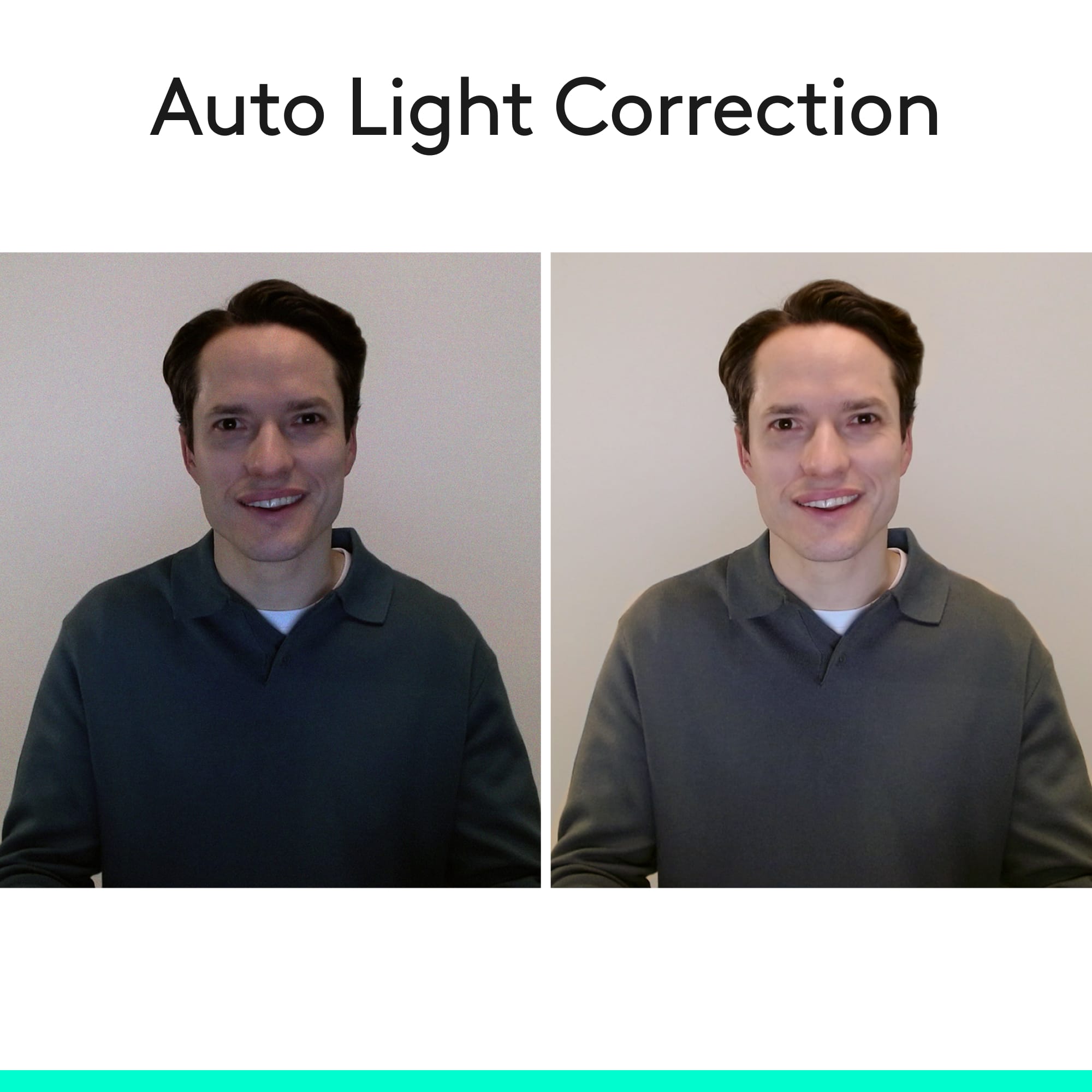
|Posted .This reviewer received promo considerations or sweepstakes entry for writing a review.Great camera, its small and unobtrusive. I have it on top of my Predator X34 monitor which doesn't have a thick bezel and this camera sits on top just fine. It comes with a privacy shutter, which is good (it will lit a blue light if its on anyways, letting you know if its working). No software is included, so you must go to Logitech's c920 website and you can get it there (there is a settings one and a capture one, pretty basic). Video and audio quality is fine, but don't expect UHD quality, this is a 1080p cam. It's great for video calls (skype) and streaming too! One thing disappointing at is this camera doesn't support windows Hello (signing into windows 10 via facial recognition), for that you must get Logitech's 4K one. This one has auto focus and light correction, which did work great on my poorly lit room!
I would recommend this to a friend - Pros mentioned:Overall performance, Video quality
Good Product
||Posted . Owned for 3 weeks when reviewed.This reviewer received promo considerations or sweepstakes entry for writing a review.I bought this web cam to replace another Logitech model that stopped working. It works well and the video quality is good. The video quality isn't as good as my Surface Book but few are. The audio is also very decent at this price point so I can't complain.
I would recommend this to a friendBrand response from Logitech
Posted .Thank you for sharing your feedback on the Logitech C920s Pro Webcam! We’re glad to hear it’s working well for you, with solid video and audio quality at this price point—your comments highlight its dependable performance and value.
- Pros mentioned:Privacy feature, Video quality
exceeded my expectations!
|Posted .This reviewer received promo considerations or sweepstakes entry for writing a review.First off, my PC is Alienware Core i7 8th generation, 16GB Memory, NVIDIA GeForce GTX 1070 graphics and latest update of Windows 10 that meets the system requirements. Quality of camera is outstanding and video is really clear! Dual mic proofs reliability of voice. Privacy len cover is thoughtful addition. Very happy to have it. Only my thing that didn’t work as I wanted is the way it mounted on my Alienware monitor due to the fact my monitor design and curved from it back that prevented my form putting in the center of the monitor, I had to slide it a little bit aside. With that being said, its worth the purchase.
I would recommend this to a friend - Pros mentioned:Setup, Video quality
Excellent webcam – clear picture and easy setup
||Posted .This reviewer received promo considerations or sweepstakes entry for writing a review.I’m really impressed with the Logitech C920 Pro 1080p webcam. The video quality is super clear and sharp, even in regular indoor lighting. Colors look natural, autofocus works smoothly, and it doesn’t get blurry when you move around. Setup was plug-and-play — I plugged it in and it worked instantly with no issues. The built-in mic is also better than expected for a webcam, making it solid for streaming, video calls, and content creation. I use it for streaming and recording, and it performs consistently without lag or glitches. For the price, this is one of the best webcams you can buy. Highly recommend if you want professional-looking video without spending a ton of money.
I would recommend this to a friendBrand response from Logitech
Posted .Thank you for sharing your detailed review! We're thrilled to hear how impressed you are with the C920s Pro's performance and ease of use.
- Pros mentioned:Ease of use, Overall performance, Privacy feature
Easy to Use Desktop Cam
||Posted . Owned for more than 2 years when reviewed.This reviewer received promo considerations or sweepstakes entry for writing a review.Bought this desktop camera when I purchased my newest computer. I wanted something that was easy to install, use, and had the added function of cam-block to prevent unwanted intrusions when using my computer, and to limit when and where I used a camera image in a TEAMS. This camera did not cost much, and works great. Terrific value.
I would recommend this to a friendBrand response from Logitech
Posted .Thanks so much for your thoughtful review of the C920s! We’re thrilled it checked all the boxes—easy setup, reliable functionality, and added privacy with the cam-block feature. It’s great to hear it offers terrific value and integrates smoothly with your setup. We really appreciate you sharing your experience!
- Pros mentioned:Privacy feature, Video quality
Great for the Value
||Posted . Owned for 6 months when reviewed.This reviewer received promo considerations or sweepstakes entry for writing a review.Got this camera for my work computer. Amazing quality for the price and was a massive upgrade from my old one. The built in privacy shield is a huge bonus, and I cannot stress enough how good the quality is. Perfect for work calls
I would recommend this to a friendBrand response from Logitech
Posted .We appreciate your thoughtful review. It’s great to know our product is meeting your needs. Thanks for being a valued customer.
- Pros mentioned:Overall performance, Video qualityCons mentioned:Field of view
Good business webcam
||Posted . Owned for 1 month when reviewed.This reviewer received promo considerations or sweepstakes entry for writing a review.Works very well, typical Logitech quality. I have several other lesser-brand name webcams accumulated over the pandemic, and while there is not a night-and-day difference the image quality of the Logitech is better. White balance is better and low-light and backlit image quality is better than the no-name or lesser-name brands. The privacy shutter is a nice extra, however this webcam has pretty obvious (but subtle) blue lights to either side of the lens to let you know when the camera is active. Sound quality from the built-in microphones seems to be fine. Two things I would change: One, there is no swivel. Even cheaper webcams of this level have a swivel so you can make lateral adjustments to how the camera is aimed. Secondly, I personally wish the field of view of the camera was a little tighter. I use this for business meetings, so I'd like the frame to be a little tighter on me rather than showing so much of the room. According to Logitech, the FOV is 78 degrees. I have another Logitech webcam (the C505) which has a 60 degree FOV that feels a little too tight, so I guess for me the ideal FOV would be between 65-70 degrees. But that's nitpicking, as everyone's desk setup will be different so this FOV may be perfect for you.
I would recommend this to a friend - Pros mentioned:Ease of use, Video quality
Great camera for the price
||Posted . Owned for 3 weeks when reviewed.This reviewer received promo considerations or sweepstakes entry for writing a review.Camera and microphone work perfectly! Excellent picture, easy to use. I use it in place of the junky built-in camera on my laptop.
I would recommend this to a friendBrand response from Logitech
Posted .We’re so glad you’re enjoying your Logitech product. Your feedback helps us stay on track and continue delivering great experiences.