Customer Ratings & Reviews




- Model:
- 960-001257
- SKU:
- 10154939
Rating by feature
- Value
Rating 4.6 out of 5 stars
- Quality
Rating 4.7 out of 5 stars
- Ease of Use
Rating 4.8 out of 5 stars
Customers are saying
Customers regard the product's video quality and overall performance as excellent, frequently praising its smooth setup, ease of use, and privacy features. On the other hand, a smaller number of users have reported issues with the focus and autofocus capabilities. Additionally, some concerns were raised regarding compatibility across multiple platforms, the cable length, and the field of view.
This summary was generated by AI based on customer reviews.
- Pros mentioned:Video quality
Great Webcam
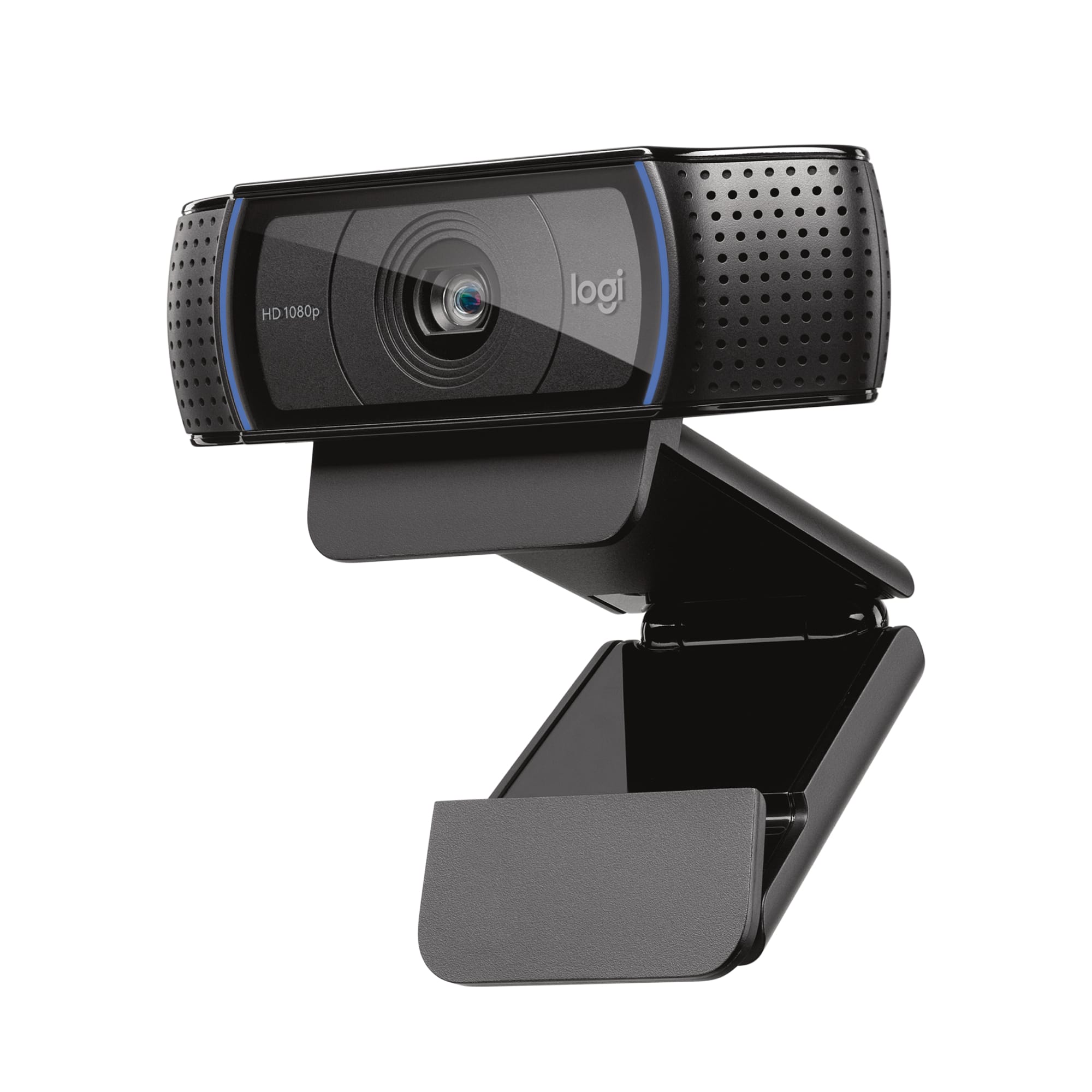
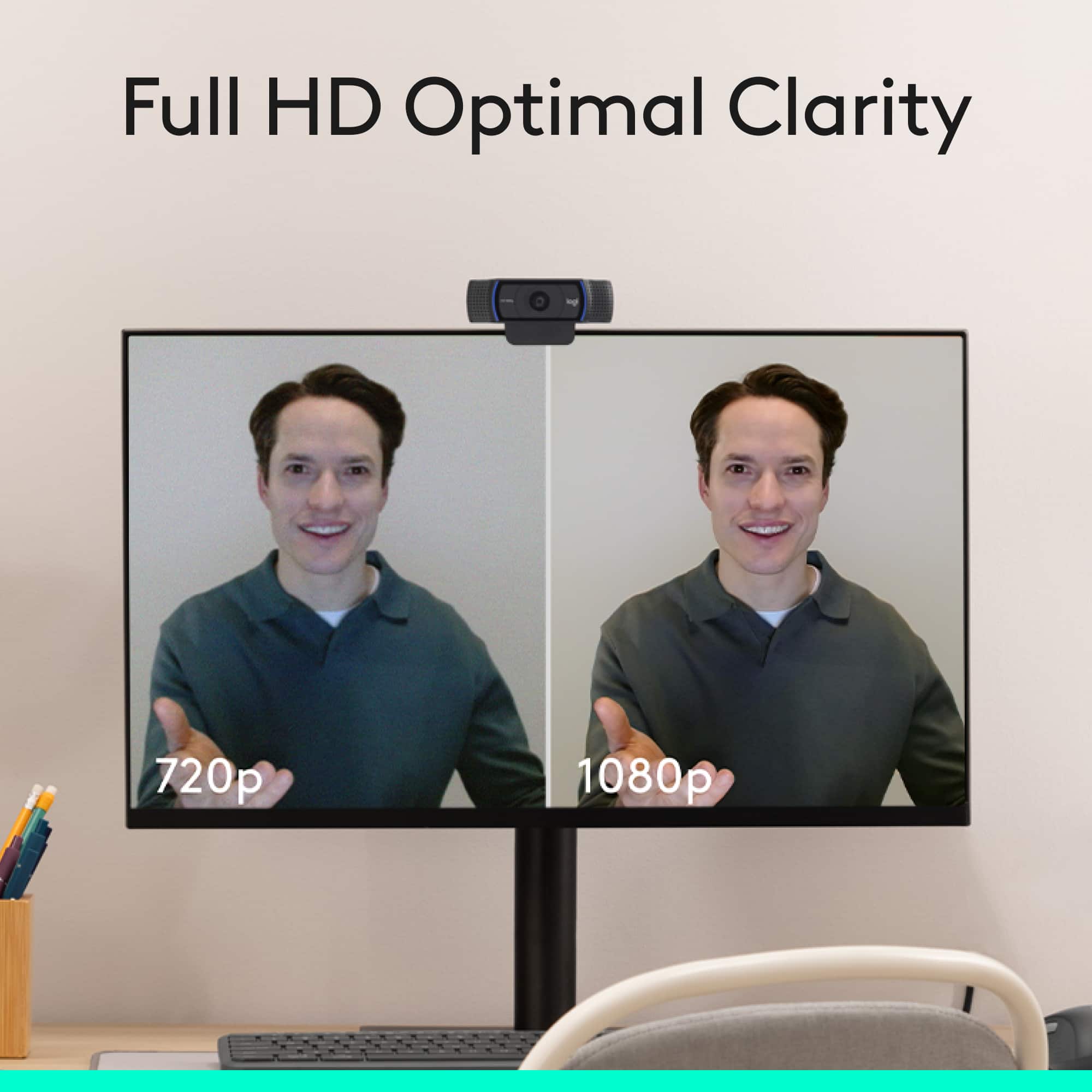
||Posted .This reviewer received promo considerations or sweepstakes entry for writing a review.I recently unboxed my Webcam and I have to admit that spending a couple of dollars was worth it. The images are shown in High Definition (HD) with complete clarity. 1080 normal output for pixels is more than sufficient to be seen.
I would recommend this to a friend Ready ready for the A I experience in 2026
||Posted . Owned for 3 weeks when reviewed.This reviewer received promo considerations or sweepstakes entry for writing a review.Love it, works great with my new desktop computer. Thanks
I would recommend this to a friendBrand response from Logitech
Posted .We’re grateful you took the time to share your thoughts. It’s wonderful to know our product is meeting your expectations.

- Pros mentioned:Overall performance
Camera/microphone
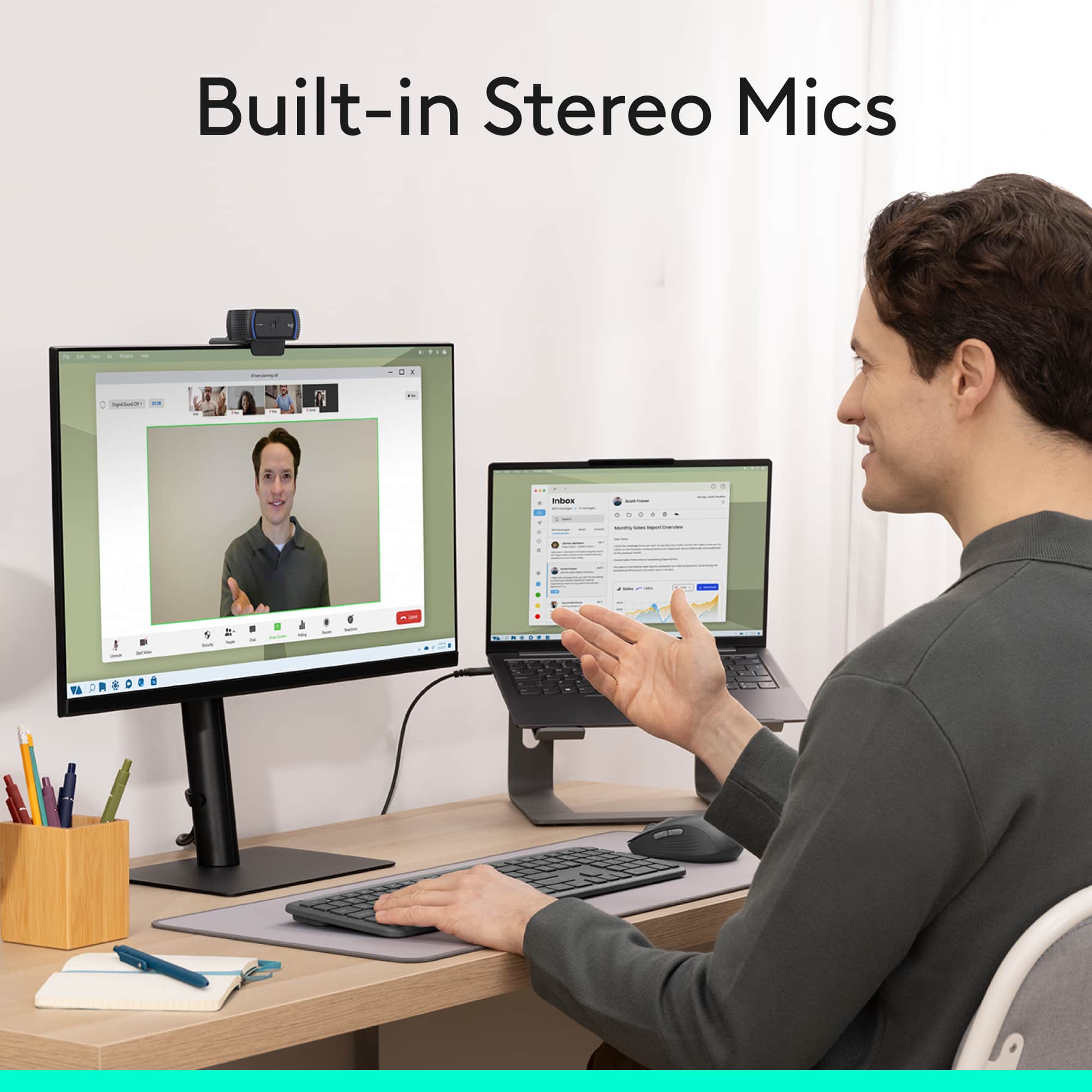
||Posted . Owned for 4 months when reviewed.This reviewer received promo considerations or sweepstakes entry for writing a review.This camera was easy to connect to the computer and the picture quality is good. There is no issues with the microphone if standing as far back as 5 feet.
I would recommend this to a friend - Pros mentioned:Overall performance
Pisture Perfect Connection
||Posted . Owned for 3 weeks when reviewed.This reviewer received promo considerations or sweepstakes entry for writing a review.Outstanding WebCam. I use it regularly for on line Church services vas well as meetings and it performs quite well. The price is excellent and the ease of installation and use is amazing. I love this product and would recommend it to everyone.
I would recommend this to a friend - Pros mentioned:Setup
its great and HD!
||Posted . Owned for 1 month when reviewed.This reviewer received promo considerations or sweepstakes entry for writing a review.Overall great camera for the price, which it had the option for USB C but I am using an adaptor and it fits perfectly on my 34 inch wide screen monitor. Easy plug and play, also works with hangouts blur background effect very well.
I would recommend this to a friend - Pros mentioned:Video quality
Clear images
||Posted . Owned for 3 weeks when reviewed.This reviewer received promo considerations or sweepstakes entry for writing a review.Fun camera works well and you can put it almost anywhere to use it. Good clear images from people I zoom with would recommend.
I would recommend this to a friendBrand response from Logitech
Posted .We appreciate you taking the time to share your feedback about the Logitech C920s Pro Webcam! It's great to hear that you're enjoying the clear image quality and versatility. If you have any questions in the future, please don't hesitate to contact us directly.
- Pros mentioned:Ease of use, Privacy feature
Good camera
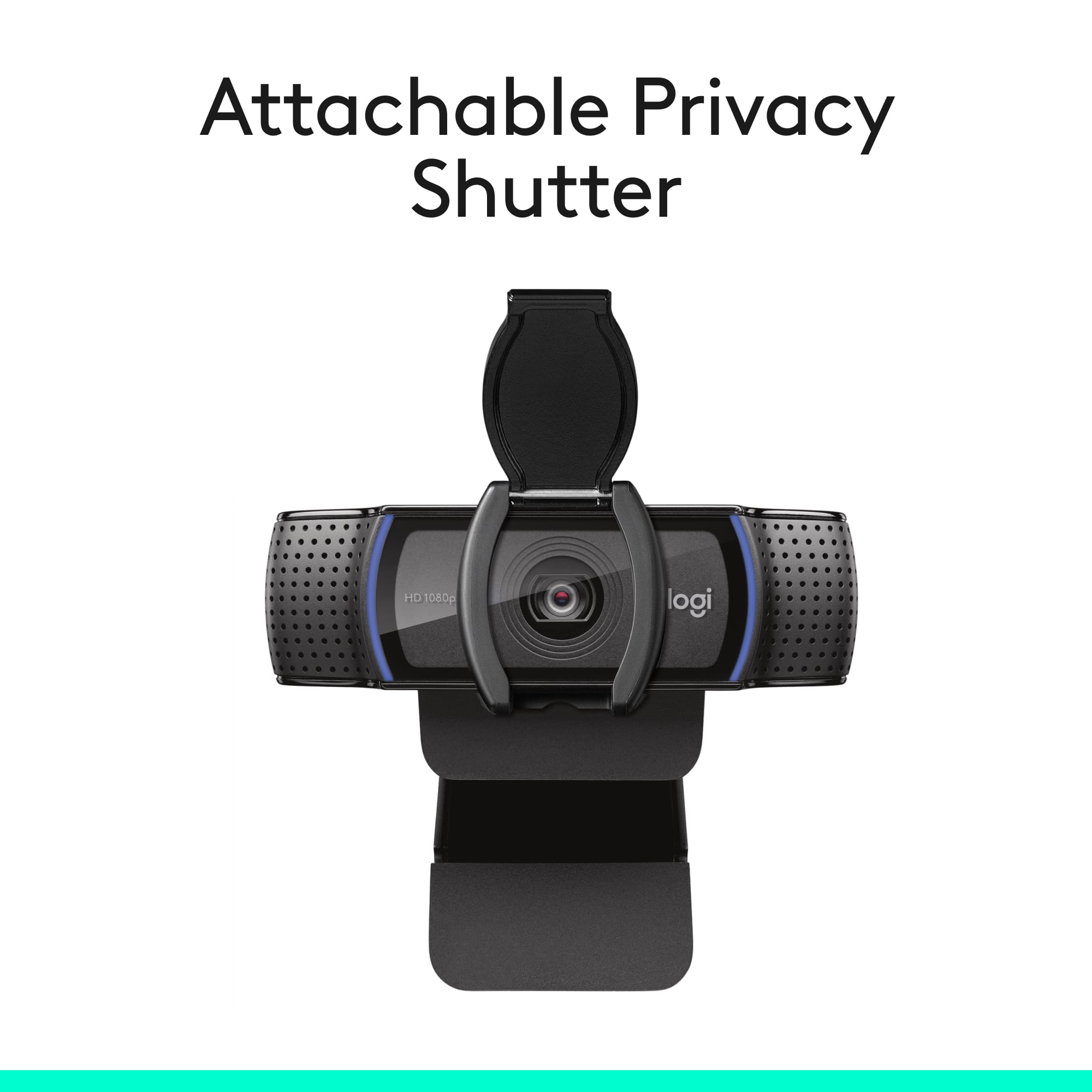
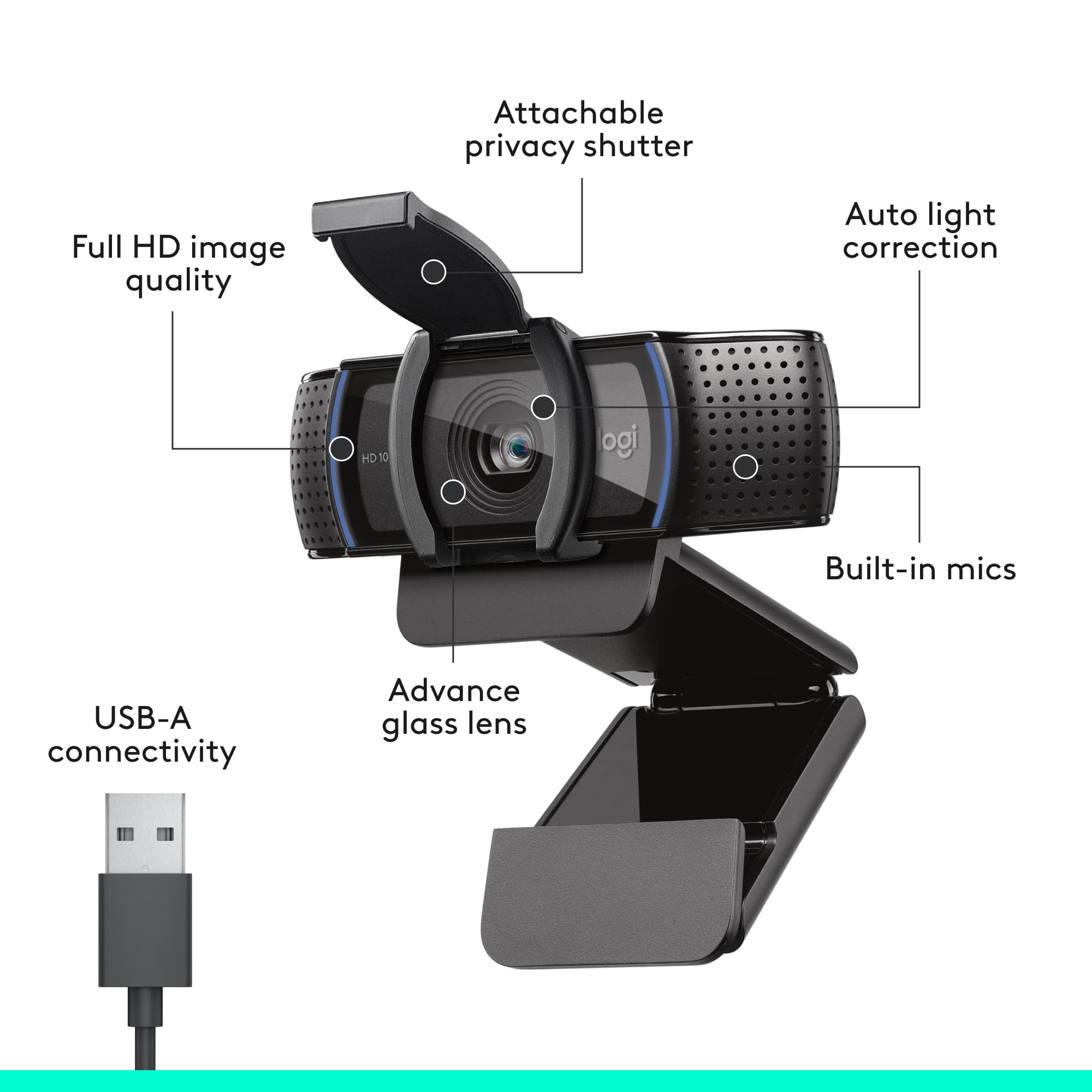
||Posted .This reviewer received promo considerations or sweepstakes entry for writing a review.Overall good camera, installs easily. Included cover is good when the camera is not in use.
I would recommend this to a friend - Pros mentioned:Overall performance
Webcam really high quality!
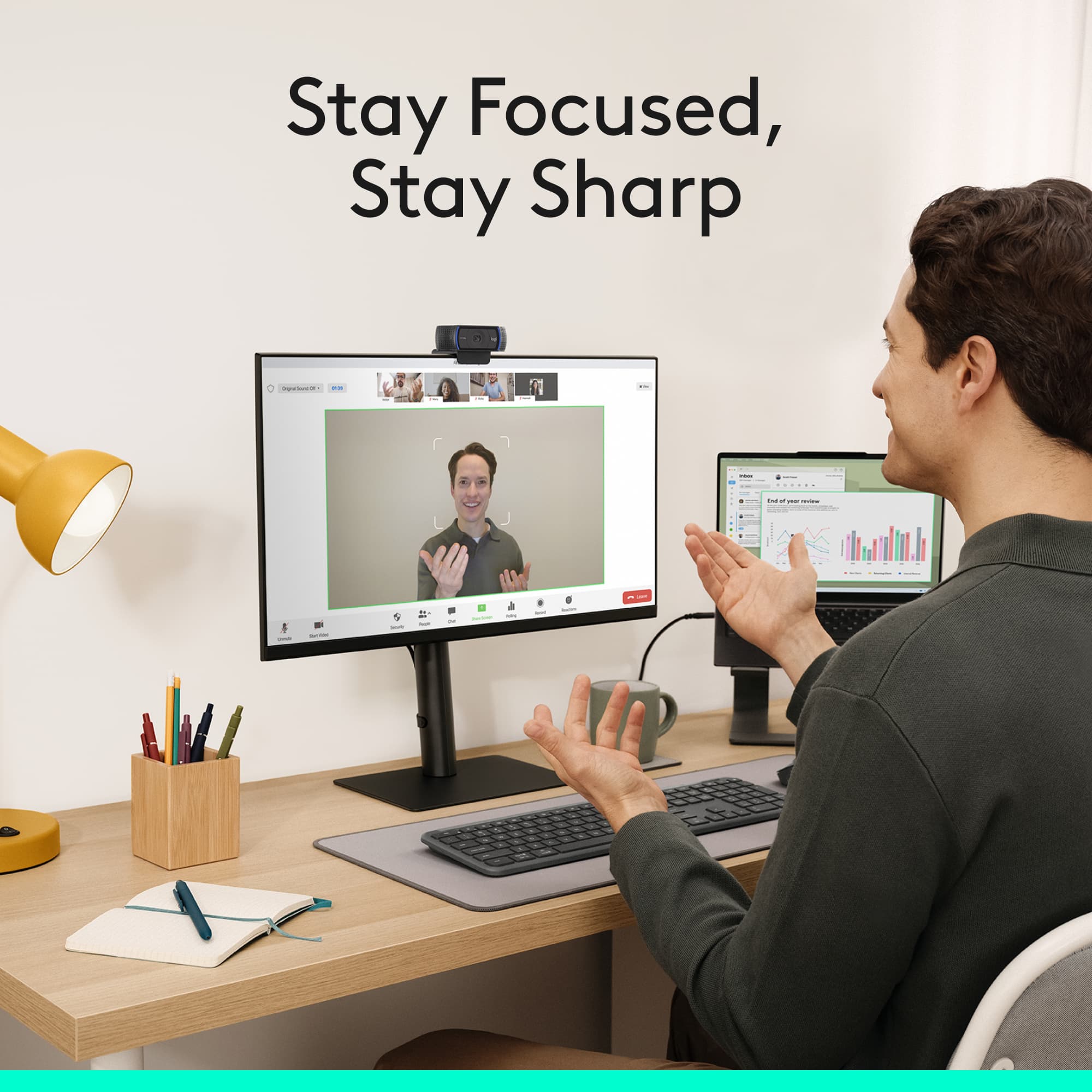
||Posted . Owned for less than 1 week when reviewed.This reviewer received promo considerations or sweepstakes entry for writing a review.I would recommend this camera! Been using this for work since I’ve bought it and the quality is really good. even the brightness adjustment, really good alternative vs my laptops built in camera
I would recommend this to a friend - Pros mentioned:Overall performance
Solid performer.
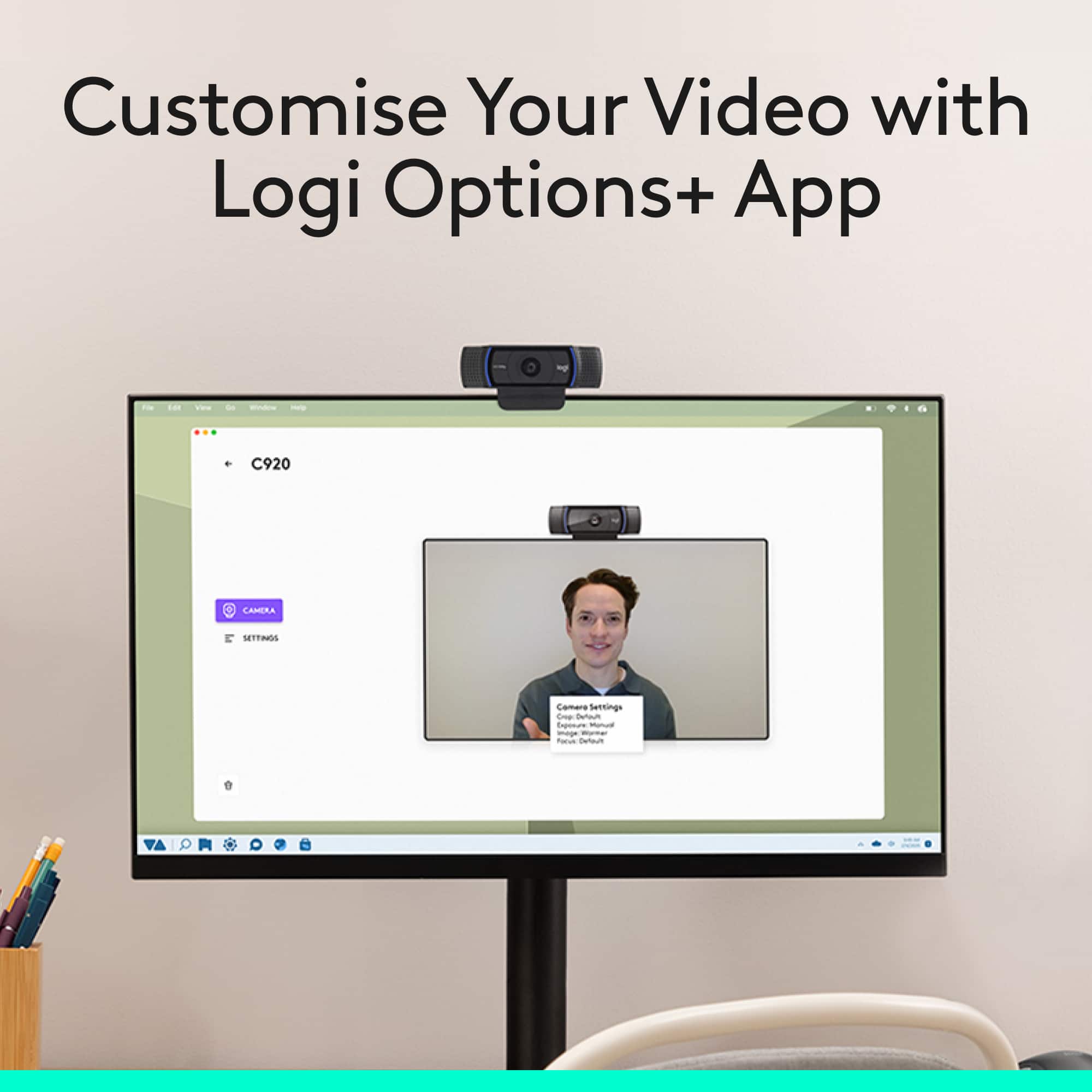
||Posted . Owned for 4 months when reviewed.This reviewer received promo considerations or sweepstakes entry for writing a review.Does the job well. The quality is good and the monitor mount and cover is top notch. It's very dependable and the available Logitech software is a good value ad.
I would recommend this to a friend - Pros mentioned:Overall performance
Good Camera, Good Price
||Posted . Owned for 3 weeks when reviewed.This reviewer received promo considerations or sweepstakes entry for writing a review.Needed a camera at the last minute & this fit the bill. Seems to work well & better than doing zoom meetings on my tablet.
I would recommend this to a friendBrand response from Logitech
Posted .The Logitech C920s webcam is a solid choice for quick video conferencing needs. It offers a noticeable improvement over tablet cameras and delivers decent video quality.
- Pros mentioned:Ease of use, Overall performance
Works well
||Posted .This reviewer received promo considerations or sweepstakes entry for writing a review.Great picture quality, simple to plug and play on a MacBookPro
I would recommend this to a friend - Pros mentioned:Overall performance
Great camera, broken on Windows 11
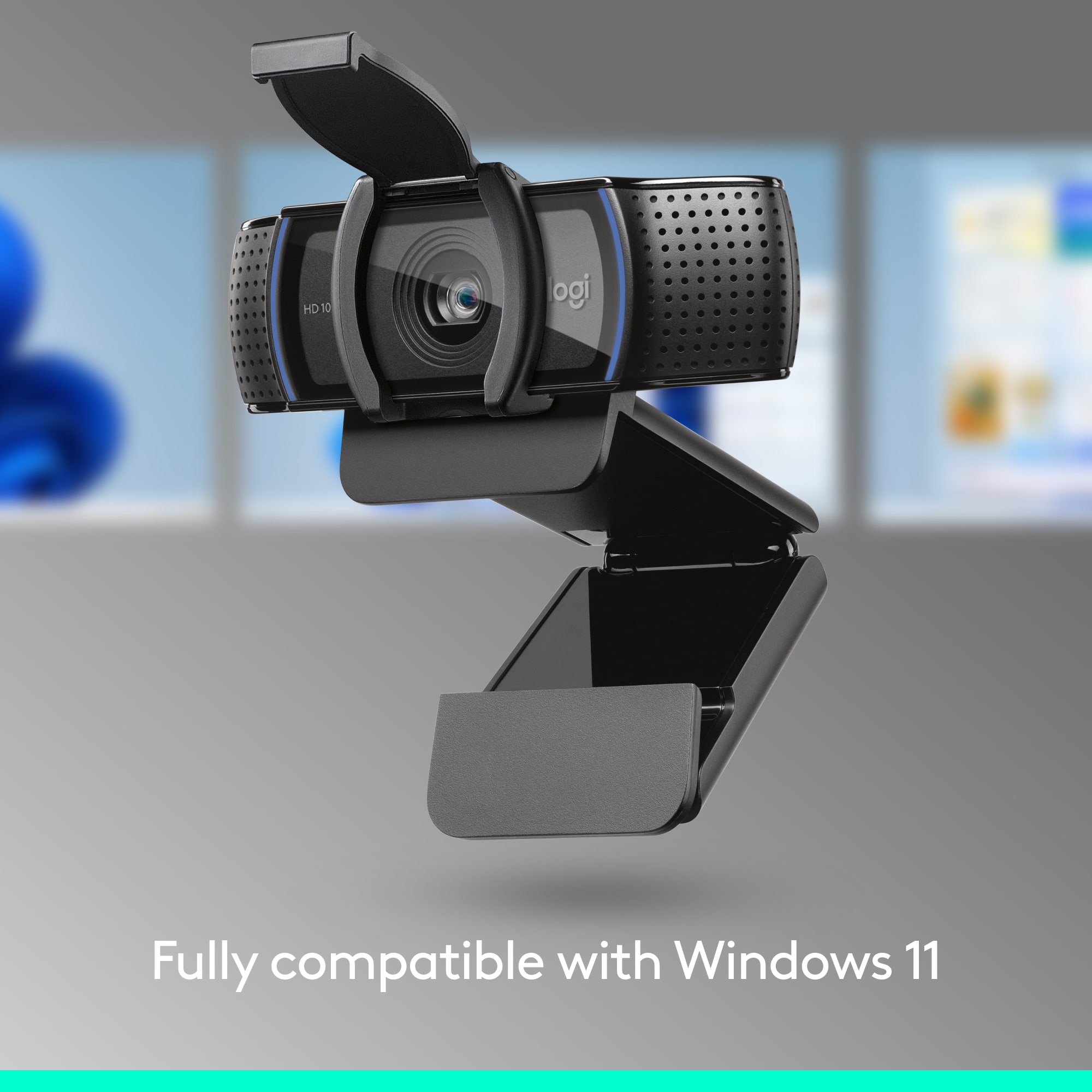
||Posted . Owned for 1 month when reviewed.This reviewer received promo considerations or sweepstakes entry for writing a review.This camera is of high quality works great on my Windows 10 PC but I bought it for my elderly FIL on his Windows 11 PC. The camera itself is great but the method for getting to work is convoluted af. I didn't want to return if I could find a fix, which is what I did. Instruction are as follows: Plug in the webcam. Enable it in Device Manager > Sound, video and game controllers. Open Windows Services. Press Win+R keys Type services.msc Press Enter or click Ok 4. Locate Windows Audio. 5. Double-click on Windows Audio to open its Properties. 6. Go to the Log On tab. 7. Select Local System account and click OK. Sound will not work on the computer with this particular setting, but we will be able at least to bring the "Windows Audio" service up, with Webcam/Mic connected. 8. Go back to Services windows. 9. Single-click on Windows Audio. 10. Click Restart on the left pane to restart the service. You should see the "Windows audio" service UP (little speaker in taskbar), and computer won't produce any sound (Again, this is normal, sound will come back after rollback later) 11. Open Windows Settings > System > Sound. 12. In the Input devices list, click the webcam mic and disable the Audio enhancement. 13. Then to re-enable Audio, open Windows Audio Properties. Refer to Steps 3, 4 and 5. 14. Select This Account. 15. Click Browse… and a Select User window will appear. 16. Select Advanced... and a new window will pop up. 17. Click Find Now. 18. Choose LOCAL SERVICE at the bottom pane and then click OK. 19. Once you're back to the Select User window and make sure LOCAL SERVICE is showing in the box field, click OK. 20. Back to the Log On tab, empty the Password and Confirm Password fields, then click OK. 21. A pop up will appear saying that the settings applied will take effect after restarting the service. Click OK. 22. To restart Windows Audio service to get the sounds back, follow Steps 3, 4, 9 and 10. This fixed it for me until they find a way to fix it with an update. Hence 2 stars. Instructions found on Reddit.
No, I would not recommend this to a friendBrand response from Logitech
Posted .Thank you for your valuable feedback. We appreciate you time and efforts. However, we will forward it as a feedback to the appropriate team so they can look into it.
- Pros mentioned:Video quality
High End quality among Webcams
||Posted . Owned for 2 months when reviewed.This reviewer received promo considerations or sweepstakes entry for writing a review.Logitech puts out excellent quality devices. In fact, I have one of these cameras for my office and home. So easy to use and the image is pristine. The tools that Logitech give you to enhance your meetings is superb. You can trust this company.
I would recommend this to a friend - Pros mentioned:Overall performance
Great Camera
||Posted . Owned for 3 weeks when reviewed.This reviewer received promo considerations or sweepstakes entry for writing a review.Great little camera. Works perfectly- sharp picture even in low light.
I would recommend this to a friendBrand response from Logitech
Posted .Thank you for your positive review of the Logitech C920s webcam! We're glad to hear that you're impressed with the image quality and performance. We appreciate you taking the time to share your experience.
- Pros mentioned:Overall performance, Setup
Streaming webcam
||Posted . Owned for 2 weeks when reviewed.This reviewer received promo considerations or sweepstakes entry for writing a review.Great quality, easy to set up. Is compatible with almost all streaming platforms for those wanting to stream
I would recommend this to a friend - Pros mentioned:Video quality
This is a good desktop webcam.
||Posted . Owned for 1 month when reviewed.This reviewer received promo considerations or sweepstakes entry for writing a review.It does the job. The camera quality is good. However, there were no instructions in the box, which I wasn't expecting. I had never set up a desktop webcam before, so I had to consult YouTube. It turned out to be pretty straightforward.
I would recommend this to a friend - Pros mentioned:Overall performance
Great purchase
||Posted . Owned for 7 months when reviewed.This reviewer received promo considerations or sweepstakes entry for writing a review.I had to upgrade both my children’s cameras due to remote learning and I loved this. Quality is amazing and I know that they will get many years of usage. Even though they’re now back in class, it’s nice to know that they have these.
I would recommend this to a friend - Pros mentioned:Video quality
HD webcam
||Posted .This reviewer received promo considerations or sweepstakes entry for writing a review.I replaced my old iMac with a new Mac mini. To provide camera capabilities for the new system I decided on this HD webcam. The video quality is excellent and the security cover is a welcome feature.
I would recommend this to a friendBrand response from Logitech
Posted .Hello, I am so glad to hear the webcam worked out for you! Thank you for being a Logitech customer and taking the time to write this review. We really appreciate it.
- Pros mentioned:Video quality
Seeing clearly
||Posted . Owned for 1 year when reviewed.This reviewer received promo considerations or sweepstakes entry for writing a review.I can see clearly now. My friends noticed the difference immediately. One even said they were getting one in the morning. Just plug and play. Great little Camera.
I would recommend this to a friend - Pros mentioned:Overall performance
Logitech Webcam
||Posted . Owned for 1 month when reviewed.This reviewer received promo considerations or sweepstakes entry for writing a review.This is by no means the newest version of webcams, but it’s perfect for my needs. I use it for company zooms. Very reasonably priced
I would recommend this to a friend