Customer Ratings & Reviews
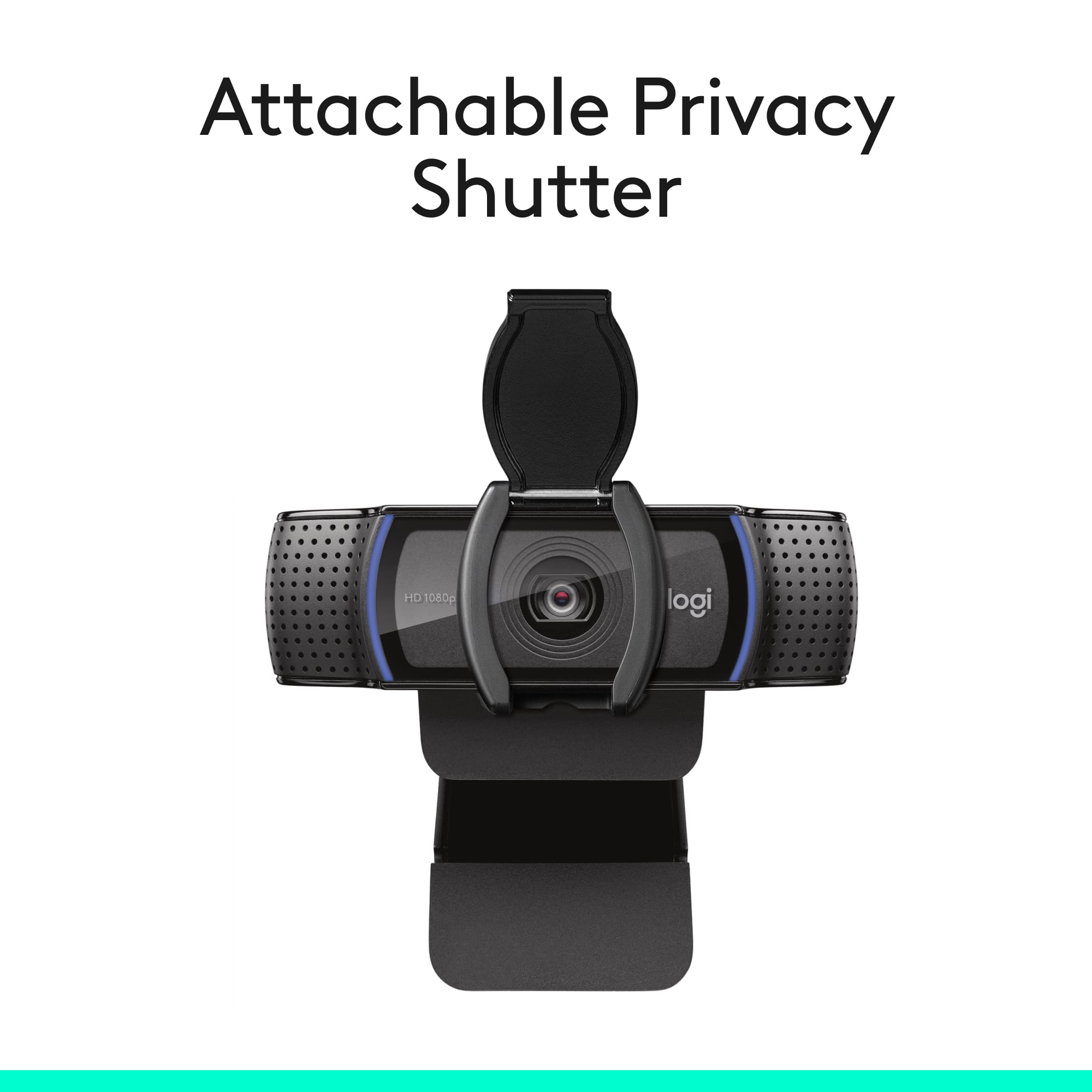
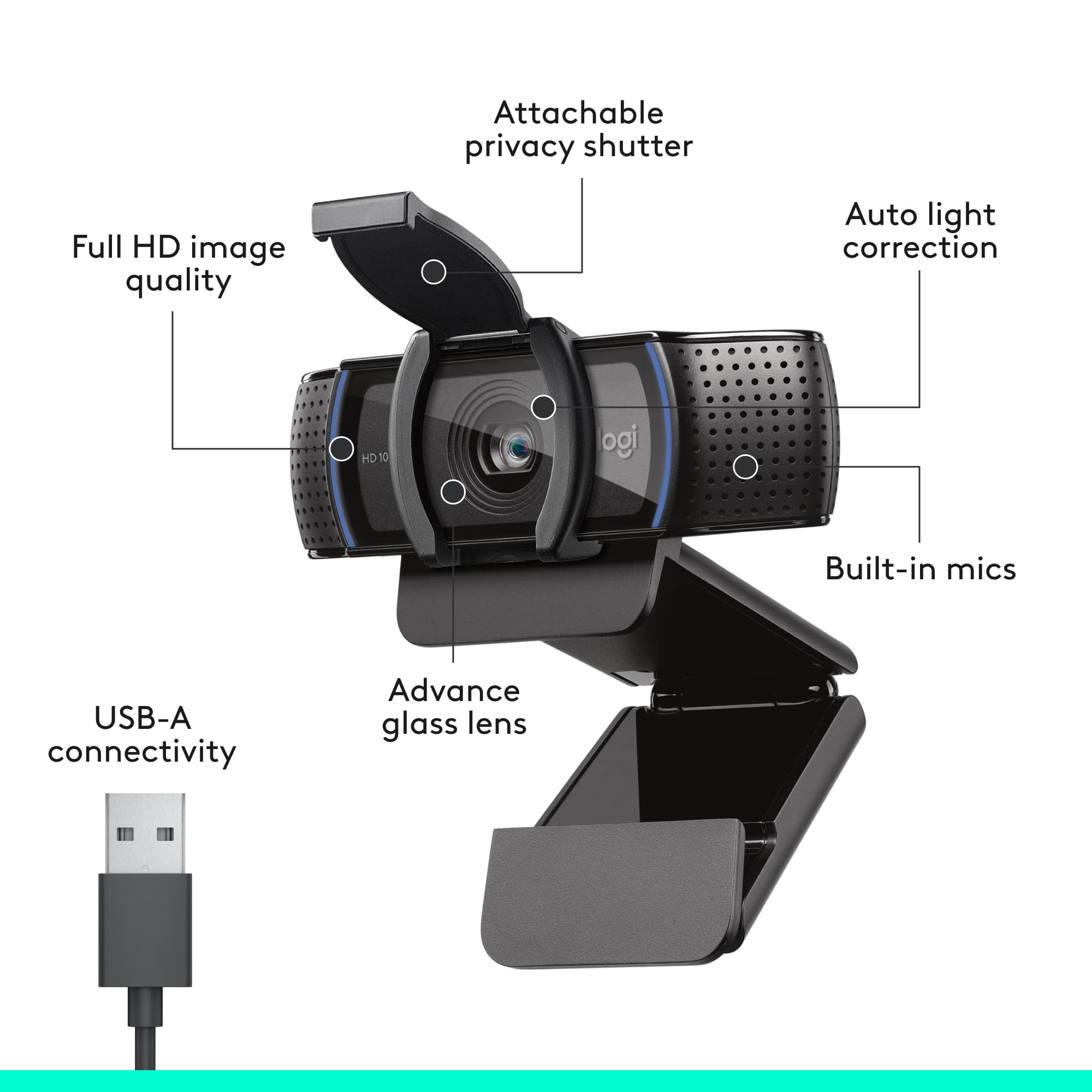
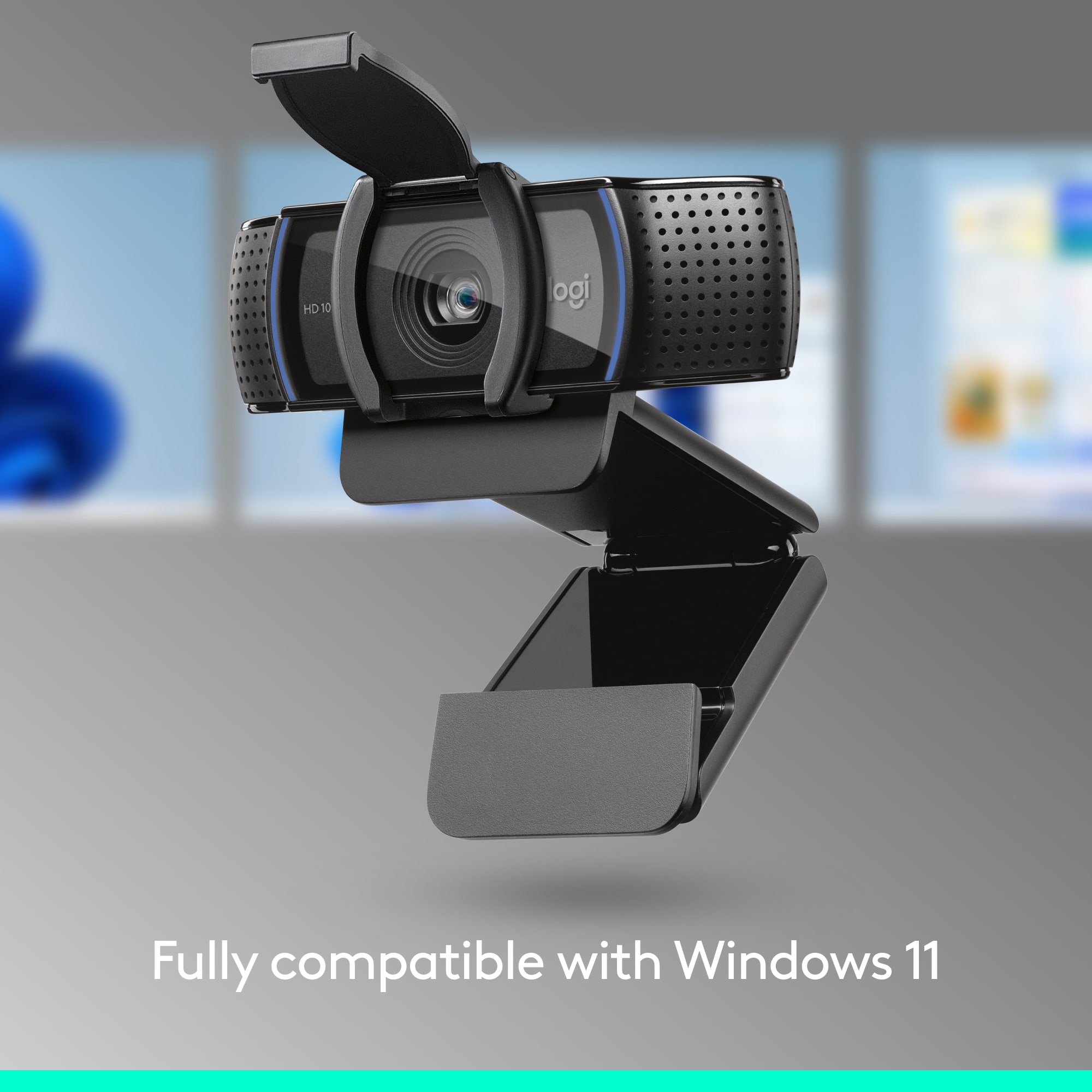

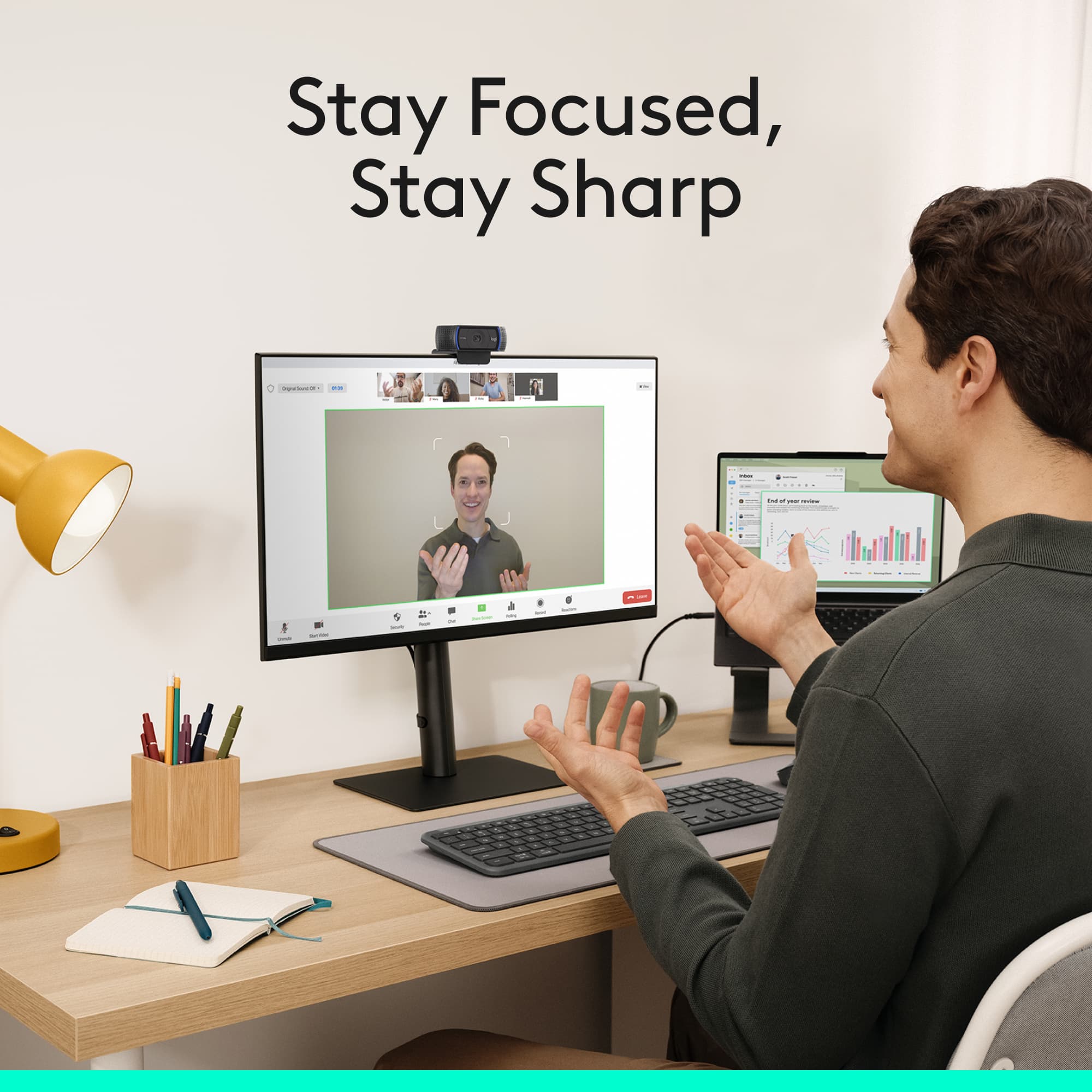


- Model:
- 960-001257
- SKU:
- 10154939
Rating by feature
- Value
Rating 4.6 out of 5 stars
- Quality
Rating 4.7 out of 5 stars
- Ease of Use
Rating 4.8 out of 5 stars
Customers are saying
Customers have good things to say about the product's excellent video quality, overall performance, and ease of use. Its straightforward setup and privacy features are also highly regarded. However, a small number of users have reported minor issues with the focus, autofocus, compatibility, cable length, and field of view.
This summary was generated by AI based on customer reviews.
- Pros mentioned:Overall performance, Setup, Video quality
Great webcam if you are new.
||Posted .This reviewer received promo considerations or sweepstakes entry for writing a review.Just bought the camera this morning and I was impressed by the clear picture quality. The microphone is decent quality so it's great for people without microphones, but thankfully I have my own. Paired together, my set up looks great! Setting up the webcam was easy to follow and took less than 2 minutes. Just install the logitech software, confirm the settings, and voila! I had everything up and running and ready for my Microsoft Teams meeting. This camera is well worth the price. I will update my review after some more use.
I would recommend this to a friendBrand response from Logitech
Posted .Hello, Alexis! I'm happy to hear that you're enjoying the C920s webcam! Feel free to reach out to our support team here https://support.logi.com/hc/en-us/requests/new?ticket_form_id=360000621393 if you ever need any assistance or if something happens in the 2-year limited hardware warranty. Thank you so much for the review and for shopping Logitech! - Maggie from Logitech
- Pros mentioned:Ease of use, Overall performance, Setup
Very nice web cam
||Posted . Owned for 3 weeks when reviewed.This reviewer received promo considerations or sweepstakes entry for writing a review.Very easy to use on MacBook Pro. Plug and play. Nice picture quality and sound
I would recommend this to a friend - Pros mentioned:Overall performance, Video quality
Great product.
||Posted . Owned for 2 weeks when reviewed.This reviewer received promo considerations or sweepstakes entry for writing a review.I got this on sale for Cyber Monday, and honestly really glad that the webcam was on sale. I do streaming on twitch, and this webcam quality is absolutely stunning for the price. Works so well with Vtuber content as well.
I would recommend this to a friendBrand response from Logitech
Posted .Thanks for the positive feedback! We’re happy to hear the product is performing well. Your support helps us keep improving.

- Pros mentioned:Ease of use, Video quality
Clear and undistorted picture
||Posted . Owned for 1 month when reviewed.This reviewer received promo considerations or sweepstakes entry for writing a review.Very easy to use. Camera doesn't distort and the picture is clear. Happy with this product.
I would recommend this to a friendBrand response from Logitech
Posted .Thanks for the thoughtful review! We’re glad to hear our product is delivering the quality and convenience you were looking for. Your feedback helps us keep improving, and we’re grateful for your trust in Logitech.
- Pros mentioned:Ease of use, Overall performance
Great conferencing webcam
||Posted . Owned for 1 year when reviewed.This reviewer received promo considerations or sweepstakes entry for writing a review.This is an excellent conferencing webcam. I purchased one and then another due to quality and easy use.
I would recommend this to a friendBrand response from Logitech
Posted .Thank you so much for sharing your experience with the Logitech C920s Pro! We truly appreciate your feedback and are delighted to know the quality and ease of use inspired you to purchase another one. Your support means a lot to us.
- Pros mentioned:Privacy feature, Video quality
Still a winner
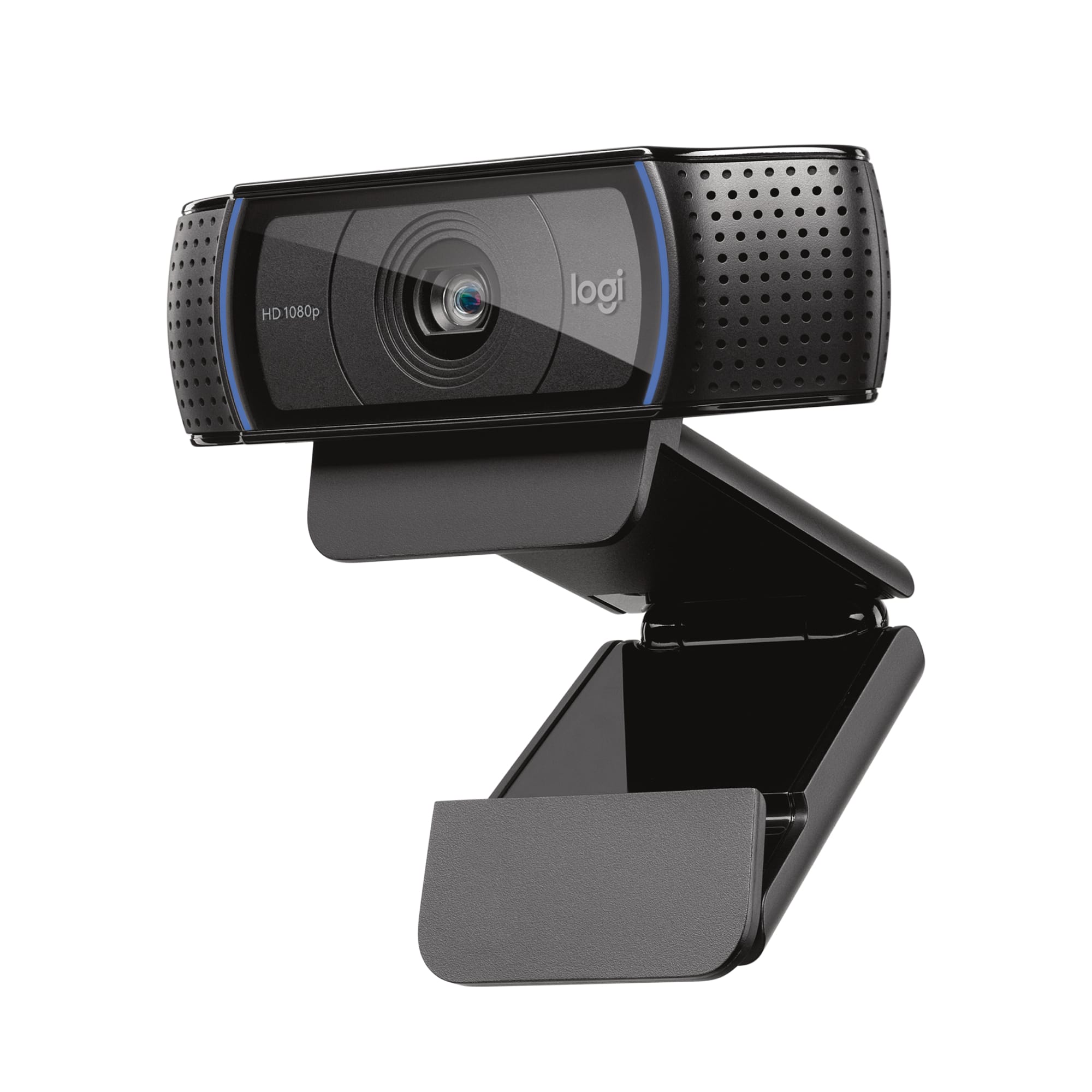
||Posted . Owned for 1 month when reviewed.This reviewer received promo considerations or sweepstakes entry for writing a review.You generally can't go wrong with a Logitech webcam. They've been making them for decades, so they know a thing or two. Even though this particular model first came out almost 10 years ago, it's still a contender in the webcam space. The price point is on the low to medium scale, and the results you get are worth it. It gives good video with an ideal FOV (78 degrees) for your typical use case (individual user). If you're looking for something to capture a larger area, you'll need to move to something like their C930, which has a 90 degree FOV. This camera is going to outperform almost any built-in laptop webcam. It tends to work well even in lower light situations. The physical privacy shutter is also a nice touch for people that may be used to using a Post-It note or tape. The downloadable Logitech Capture software open up another world of possibilities, especially if you wish you use the camera for streaming (although I do not). You can easily create a picture-in-picture video using the webcam and your desktop with the ability to customize the position and size of the sources. This creates a new virtual webcam that can then be used as the input webcam selection in any other software you choose for streaming. There are also many quality adjust available, such as software-based zooming, white balance, filters, and other manual image tweaks. It even supports blue and green screen chroma key removal. All in all, if you're looking for a quick and easy to use webcam or just want something that's a step up from your laptop's built-in camera, you can't go wrong with this one.
I would recommend this to a friend - Pros mentioned:Ease of use, Video quality
Good one
||Posted . Owned for 1.5 years when reviewed.This reviewer received promo considerations or sweepstakes entry for writing a review.Nice one with good quality and it is simple and clear
I would recommend this to a friendBrand response from Logitech
Posted .We’re really grateful for your thoughtful review. It’s wonderful to know that our product is delivering the performance and ease of use you were hoping for. Hearing from satisfied users like you keeps us motivated. Thanks for choosing Logitech!
- Pros mentioned:Video quality
Streamer mando
||Posted . Owned for 1 month when reviewed.This reviewer received promo considerations or sweepstakes entry for writing a review.I like the clarity I get when I record but the thing that killed it for me is the bottom part used for it to stick to the monitor. I don’t know if it’s because I have a curved monitor but I wish it had more traction when I placed it on top for it to stick. It will stay on there good but will easily fall off or move if I happen to be opening my curtains they’ll knock it off. Other than that the mic works great and it was a fair price. I use it to record myself when I stream and it comes in really clear and sound is crisp.
I would recommend this to a friendBrand response from Logitech
Posted .We’re happy to hear the clarity and sound quality meet your needs, though we understand the frustration with monitor placement. Your feedback about traction on curved monitors is valuable and will be considered for future design improvements.
- Pros mentioned:Ease of use
Great Office Addon
||Posted . Owned for less than 1 week when reviewed.This reviewer received promo considerations or sweepstakes entry for writing a review.This camera has assisted in making my life so much easier and a great accessory for my office fit right on top of my screen easy to load and operate with absolutely no issues
I would recommend this to a friendBrand response from Logitech
Posted .Thanks for taking the time to share your experience. We’re delighted the product is working well for you. Your feedback means a lot.
- Pros mentioned:Overall performance, Video quality
Good camera
||Posted . Owned for 3 weeks when reviewed.This reviewer received promo considerations or sweepstakes entry for writing a review.Very Nice 1080p Camera good for price, does the job well, havent had issues, adjustable and able to mount on top of monitors
I would recommend this to a friendBrand response from Logitech
Posted .Thanks for your thoughtful words! We’re proud to know our product is working well for you. Your support means everything.
- Pros mentioned:Ease of use, Overall performance, Privacy feature
Excellent and easy to set up and begin using!
||Posted . Owned for less than 1 week when reviewed.This reviewer received promo considerations or sweepstakes entry for writing a review.Excellent easy to set up Webcam and the privacy shutter is always a nice feature to have included. I have never been disappointed with any of the Logitech products that I have used over the years as they made with great quality and perform how they are made to do! I would say this one is a mid-range webcam, not the least expensive and not the most expensive but great quality for the price!
I would recommend this to a friend - Pros mentioned:Overall performance, Setup, Video quality
Great camera that sets up easily
||Posted . Owned for less than 1 week when reviewed.This reviewer received promo considerations or sweepstakes entry for writing a review.I purchased the Logitech C920S HD Webcam for my office, because I already had one at home. It was plug and play, ready to go in less than five minutes. I plugged it into a USB port, and Windows found the camera and set it up automatically. I did a test Zoom meeting and the sound and picture were fine. Can't say anything bad about this purchase, as the camera was on sale at Best Buy for $59. A great buy.
I would recommend this to a friend - Pros mentioned:Privacy feature, Video quality
Great picture, privacy shutter optional/removable.
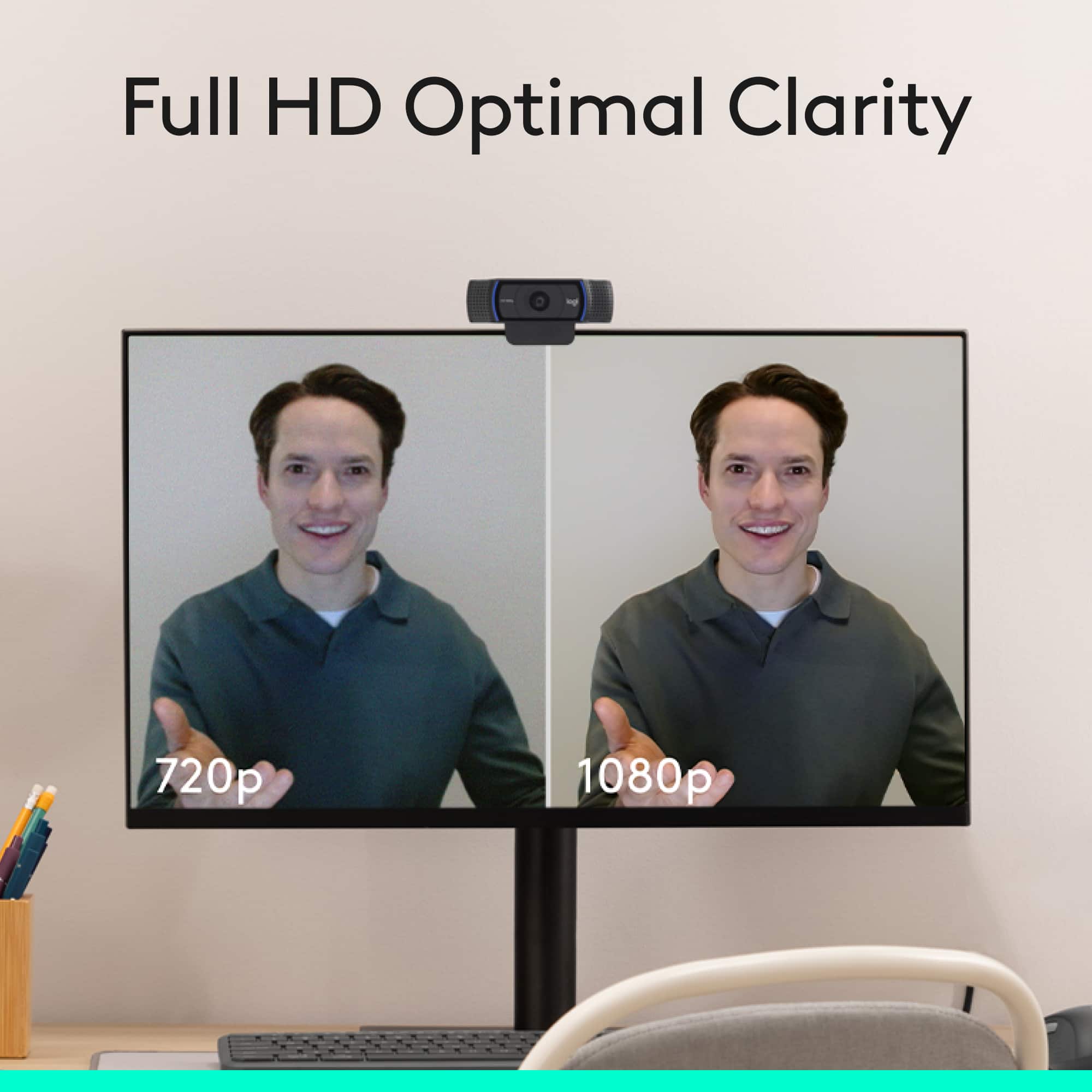
||Posted . Owned for 1 week when reviewed.This reviewer received promo considerations or sweepstakes entry for writing a review.For years I have been buying the more expensive Logitech C922 Pro Stream webcam, which includes a tripod but otherwise looks similar to this C920s, and with similar specifications. I never liked the look of this one, because of the privacy shutter. Of course some would buy it precisely to get the privacy shutter, but to me that is an extra complication and unnecessary. This time I bought a C920s because it was more readily available and cheaper and I needed it quick... and it turns out the privacy shutter is *optional*. Out of the box this looks exactly like a C922, but without the tripod, and including a *snap-on* optional privacy shutter in the box. Now that I know that the privacy shutter is not always going to be in the way, unless you want to install it... I will probably just buy this C920s in the future--not only is it cheaper, but I've never once used the tripod that comes with the C922. The picture is very good, a full 1080p picture with good resolution and color, a worthy step up from the entry level and midrange Logitech webcams that are 720p at best.
I would recommend this to a friend - Pros mentioned:Privacy feature, Video quality
Sharp Video, Clear Audio — A Streaming Staple
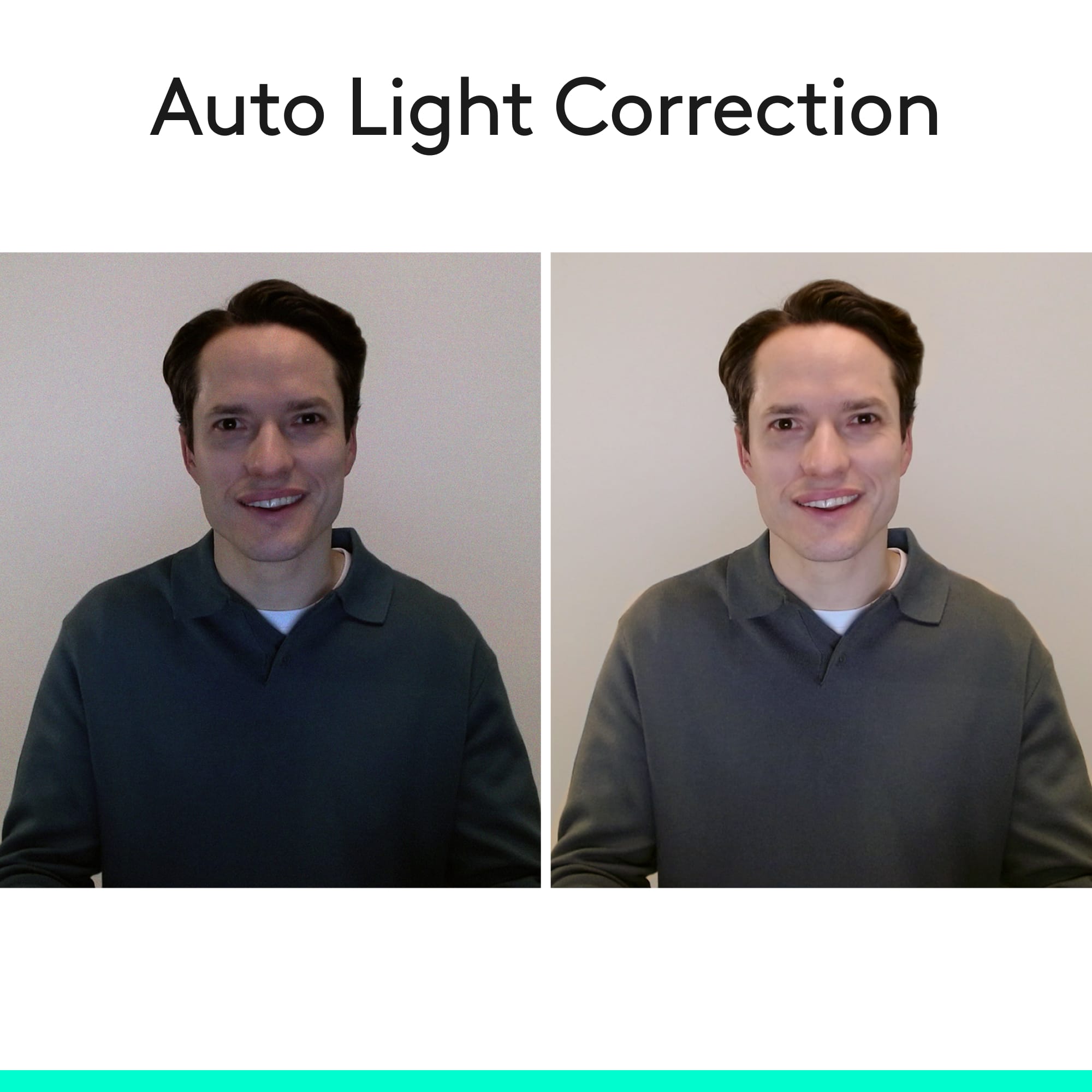
||Posted .This reviewer received promo considerations or sweepstakes entry for writing a review.I’ve used this webcam for meetings and occasional streaming. Video quality is sharp and well-lit even in average room lighting. The included privacy shutter is a nice touch. Audio pickup is decent, though not as good as a dedicated mic. Colors can lean slightly cool out of the box, but adjusting settings in software fixes it. Bottom line: One of the most dependable webcams for the price. Great for remote work or starting out in streaming.
I would recommend this to a friendBrand response from Logitech
Posted .Thanks for your feedback! We’re glad you like the Logitech - C920s Pro Webcam, and we appreciate your input to help us get even better
- Pros mentioned:Privacy feature, Setup, Video quality
Just what I needed.
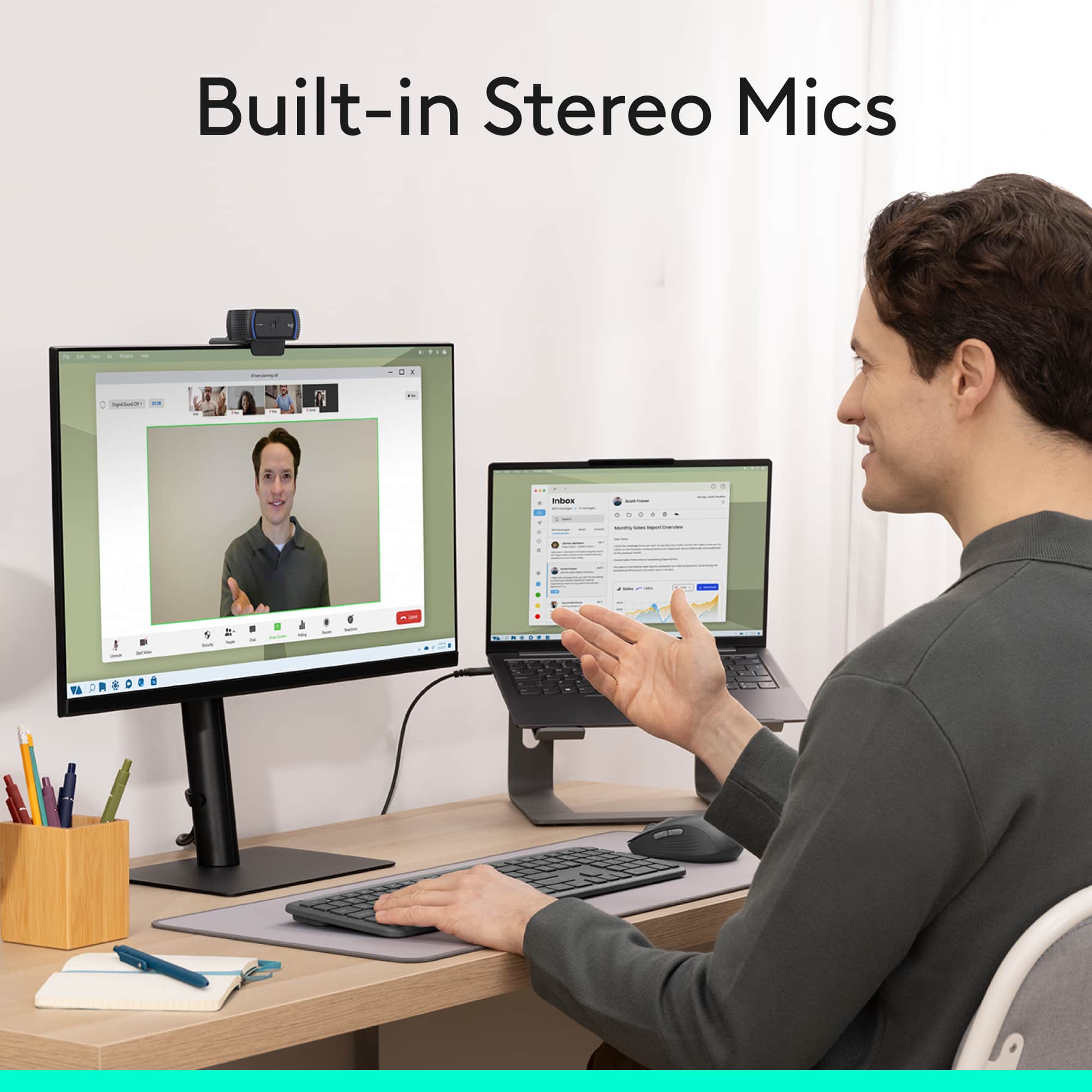
||Posted . Owned for 3 weeks when reviewed.This reviewer received promo considerations or sweepstakes entry for writing a review.I recently purchased a 2nd (larger) monitor to use with my MacBook Pro. Part of the reason was to have a bigger monitor to use with Zoom calls. Then, I realized I needed a webcam for the monitor. After researching a lot, I found this one. I like that it has a built in mic and has a privacy cover. It was very easy to just plug and play (plugged into my MacBook using an adapter). No issues at all with sound or video quality.
I would recommend this to a friend - Pros mentioned:Privacy feature, Setup, Video quality
This camera is for you
||Posted . Owned for 1 month when reviewed.This reviewer received promo considerations or sweepstakes entry for writing a review.Excellent web camera! Got tired of having to undock my laptop every time I needed to join a zoom. This allows me to continue to use my multiple monitors, and still join video calls. Set up was a breeze as it connected automatically. The audio is excellent, and the privacy shutter is a nice feature to prevent video when I don't need it (if I forgot to "stop video" within the app). All around great camera at a great price.
I would recommend this to a friend - Pros mentioned:Ease of use, Overall performance, Privacy feature
good webcam
||Posted .This reviewer received promo considerations or sweepstakes entry for writing a review.good camera. easy to use. good quality. I like the built in locking flap for privacy.
I would recommend this to a friend - Pros mentioned:Video qualityCons mentioned:Field of view
The minimum standard to compare any webcam
||Posted . Owned for 2 months when reviewed.This reviewer received promo considerations or sweepstakes entry for writing a review.The classic webcam, Logitech's C920. I'm not sure, but this might be the most popular webcam ever sold. With COVID-premiums coming down, this is an excellent performance-value balance. Field of view is 78 degrees, great for many but I've since migrated to 90 degree cameras, or even true video cameras (with USB adapters) with wider views again. After a while, you might find the 78 degrees limiting unless you're primarily just pointing it at yourself within 3-4 feet. These are also auto-focus, a basic but essential feature I think, and not all cameras have that yet. I don't really need the 1x digital zoom, but if you do, this camera is falling behind some newer Logitech models which can zoom-in considerably more. The image quality is very good in most light, but while its spec sheet says "low light to sunlight", you should not expect amazing performance in a dark room. You will be relying on light shining off of you from your computer screen, and it doesn't do a great job with the camera these true low-light scenarios. There is a 1/4" thread for tripod mounting, which may not be needed for most, but nice to have that option, depending upon how you mount camera. If using two monitors, for example, you'll find the clip-on clamp sets the camera to point at the angle & tilt of the monitor which is often not ideal. You have to move yourself in your chair, but then find your background no longer lines-up. Tripods get around this, hence you might eventually need that tripod thread. Overall, still a great camera, but look at the spec sheets for other C9xx cameras if you're thinking of investing in a camera for today and for the future. There are other features the C920 doesn't have which are starting to make this model ever-so-slightly dated compared to peers like the C925e, C930, Brio, and 4K. They cost more, and may not be worth it for everyone, but they are all generally better too.
I would recommend this to a friendBrand response from Logitech
Posted .Hi JohnW, we're glad to see you're enjoying the easy and great video quality of the C920s Webcam! Continue to enjoy!
- Pros mentioned:Video quality
Crystal-Clear Video and Excellent Value!
||Posted .This reviewer received promo considerations or sweepstakes entry for writing a review.I’ve been using the Logitech C920s Pro HD Webcam for a few months now, and it’s honestly fantastic. The 1080p video quality is super sharp and vibrant, even in lower light, and the autofocus keeps everything clear without me needing to adjust anything. It’s perfect for video calls, streaming, or online meetings — everyone immediately noticed how much better my camera quality looked! The dual microphones pick up my voice clearly and naturally, and the privacy shutter is a great touch for peace of mind when the camera’s not in use. Setup was effortless — literally plug and play, and it worked instantly with Zoom, Teams, and OBS. Overall, this webcam delivers pro-level performance at a great price. If you’re working from home, streaming, or just want to look your best on camera, the Logitech C920s Pro is an easy recommendation.
I would recommend this to a friendBrand response from Logitech
Posted .We’re really grateful for your thoughtful review. It’s wonderful to know that our product is delivering the performance and ease of use you were hoping for. Hearing from satisfied users like you keeps us motivated. Thanks for choosing Logitech!
- Pros mentioned:Ease of use, Overall performance, Setup
Good camera
||Posted . Owned for 1 month when reviewed.This reviewer received promo considerations or sweepstakes entry for writing a review.Easy to set up, easy to use, nice picture and sound.
I would recommend this to a friend