Customer Ratings & Reviews
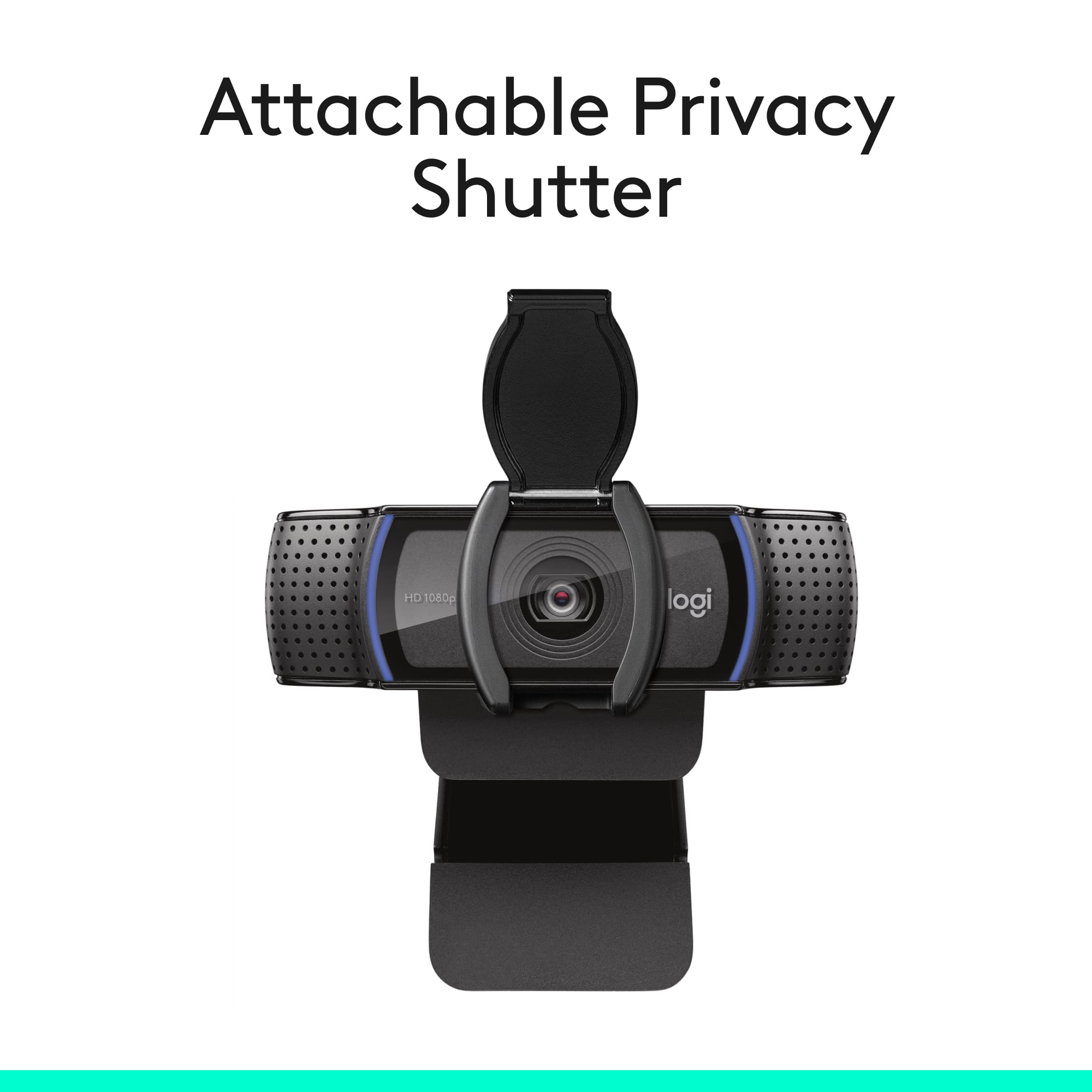


- Model:
- 960-001257
- SKU:
- 10735490
Rating by feature
- Value
Rating 4.6 out of 5 stars
- Quality
Rating 4.7 out of 5 stars
- Ease of Use
Rating 4.8 out of 5 stars
Customers are saying
Customers find value in the excellent video quality and overall performance of the product. Many users also appreciate the smooth setup, ease of use, and privacy features. However, some customers have experienced issues with the focus and autofocus capabilities. Minor concerns were also noted regarding compatibility, cable length, and the field of view.
This summary was generated by AI based on customer reviews.
Great camera
||Posted . Owned for 1 month when reviewed.This reviewer received promo considerations or sweepstakes entry for writing a review.Love this adjustable camera. The Logitech software is not necessary, just plug it and it should work with Zoom and Microsoft Teams. The cover is really helpful.
I would recommend this to a friendGreat Camera for Price
||Posted . Owned for 2 weeks when reviewed.This reviewer received promo considerations or sweepstakes entry for writing a review.great camera - in focus always compared to others.
I would recommend this to a friendBrand response from Logitech
Posted .Seems like Logitech C920s Pro has been your perfect choice. Glad you're enjoying the product. Thank you so much for the review.
Good cam but not for streaming.
||Posted . Owned for 1 month when reviewed.This reviewer received promo considerations or sweepstakes entry for writing a review.Works well for Skype and video chat. It has low resolution and Frame drop trying to stream. I would spend the extra money if you want to stream on YouTube or Twitch. But still a decent cam to talk with family on Skype.
I would recommend this to a friendWorks great for Video Conferencing
||Posted . Owned for 3 weeks when reviewed.This reviewer received promo considerations or sweepstakes entry for writing a review.Works Great for Video Conferencing. Plays nice with VMware
I would recommend this to a friend- Cons mentioned:Autofocus
Almost perfect
||Posted . Owned for 1.5 years when reviewed.This reviewer received promo considerations or sweepstakes entry for writing a review.I use this for work a lot, and most of the time it is great. At times the autofocus messes up though.
I would recommend this to a friend It’s amazing
||Posted . Owned for 3 weeks when reviewed.This reviewer received promo considerations or sweepstakes entry for writing a review.Amazing I recommend it but sometimes on Omegle it can blur a lot
I would recommend this to a friend- Pros mentioned:Video quality
Reasonable cost, A/V quality, & easy install
||Posted . Owned for 3 weeks when reviewed.This reviewer received promo considerations or sweepstakes entry for writing a review.This just might be the camera for you if you don't need full-flown 4K video resolution! Privacy Shutter, decent A/V quality to meet most everyone's needs
I would recommend this to a friend Glitched way too much for streaming!
||Posted . Owned for 3 weeks when reviewed.This reviewer received promo considerations or sweepstakes entry for writing a review.Honestly, super disappointed with how this camera performed for me. It was fine for recording but as soon as I tried to live stream, no matter the platform, it had the WORST unfixable glitch and no matter how many videos I watched, I could not figure out how to fix it and I'm pretty technically savvy... Great quality but did not work for what I primarily need it for.
No, I would not recommend this to a friendBrand response from Logitech
Posted .That's disappointing to hear! In order to assist you effectively, please provide your information to our support team by emailing socialcare@logitech.com. Name – Email address – Country – Product name – Brief description of the issue –
Value for money
||Posted . Owned for 1 month when reviewed.This reviewer received promo considerations or sweepstakes entry for writing a review.It’s value for money. Sometimes mic quality is not good. I’m using with TV.
I would recommend this to a friend- Pros mentioned:Overall performance, Setup, Video quality

Great Picture and Sound!
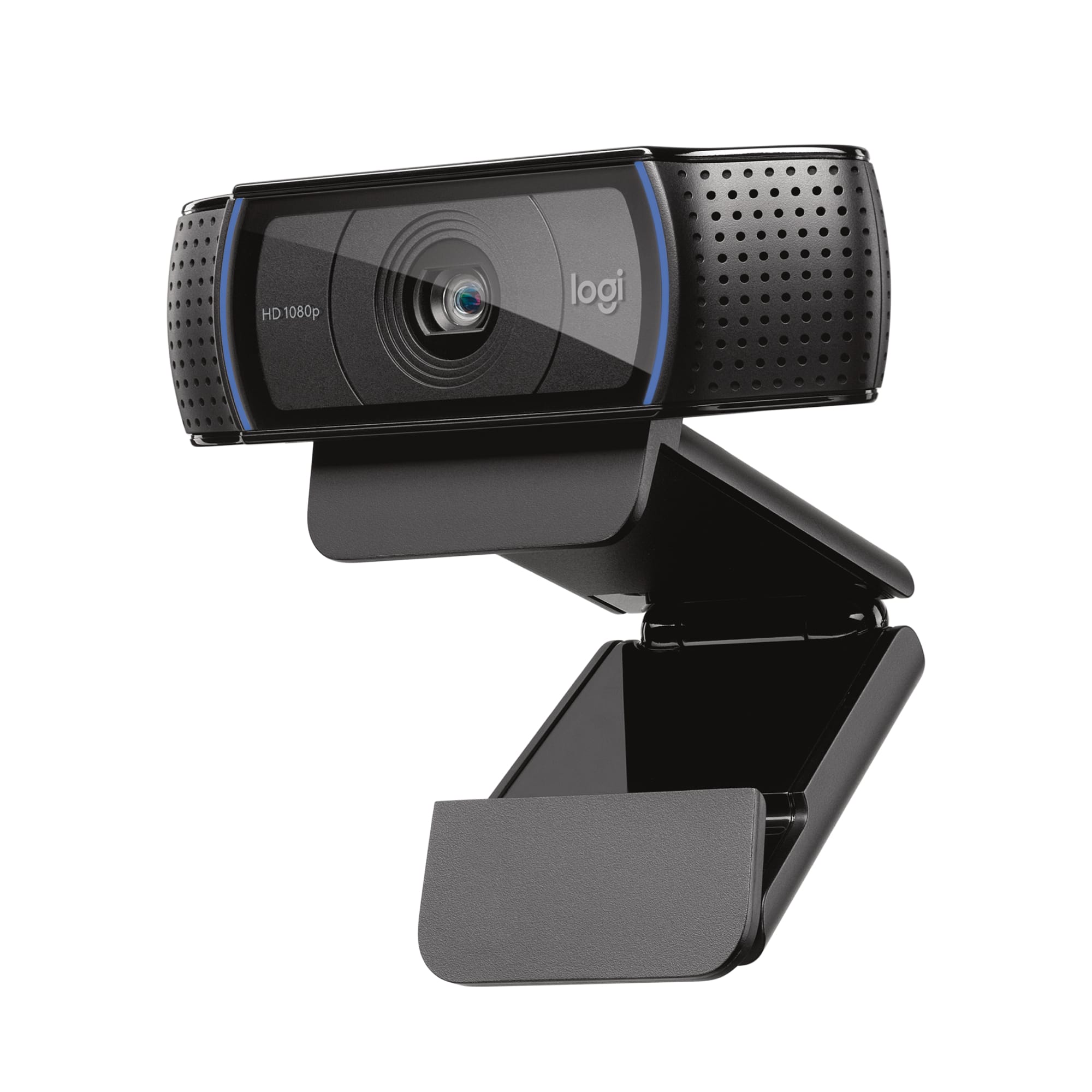
|Posted .This reviewer received promo considerations or sweepstakes entry for writing a review.I use a webcam almost daily for my webex business meetings, so I was really excited to try out the Logitech HD Pro C920. It was a super easy play-n-play setup, Windows 10 detected it immediately. I downloaded the Logitech Capture software - which you can use to make videos - and even have picture in picture capabilities! I used the C920 and one of my displays, but you could use another camera too for a second angle! Overall - very impressed with the picture quality on Webex - my coworkers liked it too. The sounds it definitely better than my other web cams, but if you want great sound, you'll use a dedicated microphone. This camera has the ability to shoot/stream 1080p video with a framerate of 30 fps with no reduction - which sets this camera apart from most others. Another thing I love is the stand. Might seem funny - but you can set it on something, it attaches to any monitor with ease - really nice. Good job Logitech. It allows the camera to tilt while connected too!
I would recommend this to a friend - Pros mentioned:Setup, Video quality
Great Streamer Cam
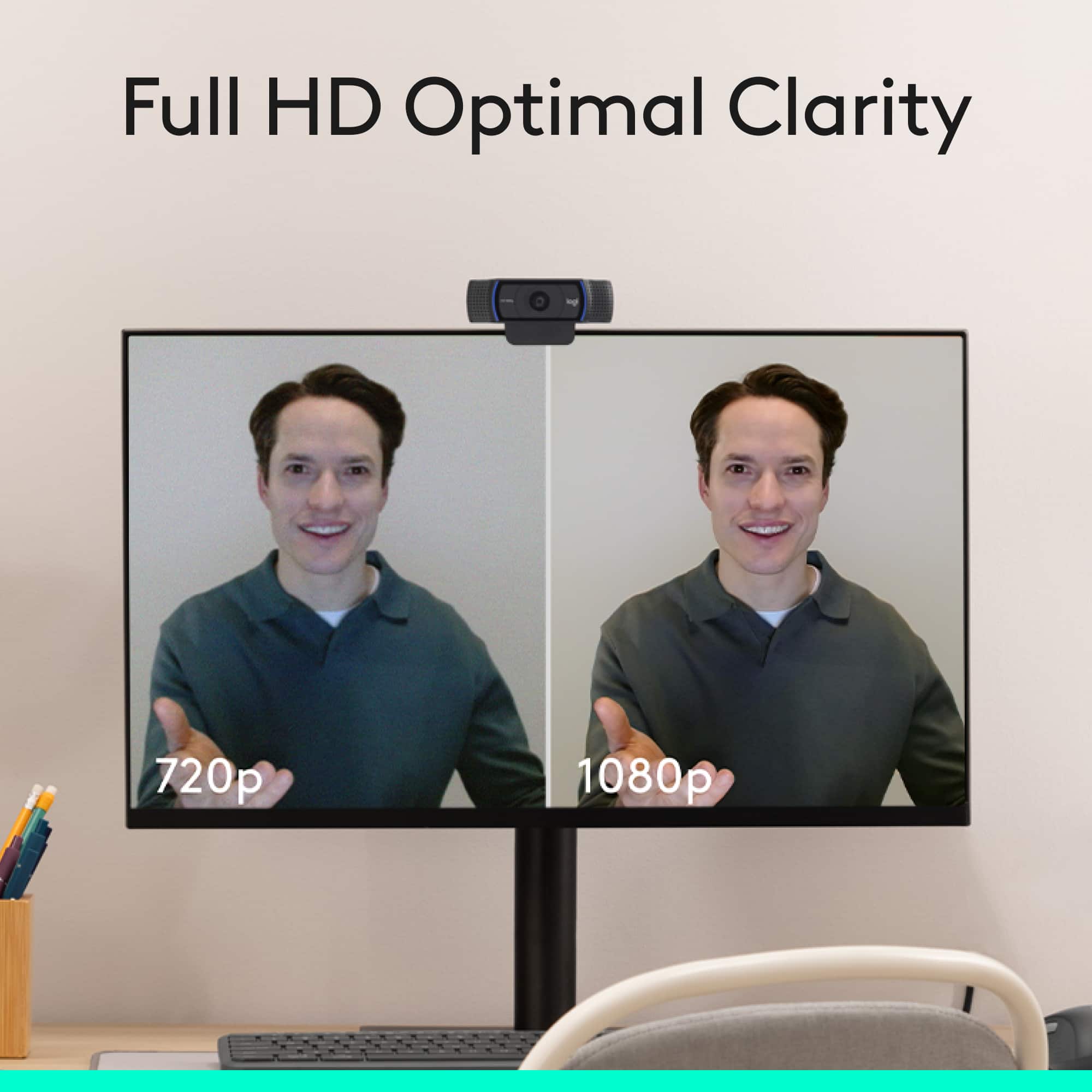
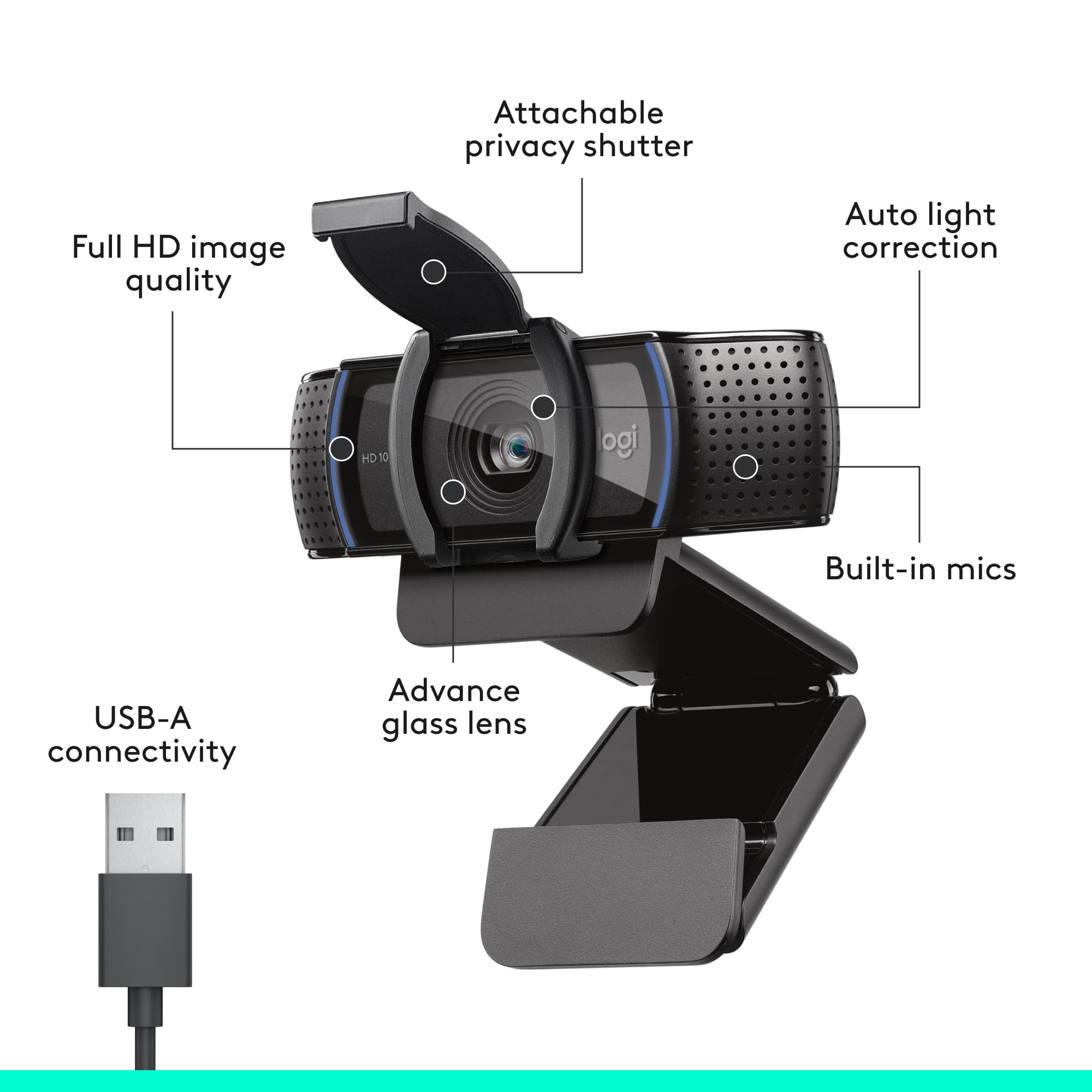
|Posted .This reviewer received promo considerations or sweepstakes entry for writing a review.---SETUP--- The setup of this WebCam is fast. Out of the box, it was plug and play ready on my MAC. ---FEATURES--- The key features of this webcam include autofocus, auto-white balance, a microphone, and a removable privacy cover. 1080P 30FPS or 720P 30 FPS, 78o wide angle lens. ---PERFORMANCE--- The performance of the WebCam is great out of the box. I used it with Facetime for an online interview for a new job and the interviewer made a comment on how clear my image was compared to those he had interviewed that day. The microphone works well also if you are using it close to you. For gaming, though, I rerouted the output to a different mic but it makes for a great starter WebCam. ---EXPECTATIONS--- The product meets my expectations. You don’t need a tripod to use this, as it has a hinge that can adjust to any laptop or monitor. I had a small tripod laying around and I used the tripod screw hole to place it closer to me and record me at a preferable angle and out of the way of my TV’s line of view. It worked flawlessly with OBS and I was able to set up a filter for chroma key without having to turn on my studio lights, meaning that the regular room lighting was enough to capture a bright enough image needed for a green screen. ---VALUE--- The price for the Webcam in terms of value is great. For basic things like Facetime, Google Hangouts, or Skype, you will love it. As a gaming facecam, you will find its ease of use and integration with OBS welcoming. ---APPROVAL--- I highly recommend this product for people who make video calls or video-conferencing as it will definitely look better than anything that already comes with your laptop or monitor. Xbox players can plug it in directly to the Xbox for streaming from the Xbox with a facecam. PC streamers can customize it even further with OBS or XSPLIT. You will love the HD capture of your camera and the price.
I would recommend this to a friend Failed within 3 uses
||Posted . Owned for 1 month when reviewed.This reviewer received promo considerations or sweepstakes entry for writing a review.Absolutely trash. AVOID THIS. Within 1 month and 3 times of me using the camera, it has a line going through the entire video/ picture. Read the negative comments and go with another brand. Also yes, I have tested this on multiple computers and used the G Hub, the camera is defective.
No, I would not recommend this to a friendBrand response from Logitech
Posted .We appreciate your feedback and we'll make sure to address this issue. For prompt assistance, please reach out to Logi Support. Our dedicated team will be happy to assist you and find the best possible solution.
- Pros mentioned:Overall performance, Privacy feature, Video quality
Webcam
||Posted . Owned for 2 months when reviewed.This reviewer received promo considerations or sweepstakes entry for writing a review.This camera has excellent quality. I have no complaints about it at all. The video resolution is great, and the microphone works wonderfully. What I like most about this camera is its features. It comes with a built-in privacy cover that lets you block the lens when you’re not using it, which helps protect your privacy. It also has small indicator lights that turn on to let you know when the camera and microphone are active. I had an older camera before and replaced it with this one. Since switching to this model, I’ve been very happy with it and its overall performance.
I would recommend this to a friendBrand response from Logitech
Posted .Thank you so much for taking the time to share your experience. We're thrilled to hear that the product is working well for you and meeting your expectations. Your feedback helps us continue to improve and innovate. We truly appreciate your support of Logitech.

Plug and Play Easy
||Posted .This reviewer received promo considerations or sweepstakes entry for writing a review.Item arrived in great condition. Product easy to setup, although price premium because of name brand
I would recommend this to a friendMalfunctioning after 1.5 years
||Posted . Owned for 1 year when reviewed.This reviewer received promo considerations or sweepstakes entry for writing a review.I've used this webcam for 1.5 years working remotely and this week, it started malfunctioning. The image freezes, fades, and morphs. If I turn off the camera and on again, it will appear to work for 2-3 seconds and then will freeze and turn strange colors. I've tried using different ports and plugging in and out and restarting and nothing is working.
No, I would not recommend this to a friend- Pros mentioned:Setup, Video quality
Excellent Desktop 1080p Webcam
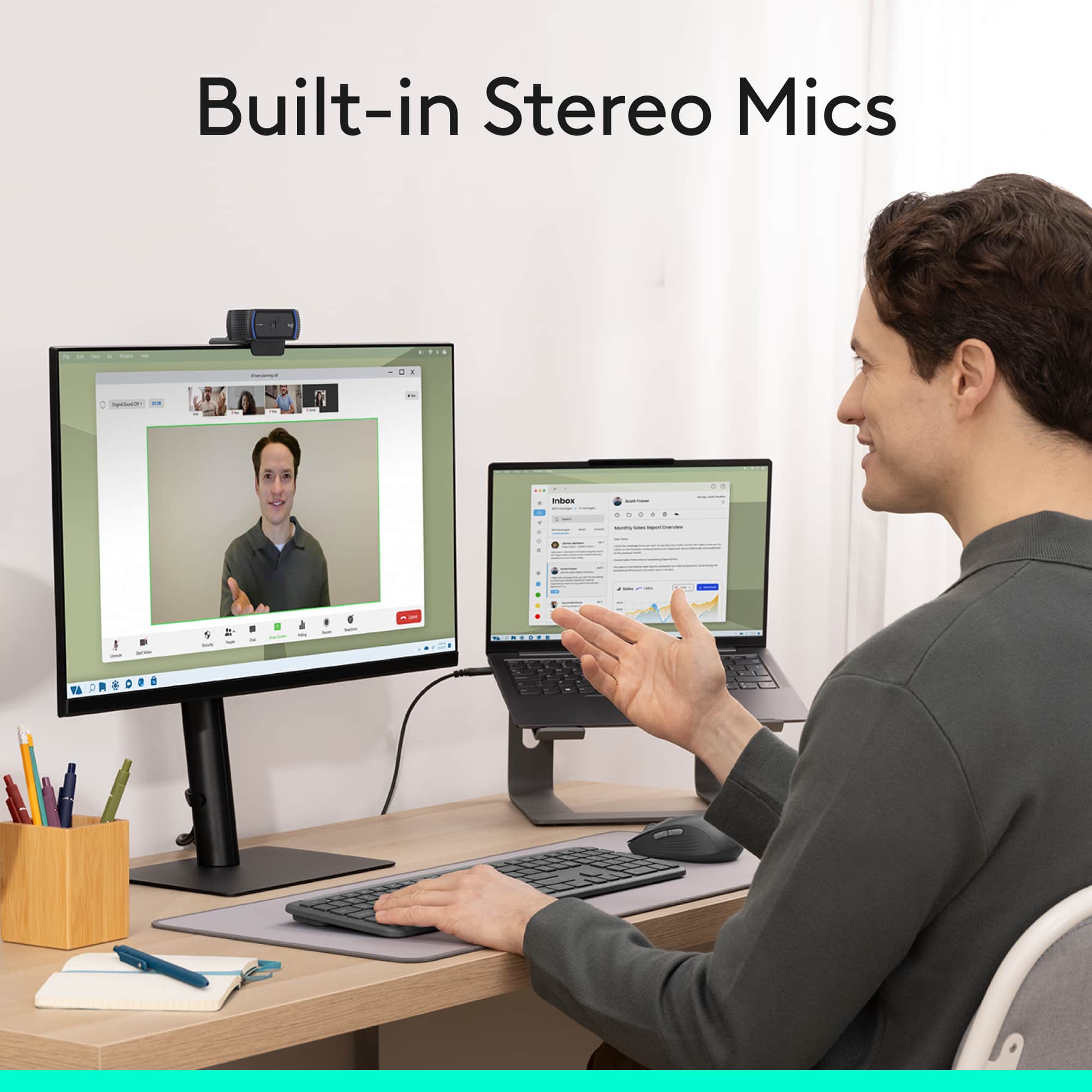
|Posted .This reviewer received promo considerations or sweepstakes entry for writing a review.The Logitech PRO HD 1080p webcam setup is quick and easy. It is plug and play with windows. I have downloaded Logitech Capture software to customize the settings. After the initial setup, i was impressed with video quality of this webcam. I have used for Skype, Google Duo and Skype for business video calls. It worked without any issues with great video and audio quality. It comes with flexible mounting clip and it fitted perfectly on my 32" acer 4K monitor. The audio quality is great as well. It comes with Privacy shutter which is great addition to close the camera when not in use. It supports up to 1080p High-definition video and color quality is outstanding with 2.07MP sensor. It has dual mics to capture natural sound on calls and recorded video. The field of view is 78° to allow more than one person join the conversation. I am using every day to do video calls with my friends and family. I am really impressed with quality and features of Logitech PRO HD webcam and highly recommend this to desktop users for video and audio calls.
I would recommend this to a friend - Pros mentioned:Overall performance, Privacy feature, Video quality
Logitech C920s: Clear Video, Solid Audio, Privacy
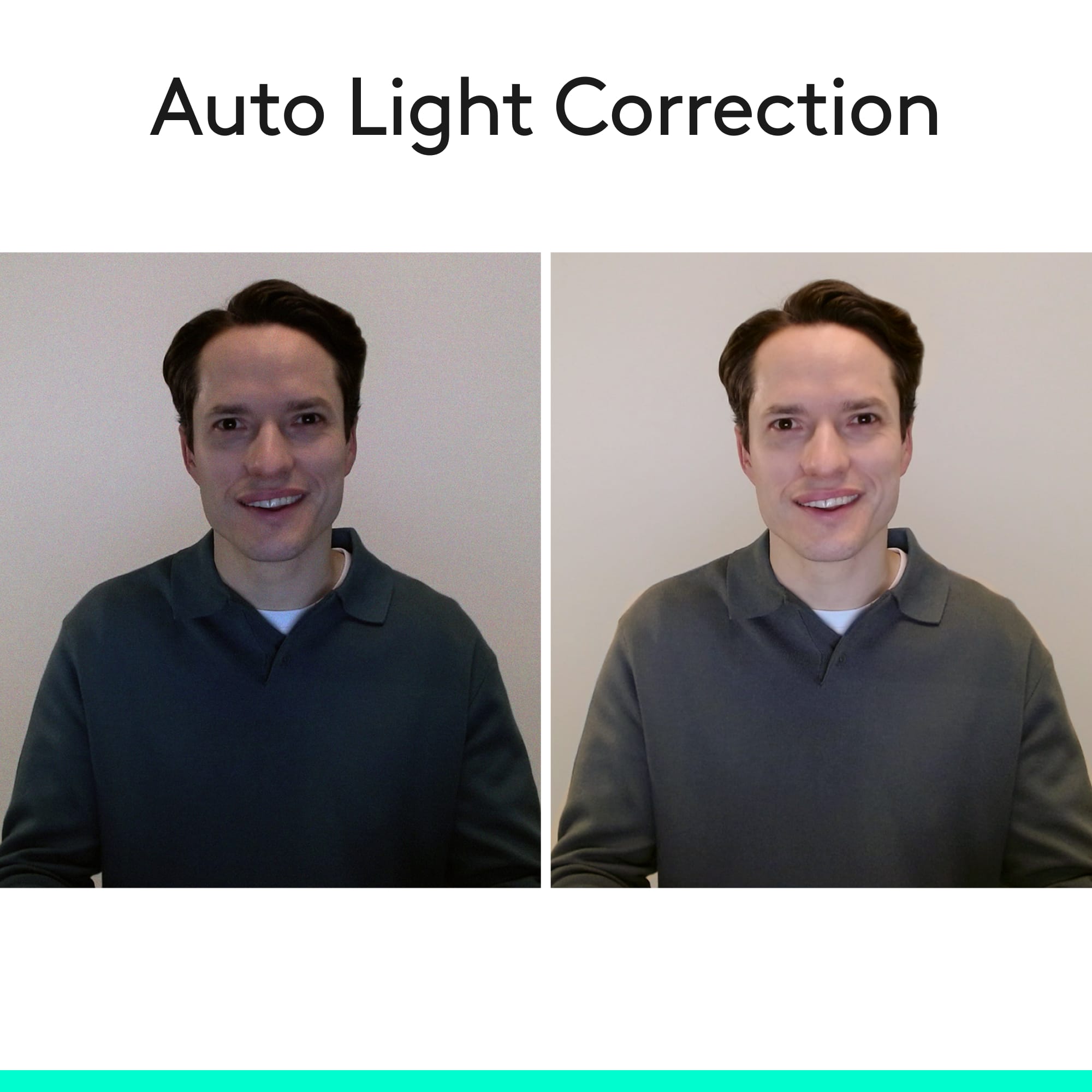
||Posted .This reviewer received promo considerations or sweepstakes entry for writing a review.I’m seriously impressed with the Logitech C920s Pro. Setup was plug-and-play and it worked instantly with Zoom/Teams/Meet and streaming software. The 1080p picture is sharp and clean, with great color and detail, even in less-than-perfect lighting. Autofocus is quick and keeps things looking professional without constant tweaking. The built-in microphones are also better than expected—voices come through clear and natural, which is perfect for video calls when you don’t want to mess with a separate mic. And the privacy shutter is such a simple but genius feature—it gives real peace of mind and makes it easy to cover the lens when not in use. Build quality feels solid, the mounting clip is stable on my monitor, and overall it’s been a huge upgrade from the typical laptop camera. If you want a reliable webcam for conferencing, streaming, or general content creation, this one absolutely delivers.
I would recommend this to a friendBrand response from Logitech
Posted .It’s wonderful to hear that our product is meeting your needs. Your feedback is incredibly valuable and helps us continue to innovate. Thanks for being part of the Logitech community.
- Pros mentioned:Ease of use, Privacy feature, Setup
Does everything you need
||Posted . Owned for 1 month when reviewed.This reviewer received promo considerations or sweepstakes entry for writing a review.This logitech line usually is the standard when it comes to webcams. It has autofocus, plug and play and even has some supporting software to fine tune the camera. the privacy shutter is very easy to use as is this camera.
I would recommend this to a friendBrand response from Logitech
Posted .We’re so pleased to hear that you’re enjoying your Logitech device. Your feedback is a big part of what helps us grow and continue to serve our users better. Thank you for choosing Logitech and for being part of our journey.
- Pros mentioned:Overall performance, Privacy feature, Setup
Reliable webcam with clear picture
||Posted . Owned for 6 months when reviewed.This reviewer received promo considerations or sweepstakes entry for writing a review.I’ve been using this webcam for video calls and occasional streaming, and it works really well. The picture is sharp and the colors look natural in good lighting. It was very easy to set up — just plug it in and it works right away without any complicated setup. The built-in privacy shutter is also a nice touch. I like being able to close the camera when I’m not using it. The mount holds well on top of my monitor and stays in place. Overall it’s a solid and reliable webcam for meetings, streaming, or everyday use.
I would recommend this to a friendBrand response from Logitech
Posted .Thanks for the positive feedback! We’re happy to hear the product is performing well. Your support helps us keep improving.
- Pros mentioned:Privacy feature, Video quality
Great for Conference Calls
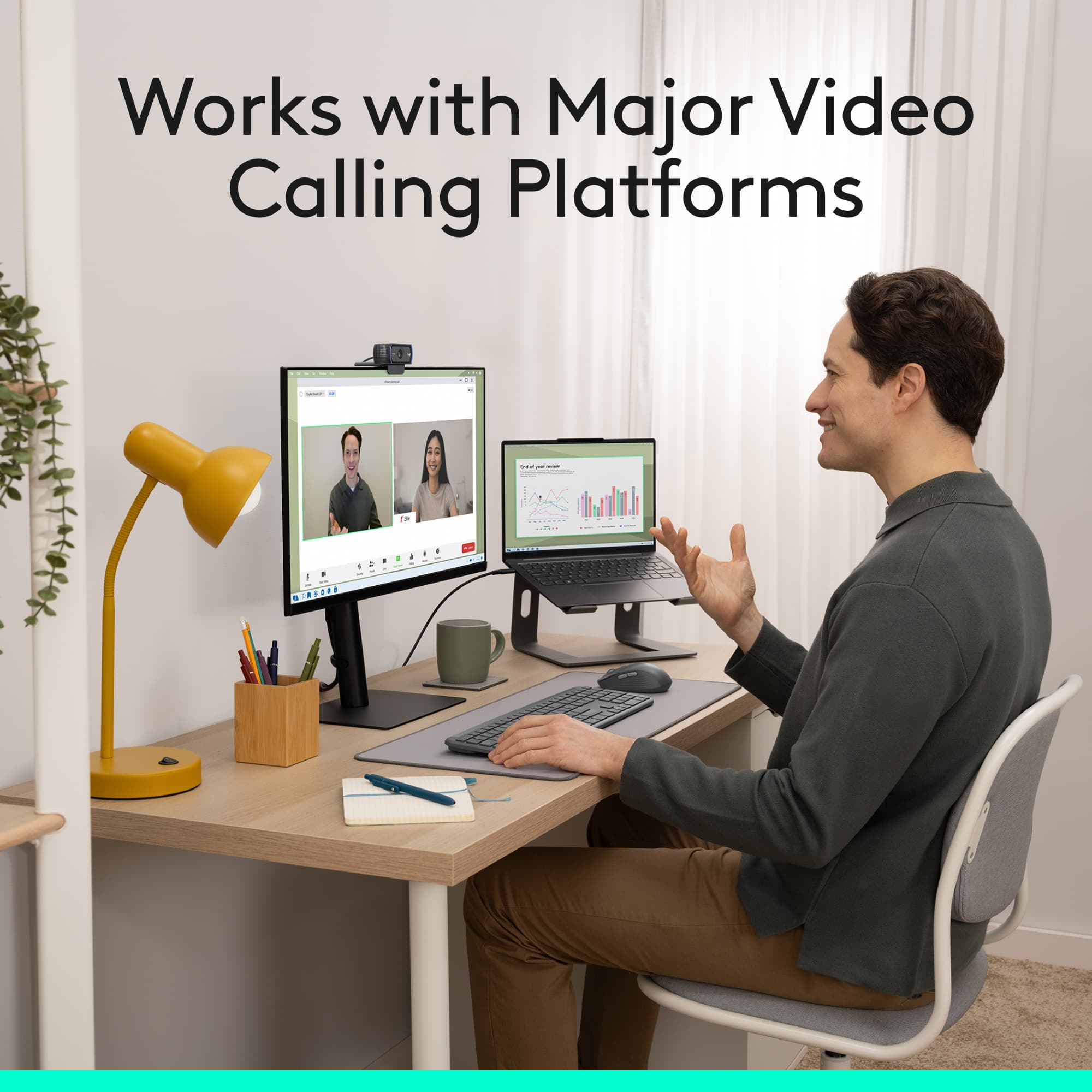
|Posted .This reviewer received promo considerations or sweepstakes entry for writing a review.I just received the new Logitech C920s Pro camera and was eager to try it out. I spend roughly half my week in video or conference calls, and not every room has a camera. I'm often in these meetings with a group, and having everyone join one video call causes a lot of sound feedback and having way too many people trying to speak at once. This solves the problem of trying to gather around one small laptop camera, and then shuffling around the laptop for everyone to get a visual. It was plug and play, and is now an accessory I take along for any larger audience meetings, without needing to connect to an external PC/Mac. The quality of the image is great, especially on Skype, Zoom, and Blue Jeans conference calls. Clients have stated that I sound clearer now, then I did with the built in mic on my headphones or my Macbook. The image clarity is easily seen in the preview window, viewing my own image. It easily sits on my Macbook, monitor, or on a table top with all the articulation points on the camera. There is threading on the bottom that allows you to use most universal camera tripods or mounts. We actually use these as our primary conference room cameras, due to the overwhelmingly good feedback we get from our clients. If you're one of the many that use a privacy tab or sticker to cover the lens, you'll be pleased to know this comes with an attachable privacy cover (shutter). It's made of a soft plastic, and is easily placed on top of the lens. You can then simply pull on the door to open when you're using it, and then push it back down to close. I'm really impressed with this "webcam" as a solution for home or office use. It goes well beyond most other webcams on the market. You will pay more, but you'll also get more use of it over others.
I would recommend this to a friend