Customer Ratings & Reviews




- Model:
- 914-000051
- SKU:
- 6452837
Rating by feature
- Value
Rating 4.5 out of 5 stars
- Quality
Rating 4.6 out of 5 stars
- Ease of Use
Rating 4.5 out of 5 stars
Customers are saying
Customers commend the Crayon Digital Pencil for its ease of use, affordable price, and reliable performance, making it a great value for iPad users. Many appreciate its compatibility with various iPad models and find the battery life satisfactory. However, some users find the pencil's shape awkward, and a few note the limited pressure sensitivity. Additionally, a small number of users wish it had a magnetic attachment feature.
This summary was generated by AI based on customer reviews.
- Pros mentioned:Ease of use
Works well
||Posted .This reviewer received promo considerations or sweepstakes entry for writing a review.Works well with the new iPad Air 3. Pairs easily. I also like being able to plug in an external charger instead of sticking it into the iPad.
I would recommend this to a friend - Pros mentioned:Ease of use
Great
||Posted . Owned for 1 month when reviewed.This reviewer received promo considerations or sweepstakes entry for writing a review.Wasnt sure if the person would lke it but they just love this pen
I would recommend this to a friend - Pros mentioned:Ease of use
Super Easy
||Posted .This reviewer received promo considerations or sweepstakes entry for writing a review.What an easy thing to use and a perfect accessory for the new Ipad. If you were thinking about getting one, stop thinking and just grab it.
I would recommend this to a friend No pressure feature
||Posted . Owned for 1 month when reviewed.This reviewer received promo considerations or sweepstakes entry for writing a review.Bought it for my niece thinking it would be almost the same as the Apple pencil but it lacked it's most major feature... pen pressure. What's the point of paying over $50 for a stylus that lacks pen pressure. I returned it and bought the Apple pencil instead. A little more money, but if I'm already paying that much, might as well get one with all the features.
No, I would not recommend this to a friendBrand response from Logitech
Posted .Hello Oscardorito! We're sorry to hear you're disappointed with the Crayon. We greatly appreciate this feedback and will be noting that the pressure sensitivity feature is something customers would really love. Feel free to reach out to our support team here https://support.logi.com/hc/en-us/requests/new?ticket_form_id=360000621393 if you run into any technical issues. Once again, thank you for the feedback and thank you for shopping Logitech! - Maggie from Logitech
Did not work as expected
||Posted . Owned for 1.5 years when reviewed.This reviewer received promo considerations or sweepstakes entry for writing a review.I could not get this to work well with my iPad and the end broke off that covers the USB connection.
No, I would not recommend this to a friendOk
||Posted . Owned for 2 months when reviewed.This reviewer received promo considerations or sweepstakes entry for writing a review.Okayish, got 2 one for me and one for my roomste and one stoped working sfter a month.
No, I would not recommend this to a friend- Pros mentioned:Ease of use
great tool
||Posted . Owned for 1.5 years when reviewed.This reviewer received promo considerations or sweepstakes entry for writing a review.Excelent tool to work and have fun drawing - kids love this one
I would recommend this to a friend - Pros mentioned:Ease of use
Christmas present
||Posted .This reviewer received promo considerations or sweepstakes entry for writing a review.So far is great, easy to used. I will recommend it to anyone
I would recommend this to a friend Cool design but do the homework on compatibility.
||Posted . Owned for 1 week when reviewed.This reviewer received promo considerations or sweepstakes entry for writing a review.This is a great design held back by not being compatible with the iPad my school provided my daughter with. Was sad to have to return it.
I would recommend this to a friendBrand response from Logitech
Posted .Hey there, I'm sorry to hear that you had some issues with your Crayon working on your iPad. In the future, a full list of compatible devices can be found at the following link. I apologize for any inconvenience this may have caused you.
https://www.logitech.com/en-us/products/ipad-accessories/crayon-ipad-digital-pencil.914-000033.html?gclid=CjwKCAiAgc-ABhA7EiwAjev-j-Ws7qcCcaFODI4zmhmDvSJkFwAgVW05gHbCM10sf0NiORT3fyud6BoCgCMQAvD_BwE&addisttype=g&utm_medium=paid_search&cvosrc=ppc.google.%2Blogitech%20%2Bcrayon&cvo_crid=336184252445&utm_source=google&category=brand&utm_campaign=dr&matchtype=b&partner=DR&cvo_campaign=G%20-%20US%20-%20NAM%20-%20Logitech%20-%20PS%20-%20Mobile%20Accessories%20-%20BMM
Don't know
||Posted . Owned for 2 months when reviewed.This reviewer received promo considerations or sweepstakes entry for writing a review.Was told by grand daughters teach this would work with her iPad version 5. It did not. Should have believed the documentation. Returned.
I would recommend this to a friend- Cons mentioned:Shape
Logitech pen
||Posted . Owned for 1 month when reviewed.This reviewer received promo considerations or sweepstakes entry for writing a review.The battery dies very quickly. Also the shape of the pen is odd. I don’t love this pen.
No, I would not recommend this to a friendBrand response from Logitech
Posted .Hi Lizzie, Very sorry to hear that you're disppointed with the battery life of the Crayon Digital Pencil. Logitech Crayon gives up to 7.5 hours of writing time on a single charge and shuts off automatically after 30 minutes idle time to save battery. We recommend that you charge Crayon daily. It takes approximately 30 minutes to fully charge Crayon. Here's a link to the product support page for the Crayon. It has PDFs for setup and replacing spare parts, troubleshooting FAQs, warranty information, and more: https://support.logi.com/hc/en-us/articles/360024157634--Getting-Started-Logitech-Crayon. Hope that you found this useful and that all is going better. Thank you for choosing Logitech. - Richard from Logitech
Pencil
||Posted . Owned for 1 month when reviewed.This reviewer received promo considerations or sweepstakes entry for writing a review.It works but is not magnetic. Charge does not last long. Better to spend the extra money and get Apple Pencil.
No, I would not recommend this to a friend- Pros mentioned:PriceCons mentioned:Lag, Pressure sensitivity

Almost Dethrones the Apple Pencil
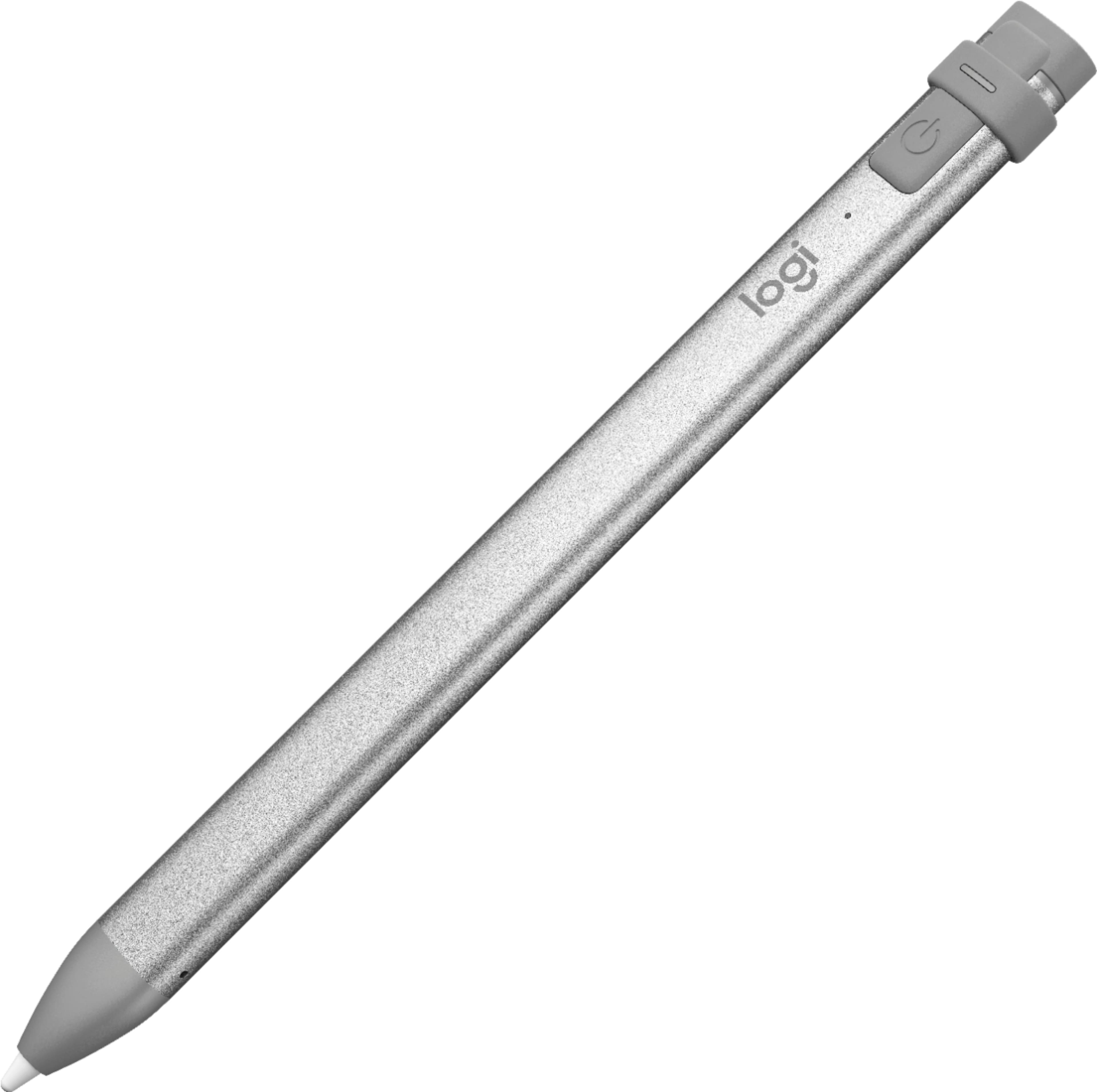
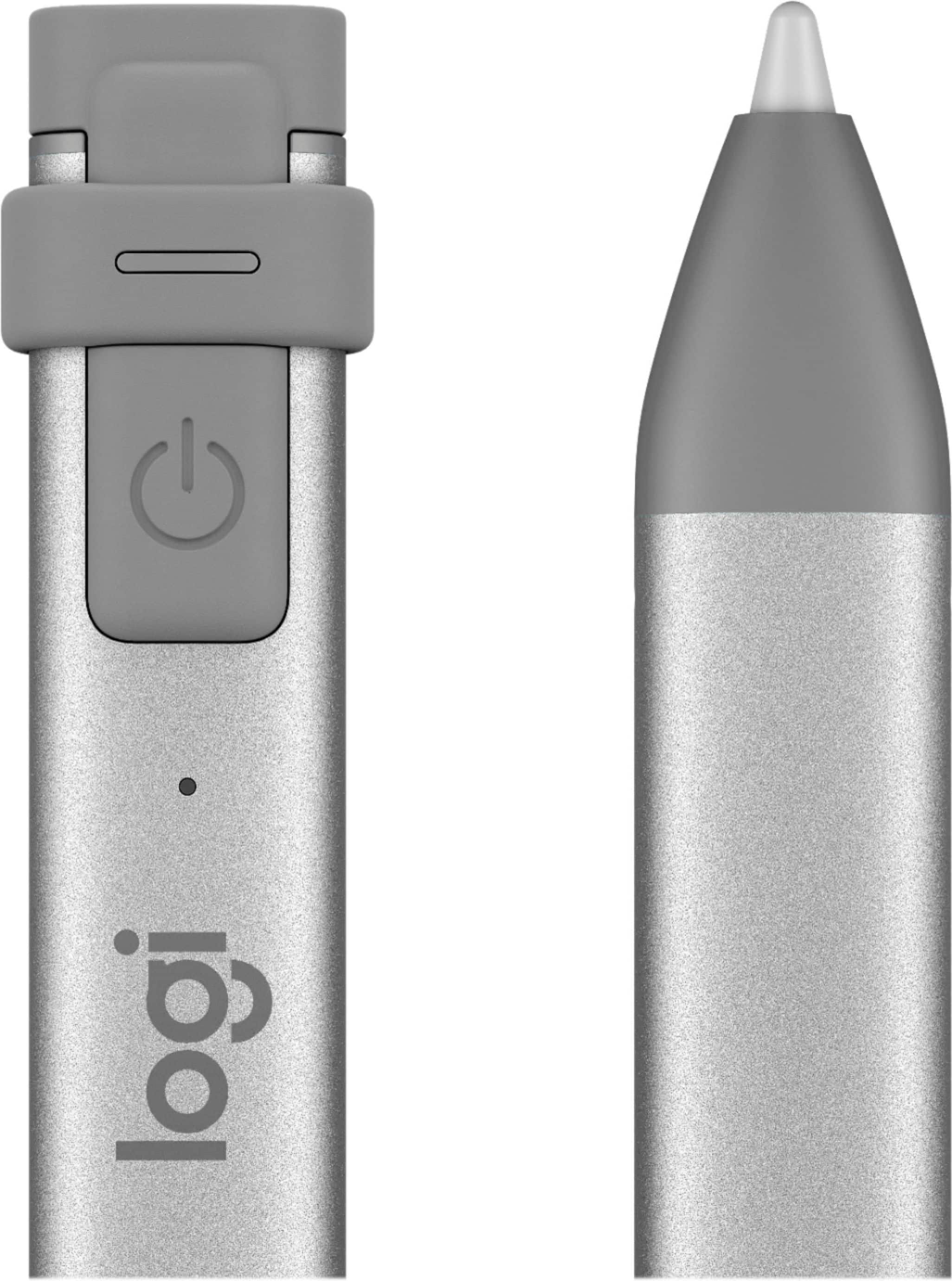
|Posted .This reviewer received promo considerations or sweepstakes entry for writing a review.One of the main attractions of the Logitech Crayon is price but I was glad to see that the compromises are somewhat minor. I usually try to avoid comparison with other products. Usually, it is not fair because they often target different consumers and price ranges. However, it is definitely hard not to compare it with the Apple Pencil since they clearly designed it as an alternative. My experience was mostly enjoyable and I was already convinced Logitech had a better product than Apple’s until I tried to add shades to a drawing. I quickly realized the lack of pressure sensitivity support. In fact, I kept trying repeatedly thinking it was something wrong with the settings somewhere. It was not. The good news is that I found many similarities and even advantages compared with the Apple product: Similarities: • Same response. • Supports tilting. • No lag or jitter. • Shorter. Advantages: • Instant connectivity. No need to pair with Bluetooth • More comfortable to hold. • Does not roll due to different design. • The female Lightning port allows you to use the same cable as you use for the iPad. Disadvantages: • Does not work with iPad Pro. • No pressure sensitivity • Very different design. This is personal and I actually like the design although not the color of the cap. Since most functionalities are just the same plus some improvements, I would almost recommend the Crayon instead of the Pencil. You would save at least $30 and have a better product. The only reason I am not doing that is that it does not support pressure sensitivity. The Pencil wins here. The fact that it does not support iPad Pro is only an issue if that is what you have. Summary: I still recommend the Crayon if you do not care about or need pressure sensitivity or if you prefer to select it within the software itself. It is a very nice product and you can't compare it to those passive cheap stylus. This is much better and worth the price.
I would recommend this to a friend - Pros mentioned:Ease of use
Great low cost Apple Pencil
||Posted .This reviewer received promo considerations or sweepstakes entry for writing a review.The Logitech Crayon is a great way to get a feel for what an Apple Pencil could do for you without breaking the bank.
I would recommend this to a friend The lid was ripped
||Posted . Owned for 1 month when reviewed.This reviewer received promo considerations or sweepstakes entry for writing a review.The pen works but the charging lid cap came broken. Disappointed.
No, I would not recommend this to a friendBrand response from Logitech
Posted .We're sorry to hear that the charging lid cap on your new digital pencil arrived broken, even though the pen itself is working. We understand your disappointment with receiving a damaged product. For assistance with a replacement due to the damaged lid, we recommend reaching out to the place where you made the purchase. They should be able to help you with this issue.

- Pros mentioned:Compatibility
Helpful
||Posted . Owned for 5 months when reviewed.This reviewer received promo considerations or sweepstakes entry for writing a review.Good and Helpful. Can use for any tab or notebook.
I would recommend this to a friend Ehh
||Posted . Owned for 5 months when reviewed.This reviewer received promo considerations or sweepstakes entry for writing a review.Didn’t work as I would’ve liked on my iPad.. returned it
No, I would not recommend this to a friendGood feel of the pen but extremelly low battery
||Posted . Owned for 1 month when reviewed.This reviewer received promo considerations or sweepstakes entry for writing a review.The pen behaves very similar to the apple pen but the battery is very low that it is not reliable to use. It is best used as a backup pen.
No, I would not recommend this to a friendOk
||Posted . Owned for 1 year when reviewed.This reviewer received promo considerations or sweepstakes entry for writing a review.It was an ok pen. It worked great but it didn’t feel comfortable in my hands. I used it with an iPad and it got the job done.
No, I would not recommend this to a friendPencil
||Posted . Owned for 5 months when reviewed.This reviewer received promo considerations or sweepstakes entry for writing a review.I bought it to use it with my iPad and it worked great but it just didn’t work out with mine iPad case
I would recommend this to a friend