Customer Ratings & Reviews
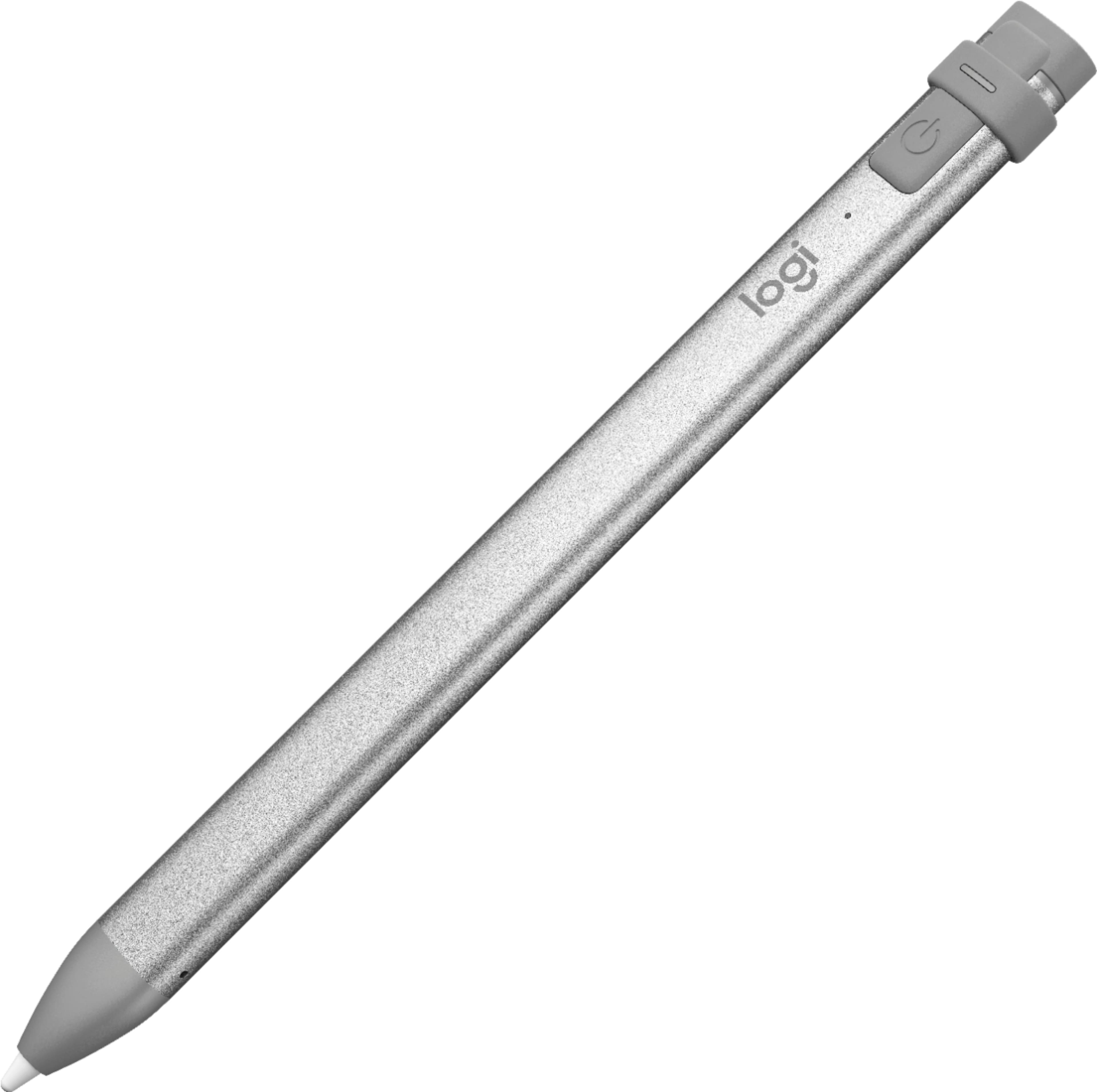


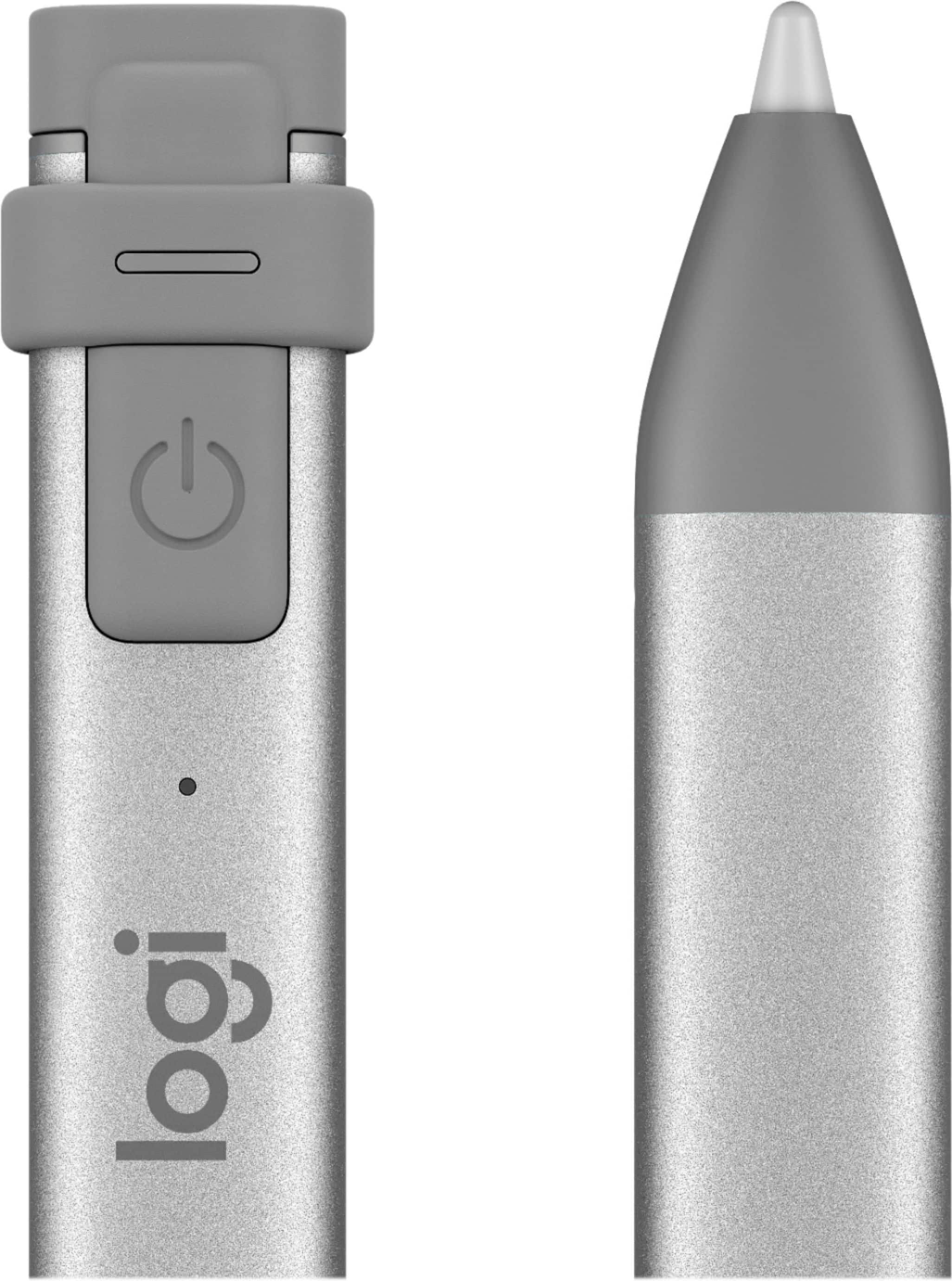


- Model:
- 914-000051
- SKU:
- 6452837
Rating by feature
- Value
Rating 4.5 out of 5 stars
- Quality
Rating 4.6 out of 5 stars
- Ease of Use
Rating 4.5 out of 5 stars
Customers are saying
Customers commend the Crayon Digital Pencil for its ease of use, affordable price, and reliable performance, making it a great value for iPad users. Many appreciate its compatibility with various iPad models and find the battery life satisfactory. However, some users find the pencil's shape awkward, and a few note the limited pressure sensitivity. Additionally, a small number of users wish it had a magnetic attachment feature.
This summary was generated by AI based on customer reviews.
Ok nothing great
||Posted . Owned for 4 months when reviewed.This reviewer received promo considerations or sweepstakes entry for writing a review.The battery keeps going out frequently. Will explore other options before considering this.
I would recommend this to a friend.
||Posted . Owned for 1 month when reviewed.This reviewer received promo considerations or sweepstakes entry for writing a review.I was expecting more but it’s hard to work on the apple device with this pen
No, I would not recommend this to a friendOkay product
||Posted .This reviewer received promo considerations or sweepstakes entry for writing a review.It is functional but not as nice looking as the apple pen.
No, I would not recommend this to a friendGood pencil alternative but noisy
||Posted .This reviewer received promo considerations or sweepstakes entry for writing a review.I bought this as a stylus to write on my 6th gen iPad and ended up returning it. The crayon worked perfectly as advertised with a virtually lag free response but I feel that it needs a slightly softer tip as the tapping sounds it makes when writing/drawing become annoying. It is too noisy for taking notes in a classroom or meeting environment.
No, I would not recommend this to a friend- Pros mentioned:Ease of use
Great product
||Posted .This reviewer received promo considerations or sweepstakes entry for writing a review.I love it works great on iPad using for mark ups and drafting
I would recommend this to a friend digital crayon digital
||Posted . Owned for less than 1 week when reviewed.This reviewer received promo considerations or sweepstakes entry for writing a review.I did not care for this. You need to use an extra cble to charge the unit.
No, I would not recommend this to a friend- Pros mentioned:Ease of use
Works perfectly with ipad
||Posted .This reviewer received promo considerations or sweepstakes entry for writing a review.I purchased the crayon to go with my new ipad it works really well
I would recommend this to a friend Good for a kid
||Posted .This reviewer received promo considerations or sweepstakes entry for writing a review.This pencil is good for kids but not adults if you can buy an Apple Pencil it’s much better
No, I would not recommend this to a friendit's good. it is hard to tell if it is on off.
||Posted . Owned for 1 month when reviewed.This reviewer received promo considerations or sweepstakes entry for writing a review.Good price. Battery needs alot of attention to ensure it is charged when you need it.
I would recommend this to a friendNot bad
||Posted . Owned for 9 months when reviewed.This reviewer received promo considerations or sweepstakes entry for writing a review.Way too expensive for just a pen. It’s not bad, but it’s not great either
No, I would not recommend this to a friendWeak charge
||Posted . Owned for 5 months when reviewed.This reviewer received promo considerations or sweepstakes entry for writing a review.Charge does not last very long. Notification of pen’s power status not great.
No, I would not recommend this to a friendBrand response from Logitech
Posted .We apologize for the inconvenience you've experienced with the Logitech Crayon's battery life and charging notifications. To address this issue, we recommend reaching out to our social care team via email at socialcare@logitech.com with your
- Name:
- Email Address:
- Country:
- Product Name:
- Brief description of issue:
- Pros mentioned:Price
Works great
||Posted .This reviewer received promo considerations or sweepstakes entry for writing a review.Works great, like it should. Price is right. Works with Apple.
I would recommend this to a friend Upser
||Posted . Owned for 1 month when reviewed.This reviewer received promo considerations or sweepstakes entry for writing a review.I don’t know how to work pen, and I still trying to operate it
I would recommend this to a friendI like it when I finally figured it out!
||Posted . Owned for 2 months when reviewed.This reviewer received promo considerations or sweepstakes entry for writing a review.No instructions or little can’t see or understands and it was small
I would recommend this to a friendNo wonder it’s called a crayon!
||Posted . Owned for 2 months when reviewed.This reviewer received promo considerations or sweepstakes entry for writing a review.This “Crayon” is just as described. Crayons break under pressure and don’t last very long. Such is the case with this item. For starters, Battery life once fully charged is 1.5 to 2 hours. You have to charge for 1 hour between use, and it goes to sleep after a period of inactivity. One would assume that this feature save battery life right? Not so. 1 month after my store return period has expired, it won’t work anymore, the “crayon” is fully charged however when you press the power button the green does not stay on past three second. Thanks for nothing Logitech...
No, I would not recommend this to a friendBrand response from Logitech
Posted .Hi, I'm sorry that you have had a poor experience with the Crayon. I'm sorry that the battery on the Crayon was dying after 1.5 to 2 hours. The rated life is up to 7 hours on a full charge. I would make sure the cable is fully connected and able to deliver a charge to the Crayon. The green light does not stay illuminated during use. The green light will come on and then fade away but it is still powered and will work on your iPad. After 30 mins of idle time the Crayon will power itself off. Logitech does have a 1 year limited hardware warranty on this device. Please visit support.logi.com for additional help with your Crayon. Thanks for being a Logitech customer. Kristi from Logitech
Small
||Posted . Owned for 1 month when reviewed.This reviewer received promo considerations or sweepstakes entry for writing a review.Nice for adults and kids easy to use and very simple
I would recommend this to a friendSleek pen that connects immediately
||Posted .This reviewer received promo considerations or sweepstakes entry for writing a review.Sleek pen that connects immediately to the iPad. I prefer the Crayon over the Apple Pen. It just handles and responds better. Just my preference to liking a square pen compared to a round pen that rolls off my desk. It’s more compact and fits easier in my briefcase or attached to my Logitech keyboard.
I would recommend this to a friend- Cons mentioned:Pressure sensitivity

Great For Appropriate Use Scenarios
|Posted .This reviewer received promo considerations or sweepstakes entry for writing a review.The Logitech CRAYON Digital Pencil iPad (6th Generation) is a worthy, less-expensive alternative to the Apple Pencil. There are, however, a couple of details to consider before purchasing: It only works with the 6th Generation iPad introduced in early 2018 and it does not support pressure sensitivity. So, if you're an artist, you should go with the Apple Pencil. For most uses, though, this is a completely competent alternative to the Apple Pencil. Especially for casual or occasional use. It is very responsive and does support the tilt feature. The issue of the long-term confort of the Crayon versus the Pencil is probably a matter of personal preference. The CRAYON also has a couple of welcome design elements. - It uses a female lightning charge connection and thus is simple to charge using the same charger as the iPad 6th Generation. This is much nicer than Apple's male connection with requires a special cable or sticking it into the lightning port of the iPad which is very unintuitive and awkward. - The charging cap is attached to the pencil so you don't have to keep track of it as you do with the cap on the Apple Pencil. - It doesn't roll around. So, unless you're using the iPad 6th Generation for serious artistic purposes, the Logitech CRAYON Digital Pencil is a great choice. The only reason I did not give it 5 stars is because it does not support pressure sensitivity.
I would recommend this to a friend - Cons mentioned:Pressure sensitivity
just ok.
||Posted . Owned for 6 months when reviewed.This reviewer received promo considerations or sweepstakes entry for writing a review.Bought for my son for his iPad and it worked for a few days and then stopped before the 15 day return window. returned it to BestBuy and found another brand that was cheaper on line and works better.
No, I would not recommend this to a friendBrand response from Logitech
Posted .Hello John, I'm sorry to hear that your Crayon Digital Pencil stopped working after a few days of use. The Crayon only has about 7 hours of continuous use, so if it stopped working that soon after purchasing it, my guess would be that the battery ran out. It can be charged by flipping the back piece up and plugging a lightning connector into the port underneath that flap.
Intermittent function. Inconsistent
||Posted . Owned for 3 weeks when reviewed.This reviewer received promo considerations or sweepstakes entry for writing a review.I found this electronica pencil not to work well with my iPad. Tried several versions of software/apps that were supposed to work with a pencil but did not seem to work with this product. Perhaps it was not designed to be used with an iPad it was some other product
No, I would not recommend this to a friend