Customer Ratings & Reviews
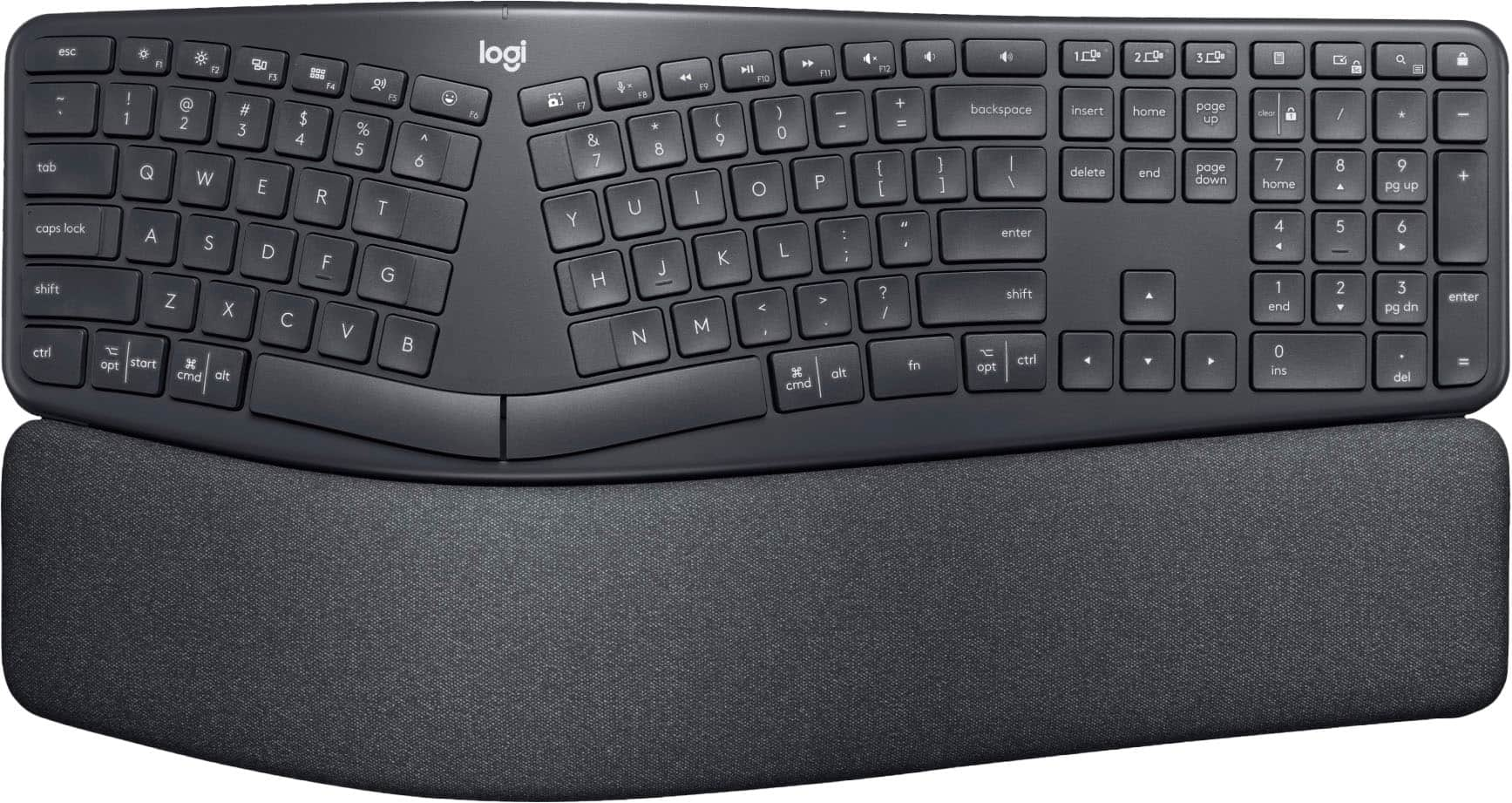
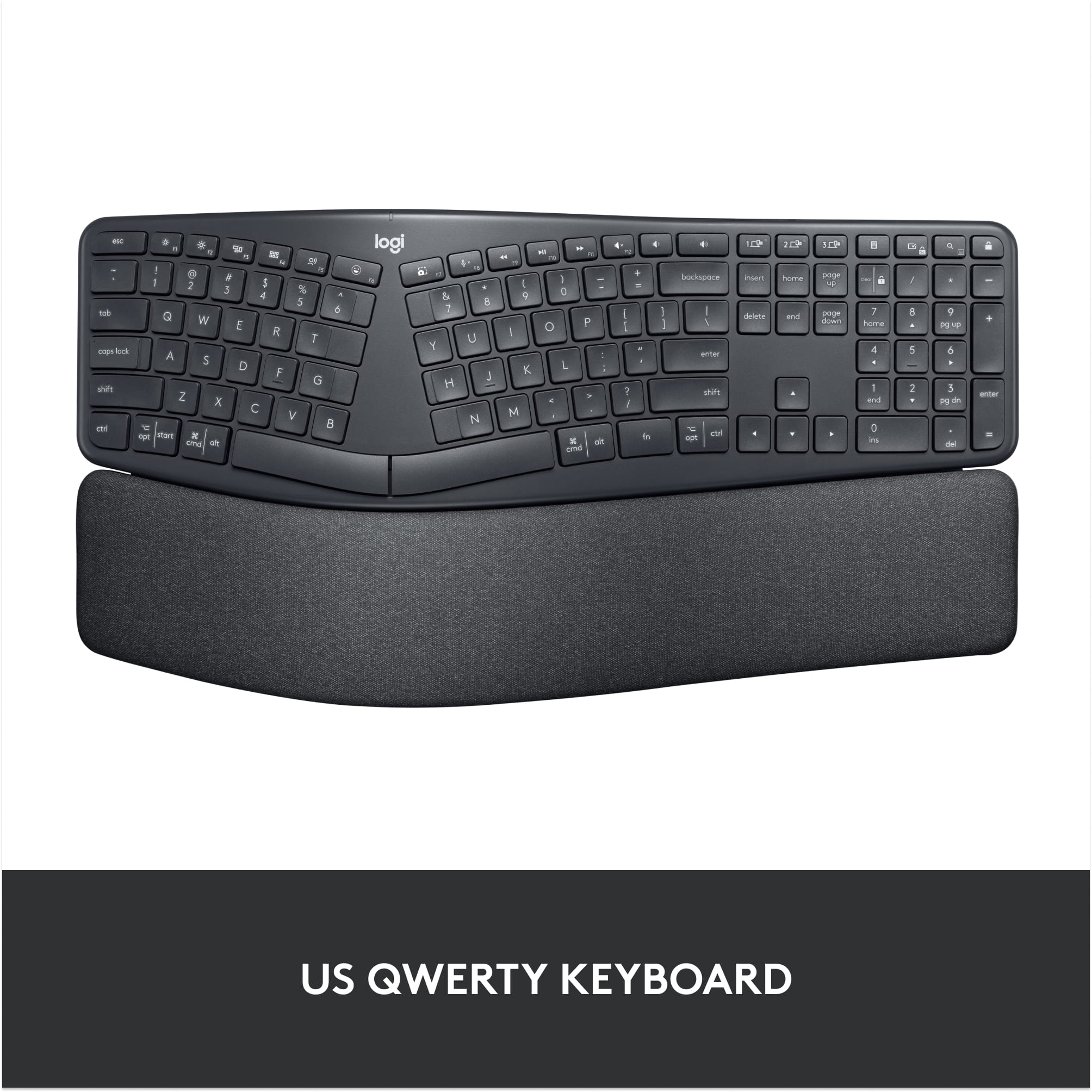
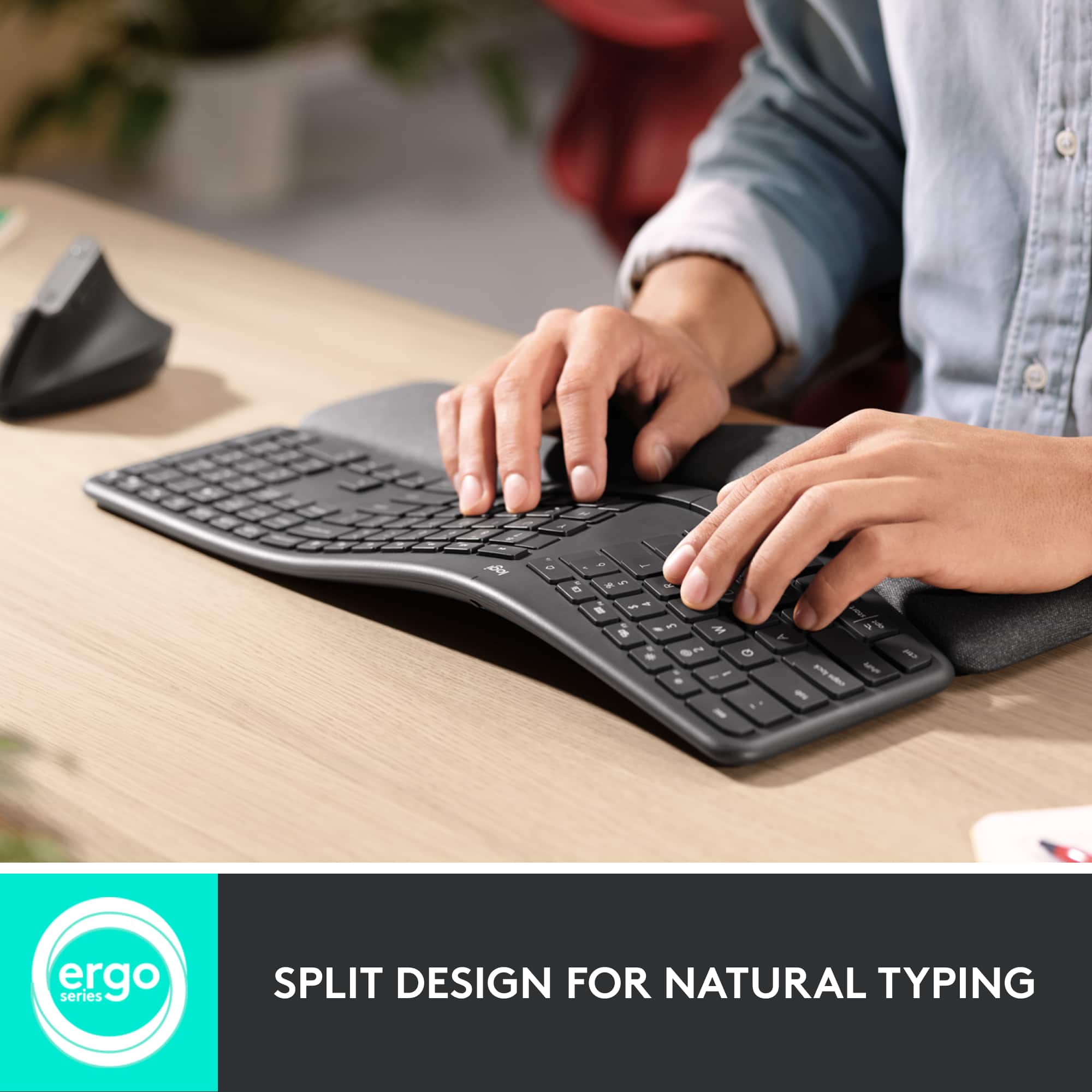
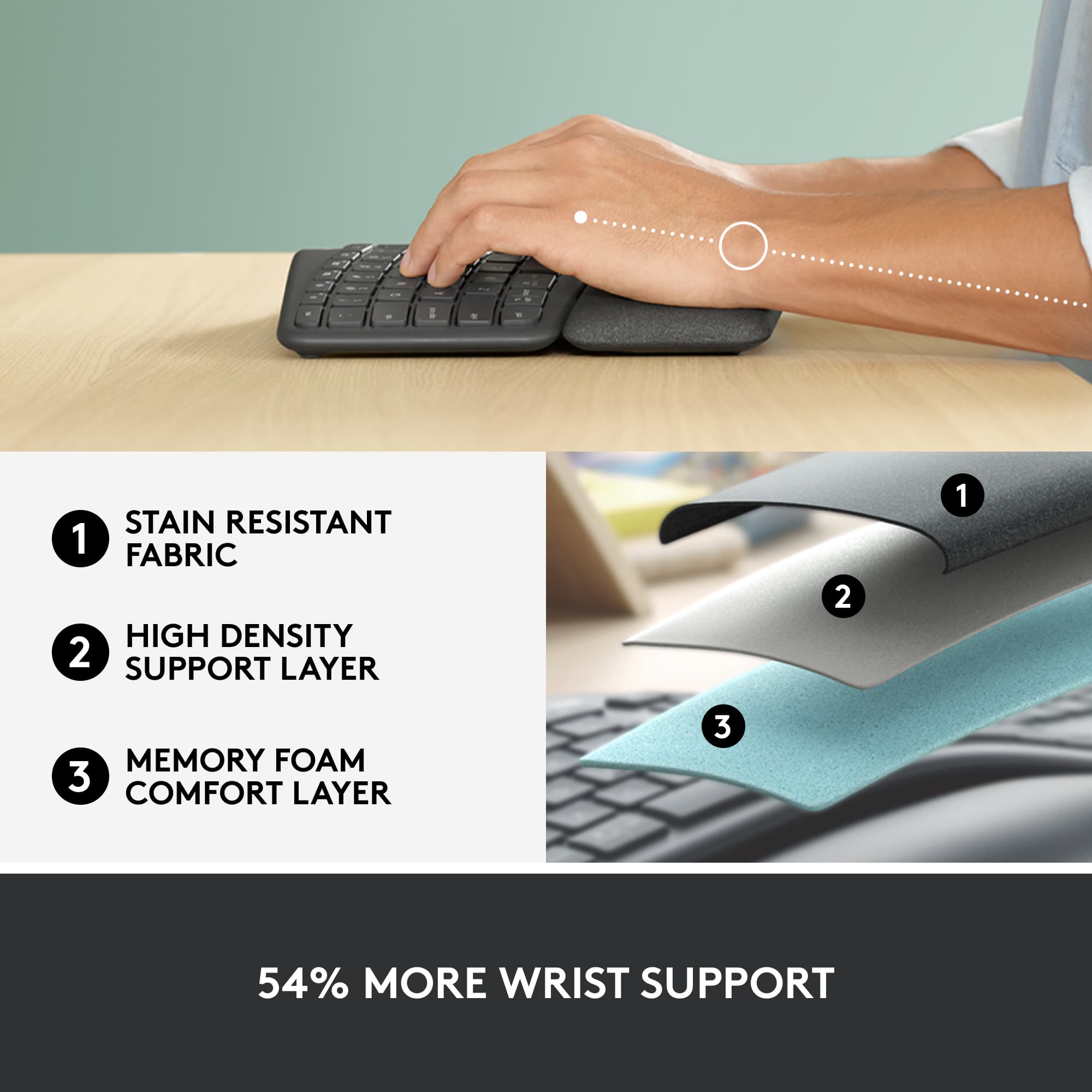


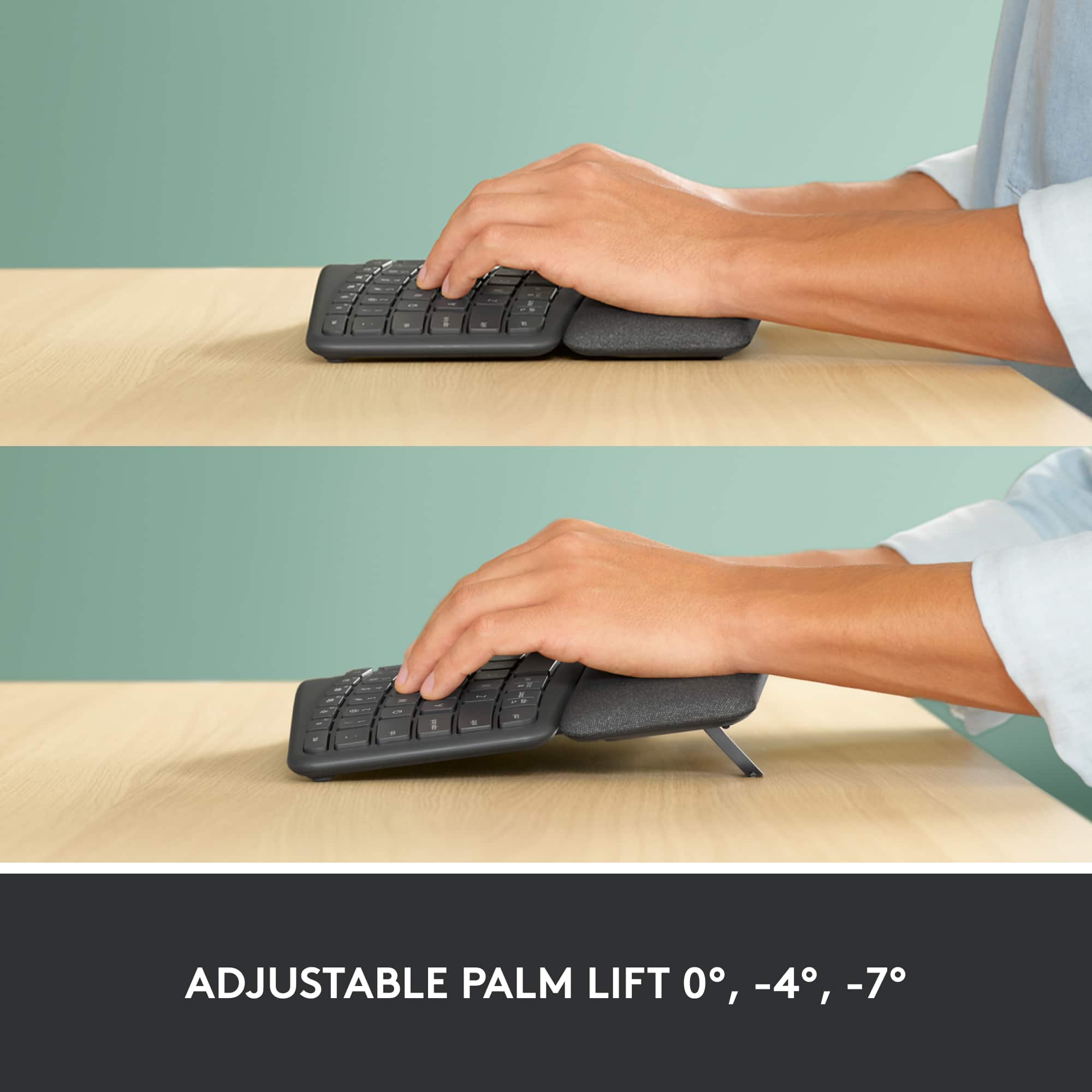
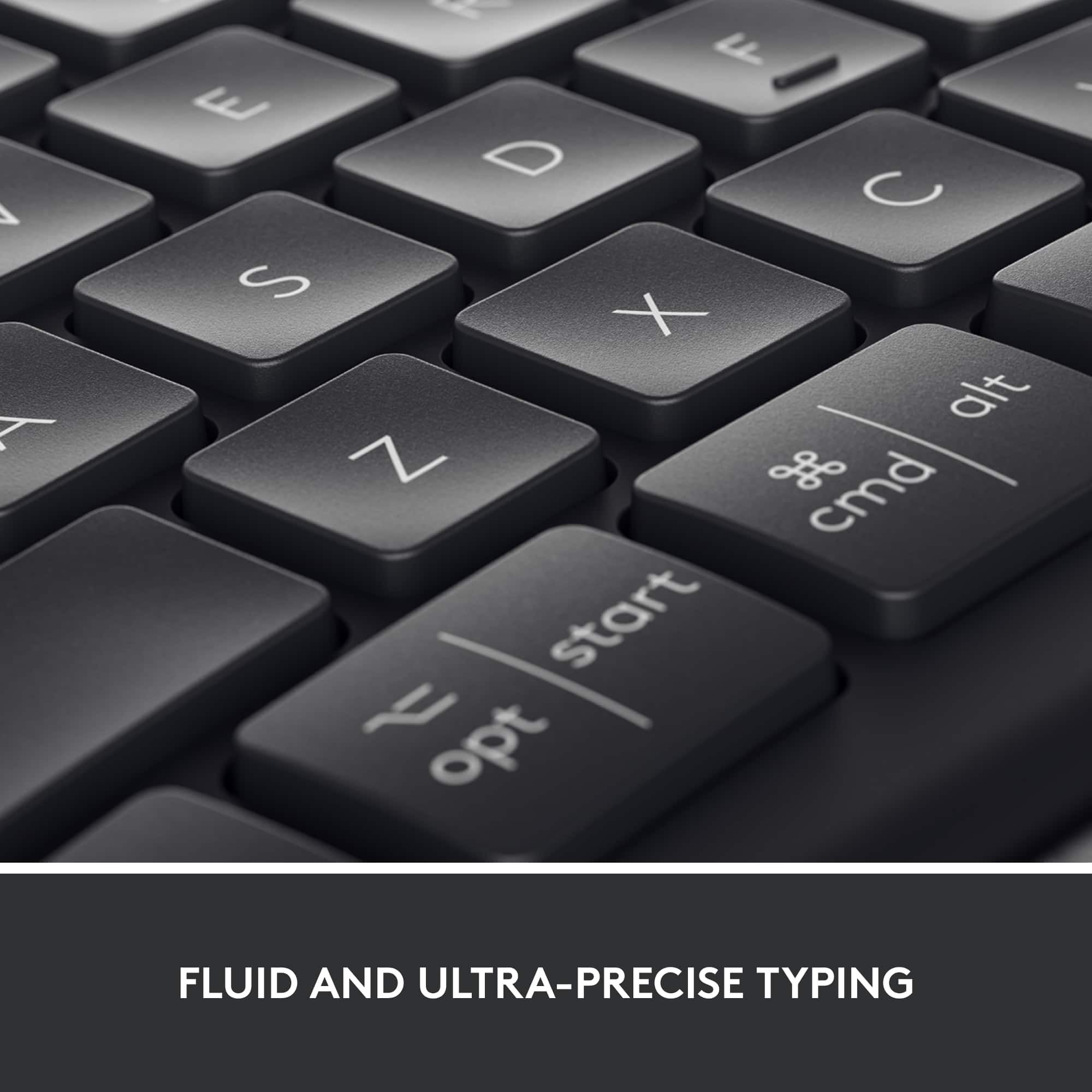
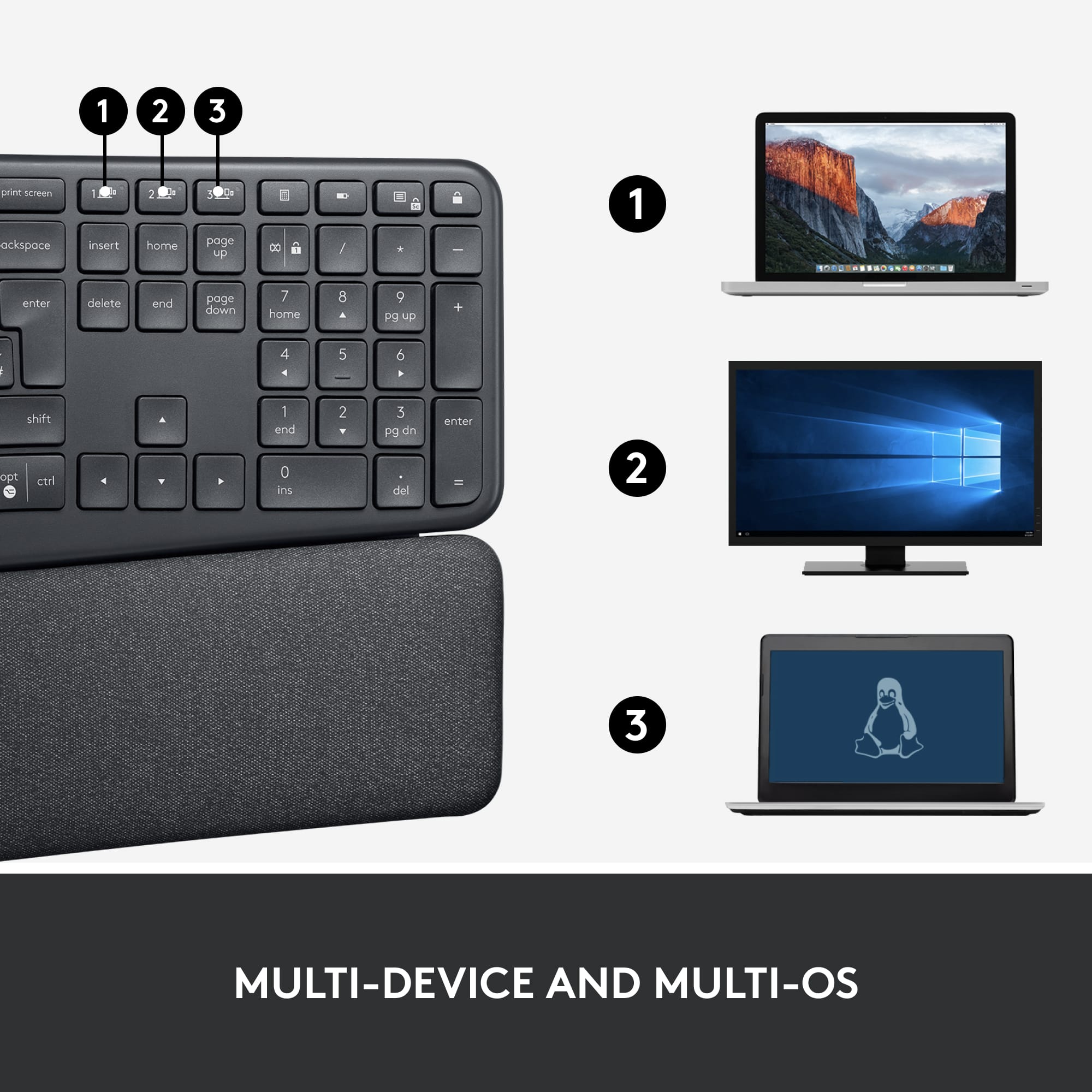

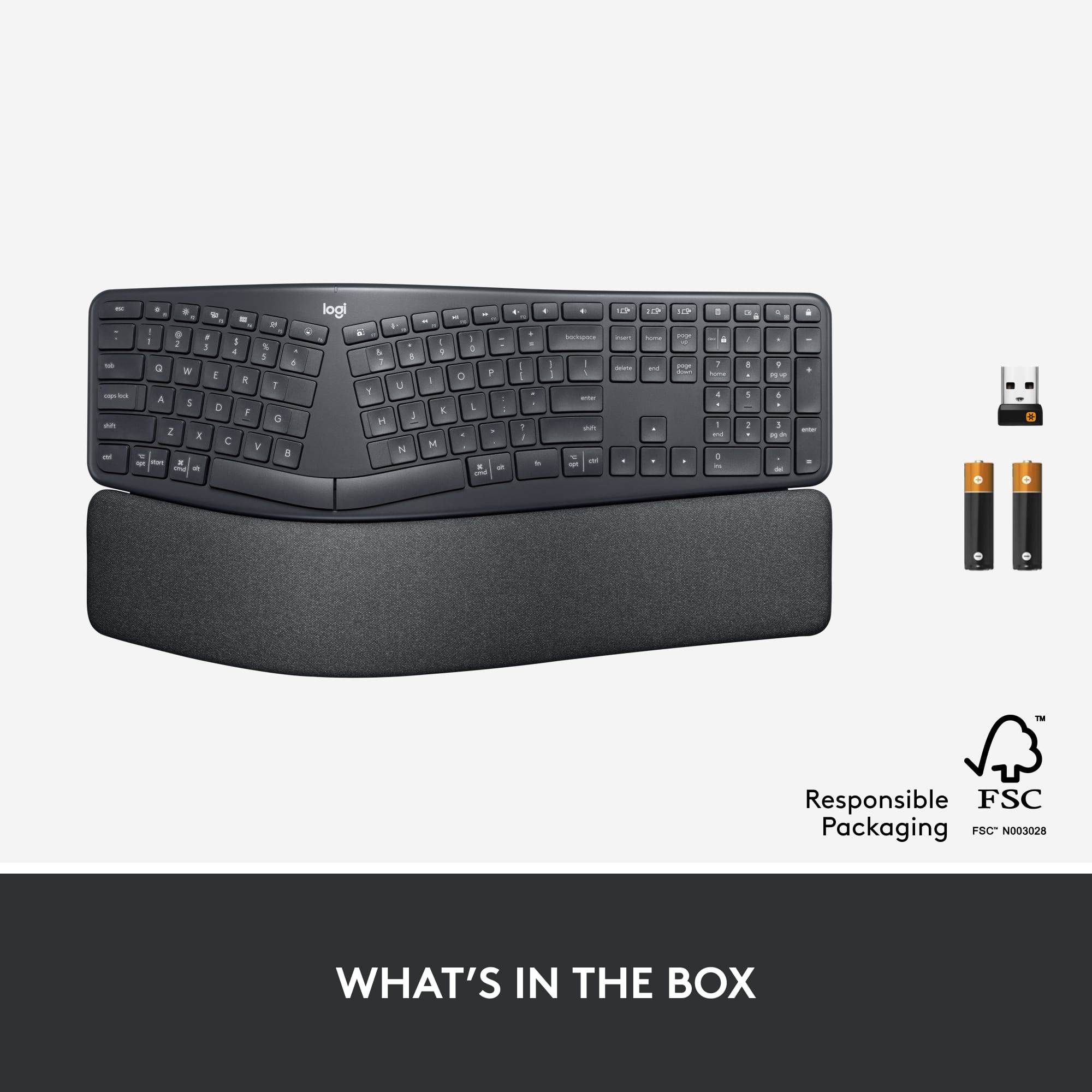



- Model:
- 920-009166
- |
- SKU:
- 10841010
Customer reviews
Rating 4.6 out of 5 stars with 2037 reviews
(2,037 customer reviews)Rating by feature
- Value4.4
Rating 4.4 out of 5 stars
- Quality4.7
Rating 4.7 out of 5 stars
- Ease of Use4.6
Rating 4.6 out of 5 stars
Rated 5 out of 5 stars
Keyboards
||Posted . Owned for 1 month when reviewed.This reviewer received promo considerations or sweepstakes entry for writing a review.Love having my keypad on my keyboard , all in one place
This review is from Logitech - ERGO K860 Ergonomic Full-size Wireless Scissor Keyboard for Windows and Mac with Palm Rest - Black
I would recommend this to a friendBrand response from Logitech
Posted .Hello Microwave! I'm happy to hear you're enjoying the K860 keyboard! Make sure to download our Logitech Options software here https://support.logi.com/hc/en-us/articles/360025297893 to get the most out of your K860! Feel free to reach out to our support team here https://support.logi.com/hc/en-us/requests/new?ticket_form_id=360000621393 if you ever need any assistance or if anything happens in the 1-year limited hardware warranty. Thank you for the review and for shopping Logitech! - Maggie from Logitech
Rated 5 out of 5 stars
Nice keyboard
||Posted .This reviewer received promo considerations or sweepstakes entry for writing a review.Awesome keyboard. Very comfortable but no backlighting.
This review is from Logitech - ERGO K860 Ergonomic Full-size Wireless Scissor Keyboard for Windows and Mac with Palm Rest - Black
I would recommend this to a friendRated 5 out of 5 stars
Fantastic keyboard
||Posted .This reviewer received promo considerations or sweepstakes entry for writing a review.It has improved my typing speed and reduced wrist and hand fatigue.
This review is from Logitech - ERGO K860 Ergonomic Full-size Wireless Scissor Keyboard for Windows and Mac with Palm Rest - Black
I would recommend this to a friendRated 3 out of 5 stars
tough go
||Posted . Owned for 4 months when reviewed.This reviewer received promo considerations or sweepstakes entry for writing a review.This is a big clunky keyboard. It was really difficult to use. I gave it a while, but it hinders my progress.
This review is from Logitech - ERGO K860 Ergonomic Full-size Wireless Scissor Keyboard for Windows and Mac with Palm Rest - Black
No, I would not recommend this to a friendBrand response from Logitech
Posted .Thank you for your feedback on the Logitech ERGO K860 keyboard. We understand that it may not have been the ideal fit for your needs. We'll continue to work on improving our product offerings to cater to diverse user preferences and needs.
Rated 5 out of 5 stars
Perfect keyboard
||Posted . Owned for 3 weeks when reviewed.This reviewer received promo considerations or sweepstakes entry for writing a review.Perfect keyboard! Prevents pain and looks good doing it.
This review is from Logitech - ERGO K860 Ergonomic Full-size Wireless Scissor Keyboard for Windows and Mac with Palm Rest - Black
I would recommend this to a friendRated 5 out of 5 stars
Great!
||Posted . Owned for 1 month when reviewed.This reviewer received promo considerations or sweepstakes entry for writing a review.Help hands feel better! Easy to switch to this keyboard.
This review is from Logitech - ERGO K860 Ergonomic Full-size Wireless Scissor Keyboard for Windows and Mac with Palm Rest - Black
I would recommend this to a friendRated 5 out of 5 stars
very comfortable. helped eliminate wrist pain.
||Posted . Owned for 1 month when reviewed.This reviewer received promo considerations or sweepstakes entry for writing a review.very comfortable. helped eliminate wrist pain. very nice.
This review is from Logitech - ERGO K860 Ergonomic Full-size Wireless Scissor Keyboard for Windows and Mac with Palm Rest - Black
I would recommend this to a friendRated 5 out of 5 stars
Great keyboard
||Posted . Owned for 1 month when reviewed.This reviewer received promo considerations or sweepstakes entry for writing a review.I’m very satisfied with this product and highly recommend it
This review is from Logitech - ERGO K860 Ergonomic Full-size Wireless Scissor Keyboard for Windows and Mac with Palm Rest - Black
I would recommend this to a friendRated 5 out of 5 stars
Helps
||Posted . Owned for 1 month when reviewed.This reviewer received promo considerations or sweepstakes entry for writing a review.The keyboard helps and it makes it more comfortable to type
This review is from Logitech - ERGO K860 Ergonomic Full-size Wireless Scissor Keyboard for Windows and Mac with Palm Rest - Black
I would recommend this to a friendRated 5 out of 5 stars
Awesome keyboard
||Posted . Owned for 2 weeks when reviewed.This reviewer received promo considerations or sweepstakes entry for writing a review.Great keyboard, works well. Love the ergonomic feel.
This review is from Logitech - ERGO K860 Ergonomic Full-size Wireless Scissor Keyboard for Windows and Mac with Palm Rest - Black
I would recommend this to a friendRated 5 out of 5 stars
Great experience
||Posted . Owned for 3 weeks when reviewed.This reviewer received promo considerations or sweepstakes entry for writing a review.Solid build quality, easy setup, good quality tactile keys.
This review is from Logitech - ERGO K860 Ergonomic Full-size Wireless Scissor Keyboard for Windows and Mac with Palm Rest - Black
I would recommend this to a friendRated 5 out of 5 stars
Great Ergo Keyboard
||Posted . Owned for 1 week when reviewed.This reviewer received promo considerations or sweepstakes entry for writing a review.Quiet keystrokes and good key placement. Would recommend.
This review is from Logitech - ERGO K860 Ergonomic Full-size Wireless Scissor Keyboard for Windows and Mac with Palm Rest - Black
I would recommend this to a friendRated 4 out of 5 stars
Almost perfect
||Posted . Owned for 1 month when reviewed.This reviewer received promo considerations or sweepstakes entry for writing a review.I love the setup, but wish the back of the keyboard could be raised.
This review is from Logitech - ERGO K860 Ergonomic Full-size Wireless Scissor Keyboard for Windows and Mac with Palm Rest - Black
I would recommend this to a friendRated 5 out of 5 stars
Excellent
||Posted . Owned for 1 month when reviewed.This reviewer received promo considerations or sweepstakes entry for writing a review.The keyboard has great low profile keys and ergonomics.
This review is from Logitech - ERGO K860 Ergonomic Full-size Wireless Scissor Keyboard for Windows and Mac with Palm Rest - Black
I would recommend this to a friend- Pros mentioned:Ergonomics
Rated 1 out of 5 stars
Worked less than three months
||Posted . Owned for 2 months when reviewed.This reviewer received promo considerations or sweepstakes entry for writing a review.I purchased this keyboard on 11-20-2020 and today (02-5-2021) the L key just quit working. I can say once I got used to this keyboard it really was the best, but buying the most expensive model to replace my $40 Logitech model that I've had for years (and still works perfectly fine) only to have it fail in less than 3 months is a huge disappointment. And being outside of Best Buy's return/exchange window I'm going to need to get a replacement from Logitech. . . . Imagine how long that'll take.
This review is from Logitech - ERGO K860 Ergonomic Full-size Wireless Scissor Keyboard for Windows and Mac with Palm Rest - Black
No, I would not recommend this to a friendBrand response from Logitech
Posted .Hi Dave, sorry to hear that you are having some troubles with your ERGO K860 Ergonomic Split Bluetooth or USB Keyboard. We are always looking for ways to improve our products, so we appreciate your review. Here are some quick tips on troubleshooting:
1)Clean the button/key with compressed air.
2)Verify the product or receiver is connected directly to the computer and not to a hub, extender, switch or something similar.
3) Change the USB port the Unifying Receiver was plugged into.
4) Uninstall and reinstall your K860
There is also a 1-Year Limited Hardware Warranty and the process is seamless. I hope this information helped out.
If you ever have additional feedback or questions regarding Logitech products, feel free to visit https://support.logi.com/hc/en-us Thanks, -Logitech
Rated 2 out of 5 stars
Keyboard is ok, but connectivity is a nightmare
||Posted . Owned for 2 months when reviewed.This reviewer received promo considerations or sweepstakes entry for writing a review.I mostly like the mechanics of the keyboard. It's not fully mechanical with clicky keys, but the layout works great for me. What is particularly frustrating is that the wireless link seems to keep going down. Often--several times/day--I'll try to type and nothing is making it through to the PC. For example, I'll click on the browser address bar and try to type, but nothing comes up. After a short period of time, it starts working again. I've never seen it drop key presses in the middle of typing, but when I *start* typing, it often fails. I only have one device connected (my PC), although I am also using a logitech wireless trackball with the same universal dongle. I tried finding support on the Logitech site, but didn't find anything. I did however, find where I could submit a bug report from the settings app should my wireless connectivity be problematic (and I did). Sadly, that suggests to me that I'm not the only one having similar problems.
This review is from Logitech - ERGO K860 Ergonomic Full-size Wireless Scissor Keyboard for Windows and Mac with Palm Rest - Black
No, I would not recommend this to a friendBrand response from Logitech
Posted .Hello, we are sorry to hear about your connection issues with the K860 keyboard. YOu may open a support ticket with your Technical SUpport team by visiting us here: https://support.logi.com/hc/en-us/requests/new?ticket_form_id=360000621393
Rated 4 out of 5 stars
Well worth the adjustment
||Posted . Owned for 3 weeks when reviewed.This reviewer received promo considerations or sweepstakes entry for writing a review.Takes time to get used to but excellent for relieving soreness
This review is from Logitech - ERGO K860 Ergonomic Full-size Wireless Scissor Keyboard for Windows and Mac with Palm Rest - Black
I would recommend this to a friendBrand response from Logitech
Posted .Hello, I am so glad to hear you are satisfied with the product. Thank you for being a Logitech customer and taking the time to write this review.
Rated 5 out of 5 stars
Great!
||Posted . Owned for 1 month when reviewed.This reviewer received promo considerations or sweepstakes entry for writing a review.Love it. took a week to get used to it, but glad I bought
This review is from Logitech - ERGO K860 Ergonomic Full-size Wireless Scissor Keyboard for Windows and Mac with Palm Rest - Black
I would recommend this to a friendRated 5 out of 5 stars
Very smooth keyboard
||Posted . Owned for 1 month when reviewed.This reviewer received promo considerations or sweepstakes entry for writing a review.Works smooth with no issues. Great for the office.
This review is from Logitech - ERGO K860 Ergonomic Full-size Wireless Scissor Keyboard for Windows and Mac with Palm Rest - Black
I would recommend this to a friendRated 4 out of 5 stars
Seems great, but...
||Posted .This reviewer received promo considerations or sweepstakes entry for writing a review.comfortable, but really needs a manual so you know what all of the buttons do...
This review is from Logitech - ERGO K860 Ergonomic Full-size Wireless Scissor Keyboard for Windows and Mac with Palm Rest - Black
I would recommend this to a friend