Customer Ratings & Reviews




- Model:
- 920-009166
- SKU:
- 10841010
Rating by feature
- Value
Rating 4.4 out of 5 stars
- Quality
Rating 4.7 out of 5 stars
- Ease of Use
Rating 4.6 out of 5 stars
One of the key failed after 13 months
||Posted . Owned for 1 year when reviewed.This reviewer received promo considerations or sweepstakes entry for writing a review.After 13 months of normal use one of the key fail to detect the key-press occasionally. It is very annoying. Tried all troubleshooting options and it seems keyboard issue. This is expensive keyboard and such failure with keypress detection is not good.
No, I would not recommend this to a friendBrand response from Logitech
Posted .That's unfortunate! In order to help us assist you effectively, please provide your information to our support team by emailing socialcare@logitech.com. Name – Email address – Country – Product name – Brief description of the issue –
- Pros mentioned:Ease of use, Ergonomics, Wrist support

I'm a believer!
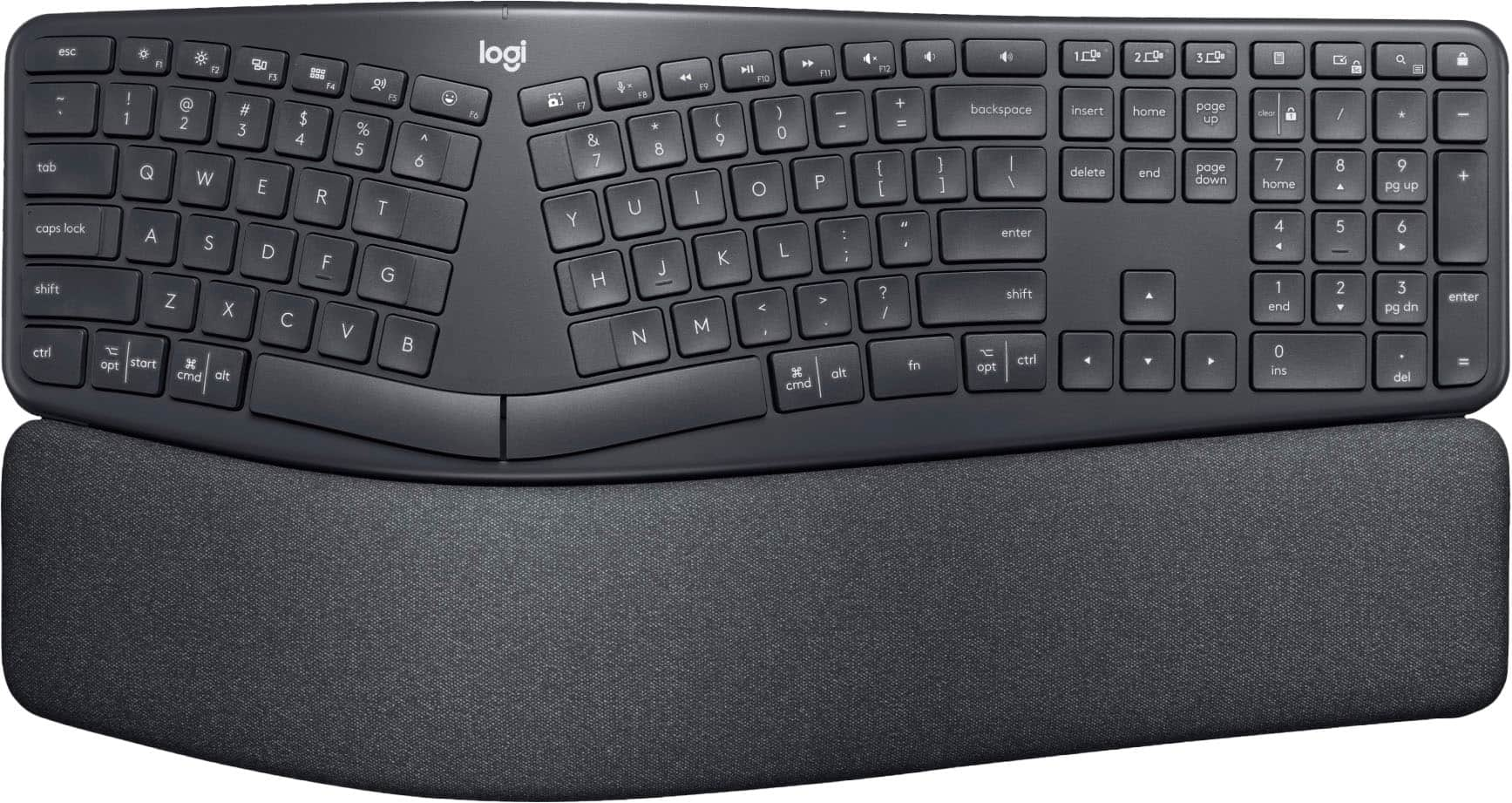
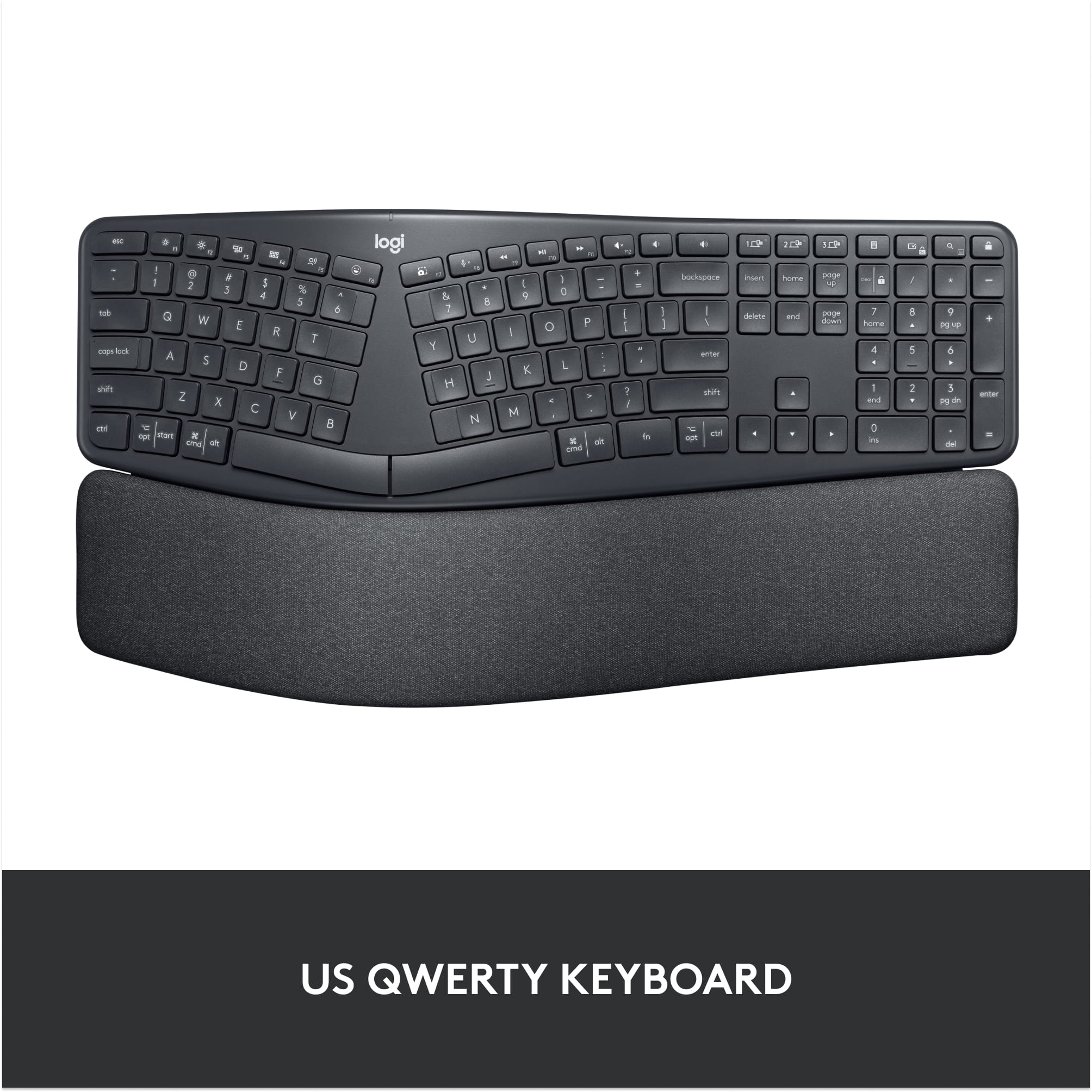
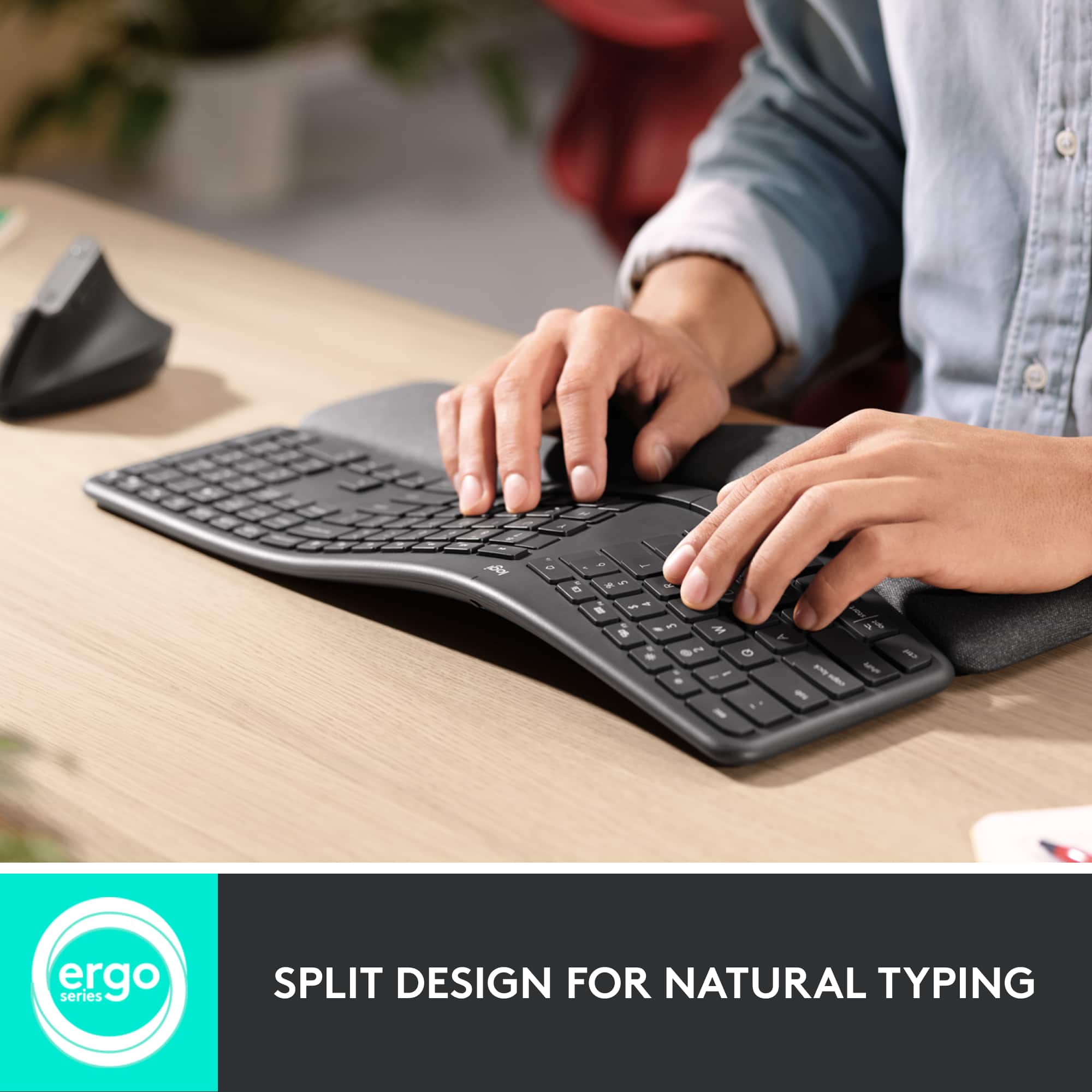
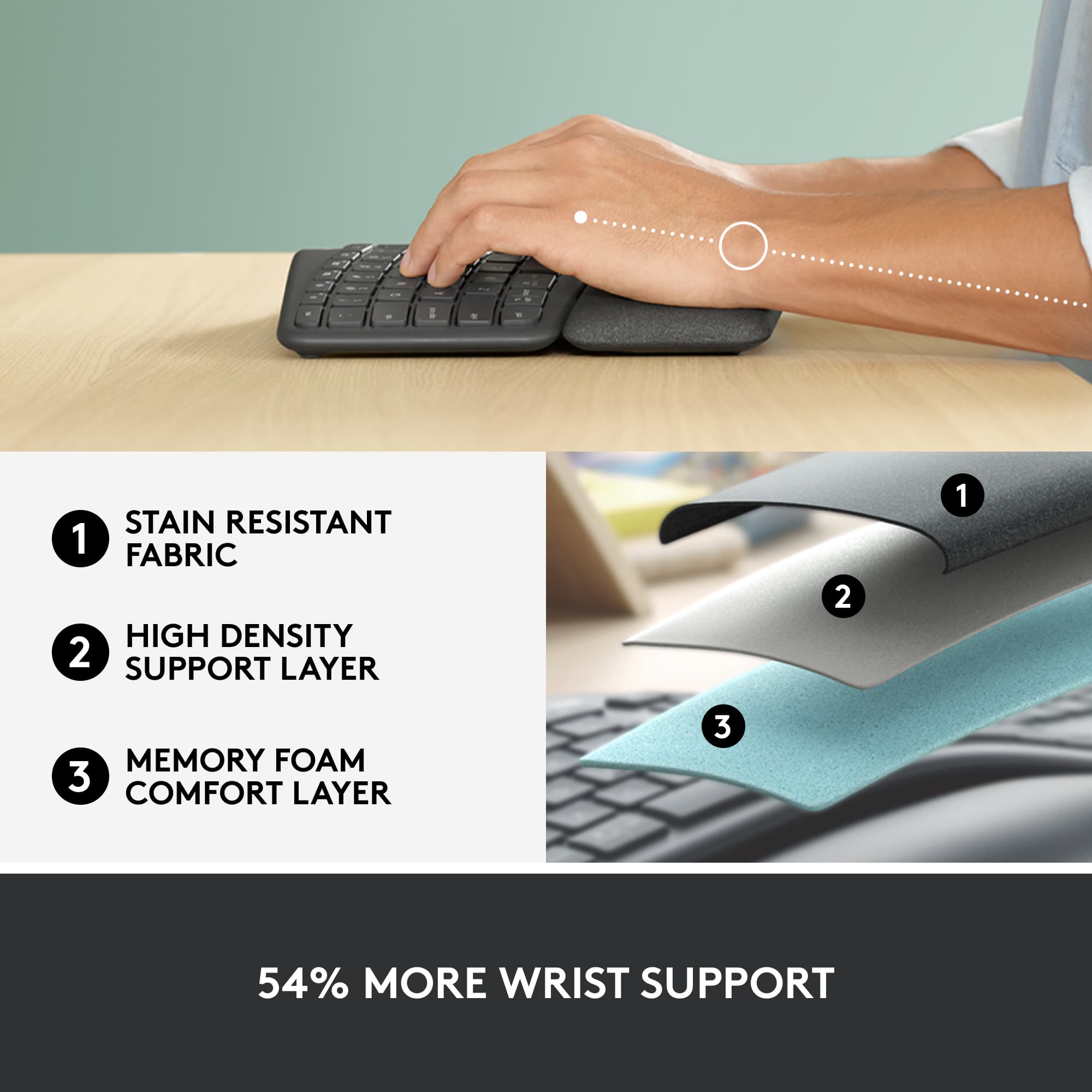
|Posted .This reviewer received promo considerations or sweepstakes entry for writing a review.This feels like an extremely well built keyboard. It weighs a lot more than I expected and feels very solid. I haven’t used an ergonomic keyboard prior to this mainly because I am not a 100% touch typist. I am somewhere between touch typing and hunt and peck, so I wasn’t sure how it would work out for me. However, within the first 10 minutes of using this keyboard, I became very comfortable with it. Comfort is the key word here. The first thing I noticed is that if forced me into a much better typing posture. Instead of my typical hunched over typing position, this keyboard made me raise my shoulders and sit a bit more upright. The padding in front of the keyboard kept my wrists well supported and…well…comfortable. Before long, I noticed that I was looking at the keyboard less and less and was more focused on the screen. They keys themselves are very responsive and very quiet compared to my current keyboard. Connecting the keyboard was very easy. It includes a Logitech’s USB Unifying receiver that was instantly discovered by my PC. You can also connect via Bluetooth as well. Once connected it prompted me to install the Logitech software that would allow me to configure function key shortcuts. This keyboard is not backlit, but I rarely use my PC in a dark room the way I might with a Laptop which does require backlit keys. Overall I am very impressed with the quality and usefulness of this keyboard. I admit I was skeptical at first, but after using it now for a few days, I can’t see myself going back to a traditional keyboard.
I would recommend this to a friend disappointed
||Posted . Owned for 1 week when reviewed.This reviewer received promo considerations or sweepstakes entry for writing a review.The keys continually get stuck while typing and causes it to automatically enter a bunch of the same letterssssssssssssss.
No, I would not recommend this to a friendBrand response from Logitech
Posted .Hi Roxy, I'm sorry that the keys on your K860 are sticky. This is not uncommon for brand new keyboards to be a little sticky in the beginning. It is recommend to use compressed air under the keys that are sticky to loosen them up. I hope that you are otherwise enjoying the comfort and feel of the keyboard overall. Thanks for being a Logitech customer. Kristi from Logitech.
Key board
||Posted . Owned for 2 months when reviewed.This reviewer received promo considerations or sweepstakes entry for writing a review.Was not happy not comfortable enough was uncomfortable using it
No, I would not recommend this to a friendErgo Keyboard
||Posted . Owned for 1 month when reviewed.This reviewer received promo considerations or sweepstakes entry for writing a review.Great keyboard. Hard to clean due to the material of the palm rest
I would recommend this to a friendsorry I missed the return period
||Posted . Owned for 4 months when reviewed.This reviewer received promo considerations or sweepstakes entry for writing a review.Tried it. It is now in a closet at work. I try thing s to get beyond the "get used to it" period. Unfortunately, that took too long for returning this. The final nail in the coffin is the lack of backlighting on the keys. I work in a darkened room and the only key that seemed to get used was "backspace"
No, I would not recommend this to a friendBrand response from Logitech
Posted .Hi kurtdh, sorry to see you're unsatisfied with your ERGO K860 keyboard. Unfortunately as you said, it doesn't offer backlit keys and we don't offer anything else that is has both features you're looking for. However, a suggestion you could look into would be the K800 Illuminated Keyboard or the K845 Mechanical keyboards. Hope this helps.
Logitech ERGO K860 Failed after 5 months
||Posted . Owned for 4 months when reviewed.This reviewer received promo considerations or sweepstakes entry for writing a review.Only after5 months the K860 keyboard no longer working. I thought Logitech were good products but this keyboard should not only work for 5 months.
No, I would not recommend this to a friendBrand response from Logitech
Posted .Truly sorry to hear about your experience with the product. This is not the experience we want you to have. We'll surely make sure to share it with the right team. However, we'd recommend you to get in touch with Logi support team and check for available options, next steps, and best possible solution.
Not for Mac
||Posted . Owned for 3 weeks when reviewed.This reviewer received promo considerations or sweepstakes entry for writing a review.I cannot recommend this product for Mac users. Required 3 phone calls to Logitech before I could get it to work. After the keyboard has been idle for a while, it does not register the first few keystrokes — frustrating when one is trying to enter a password.
No, I would not recommend this to a friendHuge Disappointment
||Posted . Owned for 7 months when reviewed.This reviewer received promo considerations or sweepstakes entry for writing a review.I bought this keyboard for my wife, its been less than a yr and the space and C keys are not working. Very disappointed.
No, I would not recommend this to a friendBrand response from Logitech
Posted .We apologize for the issues you're experiencing with the Logitech Ergo K860 keyboard. It's disappointing to hear that the space and C keys are malfunctioning after such a short period of time. In order to help you effectively, please provide your information to our support team via email at socialcare@logitech.com with your
- Name:
- Email Address:
- Country:
- Product Name:
- Brief description of issue:
Not worth the $
||Posted . Owned for 2 months when reviewed.This reviewer received promo considerations or sweepstakes entry for writing a review.Loved it while it lasted. The return window for it ended November 26 but my keyboard will no longer connect to my computer. I've tried troubleshooting through the manual and everything. After 2 and half months of use it is broken.
No, I would not recommend this to a friendBrand response from Logitech
Posted .Hi Henny, we're sorry to see you're having some performance related issues with your ERGO K860 Wireless Keyboard. You do have a 1-year limited warranty that can be used to have a replacement sent out to you. You can do that here: https://support.logi.com/hc/en-us/articles/360041797493-Warranty-ERGO-K860-Split-Ergonomic-Keyboard. Hope that helps. -N from Logitech
Ok
||Posted . Owned for 3 months when reviewed.This reviewer received promo considerations or sweepstakes entry for writing a review.The keyboard was a little too high for me. The padding was comfortable. But end up returning it.
I would recommend this to a friendBrand response from Logitech
Posted .Hello, I am sorry to hear you did not like this keyboard. Thank you for taking the time to write this review, we appreciate all the feedback.
- Pros mentioned:Ergonomics, Key feel, Wrist support
Easy set up
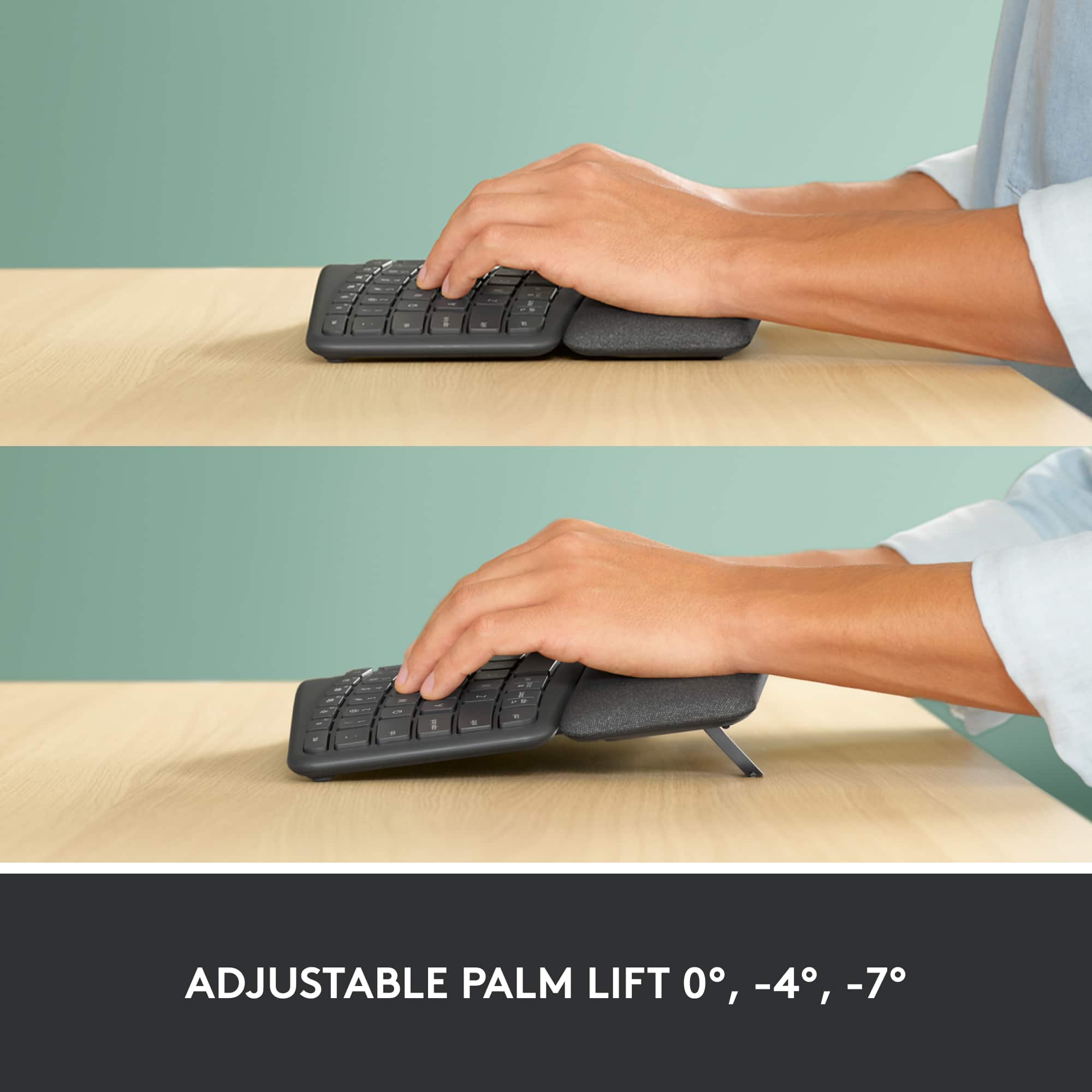
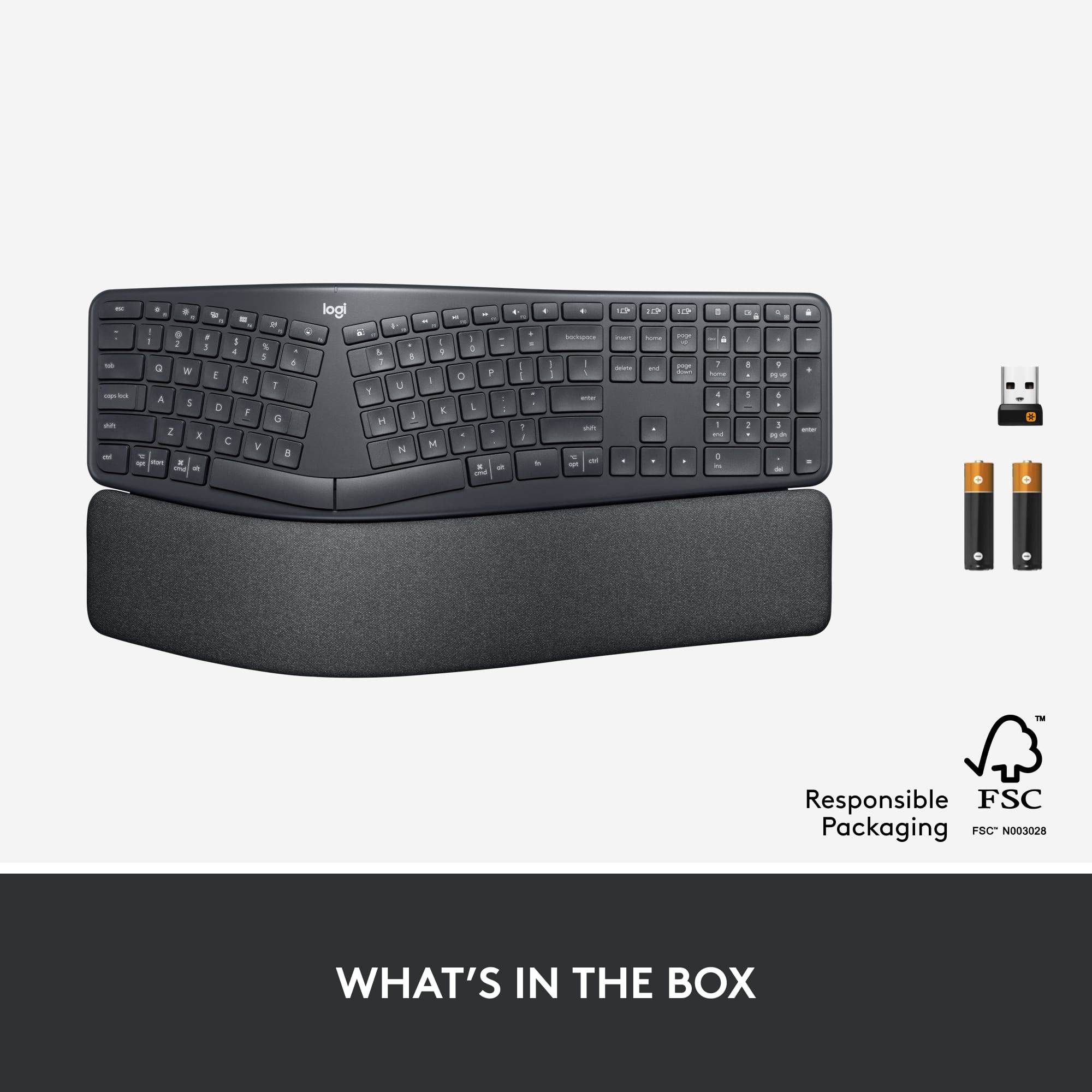
|Posted .This reviewer received promo considerations or sweepstakes entry for writing a review.I currently had a curved ergonomic keyboard so I enjoyed having that to compare to my new Logitech ergonomic split keyboard & I really like this new keyboard, I like that the keys are more low profile & flushed with the keyboard itself my old keyboard keys sat high & I have long nails & they would sometimes slip between the keys not anymore!! The keys are quiet which is an added plus. I am on the computer 8+ hours a day & although I already had an ergonomic keyboard I was still have some wrist & finger discomfort, using my new Logitech keyboard I have noticed alot less discomfort. The things I really like about the Logitech ergonomic keyboard is the fact that it's wireless usb & bluetooth it was a fast & easy set up, it takes 2 AAA batteries which were provided no surprise when you her home & need to go back out to buy some,it has an on & off switch, it has a padded wrist rest, has 2 angle adjustable stand one at 4° & 7° which is nice to have the option (at the wrist pad not the top of keyboard like most) I found that adjustment to be more comfortable, it's light weight & a bit smaller in size. Quite soft keys when typing, almost feels like they are cushioned when typing which I felt reduced some finger discomfort. Only thing I would have like if the Logitech ergonomic split keyboard is it to have number lock notification, and for all the keys to not be so compacted together, I like my top row of (F keys & other that are not used often) a little separated, I know it takes time to get use to something new & where things are placed. But over all a really good keyboard & worth the cost.
I would recommend this to a friend Died in less than a month.
||Posted . Owned for 2 weeks when reviewed.This reviewer received promo considerations or sweepstakes entry for writing a review.Lasted less than a month and died. I've never liked Logitech.
No, I would not recommend this to a friendBrand response from Logitech
Posted .We're very sorry to hear that your Logitech ERGO K860 failed after less than a month of use. We understand your frustration and apologize for the inconvenience this has caused. To address this issue, we recommend reaching out to our social care team via email at socialcare@logitech.com with your
- Name:
- Email Address:
- Country:
- Product Name:
- Brief description of issue:
- Cons mentioned:Size
Look to your space for this keyboard
||Posted . Owned for 1 month when reviewed.This reviewer received promo considerations or sweepstakes entry for writing a review.The keyboard is too big and difficult to use due to this.
No, I would not recommend this to a friend Not happy!!
||Posted . Owned for 1 year when reviewed.This reviewer received promo considerations or sweepstakes entry for writing a review.Just out of warranty and no longer works!! So very unsatisfied spent $130 just over 1 yr ago and keyboard no longer works. Tried all the trouble shooting, restarted computer,drivers, batteries etc nothing worked had to get another keyboard. I at least have a unified rather expensive mouse.
No, I would not recommend this to a friendBrand response from Logitech
Posted .Hi Cinfal, Very sorry to hear that your K860 no longer works and is now out of warranty. Here is a link to the product support page: https://support.logi.com/hc/en-us/articles/360041324294-FAQ-ERGO-K860-Split-Ergonomic-Keyboard. There are more troubleshooting FAQs to use that you may not have seen. Hope that this helped and that all is going well. Thank you for being a Logitech customer. - Richard from Logitech
Poor quality
||Posted . Owned for more than 2 years when reviewed.This reviewer received promo considerations or sweepstakes entry for writing a review.After only 1 year of use the . Key began sticking and ultimately came off. Contacted Logitech and it was out of warranty so I spent $140 on a keyboard that worked a year.
No, I would not recommend this to a friendBrand response from Logitech
Posted .We're sorry to hear that you've had an unpleasant experience with our product. We take product design and quality very seriously, and we apologize for falling short in this area. Your feedback is instrumental in helping us improve our services and products.
Logi disappointment
||Posted . Owned for 3 weeks when reviewed.This reviewer received promo considerations or sweepstakes entry for writing a review.Stopped working after two weeks, online found out it was common issue. Returned. Have had other products for years without issue.
No, I would not recommend this to a friendBrand response from Logitech
Posted .We regret to hear that you had to return the product and we apologize for any inconvenience caused. We'll surely take this feedback and make sure to share it with the right team. Thanks for bringing it to our notice.
Lost connection ANYTIME.
||Posted . Owned for 2 months when reviewed.This reviewer received promo considerations or sweepstakes entry for writing a review.This keyboard suck. Keep losing connections if you leave it idle for a while. by a while I mean couple minutes. EVERYTIME when you start typing after idel it either lag or just lost connection. absolutely watse of money.
No, I would not recommend this to a friendBrand response from Logitech
Posted .Hello Nick, I'm sorry to hear that you've been having some connectivity issues with your K860 keyboard. The keyboard is designed to go into rest mode to save battery when not in use, so to prevent lag when using it after it goes to sleep, I would recommend changing from Bluetooth to the USB dongle included with the device. If you've been using the USB, try using Bluetooth instead to see if the issue is to do with the dongle.
- Pros mentioned:Bluetooth, Key feel, Wrist support
Comfortable and ergonomic
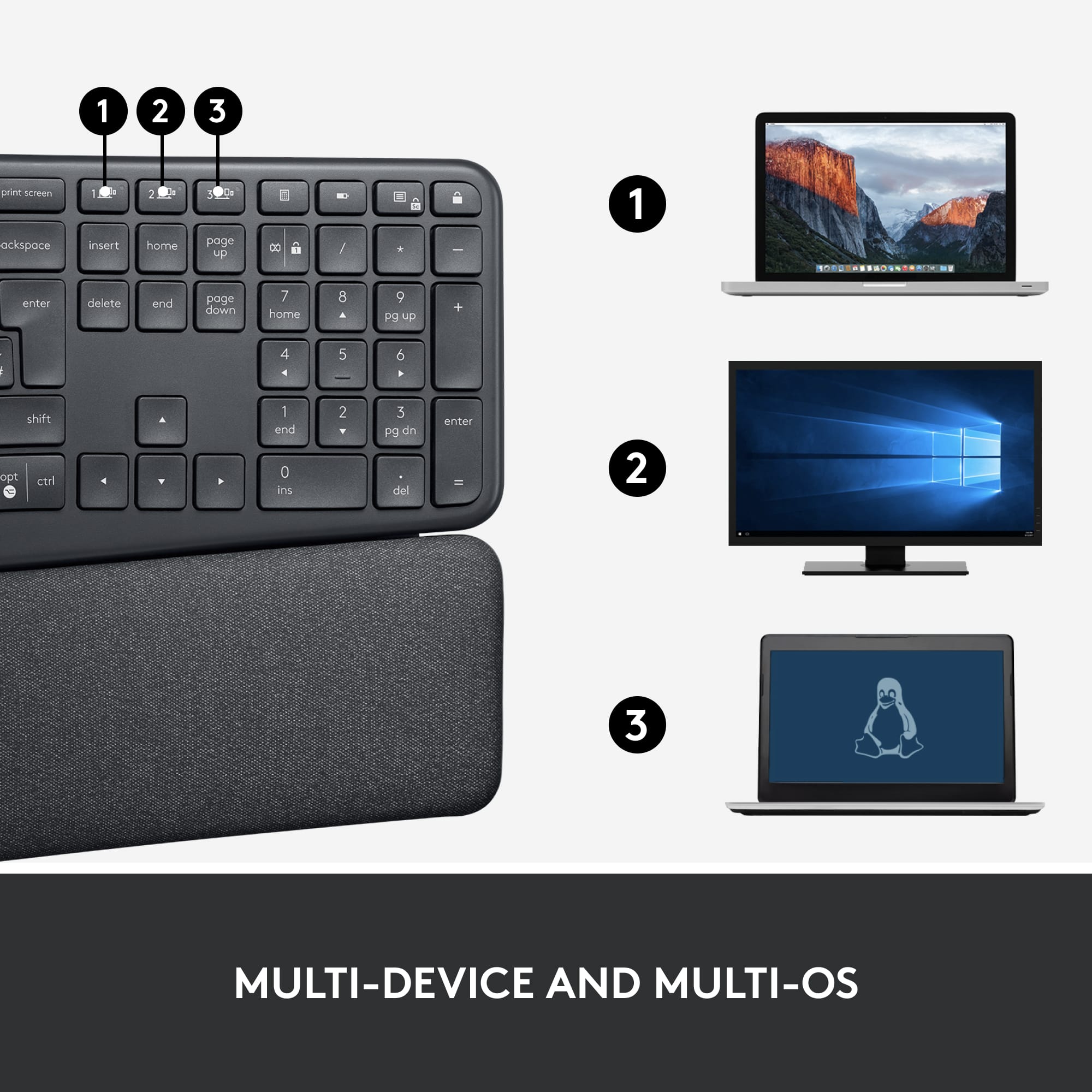
|Posted .This reviewer received promo considerations or sweepstakes entry for writing a review.I have been using ergonomic keyboards for several years now and they are all slightly different. This particular keyboard stands out and has become my favorite. My home office configuration has a main computer, a laptop and a Mac. With this keyboard, I can consolidate down to one keyboard with its three connections. I simply press a button and I'm in control of a different device. It's also configured with Mac buttons which makes this a one of a kind. The wrist rest is very comfortable and it has two elevation settings for optimal comfort. This allows for three elevation options. The keys are soft and quiet making it a very enjoyable keyboard. If you haven't used an ergonomic keyboard before, it's well worth the investment. My wrists feel so much better at the end of the day. Finally, it allows for either bluetooth connectivity or an included USB dongle. With my three computers, I have been using the bluetooth option.
I would recommend this to a friend Worst keyboard ever
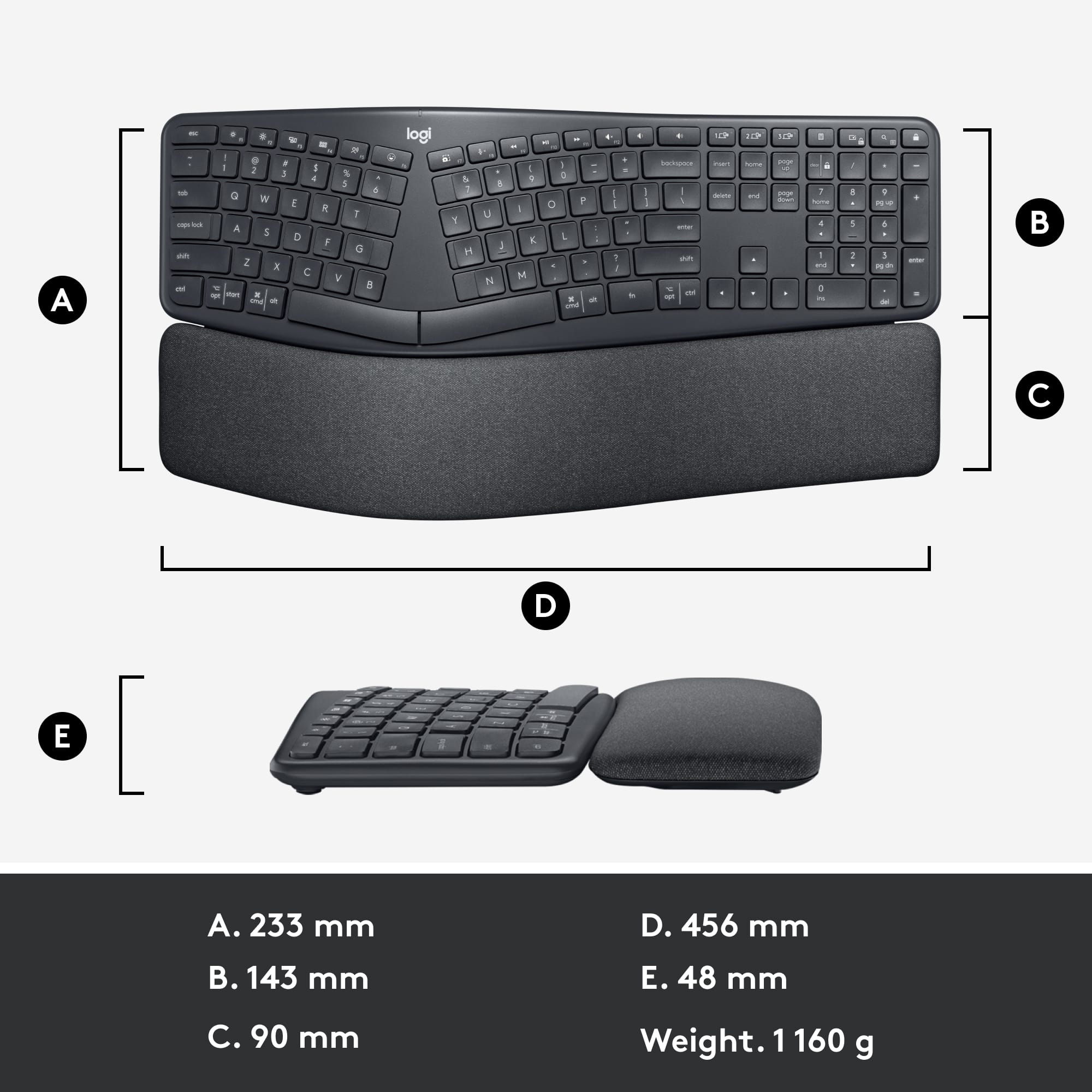
||Posted . Owned for 2 weeks when reviewed.This reviewer received promo considerations or sweepstakes entry for writing a review.I regretted buying this keyboard the moment I tapped the first key. The device is way too narrow which cause the keys to sit too close together. It was impossible for me to type ANYTHING without making several typos. I returned it the same day.
No, I would not recommend this to a friendBrand response from Logitech
Posted .Hello MarNicHunt,
Thank you for sharing your experience with the K860 Wireless keyboard. I am sorry that this keyboard did not fit your preferences, we appreciate your feedback. I use this keyboard personally. For me, it is comfortable. I hope you will find another Logitech keyboard that is a better fit for you. Please feel welcome to visit the Logitech website for support with any of your Logitech products.
Best regards,
John at Logitech
https://support.logi.com