Customer Ratings & Reviews




- Model:
- 920-009166
- SKU:
- 11521564
Rating by feature
- Value
Rating 4.4 out of 5 stars
- Quality
Rating 4.7 out of 5 stars
- Ease of Use
Rating 4.6 out of 5 stars
I prefer Microsoft’s ergonomic keyboard
||Posted . Owned for 1 week when reviewed.This reviewer received promo considerations or sweepstakes entry for writing a review.I tried this keyboard for 5 days and returned it because the keys require more pressure than my old Microsoft ergonomic keyboard. I returned it and purchased a New Microsoft ergonomic keyboard. My fingers thank me.
No, I would not recommend this to a friend- Pros mentioned:Ease of use, Ergonomics, Wrist support

Logitech has a winner
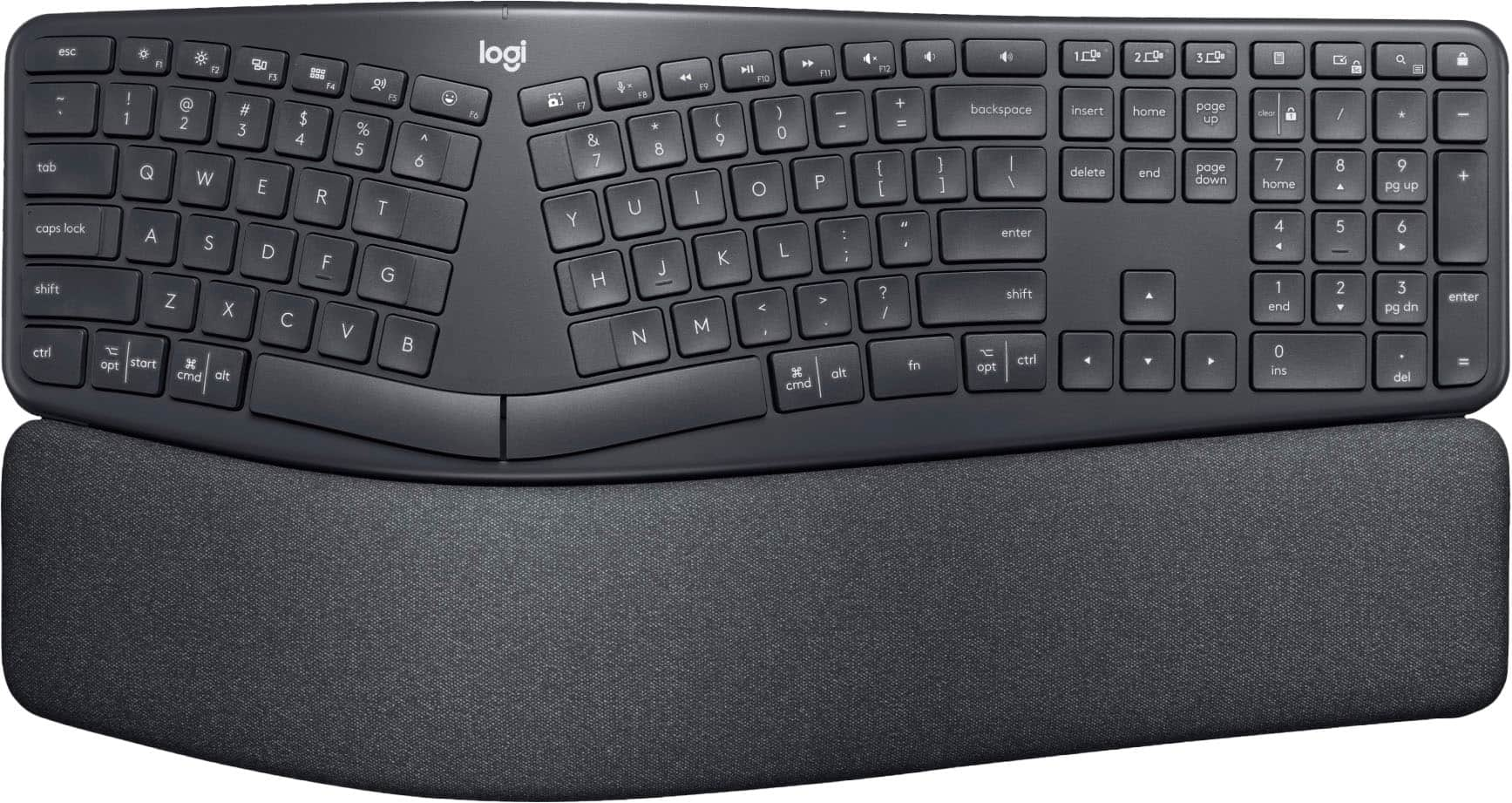
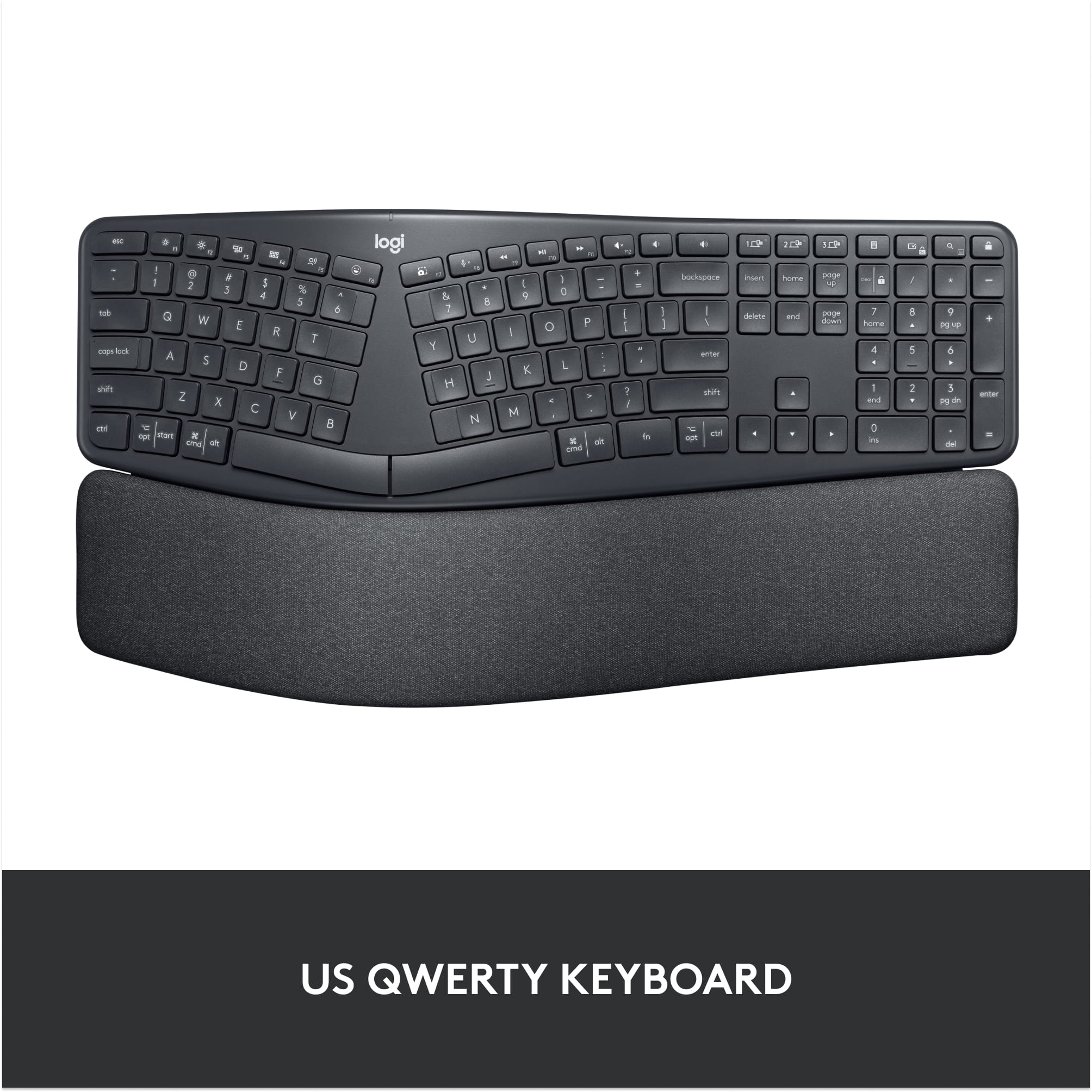
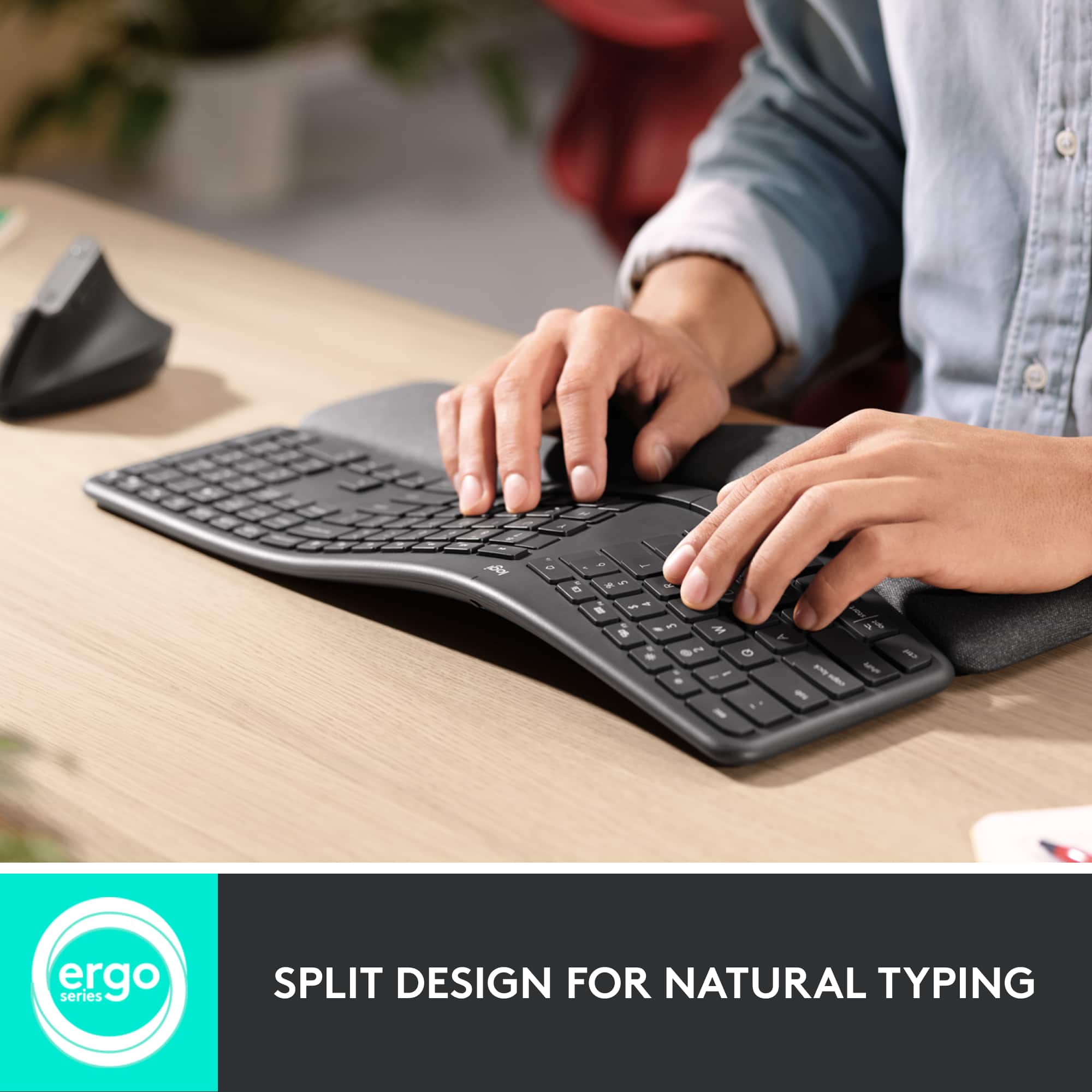
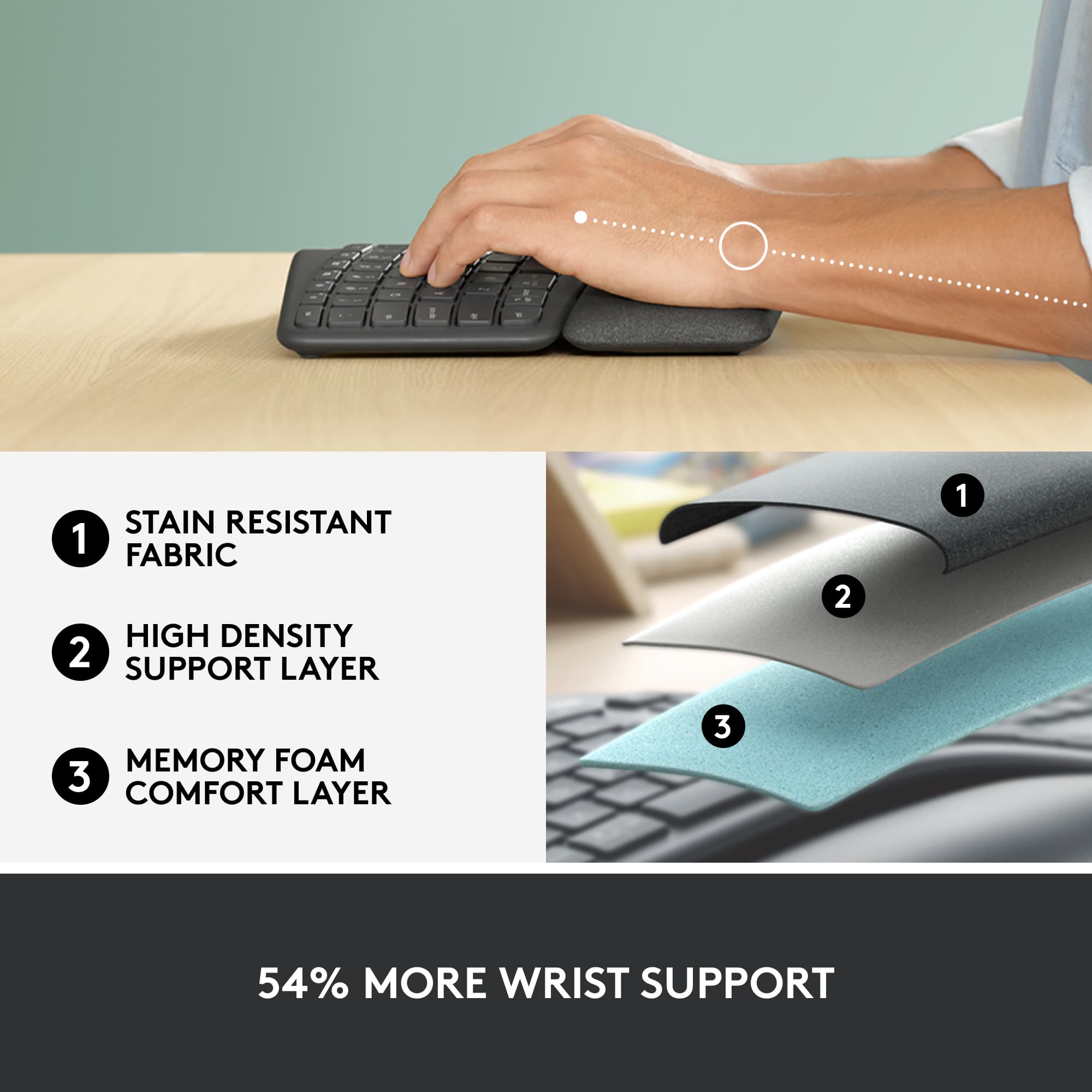
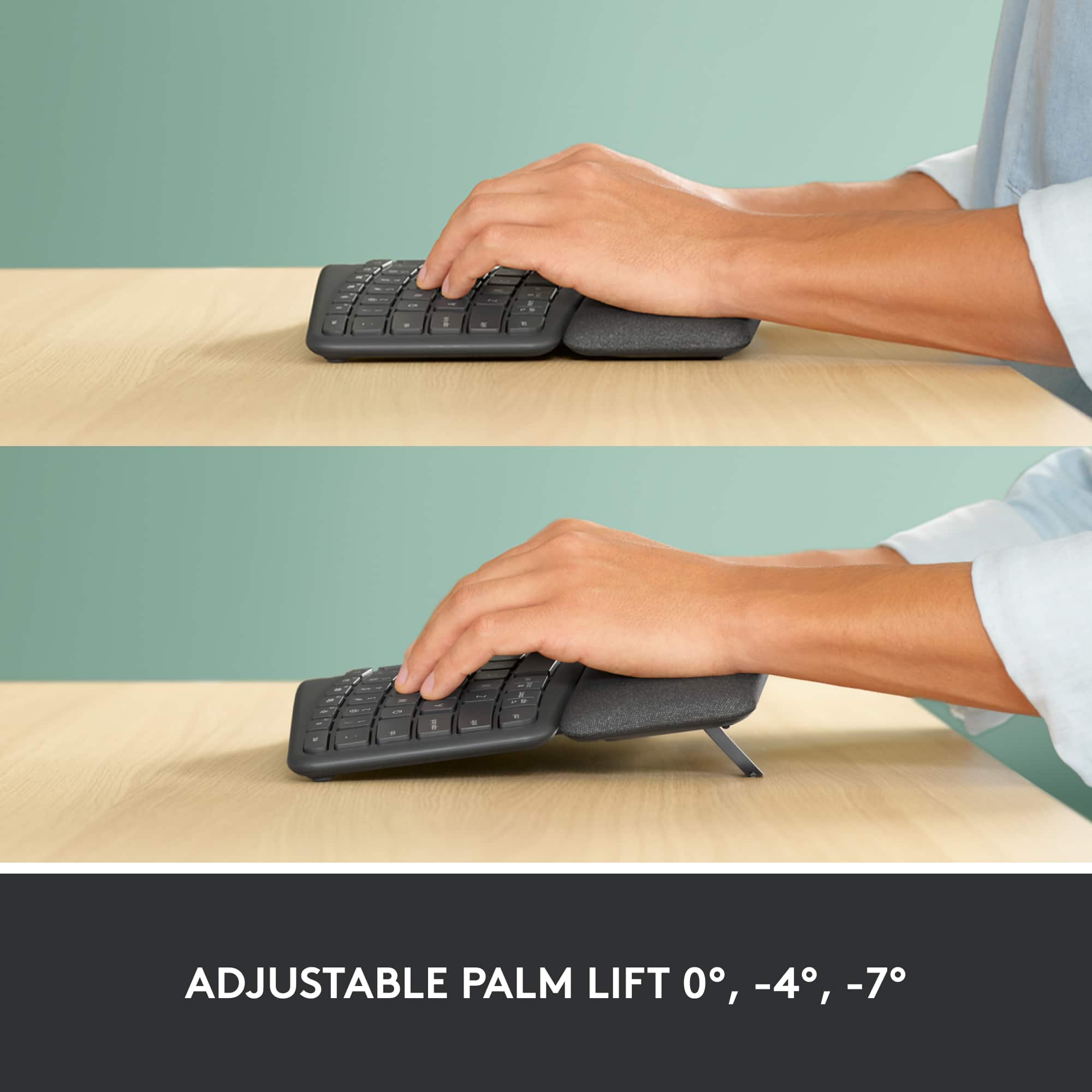
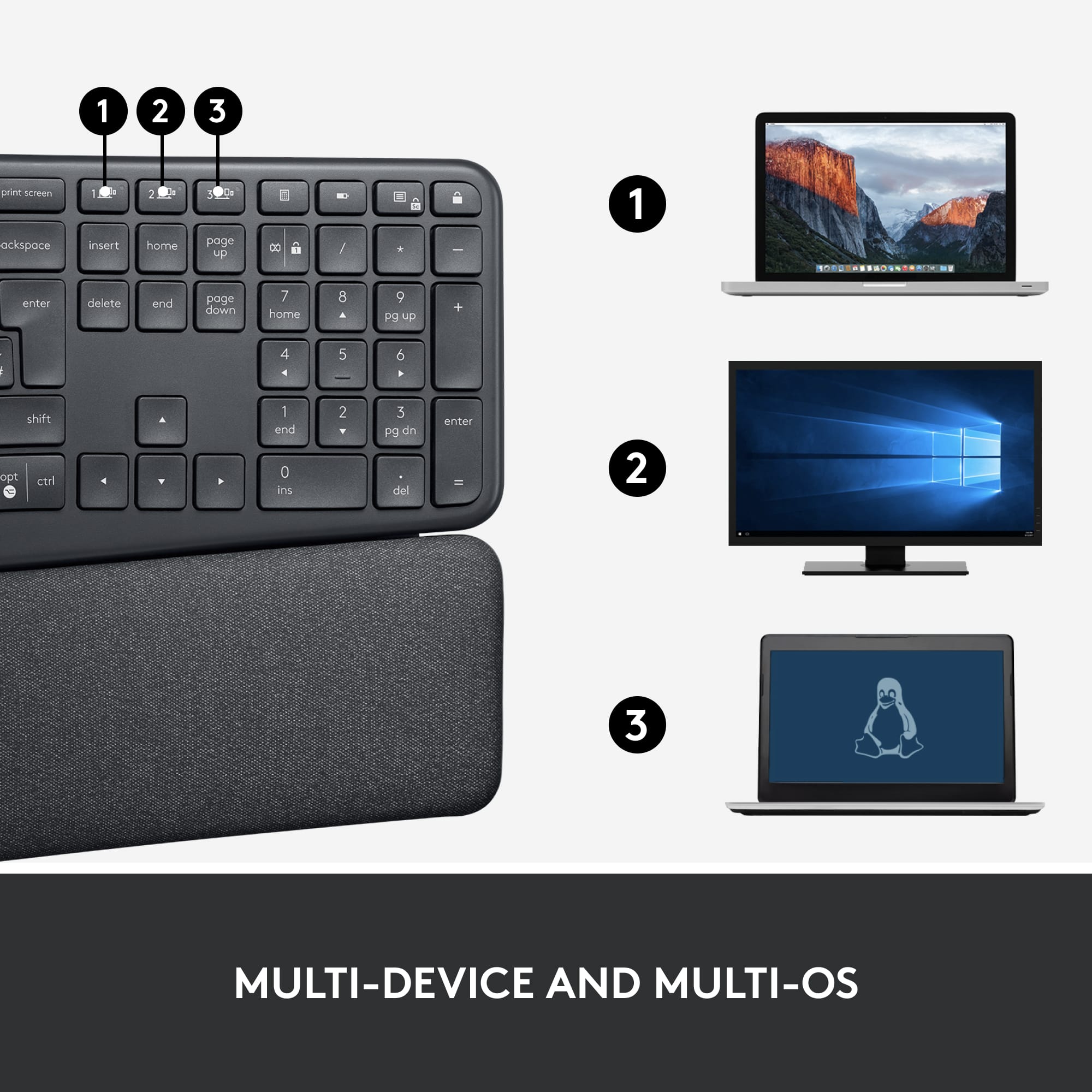
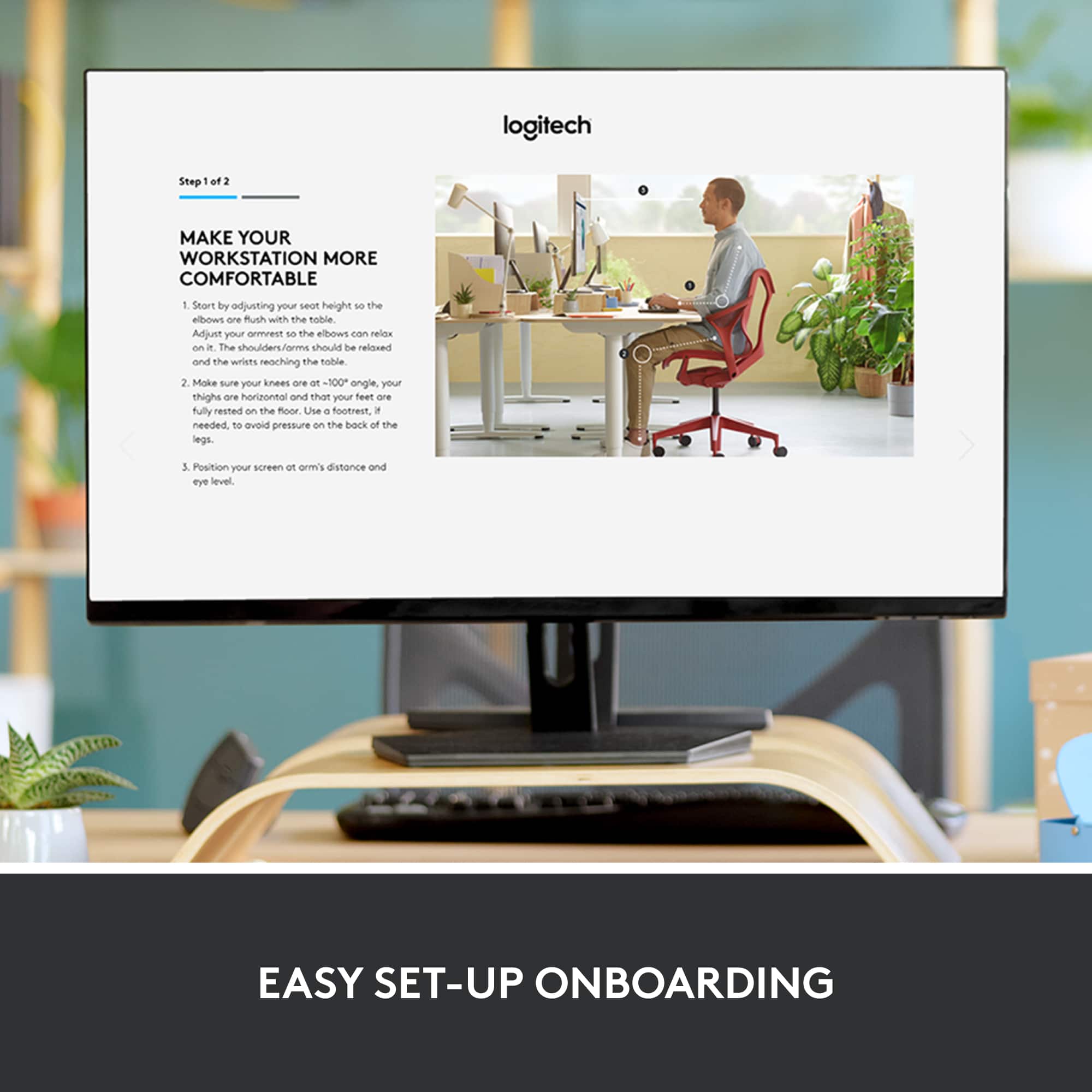
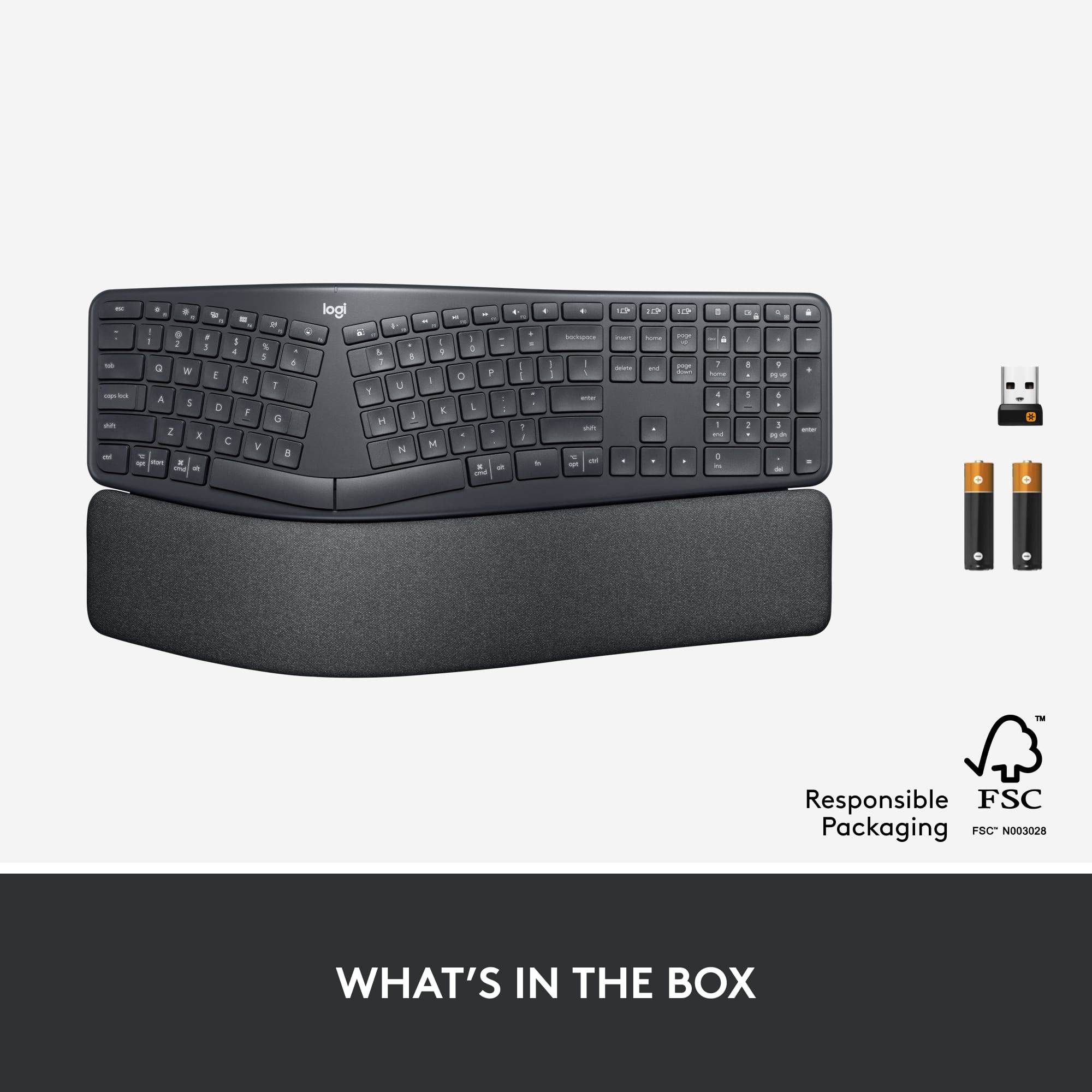
|Posted .This reviewer received promo considerations or sweepstakes entry for writing a review.I have owned Logitech wireless keyboards and mice for quite a few years. I changed to another brand about a 6 months ago, because I needed something more ergonomic due to hand issues. I have been satisfied with that, but when Logitech came out with the K860, I had to try it out. I’m glad I did. The split keyboard takes a bit of getting use to; however, now that I have a comfortable feel for it, I don’t see how I could ever go back to the plain rectangular style. Also, assisting with the comfort of the K860 is a 2-layer foam wrist pad that provides great service to the wrist and the “heel” of the hand. But wait, there’s more: the keyboard has a lift feature that goes beyond the norm. There are 3 levels of angle adjustment providing more personalization than the typical 2 levels. I tried all 3 levels until I found the midlevel was best for me. I like the ergonomics and adjustment opportunities, because I can use the keyboard longer during a writing session, like this review for instance, without my hands hurting. Comfort is not the only thing to like about the K860. Some of the other notable pluses are: • Very easy set up. • Full-size keyboard with number pad. • Connectivity is not only by 2.4GHz USB receiver, there is also low energy Bluetooth. • Wireless range projected up to 33 feet. • Up to 3 devices can be wirelessly connected to the keyboard. You can switch back and forth using clearly labeled and easily accessible keys. • Caps Lock key is lighted, something that has disappeared on many keyboards today. • A Screen Print that actually does what the name implies! Not only does it print/save the screen to a document, a pop up allows immediate access to the printed item in One Drive. Love it! • On/off power switch. • Batteries (2 AAA) are projected to last up to 2 years, due to low energy demands. • Lots of personalization options. The K860 is great, but it isn’t perfect: The Number Lock does NOT light up when on. So, a quick glance won’t do any good, creating the need to use the key to determine its status. It is a bit disappointing that there is no “matching” mouse in the box, though it is reported to be compatible with Logitech Flow enabled mice. Even so, it doesn’t diminish the keyboard. With the ERGO K860, Logitech has gotten me back as a user! I recommend it, especially if you have hand/wrist issues.
I would recommend this to a friend Comfortable but extremely frustrating
||Posted . Owned for 3 weeks when reviewed.This reviewer received promo considerations or sweepstakes entry for writing a review.I work from home during they day and take online classes to in the evening so I wanted a comfortable keyboard. This keyboard is definitely comfortable, but it drives me crazy. It constantly goes into a sleep mode and disconnects after just a short amount of of inactivity. It then takes forever to wake up and reconnect. It throws me off my game with being able to respond quickly to messages or to resume typing after reading something for my class. I replaced a $30 Logitech Bluetooth keyboard for this which was way more user friendly. I can’t believe I spent so much for this. I’m only it more than one star due to how comfortable it is.
No, I would not recommend this to a friendBrand response from Logitech
Posted .Hello, sorry to hear that you are having some complications with your ERGO K860 Ergonomic Split Bluetooth/USB Keyboard. We are always looking for ways to improve our products, so we appreciate your review. I can understand how that can be disruptive when working from home. Have you downloaded Logitech Options? This is where you can customize all your preferences on your keyboard. You can also use your computers "bluetooth devices", locate your keyboard's power management and adjust the settings as you see fit. I hope this information was helpful. If you ever have additional feedback or questions regarding Logitech products, feel free to visit https://support.logi.com/hc/en-us Thanks, -Logitech
Not for me
||Posted . Owned for 3 weeks when reviewed.This reviewer received promo considerations or sweepstakes entry for writing a review.It worked just fine but the high front didn't fit the way I type
No, I would not recommend this to a friendBrand response from Logitech
Posted .We're sorry that the Logitech ERGO K860 keyboard's design, specifically the high front, didn't suit your typing style. We understand that ergonomics are very personal, and a comfortable fit is essential. We appreciate your feedback and regret that it wasn't the right match for you.

Usable for 18 months
||Posted . Owned for 1 year when reviewed.This reviewer received promo considerations or sweepstakes entry for writing a review.The keyboard works well, but broke after a little more than a year of use. The r key no longer works which effectively makes the keyboard useless. It worked well for about 18 months and then became useless. I expect more from a keyboard that costs $120
No, I would not recommend this to a friendBrand response from Logitech
Posted .We apologize for the premature failure of your Logitech ERGO K860 Ergonomic Keyboard. To get that issue resolved, we recommend reaching out to our social care team via email at socialcare@logitech.com with your
- Name:
- Email Address:
- Country:
- Product Name:
- Brief description of issue:
- Cons mentioned:Size
A bit big but comfortable to use
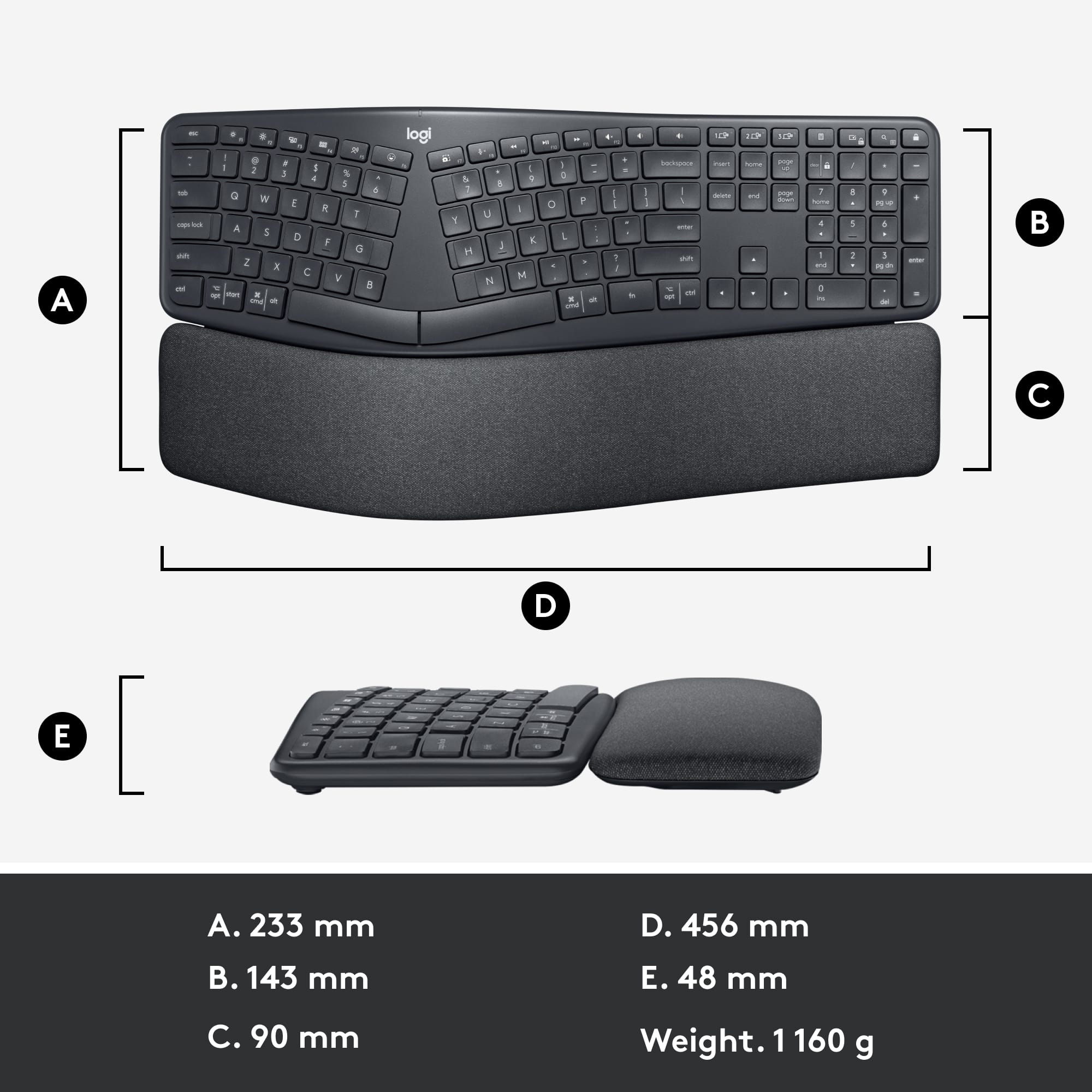
||Posted . Owned for 3 weeks when reviewed.This reviewer received promo considerations or sweepstakes entry for writing a review.Likes: ergonomic, intuitive for both mac and pc, stylish Disliked: a bit too big for my space
I would recommend this to a friend Not as goos as Mirosofts ERgo Keyboard
||Posted . Owned for 1 month when reviewed.This reviewer received promo considerations or sweepstakes entry for writing a review.batterey life was short. Print Screen button in a bad location. LIke the touch of the keyboard. i am willing to try it a little longer. Keyboard at times wants toi type backword. not much help from locitech on this issue.
No, I would not recommend this to a friendWould not recommend: keys repeat or delete work
||Posted . Owned for 2 months when reviewed.This reviewer received promo considerations or sweepstakes entry for writing a review.I have had this keyboard for a few months and I wish I never bought it. The keys stick causing me to have reptitive letters/numbers/symbols appear, or what is even more frustrating is that the delete key will stick, causing the keyboard to delete everything that I just typed. Contacted Logitech, but did not get much help other than saying this "membrane" keyboard will ghost or not type something if you press two keys at the same time - which is the opposite of the problem I am having because I get repetitive letters and delete prompts despite only hitting a key once. Yes, it looks sleek and feels more comfortable than my wave, but its modern look does not compensate for the fact that it is awful keyboard to work with.
No, I would not recommend this to a friendBrand response from Logitech
Posted .That's disappointing to hear and it's surely not what we expect to deliver. We understand your displeasure and apologize for any issues that arise. We value your input, therefore we will forward it along to the appropriate team so they can look into it. Thanks a lot!
Not good for forearms
||Posted . Owned for 1 month when reviewed.This reviewer received promo considerations or sweepstakes entry for writing a review.My wrists and forearm hurts after I use this keyboard
No, I would not recommend this to a friendBrand response from Logitech
Posted .Thank you for your feedback on the ERGO K860. We're sorry to hear about the discomfort you've experienced, and we truly appreciate you bringing this to our attention—it helps us work toward better ergonomic solutions for all users. To address this issue, we recommend reaching out to our social care team via email at socialcare@logitech.com with your
- Name:
- Email Address:
- Country:
- Product Name:
- Brief description of issue:
- Pros mentioned:Bluetooth, Ergonomics, Key feel
Could be perfect for you ... or not
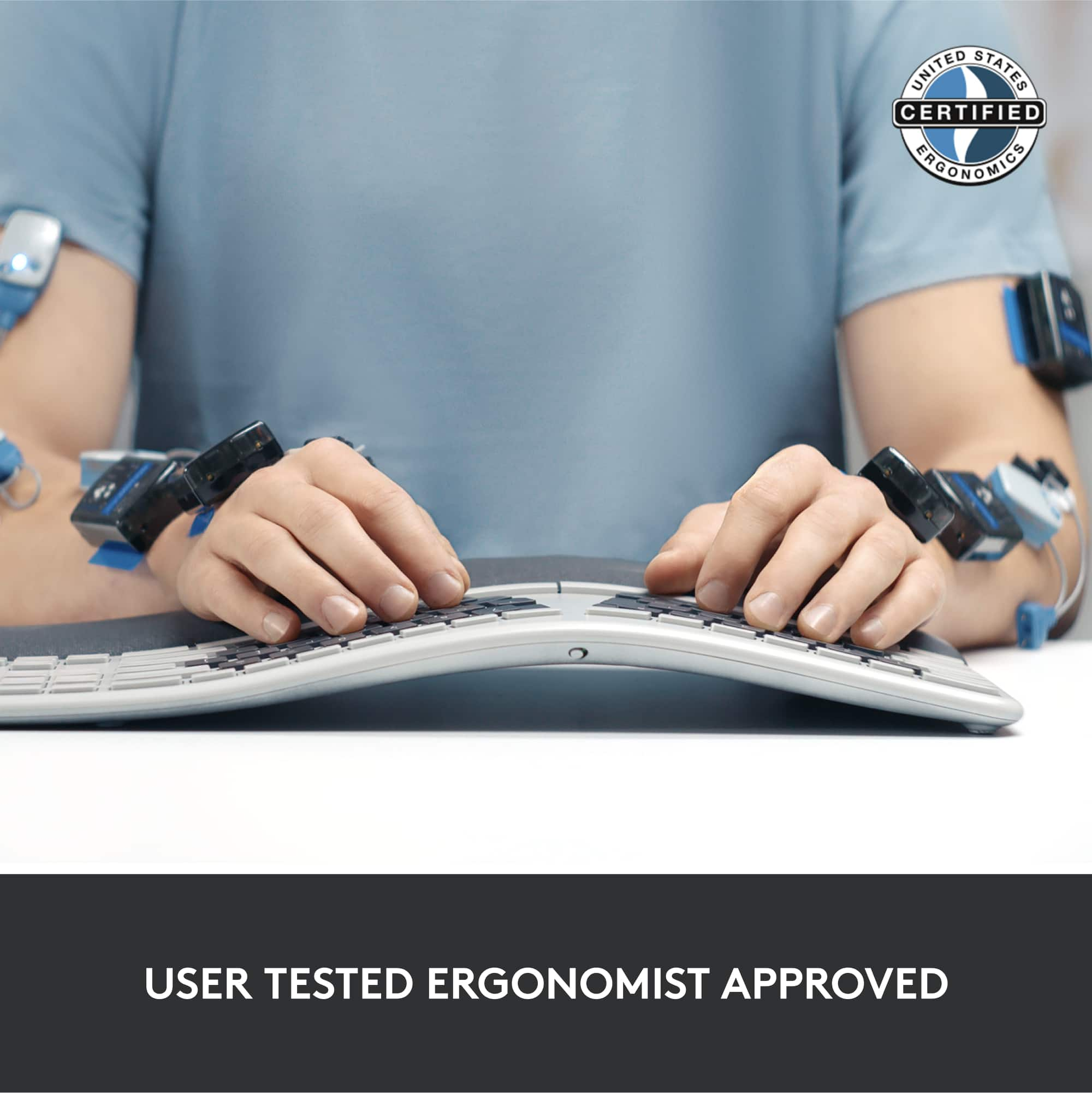
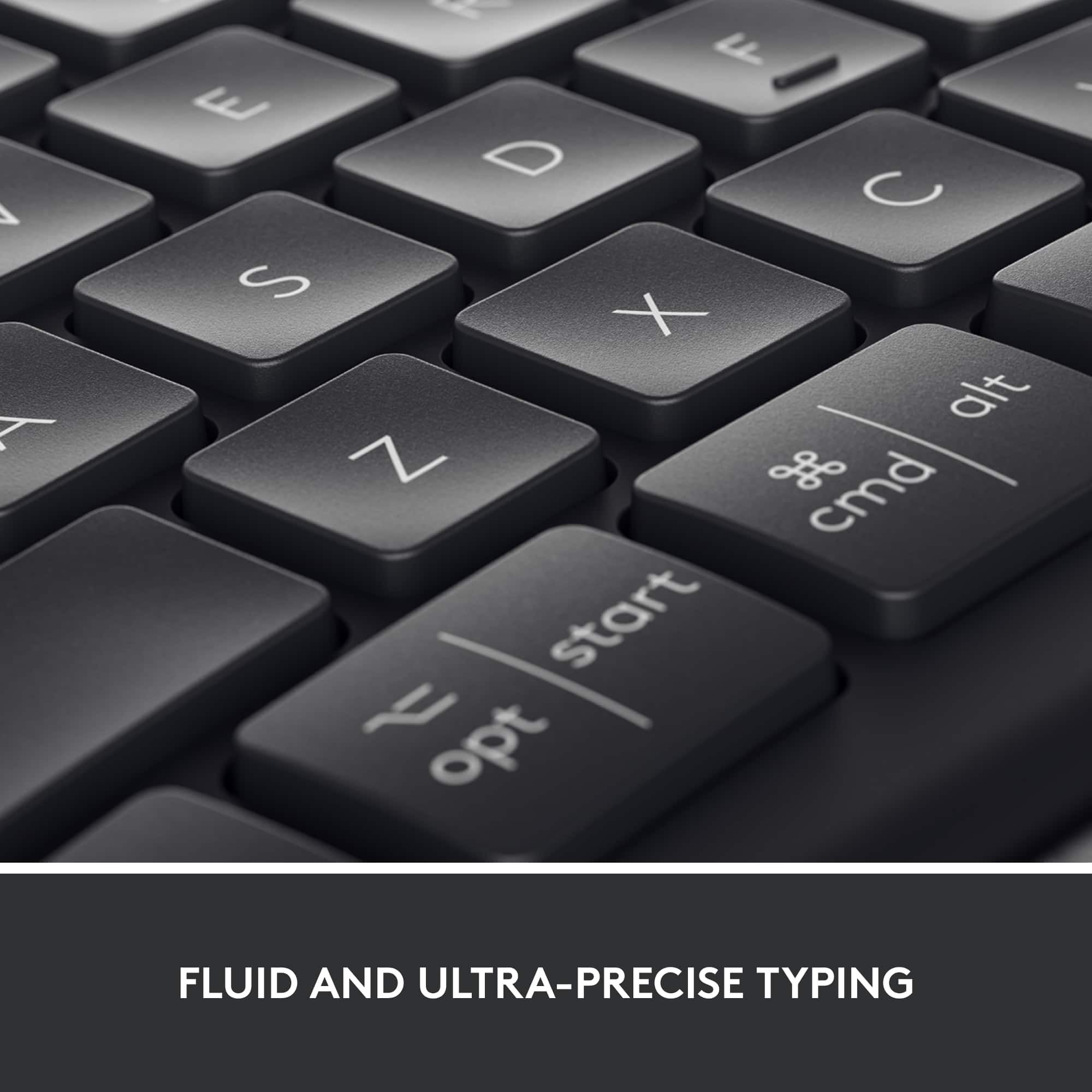
|Posted .This reviewer received promo considerations or sweepstakes entry for writing a review.This is a high-quality keyboard, and it’s priced accordingly. The build quality is very good and the feel of the keys is quite nice and smooth. It’s louder and “clickier” than my current keyboard, even though it’s not mechanical. If mechanical keys are a must-have, you’ll have to look elsewhere. The integral, padded palm/wrist rest is exceptionally comfortable, and the curved and split shape does add to its comfort by allowing a natural hand and wrist position. One thing must be emphasized. You must have this keyboard at the correct height, or the ergonomics just don’t work. It comes with a Logitech Unifying USB receiver. However, it’s also Bluetooth enabled, and that’s how I connected it. Pairing with up to three devices very easy, and there are three dedicated keys to switch between those devices. The Logitech Options software allows you to reassign the special functions of all the F-keys plus four additional keys. You can also decide if you want the standard F1-F12 or the special functions to be the default. If you have programs that rely on F-keys, you’ll love that feature. Lastly, these assignable keys can be defined differently for specific programs. This gives a lot of flexibility to dial this keyboard into your needs and workflow. I used it on my PCs, but it’s equally capable and fully functional for Mac use as well. I’m new to split keyboards, and there is a learning curve. I’m not a rigorous touch typist and there are some keys that I tend to cheat on. Reaching across with the wrong hand doesn’t work with the split shape. Also, I use a CAD program where my right hand tends to stay on the mouse and the left inputs keyboard mnemonics. In that very specific case, it can be difficult to use. That said, I’m typing this review using the Ergo Keyboard, and I’m starting to like it more and more as I get accustomed to it. You must be willing to spend some time accommodating the change. This is a quality keyboard with a high degree of flexibility. It can be customized to your uses and specific programs. The ergonomic features are excellent for the person who spends a lot of time typing text or even data entry. It should absolutely help avoid fatigue and wrist issues as well as streamline workflow with those uses, especially for a true touch typist. If you’re a hunt and peck, one or two fingers per hand person and don’t leave your hands in place as you type, it’s really not intended for you. The bottom line is pretty straightforward. Would I recommend this to a friend? After I ask a couple of questions the answer could be absolutely yes or don’t bother.
I would recommend this to a friend Meh
||Posted . Owned for 10 months when reviewed.This reviewer received promo considerations or sweepstakes entry for writing a review.Experiences a lag oftentimes. I have to wait for letters to register. I also wish it had backlight
No, I would not recommend this to a friendOver correction
||Posted .This reviewer received promo considerations or sweepstakes entry for writing a review.Over-correction. Not natural when typing. Will overpronate your hand movements. Check with a doctor prior to using
No, I would not recommend this to a friendBrand response from Logitech
Posted .We’re really sorry to hear about your experience. We’ll share this with our team for improvement. We value your feedback and appreciate you bringing this to our attention.
Keyboard
||Posted . Owned for 1 month when reviewed.This reviewer received promo considerations or sweepstakes entry for writing a review.Too curved and too high at the wrist level very economically, incorrect, even for a natural keyboard
No, I would not recommend this to a friendBrand response from Logitech
Posted .We sincerely apologize that the ERGO K860 design did not provide the comfort you expected. We appreciate your feedback regarding the height and curvature of the wrist rest; your insights on these ergonomic features are invaluable as we strive to improve our designs. Thank you for bringing this to our attention.
Not good for small hands
||Posted . Owned for less than 1 week when reviewed.This reviewer received promo considerations or sweepstakes entry for writing a review.This keyboard was very uncomfortable to use. For reference, I have small hands and am a touch typist and prefer less travel in keys.
No, I would not recommend this to a friendBest for small fingers
||Posted . Owned for 1 month when reviewed.This reviewer received promo considerations or sweepstakes entry for writing a review.Enjoy ergonomic keyboards but this one is awkward the “Y, H & N”. You have to get used to typing with small finger spacing unnatural to adult fingers.
No, I would not recommend this to a friendLogitech ergonice keyboard is superior to thi sone
||Posted . Owned for 2 weeks when reviewed.This reviewer received promo considerations or sweepstakes entry for writing a review.The Logitech ergonoice keey is supperior to this keybaord Hadn position forces one to double type letters and to hit key that you did not intend to hit
No, I would not recommend this to a friend- Pros mentioned:Ergonomics
Great if you’re into ergonomic design
||Posted . Owned for less than 1 week when reviewed.This reviewer received promo considerations or sweepstakes entry for writing a review.This keyboard is great if you like the concept of the ergonomic design. I did not like the ergonomic design.
No, I would not recommend this to a friendBrand response from Logitech
Posted .Hi Bvkacd, Thank you for your feedback. Sorry for any inconvenience. If you ever need assistance, please contact Logitech Support on the website. LaShonda from Logitech
It works okay
||Posted . Owned for 1 month when reviewed.This reviewer received promo considerations or sweepstakes entry for writing a review.A bit too hard to use ...getting used to these are not so easy for me. Realized after purchase that I'd prefer a standard logitech keyboard.
No, I would not recommend this to a friendLogitech ERGO K860
||Posted . Owned for 1 month when reviewed.This reviewer received promo considerations or sweepstakes entry for writing a review.The keys did not have as much travel as I would like and my fingers could not easily find the home position on the chicklet keys.
No, I would not recommend this to a friendCan't get to the keys
||Posted . Owned for 3 weeks when reviewed.This reviewer received promo considerations or sweepstakes entry for writing a review.The keyboard was good but the wrist-rest needs to be detachable as it was in the way when I typed.
No, I would not recommend this to a friend