Customer Ratings & Reviews


- Model:
- 910-005868
- SKU:
- 6440329
Rating by feature
- Value
Rating 4.6 out of 5 stars
- Quality
Rating 4.7 out of 5 stars
- Ease of Use
Rating 4.7 out of 5 stars
Customers are saying
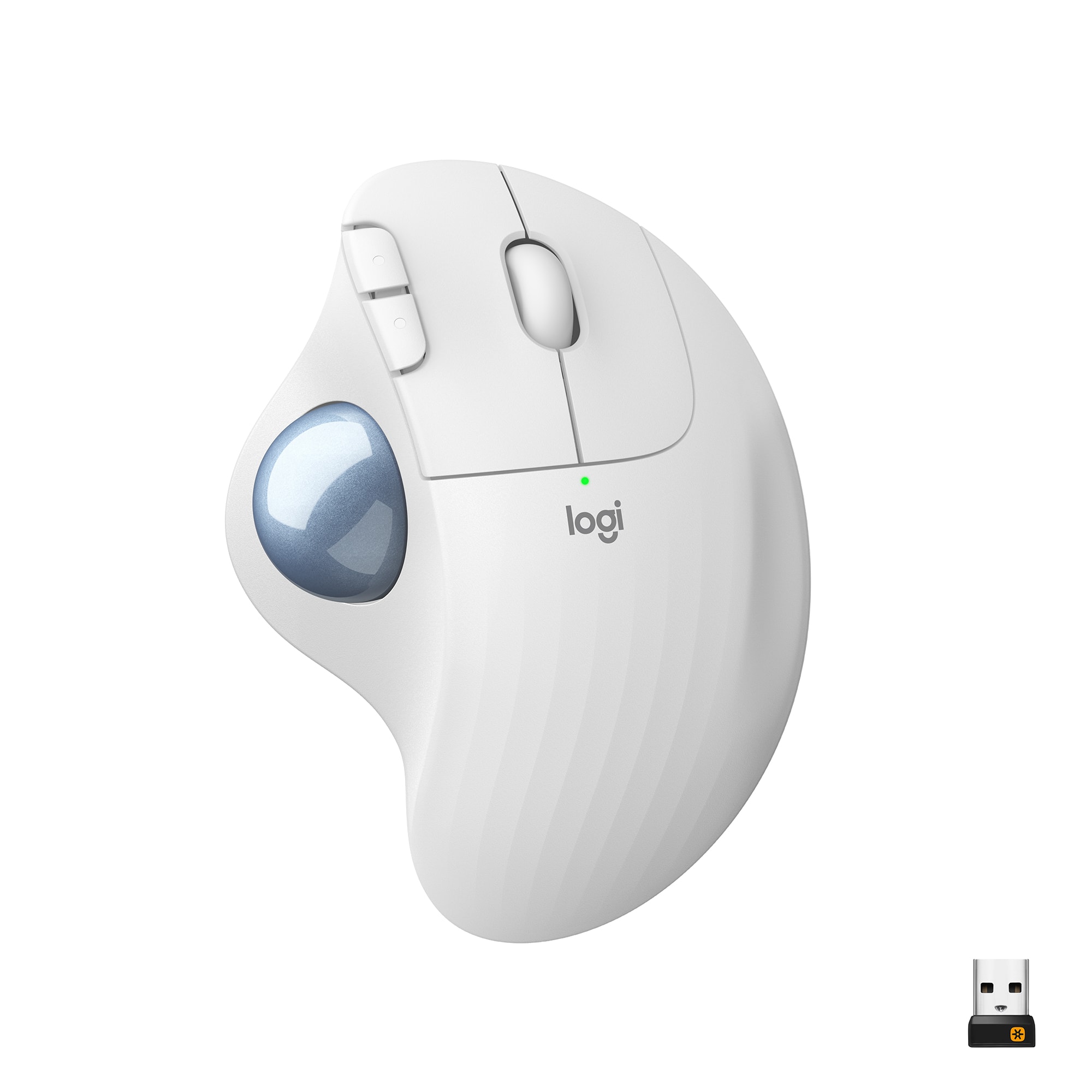
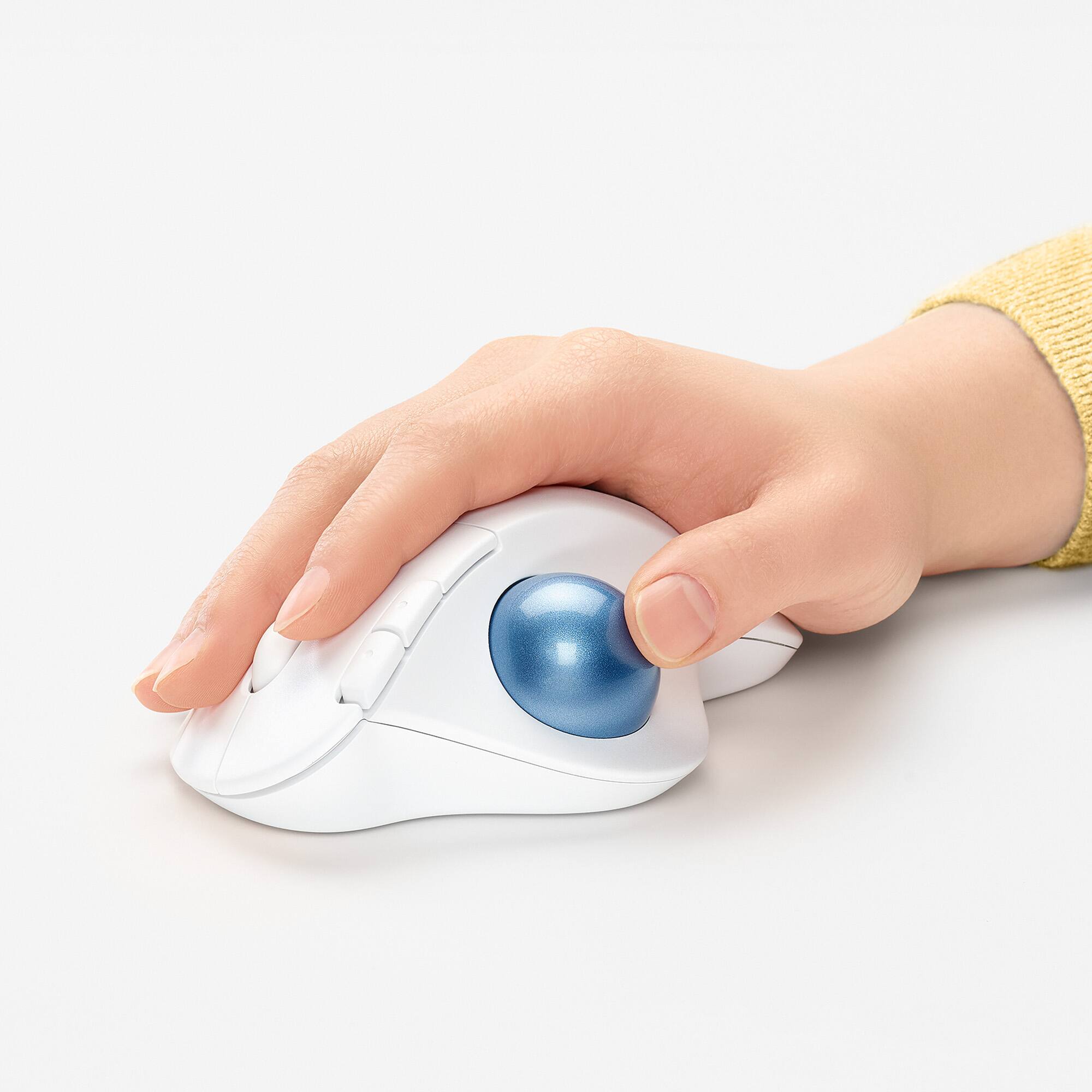
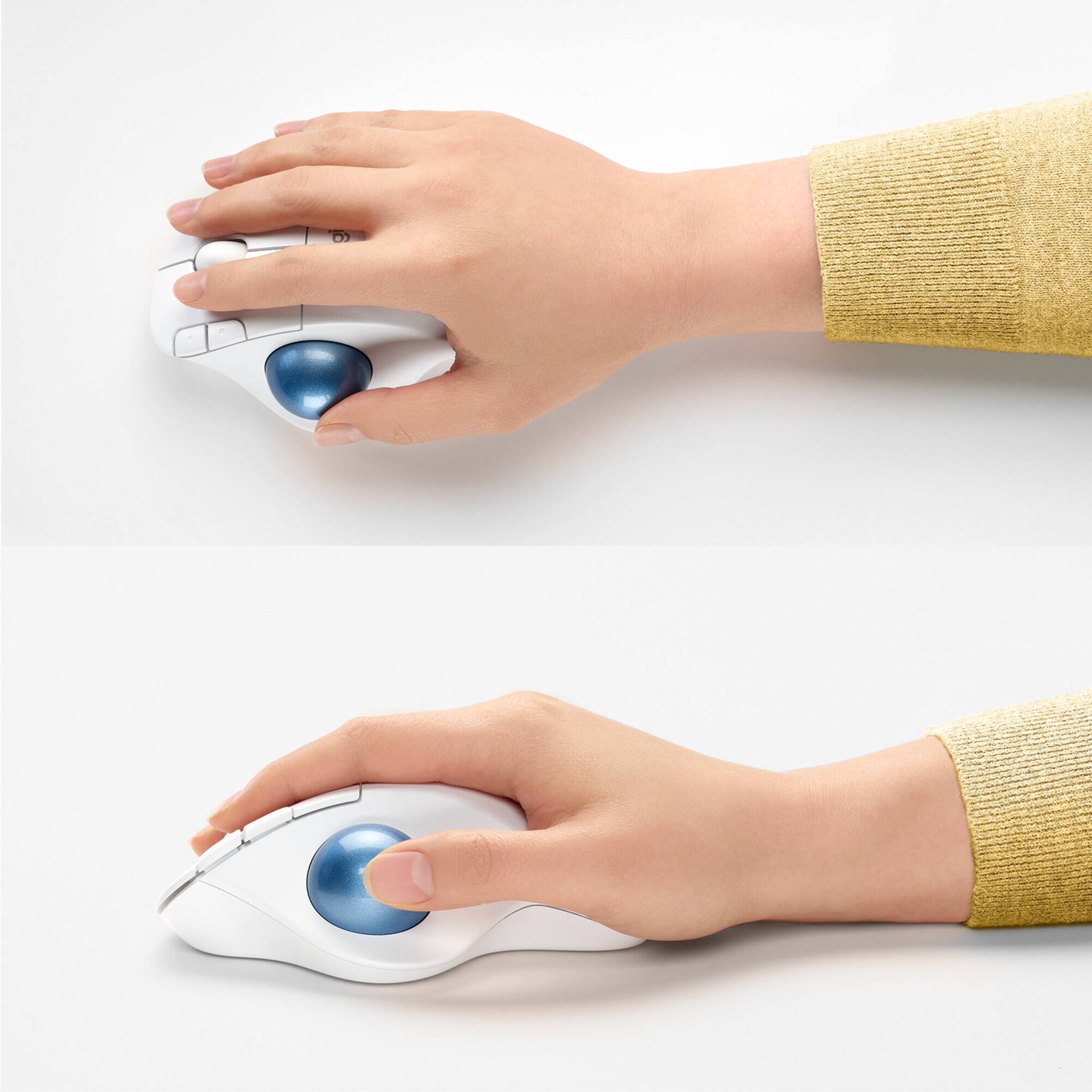
Customers often highlight the ergonomic design and ease of use of the ERGO M575 Wireless Trackball Mouse, with many praising its comfort and responsiveness. The Bluetooth connectivity and long battery life are also frequently cited as positive aspects. While some users mention needing less desk space, the overall feedback points to a positive user experience.
This summary was generated by AI based on customer reviews.
- Pros mentioned:Ease of use
Problem solved- finally!!
||Posted . Owned for 1 month when reviewed.This reviewer received promo considerations or sweepstakes entry for writing a review.I’ve tried several computer mice but this one is the only one that solved my problem with hand fatigue! I use it with 3 monitors connected and it scrolls with ease, my fingers and wrist never aching! I will be buying another one so I don’t have to transport from work to home.
I would recommend this to a friendBrand response from Logitech
Posted .We're thrilled to hear that the Logitech ERGO M575 has effectively addressed your hand fatigue issues! Its ergonomic design and smooth scrolling capabilities make it a great choice for those seeking a comfortable and productive mouse. Thank you for sharing your positive experience.
- Pros mentioned:Bluetooth, Ergonomic design
Recommended
||Posted . Owned for 1 month when reviewed.This reviewer received promo considerations or sweepstakes entry for writing a review.Easy setup and use. Very comfortable. Sleek look and feel. Bluetooth works well with the PC. Have not tried to connect to my Mac yet
I would recommend this to a friend Good but different
||Posted . Owned for 1 year when reviewed.This reviewer received promo considerations or sweepstakes entry for writing a review.It is a different shape but it’s good for all my wrist and hand pain
I would recommend this to a friend- Pros mentioned:Ergonomic design
Great Trackball
||Posted . Owned for 1.5 years when reviewed.This reviewer received promo considerations or sweepstakes entry for writing a review.I am told that I have arthritis in my right wrist, and I do not like using a standard mouse. I've been using trackballs for years. This Logitech was replacing an older, wired Logitech that is not offered any longer. I find it intuitive and it works like a champ.
I would recommend this to a friendBrand response from Logitech
Posted .Thank you for your amazing review of the Logitech ERGO M575 trackball! We're thrilled to hear that it's been a great replacement for your previous mouse and that it helps alleviate any wrist discomfort. Your positive feedback means a lot to us as we continue to create products that prioritize your comfort and enhance your computing experience.
A track ball mouse that could use a tail
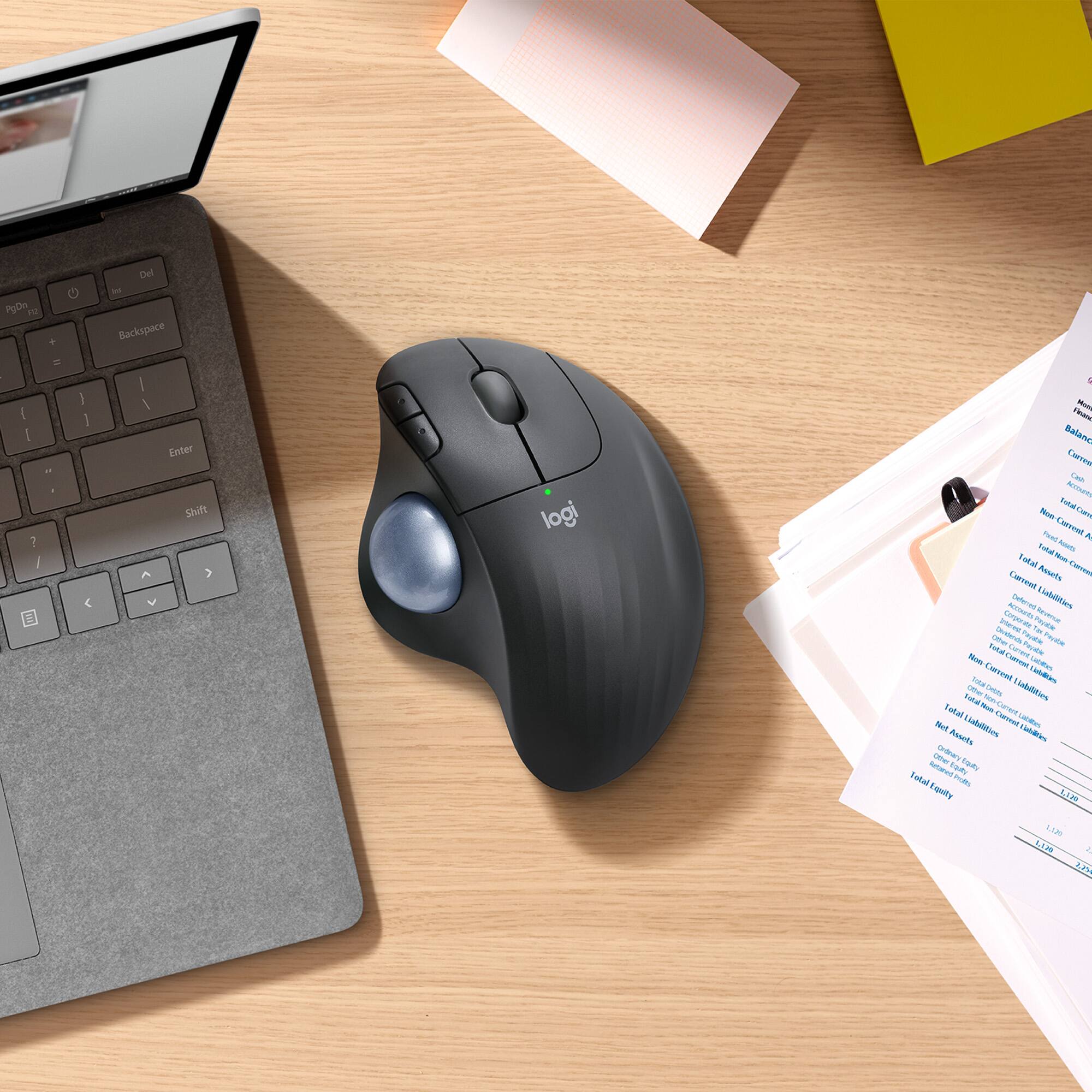
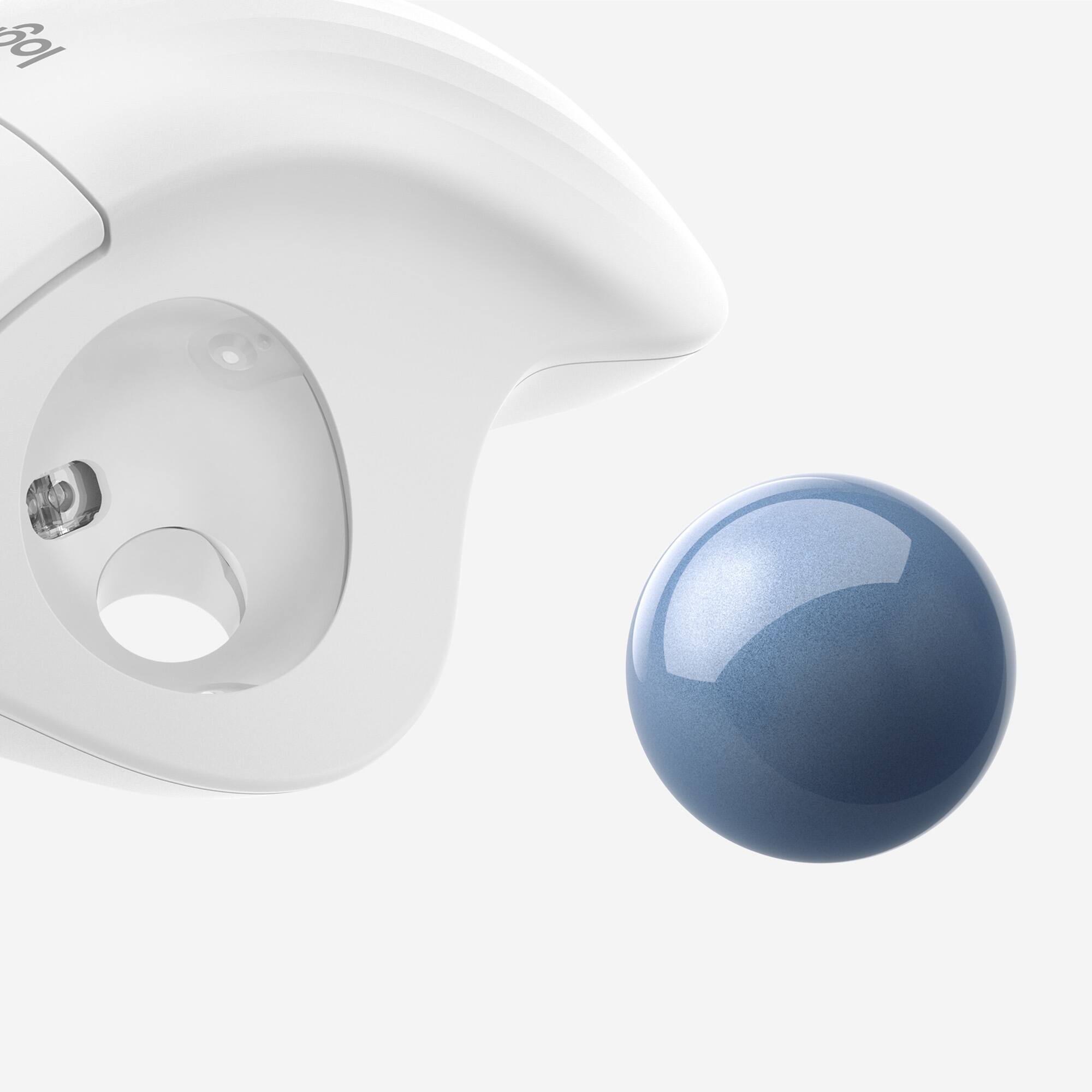
||Posted . Owned for less than 1 week when reviewed.This reviewer received promo considerations or sweepstakes entry for writing a review.I'm not a newbie to the trackball mouse. Years ago I had a wired Logitech trackball but found, over time, the ball lost its smooth movement; the ball became sluggish and cleaning it didn't help, so I went back to the traditional mouse. Recently I decided to give the Logitech trackball another shot and scored the ERGO M575. I've always liked the trackball setup, it's definitely easier on the wrist and hand. With a trackball, you don't need the desktop "real estate" needed with a conventional mouse. The "metalflake" looking blue ball has a nice, smooth feel to it and I find it very accurate and easy to use. I hope as time passes, the ball stays as easy moving as it does now. If you've not used a track ball before, it may take some getting used to, so give it some time before you pass judgement. A big component as to how comfortable ...or not ...this ERGO trackball is going to be has a lot to do with your hand ...and how it fits the M575. Strongly suggest you try it on for size at your local BestBuy store. For me, it fits fine and is a lot more comfortable than a traditional mouse. But my hands aren't that big; a size "medium" in work gloves if that helps. The ERGO M575 offers both wireless and Bluetooth connections. I found the wireless connection to be a bit sketchy. I have a thin profile iMac Pro ...and all the USB ports are on the backside. The M575 had a very hard time maintaining a good wireless radio connection with the receiver plugged into the back of my iMac. The thin profile iMac is made of a lot of aluminum ...and probably blocks or reduces the signal strength to the USB receiver. The M575 would work sometimes and at other times get jumpy or unresponsive; it wasn't 100% reliable in its function. I decided to try the Bluetooth connection and that has worked well; I've been running it via Bluetooth for a week and it's working flawlessly. Some have commented on having a wired option and, given the potentially poor signal strength and reception of the wireless connection, having a wired option makes sense. Depending on the location of the desktop, the location of the USB port and how much metal is involved, will determine your success in using the wireless connection. IMHO, for desktop style computers without Bluetooth, it would be best to have a key board with a USB port to plug the M575's receiver into. I tried plugging the wireless USB receiver into a USB hub, to move it from behind the iMac, but that didn't work well either. The functions of the buttons and scroller of the M575 trackball are identical to a regular mouse. You can get free downloads of Logitech software to help customize the M575 potentially offering a higher level of customization. Overall I'm very happy with the ERGO M575 trackball mouse. Like every other Logitech device I've purchased, it is well made and exudes a level of high quality. The M575, for me, is definitely more comfortable than any traditional mouse I've used. It's weak point seems to be the wireless connection; the location of the USB receiver is critical in how well the M575 reliably connects and functions. Bluetooth works well in lieu of wireless if your computer has it. If you don't have a Bluetooth option then having a keyboard with a USB port would be best IMHO. Otherwise you'll have to take your chances on reliable reception. I dinged it a star for the iffy wireless connection and no option for a wired connection; this is one mouse that needs a tail.
I would recommend this to a friend- Pros mentioned:Ease of use, Ergonomic design
great mouse for the price
||Posted . Owned for 3 weeks when reviewed.This reviewer received promo considerations or sweepstakes entry for writing a review.I have carpal tunnel in both wrists and this helps a lot, easy to use, just takes some time to get used to.
I would recommend this to a friend - Pros mentioned:Ease of use
Great product for carpal tunnel or wrist pain
||Posted . Owned for 1 month when reviewed.This reviewer received promo considerations or sweepstakes entry for writing a review.This style of mouse is my favorite! I used to play PC games and this is what was used for the easiest movements in the game. However, I use it now because of stress that was being put on my wrist from work and constantly using my wrist so much that it was becoming painful. I remembered this style of mouse from my gaming days and purchased one to help keep my wrist still. I purchased a mouse pad with wrist support in addition to this and I haven't had anymore pain in my wrist. Another plus, nobody at work can get the hang of using it, so nobody messes with my computer.
I would recommend this to a friend - Pros mentioned:Ease of use, Ergonomic design
Great for people who have wrist pain
||Posted . Owned for 3 weeks when reviewed.This reviewer received promo considerations or sweepstakes entry for writing a review.Easy to use comfortable for the wrist. Less paid in my hand compared to the original mouse. Helps with the capture tunnel
I would recommend this to a friend - Pros mentioned:Ease of use, Ergonomic design
Great mouse
||Posted . Owned for 1 month when reviewed.This reviewer received promo considerations or sweepstakes entry for writing a review.Love this mouse! Easy to use and helps easy pain in my hand.
I would recommend this to a friend - Pros mentioned:Ergonomic design
great price
||Posted . Owned for 2 weeks when reviewed.This reviewer received promo considerations or sweepstakes entry for writing a review.great price and quality, love Logi mice esp ergonomic ones.
I would recommend this to a friend - Pros mentioned:Ergonomic design
Logitech - ERGO M575 Wireless Trackball Mouse
||Posted . Owned for 1 month when reviewed.This reviewer received promo considerations or sweepstakes entry for writing a review.The Logitech - ERGO M575 Wireless Trackball Mouse with Ergonomic Design - Black is a very good option for people suffering from wrist/arm pain due to extensive mouse use, the new Ergo MX trackball is more comfortable but more expensive
I would recommend this to a friend - Pros mentioned:Ease of use, Ergonomic design
awsome mouse
||Posted . Owned for 1 month when reviewed.This reviewer received promo considerations or sweepstakes entry for writing a review.works great. nice to be able to do all the functions of a mouse without having to move it around. fits nicely in your hand. well built and good quality
I would recommend this to a friend - Pros mentioned:Ease of use, Ergonomic design
Very smooth
||Posted . Owned for 2 months when reviewed.This reviewer received promo considerations or sweepstakes entry for writing a review.It fits perfectly in my hand. Much easier than moving the entire mouse around, specially for excel
I would recommend this to a friend - Pros mentioned:Ease of use, Ergonomic design
Heart Product
||Posted . Owned for less than 1 week when reviewed.This reviewer received promo considerations or sweepstakes entry for writing a review.I've been using these Logitech track balls for decade and they are fantastic! Easy to use, save space and very ergonomic. Highly recommended!
I would recommend this to a friend - Pros mentioned:Ergonomic design
Excellent mouse
||Posted . Owned for 1 month when reviewed.This reviewer received promo considerations or sweepstakes entry for writing a review.I was using a microsoft arc mouse for over a decade before making a switch to this one. After getting a sit-stand desk riser, I needed a mouse that didnt require to be moved around because of the limited space on the keyboard tray. This one works perfectly since I dont have to move it around. The trackball is very smooth and took me less than a day to get comfortable with the new setup.
I would recommend this to a friend Ergonomic mouse
||Posted . Owned for 1.5 years when reviewed.This reviewer received promo considerations or sweepstakes entry for writing a review.I would recommend this mouse to anyone. It is the best mouse I’ve ever owned, I like it so much that own five of them. I do have to say you have to get used to using, but after that it is easy. Don’t have to be moving your mouse around or anything.
I would recommend this to a friendBrand response from Logitech
Posted .We appreciate your feedback and are glad to hear the product is working smoothly. Thanks for being part of the Logitech family.

- Pros mentioned:Battery life
It's Worth It!!
||Posted . Owned for 6 months when reviewed.This reviewer received promo considerations or sweepstakes entry for writing a review.Love my Logitech Ergo Wireless Trackball Mouse!! It fits my hand nicely and helps with ergo issues. There's a button on the bottom that you can turn on/off to save the battery life. I've had this one before and that's why I bought it again...and if I need to I'll buy it again in the future.
I would recommend this to a friendBrand response from Logitech
Posted .We're delighted to hear that you're loving your Logitech ERGO M575 Wireless Trackball Mouse! It's designed to provide comfort and efficiency for extended use.
- Pros mentioned:Ease of use
Highly Recommend for Carpal Tunnel
||Posted . Owned for 1 month when reviewed.This reviewer received promo considerations or sweepstakes entry for writing a review.I work from home & my profession requires me to be on the computer for 10+ hours a day. Over the last few years, I've developed an extreme sensitivity in my right hand - the mouse that I had previously is your generic mouse, but my hand would start to tingle as my shifts would progress. After I purchased this mouse, it was a game changer! Keep in mind - it does take some getting used to, but once you get the hang of it, it is the one of the best purchases I had ever made.
I would recommend this to a friend - Pros mentioned:Ease of use, Ergonomic design
Easy and comfortable
||Posted .This reviewer received promo considerations or sweepstakes entry for writing a review.I found it easy to use. The design made it comfortable for my hands and arm as I use the mouse a lot in my line of work.
I would recommend this to a friend - Pros mentioned:Bluetooth, Ergonomic design
Good ergonomic mouse
||Posted . Owned for 3 weeks when reviewed.This reviewer received promo considerations or sweepstakes entry for writing a review.Easy to set up with Bluetooth, and immediately made a positive impact on wrist pain. Overall happy with this mouse. I had another one but it broke within the first year. I hope this one lasts longer.
I would recommend this to a friend