Customer Ratings & Reviews
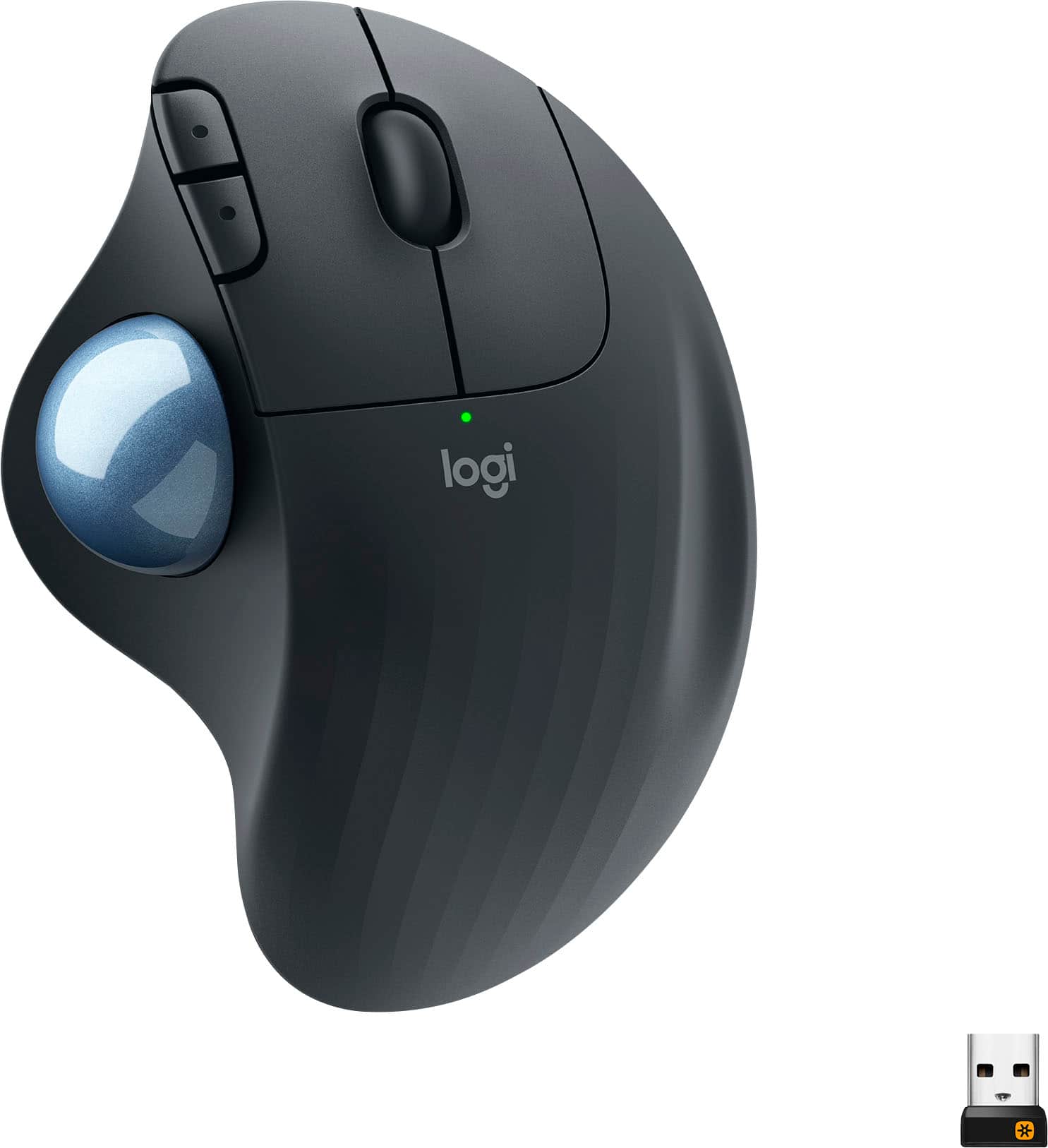
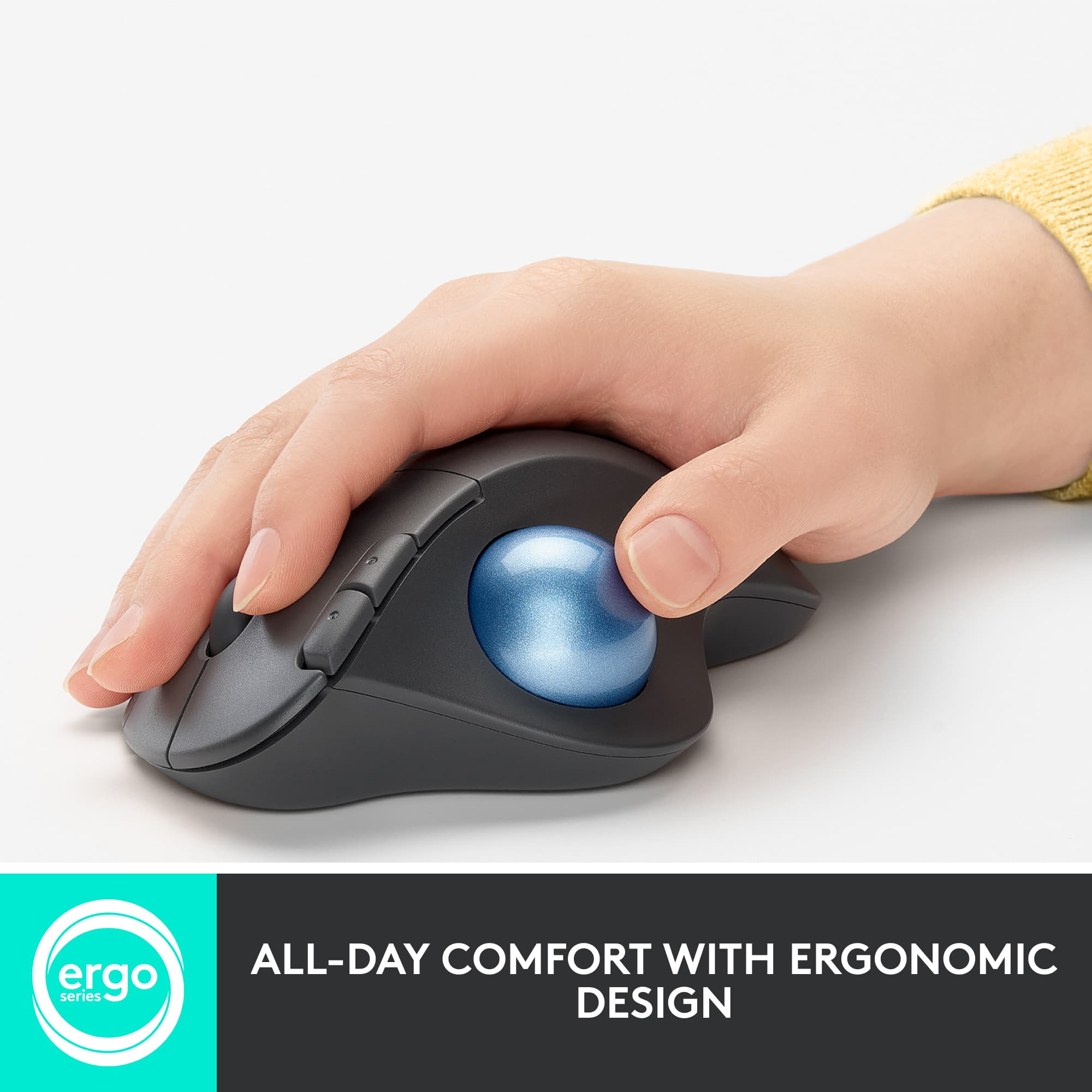
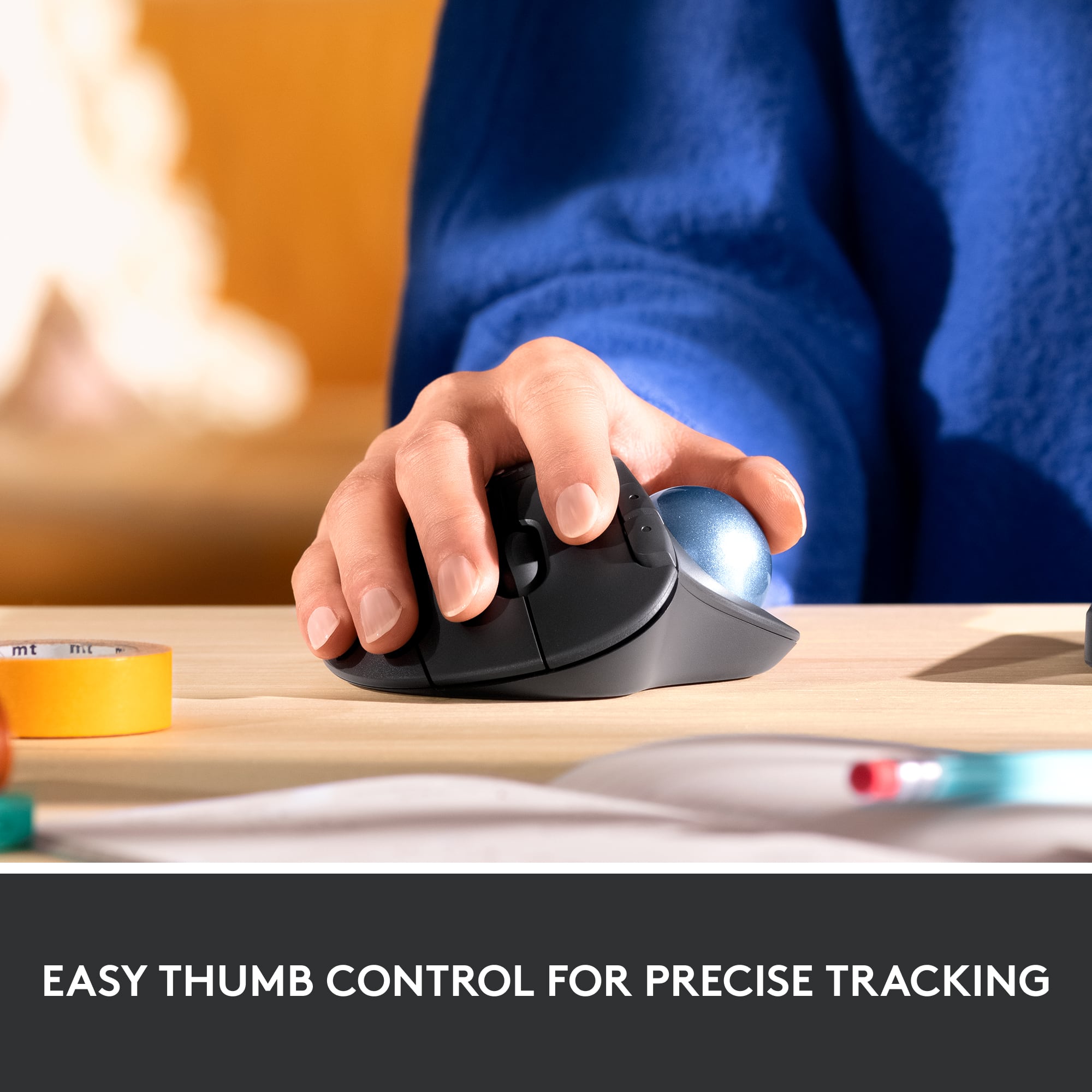
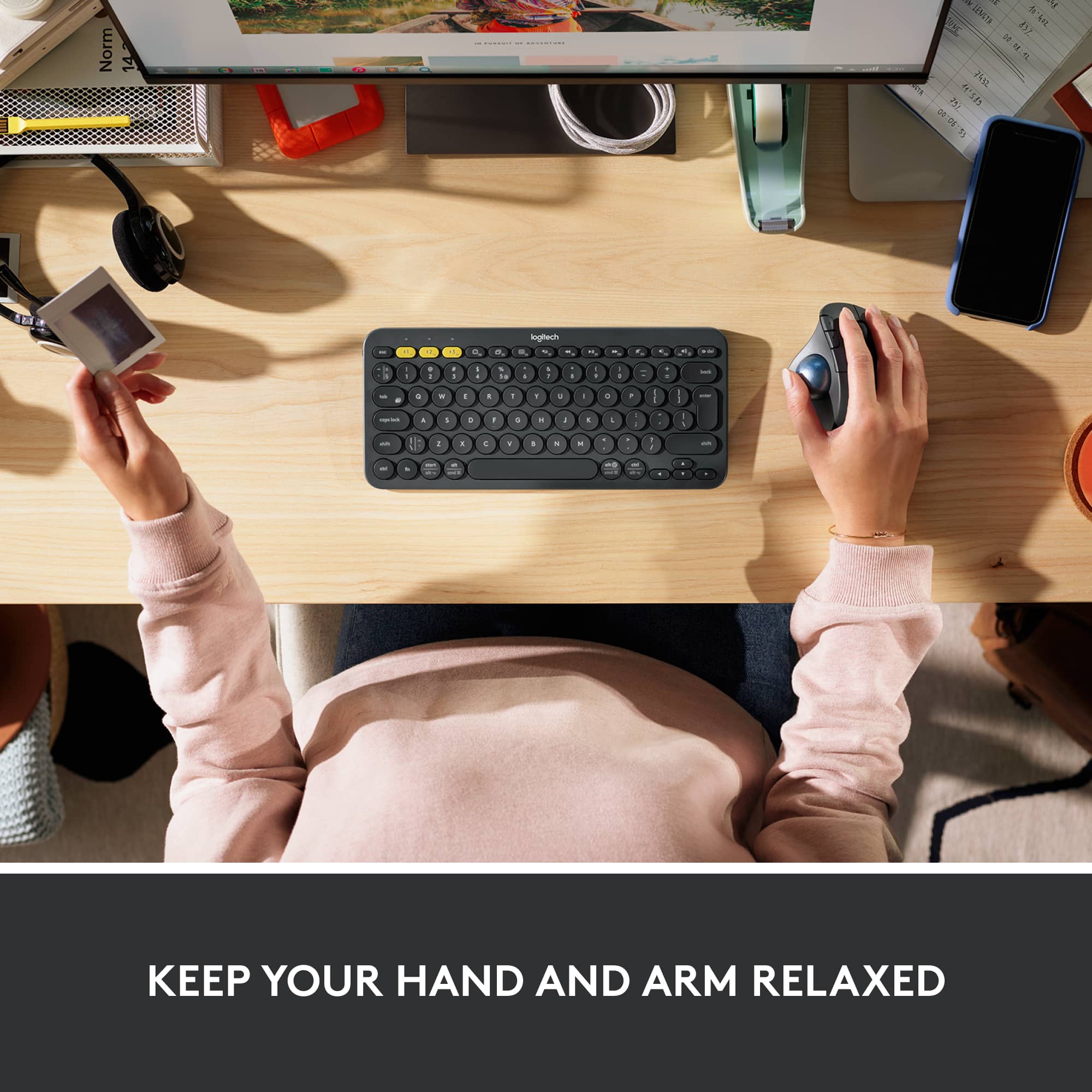

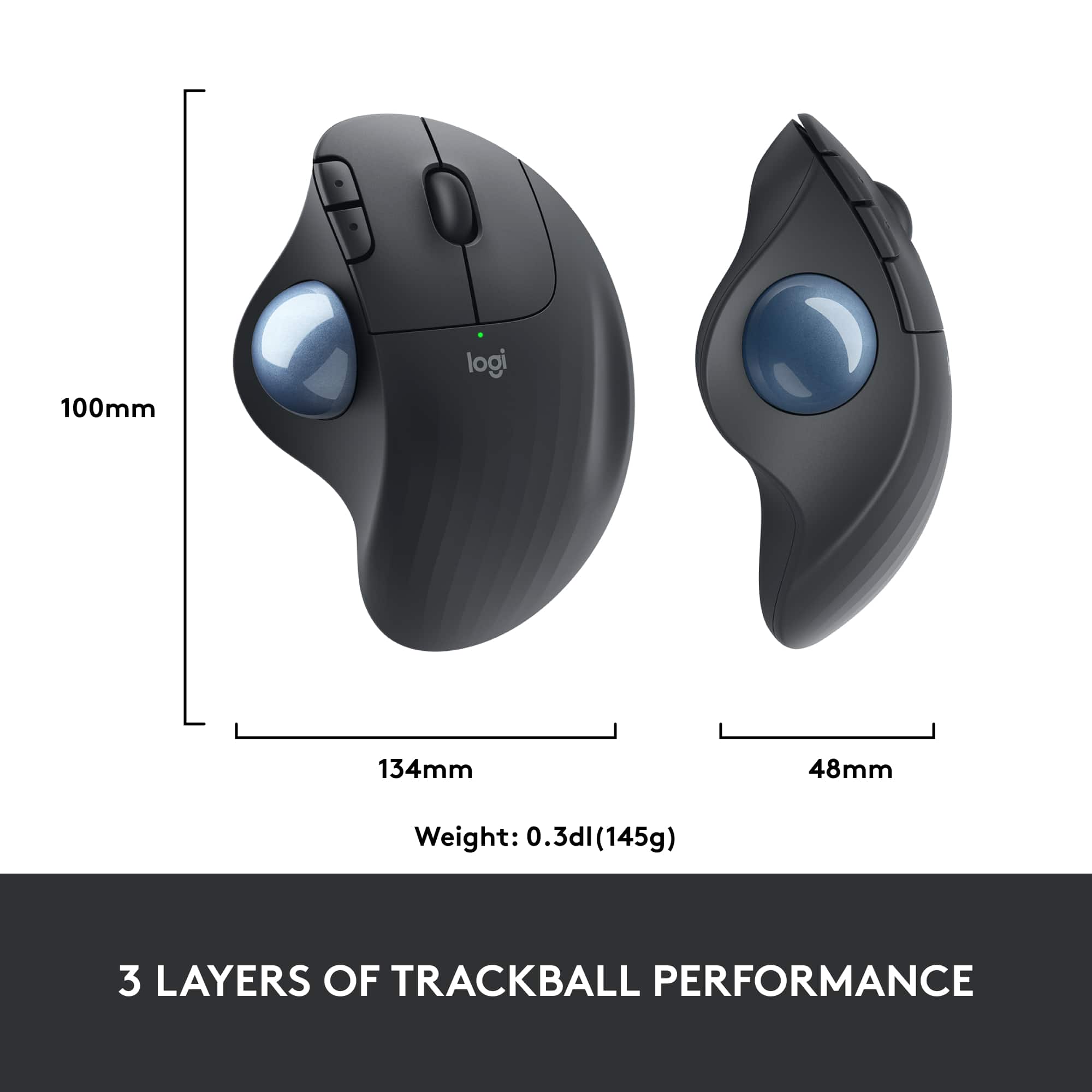

- Model:
- 910-005869
- SKU:
- 10116461
Rating by feature
- Value
Rating 4.6 out of 5 stars
- Quality
Rating 4.7 out of 5 stars
- Ease of Use
Rating 4.7 out of 5 stars
to a friend
Love this mouse
Posted .This reviewer received promo considerations or sweepstakes entry for writing a review.I've been using the Logitech trackballs for at least 15 years. I just bought this version today (this will be my third). Wow - it's even better than before! So comfortable to rest my hand on, easy to use, the trackball is so smooth and responsive and I really like the new textured feel. Setting it up to use bluetooth is probably the easiest connection I've ever done. It took perhaps 2 minutes from start to finish. Brilliant!
I would recommend this to a friendtoo sensitive, not worth $
||Posted . Owned for 3 months when reviewed.This reviewer received promo considerations or sweepstakes entry for writing a review.Husband spent a lot of $ on this, and didn't like it. Ended up returning it. Ball is hard to use- too sensitive and mouse is all over the place.
No, I would not recommend this to a friendBrand response from Logitech
Posted .Hi Twiggy1, thank you for your feedback! Use Logitech Options to customize your mouse performance: https://support.logi.com/hc/en-us/articles/360025297893 - For support, please refer to: https://support.logi.com/hc/en-us/articles/360057372413 - Will, Logitech.
Nice upgrade from M570
Posted .This reviewer received promo considerations or sweepstakes entry for writing a review.As a long-time Logitech M570 user, I'm very happy with the M575. I thought I'd wait for the switches in my M570 to go bad, but not everyone's does, so I went ahead with the purchase. I'm glad I did. I found it to be an improvement in every way. I found the ball to roll smoother, the shape of the palm area fits my hand better, and the ridges and texture do a better job of keeping my palm from getting sweaty compared to the M570's smoother finish. The DPI adjustability via the Options software is also a step up from the M570. I've assigned the scroll wheel button to act as a DPI toggle for high and low DPI, so I'm able to switch precision on the fly. Lastly, although I have it paired to a Unifying receiver, along with my MX Keys keyboard, it's nice to know that I can switch to Bluetooth with a secondary device if I ever need to. Assuming the same longevity of the switches and sensor as the MX Ergo, the M575 is a much greater value, in my opinion. I'm assuming similar trackball performance, but no rubberized surfaces to get gummy, and no internal lithium ion battery to go bad. I did have an issue with the first M575 I tried. The right button switch was too light and resulted in a lot of erroneous clicks. I exchanged it, and the second unit was fine. I came across another user in Reddit and another in Best Buy's reviews who both described a similar problem, so that's at least three of us. If the problem was widespread enough, I would expect there to be more complaints, so I'm going to assume for now that the issue is isolated.
I would recommend this to a friendBrand response from Logitech
Posted .Hi Chris,
Thank you for your five-star review! It is greatly appreciated. Continue to enjoy your device. If you ever need assistance, please contact Logitech Support on the website.
LaShonda from Logitech

Great mouse for work
|Posted .This reviewer received promo considerations or sweepstakes entry for writing a review.I work at home doing a lot of data entry and the Logitech ERGO M575 is a great upgrade from a standard mouse. I was looking for something more ergonomic as I started getting cramps in my wrist towards the end of my workday. Now with the use of the ERGO M575 it has gotten much better. The feel of the mouse is very ergonomic and fits my palm with great comfort. I like the addition of back and forward buttons which is a must for me. I also like to ability to connect to my computer via USB receiver or through Bluetooth. Now I haven’t used a trackball type mouse in ages and that was the only thing I had to get use to. For me it took a couple of days to get really precise with using my thumb to navigate. The trackball is smooth and accurate.
I would recommend this to a friendBrand response from Logitech
Posted .Hello Parker. Thank you for your kind words and review of the M575 mouse. I'm happy to hear that your wrist pain is starting to subside. That is the aim of our entire line of Ergo products! For even more ergonomics, try our K860 Ergo keyboard... like the trackball, it takes a couple days to get used to the spacing and curve, but it is very helpful when it comes to wrist pain and fatigue. If you ever have any questions or issues, please visit our support site: support.logi.com
Thanks for choosing Logitech!
-Charlton at Logitech
Great Mouse
|Posted .This reviewer received promo considerations or sweepstakes entry for writing a review.The Logitech Wireless Trackball Mouse in Black is a great mouse option. Very comfortable to use. It took about a day to get use to a stationary mouse compared to a standard mouse. Easy to set up and very natural and precise movements. It provides options to set up via Bluetooth or USB. Since I have limited USB ports, the Bluetooth option is perfect! I would recommend this mouse for any office needs.
I would recommend this to a friendAnother Great One from Logitech!!
|Posted .This reviewer received promo considerations or sweepstakes entry for writing a review.Upon unpackaging this mouse the first thing I noticed is its HUGE size! This mouse is huge in size, yet it presents a comfortable feel to the hand. Also, I noticed immediately that the mouse was in pairing mode as the pairing experience was seamless, the mouse also comes with a receiver. I was not too surprised that the mouse would easily pair because of prior experiences with Logitech’s mice, which consistently pairs with my devices. The mouse does take some getting used to as I have not used a trackball mouse in years. At first glance, the experience is awkward as I had to get used to the mouse being stationary and the only usage should come from my thumb, after a few trial and errors, I mentally prepared my mind to employ only usage of my right thumb. Suffice to say, I am not expertly proficient, but with each usage, it does get better. I will note, this mouse is a great alternative if you are experiencing or have experienced carpal tunnel or wrist issues from overexertion from heavy keyboarding and/or mouse usage. I cannot emphasize enough how comfortable the trackball is as it provides true ease of usage experience. If you are looking for a mouse that provides a good experience when surfing the internet, working on documents and presentations then Logitech has created another winner that will help you accomplish these tasks effortlessly!
I would recommend this to a friendCompact; Mighty for the Price
Posted .This reviewer received promo considerations or sweepstakes entry for writing a review.This mouse is compact and efficient. I use it in all sorts of applications - CAD, Audio/Video Editing, Gaming The battery life is also exceptional given the high quality of the mouse
I would recommend this to a friendLogical Logo Lives Up
Posted .This reviewer received promo considerations or sweepstakes entry for writing a review.Easy to install and use right away. This is my first ergonomic mouse, so I don't have anything to compare it to, but overall, I like it quite a lot.
I would recommend this to a friendBrand response from Logitech
Posted .We're happy to hear the ERGO M575 was easy to install and use right away! Even without prior ergonomic mouse experience, many users find it comfortable and intuitive.
pen_spark
Excellent
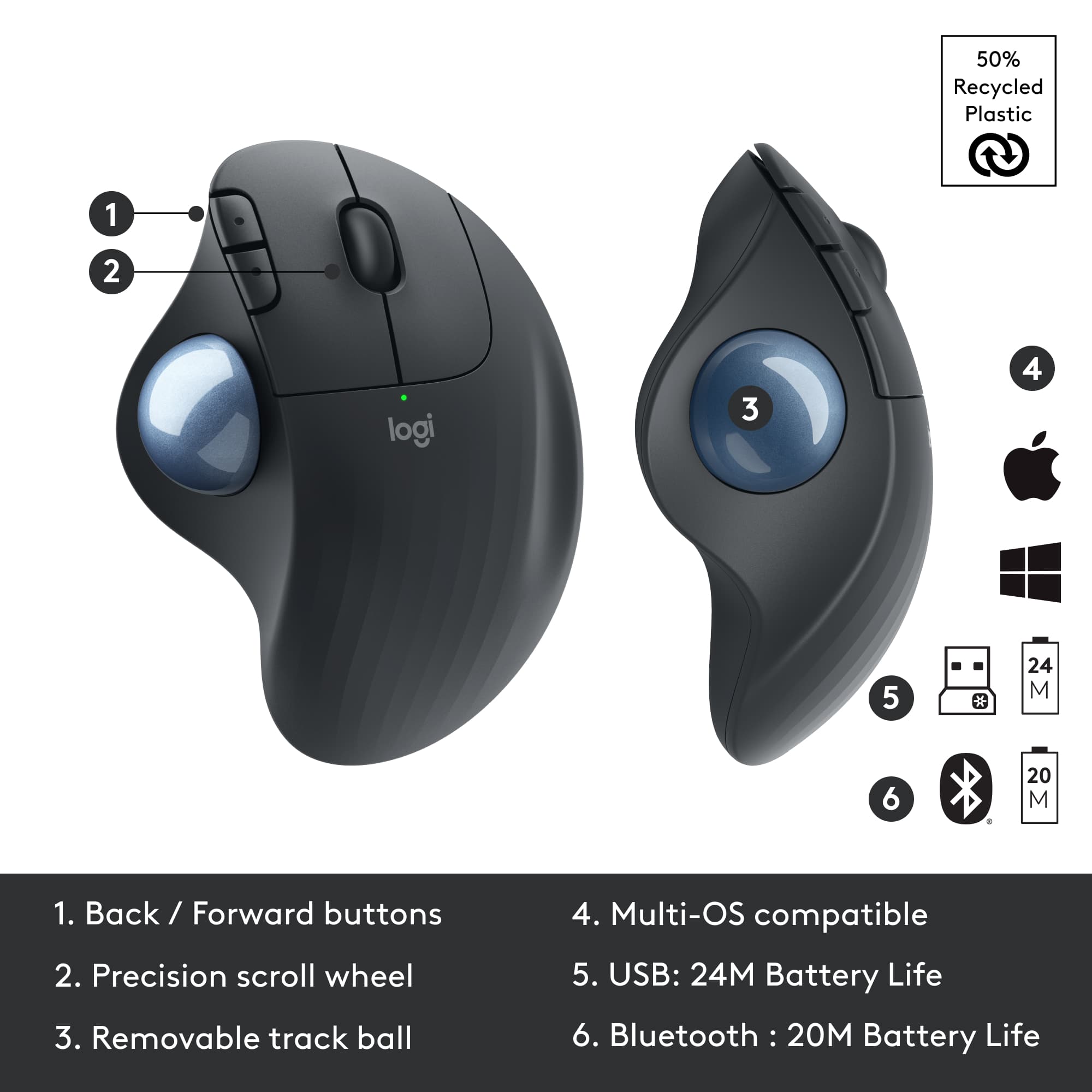
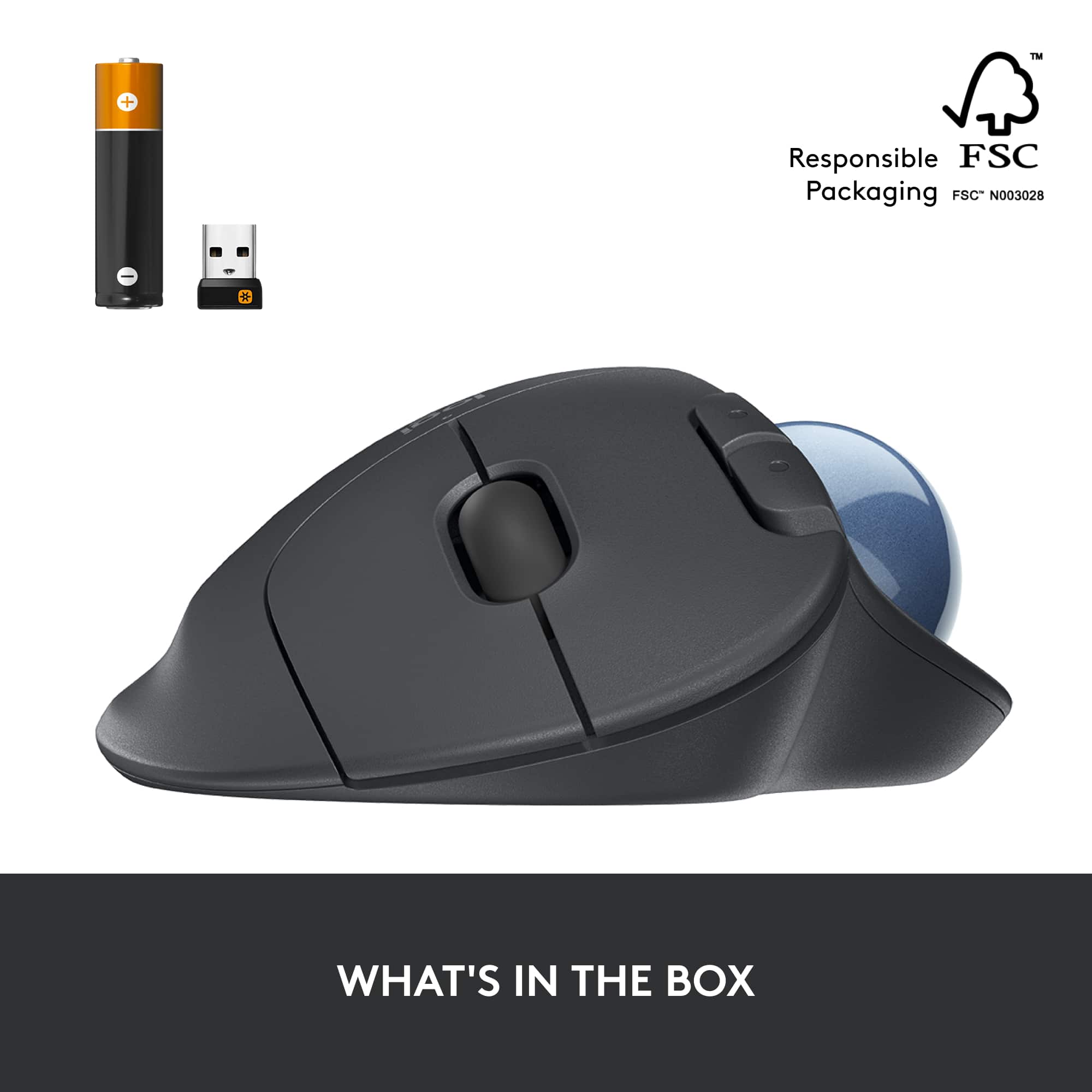
|Posted .This reviewer received promo considerations or sweepstakes entry for writing a review.Recently had my office upgraded with dual screens and noticed a bit more fatigue when going in between programs and screens. While there is some learning curve from going from traditional mouse to the Ergo M575, once you get the hang of it it's a welcome improvement over the normal mouse. Setting up took about 3 minutes. Fired up the bluetooth on my computer and pulled the white tab on the bottom of the mouse which put it into paring mode. Boom. Connected. You can also use the included usb adapter. It uses 1 AA battery, which is included and batter life is around 24 months give or take your amount of usage. I had to speed up the cursor speed on my computer because using the trackball seemed to take longer. I'm sure this will be personal preference for everyone. The M575 has just the right amount of weight. Not too heavy but does not feel cheap. Everything is easily reachable and requires little to no movement from your wrist. I'm still having trouble moving the cursor around using my thumb and not moving my arm, but i'm getting there. I think at the price and the quality of this mouse its worth it. If your experiencing more wrist and finger fatigue from using your mouse more and more, or you just need additional space then this might be the mouse for you.
I would recommend this to a friendLogitech
Posted .This reviewer received promo considerations or sweepstakes entry for writing a review.It’s the perfect mouse once you get used to it, you can use it on any surface. I’ve had it for over 5 years, and it works like the first day. It also has excellent connectivity, and the battery easily lasts more than 2 years.,
I would recommend this to a friendBrand response from Logitech
Posted .Thank you so much for sharing your long-term experience with the ERGO M575! We're thrilled to hear you consider it the 'perfect mouse' once you've gotten used to it. We're especially delighted that you've had it for over five years and it's still performing like new! Your feedback about its versatility on any surface, excellent connectivity, and the incredibly long battery life is fantastic. We truly appreciate you taking the time to share your positive experience.

Logitech quality is dropping...
||Posted . Owned for 1 month when reviewed.This reviewer received promo considerations or sweepstakes entry for writing a review.Trackball has failed already. Mouse no longer scrolls smoothly - the ball bearings inside of the trackball are sticking horribly. This is my second M575 - the last one lasted about 1 year. This one barely made it over a month or so.
No, I would not recommend this to a friendBrand response from Logitech
Posted .Hi MrAndreAllen, we're sorry to see you're having some performance related issues with your ERGO Wireless Trackball mouse. You do have a 1 year limited warranty that can be used to have a replacement sent out to you. You can start a claim here: https://support.logi.com/hc/en-us/articles/360058325533-Warranty-ERGO-M575-Wireless-Trackball. Hope that helps.
Great pointing device.
Posted .This reviewer received promo considerations or sweepstakes entry for writing a review.I had one for about 8 years and it died. I liked it soo much I got another one. Ease of use, accuracy of movement, and multiple functional click buttons. It is also easy on the carpal tunnel.
I would recommend this to a friendBest trackball mouse I've used
|Posted .This reviewer received promo considerations or sweepstakes entry for writing a review.I've always been a fan of trackball mice for the ergonomics. I work with a dual display setup and do a lot of audio and video editing, so my cursor is constantly going back and forth. This trackball could keep up with me speed-wise, while allowing my wrist to stay put. I love that it also has a scroll wheel; most other trackball mice I've tried did not. It also has back and forward buttons, in addition to the standard left- and right-click. It also has great grip; once you put it down on your desk, it will only move if you want it to move. Trackball mice aren't for everyone, but if you know one works for you, it's hard to do better than this model.
I would recommend this to a friendFor Trackball people
|Posted .This reviewer received promo considerations or sweepstakes entry for writing a review.I will admit, I'm a trackball guy. Specifically, I am a THUMB-ball guy (tried a index finger trackball once and hated it), and have been for years. If you are reading this you either are too, or you are thinking about becoming one. I prefer the trackball because it allows me to have superior control no matter what the surface it is resting on without resorting to a mousepad and I never have to move my entire arm once comfortable. Older wired trackballs were good but the wires could be a limiting factor in flexibility. With wireless trackballs this is never an issue. I've never used the high end trackballs out there, but for my particular usage I can't imagine that I would need anything more precise, or with fancier ergonomics. This entry is a solid, if not too revolutionary update to previous Logitech trackball controllers. The main difference between this and the one I have been using for years is the inclusion of a bluetooth connection option. Other than that, the ergonomics are essentially identical, even if the look is slightly more "futuristic". The ball seems to glide just a hair more smoothly than even a brand new ball on the previous model, but it's only noticeable when you do a side by side test as I did. In terms of function it does exactly what you would expect. The ball allows me to make extremely precise movement when photo editing or illustrating, the scroll wheel and buttons are all very responsive as well. Setting up the trackball was a snap as well. I tested its bluetooth connectivity with my laptop and an android tablet and it worked perfectly. After that I set it up with my preferred option using Logitech's Unifying software to connect to my desktop along with other Logitech devices. I would recommend this particular model over the previous model if your preferred connection is bluetooth. I can see the appeal of added flexibility of being able to control numerous devices via bluetooth and/or without having to swap around a nano receiver.
I would recommend this to a friendBrand response from Logitech
Posted .Hello, we are so happy to hear that you are loving the M575 mouse. At Logitech, it is our goal to ensure you are completely satisfied with your Logitech purchase. We take pride in the products and services we offer, and want our customers to enjoy them just as much as we do. Thank you for the 5-star review, we greatly appreciate your feedback. Have a great day. -Ricky | Logitech
Indispensable office tool
Posted .This reviewer received promo considerations or sweepstakes entry for writing a review.I have tried other wireless trackball mice but I wind up returning to Logitech's products. I find this particular mouse to be very durable and easy to maintain. This my third trackball mouse. My only quibble is that you have to clean the sensor that track the trackball a bit more frequently than in the past.
I would recommend this to a friendNot what I ordered
||Posted . Owned for 1 year when reviewed.This reviewer received promo considerations or sweepstakes entry for writing a review.Not a classic track ball mouse, it sits on my shelf unused.
No, I would not recommend this to a friendgreat !!!
Posted .This reviewer received promo considerations or sweepstakes entry for writing a review.very good, is perfect. I love it. ergonomic design and wireless. is my best mouse.
I would recommend this to a friendGreat mouse, could do with a better price.
Posted .This reviewer received promo considerations or sweepstakes entry for writing a review.Love this trackball mouse, have been using this style for a good 20ish years. Highly recommend if you are looking for a thumb operated trackball mouse. The tech for this mouse has been used for a long time. Wish they’d stop jacking up the price every time they make a tweak to the style though. My last one was $25 and they added a few ridges to the palm rest and increased pricing to $50.
I would recommend this to a friendSecond purchase - Love it
Posted .This reviewer received promo considerations or sweepstakes entry for writing a review.Love this mouse, this is my second purchase. I have one for work and waited a couple of months and purchased one for home. I’ve had the earlier version before and this is just as great. Love the ergonomic feel, which is great for my wrist! Great bang for the buck.
I would recommend this to a friendLove This Trackball Mouse!
|Posted .This reviewer received promo considerations or sweepstakes entry for writing a review.I had a very similar trackball mouse like this one back in the 90’s when I was in grad school, but it was much bigger, bulkier, and of course, back then it was not wireless. I remember it had a red ball that lit up from the inside. I honestly thought no one made them anymore and have been using the typical wireless mice for the last several years. No more! From the first moments I connected this mouse to my iPad and then my MacBook, I loved it. I love how it perfectly fits the contour of my hand, my fingers and palm, and how natural it feels to left click, right click, scroll up and down, and move the on-screen cursor anywhere and everywhere with my thumb. I sometimes need to work for long periods of time at my laptop or iPad and my right hand/wrist/lower arm gets cramps from constantly having to move and manipulate a regular mouse—this trackball mouse alleviates that from ever happening because of its ergonomic shape and because I don’t have to constantly move it around on my desk, ever. And it’s not bulky and big at all. I was honestly surprised and a bit shocked when I received it in the mail and saw the smallness of the box it comes in, not to mention when I actually slid it out of the box. It’s just the perfect size—not too big and not too small. As previously mentioned, I use it with my iPad Pro and MacBook Pro. It connects fast and flawlessly via Bluetooth. I also tried it out with our Windows laptop (a Samsung Galaxy Book) and our Dell desktop (Inspiron AIO), both via USB receiver and again, the connection was fast and flawless with all of them. The movement of the ball is smooth, the control is precise, and there are rubber grips on the bottom which firmly keep the mouse in place. It runs on an AA battery which is conveniently included. Definitely recommended, 5/5 stars.
I would recommend this to a friend