Customer Ratings & Reviews


- Model:
- 910-005869
- SKU:
- 6440330
Rating by feature
- Value
Rating 4.6 out of 5 stars
- Quality
Rating 4.7 out of 5 stars
- Ease of Use
Rating 4.7 out of 5 stars
Customers are saying
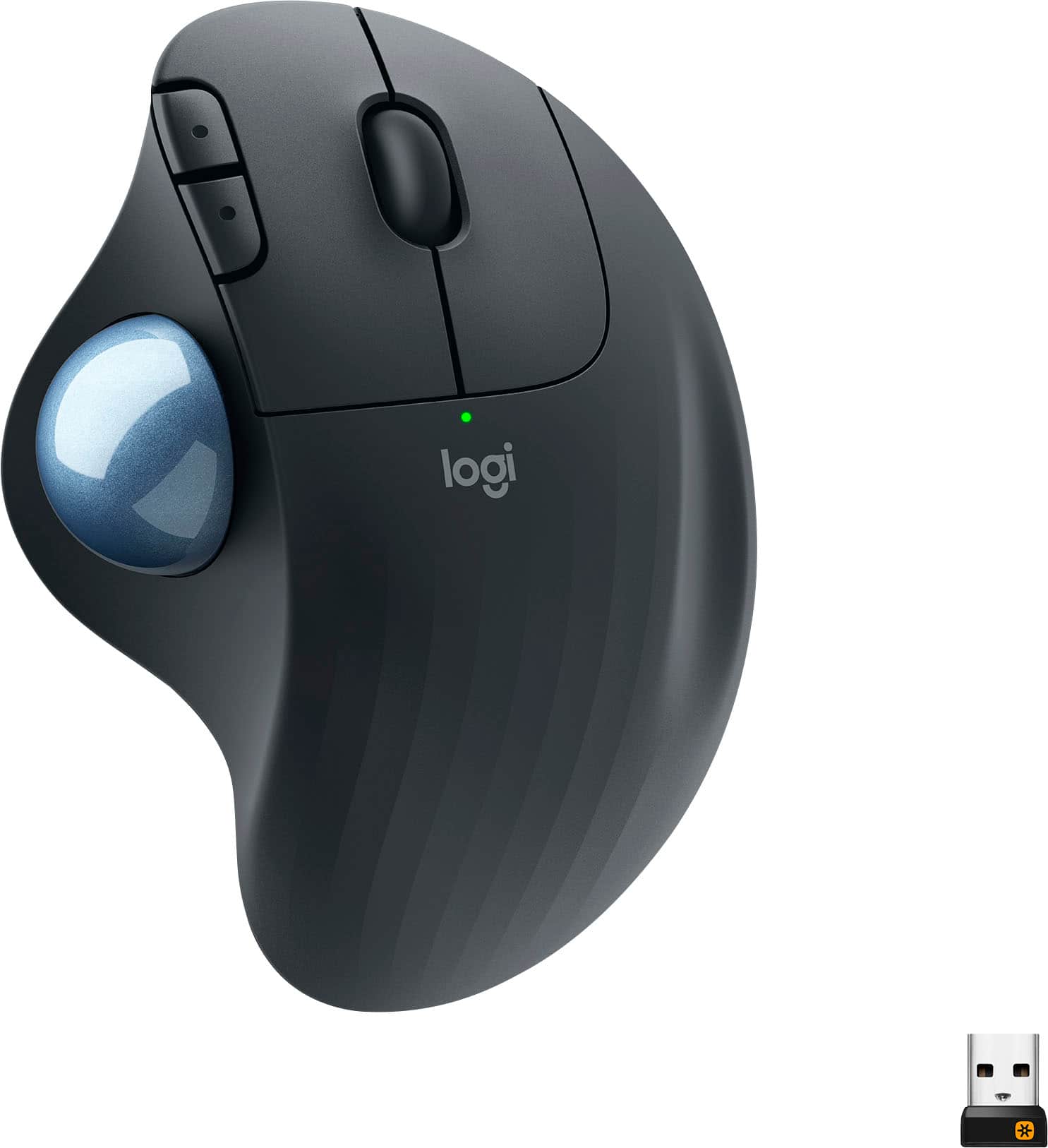
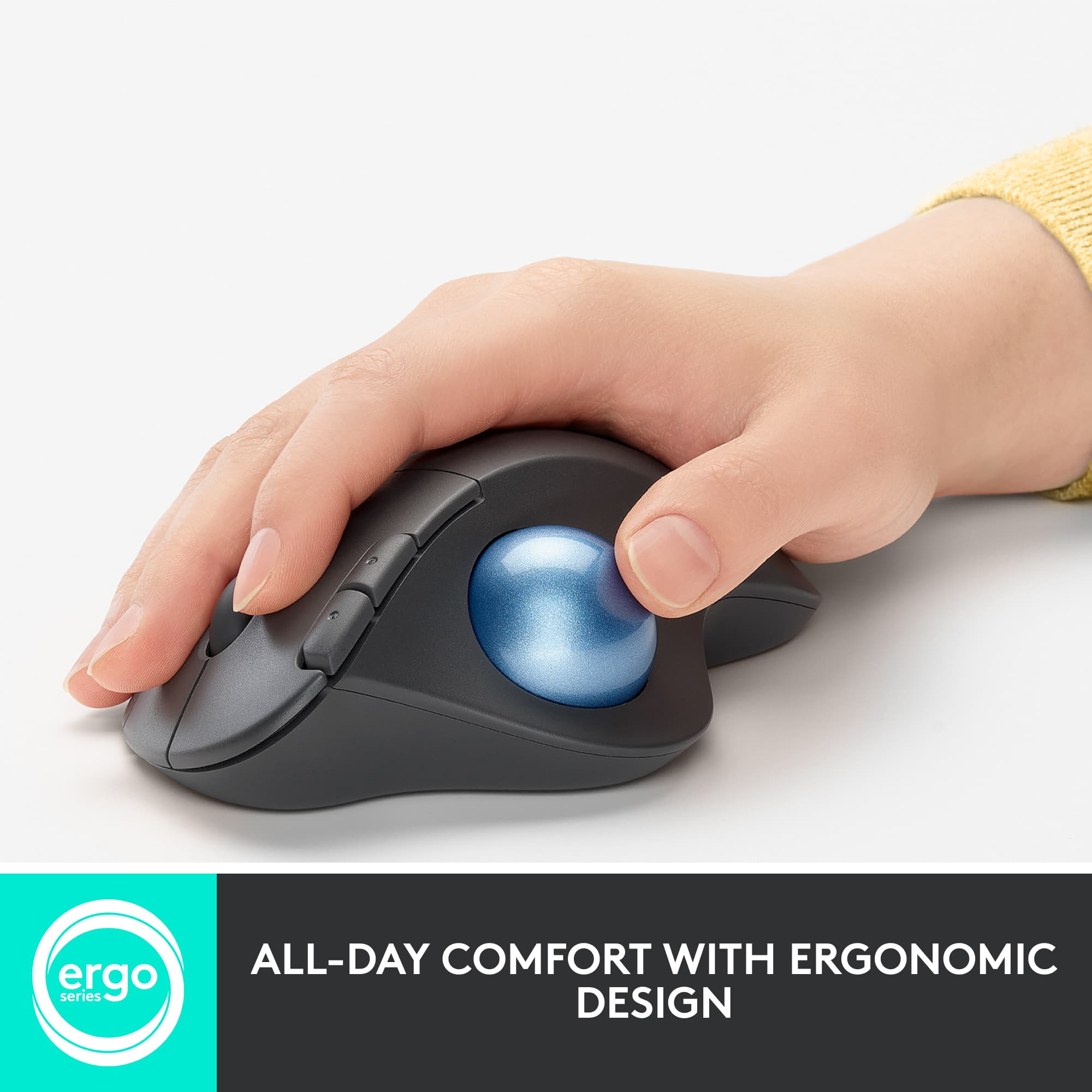
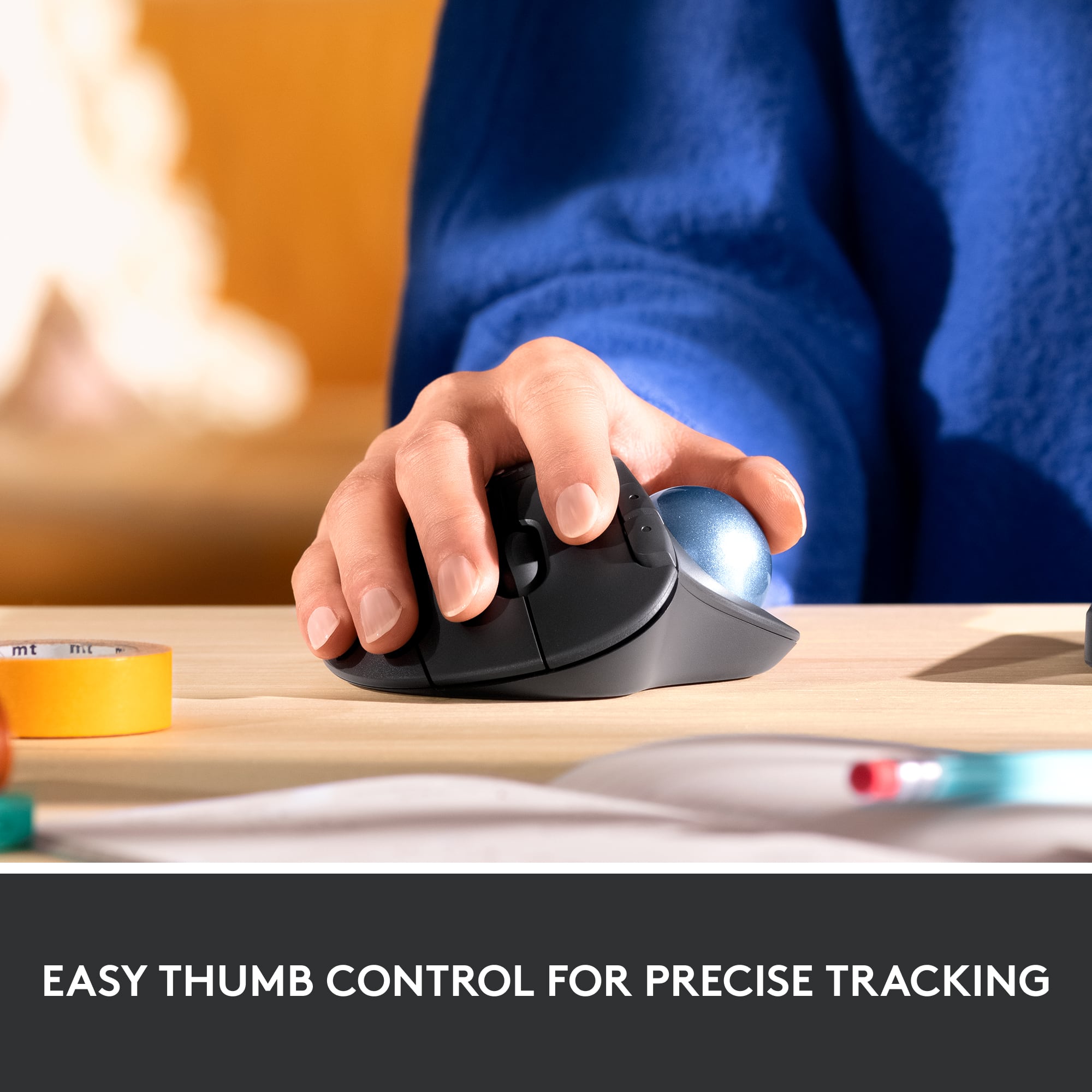
Customers often highlight the ergonomic design and ease of use of the ERGO M575 Wireless Trackball Mouse, with many praising its comfort and responsiveness. The Bluetooth connectivity and long battery life are also frequently cited as positive aspects. While some users mention needing less desk space, the overall feedback points to a positive user experience.
This summary was generated by AI based on customer reviews.
NOT WORTH MONEY
||Posted . Owned for 1 week when reviewed.This reviewer received promo considerations or sweepstakes entry for writing a review.WOULDNT RECOMMEND this product to anyone. i tried it due to work, and honestly stopped working a lot of the time, also was slow, not responsive etc....
No, I would not recommend this to a friendBrand response from Logitech
Posted .Hey there, I'm sorry to hear you had some issues with connectivity on your M575. If you haven't already, I would recommend switching out the batteries on your mouse, as well as using a different USB port if possible. -Weston from Logitech
Great ergonomics
||Posted . Owned for 2 months when reviewed.This reviewer received promo considerations or sweepstakes entry for writing a review.The mouse was awesome at the start but has slowly started to have connection issues and is extremely laggy. Extremely ergonomic but very unsatisfied with its current state.
No, I would not recommend this to a friendBrand response from Logitech
Posted .Hello,
Thank you for choosing Logitech, and for taking the time to share your experience. I apologize for the difficulties that you have experienced with your ERGO M575 Trackball overtime; I would like to help. If you have not already done so, please download the Logitech "Options" software for customization and best performance. Also please check your computer for system and driver updates. Also, please run the "Firmware Update Tool" to ensure you have the latest updates. I have attached a link to the M575's "Getting Started" support page for your reference where you will find product guides, software downloads and further support. I hope these suggestions are helpful and that you will enjoy your ERGO M575 Trackball.
Best regards,
John at Logitech
https://prosupport.logi.com/hc/en-us/articles/4406948462999-Getting-Started-ERGO-M575-FOR-BUSINESS
Best Mouse Ever!
||Posted . Owned for 3 weeks when reviewed.This reviewer received promo considerations or sweepstakes entry for writing a review.Best mouse ever. For Mac OS or Windows works as a charm.
I would recommend this to a friendunhappy
||Posted . Owned for 3 weeks when reviewed.This reviewer received promo considerations or sweepstakes entry for writing a review.The Bluetooth has stopped working. I had the previous wifi model which died as well. That was more comfortable. If there was another affordable brand I would go there.
No, I would not recommend this to a friendBrand response from Logitech
Posted .Hello, I am so sorry to hear the Bluetooth no longer works on the mouse. Fortunately, this mouse does come with a 1 year warranty so we can get that replaced for you. Here is the link in order to file a warranty claim: https://support.logi.com/hc/en-us/articles/360058325533-Warranty-ERGO-M575-Wireless-Trackball. I hope this helps, have a great day! -Danielle from Logitech
Logitech ERGO Mouse is lousy.
||Posted . Owned for 2 months when reviewed.This reviewer received promo considerations or sweepstakes entry for writing a review.I replaced a previous Logitech mouse (just like this one), because the ball lacks 'resistance' and is terrible for precision tasks, like cropping photos. The new one is JUST AS BAD AS THE OLD ONE... I thought the old one was quite old, and surely they had made some improvements. Nope. I do not recommend this mouse.
No, I would not recommend this to a friendBrand response from Logitech
Posted .That's unfortunate! In order to help you effectively, please provide your information to our support team by emailing socialcare@logitech.com. Name – Email address – Country – Product name – Brief description of the issue –
trackball doesn't work after a short time.
||Posted . Owned for 1 year when reviewed.This reviewer received promo considerations or sweepstakes entry for writing a review.terrible trackball. the trackball eventually goes out and cannot track the mouse pointer on the screen. the one i got can barely even scroll down anymore. It feels very cheaply made. however, the more expensive one with USB charging works really well.
No, I would not recommend this to a friendBrand response from Logitech
Posted .Truly sorry to hear about your troublesome experience with the M575 mouse. Your feedback is valuable to us and will be shared with the appropriate team. Thank you for bringing this to our attention.
Too Bulky for me
||Posted .This reviewer received promo considerations or sweepstakes entry for writing a review.Returned the item didn’t care for how it felt. It was too much of bulky feeling for me. But I will say it is a nice product I just didn’t care for it.
No, I would not recommend this to a friendBrand response from Logitech
Posted .Hi SappySap, thank you for your feedback! We make a wide-variety of computer mouse designs to best suite your needs. Check out our MX series for the very best: https://www.bestbuy.com/site/searchpage.jsp?id=pcat17071&qp=brand_facet%3DBrand~Logitech&st=mx%20mice - Will, Logitech.
logitech-ergo-m575-wi
||Posted .This reviewer received promo considerations or sweepstakes entry for writing a review.Difficult to hold when moving. Probably fine if you use it in one place only. Caused my fingers to twitch after using it for a longer period of time.
No, I would not recommend this to a friendBrand response from Logitech
Posted .Hello, Very sorry that you're having difficulties using the ERGO M575 Wireless Trackball Mouse when moving. The mouse was designed for less movement and more comfort which you've obviously found out. Here's a link to setting up your workstation that you may find useful: https://www.logitech.com/en-us/promo/ergosetup/workstation-setup.html. Thank you for choosing Logitech. - Richard from Logitech
did not work out for me
||Posted . Owned for 6 months when reviewed.This reviewer received promo considerations or sweepstakes entry for writing a review.did not install on my Mac for what ever reason ? have enjoyed track balls in the past though
No, I would not recommend this to a friendPoor Gaming Mouse
||Posted . Owned for 3 weeks when reviewed.This reviewer received promo considerations or sweepstakes entry for writing a review.very poor mouse for gaming I use a ball mouse to game and this one I thought would be a upgrade put to my disappointment it was worst than any ball mouse I have ever used it now sits in the use only if there is nothing better box and that means if one I'm using is broken
No, I would not recommend this to a friendBrand response from Logitech
Posted .That's disappointing and we regret to hear that the product did not meet your expectations. Your feedback is important to us, and we'll make sure to share it with the right team.
Not suitable for all women
||Posted . Owned for 3 weeks when reviewed.This reviewer received promo considerations or sweepstakes entry for writing a review.Dislike huge made for a large mans hand.not easily transported bulky.
No, I would not recommend this to a friendBrand response from Logitech
Posted .Thank you for sharing your experience with the ERGO M575. We appreciate your feedback that its size and bulkiness make it unsuitable for smaller hands and less easily transportable.

Not so good
||Posted . Owned for 2 weeks when reviewed.This reviewer received promo considerations or sweepstakes entry for writing a review.Had it 5 days, had to re-connect it 10 times a day. Tried it on two different computers. Returned it. When it worked, I liked it!!!!!!
No, I would not recommend this to a friendBrand response from Logitech
Posted .Hey! We apologize for the trouble with your Logitech ERGO M575 trackball. Having to reconnect it constantly is frustrating, especially since you tried it on multiple computers. We appreciate you letting us know and that you liked it when it worked! We'll take your feedback into account to improve connection stability.
Logitech - ERGO M575 Wireless Trackball Mouse with
||Posted . Owned for 2 weeks when reviewed.This reviewer received promo considerations or sweepstakes entry for writing a review.I was excited to get this wireless mouse after reading the reviews. Unfortunately, it did not work for me. It was uncomfortable to use and having to operate the roller ball with my thumb, only made the nerve pain in my hands worse. I resorted back to using my wired Logitech Trackman Marble.
No, I would not recommend this to a friendBrand response from Logitech
Posted .Hello, I am so sorry to hear this mouse did not work for you. Thank you for taking the time to write this review, we appreciate the feedback. I will be passing this along. I am glad you were able to find another Logitech product that suited your needs. I hope you have a great day!
-Danielle from Logitech
Not very comfortable!
||Posted . Owned for 1 month when reviewed.This reviewer received promo considerations or sweepstakes entry for writing a review.I was use to a center track ball and this made my hand ache and was not comfortable at all! Needless to say we returned it.
No, I would not recommend this to a friendBrand response from Logitech
Posted .That's disappointing to hear and it's surely not what we expect to deliver. We understand your displeasure and apologize for any issues that arise. We value your input, therefore we will forward it along to the appropriate team so they can look into it. Thanks a lot!
Sad
||Posted . Owned for 1 week when reviewed.This reviewer received promo considerations or sweepstakes entry for writing a review.Very unfortunate I couldn’t use this mouse wasn’t able to move it with my disability
No, I would not recommend this to a friendBrand response from Logitech
Posted .We apologize to hear that the Logitech ERGO M575 did not meet your needs. We understand that ergonomic considerations are crucial, and we're sorry that this product didn't provide the comfort and functionality you were looking for.
Too old for this mouse
||Posted . Owned for 1 month when reviewed.This reviewer received promo considerations or sweepstakes entry for writing a review.I hate it. This is most likely an excellent mouse, for someone who knew what they were buying. I had no clue that this mouse doesn't move. It is way too advanced for me. Unfortunately, I misplaced the receipt and couldn't return it.
I would recommend this to a friendCauses pain, not ergonomic.
||Posted . Owned for 1 week when reviewed.This reviewer received promo considerations or sweepstakes entry for writing a review.This one has ridges and something about this mouse is not as good as the original as it is causing carpal tunnel and I've only had it acouple weeks. I used the original for years and never had this issue.
No, I would not recommend this to a friendBrand response from Logitech
Posted .Truly sorry to hear about your troublesome experience with the product. We'd recommend to get in touch with the Logi Support Team in this case and the team will definitely walk you through all the available options, next steps, and best possible solution.
Mouse
||Posted .This reviewer received promo considerations or sweepstakes entry for writing a review.I don’t have much to share, it is good. Annnnnnnnnnnnnnn
I would recommend this to a friendBrand response from Logitech
Posted .Hi Petuino, Thank you for your review! It is greatly appreciated. Continue to enjoy your device. If you ever need assistance, please contact Logitech Support on the website. LaShonda from Logitech
Broken already?
||Posted . Owned for 3 months when reviewed.This reviewer received promo considerations or sweepstakes entry for writing a review.Bought this March 2nd, and now it ceases to operate. What a waste of money.
No, I would not recommend this to a friendBrand response from Logitech
Posted .Hello there! We are sorry to hear that your Logitech ERGO M575 stopped working only a few months after purchase. That's unexpected! In order to help you effectively, please provide your information to our support team via email at socialcare@logitech.com with your
- Name:
- Email Address:
- Country:
- Product Name:
- Brief description of issue:
can't connect
||Posted . Owned for 3 weeks when reviewed.This reviewer received promo considerations or sweepstakes entry for writing a review.I can't get it to work with my computer. I'll probably have to return it.
No, I would not recommend this to a friendBrand response from Logitech
Posted .Hello, We apologize for the trouble connecting your ERGO M575 Wireless Trackball Mouse to your computer. We understand this can be frustrating, and we don't want you to have to return it! Our support team is happy to help troubleshoot the connection issue. Please provide your information to our support team via email at socialcare@logitech.com with your
- Name:
- Email Address:
- Country:
- Product Name:
- Brief description of issue: