Customer Ratings & Reviews

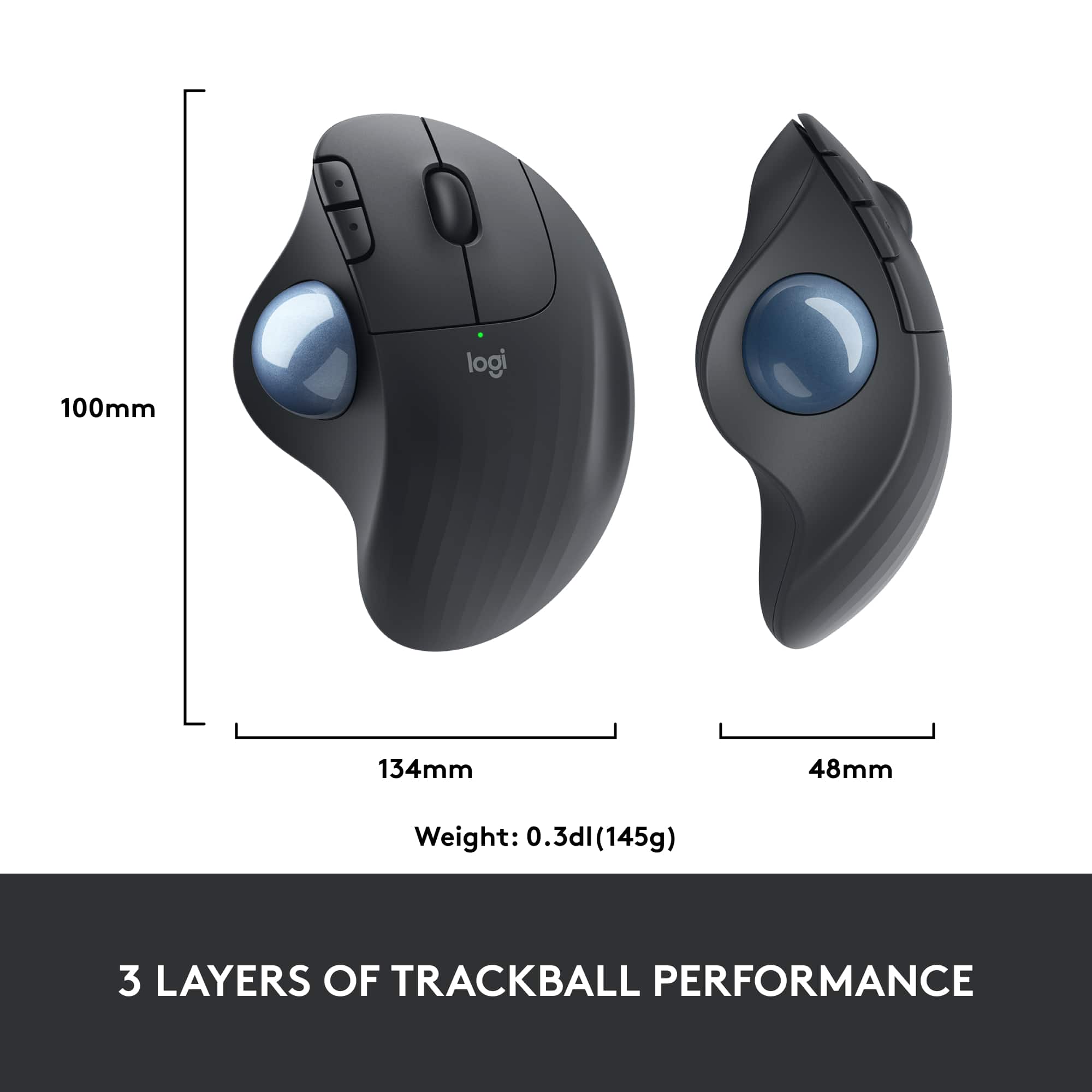

- Model:
- 910-005869
- SKU:
- 6440330
Rating by feature
- Value
Rating 4.6 out of 5 stars
- Quality
Rating 4.7 out of 5 stars
- Ease of Use
Rating 4.7 out of 5 stars
Customers are saying
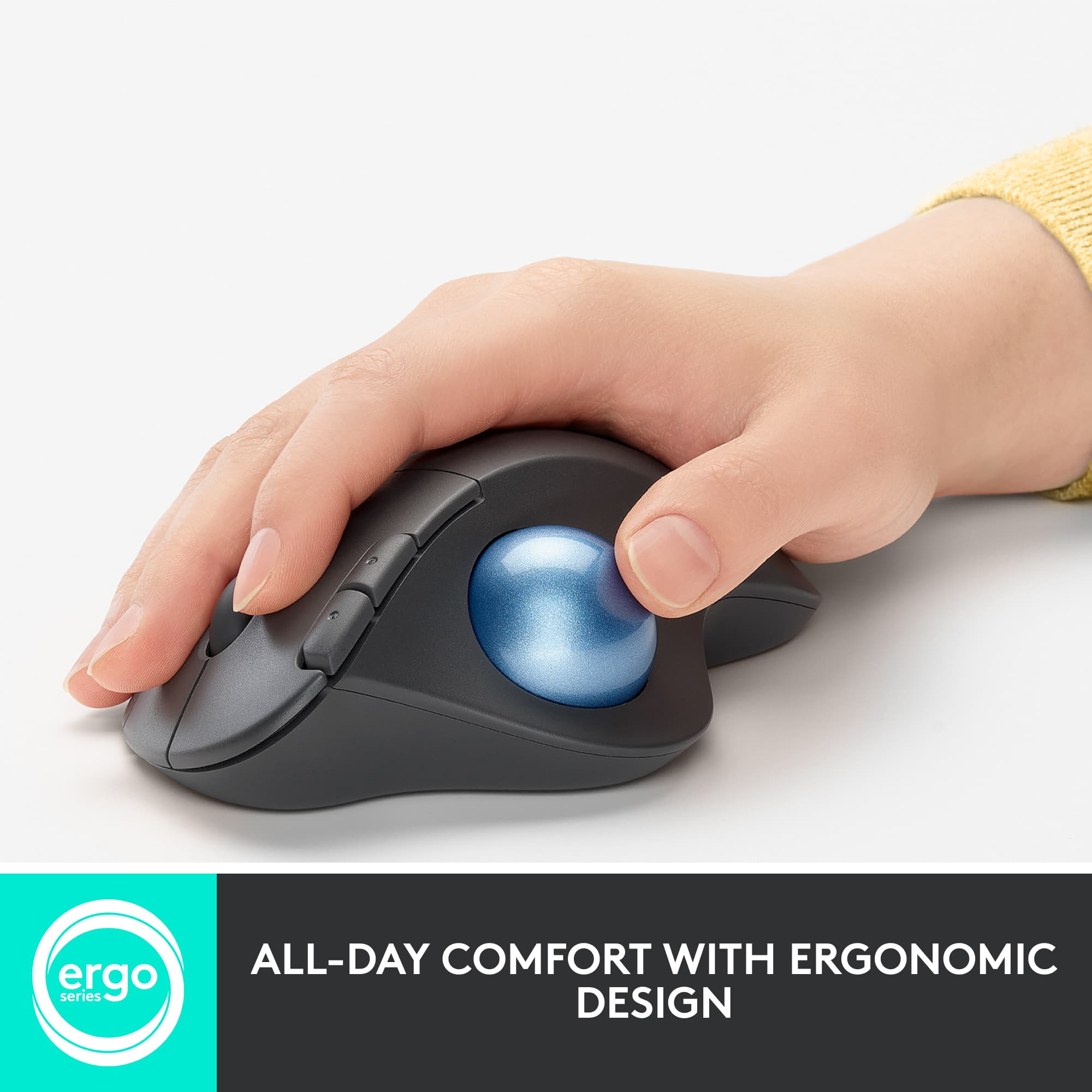
Customers often highlight the ergonomic design and ease of use of the ERGO M575 Wireless Trackball Mouse, with many praising its comfort and responsiveness. The Bluetooth connectivity and long battery life are also frequently cited as positive aspects. While some users mention needing less desk space, the overall feedback points to a positive user experience.
This summary was generated by AI based on customer reviews.
Trackball inop.
||Posted . Owned for 2 months when reviewed.This reviewer received promo considerations or sweepstakes entry for writing a review.Purchase on 7/19/21. Worked like I'll hope and better. Problem 9/5/21. All buttons work, only trackball will not move now. Logi tech support say it a mouse, don't know what picture they looking at. Help
No, I would not recommend this to a friendBrand response from Logitech
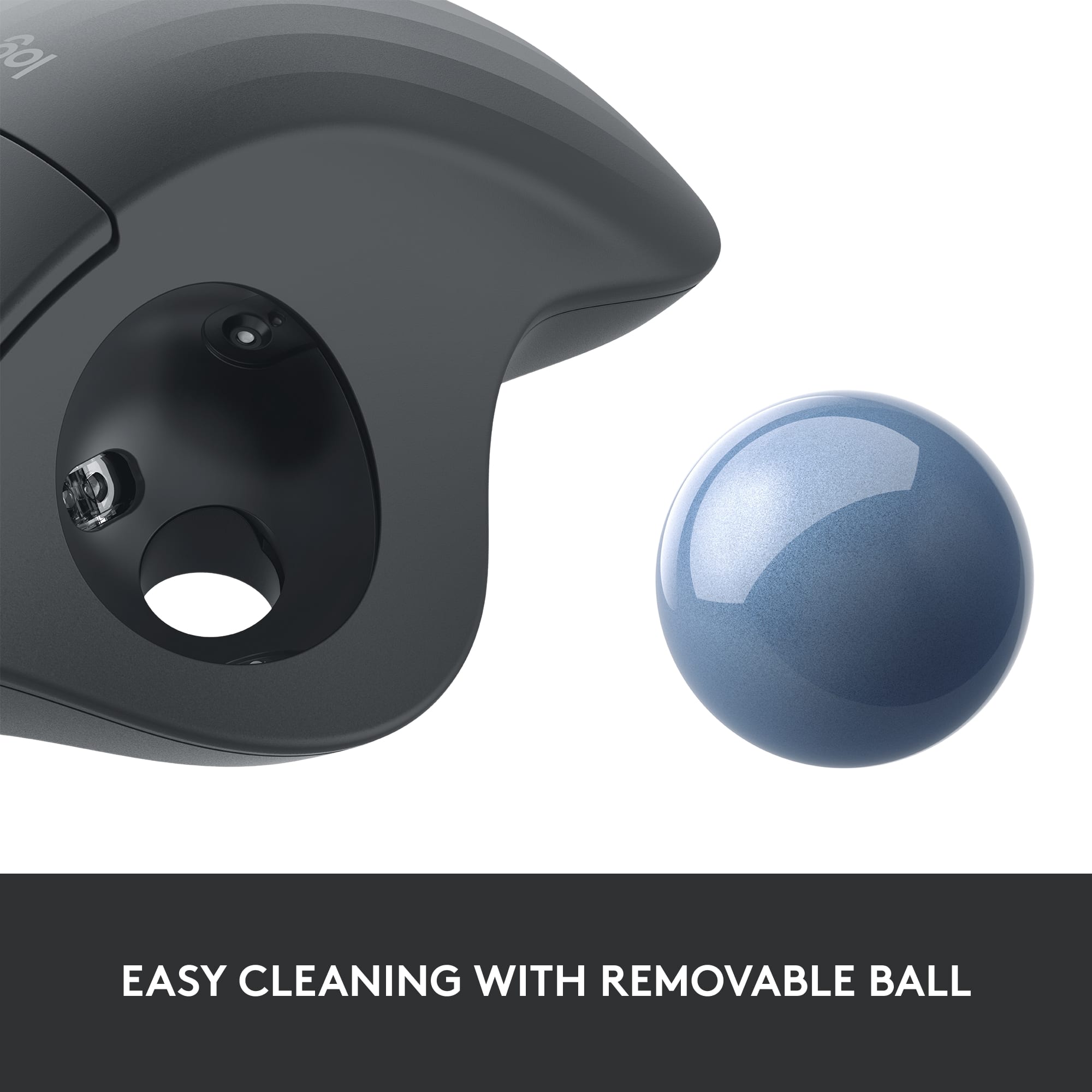
Posted .Hi, thank you for sharing your experience with the M575 Trackball. I'm sorry that you seem to be having issues with the trackball. The trackball can pop out of the mouse and can be cleaned. You can also clean the sensor that tracks the movement of the ball. You can use a very lightly damp cloth to do the cleaning. Before putting the trackball back in make sure the parts are fully dry. You can also spray some compressed air into the area where the ball sits. I hope that one of these options helps fix the issue. Thank you for being a Logitech customer. Kristi from Logitech
- Pros mentioned:Bluetooth, Ergonomic design

Great ergonomic option for armchair computing
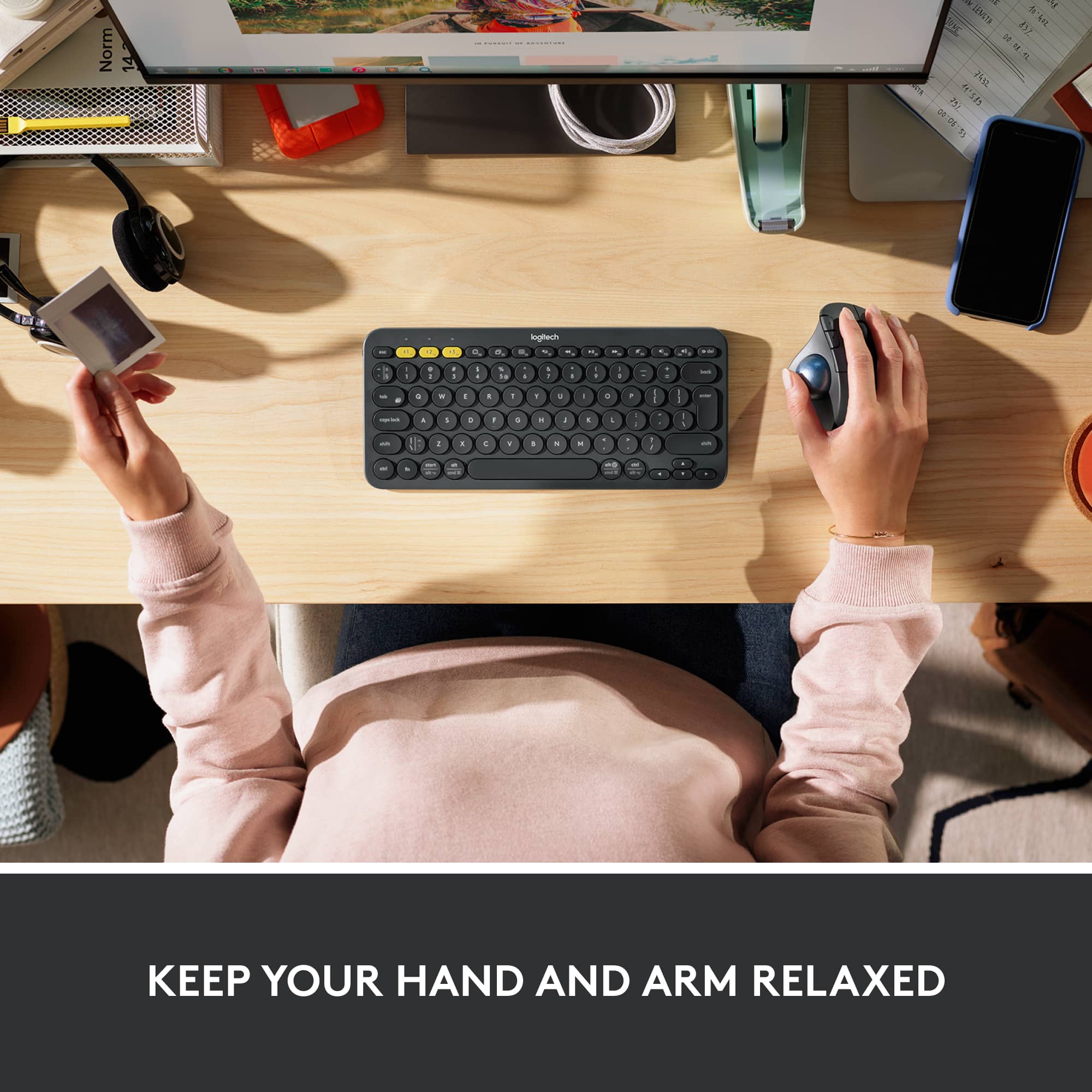
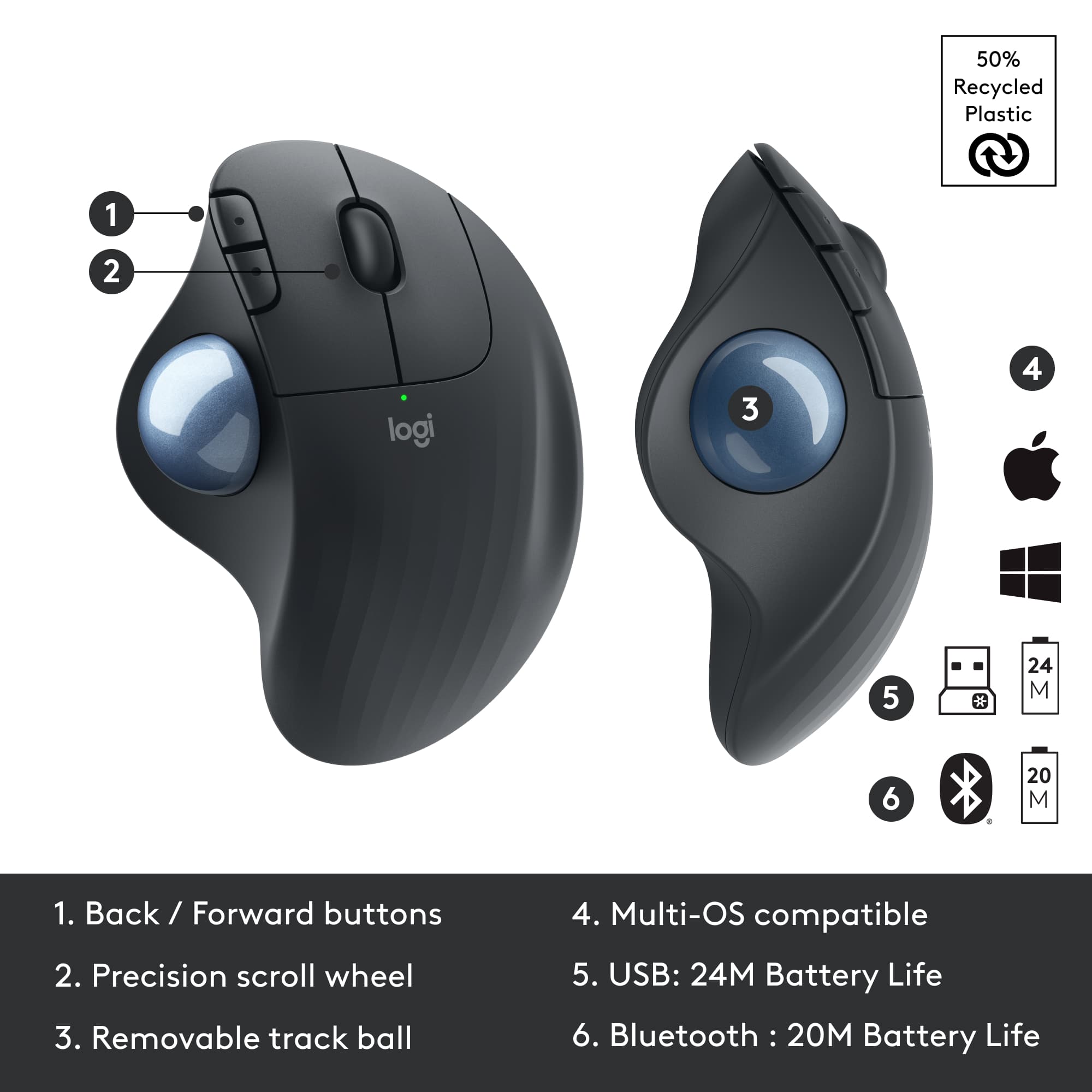
|Posted .This reviewer received promo considerations or sweepstakes entry for writing a review.I use computers a lot in my work, spending as much as 12-16 hours a day typing, pointing, and clicking. To reduce risk of injury to my hands and fingers I’m constantly looking for new ways to improve the ergonomics of my workspace. Like many, I’ve increased working from home quite a bit this year, one of the results is that I end up doing more of my work from a recliner in our living room. This is comfy but the ergonomics are challenging as an armchair doesn’t provide much room for mouse movements without constant lift-and-shift. After some months I noticed my right shoulder getting sore from the extra strain of using the mouse on the armrest. To alleviate this ergonomic challenge I became interested in switching to a trackball. Enter the Ergo M575 trackball. I decided to try out the Logitech M575 and within just a few days I noticed my shoulder tension easing. Being able to rest my arm in one place while using the trackball, and being able to use my thumb instead of my wrist for pointer movement has made working from the armchair much more ergonomic. I still have to move my arm to switch to/from typing of course but the trackball helps balance the movements used for pointing. Whether I use a mouse or the trackball depends on what I’m doing. For “work” a thumb-controlled trackball works fine, but for I’m still generally faster and more precise with a mouse. Some of that can be attributed to that I’ve moused for years but have only trackballed for a few days, but it’s also that thumb-alone movement generally and simply has less dexterity and range of movement than the typical wrist-and-finger combination of a traditional mouse. This isn’t a criticism necessarily, just a practical observation. Whether it matters will completely depend on how you use it. The M575 has 5 buttons -- primary, secondary, middle, and then two finger-buttons which are assigned by default to forward/back respectively. You can use the Logitech Options software to change the button functions as you see fit -- to help with thumb limitations I found it very helpful to set one of the finger-buttons to the “trackball sensitivity” function so I can quickly toggle between faster/slower trackball speeds on-the-fly and right from the trackball. There are quite a few functions to choose from so be sure to look it over and you may find a gem that helps you in your day. For comfort the M575 receives mixed marks. For my hand at least, the trackball placement and two main buttons are excellent, but I found the finger-buttons just slightly awkward in actual day-to-day use. How it fits your hand is inherently subjective, so just try one out and see how it works for you. The M575 isn’t technically multi-device, but since it easily toggles between Logitech Unifying and Bluetooth mode you can effectively switch between two devices without any more trouble than lifting up for a second to double-tap the connection button on the bottom. I use this to switch quickly from my work computer and my personal computer and it always switched very quickly. Would I recommend it? If you stick to general computing, work with limited space (e.g. using an armrest as a “desk” like I frequently do), or just want an ergonomic alternative to a traditional mouse at times, then absolutely -- the M575 is a great option. But for gaming and highly-responsive pointing needs, or if I had to choose between just one or the other, I’d stick with a mouse.
I would recommend this to a friendBrand response from Logitech
Posted .Hello StephenS, wow! Thank you so much for the in depth review! We truly appreciate the honest feedback. The M575 mouse is definitely an amazing ERGO mouse for those long days behind a computer. We are truly grateful to have you be part of the Logitech family. Take care and have a great day. -Ricky from Logitech
Regular Mouse > Trackball
||Posted . Owned for 8 months when reviewed.This reviewer received promo considerations or sweepstakes entry for writing a review.I just couldn't get used to controlling the cursor with my thumb, no matter how much I wanted to like it.
No, I would not recommend this to a friendBrand response from Logitech
Posted .That is disappointing to hear that you couldn't get use to the M575. ERGO M575 has been designed and developed to ergonomically fit the shape of your hand. And with no need to move your arm around to move the cursor you’ll reduce fatigue in your hand and arm. In case you've any questions or concerns, please feel free to contact the Logitech support team.
Caused thumb pain
||Posted . Owned for 1 month when reviewed.This reviewer received promo considerations or sweepstakes entry for writing a review.Too big for my hand. Caused me to have thumb pain that I didn’t have before. Not for people with smaller hands
No, I would not recommend this to a friendBrand response from Logitech
Posted .That's unfortunate! We're sorry about the experience and thank you for sharing your insights with us. We will be sure to pass on your feedback to the right team.
The mouse died!
||Posted . Owned for 2 weeks when reviewed.This reviewer received promo considerations or sweepstakes entry for writing a review.I didn't like this mouse couldn't get it to work..
No, I would not recommend this to a friendBrand response from Logitech
Posted .Hey! Apologize about the experience and it's surely not what we expect to deliver. In order to help you effectively, please provide your information to our support team via email at socialcare@logitech.com with your
- Name:
- Email Address:
- Country:
- Product Name:
- Brief description of issue:
- Pros mentioned:Bluetooth, Ease of use, Ergonomic design
Updated Mousetrap
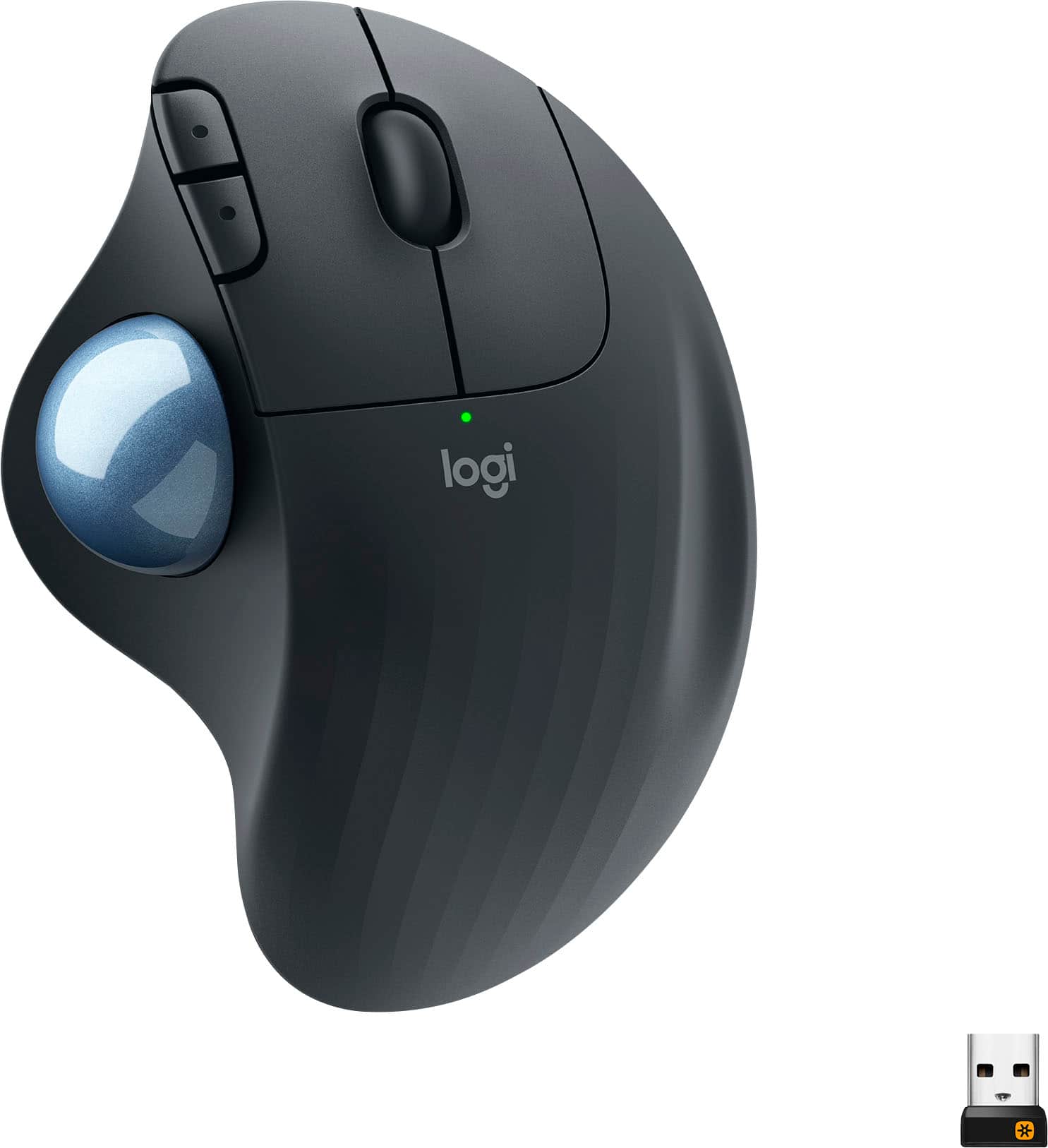
|Posted .This reviewer received promo considerations or sweepstakes entry for writing a review.The M575 is an updated M570 trackball with the addition of a Bluetooth option to go along with the standard USB receiver for connectivity. The M575's body has a sharper, less rounded contour than the M570 but with larger buttons. Not uncomfortable, just different. The trackball, while the same size, seems to be more responsive too. Easy to set up and use, the M575 is a well-designed, comfortable and functional addition to Logitech's trackball line-up.
I would recommend this to a friend Not good for me
||Posted . Owned for 9 months when reviewed.This reviewer received promo considerations or sweepstakes entry for writing a review.I hated it mostly because it was hard to get used to
No, I would not recommend this to a friendBrand response from Logitech
Posted .We sincerely apologize for any inconvenience caused. Your feedback is invaluable to us.
Hate It.
||Posted . Owned for 3 weeks when reviewed.This reviewer received promo considerations or sweepstakes entry for writing a review.hate it. I went back to using my old one. I wish i can get my money back.
No, I would not recommend this to a friendBrand response from Logitech
Posted .Thank you for sharing your insights with us. It’s hard for us to hear that you didn't like the product.
We apologize for any inconvenience that has caused you and sincerely appreciate your time. Contact Logi support team in this case and they will walk you through all the available options, next steps, and best possible solution.
- Pros mentioned:Bluetooth, Ergonomic design
To flick or not to flick
|Posted .This reviewer received promo considerations or sweepstakes entry for writing a review.I have had great luck using Logitech products in the past – never any problems. Unfortunately, after initial Bluetooth pairing with my desktop the mouse quit responding after a couple of days. I changed battery, etc. and no luck USB continued to work though. Contacted Logitech support and after trading emails and working through fixes they decided to send me another with overnight shipping. New unit arrived and I have had no issues with it. Problems do happen but it’s nice to know they stand behind their product. Unit itself is sleekly designed and light weight but rather large due to allowing for trackball. Definitely larger than I would care for if wanting to use when traveling on plane, etc. Having said that I definitely recommend for anyone wanting to save space on desk, tired of moving mouse around or maybe experiencing wrist issues. Packaging is minimal and all recyclable. Just unbox, pull battery tab and it is ready to pair. Nice to have USB or Bluetooth option to connect. I would suggest Bluetooth if your device supports it as this will keep a USB connection open – important for laptop or tablet users. To pair using Bluetooth make sure it is turned on for your device, make sure mouse is on and LED on bottom is quickly blinking blue (white for USB – just tap button to change). If not blinking press button for a few seconds until it is blinking rapidly. Then scan for devices and select ERGO M575. It should install automatically and you are set. To pair using USB make sure mouse is on and LED on bottom is quickly blinking white (blue for Bluetooth – just tap button to change). Insert USB connector (stored in base of unit by battery. It should automatically install. It also asks to install Logitech software that allows you to customize your mouse. When I use Bluetooth, it does not ask to install software so I had to go to Logitech website and download/install manually. I found it very comfortable for my hand but after using a “normal” mouse for over 40 years it takes a tad getting used to not moving and just “flick” the trackball. One thing I found out in using is my fine motor skills aren’t what they once were. My thumb sometimes “jiggled” when trying to pinpoint the mouse so I wound up setting movement to much slower which helped. It is a tad more difficult navigating using trackball rather than moving a mouse but just “flicking” the trackball like I used to do with old video games. I am sure I will get better with more use. I like it as I can set the mouse on the arm of my chair and use. Can’t do this with a “normal” mouse as it doesn’t function properly and wears out the arm fabric as well. Using Bluetooth, I connected to: Dell Laptop – Windows 10 Samsung Laptop1 – Windows 10 Google Slate tablet (2019) – Chrome OS. Could not find any software to download for customization) Desktop I built using a USB connected ASUS Bluetooth adapter – Windows 10 1-year limited warranty. I have no real negatives except it seems you can only pair mouse to one device at a time using Bluetooth. But it is easily cleared and re-paired. It seems you can have it paired to 2 different devices but only with 1 using USB and 1 using Bluetooth. Overall nice design and price and do recommend…
I would recommend this to a friendBrand response from Logitech
Posted .Hello Mkcar1,
Thank you for choosing Logitech and for taking the time to review the ERGO M575 Wireless Trackball. I am glad that you have been pleased with your M575. I have attached a link to the “Getting Started” support page for your ERGO M575 Trackball, for your reference. Please feel welcome to visit the Logitech website for product support.
Best regards,
John at Logitech
https://support.logi.com/hc/en-us/articles/360058325733-Getting-started-ERGO-M575
I will be returning.
||Posted . Owned for 3 weeks when reviewed.This reviewer received promo considerations or sweepstakes entry for writing a review.Has not worked wright since day one.............................
No, I would not recommend this to a friendBrand response from Logitech
Posted .We apologize for the troublesome experience you had with the M575 Mouse. Your feedback is important to us, and we'll make sure to share it with the right team.
mouse
||Posted . Owned for 3 weeks when reviewed.This reviewer received promo considerations or sweepstakes entry for writing a review.1i can control it right i like the Kensington better.more control
No, I would not recommend this to a friendDOA
||Posted . Owned for 3 weeks when reviewed.This reviewer received promo considerations or sweepstakes entry for writing a review.doa out of the box, returned+++++++++++++++++++++++++++++++++++++++++++++++
No, I would not recommend this to a friendBrand response from Logitech
Posted .Hello, Very sorry to hear that the M575 ERGO Trackball Mouse was DOA. Hope that you were able to get something better suited for you and that you will give Logitech a try again in the future. If you do experience any problems with Logitech products, go to support.logi.com for technical support. Thank you for choosing Logitech. - Richard from Logitech
- Pros mentioned:Ergonomic design
great mouse easy on the wrist
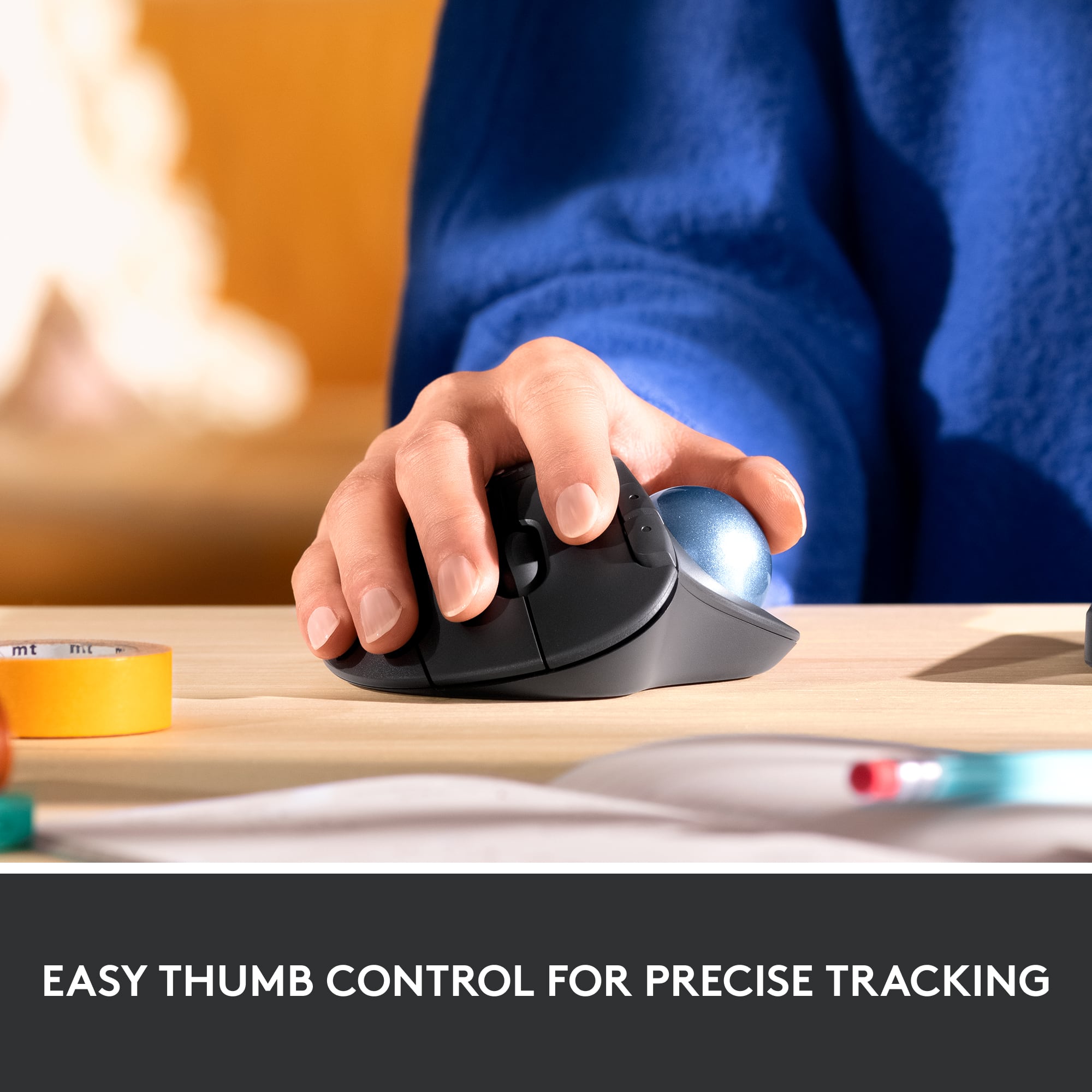
|Posted .This reviewer received promo considerations or sweepstakes entry for writing a review.This mouse is amazing!!! First, you have to get used to not moving your arm around because the mouse does not let you move it. It is not made to move around. It sits in the same place. You use your thumb on a tracking ball to move the mouse on the screen. It does take some time to get used to it. It was awkward at first for me. But after a few days, it was so easy. Without knowing, I got the same mouse as my friend who has had this mouse for years. Matter of fact, he made his employer buy him one, that is how much he loves this mouse. He told me he has had no problems at all with this mouse even after a few years of use. So he has one at home and one at work. I brought mine to work to test out since I use the mouse more at work than home. It is a great product and I highly recommend getting this. It will save your arm and wrist. This is a mouse to use with your right hand. With practice, you will get more accurate direction with the pointer on the screen. Be patient because you have to retrain yourself after decades of using a traditional mouse.
I would recommend this to a friend - Pros mentioned:Bluetooth, Ease of use
HIgh Quality Simple to Use
|Posted .This reviewer received promo considerations or sweepstakes entry for writing a review.This is my first trackball mouse. I liked how it feels like good quality construction and materials. Setup was a breeze and I just plugged the included dongle into my computer and it registered everything in just a couple of seconds. I did have to adjust the mouse speed since the trackball seams to not move as far as the optical mouse does for each movement of the ball. I did add it to bluetooth as well on a different computer to test it and worked fine that way as well. I also liked that it came with a battery. Ergonomically I don't love it, but I think I may just need to get used to it. Trackballs are quite a bit different than the standard mouse and I just keep feeling like my thumb can't move as fast or as easily as I'm used to from a mouse. Overall a great basic trackball mouse with bluetooth capabilities.
I would recommend this to a friend - Pros mentioned:Bluetooth, Ease of use
Love this mouse
Posted .This reviewer received promo considerations or sweepstakes entry for writing a review.I've been using the Logitech trackballs for at least 15 years. I just bought this version today (this will be my third). Wow - it's even better than before! So comfortable to rest my hand on, easy to use, the trackball is so smooth and responsive and I really like the new textured feel. Setting it up to use bluetooth is probably the easiest connection I've ever done. It took perhaps 2 minutes from start to finish. Brilliant!
I would recommend this to a friend - Pros mentioned:Bluetooth
Nice upgrade from M570
Posted .This reviewer received promo considerations or sweepstakes entry for writing a review.As a long-time Logitech M570 user, I'm very happy with the M575. I thought I'd wait for the switches in my M570 to go bad, but not everyone's does, so I went ahead with the purchase. I'm glad I did. I found it to be an improvement in every way. I found the ball to roll smoother, the shape of the palm area fits my hand better, and the ridges and texture do a better job of keeping my palm from getting sweaty compared to the M570's smoother finish. The DPI adjustability via the Options software is also a step up from the M570. I've assigned the scroll wheel button to act as a DPI toggle for high and low DPI, so I'm able to switch precision on the fly. Lastly, although I have it paired to a Unifying receiver, along with my MX Keys keyboard, it's nice to know that I can switch to Bluetooth with a secondary device if I ever need to. Assuming the same longevity of the switches and sensor as the MX Ergo, the M575 is a much greater value, in my opinion. I'm assuming similar trackball performance, but no rubberized surfaces to get gummy, and no internal lithium ion battery to go bad. I did have an issue with the first M575 I tried. The right button switch was too light and resulted in a lot of erroneous clicks. I exchanged it, and the second unit was fine. I came across another user in Reddit and another in Best Buy's reviews who both described a similar problem, so that's at least three of us. If the problem was widespread enough, I would expect there to be more complaints, so I'm going to assume for now that the issue is isolated.
I would recommend this to a friendBrand response from Logitech
Posted .Hi Chris,
Thank you for your five-star review! It is greatly appreciated. Continue to enjoy your device. If you ever need assistance, please contact Logitech Support on the website.
LaShonda from Logitech
- Pros mentioned:Ergonomic design
Great mouse for work
|Posted .This reviewer received promo considerations or sweepstakes entry for writing a review.I work at home doing a lot of data entry and the Logitech ERGO M575 is a great upgrade from a standard mouse. I was looking for something more ergonomic as I started getting cramps in my wrist towards the end of my workday. Now with the use of the ERGO M575 it has gotten much better. The feel of the mouse is very ergonomic and fits my palm with great comfort. I like the addition of back and forward buttons which is a must for me. I also like to ability to connect to my computer via USB receiver or through Bluetooth. Now I haven’t used a trackball type mouse in ages and that was the only thing I had to get use to. For me it took a couple of days to get really precise with using my thumb to navigate. The trackball is smooth and accurate.
I would recommend this to a friendBrand response from Logitech
Posted .Hello Parker. Thank you for your kind words and review of the M575 mouse. I'm happy to hear that your wrist pain is starting to subside. That is the aim of our entire line of Ergo products! For even more ergonomics, try our K860 Ergo keyboard... like the trackball, it takes a couple days to get used to the spacing and curve, but it is very helpful when it comes to wrist pain and fatigue. If you ever have any questions or issues, please visit our support site: support.logi.com
Thanks for choosing Logitech!
-Charlton at Logitech
- Pros mentioned:Bluetooth, Ease of use
Great Mouse
|Posted .This reviewer received promo considerations or sweepstakes entry for writing a review.The Logitech Wireless Trackball Mouse in Black is a great mouse option. Very comfortable to use. It took about a day to get use to a stationary mouse compared to a standard mouse. Easy to set up and very natural and precise movements. It provides options to set up via Bluetooth or USB. Since I have limited USB ports, the Bluetooth option is perfect! I would recommend this mouse for any office needs.
I would recommend this to a friend - Pros mentioned:Size
Another Great One from Logitech!!
|Posted .This reviewer received promo considerations or sweepstakes entry for writing a review.Upon unpackaging this mouse the first thing I noticed is its HUGE size! This mouse is huge in size, yet it presents a comfortable feel to the hand. Also, I noticed immediately that the mouse was in pairing mode as the pairing experience was seamless, the mouse also comes with a receiver. I was not too surprised that the mouse would easily pair because of prior experiences with Logitech’s mice, which consistently pairs with my devices. The mouse does take some getting used to as I have not used a trackball mouse in years. At first glance, the experience is awkward as I had to get used to the mouse being stationary and the only usage should come from my thumb, after a few trial and errors, I mentally prepared my mind to employ only usage of my right thumb. Suffice to say, I am not expertly proficient, but with each usage, it does get better. I will note, this mouse is a great alternative if you are experiencing or have experienced carpal tunnel or wrist issues from overexertion from heavy keyboarding and/or mouse usage. I cannot emphasize enough how comfortable the trackball is as it provides true ease of usage experience. If you are looking for a mouse that provides a good experience when surfing the internet, working on documents and presentations then Logitech has created another winner that will help you accomplish these tasks effortlessly!
I would recommend this to a friend - Pros mentioned:Battery life
Excellent
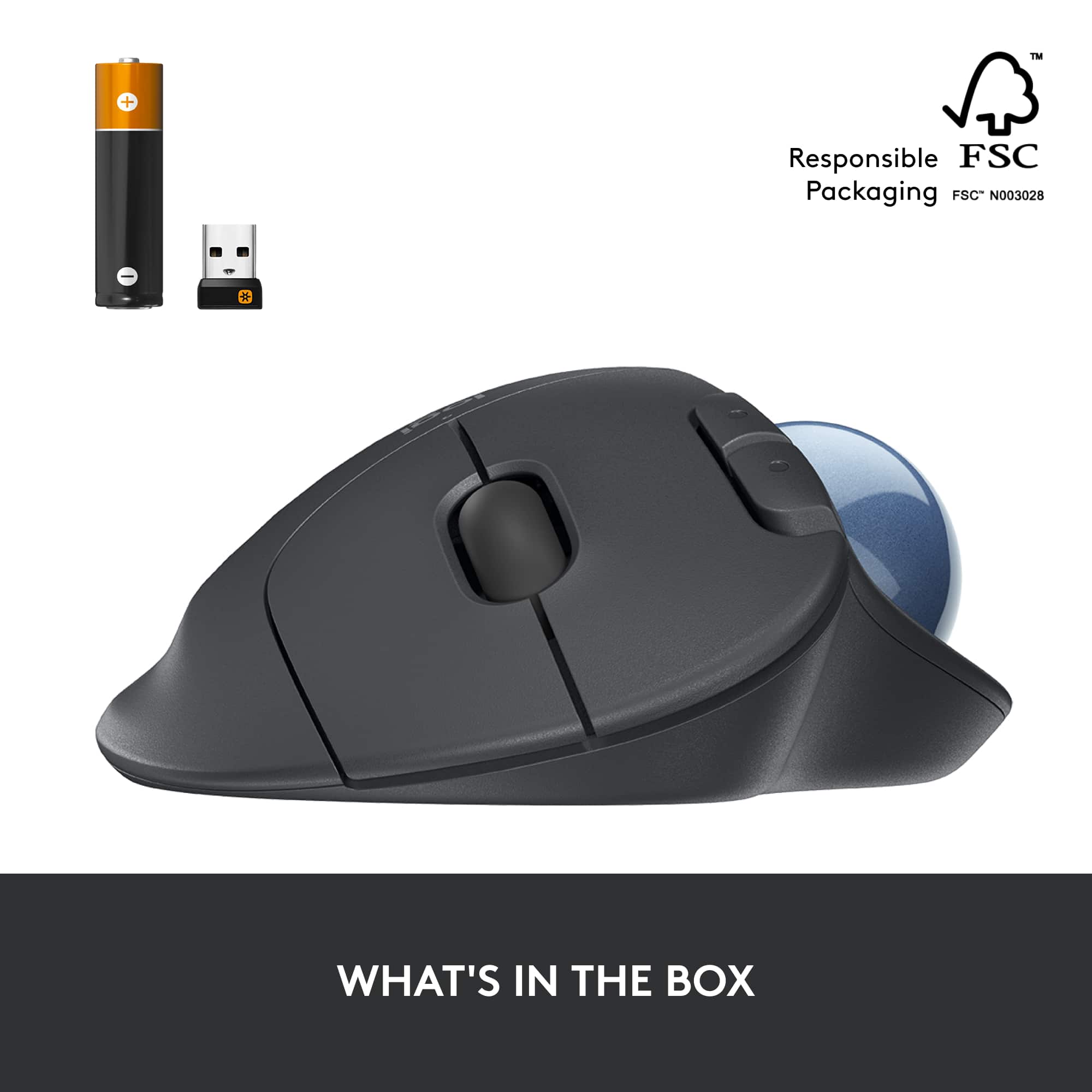
|Posted .This reviewer received promo considerations or sweepstakes entry for writing a review.Recently had my office upgraded with dual screens and noticed a bit more fatigue when going in between programs and screens. While there is some learning curve from going from traditional mouse to the Ergo M575, once you get the hang of it it's a welcome improvement over the normal mouse. Setting up took about 3 minutes. Fired up the bluetooth on my computer and pulled the white tab on the bottom of the mouse which put it into paring mode. Boom. Connected. You can also use the included usb adapter. It uses 1 AA battery, which is included and batter life is around 24 months give or take your amount of usage. I had to speed up the cursor speed on my computer because using the trackball seemed to take longer. I'm sure this will be personal preference for everyone. The M575 has just the right amount of weight. Not too heavy but does not feel cheap. Everything is easily reachable and requires little to no movement from your wrist. I'm still having trouble moving the cursor around using my thumb and not moving my arm, but i'm getting there. I think at the price and the quality of this mouse its worth it. If your experiencing more wrist and finger fatigue from using your mouse more and more, or you just need additional space then this might be the mouse for you.
I would recommend this to a friend