Customer Ratings & Reviews





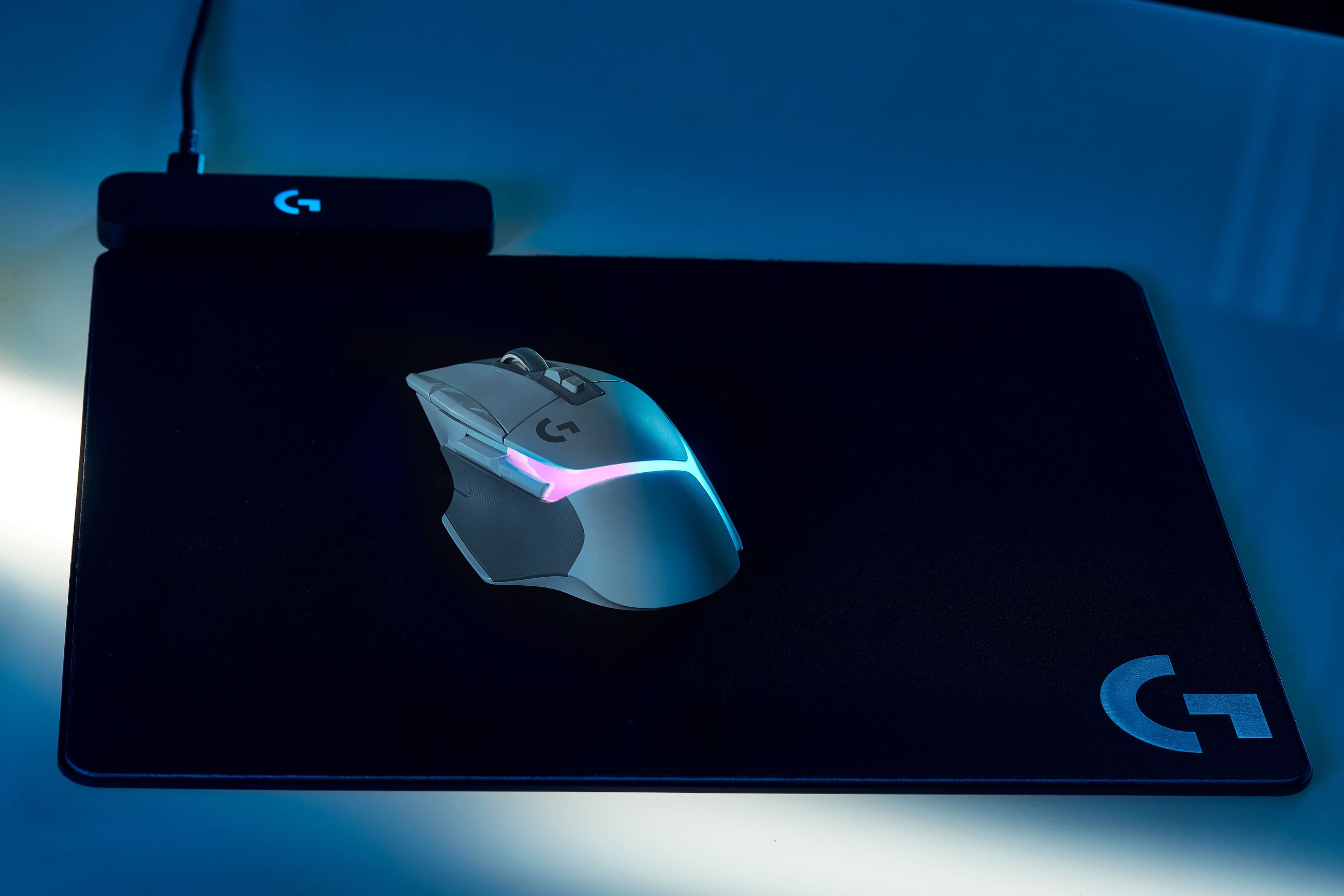
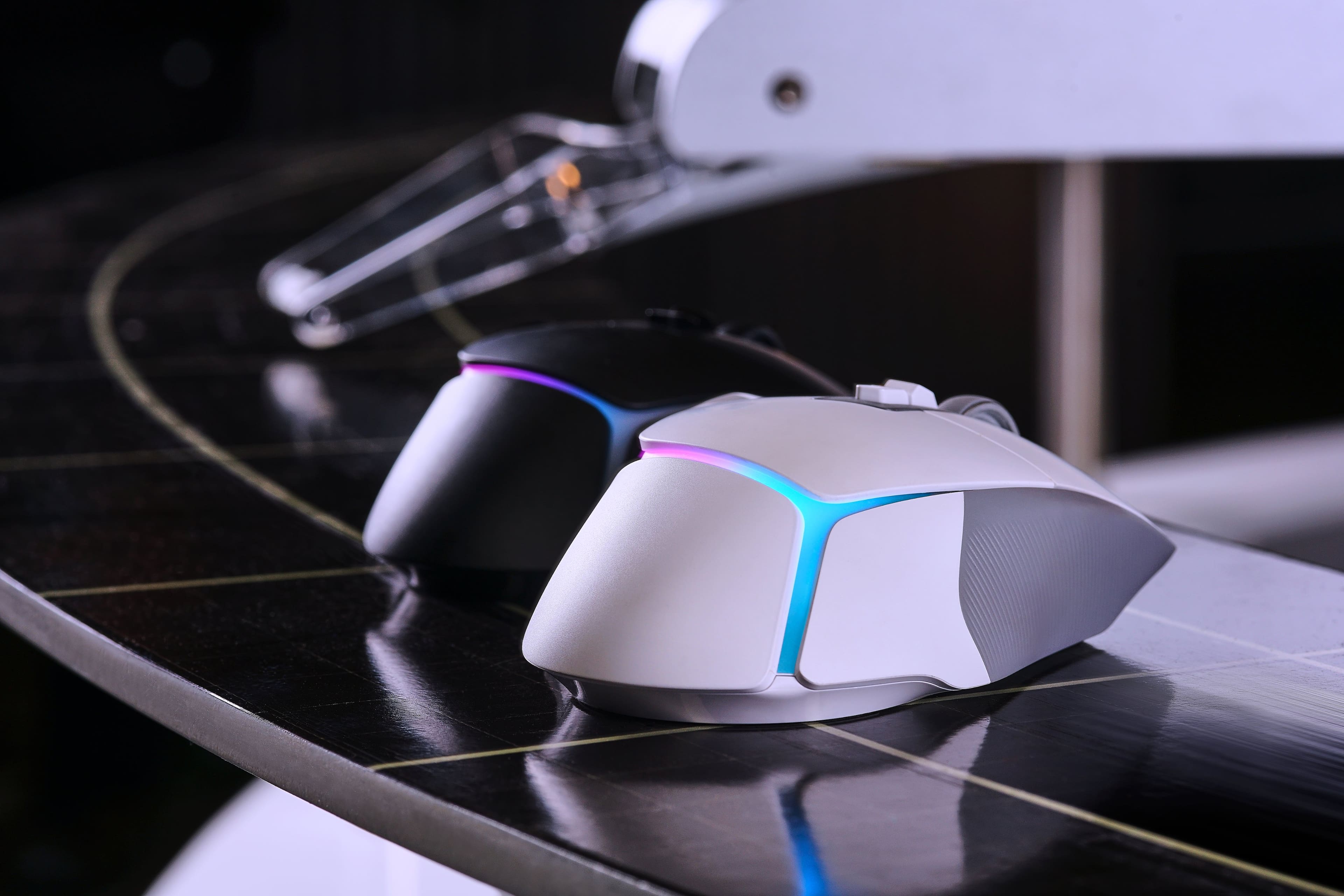

- Model:
- 910-006169
- SKU:
- 11231688
Rating by feature
- Value
Rating 4.4 out of 5 stars
- Quality
Rating 4.8 out of 5 stars
- Ease of Use
Rating 4.8 out of 5 stars
to a friend
Solid mouse, weight is fine, just a tad bulky
||Posted . Owned for 2 weeks when reviewed.This reviewer received promo considerations or sweepstakes entry for writing a review.Worth the money but may need a bigger hand for comfort
I would recommend this to a friendLogitech G502 X Plus Lightspeed
||Posted .This reviewer received promo considerations or sweepstakes entry for writing a review.Love the G502 line from Logitech. Great form factor and not too heavy. If you like the previous G502/3s this will be very similar.
I would recommend this to a friendStopped working after 14 days
||Posted . Owned for 2 weeks when reviewed.This reviewer received promo considerations or sweepstakes entry for writing a review.I have been very excited about this mouse for quite some time. However after 14 days it stopped working, I thought it just needed charged so I put it on a charger. Next day it still didnt work. Went to see when I could return it, ironically enough the last day to return it was today so i hopped in my car and returned it. For the price I just cant justify it already not working so I think I will stick with my cheap $5 gaming mouse from 5 and below.
No, I would not recommend this to a friendBrand response from Logitech
Posted .Hey! I understand your disappointment with the Logitech G502 X Plus Wireless Gaming Mouse. It's unfortunate that it stopped working after only 14 days, especially considering the price point. Given the short amount of time you had it, I recommend reaching out to Logitech's social care via email at socialcare@logitech.com with your
- Name:
- Email Address:
- Country:
- Product Name:
- Brief description of issue:
They may be able to offer a replacement or troubleshoot the issue you experienced.
Visually appealing but quality sacrificed for look
||Posted . Owned for 3 weeks when reviewed.This reviewer received promo considerations or sweepstakes entry for writing a review.Same performance expected from the g502 lineup, however this new reimagining of the g502 does not include the modular weight system that previous models had. Plastic shell is also more slippery than the classic 502.
No, I would not recommend this to a friend
Sick
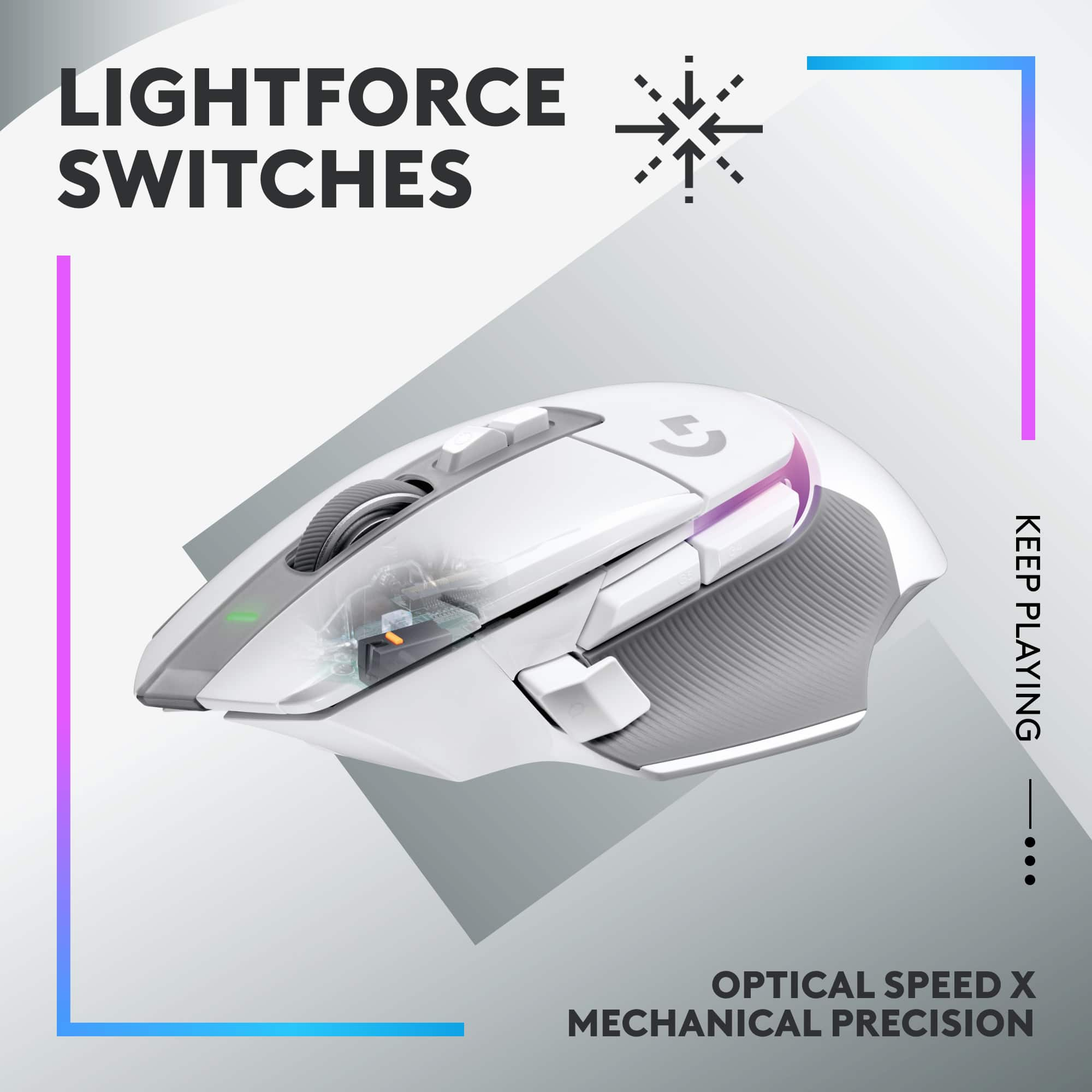
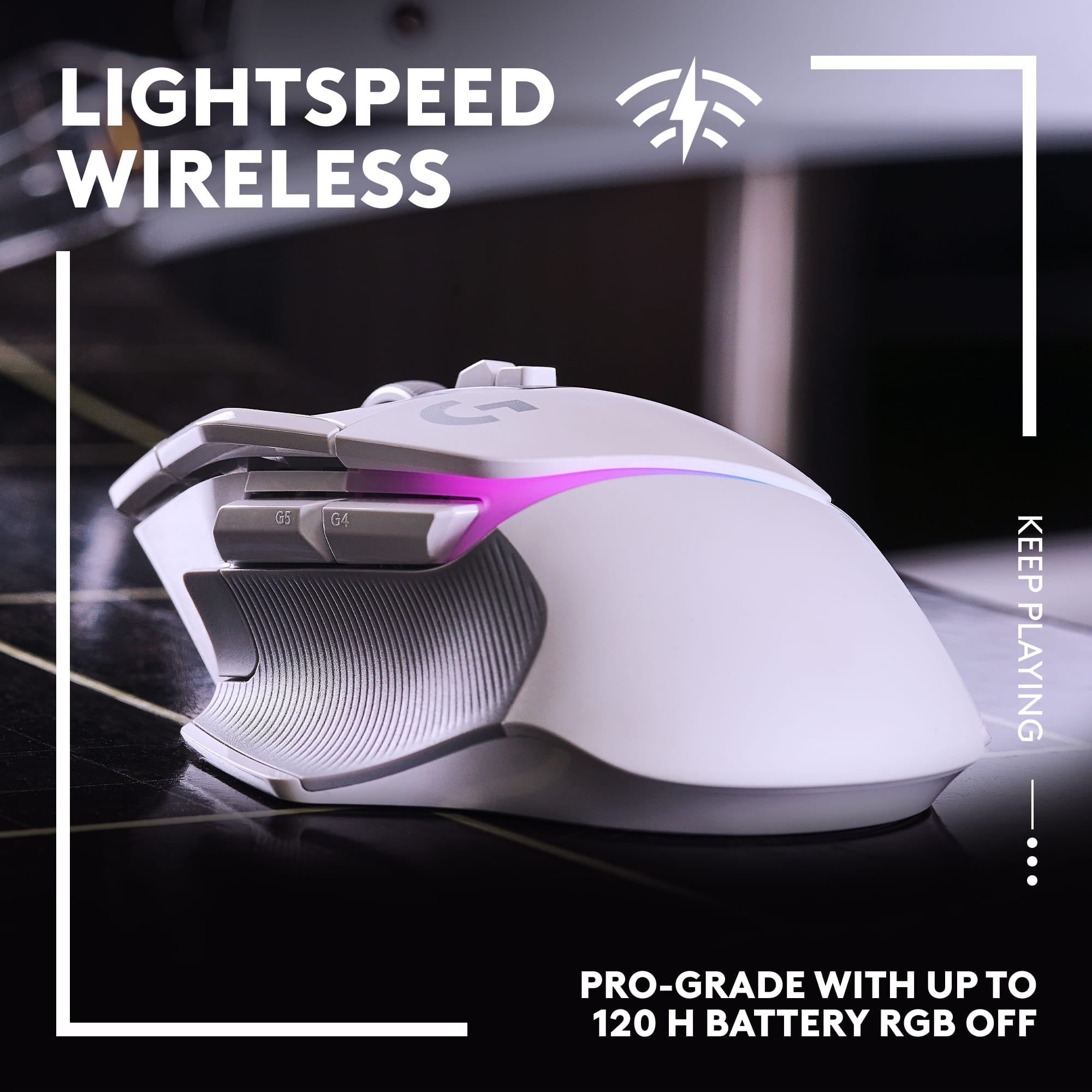
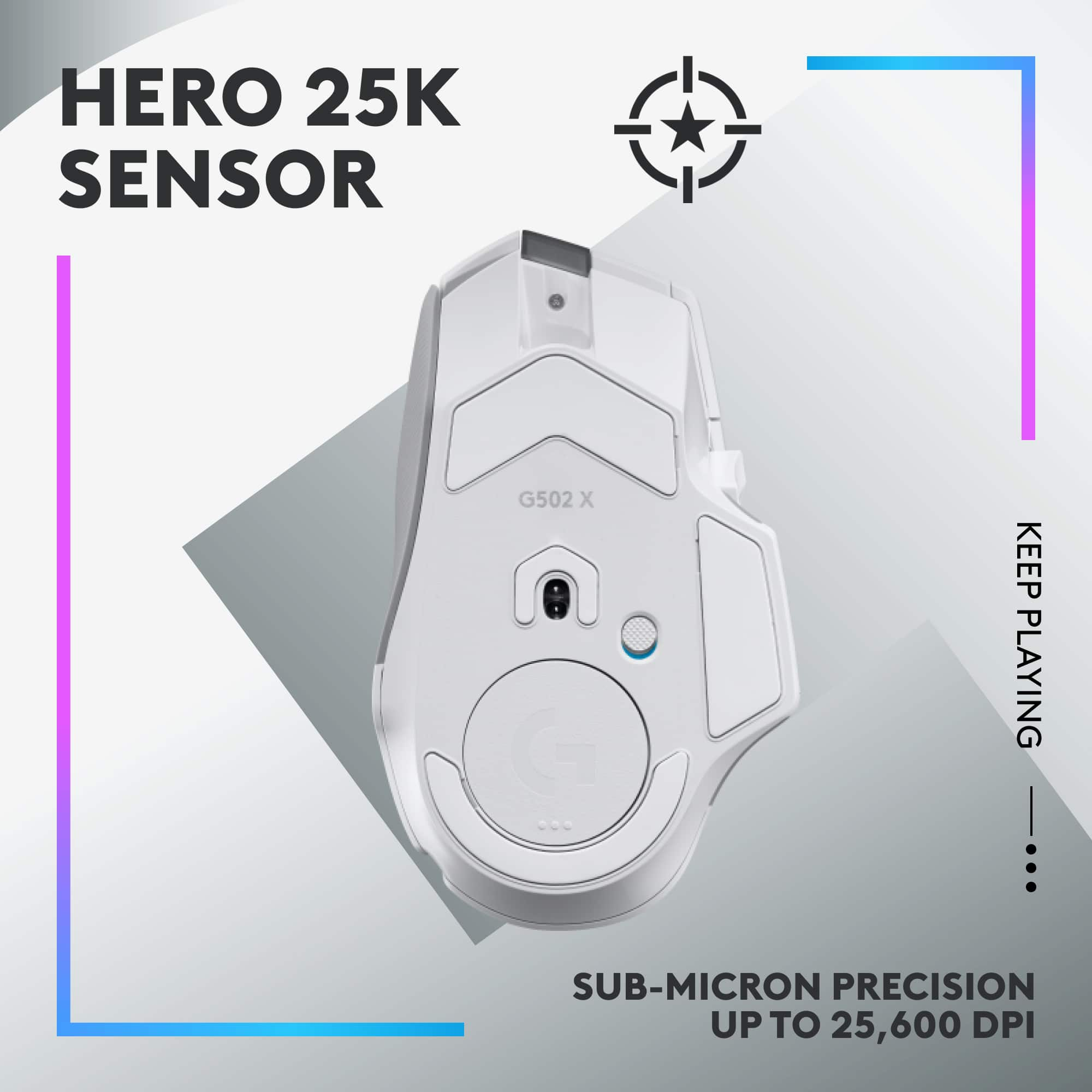
|Posted .This reviewer received promo considerations or sweepstakes entry for writing a review.I was a super fan of the Logitech MX Master 3 because of its form, function, and design. I am now a super fan of the Logitech G502 X Plus Lightspeed wireless gaming mouse because of all these aspects plus it has a super stylish RBG feature now. First off, the ergonomic design is quite pleasing. The mouse is excellently crafted except for the thumb button, which is interchangeable. The mouse feels good as a fast feather lite or with a Logitech weight it is very quite solid. The thumb action button is interchangeable but of all the qualities of this mouse, it actually feels a bit cheaply made. Either way, I am at least happy Logitech provides a button blank to use to replace the thumb rest button. This would have been my only complaint against the mouse. I would not say that I have large hands, but I am almost six foot two inches. TheG502 X fits comfortably when my hand is at rest, except for that thumb button. I found myself hitting it a ton and quickly replaced it with the blank. The battery life is amazing and on a single charge, I can play for hours and hours. The DPI ability of this mouse hurts my brain. I put the sense at the highest and I am still trying to find my mouse icon. The ability to flick through easily is fantastic. I play a lot of PUBG, and this is extremely useful here and really in any shooter style battle royal or multiplayer. I like to lower the DPI when ADS'ing to ensure a sure shot. Or I like to quickly increase the mouse movement speed within CQC to be able to spin and turn faster. The RGB is slick and clean. The Logitech download software allows for a ton of customizations and color schemes to fit your wants. I love the liquid flow in lieu of the individual lights. My end thoughts are that this is probably the best mouse I have ever used and would highly recommend it to anyone.
I would recommend this to a friendGreat Looking, Smooth, and Ergonomically Designed
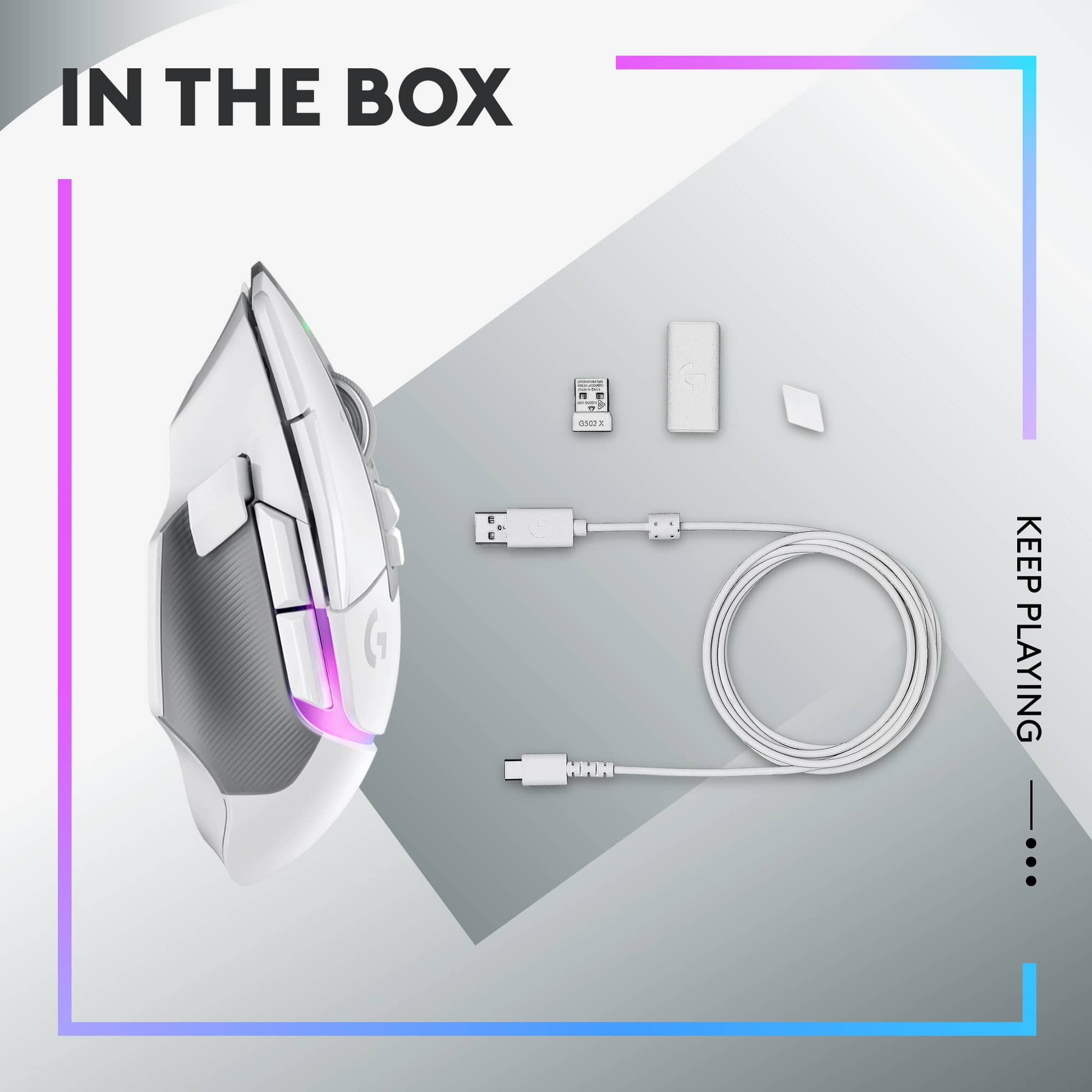
|Posted .This reviewer received promo considerations or sweepstakes entry for writing a review.The G502 X Plus Lightspeed produces very smooth mouse movement. The pads on the bottom are low resistance so moving the mouse around ends up being effortless. It is ergonomically designed and feels comfortable when using it. Logitech added plenty of buttons. There are 9 and the scroll wheel can be move slightly left and right for added functionality. There is a power led light on the front between the main left and right buttons. Also, there is led lighting along the palm rest. The Logitech G Hub app allows you to configure the mouse buttons and led lights. The initial version of the app that I installed was quite limited, but I have since had an update and now the app has many features. So far, I’m liking the app. As far as use of the mouse, as mentioned before it is very smooth and you can quickly change dpi. Button presses though do make a metal like clicking sound and the scroll wheel makes a sound that is like some older style mice. I found a little distracting at first, but on further use it ended up not being something that I noticed when playing a game and general use. You can also see the battery charge level in the app. It comes with a USB-C to USB-C cable, USB-C to USB-A adapter so you can charge the mouse and you get a USB-A receiver so you have the choice of using it wired or wireless. I’ve used it wired and wireless and the precision in both situations is spot on. You can also store the USB-A receiver in the bottom of the mouse. I like that you can use it both wired and wireless, can quickly change dpi on the fly with little effort, and the smoothness of mouse movement. If you are looking for a wireless mouse that is smooth and sleek looking, then the Logitech G502 X Plus Lightspeed is definitely a mouse to consider.
I would recommend this to a friendGreat gaming mouse
||Posted . Owned for 3 months when reviewed.This reviewer received promo considerations or sweepstakes entry for writing a review.Great gaming mouse in white. Doesn't have the weights of the G 502, but is an upgrade in other ways
I would recommend this to a friendA great mouse for gaming, but not work...
|Posted .This reviewer received promo considerations or sweepstakes entry for writing a review.I really like the feel of this mouse. It has a very natural feel and the responsiveness it great. The only real gripes I have is the wheel is a little sloppy and I could not get comfortable using this mouse for normal work, coding, or spreadsheets. It was very clear that this was designed the pure gamer and would be recommended for anyone who games with passion for more than a few minutes a day. The DPI controls and including software means you can game at your speed and get it down to the way that is most comfortable to you. I like that I can use it using the USB C cable to allow for charging or take it with me for gaming with my laptop. The Logitech softare lets you manage the colors and settings. I really like that I can store the USB receiver in the bottom of the mouse. The feel is very natural and comfortable, you should not feel hand or wrist fatigue with many hours of gaming. I like the fact I was able to charge it with other USB C cables and it did not complain. I was able to use it without the software just fine and adjust the DPI to get a precision feel or install the software from the Logitech website to adjust and manage the colors. The only negative I had was that for a moble system that I use for work and maybe a little gaming, I would need to have two mice carried around with me. Also the included USB receiver does not work with other Logitech devices and this mouse is not compatible with other USB receivers. That is a slight ding but not enough to even take a star away and I don't take a star away for the work usefulness because it is marketed as a gaming mouse, which it is one of the best available today.
I would recommend this to a friendNo mac silicon support
||Posted . Owned for less than 1 week when reviewed.This reviewer received promo considerations or sweepstakes entry for writing a review.No mac silicon supported software so had to return
No, I would not recommend this to a friendBrand response from Logitech
Posted .We appreciate you sharing your feedback about the Logitech G502 X PLUS LIGHTSPEED Wireless Gaming Mouse. We understand your frustration with the lack of Mac silicon support for the accompanying software. We apologize for any inconvenience this may have caused, especially having to return the product. We are constantly working to improve our products and will share your feedback with our development teams.

Fantastic upgrade!
|Posted .This reviewer received promo considerations or sweepstakes entry for writing a review.This Logitech G502 X wireless mouse has been fantastic and has exceeded my expectations. I have always been a fan of Logitech products and knew the quality would be excellent, but I was unsure how I would feel about using my first gaming mouse, but I have loved every minute of it so far and wish I did not wait this long for one. It is obvious that this wireless mouse is visually appealing, the lights and the design of it make me literally proud to see it sitting on my desk. It is also ergonomic beyond belief. I have chubby but small hands and I have no problems fitting my hand comfortably on the mouse, but there is also plenty of room on the mouse that someone with larger or longer hands would have no problems with. It seems like the light strip areas of the mouse have more than just a visual purpose, it seems like it creates air channels under your hand for air flow, I noticed my hands have felt cooler while using the mouse for so long. I Also love the two different scroll options, and the button to change between the two nearly feels like a brake for scrolling. I use my mouse for hours to edit photos and I have noticed myself switching between the two different scroll methods depending on what I am working on. I also like that I can easily change the cursor speed on the fly with buttons right on the mouse, with having a three monitor setup, I never realized how much I needed that until I had it. I know this mouse will be excellent for gamers, but it will also be great for anyone who spends any sort of time on a computer. It is such a great upgrade from the basic mouse and I cannot recommend it enough.
I would recommend this to a friendSweet!
||Posted . Owned for 2 weeks when reviewed.This reviewer received promo considerations or sweepstakes entry for writing a review.Best mouse ever. I got it for my boyfiend for his birthday and he absolutely loves it!
I would recommend this to a friendmouse
||Posted . Owned for 1 week when reviewed.This reviewer received promo considerations or sweepstakes entry for writing a review.The mouse is awesome! its fast and many new good controls that improve gaming.
I would recommend this to a friendBest for gaming
||Posted . Owned for 2 weeks when reviewed.This reviewer received promo considerations or sweepstakes entry for writing a review.Logitech typical issue : double clicking, got resolved with new technology.
I would recommend this to a friendGaming
||Posted . Owned for 1 week when reviewed.This reviewer received promo considerations or sweepstakes entry for writing a review.This mouse pad by far the best usually do razor but beats it by so far
No, I would not recommend this to a friendNot the right fit
||Posted . Owned for 2 weeks when reviewed.This reviewer received promo considerations or sweepstakes entry for writing a review.The mouse ddint really fit well for my large hand.
No, I would not recommend this to a friendBrand response from Logitech
Posted .We are very sorry to hear that the Logitech G502 X PLUS mouse didn't fit your hand comfortably. We understand your feedback about the fit.
Really small
||Posted . Owned for 3 weeks when reviewed.This reviewer received promo considerations or sweepstakes entry for writing a review.The buttons are all really close together so if you have big hands maybe look at another product
No, I would not recommend this to a friendBrand response from Logitech
Posted .Thanks for you feedback. Your feedback is important to us, and we'll make sure to share it with the right team.
best Mouse ever!
||Posted . Owned for 1 week when reviewed.This reviewer received promo considerations or sweepstakes entry for writing a review.Wow A+++ Best Mouse Ive ever owned! My KDR is on the u pswing!
I would recommend this to a friendBeautiful
||Posted . Owned for 1 month when reviewed.This reviewer received promo considerations or sweepstakes entry for writing a review.Great quality and has a gorgeous aesthetic. Highly recommend
I would recommend this to a friendGood moise
||Posted . Owned for 1 month when reviewed.This reviewer received promo considerations or sweepstakes entry for writing a review.Had to replace old mouse, would recommend. Responsive clicks
I would recommend this to a friendReview of mouse
||Posted . Owned for less than 1 week when reviewed.This reviewer received promo considerations or sweepstakes entry for writing a review.Nice form and hand sets well with it. Easy to control.
I would recommend this to a friend