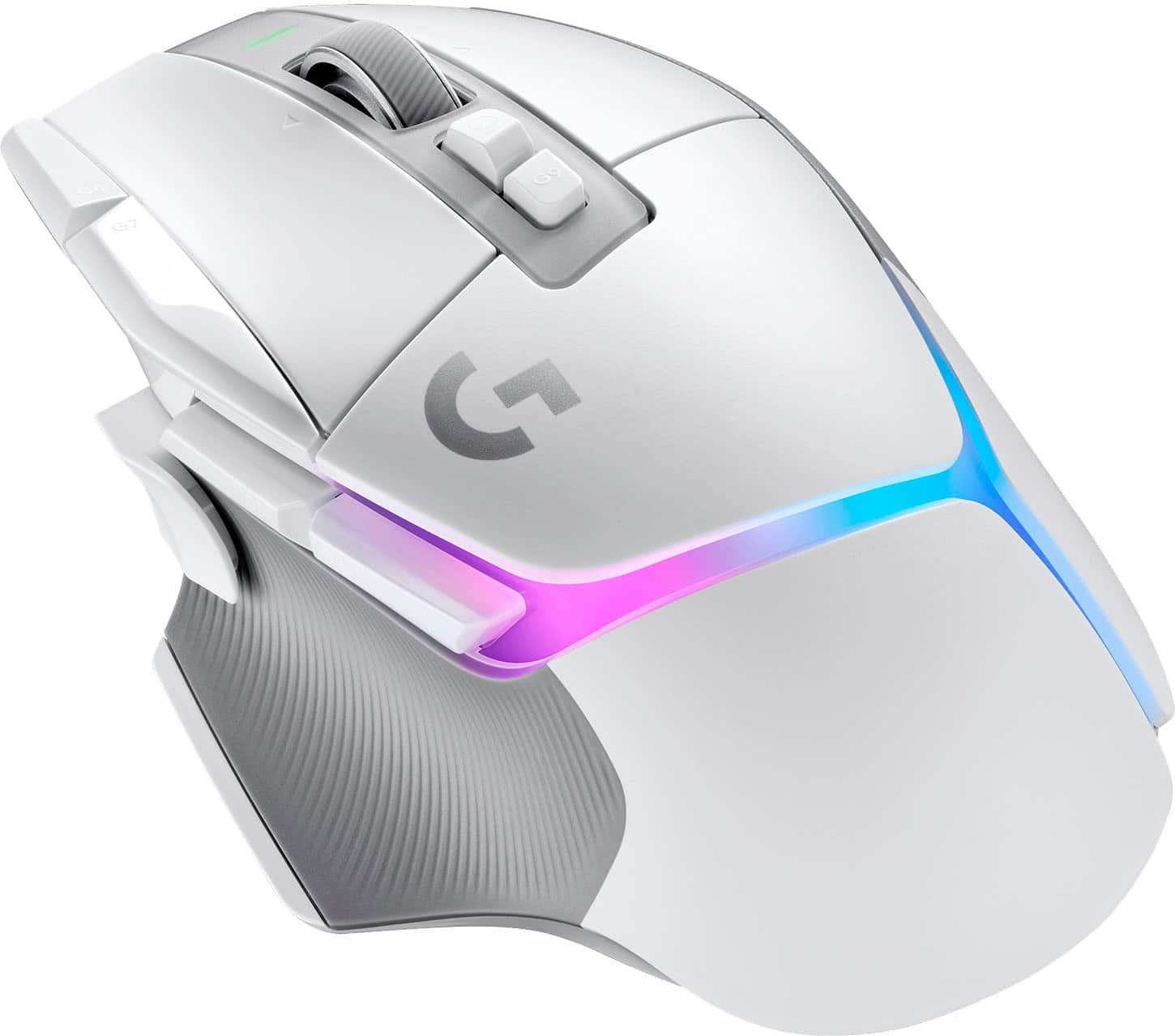
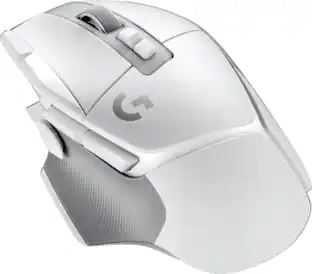
Logitech - G502 X PLUS LIGHTSPEED Wireless Optical Gaming Mouse with HERO 25K Sensor - Wireless - White
Customers are saying
Customers love the solid battery life, lightweight design, and exceptional overall performance of this mouse. Users frequently praise its perfect ergonomics and satisfying button clicks, which contribute to a comfortable and high-quality experience. While some find the price point to be on the higher side and occasionally report finicky software, these minor concerns are overshadowed by the device's reliable wireless connectivity and smooth operation.
Color
WhiteFeatures
Icon Reinvented
From the legacy of Logitech’s most popular G502 design, G502 X PLUS is reimagined and redesigned with the latest innovations in gaming technology; available in black and white.
LIGHTFORCE Switches
All-new hybrid optical-mechanical switch technology for incredible speed and reliability, as well as precise actuation with crisp response, for hours of performance gaming.
Lightsync RGB
This RGB gaming mouse features glowing 8-LED lighting that’s customizable and adapts as you game with startup/power-down effects and battery optimisation through active play detection.
Lightspeed Wireless
This wireless mouse features pro-grade connectivity, with an updated protocol achieving 68 percent faster response rate than the previous generation and improved reliability.
HERO 25K Gaming Sensor
Incredibly precise down to the sub-micron for high-precision accuracy with zero smoothing/filtering/acceleration for high gaming performance every time on the computer.
Redesigned DPI-Shift Button
This cordless optical gaming mouse features a reversible and removable DPI-shift button for precise customization depending on your grip and preference.
Redesigned Dual-Mode Scroll Wheel
Switch between hyper-fast free spin and precise ratcheting mode, and tilt left and right for two additional personalizable controls.
Powerplay Compatible
G502 X PLUS wireless PC gaming mouse stays charged, at rest and at play, with our unique wireless charging solution (sold separately).
Specifications
- Lighting TypeRGBMaximum Sensitivity25600 dots per inchNumber of Buttons (Total)13Connection TypeWireless
Reviews
Rating 4.7 out of 5 stars with 1661 reviews
- Battery Life (297)
- Weight (225)
- Overall Performance (211)
- Ergonomics (166)
- RGB Lighting (110)
- Price (45)
- Software (21)
- Size (20)
- Lag (12)
Customer Images
The vast majority of our reviews come from verified purchases. Reviews from customers may include My Best Buy members, employees, and Tech Insider Network members (as tagged). Select reviewers may receive discounted products, promotional considerations or entries into drawings for honest, helpful reviews.

Compare similar products

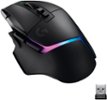
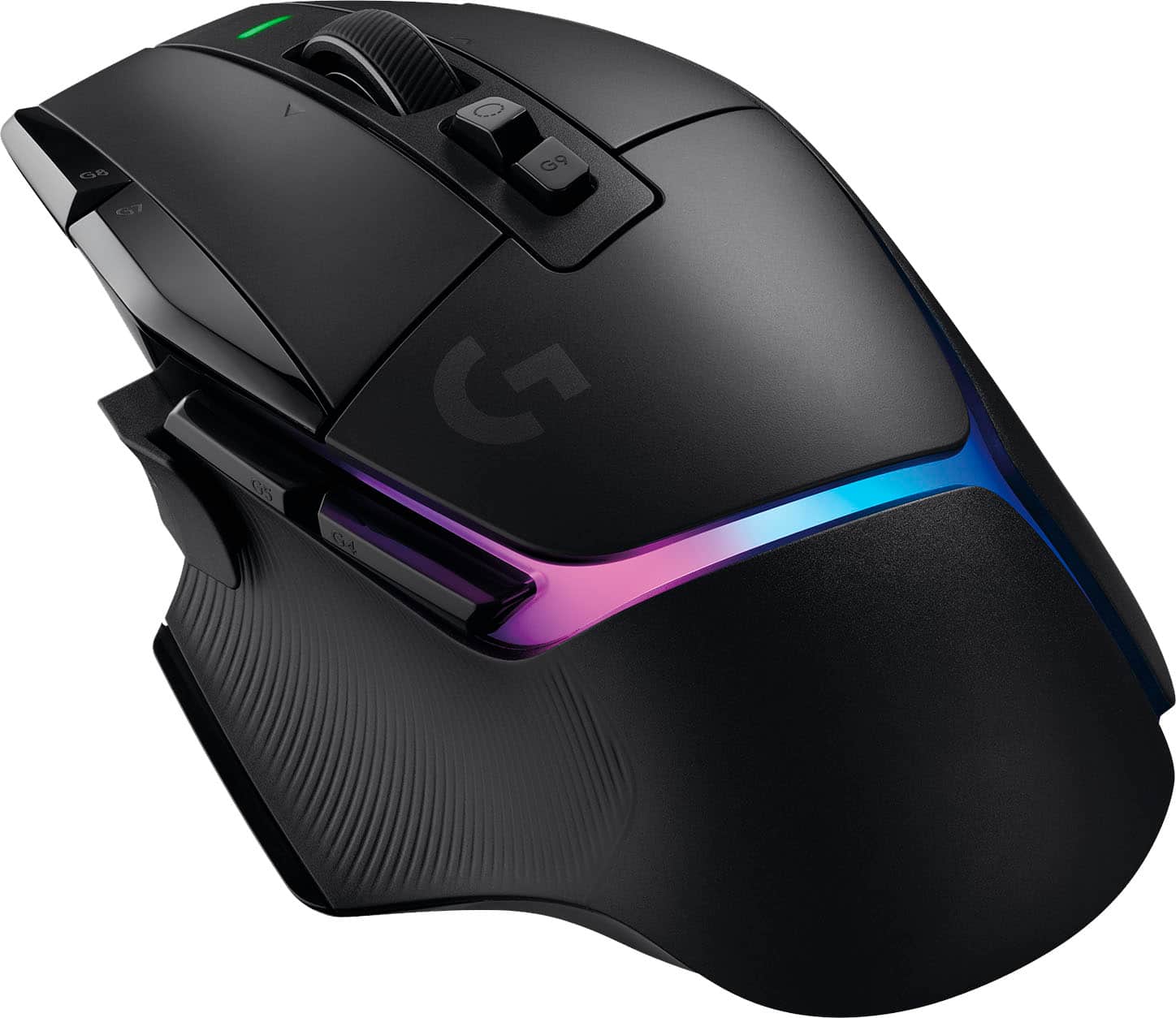
G502 X PLUS, the latest version of Logitech’s most popular gaming mouse, combines a legacy of performance with the most advanced gaming technologies. G502 X also introduces hybrid optical-mechanical LIGHTFORCE switches for the primary left and right buttons. Also equipped with LIGHTSYNC RGB powering flowing 8-LED lighting that’s customizable and adapts as you play with startup/power-down effects and battery optimization through active play detection. Complete with updated LIGHTSPEED wireless with 68 percent faster response rate, HERO 25K sub-micron sensor and more.
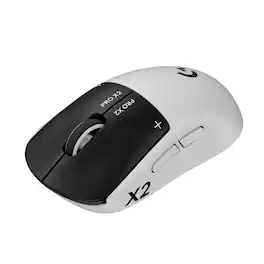
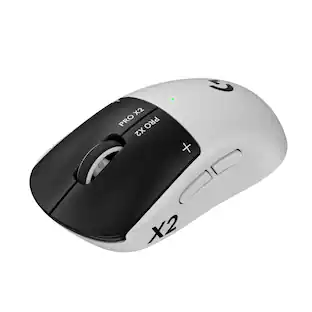
Logitech G partnered with top esports athletes to create The Fastest, Fully Customizable Click. Equipped with the Haptic Inductive Trigger System, the advanced HERO 2 sensor, and the robust LIGHTSPEED wireless. PRO X2 SUPERSTRIKE is a revolutionary PRO mouse delivering The Winning Click.
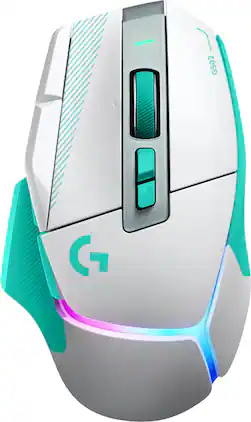
G502 X PLUS is the newest iteration of the world’s most popular gaming mouse, reinvented with breakthrough innovations. It features hybrid optical-mechanical LIGHTFORCE switches for incredible speed and tactical reliability, alongside the all-new, sub-micron HERO 44K sensor. Updated LIGHTSPEED wireless delivers a 68% faster response rate with an optimized battery. Complete with a reversible, removable DPI-shift button, a dual-mode hyper-fast scroll wheel, and an ultra-lightweight design, this iconic weapon ensures absolute execution. It comes fully loaded with a customizable, flowing 8-LED LIGHTSYNC RGB array and is available in premium black or white colorways.

Now you can game faster and more accurately, with G502 LIGHTSPEED featuring superfast 1 ms wireless connectivity. A next-gen HERO sensor delivers 25k DPI class-leading performance and energy efficiency—get up to 60 hours of uninterrupted gaming. 11 programmable buttons help you optimize gameplay with custom keybinds and macros. Primary buttons feature metal spring tensioning for fast and crisp actuation. Six adjustable weights let you find the right mouse feel. LIGHTSYNC RGB gives you ~16.8 million colors to create an exciting and immersive gaming environment. The hyper-fast scroll wheel lets you speed through long menus and documents.
| Pros for Logitech - G502 X PLUS LIGHTSPEED Wireless Optical Gaming Mouse with HERO 25K Sensor - Wireless - White | |||
|---|---|---|---|
| Battery Life, Weight, Overall Performance, Ergonomics, RGB Lighting | Overall Performance, Weight, Ergonomics, Battery Life, Haptic Feedback | There were no pros for this product— | Battery Life, Weight, Overall Performance, Wireless, Comfort |
| Cons for Logitech - G502 X PLUS LIGHTSPEED Wireless Optical Gaming Mouse with HERO 25K Sensor - Wireless - White | |||
| Price, Software, Size, Lag | Skate Quality, Shape | There were no cons for this product— | Lag, Price, Software, Size |
Specs
Package deals that include this item
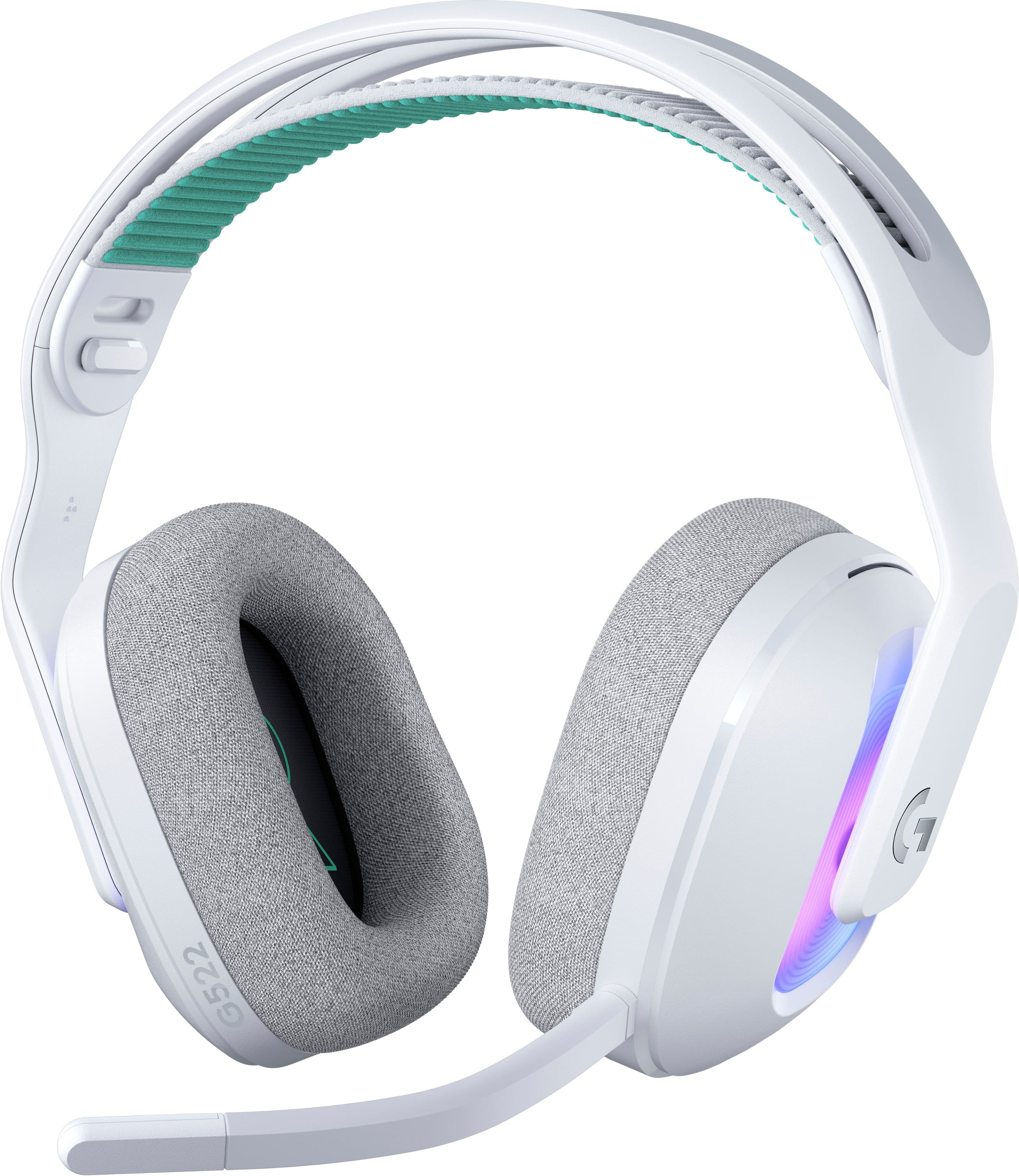
Customers often buy these together
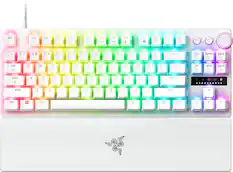
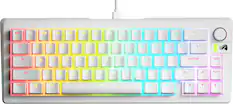
Computer Keyboards
![CAPS LOCK F1 F2 F3 F4 F5 F6 F7 F8 F9 F10 F11 F12
1 ! 2 @ 3 # 4 $ 5 % 6 7 & 8 * 9 0 - = + DEL
TAB Q W E R T Y U I O P [ { ] } |
CAPS A S D F G H J K L ; : "
SHIFT Z X C V B N M , < . > / ?
SHIFT PG CTRL ALT ALT FN CTRL
PRNT PG UP PG DN](https://pisces.bbystatic.com/image2/BestBuy_US/images/products/8bfa6fc7-78e1-4ff5-b8da-31334a1d9469.jpg;maxHeight=232;maxWidth=233?format=webp)
![Sure, here is the corrected and grouped text from the image:
**Top Row:**
- ESC
- F1
- F2
- F3
- F4
- F5
- F6
- F7
- F8
- F9
- F10
- F11
- F12
- PRTSC
- DEL
**Number Row:**
- 1
- 2
- 3
- 4
- 5
- 6
- 7
- 8
- 9
- 0
- -
- =
- \
**Letter Row:**
- TAB
- Q
- W
- E
- R
- T
- Y
- U
- I
- O
- P
- [
- ]
- \
**Letter Row:**
- CAPS
- A
- S
- D
- F
- G
- H
- J
- K
- L
- ;
- '
**Letter Row:**
- SHIFT
- Z
- X
- C
- V
- B
- N
- M
- ,
- .
- /
**Function Row:**
-](https://pisces.bbystatic.com/image2/BestBuy_US/images/products/9be10b95-8e90-4a5d-b85f-cbc6a7d8e8df.png;maxHeight=232;maxWidth=233?format=webp)
![The text on the image is grouped and corrected as follows:
1. G6: G7: G8: G9: CAPS LOCK: BATTERY: LIGHTSPEED: ESC: F1: F2: F3: F4: F5: F6: F7: F8: F9: F10: F11: F12: PRINT LOCK: P/B: K4: I: x: G1: 1! 2 3 4 $ 5% 6 7 & 8 8* 9: I 0 - INS: HOME: PG NUM: G2: TAB: Q: W: E: R: T: Y: U: I: O: P: ( ] ) \ I: DEL: END: PG 7 8 9: HOME: a: PO: a: G3: CAPS LOCK: S: D: F: G: H: J: K: L: ; : M: 4 5 6: G4: SHIFT: Z: X: C: V: B: < / ?: SHIFT: 1 2 3: END: PO: G5: CTRL: " ALT: ALT FN: CTRL: 0: INS: DEL](https://pisces.bbystatic.com/image2/BestBuy_US/images/products/d657e809-bc72-43ee-a228-b8f5205903c4.jpg;maxHeight=232;maxWidth=233?format=webp)
![F1 F2 F3 F4 F5 F6 F7 F8 F9 F10 F11 F12 DEL KEEP PLATING CARFPLATING LATING
S CRLAIATS
2 1! 1 ! 2@ 2 3 # 4$ 5% 6 7 & 8 * 9 ( o ) - I = + NUM / TAB Q W E R T Y U I O P [ { ] }
CAPS A S D F G H J K L ; : a 4 5 6 SHIFT Z X C V B N M , . / SHIFT 1 2 3 CTRL ALT ALT FN CTRL 0](https://pisces.bbystatic.com/image2/BestBuy_US/images/products/9b5cfda2-cd7f-41fd-b939-16abbc654b0e.jpg;maxHeight=232;maxWidth=233?format=webp)
![esc 1 ! 2 @ 3 # 4 $ 5 % 6 ^ 7 & 8 * 9 ( 0 ) - = + tab Q W E R T Y U I O P [ { ] } | caps A S D F G H J K L ; : " enter shift Z X C V B N M , < > ? shift ctrl alt fn ctrl](https://pisces.bbystatic.com/image2/BestBuy_US/images/products/f4530ec5-6fbf-4ff0-a67d-1967e6381b1c.jpg;maxHeight=232;maxWidth=233?format=webp)
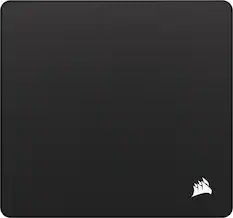
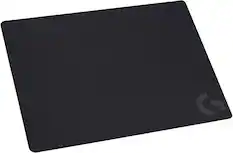
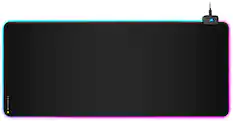
Mouse Pads
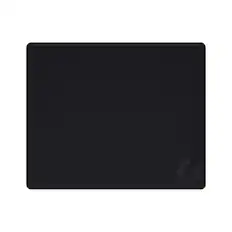
Logitech - G440 Cloth Gaming Mouse Pad with Rubber Base - Black
$15.99The price was $19.99
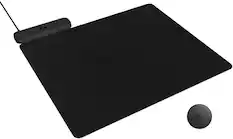
CORSAIR - MM350 PRO Premium Spill-Proof Cloth Gaming Mouse Pad – Extended XL - Black
Techtober Deal$29.99The price was $39.99




More recommended items
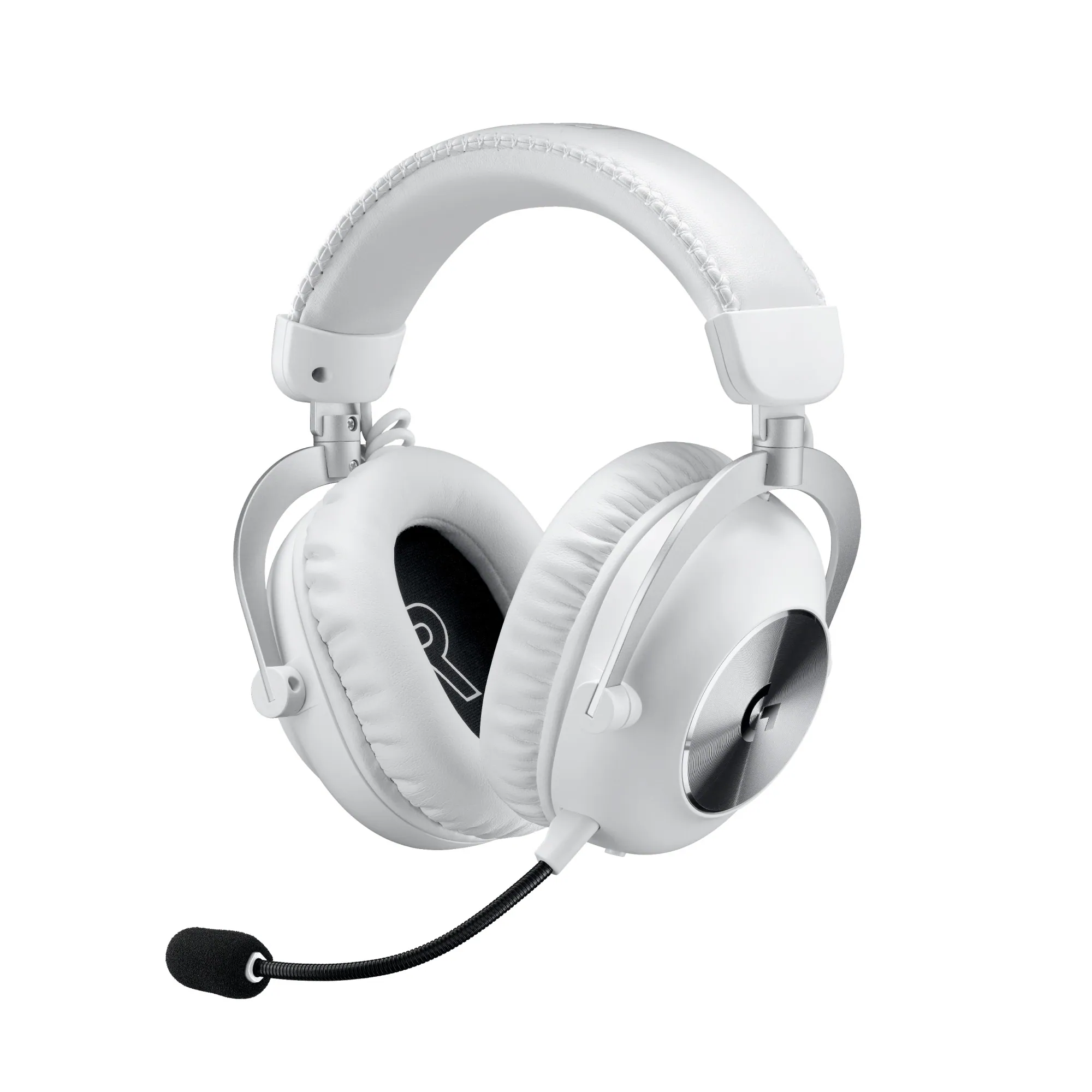 PC Gaming Headsets
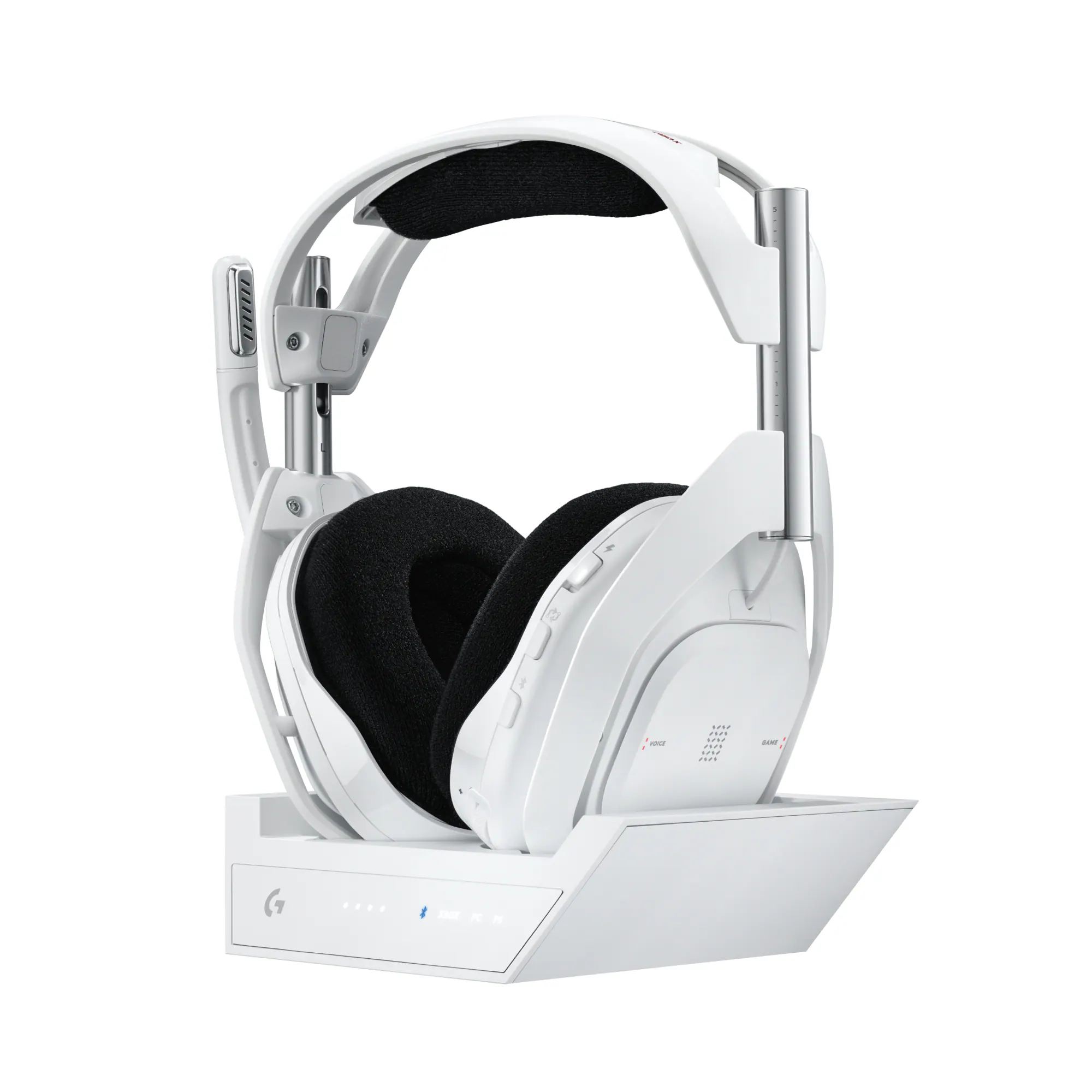 Gaming Headsets
More to consider
 $139.99The price was $159.99
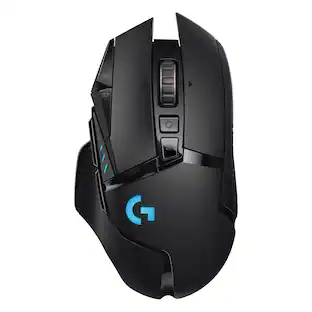 $89.99The price was $119.99
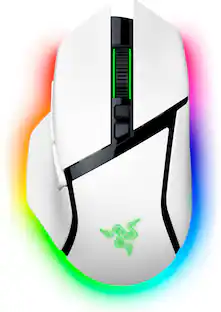 $129.99The price was $159.99
 $125.99The price was $159.99
 $126.40The price was $139.99
 $59.99The price was $119.99
Explore tech essentials Sponsored
 $69.99The price was $99.99
 $89.99The price was $99.99
Discover related products
 $169.99The price was $179.99








Keep exploring
 $119.95The price was $199.95
 $79.95The price was $109.95
 $79.95The price was $109.95
 $149.95The price was $215.95
 $59.99The price was $70.49