Customer Ratings & Reviews

- Model:
- 910-005638
- SKU:
- 11230356
Rating by feature
- Value
Rating 4.5 out of 5 stars
- Quality
Rating 4.7 out of 5 stars
- Ease of Use
Rating 4.8 out of 5 stars
- Pros mentioned:Weight

Mouse works great, many options
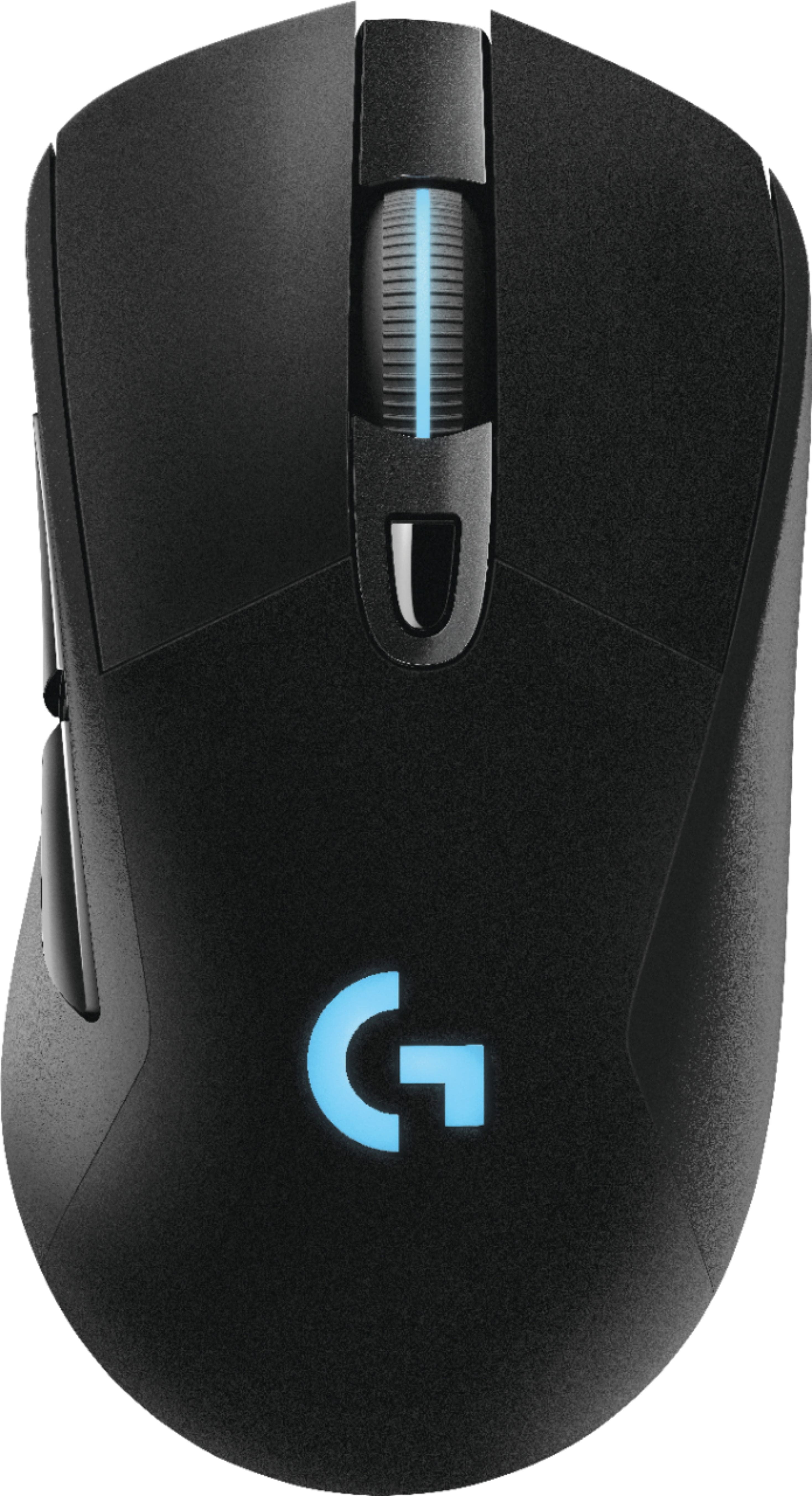
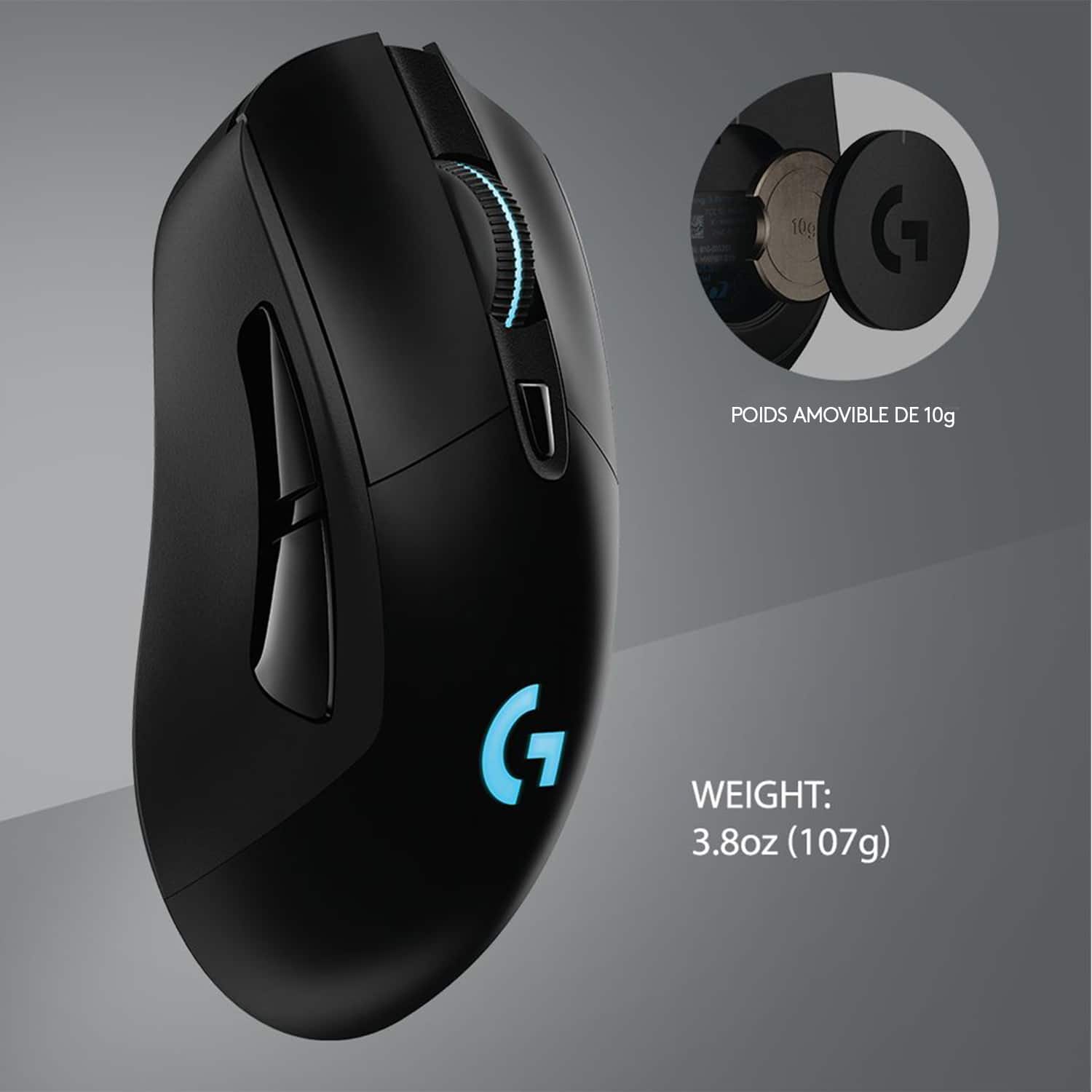
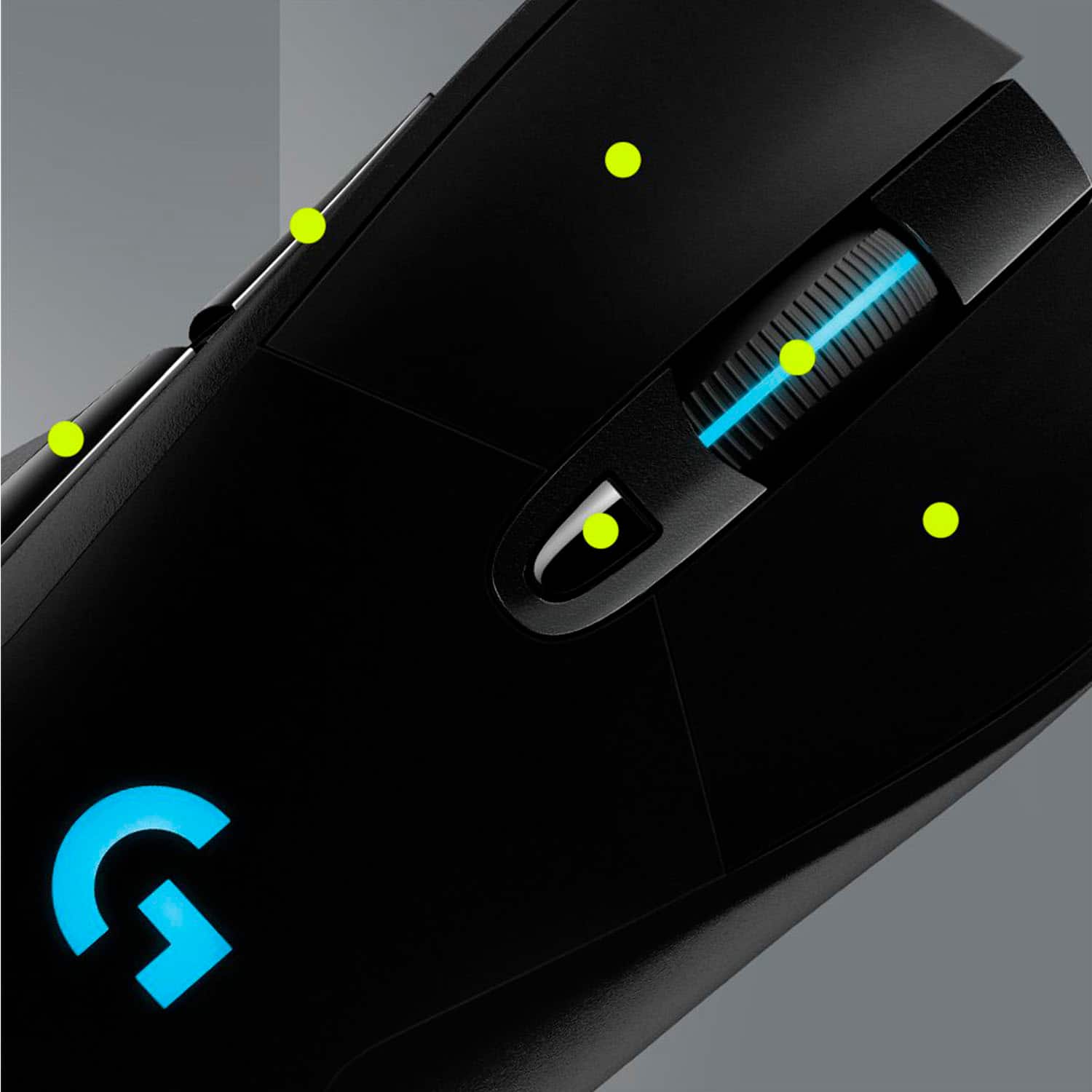
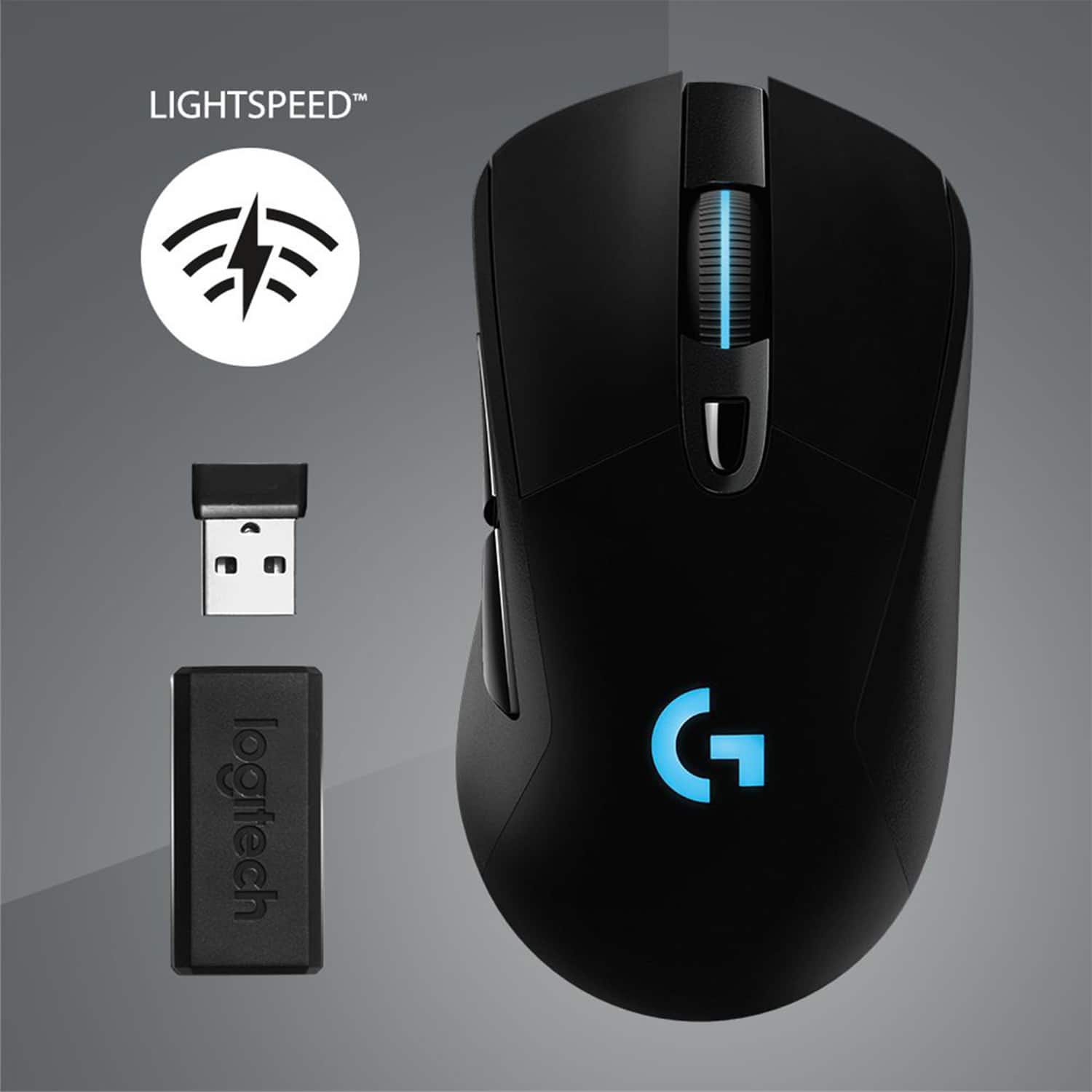
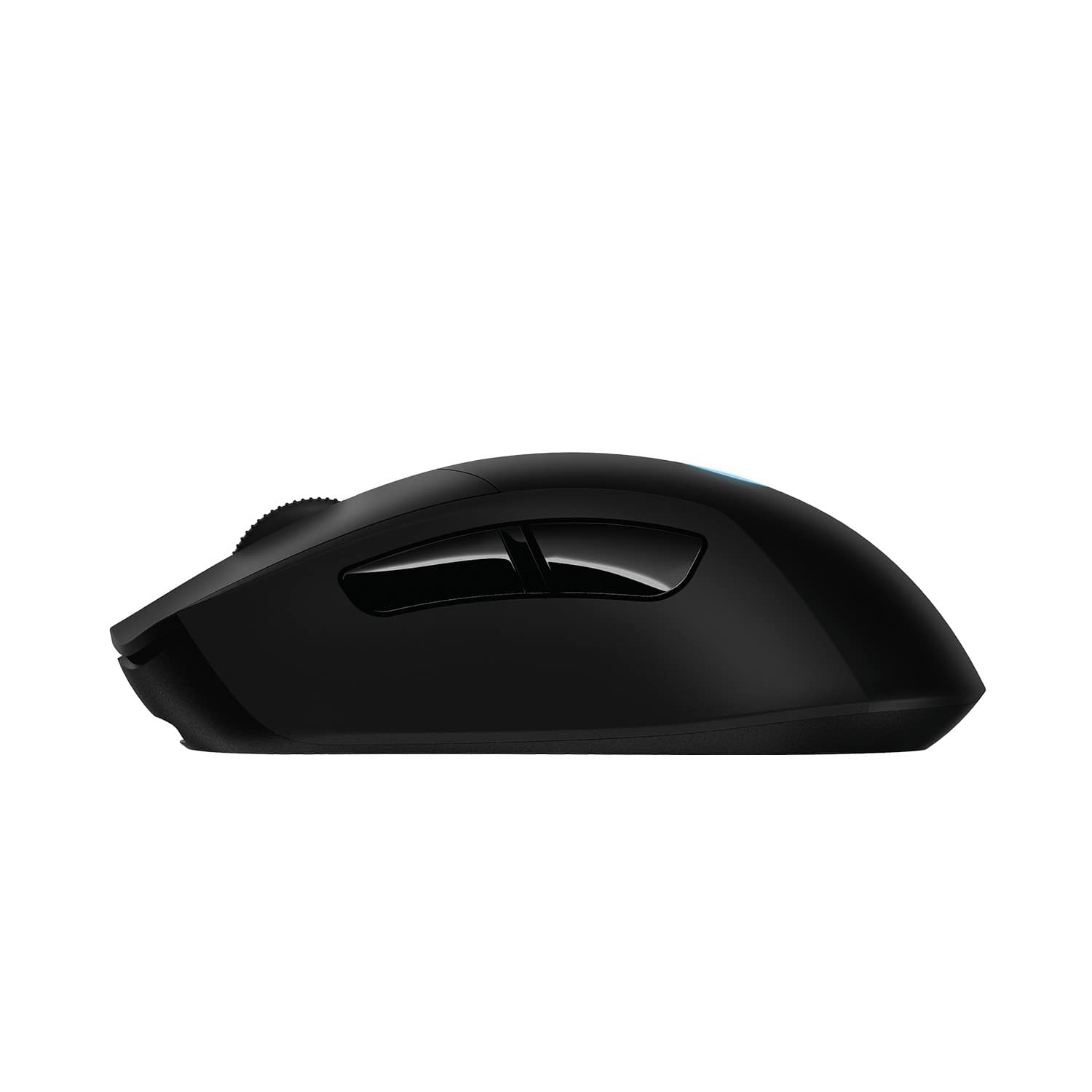
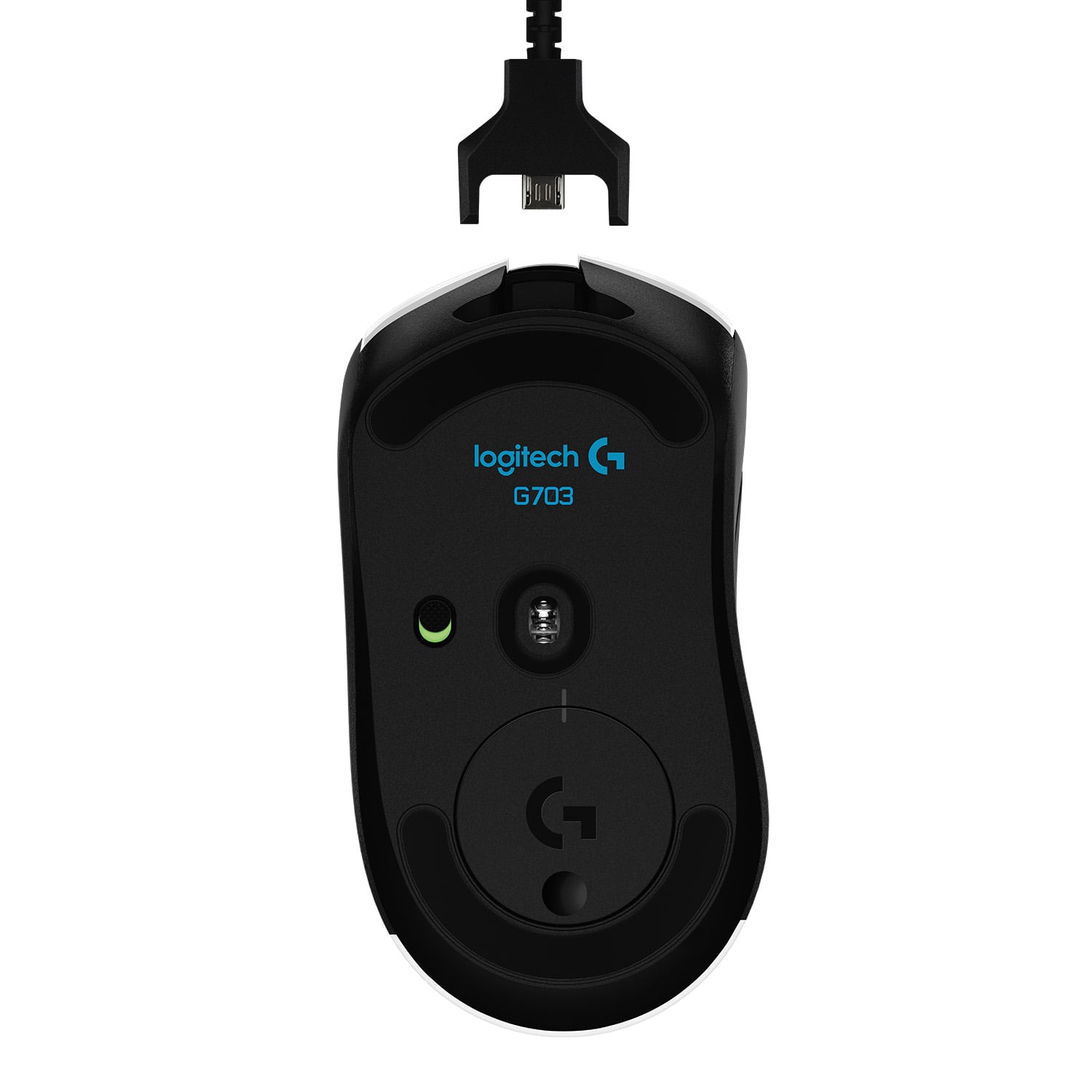
|Posted .This reviewer received promo considerations or sweepstakes entry for writing a review.This mouse works great, fits hand well (on the average to large size), easy to setup and has a lot of setup options available. Out of the box, the initial install was easy - it comes with a USB cord to link up initially and charge (no AAA batteries) and a wireless USB dongle for regular use (dongle stores in the USB cord, not the mouse itself). This install/setup only took a couple minutes. The setup options were plentiful You can adjust the color scheme/pattern of the mouse top lights (there are 2, roller ball, and main logo). They will rotate through preset 6 or 7 primary colors together or independent. They can 'breathe' or pulse colors There are many optional functions you can setup on the 3 Aux buttons you can setup for mouse controls of keyboard keys/game functions (as a default they are back/forth on web browser pages I noticed) The response is good and can easily be sped up/slowed down to your preference. It can be controlled through your normal Windows mouse controls or the Logitech control panel (more options this way) There is also a magnetic weight you can place in the base if it's too light. I would definitely recommend this mouse. I use it primarily for general Windows/Office work not gaming, but works equally well for either.
I would recommend this to a friend Middle click stopped working
||Posted . Owned for 2 months when reviewed.This reviewer received promo considerations or sweepstakes entry for writing a review.Middle click randomly stopped working with light usage after 3 months. I don't even use it much. Just click it to scroll quickly while browsing. Don't have middle click bound for in-game usage. Very strange. Never had this issue with other mice.
No, I would not recommend this to a friendBrand response from Logitech
Posted .Hello, we are sorry to hear about your middle click issue with the G703. Your product comes with a two year manufacturer warranty. Please visit us so we may resolve this issue for you. https://support.logi.com/hc/en-us/requests/new?ticket_form_id=360000621393
Started triggering double clicks on a single press
||Posted . Owned for 7 months when reviewed.This reviewer received promo considerations or sweepstakes entry for writing a review.After only 7 months of use the left mouse button started occasionally triggering double clicks with a single press. Contacted support but they are asking me to do a 12 step troubleshooting process I simply don't have time for.
No, I would not recommend this to a friendNot what was advertised
||Posted . Owned for 1 month when reviewed.This reviewer received promo considerations or sweepstakes entry for writing a review.The product was not what was advertised. The condition was supposed to be “Excellent like new” but reviewed a used mouse with scratches
No, I would not recommend this to a friendDefective product
||Posted . Owned for 1 month when reviewed.This reviewer received promo considerations or sweepstakes entry for writing a review.Left mouse button already not working. Purchased less than 2 months ago and it's already failing to register the click.
I would recommend this to a friendPoor online service
||Posted . Owned for 3 weeks when reviewed.This reviewer received promo considerations or sweepstakes entry for writing a review.Product was fine poor shopping experience, price was dropped the next week but was unable to connect to a customer care rep despite multiple attempts to do price matching
No, I would not recommend this to a friendBrand response from Logitech
Posted .Hello, we are so sorry your experience with Best Buy was not the best. We truly apologize for any inconvenience this may have caused. Here at Logitech, we always strive to keep our customers happy with top notch products. So please, let us know how you're liking the G703 gaming mouse. We are excited to hear from you with an updated star rating. Have a great day!
-Ricky from Logitech
Check box.
||Posted . Owned for 1 week when reviewed.This reviewer received promo considerations or sweepstakes entry for writing a review.Box was open and missing a piece. Mouse body at palm rest also doesn’t lay flat as it should. If you get an unused one I would say 5/5.
No, I would not recommend this to a friendBrand response from Logitech
Posted .Hi RobB, thank you for your feedback! You are correct, all new Logitech G products will come in a sealed manufacturer package. - Will, Logitech G.
- Pros mentioned:Battery life, Weight
Great for gaming
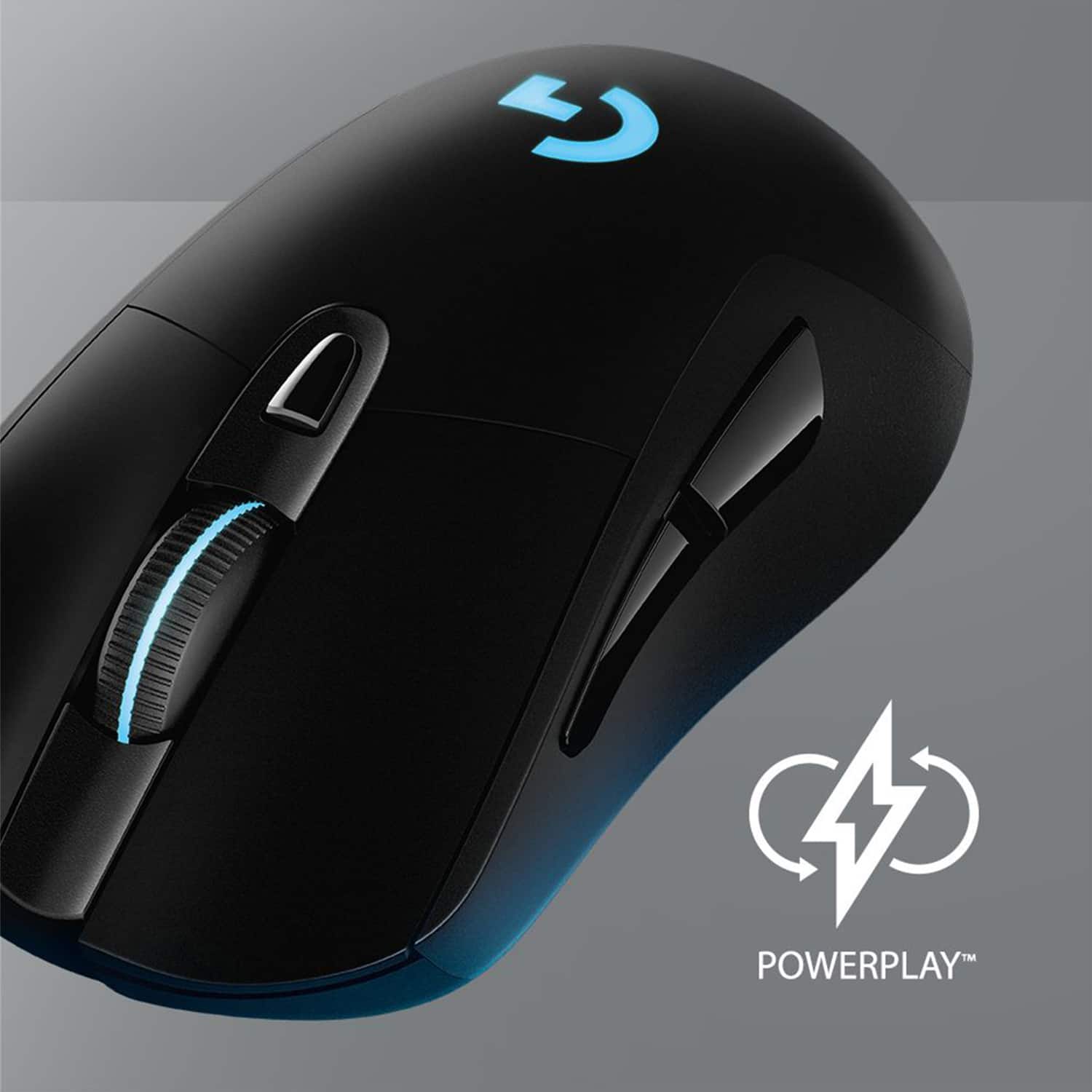
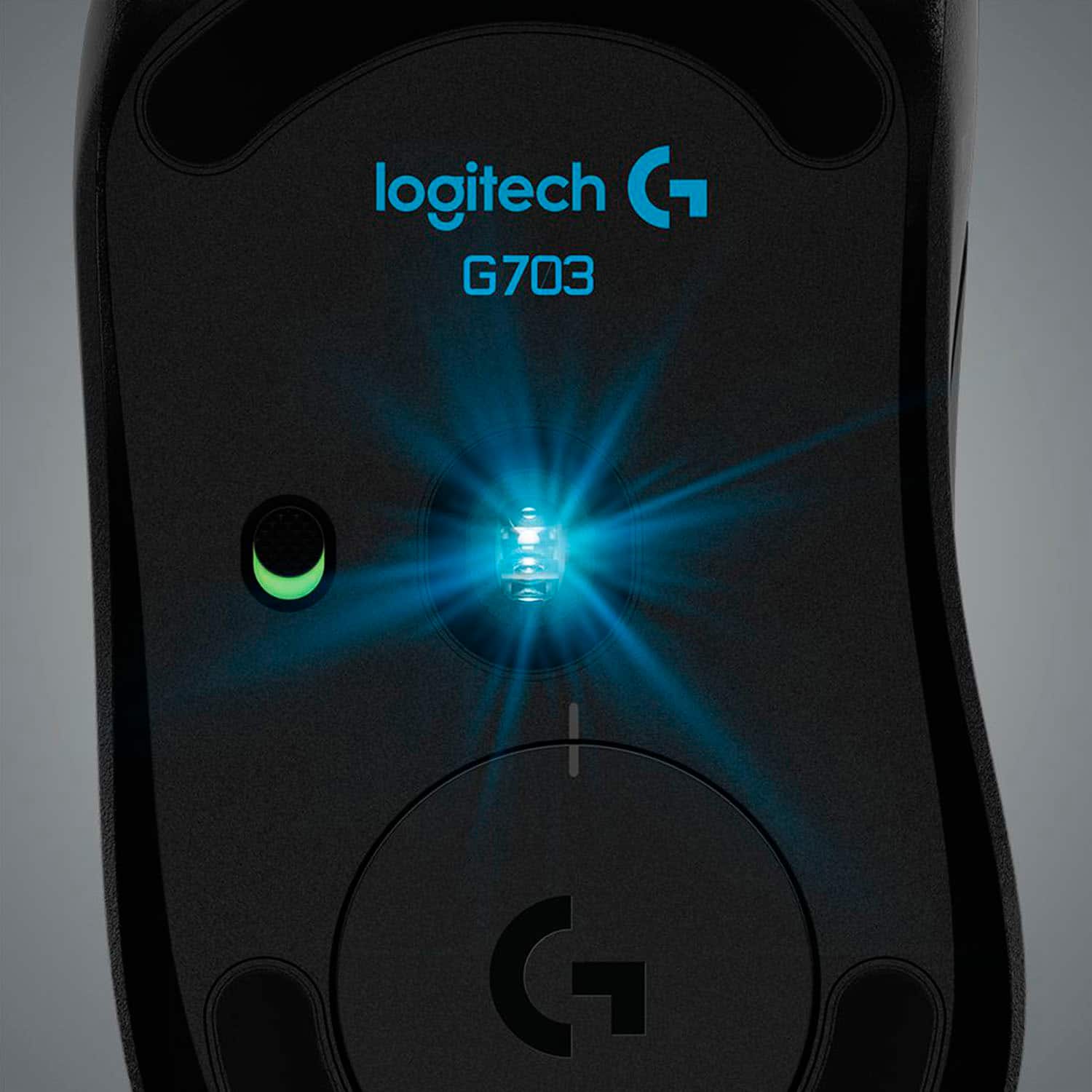
|Posted .This reviewer received promo considerations or sweepstakes entry for writing a review.Logitech - G703 (Hero) Wireless Optical Gaming Mouse - Black This mouse is really made for gaming only. It is not for everyday use without the cord. It is rechargeable, not replaceable batteries. If used as a wireless mouse with lighting effects it has a battery life of 35 hours. Without lighting effects it jumps to 60 hours. As a side not to that. My Logitech M510 wireless mouse has a replaceable battery that lasts about a year. If you skip the wireless part and use the supplied cable of course it’s unlimited. The supplied cable is hi quality, clothe reinforced and 6 feet long. It does triple duty as a mouse cable, a mouse charging cable, and a wireless extension to get the transmitter closer to the mouse. I’m sure that last one is for a bunch of gamers all in one place, you want your mouse to get a clear signal. They state for best performance it should be within 20cm (a little less than 8 inches). It will however work well within 2 feet if there is no other interference. It comes with everything you need to make it work, including a weight to add if you want a heavier mouse in your hand. All adapters are in the package, very nice to see. The mouse itself is very responsive with 6 buttons that can be assigned to what ever you want for game play. You’ll need to download the G-Hub software but all mice really require drivers of some kind if you want to get full use out of them. The other side of that is when the wireless adapter is plugged in and the mouse it turned on, they just work as a mouse should. The mouse has lighting effects on the top and on the wheel. What’s the point? Your hand will be covering the mouse when in use. I just don’t get the whole big “wow colored lights” deal. Just me, you may actually want your mouse to have lights. The mouse will auto power off after about 4 minutes and 45 seconds. It wakes right back up as soon as you move it. To save real power there is an on/off switch on the bottom, a must have if you put it in a backpack at all. The HERO 16K sensor is easily adjustable, just a click of a button will change the setting. My bottom line is this mouse is great for gaming. If you want to use it for every day use you’ll need to invest in the POWERPLAY wireless charging pad, sold separately. It was very comfortable in my hand, if it weren’t for the limited battery life I would use it as my every day mouse. As it is, I’ll use it for gaming only.
I would recommend this to a friend WORST!
||Posted . Owned for 3 weeks when reviewed.This reviewer received promo considerations or sweepstakes entry for writing a review.WORST! Bought it for 90 USD, and the speed became slow after a week!!!
No, I would not recommend this to a friendBrand response from Logitech
Posted .That's disappointing. Please make sure that you have the preferred DPI set up in Logitech G Hub or try updating the firmware as well. If the issue persists, we'd recommend you to please contact the support team to check all the available options.
Good potential mouse
||Posted . Owned for 3 weeks when reviewed.This reviewer received promo considerations or sweepstakes entry for writing a review.The mouse only works properly when fully charged, once it starts getting to around 40-60%, it will start spazzing my mouse out.
No, I would not recommend this to a friendBrand response from Logitech
Posted .Hi Dylan, Thank you for your feedback. Sorry for any inconvenience. Be sure to download the latest software for your device which can help fix minor issues of bugs. If you ever need assistance, please contact Logitech Support on the website. LaShonda from Logitech
NO USB-A RECIEVER
||Posted . Owned for less than 1 week when reviewed.This reviewer received promo considerations or sweepstakes entry for writing a review.Shipping was fast, but it came without a USB-A receiver. Probably they sent a used mouse...
No, I would not recommend this to a friendBrand response from Logitech
Posted .Hi Milan, I'm sorry to hear that you received the G703 without the USB Receiver. I hope that you were able to get the issue resolved at the retailer so that you can use the G703! Thanks for being a Logitech customer. Kristi from Logitech
Old model
||Posted . Owned for less than 1 week when reviewed.This reviewer received promo considerations or sweepstakes entry for writing a review.Best buy said it is with a 25k sensor, but they ship you the old model with 16k sensor.
No, I would not recommend this to a friendBrand response from Logitech
Posted .Hello customer, I'm sorry to hear about the issue you had with your G703 mouse. The HERO sensor update is actually a firmware update, so all you need to do to get access to it is download our GHub software and install the update.
It's broken after one and half months!
||Posted .This reviewer received promo considerations or sweepstakes entry for writing a review.It was good at first. but suddenly terriblely broken and i don't know who can i ask for replacement.
No, I would not recommend this to a friendMouse
||Posted . Owned for 3 weeks when reviewed.This reviewer received promo considerations or sweepstakes entry for writing a review.Good gaming and engineering mouse both, thanks for recommending
I would recommend this to a friendBrand response from Logitech
Posted .Hi, thank you for sharing your experience with the G703. It sounds like you are enjoying the mouse despite the 1 star selected! I hope you continue to enjoy the mouse and all the features that it offers for both gaming and professional use. Thank you for being a Logitech customer. Kristi from Logitech
- Pros mentioned:Battery life, Comfort
Excellent mouse (first impressions)
Posted .This reviewer received promo considerations or sweepstakes entry for writing a review.It's the new year so I figured it was time to bench my faithful g502 mouse in favor of something more agile. There are absolutely a ton of wireless mice on the market and they all have they're own special qualities (and malfunctions). For my preferences, I just wanted something comfortable (I prefer right-handed claw grip), and good sensor tracking is a must. Pros: 1: Thankfully this is built with an optical sensor up to 16000 DPI and I have no issues like mouse acceleration or jitters. 2: It is comfortable, and easy to palm grip as well as claw grip. The mouse is not slippery but it glides on a mouse pad smooth as butter. 3: Clicks are crisp and a bit easier than on the g502. 4: It charges very quickly with the included cable. The software says I have approximately 43 hours after a full charge. 5: Includes RGB LED lighting, but only on the mouse wheel and the logo. You essentially won't notice it if your hand is on the mouse. Cons: 1: Mouse wheel does not have left/right clicks, nor does it include a lock button for smooth gliding. (this is a feature available on other logitech mice) 2: Requires a software to take full advantage of the features and adjustments. (Does include on-board memory with up to five profiles)
I would recommend this to a friend Late delivery without notice.
||Posted . Owned for 3 weeks when reviewed.This reviewer received promo considerations or sweepstakes entry for writing a review.I was so disappointed at late delivery. It was a present.
No, I would not recommend this to a friendBrand response from Logitech
Posted .Hi Kayleeymk,
Thank you for your feedback. It is greatly appreciated. Sorry for any inconvenience. If you ever need assistance, please contact Logitech Support on the website.
LaShonda from Logitech
- Pros mentioned:Battery life, Weight
Works GREAT!
|Posted .This reviewer received promo considerations or sweepstakes entry for writing a review.I replaced another wireless mouse with the Logitech G703 Hero. The prior mouse had issues of going to sleep for anywhere from 5 to 15 seconds while gaming, which is not conducive to a good k/d ratio. ZERO complaints about the G703. I just received it today, and spent the afternoon gaming - purely in the spirit of research, of course. I had no dropouts whatsoever. The mouse performed well, and made for a good experience. The G703 has a great feel to it - light, but not too light, in the hand. It also has adjustable movement speed so that I can select the movement speed that works best for me, as everyone is different in their preferences. I highly recommend this mouse. No lag, no issues, A solid wireless mouse that helps remove clutter from your desk.
I would recommend this to a friend - Pros mentioned:Battery life, Weight
Love it
Posted .This reviewer received promo considerations or sweepstakes entry for writing a review.Love the mouse great weight and size perfect choice for a wireless gaming mouse. Charge last awhile as well.
I would recommend this to a friend - Pros mentioned:Battery life
This is a high quality, very accurate mouse.
|Posted .This reviewer received promo considerations or sweepstakes entry for writing a review.SET-UP Set-up was very simple. After plugging in the small USB receiver, Windows takes control and installs drivers for basic functionality. Initially, I was very disappointed with the performance of the mouse. The default Windows drivers and mouse options offered very inferior performance compared to my go-to Logitech MX1100. Finding a quick and simple place to download the Logitech software from the website proved very frustrating. However, once I went back to the directions (who would have thought to read those??), I found the proper URL for the necessary GHUB software. After installation, things were immediately different and the mouse had a whole new personality. The GHUB software is mandatory to get the most and best experiences from the mouse. It allows you to fully customize the interactions from lighting to resolution, assigned buttons, macros, report rates etc. USE Once the GHUB software was configured to my tastes, this mouse has been very enjoyable to use. The mouse has a premium feel. The optional 10g weight was much needed and a welcome addition. Button clicks are smooth with just the right feel and resistance. The scroll wheel has the perfect amount of resistance and is smooth and consistent. It is obvious that Logitech spent a great deal of time and effort in the design, ergonomics, and functionality. The mouse is nearly infinitely customizable. The buttons, scroll wheel, lighting effects, resolution, report rate can all be changed and tailored to support your needs and wants. The GHUB software makes programming the different options simple and straightforward. While I don’t find the software instantly intuitive, it is easy to learn and offers many options for the user. I really appreciate how changes the user makes to the mouse instantly reflects in the GHUB software. For example, I had the report rate set at the default of 1000x/second. After and extended gaming session, the mouse was draining the battery fairly rapidly. I switched to 125x/second and the software immediately re-estimated my remaining battery life and current draw. Very slick. CONS While I am still getting used to the new size of the mouse, I do really miss the size and heft of my MX1100. I have been using that mouse for years and am really accustomed to the weight and feel and am sure it will be the same with the mouse as I continue to use it. The GHUB software is good, but it is a weird experience too. The software has to load in order to get the mouse configured correctly. Until it fully loads into memory, the mouse uses the basic Windows drivers and is not very responsive or user friendly. Granted this is only for the first few seconds after Windows boots, but the switch from the basic Windows drivers to the GHUB software is abrupt and I constantly lose the mouse pointer. If I had more patience, this wouldn’t be an issue, but I don’t have a great deal of patience. The same scenario occurs when the mouse goes to sleep too. It conveniently dims the lights after 1 minute of inactivity and goes to sleep after 5 minutes. Upon wake up, there is an awkward transition from Windows drivers to GHUB. To be fair, this can be reduced or eliminated by changing the sleep times in the GHUB software. But, this would also affect battery life. FINAL THOUGHTS I really like this product. Even with my impatience regarding the software, it doesn’t diminish my opinion of the product. The mouse has an excellent, premium feel. In addition to the wireless features, it includes a charging/direct wire cable, should it be needed. Dimming the lighting to 80% and slowing the report rate to 125x/second gives me about 50 hours of battery life per charge. Having the option of using the included hardwired cable or the optional wireless charging pad are great features. I have found this mouse not only works great for gaming, but is also super precise and a great fit for photo editing. It is far more accurate than my MX1100. Highly recommended.
I would recommend this to a friend - Pros mentioned:Battery lifeCons mentioned:Scroll wheel
Great mouse, but limited lifespan.
Posted .This reviewer received promo considerations or sweepstakes entry for writing a review.Great mouse overall. The battery life is fantastic and I love the shape and ergonomics. It lasted me almost three years, but now the scroll wheel is on the fritz and goes the opposite direction or back and forth randomly when I use it. After searching online, it appears to be a common issue people experience eventually with them. I'll probably still get another to replace it, but I wish it was something Logitech would address as it appears to have been an issue for at least the last 7-8 years.
I would recommend this to a friend