Customer Ratings & Reviews
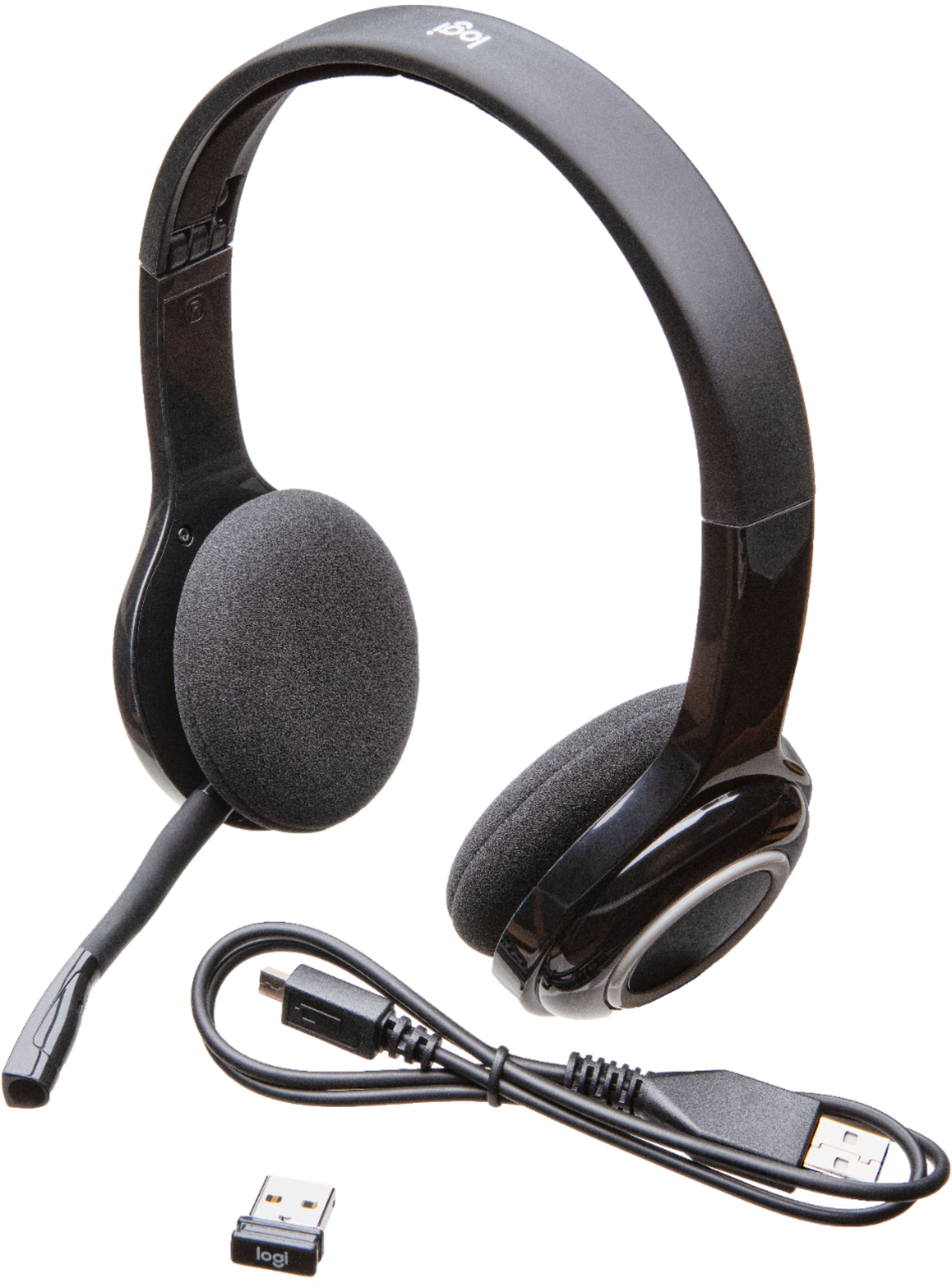
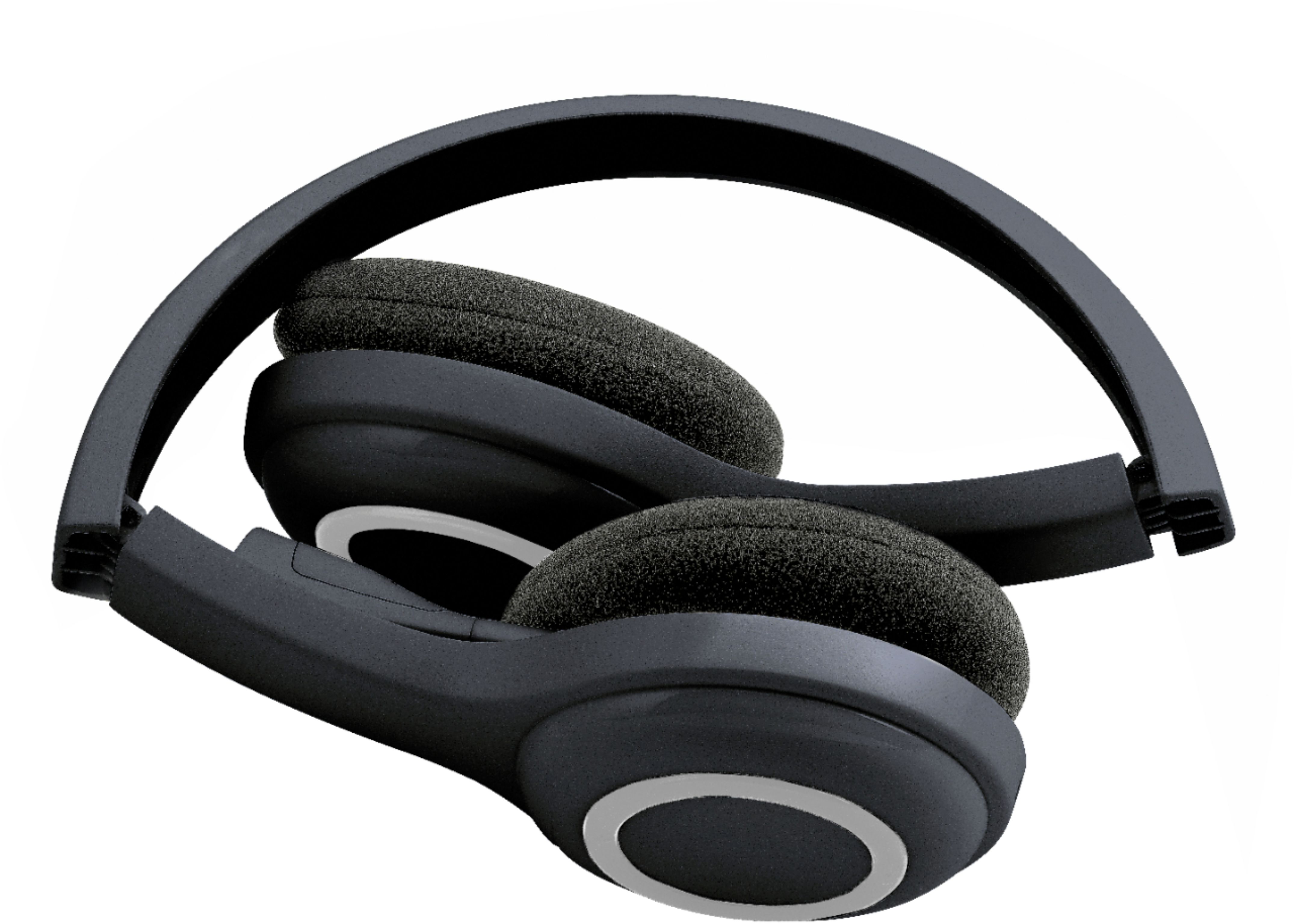

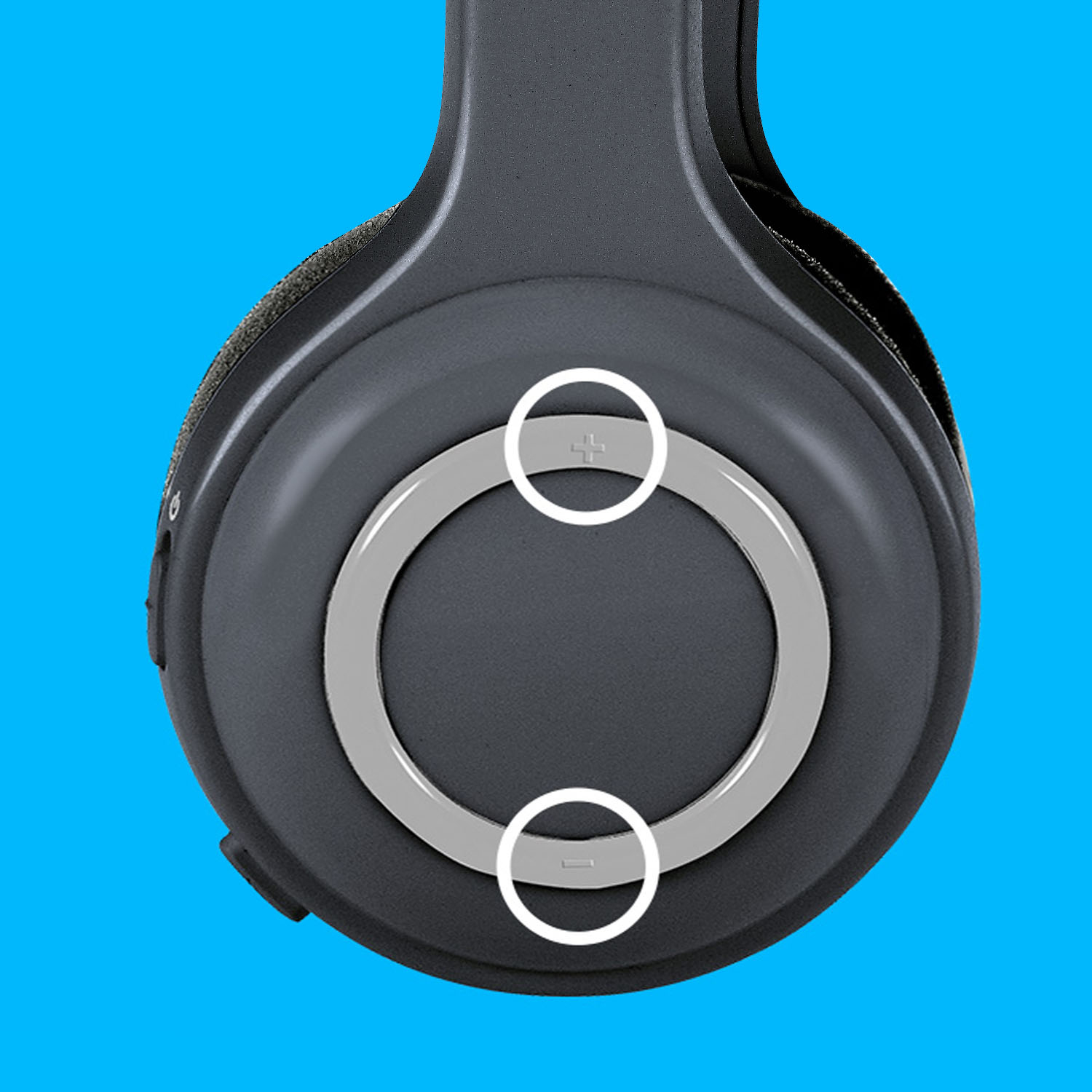
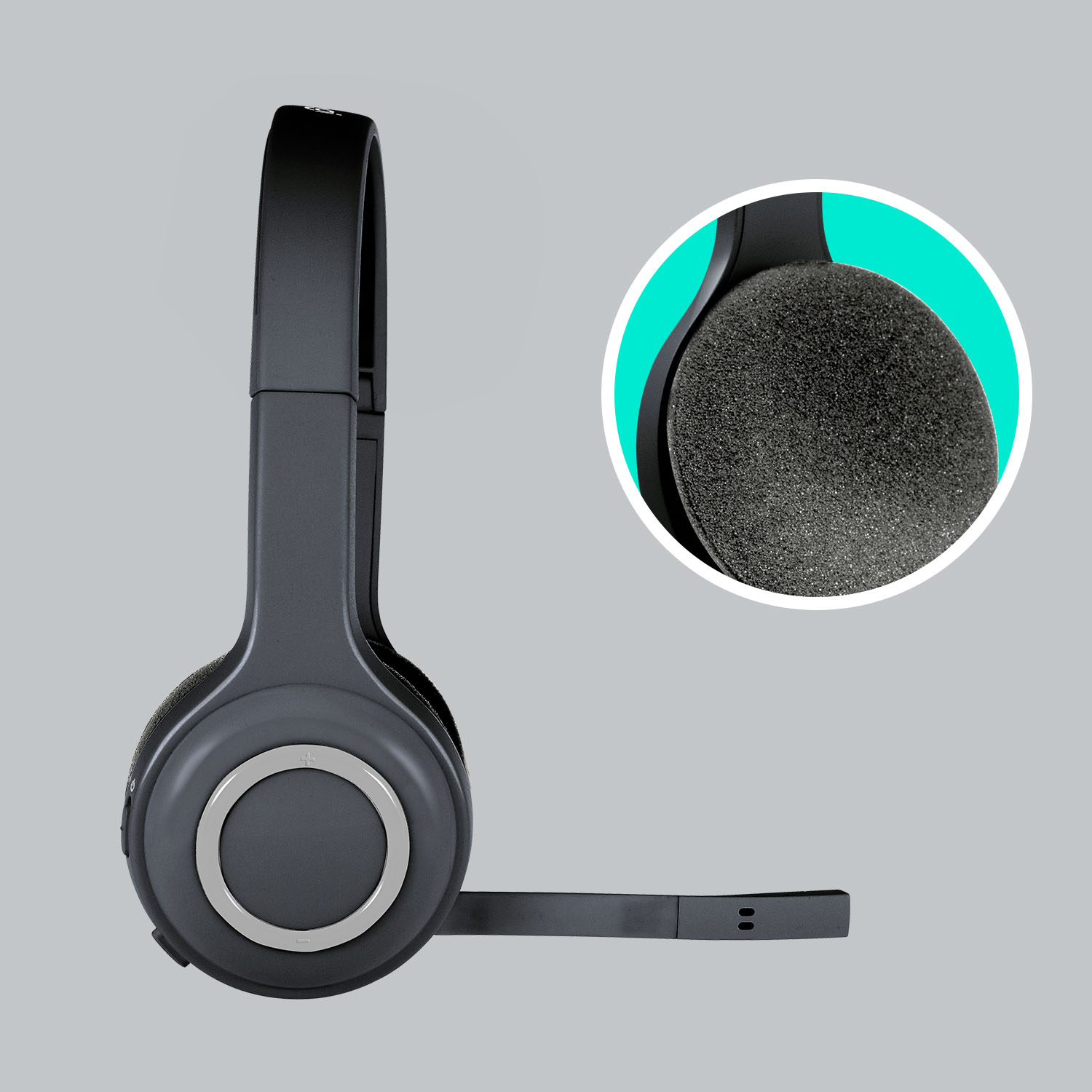

- Model:
- 981-000341
- |
- SKU:
- 3436118
Customer reviews
Rating 4 out of 5 stars with 1803 reviews
(1,803 customer reviews)Rating by feature
- Sound Quality4.0
Rating 4.0 out of 5 stars
- Battery Life4.1
Rating 4.1 out of 5 stars
- Connectivity3.9
Rating 3.9 out of 5 stars
Customers are saying
Customers find value in the H600 RF Wireless On-Ear Headset's superior sound quality, ease of use, and lightweight design, frequently praising its comfortable fit and affordability. However, some users experienced limitations with the wireless range and reported inconsistent volume levels or connection issues. The battery life is considered decent by many users.
This summary was generated by AI based on customer reviews.
Rated 1 out of 5 stars
No good. This needs to be priced at $19
||Posted . Owned for 1 month when reviewed.This reviewer received promo considerations or sweepstakes entry for writing a review.There is a separate mute/unmute button. There is not visual, mechanical or haptic feedback that indicates if it is currently muted or not. Raising the microphone boom does nothing except getting it out of the way whereas it could have been easily designed to mute the microphone. Has absolutely no way to know how much charge is left unused. Bluetooth pairing with iPhone works but no instructions are available on how to pair it with any Bluetooth audio emitting device.
No, I would not recommend this to a friendBrand response from Logitech
Posted .Hello, Very sorry to hear about your disappointment with the H600 Wireless Headset---your feedback is greatly appreciated. Here's a link to the product support page for the H600 that has troubleshooting FAQs, ordering spare parts, warranty information, and more: https://support.logi.com/hc/en-us/articles/360024317973-Getting-Started-Wireless-Headset-H600. Hope that you found this helpful and that all is going well. Thank you for choosing Logitech. - Richard from Logitech
Rated 5 out of 5 stars
These are some good head phones with mic
||Posted .This reviewer received promo considerations or sweepstakes entry for writing a review.Great product and it can be used while being charged !
I would recommend this to a friend- Cons mentioned:Range
Rated 1 out of 5 stars
good but range sucks
||Posted . Owned for 1 month when reviewed.This reviewer received promo considerations or sweepstakes entry for writing a review.it works. but the bluetooth range is not as expected. It fails about 10 feet away from the receiver. Works well nearby though.
No, I would not recommend this to a friendBrand response from Logitech
Posted .Hello, we are sorry to hear that the H600 is not meeting your expectations. Please visit us at: https://support.logi.com/hc/en-us/requests/new?ticket_form_id=360000621393 Our technical support team may assist you with your issue.
Rated 2 out of 5 stars
Headphones for PC's
||Posted .This reviewer received promo considerations or sweepstakes entry for writing a review.This was recommended by a geek squad rep, for us to watch TV without disturbing each other by listening to something not interested in. Did NOT work on our Sharp TV...found out that it is for PC's not TV's
No, I would not recommend this to a friend- Cons mentioned:Connection
Rated 1 out of 5 stars
Don’t waste your money
||Posted .This reviewer received promo considerations or sweepstakes entry for writing a review.Absolute garbage. Barely maintains a connection, horrible audio quality, little USB doesn’t even fit in the storage slot.
No, I would not recommend this to a friendBrand response from Logitech
Posted .Hi AshC,
Thank you for your feedback. Sorry for any inconvenience. Your headset and receiver come paired out of the box. If you're experiencing issues connecting to the receiver after you've connected it to a USB port on your computer, try the following: If you connected the wireless receiver to a USB hub, try plugging it directly into a USB port on the computer. You might be out of range from the wireless receiver — try moving the headset closer Make sure the receiver is connected to a USB port that isn't behind any large objects, for example a desk or desktop computer. Your headset may need to be charged — connect it to a power source using the USB charging cable. Make sure the wireless USB receiver is installed properly — try disconnecting and then reconnecting it (see your computer's documentation for more help). If you need further assistance, please contact Logitech Support on the website. LaShonda from Logitech
Rated 1 out of 5 stars
Not my cup of tea!
||Posted .This reviewer received promo considerations or sweepstakes entry for writing a review.I wanted to use this headphone/mic for chatting online and that's it. I thought it would be super easy to use, but it was not. I had a hard time setting it up, figuring if the mic was turned on or not. I found out later that this was not compatible with my new MacBook Air. :( Only thing I liked was that you could plug in a USB to it and not have a long cord to deal with. I ended up using my old earphones to chat. I specifically bought this to go with my MacBook Air. The people at Best Buy said this would work and it did not. Made everyone sound like chipmunks! I did return this product. I would not recommend this product to anyone who has a Mac. Also, the earphones were very uncomfortable!
No, I would not recommend this to a friend- Pros mentioned:Ease of use
Rated 1 out of 5 stars
Static and poor mic pick-up
||Posted .This reviewer received promo considerations or sweepstakes entry for writing a review.Easy to connect, but not worth the time. The sound is full of static and the mic pick up is poor. Speech is garbled and lots of peripheral noise is heard. Immediate return.
No, I would not recommend this to a friend - Pros mentioned:Sound quality
Rated 1 out of 5 stars
Not Comfortable at all
||Posted .This reviewer received promo considerations or sweepstakes entry for writing a review.Cool design however could only keep it on for less than 20 minutes before it started hurting my ears. Easy to use & connect, great quality sound & mic. wish it was comfortable
No, I would not recommend this to a friend - Pros mentioned:Battery life, Sound qualityCons mentioned:Range
Rated 4 out of 5 stars
Nice wirefree headset
Posted .This reviewer received promo considerations or sweepstakes entry for writing a review.I am really happy to get this headset. Most importantly, it makes me free of those wires and allows me to move around a little while I am talking using VoIP. I am talking in meeting for more than 3 hrs everyday, and this headset is really comfortable on ear. The sound quality is pretty good for music. It's talk time is also very good, and the best thing is I can use it while it's getting charged via PC USB cable. The only problem is it's range... it's no where near 30ft as mentioned by Logitech. Moreover, it doesn't work behind walls; it needs clear line of sight between headset and the USB dongle. Also, the price could have been little less... fourty bugs looks ok. Overall, it is working for me; using it for 4 months and I am happy to have this.
I would recommend this to a friend Rated 2 out of 5 stars
The sound crackles A Lot
||Posted .This reviewer received promo considerations or sweepstakes entry for writing a review.I don't know if its just my headset or what the problem is but I can be sitting at my computer using the headphones(with a full charge) and they will still make a crackling noise. I don't understand why.
No, I would not recommend this to a friendRated 1 out of 5 stars
Microphone Stopped working in less than a Month
||Posted . Owned for 3 weeks when reviewed.This reviewer received promo considerations or sweepstakes entry for writing a review.Got this headset cause it was the newer model of the wireless headset I had for 2 years, Which I loved. But with this one I am Little Disappoint have not had it even a month and the Microphone is not working. I have gone through all the troubleshooting to make sure it was not my computer but it seems to be the Microphone.
No, I would not recommend this to a friendBrand response from Logitech
Posted .Hello, we are sorry to hear that you are having issues with your H600 . You may reach us for support by opening a Technical Support ticket here: https://support.logi.com/hc/en-us/requests/new?ticket_form_id=360000621393
Rated 2 out of 5 stars
I really liked these...
||Posted .This reviewer received promo considerations or sweepstakes entry for writing a review.It's a shame they died after three meetings. I buy so much logitech stuff because it a quality product at a decent price, but these were a huge disappointment.
No, I would not recommend this to a friendBrand response from Logitech
Posted .Hi Headsetless,
Sorry to hear that you are unsatisfied with your H600. Here's what I can suggest;
1. Connect the headset to a USB port with the charging cable — it may not have enough battery power.
2. Make sure you have the H600 selected as the audio output device (see your computer's documentation for help).
3. Check that the application you're using is configured to use the headset as its audio output device (see the application's documentation for help).
4. Make sure the receiver is connected to a USB port that isn't behind any large objects (ex. a desk or desktop PC). We are always looking for ways to improve our products, so we appreciate your review. If you ever have additional feedback, questions, or warranty info regarding Logitech products, feel free to visit https://support.logi.com/hc/en-us
Thanks,
-Logitech
- Cons mentioned:Range
Rated 1 out of 5 stars
Cheap price, but range not as advertised
||Posted .This reviewer received promo considerations or sweepstakes entry for writing a review.Too tight on the head and DOESN'T have range more than 10-15 feet away from the computer.
No, I would not recommend this to a friendBrand response from Logitech
Posted .Hi Teleworker, we're sorry to see you're experiencing some discomfort with the H600 Headset! Logitech makes a variety of headsets to suit anyone's comfort needs. If you're looking for a great inexpensive headset that is super comfy and lightweight, check out the new G535 Gaming Wireless Headset instead! Thank you for your feedback! -N from Logitech
Rated 2 out of 5 stars
They failed, again, after a short period
||Posted .This reviewer received promo considerations or sweepstakes entry for writing a review.This is the second pair that has failed in a short period of time. They are fine when they work but don't expect years of daily usage from them.
No, I would not recommend this to a friendBrand response from Logitech
Posted .Hi MrATL! Sorry to see you're having hardware issues with your H600 Headset. Also remember you have a 2-Year Limited Hardware Warranty with the purchase of your headset.
Rated 2 out of 5 stars
Headset
||Posted .This reviewer received promo considerations or sweepstakes entry for writing a review.The headphones do not work consistently. It would not work for a couple of days and then would work again. It has happen several times.
No, I would not recommend this to a friendBrand response from Logitech
Posted .Hi, I'm sorry to hear that you have experienced difficulty with the inconsistency of the H600. The H600 works using a small USB dongle, in some cases if the connection of the dongle to the computer/laptop has gotten loose it would not work. You can try to use the USB dongle in a different port on your computer/laptop if available. Logitech offers a 2 year limited hardware warranty on the H600. You can file a warranty claim at support.logi.com. Thank you for being a Logitech customer. Kristi from Logitech
Rated 2 out of 5 stars
Not to satisfied
||Posted . Owned for 3 weeks when reviewed.This reviewer received promo considerations or sweepstakes entry for writing a review.Worked perfect up to the past 2 weeks. Now i can barely hear when taking to clients. Purchased on 01/18/21 posted reviewed on 02/12/21.
I would recommend this to a friendBrand response from Logitech
Posted .Hi Momofwins,
Thank you for your feedback. Sorry for the inconvenience you're experiencing. If you're not hearing audio from your headset when using the wireless receiver, try the following suggestions:
Connect the headset to a USB port with the charging cable — it may not have enough battery power.
Make sure you have the H600 selected as the audio output device (see your computer's documentation for help).
Check that the application you're using is configured to use the headset as its audio output device (see the application's documentation for help).
Make sure the receiver is connected to a USB port that isn't behind any large objects (ex. a desk or desktop PC). If you're having audio issues with your headset, try the following suggestions:
Move the headset closer to your audio source — it might be out of range.
Move away from other sources of wireless signal — you could be experiencing interference.
Connect the headset to a USB port using the charging cable — it may not have enough battery power. Try adjusting the volume on your audio source — it might be turned up too high. If you need further assistance, please contact Logitech Support on the website. LaShonda from Logitech
Rated 2 out of 5 stars
Stupid head phones
||Posted . Owned for 5 months when reviewed.This reviewer received promo considerations or sweepstakes entry for writing a review.Didn’t have it for a year and super static. Couldn’t return it and had to contact the company.
No, I would not recommend this to a friendBrand response from Logitech
Posted .Hello Ballislife,
I am sorry that the H600 did not meet your expectations. I will record your product review and pass it along for further investigation. Logitech appreciates your product review. - Leo from Logitech
- Cons mentioned:Range
Rated 1 out of 5 stars
not worth the money
||Posted .This reviewer received promo considerations or sweepstakes entry for writing a review.I didn't like this headset at all the sound quality was not good and you could walk more then 3 feet away with out it breaking up the auido.
No, I would not recommend this to a friend Rated 2 out of 5 stars
Zero noise cancellation and keeps cutting off
||Posted .This reviewer received promo considerations or sweepstakes entry for writing a review.Coworkers said background noise is very high, not canceled even a little bit, and the headphones keep going out on me even when charged. Maybe I just have a bad pair.
No, I would not recommend this to a friend- Cons mentioned:Volume
Rated 1 out of 5 stars
retuning - not happy
||Posted . Owned for 3 weeks when reviewed.This reviewer received promo considerations or sweepstakes entry for writing a review.I am returning this headset. The volume is just not adequate for use on zoom sessions.
No, I would not recommend this to a friendBrand response from Logitech
Posted .Hello. Thank you for taking the time to write your review of the H600 headset. I'm sorry to hear that you are not satisfied with the microphone audio quality. Have you tried connecting to the computer via the charging cable? I'm wondering if the issue might be related to power. If it is not getting enough power from the battery, connecting it with the cable should sound normal. If not, you may just have a defective unit and if you're still within the return period, exchange it for another one. Please visit our support site with any questions or issues: https://support.logi.com/hc/en-us/articles/360025329953--FAQ-Wireless-Headset-H600
-Charlton at Logitech