Customer Ratings & Reviews
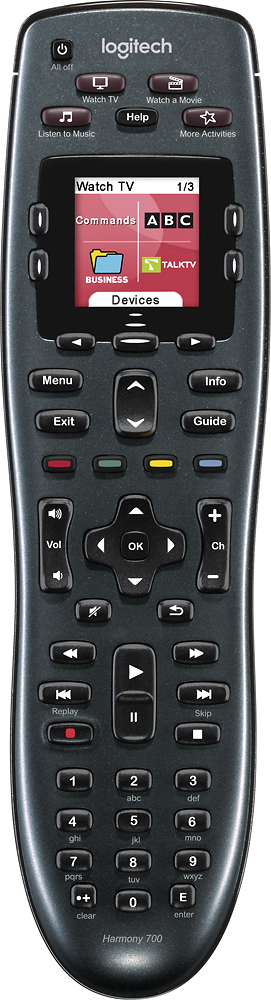
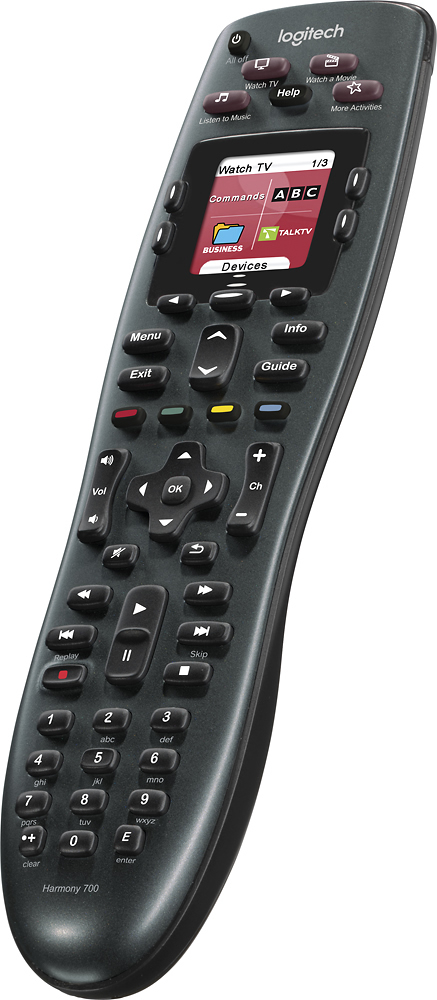
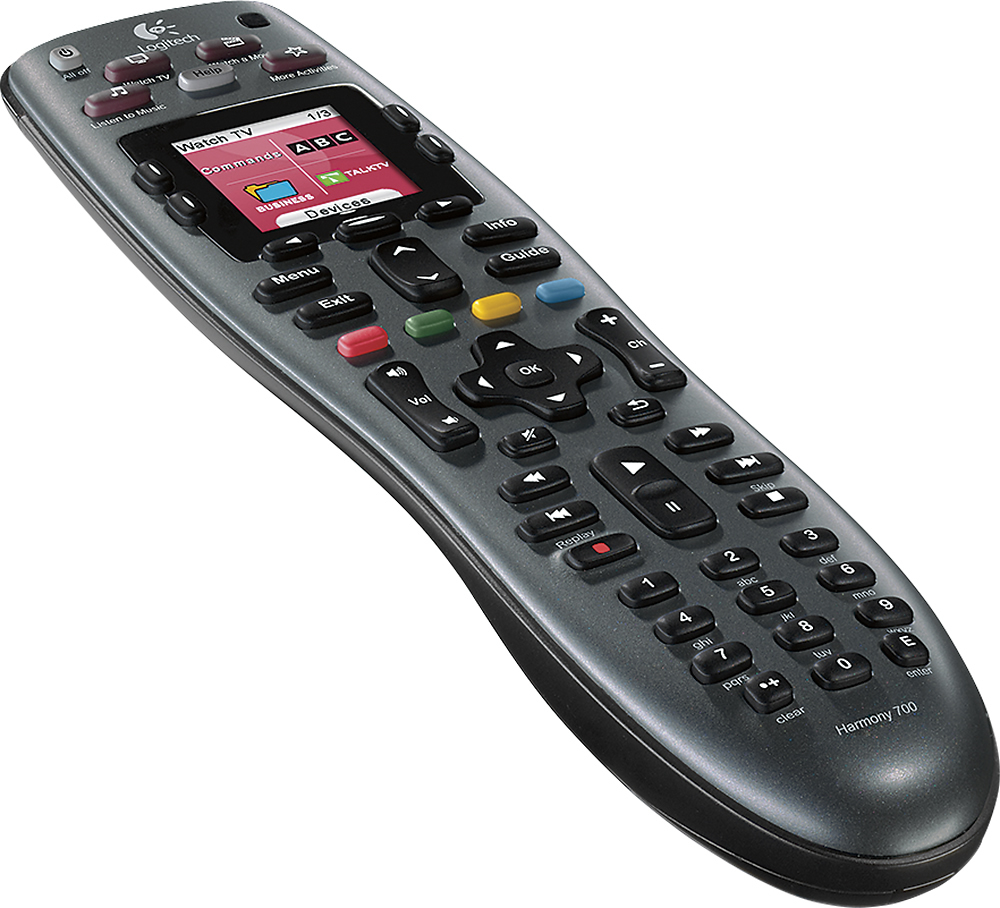
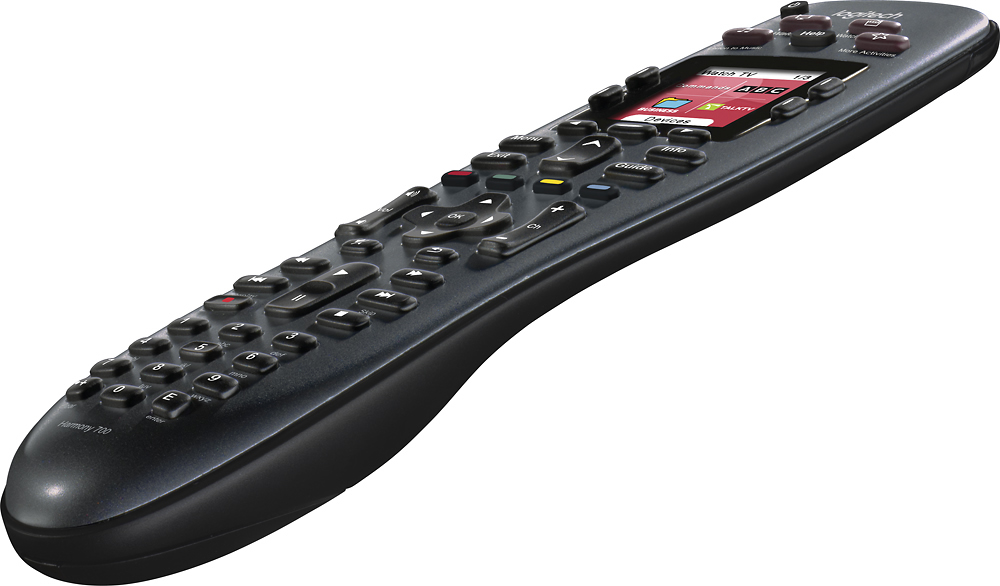
- Model:
- 915-000162
- |
- SKU:
- 9365402
Customer reviews
Rating 4.4 out of 5 stars with 1210 reviews
(1,210 customer reviews)Rating by feature
- Ease of Use4.4
Rating 4.4 out of 5 stars
Customers are saying
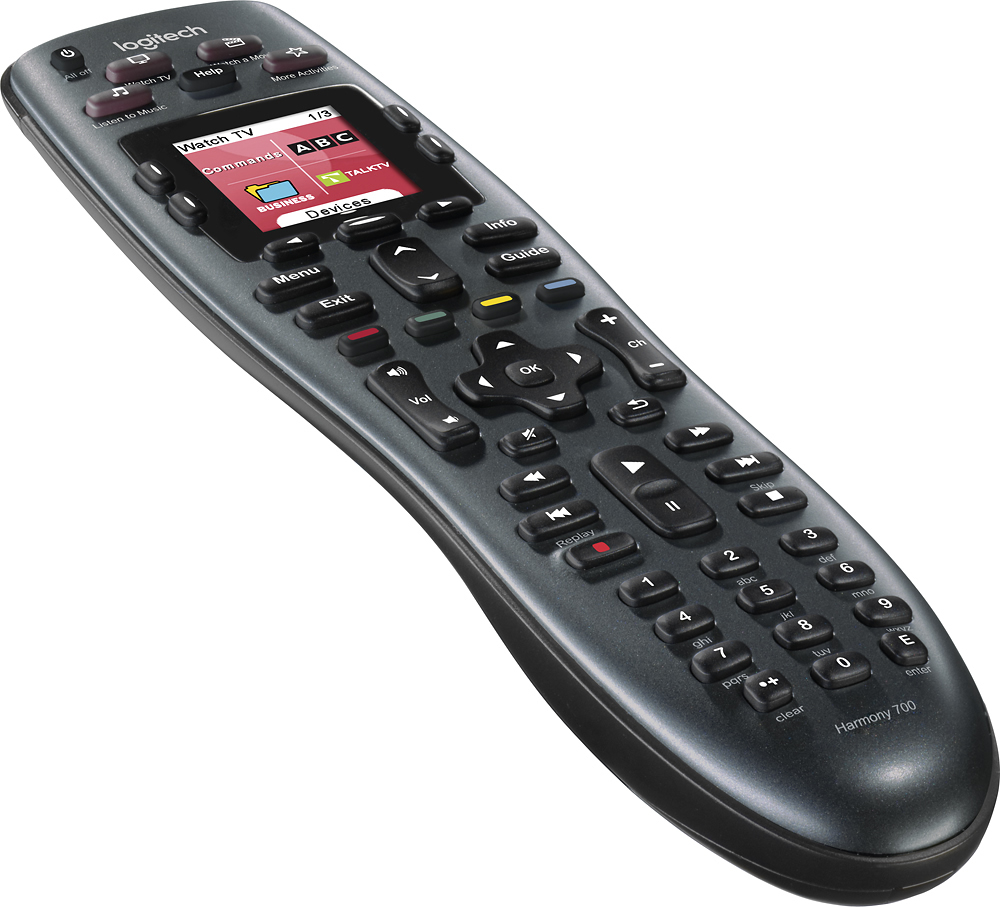
Customers are impressed with the Harmony 700's ease of use and excellent battery life. Many also appreciate the remote's setup simplicity and the ability to customize its functions. However, some users experienced issues with button quality and programming complexities, while others noted limitations in the remote's range.
This summary was generated by AI based on customer reviews.
- Pros mentioned:Ease of use
Rated 5 out of 5 stars
Replaced the more expensive Harmony All in One
Posted .This reviewer received promo considerations or sweepstakes entry for writing a review.I had just had my second Harmony all in one touch screen due to dog / hardwood floor damage. My wife insisted on two requirements: 1. same ease of use 2. better durability! This gem fits the bill on both counts. Instead of the pretty touch screen, there is a basic LCD and buttons to the side. I am fine with that. In fact, the buttons are smoother and more responsive than on the Harmony One! Setup was a breeze because Logitech's software imported my setting from the Harmony One and we were up and running in 5 minutes. This has been chewed on by the dog and has been dropped on the hardwood a couple of times with no negative effect. 5 STARS!
I would recommend this to a friend - Pros mentioned:Ease of use
Rated 3 out of 5 stars
Great remote but......
Posted .This reviewer received promo considerations or sweepstakes entry for writing a review.After purchasing this remote I did find it very easy to setup. It was working great for several weeks then all of the sudden I could not get to the guide or change the channel. The remote acted like it forgot all of the devices I had. I pulled the batteries and tried again and nothing. Had to get out all of the old remotes to manually use my tv, cable box and home theater system. I then tried reinstalling the software on the remote, I also had an update on the remote and applied that. Still could not get the remote to work. The next day I decided to try the remote and it worked. Then several days later it stopped working. Then magically it works again. And the story goes on. One day the remote will feel like not working and then another day it decides it wants to work. I also tried the onscreen menu on the remote to try to fix the problem and sometimes it worked and sometimes it did not. Very irritating!! So now I must keep the old remotes handy for when the logitech decides it does not feel like working.
No, I would not recommend this to a friend - Cons mentioned:Button quality
Rated 5 out of 5 stars
Great Remote for the "Semi-Technically" Inclined
Posted .This reviewer received promo considerations or sweepstakes entry for writing a review.The final setup exceeded my expectations of having all my controls on one remote. To program the remote, it muct be connected to a computer having internet access. Unfortunately, using the automatic on-line setup menu found at logitech.com did not complete the job. Some buttons such as on and off did not work. The problem, the automatic set up assumed on and off were separate functions. Changing the on and off to toggle corrected the problem. Some buttons were not assigned or did not match the original remote that came with two of the controlled equipment. One fix involved dragging the unassigned function from the listed functions found at logitech.com to the picture of the harmony 700 inactive button. The other fix involved pressing the missing function button found on the orignal remote when instructed to do by the advance online setup program. The original remote must be aimed at the sensor located at the end of the harmony 700 remote for this latter method to work. The equiptment controlled by this harmony remote includes an eight year old Kenwood receiver, a new sony blue ray player with WiFi, a new Philips LCD TV and the Comcast Channel Box.
I would recommend this to a friend - Pros mentioned:Ease of use
Rated 4 out of 5 stars
Solves my A/V Needs
Posted .This reviewer received promo considerations or sweepstakes entry for writing a review.I needed a second universal remote. I have had a Harmony for several years and I am sold on them. Adding or replacing components is easy thanks to the computer interface. I was trying to decide which contoller to buy when the 700 went on sale. At $120 I couldn't turn this down. I set it up to run a Samsung plasma, AT&T Uverse box, a Yamaha receiver and a Sony BluRay. It worked perfectly. I went back and customized a couple of buttons to work better with the Uverse and BluRay and it is fairly straightfoward. It is a bit of a hassle to run two remotes off the same Logitech software page but it isn't impossible. They could make that a little more user friendly. If you haven't tried the Harmony remote, this is a great one to start with. I haven't meet anyone that owns one and regrets the purchase.
I would recommend this to a friend Rated 5 out of 5 stars
Fantastic, but PC app is initially a bit confusing
Posted .This reviewer received promo considerations or sweepstakes entry for writing a review.The setup is: Go to the web site, download the big software application onto your PC and install it. This application lets you choose your devices (TV,DVD etc), it then pushes all their settings and your choices into the remote using the USB cable you plug into the front of the remote. Using it: The buttons on the remote will control virtually all the features of each device. The way you use it is primarily by "activity". When I choose to "Watch TV", it turns on the TV, the Cable Box and my Amplifier. It does not turn on my DVD. The volume control uses the amplifier, the channel change uses the cable box. The Guide, Info and Menu all work on the Cable box. On my cable box I like to use the Favorites button, but there is no such button on the remote, so they have setup the screen with one of the unlabeled buttons as "Fav". Another thing I needed to do is to use closed captioning. On my TV's remote that is the "display" button. I was easily able to configure the "Watch TV" activity to use the unused BLUE button on the remote, to send the appropriate closed captioning command to my TV. Similarly I was able to setup my DVD's subtitle button on the same unused BLUE button on the remote for the activity of "Watch a Movie". I still had to keep my old remotes handy while I was doing the configuration, because after you reprogram the remote it expects all the devices to be powered off. However, after my setup is perfected I will take the batteries out of the remotes and store them away. I am looking forward to getting my new flat screen HD TV and Media Player and I know that it will be a simple process to reprogram my remote to use these new devices. By the way, the Western Digital Media Player (model "WD TV Live Plus") was listed in the Logitech PC application as a Media Center PC. Once I guessed this I was happy, but they need to add a new category.
I would recommend this to a friend- Pros mentioned:Ease of use
Rated 5 out of 5 stars
Nice universal remote...best of the bunch
Posted .This reviewer received promo considerations or sweepstakes entry for writing a review.If you're looking for a remote to control all your devices, even the devices you just purchased yesterday (because it uses the Internet to keep its database of new devices on the market accurate), then this Harmony 700 is for you. It's reasonably priced, but more importantly it is truly easy to program. Just connect it to your computer (I use a laptop since I can test it in the room where the equipment is), then go to www.myharmony.com, say yes to a simple download and then the site will walk you through the very easy setup. The color LCD screen is nice and the remote has enough unique buttons, including the four colored buttons (red, blue, green, yellow) that are becoming more common on new remotes (including my Panasonic BluRay). The only thing is that you need is to write down the make and model numbers on all your equipment before you start programming. I now write them down BEFORE I mount the equipment in my entertainment center (I had to pull out my BluRay in order to get to the model number on the sticker in back).
I would recommend this to a friend - Pros mentioned:Ease of use
Rated 5 out of 5 stars
Excellent remote control
Posted .This reviewer received promo considerations or sweepstakes entry for writing a review.I have a lot remote controls... But with this universal remote control I have only one....
I would recommend this to a friend - Pros mentioned:Ease of use
Rated 5 out of 5 stars
Great remote!
Posted .This reviewer received promo considerations or sweepstakes entry for writing a review.I've had Logitech's Harmony 670 model for years and love it. Easy to set-up, easier to use and has performed flawlessly until recently. It has survived multiple drops from my family and I'm certain the last has sealed it's fate... it still works but is no longer 'visible' to my computer and therefore I cannot update it to some new equipment. This model uses the same great program to set-up and I like the addition of the 4 colored buttons that are assignable to nearly any function. My only gripes for the 700 are: 1. The activity buttons at the top are not illuminated like the rest of the buttons beneath. 2. The favorite channel function is limited to 23 channels. I understand that it's intended for favorites, but in a house with 2 adults and 3 children 23 channels get gobbled-up pretty quickly. 3. This model uses a unique USB connection to charge the included rechargable batteries (Eneloop AA's) and to connect for programming. I have some concern about the long-term durability of this connection when used regularly to charge the batteries.
I would recommend this to a friend - Pros mentioned:Ease of use
Rated 5 out of 5 stars
Great remote for all ages
Posted .This reviewer received promo considerations or sweepstakes entry for writing a review.This remote replaced another Logitech Harmony remote that died after 7 years. Easy to set up and it found al my electronic equipment on the first try. Love the charging feature (USB) and don't have to worry about batteries anymore.
I would recommend this to a friend - Pros mentioned:Ease of use
Rated 5 out of 5 stars
Love this remote
Posted .This reviewer received promo considerations or sweepstakes entry for writing a review.We've had this for years, and now i bought one for my parents, due to the ease of use
I would recommend this to a friend - Pros mentioned:Price
Rated 4 out of 5 stars
good product !
Posted .This reviewer received promo considerations or sweepstakes entry for writing a review.bought for 49$. must have when you have multiple devices at home.
I would recommend this to a friend - Pros mentioned:Ease of use
Rated 4 out of 5 stars
Works well but has limitations
Posted .This reviewer received promo considerations or sweepstakes entry for writing a review.While this unit is easy to set up, I had issues with the set up of watching a movie since the Sony DVD player switched the TV HDMI input automaticly when the DVD player is turned on. Even with the proper HDMI connections programmed into the remote they would not go to the proper input and then would not return to the proper input when returning to watching TV. Luckily the help desk was able to resolve the problem without to much trouble. The only other comment is about the remote not turning on all the devices when the watch TV or all Device Off buttons are pushed. The help available to manually turn on/off individual devices works well but takes extra time to use. You also have to watch where the remote is when another remote is used to turn on/off the systems. This issue leaves the remote thinking that the devices are on/off when they are off/on.
I would recommend this to a friend - Pros mentioned:Ease of use
Rated 5 out of 5 stars
Nice product
Posted .This reviewer received promo considerations or sweepstakes entry for writing a review.The remote set up very easily for my Sony TV, Comcast DVR and Sony BluRay with Wifi. Remember to turn off Norton Antivirus when communicating with remote the first time. Set up with my in-law's new Insignia TV, Insignia Bluray, and Dish DVR was another story. Dish DVR was not in database and requried telephone help. Source switching on Insignia TV wouldn't work when TV was started from off state. Turns out the TV takes 10 seconds to warm up befor it would read the change source signal! Holding down the "Help" button to go into advanced delay mode and changeing the TV to 10 seconds fixed it. (you have to aim the remote at the tv for those 10 seconds). A tribute to Harmony for having the flexibility to handle this for slow start up TVs. Telephone tech help was immediate and very helpful.
I would recommend this to a friend - Pros mentioned:Ease of use
Rated 5 out of 5 stars
My Favorite New Toy
Posted .This reviewer received promo considerations or sweepstakes entry for writing a review.I've been through at least 5 different so-called Universal and Learning remotes, and I've never found one that could control my Oppo DVD player, and I've never been satisfied with the way they controlled some of my other offbeat equipment. This sucker controls EVERYTHING, with all the common buttons automatically programmed for you and all the oddball buttons available on scrolling menus !!! I absolutely love it, and its my favorite electronic accessory ever. No, it's not built like a tank, but show me the remote control that is. It's high quality plastic, well built and solid, but it's also light and thin by design. This is a sophisticated piece of electronics, so treat it with a little respect and it should last as long as any other remote. If your kids keep dropping it, let them use the original remotes and keep the nice one locked up for yourself.With ridiculously easy onscreen programming and tons of customizable options, you have to have one of these or its big brothers. Totally worth it.
I would recommend this to a friend - Pros mentioned:Ease of use
Rated 5 out of 5 stars
Great remote for a small system
Posted .This reviewer received promo considerations or sweepstakes entry for writing a review.I wanted a simple all in one remote to get rid of the 4 remotes that I could not keep track of. This remote fit the bill perfectly, I have a cable box, TV, Sound Bar and a Blu Ray player. As well as a few gaming systems. I wanted a remote that would work everything that I have and have room for upgrades. (Well room for one more thing) I bought the 650 for my parents and they loved it, so I got the 700 for myself, no need to get crazy with a touch screen. Everything is so easy now, my 3 year old daughter can turn anything on that she wants without any help, and she only get to watch TV for 30 minutes a day... It really is that easy.
I would recommend this to a friend - Pros mentioned:Ease of use
Rated 5 out of 5 stars
Sweet Remote
Posted .This reviewer received promo considerations or sweepstakes entry for writing a review.This remote is awesome. It was easy to setup even with my off brand TV (Insignia). It is completely customizable and easy to program through the web interface. Love that it is rechargeable. The customizable buttons and ability to learn from my original remotes is simply sweeeeeet! The backlighting activates simply on motion, not when a button is pressed. Awesome. I just wish the activity buttons on the top were also backlit. Only thing I have not figured out how to do is to have it exit the menu on my tv when it needs to change inputs. I'm sure it can be done but I just haven't figured out how to do it yet. I will never be without a Logitech Harmony remote ever again. It is the perfect compliment to my man cave.
I would recommend this to a friend - Pros mentioned:Ease of use
Rated 4 out of 5 stars
Great remote but a few problems.
Posted .This reviewer received promo considerations or sweepstakes entry for writing a review.This remote was a replacement for an older version. It was a model 550. The 550 had the capacity for 15 devices. The 700 states on the package that you can use up to 8 devices. This is not really true. If you set this up as a new account you can only have 6 devices. Since I was replacing the 550, I used the account I already had and choose "replace remote". At that point it downloaded my decices and setting for my old remote, including 8 devices. But if you delete any divices it will not let you add any more than 6. Also, this remote does not have as much IR power as the 550. My have to point directly at devices. Except for the above this is a great remote that is very easy top program and does a great job of controling your equipment. I really love the harmony remotes.
I would recommend this to a friend - Pros mentioned:Battery life, Ease of use
Rated 4 out of 5 stars
Great replacement remote!
Posted .This reviewer received promo considerations or sweepstakes entry for writing a review.The rechargeable battery feature and the automatic on/off when you pick it up are a couple of favorites that i didn't have on my previous Harmony remote. for the price and functionality this purchase was a no-brainer for me.
I would recommend this to a friend Rated 4 out of 5 stars
Remote is GREAT! Myharmony.com a little less so...
Posted .This reviewer received promo considerations or sweepstakes entry for writing a review.The Good: I will never live without a harmony remote again, they are worth every penny! I got this remote to replace an old Harmony 1000 (Harmony 1000 runs really slow and has very few buttons), and I also have a Harmony 650 for my bedroom. Once you get the remote setup, it controls all devices perfectly! The best feature of this remote is the "Help" button. If a device or activity doesn't start correctly, you press "Help" and about 99% of the time it fixes the problem without having to touch another button!!! Another feature I love is when you set up an activity (or just an individual device), you can assign the buttons on the remote individually, so for instance, for my Xbox 360 I set the Red, Blue, Yellow, and Green buttons on the remote to be the B, X, Y, A buttons, respectively. This saves me from having to page through the options on the display to find the one I want! Oh, and speaking of the display, you can program that too! You can add/remove options that you will/won't use, so the options you want, are the options you have! The Mildly Irritating: The ONLY reason that I give this 4 of 5 stars (would have done 4.5 of 5, but there isn't an option) is the myharmony.com website, which is where you setup the remote, is a little buggy. There have been times when I wanted to update my remote, but I can't log on because there is a server error. I am very tech savvy so I have done everything to troubleshoot the problem and I made sure it wasn't on my end. I guess it's just one of those things that will (hopefully) get better with time (and lots of updates!).
I would recommend this to a friend- Pros mentioned:Setup
Rated 4 out of 5 stars
Great Remote for Most
Posted .This reviewer received promo considerations or sweepstakes entry for writing a review.This remote does everything and more. The only problem would be if you had more than 6 devices to control. Most don't. Setup is easy and straight forward. Unfortunately this remote does not work with my BOSE system. But I have a new Samsung LED 3D tv with a 3D SAMSUNG DVD player and the need for those 2 remotes is negated with the Harmony 700. All functions are handlee.
I would recommend this to a friend