Customer Ratings & Reviews
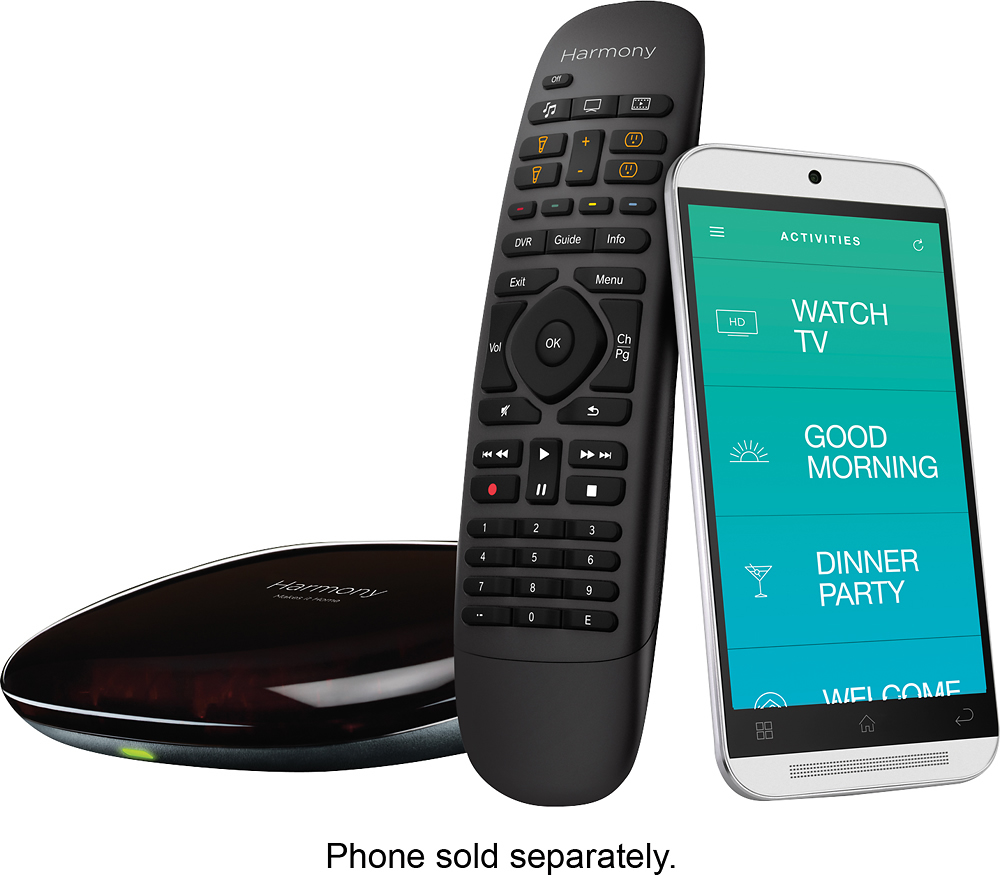
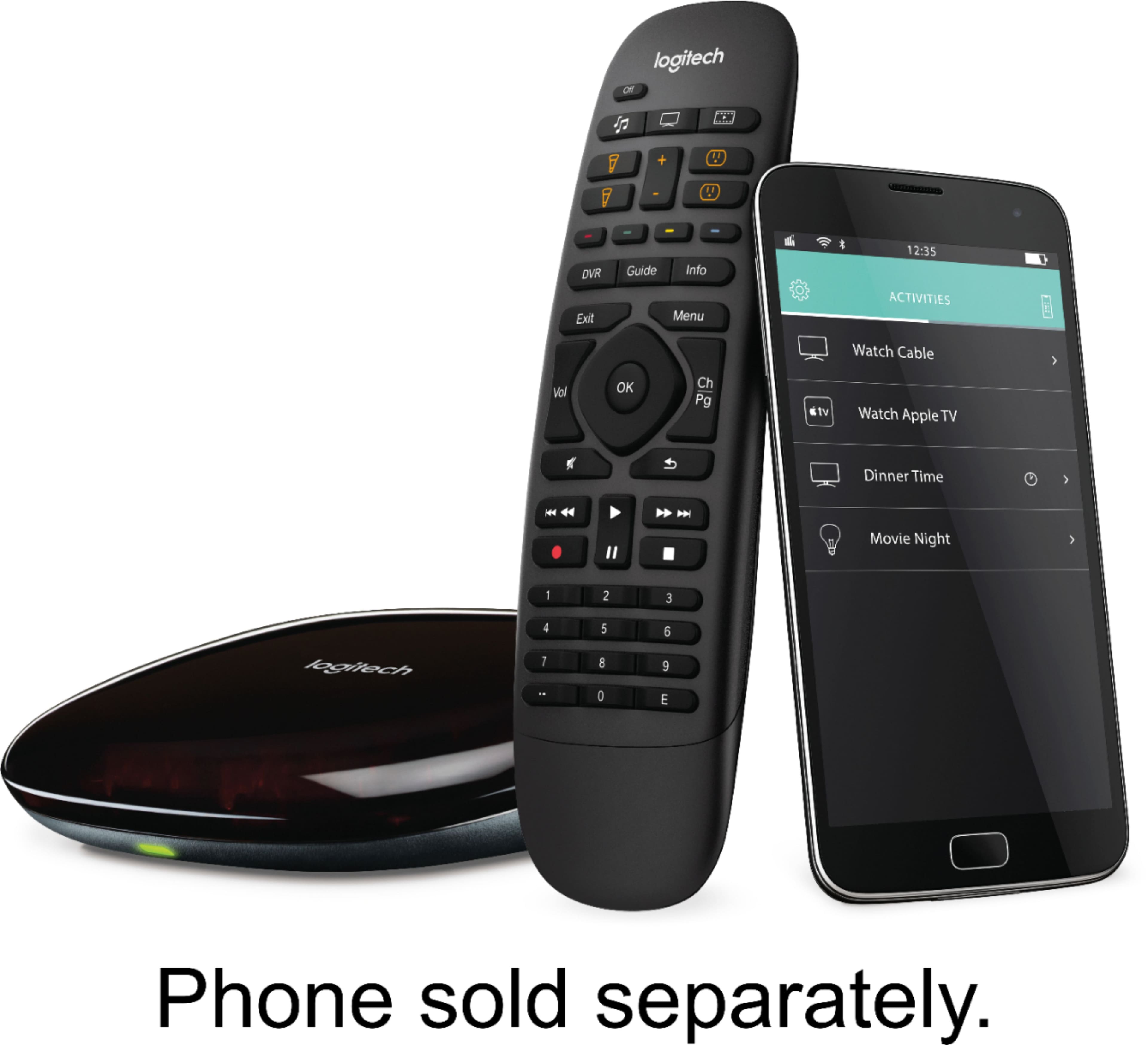
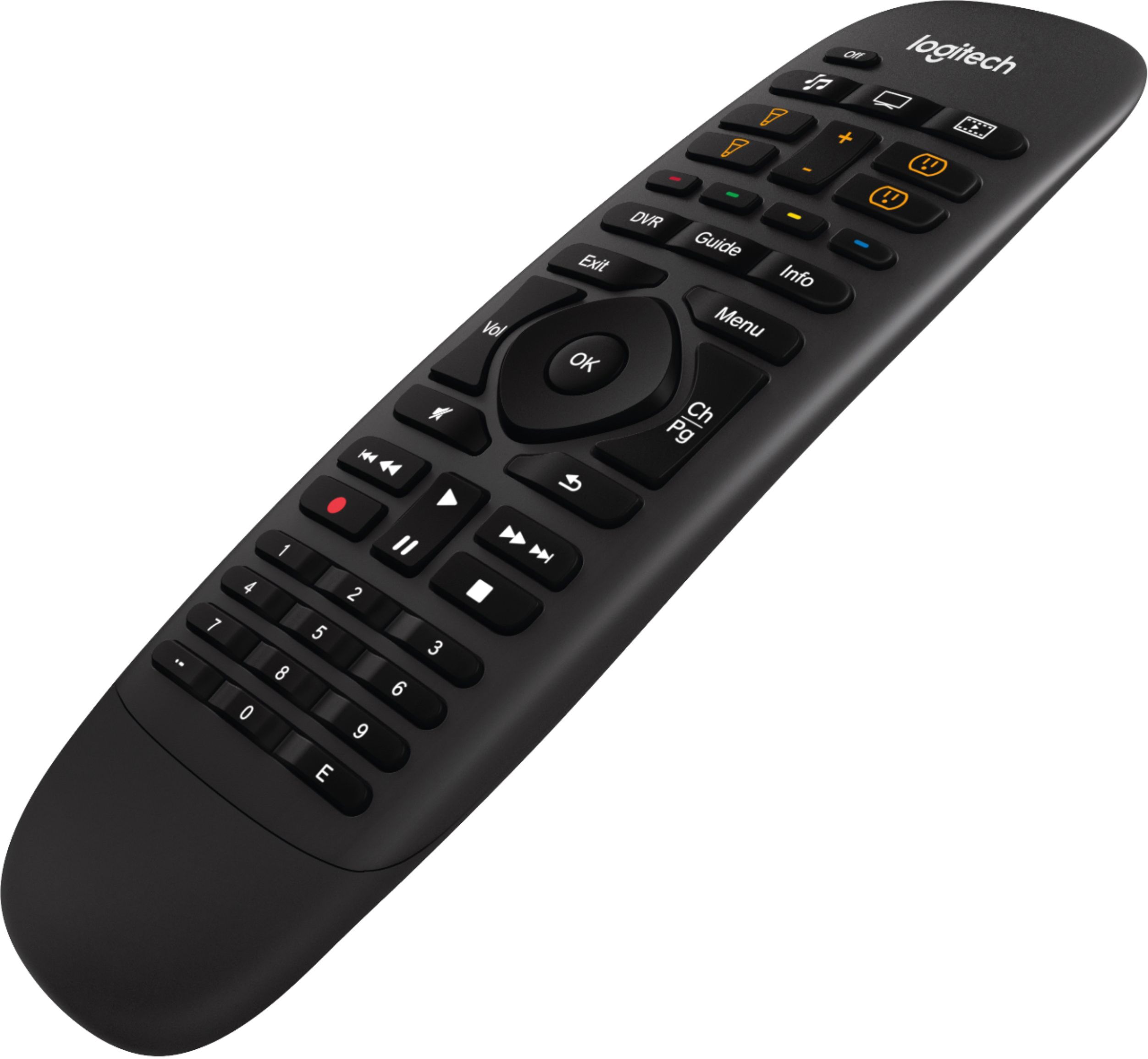

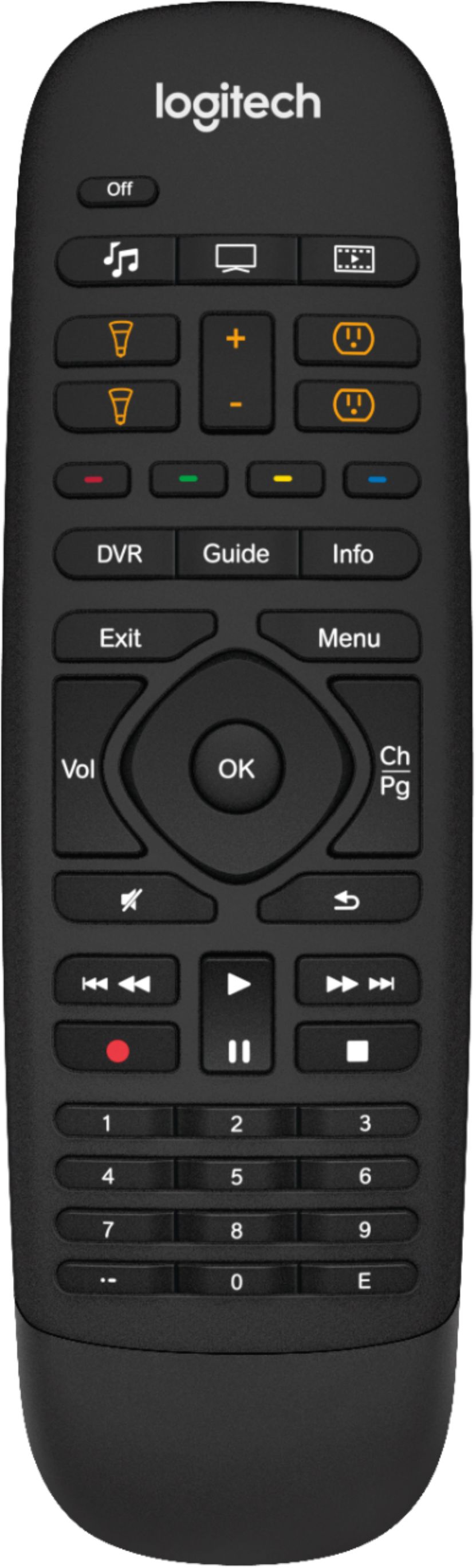

- Model:
- 915-000239
- |
- SKU:
- 8201008
Customer reviews
Rating 4.3 out of 5 stars with 1750 reviews
(1,750 customer reviews)Rating by feature
- Value4.1
Rating 4.1 out of 5 stars
- Quality4.4
Rating 4.4 out of 5 stars
- Ease of Use3.9
Rating 3.9 out of 5 stars
Customers are saying
Customers find value in the Harmony Companion's ease of use and the comprehensive control offered by its remote. Many appreciate its compatibility with various devices and the long battery life. However, some users experienced challenges with the setup process and noted the lack of a backlight on the remote. Smaller button size and occasional connectivity or responsiveness issues were also mentioned.
This summary was generated by AI based on customer reviews.
Rated 1 out of 5 stars
Couple not set up
||Posted . Owned for 2 months when reviewed.This reviewer received promo considerations or sweepstakes entry for writing a review.Wasted several hours trying to get this set up to no avail.
No, I would not recommend this to a friendRated 1 out of 5 stars
Way too difficult to program
||Posted .This reviewer received promo considerations or sweepstakes entry for writing a review.Gave me no easy direction of how to program, I returned it
No, I would not recommend this to a friendRated 1 out of 5 stars
Terrible
||Posted .This reviewer received promo considerations or sweepstakes entry for writing a review.This was so hard to figure out returning it t o the store
No, I would not recommend this to a friend- Pros mentioned:Ease of use
Rated 5 out of 5 stars
Excellent remote for living room
Posted .This reviewer received promo considerations or sweepstakes entry for writing a review.I traded in my old Harmony One that had a LCD screen, with this Harmony Home Control. I'm not missing the LCD at all. This Home Control remote works so much better, since it uses Wifi to communicate with the base. You dont have to point it at your devices, like a Infrared remote. There are only three activity buttons, but you can set it up to long press each button to have another three activities. Six total. This is a little non-intuitive, but okay for my needs. I just long press the TV button to start my Play PS4 activity. The only con, is the Android app was a little buggy during setup. The app would not go to the next screen sometimes and would require another tap to refresh the screen.
I would recommend this to a friend Rated 5 out of 5 stars
My Favorite Harmony Yet
Posted .This reviewer received promo considerations or sweepstakes entry for writing a review.I've owned four different Harmony remotes dating back to even before Logitech bought them out. This is by a long shot my favorite of all the Harmony remotes I've owned and, quite frankly, in my opinion one of the best remotes on the market. If you have ever owned a Harmony remote, then you will likely have zero problems with the setup here. In fact, using an iPhone or Android phone to setup your remote hub is much easier and more intuitive than the web-based computer setup, but I didn't really have problems with setup in the past. There is a learning curve the first time you do it so don't despair that it may take you some time and some trial and error to get everything working right. The important thing is that once you are set up, it's a set it and forget it kind of deal. It just works. My reason for upgrading to this remote from my last Harmony remote was because I wanted to move to the hub based system, but still wanted a physical remote (as opposed to using my phone). The remote that this one comes with is super comfortable. All the buttons are within reach of my thumb for one-handed operation and my wife with much smaller hands finds this remote a vast improvement from my last Harmony that had a touchscreen. Using the hub has changed my life a little. I was hoping it would. Thus the purchase, but it far exceeded my expectations. I no longer have to have my remote pointed in just the right direction for it to work. I can even use the remote from another room and it works perfectly. If a normal infrared remote is a rifle, the hub sends out a shotgun kind of signal that bounces all over the room and really does a good job of getting the signal to your devices. My home theater components are all in two sides of a media console with glass doors on it. Despite the glass, there are thick wood frames on the doors that hide the IR detectors on some of my components. Suffice it to say that the hub sitting on top of the console, even without the additional IR blaster hat comes with it, worked about 95%. I had one unit (my Bluray player) that was not getting every signal every time. So I put the little additional IR blaster inside that cabinet and voila, it all works 100%. Like I said before, setting things up right takes a small time investment. For me, the Harmony servers (I already had an account since I already had a remote in use) downloaded all the information from my last remote and the new remote required zero real setup for me. It just meant getting the hub and IR blaster placed correctly. That took about 15-20 minutes. The whole thing just works. I could hand the remote to any friend or family member and there aren't any tricks that you have to know to make it work right. Push an activity button and a few seconds later you are doing that activity. Gone are the days of needing to know the exact spot in the room to point my old remote at in order to get every separate component to turn on. Bottom line: the Harmony system keeps getting better and better. And this one is well worth the $150 price tag.
I would recommend this to a friendRated 4 out of 5 stars
Great product, not compatible w/ August Smart Lock
Posted .This reviewer received promo considerations or sweepstakes entry for writing a review.I had an older Logitech Harmony 550 remote that I loved. Constantly recommended it to friends with more than 1 remote sitting on their coffee table. I decided to upgraded to this one to add some home automation control and off-premise access. Everything works exactly as I'd expect. Even better in some cases. A Yamaha Receiver (c. 2013), LG LED TV (c. 2013), Panasonic Blu-Ray player (c. 2011), Xbox 360, Nintendo Wii, and Nexus Player (2015) were simple to set up through the Android Harmony app by merely providing the model number. The included simplified remote is a great substitute for when visitors are in the house and it's been very easy to customize thus far. My ONLY gripe is this: the thing doesn't work with the August Smart Lock. Even though the product packaging AND this Best Buy product description say it's compatible with the Smart Lock, the Harmony "compatibility checker" website says it's NOT. Yet. They're 'working on it.' Hopefully they fix that soon. When they do, assuming the Harmony app then allows me to lock/unlock my front door from anywhere, this review gets 5 stars. My non-tech-savvy girlfriend who generally rolls her eyes when I go full-geek with stuff like this was really impressed with the smartphone interface (iPhone) when I installed her app and synced to my Harmony account. I keep the Hub in a wooden, divided, open-front console under my TV - sharing a compartment with some of the above-mentioned devices but segmented off from others - and all signals seem to bounce off surfaces as needed to get to their intended target. I haven't had a need to use the included IR blaster accessory.
I would recommend this to a friend- Pros mentioned:Ease of use
Rated 5 out of 5 stars
READ ALL! . 9 yrs w/720 .Love the new version
Posted .This reviewer received promo considerations or sweepstakes entry for writing a review.Own Apple TV 4 Amazon FireTV SONOS play 5 (new) Firestick Wife's firestick Denon 2200W Amazon Echo Amazon Dot Panasonic 58in Plasms 60U Lutron dinner lighting Hue 3colors..4white Local antenna Kodi (thru Amazon) I logged in 96plus hrs in the 720 over the years but this simply cannot be beat. I bought the Elite but hated that if I picked it up the wrong way it might trigger activities.. I returned it the next day Bought the Smart control but wanted lights Returned it the same day Bought this..YES! It works FLAWLESSLY with the above devices And NO COMPUTER NEEDED!!!!! It was about 1-1,5 hrs total but completely worth every minute and every penny All systems are a go, and one thing to note n vet mentioned..... Ready? EACH ACTIVITY HAS A SHORT PRESS AND LONG PRESS!!!!!!!! so as x, to watch Fire tv I short press the TV icon, but to go to apple TV4 I long press To go to Movies, I hit them oboe icon.. But to go to antenna I simply LongPress the same movie icon. Same goes for lighting and music for SONOS. Infact, I have long press for AUX and short press for Spotift Using Alexa, hub, ifttt, Hur, wifi and my phone????? I'll sell my 720 after all these years. Please...Q's. I'm happy to help
I would recommend this to a friend - Pros mentioned:Ease of use
Rated 5 out of 5 stars
Excellent Product
Posted .This reviewer received promo considerations or sweepstakes entry for writing a review.I had three remotes (LG TV, Bose, and Amazon FireStick). I had everything going into my Bose Soundtouch system and was using that remote to control everything. Only problem is that Bose couldn't control Amazon Fire Stick selection or volume - just the input selection. So still two remotes for TV/Cable and Amazon Fire stick for movies, Netflix, etc. I bought Logitech Harmony Companion to get all in one. Setup was initially difficult but once I got the hang of it, everything is now in Harmony and controlled by switching from one activity to the next. Not to mention the ability to control everything also from the phone. One remote is simple and easy to use. Very happy with my purchase and would recommend the product.
I would recommend this to a friend - Pros mentioned:Compatibility
Rated 5 out of 5 stars
Exceeded expectations
Posted .This reviewer received promo considerations or sweepstakes entry for writing a review.This product works better than expected. The IR reaches devices on multiple shelves in my entertainment center. It controls everything I have, including my PS3, WiiU, and a generic remote sensor that I have connected to a PC. Programming using the app was the easiest I've experienced with a Harmony remote (I've used half a dozen previous models). It even controls my Kindle Fire TV stick and enables typing. The Android app is top notch and feels like it works instantly.
I would recommend this to a friend Rated 4 out of 5 stars
Great remote and hub - app has a few bugs
Posted .This reviewer received promo considerations or sweepstakes entry for writing a review.The remote and hub work great for my IR based equipment and my bluetooth PS3. Really like the feel of the remote, and the buttons are shaped and contoured in such a way that I don't even need to look at it to use it - it's easy to feel your way around the basic buttons. Controls my Roku, PS3, Yamaha receiver, and Samsung TV like a charm. And it's very responsive and fast. The only glitches I've had with this product is with the Android App. During the set up, it was able to power on/off my devices every time - that is until I went into the "test" mode, to test a newly created Activity. Then every single time, the "test" failed to power on my equipment. I kept going around in circles re-doing the Activities, trying the test, and failing the test. But then in the end everything worked perfectly. So the test itself is broken. Also, at one point during the setup wizard I deleted one of my Activities to try starting it over. It dumped me into this dead end screen from which there was no obvious way out. I had to kill the app and start over. It does seem like Logitech is making an effort to improve the app though. When I left a similar review on Google Play, I got a reply asking me to upload an error log from the hub. So maybe things will eventually improve with the app. At this point, it's not a big deal, because I mainly just use the remote.
I would recommend this to a friend- Pros mentioned:Ease of use, Remote control
Rated 5 out of 5 stars
Perfect
Posted .This reviewer received promo considerations or sweepstakes entry for writing a review.I LOVE this remote. super simple to setup and use. my favorite part is that you do not need to point it at the TV for it to work!
I would recommend this to a friend Rated 3 out of 5 stars
Can be hard to set up
Posted .This reviewer received promo considerations or sweepstakes entry for writing a review.I mistakenly posted this review on the wrong model, the 915-000194. The model I have is this one, the 915-000239. Works easily with my DIRECTV Genie. Duplicates original DirecTV controller. With my 3rd generation Apple TV also works fine, but must use MyHarmony app to teach the Hub the Apple commands and then map them onto the Harmony remote. Duplicates original Apple controller. Tougher with my Sony Blu-Ray Home Theatre which I set up to run through a sequence of steps to select one of 6 "Activities", watch TV, watch Amazon, watch Netflix, watch DVD, play FM, and play music. That took me three days to figure out, but works beautifully once set up. Before buying, decide how complicated your aims are, and whether your objectives will require you to spend days getting it going. I'd like to add a few details about set up. You can set up an "activity" (say, 'watch TV') that uses one button to turn on all the needed units (say, the TV, the DIRECTV Genie, and the Sony Blu-ray Home Theater). You then have to get the Home Theater to select the right output to the TV from the Home Theater (say HDMI 2). Once that is done, it is easy to use the Harmony remote as your TV remote that acts just like the DirecTV remote. (Likewise for the Apple TV.) However, when the Home Theater turns on, it chooses an initial setting that depends upon what you did last, or whether there's a disk or a DVD in the unit , or so on, so the initial output to the TV from the Home Theater usually is not the one from the DIRECTV Genie. However, the MyHarmony app lets you set up a sequence of instructions inside this 'Activity' that makes the Home Theater pick out the correct output. I found this programming to be a learning experience, in part because you want to select the correct output from the Home Theater, and you don't know where it will start out when it turns on. That programming is what took me days to straighten out, because you have to create a separate sequence for each 'Activity' to select the output peculiar to every activity you want. A sequence that works may involve inserting delays between steps so the unit has time to respond. If you aren't interested in puzzle solving, you might try hiring the Geek Squad to do it for you.
I would recommend this to a friendRated 5 out of 5 stars
Works flawlessly despite lackluster app
Posted .This reviewer received promo considerations or sweepstakes entry for writing a review.The hub connected to all my devices without any issues. The placement of the hub can be a bit finicky, but once I placed it directly on top of my receiver it connected immediately. The app is difficult to use at times because it forces a step by step process rather than a menu, but fortunately it is primarily used for the initial setup.
I would recommend this to a friend- Pros mentioned:Ease of use
Rated 4 out of 5 stars
Good Remote
Posted .This reviewer received promo considerations or sweepstakes entry for writing a review.I traded in my old Harmony remote and got a $50 credit. I got this today and I set it up. Setup was easy using my phone. It walks you through the entire process.
I would recommend this to a friend Rated 4 out of 5 stars
Don't use iPhone for setup
Posted .This reviewer received promo considerations or sweepstakes entry for writing a review.Initially I tried to set it up on iPhone and AirPort router but because of the duel speed issue it was a disaster. I called Harmony and they knew about the problem, but they couldn't help me undo the bad setup. So I rebooted the hub and router. Then I connected the hub to my MacBook with the USB cable provided. That system setup online with Logitech went well. After the setup it work very well but I had to add another IR repeater to the front on my TV. I bought it direct from Logitech and by signing in they sent a email for free shipping after I left it in the basket (cost $10). Now it controls my Sony TV, cable box, AV receiver, DVD, and AppleTV beautifully. I love it.
I would recommend this to a friend- Pros mentioned:Ease of use
Rated 4 out of 5 stars
Overall, perfect for typical home
Posted .This reviewer received promo considerations or sweepstakes entry for writing a review.Just bought this an hour ago and I was shocked at how easy this was to set up! I set up the remote using the computer and it was fool proof! I'll help you out a little to make things go faster: 1) have model numbers of every device you wish to control (tv, DVR, DVD/Blu Ray/VCR) before you start 2) If using just the tv, figure out which input each device is going to. 3) if using a receiver, find out which input is connected to behind the tv and which input each device is plugged into at the receiver end Once you add your devices, you'll select which activities (watch tv, movie, xm) you want the one touch buttons to control which is where you'll need the info above at 2 or 3. Once finished with the info, you can download the app to your phone and it will sync up and you're ready to go. MY ONLY(2) CONS: There is NO IR ON THE ACTUAL REMOTE ITSELF! Therefore, if you have all of your devices in a closet, you will need to run an IR Eye into the room with the TV in order for it to see it. Aslo, it only comes with one eye yet has 2 ports for Eyes.
I would recommend this to a friend - Cons mentioned:Button size
Rated 5 out of 5 stars
Very easy to set up
Posted .This reviewer received promo considerations or sweepstakes entry for writing a review.Having been a longtime user of Harmony, my Harmony 900 quit working. After a decent amount of research, and confirming with a Best Buy sales person that the Harmony Companion was the way to go, I purchased it. Although I dreaded starting the programming, I was happily surprised that it was much easier than the 900. I used the iPhone app and it was very easy. I did have one issue in that I did not know how to treat my surround sound receiver, since I only had it connected to my smart TV via a digital audio cable. I ended up selecting "No input" for the requested choice of input step in the app setup. Everything seems to work correctly so far. Three comments: 1. The Best Buy description is in error in that it states this remote is not RF capable, whereas it is. Since this was important to me, I verified on Amazon's and Logitech's websites that it was RF capable before I went to the store and bought it. 2. I was surprised that the printed manual said nothing about battery replacement. When I went online and looked at the online manual, it was not listed in the index. I did find it when I did a search of the manual, but I would have thought it would be covered more prominently. I wrote the battery number in my printed manual. 3. The buttons on this remote are smaller than on the 900. I prefer the 900's buttons. Overall, I am very pleased so far and highly recommend this remote.
I would recommend this to a friend - Pros mentioned:Battery life, Ease of use
Rated 5 out of 5 stars
Wonderful Unified Remote
Posted .This reviewer received promo considerations or sweepstakes entry for writing a review.We replaced an old unified remote with this Logitech Harmony and it's so much nicer. It's incredibly simple to operate. I really appreciate you don't have to aim it at anything to operate all the electronics it can control. My only concern is it doesn't have user replaceable batteries, but I was assured the lithium ion battery inside will last for years. Otherwise, this is a great remote, especially if you have multiple electronics in your audio/video system.
I would recommend this to a friend - Pros mentioned:Battery life
Rated 4 out of 5 stars
Not bad, but could be much better.
Posted .This reviewer received promo considerations or sweepstakes entry for writing a review.As for controlling a few devices and configurations, this is pretty cool. The setup is not completely user friendly, and the bottom line is that for 150 bucks, you'd expect a screen. Logitech has many other options that are a better value than this. And those options have screens. For example the Logitech 655 10 device remote has a screen (not touchscreen) and it's less than 60 bucks. On the plus side, this remote is really small, and the battery life is incredible. It does require the IR hub, and an app for setting it up. Not sure why Logitech went this way on this, but they should stick with what people want. People want a screen.
I would recommend this to a friend - Pros mentioned:Ease of use
Rated 5 out of 5 stars
Perfect For Projector / Amplifier / Fire TV Stick
Posted .This reviewer received promo considerations or sweepstakes entry for writing a review.Works excellent for my Epson 3010 projector, Logitech Z906 surround sound system, Amazon Fire TV Stick, PS4, AT&T Uverse TV subscription, monoprice 7974 HDMI switcher w/Toslink output and my eRod motorized curtains. Setup took about 1 hour. Now I have 3 activities: Watch Fire TV, Watch TV and Play PS4. The projector is turned on and set to HDMI 1 (always HDMI 1, but this double checks it), the appropriate input is selected on my Monoprice HDMI switcher (1 for TV, 2 for Amazon Fire TV Stick, 4 for PS4), the Logitech surround sound is turned on and set to the appropriate input (always 3 since sound comes from the toslink output of the monoprice HDMI switcher) and the eRod motorized curtains are told to close. Shutting everything off is super easy with one click of the off button. I also programmed the dots on the lower left of the number keypad to control the curtains: short press opens them and a long press closes them. Going to add some Philips Hue lighting to dim my LED strip lights mounted to the eRod curtain rod. Works perfectly! Couldn't be happier and saved $200 by not purchasing the Elite controller. Used the $50 trade in credit to bring the price down as well. Thanks Logitech & Best Buy!
I would recommend this to a friend