Customer Ratings & Reviews
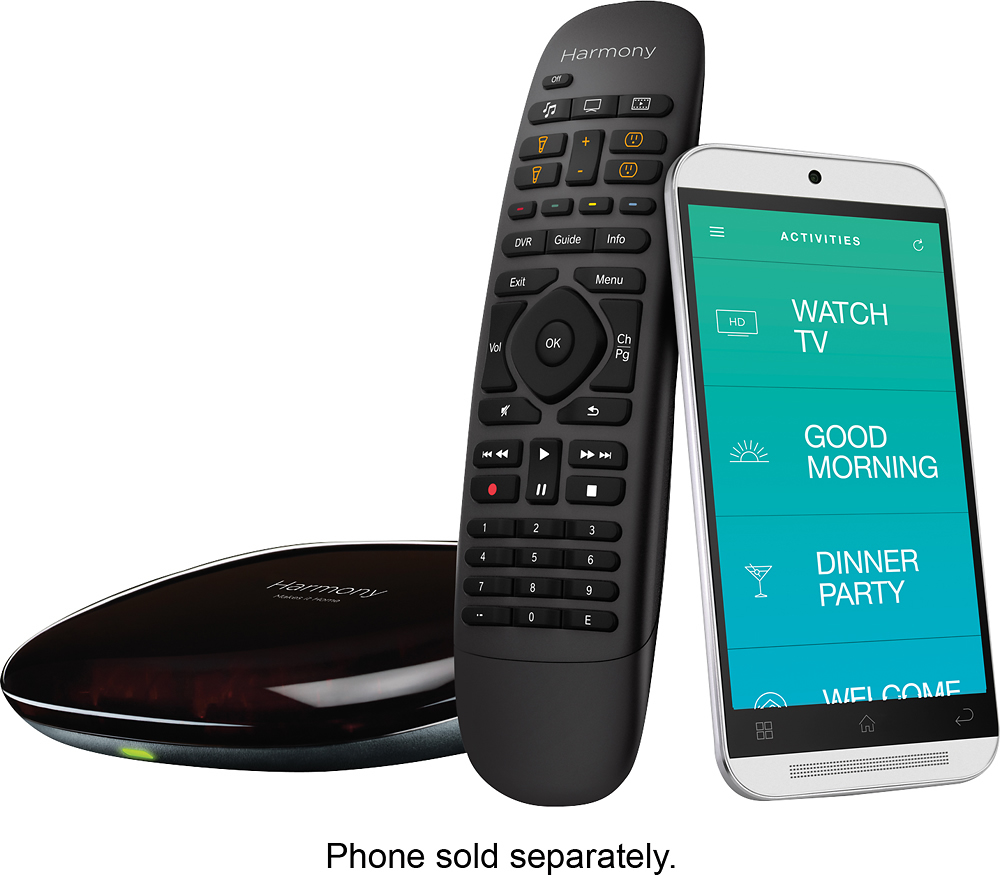
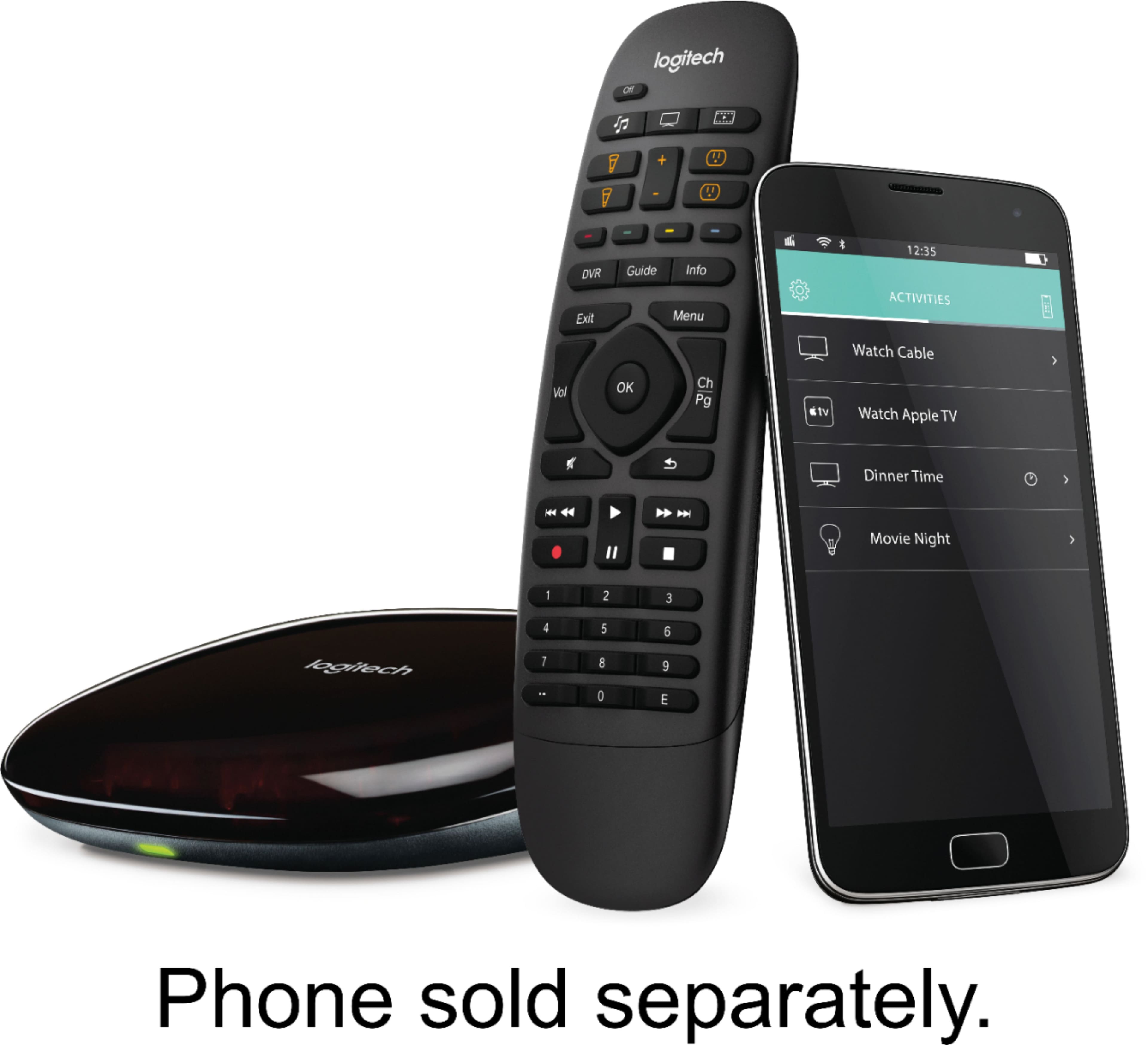
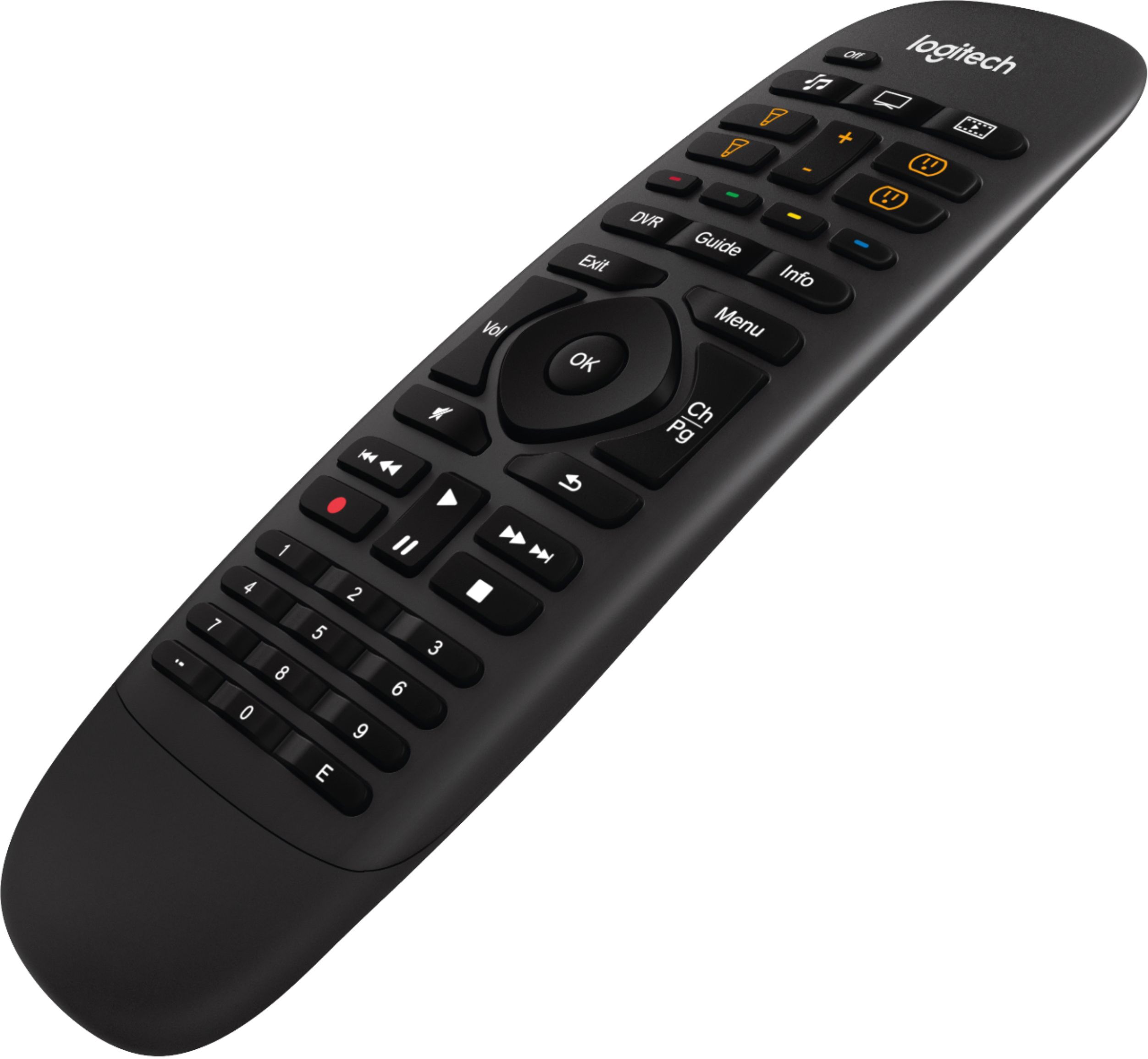

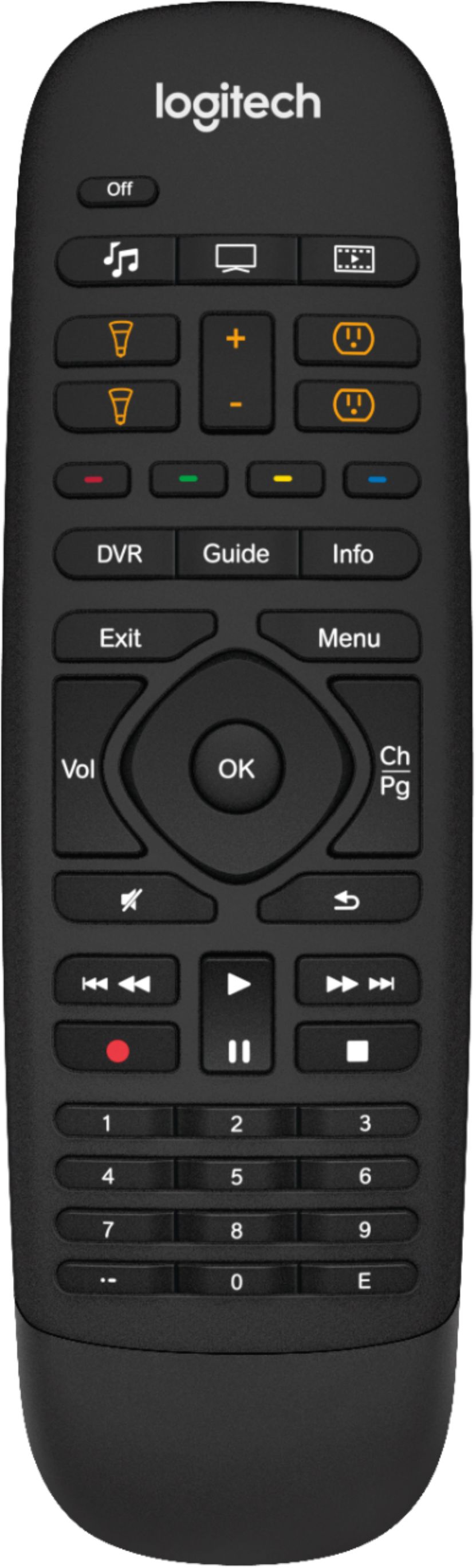

- Model:
- 915-000239
- |
- SKU:
- 8201008
Customer reviews
Rating 4.3 out of 5 stars with 1750 reviews
(1,750 customer reviews)Rating by feature
- Value4.1
Rating 4.1 out of 5 stars
- Quality4.4
Rating 4.4 out of 5 stars
- Ease of Use3.9
Rating 3.9 out of 5 stars
Customers are saying
Customers find value in the Harmony Companion's ease of use and the comprehensive control offered by its remote. Many appreciate its compatibility with various devices and the long battery life. However, some users experienced challenges with the setup process and noted the lack of a backlight on the remote. Smaller button size and occasional connectivity or responsiveness issues were also mentioned.
This summary was generated by AI based on customer reviews.
- Pros mentioned:Ease of use
Rated 5 out of 5 stars
Fun toy for grownups.
Posted .This reviewer received promo considerations or sweepstakes entry for writing a review.This is my first home hub and first logitech remote. I found setting the hub up fairly straight forward. I did require a little help and Logitech was there to help me. The Help person was easy to understand and solved my issue is 2.9 seconds thats fast. They have great customer service. Now about the set up, it works like a charm. I press the button I want like turn on the TV and it knows it has to turn on the cable box and the sound system and make sure all the inputs are correct. This saves me a lot of time, while its doing its thing I get some snacks and a drink and come back with everything up and running. I think it also saves me money because I used to leave the sound system and cable box on all the time and I'm sure they cost money even in standby mode.
I would recommend this to a friend Rated 4 out of 5 stars
Difficult to set up.
Posted .This reviewer received promo considerations or sweepstakes entry for writing a review.This remote is great and can even work with your playstation 3 and other devices but it is very difficult and time consuming to set up.
I would recommend this to a friend- Pros mentioned:Ease of use
Rated 4 out of 5 stars
Works great with Hue
Posted .This reviewer received promo considerations or sweepstakes entry for writing a review.Great functionality as usual from the Logitech Harmony line of remotes. I upgraded to this model specifically for the added ability to control my Philip Hue lights. It works great, but would have been better if there were more scene control. As is, it can only turn on or off a group of lights to the last used scene. Also, the back button is not placed as well as previous remotes. Other than those gripes, works great.
I would recommend this to a friend Rated 4 out of 5 stars
Good, But Disappointed at Home Control Features
Posted .This reviewer received promo considerations or sweepstakes entry for writing a review.Overall, this gets a good rating but it has quite a few caveats that need mentioning. Most importantly though, I love the actual physical remote. It feels great in my hands and the texture is nice compared to the shiny plastic of the other Harmony remotes (Elite included). The button placement is great too. In fact, the primary reason I bought this was to replace the Sony remote on a new TV I just purchased, and the Harmony beats it by a mile. That said, Logitech's software is anything but intuitive. That makes initial setup a pain and you'll end up consulting YouTube videos if you're anything like me. Both the app and the PC configuration software need to be seriously overhauled. On top of that, I was really disappointed that a product with "Home Control" in its name can't actually link a Philips Hue scene to one of the light buttons on the remote. With those light buttons on the remote, all you can do is control individual bulbs or groups of bulbs. Worse yet, Logitech's web site gives instructions on how to add a scene, but neglects to mention those instructions only work on the Elite remote that costs 2.5x as much. Those issues are annoying, but for me, the great remote outweighs all the negatives. It feels great and works really well with the Android TV interface on my Sony TV.
I would recommend this to a friend- Pros mentioned:Ease of use
Rated 4 out of 5 stars
Best remote I've ever owned but not quite perfect.
Posted .This reviewer received promo considerations or sweepstakes entry for writing a review.I was a bit skeptical of this remote to be honest. But it's been better than expected. I came from a Harmony 650 model that lasted almost 5 years. All in all this remote is easier to program and edit settings for, very responsive and almost layed out as well as the 650 was. I just wish it had backlit buttons. Then it would be pretty much perfect in every way.
I would recommend this to a friend Rated 2 out of 5 stars
Over Simplified and Poor Reliability
Posted .This reviewer received promo considerations or sweepstakes entry for writing a review.Summary: unreliable operation, severely limited programmability, and horrendous software leave this a poor choice. I bought this on recommendation at the store - I want a simple remote to reduce down all the remotes I have around. If the solution also has "1-touch" features to set the mode on multiple devices, that would be great. Not having to push multiple buttons switching between TV viewing, DVD viewing, etc - would be amazing. Bottom line. This remote has 3 programmable buttons, not counting the home device control buttons that are dedicated to advnaced home-controlled lights and outlets. Each can be programmed with 2 features (long press and short press), for a total of 6 programmable inputs. Everything else you need the remote to do, it better do out-of-the-box. For example, after setting up the 6 programs for watching TV, playing XBOX, viewing DVDs, etc, there's nothing left to program on the remote. Need to sometimes adjust the surround sound mode on the sound system? Or just change the input on that HDMI switch? Reach for the original remote because Harmony Companion won't help! Giving up on the multiple-device control, 1-touch features, and using this as an old-fashioned universal remote? There are only 6 programmable button presses! Yeah, presses - three buttons with long vs short pushes. For example - programming 1) Volume Up, 2) Volume Down, 3) Channel Up, 4) Channel down, 5) Menu, 6) Select - that's it. And only 1 device. Yes, the existing volume up and volume down buttons may do the trick for you - but then again, they may not. There is no "switch inputs to another device" setting for this remote. Buying this $150 remote, I expected it to incorporate all the features of universal remotes, and then some. It does not. Making matters worse, the software to set up this device is terrible. It's hard to use, crashes, and has trouble getting the base unit connected to wifi. In my case, getting the unit working at all involved switching between the Mac software and the iPad software more than once. Reviews and feedback on the web show I'm not alone in this experience. Adding insult to injury - once the device is properly configured to perform it's advanced feature - such as setting the sound system and TV to the right mode to watch TV - the functions are performed via IR and are just as unreliable as pressing button remotes. Once the devices are out-of-sync with the program, it becomes challenging to get it back into sync without pulling out the old remotes. So, unreliable operation, and hard to recover from problems. One last note you may want to consider, if all the above isn't a concern for your setup. The remote control here is split between the hand-held device, which does not send control signals to individual devices, and the base unit that does send control signals to individual devices. This means there's yet another device in your arsenal to setup. And this device needs to have clear line-of-sight access to all devices controlled by the standard, albiet somewhat ancient, IR technology. Mitigating the line-of-sight problem is a mini IR blaster - a small transmitter with a long cable that connects to the base unit. Bottom line, don't bother pointing that new remote at any of your devices. It doesn't do that. Point the new base unit at them instead. Finally, someone might want to inform Logitech management how terrible their image becomes in a user's eyes when that user is sitting waiting on terrible software for an extended period of time, reading Poor English! You may think you're saving money by outsourcing, but in reality, you're settling for terrible quality and making customer's wonder, "do they just want my money without doing the honest work?"
No, I would not recommend this to a friend- Pros mentioned:Ease of use
Rated 4 out of 5 stars
Good remote, weak Alexa integration
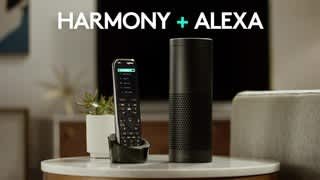
Posted .This reviewer received promo considerations or sweepstakes entry for writing a review.Remote works well, controls all devices easily, moderately time consuming to set up (Best with a laptop and if you know the model numbers of your devices). Integration with Alexa is weak. Can only control very basic functions such as turning television on. Cannot access DVR, guide, etc.
I would recommend this to a friend Rated 3 out of 5 stars
Still not sure what to make of it...!
Posted .This reviewer received promo considerations or sweepstakes entry for writing a review.I bought this remote to replace another Harmony remote whose battery was no longer holding a charge, and largely based on favorable reviews and a glowing endorsement by one of the big name independent review organizations. While migrating my older Harmony remotes settings to the newer unit was quite easy, I am still perplexed by some of the operational behaviors we experience after a little over a month of use. To whit: "Watch TV" activity. Sometimes the remote turns on the DVR; and sometimes it doesn't. Same for turning OFF all the Watch TV equipment; sometimes the DVR goes off, and other times it stays ON! Everything else seems to power on and off correctly. I can't even fathom why this would be! Other "Watch TV" idiosyncrasies: Pressing the "Guide" button to bring up the DirecTV guide. Sometimes it takes 4 or 5 presses to get the guide to come up. Or to simply "Exit" from the guide. Trying to use the Number Keypad buttons to "direct dial" a channel is a total Crap-shoot at best! I have yet to figure out the correct timing to get the number button presses to register correctly. For example, if I want to go directly to the movie channel listings (beginning at 500), when I try pressing 5-0-0 (or 5-0-1 to go to the first real movie channel), sometimes I end up on channel 5; other times I end up on channel 50 or even - weirder yet - channel 51! (Wherein the "0' press is missed entirely.) I have tried all sorts of "timing" tricks between key presses to get this sorted out, but all to no avail. Hey Harmony guys, this seems like pretty basic functionality to me; why can't you get this right. Add to this the fact that these number keypad buttons are quite small, and the spacing rather close, and the problem is just compounded even more! Other random issues: When using my Roku streaming device, there are control operations which have no key counterparts on the Harmony Companion. When using the "Watch Blue-Ray" activity, there is no button on the remote to Open/Close the player tray. A minor annoyance perhaps, since you have to be at the machine to insert and remove the DVD; but still...! Perhaps some one of the "color" buttons can be programmed to do that, but I have yet to figure out if that is even possible. You have to DO EVERYTHING to this remote through the companion smartphone App (available for iPhone and Android). Seriously though, if it weren't for the crazy combination of correct settings and keystrokes that would be necessary just to turn ON & OFF a complex home entertainment system in todays world, I would probably not even have one of these things! If I had not gotten it at a deeply discounted price, it would have gone back within the first few days.
No, I would not recommend this to a friend- Pros mentioned:Compatibility, Ease of use
Rated 5 out of 5 stars
Great purchase
Posted .This reviewer received promo considerations or sweepstakes entry for writing a review.Great purchase. Works great with all my devices. Best universal remote I have ever used.
I would recommend this to a friend - Pros mentioned:Remote control
Rated 5 out of 5 stars
Best option to simplify remotes
Posted .This reviewer received promo considerations or sweepstakes entry for writing a review.Harmony hub products are not perfect, but they work better than any other products. The database of supported devices is enormous, even unpopular and discontinued devices are included. Setup is incredibly easy. The ability to use either the simple remote or the more complete Smartphone app is great. If Harmony would add a program listings option like TiVo's it would be amazing.
I would recommend this to a friend Rated 3 out of 5 stars
Works for me; however
Posted .This reviewer received promo considerations or sweepstakes entry for writing a review.This remote works well, but it is a bit wonkish. It can be mtempremental to set up, position the remote extenders etc. My spouse likes it, but can't trouble shoot. If I drop dead, we are back to five remotes.
I would recommend this to a friendRated 5 out of 5 stars
Great piece of Gear
Posted .This reviewer received promo considerations or sweepstakes entry for writing a review.This product works great for my entertainment center and home device control.
I would recommend this to a friend- Pros mentioned:Remote control
Rated 5 out of 5 stars
Great for Consolidation and Automation
Posted .This reviewer received promo considerations or sweepstakes entry for writing a review.I have a couple of these and use them for different setups in the house and work well for controlling devices with one remote, my phone and implementing into my smart home for automation.
I would recommend this to a friend - Pros mentioned:Ease of use
Rated 2 out of 5 stars
Annoying reliance on smartphone
Posted .This reviewer received promo considerations or sweepstakes entry for writing a review.We previously had a Harmony One which we LOVED and thought this newer model would be better for our TV in another room. Not the case. The whole purpose of a universal remote is to have a single remote which controls everything and eliminates the need for the cable remote, TV remove, DVD remote, receiver remote, etc. The new Harmony Companion unfortunately does not allow you to troubleshoot from the universal remote like the old Harmony One did - you now have to log into the app on your smartphone. Since the system seems to continually need help to turn things on and off correctly, I need to have both the Harmony Companion remote and my smartphone to watch TV.... TWO devices instead of ONE which defeats the purpose. If you choose to just use your smartphone, you have to keep logging onto your smartphone (because it goes to sleep mode after a certain amount of time) just to change the channel, and then it eats up battery life. If I could return it I would, Maybe if you want to control all the house type devices like lights and blinds you wouldn't mind this device, but if you just want to control your TV, I recommend looking elsewhere. Extremely disappointed.
No, I would not recommend this to a friend - Pros mentioned:Ease of use
Rated 5 out of 5 stars
Excellent
Posted .This reviewer received promo considerations or sweepstakes entry for writing a review.This hub and remote has been a great addition to my home theater. I am able to control all my devices via phone or tablet with the Logitech app. I put away 5 remotes and just use this. Awesome!
I would recommend this to a friend Rated 2 out of 5 stars
Needs charged frequently
Posted .This reviewer received promo considerations or sweepstakes entry for writing a review.I purchased my Harmony remote in Dec. 2014. In November ( not yet a year old), I had to purchase new "rechargeable" batteries. Now, I must plug it in to charge every week ( if not sooner)! I still must keep my other remotes handy when it is charging. If I had it to do over again, I would not have purchased it. Not worth it!
No, I would not recommend this to a friendRated 4 out of 5 stars
Good remote
Posted .This reviewer received promo considerations or sweepstakes entry for writing a review.I have two Logitech remotes and this one is a good compromise between price and function. The app is fairly easy to set-up; however, there are occasional issues with commands taking several attempts to work correctly. Overall, a good universal remote.
I would recommend this to a friend- Pros mentioned:Remote control
Rated 5 out of 5 stars
It works!
Posted .This reviewer received promo considerations or sweepstakes entry for writing a review.We tried (and failed) with other remotes that were supposedly universal. This one really works.
I would recommend this to a friend - Pros mentioned:Ease of use
Rated 5 out of 5 stars
Very convenient
Posted .This reviewer received promo considerations or sweepstakes entry for writing a review.This remote made watching TV much easier. Brought 3 remotes down to 1.
I would recommend this to a friend Rated 5 out of 5 stars
Best ever
Posted .This reviewer received promo considerations or sweepstakes entry for writing a review.I replaced six remotes with this amazing product. It took about 90 minutes to set up but was well worth it in the end. I cannot stress enough how great this remote is. The actual remote has a great feel and works perfectly. The harmony app that works on phones and the iPad is just as good. I highly recommend this product.
I would recommend this to a friend