Customer Ratings & Reviews
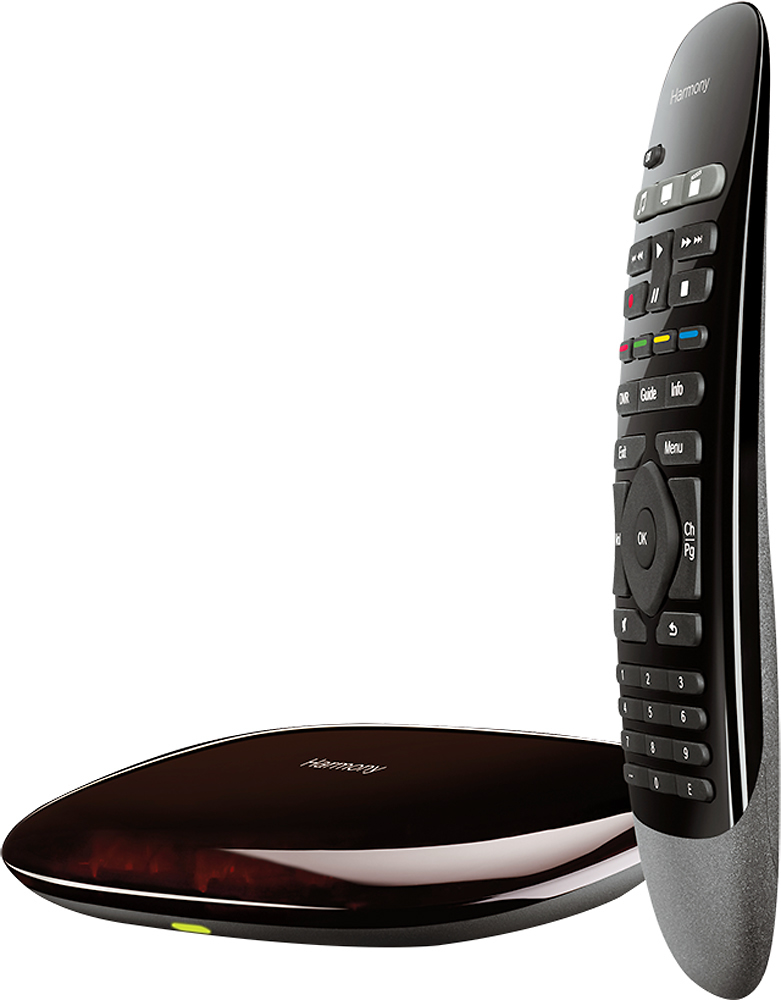
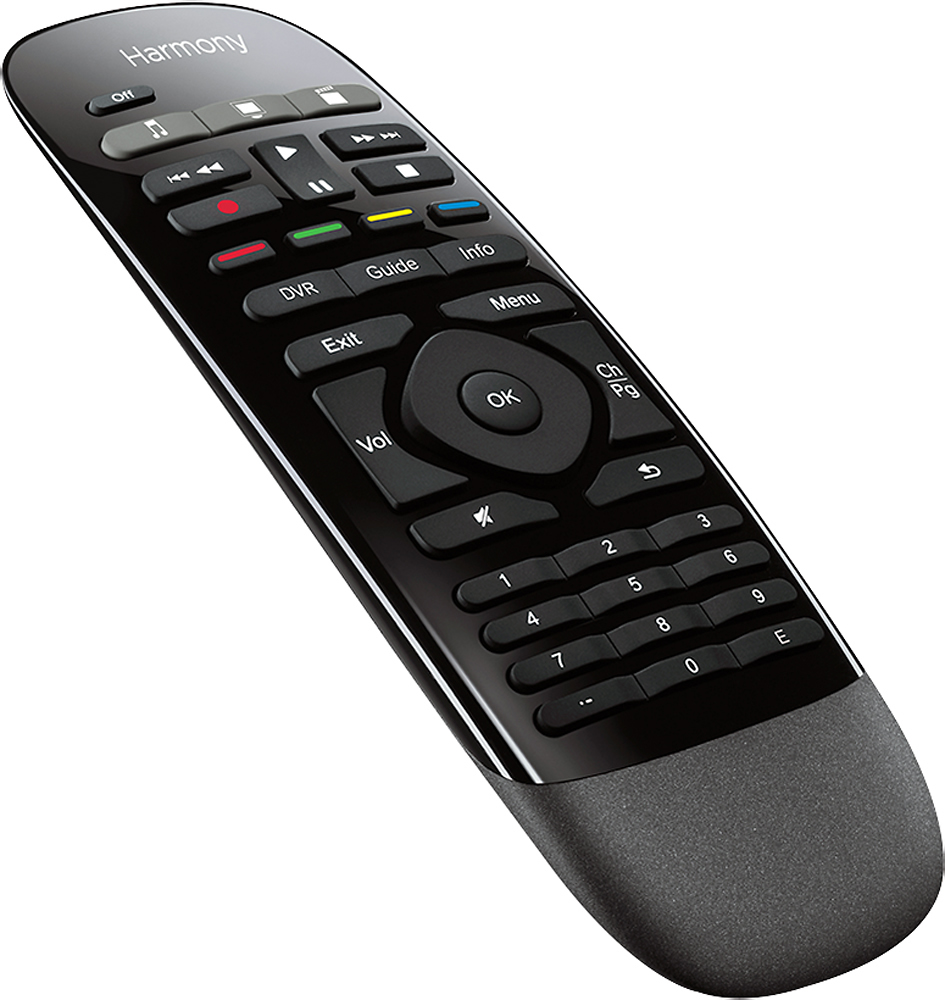
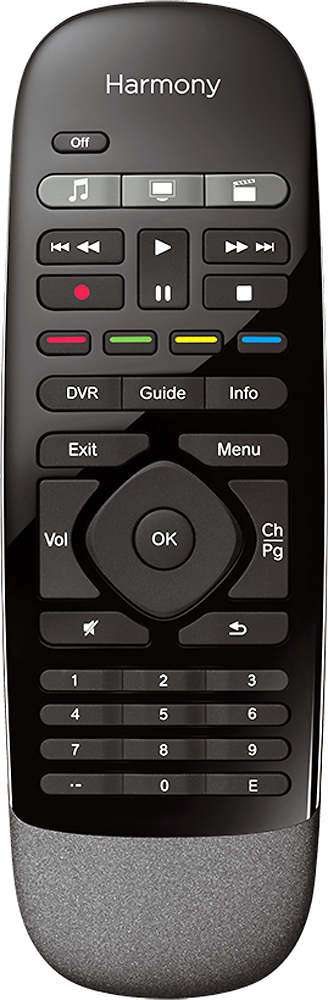
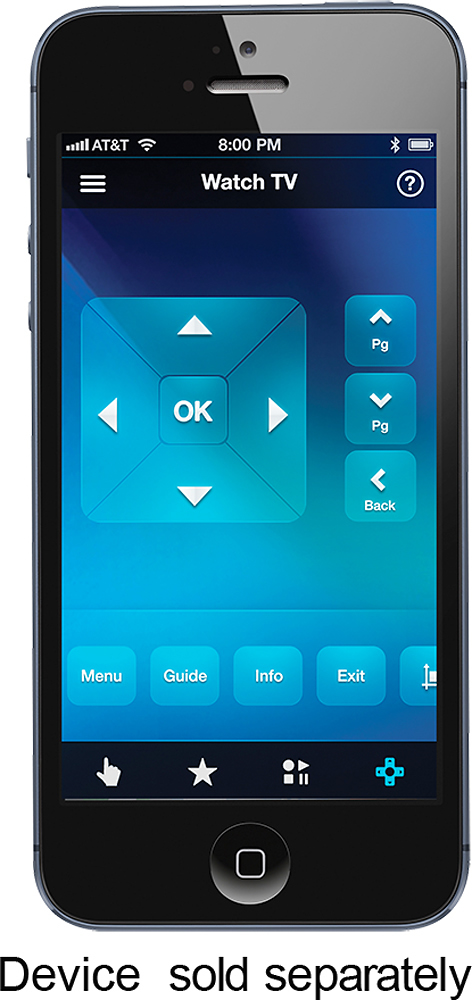
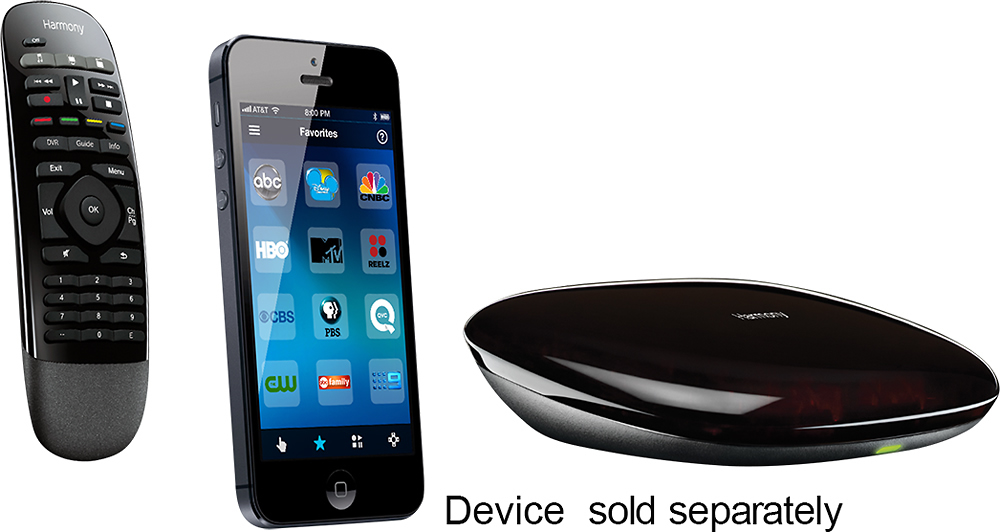
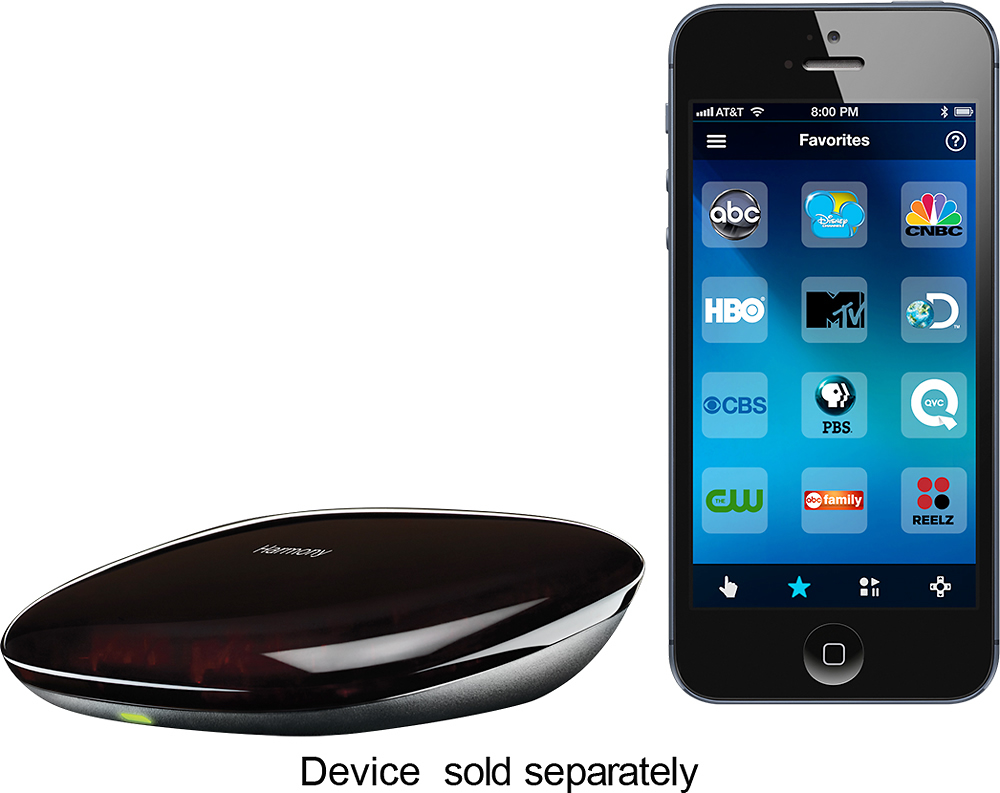
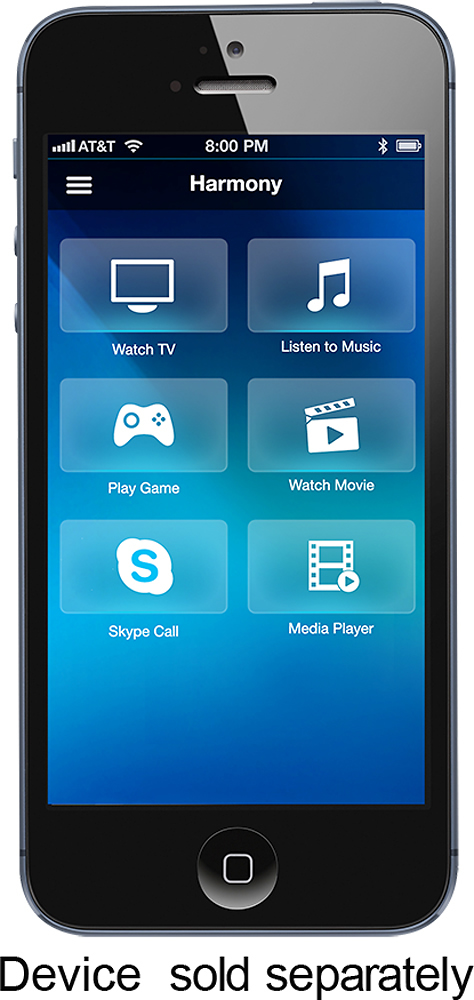


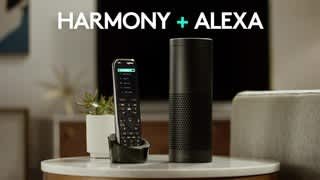
- Model:
- 915-000194
- |
- SKU:
- 8574049
Customer reviews
Rating 4.3 out of 5 stars with 3437 reviews
(3,437 customer reviews)Rating by feature
- Value4.3
Rating 4.3 out of 5 stars
- Quality4.4
Rating 4.4 out of 5 stars
- Ease of Use3.9
Rating 3.9 out of 5 stars
Customers are saying
Customers love the Harmony Smart Control's ease of use, intuitive remote, and extensive compatibility with various devices. Many appreciate its straightforward setup and seamless Alexa integration, while some users mention challenges with battery life and occasional connectivity issues. The app's functionality is a point of contention for some customers.
This summary was generated by AI based on customer reviews.
Rated 2 out of 5 stars
Works OK
Posted .This reviewer received promo considerations or sweepstakes entry for writing a review.I purchased this a couple yrs ago as an upgrade from the IR Harmony One... come to find out it is not as reliable. When I have problems with my 2.4 MHz wifi this also will be flaky Wasted my money
No, I would not recommend this to a friendRated 1 out of 5 stars
SO NOT USER FRIENDLY
Posted .This reviewer received promo considerations or sweepstakes entry for writing a review.I bought 2 of these. Very, VERY long story short, after 2 days, and 9.5 hours on the phone with tech support (yes, you read that right, nine & 1/2 HOURS on the phone) they STILL don't properly. I'll give tech until mid week, and if not fixed, back they go. These were gifts, so I don't even CARE if I don't get store credit for the full price! I'll buy a cheap Toshiba & it'll probably be programmed before I get home from Best Buy!
No, I would not recommend this to a friendRated 1 out of 5 stars
Worst remote system
Posted .This reviewer received promo considerations or sweepstakes entry for writing a review.Ok, so this is supposed to work well. It does...IF you want to use your phone and have it lit the entire time. I wanted this since you could use it with the device cover closed. That works but I don't use it very much. Using the included remote is basically a useless device when the TV, Blu-ray or cable box get out of sync. You can't FIX THAT WITH THE REMOTE and either need a phone or the device remotes. I would love to return it and will be trying to. It may be too long but just not worth $129. The 650 is a far superior remote.
No, I would not recommend this to a friendRated 1 out of 5 stars
Complete junk
Posted .This reviewer received promo considerations or sweepstakes entry for writing a review.I cannot overstate what garbage this product is. Both the Android and PC software is complete junk. Hangs, bugs, missing steps. I have hard reset the thing five times in an attempt to get it recognized by Amazon. Still no luck. I'm no 80 year old tech-deprived person either. Worked in tech for 20 years. This is the worse product I've encountered in ages. Unfortunately, if it ever works it is exactly what I need. So I struggle on. But if it doesn't work by tomorrow, its going back.
No, I would not recommend this to a friendRated 5 out of 5 stars
AwesomeGoogle Home integration
Posted .This reviewer received promo considerations or sweepstakes entry for writing a review.Can't beat this remote for the price and smart integration. I can just say Ok Google TV on and it turns the TV on and the Yahama receiver to the right input to get the audio signal.
I would recommend this to a friend- Cons mentioned:Battery life
Rated 2 out of 5 stars
No way to charge or replace batteries. Setup so-so
Posted .This reviewer received promo considerations or sweepstakes entry for writing a review.Setup was a pain to get this to work with my Amazon Alexa. Lot to update, install, setup, re-setup, sync, troubleshoot. And I still can't get all my channels recognized on Alexa. The worst part is that the batteries in the remote are not rechargeable or replaceable. So am I supposed to throw out the remote and try to find a new one when the batteries die? Unacceptable.
No, I would not recommend this to a friend - Cons mentioned:Battery life
Rated 2 out of 5 stars
Just needed a simple programmable remote
Posted .This reviewer received promo considerations or sweepstakes entry for writing a review.Wanted a replacement remote for my 650. It refused to work with everything. After 2 hours I gave up, unlike my 650 which took 5 minutes to set up. ALSO not interested in adding another app to the thousand that are already on my phone. Just wanted a simple remote that doesn't gobble up the batteries that can be programmed on a PC.
No, I would not recommend this to a friend Rated 1 out of 5 stars
Finicky
Posted .This reviewer received promo considerations or sweepstakes entry for writing a review.I've used Harmony remotes for years and think they're fantastic. But I added a SONOS system to the mix and had to upgrade my remote. The remote is fantastic when it works. But this remote requires weekly pampering to keep it operational. Sometimes it's just a quick reboot...other times it's an hour spent trying to figure out why it won't connect to my wifi or why it can control everything but the volume, etc. Very frustrating experience this time around.
No, I would not recommend this to a friendRated 1 out of 5 stars
Terrible quality
Posted .This reviewer received promo considerations or sweepstakes entry for writing a review.Lost wifi connection from hub to router after 16 months. Warranty 1 year. Unit is now useless. Tried all fixes recommended by Logitech Harmony. Not worth the price. Logictech will not respond after warranty expires. Will never purchase any of their products in future.
No, I would not recommend this to a friendRated 2 out of 5 stars
Device has potential, Tech Support has issues
Posted .This reviewer received promo considerations or sweepstakes entry for writing a review.We've had several Logitech remotes and after reading reviews, recommended the Smart remote to my parents. They live an hour away and the first time I tried to set it up for them, after selecting sync we were stuck at 90%. Not having time to mess with it, I took it home and read knowledge base, forums, etc. Connected it to our system and was able to sync successfully. Took it back to my parents, changed it back to their wi-fi and after selecting sync, stuck again at 90%. Tried everything recommended online (rebooting router & computer, resetting to factory, changing usb ports, etc.). Finally called tech support - after going thru all the things I had already tried, asking what happens at 90% in sync process (she didn't know) and repeatedly asking for the next support tier, she finally agreed. Then asked what number they could reach me at in 24-48 hours. I explained that I wouldn't be at the location in 24-48 hours and she explained that it was my only option. So I got online and submitted a question, but it was marked as "solved". When I tried again, it was marked as "duplicate". It has been awhile since I've encountered such frustrating support.
No, I would not recommend this to a friendRated 4 out of 5 stars
Finally One Solution
Posted .This reviewer received promo considerations or sweepstakes entry for writing a review.I am very pleased with this purchase. I can finally put away all of the remotes and use my phone or tablet as needed!
I would recommend this to a friendRated 3 out of 5 stars
Good remote, but leaves you wanting more
Posted .This reviewer received promo considerations or sweepstakes entry for writing a review.Set up of the remote was pretty easy. It's a no frills remote with only one activity programmable. It's a great start but will leave you wanting more. You'll end up wanting a harmony remote with more activities. It's a good remote for starters but you'll immediately want to purchase an upgrade. Keep that in mind when spending money on this remote
I would recommend this to a friendRated 1 out of 5 stars
Harmony Smart Controller Worst Product Ever
Posted .This reviewer received promo considerations or sweepstakes entry for writing a review.Purchased controller 5 months ago. Difficult to program. Hub failed and had to be replaced after three calls (one hour each time). New hub worked for to months, now has to be unplugged daily in order for it to work. The remote channel down button no longer works. Tired of working with their horrible customer service. Bad experience, waste of money
No, I would not recommend this to a friendRated 1 out of 5 stars
Very disappointed
Posted .This reviewer received promo considerations or sweepstakes entry for writing a review.If you want to use the phone/tablet app with this device, I highly recommend you check out the app reviews first. I purchased this remote so I could have the option of using the Companion Remote or the app via my tablet. I recently purchase a new Denon AVR, which I can control with Denon’s app on my tablet via my WiFi network, and I love it. Good layout, very responsive, and even controls my Samsung Blue-ray via the HDMI connection. But it won’t control my Dish or Epson projector. So I read up about this remote, and based on the reviews here, decide to try it. I had nothing but problems getting it set up. First, it found my network with no problem (max bars for signal strength), but when I tried to enter my WiFi password, it would not connect. I ended up having to connect the hub to my PC and place it right next to my router to get it to accept the password. Then I tried adding my Dish Hopper as a device, which is supposed to work through the network, but would never connect to my Hopper that way, even though my Hopper has a great network connection. After an hour of messing with that, I had to delete the Hopper as a device, then reconnect and skip the network connection and use it via the IR. Functionally not a big deal, but was a waste of time. During the setup, I was constantly losing and reconnecting to the network. After about 4 hours, I finally had three activities set up. The good news is the Companion Remote worked great. All the buttons did exactly what they should. The bad news: the app was hit and miss. Apparently WiFi is the problem. Maybe it’s my stock AT&T router, but I have two ChromeCast devices, one of which is connected to the back of the receiver (i.e., behind a big metal box) and another in a room twice as far away, and both of those connect to my network with no problem, not to mention all the other devices I have that connect with no problem. Why does Logitech have such a problem with connecting to WiFi (again, check out the reviews in the App Store, I’m not the only one). That’s the main component of this Hub device! If that doesn’t work, nothing does. However, even if it had connected okay, the app is terrible. The layout of buttons is horrendous. I could go on for pages about layout issues, but one example is the list of numbers (think number pad) displayed 0, 1, 2 and 3 on one line, 4, 5, 6 and 7 on the next line, and 8 and 9 were at the top of the next column! Even the color buttons were split across two lines. It’s as if they put no thought at all into the layout. I also set up the favorite channels based on my Dish, but for the life of me, could not find how to access the favorites. The picture shows a star icon for favorites, but I didn’t have a star icon. Terrible layouts, not intuitive at all, just atrocious. I’m tempted to keep it because the Companion Remote works great (it does not require WiFi), but as I said, I really wanted to use the app from my tablet. I’m taking it back in the morning.
No, I would not recommend this to a friendRated 1 out of 5 stars
Doesn't work at all.
Posted .This reviewer received promo considerations or sweepstakes entry for writing a review.I bought this to replace a remote solution I've had for a number of years. The features sure held a lot of promise for the price. Get it home and unbox it. Documentation is pretty much absent. So I go online to retrieve the document, still nothing about how to actually get the unit connected to my Wifi network. So I do the obvious thing and just connect it to my laptop. Since I am Logitech's site, I see I am to go to MyHarmony.com which I do. It tells me to download a browser plugin. OK, I do that and install it (FYI, looks like it uses Silverlight which I already installed but just good to know for anyone else getting this.) So after installing, I go to login which is fine and it tells me to plug in my "remote" (it means the hub as that's the actual "remote" for this product) which I do. It says it can't recognize it. I try again, this time I get an error that MyHarmony has crashed, I should log out and back in. I do that. It can't find the hub again. Try one more time, it finally finds it. It goes to a find Wifi networks page and tells me to plug in the hub again. What? It's already plugged in. After what we just went through it can't see it? Whatever. I unplug it and plug it back in again. The message disappears and it tries to find any wifi network to connect to. It never does. It continues to spin and spin with no stopping. Mind you, this is on my laptop which is connected to my Wifi network, but MyHarmony can't find one. I repeat this all again in futility. So I trudge upstairs with the unit to try it on my office computer. Install the add-on, login, find the hub, and it finds the Wifi network just fine. After entering my password and connecting to my network, I notice the light on the hub remains red. That's odd but I don't really know what its supposed to do because, oh yeah, there's no documentation. Anyway, the add-on asks me if I want to continue setup on my mobile device or on the PC. Well let's give the mobile thing a try since that's what this thing is designed for. It instructs me to unplug from the PC and set the unit up for my media. OK, I do so. I install the Android app and launch it. It sees the hub I just setup. I hit the wrong button first and enter setting up a new "remote". Remember, the hub is a remote so it asks me if I want to do this via bluetooth. Oh, I could have done that instead of using the PC and dealing with all that. OK. I walk through it just to see and it's pretty much the same thing as the PC but at least it works the 1st time through. Would have been nice if there was some, oh you know, documentation to inform me of this when I opened the box. So now the app "sees" the hub on my network (light is still red by the way.) I click on it and it shows me a screen that it's "Connecting to Harmony Hub" very briefly. It's replaced by a new screen that says "Connecting to MyHarmony" at which point I get a dialog box with some arcane error in it: The page at "http://sl.dhg.myharmony.com" says" [object event] URL: {1} Line: {2} If I hit the OK button, it just takes me right back to the hub selection screen. If I let it sit, it eventually tells me that the MyHarmony service is down right now. Yet I can log in just fine from my PC. For what it's worth, the laptop was running Windows 7 Home Premium 64-bit, the office PC is running Win 7 Pro 64-bit, both browsers were Firefox, and the mobile device is a Verizon Samsung Galaxy S3. Basically, this thing is useless. It's going back to the store today.
No, I would not recommend this to a friendRated 5 out of 5 stars
control multiple devices with one remote
Posted .This reviewer received promo considerations or sweepstakes entry for writing a review.Takes a little time for initial setup but after that makes it lot easier to control all your devices using one remote.
I would recommend this to a friendRated 2 out of 5 stars
Glitchy
Posted .This reviewer received promo considerations or sweepstakes entry for writing a review.Allows operation of only one activity at a time. For example, if I turn on the “watch tv” activity, and then decide that I want to play Xbox at the same time (both activities are on different TVs) using the “play Xbox” activity, it shuts off the TV activity and then turns on the Xbox activity. It should be able to do more than one activity at a time. I am returning the harmony hub to the store until such time that this problem is corrected.
No, I would not recommend this to a friendRated 5 out of 5 stars
I'm satisfied.
Posted .This reviewer received promo considerations or sweepstakes entry for writing a review.I Love this Logitech Harmony Smart Control. A very satisfactory product. Recommendation!
I would recommend this to a friend- Cons mentioned:Battery life
Rated 1 out of 5 stars
Bad Battery and Buttons
Posted .This reviewer received promo considerations or sweepstakes entry for writing a review.I have had this for one and a half years, and the battery does not work anymore, but it is not dead. The battery compartment lid has to be removed and the battery has to be pressed down into the slot for it to work. This happens constantly, and I am done with it. I want a remote that you do not have to fiddle with the battery for it to work. Also, the number buttons are very small. If your hands are bigger than a child's hands, you will have trouble with the number buttons.
No, I would not recommend this to a friend Rated 5 out of 5 stars
Excellent remote system
Posted .This reviewer received promo considerations or sweepstakes entry for writing a review.Really good remote system. Use exclusively with the smartphone app.
I would recommend this to a friend