Customer Ratings & Reviews
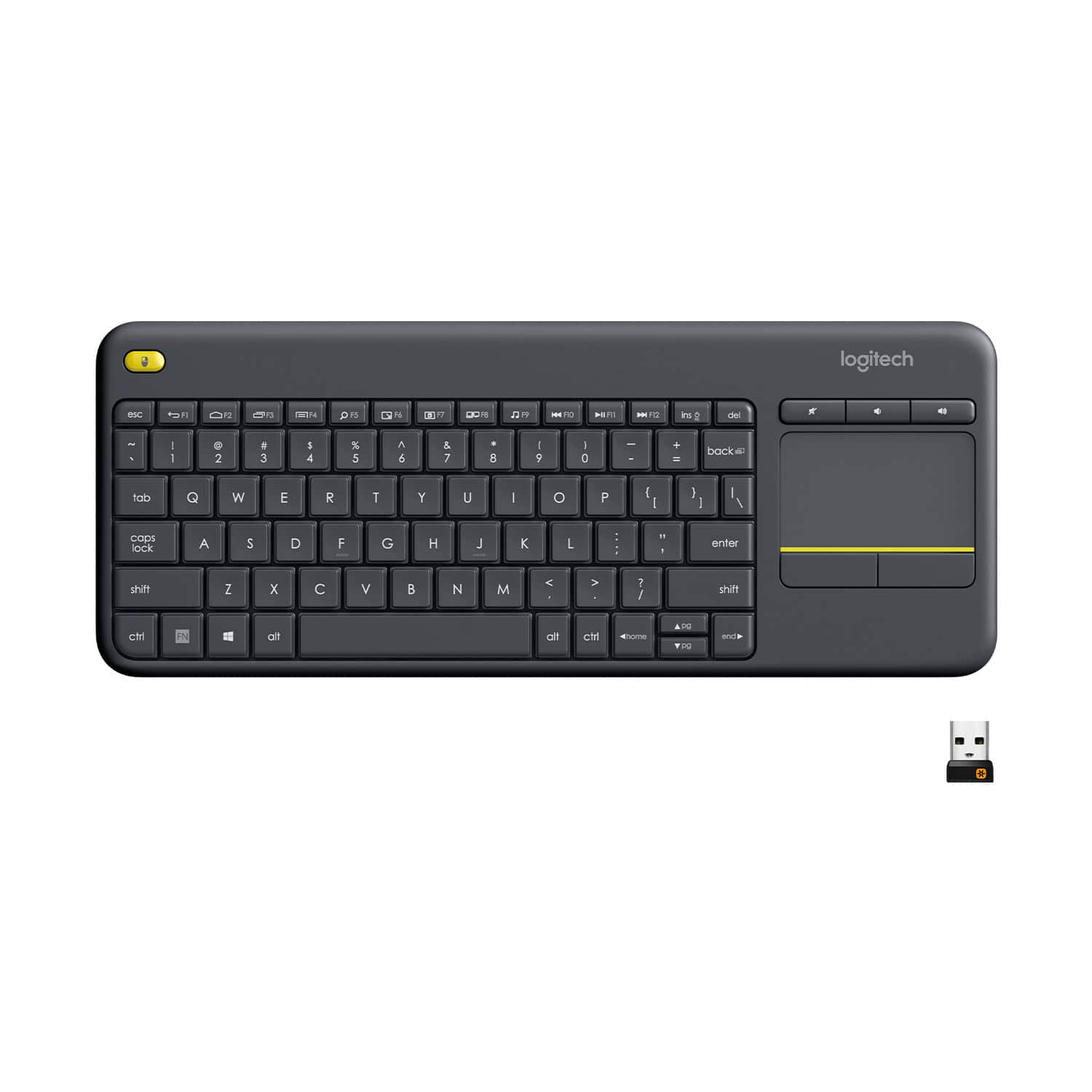
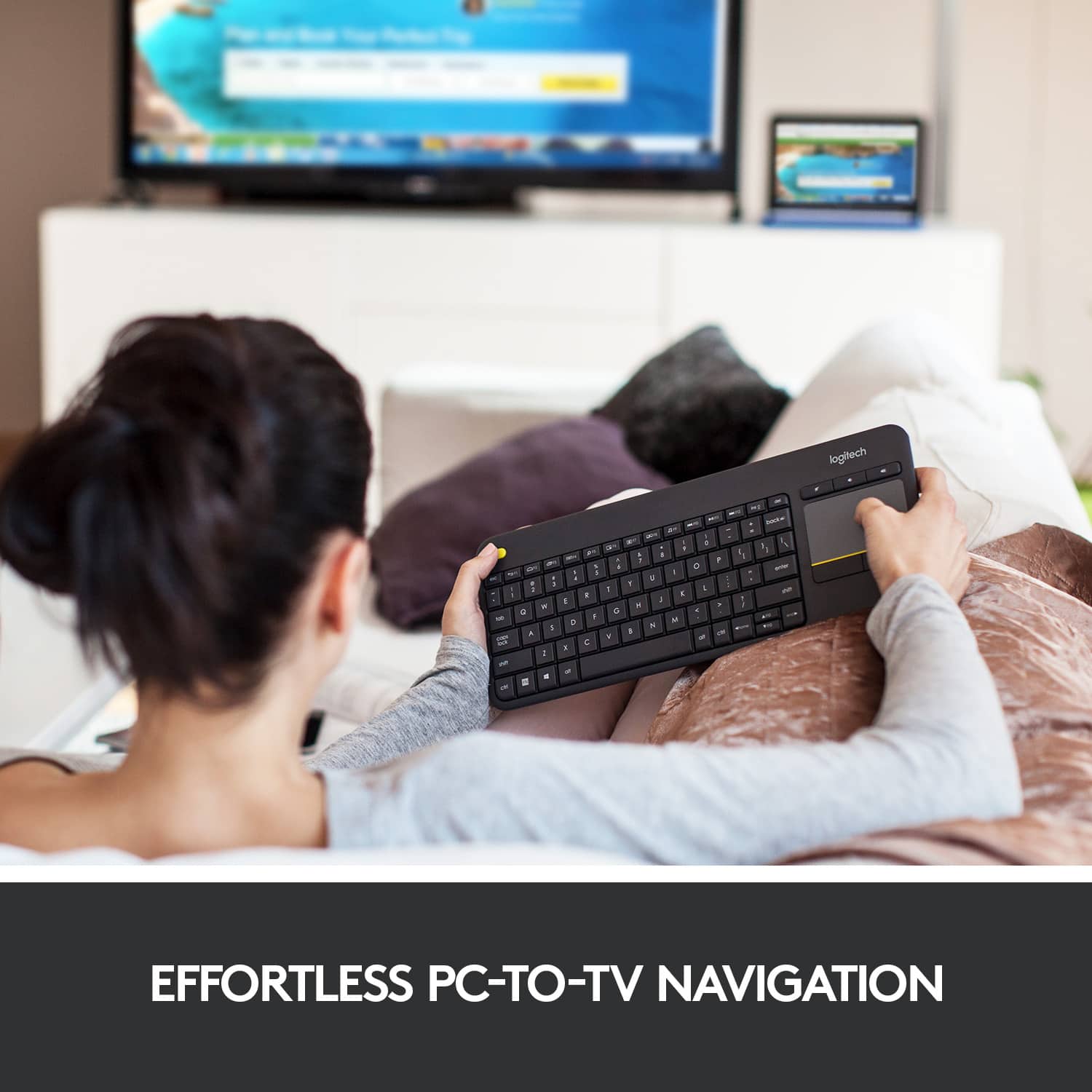

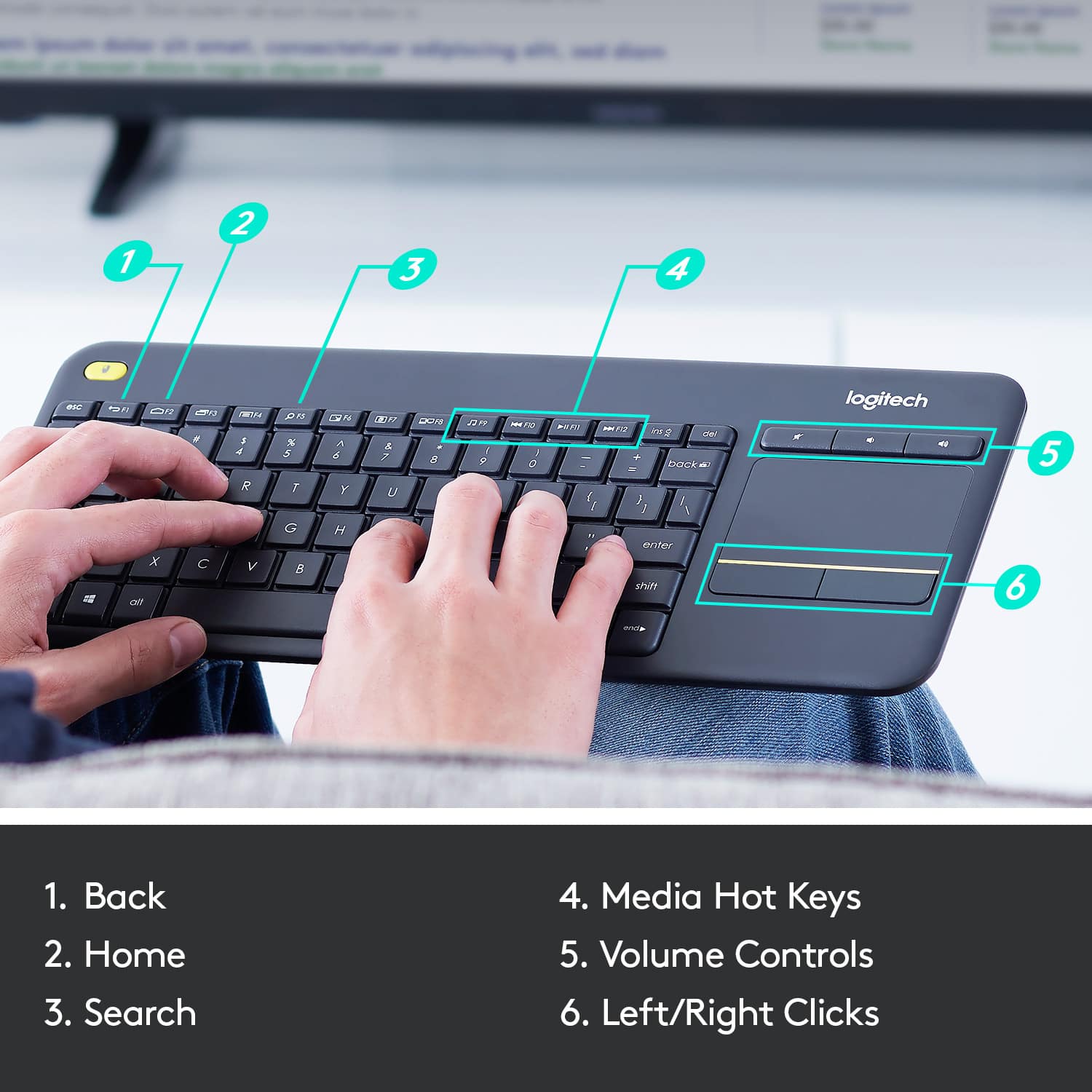
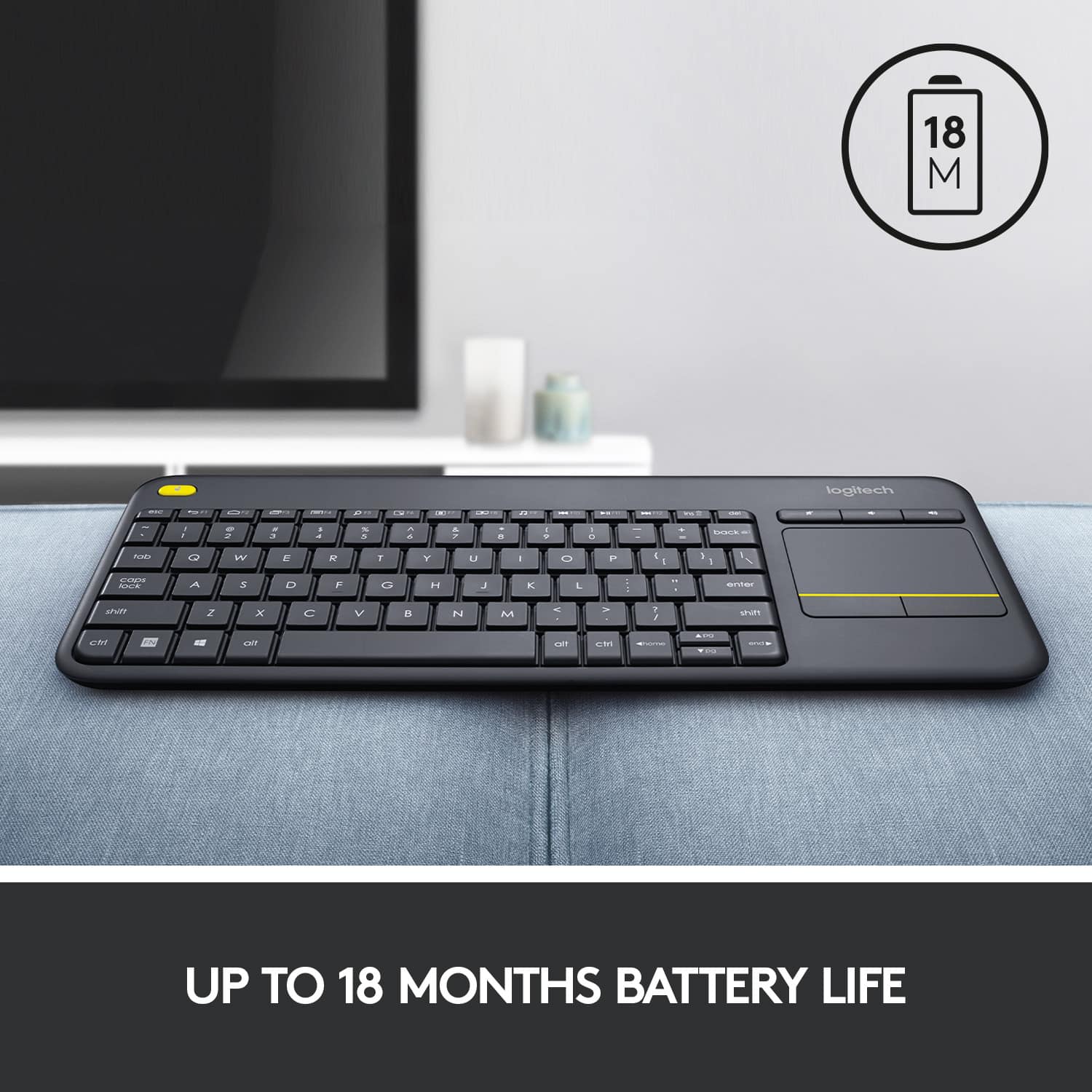
![Built-in touchpad logitech ins PC del + = back } ] I / POINT SCROLL enter shift](https://pisces.bbystatic.com/image2/BestBuy_US/images/products/9b5a0d6f-631a-4c6c-a7bf-e65b20135ee8.jpg)

- Model:
- 920-007119
- |
- SKU:
- 7575039
Customer reviews
Rating 4.6 out of 5 stars with 8112 reviews
(8,112 customer reviews)Rating by feature
- Value4.7
Rating 4.7 out of 5 stars
- Quality4.5
Rating 4.5 out of 5 stars
- Ease of Use4.6
Rating 4.6 out of 5 stars
Customers are saying
Customers appreciate the K400 Plus TKL Wireless Membrane Keyboard for its ease of use, convenient touchpad, and compact size. Many users also value its wireless connectivity, reliable range, long battery life, and affordable price. The keyboard's lightweight design and broad compatibility are additional benefits noted by customers. However, a small number of users have reported experiencing lag.
This summary was generated by AI based on customer reviews.
Rated 2 out of 5 stars
Good device for someone with small hands
||Posted . Owned for 3 weeks when reviewed.This reviewer received promo considerations or sweepstakes entry for writing a review.Its not bad for the cost, connected well. Problem with me is its really small this might be fine for a teen or a petite woman. Not man hands
I would recommend this to a friendBrand response from Logitech
Posted .Hello Kellairos! I'm sorry to hear the K400 Plus' design is not the right fit for you. Thank you so much for this design feedback! I will definitely pass this along! - Maggie from Logitech
Rated 2 out of 5 stars
Cheap
||Posted .This reviewer received promo considerations or sweepstakes entry for writing a review.I would not recommend this for use with a computer or something used regularly and daily This would be fine to Bluetooth with a smart tv or something Other than that, this is too cheap and small
No, I would not recommend this to a friendRated 5 out of 5 stars
Logitech never fails
||Posted .This reviewer received promo considerations or sweepstakes entry for writing a review.I use this keyboard to control my computer from afar and its responsive and has never lost connectivity. Granted I only use it about 20 ft away.
I would recommend this to a friendRated 1 out of 5 stars
Features contain false advertisement
||Posted . Owned for less than 1 week when reviewed.This reviewer received promo considerations or sweepstakes entry for writing a review.The list of features includes it being able to work up to 32ft away. Im currently sitting on my couch, ~10ft from the receiver and it doesn't work. It does work within about 4ft of it. Big disappoinment because now i have to waste my time to go back to the store to get some less bad.
No, I would not recommend this to a friendBrand response from Logitech
Posted .Sorry about that! The K400 plus keyboard provides lag-free wireless up to 10 meters of freedom with no delays or dropouts and this may vary based on user, environmental and computing conditions.
Rated 5 out of 5 stars
Decent keyboard for even smart TV use
||Posted .This reviewer received promo considerations or sweepstakes entry for writing a review.Got this as the surface book base keyboard started acting up, and then realized that it also works for smart TV. A really good use for TV
I would recommend this to a friendRated 2 out of 5 stars
Compact
||Posted . Owned for less than 1 week when reviewed.This reviewer received promo considerations or sweepstakes entry for writing a review.Too small for me. No light to tell if cap lock on or off. Compact is ok if you want it that small
No, I would not recommend this to a friendBrand response from Logitech
Posted .Hello, JSaw! I'm sorry to hear about your experience with the K400 Plus keyboard. Thank you so much for the feedback on the size of this keyboard and the lack of indicator lights! I will be passing this along. - Maggie from Logitech
Rated 1 out of 5 stars
this hits mouse buttons even when I do not expect
||Posted . Owned for 2 months when reviewed.This reviewer received promo considerations or sweepstakes entry for writing a review.This will press mouse = buttons when I do not expect them to. just about gave me a heart attack as my job requires me not to hit buttons that are not meant to be hit. it also was zoomng in and out of the websites for no reason. i forgot the fix, but it took me a long time to fix this and logitech help did not help luckily i got a different keyboard for work as eventually this would have hit the wrong mouse click and caused chaos
No, I would not recommend this to a friendBrand response from Logitech
Posted .Hello hammy, I'm so sorry to hear about your experience with our k400 keyboard. At Logitech, it is our goal to ensure you are completely satisfied with your Logitech purchase. We take pride in the products and services we offer, and want our customers to enjoy them just as much as we do. If you ever experience any issues with our products, please reach out to us on our Logitech support website so we can help out. Hope you have a great day!
- Ricky from Logitech
Rated 1 out of 5 stars
Keyboard connection issues
||Posted . Owned for 3 months when reviewed.This reviewer received promo considerations or sweepstakes entry for writing a review.I returned this product. It was having interference or something. Was extremely laggy
No, I would not recommend this to a friendBrand response from Logitech
Posted .Hi Cameronius, Thank you for your feedback. Sorry you are having issues with your keyboard. Here are possible solutions: The connection between the keyboard and the USB receiver can be lost for several reasons, including: • Low battery charge • Moving the USB receiver from one USB port to another • Moving the USB receiver to another computer • Plugging the USB receiver into a USB hub, KVM switch or other unsupported device. (NOTE: Your USB receiver must be plugged directly into your computer.) • Using your wireless keyboard on metal surfaces • Radio frequency (RF) interference from other sources If your keyboard is not working, the problem is likely to be a lost connection. The connection between the keyboard and the USB receiver can be lost for several reasons. Make sure you have fresh batteries in your keyboard. Make sure your keyboard is turned on. Make sure the USB receiver is securely plugged directly into a working USB port on your computer. Turn your computer on download the correct version of Logitech SetPoint Mouse and Keyboard Software. If you need further assistance, please contact Logitech Support on the website. LaShonda from Logitech
Rated 2 out of 5 stars
Wasn't what we needed
||Posted .This reviewer received promo considerations or sweepstakes entry for writing a review.We requested assistance in choosing this item; however, it wasn't what we needed. We were looking for a keyboard for our smart tv. This one works through the computer.
No, I would not recommend this to a friendRated 2 out of 5 stars
It's quality needs improvement
||Posted .This reviewer received promo considerations or sweepstakes entry for writing a review.The hard plastic material looks kind of cheap.What really bothers me is that it's unresponsive a lot,especially the touchpad.
No, I would not recommend this to a friendBrand response from Logitech
Posted .Hello,
If your K400 isn't working, the problem is likely a lost connection. The connection between the keyboard and the Unifying receiver can be lost for several reasons, such as:
Low battery levels.
Moving the receiver from one USB port to another.
Moving the receiver to another computer.
Plugging the receiver into a USB hub, KVM switch or other unsupported device. (NOTE: Your Unifying receiver must be plugged directly into your computer.)
Using your keyboard on metal surfaces.
Radio frequency (RF) interference from other sources, such as:
Wireless speakers
Computer power supplies
Monitors
Cell phones
Garage door openers
If you ever have any feature/settings questions, please visit us for support at https://support.logi.com/hc/en-us
Rated 2 out of 5 stars
Trackpad doesn't work properly
||Posted .This reviewer received promo considerations or sweepstakes entry for writing a review.The keyboard itself is great, but the trackpad doesn't work properly, which defeats the purpose of having a keyboard like this.
No, I would not recommend this to a friendBrand response from Logitech
Posted .Hello, we are sorry to hear that you are having with issues with your trackpad on the K400. You may reach us for support by opening a Technical Support ticket here: https://support.logi.com/hc/en-us/requests/new?ticket_form_id=360000621393
Rated 5 out of 5 stars
Does The Job
||Posted . Owned for 3 weeks when reviewed.This reviewer received promo considerations or sweepstakes entry for writing a review.Great value for the money. Works great. Replaces mouse
I would recommend this to a friendRated 5 out of 5 stars
Connect ez
||Posted . Owned for 1 week when reviewed.This reviewer received promo considerations or sweepstakes entry for writing a review.I like the easy connection, has decent clicking keys!
I would recommend this to a friendRated 2 out of 5 stars
Compatible with Samsung TV
||Posted .This reviewer received promo considerations or sweepstakes entry for writing a review.Using the TV remote with my Smart Samsung TV was very awkward so I bought the keyboard. It was so awkward, I went back to pointing and clicking with the TV remote.
No, I would not recommend this to a friendRated 2 out of 5 stars
Not compatible
||Posted . Owned for 3 months when reviewed.This reviewer received promo considerations or sweepstakes entry for writing a review.Didn’t work with my LG TV, very disappointed. Had to return. Thankfully, BB makes the return process easy.
No, I would not recommend this to a friendBrand response from Logitech
Posted .Hello, I am so sorry to hear the keyboard was not compatible with the Tv. It is always best to check with the Tv manufacturer first for compatibility. Thank you for taking the time to write this review, we appreciate the feedback.
Rated 2 out of 5 stars
Not the best
||Posted . Owned for 5 months when reviewed.This reviewer received promo considerations or sweepstakes entry for writing a review.Not very good, feels cheap but you get what you pay for. Exchanged for a higher quality wireless keyboard.
No, I would not recommend this to a friendBrand response from Logitech
Posted .Hi atown, thank you for your feedback! If you are looking to upgrade, you should check out the K600 and K830. - Will, Logitech.
Rated 2 out of 5 stars
School Keyboard
||Posted .This reviewer received promo considerations or sweepstakes entry for writing a review.This is my second keyboard. The first only lasted one semester. It does not appear to last long when being used to travel between school and home continuously.
No, I would not recommend this to a friendRated 2 out of 5 stars
Very small keys, very cheap
||Posted .This reviewer received promo considerations or sweepstakes entry for writing a review.This keyboard will type and that's about it. I have small hands and this is hard for me to use. I wish I would have spent more and gotten a better, larger keyboard.
No, I would not recommend this to a friend- Pros mentioned:Touchpad
Rated 1 out of 5 stars
Keyboard does not work
||Posted .This reviewer received promo considerations or sweepstakes entry for writing a review.I installed it and the mousepad works but I cannot get the keyboard to work. I am thinking that I should return it.
No, I would not recommend this to a friend Rated 1 out of 5 stars
Good Idea Bad quality
||Posted .This reviewer received promo considerations or sweepstakes entry for writing a review.Unifyed USB receiver stop working after 2 months of purchase with only 3 times used. I use this keyboard for a PC connected to my TV I use it two times and by the third time computer did not recognize it, I went thru all steps recommended for troubleshoot and nothing worked I finally decided to try the receiver on all my computers and non recognize it so got a brand new receiver and it did work at first try, I wish logitech build a better quality product.
No, I would not recommend this to a friend