Customer Ratings & Reviews
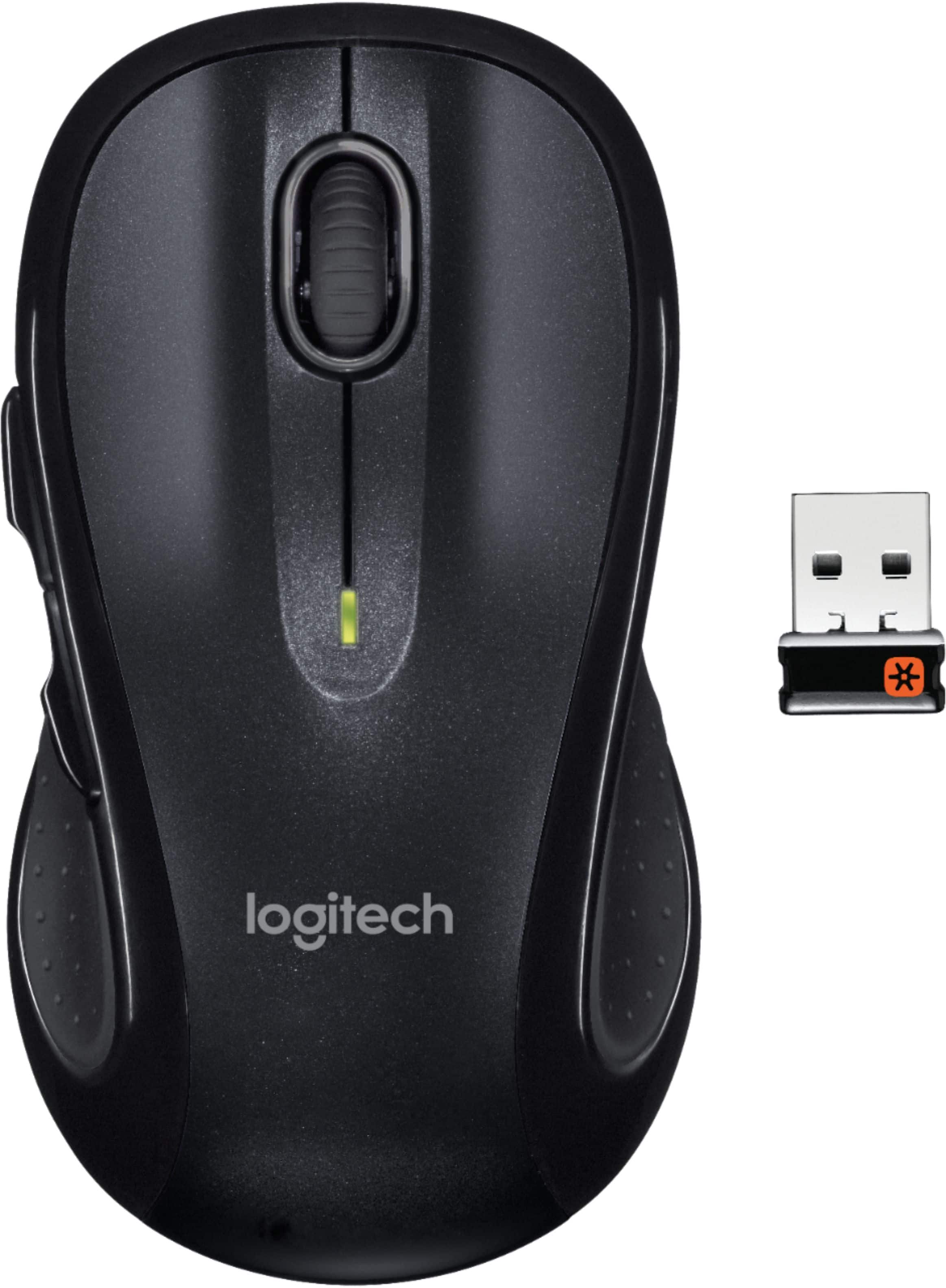
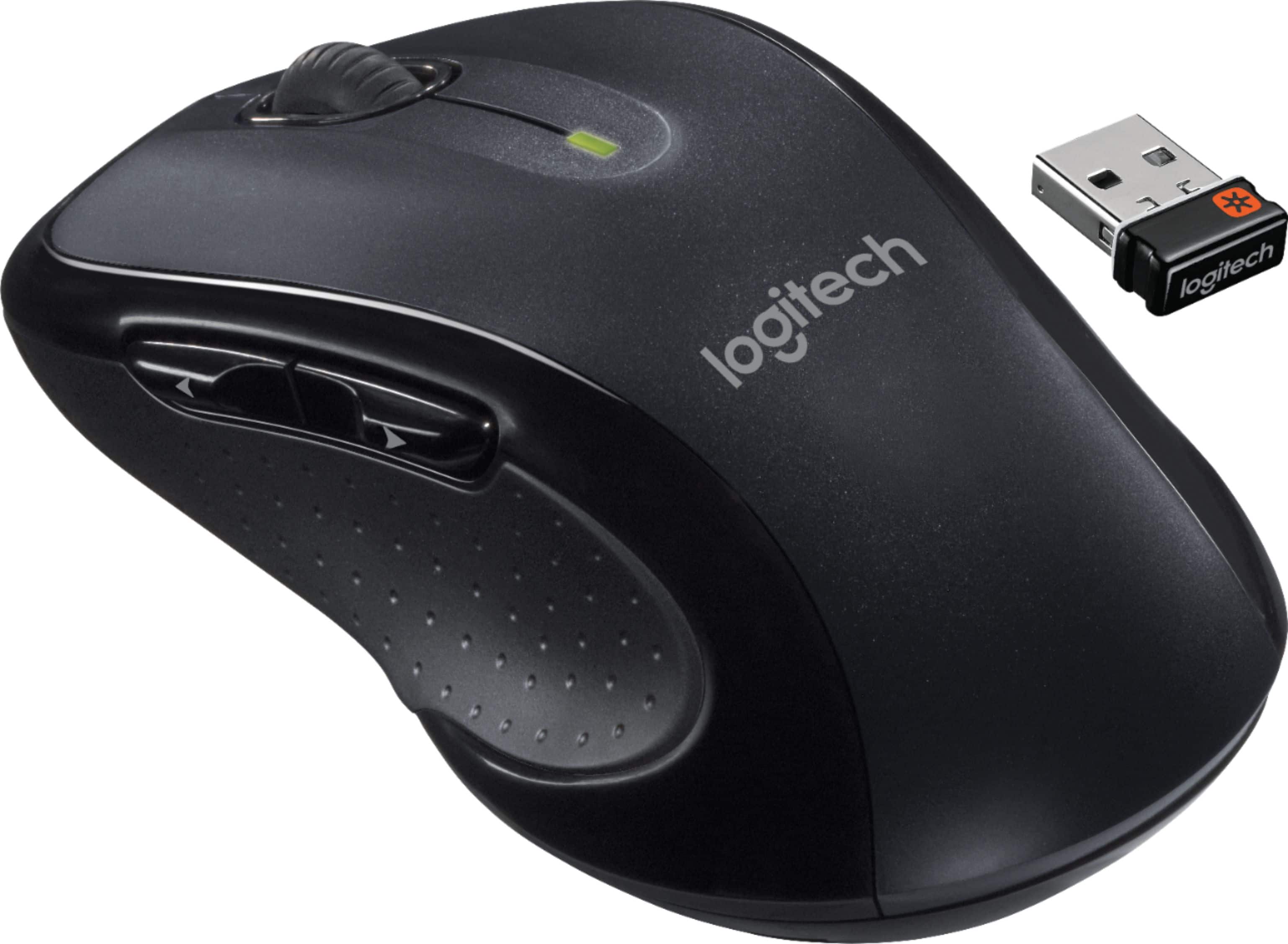
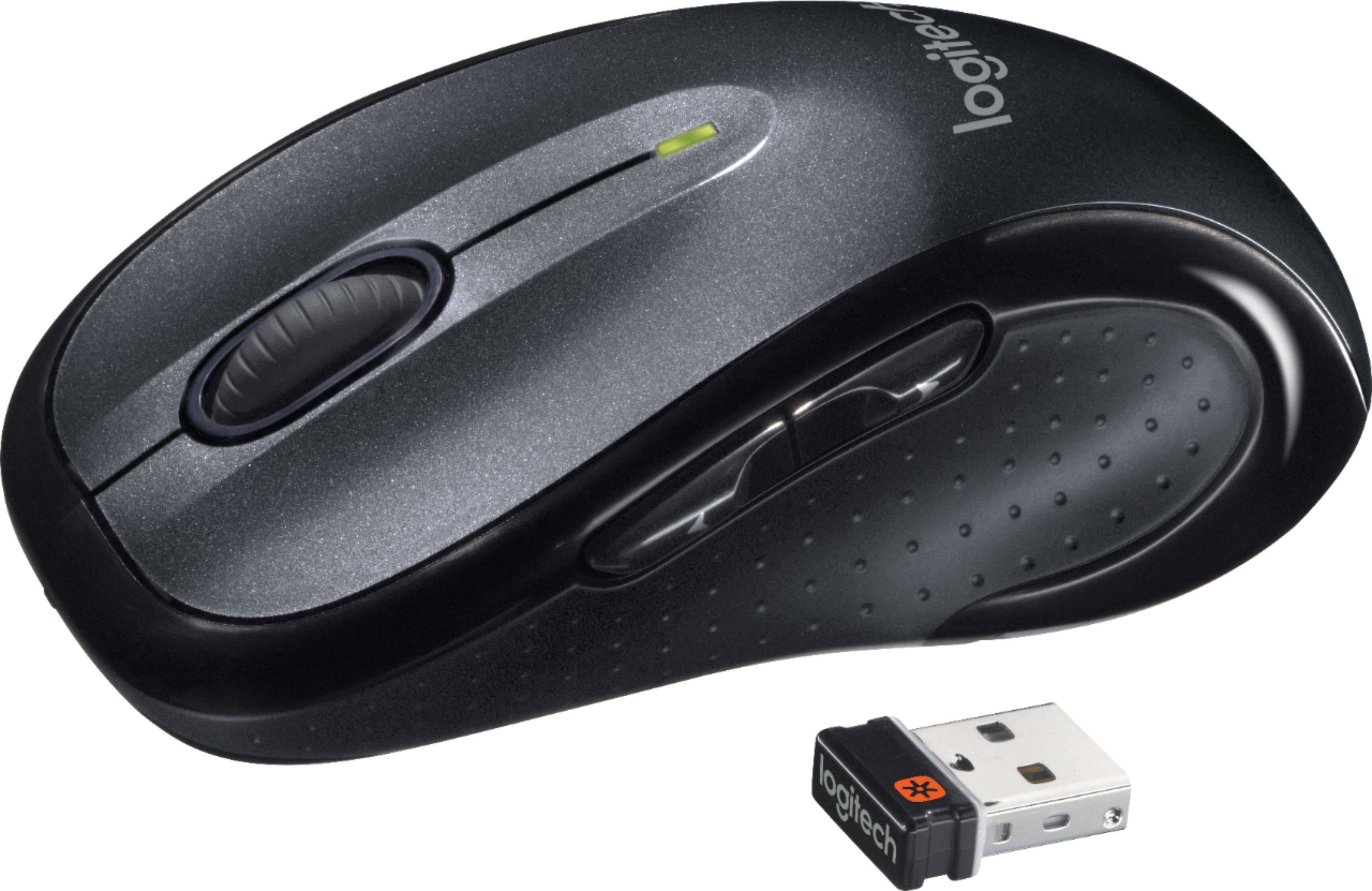
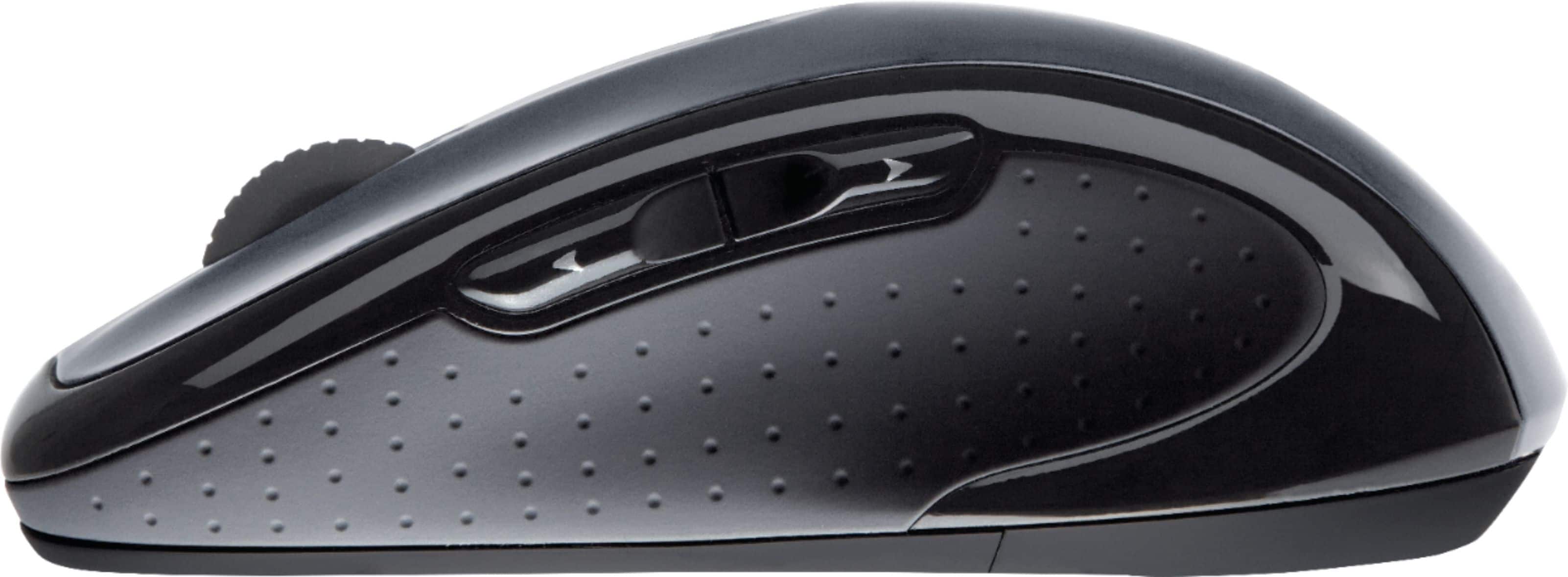
- Model:
- 910-001822
- |
- SKU:
- 9928441
Customer reviews
Rating 4.7 out of 5 stars with 17478 reviews
(17,478 customer reviews)Rating by feature
- Value4.7
Rating 4.7 out of 5 stars
- Quality4.8
Rating 4.8 out of 5 stars
- Ease of Use4.8
Rating 4.8 out of 5 stars
Customers are saying
Customers are impressed with the M510 Wireless Optical Ambidextrous Mouse's ease of use, comfortable size, and long battery life. Many appreciate its wireless functionality, the value for the price, and the ergonomic design. Positive feedback also highlights its responsiveness and the inclusion of extra buttons. While some users noted minor issues with the scroll wheel, overall the mouse receives overwhelmingly positive reviews.
This summary was generated by AI based on customer reviews.
Rated 4 out of 5 stars
not bad
||Posted .This reviewer received promo considerations or sweepstakes entry for writing a review.These were easy to set up and have worked as expected.
This review is from Logitech - M510 Wireless Optical Ambidextrous Mouse - Wireless - Blue
I would recommend this to a friend- Pros mentioned:Wireless
Rated 5 out of 5 stars
Nice design
||Posted . Owned for 3 weeks when reviewed.This reviewer received promo considerations or sweepstakes entry for writing a review.Great product for wireless use. Love the color! Definitely would recommend.
This review is from Logitech - M510 Wireless Optical Ambidextrous Mouse - Wireless - Red
I would recommend this to a friend Rated 3 out of 5 stars
Decent mouse, could be better
||Posted .This reviewer received promo considerations or sweepstakes entry for writing a review.Mouse itself feels pretty good. Nice weight to it without being burdensome, is responsive, overall not bad. Downside is the scroll wheel feels really cheap and ill-fitting. Still works but not as good as even some of the cheaper models.
I would recommend this to a friend- Pros mentioned:Wireless
Rated 5 out of 5 stars
A good mouse
||Posted .This reviewer received promo considerations or sweepstakes entry for writing a review.This mouse fits perfectly in my palm and has a smooth feel. Being wireless is always a plus.
This review is from Logitech - M510 Wireless Optical Ambidextrous Mouse - Wireless - Blue
I would recommend this to a friend Rated 5 out of 5 stars
As expected
||Posted .This reviewer received promo considerations or sweepstakes entry for writing a review.Nice full size mouse. Fits comfortably in my hand. Works great and setup was a breeze.
This review is from Logitech - M510 Wireless Optical Ambidextrous Mouse - Wireless - Blue
I would recommend this to a friend- Pros mentioned:Wireless
Rated 5 out of 5 stars
Great Meshat mouse
||Posted .This reviewer received promo considerations or sweepstakes entry for writing a review.Bought to replace the crappy wired mouse for my daughter's laptop. She loves it..
This review is from Logitech - M510 Wireless Optical Ambidextrous Mouse - Wireless - Red
I would recommend this to a friend - Pros mentioned:Wireless
Rated 4 out of 5 stars
Solid Basic Mouse
||Posted .This reviewer received promo considerations or sweepstakes entry for writing a review.I needed something inexpensive with no frills. Just a wireless mouse that has the back/forward buttons for my thumb. This mouse has served me well and I will buy another once this one dies.
This review is from Logitech - M510 Wireless Optical Ambidextrous Mouse - Wireless - Blue
I would recommend this to a friend Rated 5 out of 5 stars
Great mouse
||Posted .This reviewer received promo considerations or sweepstakes entry for writing a review.This mouse is awesome to use, Comfortable and easy to use. Can set the buttons custom.
This review is from Logitech - M510 Wireless Optical Ambidextrous Mouse - Wireless - Red
I would recommend this to a friend- Pros mentioned:Wireless
Rated 5 out of 5 stars
Easy
||Posted . Owned for 1 month when reviewed.This reviewer received promo considerations or sweepstakes entry for writing a review.Easy to use and connect to computer Better and easier then using tracking pad
This review is from Logitech - M510 Wireless Optical Ambidextrous Mouse - Wireless - Red
I would recommend this to a friend Rated 4 out of 5 stars
Solid and comfortable
||Posted .This reviewer received promo considerations or sweepstakes entry for writing a review.This has a great feel and seems very solidly built.
I would recommend this to a friendRated 4 out of 5 stars
great mouse worth the price
||Posted .This reviewer received promo considerations or sweepstakes entry for writing a review.Bought this mouse to replace my mini I had for my laptops.
I would recommend this to a friendRated 5 out of 5 stars
Excellent product
||Posted . Owned for 3 weeks when reviewed.This reviewer received promo considerations or sweepstakes entry for writing a review.It's reliable simple connect. The battery seems to last a long time.
This review is from Logitech - M510 Wireless Optical Ambidextrous Mouse - Wireless - Red
I would recommend this to a friendRated 5 out of 5 stars
works great
||Posted .This reviewer received promo considerations or sweepstakes entry for writing a review.works great and I like the larger size. very comfortable
This review is from Logitech - M510 Wireless Optical Ambidextrous Mouse - Wireless - Red
I would recommend this to a friend- Pros mentioned:Wireless
Rated 4 out of 5 stars
Cordless mousing
||Posted .This reviewer received promo considerations or sweepstakes entry for writing a review.Basic. Just go on to Logitech.com/support, follow the instructions for installing it to your device and, ta-da, you're ready to roll. Have worked well enough so far without having the aggravation of a wire.
This review is from Logitech - M510 Wireless Optical Ambidextrous Mouse - Wireless - Blue
I would recommend this to a friend Rated 5 out of 5 stars
Logitech Mouses Rule
||Posted .This reviewer received promo considerations or sweepstakes entry for writing a review.Yep, I said Mouses. If you are looking for an all around excellent mouse that gives high performance and spot-on tracking, give this one a look. I purchased this as an eventual replacement for my ORIGINAL version that I purchased almost 14 years ago (and it still works 90% - just the teflon glides are finally wearing thin)... This one is wireless, so I will have to live with that, but otherwise excellent item. Highly recommend.
This review is from Logitech - M510 Wireless Optical Ambidextrous Mouse - Wireless - Blue
I would recommend this to a friend- Pros mentioned:Wireless
Rated 5 out of 5 stars
The way to go
||Posted . Owned for 5 months when reviewed.This reviewer received promo considerations or sweepstakes entry for writing a review.We love this wireless mouse!! So nice not having cords!!! Works great
This review is from Logitech - M510 Wireless Optical Ambidextrous Mouse - Wireless - Red
I would recommend this to a friend Rated 5 out of 5 stars
Logitech Laser Mouse is great
||Posted .This reviewer received promo considerations or sweepstakes entry for writing a review.My new logitech mouse works great!! No problems and long battery life!! I would buy this one again!!
This review is from Logitech - M510 Wireless Optical Ambidextrous Mouse - Wireless - Red
I would recommend this to a friend- Pros mentioned:Wireless
Rated 4 out of 5 stars
Works great with Mac Book Pro
||Posted .This reviewer received promo considerations or sweepstakes entry for writing a review.My first wireless mouse. I knew Logitech was a reliable name. Mouse works well with my Mac Book Pro, which was why I bought it. I'm not a techy person, so I doubt I have used it to its full potential.
This review is from Logitech - M510 Wireless Optical Ambidextrous Mouse - Wireless - Blue
I would recommend this to a friend - Pros mentioned:Wireless
Rated 5 out of 5 stars
great full size mouse
||Posted .This reviewer received promo considerations or sweepstakes entry for writing a review.my first wireless mouse for my first laptop and it works great, could not ask for anything more
This review is from Logitech - M510 Wireless Optical Ambidextrous Mouse - Wireless - Red
I would recommend this to a friend Rated 5 out of 5 stars
New Mouse!!!
||Posted . Owned for 2 months when reviewed.This reviewer received promo considerations or sweepstakes entry for writing a review.This new mouse is great. Very comfortable to use.
This review is from Logitech - M510 Wireless Optical Ambidextrous Mouse - Wireless - Red
I would recommend this to a friend