Customer Ratings & Reviews

- Model:
- 920-009437
- SKU:
- 6366562
Rating by feature
- Value
Rating 4.6 out of 5 stars
- Quality
Rating 4.6 out of 5 stars
- Ease of Use
Rating 4.7 out of 5 stars
Customers are saying
Customers are pleased with the high-quality build and overall ease of use of this keyboard and mouse combo. Users frequently highlight the convenient, travel-friendly size and the quiet operation of the devices as standout features. While the design and connectivity are also well-regarded, some users have noted a desire for a caps lock indicator and experienced occasional difficulties with compatibility.
This summary was generated by AI based on customer reviews.
High Hopes
||Posted .This reviewer received promo considerations or sweepstakes entry for writing a review.This one was open and turns out someone stole the toggle from it what a waste. Had one prior but it’s not working even after you change the battery so it’s great what works but it doesn’t last
I would recommend this to a friendWouldn’t recommend
||Posted . Owned for 1 month when reviewed.This reviewer received promo considerations or sweepstakes entry for writing a review.First, it was my mistake to purchase these; thought they were Bluetooth. They are not and the connection is unreliable. Wasted money ;-(
No, I would not recommend this to a friendMeh
||Posted . Owned for 4 months when reviewed.This reviewer received promo considerations or sweepstakes entry for writing a review.It’s okay I wouldn’t but again, I defiantly will be sticking to Corsair
No, I would not recommend this to a friendBrand response from Logitech
Posted .That's sad to hear! In order to assist you effectively, please provide your information to our support team by emailing socialcare@logitech.com. Name – Email address – Country – Product name – Brief description of the issue –
Logitech - MK470 Full-size Wireless Scissor Ke
||Posted . Owned for 7 months when reviewed.This reviewer received promo considerations or sweepstakes entry for writing a review.I didn't like it, so I returned it. It wasn't for me.
No, I would not recommend this to a friendBrand response from Logitech
Posted .We understand that the Logitech MK470 Wireless Keyboard and Mouse Combo didn't meet your expectations. We appreciate your feedback and will use it to improve our products and services.
Keep looking
||Posted . Owned for 1 month when reviewed.This reviewer received promo considerations or sweepstakes entry for writing a review.I thought this would be amazing but it's not I've already had a key I pop off and I have no clue IV how to put it back on and the keys constantly stick I wouldn't recommend this keyboard
No, I would not recommend this to a friendBrand response from Logitech
Posted .Hello Valencia,
I am sorry that the MK470 is not meeting your expectations. Feel free to contact Logitech's support team for a replacement if you think this is a manufacturer defect. I will record your product insight and pass it along. Logitech appreciates your product review. - Leo from Logitech
Not for me
||Posted . Owned for 1 month when reviewed.This reviewer received promo considerations or sweepstakes entry for writing a review.I didnt care for the size and it was hard to use. It was not for me
No, I would not recommend this to a friendBrand response from Logitech
Posted .Thanks for you feedback. Your feedback is important to us, and we'll make sure to share it with the right team.
Poor quality keyboard and mouse set.
||Posted . Owned for less than 1 week when reviewed.This reviewer received promo considerations or sweepstakes entry for writing a review.This keyboard is soooo messed up. The shift key did not give the correct mark when hit. I bought , returned, and took a second one home only to have to return it again for the same problem
No, I would not recommend this to a friendBrand response from Logitech
Posted .Hi Donna,
Thank you for your feedback. Sorry for the inconvenience. If you ever need assistance, please contact Logitech Support on the website. LaShonda from Logitech
Horrible
||Posted . Owned for 1 month when reviewed.This reviewer received promo considerations or sweepstakes entry for writing a review.Extreme delay in keyboard. Keys double enter, mouse shakes on screen.
No, I would not recommend this to a friendBrand response from Logitech
Posted .That's truly unfortunate and we're sorry about that. We'd recommend you to get in touch with Logi support team and check for best options in this case.
Ehhh
||Posted . Owned for 7 months when reviewed.This reviewer received promo considerations or sweepstakes entry for writing a review.Not thrilled about this keyboard….no light indicators….just not happy with purchase
No, I would not recommend this to a friendBrand response from Logitech
Posted .We understand your displeasure and apologize for any issues that arise. We value your input, therefore we will forward it along to the appropriate team so they can look into it.
Worst Keyboard ever
||Posted . Owned for 1 month when reviewed.This reviewer received promo considerations or sweepstakes entry for writing a review.Within one month of use the Keyboard is not working, it is absolutely worst ever.
No, I would not recommend this to a friendBrand response from Logitech
Posted .That's unexpected! In order to help you effectively, please provide your information to our support team by emailing socialcare@logitech.com. Name – Email address – Country – Product name – Brief description of the issue –
Yuck
||Posted . Owned for 3 weeks when reviewed.This reviewer received promo considerations or sweepstakes entry for writing a review.Bought this when my solar powered Logitech keyboard stopped working. Took it back that day. Too small and uncomfortable to work on all day.
No, I would not recommend this to a friend- Pros mentioned:Keyboard quality

Great keyboard for laptop and/or everyday use
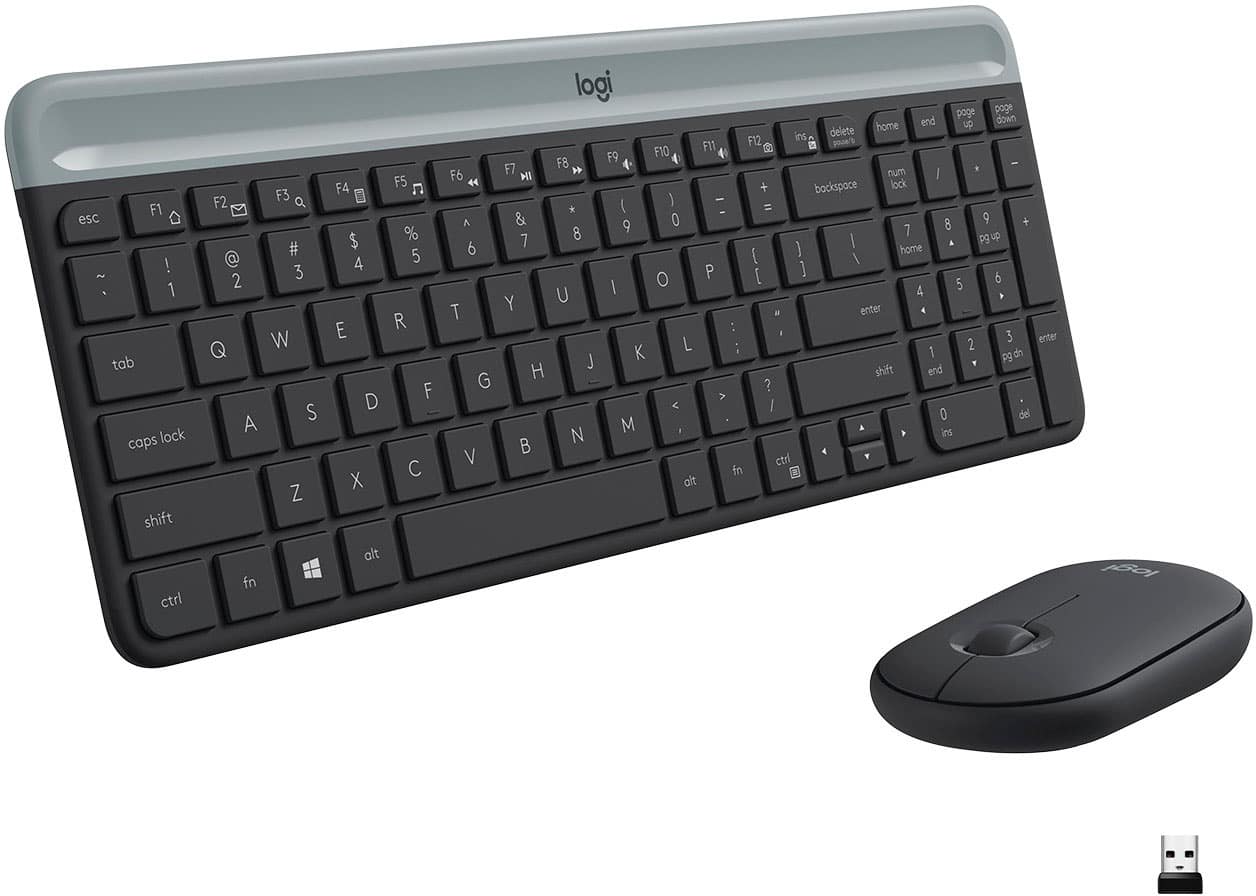
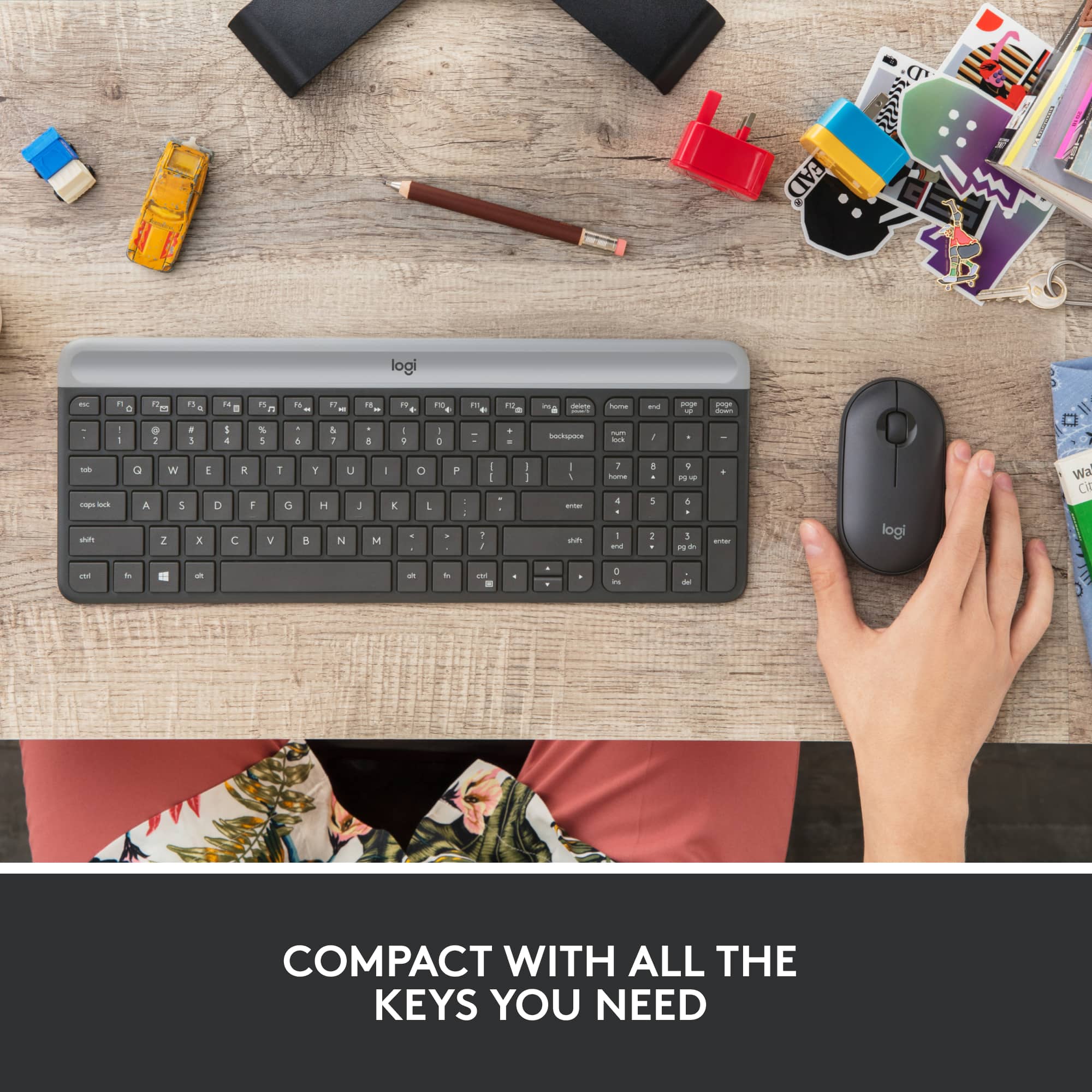
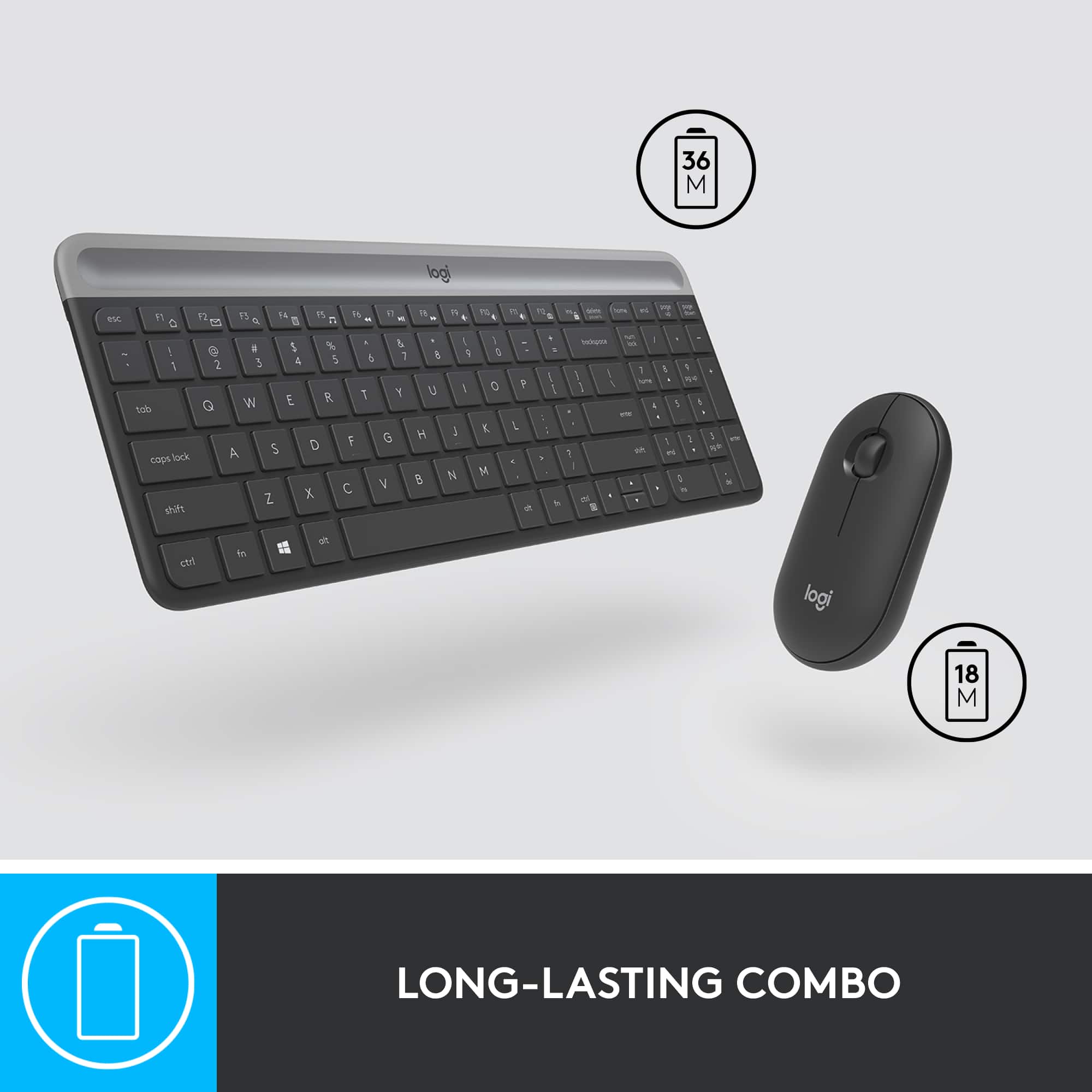
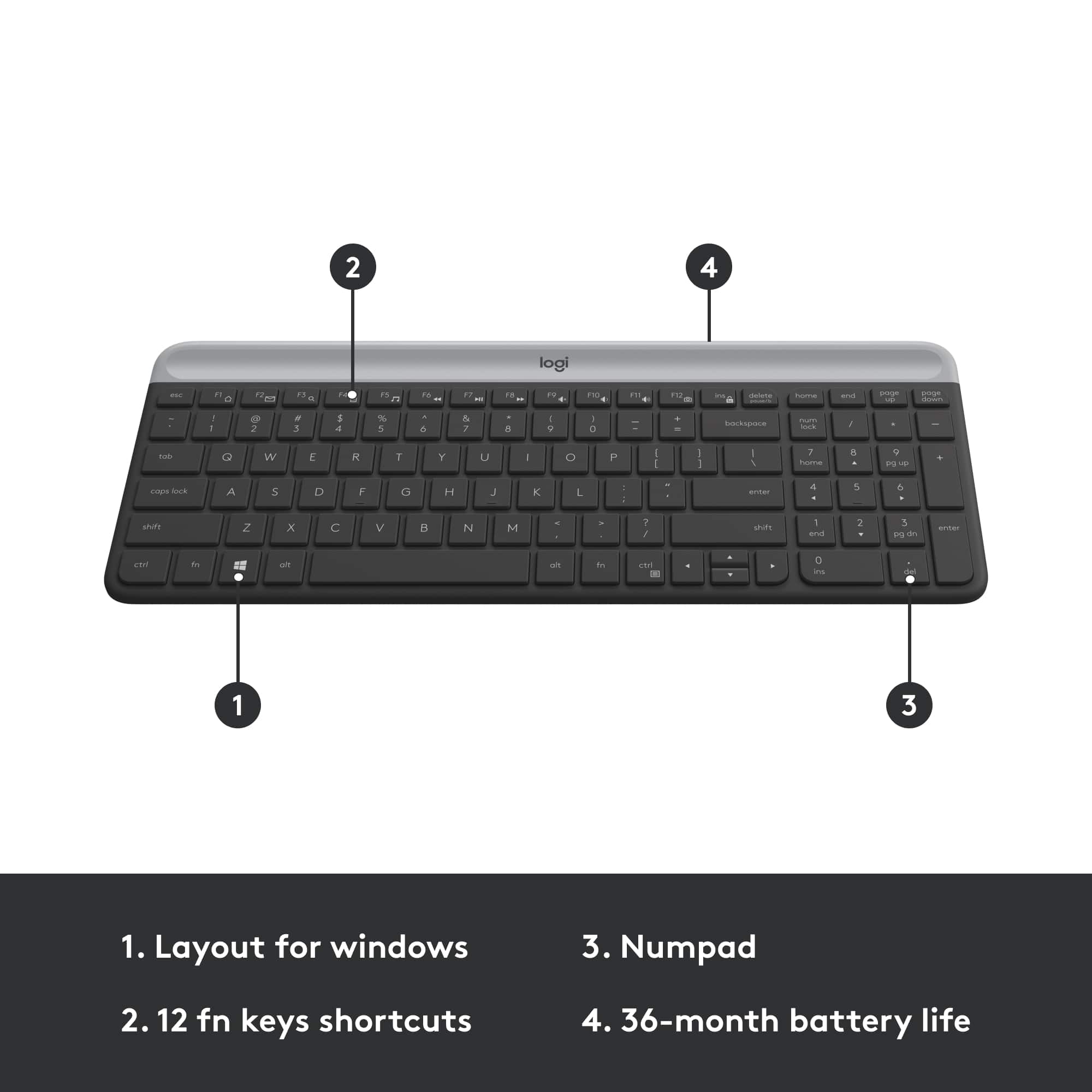
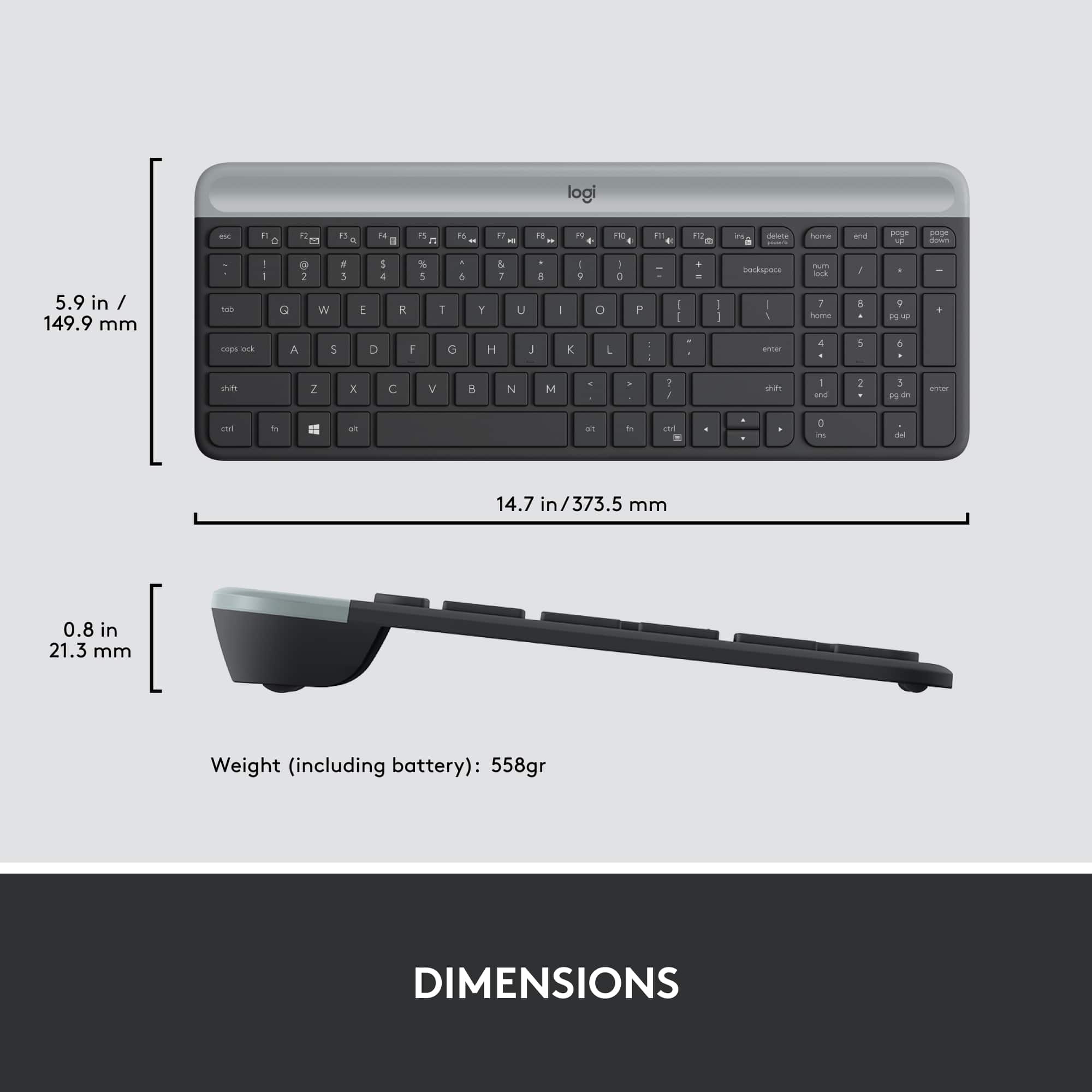
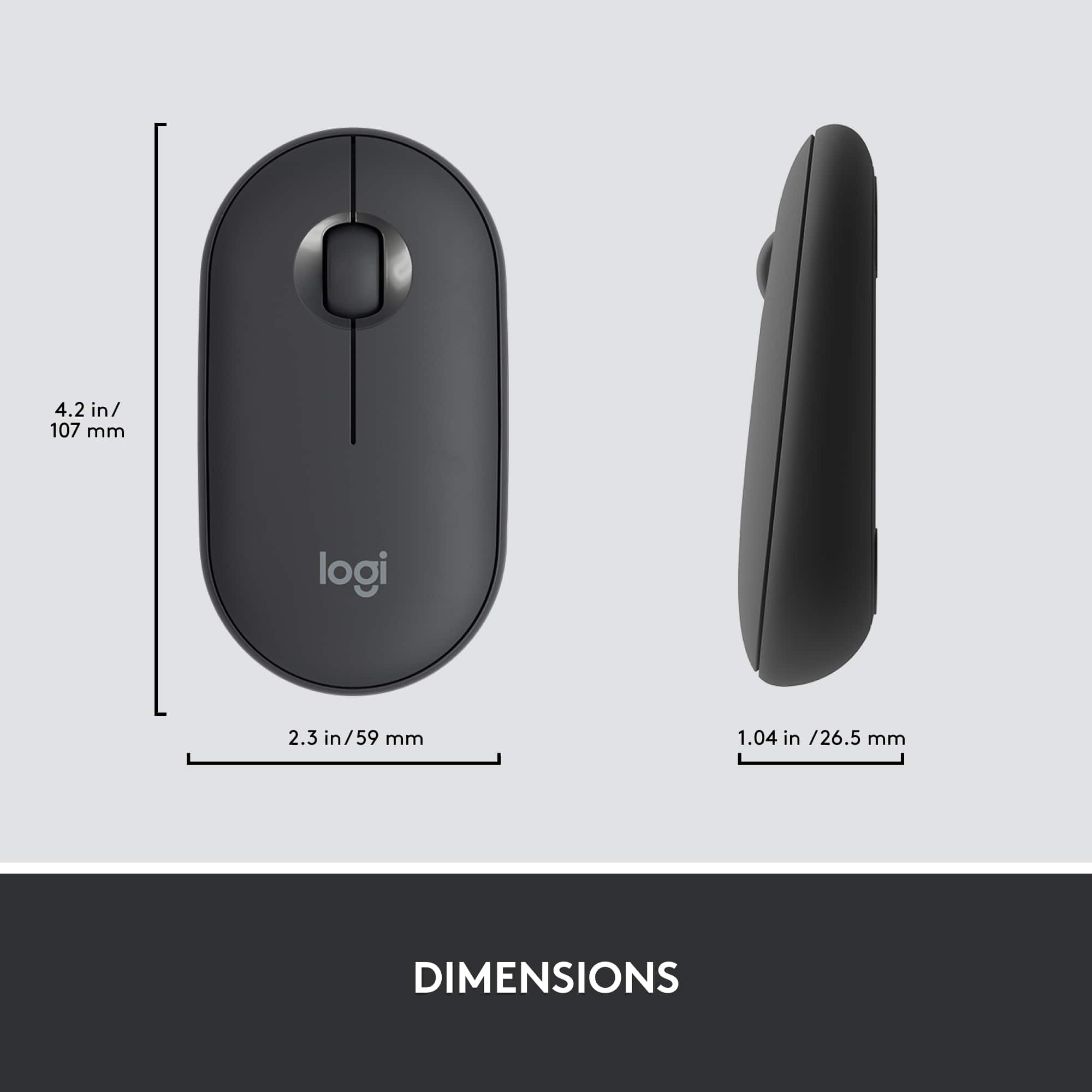
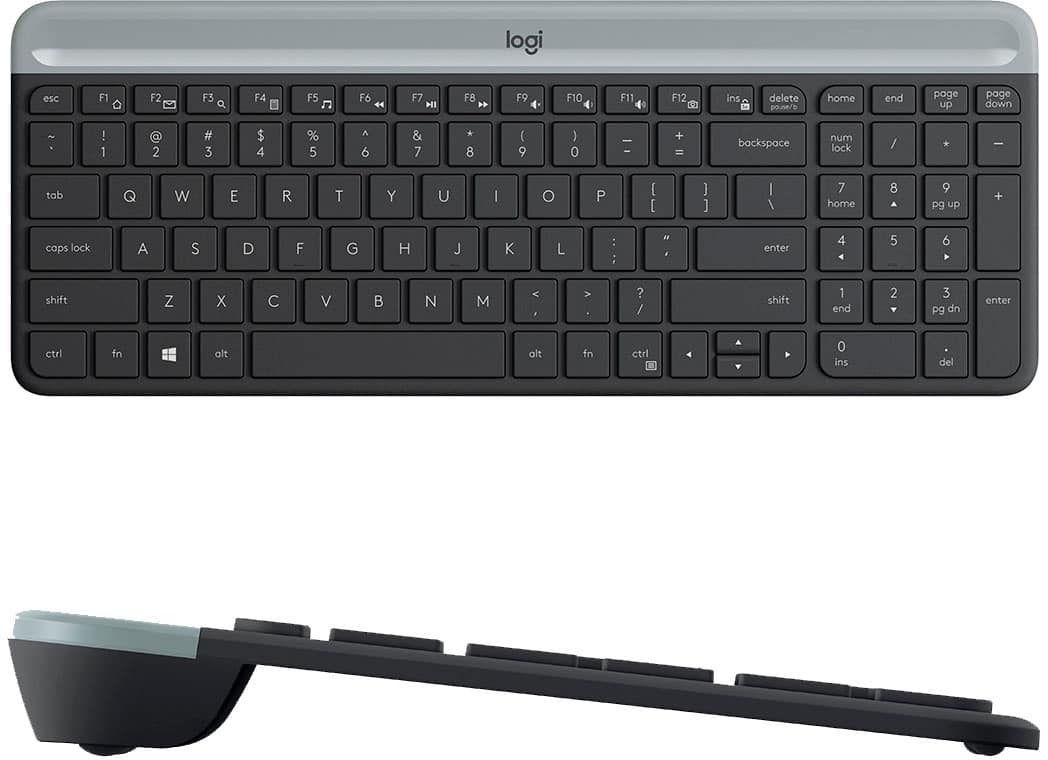
|Posted .This reviewer received promo considerations or sweepstakes entry for writing a review.This Logitech Slim Combo MK470 wireless keyboard and mouse combination is pretty much perfect for what it is, a smaller but still nearly full-size keyboard targeted primarily to laptop users who want to be able to type on a full-size keyboard instead of the laptop’s keyboard and to be able to use a regular mouse instead of a touchpad. The keyboard measures 14.75 x 5.75 inches whereas my every-day keyboard, a Logitech G14 Carbon, measures 17.5 x 5.25 inches. So while it is actually a half-inch wider than my regular keyboard, it is almost three inches shorter side-to-side. This decrease in length comes at the expense of the typical extra set of arrow and ins, del, home, etc. keys located between the main keyboard and the number pad on the far right side. But all of the keys that are needed are there. The target audience for this keyboard is laptop users who want to be able to type on a more full-size keyboard instead of the laptop’s own keyboard but need something that will fit in their laptop carrying case. This keyboard should fit the bill nicely. Many people find using a laptop’s built-in keyboard to be uncomfortable for long-term typing. The keys on this keyboard are completely quiet, but they still have a mild tactile feedback, so you know you have pressed the key. I find the feel quite satisfactory. The keyboard has a nice heft to it, so it is unlikely to walk around on your desktop as you type on it. One minor drawback is that there is no numlock light, so the only way to know if the numlock key is engaged is to try entering something with one of the keypad keys. Not the most convenient thing in the world, but not show-stopping, either. Also, the keys themselves are not illuminated. None of this is surprising nor expected given the battery-powered nature of the keyboard. The included mouse, which also connects via the same USB dongle, is a bit smaller and a bit flatter on top than a more typical mouse, but it works and feels fine, and the mouse/keyboard combination are perfect for laptop use or just for everyday use with a desktop computer. In fact, the primary user of this keyboard and mouse will be my wife, who will use it with her all-in-one computer. Her hands are somewhat small, she finds the mouse to be quite comfortable in her hand, and she loves the keyboard. In particular, the shorter length gives her more room for the mouse, which she uses to the right side of the keyboard. The slide-out panel where her mouse and keyboard sit is not that wide, and, with the standard keyboard she had been using, she was often bumping the edge of the keyboard as she moved the mouse around. Both the mouse and the keyboard come with batteries already installed. To prevent the batteries (one AA for the mouse, two AAA for the keyboard) from running down while the board and mouse are sitting on a store shelf, there are little strips of paper inserted into the battery compartments that you pull out when ready to use to allow the batteries to engage. The box claims that the keyboard batteries will last 18 months while the mouse battery will last three years. We will see. So while this keyboard and mouse are now at home with my wife, I am thinking of buying a second set and keeping them in my laptop bag for when I’m traveling. Very highly recommended.
I would recommend this to a friend Not recommended
||Posted . Owned for 1 month when reviewed.This reviewer received promo considerations or sweepstakes entry for writing a review.It does not connect properly to the computer. and the mouse at times its very unresponsive
No, I would not recommend this to a friend- Pros mentioned:Noise level, Size
Nice Keyboard, decent Mouse…
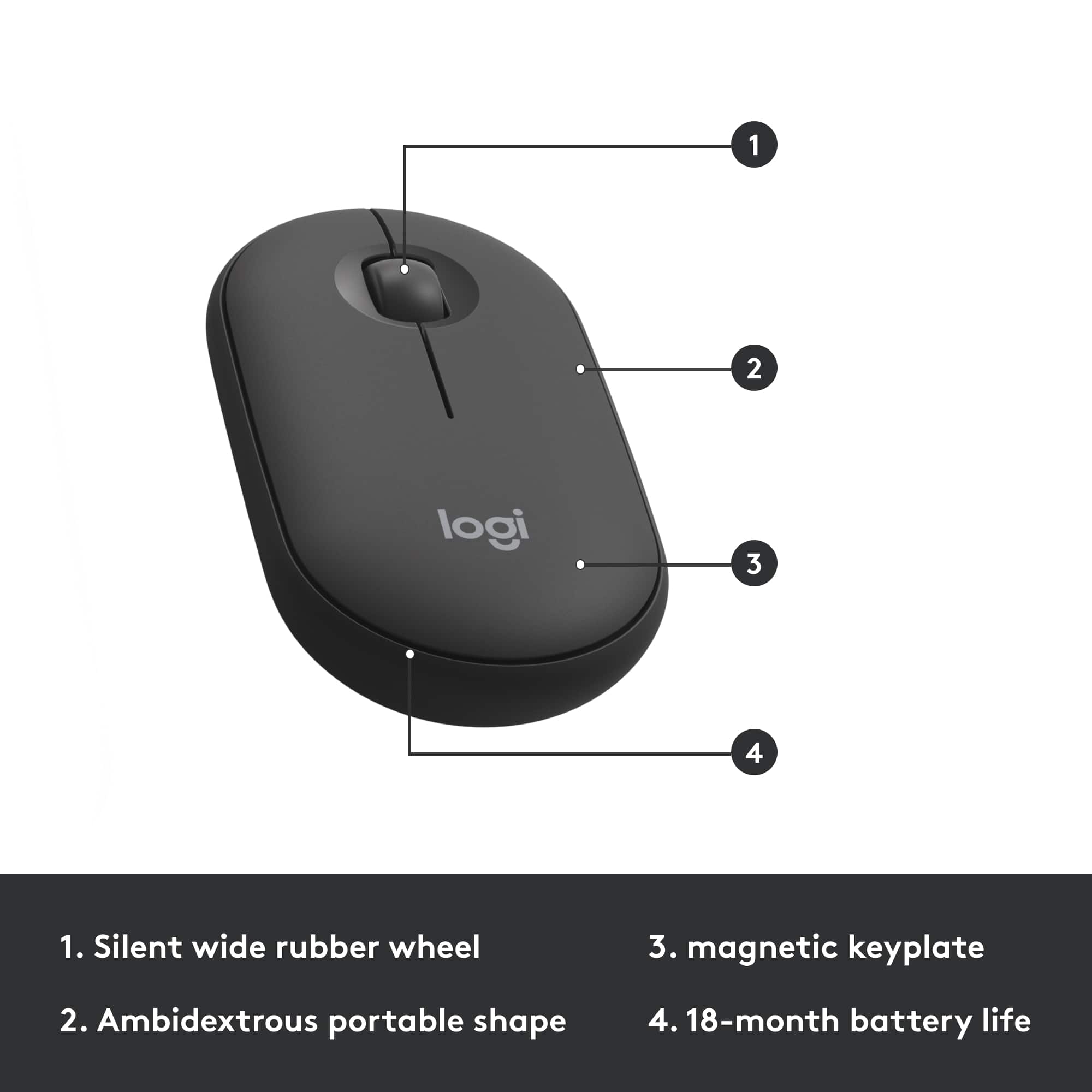
|Posted .This reviewer received promo considerations or sweepstakes entry for writing a review.I've long been a big fan of Logitech keyboards and mice. I've been using the K360 keyboard for the past 7-8 years at home and work because I really have liked the compact layout, key locations and that it also includes a full-sized keypad. While I've thought this was the almost perfect keyboard, the new K470 keyboard, as a part of the MK470 Slim Wireless Mouse and Keyboard Combo, caught my eye. With the K470, the key layout is almost identical as the K360, but totally refreshed. There is just a little different design for the arrow keys (with half-sized up/down keys, which is taking a little while to get used to). The overall footprint is a little more narrow and a little shorter than the K360, but the keys themselves are a little bigger and the main part is actually slightly wider overall. It has a much lower profile and has a built-in, non-adjustable incline. It is much thinner, but, surprisingly, actually may weigh just little more. The keys are definitely very quiet when typing as advertised. I like that there is an [FN] key on the left side now (as well as the right side), and that they moved the FN-initiated context menu (same as mouse right-click) from the [Page Up] at the top-right down to the right [Ctrl] (I've had to use a keymapper to map the right alt key for the same function since I use it so much). There is a slide-off cover on the top edge (the lighter gray area) to access the batteries and a slot where you could store the nano receiver. With the K360, you could change the function of all 12 of the FN shortcut keys, but with the K470, you can only change the ones assigned to F1-F4 (using Logitech Options now instead of SetPoint). I really don't use the shortcut keys anyway, except for Sleep and Lock PC (on the K360), and the Sleep was not one of the default shortcut keys on the K470 (had to change a key to that function). One thing I would like to have seen is for the K470 to have been able to connect across multiple devices and have the option to connect via bluetooth, similar to the K780 (which I really wanted to get, but that one doesn't have dedicated Home or End keys, which I am always using as a programmer). It also doesn't have a power switch to turn the keyboard off when not in use, but it does mention it has an "Auto-sleep" feature, where the expected battery life for the keyboard is up to 36 months. The included slim wireless mouse isn't too bad, but since I normally use the Logitech M720 Triathlon/Pro Mouse (that can connect to 3 devices), I will probably just keep it as a backup mouse or to use when not at a desk. The mouse has a simple, flat design. There are only the Left and Right buttons and the clickable scroll wheel (which the function can be assigned in Logitech Options). The top cover, which is held in place by a three small magnets (on each side and the back), comes off to access the battery and a slot to store the nano receiver. The battery will last up to 18 months for the mouse. This combo is definitely a great choice not only for tight spaces, but for everywhere!
I would recommend this to a friend unpleased
||Posted . Owned for 1 month when reviewed.This reviewer received promo considerations or sweepstakes entry for writing a review.it wouldn't connect to my devices I also had to returned it
No, I would not recommend this to a friendBrand response from Logitech
Posted .Hi, Thank you for your feedback. Sorry for any inconvenience. If you ever need assistance, please contact Logitech Support on the website. LaShonda from Logitech
DONT BUY THIS!!
||Posted . Owned for 3 months when reviewed.This reviewer received promo considerations or sweepstakes entry for writing a review.It never worked properly, ended up buying a bluetooth one
No, I would not recommend this to a friendKEYBOARD AND MOUSE COMBO
||Posted . Owned for 3 weeks when reviewed.This reviewer received promo considerations or sweepstakes entry for writing a review.I PURCHASED THIS ITEM AND I RECEIVED A DEFECTIVE ITEM AND MISSING A PART.
I would recommend this to a friend- Pros mentioned:Keyboard quality
Whisper Quiet and Comfortable
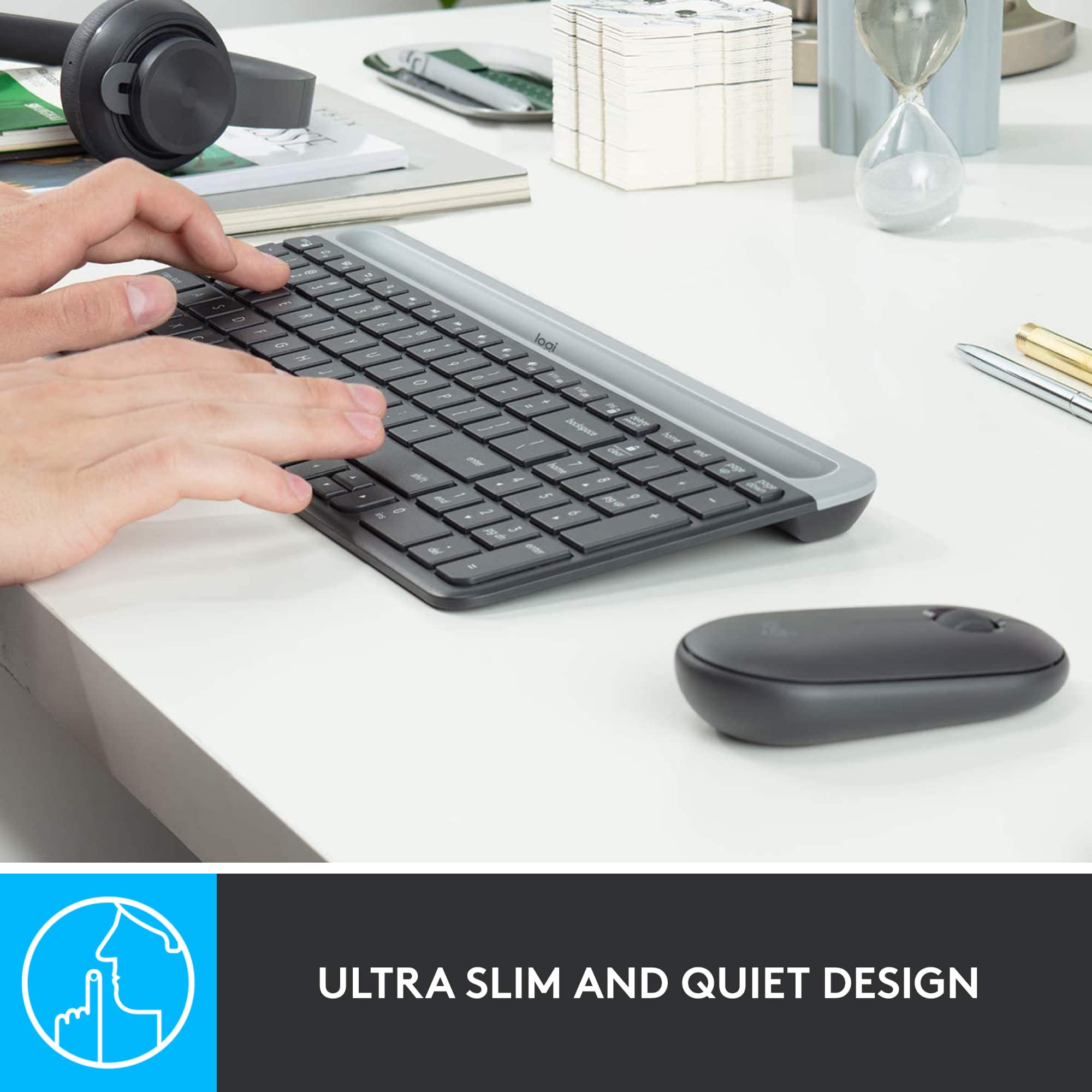
|Posted .This reviewer received promo considerations or sweepstakes entry for writing a review.No matter where I use them, my preference has always been for wireless keyboards. As to mouse, it always depends on what I am working with. What I cannot compromise is quality, precision and reliability. The Logitech MK470 keyboard meets those requirements. It is very quiet compared to most keyboards. It feels very sturdy and heavier than most bigger ones. That is perfect because it does not move while I type. It is also very comfortable, as it does not feel small for my hands and the tactile feedback is good, especially because the keys are of normal size. The position of the cursor keys are not standard but interestingly, I had absolutely no trouble getting used to it. It felt like I had used them before. The mouse is very reliable and its weight is just perfect for most of what I do but I would not use it for serious gaming. The top is also a lid that pops up to replace the battery. I was a bit concerned about that but its strong magnet holds the lid securely and it looks and feels glued there. The whole mouse is slim but not too small. It feels good in your hands but nothing special about it This combo is clearly designed for normal day-to-day work and it does a good job there. It gave me back a lot of room on my desk. Compact and no wires. The promised 18-month of battery life for the mouse and a whopping 36 months for the keyboard almost sounds too good to be true. I would have complained because it uses AA batteries instead of USB charging but with that life span, who cares? There are no LED lights indicating CAPS or NUM locks on. You need to rely on the brief display on the screen. I still miss the LEDs but they would decrease the battery life. I think it is a good compromise. It also uses a dongle that are shared by the keyboard and mouse. It is good that it requires only one USB port. My preference would have been to use Bluetooth, which requires no ports but that has become rare for keyboards and it would probably drain batteries too. Again, it is a good compromise unless you do not have a spare USB port. The dongle (adapter) is slim and is somewhat discreet even in a laptop. Overall, I really like the keyboard but not so sure about the mouse. I ended up using a separate mouse for video/photo editing but for everything else other than gaming, I like it.
I would recommend this to a friend - Pros mentioned:Keyboard quality
Wireless Full Numeric Compact Keyboard
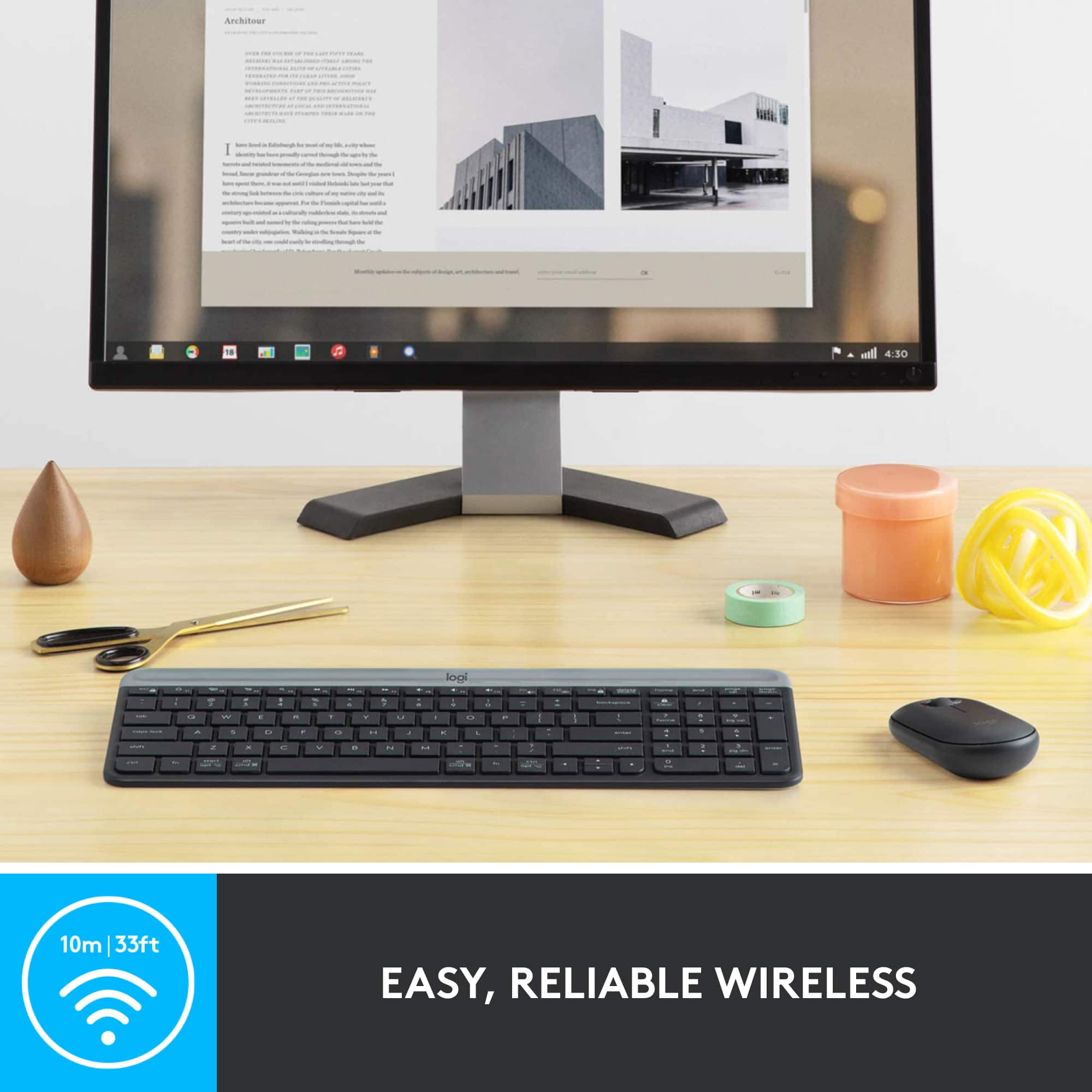
|Posted .This reviewer received promo considerations or sweepstakes entry for writing a review.It has been a few hours using the Logitech MK470 and I am happy (and typing this review on the keyboard). This keyboard was an upgrade for a wired keyboard that came with our desktop PC (but I am sure the MK470 would be fine as an external keyboard on a laptop). Setup is plug and play. No drivers, downloads, or installs. It uses the standard Logitech nano USB transmitter/receiver. Things you need to know. It has a full numeric keypad and standard sized keys but it's relatively compact. That said, I didn't suffer any muscle memory typing errors in the changeover. The mouse is dominant hand neutral - so it doesn't care if you're left or right handed. Great in my home when I'm the lefty in the family. Logitech ship the MK470 with AAA batteries and the claim about 18-36 months battery life (mouse / keyboard) which is impressive. Probably the biggest standout though is the keys are very very quiet but have great travel. It's more like typing on a nice laptop keyboard. I'm using this in our home office but would happily take this and use it at work (and I know a few angry typers at work who I would LOVE to give this to). Overall, the MK470 looks nice, frees up room on the desk, wireless functionality is perfect and you can never really fault logitech for quality. Recommended and super happy!
I would recommend this to a friend Terrible Key Boarf
||Posted . Owned for 3 weeks when reviewed.This reviewer received promo considerations or sweepstakes entry for writing a review.The keys do not work often, you have to hit them repeatedly.
No, I would not recommend this to a friendBrand response from Logitech
Posted .Hello Elle,
I am sorry that MK470 is not working as it is supposed to. Try downloading the firmware update on the Logitech website, and if that does not work, contact the Logitech support team for personalized assistance. Logitech appreciates your product review. - Leo from Logitech