Customer Ratings & Reviews





- Model:
- 960-001558
- SKU:
- 10115810
Rating by feature
- Value
Rating 4.5 out of 5 stars
- Quality
Rating 4.8 out of 5 stars
- Ease of Use
Rating 4.8 out of 5 stars

Only webcam you'll ever need!
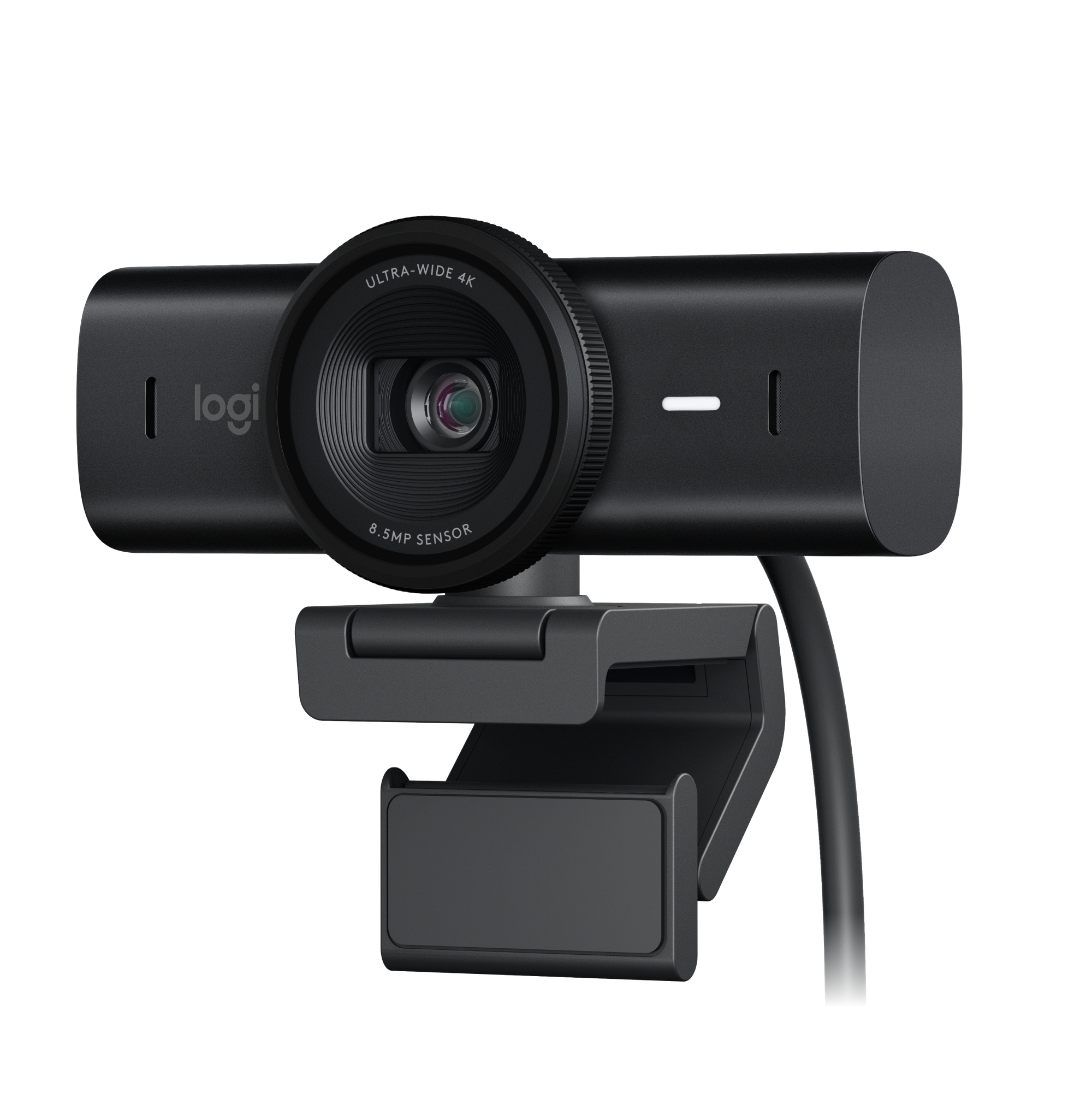
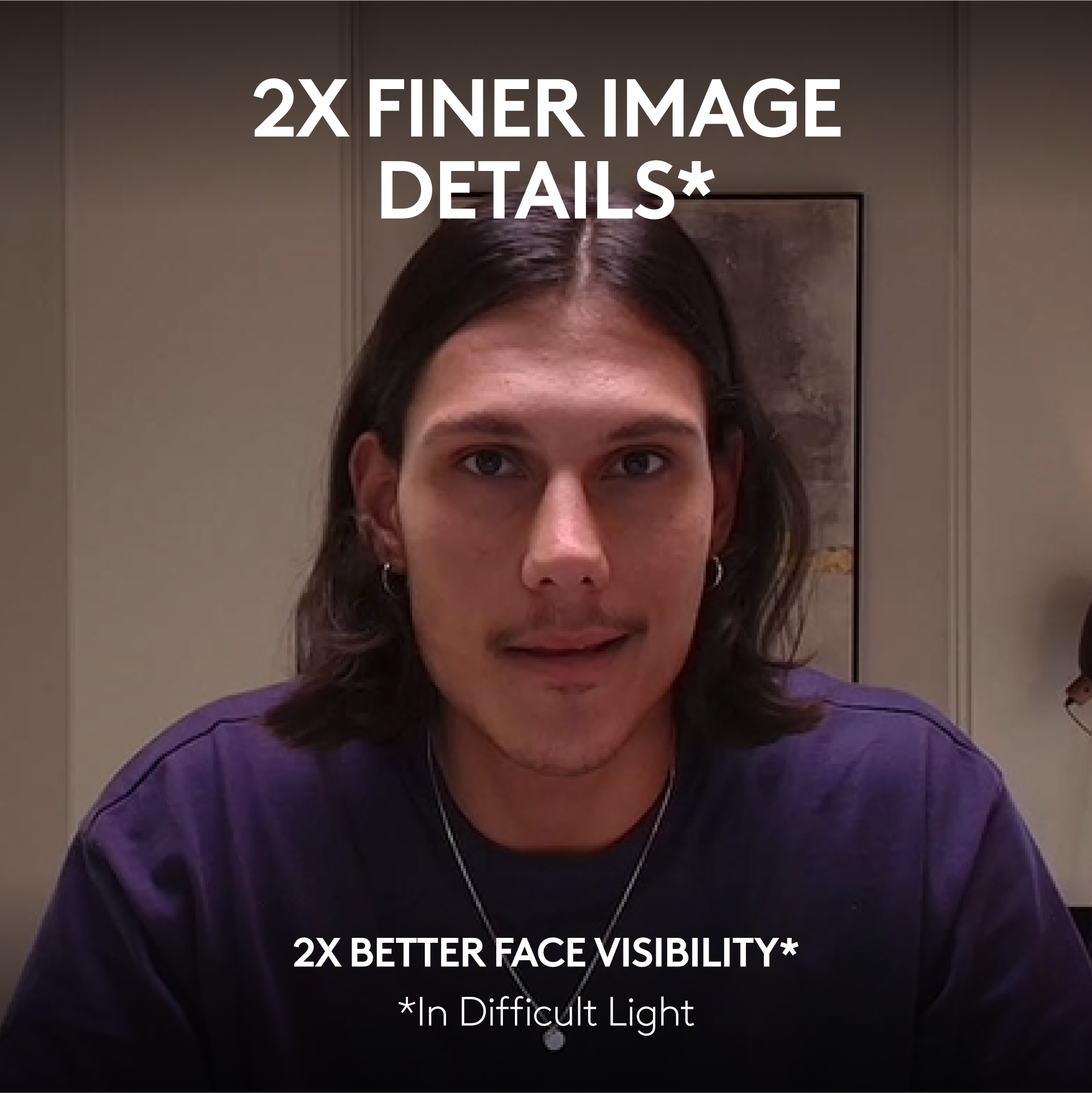
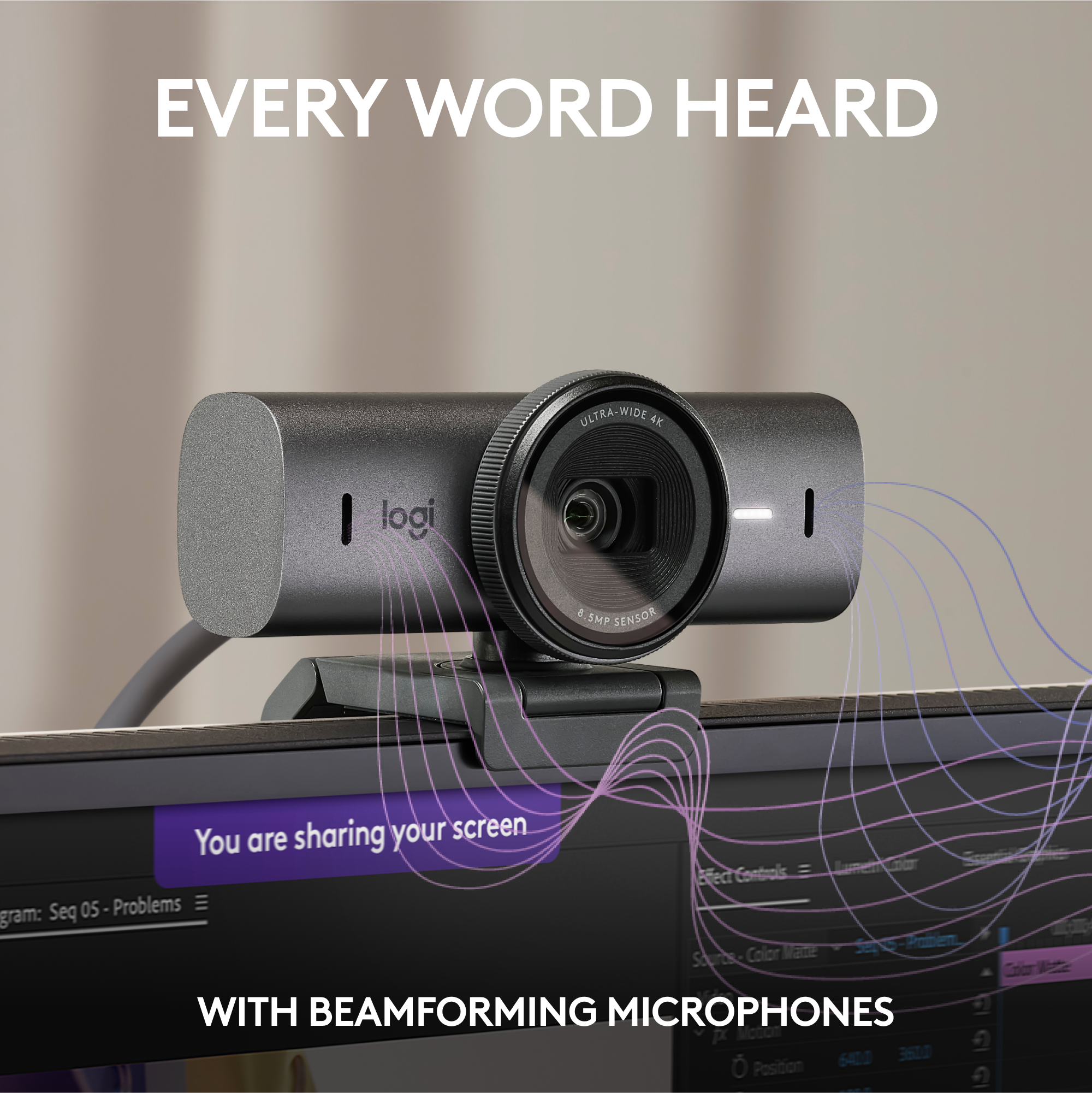
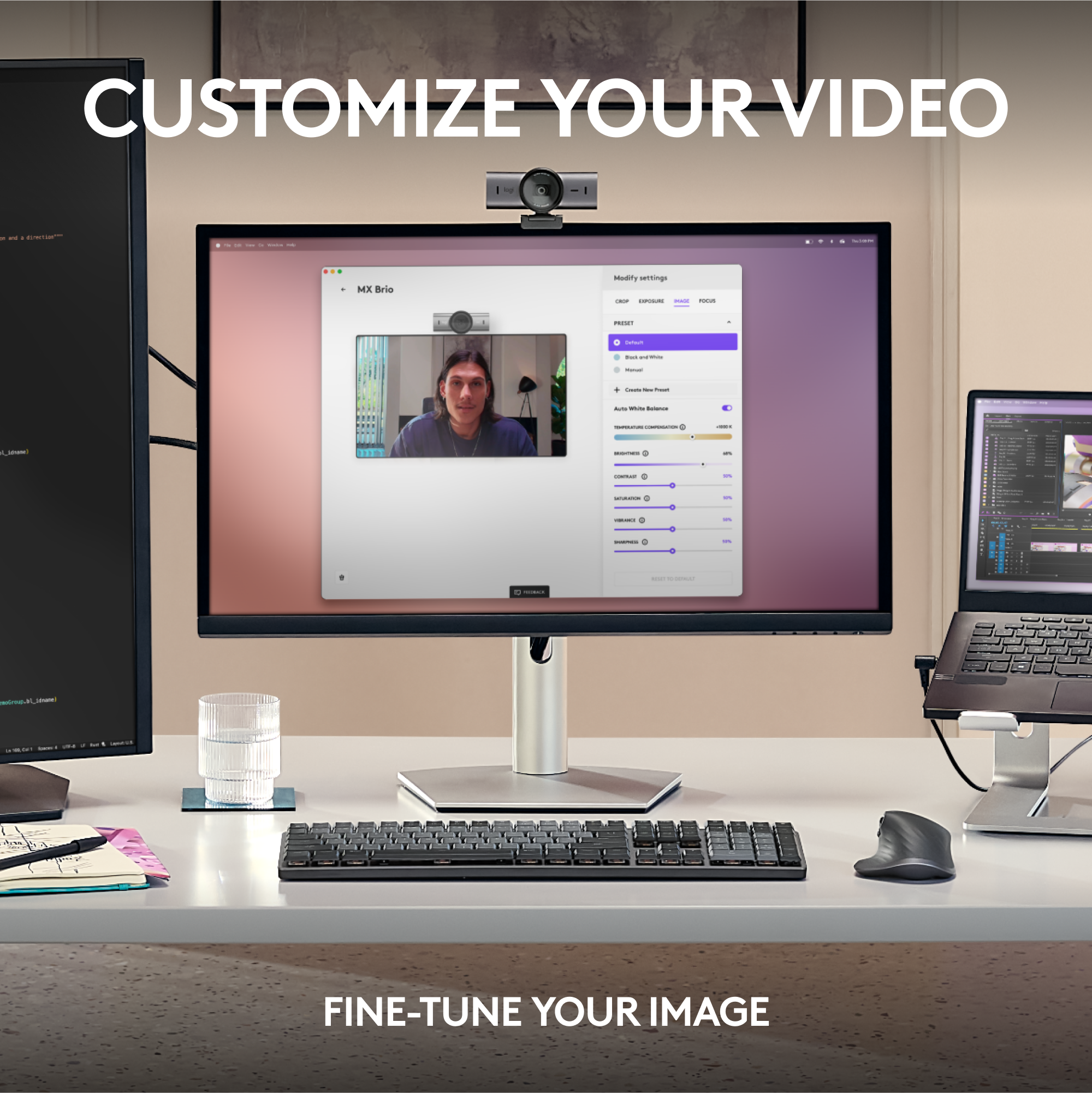
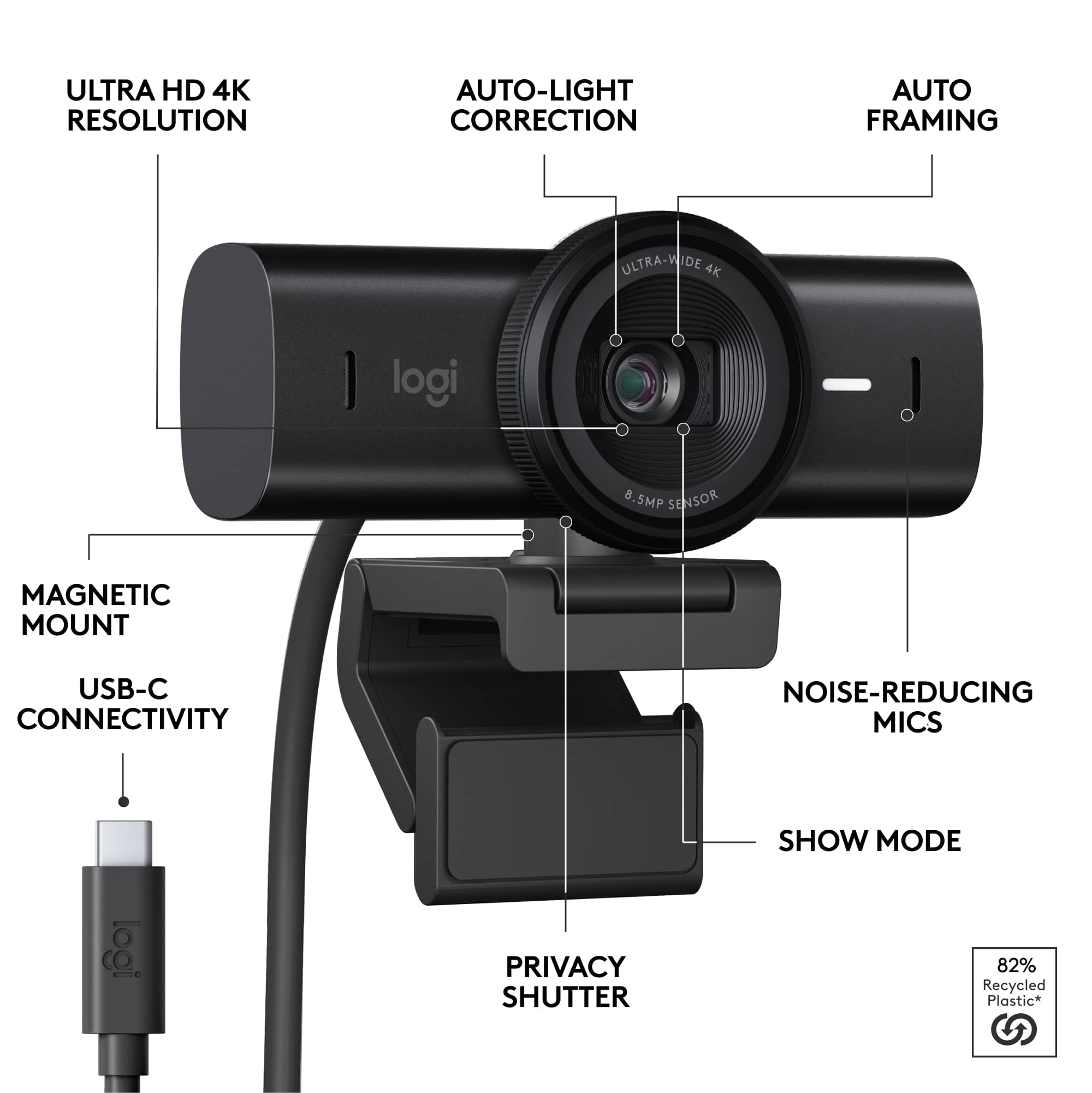
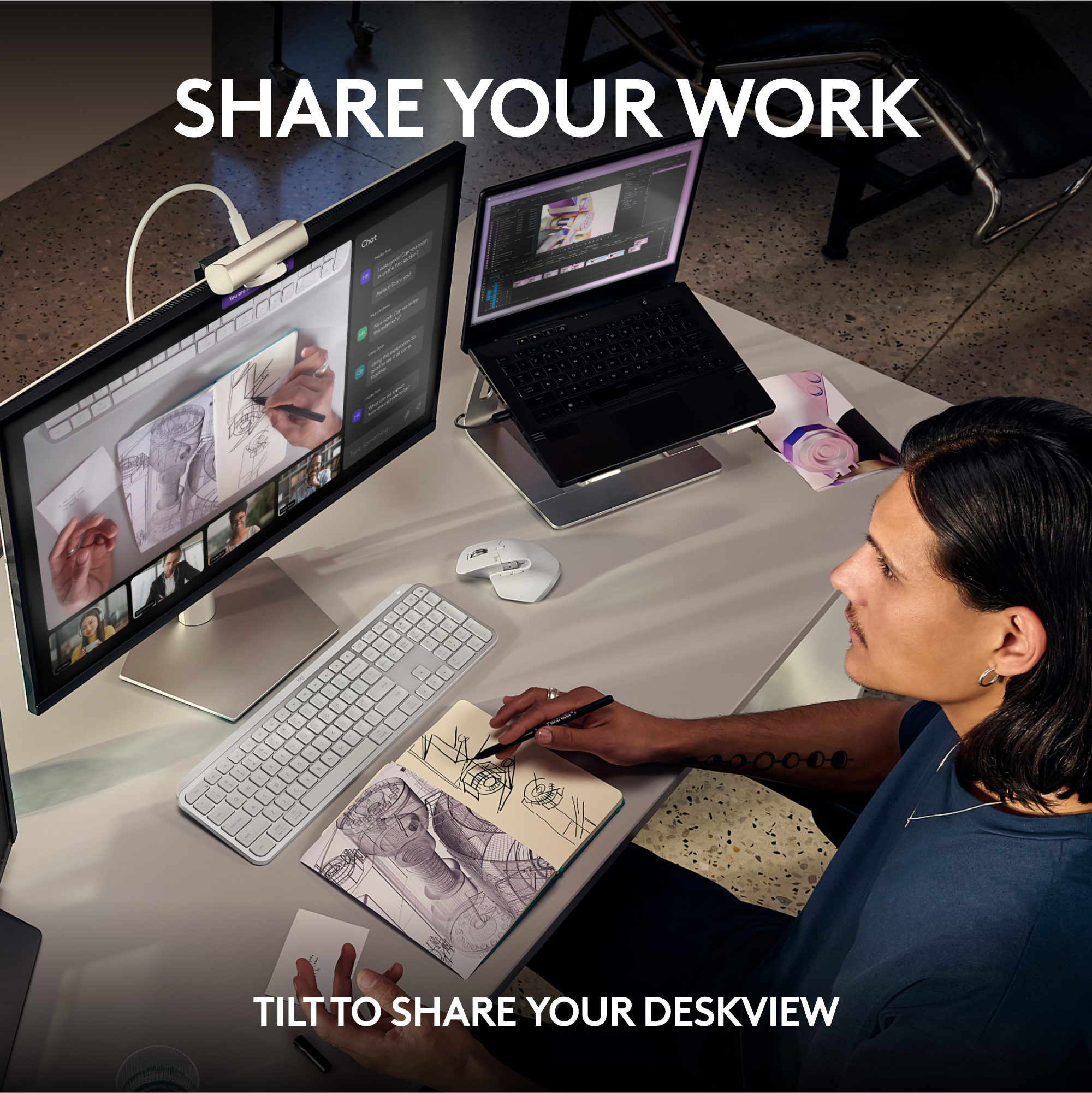
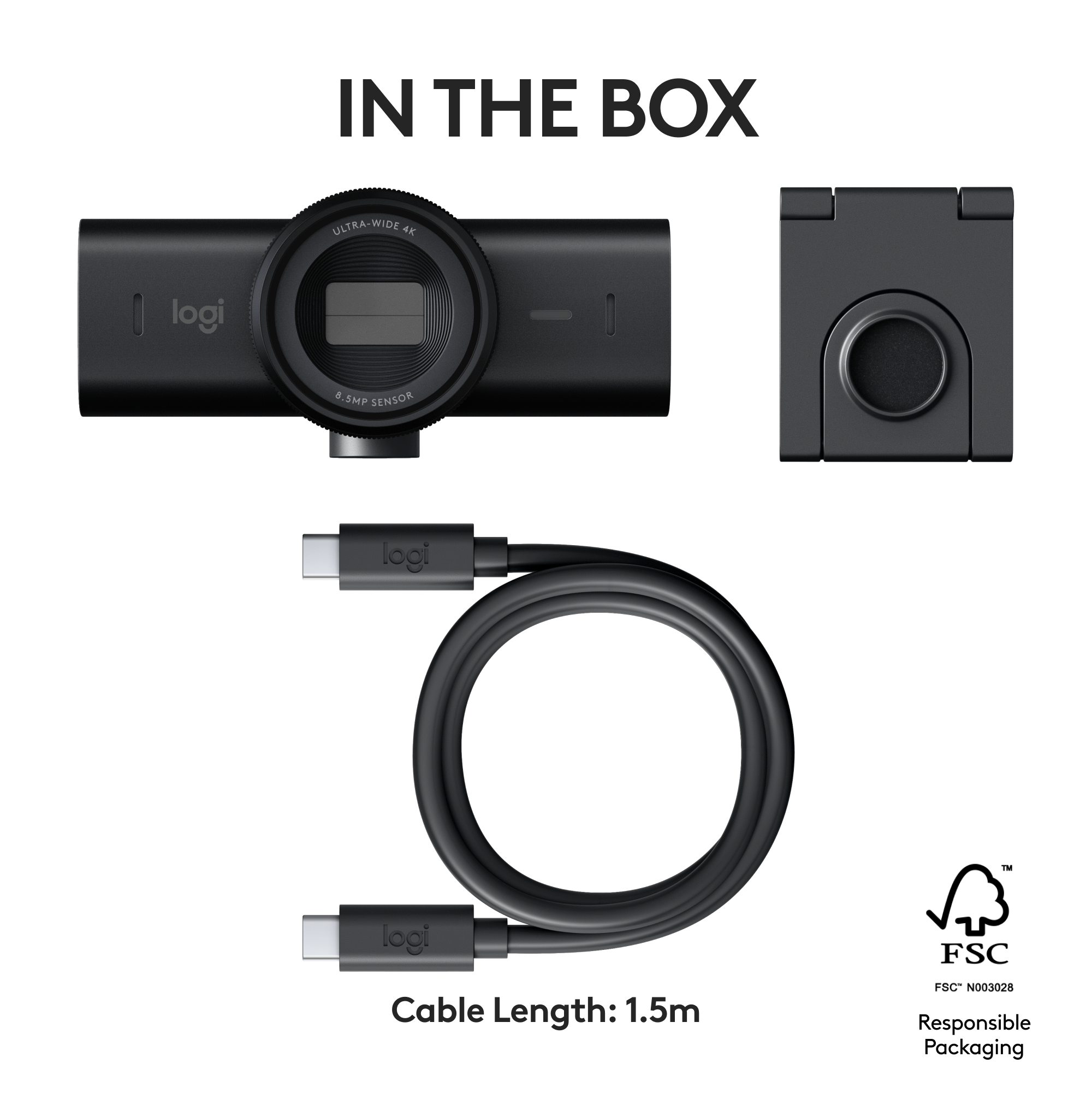
|Posted .This reviewer received promo considerations or sweepstakes entry for writing a review.I absolutely LOVE this camera!! The image quality is crisp and if you plan on using this for streaming it is perfect. It won't leave anything to be desired resolution-wise. The microphone is not bad either. I like to have a fan on and it did an amazing job of canceling out the fan noise and focusing on my voice which was very impressive. It magnetically connects to the base and can be mounted on a tripod so that's convenient. If you plan on using this to showcase stuff on your desk, it has a cool feature that lets you flip down the camera and it flips the image to make it right side up. The Logitech G Hub software is pretty intuitive, but I do wish it would give you the option to mirror the image. The thunderbolt cable it comes with is sturdy but not nearly long enough in my opinion. Unless your computer is right next to your monitor you will definitely need a longer thunderbolt cable. Also, make sure it is compatible with this camera, or else you won't get an image or the desired 4k image. Other than that, this camera ticks all the boxes for me. 10/10!
I would recommend this to a friendBrand response from Logitech
Posted .Thanks for the amazing MX Brio review! We're thrilled you love the image quality, microphone, and features. We're always looking for feedback on software features like mirroring, and we appreciate you letting us know about the cable length. Happy creating!
MX Brio
Posted .This reviewer received promo considerations or sweepstakes entry for writing a review.Noise cancellation is perfect and clarity stays the same after zoom.
I would recommend this to a friendBrand response from Logitech
Posted .We appreciate your thoughtful review. It’s great to know our product is meeting your needs. Thanks for being a valued customer.

Awesome webcam that runs circles around built-ins
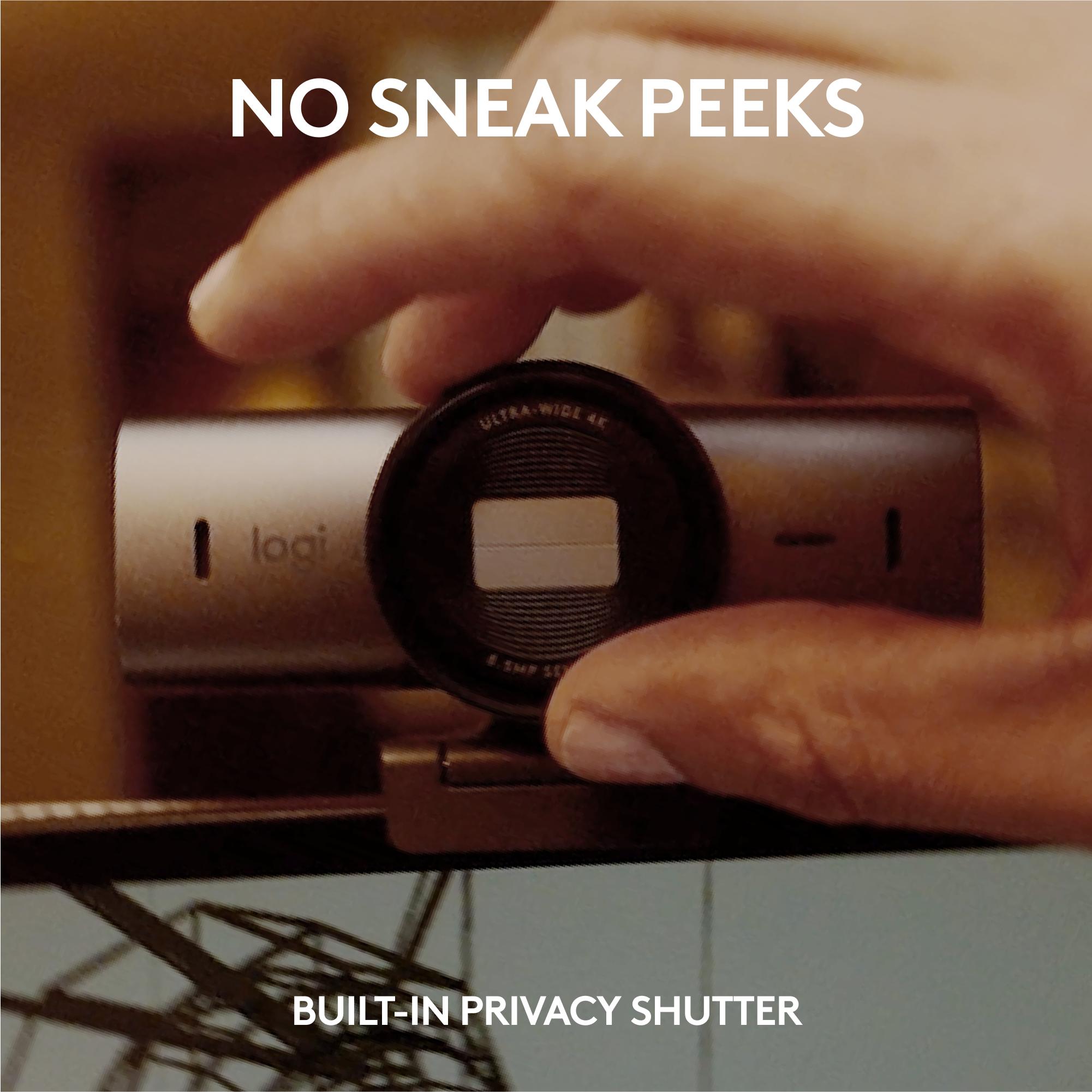
|Posted .This reviewer received promo considerations or sweepstakes entry for writing a review.TL;DR: I love this webcam. It's much crisper, clearer, and the sound output is better than anything built into a laptop. I struggle to find any cons with its functionality. Price is the only sticking point I'd have with it, but it's pretty in line with other premium webcams. Would definitely recommend. What I like: +4k max resolution provides crystal clear picture that lends a professional look. I would not hesitate to use this in a job interview. I use this to stream on Twitch and YouTube and I love the way it looks. +Auto focus and exposure work very well and very quickly. Moving around, forward or back, I'm constantly in focus with very balanced exposure. +Built in dual mics do a good job of picking up your voice and little else in the background, though I will say these are no substitute for an actual mic. +Show mode is neat. If you want to show somebody what's on your desk, you just flip the camera all the way forward so it's pointing down. The image will automatically adjust to look like your POV. +Privacy shutter being a physical piece (vs clicking an "off" button) is appreciated. You simply twist the bezel a bit and it opens and closes. What I don't like: -I wish it had a depth of field slider or control so it was easier to blur out the background. Maybe you need a much longer lens to achieve that than what's here, but something would be nice instead of relying on the blur effect in Teams/Zoom/etc. -I think it's pretty expensive for what it is, but as mentioned before, it's pretty much in line with some other premium webcams so it's not off base. I just don't think it's a homerun value proposition.
I would recommend this to a friendBrand response from Logitech
Posted .Hello! Thanks for the MX Brio Ultra HD webcam review! We appreciate the detail on image quality, autofocus, and privacy shutter. We'll consider your depth of field feedback for future products. Glad you find the value comparable to other premium webcams!
Great camera but expensive
Posted .This reviewer received promo considerations or sweepstakes entry for writing a review.Great webcam. Really good picture quality. Microphone is average but from from an image quality perspective it’s really good
I would recommend this to a friendBrand response from Logitech
Posted .Thanks for the MX Brio feedback! We appreciate you sharing about the mic and will consider it for future designs.
Best webcam
Posted .This reviewer received promo considerations or sweepstakes entry for writing a review.Love it. Feels quality unlike most its competition
I would recommend this to a friendBrand response from Logitech
Posted .Thanks for the feedback! We appreciate you taking the time to share your experience with the MX Brio. It's great to hear that the quality feels superior to others on the market. We're constantly striving to improve our webcams, and your input helps us do that.
Great addition to my setup
Posted .This reviewer received promo considerations or sweepstakes entry for writing a review.Love this camera and all it can do. I wasn't able at first to get the control panel to work but have recently been able to. It will allow you to change the view and zoom and all the things you need for working from home. Love this piece of equipment!
I would recommend this to a friendBrand response from Logitech
Posted .The Logitech MX Brio Ultra HD 4K Webcam is a great choice for professional video recording. It offers high-quality video, excellent low-light performance, autofocus, zoom, clear audio, and easy setup.
Laptop camera
Posted .This reviewer received promo considerations or sweepstakes entry for writing a review.The works in my laptop pretty well. I have only used it a couple of times, but had no issues. I did have to add scotch tape to hold it on the laptop lid/screen…
No, I would not recommend this to a friendBrand response from Logitech
Posted .Hey! It sounds like you're using a webcam other than the Logitech MX Brio Ultra HD 4K! The MX Brio is an external webcam, not typically used on laptops. However, we appreciate your feedback on the webcam you're using for your laptop.
No Windows Hello face recognition
Posted .This reviewer received promo considerations or sweepstakes entry for writing a review.Coming from the Brio 4K, I was interested in upgrading to this to match my other MX master devices but the lack of Windows Hello makes it an complete downgrade. I use the older Brio 4K for face login on both my personal PC and work laptop a lot more than the actual web cam functionality and I'm on Team meetings a lot. This is a huge disappointment. The image quality may be better in the new one but not enough to justify a huge step back for those using the convenience of face login. Save your money and buy the previously one with Windows Hello.
No, I would not recommend this to a friendBrand response from Logitech
Posted .Hi there! Thank you for your feedback on the Logitech MX Brio Ultra HD 4K camera. We understand your disappointment that it doesn't support Windows Hello face recognition, a feature you heavily relied on with your previous Brio 4K.
We appreciate you highlighting this as a significant factor for users who prioritize secure facial login. Your insights will be valuable for future product development.
Satisfied
Posted .This reviewer received promo considerations or sweepstakes entry for writing a review.It didn’t come with the computer adapter and I haven’t use it yet
I would recommend this to a friendBrand response from Logitech
Posted .We apologize for the inconvenience caused by the missing computer adapter for your Logitech - MX Brio webcam. We understand the importance of having all necessary components for a smooth setup. Please reach out to our support team at and provide your order details.
Waste the last model is better
Posted .This reviewer received promo considerations or sweepstakes entry for writing a review.Unable to utilize Logitech Capture with this device, unable to utilize the 4k features because you can only use one app to use this camera.
No, I would not recommend this to a friendBrand response from Logitech
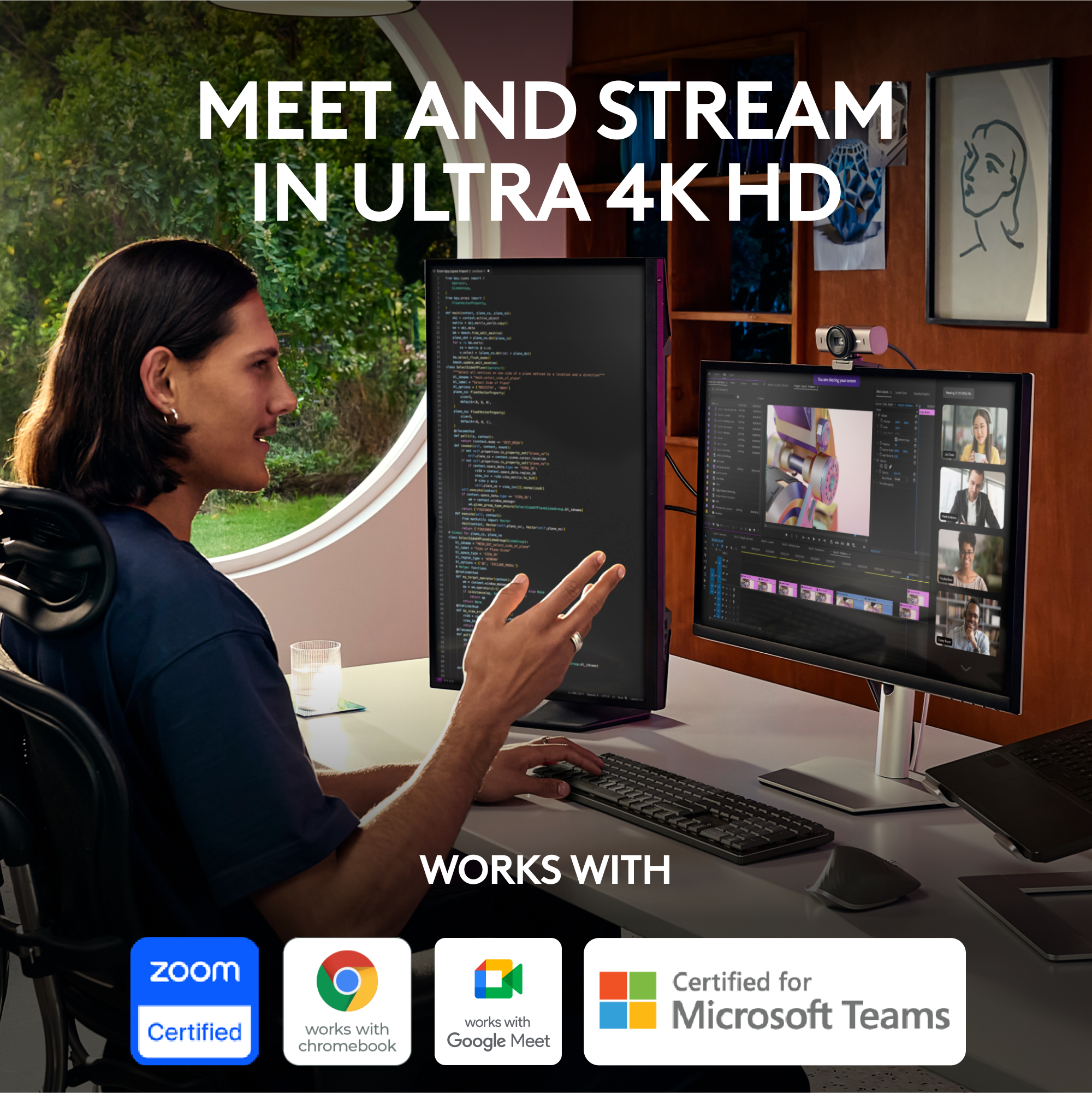
Posted .Hello Timmy! You can customize your Logitech MX Brio video in both Logi Options+ and G Hub with Fine Controls. MX Brio is compatible with Windows, macOS, or ChromeOS. Certified for Zoom, Microsoft Teams, Chromebook, Google Meet, and Streamlabs. We'd love to chat more about your setup so we can get your MX Brio working for you or find the best alternate Logitech solution. If this sounds good, please contact us at socialcare@logitech.com and we can go from there. Thanks!