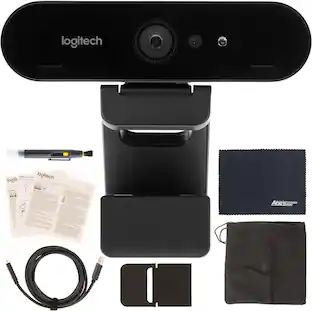
Logitech - MX Brio Ultra HD 4K Video Conference, Gaming and Streaming Webcam - Black
Customers are saying
Customers find value in the exceptional image quality and the convenient privacy features offered by this device. Users also frequently praise its ease of use, wide field of view, and versatile connectivity options. While the product is highly regarded, some customers noted that the low-light performance and mounting options could be improved.
Color
BlackUltra HD 4K webcam
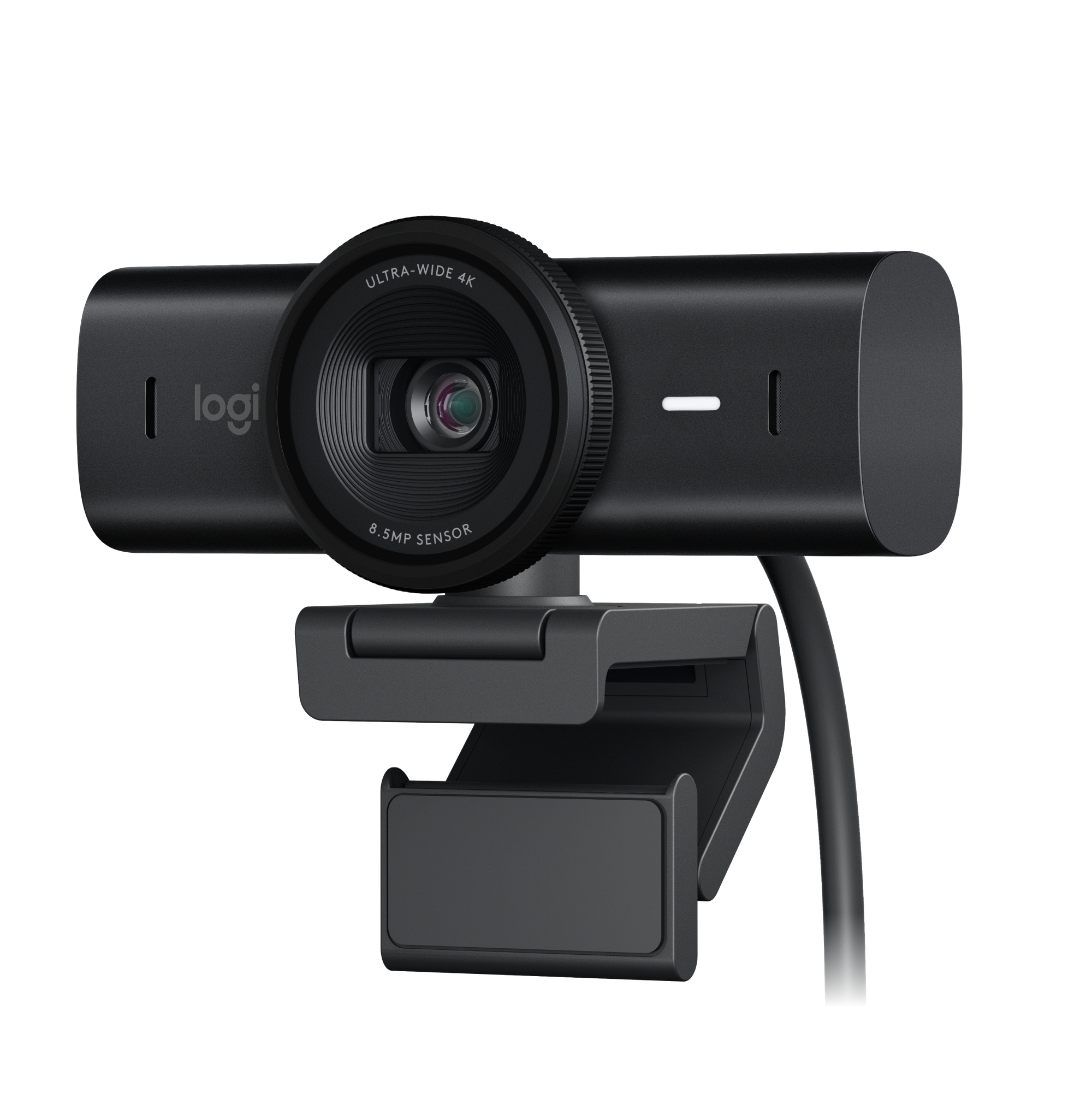
Meet or stream in 4K resolution at 30fps or 1080p at 60fps, with our most advanced webcam sensor yet, with 70% larger pixels for sharp image quality.¹
AI-enhanced image quality
Experience 2x better face visibility with finer image details in difficult light, with auto-exposure, auto white balance, noise reduction, and autofocus.²
Curate your image
Fine controls on this Ultra HD webcam let you adjust lighting and white balance, such as ISO, Shutter Speed, Tint, and Vibrance, or let Auto mode take care of it.³
Let them hear your every word
Integrated dual beamforming noise-reducing microphones minimize background noise with the aid of AI to make sure you are clearly heard.
Share your work
Tilt down your Logitech webcam to share notes and sketches on your desk with Show Mode, allowing for better collaboration on calls.
No sneak peeks
To protect your privacy between meetings, simply rotate the built-in webcam cover to completely block the web camera.
Compatibility
This USB C webcam works with Windows, macOS, Chrome OS or Linux. Certified for Zoom, Microsoft Teams, Chromebook, Google Meet, and Streamlabs.⁴
Customize your workflow
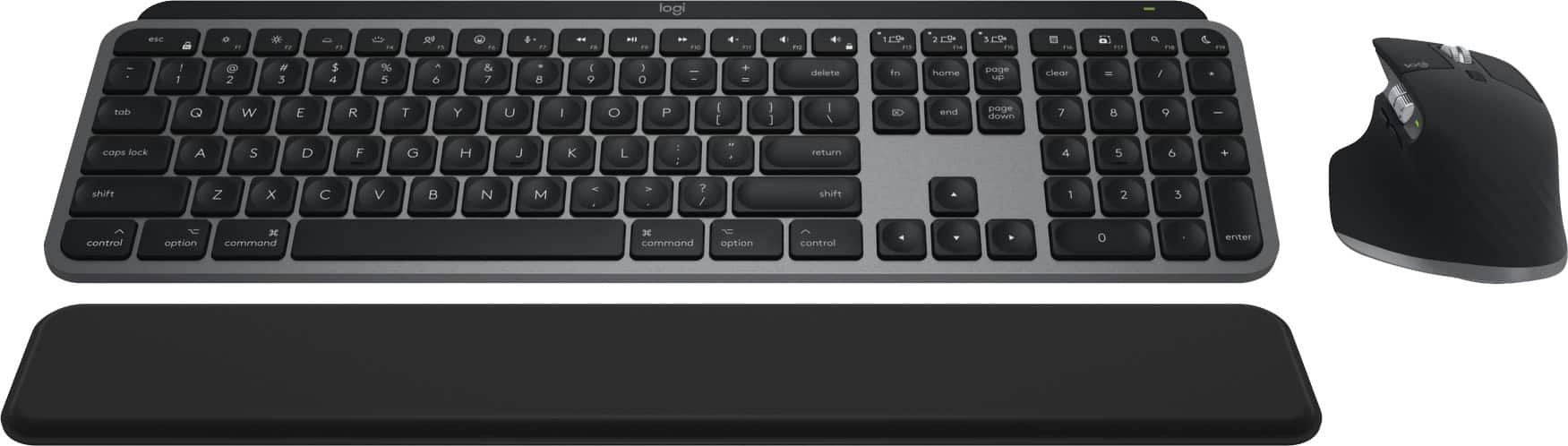
Pairing the MX Brio with Logi Options+ software unlocks a bespoke video streaming experience that lets you control your stream through your MX keyboard and mouse.³
¹ When compared to Brio 4k webcam
² Compared to Logitech Brio 4K in difficult light conditions: 2x face exposure in high contrast environments, 2x image definition in low light conditions.
³ Requires Logi Options+ software, available for Windows and macOS at Logitech MX Brio page
⁴ Basic webcam support using the USB Video Class (UVC) standard. No Logitech software for other systems than Windows and macOS.
1-month of Adobe Creative Cloud on us (a value of $59.99)*
Pair two of the world’s top creative tools. Buy one MX Brio Ultra HD 3K Webcam and claim your free 1-month Adobe Creative Cloud membership. *Value calculated based on Adobe Creative Cloud All Apps monthly value of $59.99 valid on Adobe.com on Sept 12, 2024. Terms & Conditions apply.¹ ² ³
¹ Terms and Conditions: Offer starts on October 2024, and expires on October 31st, 2026. Offer available worldwide to customers who purchase the Logitech MX Brio Ultra HD 3K Webcam who are new or existing Adobe customers. When you purchase an MX Brio Ultra HD 3K Webcam you receive a complimentary 1-month membership of Adobe Creative Cloud All apps when you go to logi.com/adobe-offer offer page and follow the redemption steps.
² Limit: 1 subscribing customer per product. At the end of the trial period, if you provided a payment method, your subscription would automatically renew, and you will be charged the then-current subscription rate unless you elect to change or cancel your subscription.For Creative Cloud All apps, the current subscription rate is US$89.99/mo or US$659.88/yr (annual, prepaid) (plus applicable taxes/VAT/GST).Cancellations can be made through Customer Support or https://account.adobe.com/plans
³ Valid only for eligible persons who are 18+. Residents or persons in embargoed countries or countries subject to U.S. or local export restrictions are not eligible. Offer and prices are subject to change. Offer may not be assigned, exchanged, sold, transferred, combined, or redeemed for cash or other goods and services not expressly stated here as included. Subject to availability where the recipient resides. Additional terms may apply. VOID WHERE PROHIBITED OR RESTRICTED BY LAW.
⁴ The purchase of an MX Brio Ultra HD 3K Webcam includes 1 month of Adobe Creative Cloud All Apps membership. Terms and conditions apply.
⁵ Requires Logi Options+ app, available for recent versions of Windows and macOS
⁶ Battery life may vary based on user and computing conditions
- Video Resolution4K (2160p)
Reviews
Rating 4.7 out of 5 stars with 408 reviews
- Image Quality (275)
- Privacy Feature (41)
- Ease of Use (20)
- Field of View (16)
- Connectivity (12)
- Low-light Performance (3)
- Mounting Options (3)
Customer Images
The vast majority of our reviews come from verified purchases. Reviews from customers may include My Best Buy members, employees, and Tech Insider Network members (as tagged). Select reviewers may receive discounted products, promotional considerations or entries into drawings for honest, helpful reviews.
Compare similar products

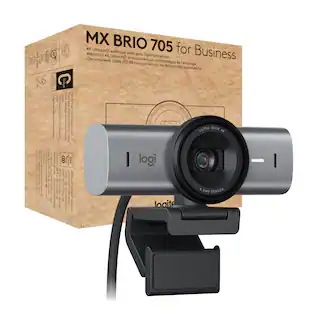
Meet, stream, master with the Logitech MX Brio Ultra HD 4K Webcam for Collaboration and Streaming. Experience sharp, ultra HD 4k resolution video with AI image enhancement, our in-house designed lens, and our most advanced webcam sensor yet with 70% bigger pixels for 2X better face visibility and 2x finer image details in difficult lighting conditions.. Fine controls on this HD webcam let you precisely adjust lighting and white balance with ISO, Shutter Speed, Temperature, Tint, and Vibrance. Dual omnidirectional microphones reduce background sound so you can be heard clearly with noise-reducing technology. Show Mode lets you share your physical work and notes on video calls by tilting the web camera down.

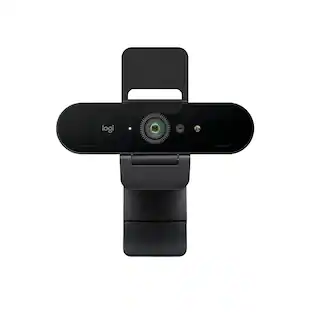
Brio 4K is an advanced webcam that helps you meet like a pro in every video call. Stream crystal-clear video up to 4K with beautiful colors and RightLight 3 auto light correction, or get up to 90 fps high frame rates at 720p. Also features autofocus, adjustable field of view, and 5x digital zoom. Brio 4K is certified for Zoom, and Google Meet, enables fast and secure facial recognition for Windows Hello, and is compatible with other popular applications. Low-carbon aluminum for camera housing and a minimum 38% post-consumer recycled plastic in the plastic components makes Brio 4K a choice you’ll feel good about.

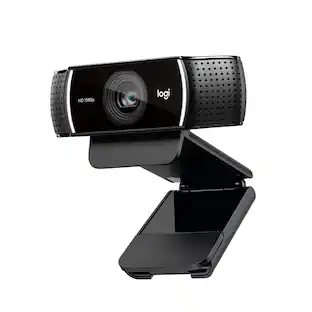
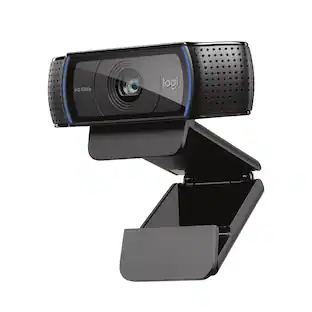
With the Logitech C270 Webcam, you can confidently join any video meeting knowing you’ll always have quality audio and video. Our most affordable camera, the C270 Webcam is an upgrade for your laptop or desktop with practical features that outperform most built-in laptop cameras. It supports crisp HD 720p/30 fps video calls with diagonal 55° field of view. Logitech’s RightLight technology adjusts to your lighting conditions, producing brighter images to help you look good even in low-light and backlit situations. And the noise-reducing mic makes sure your voice comes across clearly, even in busy environments.

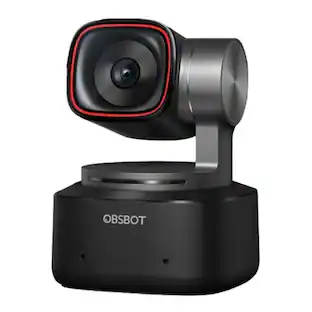
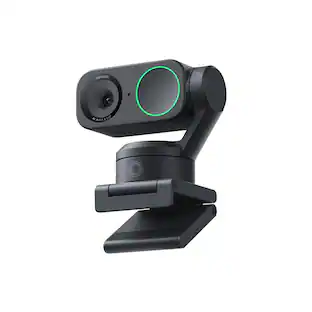
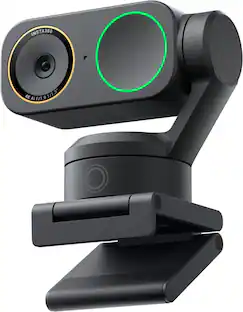
Link 2 and Link 2C are affordable 4K webcams with exceptional video and audio quality. With a 2-axis gimbal and a standard model, they provide a seamless user experience for business professionals, educators, and live streamers. The high-performance 1/2" sensor ensures quality 4K video, and an advanced audio algorithm delivers AI-powered noise cancelation. With the all-new Magnetic Mount, and specialized modes including AI Tracking, Auto Framing, Gesture Control, customizable backgrounds, and Natural Bokeh, they set new standards in video conferencing and live streaming.
| Pros for Logitech - MX Brio Ultra HD 4K Video Conference, Gaming and Streaming Webcam - Black | |||
|---|---|---|---|
| Image Quality, Ease of Use, Field of View, Privacy Feature, Connectivity | Image Quality, Ease of Use, Setup, Field of View | Ease of Use, Setup, Overall Performance, Video Quality, Resolution | Image Quality, Ease of Use, AI Tracking, Features, Tracking |
| Cons for Logitech - MX Brio Ultra HD 4K Video Conference, Gaming and Streaming Webcam - Black | |||
| Low-light Performance, Mounting Options | Compatibility, Focus, Connectivity, Software, Price | Compatibility, Focus, Mounting, Features, Field of View | There were no cons for this product— |
Specs
Customers often buy these together
Microphones
Blue Microphones - Blue Yeti Professional Multi-Pattern USB Condenser Microphone - Blackout
$111.99The price was $139.99
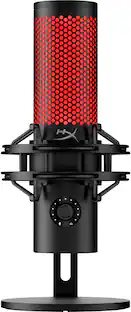
HyperX - QuadCast 2 Wired Multi-Pattern USB Electret Condenser Microphone - Black
$119.99The price was $149.99


Photo and Video Lights



More recommended items
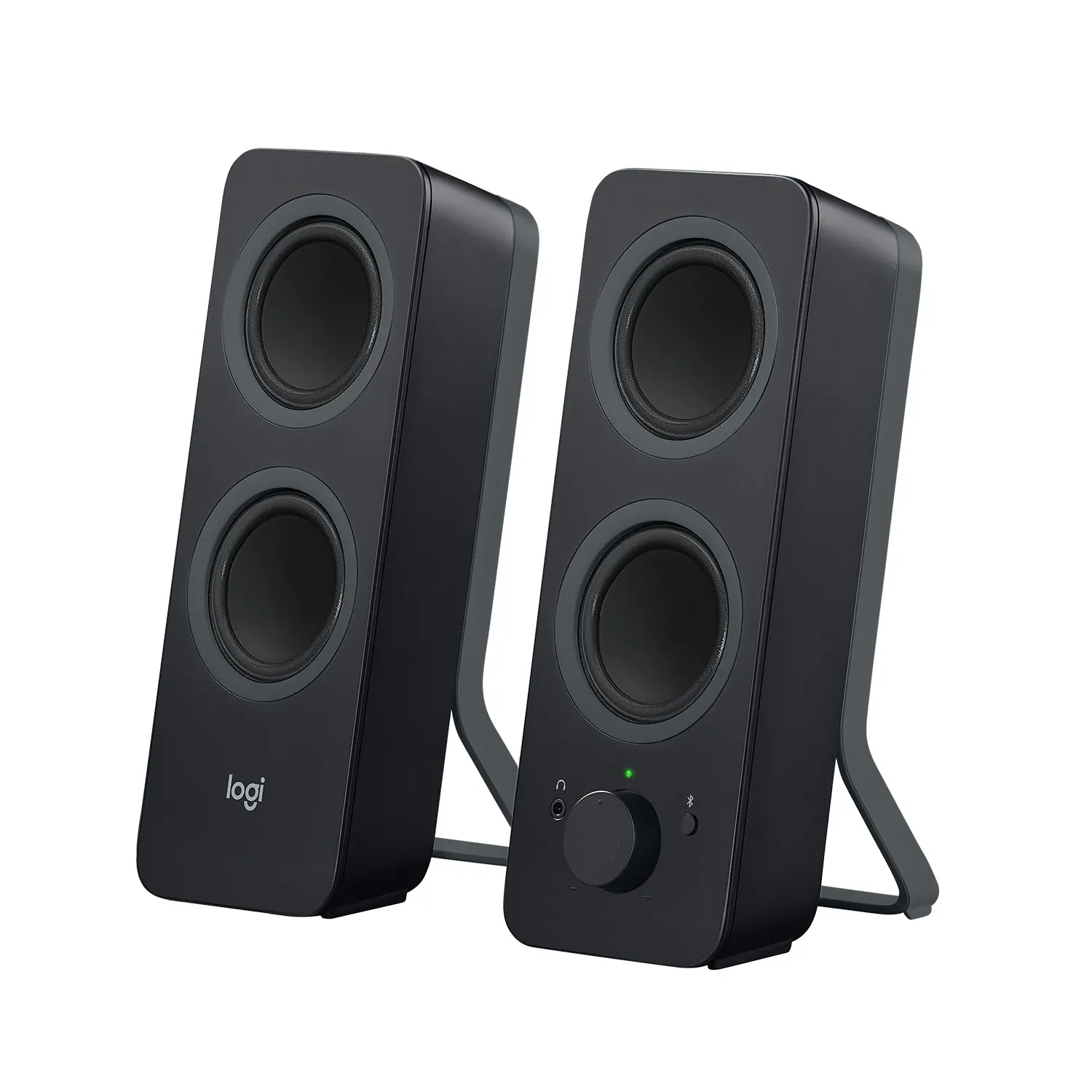 Computer Speakers
 Video Capture Devices
 Laptop Docking Stations
 Monitor and Video Cables
More to consider
 $154.99The price was $169.99
 Top Deal$109.99The price was $139.99
 $150.97The price was $169.99
 $109.99The price was $119.99
 $559.00The price was $640.74
Explore tech essentials Sponsored
- Top Deal$109.99The price was $139.99
 $119.99The price was $149.99



Discover related products
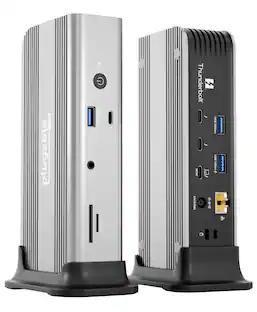 $254.95The price was $299.95
 $169.99The price was $269.99




Keep exploring
 $26.10The price was $27.18
 $24.99The price was $27.99