Customer Ratings & Reviews

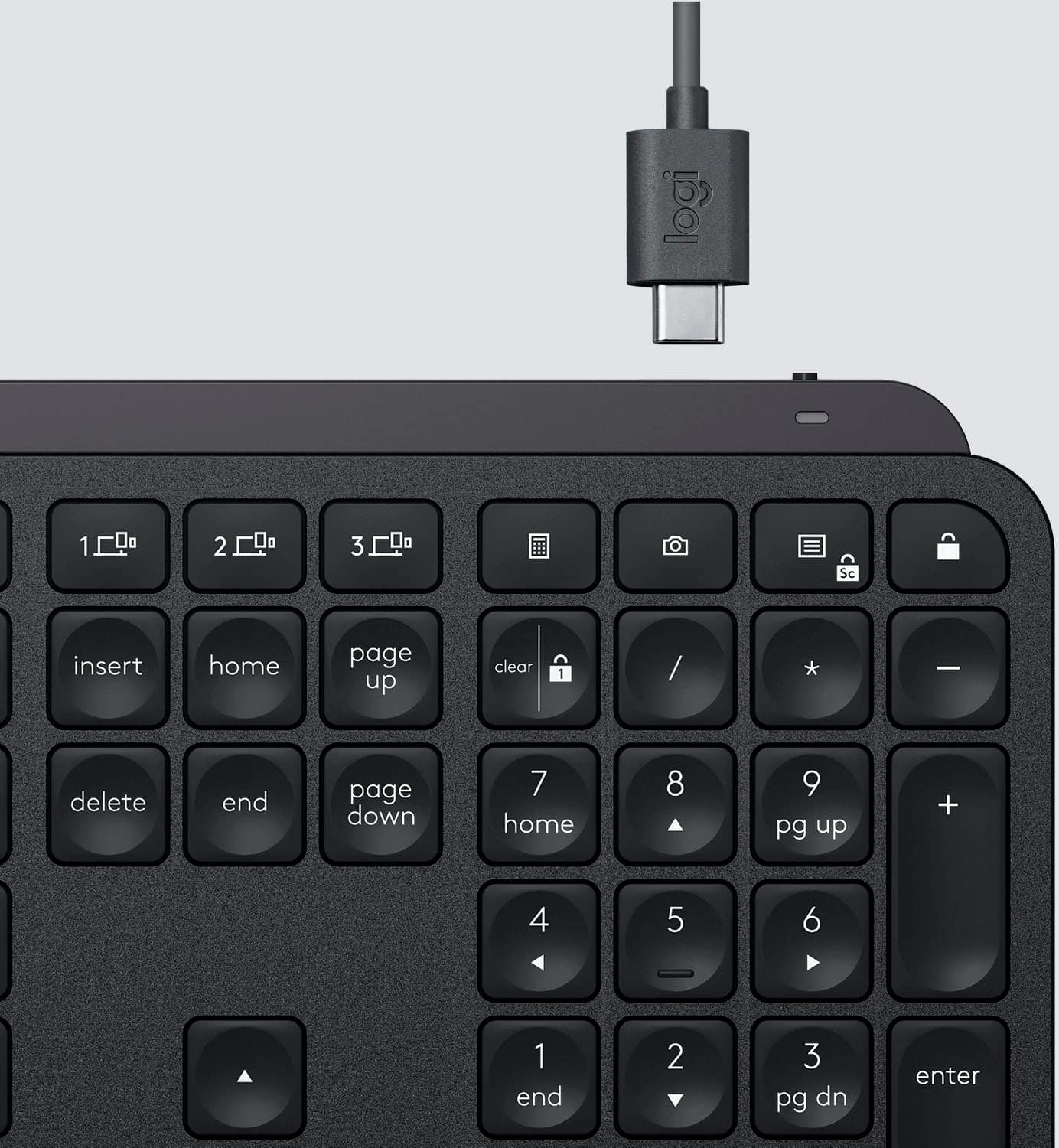
![The text on the image is grouped and corrected as follows:
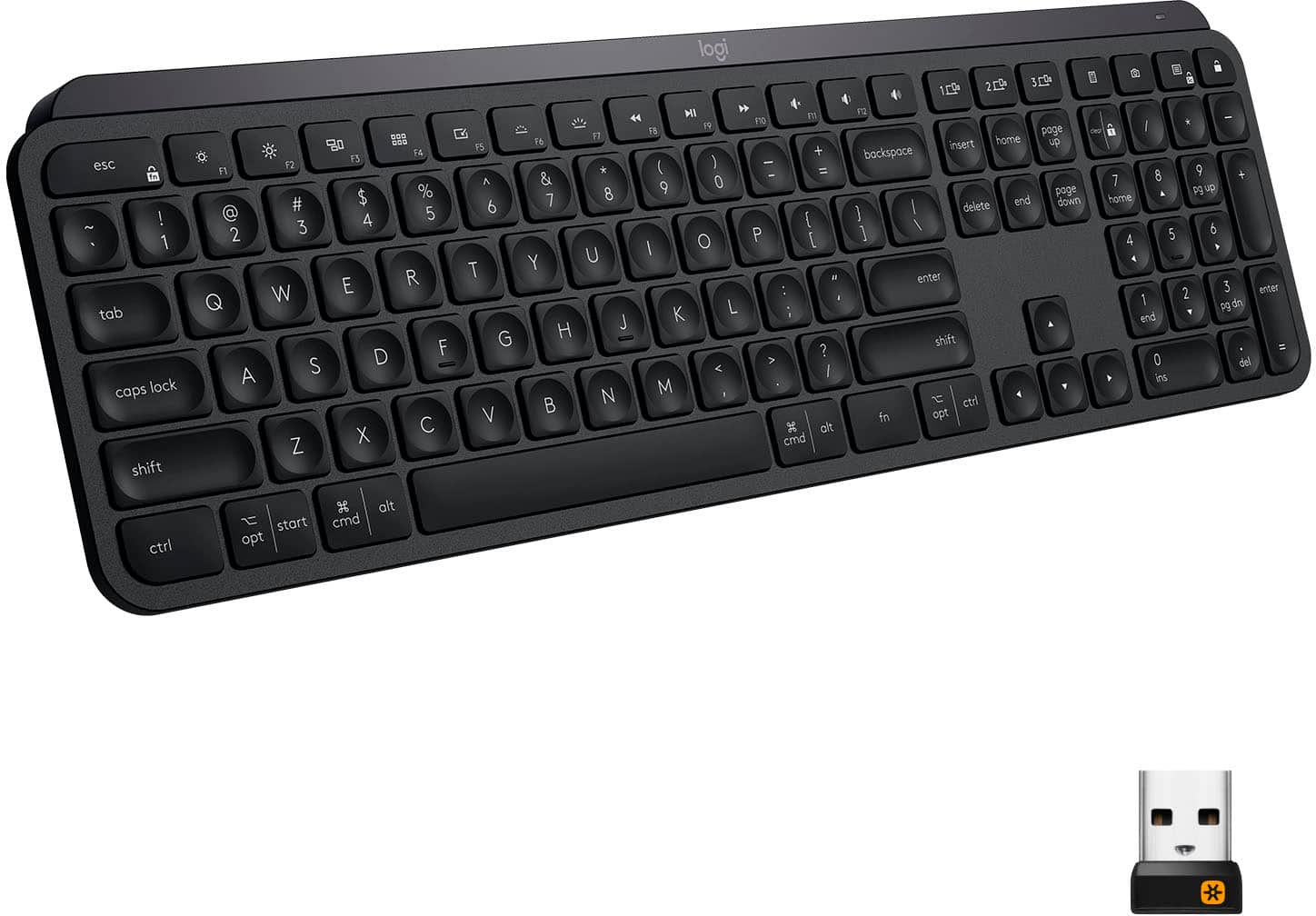
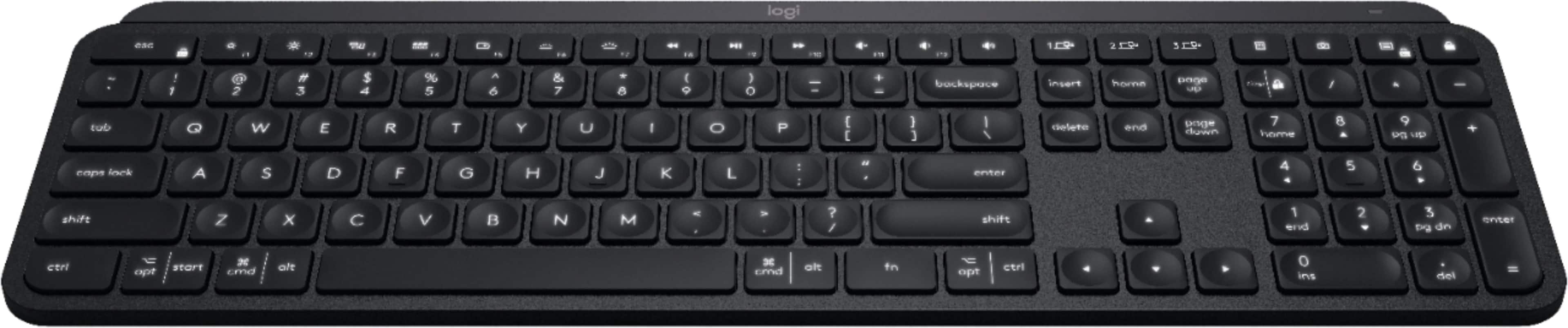
1. F10, F11, F12: These keys are located in the top row of the keyboard, and they are used to access function keys.
2. 1, 2, 3: These are the number keys in the top row of the keyboard.
3. Sc - - + =: These are the arrow keys in the top row of the keyboard.
4. Backspace, Insert, Home, Page Up, Clear: These keys are located in the bottom row of the keyboard.
5. 1 / - P { [ } ] I / delete: These are the function keys that are used to navigate and modify text.
6. 7, 8, 9: These are the number keys in the bottom row of the keyboard.
7. Page Up, Page Down: These keys are located in the middle row of the keyboard and are used to navigate through documents.
8. Home, End, Page Up, Page Down: These keys are also located in the middle row of the keyboard and are used to navigate through documents.
9. Shift, Ctrl, Alt, Fn, Windows, Opt, Ctrl: These are the function keys that are used to access various system functions and shortcuts.
10. 0, Ins, Del: These are the number keys in the bottom row of the keyboard.
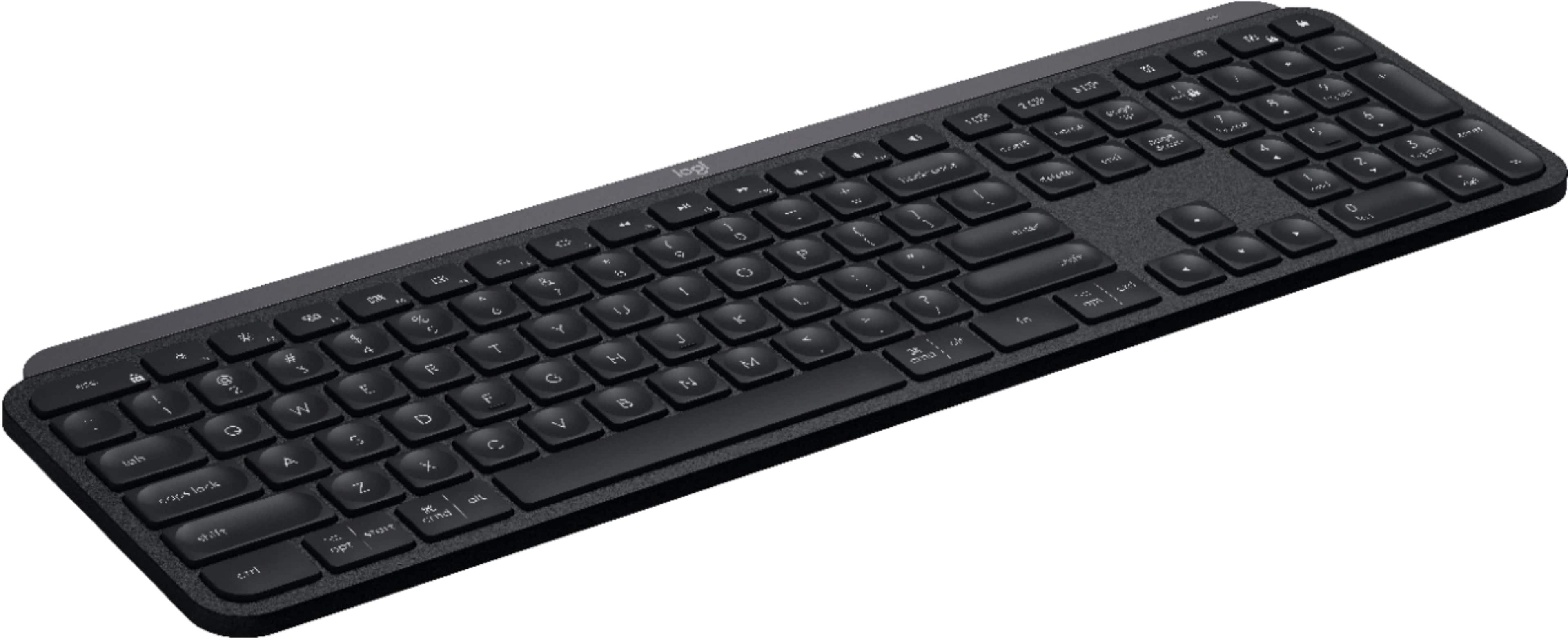
The image shows a close-up view of a black keyboard with the keys labeled, making it easier to identify and understand their functions.](https://pisces.bbystatic.com/image2/BestBuy_US/images/products/6366/6366560cv15d.jpg)

- Model:
- 920-009295
- |
- SKU:
- 6366560
Customer reviews
Rating 4.8 out of 5 stars with 3815 reviews
(3,815 customer reviews)Rating by feature
- Value4.5
Rating 4.5 out of 5 stars
- Quality4.9
Rating 4.9 out of 5 stars
- Ease of Use4.8
Rating 4.8 out of 5 stars
Customers are saying
Customers regard the MX Keys Advanced keyboard highly, praising its excellent build quality, satisfying key feel, and impressive battery life. The ease of use is also frequently cited as a significant positive. While some users find the keyboard expensive, connectivity issues are reported less frequently.
This summary was generated by AI based on customer reviews.
Rated 3 out of 5 stars
Could definitely be better, but not bad
||Posted . Owned for 1 month when reviewed.This reviewer received promo considerations or sweepstakes entry for writing a review.A nice keyboard that can serve double-duty for Windows and Mac machines. The "touch-sensitive" nature of the keyboard for providing back-lighting is not what it should be. For me personally, I have to lay my entire hand lightly on the keyboard or touch precise locations on the keyboard for backlighting to turn on. I don't understand why the printing on the keys is so difficult to see in ordinary light. Takes some getting used to to find certain keys given the dual personality of the keyboard.
I would recommend this to a friendRated 5 out of 5 stars
Worth the Upgrade.
||Posted . Owned for 3 weeks when reviewed.This reviewer received promo considerations or sweepstakes entry for writing a review.Great Keyboard. Good feel to the keys. Very comfortable.
I would recommend this to a friendRated 5 out of 5 stars
Feels Solid
||Posted . Owned for 1 month when reviewed.This reviewer received promo considerations or sweepstakes entry for writing a review.Excellent size, keypress feedback is great. Heavier than other products
I would recommend this to a friendRated 5 out of 5 stars
best touch keyboard I have ever used
||Posted . Owned for 3 weeks when reviewed.This reviewer received promo considerations or sweepstakes entry for writing a review.best touch keyboard I have ever used - works with 3 devices, Solid and high quality construction
I would recommend this to a friendRated 5 out of 5 stars
Seamless connections
||Posted .This reviewer received promo considerations or sweepstakes entry for writing a review.Best wireless keyboard that I've owned to date. Seamlessly connects and switches between devices.
I would recommend this to a friendRated 5 out of 5 stars
logitech
||Posted . Owned for 1 month when reviewed.This reviewer received promo considerations or sweepstakes entry for writing a review.Excellent keyboard for the price has the number pad.
I would recommend this to a friendRated 5 out of 5 stars
Good feel to keys and backlight great
||Posted . Owned for 2 weeks when reviewed.This reviewer received promo considerations or sweepstakes entry for writing a review.Great keyboard, but have not had much chance to use it yet. Plan to pair it up with MC mouse.
I would recommend this to a friendBrand response from Logitech
Posted .Hello, Very glad to hear that your initial impression of the MX Keys Advanced Wireless Keyboard is a great one. Here's a link to the product support page for the MX Keys (https://support.logi.com/hc/en-us/articles/360034762774) where you'll find an interactive setup guide, troubleshooting FAQs, software downloads, warranty information, and more. Hope that you find this helpful. Thank you for choosing Logitech. - Richard from Logitech
Rated 5 out of 5 stars
Works great
||Posted . Owned for 10 months when reviewed.This reviewer received promo considerations or sweepstakes entry for writing a review.I love it. It's quiet and the typing is great. I use it for my desktop and 2 laptops.
I would recommend this to a friendRated 4 out of 5 stars
Overall - Good
||Posted . Owned for 3 weeks when reviewed.This reviewer received promo considerations or sweepstakes entry for writing a review.Good overall, Sometimes it has connection related problems. On the Mac it has no issues, except the key combinations change in a ridiculous way. Material quality is above average.
I would recommend this to a friendRated 5 out of 5 stars
The best!
||Posted . Owned for 1 month when reviewed.This reviewer received promo considerations or sweepstakes entry for writing a review.The best keyboard that you can buy. Super comfortable all day long.
I would recommend this to a friendRated 5 out of 5 stars
Good Keyboard
||Posted .This reviewer received promo considerations or sweepstakes entry for writing a review.Did not know that a keyboard could make a difference but it does. This is a great keyboard.
I would recommend this to a friendRated 5 out of 5 stars
Handy keyboard
||Posted . Owned for 5 months when reviewed.This reviewer received promo considerations or sweepstakes entry for writing a review.It is very light so I can carry anywhere. Also because it is wireless it comes in handy all the time.
I would recommend this to a friendRated 5 out of 5 stars
Well worth it
||Posted . Owned for 3 weeks when reviewed.This reviewer received promo considerations or sweepstakes entry for writing a review.Expensive but very nice to be able to connect 3 different devices and switch on the fly
I would recommend this to a friendRated 4 out of 5 stars
Wireless Keyboard
||Posted . Owned for 3 weeks when reviewed.This reviewer received promo considerations or sweepstakes entry for writing a review.It's a very nice keyboard. But within a short period the keys seemed to stick ever so slightly. It doesn't interfere with typing but in can throw you off pace when a key takes a little too long to pop back into position.
I would recommend this to a friendRated 5 out of 5 stars
Great fit, feel, function and battery life
||Posted .This reviewer received promo considerations or sweepstakes entry for writing a review.This is an excellent keyboard! It connected effortlessly to my computer and has performed perfectly.
I would recommend this to a friendRated 3 out of 5 stars
Very expensive for what it is, would go cheaper
||Posted . Owned for 3 weeks when reviewed.This reviewer received promo considerations or sweepstakes entry for writing a review.It's ok. That's it, and certainly not worth the price 1. It's smaller than my last keyboard; so it's taken a while to adjust my typing so I'm not hitting the wrong keys 2. The battery lasts just over a week. However you cannot simply replace the battery, this is a rechargeable unit - so you need to place it on charge, which is not ideal if in the middle of a working day. I have to set a reminder to myself to charge weekly at an evening over the weekend. I really don't see the reason why this is worth almost $100. I should have bought one in the $20-30 range........
No, I would not recommend this to a friendRated 5 out of 5 stars
As advertised.
||Posted . Owned for 4 months when reviewed.This reviewer received promo considerations or sweepstakes entry for writing a review.Quality as expected. Delivered arrived on time and in working order.
I would recommend this to a friendRated 5 out of 5 stars
Great Features
||Posted . Owned for 2 months when reviewed.This reviewer received promo considerations or sweepstakes entry for writing a review.Very comfortable keystrokes. Not perfect though.....slight delay in keyboard lighting up in the dark.
I would recommend this to a friendRated 5 out of 5 stars
PERFECT KEYBOARD!!!!
||Posted .This reviewer received promo considerations or sweepstakes entry for writing a review.Not much more that can be said about this keyboard. When paired up with the Mouse it is a perfect combo!!!1
I would recommend this to a friendRated 5 out of 5 stars
Logitech MX Keyboard
||Posted . Owned for 3 weeks when reviewed.This reviewer received promo considerations or sweepstakes entry for writing a review.Really working good so far along with mx mouse. Hope it lasts long.
I would recommend this to a friend