Customer Ratings & Reviews

![The text on the image is grouped and corrected as follows:
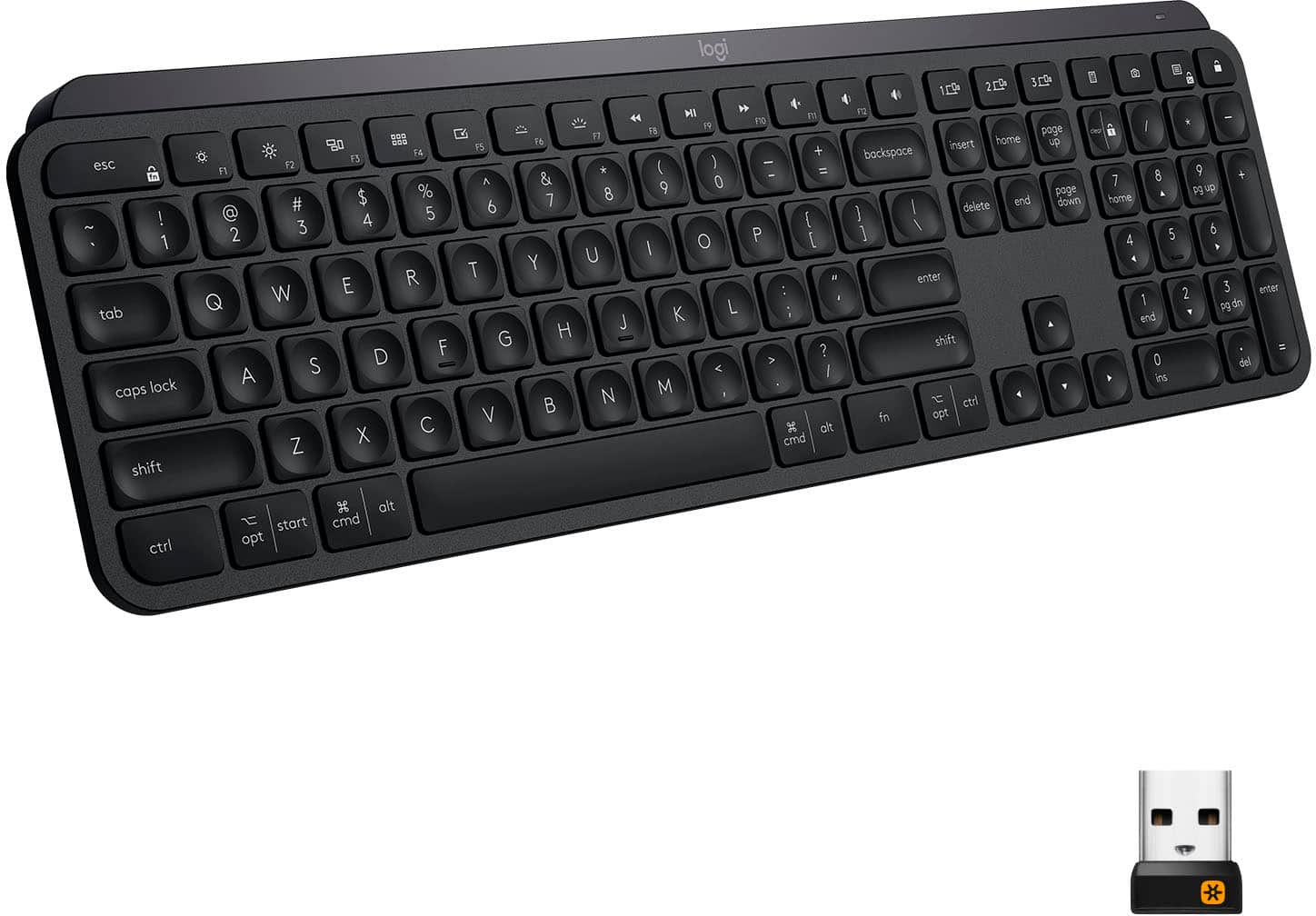
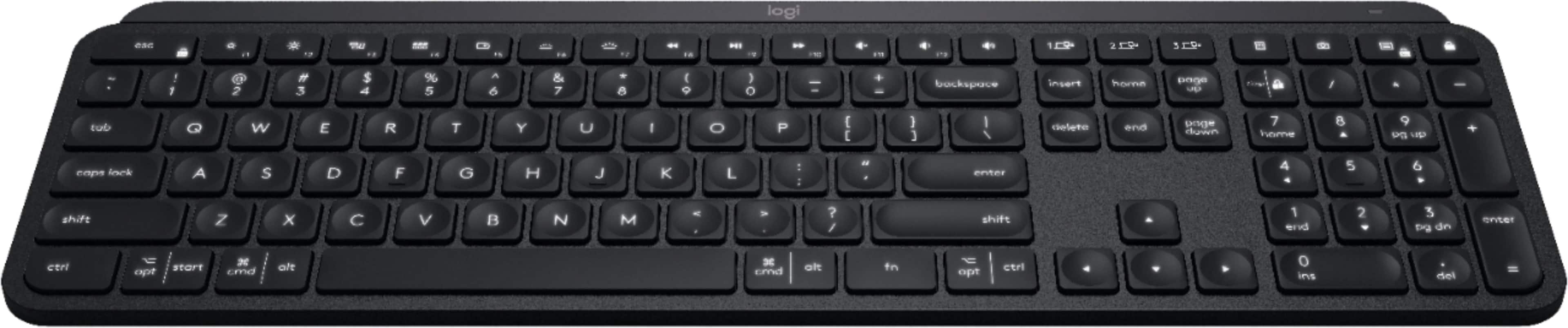
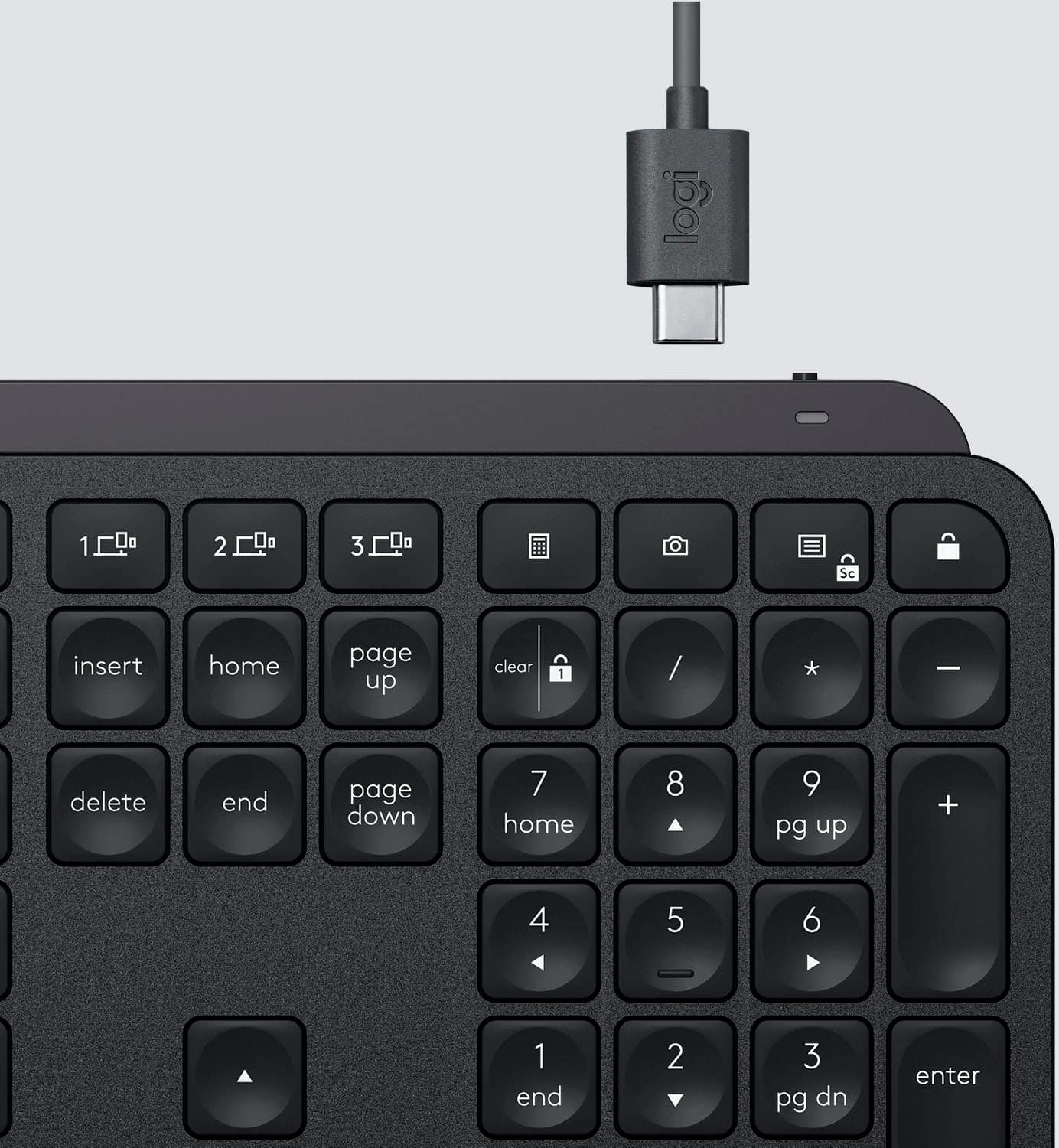
1. F10, F11, F12: These keys are located in the top row of the keyboard, and they are used to access function keys.
2. 1, 2, 3: These are the number keys in the top row of the keyboard.
3. Sc - - + =: These are the arrow keys in the top row of the keyboard.
4. Backspace, Insert, Home, Page Up, Clear: These keys are located in the bottom row of the keyboard.
5. 1 / - P { [ } ] I / delete: These are the function keys that are used to navigate and modify text.
6. 7, 8, 9: These are the number keys in the bottom row of the keyboard.
7. Page Up, Page Down: These keys are located in the middle row of the keyboard and are used to navigate through documents.
8. Home, End, Page Up, Page Down: These keys are also located in the middle row of the keyboard and are used to navigate through documents.
9. Shift, Ctrl, Alt, Fn, Windows, Opt, Ctrl: These are the function keys that are used to access various system functions and shortcuts.
10. 0, Ins, Del: These are the number keys in the bottom row of the keyboard.
The image shows a close-up view of a black keyboard with the keys labeled, making it easier to identify and understand their functions.](https://pisces.bbystatic.com/image2/BestBuy_US/images/products/6366/6366560cv15d.jpg)

- Model:
- 920-009295
- |
- SKU:
- 6366560
Customer reviews
Rating 4.8 out of 5 stars with 3815 reviews
(3,815 customer reviews)Rating by feature
- Value4.5
Rating 4.5 out of 5 stars
- Quality4.9
Rating 4.9 out of 5 stars
- Ease of Use4.8
Rating 4.8 out of 5 stars
Customers are saying
Customers regard the MX Keys Advanced keyboard highly, praising its excellent build quality, satisfying key feel, and impressive battery life. The ease of use is also frequently cited as a significant positive. While some users find the keyboard expensive, connectivity issues are reported less frequently.
This summary was generated by AI based on customer reviews.
Rated 5 out of 5 stars
Logitech - MX Keys Advanced Wireless Illuminated K
||Posted . Owned for 1 month when reviewed.This reviewer received promo considerations or sweepstakes entry for writing a review.smooth experience of the Logitech - MX Keys Advanced Wireless Illuminated Keyboard - Black
I would recommend this to a friend- Pros mentioned:Keyboard quality
Rated 2 out of 5 stars
Function gone after 1 month of use!
||Posted . Owned for 1 month when reviewed.This reviewer received promo considerations or sweepstakes entry for writing a review.At first, I LOVED this keyboard. It's super smooth and worked great! However, after one short month, it no longer functions properly. The backspace key only works when it feels like it. Other keys are the same way and work randomly. The keyboard is fully charged, so a low battery is not the issue. I won't be spending this much money on the same keyboard. Going with a different brand altogether.
No, I would not recommend this to a friendBrand response from Logitech
Posted .Hello Claire, I am so sorry to hear about the issues you are experiencing with this keyboard. It sounds like it may need a firmware update. Here is the link in order to do that: https://download01.logi.com/web/ftp/pub/techsupport/keyboards/FirmwareUpdateTool_3.2.276959_x64.exe. I hope this works! If it does not work, you may just need a replacement keyboard. This keyboard comes with a 1 year warranty through Logitech so we can replace that for you. Here is the link in order to file a claim: https://support.logi.com/hc/en-us/articles/360035471534-Warranty-MX-Keys-Wireless-Illuminated-Keyboard. Thank you for taking the time to write this review for us, your feedback is important to us. I hope you have a great day!
-Danielle from Logitech
Rated 5 out of 5 stars
connects easy, lights up, and types like a dream!
||Posted . Owned for 1 week when reviewed.This reviewer received promo considerations or sweepstakes entry for writing a review.Great keyboard. It connects easy, lights up, and types like a dream. What else can I say?
I would recommend this to a friendRated 5 out of 5 stars
My keyboard
||Posted .This reviewer received promo considerations or sweepstakes entry for writing a review.Love this keyboard. I use it between my Mac an pc flawlessly. Backlight works great.
I would recommend this to a friendRated 4 out of 5 stars
Mac or PC, good layout, nice touch for me
||Posted . Owned for 3 weeks when reviewed.This reviewer received promo considerations or sweepstakes entry for writing a review.Hard to get excited about a keyboard but this one can run on both formats and has a good layout and touch for me personally. Good to go in to store to try options out. I'd buy again.
I would recommend this to a friendRated 5 out of 5 stars
happy customer
||Posted . Owned for 2 weeks when reviewed.This reviewer received promo considerations or sweepstakes entry for writing a review.perfect product for me. very happy having wireless keyboard. now my desk is more organized.
I would recommend this to a friendRated 5 out of 5 stars
Very good
||Posted . Owned for 1 month when reviewed.This reviewer received promo considerations or sweepstakes entry for writing a review.This is a great key board has worked great for us so far and like the design
I would recommend this to a friendRated 5 out of 5 stars
Work and heavy
||Posted . Owned for 2 months when reviewed.This reviewer received promo considerations or sweepstakes entry for writing a review.Really great to use if you want to connect it to a computer and phone.
I would recommend this to a friendRated 5 out of 5 stars
I love Logitech products.
||Posted . Owned for less than 1 week when reviewed.This reviewer received promo considerations or sweepstakes entry for writing a review.I also own the Logitech Craft keyboard. This one does basically the same stuff at a cheaper price.
I would recommend this to a friendRated 5 out of 5 stars
Awesome
||Posted .This reviewer received promo considerations or sweepstakes entry for writing a review.Having the ability to connect to 3 devices and switch between them with a press of a button is amazing.
I would recommend this to a friendRated 5 out of 5 stars
Great keyboard
||Posted .This reviewer received promo considerations or sweepstakes entry for writing a review.Same charging cable as the mouse and easily switches between computers
I would recommend this to a friendRated 5 out of 5 stars
Solid Keyboard
||Posted .This reviewer received promo considerations or sweepstakes entry for writing a review.Good for the price paid. Sturdy. A little bit narrower than expected and less than previous keyboard..
I would recommend this to a friendRated 5 out of 5 stars
Great purchase! Typing is in a differente level!
||Posted . Owned for 1 month when reviewed.This reviewer received promo considerations or sweepstakes entry for writing a review.Such an amazing keyboard! Very smooth, quiet and efficient!
I would recommend this to a friendRated 5 out of 5 stars
Great bluetooth keyboard
||Posted .This reviewer received promo considerations or sweepstakes entry for writing a review.This keyboard is excellent. The internal battery lasts a long time between charges. Highly recommended
I would recommend this to a friendRated 5 out of 5 stars
love bluetooth option
||Posted . Owned for 3 weeks when reviewed.This reviewer received promo considerations or sweepstakes entry for writing a review.Love not needing to use as usb port because I can use it with bluetooth
I would recommend this to a friendRated 5 out of 5 stars
Great Keyboard
||Posted . Owned for 1 month when reviewed.This reviewer received promo considerations or sweepstakes entry for writing a review.Works good, pairs right up and being able to use it with three different devices is really convenient.
I would recommend this to a friendRated 5 out of 5 stars
Wow!
||Posted .This reviewer received promo considerations or sweepstakes entry for writing a review.I love this so much more than the apple version. I can use it with my computer, iPhone, and iPad!
I would recommend this to a friendRated 4 out of 5 stars
Works
||Posted .This reviewer received promo considerations or sweepstakes entry for writing a review.I got this since I change between computers a lot and I wanted something wireless. It works well but sometimes it messes up and tell the computer I’m holding down a key when I’m not and I have to turn it off and on again.
I would recommend this to a friendRated 5 out of 5 stars
You can count on Logitech making a premium product
||Posted . Owned for 3 weeks when reviewed.This reviewer received promo considerations or sweepstakes entry for writing a review.Love these!! Match it up with the mouse and it’s a match made in heaven!
I would recommend this to a friendRated 5 out of 5 stars
Good product
||Posted .This reviewer received promo considerations or sweepstakes entry for writing a review.Good product. Fits the description very well from Ms
I would recommend this to a friend