Customer Ratings & Reviews
![logi keyboard:
1. F1
2. F2
3. F3
4. F4
5. F5
6. F6
7. F7
8. F8
9. F9
10. F10
11. F11
12. F12
13. !
14. @
15. #
16. $
17. %
18. ^
19. &
20. *
21. (
22. )
23. -
24. =
25. delete
26. tab
27. Q
28. W
29. E
30. R
31. T
32. Y
33. U
34. I
35. O
36. P
37. {
38. [
39. ]
40. caps lock
41. A
42. S
43. D
44. F
45. G
46. H
47. J
48. K
49. L
50. ;
51. "
52. J
53. return
54. shift
55. Z
56. X
57. C
58. V
59. B
60. N
61. M
62. <
63. >
64. ?
65. /
66. shift fn
67. control
68. option
69. H
70. cmd
71. L
72. option](https://pisces.bbystatic.com/image2/BestBuy_US/images/products/6478/6478158_sd.jpg)



- Model:
- 920-010389
- SKU:
- 10841286
Rating by feature
- Value
Rating 4.5 out of 5 stars
- Quality
Rating 4.8 out of 5 stars
- Ease of Use
Rating 4.7 out of 5 stars
- Pros mentioned:Ease of use, Keyboard quality

Absolutely Perfect for your Mac or IOS Devices
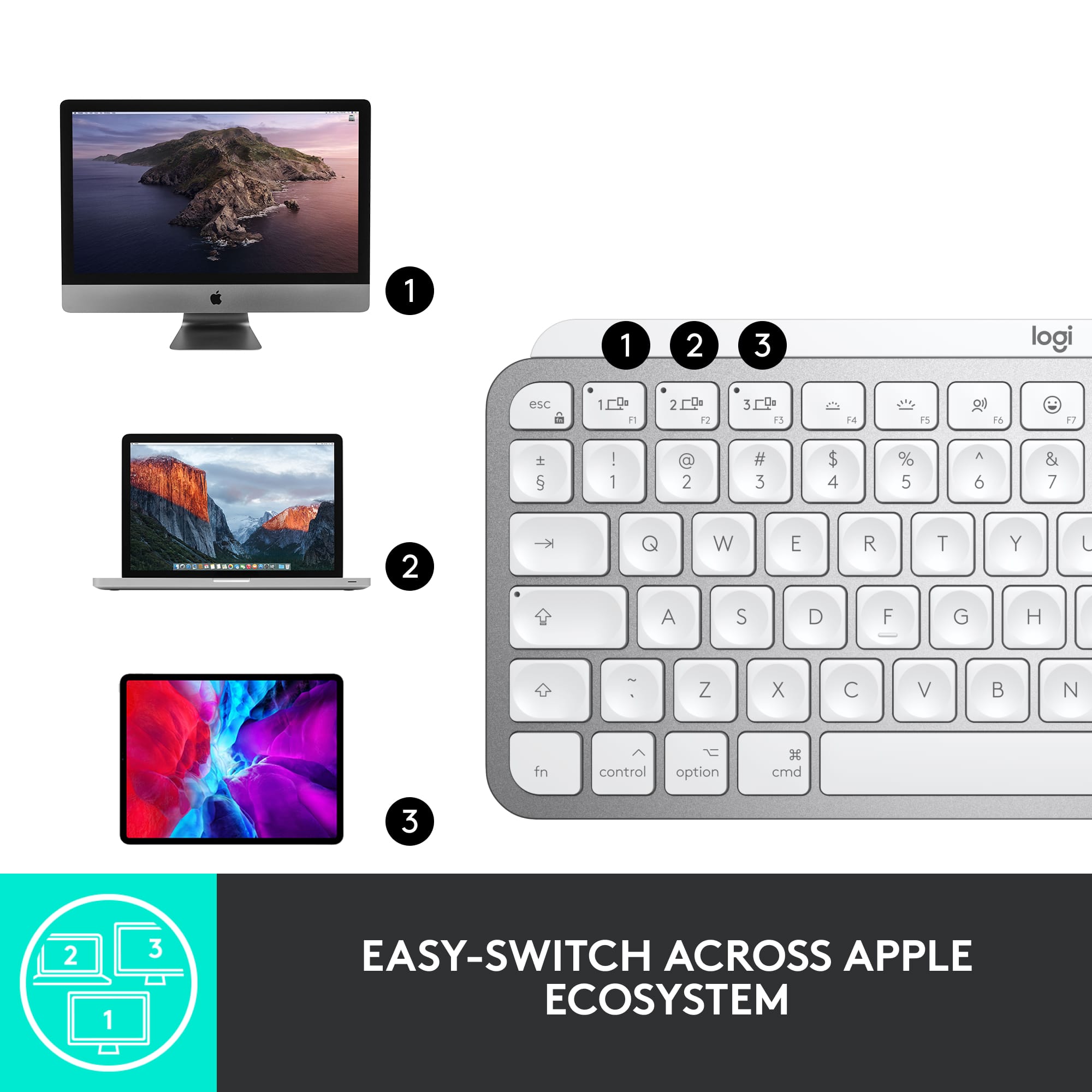
|Posted .This reviewer received promo considerations or sweepstakes entry for writing a review.Logitech is really hitting the mark with their products! Super impressed with this keyboard. Types like a regular size keyboard but nice and compact. Easy setup and use! First thing I noticed was how well made it feels. Solid construction and nothing flimsy about it. From the frame to the keys, everything feels like it can take a bit of angry typing and still come out on top. I did charge it before use just because I had time to do so before its first use. It was done charging within an hour so I suspect it had some charge out of the box. I immediately paired it to my iPad so I could start typing up some documents I needed to work on. I also paired it to my phone. No issues at all. Finally, I paired it to my MacBook Pro and all three devices are now assigned to one of three device keys on the top left. I have my work on my MacBook, school on my iPad and general stuff on my phone like texts or quick replies to emails. I’m feeling extremely productive with it setup this way. The top row of keys are dedicated to various functions such as the brightness of the backlight which by the way, is perfectly bright and turns on instantly. I like how when you put your hand on a keyboard the keys light up instantly. They just don’t stay on very long after you remove your hands, I have to see if there is a setting for that. The other keys across the top include a dictation key which I’m using right now to write this review. It’s quick and easy as long as you’re already in the document you wanna type into. There is a dedicated emoticon button that allows you to put them into anything quickly. Screenshot, microphone mute for when you are on a conference or phone call and your typical play/pause and volume keys. All in all, a great addition to my office. I may even take it with me when traveling as it is certainly compact enough. Great job on this keyboard. Can’t wait to see what’s next. Highly recommend this one.
I would recommend this to a friend Disappointed
||Posted . Owned for 3 weeks when reviewed.This reviewer received promo considerations or sweepstakes entry for writing a review.Can’t really review it since it doesn’t connect to my home or work computer.
No, I would not recommend this to a friendBrand response from Logitech
Posted .That's unfortunate and we're sorry about the experience. Please reach out to Logi support and the team will definitely see what best can be done.
Not as good as a $100 keyboard should be
||Posted . Owned for 3 weeks when reviewed.This reviewer received promo considerations or sweepstakes entry for writing a review.Easily gets disconnected. Sometimes the response rate is very low.
No, I would not recommend this to a friend- Pros mentioned:Key feel, Keyboard quality
Outstanding!
|Posted .This reviewer received promo considerations or sweepstakes entry for writing a review.The Logitech MX Keys Mini for Mac is a pleasant surprise, and I’m liking it more and more as I use it. First off, this keyboard is extremely well made. The overall encasement looks and feels like machined aluminum. Maybe Logitech will respond and let us know for sure. Regardless, it has a good heft which helps to keep it in place on the desktop. I would guess that it’s twice as heavy as the Magic Keyboard that came with my Mac. The design and layout of the keys are almost identical, but with added pre-set voice-to-text, emoji, and mic mute/unmute keys. Love it! There is also an ever-so-slightly greater tilt to the keyboard making that much more ergonomically comfortable. We happen to have our Mac in our bedroom. Not ideal, but it is what it is. However, with the MX Keys, all I have to do is slowly wave my hand across the keyboard and the backlighting comes alive. I don’t have to turn on the desk lamp and get yelled at. Who knows? This keyboard may actually save my marriage, though this feature wasn’t listed anywhere in the literature… The keys have a slight concave surface and the response is pleasing. Good job, Logitech. I consider this keyboard to be a definite upgrade to the OEM keyboard. Get it.
I would recommend this to a friend - Pros mentioned:Battery life, Keyboard quality
Nice keyboard
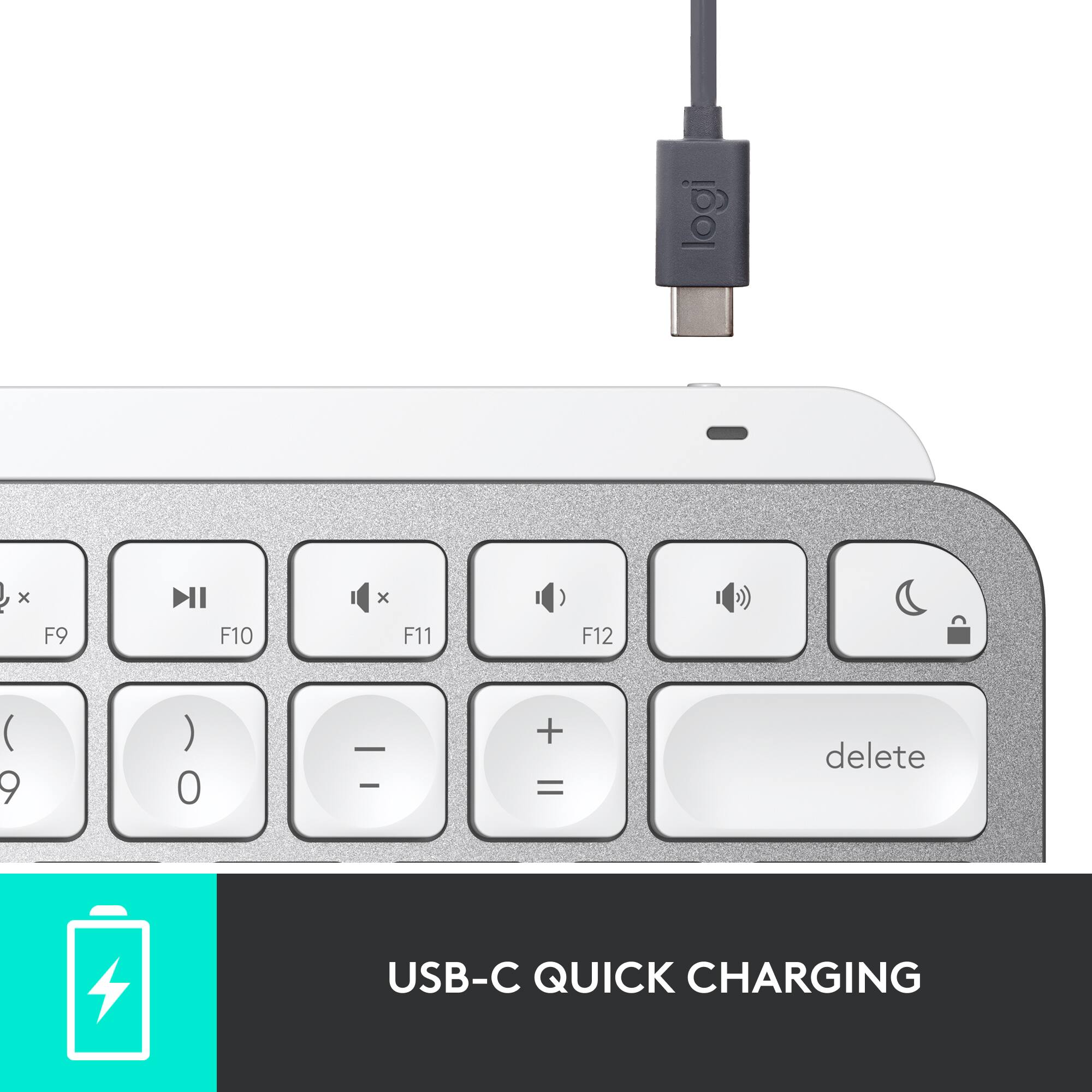
|Posted .This reviewer received promo considerations or sweepstakes entry for writing a review.The Logitech MX Keys Mini Wireless keyboard is a good portable keyboard, especially if you don't like the older MacBook pro's keyboards. The Keyboard is designed similar to the iMacs keyboard, with the addition of a few extra hot keys and backlit keys. The keyboard is made mostly out of plastic, with silver paint on it. This is fine, except the paint around the edges has already started to chip off. The keys are spaced nicely apart, enough that I don't have any trouble with pressing multiple keys by mistake. The keyboard has a USB-C charging port, as well as the option to switch between 3 different devices with the press of a key. The keys all have circle indents on them, this actually makes it easier and more comfortable to type with. I like the new feature Logitech added, that automatically lights up the backlight when your hand gets close to the keyboard. I still don't know how they managed to do this, as there's no camera on there. Either way, it's really cool. With the USB-C fast charging and long battery life, a single charge can last up too 10 days or 5 months (with no back light) in a single charge. The keyboard also has a dictation key that lets you set up and use voice to text by just pushing the key. It works really good. You can download the Logitech software, with that you can customize the four different keys called media keys to your liking. Overall, I really like the MX Keyboard. I like the way it feels when typing, and I like how the backlighting works. The ability to assign custom hot keys to the media keys, is also a huge bonus. The only thing I don't like is the way the paint is rubbing off of the keyboard so fast. I wish they would have just made it stainless Steele instead of plastic, but that would have driven up the cost of it. Needless to say, I'll take this over the 2016 MacBook pro's keyboard any day. I would recommend this to anyone looking for a portable wireless keyboard for Mac.
I would recommend this to a friend - Pros mentioned:Battery life, Keyboard quality
Compact Excellence
|Posted .This reviewer received promo considerations or sweepstakes entry for writing a review.If you are in need of a small form factor backlit keyboard to work with multiple devices in the Apple ecosystem, then look no further than the Logitech - MX Keys Mini Wireless Bluetooth Keyboard. Bluetooth Pairing is simple and you can pair with up to 3 different devices and switch between them with ease with the 3 smart keys on the top of the keyboard. I paired the Logitech - MX Keys Mini Wireless Keyboard with my M1 Mac Mini and my iPad Pro and was able to switch back and forth with ease. I like the backlit keys (which adjust brightness according to the ambient light around you) causing the Logitech - MX Keys Mini Wireless Keyboard to look great at night. Logitech uses “Scissor” keys for the keyboard and each press gives just the right amount of click and feedback for my taste. The Logitech - MX Keys Mini Wireless Keyboard charges with an included USB C cable and the battery lasts about 10 days if using the backlit keys feature and up to a claimed 5 months if not using the backlight. A keyboard is the gateway to using your electronics and you cant go wrong with the Logitech - MX Keys Mini Wireless Bluetooth Keyboard.
I would recommend this to a friend - Pros mentioned:Keyboard quality
I rather have the Apple keyboard
|Posted .This reviewer received promo considerations or sweepstakes entry for writing a review.This is an alternative keyboard to the Apple Magic Keyboard. To be honest the Logitech MX Keys (keyboard) and the matching MX Anywhere 3 wireless mouse (I did not test the mouse) are at the exact same price points as the official Apple Magic Keyboard and Magic Mouse. I rather have the official well made Apple items. Now this keyboard is a good alternative but if I had to pick the two... I would go OEM. The keyboard is equipped with smart backlighting witch adjust brightness depending on how much light is in the room. THE BIGGEST CON! This keyboard needs to be charged USB-C so if you already have the magic mouse or highly depend on the lighting cable now you will have to keep two different cords on hand. The Apple Magic Accessories are charged USB-C to lighting which I prefer as this is what I currently have been using. THE BIGGEST PRO! This keyboard allows you to switch and type on multiple apple products. For example, I can type on my MacBook Pro click what they call the "MX" button and the keyboard will switch to my iPad or even my PC desktop. It works for up to three devices at once, all of which can be different OS like iOS or Windows. However, now I have to download the Logitech software to each device. I really don't use all these devices at once but I could see many people using this feature or even buying this keyboard just for this. The physical keyboard is built very well and they keys have a circle indentation which help with keystrokes. In my opinion the silver color matches my Apple products well so one might not tell its a different brand until they see Logi up top (I wish it just said Logitech).
I would recommend this to a friend Poor choice
||Posted .This reviewer received promo considerations or sweepstakes entry for writing a review.Keyboard would not sink with my IMac and so I returned it
No, I would not recommend this to a friendBrand response from Logitech
Posted .Hi Notuseful,
I am sorry to hear that you are not happy with your Logitech keyboard. This connectivity issue is not common, and it should not be happing. Logitech's Apple-compatible product is approved by Apple and should work as expected out of the box. I suggest you reach out to Best Buy Geek Squad support for personalized and troubleshooting assistance.
- Leo from Logitech
- Pros mentioned:Battery life, Keyboard quality
Solidly built Bluetooth keyboard
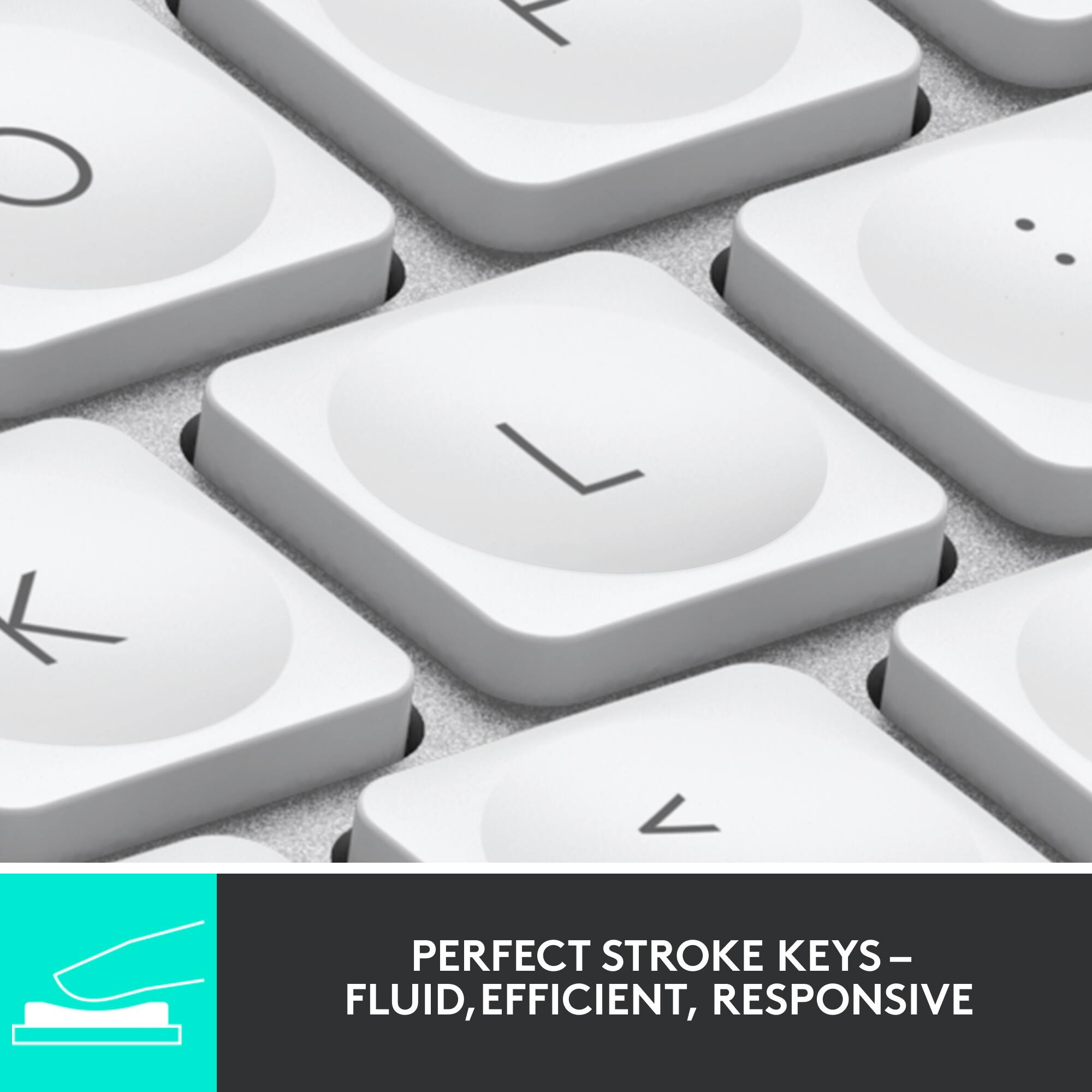
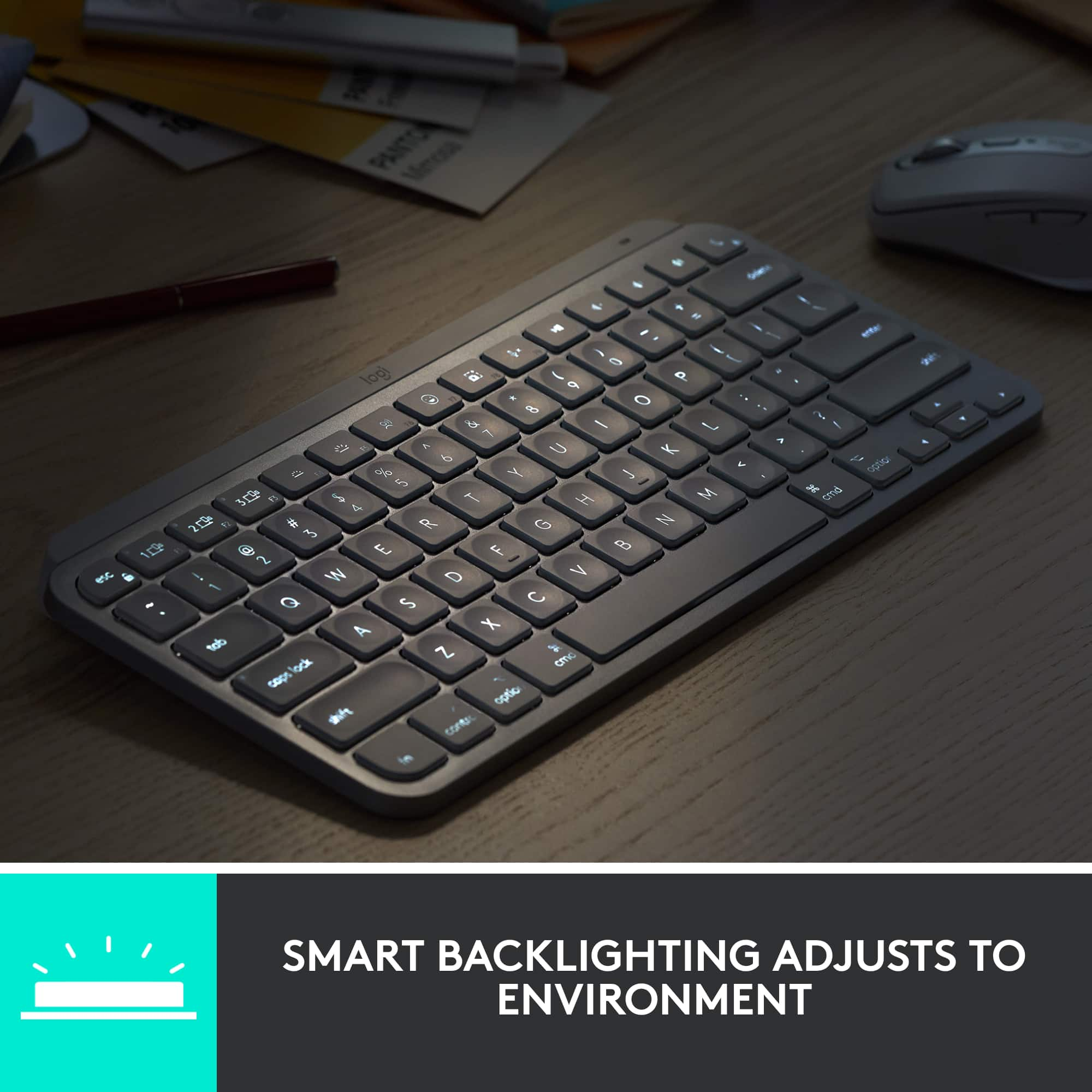
|Posted .This reviewer received promo considerations or sweepstakes entry for writing a review.The Logitech MX keys mini wireless bluetooth keyboard is a solidly built keyboard optimized for mac The keys are very comfortable to type on and shaped specifically for your fingertips. The keystrokes are fluid and nearly silent which furthermore enhances the solid build quality of the keyboard. The keyboard has a dictation key as well as emoji key so it can be optimally used by creators. It was seemless to use the keyboard between my mac and my ios devices. The low power bluetooth connection gives you a 10 day battery life with the backlight on or a up to 5 months battery life based upon usage. The keyboard has proximity sensors that detect your hands which turn on the backlit keys. The back lighting also automatically adjusts to the ambient light in the room. Overall logitech has created a solidly built keyboard that will make your life easier if you primarily work with macs or ios
I would recommend this to a friend - Pros mentioned:Battery life, Keyboard quality
Works Perfectly
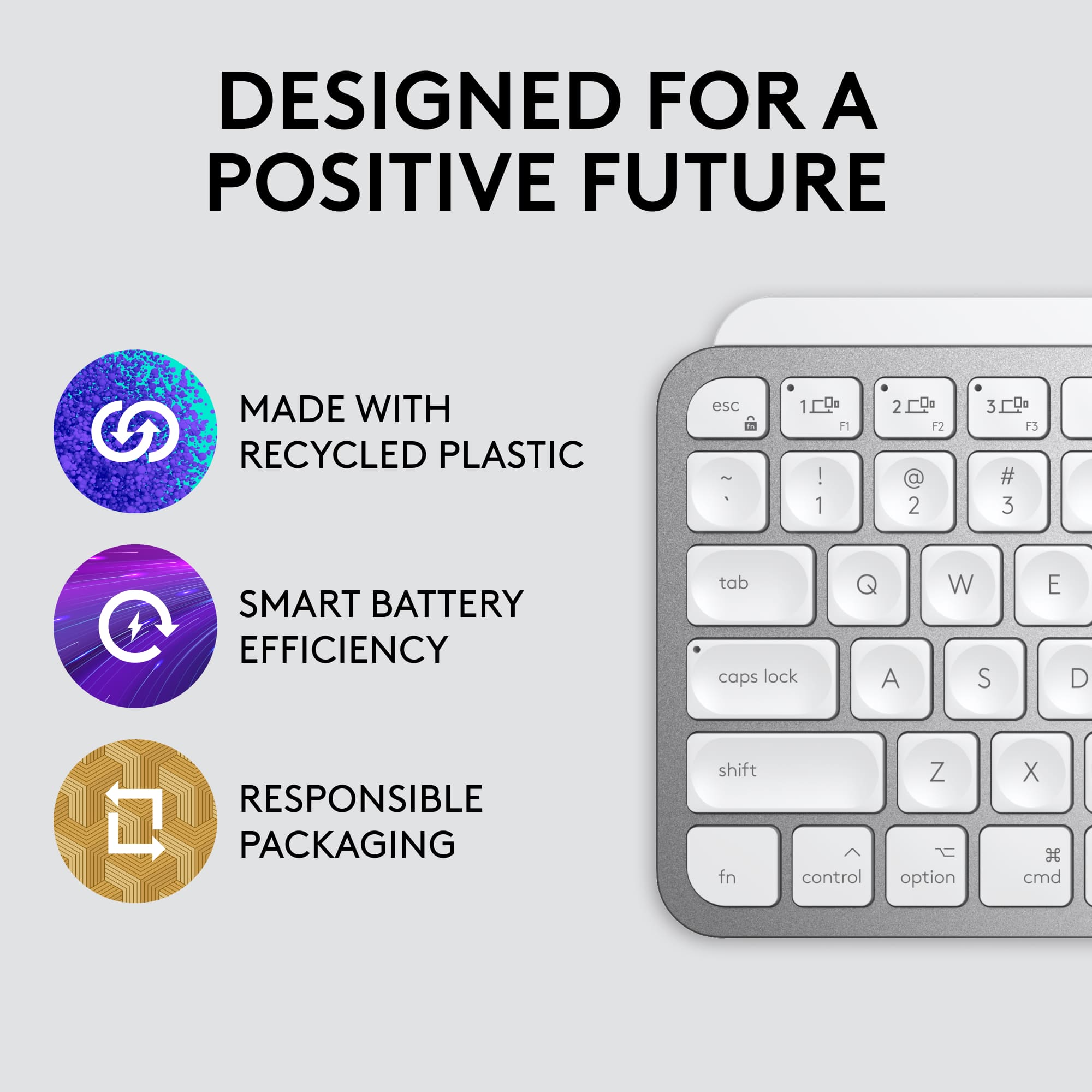
|Posted .This reviewer received promo considerations or sweepstakes entry for writing a review.I recently purchased a Mac Mini and wanted to purchase the Magic Keyboard to go with it. At least until I saw the price. Fortunately, the Logitech MX Keys keyboard became available. It has the same small footprint as Apple's Magic Keyboard, but with a lower price tag that makes it easier to justify. The keyboard has a satisfying weight to it. It feels and looks high quality. The keys have a nice, tactile feel to them. I feel like they travel a bit more than I like, but for the most part typing is easy and accurate. The keyboard is also backlit, which is a plus. The MX Keys can also store three different devices, and thus can be used with multiple Apple devices. Battery life is excellent, especially if you don't need the backlit keyboard. I would definitely recommend to someone with Apple products that would prefer not to spend a lot of money purchasing a keyboard made by Apple.
I would recommend this to a friend - Pros mentioned:Battery life, Keyboard quality
Awesome Small Keyboard
|Posted .This reviewer received promo considerations or sweepstakes entry for writing a review.This Logitech MX Keys Mini is one awesome little keyboard. I'm a huge fan of Logitech gear and already own two of their full sized MX Keys keyboards. This smaller version lives up to the expectations I have for gear from this company. Setup, as always with Logitech, is super simple and easy. Key travel is on par with their full sized siblings which means excellent. Typing on this keyboard is a delight. Build quality is well above average and so far battery life is on point. Recharging via USB-C is simple and easy as well. For the most part I'm using this with my iPad Pro and it's a game changer.
I would recommend this to a friend - Pros mentioned:Keyboard quality
Great keyboard. Questionable design.
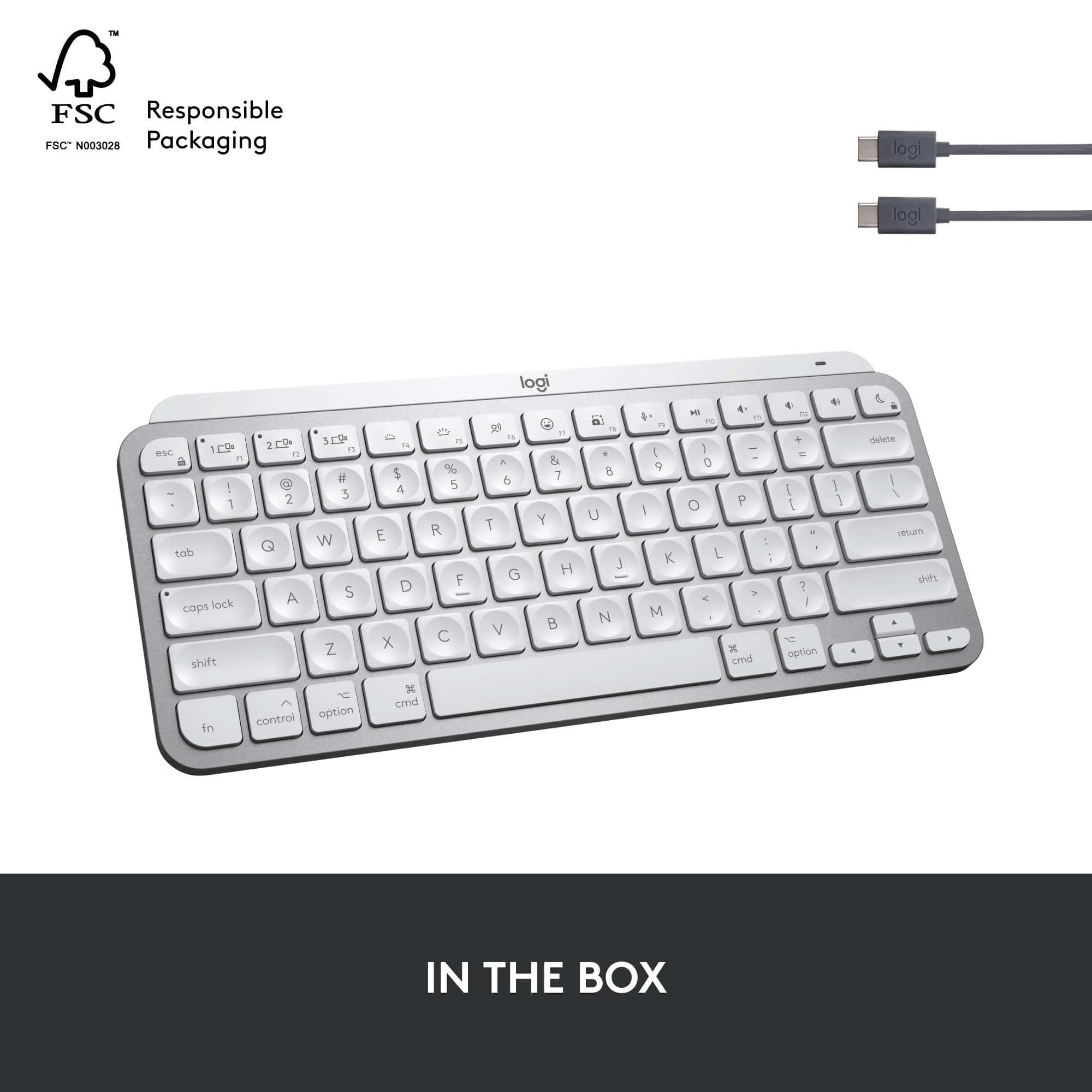
|Posted .This reviewer received promo considerations or sweepstakes entry for writing a review.I'm a long-time fan of Logitech peripherals, and I've owned MANY of them. My current setup utilizes the MX Master 3 (my third Master mouse) and the MX Keys for Mac--both of which are wonderful everyday drivers for work and personal endeavors. If you're familiar with the MX Keys for Mac or the Logitech Craft keyboard, you will automatically be familiar with the MX Keys Mini for Mac, which shares feature elements while eliminating the number pad and function keys present on full-sized keyboards. Adjustable backlighting (which helps to increase battery life), minimalist design, and multi-device connectivity are familiar features here. Aside from poor battery life, I've never really given a negative review of Logitech peripherals, and the former has improved greatly over the last few years. Likewise, the MX Keys Mini for Mac does a lot of things really, really well--and at a compact size. That compact size enables you to bring this with you, if you so desire, when working on-the-move with your iPad (or iPhone, for that matter). This keyboard looks great, it sounds great, but it has a few things that left me scratching my head. These "head scratchers" are thanks to the reduced footprint, meaning some of the functionality you would find in the full-sized MX Keys gets left out or moved here. For starters, the keys to switch between devices are reserved for the F1, F2 and F3 keys--and while you can always use function lock, I find that putting as a "primary" function on these keys a feature that is secondary in nature doesn't make much logical sense. In the place of the F4 and F5 keys are brightness controls for the keyboard backlighting. Again, this is a secondary feature at best, and could have been placed as function-capabilities on the arrow keys instead. Moving these to the arrow keys would free up space for additional function-row keys (more on that later). F6 is a dictation key--and while I don't use dictation often on my ipad, I could see this as a reasonable addition. Let's talk about F7--the "emjoi" key. I use emojis just as much as the next person, but honestly--a dedicated key in the function row? There are times that I wonder about how we've degraded as a society when it comes to communication, and centuries from now I wonder if the history books will point to emojis as the start of that degradation. This one really bothers me. F8 is a dedicated screenshot key, which is fine but probably a bit unnecessary (I want to believe that most Mac users are aware of Cmd+Shift+3/4/5). F9 is a mic mute key--this is another great addition in a post-pandemic world. F10 is the only media control key on the keyboard (excluding volume control), and it is a play/pause key. There is no track forward or back as on the larger MX Keys keyboard, and this is a big miss on the MX Keys Mini. There are plenty of aforementioned keys that could have been moved or excluded to add this in, and for whatever reason, this lack of media control really bothers me. The upper-right most key has Do Not Disturb as its primary function, and Lock as its secondary function. I recognize this is probably a result of the huge improvements in Do Not Disturb in recent macOS and iPadOS versions, but I think those should be switched--where lock is the primary function. Then again, that gives me pause as this key sits above the delete key, so accidental key presses locking your computer might be annoying. The MX Keys Mini for Mac is $99, the same price as the MX Keys for Mac. This is perplexing, as the Mini gives you less functionality (technically speaking) yet costs the same. But like I said before, I generally don't give negative reviews of Logitech peripherals --and the Mini, despite its design shortcomings (namely, the function row), is no different. It gives the same pleasant typing experience as any other MX keyboards in a smaller footprint. And, the buttons can be reprogrammed using the Logitech Options software, which helps a great deal.
I would recommend this to a friend - Pros mentioned:Ease of use
A brilliant addition to Apple device(s)
|Posted .This reviewer received promo considerations or sweepstakes entry for writing a review.As an owner of the traditional Logitech MX Advanced Wireless keyboard and mouse for Mac, I was very excited to try the MX Keys Mini - and I was not disappointed! This is a great addition to your Mac and it will also work with iPad and even iPhone via Bluetooth! If you're like me and find that typing on a laptop can become incredibly uncomfortable after many hours, the MX Keys Mini for Mac is a great solution. Wireless, bluetooth, rechargeable, and seamlessly transferable to other OS devices (iOS, Mac OS) and easily portable! This is a great solution. I do a lot of my work split between my MacBook Pro and my desktop Mac (Mac mini). Having the MX Keys mini has been brilliant for me to easily use on both machines (and even my iPad). The illuminated keys may not be necessary all the time - but a huge help when you are working in lower light conditions. I have been exclusively using the MX Keys Mini for 4 days now and have yet to need to recharge, even keeping the backlighting on. I think the best part of this keyboard is the feel - I am not a huge fan of the native MacBook keyboards - even the newest ones with the butterfly action. Logitech products have always had a great "feel" for typing and the MX Mini for Mac keyboard will not disappoint! I highly recommend this for anyone in the Apple ecosystem looking for a portable, transferable, and extremely comfortable keyboard. It's really outstanding.
I would recommend this to a friend - Pros mentioned:Battery life
Good Keyboard--But Pricey
|Posted .This reviewer received promo considerations or sweepstakes entry for writing a review.If you need a keyboard loaded with features except or a number pad, consider the Logitech MX Keys Mini for Mac. This keyboard has all the standard Mac keys you will ever need. It even matches Apple’s grey and white color scheme. This keyboard is a follow-up to Logitech’s best-selling MX Keys for Mac keyboard. Both keyboards offer adjustable back-lighting keys, Bluetooth compatibility and a fluid typing experience. This is a solid wireless keyboard. It offers 10 days on one charge or 5 months with the backlighting turned off. The MX Keys Mini keyboard offers multi-Mac compatibility. You can seamlessly switch between multiple Mac computers and iPads by pressing one of the 3 connectivity buttons on the top row. The MX Keys Mini for Mac offers some newer keys not on the earlier model: (1) Emoji key – Press this key for a wide variety of emojis you can easily place in your documents. (2) Voice-to-Text key – With compatible apps (ex.: Siri) you can voice your words and they will appear as text. (3) Screen Snapshot key – Easily take a screenshot of your document with a single key press. The original MX Keys for Mac offers both Bluetooth and a USB receiver for wireless performance. However, this updated keyboard only offers Bluetooth connectivity. If you want a USB receiver like the earlier model, Logitech makes a newer one termed the Logi USB Bolt Receiver that lets you connect up to 6 Logitech devices to one USB port. The earlier keyboard included a USB receiver at no charge, but the MX Keys Mini offers the newer receiver for an additional $14.99. Logitech’s pricing on the MX Keys Mini for Mac keyboard is questionable. It is currently priced at $99.99—the same price as the previous full keyboard with number keypad. But for that same price, you only get the keyboard and charging cable—but no USB receiver. Like many other manufacturers, Logitech is going minimal with its instructions. Inside the box, there is a brief description of what’s included and warranty information. If you want installation setup information, you need to visit Logitech’s website. None of that information is in the box itself. The Logitech MX Keys Mini for Mac is a solid keyboard. But when it is compared to the earlier MX Keys for Mac it falls short. If you want a loaded Mac keyboard, but do not need a number keypad, this may be the one for you!
I would recommend this to a friend - Pros mentioned:Key feel
Better than Apple's
Posted .This reviewer received promo considerations or sweepstakes entry for writing a review.TL;DR: Great keyboard. I'd buy it again. This keyboard has 2 ergonomic advantages over the Apple "Magic" keyboard equivalent: 1. The keys are just a bit farther apart. 2. The keycaps are indented. Together these make it much less likely that you'll accidentally hit the wrong key if you're a less-than-perfect typist. Which is a big deal, because, on the Apple keyboard, if you accidentally hit the Power key (easily done, it's right above the Delete key), your Mac will go to sleep *instantly*. Not good. I was unable to find a way to disable this behavior. It's so bad that I was ready to pry the cap off the Power key The Logitech's Power key is disabled by default. I presume you have to enable it with some Logitech software; I haven't bothered. Another difference, not as big a deal for me: The Logitech's key travel feels like about twice that of the Apple.
I would recommend this to a friend - Pros mentioned:Keyboard quality
Perfect Mac 3 device capable wireless keyboard
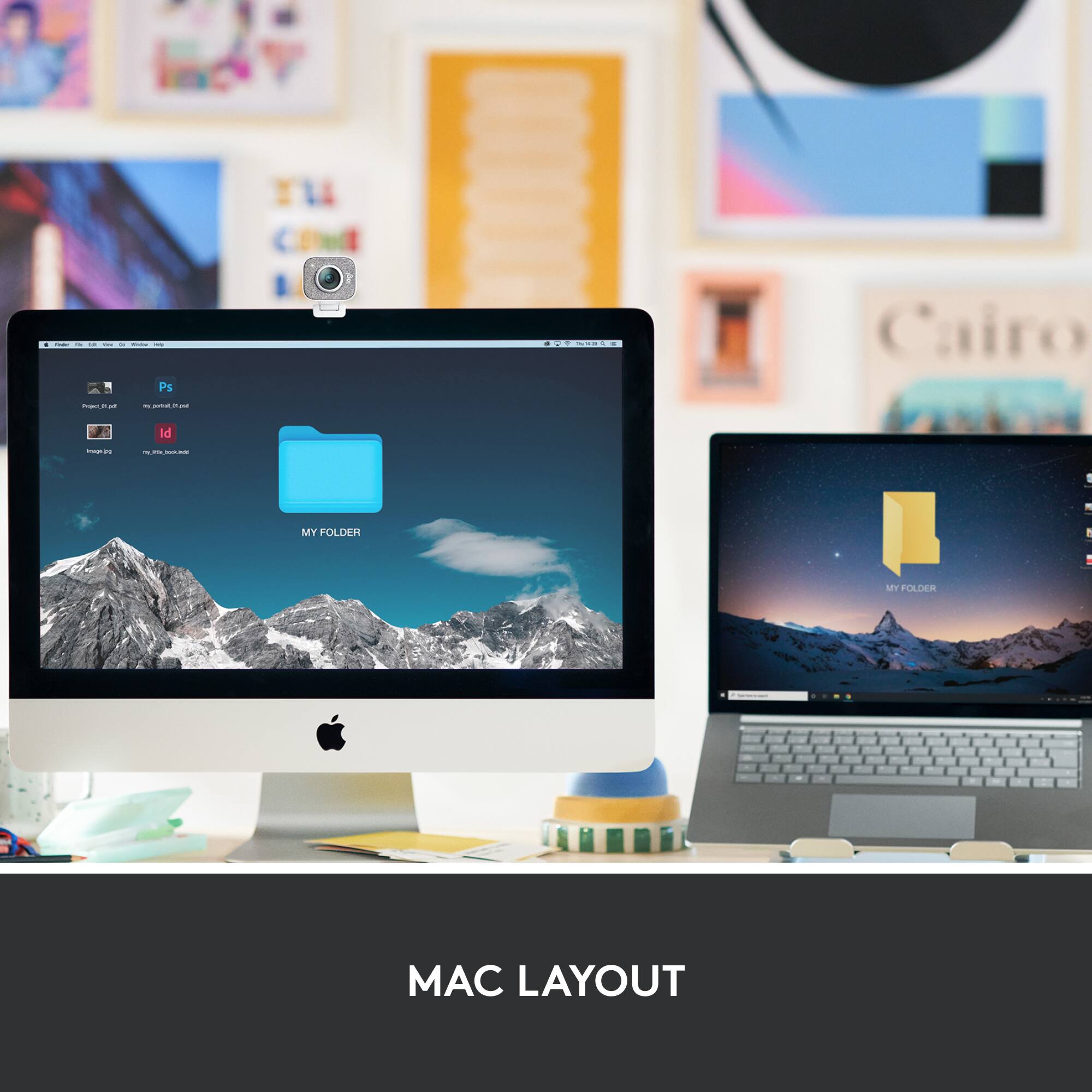
|Posted .This reviewer received promo considerations or sweepstakes entry for writing a review.The primary keyboard design uses the Mac layout and has the control, option and command keys. It is rectangular with 79 keys including curser keys but no numeric keypad. Three new F-row keys - Dictation, Emoji and Mute/unmute microphone are available and to me quite handy. It also has three Easy-Switch keys for device selection. The keyboard has just enough weight to be both comfortable to hold yet heavy enough to be stable. The keys are dished for good finger placement. They are positive with nice key travel and very functional resistance. The keys are quiet and nonintrusive. The charge connection uses USB-C charging.The Smart backlighting comes on when you use the keyboard and turns off when you leave it helping to save energy. The keys stay clean which is a plus for white keys.
I would recommend this to a friend - Pros mentioned:Ease of use
Great addition
|Posted .This reviewer received promo considerations or sweepstakes entry for writing a review.This keyboard is a great addition and easily connects to the iPad. Seamless integration. Typing on it made things fluid and fast. The keys were super smooth in downward typing motion. Didn’t get any repeated keystrokes. I really enjoyed how the keyboard lit up and was able to see them in lowlight better. The small form factor was very welcome over a large normal size as felt I line with other Apple products competing the minimalist feel. If you are looking for a good keyboard to add to your mobile usage I highly recommend. I was able to type two 10page papers with ease under 4 hours.
I would recommend this to a friend - Pros mentioned:Ease of use
Great Mac Mini Keyboard!
|Posted .This reviewer received promo considerations or sweepstakes entry for writing a review.I am using this keyboard on my M1 Mac Mini and it is phenomenal! I got the Mac Mini due to its compact size and this keyboard complements it perfectly! I can pack it up with my Mac in a backpack and take it with me, and it works great on my desk that does not have a ton of room! I also use it on my iPad Pro and it connects flawlessly! The key illumination is perfect and its has great response when typing on the keys. If you are looking for a small and portable Mac keyboard look no further!
I would recommend this to a friend - Pros mentioned:Size
Solid, types better than laptop keyboard
Posted .This reviewer received promo considerations or sweepstakes entry for writing a review.Easy setup, the size is great for a smaller desk setup, without it feeling miniaturized or keys feeling too tight. Typing is smooth and has a satisfying sounds without being loud.
I would recommend this to a friend - Pros mentioned:Keyboard quality
Great Keyboard
Posted .This reviewer received promo considerations or sweepstakes entry for writing a review.This keyboard is better than the Apple Magic Keyboard. It connects easily, and is backlit. It replaced my original Apple iMac wireless keyboard that had died. Works well and feels better.
I would recommend this to a friend