Customer Ratings & Reviews
![logi keyboard:
1. F1
2. F2
3. F3
4. F4
5. F5
6. F6
7. F7
8. F8
9. F9
10. F10
11. F11
12. F12
13. !
14. @
15. #
16. $
17. %
18. ^
19. &
20. *
21. (
22. )
23. -
24. =
25. delete
26. tab
27. Q
28. W
29. E
30. R
31. T
32. Y
33. U
34. I
35. O
36. P
37. {
38. [
39. ]
40. caps lock
41. A
42. S
43. D
44. F
45. G
46. H
47. J
48. K
49. L
50. ;
51. "
52. J
53. return
54. shift
55. Z
56. X
57. C
58. V
59. B
60. N
61. M
62. <
63. >
64. ?
65. /
66. shift fn
67. control
68. option
69. H
70. cmd
71. L
72. option](https://pisces.bbystatic.com/image2/BestBuy_US/images/products/6478/6478158_sd.jpg)



- Model:
- 920-010389
- SKU:
- 10872297
Rating by feature
- Value
Rating 4.5 out of 5 stars
- Quality
Rating 4.8 out of 5 stars
- Ease of Use
Rating 4.7 out of 5 stars
- Pros mentioned:Ease of use, Keyboard quality, Size
Awesome Product
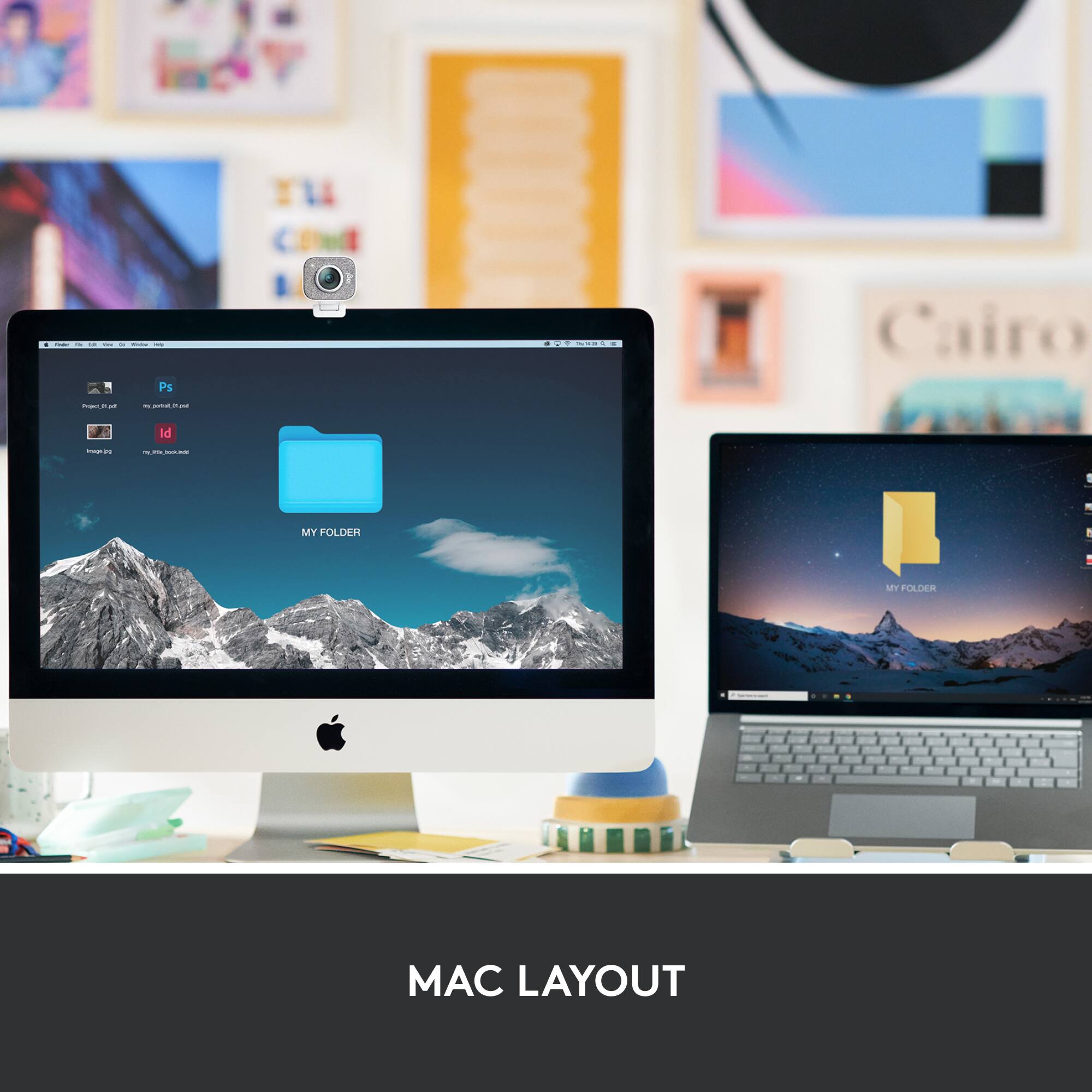
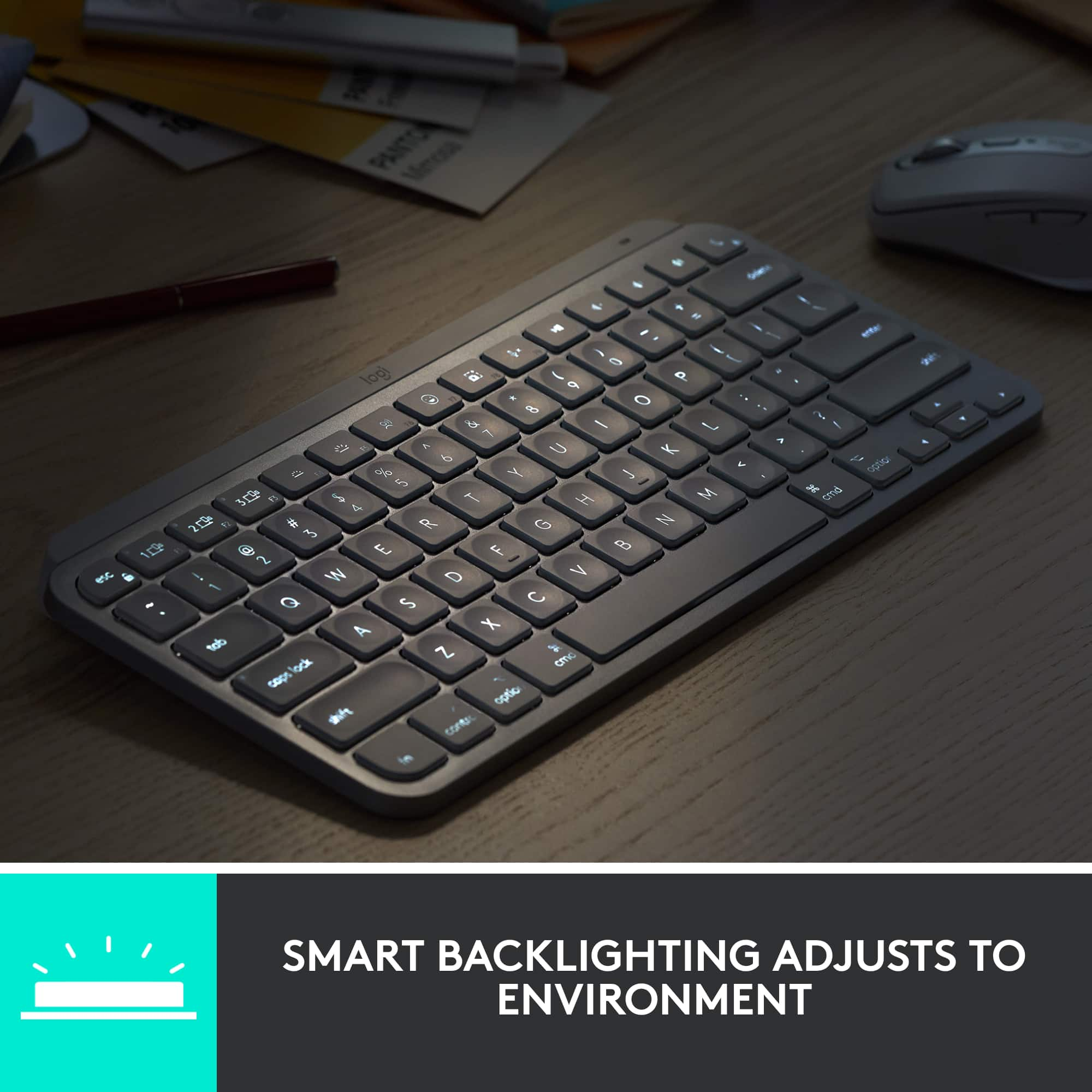
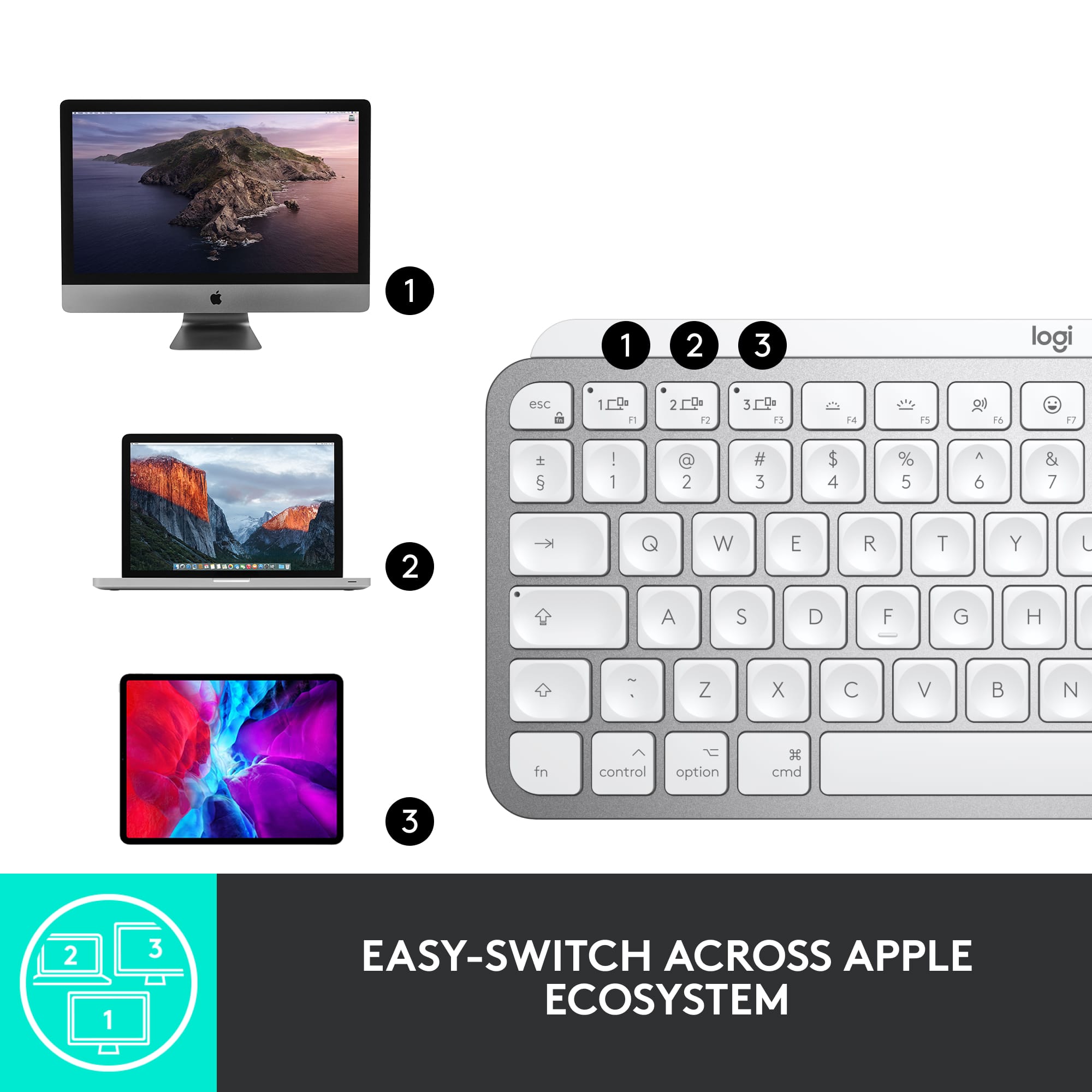
||Posted .This reviewer received promo considerations or sweepstakes entry for writing a review.I purchased this keyboard because it has backlit keys. I often use my IMac late at night under low light conditions and this product makes it so much easier to see what I’m typing. It’s slightly larger than the keypad that Apple supplies with its computers which is actually a plus in my opinion. It’s more ergonomic and makes using it more comfortable. Easy to set up and use. It can pair with up to 3 computers in the house including an Ipad with just the touch of a button. It’s missing a couple of function keys on the board specifically the screen brightness buttons which control how bright your screen is. Not a big deal because that can also be changed in settings. Besides I never change the brightness. Instead these keys increase or decrease the light level of the keyboard. I purchased the grey keyboard and the only short coming that I’ve noticed is the keyboard washes out in full lighting conditions if the back light is left turned on. Meaning I can’t see the letters on the keys unless I turn the back light off. Most likely do to the light color of the keys themselves. Not a big deal just turn it off. At night these keys stand out. The black keyboard may solve the problem but I still prefer the grey. Other then this it operates exactly like the factory original. I would definitely recommend purchasing this product.
I would recommend this to a friend - Pros mentioned:Keyboard quality

It's Just a Keyboard, Right?
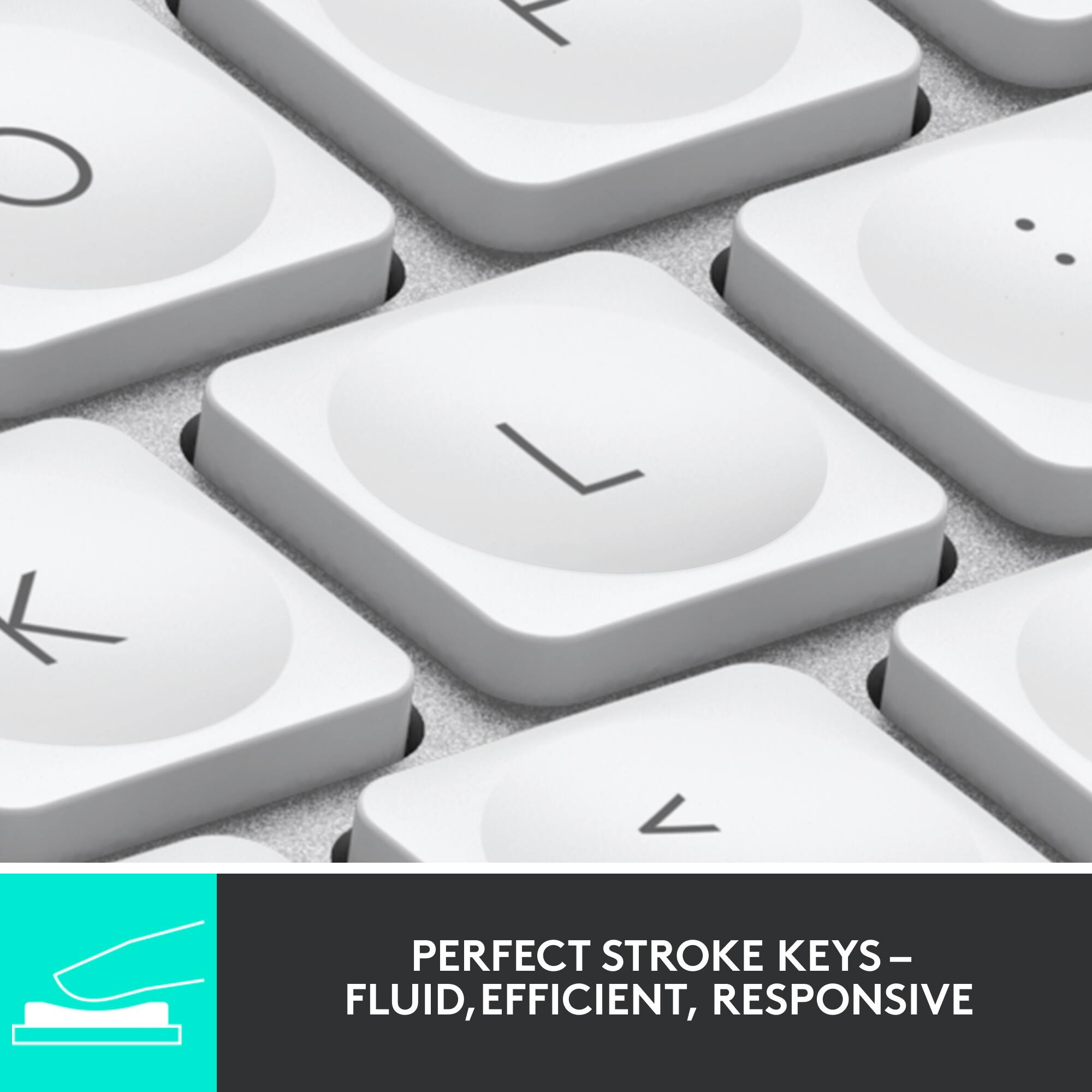
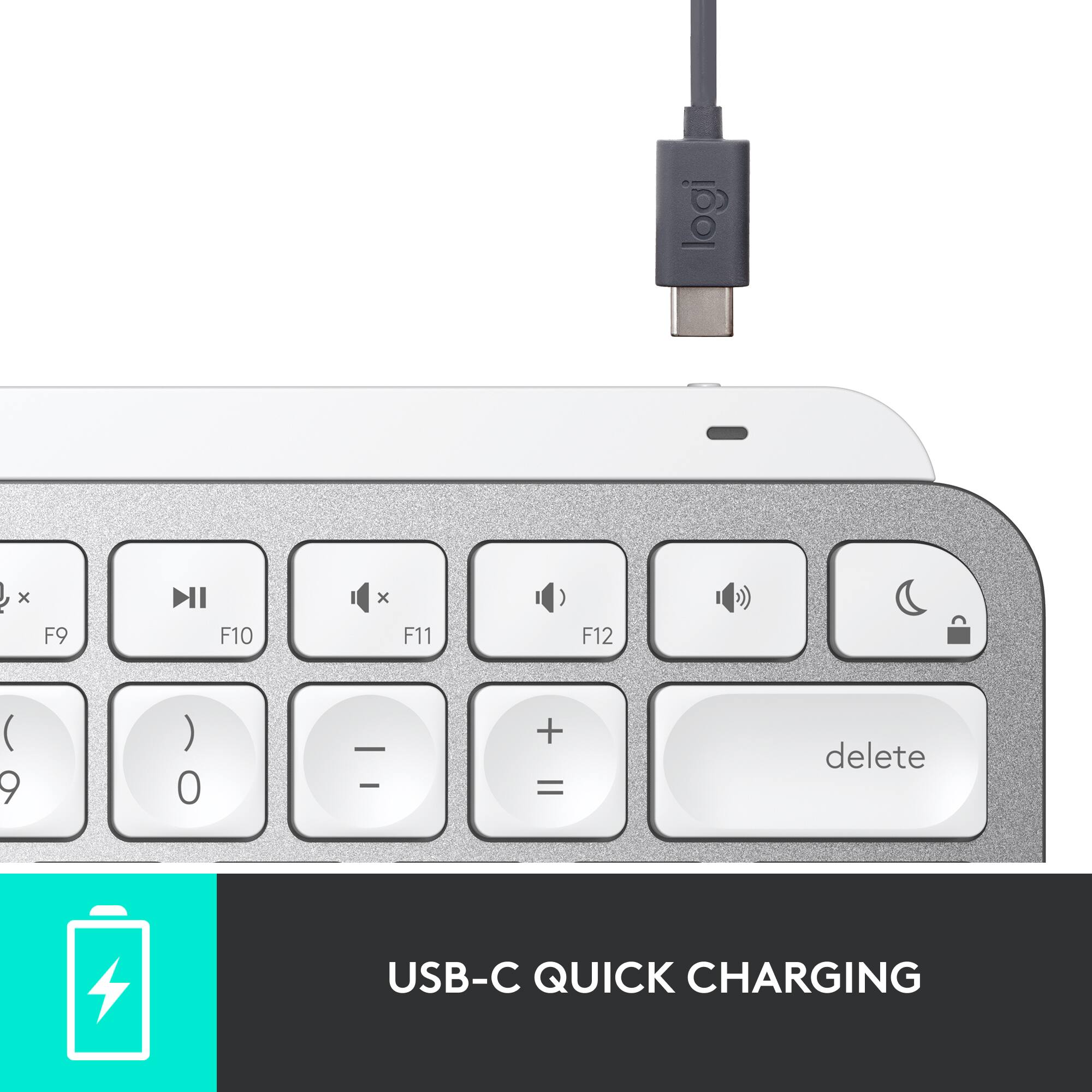
|Posted .This reviewer received promo considerations or sweepstakes entry for writing a review.Keyboards aren’t a big deal, right? Well I beg to differ, it’s the primary way we interact with our computers, so I think keyboards are a more important part of the user experience than most people realize. With that said, I couldn’t pass up a chance to review this Logitech MX Keys Mini Keyboard on my MacBook Pro. I’m absolutely loving the way this keyboard functions and feels and so far don’t have any complaints about it. In order to keep this review brief, I’m just going to break down this review into a few categories that I feel are relevant when reviewing keyboards. Build Quality: This keyboard is built like a tank. I’ve owned several keyboards and the build quality of this one is on par with several of the expensive mechanical keyboards I own. You can tell right off the bat that this is built well with it’s aluminum finish and it’s hefty weight. The keys seem solid and have a weighty, well built feel to them as well. Ease of Use: Connecting this is as simple as turning it on (after making sure you charge it with the USB-C cable) and waiting for it to come up in your Mac’s bluetooth menu. After pushing a confirmation code, you’re good to go. Charging it via the supplied USB-C cable will yield 10 days of usage with the backlight on or 5 months with it off. I wish the backlight didn’t affect the battery life so severely, but I don’t use it, so it’s a non-issue to me. Feel and Useability: The keys are slightly raised, which give you a longer stroke than most keyboards with this slim of a profile. This is a pro for me and feels much more natural than other keyboards. This is entirely subjective though, as some people really like the keys on laptops and don’t have an issue with less keystroke travel. The keys are all in the appropriate positions, with the exception of it not having a 10 key number pad and the 2 smaller keys for the left and right arrows. Overall I have no complaints here, the keyboard feels great. The keys are also very quiet, with no noticeable noise of any kind other than the normal keyboard sounds you get when typing. Overall I think this is a solid choice for someone looking for an alternative to the official Apple offerings for keyboards and I don’t believe Logitech MX Keys Mini will disappoint anyone looking for a high quality keyboard that should last a very long time.
I would recommend this to a friendBrand response from Logitech
Posted .Hi KMed, we're glad to see you're loving the premium productivity features of your ultra portable MX Keys Mini Bluetooth Keyboard! This is one keyboard that can do a lot in a small form factor and is great if you want a smaller keyboard footprint. Continue to enjoy and thank you for your feedback! -N from Logitech
- Pros mentioned:Keyboard quality
Perfectly Small
|Posted .This reviewer received promo considerations or sweepstakes entry for writing a review.--- SETUP --- The keyboard was easy to set up but does require you to enter a code to verify you are choosing a new keyboard. As soon as you turn it on, go to your Mac’s Bluetooth settings and you will find it. --- FEATURES --- This keyboard is smaller than a regular keyboard with the keys being closer together for faster typing. It has concave keys, backlighting, and USB rechargeable. You can pair up to three devices (Macbook, iPad, iMac) and switch between them with a button. --- PERFORMANCE --- The keyboard performs great. Personally, though I work with PCs and Macs daily, I have a greater preference towards the Mac’s keyboard, as it feels more natural to type on. This Logitech wireless keyboard gives me the same feeling and I love it. With how small the keyboard is and my limited desk space, I was able to create more room for my mouse. The wireless keyboard allowed me to move my Macbook further back for easier workflow and gave me even more deskspace. Not once did I notice a delay in the keys. When typing, I felt like I was typing faster, but I didn’t actually test myself. --- EXPECTATIONS --- I really like the backlit keyboard keys, but when surrounded by light, they get so bright that it’s hard to tell what key you are looking at. I do type without looking, but sometimes you just have to look down to find something specific (especially when coding) and having those backlit keys turned on can slow you down. You can adjust the backlight, though. --- APPROVAL --- This is a wonderful small keyboard for the minimalist in you or as a travel companion.
I would recommend this to a friend - Pros mentioned:Keyboard quality
Compact backlit keyboard - confusing connectivity
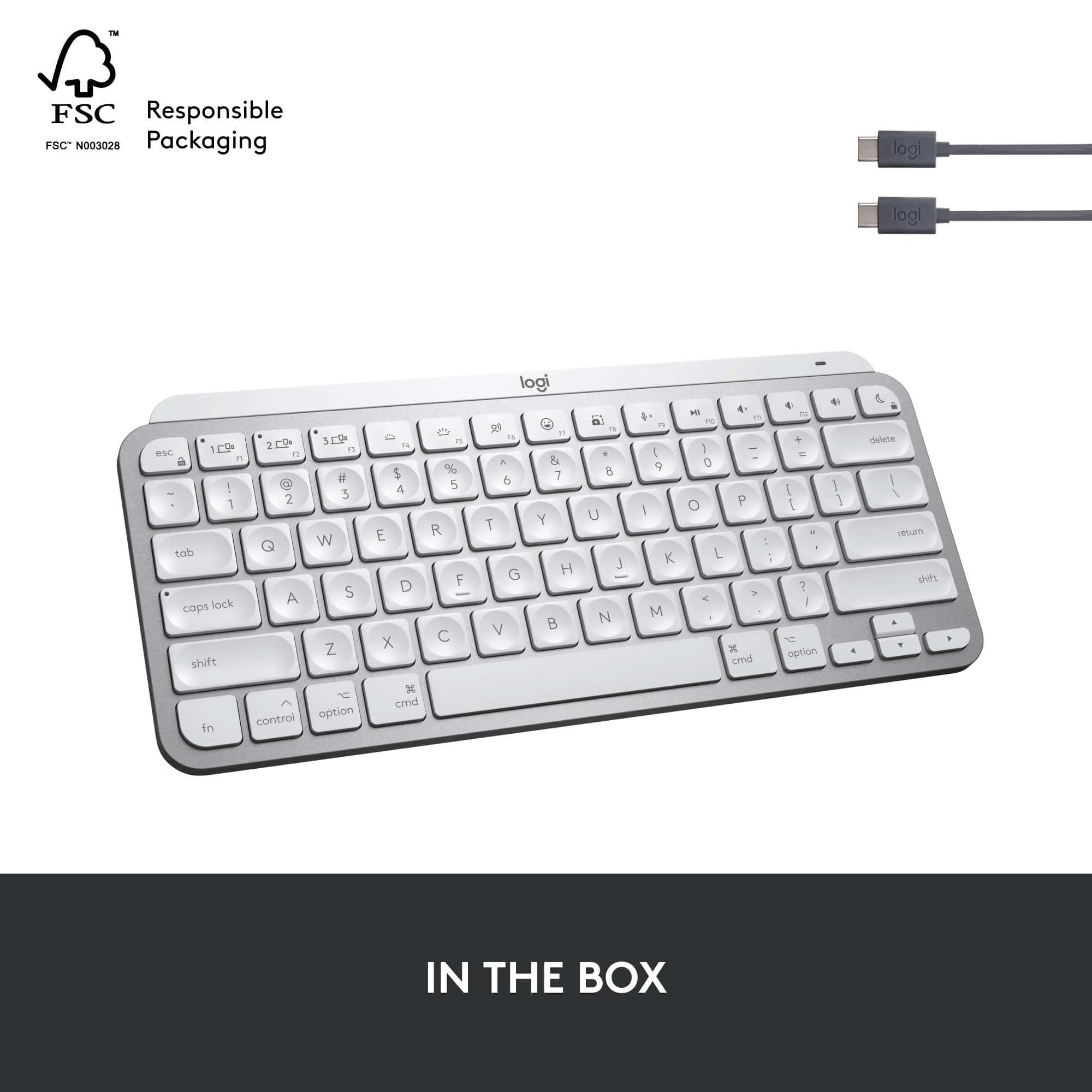
|Posted .This reviewer received promo considerations or sweepstakes entry for writing a review.I have been a long-time Logitech peripheral fan - in fact I would go as far as to say I wouldn't use anything else for my Mac / MacBook on a daily basis. The MX Keys Mini is a solid Logitech keyboard as you would expect, including some of the things that the Apple native keyboards are missing like an intelligent backlight, and the ability to hot-switch between multiple paired devices. In terms of operations, the scissor action is (in my opinion) superior to the default Apple variants, and it generally feels more robust and the kind of thing you could throw in a backpack and not worry about it. (which as this is designed to be used with iPads as well as Macs, is something that a lot of people might do). So why only 3 stars? Well firstly the most confusing part, connectivity; 1) If you're an existing Logitech fan you know that you can pair with devices via Bluetooth , or using a Logitech unifying receiver (basically a USB dongle) to avoid any issues with OS features like Filevault (which prevents bluetooth peripherals being used on first boot).. In the past if you purchase an MX Keys for Mac they come with a unifying receiver - the MX Keys mini does not come with anything other than a USB-C charging cable , and now here's the kicker. - Yes, you can still pair it via Bluetooth. No problems. - No, you can NOT pair it to an existing Logitech unifying receiver - Yes, you can pair it with the newly announced Logitech Bolt which although not provided, will also not work with any previous MX products, unless you purchased the 'business' variant of the device. 2) Secondary is a personal , cosmetic issue - but it does impact the usability. If you purchase the pale gray variant, the keys are white and the letters are visible with grey letters. As soon as the backlight kicks in, the letters are...welll... the same colors as the keys so you can't really read them. The simple solution here is to set the backlight as low as possible, so its only really effective in completely dark rooms - or just but the keyboard in the space grey color. (on the grey keyboard the keys are black and the letters are white, so backlighting doesn't affect readability) For now I won't be able to use this as my main keyboard for these 2 reasons - I'm going to use it on my secondary computer which will benefit from the backlight in a darker room in the house, but I'll be keeping my existing MX Keys for Mac as my everyday keyboard. If you got this far, remember - this keyboard works with the new Logitech Bolt , but all other MX products have to be the 'Business' variant of the product line. If you need to get around FileVault, this is a pretty big issue Mac users need to be aware of before you purchase co-dependent peripherals. I received this product as part of a technical evaluation exercise - although all opinions expressed here are my own based on my experiences using the product myself.
No, I would not recommend this to a friendBrand response from Logitech
Posted .Hello, DickieUK! I'm happy to hear that, overall, you're enjoying the MX Keys Mini. The Logitech Bolt receiver is meant to provide a safer connection from the keyboard to your computer. Hence the reason the MX Keys Mini does not connect to the Unifying receiver. It also cuts down on congestion, specifically in office buildings. The MX Keys Mini does not come with a USB receiver due to the fact that a lot of newer computers aren't coming with standard USB-A and are instead coming with USB-C ports. Feel free to reach out to our support team here https://support.logi.com/hc/en-us/requests/new?ticket_form_id=360000621393 if you ever need any assistance or if something happens in the 1-year limited hardware warranty. Thank you for the feedback on the connection process and the backlighting on the Pale Gray color specifically! I will be passing this along. - Maggie from Logitech
- Pros mentioned:Battery life, Ease of use, Keyboard quality
I like i
||Posted . Owned for more than 2 years when reviewed.This reviewer received promo considerations or sweepstakes entry for writing a review.I like this keyboard, but I exchanged it for the one that is for Windows not Mac. They are pretty much exactly the same besides a few of the buttons that are specific to Mac. This keyboard has held up well for a couple of years, but recently a key fell off. It has a long battery life and always connects well. It's easy to take with me and is comfortable to type on.
I would recommend this to a friendBrand response from Logitech
Posted .It's great to hear you liked the MX Keys Mini for Mac and that the Windows version is working out well for you too! We appreciate your feedback on its durability over the past couple of years, the long battery life, reliable connection, portability, and comfortable typing experience. We're sorry to hear a key recently fell off, though.

- Pros mentioned:Ease of use, Keyboard quality
Great, But Returned for Larger Model
||Posted . Owned for 1 week when reviewed.This reviewer received promo considerations or sweepstakes entry for writing a review.This keyboard has a lot going for it - backlighting, USB-C connectivity, easy multi-device switching that works flawlessly. And it's really portable, small enough to fit in a travel back without too much hassle. That being said, I did return it in favor of the larger full-size model for a few important reasons: - This model doesn't have keys to change display brightness, which is important when using an external display. - This model doesn't have the "Expose" function in the F3 key, to show open applications easily. - This model only has a "Turn on Do Not Disturb" key in the upper right, whereas the larger model has a real "lock" button to require password re-entry, and that is really nice on a Mac used in a shared environment.
I would recommend this to a friend - Pros mentioned:Ease of use, Key feel, Keyboard quality
Great keyboard. I recommend it!
||Posted . Owned for 3 weeks when reviewed.This reviewer received promo considerations or sweepstakes entry for writing a review.This keyboard works really well. I like the feel of the keys. Most importantly I like that it connects to my iPad Pro, iPad mini and my iPhone with no issues. Connecting is one key away. It keeps me productive even when I’m switching. The backlit keys are a nice touch when I need it. I also love the portability. It’s not the lightest but that’s what makes it feel like a premium keyboard.
I would recommend this to a friend - Pros mentioned:Ease of use, Keyboard quality
Great add to an already amazing Logitech ecosystem
||Posted . Owned for 1 week when reviewed.This reviewer received promo considerations or sweepstakes entry for writing a review.Like many others who have to learn how to navigate hybrid working, this keyboard is a real gamechanger for anyone having to adapt to ‘the new normal’ of flexible working. It’s compact, portable, and can be used across multiple devices (I use for PC, macbook, and my iPad). The keys are ergonomically designed to better fit your fingertips, and the typing experience is pleasant and tactile, but not too clicky. It feels and sounds like the Macbook keyboard. The keyboard is also stylish and robust, with a low profile design that makes it easy to stuff in my backpack. t’s perfect for creatives and busy working professionals who are always on the go. Build quality is premium, also. Highly recommend it to anyone that is already in the Logitech MX Master ecosystem.
I would recommend this to a friendBrand response from Logitech
Posted .Thank you for your detailed and enthusiastic review of the Logitech MX Keys Mini TKL! Your insights into its portability, design, and typing experience are valuable to other potential buyers. We appreciate you taking the time to share your positive experience.
- Pros mentioned:Key feel, Keyboard quality
Best Apple alternative out there.
||Posted . Owned for 2 weeks when reviewed.This reviewer received promo considerations or sweepstakes entry for writing a review.I almost exclusively use Logitech peripherals and went into this one with confidence back by the many years of excellent experience. This keyboard is excellent and everything you'd expect from Logitech...but it has one flaw (your mileage may vary on this): it's actually harder to press the keys than it is on the other MX-series keyboards. I like having more ooomph in the typing action, but with the scissor switches meant for short activation distances, I've ended up drumming the keyboard. Which is such a shame, because the feel of this is a bit better than the Magic keyboard. Pros: -- Keys are fantastic. The MX key caps caress the fingertips. -- Solid. This thing has thunk. -- Excellent build quality. Cons: -- Scissor switches. For me, at least, the activation distance variation between the regular MX and this one means I'm constantly either drumming the keyboard or missing letters when I switch back and forth. -- Lack of fingerprint sensor. It's a nitpick, one I would share with the other MX keyboards to be fair. All in all, best non-OEM keyboard for anything in the ecosystem.
I would recommend this to a friend - Pros mentioned:Key feel, Keyboard quality
I would buy again
||Posted . Owned for 1 week when reviewed.This reviewer received promo considerations or sweepstakes entry for writing a review.Love the feel of the keyboard when typing. The keys have a nice bounce to them. The build of the keyboard does not feel cheap or flimsy. Pair nicely to both the laptop and the phone and with one keystroke it moves between both devices. (It’s will connect with 3 devices I don’t have a third to connect the keyboard.)
I would recommend this to a friend - Pros mentioned:Battery life, Size
Perfect rechargable BT keyboard for Mac Mini
||Posted . Owned for 1 month when reviewed.This reviewer received promo considerations or sweepstakes entry for writing a review.Great Bluetooth keyboard to use with Mac OS and a Mac Mini! The light for the backlit keys is smart and turns off when your hands are away from the keyboard -- and it fades back on quickly as your hands approach the keyboard. Brightness of backlight can be adjusted or turned off. Lasted several days with moderate/heavy usage and didn't show any change in 100% charge in System BT Settings. Easy to charge with a C-style cable. Keys feel great and well spaced. Only real complaint is the arrow keys are small, but that is a minor adjustment. Really appreciate having keys for Mac labeled on the keyboard instead of using a 'standard' Windows keyboard. The size is perfect to fit in a small backpack for on-the-go computing.
I would recommend this to a friend - Pros mentioned:Keyboard qualityCons mentioned:Weight
Have keyboard, will hack and travel
||Posted . Owned for 3 weeks when reviewed.This reviewer received promo considerations or sweepstakes entry for writing a review.Backlighting is very good, does not drain the power as much as I would have believed after reading other users' review. I am a pilot, so checklists, and regular maintenance is not a stranger; I plug it into a charger at the same time once a week overnight whether it needs it or not. A little bit heavier than the equivalent Apple (TM) Magic Keyboard (R), but the feel is better if you care about such things (I also write code and tech documents, so it matters for me). Bonus: three BT connections that I use: computer, phone, tablet. Apple Magic Keyboard can't do that either. Also: USB-C charging makes me pack fewer cables and dongles for travel.
I would recommend this to a friend - Pros mentioned:Battery life, Size
Great keyboard
||Posted . Owned for 3 weeks when reviewed.This reviewer received promo considerations or sweepstakes entry for writing a review.Perfect size keyboard for my minimal space. This keyboard has a long lasting charge and it was super easy to connect it via bluetooth to my Mac laptop.
I would recommend this to a friend - Pros mentioned:Keyboard quality, Size
Perfect for iPad or Mac.
||Posted . Owned for 1 month when reviewed.This reviewer received promo considerations or sweepstakes entry for writing a review.I wanted a keyboard for my new iPad Air Gen 5. Apples keyboards were very costly. There were plenty of alternatives out there. In my opinion this was the best. It is small enough to take along with me, has a backlit keyboard, can be used on 3 different devices (via built in switch), the keyboard is the same as on my MacBook Pro, and has a full row of function keys (and the Apple keyboards don’t) Plus this was way way less money than the Apple keyboard. Oh. And it is a joy to type on.
I would recommend this to a friend Does not disappoint
||Posted . Owned for 2 weeks when reviewed.This reviewer received promo considerations or sweepstakes entry for writing a review.It looks great. It feels great to type on. It has more features than I need because I’m just using it with an iPad, but it is by far the best choice for everything I could possibly want to use it for.
I would recommend this to a friendBrand response from Logitech
Posted .We're so pleased to hear that your MX Keys Mini TKL doesn't disappoint! It's fantastic that you love the look and feel, and that it exceeds your needs even when used with your iPad. Thank you for recognizing it as the best choice for everything you could want to use it for!
Great value
||Posted . Owned for 3 weeks when reviewed.This reviewer received promo considerations or sweepstakes entry for writing a review.This compact yet verstile keyboard is a must for any Mac user. The design is excellent and backlit keyboard when your hands comes in reach of the keyboard is nice too. The only thing negative is when you power off your Mac or restart it, you have to pair it again. Other than that Logitech continues to be my brand of choice for keyboards and mice.
I would recommend this to a friend- Pros mentioned:Battery life
Great travel keyboard
||Posted . Owned for 1 year when reviewed.This reviewer received promo considerations or sweepstakes entry for writing a review.I bought this for travel and I’m very happy with it. I purchased a hard case to protect it. The battery life is great. I travel with a MacBook, Linux laptop and a windows laptop. The keyboard allows three devices to be setup and you press a key to select which device is active. It supports Bluetooth and Logitech’s new Bolt receiver. My windows laptop is locked down and I can’t use Bluetooth so I use Bolt. The only drawback is that the keys are white and the backlight is white so you can’t see the key letters in bright light. Since I can’t install software on the windows laptop I can’t change the lighting for bright conditions so I had to disable the backlight. Then it’s hard to use in low light. The backlight color should able to be changed. I contacted support and was told that there is nothing I can do. And the Mac version is only available in white. I tried to get individual black keys to replace the white but that was incredibly expensive. Overall I'm very happy with the keyboard.
I would recommend this to a friend - Pros mentioned:Battery life, Keyboard quality
Awesome Keyboard
||Posted . Owned for 1 month when reviewed.This reviewer received promo considerations or sweepstakes entry for writing a review.The compact size is great and the build quality is what you would expect from Logitech. I like the material used for the buttons and the smooth functionality. Range on this is great with my Macbook Pro and the battery lasts a really long time. I would recommend this item if you are looking for a keyboard to use with your setup / setups.
I would recommend this to a friend - Pros mentioned:Keyboard quality
As great a little keyboard as I had hoped
||Posted .This reviewer received promo considerations or sweepstakes entry for writing a review.I’ve tried several wireless keyboards in the past including Apple’s latest, the Apple Magic Keyboard 3, and have never been completely satisfied. This Logitech keyboard is the closest to perfection for me that I have come across. It’s almost exactly the same size as the Apple Magic keyboard, though significantly heavier. The added weight is not really a “negative” though, it actually keeps the keyboard in place during use and gives it a quality feel. I liked the Apple keyboard except for one thing…no backlit keys in low light situations. Well, Logitech has taken care of that with their smart backlighting in this keyboard. I’ve found that it works very well and meets all my needs. This keyboard is also easier to type on than the Apple Magic keyboard and has a nice “soft touch” feel to typing that I find very comfortable. The three connection keys come in very handy too and so far have worked flawlessly in connecting to my iPad Pro 12.9 inch 4th gen and my iPad Mini 6th gen tablets. Just a touch of the appropriate designated key for each device when moving from one device to the next connects me quickly. I just bought this keyboard today, but have used it a great deal in the past 12 hours and seriously have no complaints. I highly recommend it.
I would recommend this to a friend - Pros mentioned:Keyboard qualityCons mentioned:Weight
Best alternative to the magic keyboard.
||Posted . Owned for 3 weeks when reviewed.This reviewer received promo considerations or sweepstakes entry for writing a review.Absolutely amazing, Well built and I love the option to connect to 3 different devices. If you are looking for an alternative to the Magic keyboard. This is definitely the best option in the market right now. The only con is that it is a little heavy. But If you are not playing to travel much with it, it is a perfect option.
I would recommend this to a friend