Customer Ratings & Reviews
![logi keyboard:
1. F1
2. F2
3. F3
4. F4
5. F5
6. F6
7. F7
8. F8
9. F9
10. F10
11. F11
12. F12
13. !
14. @
15. #
16. $
17. %
18. ^
19. &
20. *
21. (
22. )
23. -
24. =
25. delete
26. tab
27. Q
28. W
29. E
30. R
31. T
32. Y
33. U
34. I
35. O
36. P
37. {
38. [
39. ]
40. caps lock
41. A
42. S
43. D
44. F
45. G
46. H
47. J
48. K
49. L
50. ;
51. "
52. J
53. return
54. shift
55. Z
56. X
57. C
58. V
59. B
60. N
61. M
62. <
63. >
64. ?
65. /
66. shift fn
67. control
68. option
69. H
70. cmd
71. L
72. option](https://pisces.bbystatic.com/image2/BestBuy_US/images/products/6478/6478158_sd.jpg)



- Model:
- 920-010389
- SKU:
- 11066742
Rating by feature
- Value
Rating 4.5 out of 5 stars
- Quality
Rating 4.8 out of 5 stars
- Ease of Use
Rating 4.7 out of 5 stars
Customers are saying
Customers express satisfaction with the product's overall keyboard quality, highlighting its comfortable and appropriate size, along with an excellent key feel. They also praise its impressive battery life, ease of use, and reliable connectivity, especially with Apple devices. However, some customers find the price to be a little high. Additionally, a few users describe the product as feeling plasticky, thick, and heavy.
This summary was generated by AI based on customer reviews.
Wonderful
||Posted . Owned for 1 month when reviewed.This reviewer received promo considerations or sweepstakes entry for writing a review.Works great, Good Price!! A lot cheaper than buying Proprietary items!!
I would recommend this to a friendPerson
||Posted . Owned for 1 week when reviewed.This reviewer received promo considerations or sweepstakes entry for writing a review.Works great as a secondary keyboard my laptop for work from home.
I would recommend this to a friendBulkier and heavy
||Posted . Owned for less than 1 week when reviewed.This reviewer received promo considerations or sweepstakes entry for writing a review.Slightly bulkier and bigger than the Magic keyboard from Apple
I would recommend this to a friendIpro
||Posted . Owned for 2 weeks when reviewed.This reviewer received promo considerations or sweepstakes entry for writing a review.My Daughter is very happy with this addition for her ipro
I would recommend this to a friendSolid Keyboard
||Posted . Owned for 1 week when reviewed.This reviewer received promo considerations or sweepstakes entry for writing a review.Pretty solid. Feels a little cheap compared to Apple’s keyboard, but it’s worth the price imo.
I would recommend this to a friend- Cons mentioned:Price
Good keyboard if you're comfortable with the price
||Posted . Owned for 4 months when reviewed.This reviewer received promo considerations or sweepstakes entry for writing a review.returned item due to lower cost alternative that was nearly as functional
I would recommend this to a friend Logi keyboard
||Posted . Owned for 1 month when reviewed.This reviewer received promo considerations or sweepstakes entry for writing a review.works great xxxxxxx xxxxxx xxxxxxxx xxxxxxxxxxx xxx
I would recommend this to a friend- Pros mentioned:Keyboard quality
Logitech makes best keyboards handsdown
||Posted . Owned for 2 weeks when reviewed.This reviewer received promo considerations or sweepstakes entry for writing a review.Good key travel, feels solid and well made. Would recommend to any mobile office professional
I would recommend this to a friend - Pros mentioned:Keyboard quality
Prefer this over magic all day
||Posted . Owned for 2 weeks when reviewed.This reviewer received promo considerations or sweepstakes entry for writing a review.Backlit. Supports multi device connectivity. Feels better quality then Magic Keyboard.
I would recommend this to a friend - Pros mentioned:Keyboard quality
Amazing efficiency and productivity booster
||Posted . Owned for 3 weeks when reviewed.This reviewer received promo considerations or sweepstakes entry for writing a review.The overall construction, quality, and practicality of this product is incredible.
I would recommend this to a friend - Pros mentioned:Size
Best keyboard on the market
||Posted . Owned for less than 1 week when reviewed.This reviewer received promo considerations or sweepstakes entry for writing a review.Perfect size and great functionality. Best keyboard on the market
I would recommend this to a friend ehhhhh
||Posted . Owned for 1 month when reviewed.This reviewer received promo considerations or sweepstakes entry for writing a review.I could not for the life of me switch to device 2 or 3. It was stuck on device 1 and I had to return it for that reason. I have the MX Keys so I'm familiar with the keyboard and features.
No, I would not recommend this to a friendhorrible
||Posted . Owned for 1 week when reviewed.This reviewer received promo considerations or sweepstakes entry for writing a review.it woldnt connect to my Imac therefore I had to bring it back and the store only gave me store credit for this purchase which really sucks
No, I would not recommend this to a friendMeh
||Posted . Owned for 1 month when reviewed.This reviewer received promo considerations or sweepstakes entry for writing a review.Keyboard is too thick and slanted, I bought the satechi one instead and it's much better
No, I would not recommend this to a friend- Pros mentioned:Battery life, Key feel, Keyboard quality

Excellent Keyboard For My Apple Devices!
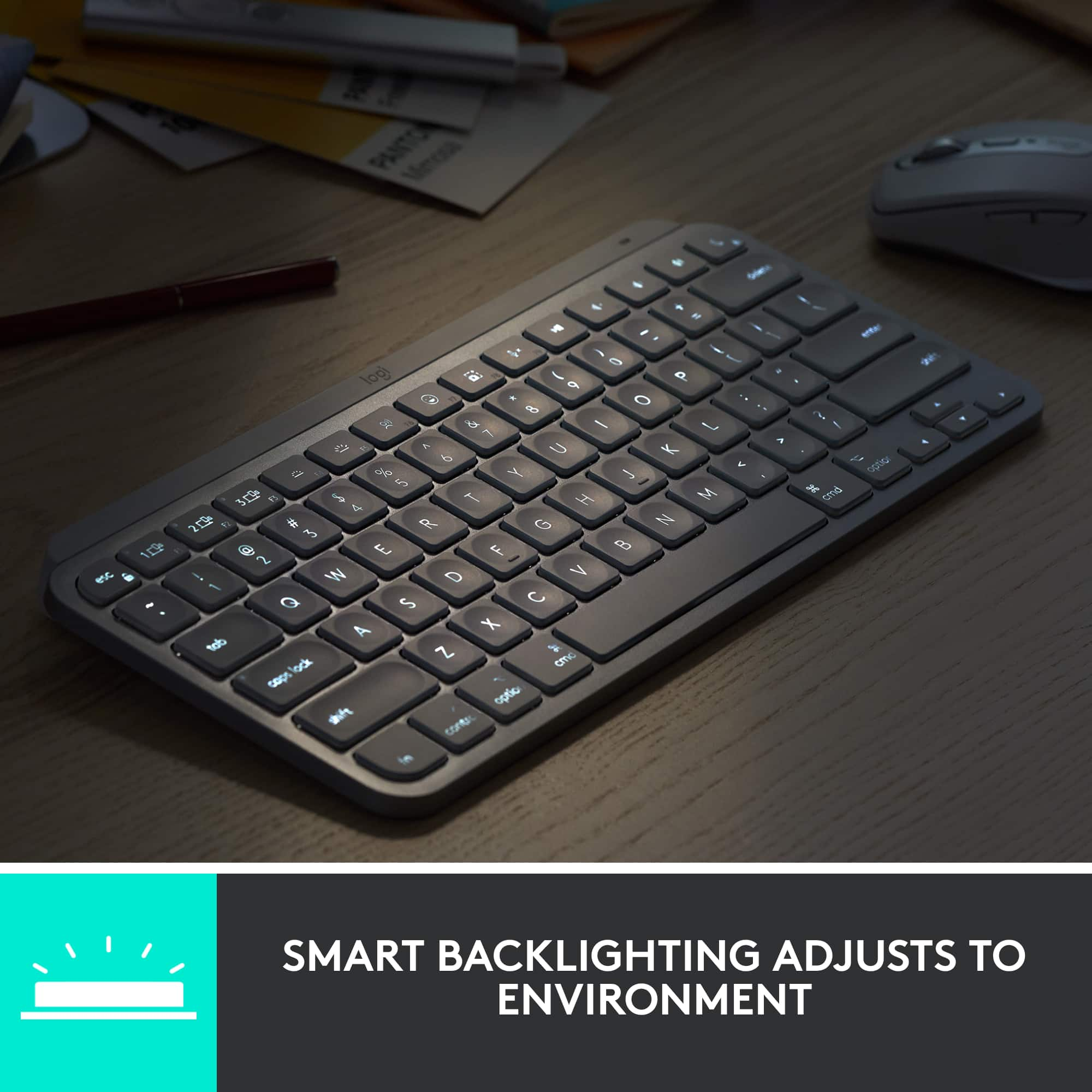
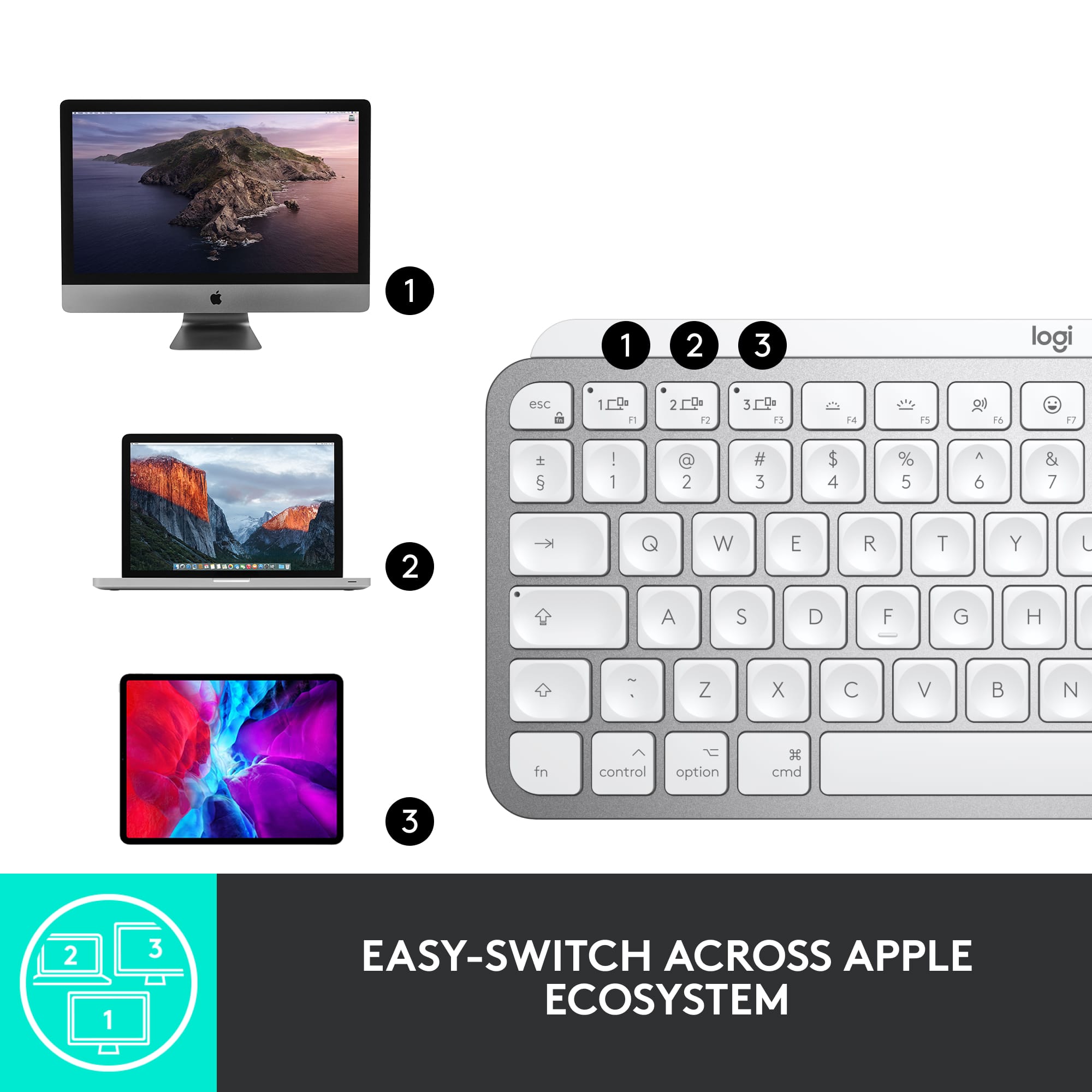
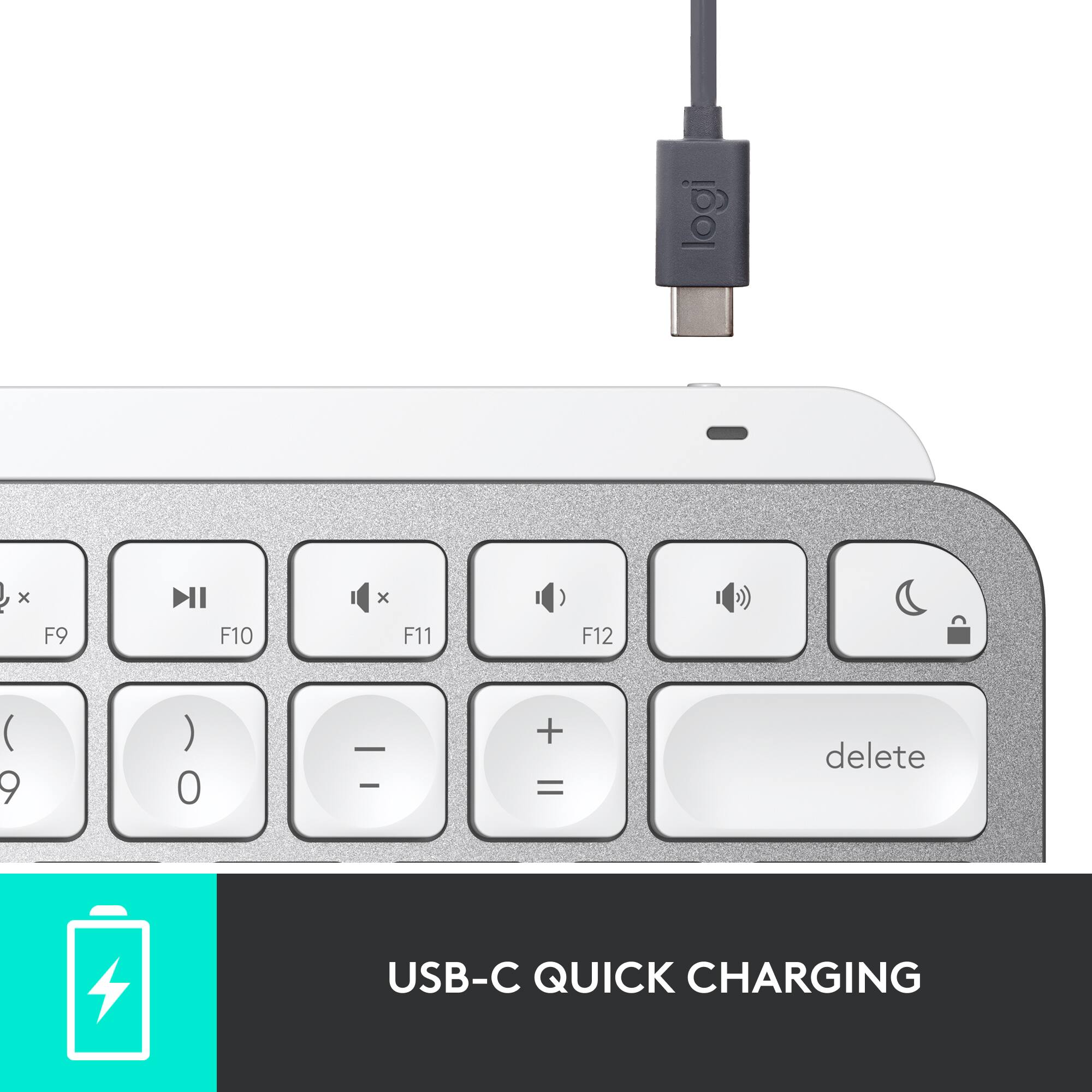
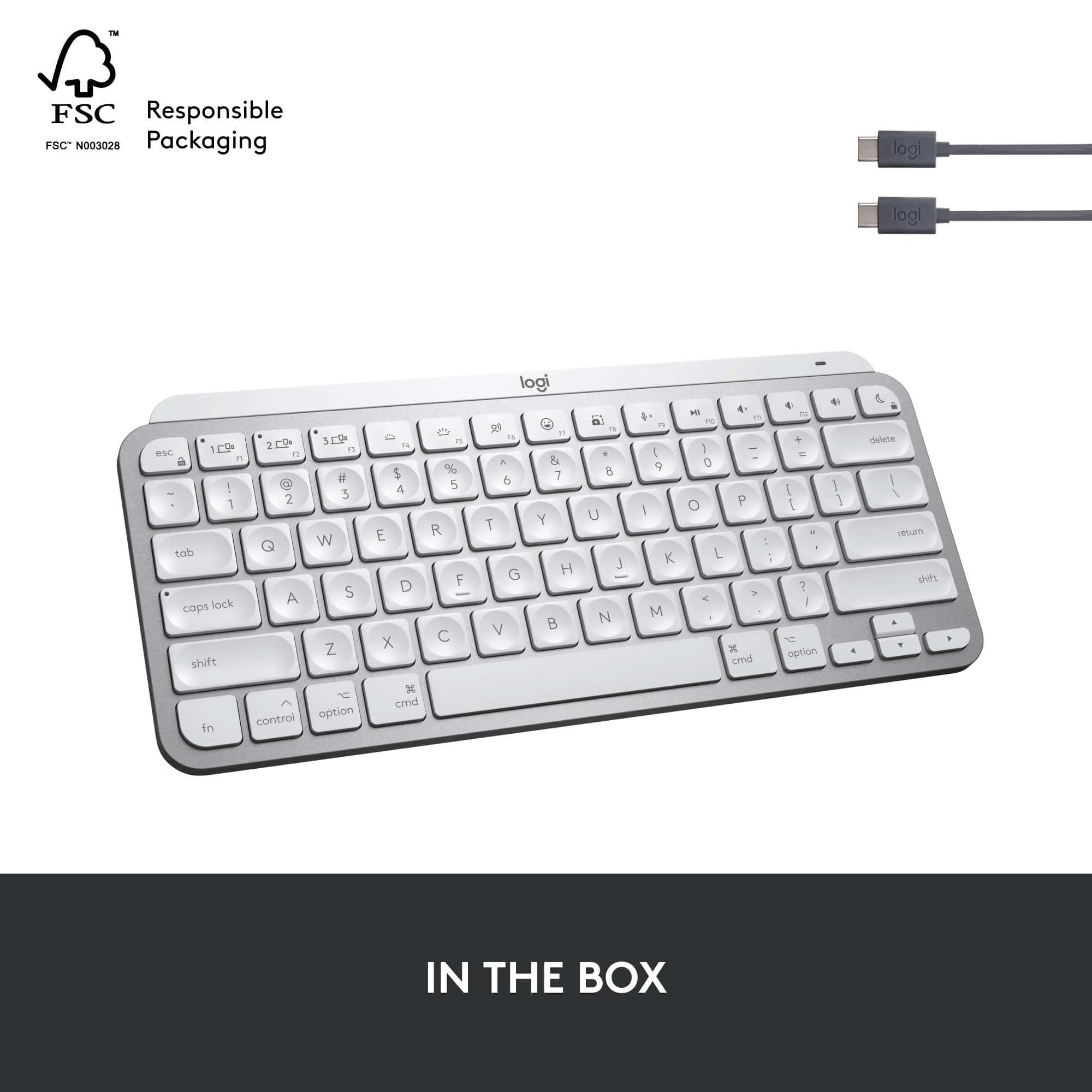
|Posted .This reviewer received promo considerations or sweepstakes entry for writing a review.Received the keyboard and couldn't wait to give it a try. Nicely packaged and when removing from the box first thing I noticed was what a solid feel it had to the build, nothing chintzy on this one. I was able to use it perfectly (connected easily to my iPad, Macbook and Mac Mini) once I allowed it in the System Preferences. I downloaded the Logitech Options app to be able to utilize the voice-to-text dictations feature. When you want to use it just press the F6 key up top. You will need an external microphone of course if one isn't built in. You can also assign various functions to the F keys. There are 3 keys that get assigned to your devices which are the F1, F2, and F3 and depending on which item you are using you press whichever is attached to that key and your Apple devices will work without a hitch. Very convenient! The keyboard has a green light that blinks when it's charging and stays solid green when ready. Logitech states that the keyboard will stay charged for 5 months if you don't have the backlighting on or up to 10 days if you do. To be honest I had trouble seeing the letters and numbers on my gray keyboard when the backlight was lit. They sort of disappeared. Perhaps the darker gray keyboard would be better at showing them off. When you do want to turn the backlight off you simply hit the F4 button twice or to dim hit it once. At any rate I decided not to use the backlighting but one cool thing is if you do use it, when your hand gets close to the keyboard those lights automatically turn on. You move away from it and the lights dim out. It does use the USB-C input for your computer and keyboard to charge. One cable is provided. I also found using the 4 smart keys to be really nice. F-6, F-7, F-8 and the microphone key F-9. F-7 is the fun Emoji key and it's handy. There are indentations on each key so that your fingers fit more naturally when typing and keeps your hands from getting tired. Quite comfortable. I normally use a Microsoft Natural Keyboard but honestly I really enjoy typing on this. It can easily be transported around with you as well. I have nothing negative to say about it at all except my issue with the lightness of key symbols when backlighting is used. Other than that it is well worth the purchase. It's definitely a quality product from a reliable company and I can highly recommend giving it a try.
I would recommend this to a friend Disconnects Constantly
||Posted . Owned for 7 months when reviewed.This reviewer received promo considerations or sweepstakes entry for writing a review.Absolute garbage. Disconnects from my Mac all the time... you literally have to try 5 times to get it to copy and paste. It's a complete wast of money. Oh, and Best Buy doesn't stand behind selling this piece of junk. Awful product and awful customer service! DO NOT BUY
No, I would not recommend this to a friendBrand response from Logitech
Posted .Apologize about the experience and it's surely not what we expect to deliver. We understand your displeasure and we will forward it along to the right team so they can look into it. Thanks for bringing this to our attention.
- Pros mentioned:Key feel, Keyboard quality
Love this keyboard
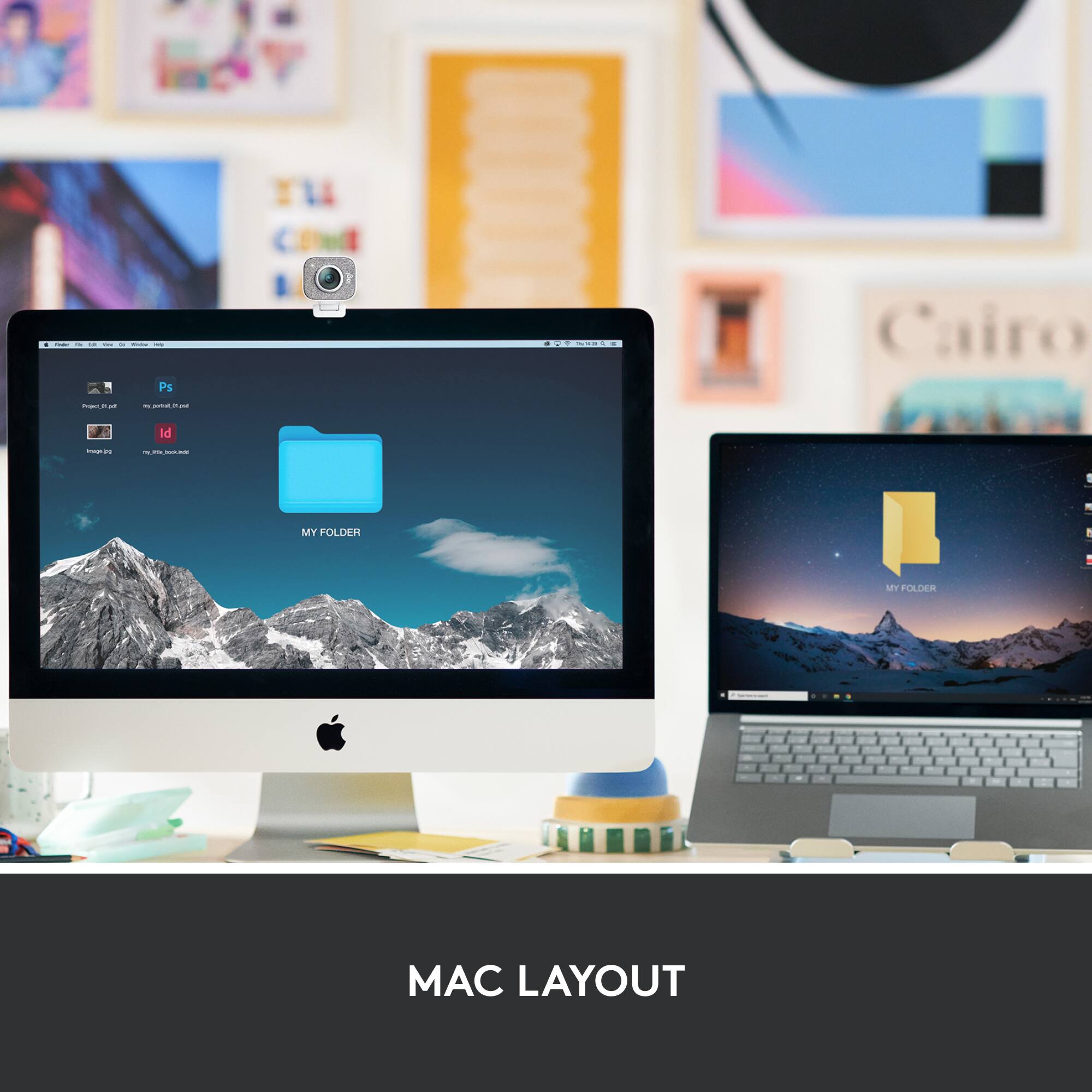
Posted .This reviewer received promo considerations or sweepstakes entry for writing a review.The keyboard is small but sturdy. I connected it one time and have not had to reconnect it since. It is heavy enough to stay in place and not scoot around on the desk. The feel of the keys is much more like a laptop which I prefer. When I received the box it said Mac keyboard, but I purchased it for a pc. I thought I may have to return it. Although it say Mac on the box, it works fine with my pc.
I would recommend this to a friendBrand response from Logitech
Posted .We're glad to hear that you're enjoying the compact size, sturdy build, and seamless connection experience. The keyboard's weight is designed to provide stability and prevent slipping, ensuring a comfortable typing experience.
Disappointed
||Posted . Owned for 1 month when reviewed.This reviewer received promo considerations or sweepstakes entry for writing a review.Don't buy this for iPad Pro. Bestbuy website stating, this is function with iPad OS Does not working with my iPad 12.9 Pro M1 chipset.
No, I would not recommend this to a friendBrand response from Logitech
Posted .Hey! Using Bluetooth you can pair the device iPad. Please email the following information to socialcare@logitech.com. Our team is dedicated to assisting you. Full Name – Email address – Country – Product name – Brief description of the issue –
- Pros mentioned:Battery life, Keyboard quality
This is My Type of Keyboard
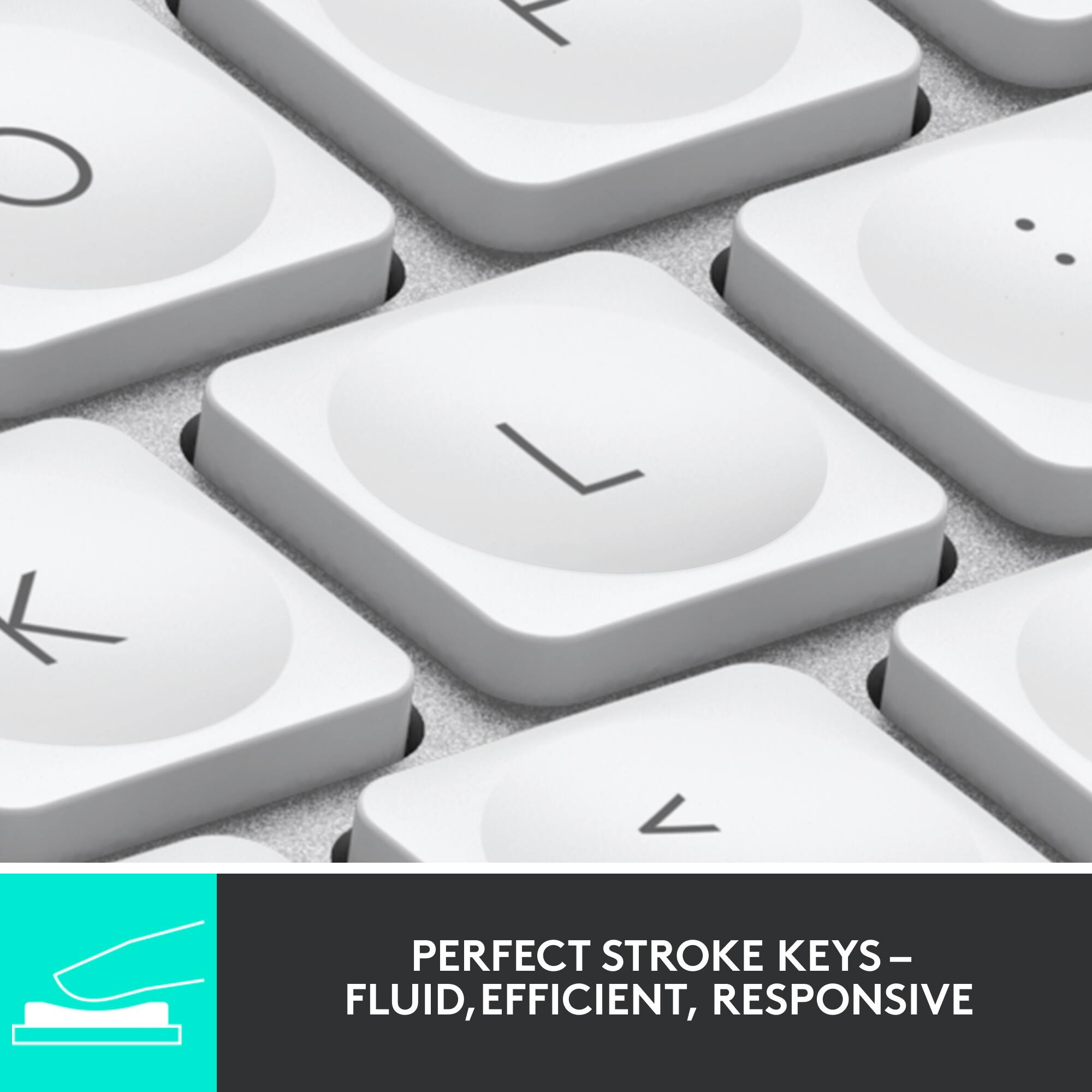
|Posted .This reviewer received promo considerations or sweepstakes entry for writing a review.This is a fantastic keyboard and a real pleasure to use. Most keyboards have flat keys, so this one with indented keys might take getting used to, but that’s a short path to typing nirvana. PROs • Excellent key spacing that makes you forgot you’re on a “mini” keyboard. • Key firmness is consistent across the entire key, so it’s difficult to accidentally press a corner of the wrong key. This should elevate your accuracy. • Can be paired to three different devices, including Mac, iPad and iPhone. Switching between devices is easy with pre-assigned pairing keys. • Backlit keyboard anticipates your hand with proximity sensors and lights up as you’re getting ready to type. Battery life is estimated at 10 days on a charge when using the backlight, and as much as 5 months if you leave it off. • The keyboard’s Fn keys double for other functions such as brightness, volume, and playback control. But there are also Fn keys that can be used for dictation, inserting emojis and symbols, and screenshots. • By far, my favorite Fn key is microphone mute. That means on Zoom calls, your hands never have to leave the keyboard to mute/unmute yourself. And, when you use the keyboard to mute yourself, it doesn’t toggle the Zoom app mute so everyone thinks you’re still actively participating in the conversation and not distracted. The keyboard displays an icon on the upper right of your screen to remind you that you’re muted. • If you download the Logi Options app to your Mac, you can reprogram all the keys from Fn4 to the right. And you can fine tune them to specific applications as well. In my case, I don’t use the backlight keys so I’ve reprogrammed them as page down/page up keys by assigning them the Mac shortcuts of Option-down arrow and Option-up arrow. But for my browsers, those same keys will let me switch tabs. Similarly, I’ve reprogrammed the Fn8 key to launch a different screen shot app than the standard one, and the dictation key to delete one word forward. This allows you to get the most use out of a keyboard without dedicated page up/page down and backspace keys of a full sized keyboard. CONs • Slightly less value for the money given that for the same price, you can get the full size MX Keys keyboard. • If you don’t want to use Bluetooth, it will only work with the Logi Bolt USB receiver, not with any of the older ones. And the Bolt receiver is not included. First and foremost, this really is a wonderful keyboard to type on. All of the other bells and whistles would not matter without that. I highly recommend you put this on your short list if you’re looking for a compact keyboard for you Apple devices.
I would recommend this to a friend - Pros mentioned:Keyboard quality
Excellent keyboard for any of your Apple devices
|Posted .This reviewer received promo considerations or sweepstakes entry for writing a review.The Logitech MX Keys Mini for Mac is likely the keyboard that should have come with my Mac. Keyboards come in all shapes and sizes these days, from budget to top dollar and from soft, lifeless keys to mechanical keys that provide a tactile feel. Working from home and spending a lot of time on the keyboard, I have quite the collection of keyboards and the Logitech MX series is among my favorite. What I like about the MX Mini is it is designed for the Mac - it has all the Mac specific keys that come standard on your Mac - a lot of aftermarket keyboards are Windows centric and do not put the Mac keys where you naturally expect them to be. The feel of this keyboard is superb for a non-mechanical keyboard. Typing is almost silent, yet the keys provide a nice tactile feel. The keys have indents for your fingertips that ensure you are centered on each key without having to look. I immediately became used to this and look for this on my other keyboards. This keyboard is also VERY solid. It's a bit heavier than I would have expected for it's size, but in a good way - It oozes quality. Another thing I like is that the keyboard does not have large gaps around the keys. Let's be honest - we all tend to have a snack at our desk once in a while, and keyboards can get disgusting with dirt and crumbs that make their way in-between the keys - the design of this keyboard significantly reduces this because the gap between each key and the frame is quite small. Finally - and probably my favorite feature of this keyboard is that it has 3 "slots" to remember different devices and you can switch on the fly. Being an Apple person, I have an iMac as well as a Mac Book Pro, an iPhone, and an iPad. I can pair this keyboard to the iMac, and my MBP, and iPad and switch the input to each of those devices by simply pressing one of the three function keys in the upper left. I frequently work on my iMac and my MBP at the same time, and switching the input between the two is as easy as tapping the appropriate button on the keyboard. Connectivity is rock solid - I've never had an issue with the connection, and the charge on this keyboard lasts for a long time. I didn't gauge it, but it's well upward of a week - if not longer. The keyboard is compact enough that you can travel with it as well. Overall, if you're looking for a compact replacement keyboard for your iMac, a keyboard to use with your Mac mini, MBA, MBP, or iPad - give this one strong consideration.
I would recommend this to a friend