Customer Ratings & Reviews
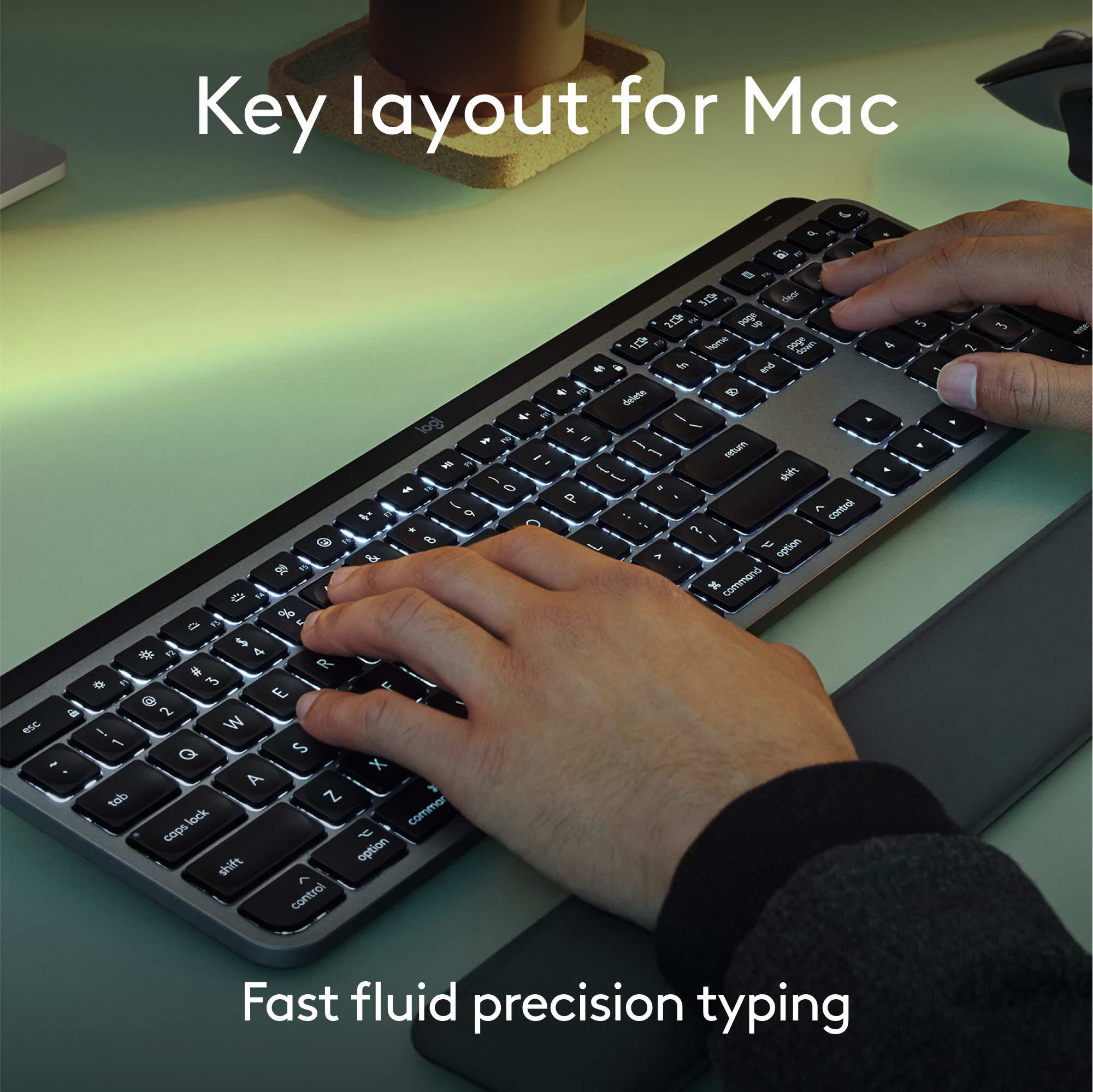
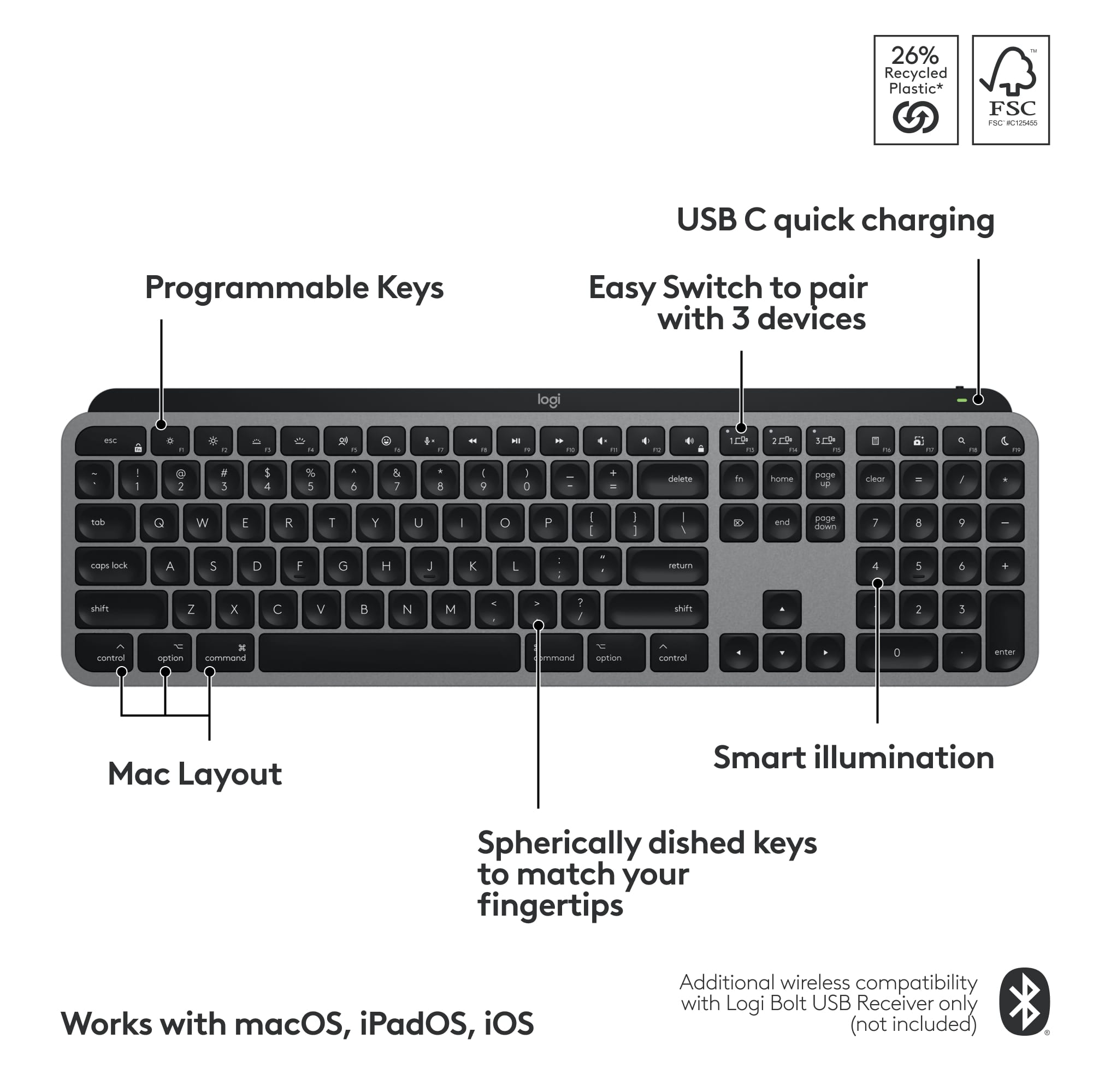
![The image shows a close-up of a black keyboard with white letters. The text on the image is as follows:
1.0% r FI3 FQ2 Fl F10 fn + delete - = - 3 I { / P [ ]
2. A return : I ; shift ? > I control option command
3. 2 10 300 3 F PS F1 page clear home up page 7 end down Q P F F8 = I 8 9 4 5 1 2 0 F9 * 1 + 6 3 enter
To group and correct the text, we can combine the sentences and correct any errors. Here's the corrected text:
1.0% r FI3 FQ2 Fl F10 fn + delete - = - 3 I { / P [ ] A return : I ; shift ? > I control option command
2. 2 10 300 3 F PS F1 page clear home up page 7 end down Q P F F8 = I 8 9 4 5 1 2 0 F9 * 1 + 6 3 enter
The corrected text is now grouped and organized for better understanding.](https://pisces.bbystatic.com/image2/BestBuy_US/images/products/6578/6578481_sd.jpg)

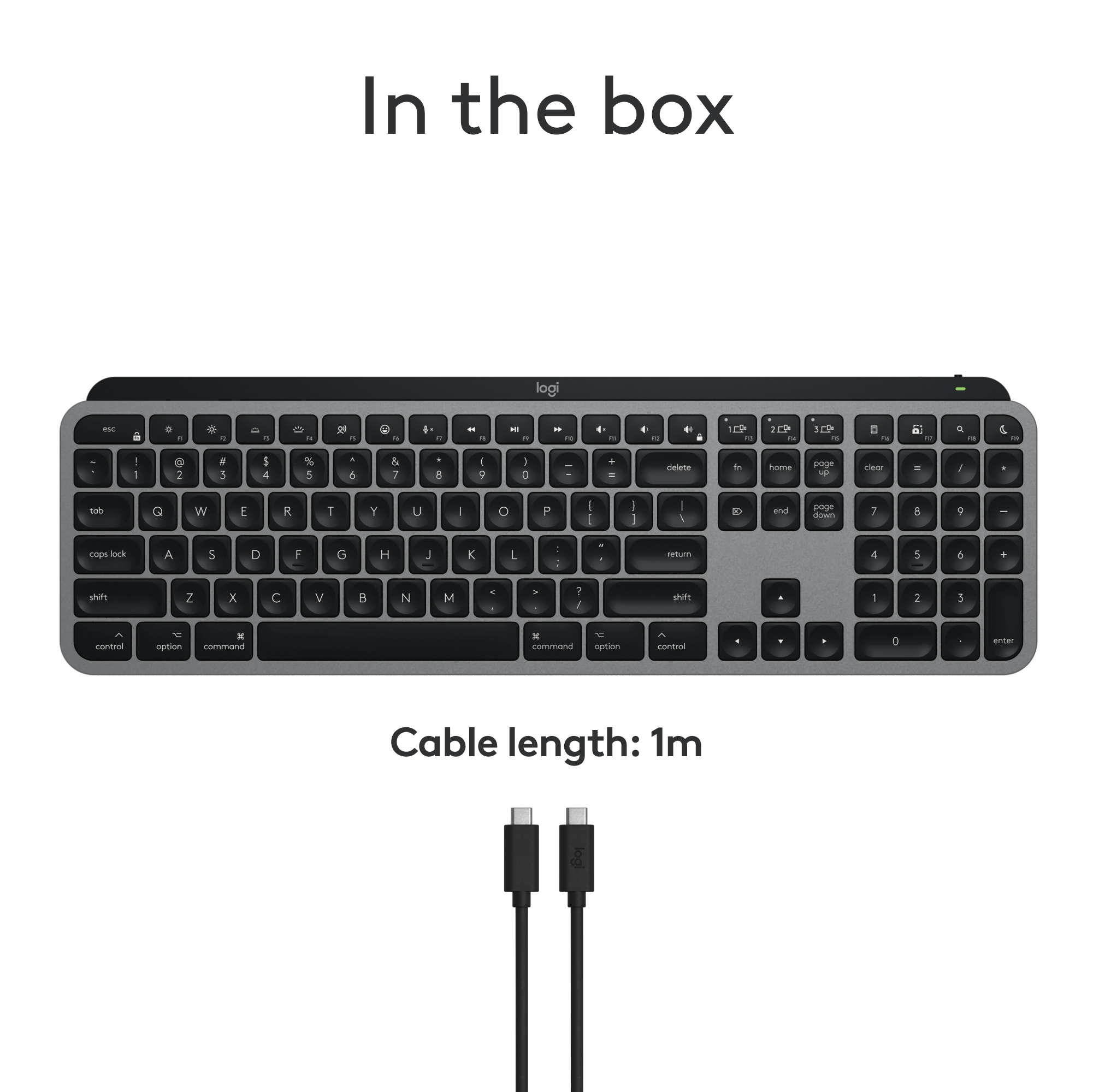



- Model:
- 920-011621
- SKU:
- 6578481
Rating by feature
- Value
Rating 4.5 out of 5 stars
- Quality
Rating 4.8 out of 5 stars
- Ease of Use
Rating 4.7 out of 5 stars
to a friend
Customers are saying
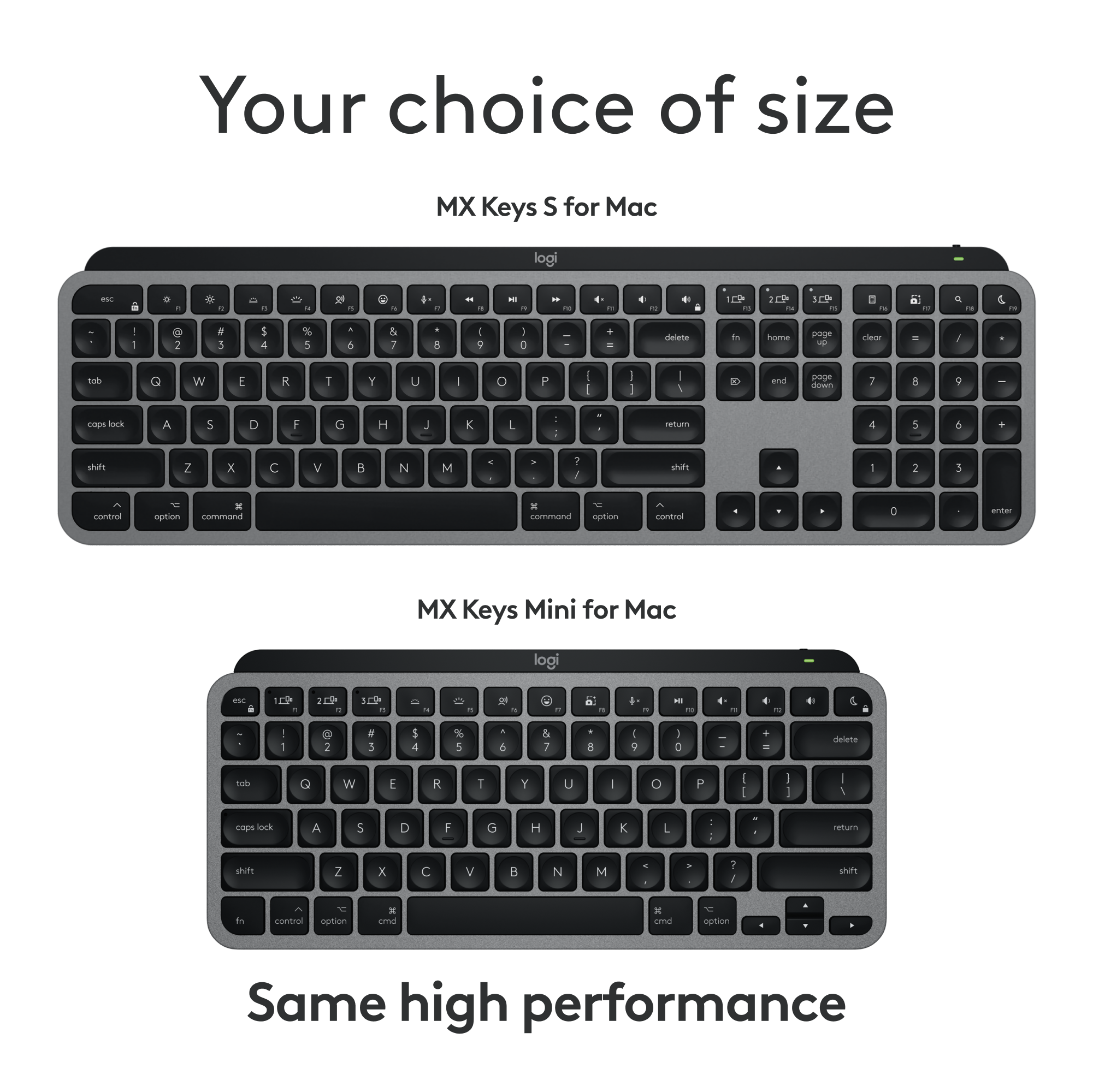
Customers have good things to say about the MX Keys S for Mac keyboard quality, long battery life, and ease of use. Many appreciate its compact size, reliable connectivity, and the comfortable feel of the keys. Some customers feel the keyboard is a bit expensive, and a few would prefer it included a number pad. While a small number have raised compatibility concerns, most find the keyboard's features to be well-suited for their needs.
This summary was generated by AI based on customer reviews.
Best keyboard i ever owned
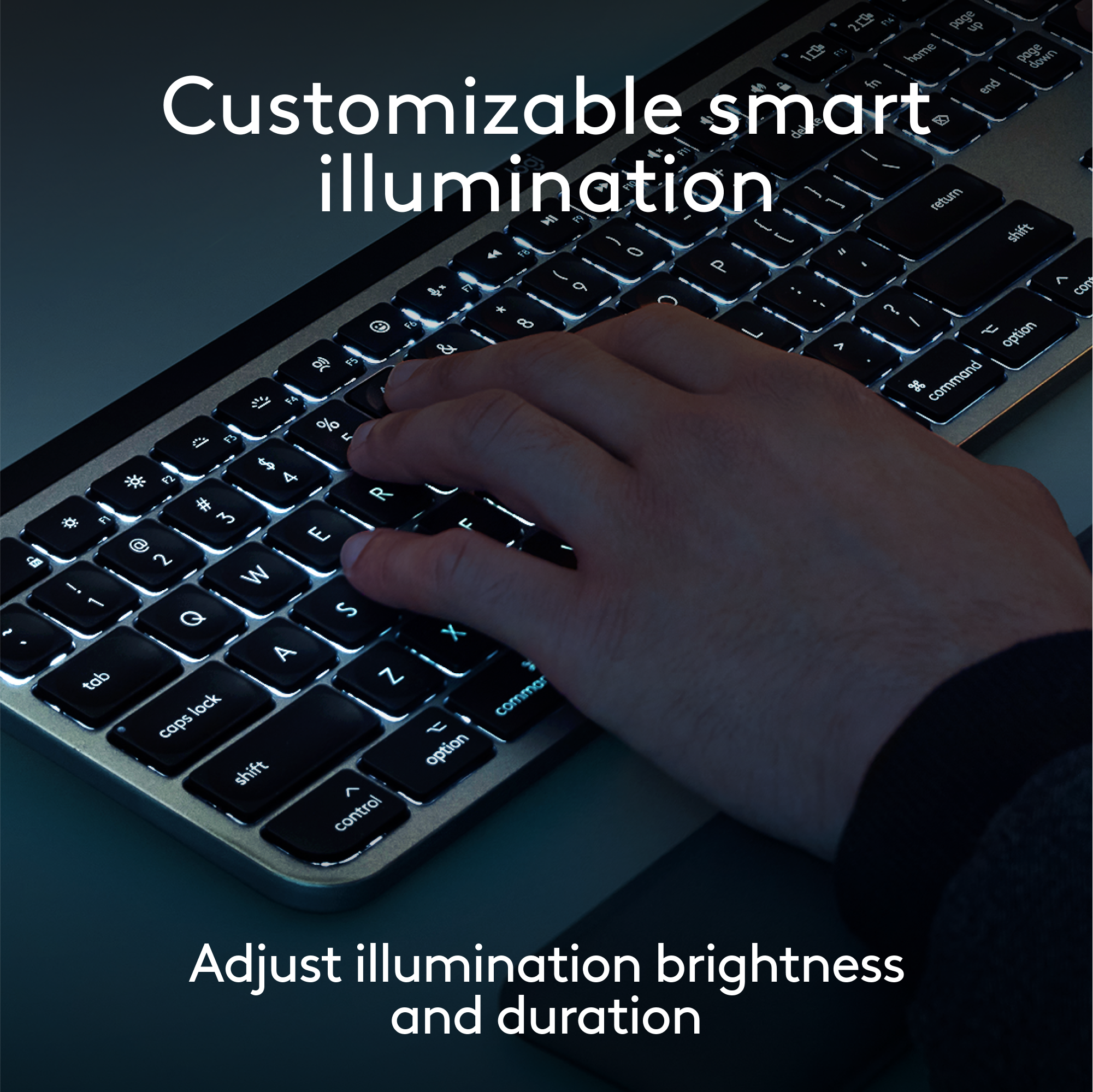
||Posted . Owned for 1 month when reviewed.This reviewer received promo considerations or sweepstakes entry for writing a review.I think this is the bes keyboard i ever owned, the battery life its just amazing, i love the backlight in the keys and how it lights on when i put my hands near it, it is also kinda silent when you are typing and the materials feels really nice.
I would recommend this to a friendBrand response from Logitech
Posted .We're thrilled to hear you're enjoying your MX Keys S for Mac! It's fantastic to know the battery life, smart backlighting, quiet typing, and premium materials are all hitting the mark for you. We designed it with those features in mind to create a truly exceptional typing experience for Mac users. Thank you for sharing your positive feedback!

Great keyboard for longer nails
||Posted . Owned for 1 month when reviewed.This reviewer received promo considerations or sweepstakes entry for writing a review.Nice companion keyboard for use with my laptop. I have trouble using the keyboard. That's on the laptop. Because the keys are too flat. So I bought this one. I have long nails, and this one is easy to type with
I would recommend this to a friendBrand response from Logitech
Posted .Your feedback means a lot to us. We’re glad the product is serving you well and helping you get things done. Thanks for choosing Logitech!
Very handy and nice features
||Posted . Owned for 1 year when reviewed.This reviewer received promo considerations or sweepstakes entry for writing a review.Although I missed not having the 10-key portion on the side, this is very portable and solid on the desk. The backlighting is vital for me as I do a lot of typing in darker lit areas and at night when I don't want to have much lighting on. I like the quietness and slim profile of the keys. The rounded divits are a bonus as well. Nice to switch easily between typing for my phone and computer. I do feel that this and many keyboards are overpriced. I didn't have much choice for that, especially for backlit keyboards.
I would recommend this to a friendMac owner
||Posted . Owned for 1 week when reviewed.This reviewer received promo considerations or sweepstakes entry for writing a review.Easy setup with MacBook Pro. Comfortable and responsive. Holds charge.
I would recommend this to a friendBrand response from Logitech
Posted .We're thrilled to hear that the Logitech MX Keys S has been a seamless addition to your MacBook Pro setup! Its comfort, responsiveness, and long battery life make it a great choice for Mac users. Thank you for sharing your positive experience.
Basically perfect to my fingers!
||Posted .This reviewer received promo considerations or sweepstakes entry for writing a review.I upgraded to a new Mac mini from my old iMac and was using an 8-year-old small Apple bluetooth keyboard that came with the iMac. Moving to this Logitech feels like I'm operating in a different world. The backlighting is awesome. But most of all, I LOVE the feel of the keys. This Logitech keyboard really strikes the balance between the modern style with far less key travel and the old school more mechanical feel. And I mean it PERFECTLY splits the difference. I wouldn't change it at all. Basically perfect. The whole keyboard is heavy which gives a real impression of quality and a product that will last. I like posting positive reviews, but few are this glowing. I should have done this upgrade a long time ago. I love this thing! It substantially changed one of the two human interface points between me and the machine. I don't think I realized just how bad the Apple brand keyboard really was. I'm not using a laptop here where concessions are necessary. This is a proper keyboard that is desktop-worthy.
I would recommend this to a friendBrand response from Logitech
Posted .Thank you for the incredibly glowing review of the Logitech MX Keys S for Mac! We're absolutely thrilled you're so happy with the upgrade from your old Apple keyboard. We especially appreciate your detailed description of the key feel and how it perfectly balances modern and classic styles. It's fantastic to hear it has so significantly improved your experience and that you consider it "basically perfect."
Phenomenal
Posted .This reviewer received promo considerations or sweepstakes entry for writing a review.Upgrading my keyboard and mouse was a total productivity hack! The backlit keyboard is a must-have for anyone who works late hours like I do.
I would recommend this to a friendBrand response from Logitech
Posted .We're thrilled to hear that the Logitech MX Keys S has significantly boosted your productivity! The backlit keyboard is a fantastic feature for working in low-light conditions. Thank you for sharing your positive experience!
Logitech MX keyboard for Mac
||Posted .This reviewer received promo considerations or sweepstakes entry for writing a review.Great keyboard for Mac Mini computer. Connected quickly without issues, smooth key touch without the clicking sound.
I would recommend this to a friendBrand response from Logitech
Posted .Thank you for your feedback! We're glad to hear the keyboard paired seamlessly with your Mac Mini and that you're enjoying the smooth, quiet typing experience. Your insights are appreciated and helpful to others looking for a reliable, noise-free setup.
Great Keyboard
||Posted .This reviewer received promo considerations or sweepstakes entry for writing a review.Well made. really like the backlight feature. The Bluetooth connectivity work with no issues too.
I would recommend this to a friendBrand response from Logitech
Posted .Thanks for taking the time to share your experience. We’re delighted the product is working well for you. Your feedback means a lot.
Logitech mx keys mini wireless keyboard
||Posted . Owned for 1 month when reviewed.This reviewer received promo considerations or sweepstakes entry for writing a review.Great keyboard, slim and compact. Portable for remote work. Highly recommend.
I would recommend this to a friendBrand response from Logitech
Posted .We appreciate you taking the time to share your experience. Knowing our product is working well for you makes all the difference. Thanks for being with Logitech.
I think you'll like this keyboard
||Posted .This reviewer received promo considerations or sweepstakes entry for writing a review.I guess it's been that long since I had to shop for a keyboard of all things but this is working out great for me. It's a nice low profile, the keys feel good under my fingers, it's backlit which I knew I wanted. I always do my research before buying most things. This time was no different and so far it's paid off.
I would recommend this to a friendBrand response from Logitech
Posted .Your feedback means a lot to us, and we’re so glad to hear you’re enjoying your Logitech device. We work hard to create products that make life easier and more enjoyable, and it’s great to know we hit the mark. Thanks again for your support!
Great, portable keyboard
||Posted . Owned for 1 month when reviewed.This reviewer received promo considerations or sweepstakes entry for writing a review.This is has been a really great keyboard for my use-case and needs. It's portable but solid. I enjoy the backlighting for the keys and the multi-device connectivity. It has solid battery life for my needs.
I would recommend this to a friendGreat MX Keyboard
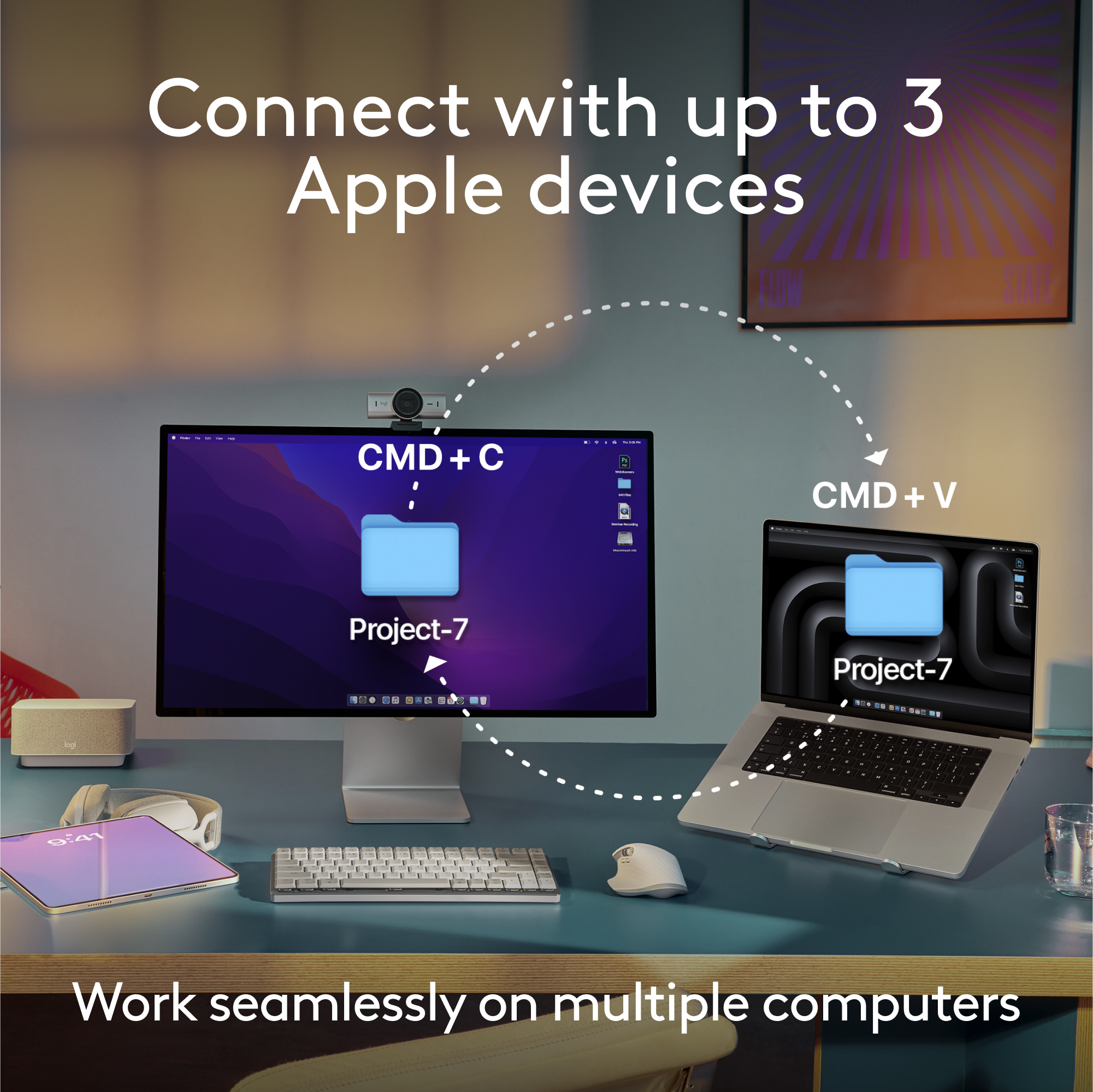
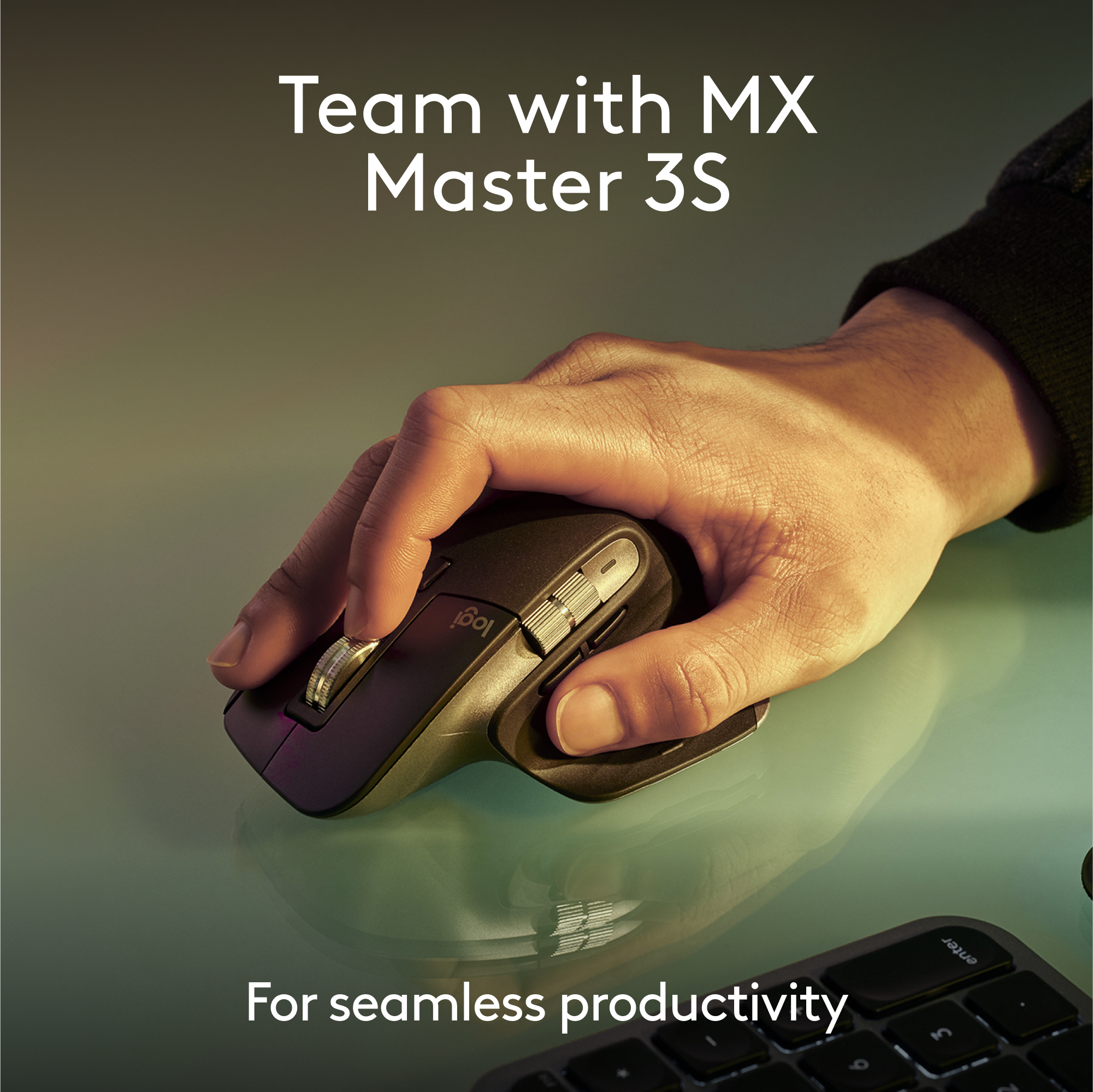
||Posted . Owned for 1 week when reviewed.This reviewer received promo considerations or sweepstakes entry for writing a review.Great light keyboard for office work. Quick and easy connection using bluetooth and able to connect up to 3 devices (including mobile/iPad devices). Only Negative: You can't pair this together with MX mouse. You'll need to buy a separate usb connector to pair both MX Mouse and keyboard in 1 device.
I would recommend this to a friendBrand response from Logitech
Posted .Thank you for your feedback on the MX Keys Mini TKL. We appreciate your insights about the Bluetooth connection limitation. We'll continue to work on improving our products and addressing customer feedback.
Great battery life
||Posted . Owned for 3 weeks when reviewed.This reviewer received promo considerations or sweepstakes entry for writing a review.I’ve had this for a few weeks and have yet to have to charge it. The computer says it still has 50% charge. M in front of my computer about 6 hours per day, and I have the backlight set to turn off at the lowest time setting (I think 10 seconds). The keyboard will send your hand a little less than an inch above it, so the lights come on when I need them. I’ve got it connected to two laptops and a tablet. Swapping between devices is smooth with minimal delay from time button is pressed to when it’s ready to type. The keyboard is fairly quiet with good minimal motion. It feels a lot like a laptop keyboard which I prefer.
I would recommend this to a friendStylish keyboard
||Posted . Owned for 1 month when reviewed.This reviewer received promo considerations or sweepstakes entry for writing a review.Stylish portable black keyboard. Pretty quiet key strokes and ver responsive. Easy pairing. The backlighting is great and I have it on when in use and I use it a lot for work. Great battery life and keyboard backlighting will turn off when not in use to conserve battery. I have charged it twice just in case but I don’t think I have had low battery yet.
I would recommend this to a friendBrand response from Logitech
Posted .Hello there! Thanks for the great review of the Logitech MX Keys Mini TKL! We appreciate the details you shared. Sounds like a great fit!
Great keyboard
||Posted . Owned for 3 weeks when reviewed.This reviewer received promo considerations or sweepstakes entry for writing a review.I loved the keyboard. I got the mini on color black. In my opinion: - Click sound great. - Response time is good, haven't test it for games. - Love the size and keyboard light. - Battery per charge have been really good. I would recommend to anyone Logitech has an amazing keyboard.
I would recommend this to a friendExcellent backlit keyboard!!!
||Posted . Owned for 1 month when reviewed.This reviewer received promo considerations or sweepstakes entry for writing a review.This product is excellent! The backlit keys are amazing for typing at night, they really illuminate the keys for those who have trouble seeing them. They have brightness levels you can raise or lower depending on how bright you want them. Its small and compact and the keys feel amazing. Id definitely recommend this to anyone! I love typing my notes and flashcards on my ipad! The battery is excellent and last a long time! Pick it up you won’t regret it.
I would recommend this to a friendTyping made easy
||Posted . Owned for 3 weeks when reviewed.This reviewer received promo considerations or sweepstakes entry for writing a review.Great keyboard for the price. Connects easily with Bluetooth or with the provided cord. Lower profile keys with nice spacing and backlit.
I would recommend this to a friendBrand response from Logitech
Posted .Thanks for your great review of the Logitech MX Keys S for Mac Advanced Full-size Wireless Scissor Keyboard! We're happy to hear you find it's a fantastic value, easy to connect, and that you appreciate the low-profile, well-spaced, and backlit keys.
Fantastic
||Posted . Owned for 1 month when reviewed.This reviewer received promo considerations or sweepstakes entry for writing a review.This keyboard is amazing. Better quality than the Apple Magic Keyboard.
I would recommend this to a friendBrand response from Logitech
Posted .Thanks for the thoughtful review! We’re glad to hear our product is delivering the quality and convenience you were looking for. Your feedback helps us keep improving, and we’re grateful for your trust in Logitech.
Good compact keyboard for every day use
||Posted . Owned for 1 month when reviewed.This reviewer received promo considerations or sweepstakes entry for writing a review.Very good, compact ten-key-less keyboard. Sturdy construction and easy typing make this a great value. Can accommodate 3 devices connected via Bluetooth. Long battery life as well.
I would recommend this to a friendGreat product
||Posted . Owned for 1 year when reviewed.This reviewer received promo considerations or sweepstakes entry for writing a review.Long lasting battery . Smoother feel. Light up key board on low light setting Love this
I would recommend this to a friend