Customer Ratings & Reviews





- Model:
- 910-007561
- SKU:
- 6640829
Rating by feature
- Value
Rating 4.5 out of 5 stars
- Quality
Rating 4.9 out of 5 stars
- Ease of Use
Rating 4.6 out of 5 stars
Customers are saying
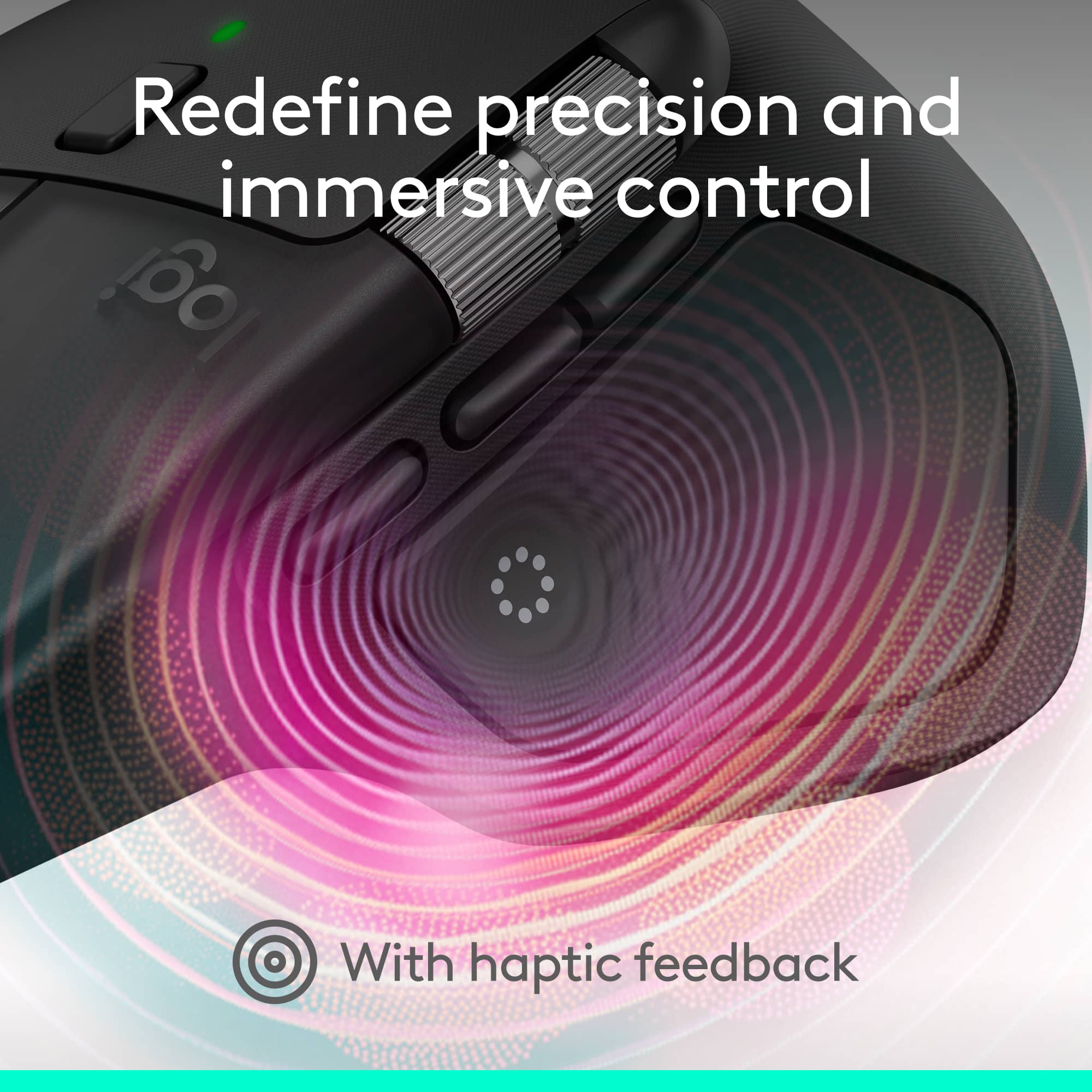
Customers often highlight the MX Master 4's exceptional button functionality, ergonomics, and haptic feedback. The mouse is also praised for its impressive battery life, build quality, and seamless connectivity. However, some users find the size and weight to be a drawback.
This summary was generated by AI based on customer reviews.
Good mouse
||Posted .This reviewer received promo considerations or sweepstakes entry for writing a review.Nice materials, good app of logi and smooth feelings when using it
I would recommend this to a friendBrand response from Logitech
Posted .We’re grateful you took the time to share your thoughts. It’s wonderful to know our Logitech MX Master 4 Mouse is meeting your expectations.

Needs a rubberized option
||Posted .This reviewer received promo considerations or sweepstakes entry for writing a review.I've been a long-time fan of the Logitech MX series, but these last few releases have really missed the mark. I do like the new quiet buttons. The hepatic button, I might make use of it, but it can also be annoying until you get used to not accidentally pressing your thumb on it. The main thing I can not stand about this release is the hard, slick finish. The mouse doesn't have that comfortable feel that I had with the original version 3.
No, I would not recommend this to a friendBrand response from Logitech
Posted .We appreciate your honest feedback. It helps us identify where we can improve and provide a better experience with the Logitech - MX Master 4.
The best even more than its predecessor
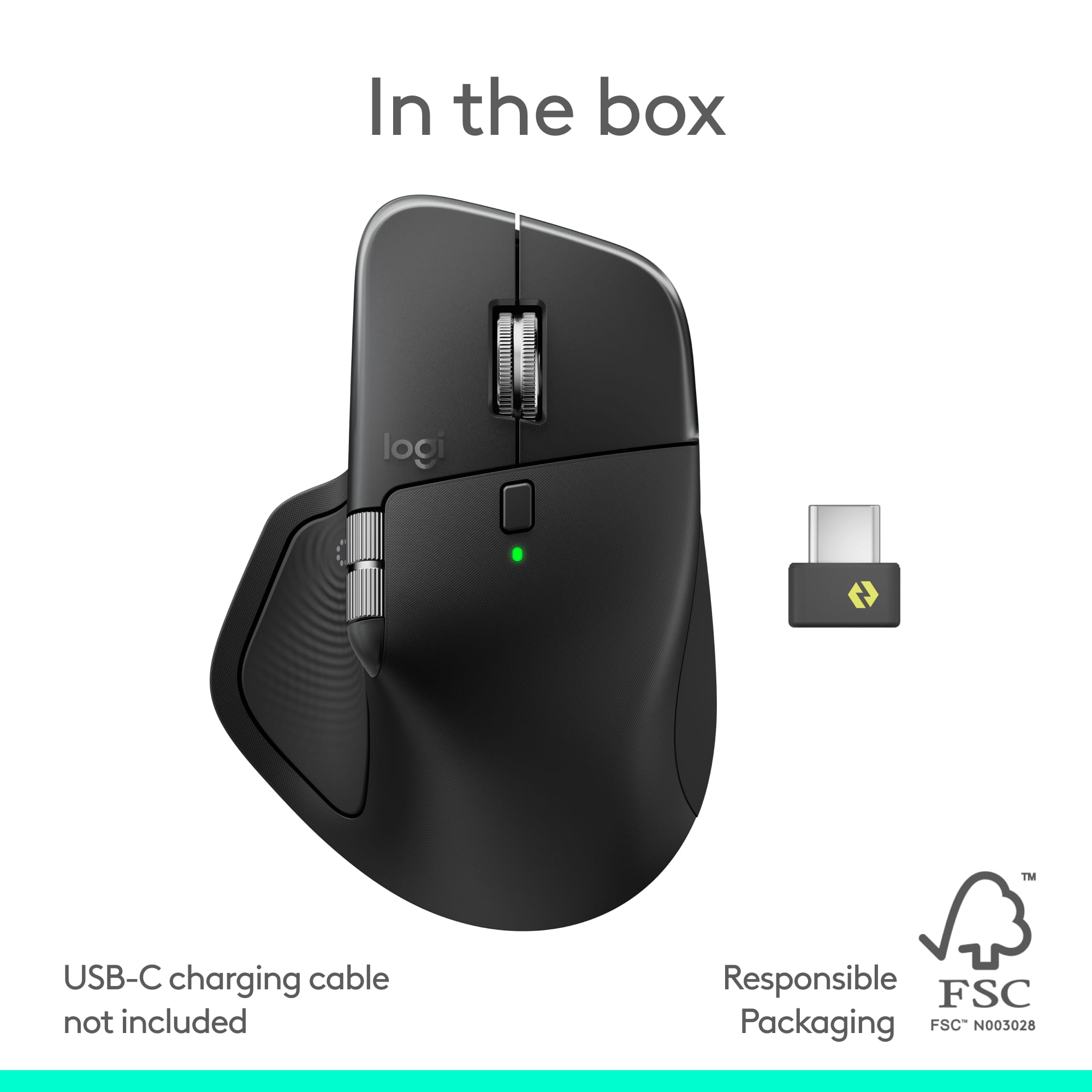
||Posted .This reviewer received promo considerations or sweepstakes entry for writing a review.just the best. Works on all Mac and Windows and Linux. comes with usb-c dongle
I would recommend this to a friendBrand response from Logitech
Posted .Thank you so much for your wonderful feedback on the Logitech - MX Master 4 Wireless Mouse! We’re thrilled to know it’s meeting your expectations. Your support means a lot to us.
Not for work computers with restrictions
||Posted . Owned for 2 months when reviewed.This reviewer received promo considerations or sweepstakes entry for writing a review.Nice for personal use. Wasn't able to use on my work laptop due to software restrictions. No onboard settings
No, I would not recommend this to a friendBrand response from Logitech
Posted .Thank you for sharing your thoughts on the Logitech - MX Master 4 Wireless Mouse. We’re glad to hear what you liked, and we’ll definitely work on the areas you mentioned.
Logitech MX Master 4
||Posted . Owned for 3 weeks when reviewed.This reviewer received promo considerations or sweepstakes entry for writing a review.An excellent comfortable mouse, with great haptic feedback!
I would recommend this to a friendBrand response from Logitech
Posted .Thank you so much for your wonderful feedback on Logitech - MX Master 4 Wireless Mouse! We’re thrilled to know it’s meeting your expectations. Your support means a lot to us.

Pretty good!
|Posted . Owned for 1 month when reviewed.This reviewer received promo considerations or sweepstakes entry for writing a review.Everything is great, the rubber material could be a little more resilient, otherwise all good.
I would recommend this to a friendBrand response from Logitech
Posted .We appreciate you taking the time to share your feedback! We're glad to hear that everything about the Logitech MX Master 4 is great. We also value your note on the rubber material's resiliency, as this helps us continuously improve our design.
Good but could be better
||Posted . Owned for 3 weeks when reviewed.This reviewer received promo considerations or sweepstakes entry for writing a review.It’s an upgrade over the previous version but could still be better.
I would recommend this to a friendBrand response from Logitech
Posted .Thank you for sharing your feedback! We appreciate you pointing out areas for potential improvement with the Logitech MX Master 4.
Great Features, Grip Misses the Mark. Unusable.
||Posted . Owned for less than 1 week when reviewed.This reviewer received promo considerations or sweepstakes entry for writing a review.I never thought I’d say this, but please bring back the rubber coating — or at least use a textured plastic that actually provides grip. I used to hate how my MX Master 3 and 3S got sticky and worn out over time, but after spending three full workdays with the MX Master 4, I can confidently say: this plastic version is not the answer. It takes constant effort to keep your hand centered; the surface is so slick that my hand keeps sliding off, leaving the edge of my palm constantly on my desk, palm edge felt sore by the end of the day. I love the new features and haptics, but the ergonomics are ruined by the lack of grip. I’m returning it tomorrow and going back to the MX Master 3S.
No, I would not recommend this to a friendBrand response from Logitech
Posted .We're very sorry to hear about your negative experience with the MX Master 4 and the issues you've had with the grip. We appreciate you sharing your feedback and will look into this.
Logitech-MX Master 4 Mouse
||Posted . Owned for 1 month when reviewed.This reviewer received promo considerations or sweepstakes entry for writing a review.The mouse if very comfortable to use. The only draw back is that the battery life is horrible.
No, I would not recommend this to a friendBrand response from Logitech
Posted .We appreciate your feedback on the Logitech MX Master 4 Adobe Edition Wireless Laser Ergonomic Mouse. We're glad you find it comfortable to use, and we sincerely apologize for the inconvenience caused by the battery life. Your input helps us improve our products and customer experience.
- Pros mentioned:Battery life, Ergonomics

The perfect upgrade from my MX Anywhere 3S
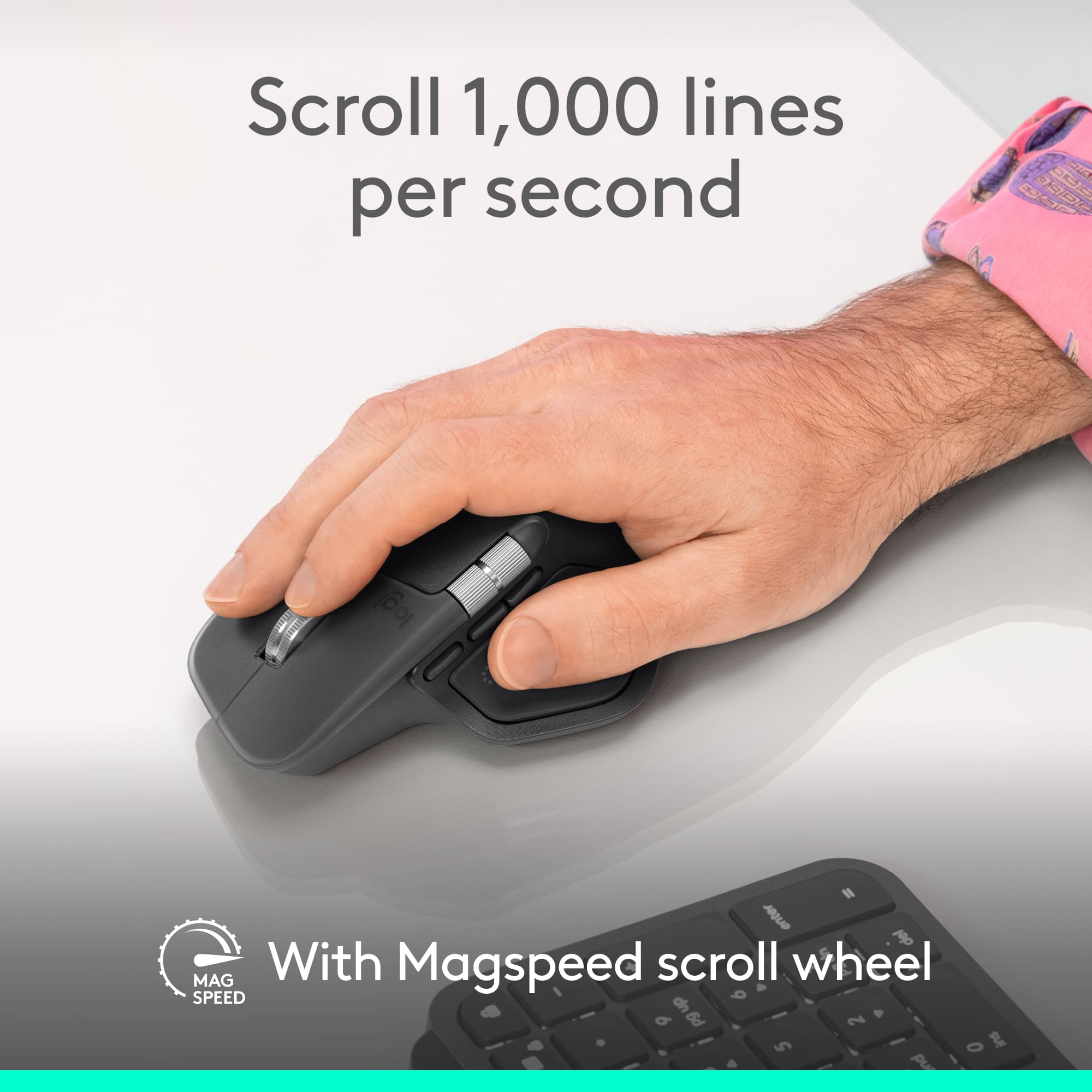
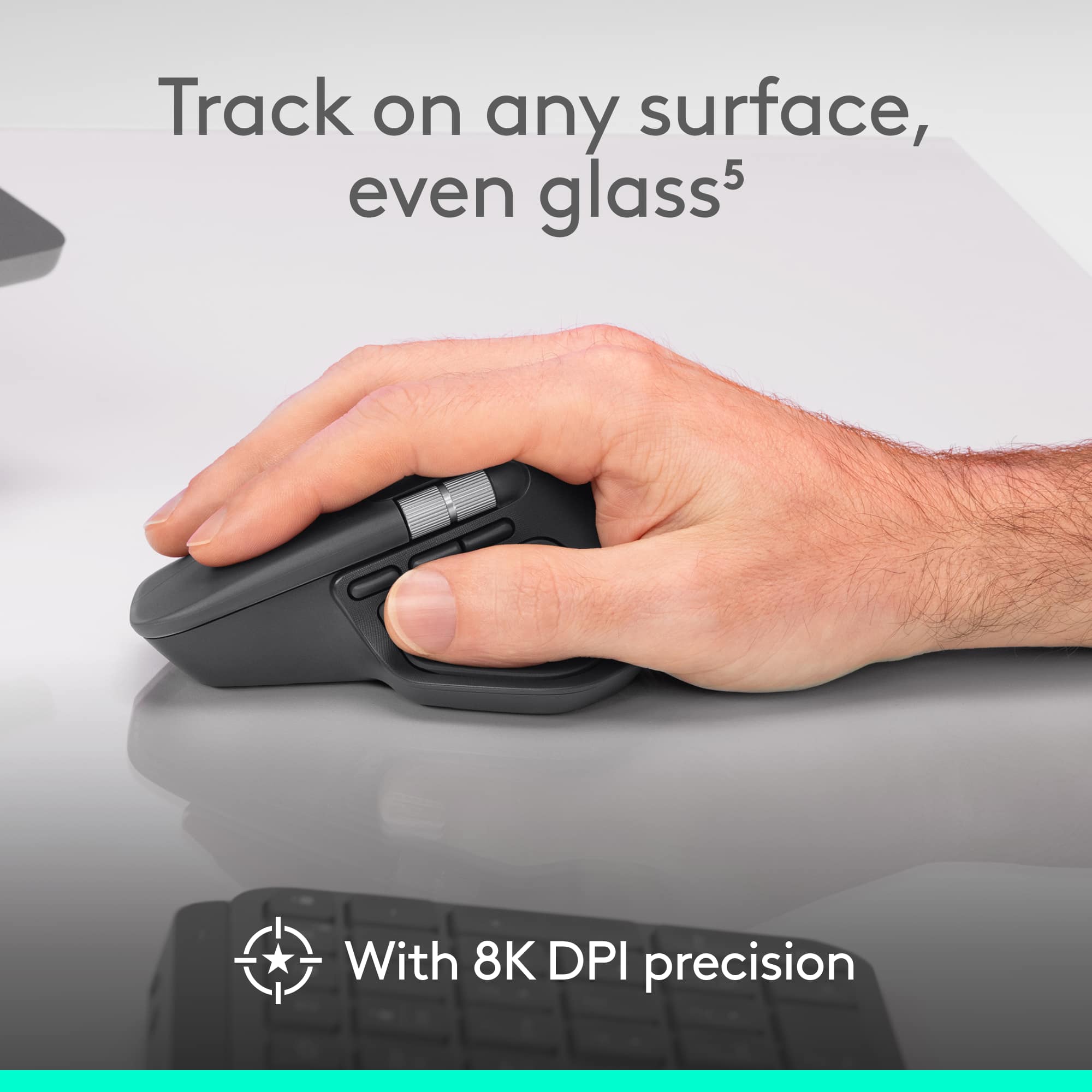
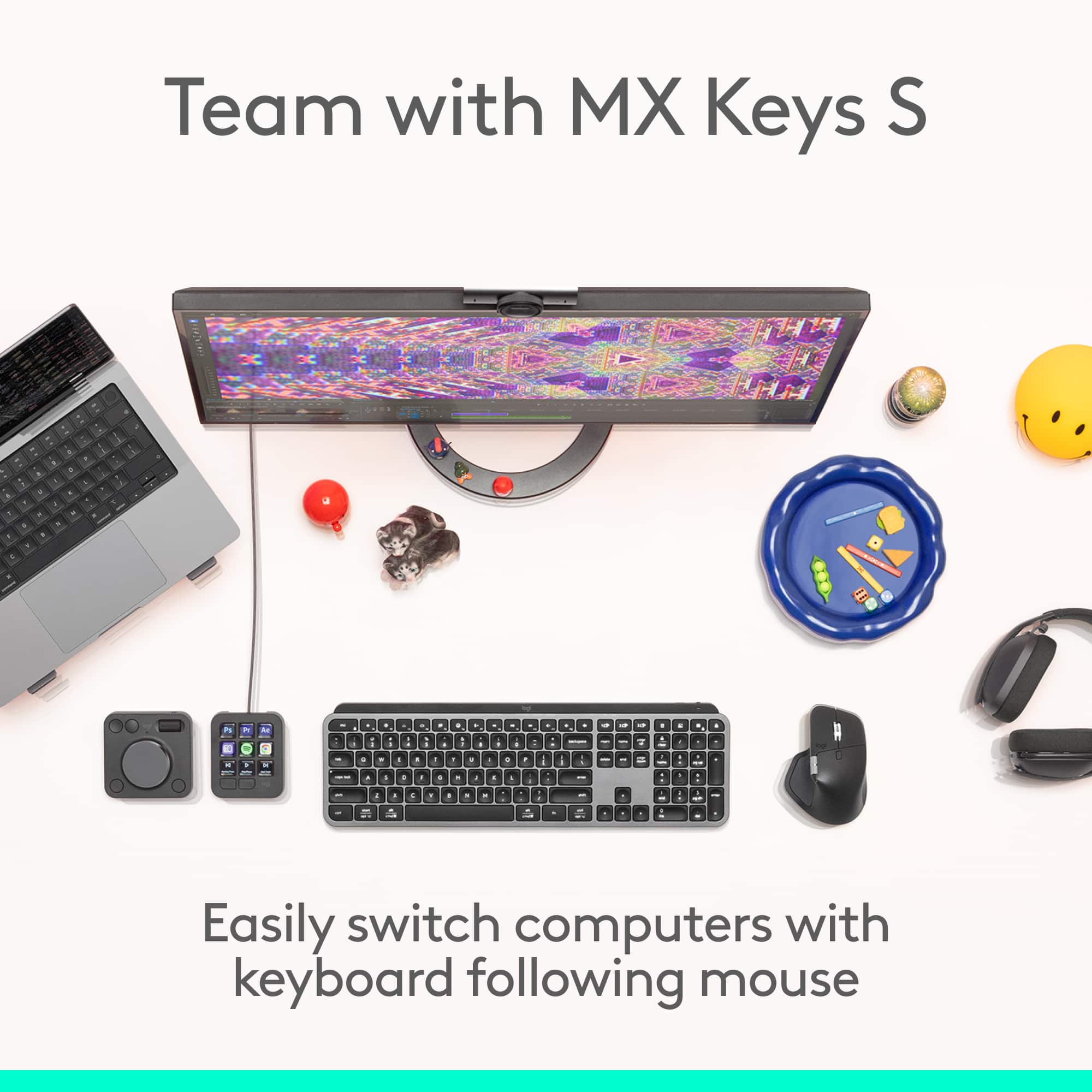
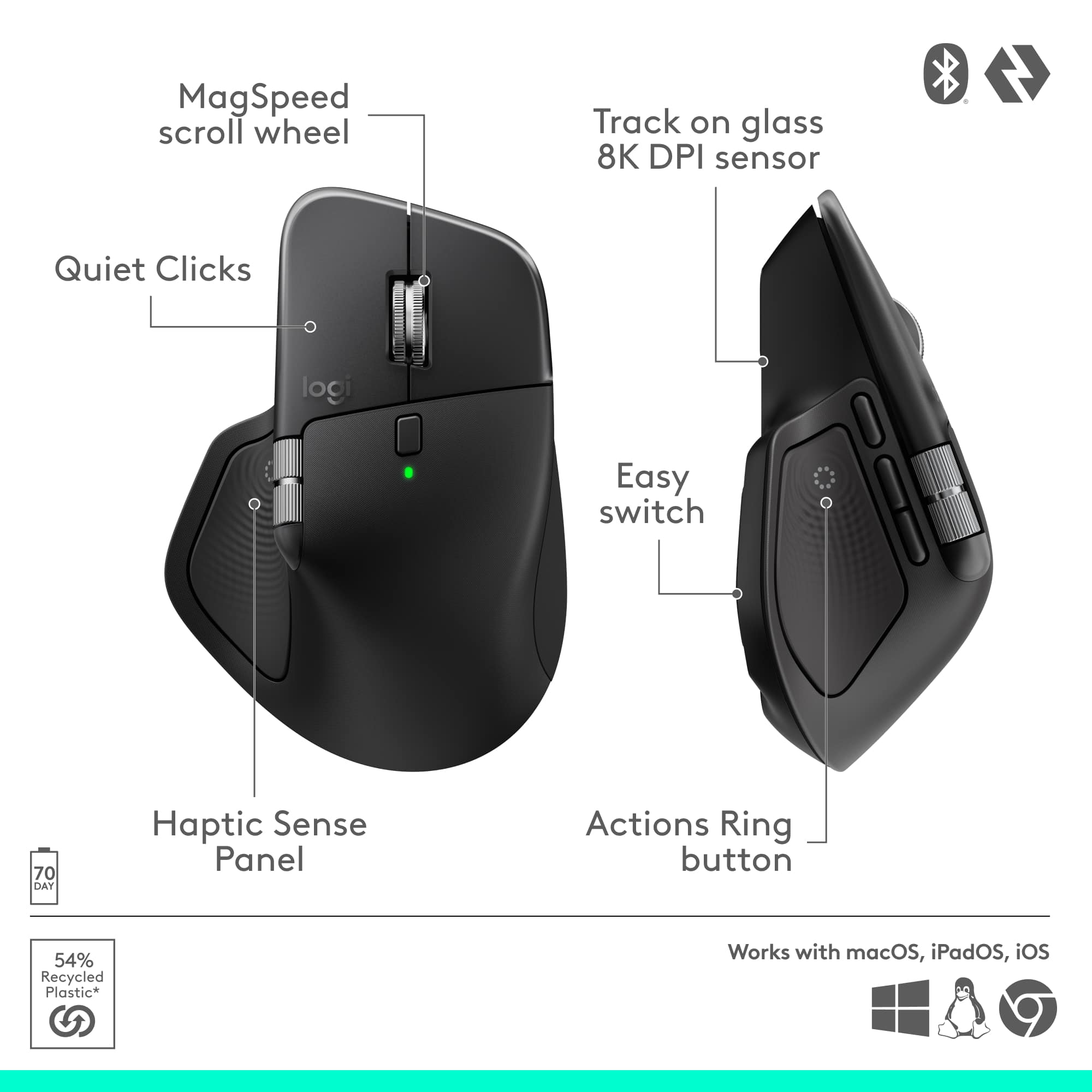
|Posted .This reviewer received promo considerations or sweepstakes entry for writing a review.I absolutely love how fluid this mouse is. It glides comfortably on any surface and feels really natural in the hand. I thought it would take some time to get used to but I was able to customize all the buttons for my work flow throughout the day and it just works. The action ring where your thumb rests is actually one of my favorite things now. It brings up this little wheel on screen that lets you do quick shortcuts like open File Explorer, pause or play music, connect to AI tools, take screenshots and a few other things but you can also customize per app. I didn’t think I’d use it that much but it ends up being super handy and kind of addictive once you get used to it especially with the little buzz/vibration it makes. The MX Master 4 keeps the same good stuff from other LogiTech devies which I really appreciate. You can connect it to three different Bluetooth devices and switch between them without having to reconnect anything. You can even share files between computers just by copying on one and then moving your cursor to the other computer and pasting. The scroll wheel is amazing. It has that premium smooth feel and changes automatically between free spin and the more controlled scroll depending on how fast you move it. It makes scrolling through long documents or editing videos way easier and just feels nice every single time. I’ve been using an MX Anywhere 3S for a while and that one always felt cramped after a few hours. The MX Master 4 feels like the total opposite and the shape just fits my hand better. I can go through a whole workday without that tight crampy feeling which is a huge difference. The clicks are super quiet but still feel solid which I love because I can work late or during nap time with the baby in the same room and it doesn’t wake him up. You can definitely feel the click but it doesn’t make that loud sound some other mice have. Battery life has been really good. After using it every day for a week the charge barely moved and it uses USB C which makes it easy since that’s what most of my stuff already uses. The setup was simple too. It works great right out of the box but you can still open the Logi Options Plus app and really fine tune everything. I made a few profiles for my creative apps and even changed the thumb wheel to scroll sideways in Premiere which makes editing smoother. Overall this mouse just gets everything right. It’s comfortable quiet customizable and feels built to last. It’s one of those tools that just makes your day go smoother without even thinking about it.
I would recommend this to a friendBrand response from Logitech
Posted .Hey! It’s rewarding to hear that our product is working well for you. Your review helps us grow and improve. Thank you for sharing your experience.
Too large
||Posted . Owned for 3 weeks when reviewed.This reviewer received promo considerations or sweepstakes entry for writing a review.Too large. Extremely big. Don't like it. Feels like a good quality but useless
No, I would not recommend this to a friendBrand response from Logitech
Posted .We apologize that the MX Master 4 was too large for your comfort and felt unusable despite its quality. We appreciate this feedback and have shared it with our design team to help us offer a better range of ergonomic sizes in the future.
- Pros mentioned:Button functionality, Ergonomics, Haptic feedback
Great for Productivity, Not for Gaming
|Posted .This reviewer received promo considerations or sweepstakes entry for writing a review.I was already impressed by the previous similar model, which was not even focused on Adobe apps, but the Logitech MX Master 4 Adobe Edition is even more impressive. If you juggle with multiple devices like me and especially if you spend lot of time in creative apps like Adobe Premiere, it’s totally worth it. It is comfortable and has an ergonomic shape that fits my hand perfectly. Editing with it is really nice. The buttons are noticeably quieter than most mice and the clicks are noticeably lower than the MX Master 3. Nobody will notice any clicks. Super quiet. There are many things that set this mouse apart but nothing like the haptic feedback, especially in Adobe Premiere, when you get a tactile feel as you move through the icons. It’s almost like they had people with poor vision in mind, but it’s a satisfying sensation for some reason. Because of a feature that works with Premiere, it keeps you from fumbling through endless cascading menus, allowing you to get to want you want in a couple of clicks instead of endless digging through menus. I regularly work with two computers, one for content creation, the other for regular work—and being able to use the MX Master 4 across both at the same time is super useful. If you ever used Mouse Without Borders, you will be familiar on how it works. You can drag the cursor (and even files) from one screen to the other as if it’s all one big workspace. In addition, you can connect it to up to three devices (laptop, iPad, and smart phone, for instance). Switching between them is very simple. I have been customizing it with other apps other than Adobe’s and they work well although I didn’t see much difference for those compared to MX Master 3, maybe because it is more focused on Adobe. Practically every button can be reassigned to a shortcut or function. However, this is not good for gaming at all. It’s clearly designed for productivity. It comes with a tiny receiver. However, I had some difficulty pairing with my computer. I don’t know if it was an issue with my computer or with the software. Oddly, it doesn’t come with any cable to charge. It is hard to identify which feature I didn’t like, but what I really loved was the tactile feedback. It does suffer from some performance issue which makes it unsuitable for a few applications, especially gaming, but other than that, it is highly recommended.
Brand response from Logitech
Posted .Thank you for sharing your detailed feedback! We appreciate you taking the time to highlight both the strengths and areas for improvement of the MX Master 4 Adobe Edition. Your insights are valuable to us.
I took it back.
||Posted . Owned for 3 weeks when reviewed.This reviewer received promo considerations or sweepstakes entry for writing a review.Great mouse except for the button where your right thumb sits. It is impossible not to press it and have a menu come up for you. Very frustrating and time consuming. Other than that button I did not see many differences between the MX Master 4 and the MX Master 2 which I went back to using
No, I would not recommend this to a friendBrand response from Logitech
Posted .We apologize the thumb button placement caused frustration. Your comparison to earlier models is valuable.
- Pros mentioned:Button functionalityCons mentioned:Size
highly customizable mouse for editing or gaming
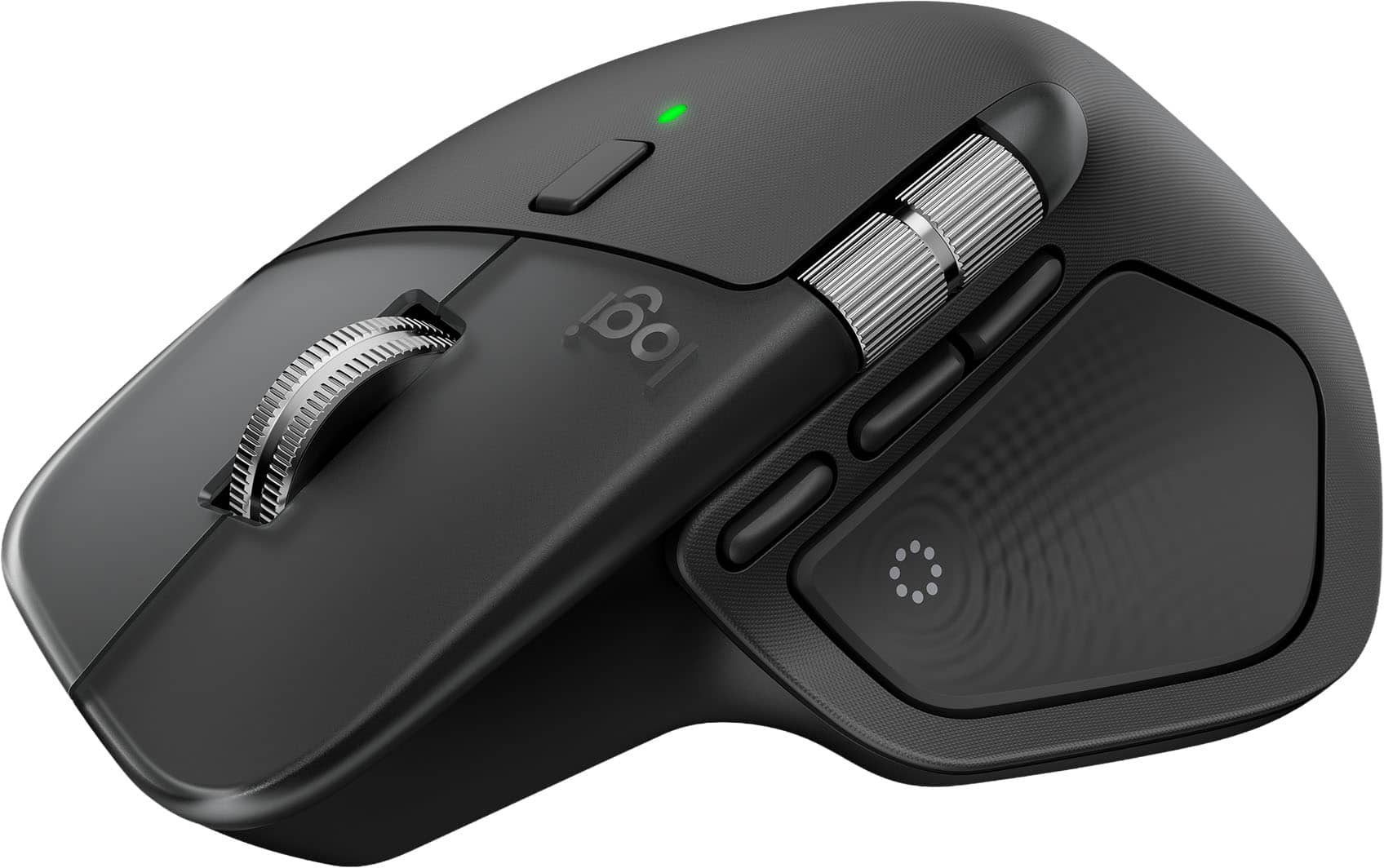
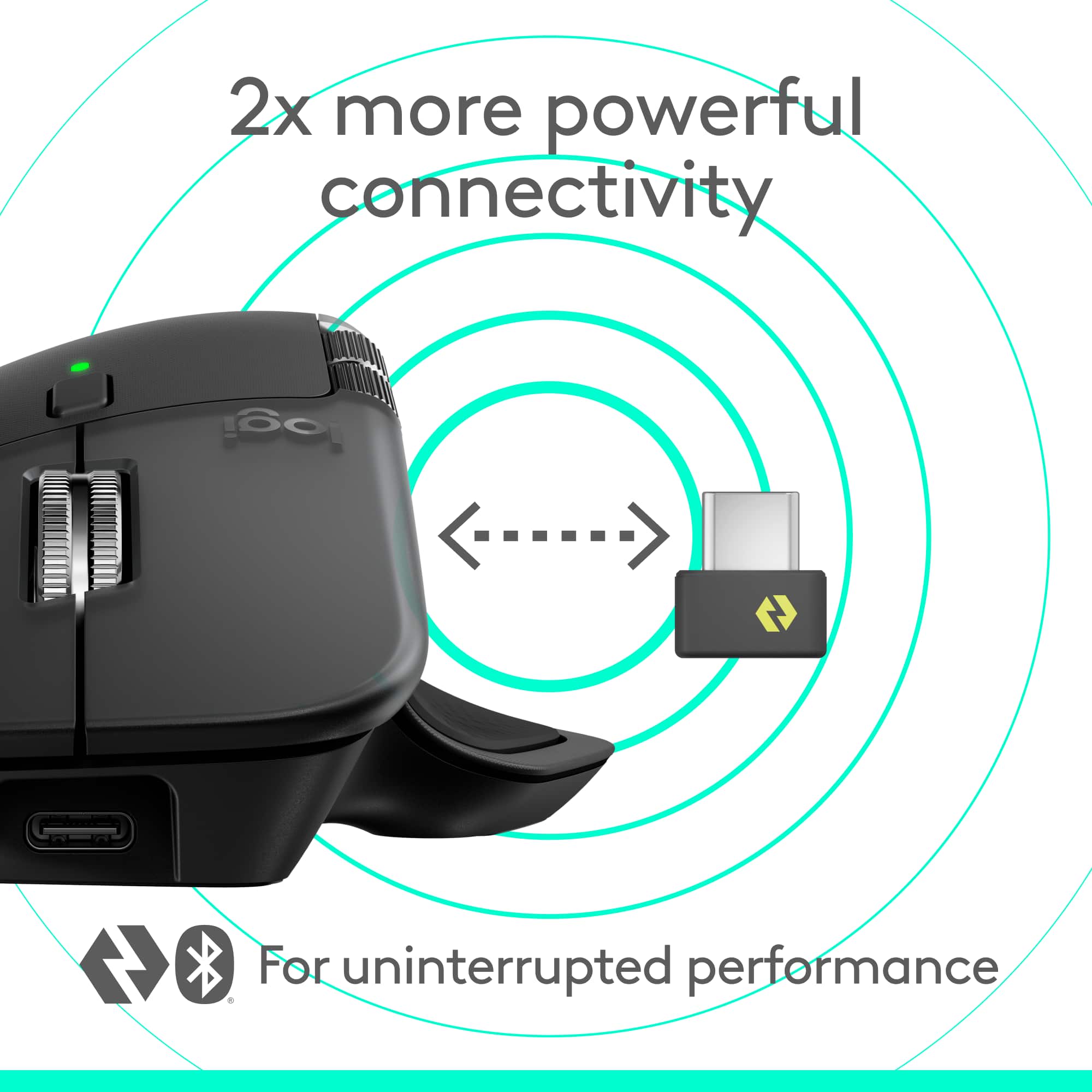
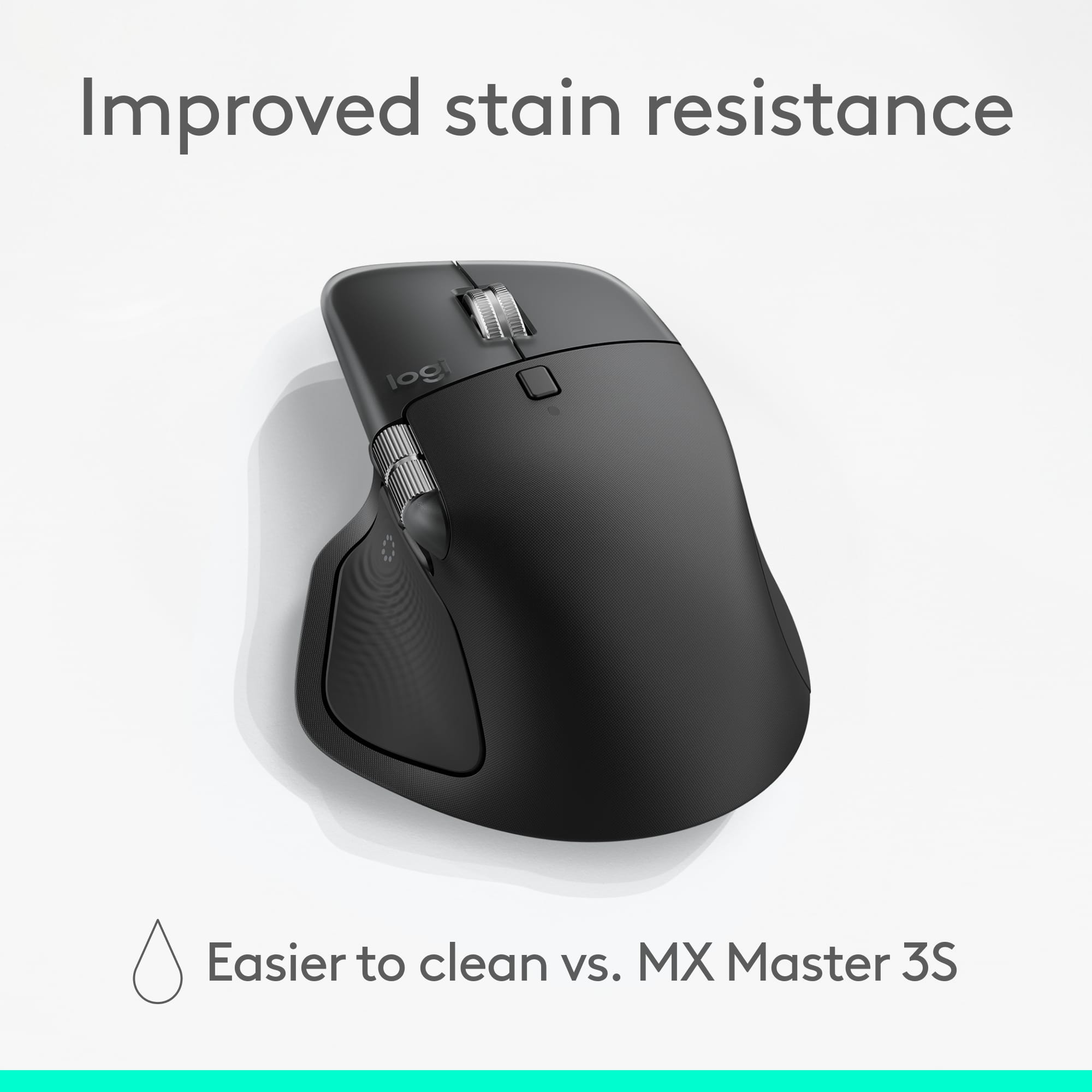
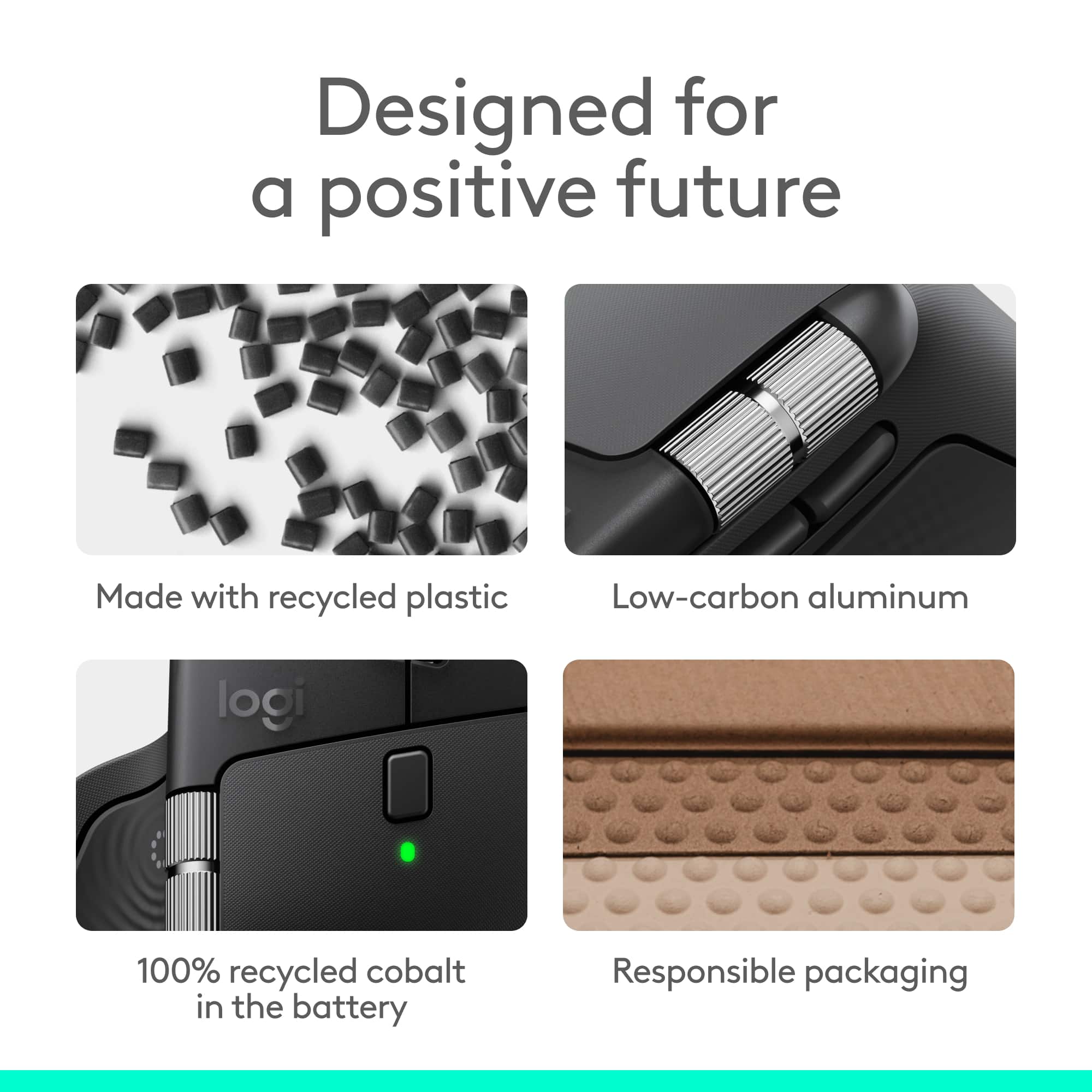
|Posted .This reviewer received promo considerations or sweepstakes entry for writing a review.The Logitech - MX Master 4 - Adobe Edition - Laser Ergonomic Mouse with Advanced Performance Haptic Feedback – Wireless is the successor for the MX3 from Logitech. Usually, I opt for a standard mouse that performs well, however I now create a lot of digital content and need a mouse that has multiple programable button, the MX4 certainly fills that need. The mouse is rather large, but the basic mouse components are there, if you have smaller hands, it may take a bit to get used to. However, with my mitts it actually fits pretty well. First thing you have to do is lose the muscle memory you have for a standard mouse, and that may take a while. At first I thought you could control and configure the mouse with the G HUB software I already have on my system from the Logitech gaming mouse and keyboard I already use, so was a bit frustrated when the MX mouse was magically recognized via a Bluetooth on my laptop, but not by G HUB. Again, though it was not recognized by G HUB, after looking into this further (and needing to assign custom functions to some of the buttons), I discovered the Logi+ Options software was required for that. Once I installed that software the Action Ring appeared on my screen, while this seems like a useful tool, I have not yet dived into the functionality, however it seems interesting. Now lets talk hardware, again the mouse is a bit odd for those used to a standard mouse, it seems like a frankenmouse, somewhere between a trackball and a standard mouse. I’m sure I’ll get used to it as a dive into more functionality. The mouse has a total of eight buttons and a scroll wheel, has a 650 mAh lithium rechargeble battery (via USB-C) which is rated to last 70 days (although I think a better rating would be hours of use). It also benefits from a quick charge mode that will give you a few hours of life with a few minute charge. The device comes with a 2.4ghz USB-C dongle if you want to utilize a low latency, further range option for connectivity. Otherwise, you can use the Bluetooth Low Energy (5.1) option to connect the mouse to your computer (this is the option I used, as I really do not like dongles or receivers that take up valuable ports when you can just use integrated Bluetooth. One of the highly touted features is the thumb button with haptic feedback, I am a little mixed about this feature and it may come in handy for games, we will see if I like it otherwise. Due to the position of the thumb button and its size, a custom keyboard shortcut in the Logi Options+ software in my Davinci Resolve Studio profile video editing software for quick cuts Crtl-B (Razer) in my timeline. I also assigned the Shift-Backspace (Ripple Delete) to one of the side buttons below the Horizontal scroll wheel. Speaking of the Horizontal scroll wheel, this provides a huge improvement timeline scrubbing in Davinci Resolve. So, there is a lot to work with in the MX4, I think I have only scratched the surface on how this mouse will improve my workflows in some specific applications. I appreciate that the mouse is partially made of sustainable materials including recycled plastics and cobalt in the battery. And a big plus for me, since they DO NOT use a grippy rubberized surface on this mouse (except for the thumb button) it does not gross me out, as rubberized surfaces are hard to clean and get lint on them if you clean them with a paper towel. In any case I think this is another homerun for Logitech and those that need highly configurable input devices. The device also includes a two month trial to Adobe Creative Cloud, so I may check out that out as I am really seeking a good photo editor such as Lightroom. >>> Pros >> Quality build, partially constructed with recycled materials >> Multiple ways to connect the mouse (Bluetooth, 2.4ghz) >> Responsive, with good performance >> Customizable buttons >> Logi Options+ software for customization and the Actions Ring >> Quiet, no noise when clicking buttons <<< Cons << Form factor may take time to get used to, especially for smaller hands << Still mixed about the thumb button, I’ve accidentally pressed it while gripping the mouse, even though it also takes some force to press (hoping it will loosen up as I get more used to this mouse).
I would recommend this to a friendBrand response from Logitech
Posted .Hey! Thank you for your review. It’s great to hear our product is delivering the performance you expected. We appreciate your support.
Good hardware completely undone by software
||Posted .This reviewer received promo considerations or sweepstakes entry for writing a review.This is arguably the best mouse on the market but it turns out it needs special software for basic buttons to work (i.e. the back button). Today it turns out that a server bug on Logitech's side broke that software and thus broke all the buttons. If you make a mouse that needs to phone home for basic buttons to work, you don't deserve any stars. Unfortunately Best Buy doesn't let me give that as an option so 1-star it is.
No, I would not recommend this to a friendBrand response from Logitech
Posted .We regret that the Logitech - MX Master 4 didn’t work as expected. Our team would like to make this right—please email us at socialcare@logitech.com
Bought new before international trip, came broken
||Posted . Owned for 2 weeks when reviewed.This reviewer received promo considerations or sweepstakes entry for writing a review.Bought new, came broken. Could not return due to purchasing before traveling internationally.
No, I would not recommend this to a friend- Pros mentioned:Ergonomics, Haptic feedback
Another incredible, irreplaceable Logitech mouse
|Posted .This reviewer received promo considerations or sweepstakes entry for writing a review.The Logitech MX Master 4 Laser Ergonomic Mouse with Advanced Performance Haptic Feedback is an incredible, high-quality mouse that I now cannot live without. My job requires me to work on a computer for the majority of my day which means having a reliable yet comfortable and ergonomic mouse is a must. I was previously using the Logitech MX Master 3 for the majority of my work and I really liked that mouse a lot but now that I split my time between the office and working from my home office, I needed a similar second mouse so I wouldn’t have to transport my Master 3 back and forth and that’s when I came across this new Logitech MX Master 4. Given how much I love my MX Master 3, I had no doubt that I would be just as impressed with this MX Master 4 and that has certainly been the case. It has a very familiar feel to it but with a few upgrades that have improved my productivity even further. One of the unique features that really stands out on this MX Master 4 mouse is the haptic sense panel. The haptic feedback can be customized in the Logi Options+ app along with various other features of the mouse. I also really like the feel of the clicks which are surprisingly quiet and I don’t think any mouse will ever be able to top the feel and performance of the MagSpeed scroll wheel. Overall, I am very impressed with the Logitech MX Master 4 Laser Ergonomic Mouse with Advanced Performance Haptic Feedback and I highly recommend it!
I would recommend this to a friendBrand response from Logitech
Posted .It’s fantastic to hear that you’re satisfied with your Logitech product. We strive to deliver quality and reliability, and your feedback reassures us that we’re on the right path. Thanks for your continued support—we’re lucky to have you with us.
- Pros mentioned:Battery life, Button functionality, Ergonomics
Best mouse I've ever used
|Posted .This reviewer received promo considerations or sweepstakes entry for writing a review.I don't make the claim in the title for this review lightly. This really is by far the best mouse I've ever used. The Logitech MX Master 4 is really a thing of perfection. To begin, the build quality is great. It's not to heavy or to light. The materials used feel solid. The dials and buttons have a great feel to them and click/turn nice. The design is what I like the most. It fits my hand like a natural extension. It has the perfect raised arch and the controls all fall naturally under my fingers. The scroll wheel has just the right amount of light ridges as you scroll. Also, the placement of the button just behind the wheel to de-click the wheel is brilliant. The buttons and the side wheel fall just in the right place as well. The arch of the mouse is just right for my hand. That may be a personal thing, but I think most will like how it feels in the hand as well. The battery life is excellent. I fully charged it right away and after a week I am still at 95%. That's with leaving it turned on 24/7. The Logi Options+ feature is more useful than I first anticipated. One click on the mouse opens a circle on the screen that can be customized for quick access to often used programs. I find this feature to be very useful with my various photo editing programs. I can't think of any users (other than gamers) that I wouldn't recommend the MX Master 4 to. It's that perfect.
I would recommend this to a friendBrand response from Logitech
Posted .Hey! Your experience helps us understand what we’re doing right. We’re grateful for your support and insight. Thanks for being part of the Logitech community.
back to V3
||Posted . Owned for 1 month when reviewed.This reviewer received promo considerations or sweepstakes entry for writing a review.You'll see in other reviews, just feels way off in the hand. Returned and went back to version 3. So much bette.
No, I would not recommend this to a friendBrand response from Logitech
Posted .Thank you for sharing your honest thoughts; this helps us find areas where we can make enhancements and deliver an improved experience with the Logitech MX Master 4.
- Pros mentioned:Battery life, Button functionality
Great, comfortable, updated multi-device mouse
|Posted .This reviewer received promo considerations or sweepstakes entry for writing a review.Great mouse! I also have the prior MX Master 3S version which is very similar, and find it super comfortable in my hand. Slight differences in geometry now with this MX Master 4 in that the body area under my palm is no longer rubbery, but not bad. The thumb area is still rubber coated for a nice grip. The extra available buttons in that area are a plus as well. Smooth and responsive on my Mac Mini, MacBook Air and Windows laptop, and I love the option for multiple devices (up to 3) via bluetooth. Simply flip it over and tap the button. Super convenient since I have multiple computers connected to the same monitor and keyboard setup as well. The side thumb roller wheel is great for panning large Excel files or CAD drawings. Top roller wheel smooth as well. Great battery life, and easy to connect to a charge cord and still use like an "old-time" wired mouse. Definitely recommend this next gen MX Master 4!
I would recommend this to a friendBrand response from Logitech
Posted .Thank you so much for taking the time to share your experience. We're thrilled to hear that the product is working well for you and meeting your expectations. Your feedback is invaluable and helps us continue to improve and innovate. We truly appreciate your support of Logitech.