Customer Ratings & Reviews





- Model:
- 910-007561
- SKU:
- 6640829
Rating by feature
- Value
Rating 4.5 out of 5 stars
- Quality
Rating 4.9 out of 5 stars
- Ease of Use
Rating 4.7 out of 5 stars
Customers are saying
Customers often highlight the MX Master 4's exceptional button functionality, ergonomics, and haptic feedback. The mouse is also praised for its impressive battery life, build quality, and seamless connectivity. However, some users find the size and weight to be a drawback.
This summary was generated by AI based on customer reviews.
- Pros mentioned:Button functionality
As a middle school teacher, I love this mouse.
||Posted . Owned for 3 weeks when reviewed.This reviewer received promo considerations or sweepstakes entry for writing a review.I received this mouse as a Christmas gift. I previously owned the Mx Master 3 and it was a very nice mouse with nice features. I was sort of debating upgrading to this mouse, but after I got it, I was very pleased with my purchase. This mouse feels so smooth to use. As a current middle school teacher, it is nice to have a mouse that is built for productivity. Sometimes when I would use the previous Mx Master 3, I would notice how loud the clicks were, which would bother me especially when I would have my students working quietly on an assignment. With the Mx Master 4, every time I click, it is pretty much silent, and I love that. The extra buttons for things like smooth scrolling, the horizontal scroll wheel, and the extra side buttons are very useful to me on the daily. I definitely do not regret buying this, and the Best Buy workers were very helpful in buying this product.
I would recommend this to a friendBrand response from Logitech
Posted .We’re really grateful for your thoughtful review. It’s wonderful to know that our product is delivering the performance and ease of use you were hoping for. Hearing from satisfied users like you keeps us motivated. Thanks for choosing Logitech!

- Pros mentioned:Button functionalityCons mentioned:Weight
Review, from a long time MX3S video editor.
||Posted . Owned for 3 weeks when reviewed.This reviewer received promo considerations or sweepstakes entry for writing a review.As a long time MX3S user, I have found that it is the best editing mouse on the market, it truly is amazing. So I was really looking forward to the MX4. Although it looks very similar to MX3s there some differences. 1) Its bigger then MX3S and doesn't fit the hand the same. 2) The rubber parts can be a little slippery and now being heavier than MX3 it does not give you the same control 3) The Haptic feedback is a not supported on enough program's let. 4) The action ring is great, but it's also available on MXS3 5) The additional button is great 6) The overall build is better 7) The thumb wheel is higher bigger works great. 8) The thumb button is great, the way it should have always been. 9) There are exposed screws on bottom for perhaps battery replacement. 10) The Option + software is what brings this mouse to a new level of productivity. Bottom line if you have the MX3S I would stay with it. If this is going to be your first MX mouse go for the MX4
I would recommend this to a friendBrand response from Logitech
Posted .Thank you for taking the time to share such a detailed review! Your long-term experience with the MX3S and thoughtful comparison to the MX4 provides valuable insights, and we truly appreciate your perspective on its features and usability.

An office pro
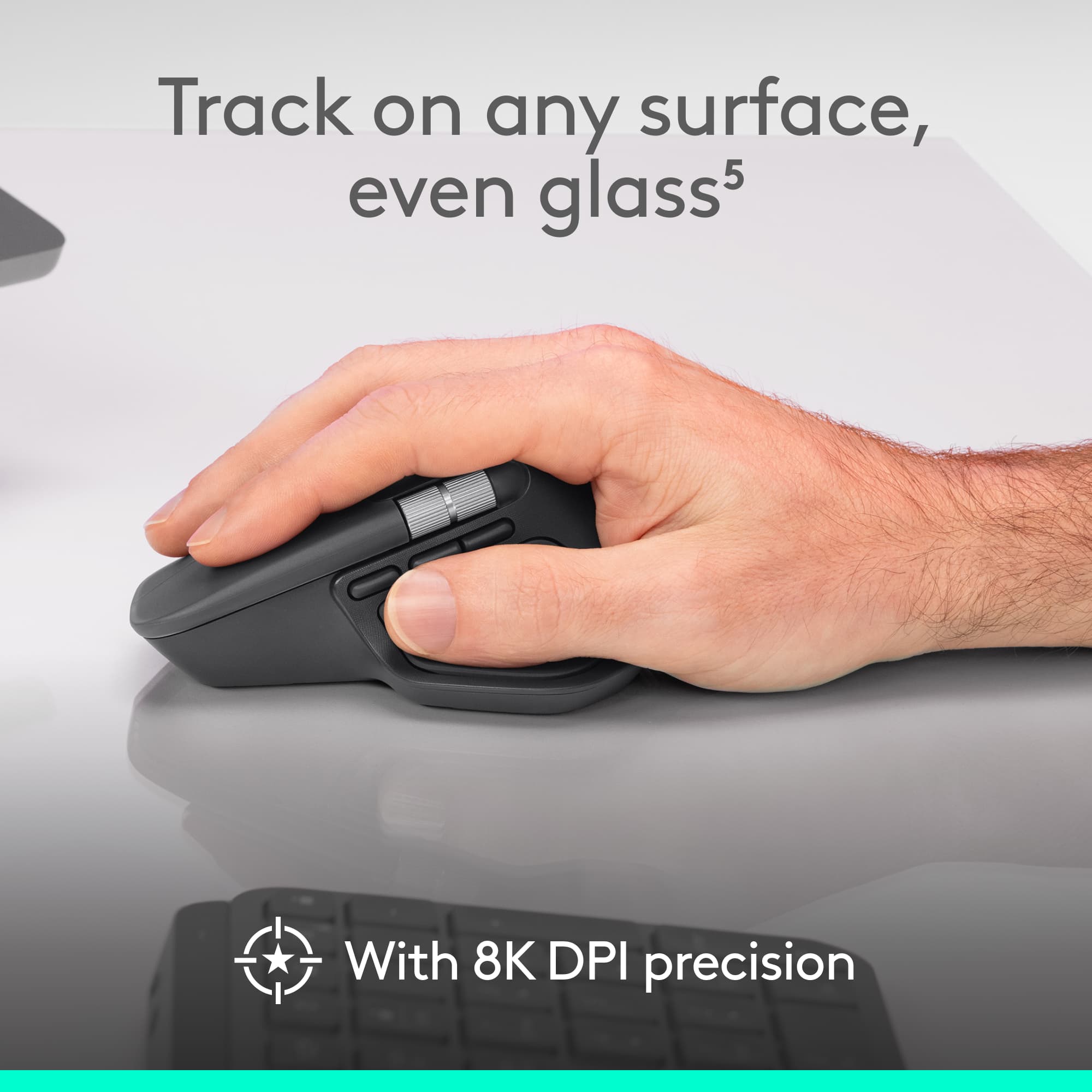
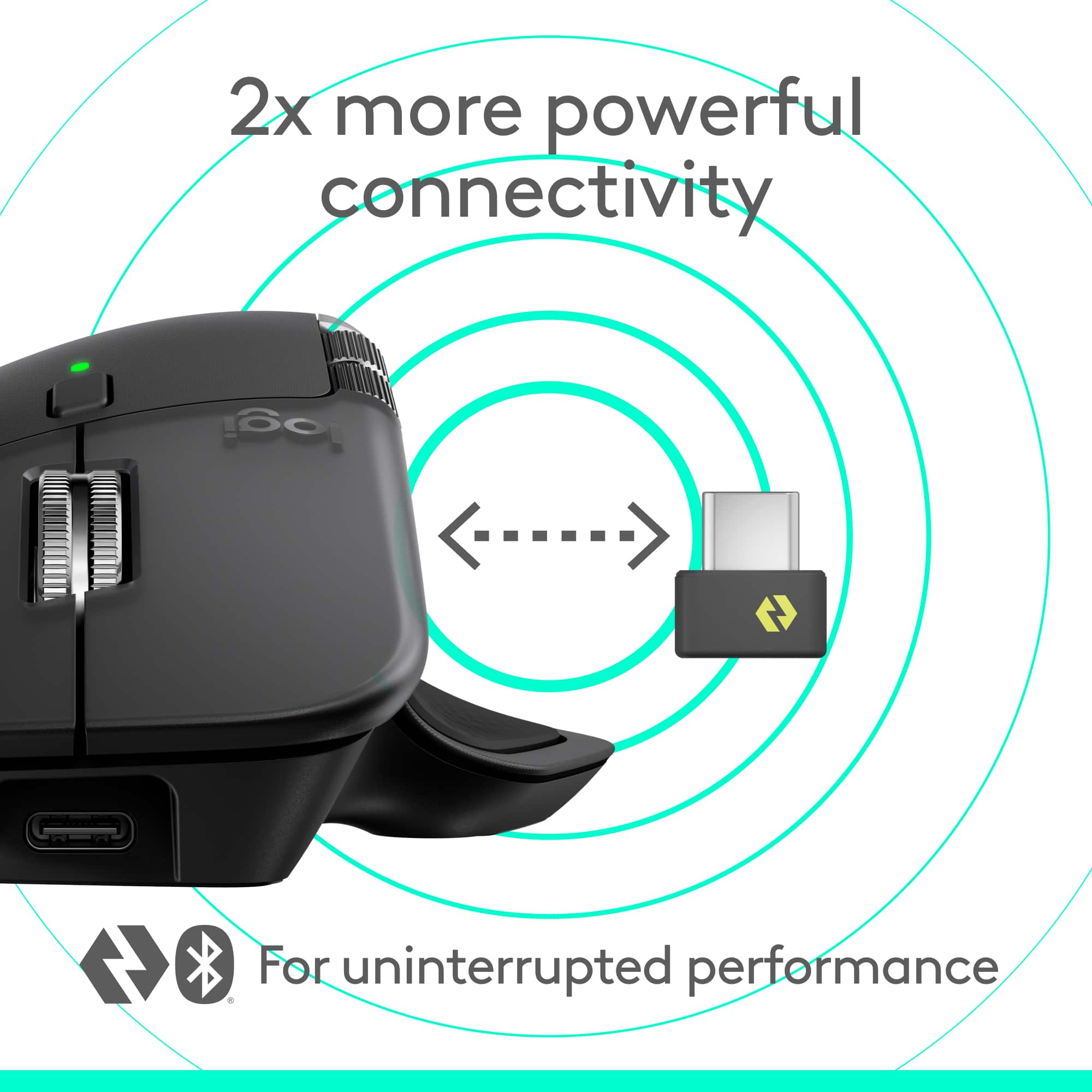
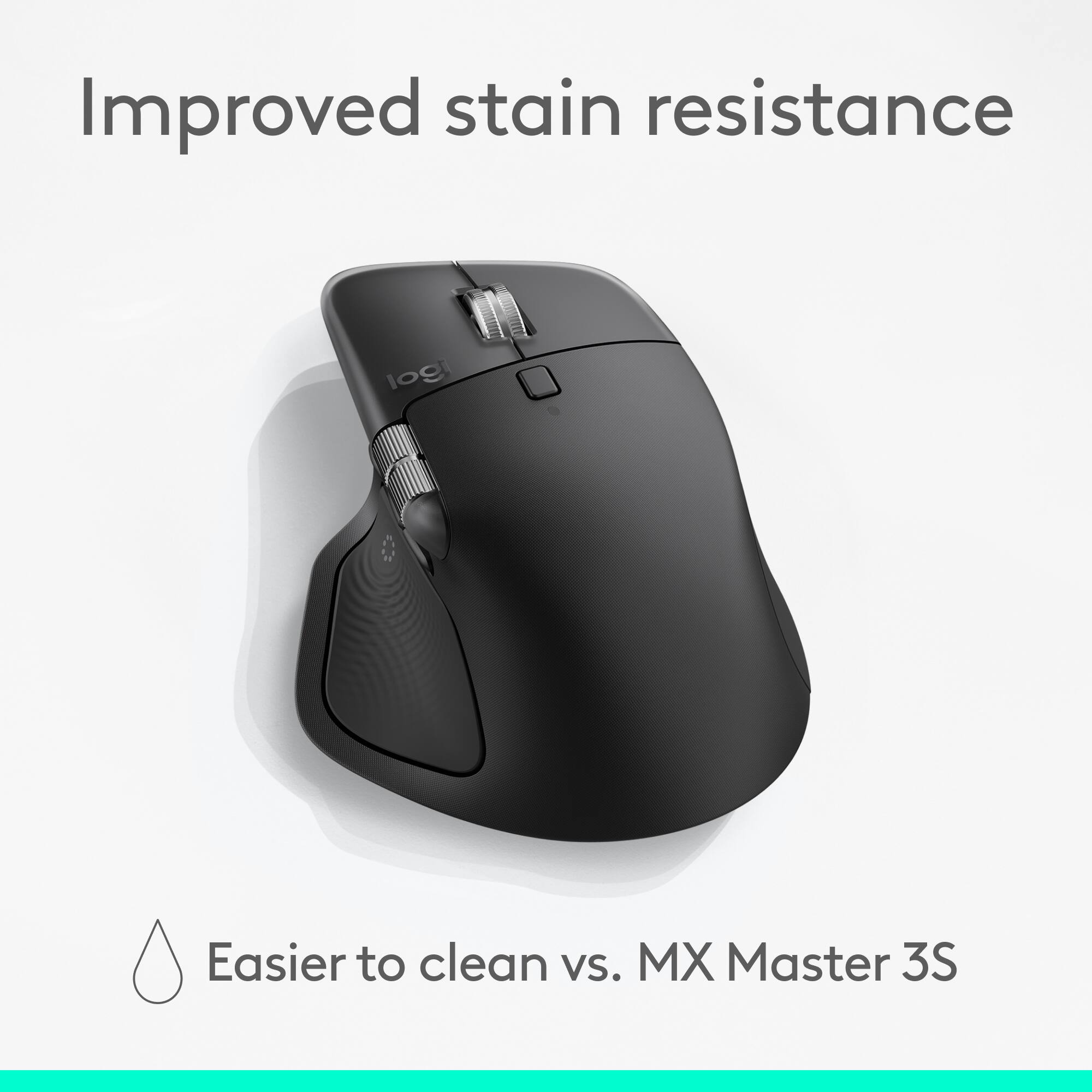
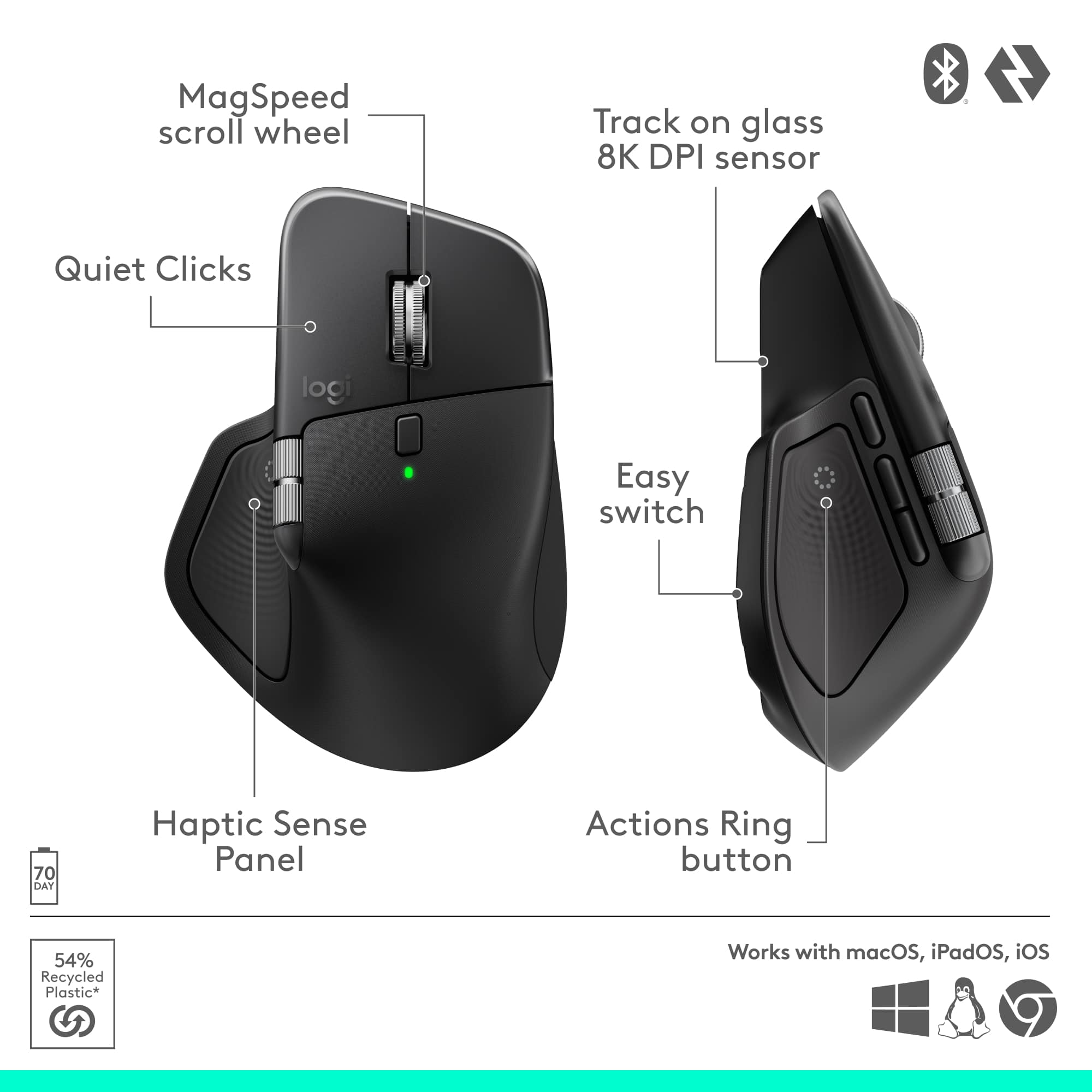
|Posted .This reviewer received promo considerations or sweepstakes entry for writing a review.The MX Master 4 is clearly designed for heavy office use. As someone who’s always used gaming mice in office environments, and always bought them for my staff, I’ve learned a couple of things. First, gaming mice can work in the office, but they’re not necessarily the best tools for the job. Second, I now understand why my staff keeps griping about the gaming mice I’ve been buying them. The first thing I noticed when I pulled this mouse out of the box was the sheer weight. It’s easily the heaviest mouse I’ve ever used and feels almost like it’s filled with lead. That’s been my biggest adjustment so far. I’m used to feather-light mice that zip effortlessly across the mousepad, but this one doesn’t. It’s not a bad thing, just different. At first, I couldn’t figure out what the side wheel was for. Then, almost by accident, I discovered it works as a horizontal scroll wheel, and that’s been life-changing. I spend half my day in Excel spreadsheets, and I’ve never once thought about having horizontal scroll. This alone makes me love the mouse. The haptic feedback is also fascinating and a bit addictive. There’s an invisible button on the thumb rest where the feedback triggers, and it’s perfectly placed. It activates when you open the shortcut menu, giving a subtle, satisfying tactile response. The vertical scroll wheel is another standout. When you spin it slowly, it offers resistance, but give it a quick flick and it releases into a smooth, free spin that feels incredibly satisfying. I catch myself spinning it just because it feels good. Comfort-wise, this mouse is top-tier. It’s shaped beautifully for long hours, and it doesn’t seem to get grimy over time, which was apparently a big complaint with the previous version. One odd thing I noticed though, is that there’s no built-in storage for the dongle. You can plug it directly into the mouse’s USB-C port, but it’s awkward to insert and remove because of how small the dongle is. It feels like something I’ll lose eventually. Another concern is the polling rate, which is only 125 Hz, which is pretty low compared to modern standards. I’m not sure why Logitech didn’t bump it to at least 1,000 Hz. The low polling rate is very noticeable in gaming, and even occasionally noticeable on a 4K monitor during video editing. Overall, the MX Master 4 is an excellent office mouse. The horizontal scroll wheel alone is worth the price of admission, and the haptic feedback feels fantastic. Logitech has packed a lot of satisfying sensory touches into this design. It’s smooth, responsive, and genuinely enjoyable to use. The few downsides are the low polling rate, lack of dongle storage, and the hefty weight that still takes some getting used to.
I would recommend this to a friendBrand response from Logitech
Posted .Thank you for sharing your detailed feedback on the Logitech MX Master 4! We appreciate you taking the time to provide such insightful thoughts on its performance in an office setting.
- Pros mentioned:Button functionality, Haptic feedback
Works well, haptic feedback is great.
||Posted . Owned for 2 weeks when reviewed.This reviewer received promo considerations or sweepstakes entry for writing a review.I think I owned every version of the MX Master, and the 4th generation is likely the best just yet. Of course, that’s conditional on your needs and for me the haptic feedback is the standout feature. It’s by no means mandatory but one of the biggest updates in a solid product line. There are mostly tweaks beyond that, with the repositioning of the thimb button the best move and the very quiet mouse buttons maybe less optimal. Overall a great device, albeit with a price trend that makes upgrades optional.
I would recommend this to a friendBrand response from Logitech
Posted .We’re thrilled to hear you’re satisfied with your Logitech product. Your feedback helps us continue to deliver great experiences.
- Pros mentioned:Button functionality, Ergonomics, Haptic feedback
Great edition to the line up
||Posted . Owned for 3 weeks when reviewed.This reviewer received promo considerations or sweepstakes entry for writing a review.Had the 3 before this totally worth the upgrade. The extra button comes in handy and the haptics are a nice touch. Customizability is also improved.
I would recommend this to a friendBrand response from Logitech
Posted .We appreciate your thoughtful review. It’s great to know our product is meeting your needs. Thanks for being a valued customer.
- Pros mentioned:Button functionality, Ergonomics
Worth every penny
||Posted .This reviewer received promo considerations or sweepstakes entry for writing a review.The added improvements from previous generations aren't leaps and bounds, but are absolutely great. I have a love hate relationship with the action ring button placement, where as it's an absolutely ergonomic position and super easy to press, it always feels "slippery" for lack of a better word to describe it. Not sure if it's cuse it's smooth and not textured like the rest of the area or what, but it's just "off". As for the gestures button movement... that's a night and day difference better placement.
I would recommend this to a friendBrand response from Logitech
Posted .It’s always a pleasure to hear from satisfied users. Thanks for sharing your experience—it helps us keep doing what we love. Thank you so much for choosing Logitech!
- Pros mentioned:Button functionality, Ergonomics
Best Mouse
||Posted .This reviewer received promo considerations or sweepstakes entry for writing a review.The Logitech MX Master 4 feels incredibly well designed with excellent ergonomics, precise tracking, and smooth scrolling that makes long work sessions comfortable. The customizable buttons and smart wheel are perfect for productivity, and switching between devices is seamless.
I would recommend this to a friendBrand response from Logitech
Posted .Your feedback means a lot to us, and we’re so glad to hear you’re enjoying your Logitech device. We work hard to create products that make life easier and more enjoyable, and it’s great to know we hit the mark. Thanks again for your support!
- Pros mentioned:Battery life

Greatest Office Mouse!
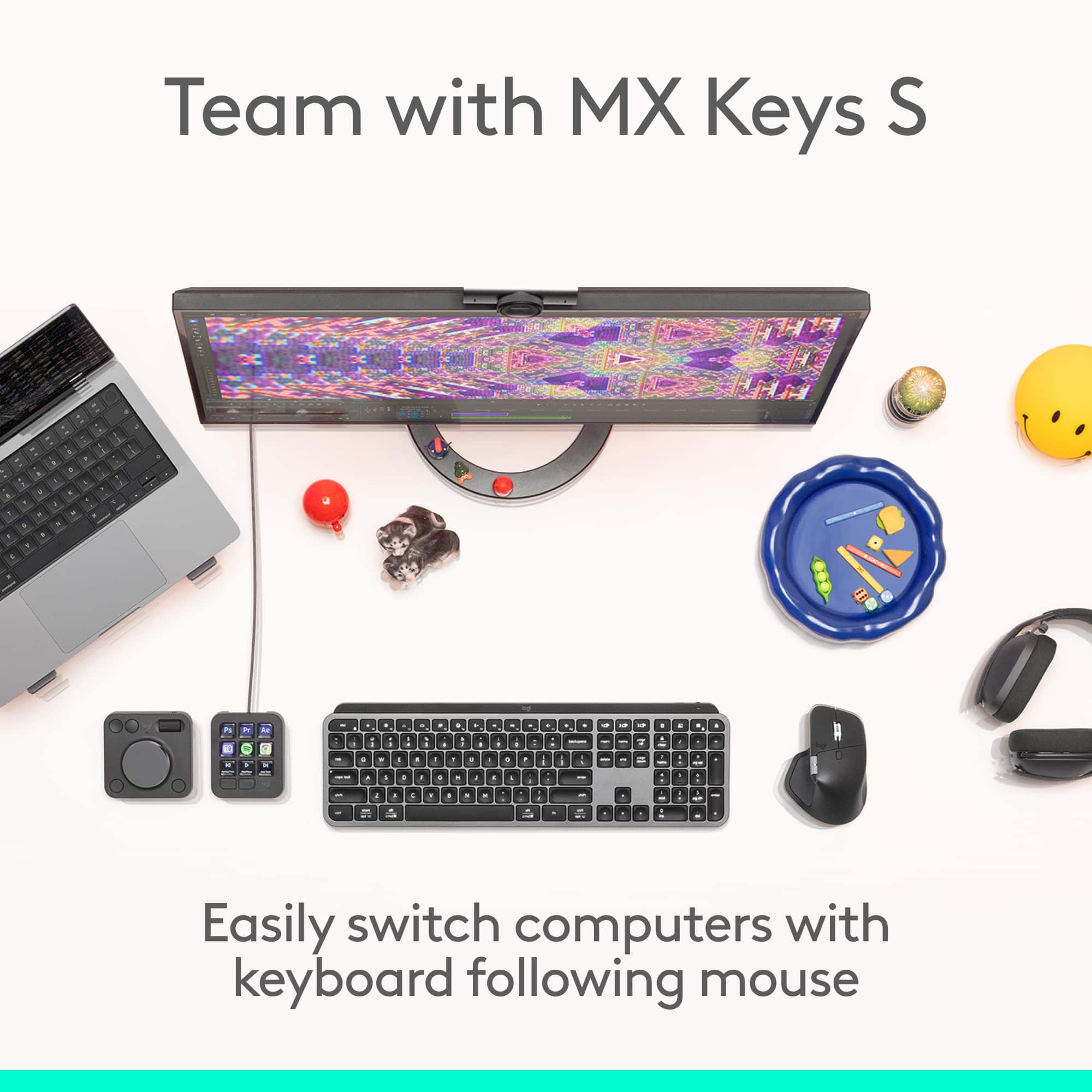
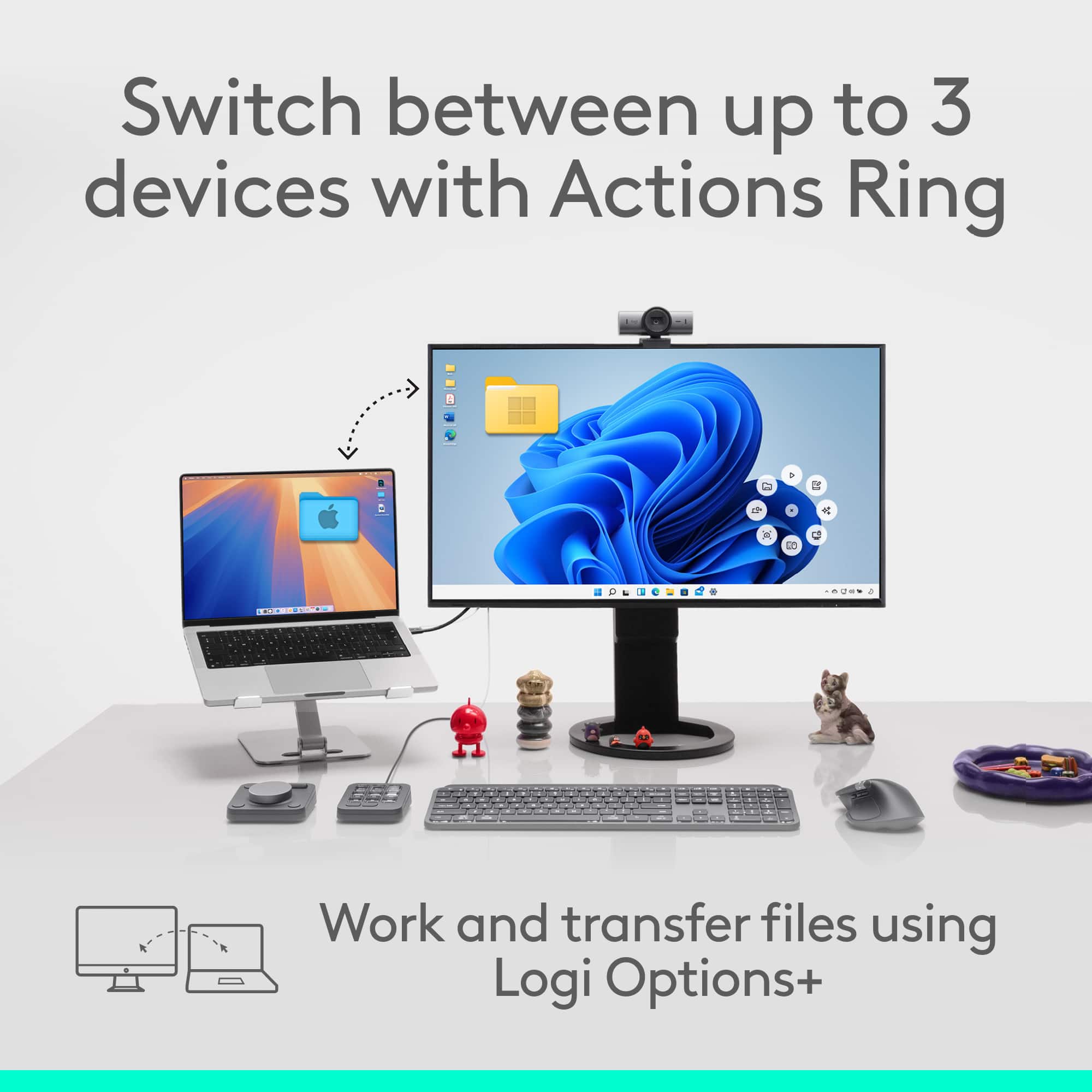
|Posted .This reviewer received promo considerations or sweepstakes entry for writing a review.[Employee of bestbuy] I really love the Mx Master 4 mouse and how it can easily switch between devices. The charge lasts for several months with normal use. I’m impressed by the customization you can get that go with different apps like adobe photoshop and illustrator. I also really like the side scroll wheel as it helps me immensely when I’m zoomed in and working on a design.
I would recommend this to a friendBrand response from Logitech
Posted .Thank you for sharing your positive experience with the MX Master 4! We're thrilled to hear how much you're enjoying its features, especially the device switching, long battery life, customization options, and the helpful side scroll wheel.
- Pros mentioned:Button functionality, Haptic feedback
Game changing, must have mouse
||Posted .This reviewer received promo considerations or sweepstakes entry for writing a review.This sounds insane, but this mouse is a GAME CHANGER. The haptic action button lets you change between 6-8 apps seamlessly in seconds. It makes everything you do faster. It’s so good that I bought 2 - one for work and one for home. The haptic feedback makes it even more awesome.
I would recommend this to a friendBrand response from Logitech
Posted .Your feedback means a lot to us, and we’re so glad to hear you’re enjoying your Logitech device. We work hard to create products that make life easier and more enjoyable, and it’s great to know we hit the mark. Thanks again for your support!
- Pros mentioned:Battery lifeCons mentioned:Weight
Excellent Mouse for Work
||Posted .This reviewer received promo considerations or sweepstakes entry for writing a review.Excellent … the feedback on the buttons is pretty fire … smooth workflow , and custom button assignments for me .. excellent .. I use the haptic button as an Enter button … excellent mouse , excellent battery … excellent aesthetic. If we can make it lighter .. that would be awesome :)
I would recommend this to a friendBrand response from Logitech
Posted .We’re thrilled to know you’re satisfied with your Logitech product. Your input helps us shape better experiences for everyone. Thanks for your continued support!
- Pros mentioned:Battery life, Ergonomics
Productivity at Its Best
||Posted . Owned for 2 months when reviewed.This reviewer received promo considerations or sweepstakes entry for writing a review.The MX Master 4 delivers exceptional comfort, and customizable controls that elevate everyday productivity. The best things about are: Build quality, battery life, and its multi-device support.
I would recommend this to a friendBrand response from Logitech
Posted .We’re grateful for your kind words. It’s wonderful to know our product is helping you out. Thanks for choosing Logitech!
Quiet, works, lots of features
||Posted . Owned for 1 month when reviewed.This reviewer received promo considerations or sweepstakes entry for writing a review.First off I'm in love with how quiet this mouse is, I'm into a more quiet build with my office right now, and this mouse very much fits that esthetic. I also really like the horizontal scroll wheel, I feel like every mouse should have this, and I'm not fond of the 360 scroll wheels out there. I enjoy the feedback on the side of the mouse, I think it's a nice touch, and being able to change the sensitivity of the vibration along with the force required to use the button as a plus. The feedback button where you can have preset keys to do certain things is also really helpful, although I don't use it as much as I should because I have a stream deck. Also if you're sharing your screen, the people watching can see those buttons, so if you're trying to be descrete I wouldn't use the feedback button for that purpose, however that's also a very niche observation. The only slight complain I have is if I'm gaming, which to be fair I shouldn't be using this mouse for gaming but I'm not that competitive so I don't really care, I sometimes get the mouse buttons on the side confused since there's 3 buttons. Other than that, the mouse is great for video timeline editing, which is what I really bought it for.
I would recommend this to a friendBrand response from Logitech
Posted .Hey! We're truly glad to hear our product is working well for you. Your feedback helps us understand what resonates with our users. Thank you for being part of the Logitech community and sharing your experience.
- Pros mentioned:Battery life, Ergonomics
Very good mouse!
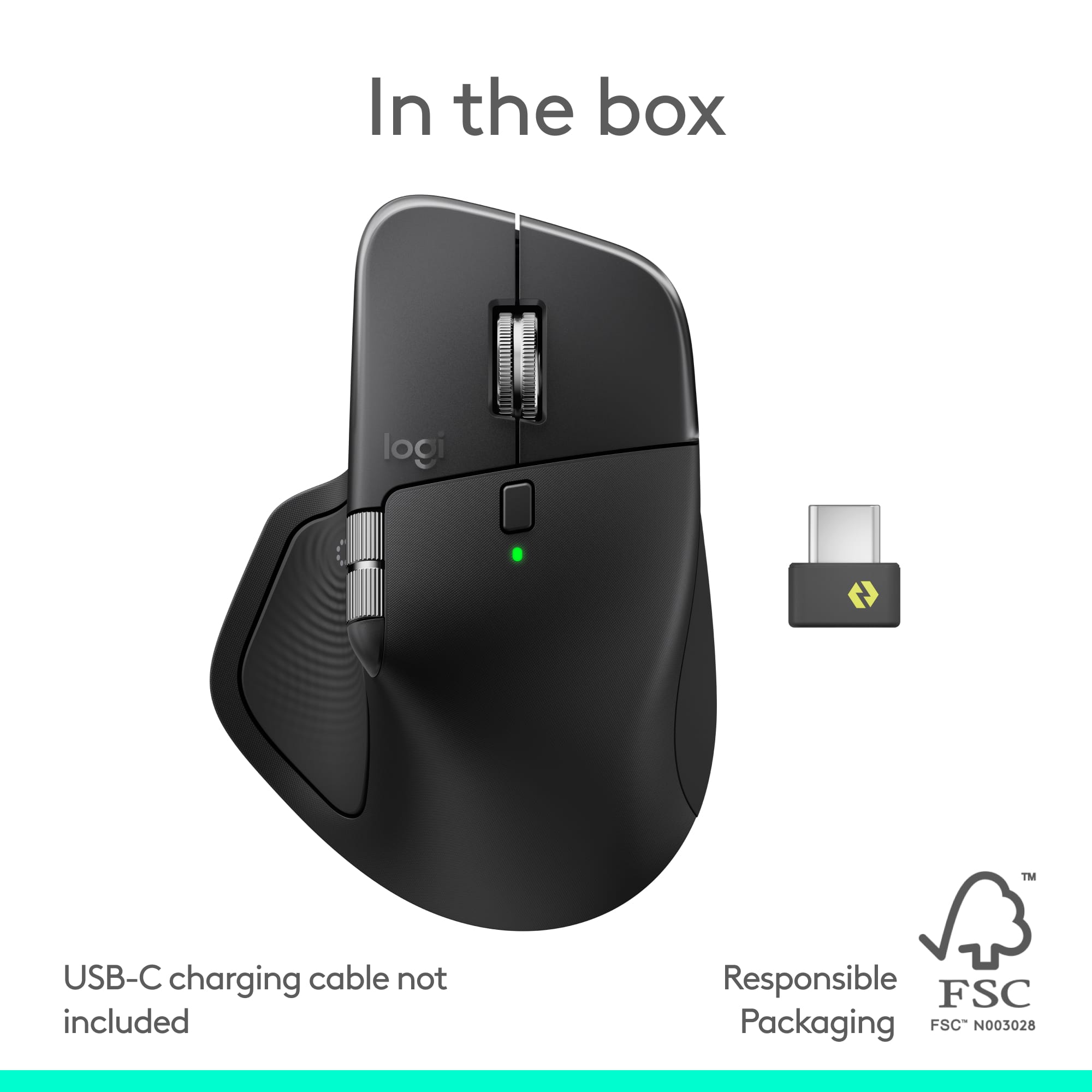
||Posted . Owned for 1 month when reviewed.This reviewer received promo considerations or sweepstakes entry for writing a review.Very nice mouse. Good for big hands. The battery seems to last a long time. Great for laptop.
I would recommend this to a friendBrand response from Logitech
Posted .Thank you for your feedback! We’re delighted to hear the Logitech MX Master 4 Adobe Edition Mouse is a great fit for your needs, offering comfort, long battery life, and excellent usability for your laptop.
- Pros mentioned:Battery life, Ergonomics
Excellent
||Posted .This reviewer received promo considerations or sweepstakes entry for writing a review.Excellent ergonomics. Battery life great sufficient for multiple days of work. You can customize the buttons and decrease use of keyboard signifcantly
I would recommend this to a friendBrand response from Logitech
Posted .Thank you for your wonderful feedback! We’re delighted you’re enjoying the MX Master 4’s ergonomics, long battery life, and customizable features that make work smoother and more efficient.
- Pros mentioned:Ergonomics, Overall performance
Best Workflow Mouse
||Posted . Owned for 2 weeks when reviewed.This reviewer received promo considerations or sweepstakes entry for writing a review.Great mouse. Feels wonderful in the hand. The ultimate productivity mouse.
I would recommend this to a friendBrand response from Logitech
Posted .Thanks for taking the time to share your experience. We’re delighted the product is working well for you. Your feedback means a lot.
- Pros mentioned:Button functionality, Overall performance
A good mouse.
||Posted . Owned for 1 month when reviewed.This reviewer received promo considerations or sweepstakes entry for writing a review.The action ring is a nice addition. The rest of the mouse works as advertized.
I would recommend this to a friendBrand response from Logitech
Posted .Thanks for the kind words! We’re proud to know our product is making a difference. Your feedback keeps us moving forward.
- Pros mentioned:Battery life, Ergonomics
Excellent purchase
||Posted . Owned for 1 month when reviewed.This reviewer received promo considerations or sweepstakes entry for writing a review.Ergonomic and smooth function with great battery life
I would recommend this to a friendBrand response from Logitech
Posted .It’s fantastic to hear you’re enjoying the Logitech - MX Master 4 - Adobe Edition - Wireless Laser Ergonomic Mouse. We truly appreciate you taking the time to share your experience!
The Best Productivity Mouse I’ve Ever Used
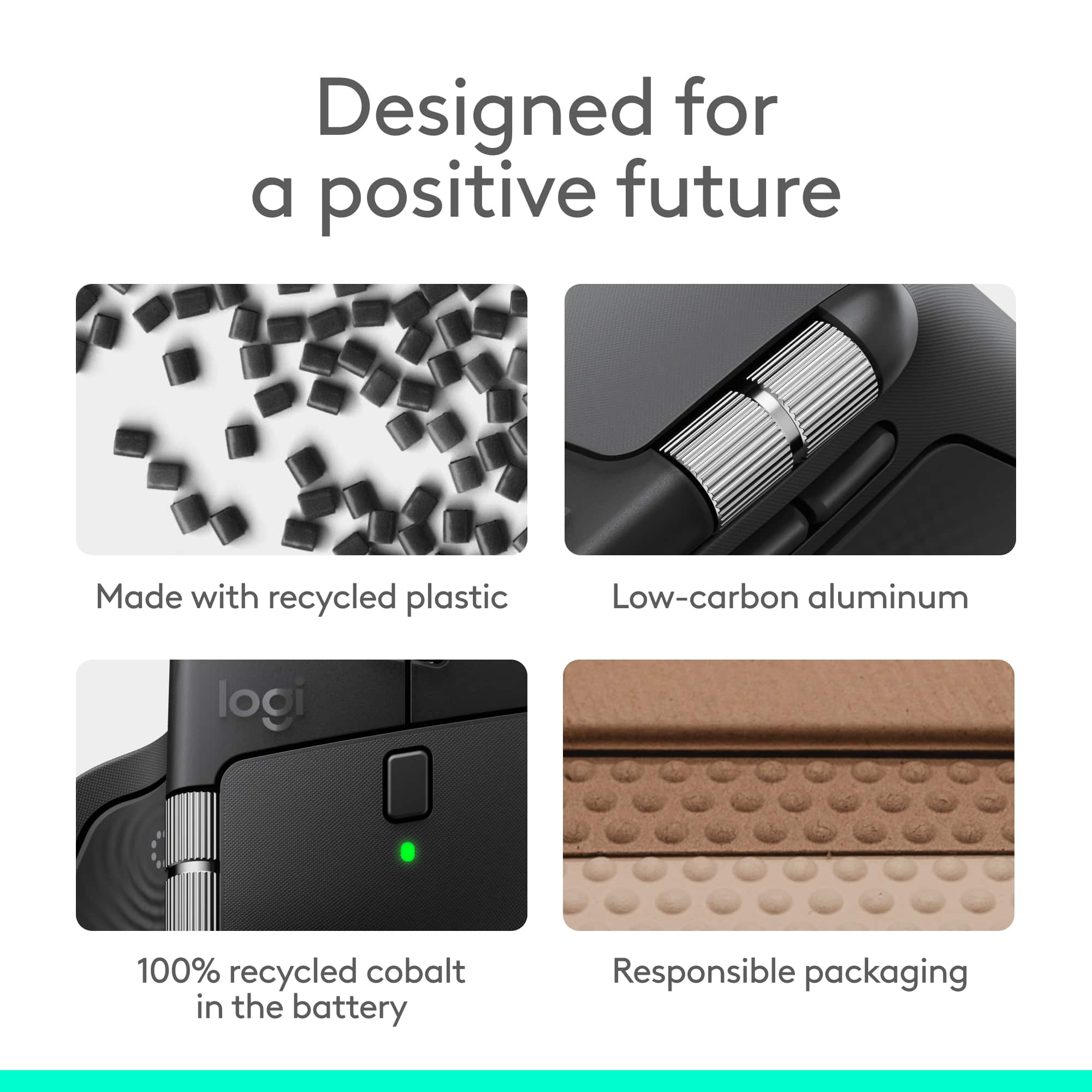
||Posted . Owned for 2 months when reviewed.This reviewer received promo considerations or sweepstakes entry for writing a review.he Logitech MX Master 4 Adobe Edition is hands‑down the best productivity mouse I’ve ever used. The new haptic feedback is a genuine game changer, it adds precision and responsiveness that instantly improves workflow, especially in creative apps. Logitech clearly listened to feedback from the previous generation; the rubber coating issues that caused tackiness over time are completely gone. This version feels more durable, more refined, and simply better in every way. If you want a mouse that elevates your daily work, this is the one.
I would recommend this to a friendBrand response from Logitech
Posted .Hey! Your feedback helps us understand what we’re doing right. We’re thrilled our product is meeting your needs. Thank you for being part of the Logitech community.
- Pros mentioned:Button functionality, Overall performance
Best Mouse for office use!
||Posted .This reviewer received promo considerations or sweepstakes entry for writing a review.Best mouse for non-gamers! Excellent for regular computer tasks. Shortcut buttons on the mouse really make all features really useful!
I would recommend this to a friendBrand response from Logitech
Posted .We’re thrilled to know you’re satisfied with your Logitech product. Your input helps us shape better experiences for everyone. Thanks for your continued support!
- Pros mentioned:Ergonomics, Haptic feedback
Refined ergonomics and haptic feedback
||Posted . Owned for 2 months when reviewed.This reviewer received promo considerations or sweepstakes entry for writing a review.Coming from an MX Master 3s, the ergonomics have been vastly improved, and the haptic feedback makes for a solid re-design.
I would recommend this to a friendBrand response from Logitech
Posted .We appreciate you taking the time to share your experience. Knowing our Logitech MX Master 4 is working well for you makes all the difference. Thanks for being with Logitech.