Customer Ratings & Reviews





- Model:
- 910-007561
- SKU:
- 6640829
Rating by feature
- Value
Rating 4.5 out of 5 stars
- Quality
Rating 4.9 out of 5 stars
- Ease of Use
Rating 4.7 out of 5 stars
Customers are saying
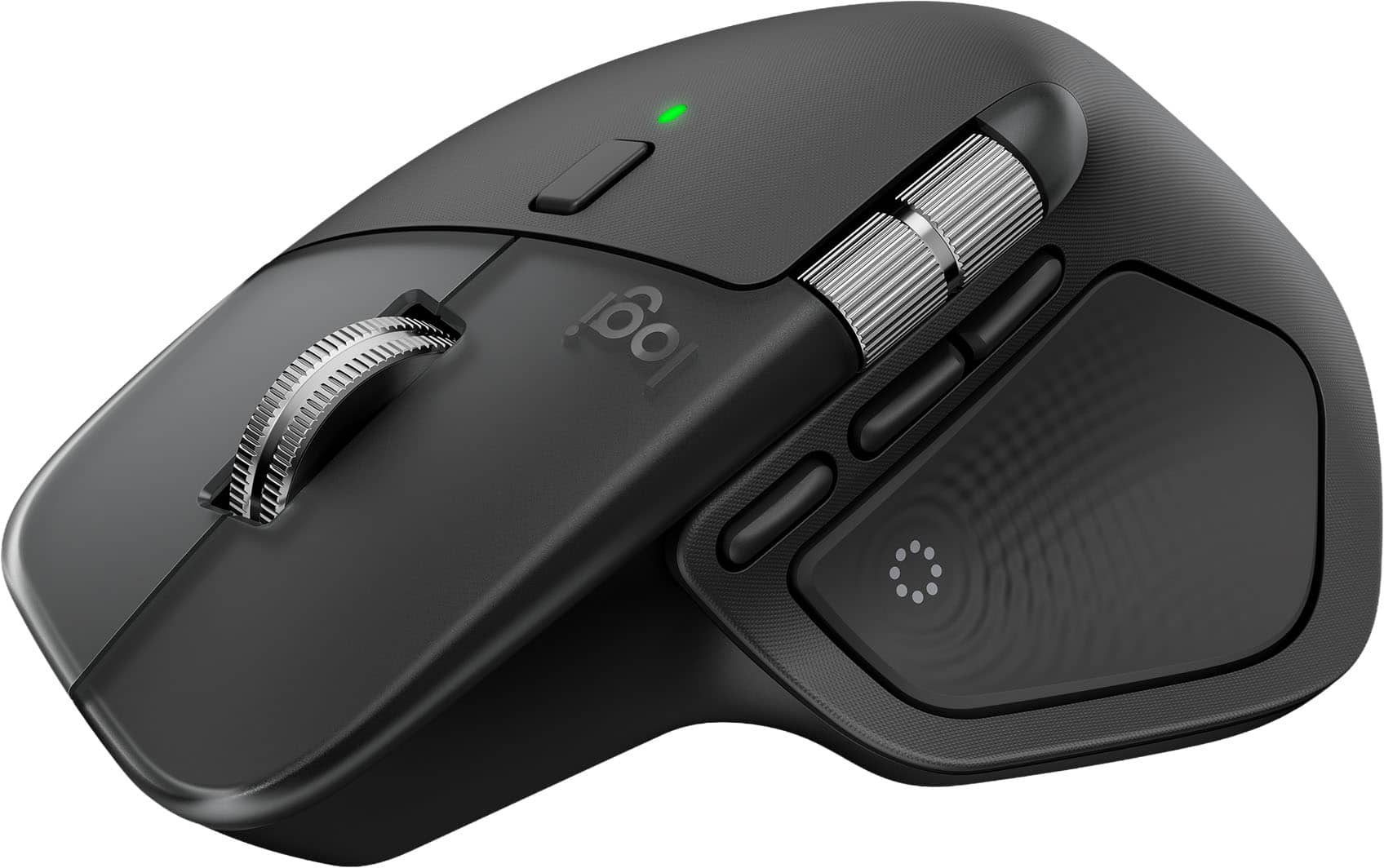
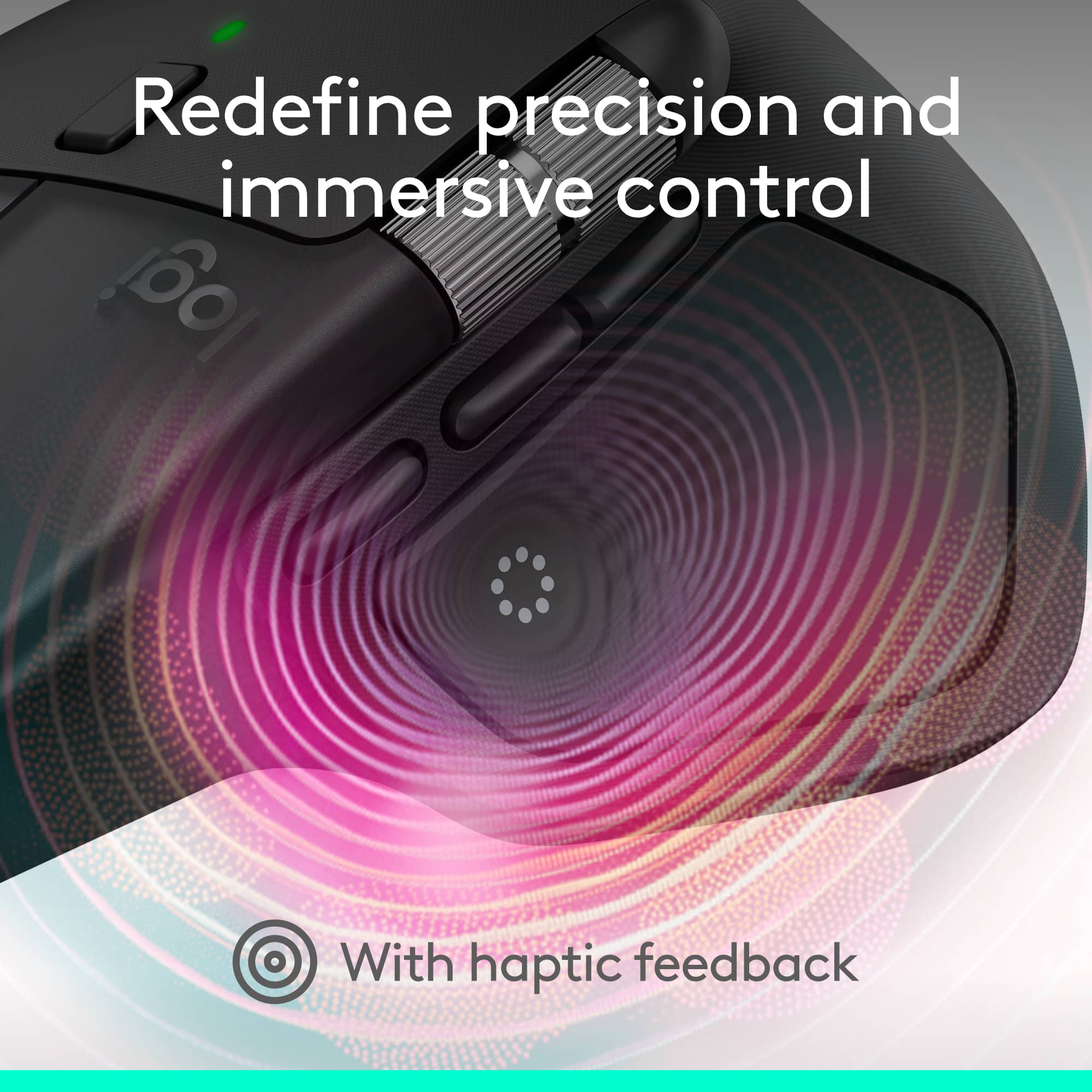
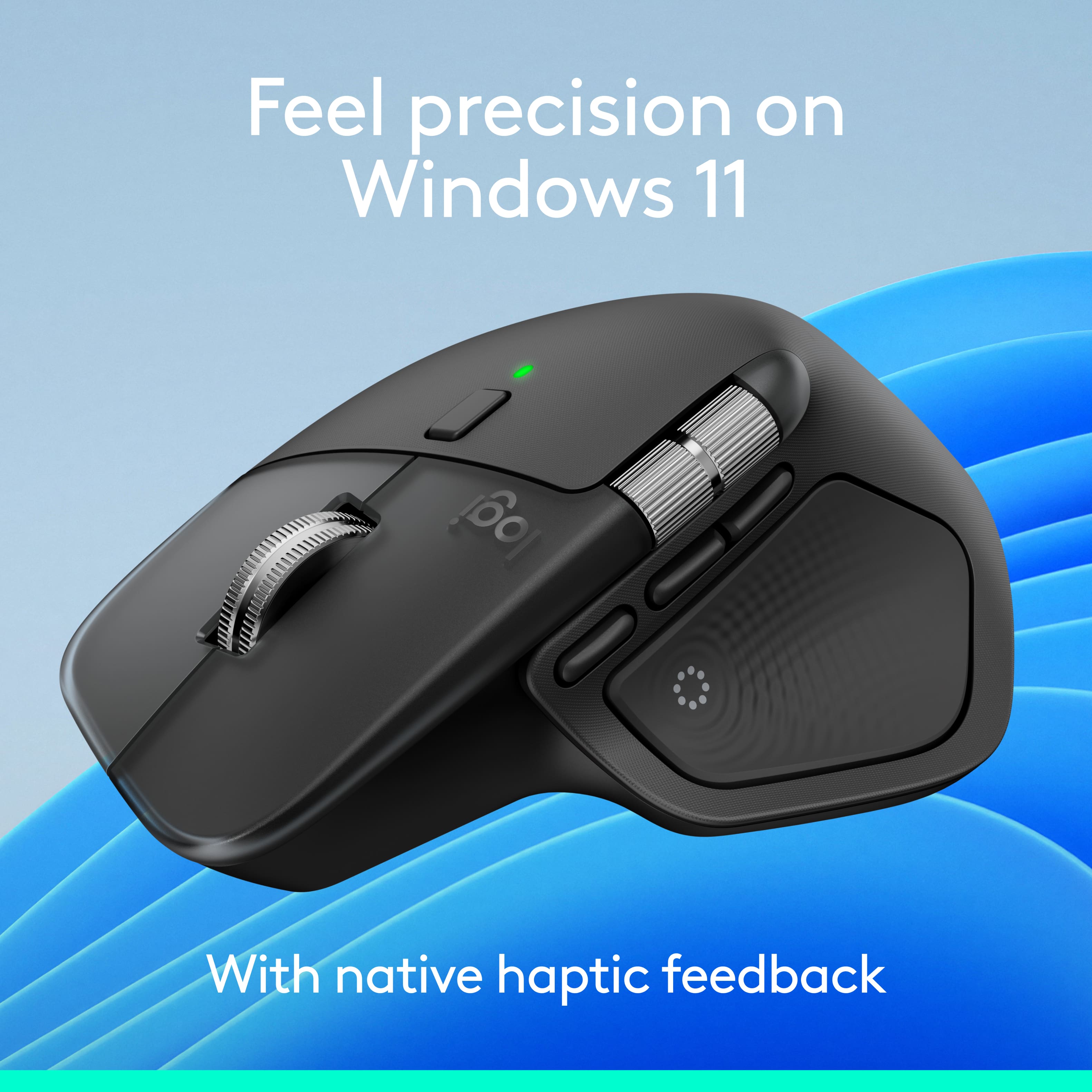
Customers often highlight the MX Master 4's exceptional button functionality, ergonomics, and haptic feedback. The mouse is also praised for its impressive battery life, build quality, and seamless connectivity. However, some users find the size and weight to be a drawback.
This summary was generated by AI based on customer reviews.
- Pros mentioned:Button functionality
Nice upgrade from MX3 but not a big upgrade
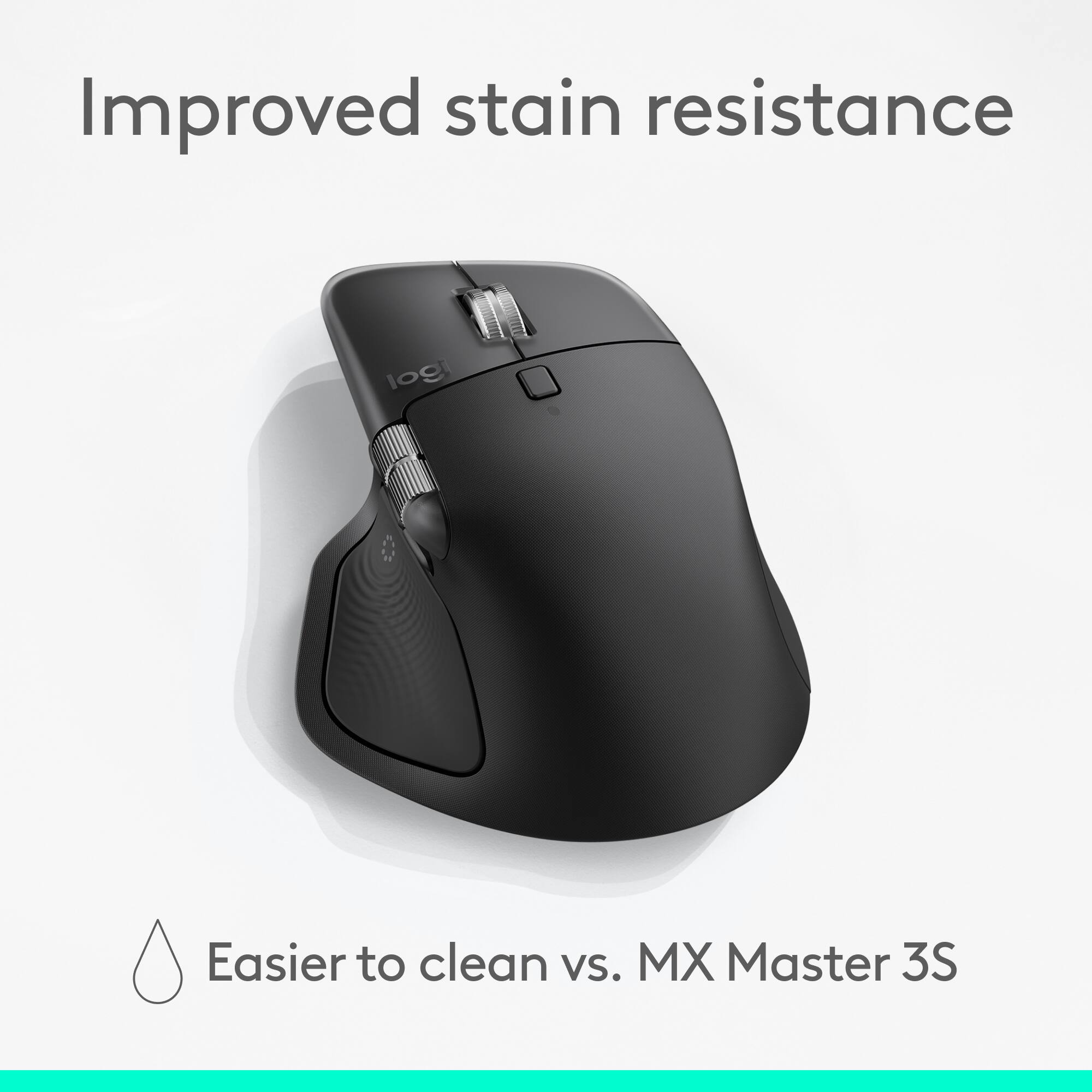
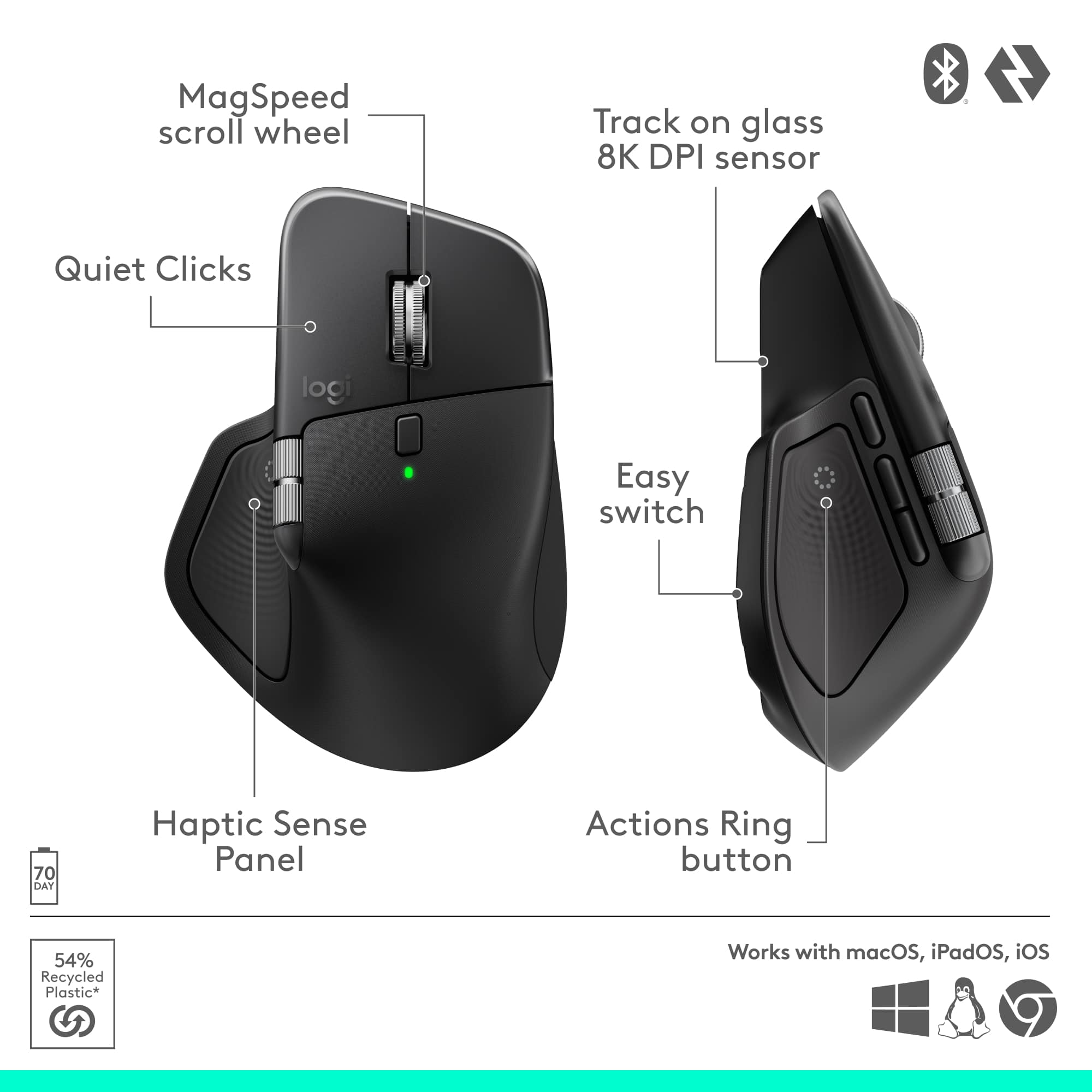
||Posted .This reviewer received promo considerations or sweepstakes entry for writing a review.I upgraded from the MX Master 3. I do like the how they changed from the rubber material to the plastic it be easier to keep clean. The action button is a nice addition, it its nice have an additional 8 shortcuts. I do prefer the clicky sound for my MX 3, this one quieter when comes to clicking.
I would recommend this to a friendBrand response from Logitech
Posted .Hey! Your review is a meaningful contribution to our development. We’re happy our product is meeting your expectations. Thank you for your support.

- Pros mentioned:Overall performance
Best in class
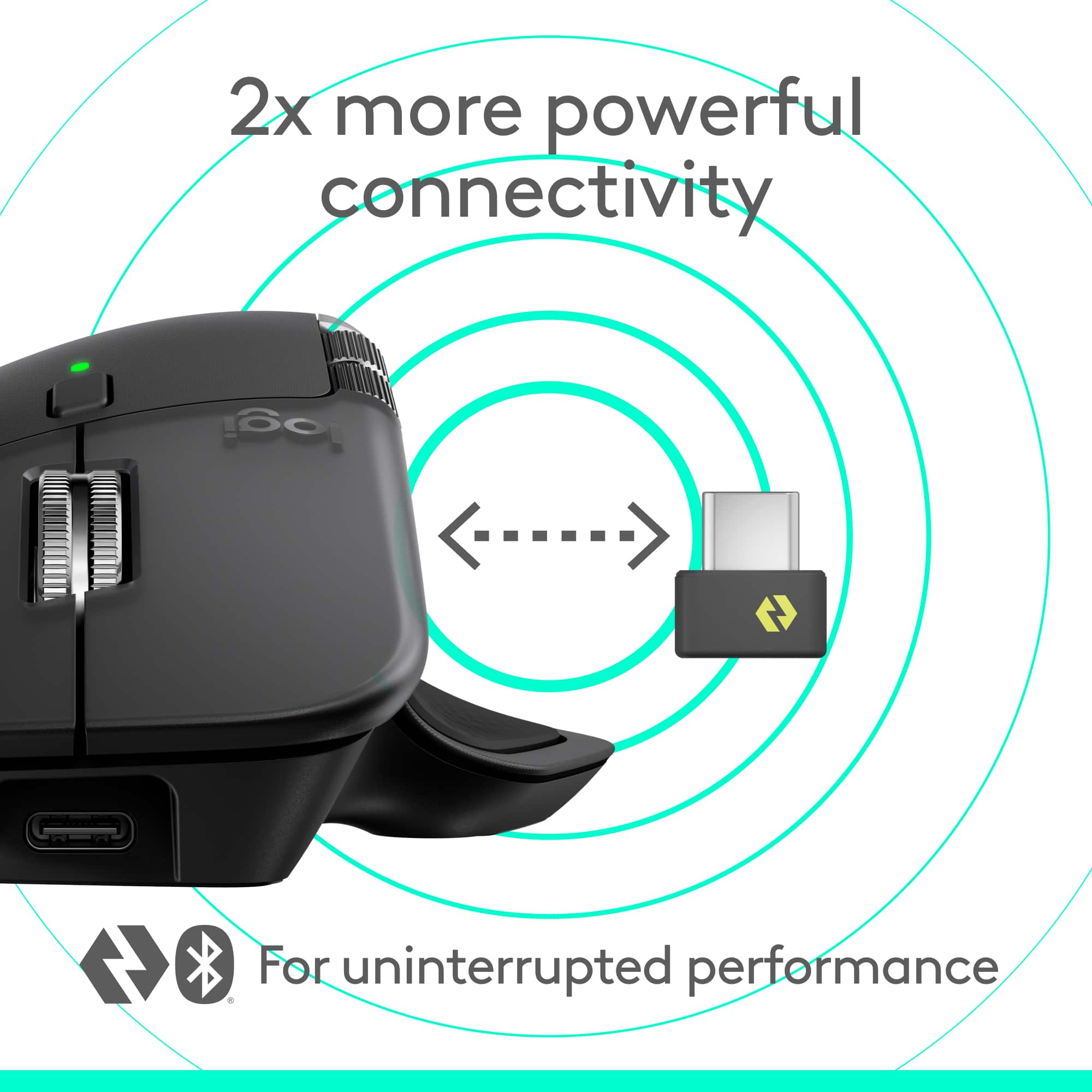
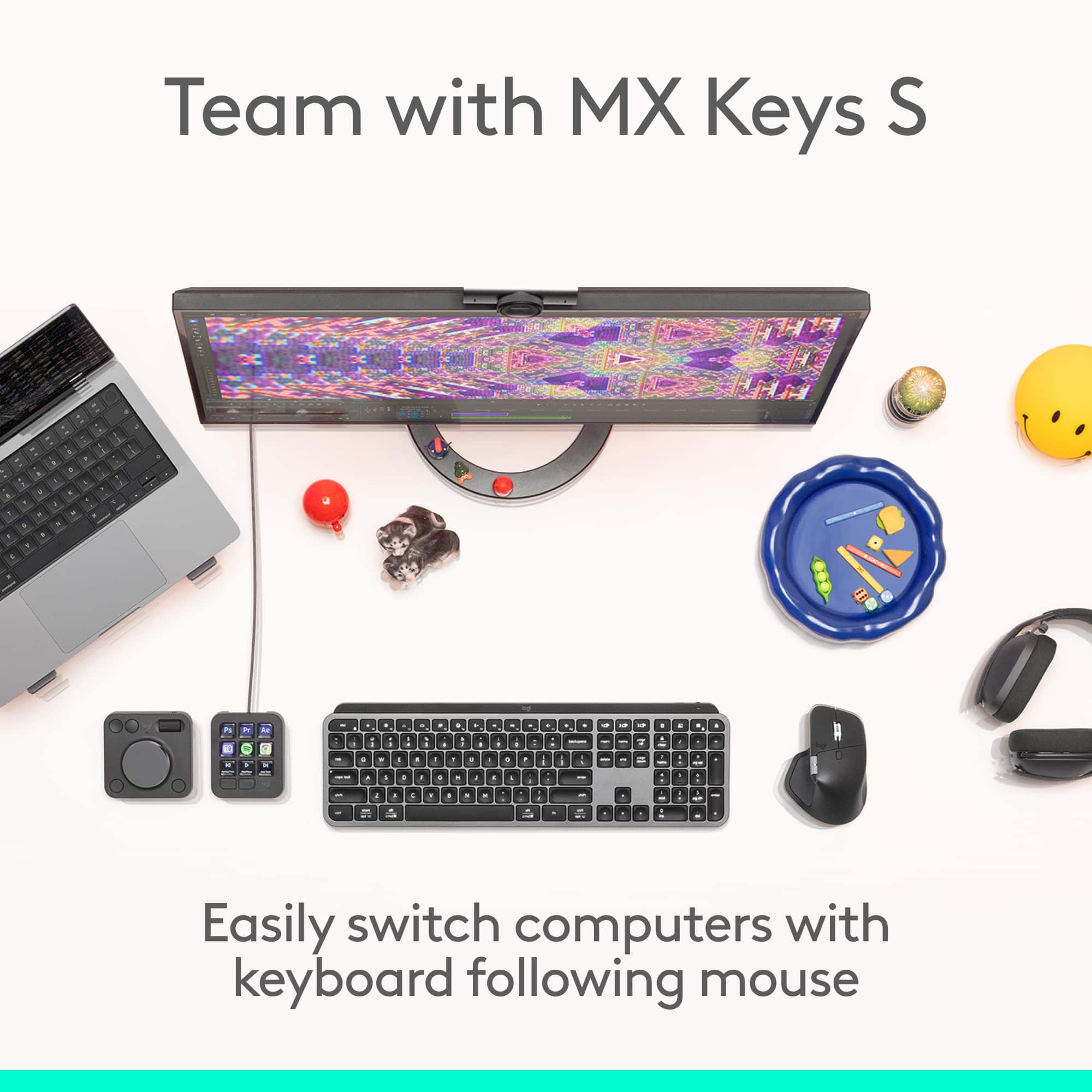
||Posted . Owned for 1 month when reviewed.This reviewer received promo considerations or sweepstakes entry for writing a review.Love this mouse ! Super easy to connect and can be used on multiple machines with the help of a button click . Slick design and very good overall mouse .
I would recommend this to a friendBrand response from Logitech
Posted .We’re so glad you’re enjoying your Logitech product. Your feedback helps us stay on track and continue delivering great experiences.
- Pros mentioned:Ergonomics, Overall performance
Great Mouse, good quality
||Posted .This reviewer received promo considerations or sweepstakes entry for writing a review.It gets the job done. Ergonomic and smooth, works great on a macbook pro.
I would recommend this to a friendBrand response from Logitech
Posted .That's fantastic to hear! We are delighted that you are enjoying the ergonomic design and smooth performance of your Logitech MX Master 4, especially with your MacBook Pro.
Your feedback confirms it's getting the job done well!
- Pros mentioned:Overall performance
Must have
||Posted .This reviewer received promo considerations or sweepstakes entry for writing a review.The Mx 4 mouse is an exceptional tool for enhancing productivity. Its ergonomic design ensures comfortable use during extended work sessions. Advanced features facilitate seamless multitasking and efficient workflow management. This mouse truly stands out for its ability to optimize how we work.
I would recommend this to a friendBrand response from Logitech
Posted .We truly appreciate you sharing your thoughts. It’s fantastic to hear the product is delivering as expected. Your feedback helps us grow and refine what we do. Thanks for choosing Logitech!
- Pros mentioned:Overall performance
electric man
||Posted . Owned for 1 month when reviewed.This reviewer received promo considerations or sweepstakes entry for writing a review.Logitech mouse, all I say is a great mouse and never let me down / Logitech been around for many year they make great stuff for me I never had issues. like I said shop around for deal!!!!!!.
I would recommend this to a friendBrand response from Logitech
Posted .Thank you for your kind words! We’re delighted the product is performing well for you. Your feedback inspires us to keep pushing forward.
Improvement on the MX Master 3
||Posted . Owned for 1 month when reviewed.This reviewer received promo considerations or sweepstakes entry for writing a review.If you've used MX Masters before like the 3, then this is a good improvment. There's one extra side button and the big thumb button is now haptic and you can program a lot of things through Logi Options. In terms of materials, they have quit using that rubber that kind of degrades and marks making it look terrible on MX Master 3 and earlier.
I would recommend this to a friendBrand response from Logitech
Posted .Hey! We’re pleased to hear that our product is working well for you. Your feedback helps us improve and grow. Thanks for being part of the Logitech family.
- Pros mentioned:Button functionality
Best mouse to date
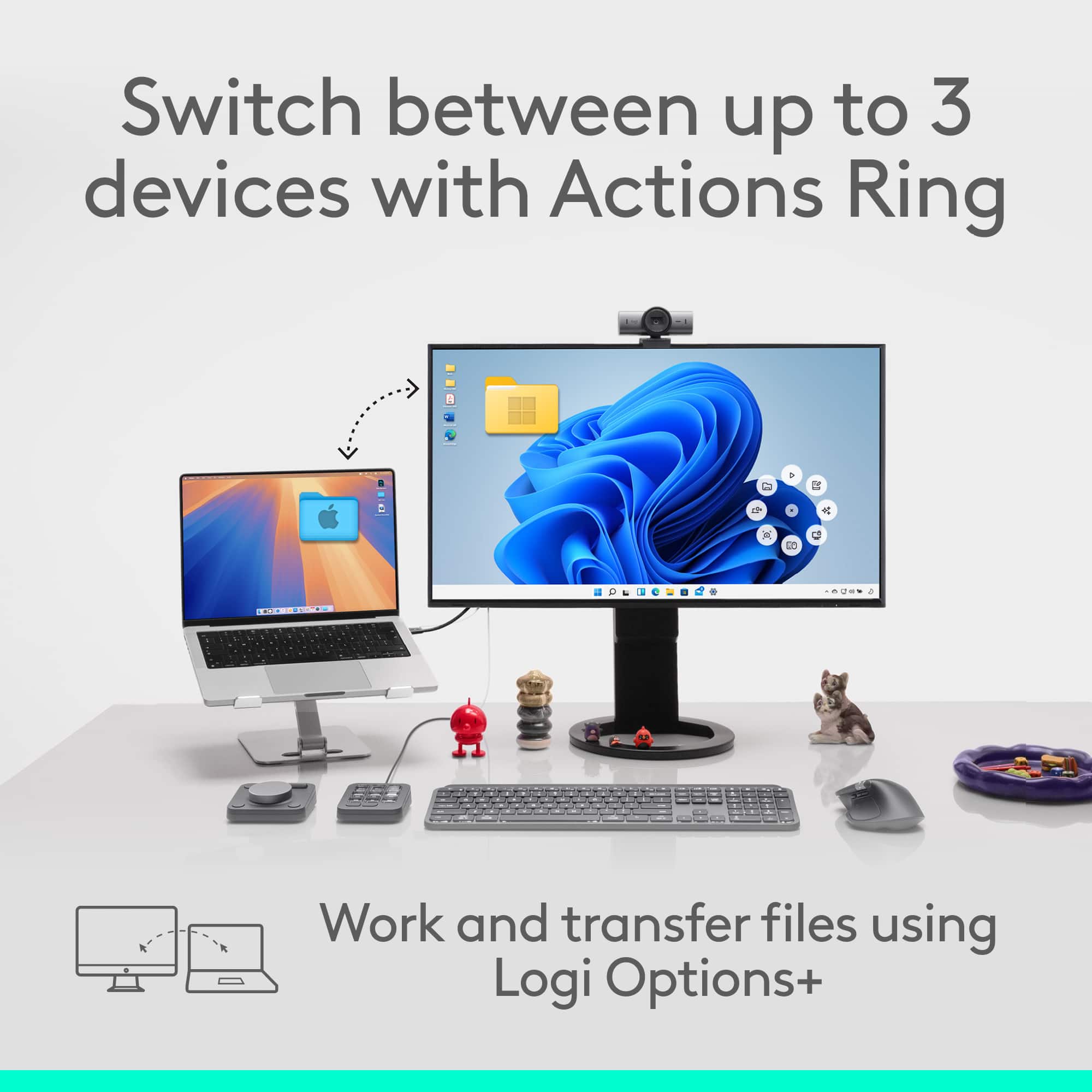
||Posted .This reviewer received promo considerations or sweepstakes entry for writing a review.Excellent The ability to push a button on the mouse to copy whatever is hi-lited on the screen is great. Or to open a folder or file without having to scroll through things is time saving.
I would recommend this to a friendBrand response from Logitech
Posted .We’re grateful for your feedback and happy to hear the product is working smoothly. Your experience helps us build better tools for everyone.
- Pros mentioned:Overall performance
Great successor to the MX MAster 3
||Posted . Owned for 1 month when reviewed.This reviewer received promo considerations or sweepstakes entry for writing a review.I've been a user of the MX master series for years for my work, and this is a great successor to an overall excellent product line. A little bit expensive but worth it in my opinion.
I would recommend this to a friendBrand response from Logitech
Posted .It’s fantastic to hear that you’re satisfied with your Logitech product. We strive to deliver quality and reliability, and your feedback reassures us that we’re on the right path. Thanks for your continued support—we’re lucky to have you with us.
- Pros mentioned:Button functionality
Cant stop using it.
||Posted . Owned for 1 month when reviewed.This reviewer received promo considerations or sweepstakes entry for writing a review.Never spent up on a higher quality mouse until now. Transitions quickly between computers for home/work use. The Action Ring makes daily use of apps incredibly efficient.
I would recommend this to a friendBrand response from Logitech
Posted .Thank you for your excellent feedback on the Logitech MX Master 4 Adobe Edition! We’re glad its seamless transitions and Action Ring efficiency enhance your daily workflow.
Love this mouse
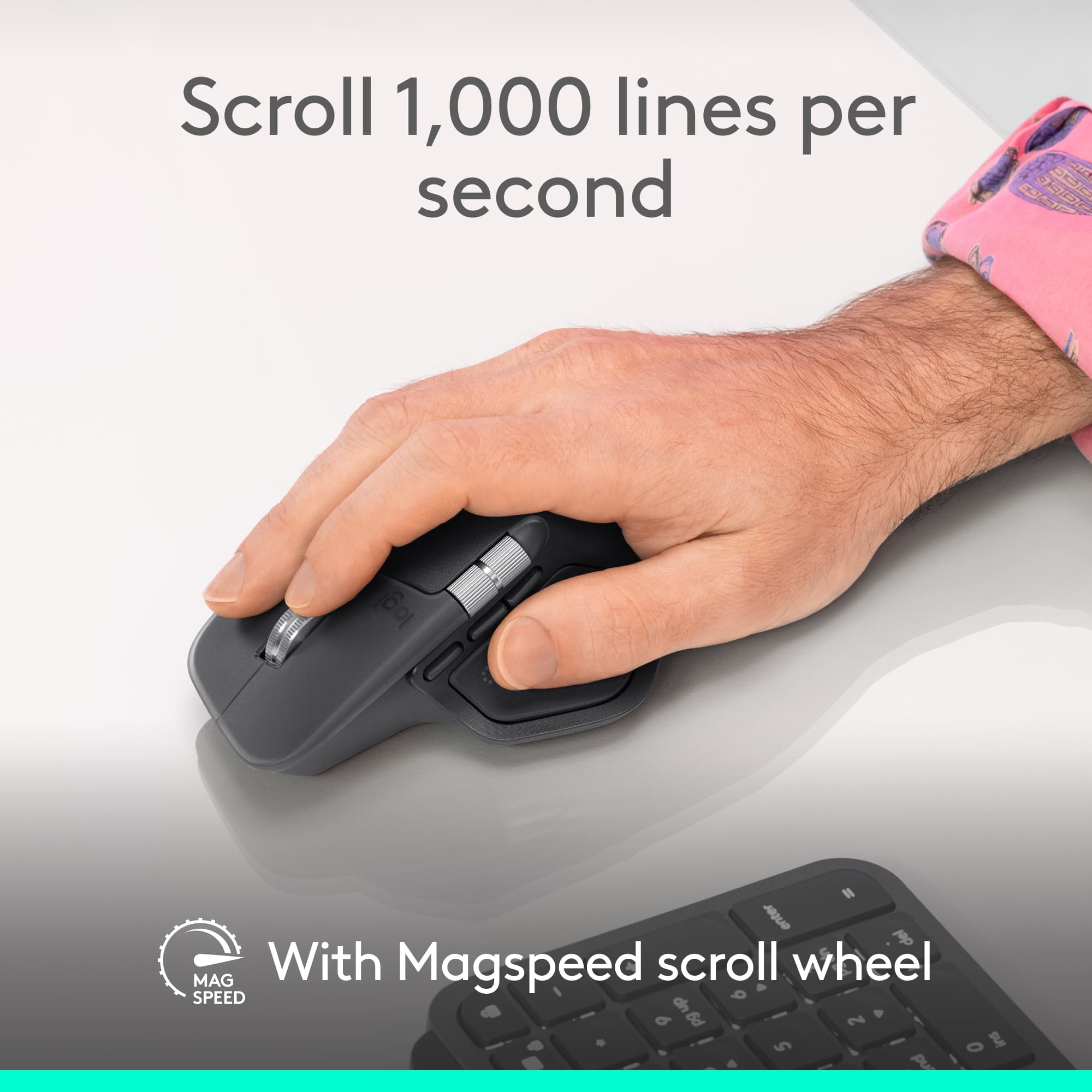
||Posted . Owned for 2 weeks when reviewed.This reviewer received promo considerations or sweepstakes entry for writing a review.Very happy with this purchase, the infinity scroll is awesome and the clicks are pretty quiet compared to most mice.
I would recommend this to a friendBrand response from Logitech
Posted .Thank you for your feedback! We’re thrilled to hear you’re enjoying the MX Master 4 Adobe Edition, especially the infinity scroll and quiet clicks. Your satisfaction means a lot to us!
- Pros mentioned:Ergonomics
Issues fixed
||Posted . Owned for 2 weeks when reviewed.This reviewer received promo considerations or sweepstakes entry for writing a review.Upgraded from and mx 2. This version solves many of the issues I had with the older gen. Feels good in the hands, haptics are eh, could live without it, but the rest of the ergonomics are great, a big one being the thumb scroll, much easier to engage with.
I would recommend this to a friendBrand response from Logitech
Posted .Hey! We’re glad our product is serving you well. Your insights help us grow and refine our offerings. Thanks for being a valued customer.
- Pros mentioned:Overall performance
Great Ergonomic Mouse
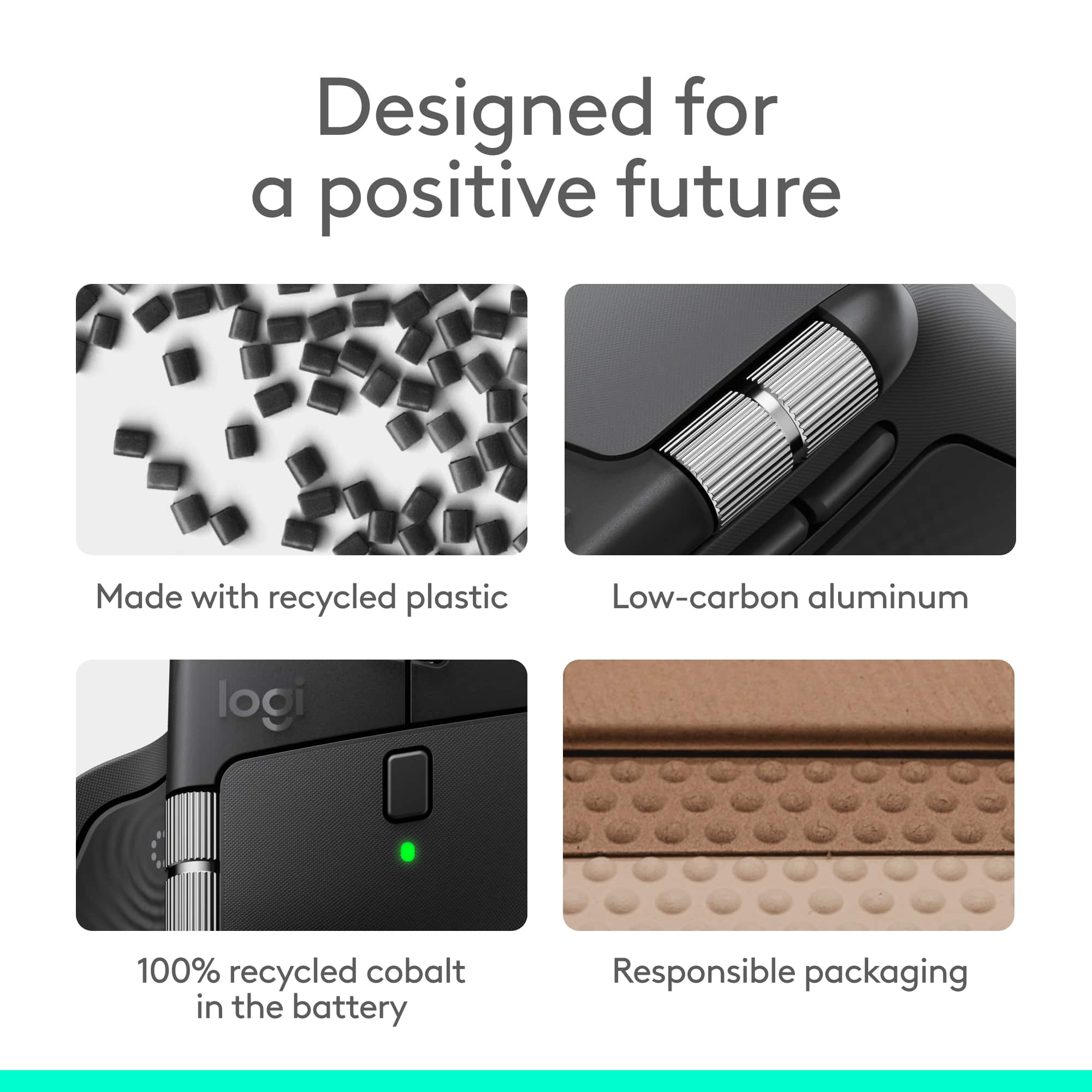
||Posted . Owned for 1 month when reviewed.This reviewer received promo considerations or sweepstakes entry for writing a review.Great productive mouse. I enjoy the laser precision. There is almost little to no rubber left on the MX Master anymore compared to previous generations. Its now a almost 100% plastic shell.
I would recommend this to a friendBrand response from Logitech
Posted .Your feedback means a lot to us. We’re glad the product is serving you well and helping you get things done. Thanks for choosing Logitech!
- Pros mentioned:Battery life
Mouse Review
||Posted . Owned for 1 month when reviewed.This reviewer received promo considerations or sweepstakes entry for writing a review.This is a great product, feels good at scrolling and moving through different surfaces, also what I really like is the long last rechargeable battery that contains
I would recommend this to a friendBrand response from Logitech
Posted .We’re thrilled to know you’re satisfied with your Logitech product. Your input helps us shape better experiences for everyone. Thanks for your continued support!

Perfection
|Posted . Owned for 2 months when reviewed.This reviewer received promo considerations or sweepstakes entry for writing a review.Super ergonomic and useful button functions that are intuitive. Absolute banger of a purchase for anyone that uses mice all day and would like some streamlined productivity functions in the palm of your hand.
I would recommend this to a friendBrand response from Logitech
Posted .We’re thrilled to hear you’re satisfied with your Logitech product. Your feedback helps us continue to deliver great experiences.
DanielFederalBusiness
||Posted . Owned for 1 month when reviewed.This reviewer received promo considerations or sweepstakes entry for writing a review.This thing is awesome. Wow!! What was I thinking using anything else ever. Crazy. Other mouse? What other mouse. This paid for itself in 5 minutes with the time I save with it's features. It is unreal. I mean this sincerely.
I would recommend this to a friendBrand response from Logitech
Posted .We’re so glad you’re enjoying your Logitech product. Your feedback helps us stay on track and continue delivering great experiences.
Nice Mouse.
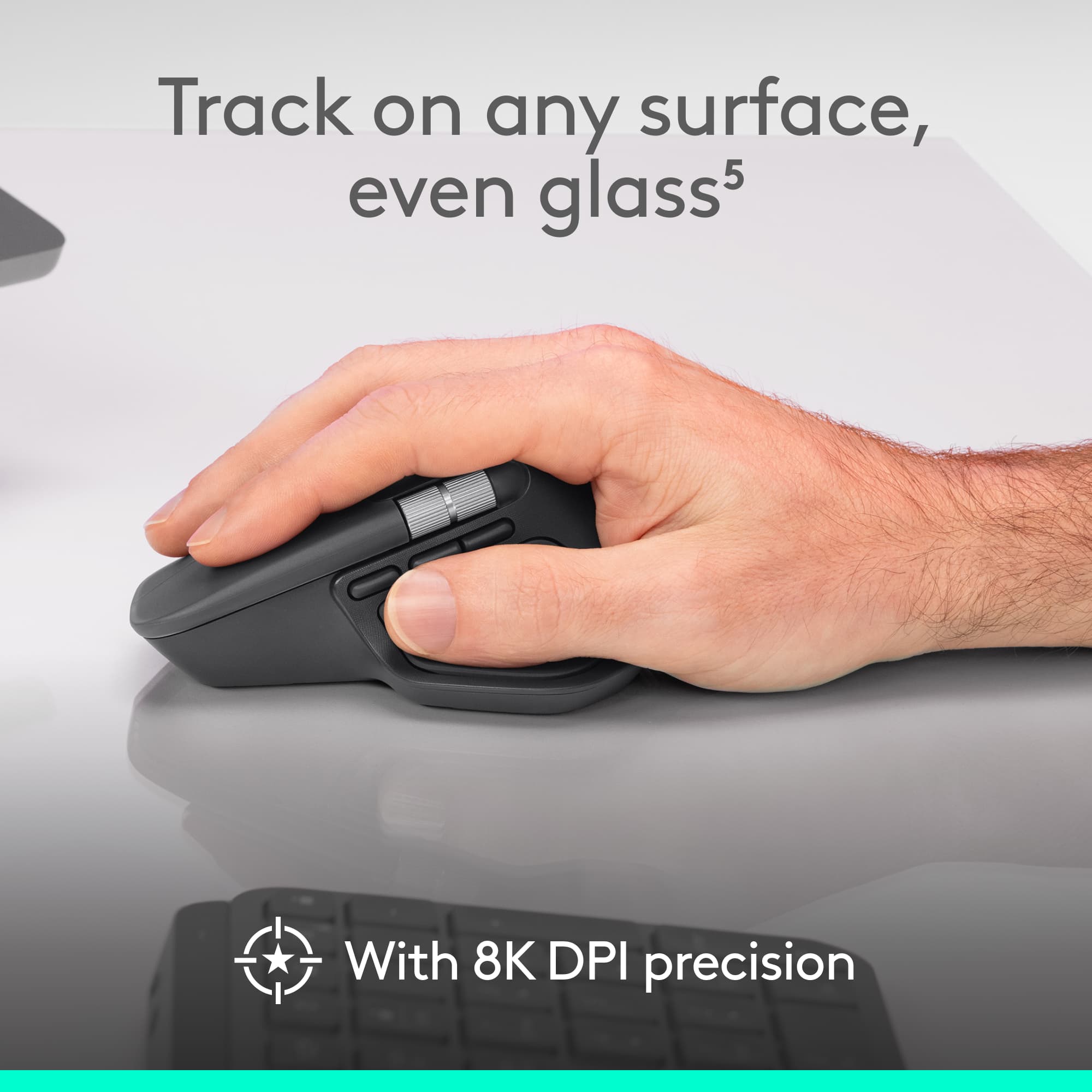
||Posted . Owned for 1 month when reviewed.This reviewer received promo considerations or sweepstakes entry for writing a review.This is a nice mouse, the weight is good for me and the size is just right. I love the side scroll wheel. The cost is a little high and I do not use the program features as much as I though I would. However, all around good mouse.
I would recommend this to a friendMost Versatile Mouse yet
||Posted . Owned for 2 weeks when reviewed.This reviewer received promo considerations or sweepstakes entry for writing a review.There are so many features on this mouse. You can program it to do many things normally not controlled by the mouse (volume, etc). Easy to use, comfortable with your hands, multi featured. Use it with regular computing and with my audio products. Highly recommend.
I would recommend this to a friendBrand response from Logitech
Posted .Hey! It’s rewarding to know our product is meeting your needs. Your review helps us improve and stay connected to our users. Thanks for your support.
Great ergonomics and haptics, with some gimmicks
||Posted . Owned for 6 months when reviewed.This reviewer received promo considerations or sweepstakes entry for writing a review.Been using MX Masters for years now -- best one yet in a number of ways for me personally. Haptic buttons are a great addition -- so satisfyingly quiet, they feel great to click. However, the thumb button bringing up the quick menu settings is a bit gimmicky IMO. I'm sure there are people out there who will make use of it, but I've already got my key commands down, and I remapped it instantly.
I would recommend this to a friendBrand response from Logitech
Posted .Hey! It’s encouraging to hear that our product is working well for you. Your feedback helps us stay focused on what matters. We appreciate your support.
Fantastic month for regular use
||Posted . Owned for 4 months when reviewed.This reviewer received promo considerations or sweepstakes entry for writing a review.Great upgrade from previous generation - materials are great, speed of operation is fantastic, I can even use it for some competitive gaming, haptic feedback is also just right and in general I really like the ergonomics. Battery life is also great from my point of view. Highly Recommended
I would recommend this to a friendBrand response from Logitech
Posted .We’re so pleased to hear you’re satisfied. Your input helps us continue to build products that people love. Thanks for being part of our journey.
- Pros mentioned:Overall performance
Great upgrade from MX Master 2
||Posted .This reviewer received promo considerations or sweepstakes entry for writing a review.I have been using an MX Master 2 for years, never got around to upgrading to any of the version 3 models. MX Master 4 is a very nice upgrade of the already almost perfect MX Master 2. Will probably use this one for many years to come
I would recommend this to a friendBrand response from Logitech
Posted .Thanks for taking the time to share your experience. We’re delighted the product is working well for you. Your feedback means a lot.